Smart UPS
Looking to keep your devices powered and protected during unexpected outages or power surges? Our selection of Smart UPS units offers a reliable solution to ensure uninterrupted power supply for your electronics. With various models available, you can find the perfect UPS to meet your specific needs, whether it's for your home office, entertainment setup, or gaming rig. Stay connected and safeguarded with our range of Smart UPS options designed to provide peace of mind when it comes to power stability.
Sort
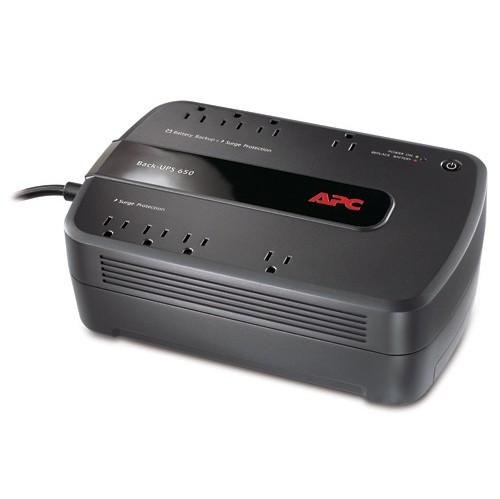
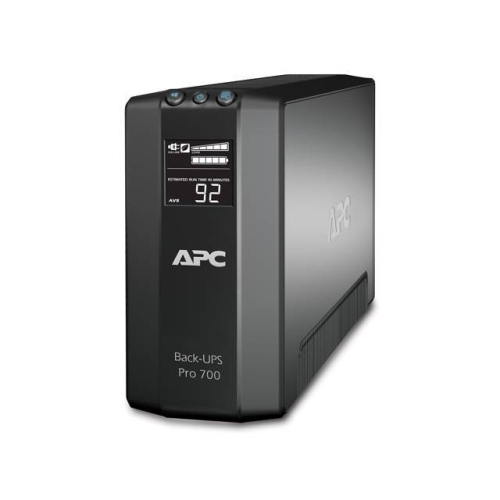
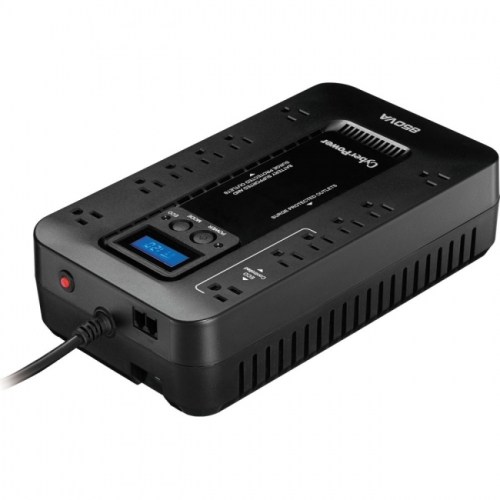
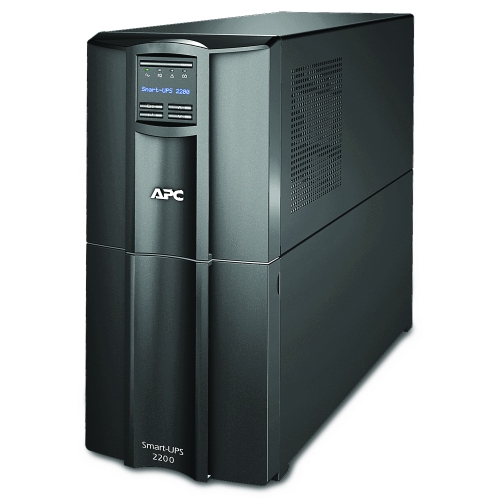
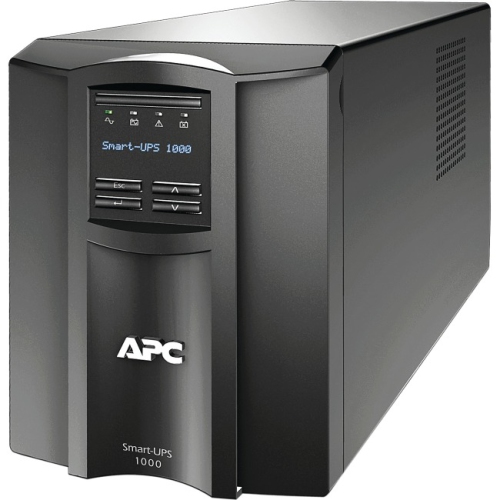
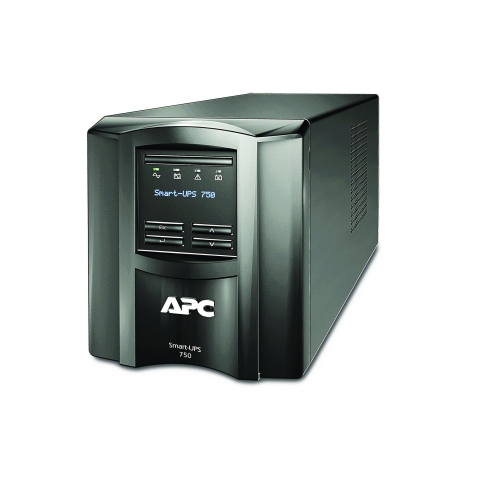
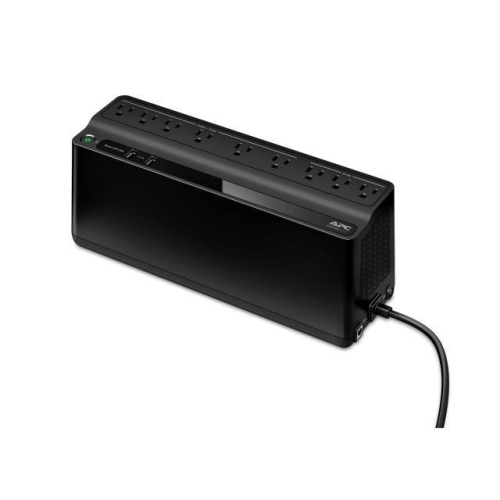
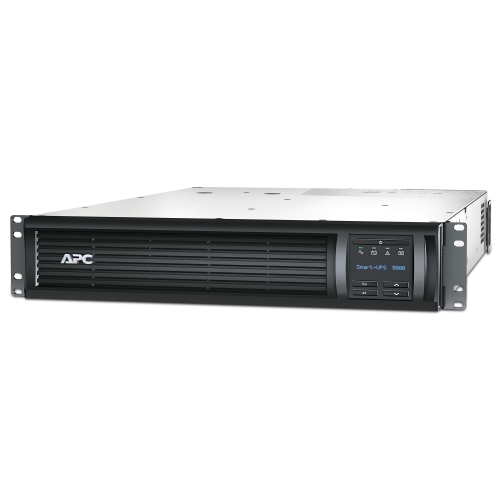
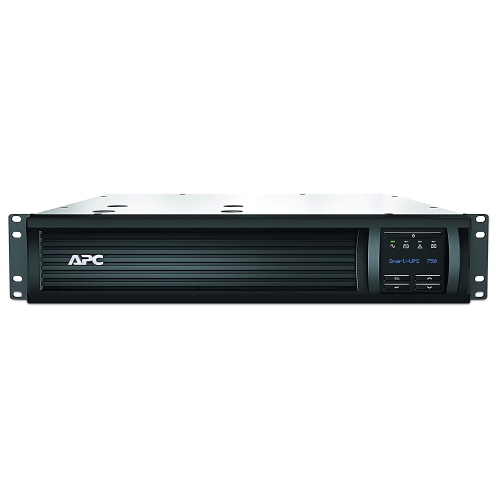
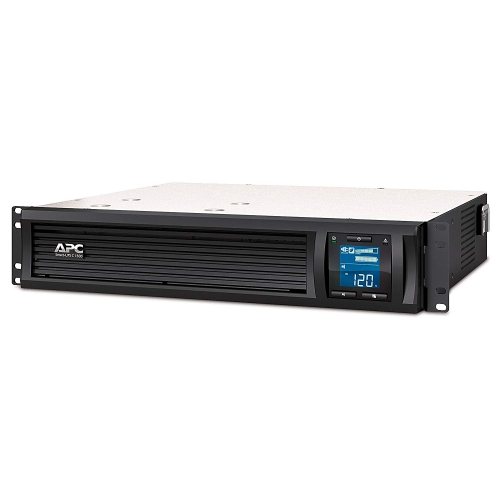
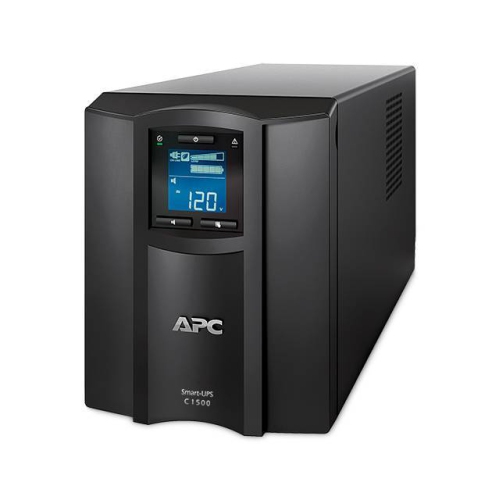
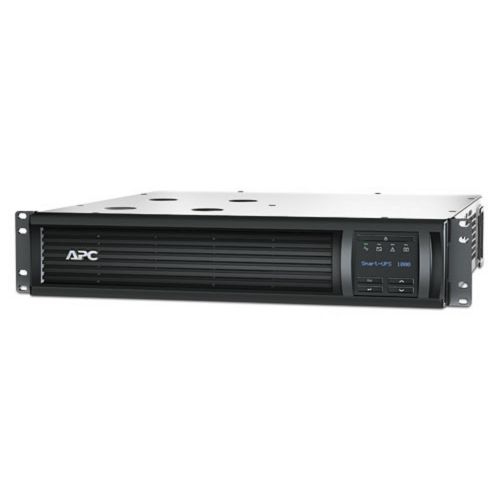
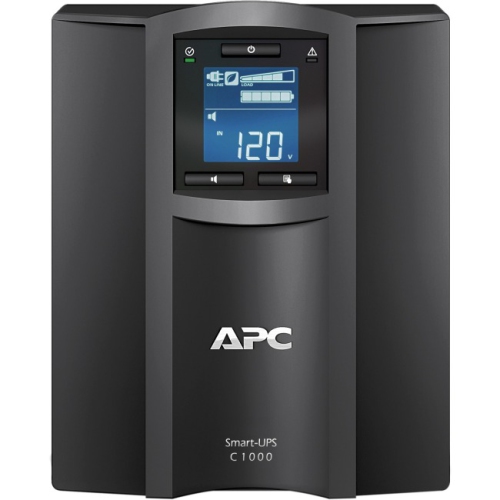
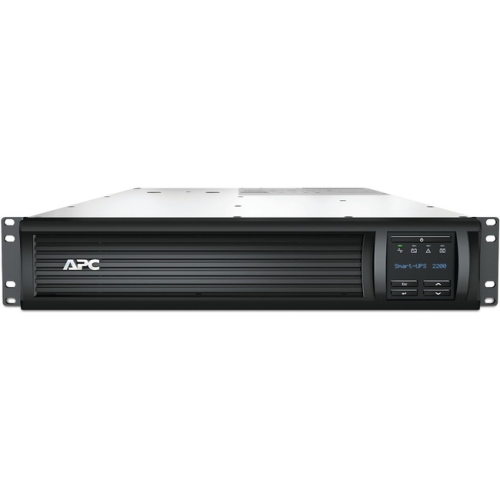
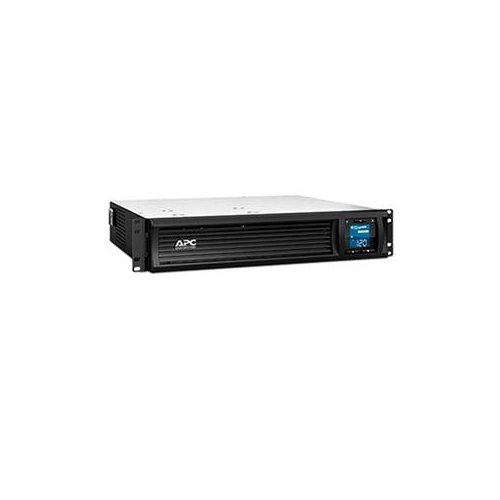
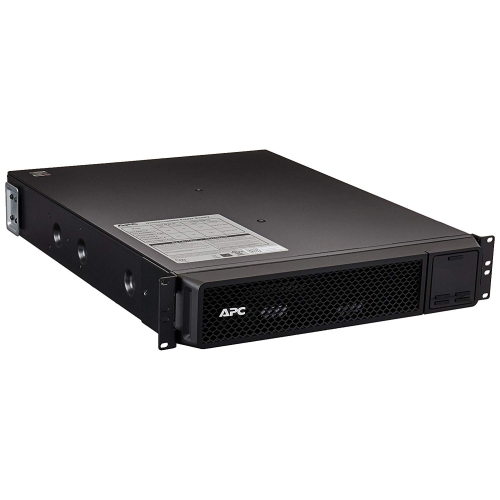
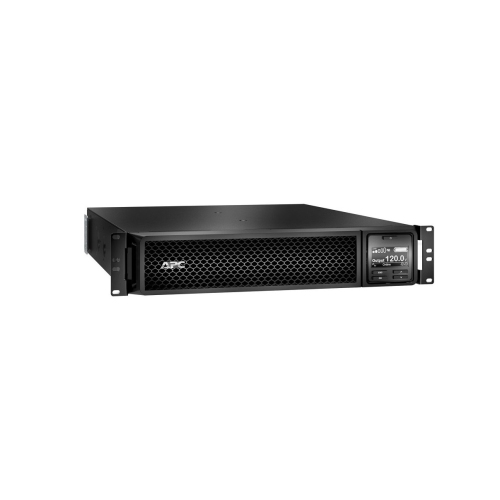
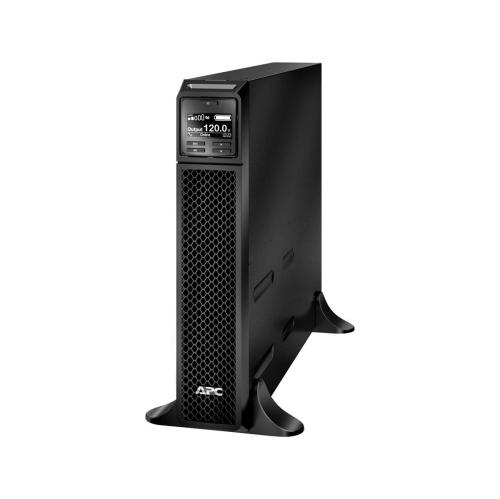
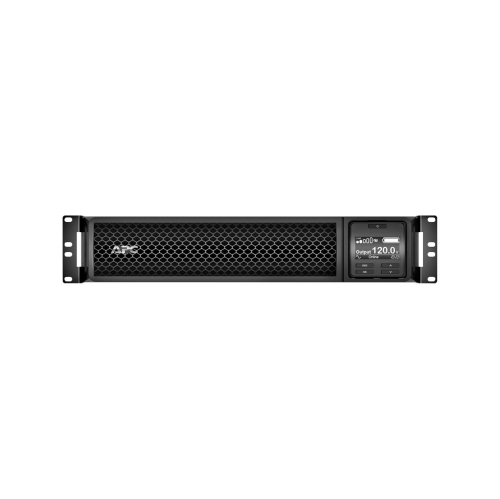
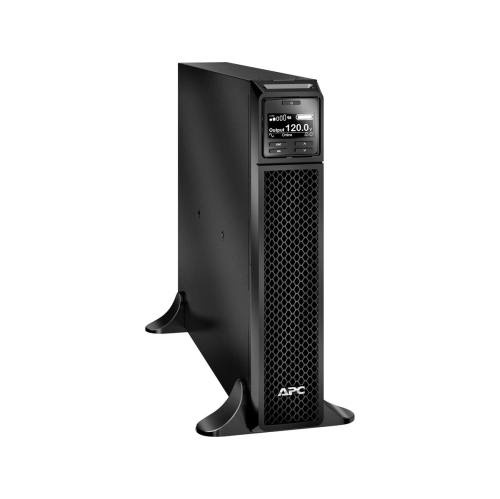
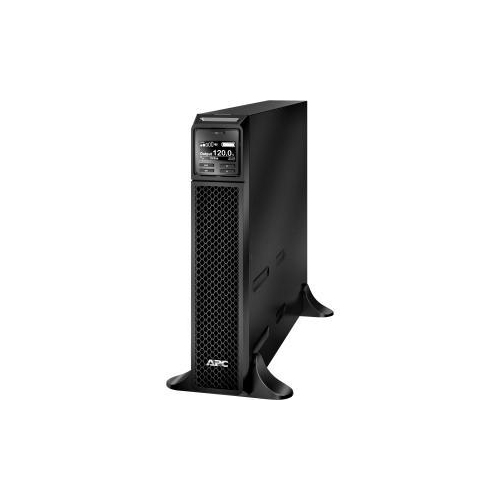
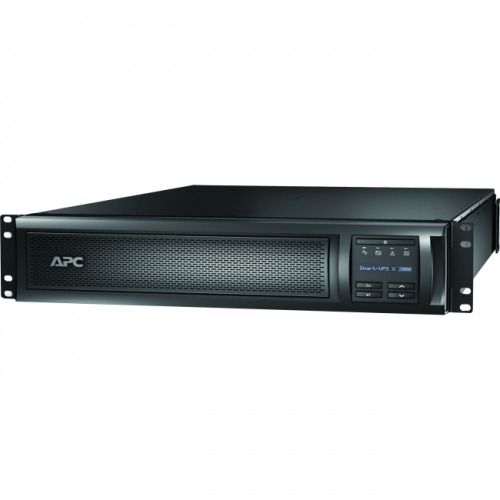
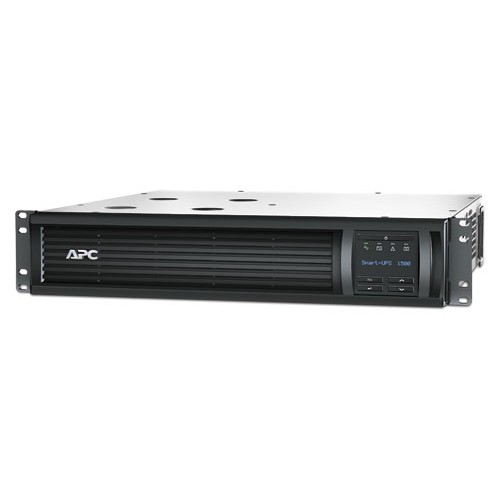
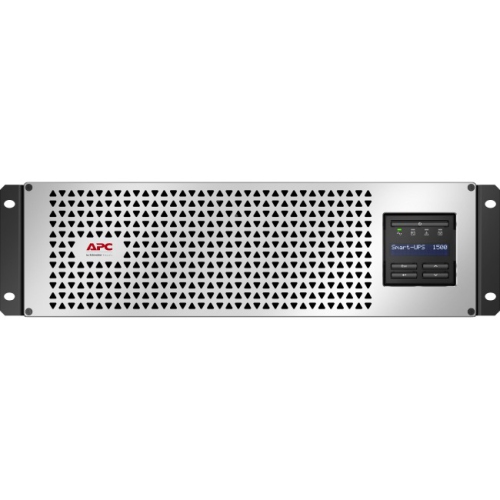
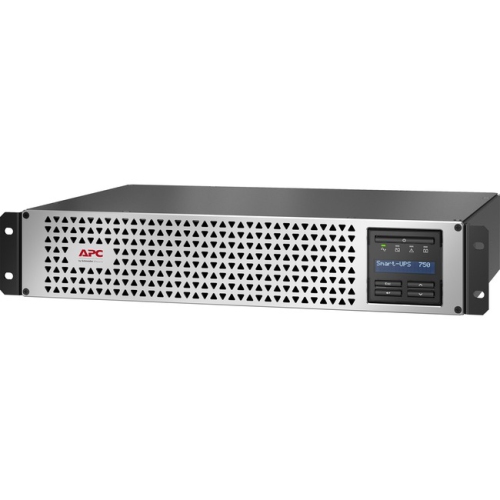
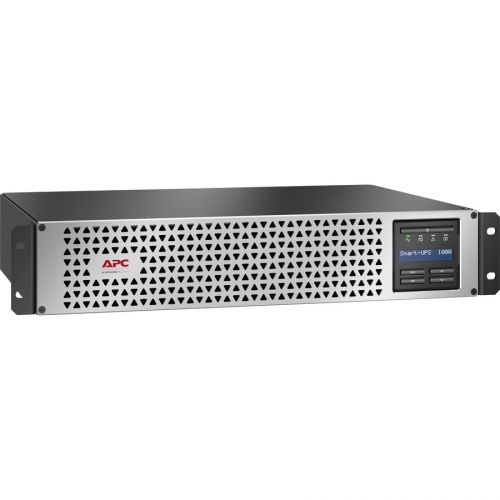
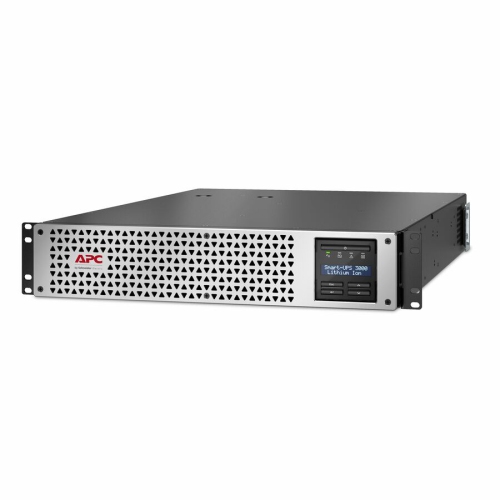
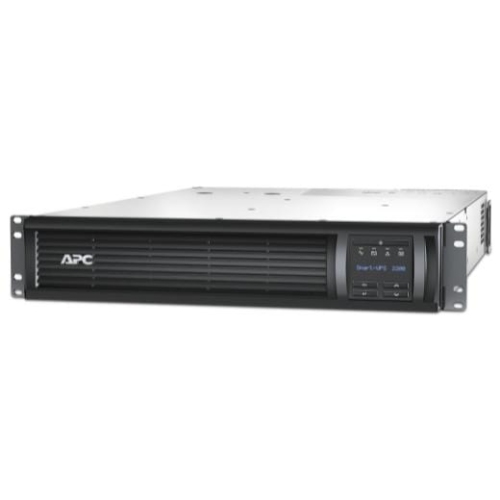
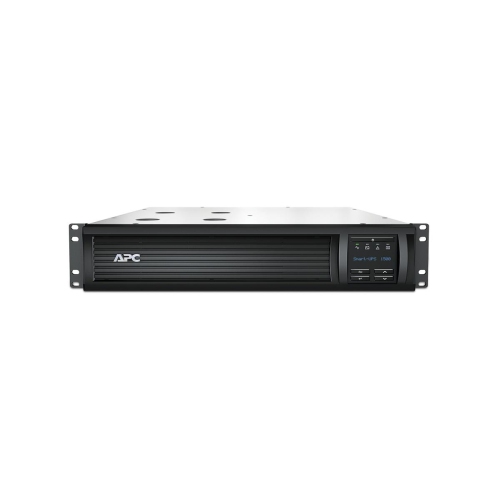
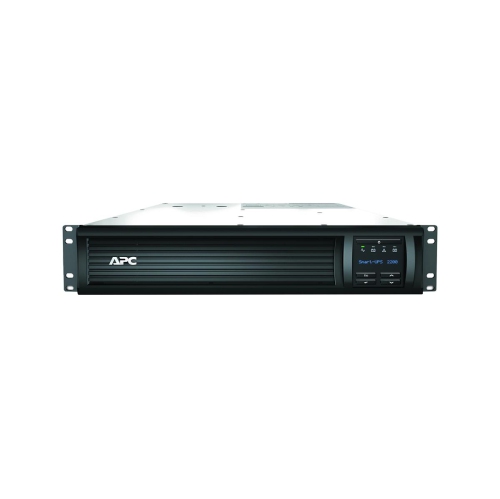
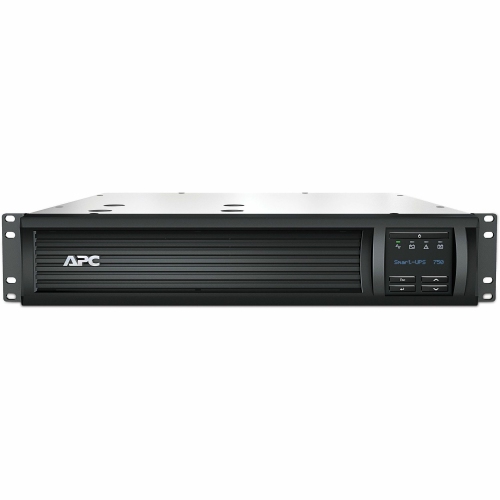
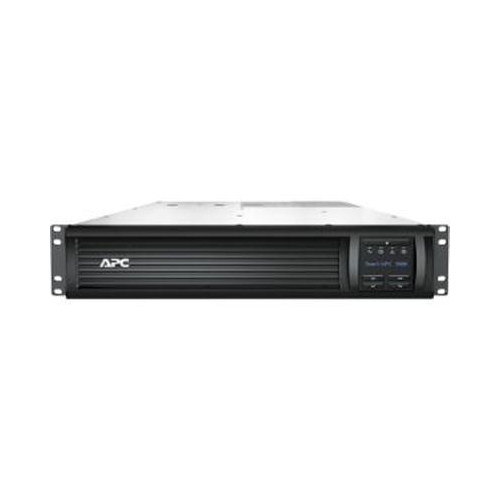

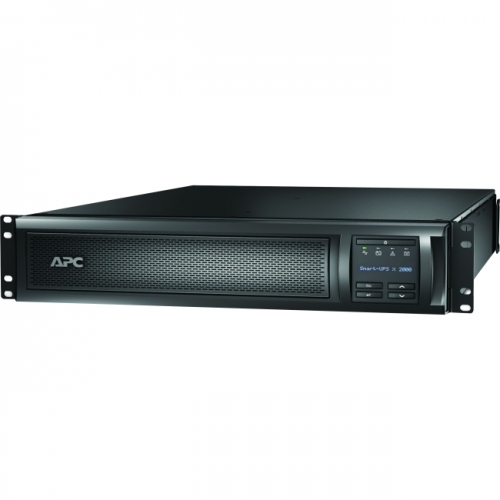

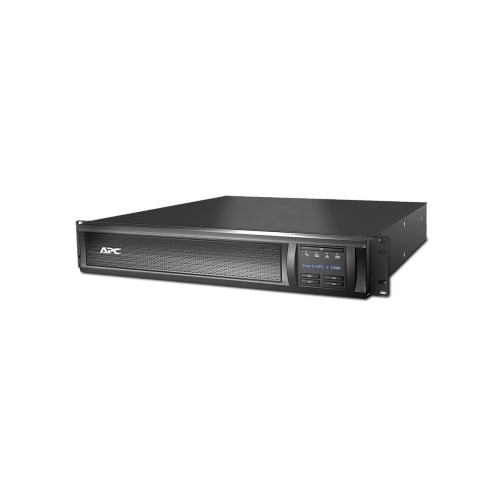
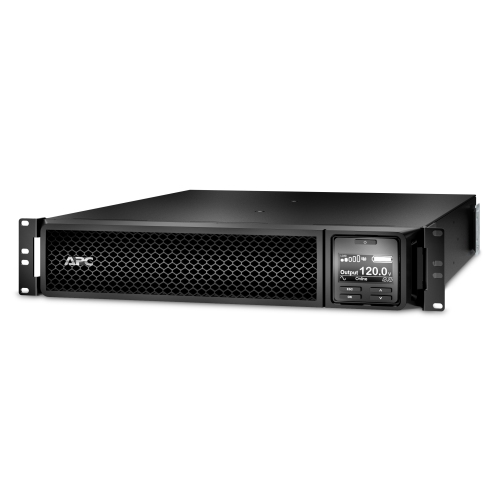
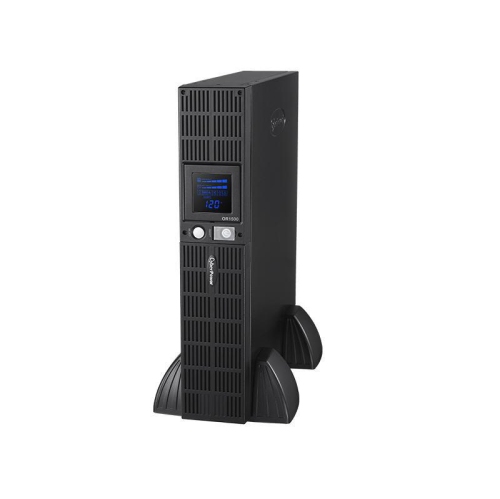
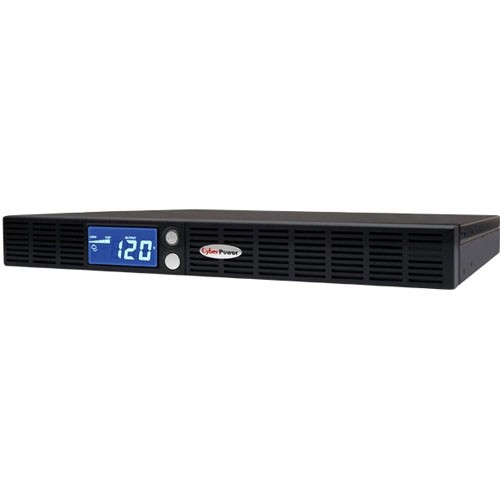
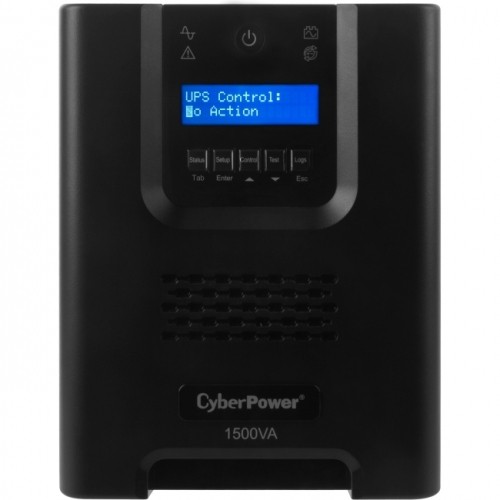
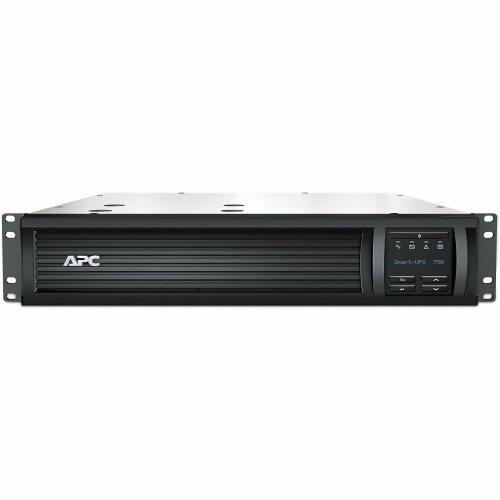
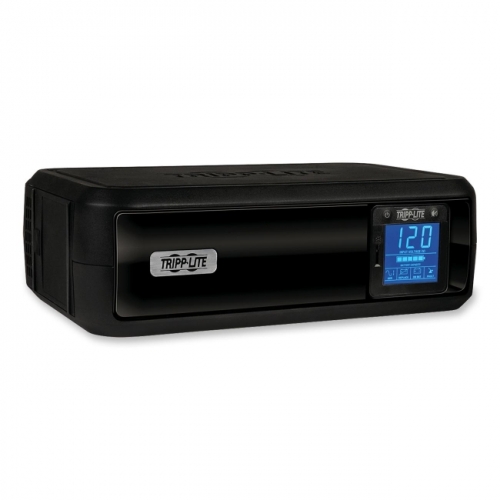

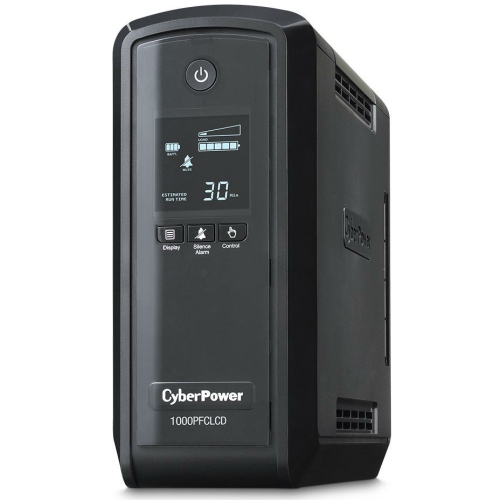
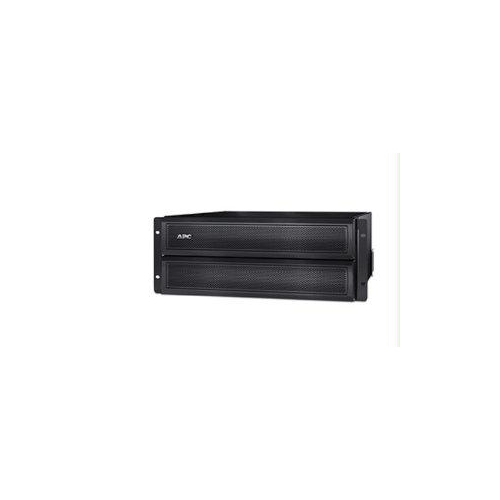
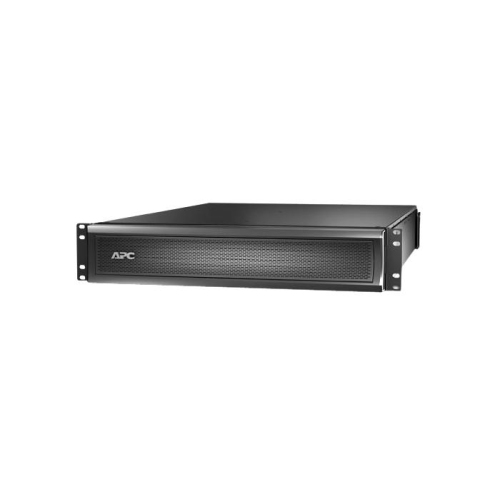
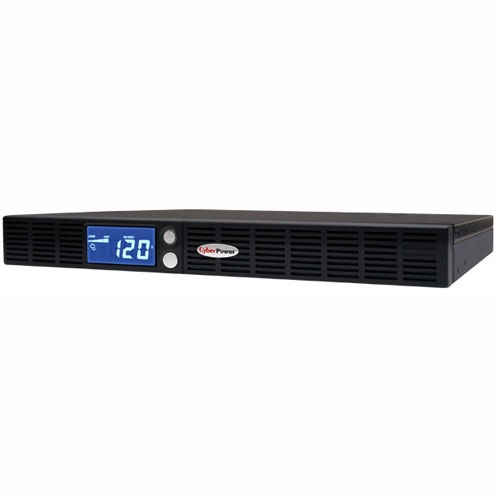
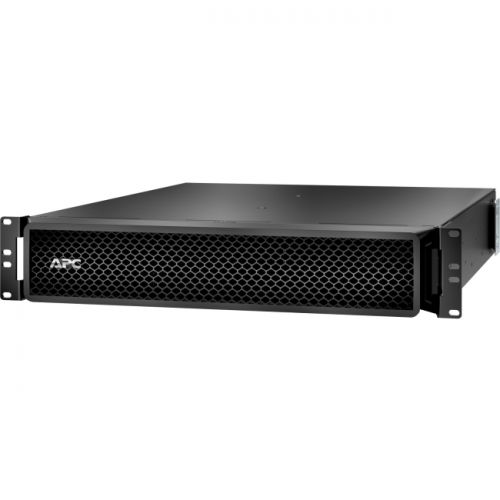

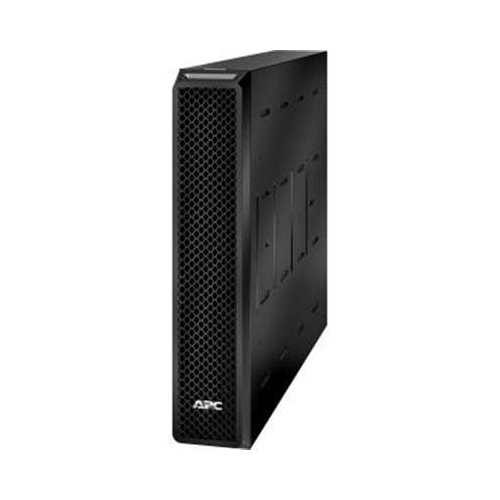
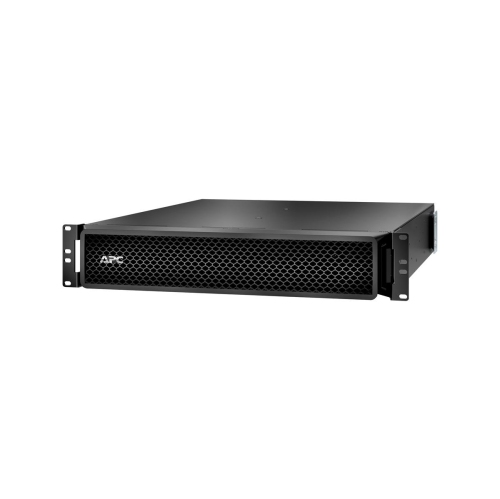
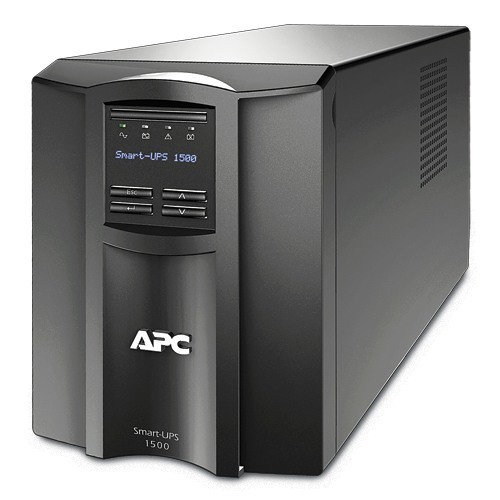
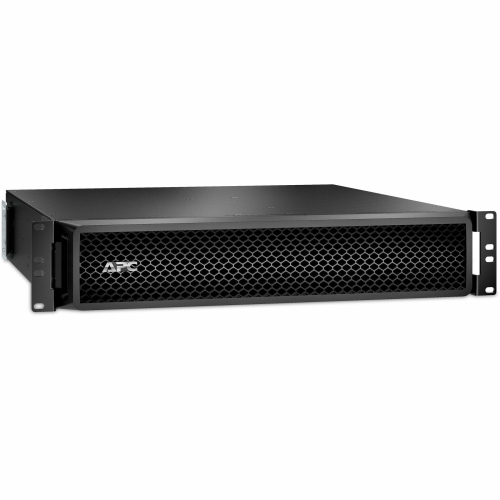
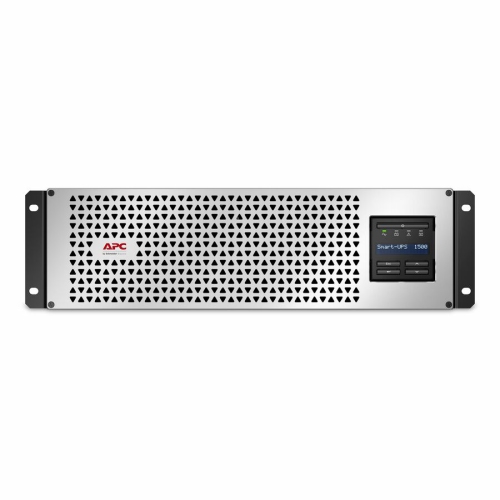
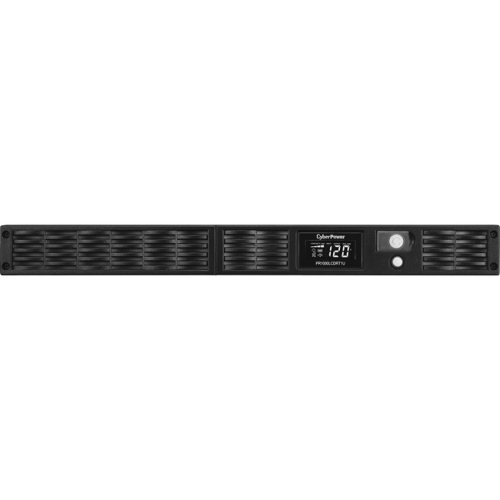
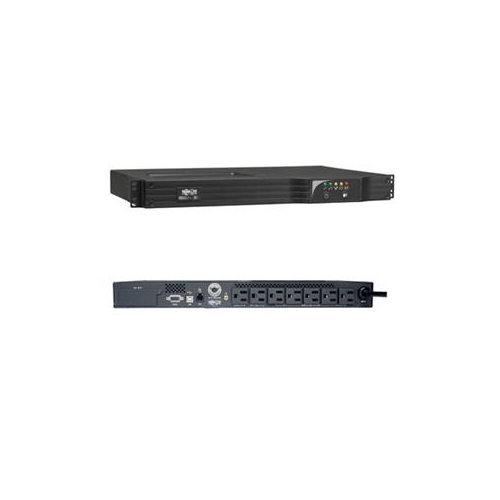
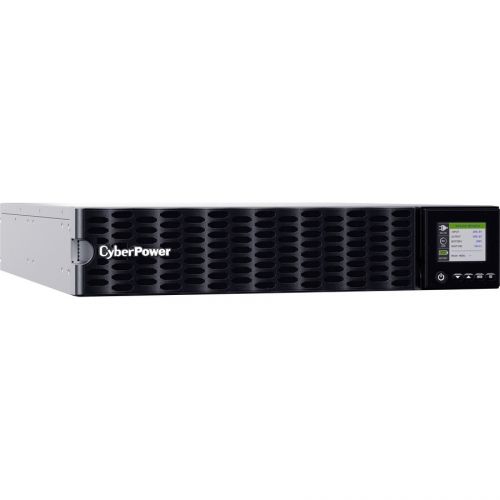
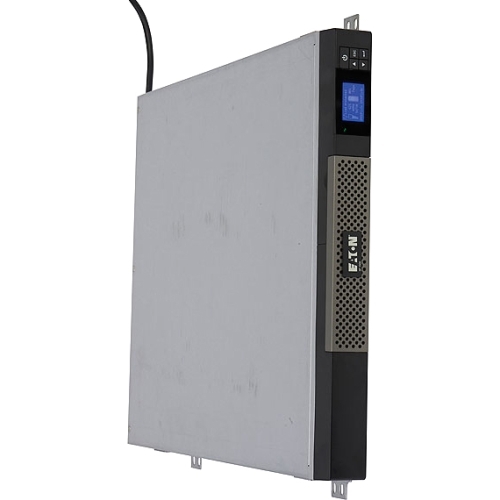
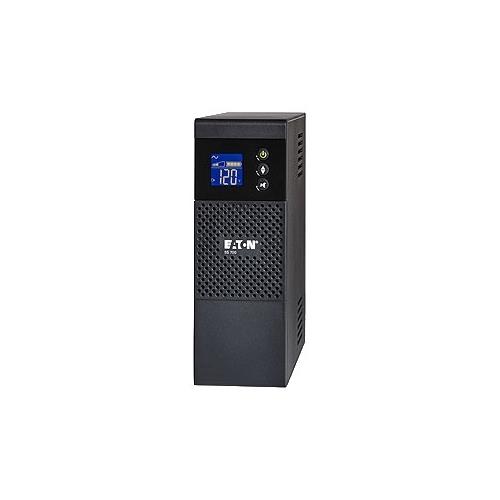
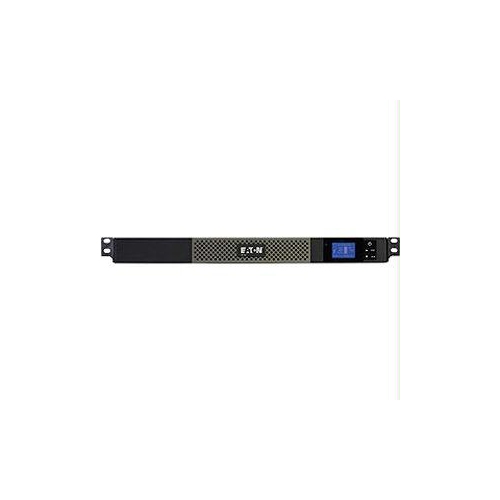
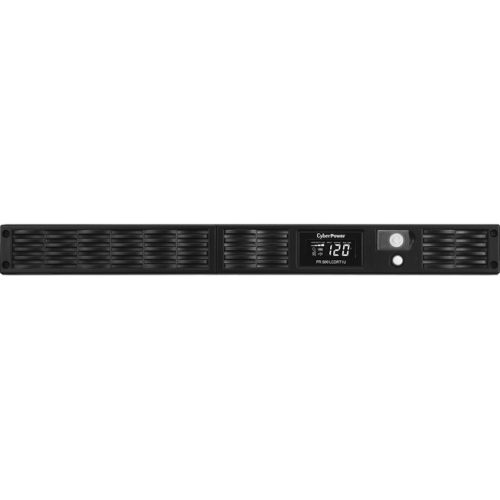
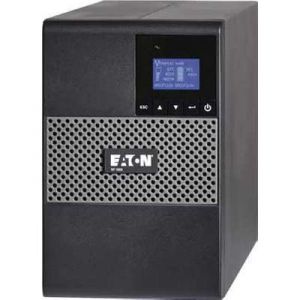
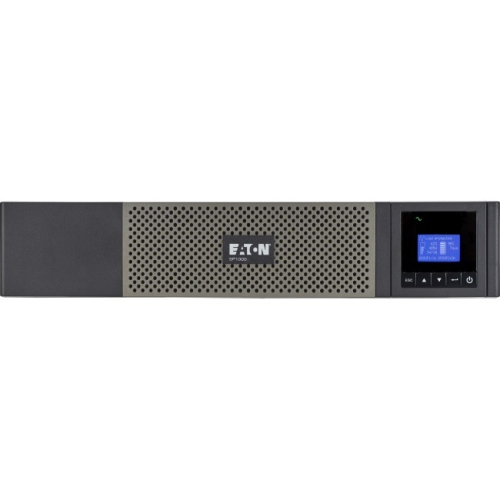
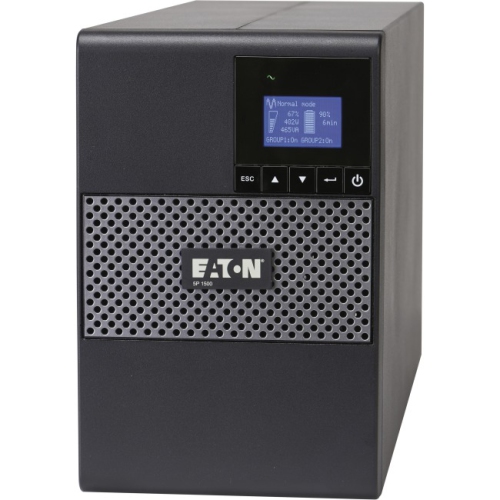
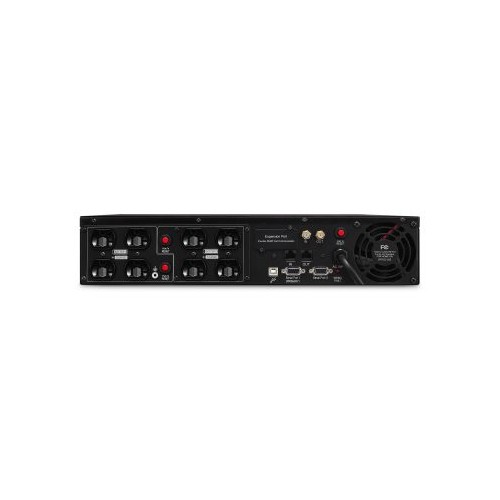


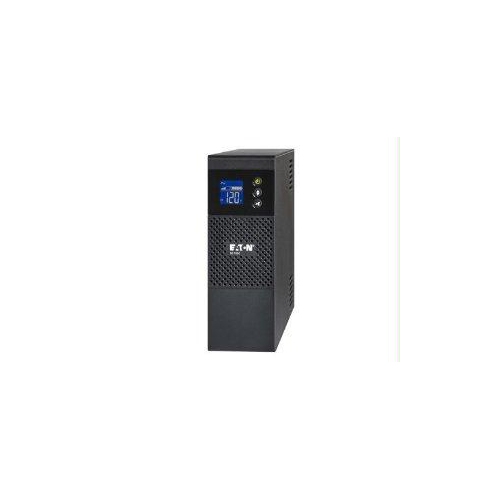
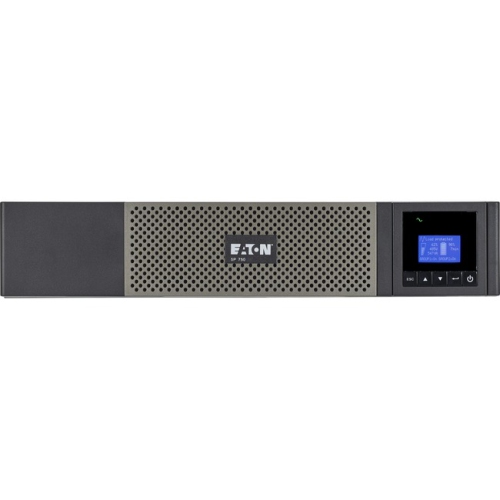
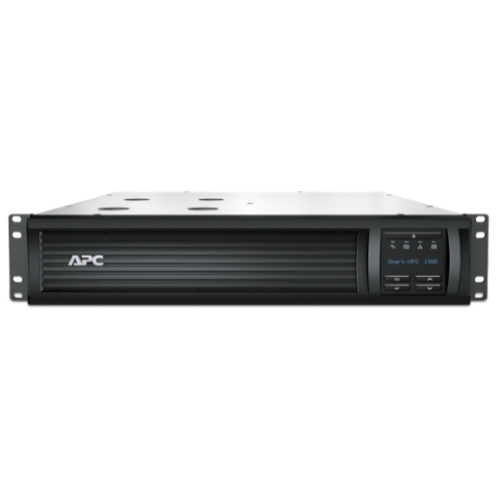
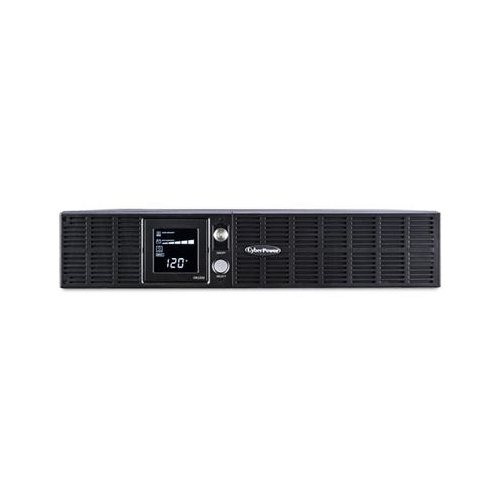
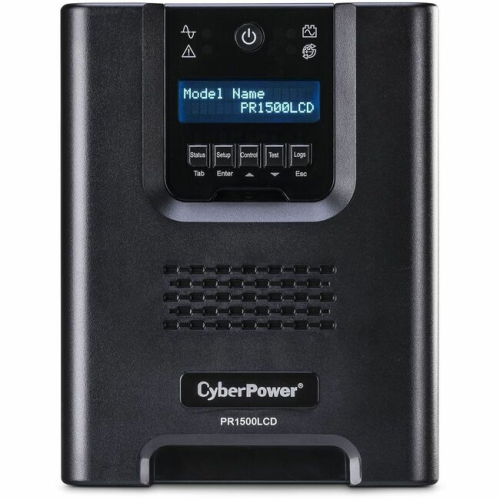
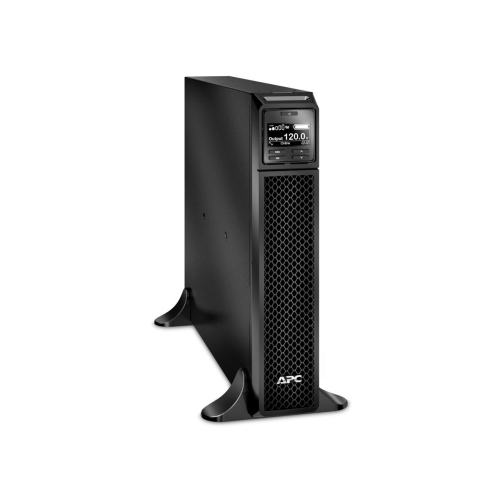
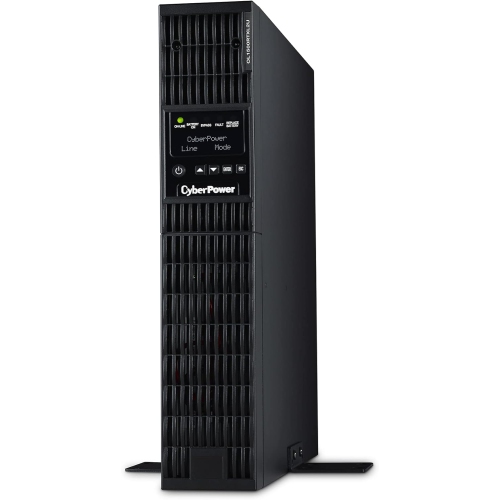
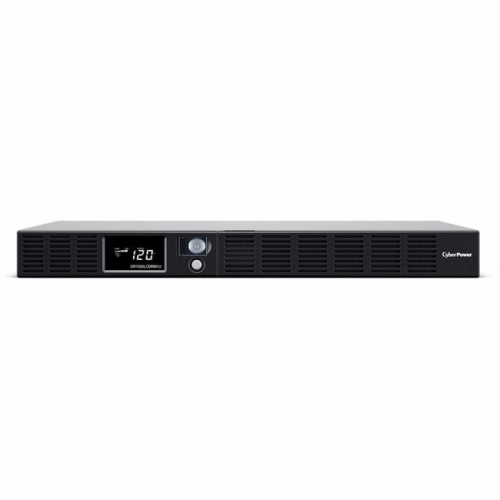
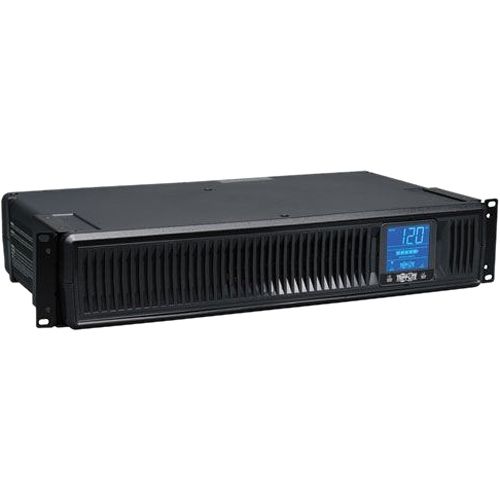
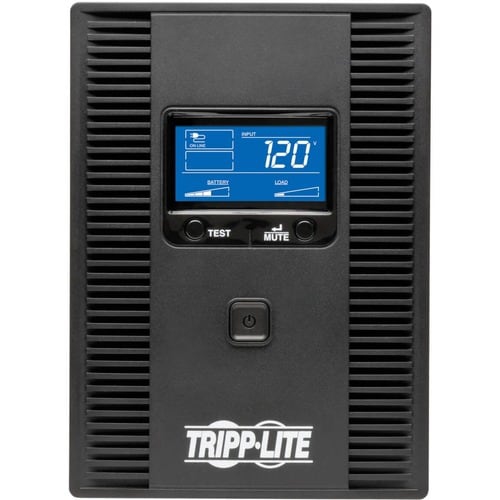
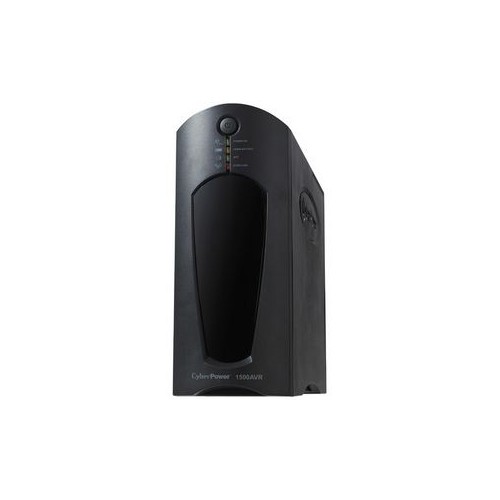
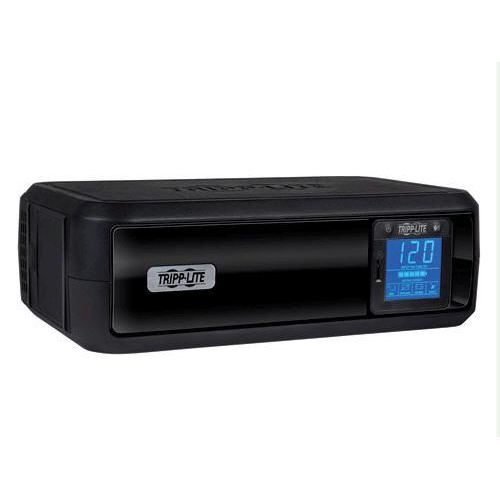
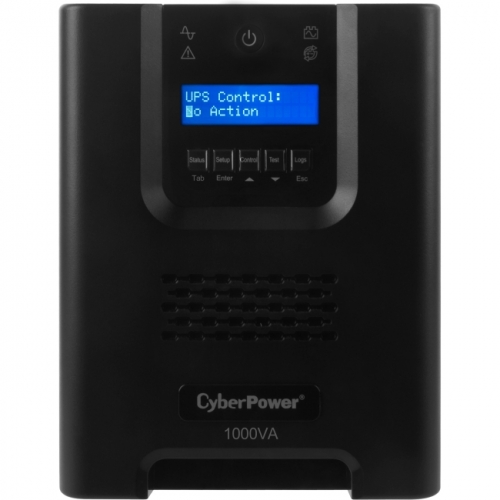
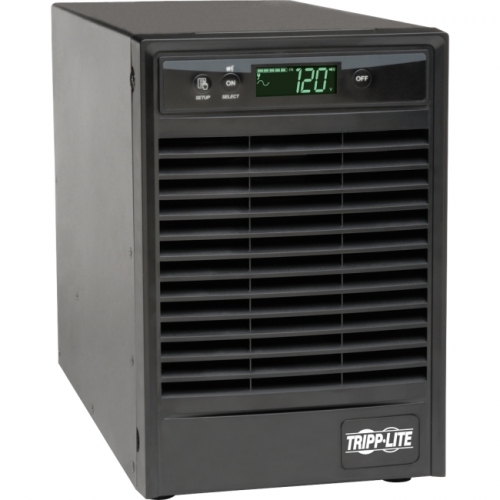
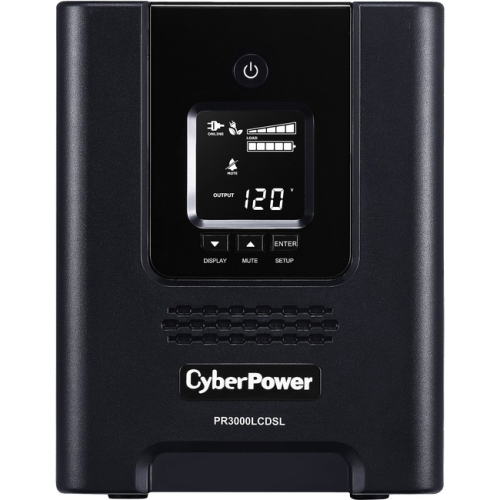
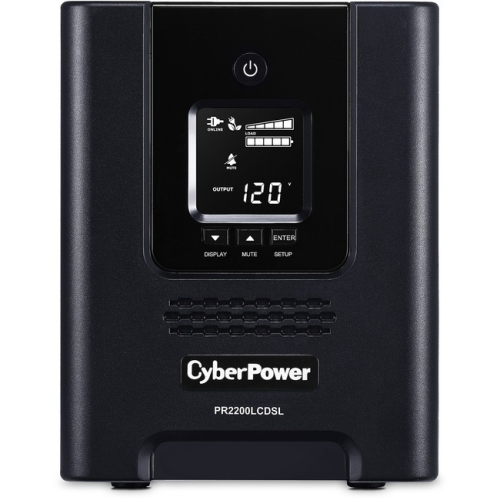

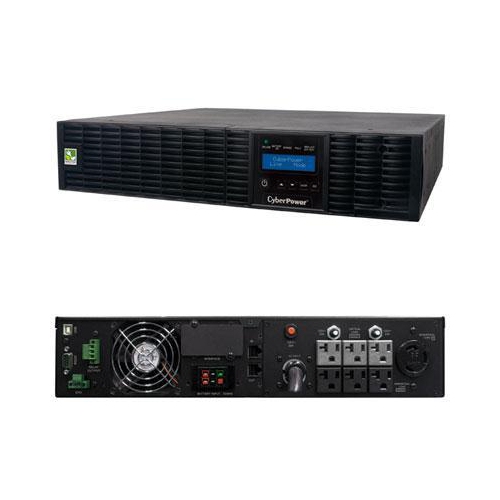
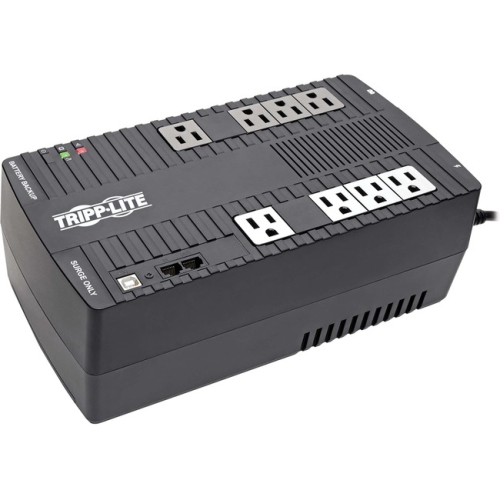
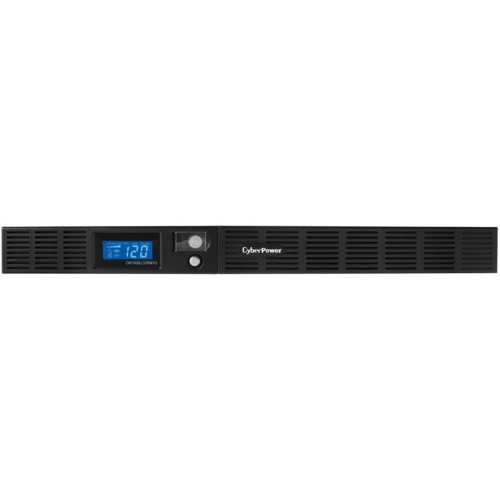
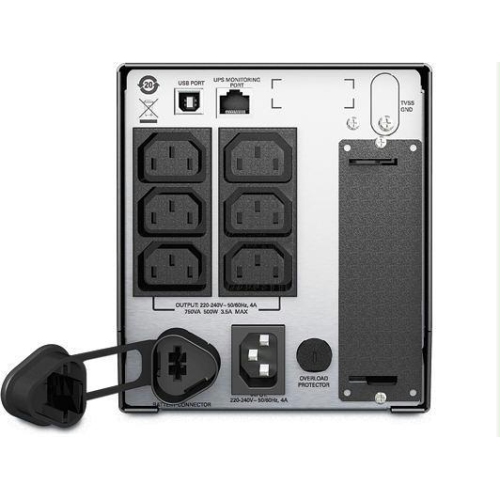


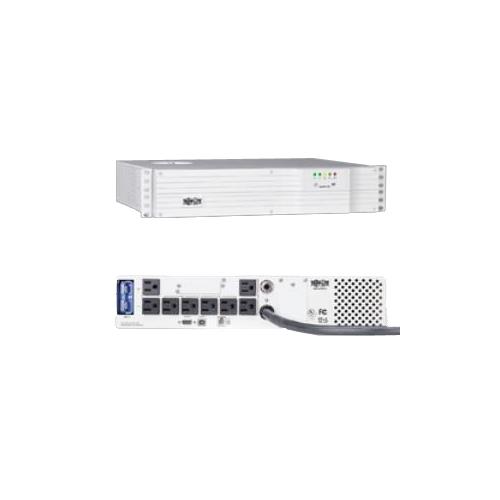

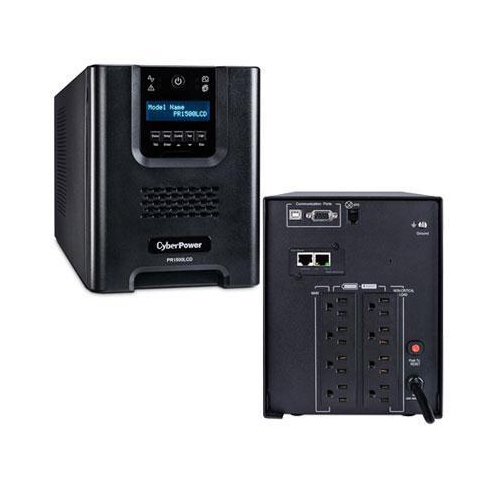
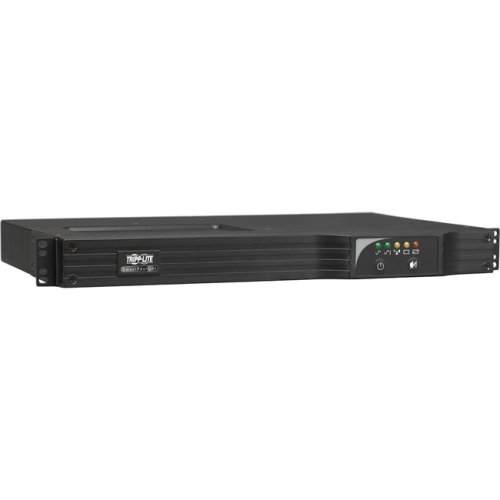
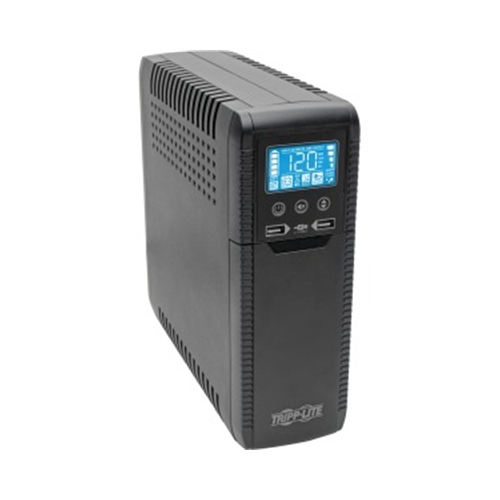
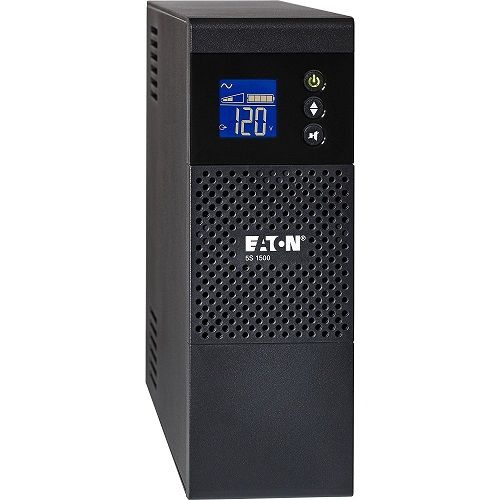

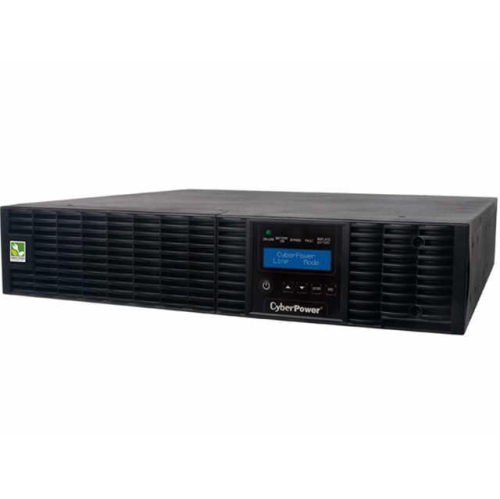
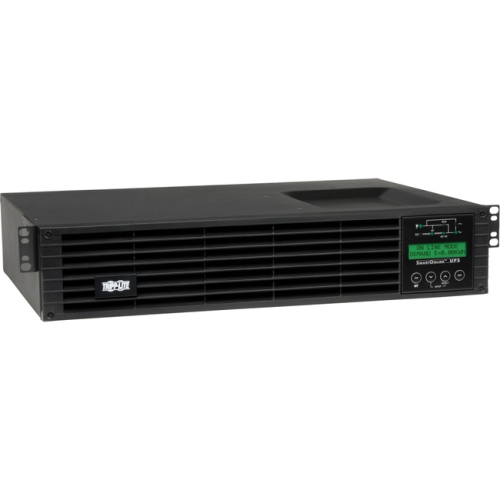
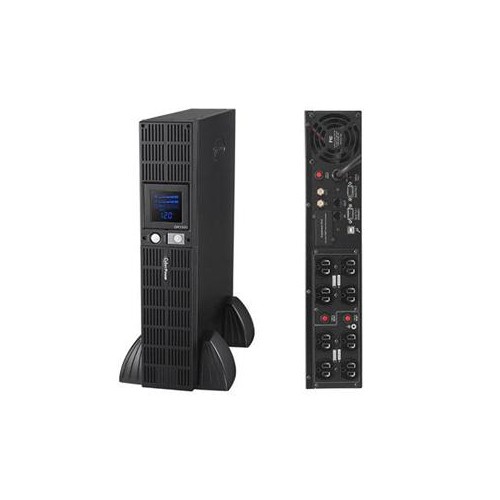
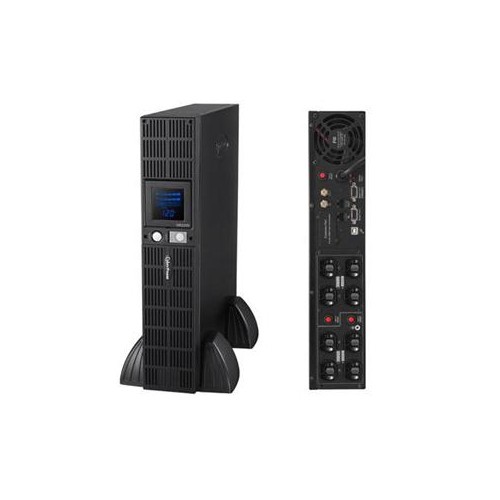
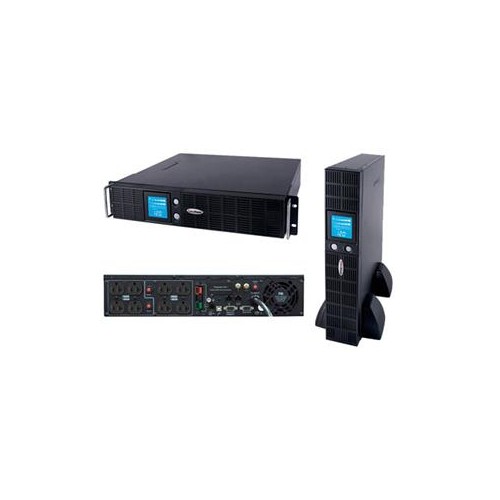
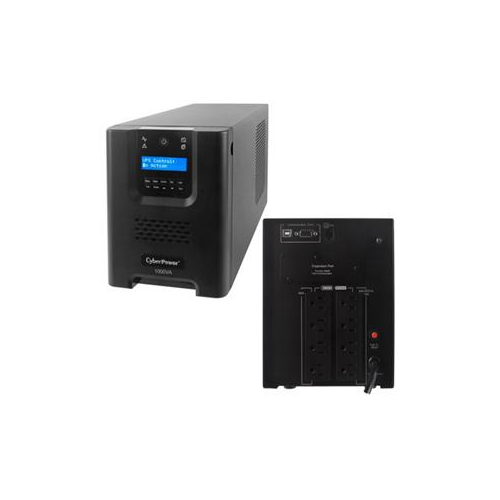
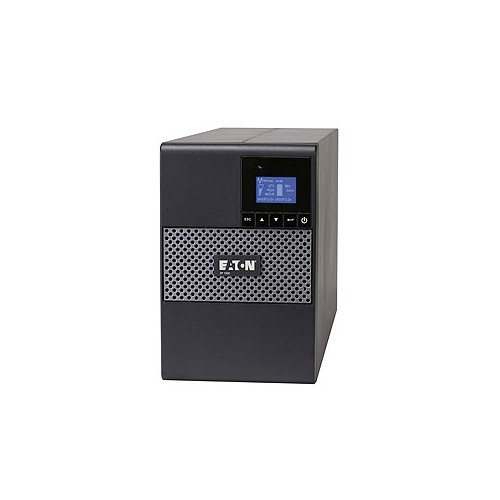
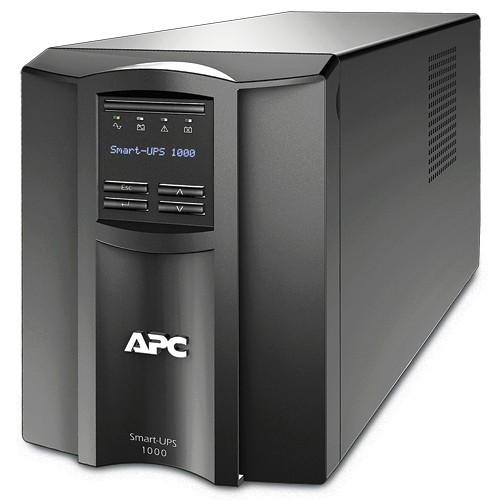
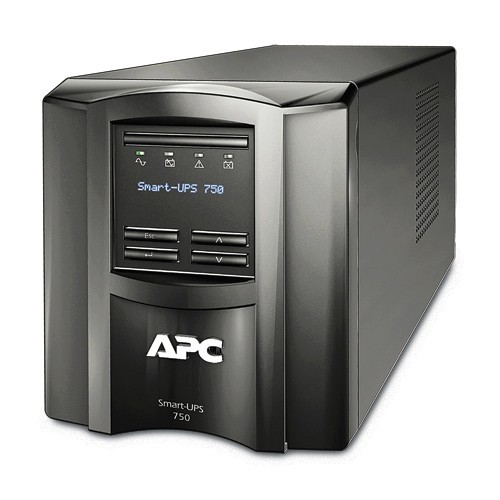
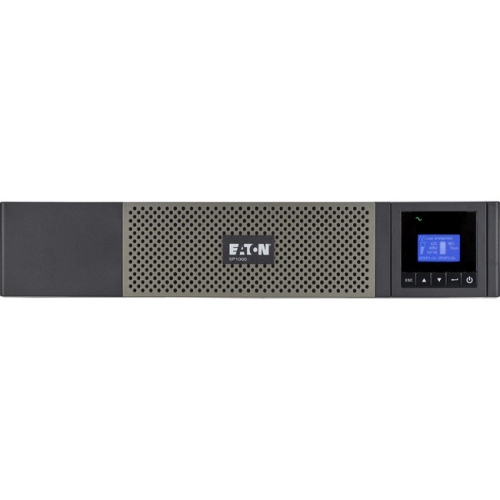

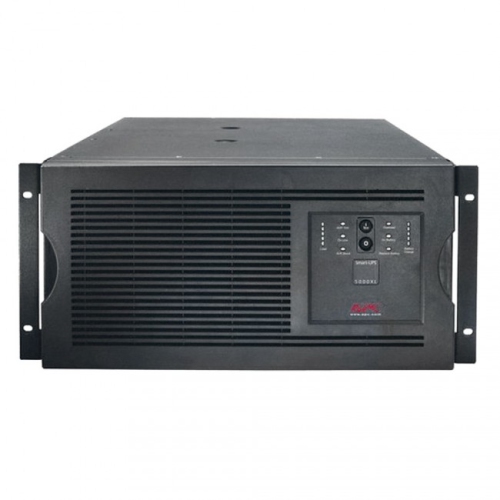
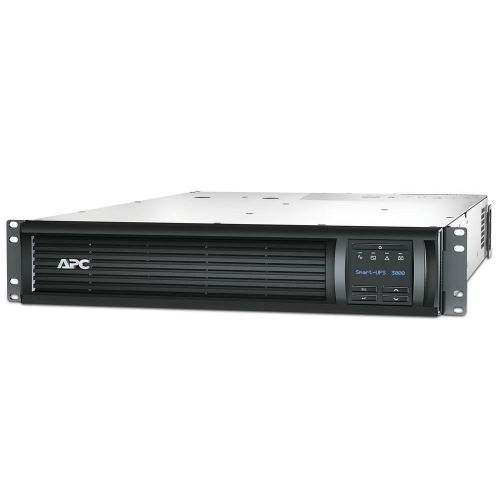
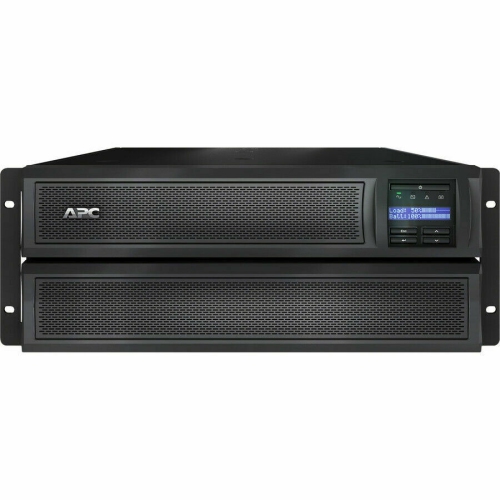
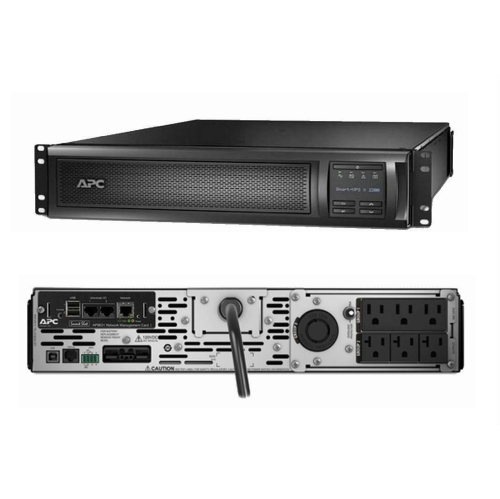
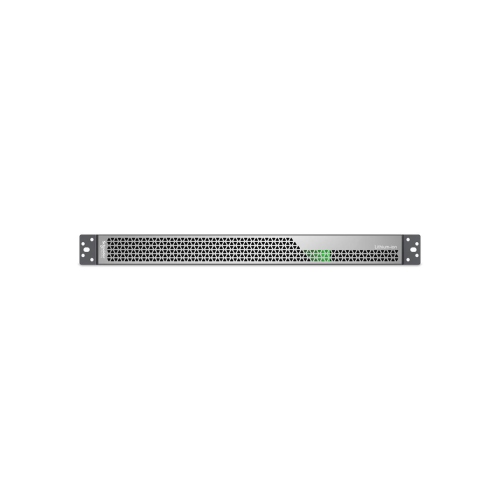
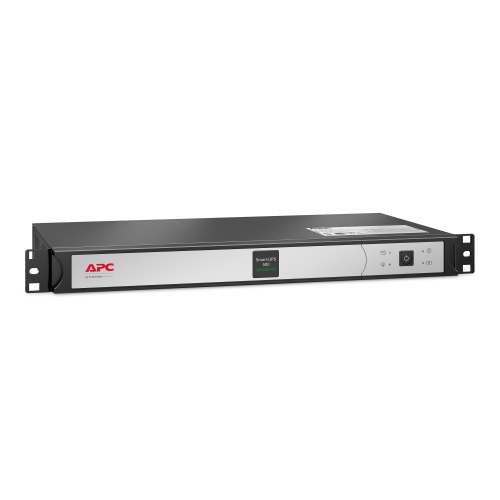
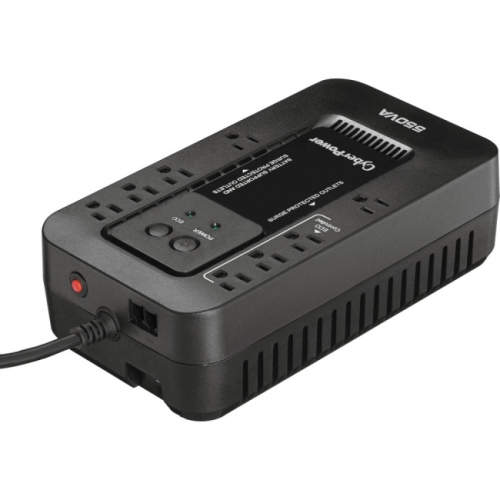
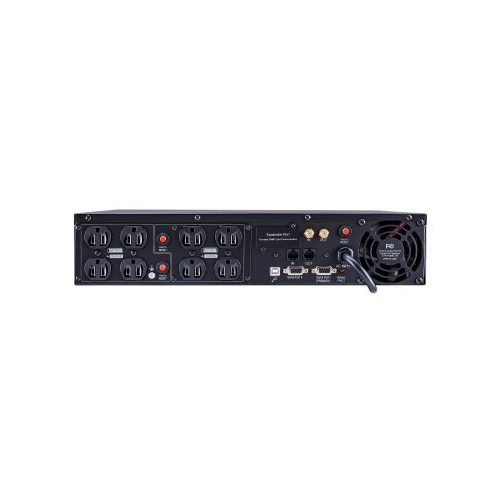
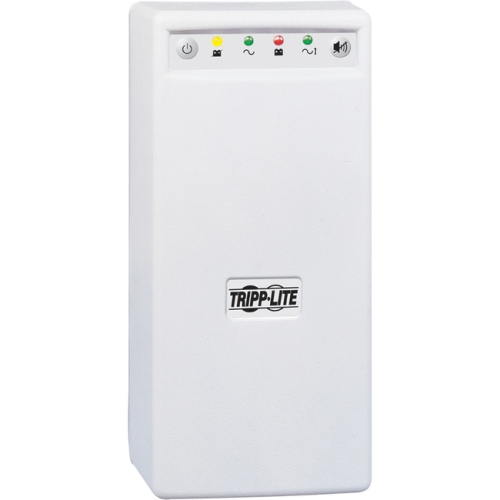
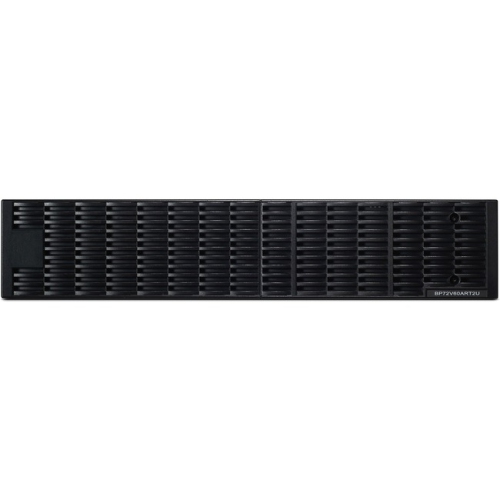
Reliable backup power for computers, networks, and sensitive electronics
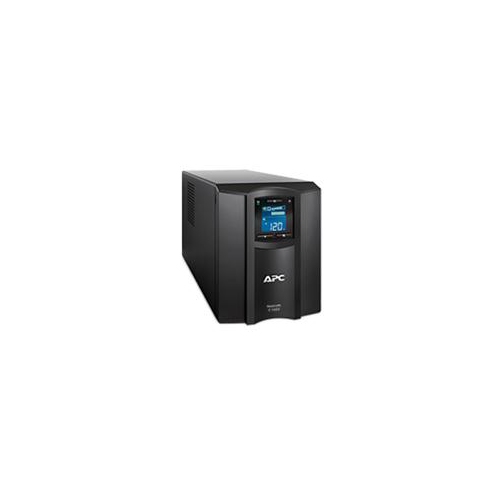
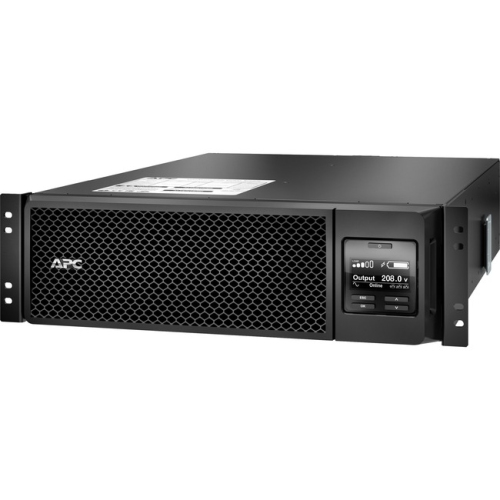
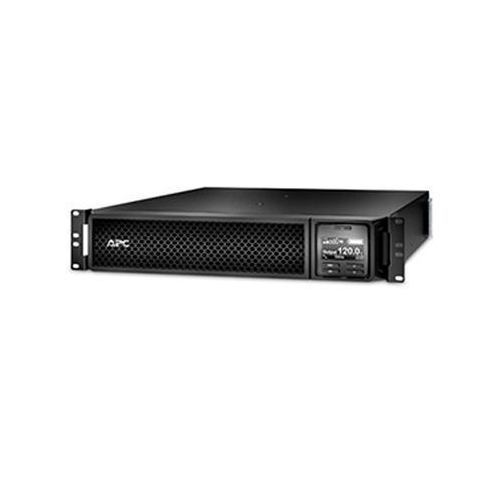
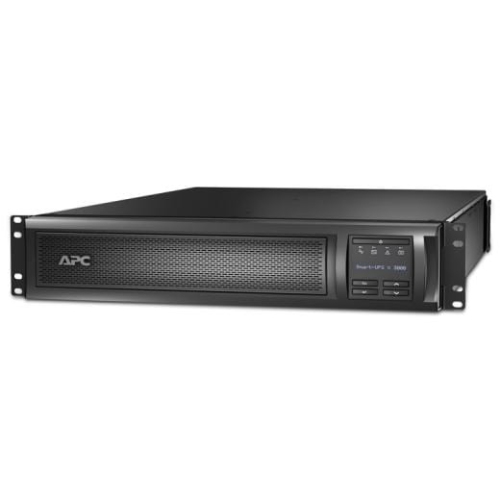
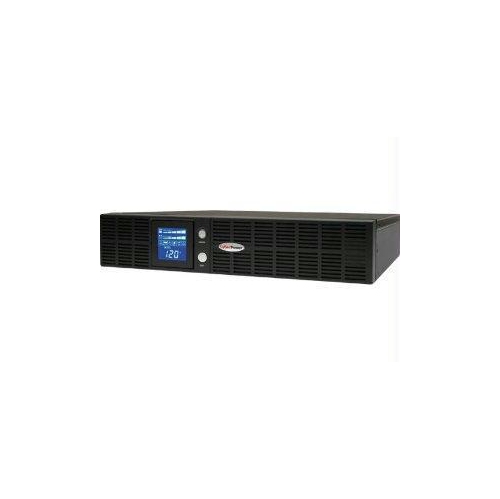
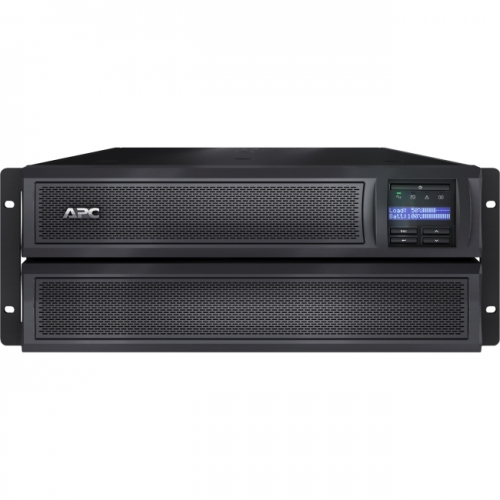
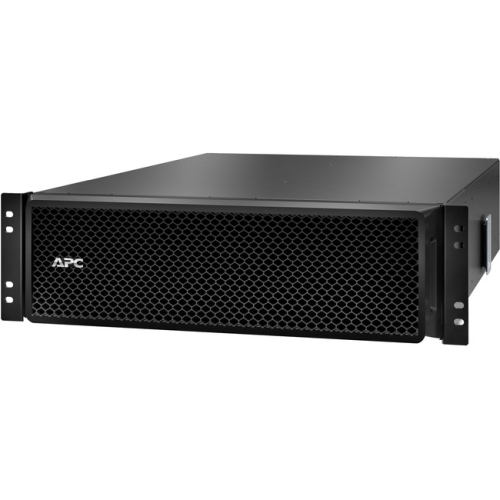
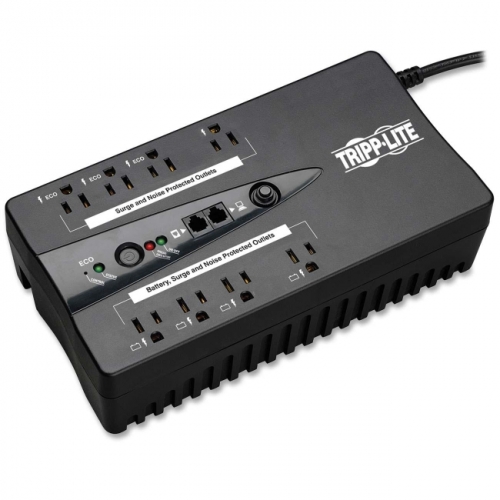
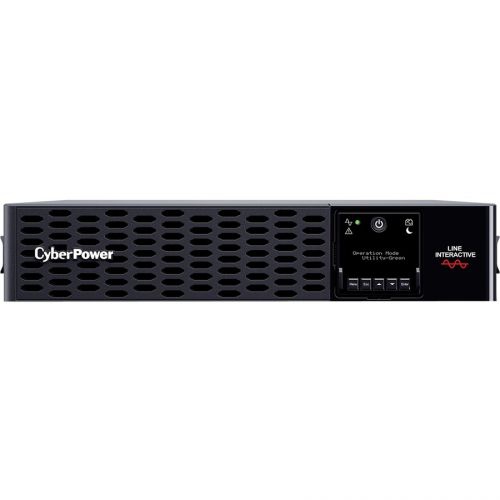
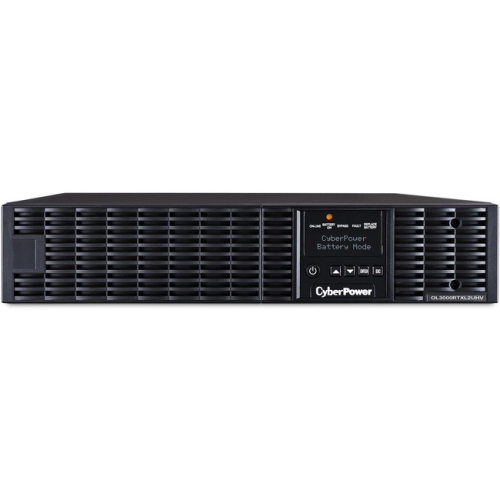
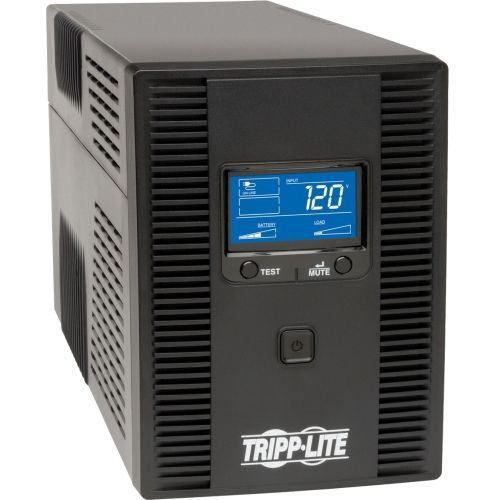
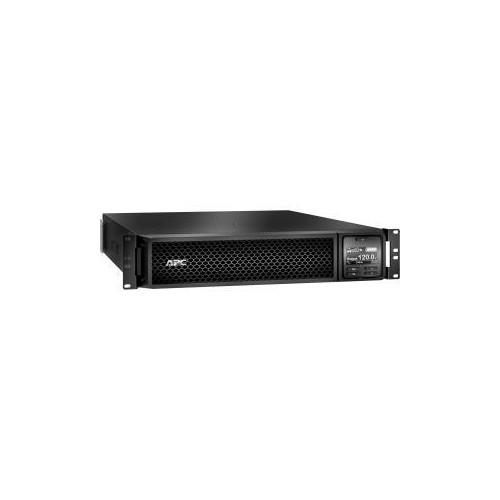
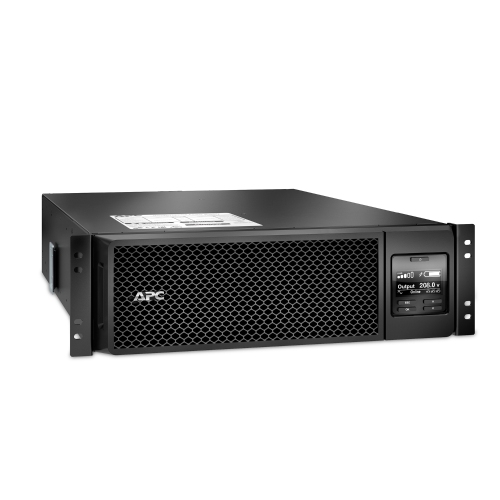
A Smart UPS, or smart uninterruptible power supply, provides battery backup and surge protection for electronics that need dependable power. It is designed to keep connected equipment operating during a blackout, brownout, brief interruption, or unexpected power spike, giving you time to save work, finish a controlled shutdown, or maintain essential network access. Unlike a basic power bar, a Smart UPS monitors the incoming electrical supply and responds when voltage becomes too high, too low, or suddenly disappears. Many models use automatic voltage regulation, also called AVR, to correct minor fluctuations without switching to battery power. This can help preserve battery runtime while delivering steadier power to computers, servers, routers, modems, switches, storage devices, point-of-sale equipment, security systems, and other sensitive electronics. During storms or periods when the electrical grid is under strain, that extra layer of protection can make a noticeable difference. A momentary outage may be enough to interrupt a video call, corrupt an open file, disconnect a network, or stop a small business from processing payments. A Smart UPS helps bridge those gaps with a combination of surge protection, power conditioning, and battery support. For a closer look at available options, browse APC UPS models alongside other Smart UPS choices to compare the features that suit your setup.
Choosing the right Smart UPS starts with identifying the equipment it will support and how important uninterrupted operation is for each device. Capacity is usually listed in volt-amperes, or VA, and watts, with the watt rating indicating the amount of actual electrical power the unit can supply. Add the wattage of the devices you plan to connect, then choose a UPS with enough headroom to handle normal operation, startup demands, and future additions. A compact setup with a modem, router, networking switch, and external drive may need a different capacity than a workstation with multiple monitors, a server, or a rack of network equipment. Runtime also varies according to the connected load: the more power your devices draw, the less time the battery can provide. Manufacturer runtime charts can help estimate how long equipment may remain active, although real-world results depend on battery age, workload, and the condition of the power supply. Look for clearly identified battery-backed outlets, since some units include surge-protected outlets that do not provide backup power. USB charging ports can be useful for smaller accessories, while data connections, network management ports, LCD displays, and audible alerts can make the unit easier to monitor. A display may show load level, battery status, estimated runtime, and input or output voltage at a glance. Models with software or cloud-based monitoring can send notifications, record power events, and trigger an orderly automatic shutdown when the battery is nearly depleted. That function is particularly valuable for unattended computers, servers, and remote offices, where no one may be available to press the power button. For equipment that must remain online with minimal interruption, consider whether a line-interactive design is suitable or whether a double-conversion online UPS is better suited to the sensitivity of the load and the quality of the incoming power.
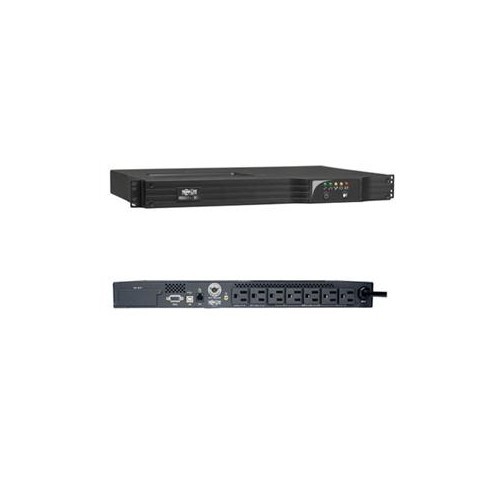
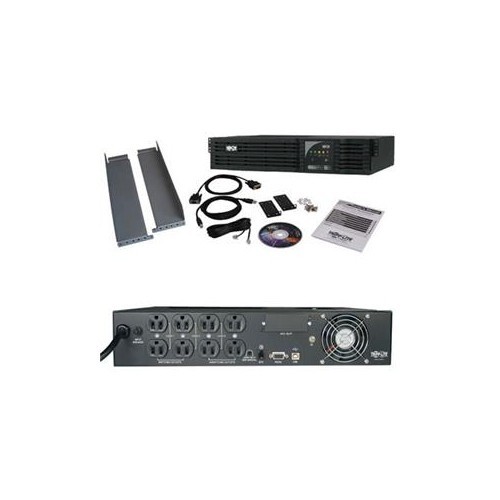
Smart UPS systems are useful in homes, home offices, small businesses, studios, workshops, and larger IT environments. A remote worker might connect a computer, monitor, router, and storage drive so an unexpected interruption does not erase a presentation or disconnect an important meeting. Someone working with large photo, video, or design files may appreciate the time to save projects properly rather than relying on an abrupt shutdown. At home, a UPS can keep internet equipment running during a short outage, which may be helpful when checking outage updates, contacting family, or using connected security equipment. In a small business, backup power can protect a workstation, receipt printer, network switch, or payment terminal from avoidable interruptions. For a server room or communications cabinet, rackmount form factors can help organize equipment, while tower designs may be easier to place beside a desk or in a utility area. Check the number and type of outlets, available installation space, cable access, noise level, and ventilation requirements before buying. Batteries are replaceable on many units, but they are consumable components that eventually need service; checking replacement availability and following the manufacturer’s battery guidance can make ownership more convenient. It is also wise to leave room for additional equipment rather than selecting a unit that will operate continuously at its maximum load. A Smart UPS can be a practical gift for a student setting up a study space, a family member working from home, a photographer protecting a computer and storage system, or a small-business owner who depends on reliable connectivity. During the cooler months, when storms and heating demands can contribute to local power interruptions, having backup protection in place can offer welcome peace of mind. Connect only equipment that truly needs support, test the system periodically, keep ventilation clear, and review monitoring alerts so the UPS is ready to respond when the power is not.
Choosing the right Smart UPS starts with identifying the equipment it will support and how important uninterrupted operation is for each device. Capacity is usually listed in volt-amperes, or VA, and watts, with the watt rating indicating the amount of actual electrical power the unit can supply. Add the wattage of the devices you plan to connect, then choose a UPS with enough headroom to handle normal operation, startup demands, and future additions. A compact setup with a modem, router, networking switch, and external drive may need a different capacity than a workstation with multiple monitors, a server, or a rack of network equipment. Runtime also varies according to the connected load: the more power your devices draw, the less time the battery can provide. Manufacturer runtime charts can help estimate how long equipment may remain active, although real-world results depend on battery age, workload, and the condition of the power supply. Look for clearly identified battery-backed outlets, since some units include surge-protected outlets that do not provide backup power. USB charging ports can be useful for smaller accessories, while data connections, network management ports, LCD displays, and audible alerts can make the unit easier to monitor. A display may show load level, battery status, estimated runtime, and input or output voltage at a glance. Models with software or cloud-based monitoring can send notifications, record power events, and trigger an orderly automatic shutdown when the battery is nearly depleted. That function is particularly valuable for unattended computers, servers, and remote offices, where no one may be available to press the power button. For equipment that must remain online with minimal interruption, consider whether a line-interactive design is suitable or whether a double-conversion online UPS is better suited to the sensitivity of the load and the quality of the incoming power.
Smart UPS systems are useful in homes, home offices, small businesses, studios, workshops, and larger IT environments. A remote worker might connect a computer, monitor, router, and storage drive so an unexpected interruption does not erase a presentation or disconnect an important meeting. Someone working with large photo, video, or design files may appreciate the time to save projects properly rather than relying on an abrupt shutdown. At home, a UPS can keep internet equipment running during a short outage, which may be helpful when checking outage updates, contacting family, or using connected security equipment. In a small business, backup power can protect a workstation, receipt printer, network switch, or payment terminal from avoidable interruptions. For a server room or communications cabinet, rackmount form factors can help organize equipment, while tower designs may be easier to place beside a desk or in a utility area. Check the number and type of outlets, available installation space, cable access, noise level, and ventilation requirements before buying. Batteries are replaceable on many units, but they are consumable components that eventually need service; checking replacement availability and following the manufacturer’s battery guidance can make ownership more convenient. It is also wise to leave room for additional equipment rather than selecting a unit that will operate continuously at its maximum load. A Smart UPS can be a practical gift for a student setting up a study space, a family member working from home, a photographer protecting a computer and storage system, or a small-business owner who depends on reliable connectivity. During the cooler months, when storms and heating demands can contribute to local power interruptions, having backup protection in place can offer welcome peace of mind. Connect only equipment that truly needs support, test the system periodically, keep ventilation clear, and review monitoring alerts so the UPS is ready to respond when the power is not.
Top selling and popular products
-
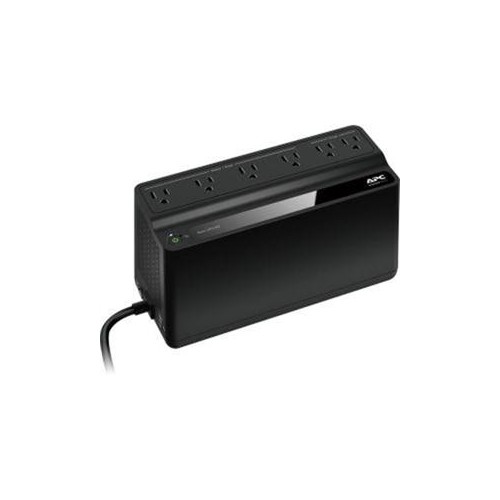 Your price for this item is $106.68
 -
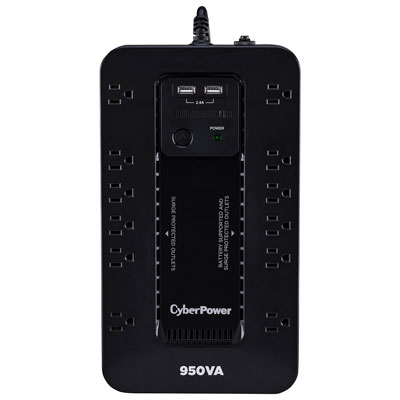 Your price for this item is $149.99
 -
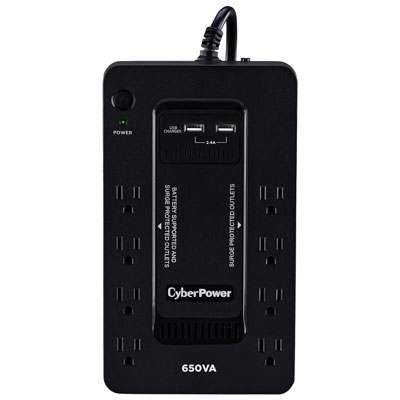 Your price for this item is $99.99
 -
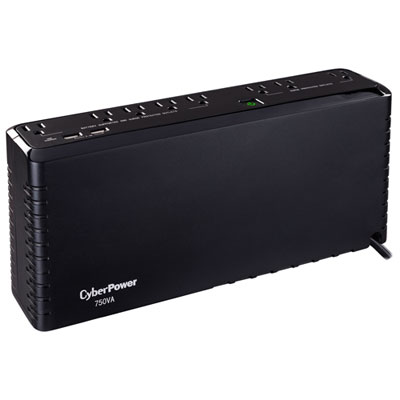 Your price for this item is $119.99
 -
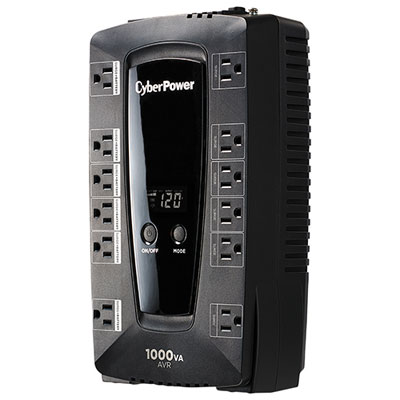 Your price for this item is $149.99
 -
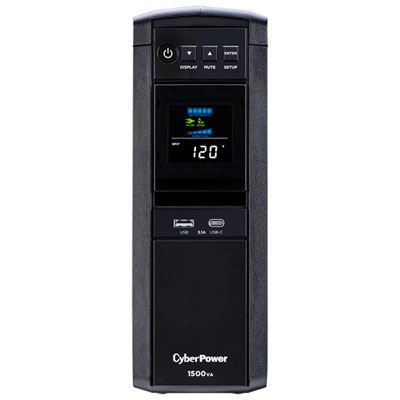 Your price for this item is $299.99
 -
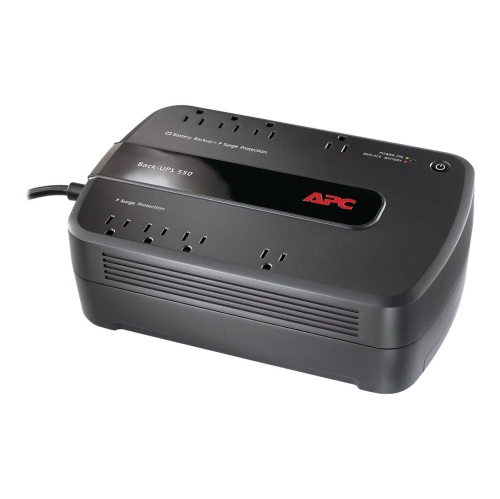 Your price for this item is $170.99
 -
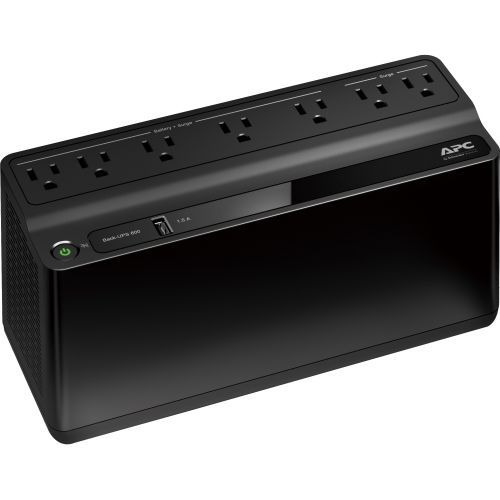 Your price for this item is $171.53
Discover more categories related to Smart UPS

Top Collections:
Pokemon Centers, Kindle Devices, Best Budget Office Chairs, Apple iPhones 16, Best Laptops for Writers, iPhone 15 Apple, Canon G7X Cameras, Refurbished Apple Laptops, Alarm Clock, Motorola Razr Phones
Some products may be subject to Environmental Handling Fees
(EHF) depending on your province.
Learn more about EHFs.