Smartphone 4x6 Photo Printers
Capture and print your favorite memories with ease using a Smartphone 4x6 Photo Printer. Perfect for turning digital moments into high-quality prints, these compact printers let you preserve special occasions in a tangible way. Whether you're creating keepsakes, decorating your space, or sharing photos with friends and family, a Smartphone 4x6 Photo Printer offers a convenient solution for bringing your images to life. Explore a variety of options to find the ideal printer for your needs and enjoy effortless photo printing right from your mobile device.
Sort

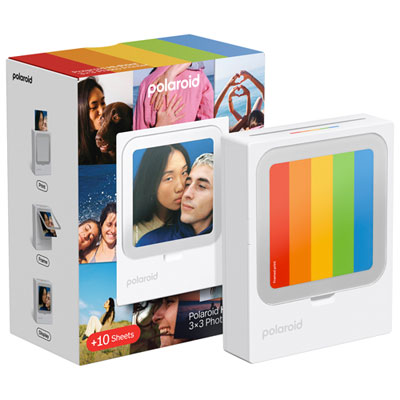
What happens between your phone and the photo frame
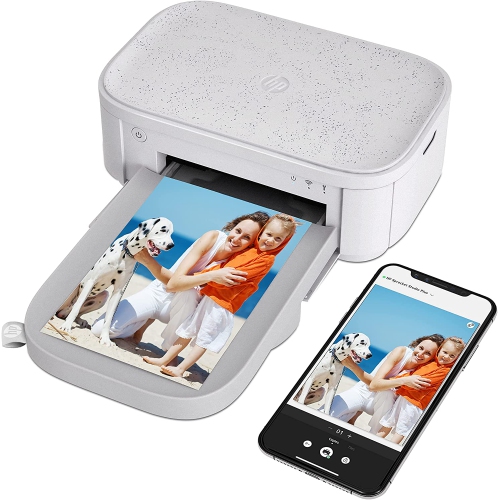
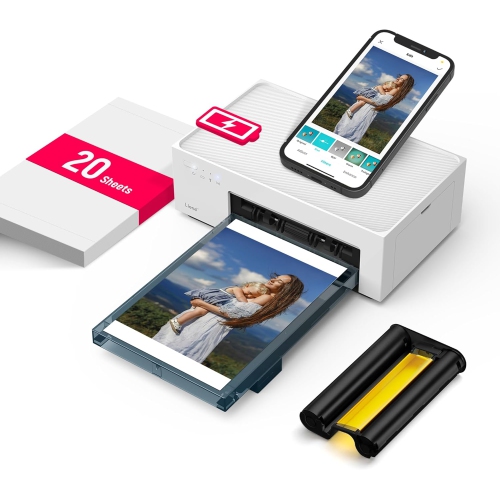
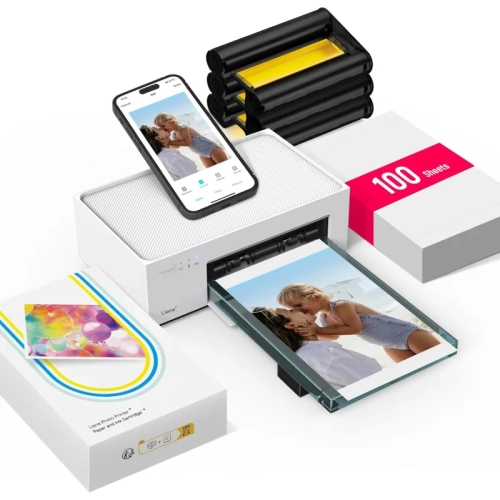
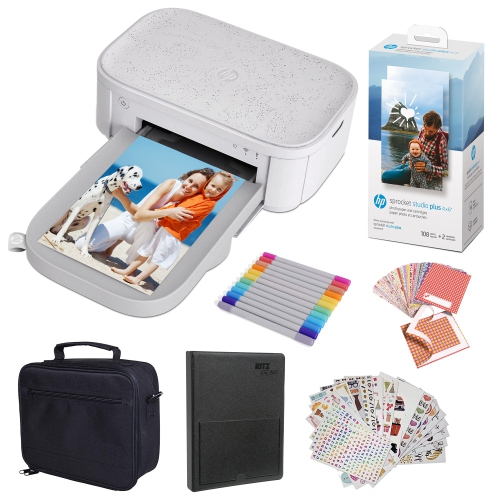
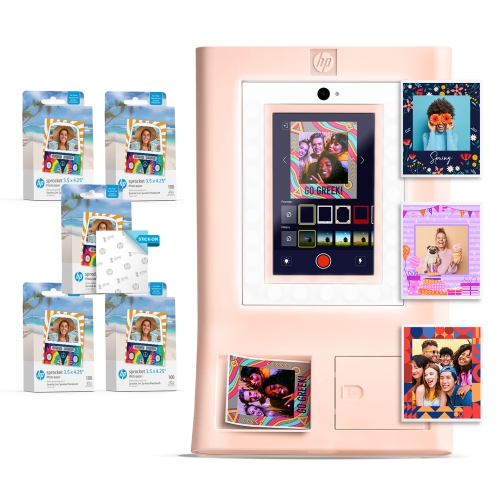
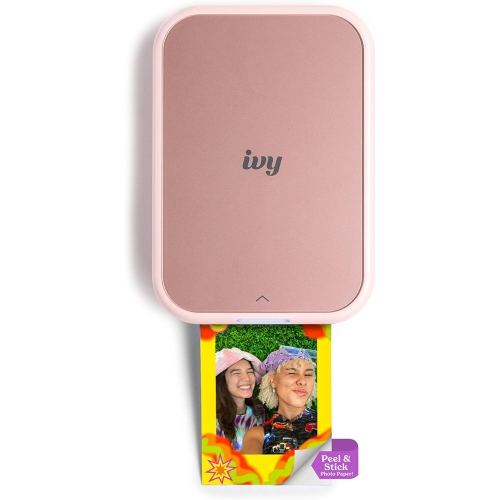
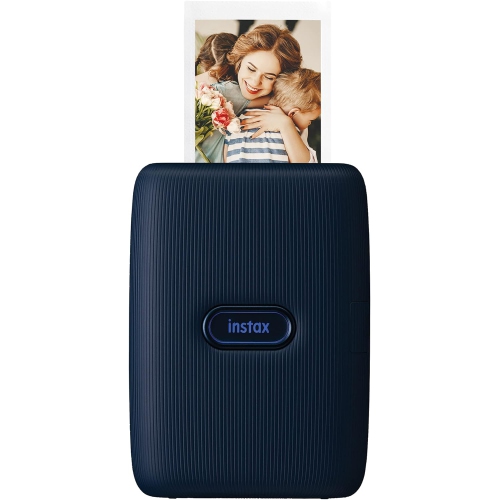
Smartphone photo printers that make 4 x 6-inch prints turn pictures from an iPhone or Android phone into standard postcard-sized photos without requiring a computer. The format fits many ready-made frames and slip-in albums, and it’s large enough to show the expressions in a group portrait or the details in a close-up. Many dedicated 4 x 6 photo printers use dye-sublimation, a type of thermal transfer that uses heat to move dye from a ribbon onto coated photo paper. The printer lays down colour in successive passes, producing the smooth transitions in skin tones and shadows associated with photo lab prints. Many dye-sublimation printers add a clear protective layer on the final pass, making the finished photo more resistant to fingerprints and occasional splashes. Water-resistant doesn’t mean waterproof, and the amount of detail in the print still depends on the source image. Wireless setup also varies. Some printers join a home Wi-Fi network, while others connect directly to the phone over Wi-Fi, which is useful when there’s no shared network. Bluetooth on a spec sheet may refer to the initial pairing step rather than the connection used to send a photo. A compatible app typically lets users select an image, adjust the crop and preview it before printing. That preview matters because many phone cameras capture images in a 4:3 ratio, while a 4 x 6-inch photo has a 3:2 ratio. A borderless print fills the paper by trimming part of the image, which can cut off a hand at the edge of a group shot or leave too little space above someone’s head. A bordered layout can preserve the full composition if the app offers a fit option. For a photo shared in a group chat, use the original file when possible; a compressed copy may look sharp on a phone screen but lose fine detail in print.
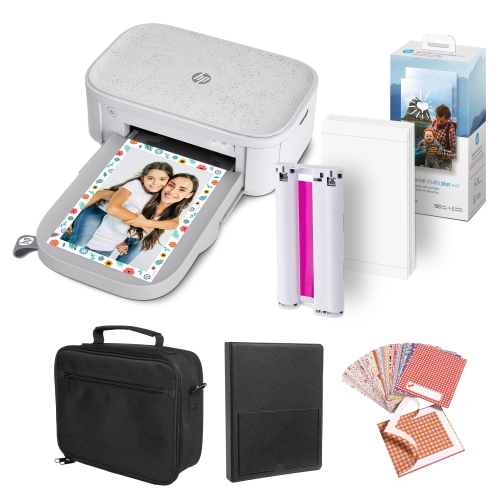
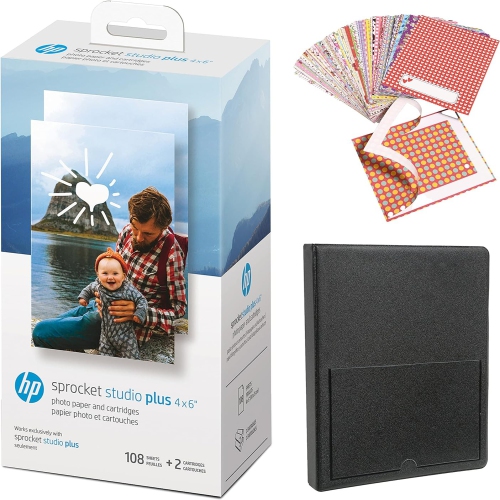
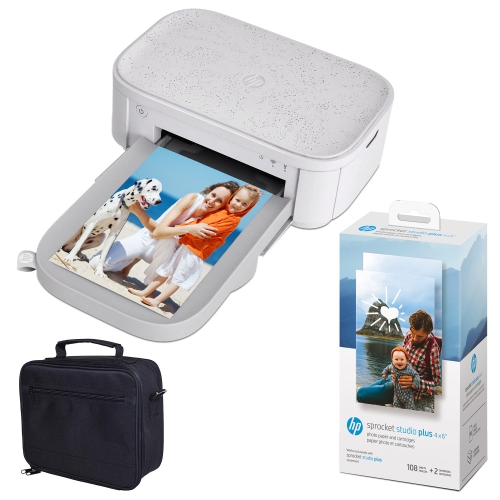
The footprint of a smartphone photo printer is only part of the space it needs. On many dye-sublimation models, the paper moves in and out several times as the printer applies the colour layers and protective finish. A unit that fits neatly on a narrow shelf may still need to sit farther forward so the paper can clear the wall, with room in front for the tray. A compact housing is handy for a shared desktop, especially if the tray can be removed between uses. For a printer that will move regularly between rooms or travel in a bag, a secure tray cover helps keep dust off the paper, and a battery-powered design can be useful when an outlet isn’t close by. Check the paper requirements as well as the dimensions. Ordinary 4 x 6-inch inkjet paper isn’t a substitute for the coated media specified for a dye-sublimation printer, even if the sheets are the same size. Dye-sublimation paper and ribbon are often supplied as a matched set, and on some models the paper has perforated end tabs that are removed after printing. A glossy finish can make the colours in a landscape or a bright illustration stand out, while a less reflective finish, where supported, can be easier to view under a lamp. Keep unused paper flat in its packaging, handle sheets by the edges and leave the paper alone while it moves through the printer. For prints that spend most of their time in an album, clear photo sleeves help limit scuffs from repeated handling. For a framed photo on a desk or wall, a spot away from direct sunlight can help slow fading.
A dedicated 4 x 6 format makes sense for people who regularly want a physical copy of a picture rather than a smaller sticker or a larger print. A parent can give grandparents a set of family photos that slip straight into an album, and a hobby photographer can lay several prints side by side to see which composition works best away from a screen. For a birthday or family gathering, a phone-connected printer makes it possible to send guests home with a copy of the group photo. If several people want copies, check the print time per photo and how many sheets the tray holds. A printer that feels quick when making a single portrait can take noticeably longer to work through a dozen copies, particularly if the tray needs refilling partway through. For a scrapbooker, the standard size works well as the main image on a page, with room around it for a caption, ticket stub or handwritten note. Students can use the same format for a visual journal or a display board where a smaller photo might not show enough detail. If space in a residence room or backpack matters more than keeping every print at 4 x 6 inches, Compact Student Photo Printers offers another way to compare smaller formats. A smartphone photo printer can also make a thoughtful gift for someone who already keeps albums, mails pictures to relatives or likes to swap the photo in a desktop frame. For a gift that’s ready to use, check that the printer works with the recipient’s phone and whether the box includes the compatible paper and ribbon needed for the first set of prints.
Top selling and popular products
-
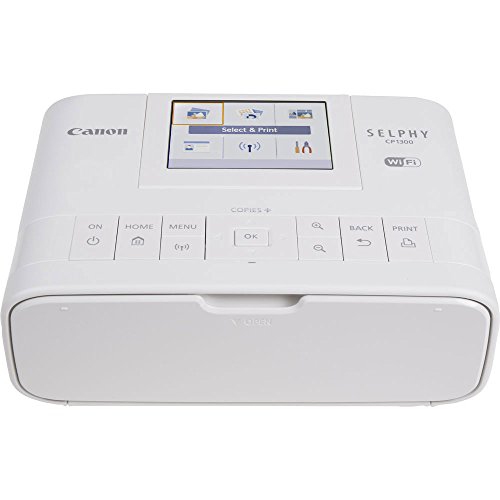 Your price for this item is $299
-
 Your price for this item is $599.99
-
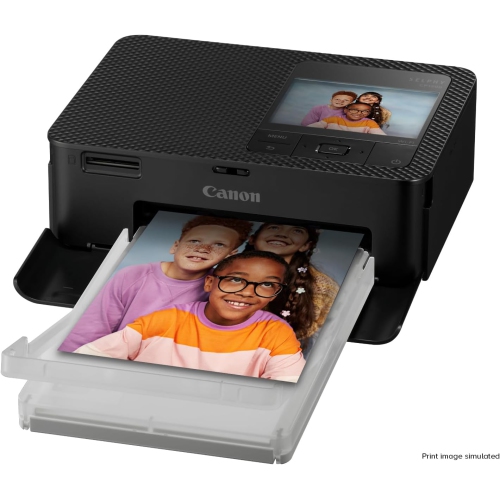 Your price for this item is $253.19
-
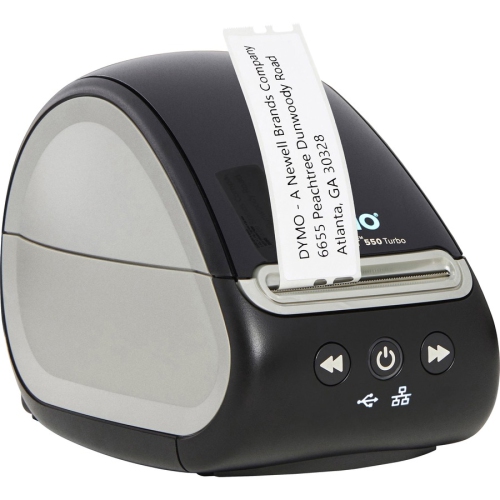 Your price for this item is $198.76
-
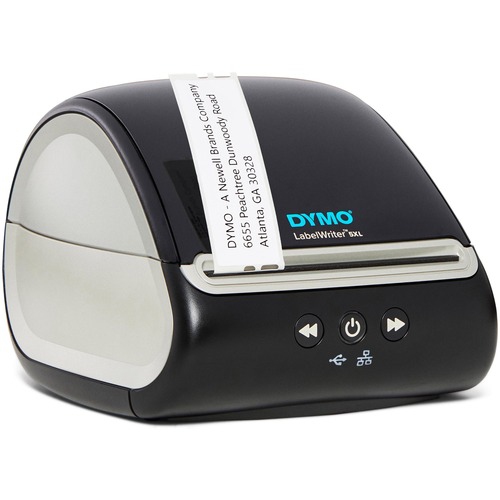 Your price for this item is $480.68
-
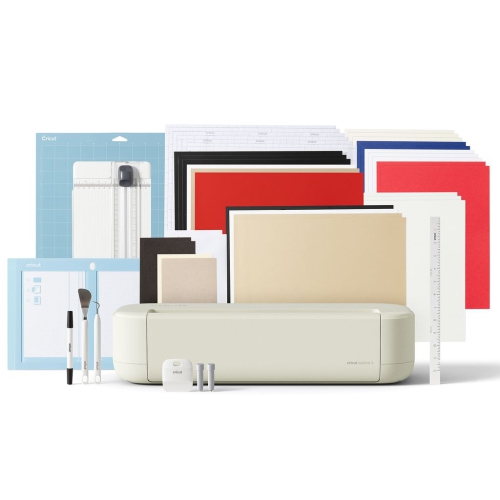 Your price for this item is $349
-
 Your price for this item is $599.99
-
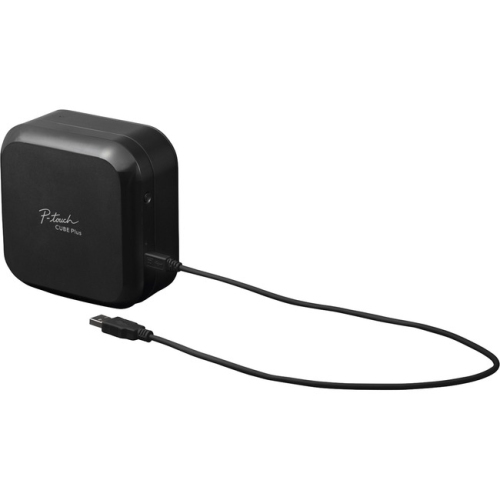 Your price for this item is $154.41
Discover more categories related to Smartphone 4x6 Photo Printers
Top Collections:
Best Black Friday Deals This Year, Best Black Friday Deals On Electronics, Kindle Devices, Pokemon Centers, Best Black Friday Deals On Apple Products, Best Cameras for Sports Photography, Dyson Airwrap, Pokémon 30th Celebration Cards, Apple iPhone 17 Pro, Canon G7X Cameras
Some products may be subject to Environmental Handling Fees
(EHF) depending on your province.
Learn more about EHFs.