Solid State Drives for MAC
Solid State Drives for MAC offer a reliable and efficient way to upgrade your device’s storage and performance. Whether you’re looking to boost your system’s speed, store large files, or enhance your workflow, these drives are designed to meet the unique needs of MAC users. Explore a wide selection of Solid State Drives for MAC that are compatible with various models, making it easy to find the perfect fit for your setup. Enjoy faster load times and seamless multitasking with storage solutions built to keep up with your demands. Find the ideal SSD to support your creative projects, work tasks, or everyday computing needs.
Sort





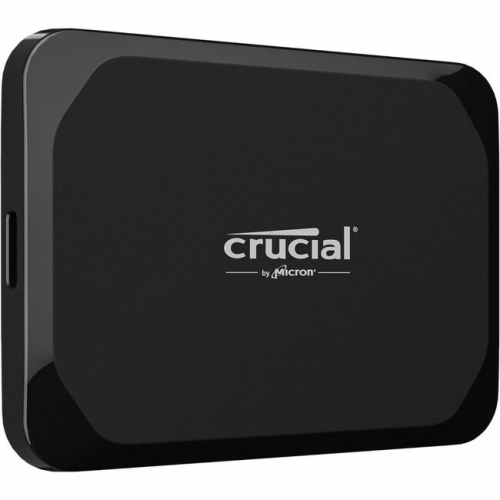

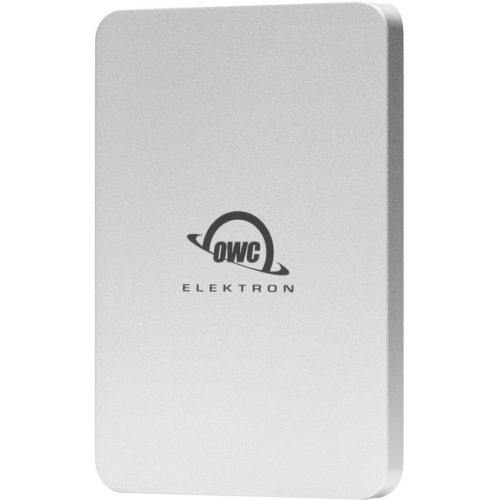
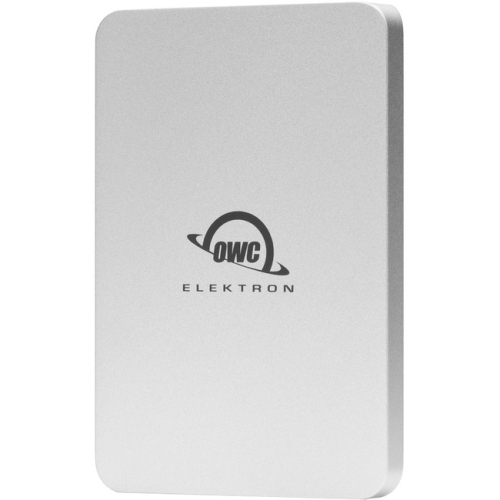
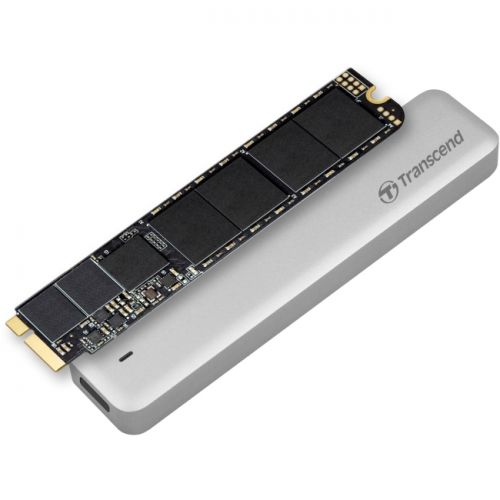
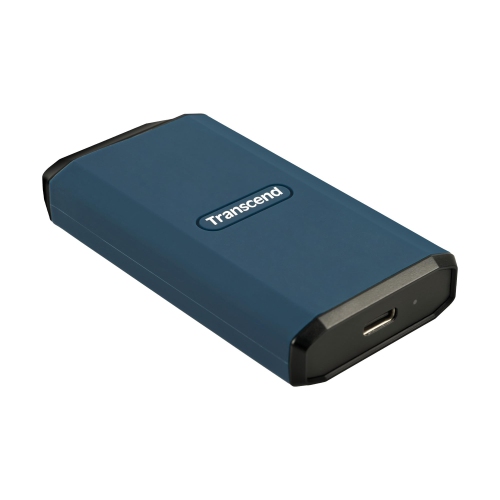
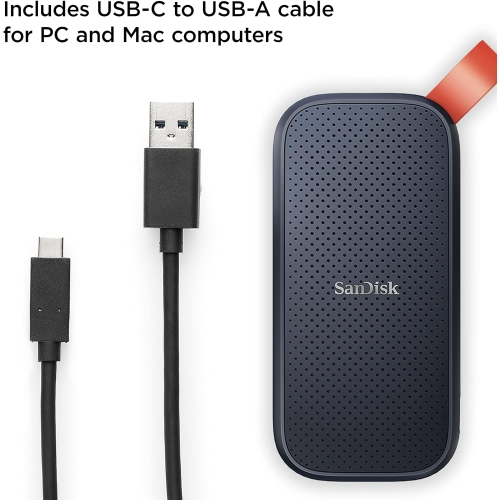
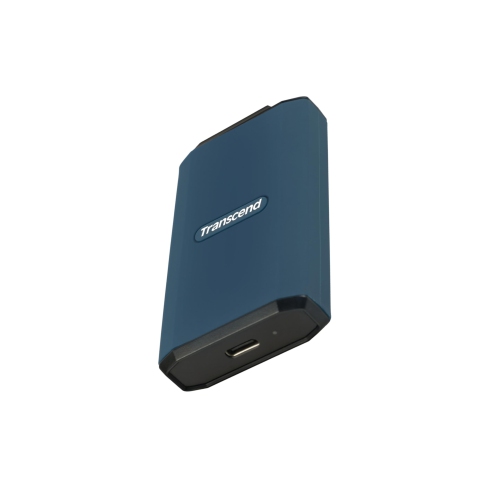
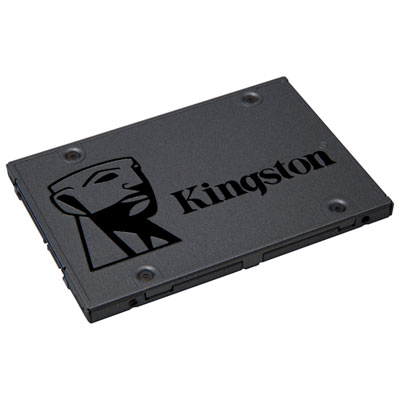

More room for Mac projects without replacing your computer
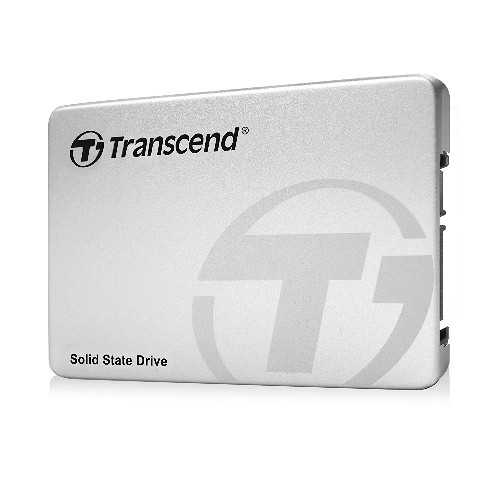
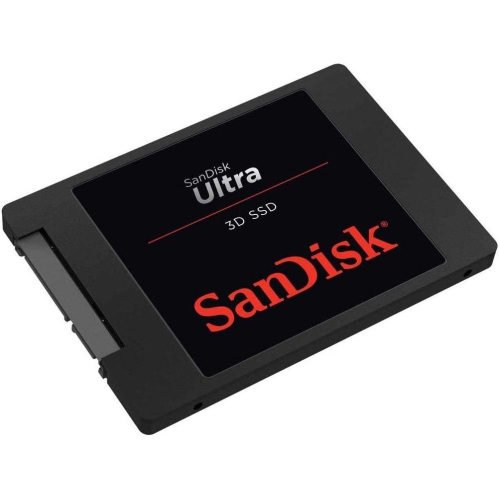
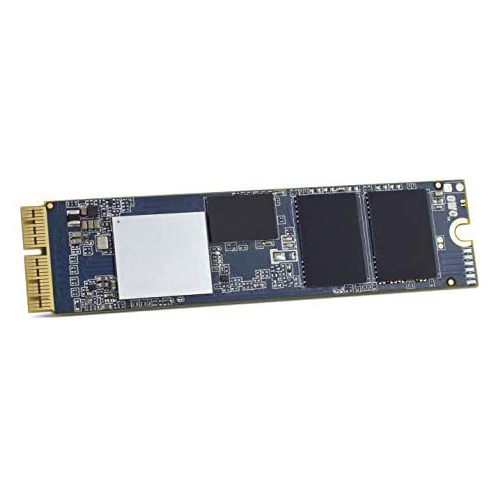
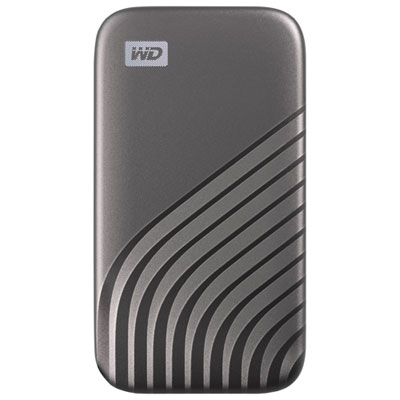
Solid state drives for Mac provide fast, compact storage for everything from everyday documents to large photo libraries, video projects and audio sessions. Unlike a traditional hard drive, an SSD stores data in flash memory rather than on spinning platters, so it has no moving read head and operates quietly. That design suits a laptop bag, a shared desk or a recording space where mechanical noise would be distracting. External SSDs add storage through a compatible port, while internal SSD upgrades are an option only for computers designed to accept a replacement drive. Many newer Mac computers do not support routine internal storage replacement, making external storage a practical way to create more room without changing the computer itself. The External Solid State Drive Macs collection focuses on this external approach to expanding a Mac setup. Compatibility depends on the connection, file system and intended use, rather than simply whether a drive is described as being for Mac. Capacity matters just as much as speed: a collection of text documents needs relatively little space, while high-resolution photos, video footage, sample libraries and virtual machines can fill a drive quickly. A photographer might keep active editing projects on an external SSD, while a student might use one to carry coursework and media between a desk and a campus workspace. Leaving room beyond the files already on hand allows for new projects, exported versions and working files that grow during editing. Advertised capacity also differs from the space shown after formatting, and some space is used by the file system. An external SSD adds file storage, not system memory, so it does not replace a RAM upgrade or resolve every cause of a slow computer. Its main value is having responsive access to files and applications that support running from external storage, with a size and connection suited to the way the computer is used.
Connection details make a meaningful difference to the experience of using an SSD with a Mac. USB-C describes the connector’s shape, but it does not guarantee a particular transfer speed or indicate that every connected device supports Thunderbolt. The computer’s port, the drive’s interface and the cable all influence performance, with the slowest part of that connection limiting the result. A cable intended mainly for charging may not provide the data performance expected from a fast SSD, even when it fits both ports. Similarly, a drive connected through a hub or dock may share bandwidth with displays, network adapters and other storage devices. A direct connection can provide more predictable performance for demanding transfers. Advertised maximum speeds generally describe favourable test conditions; copying thousands of small files, working with a nearly full drive or transferring a large amount of data continuously can produce different results. For someone editing video directly from external storage, sustained performance matters more than a brief peak speed. For someone moving a folder of documents at the end of the day, portability and straightforward connection may matter more. Physical construction also shapes everyday use. Metal housings can help spread heat, while protective bumpers may soften minor knocks, but neither feature makes a drive immune to damage. Water resistance and drop resistance apply only where a stated rating supports them, and exposed ports still need care. A slim, lightweight enclosure is easy to carry, while a larger desktop enclosure may offer more room for heat management. Bus-powered portable drives draw electricity through their data cable, reducing the number of connections on a desk; some larger storage arrangements require a separate power supply. Cable length and placement deserve attention too. A drive resting securely beside a laptop is less likely to pull on a port than one hanging from a short cable. Keeping ventilation clear and protecting connectors from dust helps maintain a dependable setup.
The way an SSD is formatted determines how it works across devices and which features are available. APFS is generally well suited to SSDs used with recent versions of macOS, including setups that benefit from encryption and other Mac file system features. For files that need to move between a Mac and a Windows computer, exFAT offers broad read-and-write compatibility, though it does not provide all the same features as APFS. Reformatting normally erases existing contents, so any files already on a drive need a separate copy before its format is changed. A drive intended for automatic backups may also need a particular format and setup supported by the computer’s backup software. Keeping backup storage separate from everyday working storage makes it easier to understand which copy serves which purpose. An SSD holding the only copy of a photo library is primary storage, not a backup, even if it is disconnected between uses. Important files benefit from an additional copy on another device or a suitable online backup service, because flash storage can still fail, be misplaced or suffer accidental deletion. Encryption adds protection for personal documents and client work carried outside the home, but passwords and recovery details need secure storage because losing them can mean losing access to the files. Routine care is simple: keep the enclosure dry, wipe it with a soft cloth, avoid pressure on the connector and eject the drive through the operating system before unplugging it. Clear folder names and a consistent place for active projects also make portable storage easier to manage. For a shared household computer, separate folders or volumes can help organize different people’s files, although meaningful privacy requires suitable access controls or encryption. As a gift for a student, photographer, musician or frequent traveller, an SSD is most useful when its capacity, cable and connection match the recipient’s computer and habits. The right fit is storage that supports the actual workload, travels comfortably when needed and makes important files easier to keep organized.
Connection details make a meaningful difference to the experience of using an SSD with a Mac. USB-C describes the connector’s shape, but it does not guarantee a particular transfer speed or indicate that every connected device supports Thunderbolt. The computer’s port, the drive’s interface and the cable all influence performance, with the slowest part of that connection limiting the result. A cable intended mainly for charging may not provide the data performance expected from a fast SSD, even when it fits both ports. Similarly, a drive connected through a hub or dock may share bandwidth with displays, network adapters and other storage devices. A direct connection can provide more predictable performance for demanding transfers. Advertised maximum speeds generally describe favourable test conditions; copying thousands of small files, working with a nearly full drive or transferring a large amount of data continuously can produce different results. For someone editing video directly from external storage, sustained performance matters more than a brief peak speed. For someone moving a folder of documents at the end of the day, portability and straightforward connection may matter more. Physical construction also shapes everyday use. Metal housings can help spread heat, while protective bumpers may soften minor knocks, but neither feature makes a drive immune to damage. Water resistance and drop resistance apply only where a stated rating supports them, and exposed ports still need care. A slim, lightweight enclosure is easy to carry, while a larger desktop enclosure may offer more room for heat management. Bus-powered portable drives draw electricity through their data cable, reducing the number of connections on a desk; some larger storage arrangements require a separate power supply. Cable length and placement deserve attention too. A drive resting securely beside a laptop is less likely to pull on a port than one hanging from a short cable. Keeping ventilation clear and protecting connectors from dust helps maintain a dependable setup.
The way an SSD is formatted determines how it works across devices and which features are available. APFS is generally well suited to SSDs used with recent versions of macOS, including setups that benefit from encryption and other Mac file system features. For files that need to move between a Mac and a Windows computer, exFAT offers broad read-and-write compatibility, though it does not provide all the same features as APFS. Reformatting normally erases existing contents, so any files already on a drive need a separate copy before its format is changed. A drive intended for automatic backups may also need a particular format and setup supported by the computer’s backup software. Keeping backup storage separate from everyday working storage makes it easier to understand which copy serves which purpose. An SSD holding the only copy of a photo library is primary storage, not a backup, even if it is disconnected between uses. Important files benefit from an additional copy on another device or a suitable online backup service, because flash storage can still fail, be misplaced or suffer accidental deletion. Encryption adds protection for personal documents and client work carried outside the home, but passwords and recovery details need secure storage because losing them can mean losing access to the files. Routine care is simple: keep the enclosure dry, wipe it with a soft cloth, avoid pressure on the connector and eject the drive through the operating system before unplugging it. Clear folder names and a consistent place for active projects also make portable storage easier to manage. For a shared household computer, separate folders or volumes can help organize different people’s files, although meaningful privacy requires suitable access controls or encryption. As a gift for a student, photographer, musician or frequent traveller, an SSD is most useful when its capacity, cable and connection match the recipient’s computer and habits. The right fit is storage that supports the actual workload, travels comfortably when needed and makes important files easier to keep organized.
Top selling and popular products
-
 Your price for this item is $374.99
-
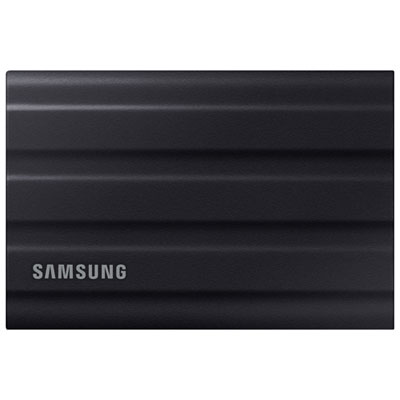 Your price for this item is $669.99
-
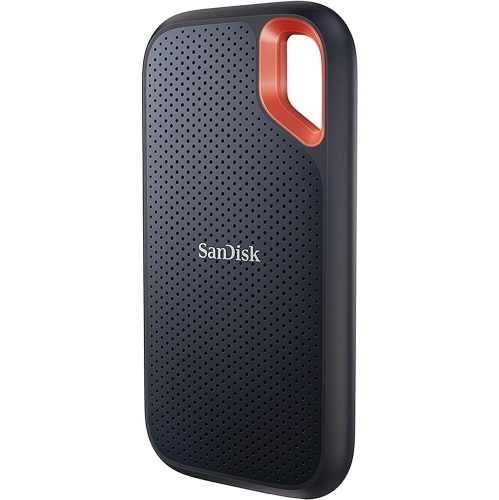 Your price for this item is $346.91
-
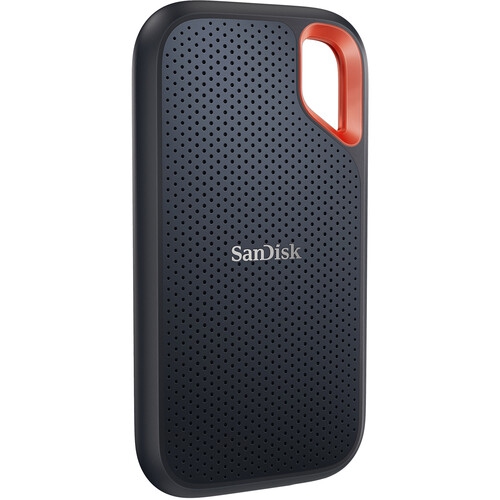 Your price for this item is $507.91
-
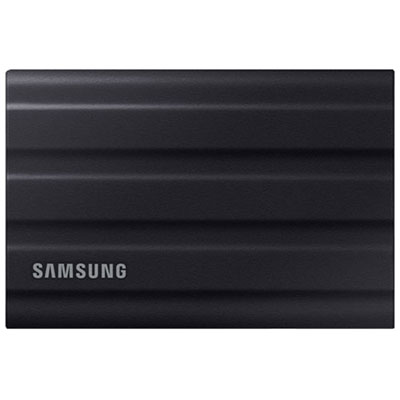 Your price for this item is $1559.95
-
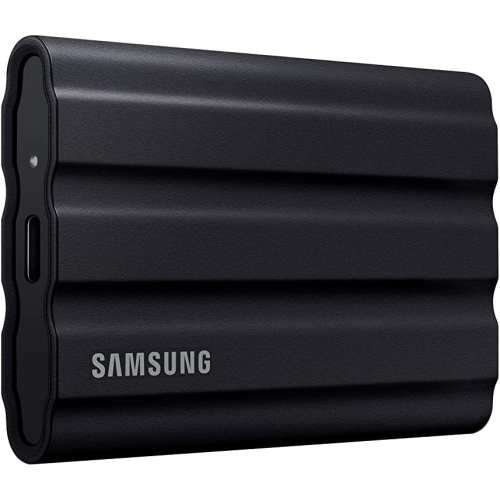 Your price for this item is $1499
-
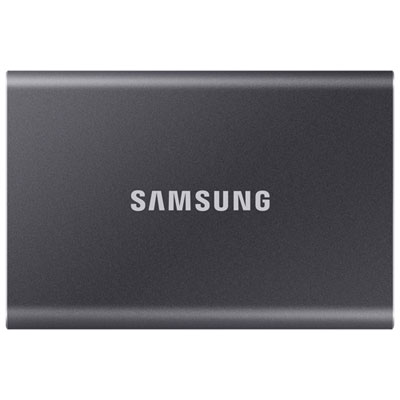 Your price for this item is $1489.97
-
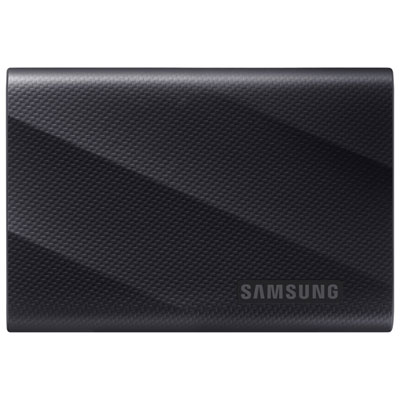 Your price for this item is $389.99
Discover more categories related to Solid State Drives for MAC

Top Collections:
Pokemon Centers, Best Black Friday Deals This Year, Best Black Friday Deals On Electronics, Kindle Devices, Best Budget Office Chairs, Best Black Friday Deals On Apple Products, Best Cameras for Sports Photography, Pokémon 30th Celebration Cards, Dyson Airwrap, Canon G7X Cameras
Some products may be subject to Environmental Handling Fees
(EHF) depending on your province.
Learn more about EHFs.