Sound Cards for Windows 7
Sound Cards for Windows 7 offer an easy way to enhance your computer’s audio performance, whether you’re gaming, enjoying music, or working on multimedia projects. Designed to be compatible with Windows 7 systems, these sound cards provide a straightforward upgrade path for anyone looking to experience richer sound quality. Explore a range of options to find the right fit for your setup and enjoy clear, immersive audio tailored to your needs.
Sort


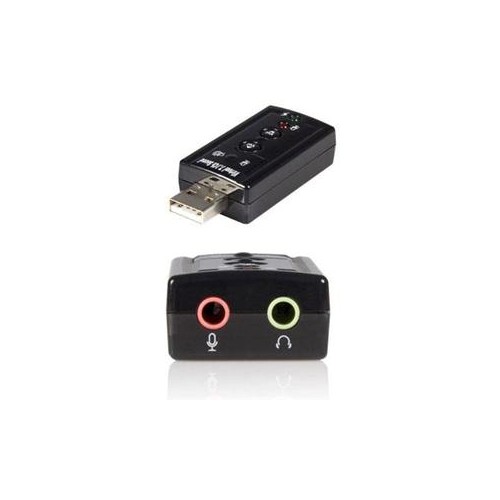
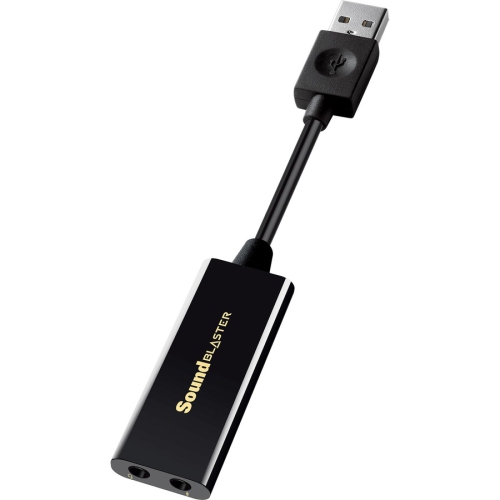
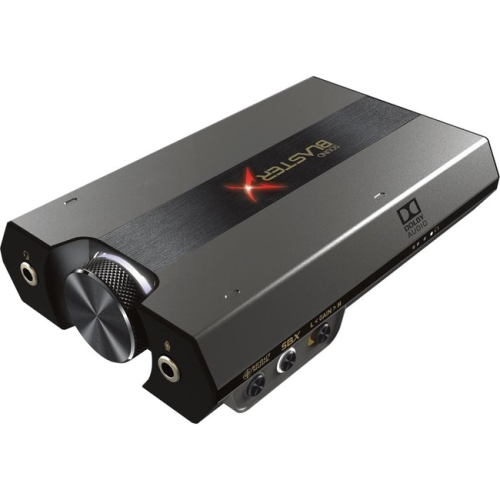
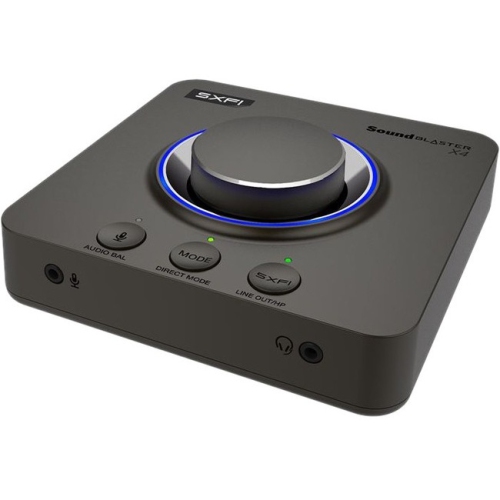


Why audio upgrades need more than matching sockets
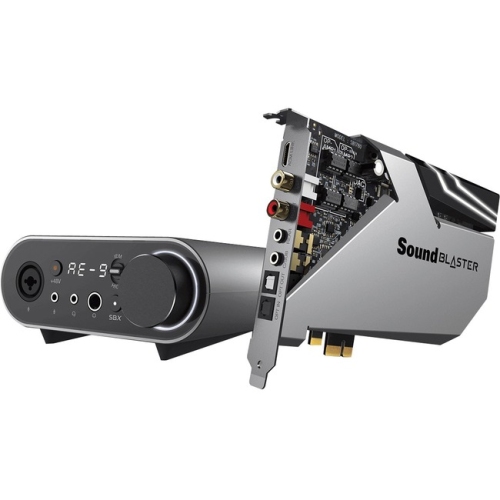
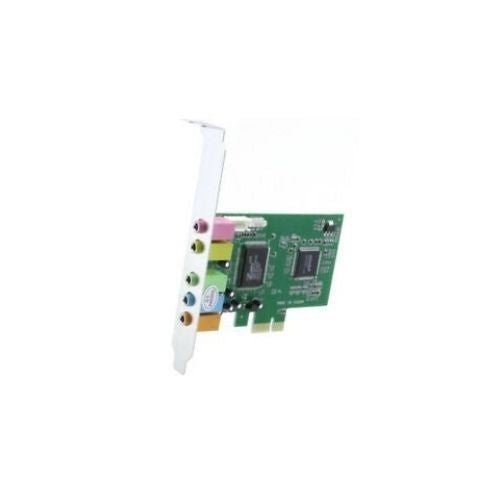
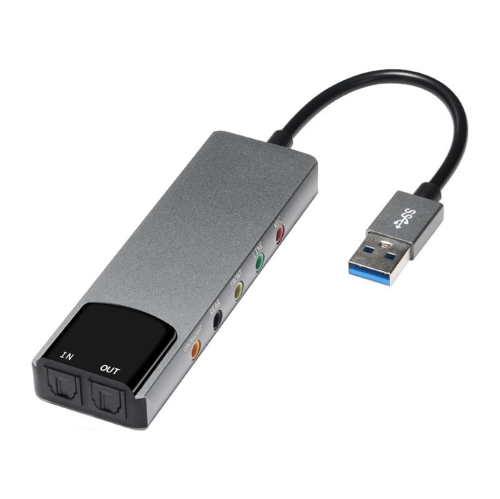
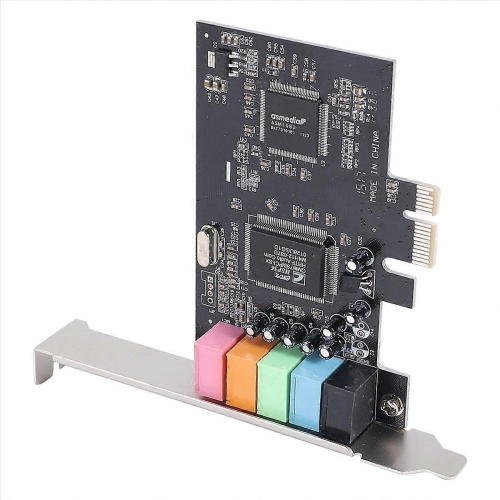
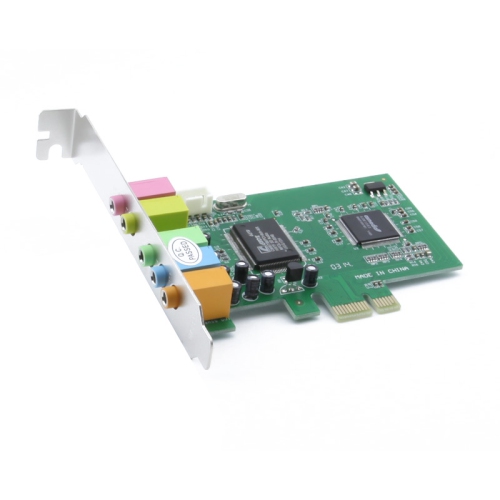
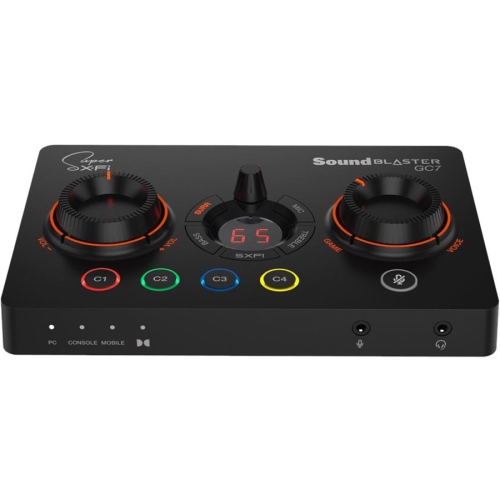
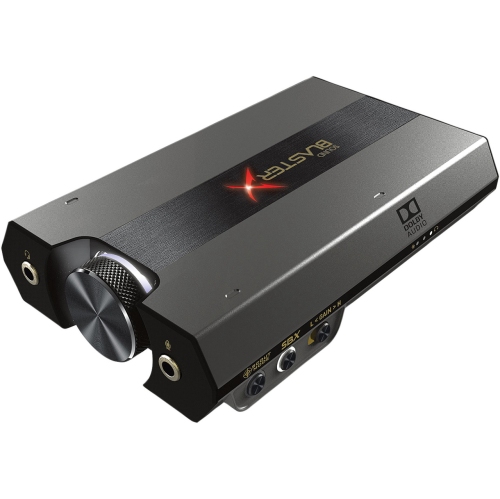
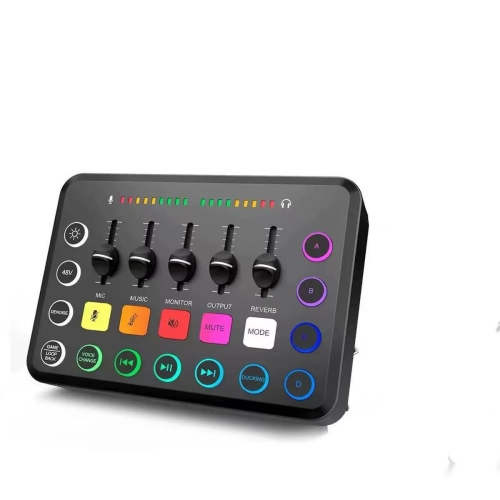
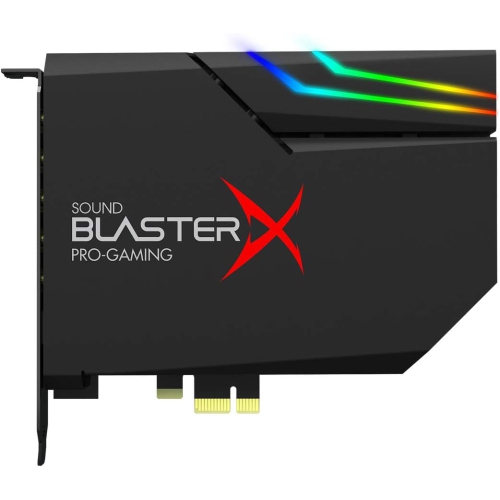
Sound cards for Windows 7 add or replace audio connections on a compatible computer, supporting uses such as music playback, gaming, voice chat, and basic recording. Internal PCIe sound cards and external USB audio adapters can both suit this operating system, but compatibility depends on documented Windows 7 support for the exact device and its drivers. Support for a newer version of Windows does not automatically mean a device will work with Windows 7, and 32-bit and 64-bit installations may require different driver packages. Some devices provide basic playback through built-in operating system drivers, while features such as microphone processing, surround sound, or headphone amplification may require the manufacturer’s software. This distinction matters on an older desktop that still handles a favourite game library or serves as a dedicated music computer. An internal card fits into a compatible expansion slot inside the case, keeping the main hardware tucked away while placing audio sockets along the back panel. PCI and PCIe are different interfaces and are not interchangeable, so the motherboard connection is as important as operating system support. Case size matters, too: compact desktops may need a low-profile card and the correct mounting bracket, whereas larger towers can often accommodate full-height brackets. External USB audio adapters place connections outside the computer and can suit laptops, compact desktops, or setups where opening the case is impractical. A nearby USB connection can also make headphones and microphones easier to reach without stretching cables behind a desk. Neither format is automatically better for every listener. The more useful distinction is whether the device has the right connections, driver support, and features for the equipment already in use. For a computer with a damaged headphone socket, a straightforward stereo adapter may be enough; a desktop connected to several speakers has a different set of requirements.
The connections on a Windows 7 sound card determine how well it fits into an existing audio setup. A pair of powered desktop speakers typically needs a stereo analogue output, while an analogue 5.1 speaker system usually requires separate outputs for the front, rear, and centre/subwoofer channels. A single headphone socket does not provide those separate speaker connections, even when software offers a virtual surround effect. Virtual surround processes sound for listening through two headphone drivers; it is different from sending discrete channels to speakers positioned around a room. Optical digital outputs can connect compatible receivers or other audio equipment, but the supported formats and channel counts depend on the sound card, its drivers, and the receiving device. A digital connection also sends conversion duties to the connected equipment rather than using the sound card’s analogue output stage. For headphone listening, amplifier output, headphone sensitivity, and impedance work together to influence usable volume and headroom. An impedance figure alone cannot establish whether a particular pairing will be a good match. Noise performance matters most during quiet passages, when a faint hiss or electrical buzz can become more noticeable between notes or beneath a soft voice. Signal-to-noise ratio and distortion specifications offer useful context, although published figures are not always measured under identical conditions. Higher sample rates and bit depths describe supported audio formats, not a guarantee that every recording or game will sound better. The quality of the source material, speakers, headphones, and listening space still shapes the result. A dedicated sound card can address limitations in onboard audio, but it cannot restore detail missing from a heavily compressed recording or remove every source of hum elsewhere in the setup. For everyday listening, dependable drivers, clean output at a comfortable volume, and conveniently positioned sockets can be more meaningful than a long list of processing effects.
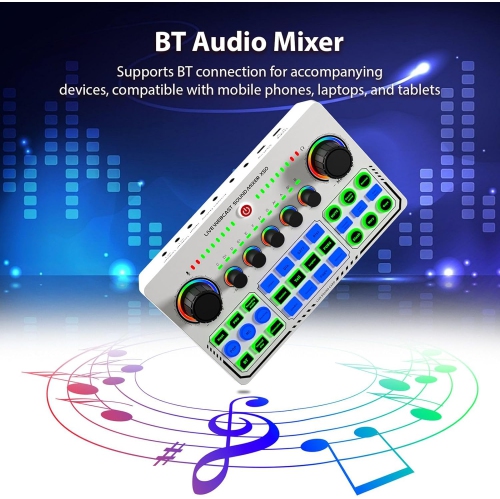
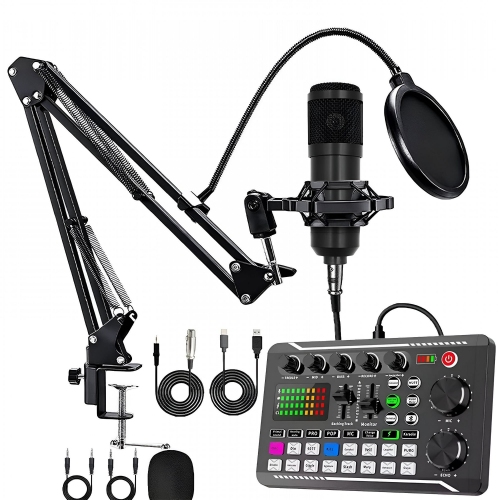
Recording and communication introduce another set of considerations, particularly when a Windows 7 computer doubles as a voice-chat station or a place to capture musical ideas. Microphone inputs and line inputs accept different signal levels, so a socket intended for a small computer microphone is not necessarily suitable for the output of a mixer or another audio component. Headsets also vary: some use separate headphone and microphone plugs, while others combine both functions in a single connector that requires a matching socket or a correctly wired adapter. A USB microphone generally uses its own audio hardware rather than the sound card’s microphone input. For musicians, driver support within the recording application can affect latency, the delay between performing a sound and hearing it through software. Direct monitoring, where supported, provides a way to hear an input without waiting for that software round trip. Sound cards are therefore one part of a recording setup, alongside suitable microphones, cables, and compatible applications; Music Softwares for Windows 7 covers a related part of that desktop workflow. Physical construction also deserves attention when audio connections are used frequently. Securely mounted sockets, a well-fitting metal bracket on an internal card, and a sturdy enclosure on an external adapter help protect connections from everyday movement. Cable strain can loosen or damage ports, especially when a headset lead catches on a chair or a USB adapter projects from the side of a laptop. Internal cards should be handled by their edges with the computer powered down and unplugged, following the manufacturer’s installation instructions and precautions against static discharge. Keeping vents clear and removing dust according to the computer manufacturer’s guidance supports reliable operation, while dry exterior cleaning avoids introducing moisture around sockets. For a shared family computer, a gaming desktop, or a gift intended to improve someone’s listening setup, the best fit starts with knowing the operating system version, case layout, and audio equipment involved. Those practical details help match the sound card to the way the computer is actually used.
The connections on a Windows 7 sound card determine how well it fits into an existing audio setup. A pair of powered desktop speakers typically needs a stereo analogue output, while an analogue 5.1 speaker system usually requires separate outputs for the front, rear, and centre/subwoofer channels. A single headphone socket does not provide those separate speaker connections, even when software offers a virtual surround effect. Virtual surround processes sound for listening through two headphone drivers; it is different from sending discrete channels to speakers positioned around a room. Optical digital outputs can connect compatible receivers or other audio equipment, but the supported formats and channel counts depend on the sound card, its drivers, and the receiving device. A digital connection also sends conversion duties to the connected equipment rather than using the sound card’s analogue output stage. For headphone listening, amplifier output, headphone sensitivity, and impedance work together to influence usable volume and headroom. An impedance figure alone cannot establish whether a particular pairing will be a good match. Noise performance matters most during quiet passages, when a faint hiss or electrical buzz can become more noticeable between notes or beneath a soft voice. Signal-to-noise ratio and distortion specifications offer useful context, although published figures are not always measured under identical conditions. Higher sample rates and bit depths describe supported audio formats, not a guarantee that every recording or game will sound better. The quality of the source material, speakers, headphones, and listening space still shapes the result. A dedicated sound card can address limitations in onboard audio, but it cannot restore detail missing from a heavily compressed recording or remove every source of hum elsewhere in the setup. For everyday listening, dependable drivers, clean output at a comfortable volume, and conveniently positioned sockets can be more meaningful than a long list of processing effects.
Recording and communication introduce another set of considerations, particularly when a Windows 7 computer doubles as a voice-chat station or a place to capture musical ideas. Microphone inputs and line inputs accept different signal levels, so a socket intended for a small computer microphone is not necessarily suitable for the output of a mixer or another audio component. Headsets also vary: some use separate headphone and microphone plugs, while others combine both functions in a single connector that requires a matching socket or a correctly wired adapter. A USB microphone generally uses its own audio hardware rather than the sound card’s microphone input. For musicians, driver support within the recording application can affect latency, the delay between performing a sound and hearing it through software. Direct monitoring, where supported, provides a way to hear an input without waiting for that software round trip. Sound cards are therefore one part of a recording setup, alongside suitable microphones, cables, and compatible applications; Music Softwares for Windows 7 covers a related part of that desktop workflow. Physical construction also deserves attention when audio connections are used frequently. Securely mounted sockets, a well-fitting metal bracket on an internal card, and a sturdy enclosure on an external adapter help protect connections from everyday movement. Cable strain can loosen or damage ports, especially when a headset lead catches on a chair or a USB adapter projects from the side of a laptop. Internal cards should be handled by their edges with the computer powered down and unplugged, following the manufacturer’s installation instructions and precautions against static discharge. Keeping vents clear and removing dust according to the computer manufacturer’s guidance supports reliable operation, while dry exterior cleaning avoids introducing moisture around sockets. For a shared family computer, a gaming desktop, or a gift intended to improve someone’s listening setup, the best fit starts with knowing the operating system version, case layout, and audio equipment involved. Those practical details help match the sound card to the way the computer is actually used.
Top selling and popular products
-
 Your price for this item is $29.95
-
 Your price for this item is $34.95
-
 Your price for this item is $115
-
 Your price for this item is $110
-
 Your price for this item is $588.8
-
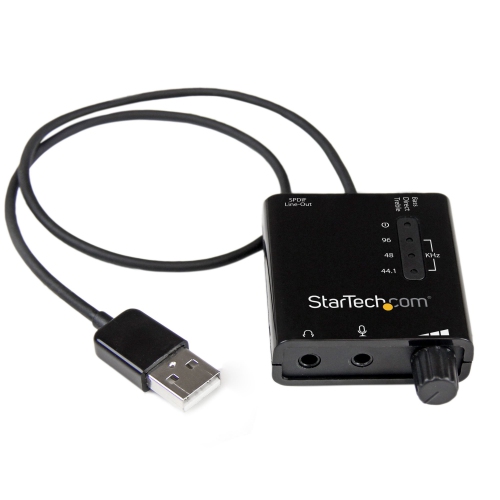 Your price for this item is $53.99
-
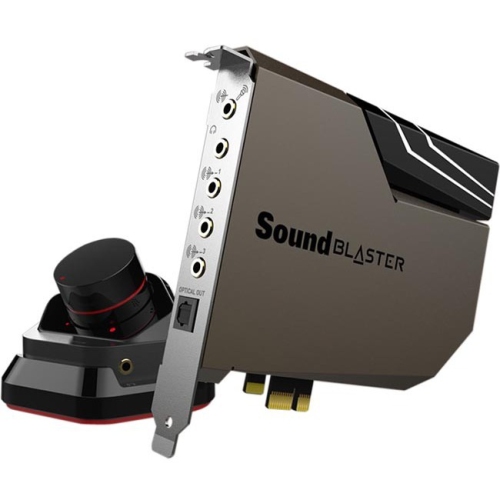 Your price for this item is $429.68
-
 Your price for this item is $89.99
Discover more categories related to Sound Cards for Windows 7
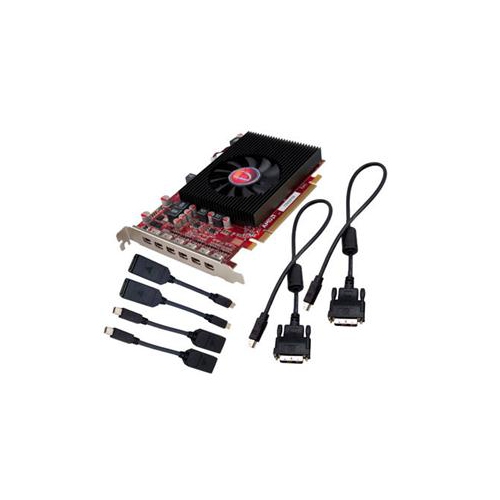
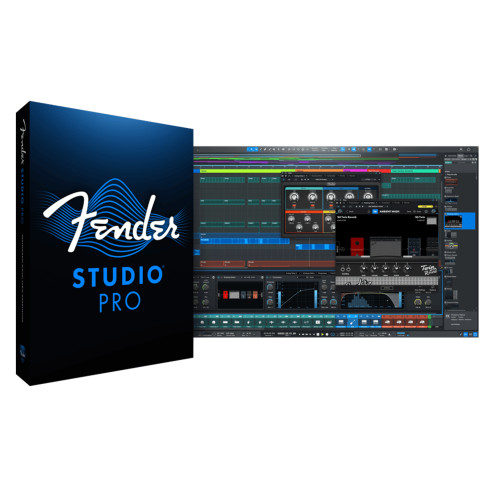
Top Collections:
Pokemon Centers, Pokémon 30th Celebration Cards, Best Budget Office Chairs, Kindle Devices, Best Cameras for Sports Photography, Canon G7X Cameras, Best Black Friday Deals On Electronics, Best Laptops for Writers, iPhone 15 Apple, Jackery Power Stations
Some products may be subject to Environmental Handling Fees
(EHF) depending on your province.
Learn more about EHFs.