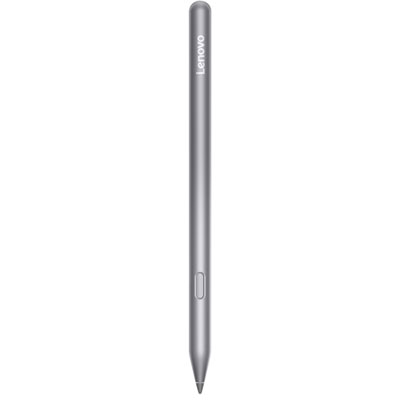
Pressure Sensitive Stylus Pens For Android Tablets
Pressure Sensitive Stylus Pens For Android Tablets offer a seamless way to interact with your device, making drawing, note-taking, and navigation more intuitive. Designed specifically for compatibility with Android tablets, these stylus pens provide a natural writing experience and precise control for creative projects or everyday tasks. Explore a wide selection of pressure sensitive stylus pens for Android tablets to find the perfect accessory that matches your needs and enhances your tablet use.
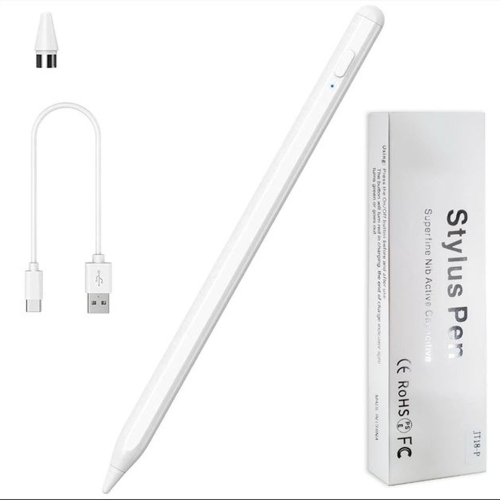
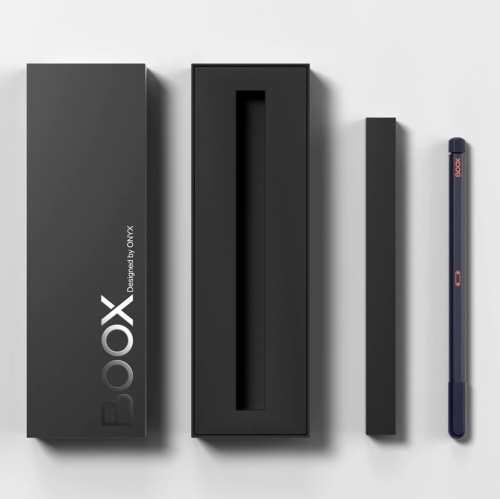
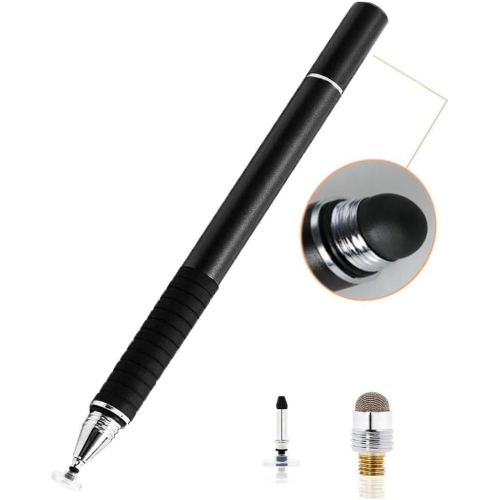
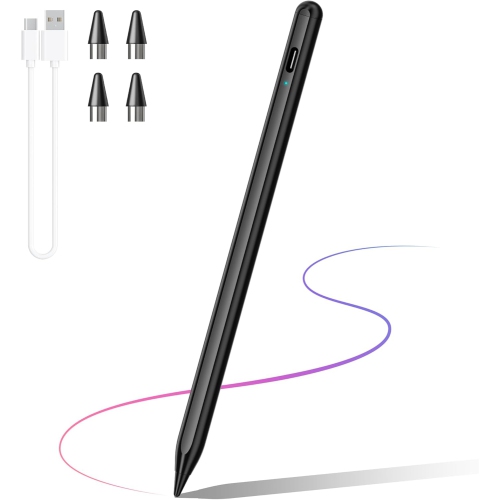
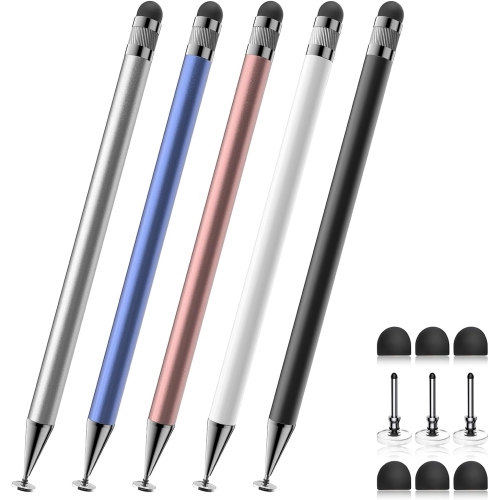
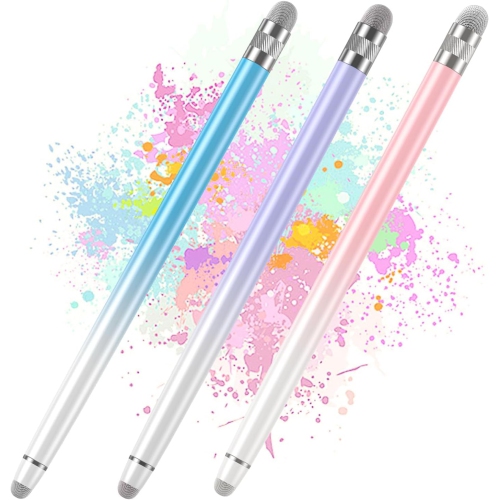

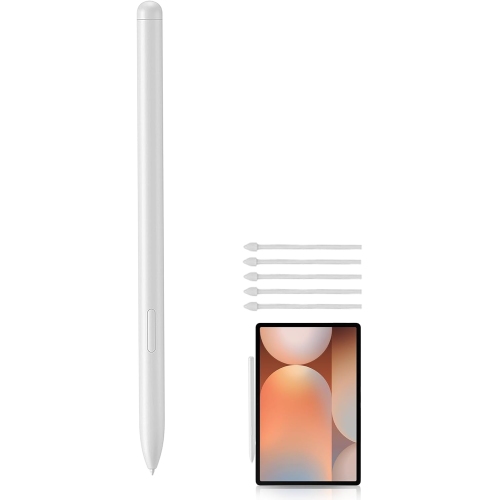
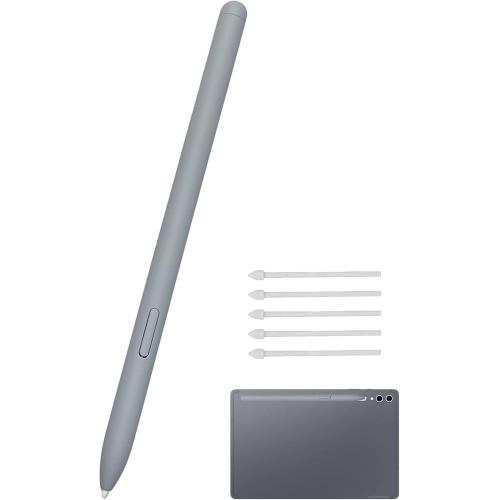
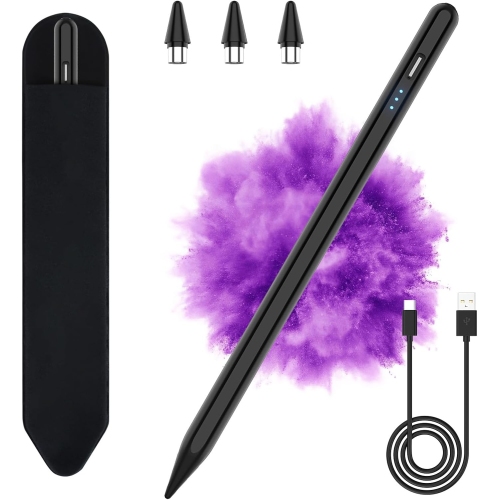
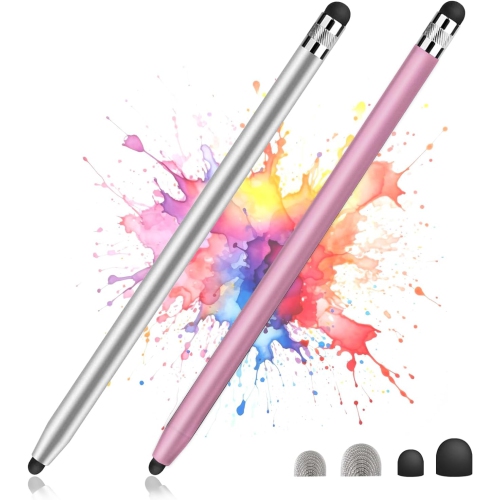
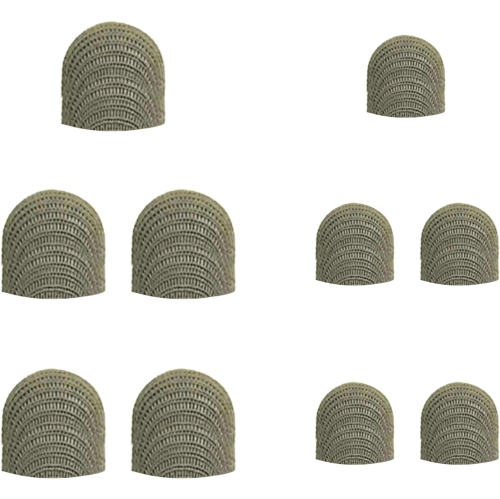
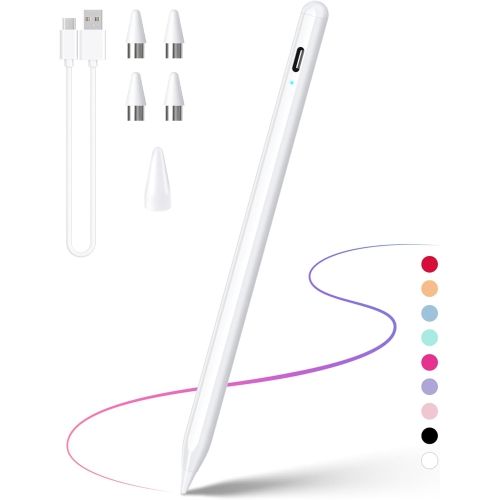
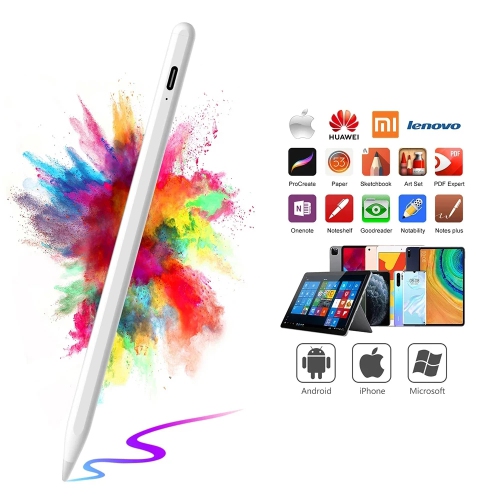
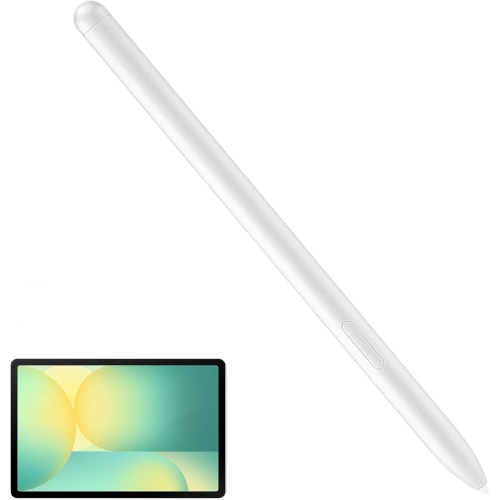
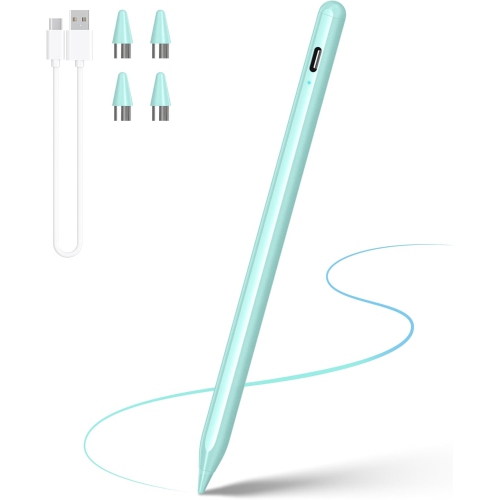

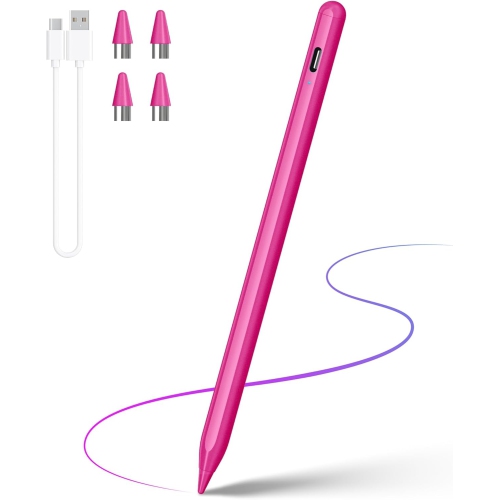
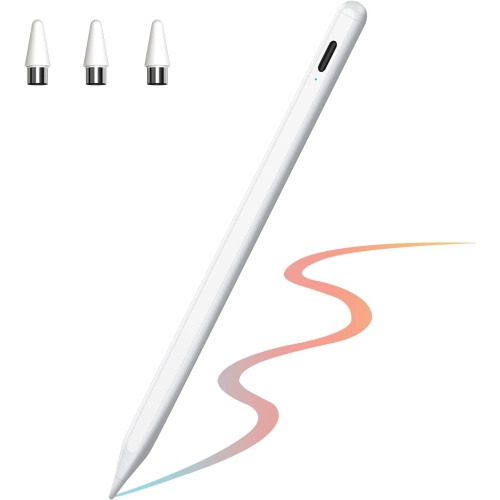
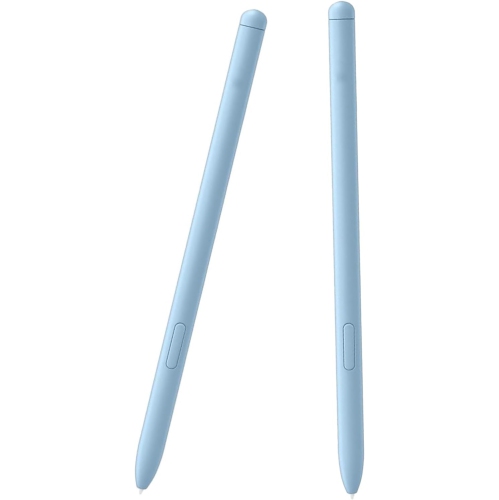
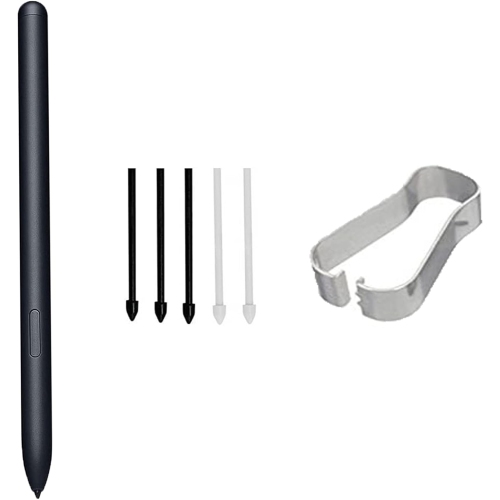
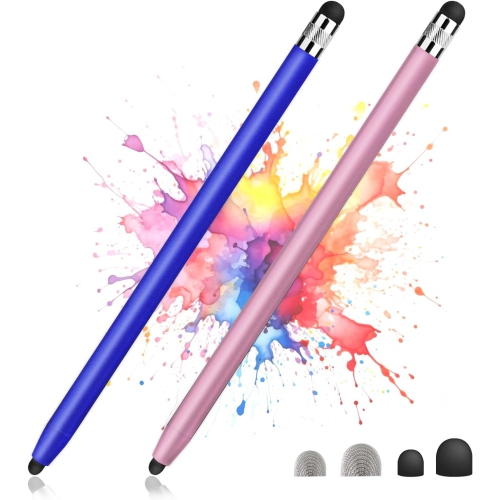
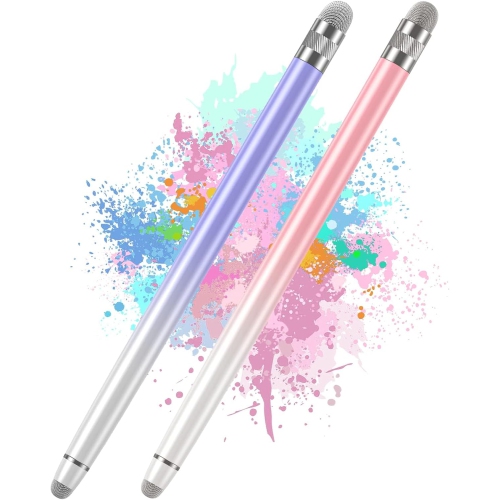
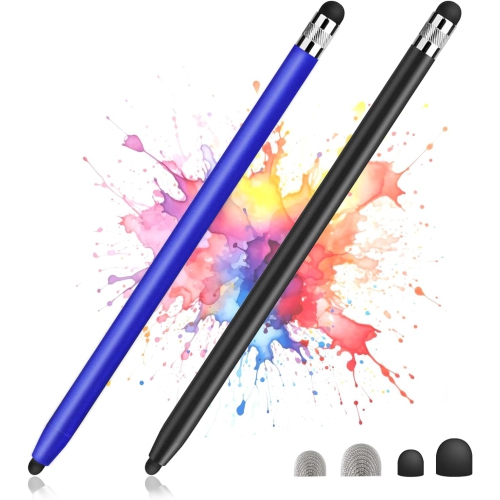
Precision and creativity for Android tablet users anywhere
Pressure sensitive stylus pens also make thoughtful and practical gifts, especially during the transition into the summer and fall seasons when graduations, birthdays, and back-to-school preparations are top of mind. They’re ideal for students heading off to university, creative professionals looking to streamline their workflow, or anyone who enjoys exploring new hobbies like digital painting or graphic design. When choosing a stylus, consider factors such as compatibility with your specific Android tablet model, battery life for those long outdoor sketching sessions, and ergonomic design for extended use. Some stylus pens offer programmable buttons for shortcuts, magnetic attachments for easy storage, and palm rejection technology to keep your hand comfortable as you work. With so many options, it’s easy to find a stylus that matches your needs and personal style, whether you’re enhancing productivity at the office, adding artistic flair to your summer travel journal, or simply enjoying the freedom to create wherever inspiration strikes. For a closer look at available options and to find the perfect fit for your device, visit the Android Tablet Stylus Pen page for more details.
FAQ
What features should I look for in a pressure sensitive stylus pen for Android tablets?
When choosing a pressure sensitive stylus pen for your Android tablet, consider features such as pressure sensitivity levels, palm rejection technology, tilt support, battery life, compatibility with your specific tablet model, and additional shortcut buttons for enhanced productivity.
Are pressure sensitive stylus pens compatible with all Android tablets?
Not all pressure sensitive stylus pens are universally compatible with every Android tablet. It's important to check the manufacturer's compatibility list or ensure that your tablet supports active stylus technology before purchasing.
How does pressure sensitivity enhance the drawing or writing experience on Android tablets?
Pressure sensitivity allows the stylus to detect variations in pressure applied to the screen, enabling users to create lines of varying thickness and opacity. This feature is especially useful for artists and note-takers who want a more natural and precise writing or drawing experience.
Do I need to install any apps or drivers to use a pressure sensitive stylus pen on my Android tablet?
Some stylus pens work out of the box with compatible Android tablets, while others may require you to install specific apps or drivers to access advanced features like pressure sensitivity or shortcut customization. Always refer to the manufacturer's instructions for setup details.
Can I use a pressure sensitive stylus pen for tasks other than drawing on my Android tablet?
Yes, pressure sensitive stylus pens can be used for a variety of tasks beyond drawing, such as taking handwritten notes, annotating documents, navigating your device, editing photos, and even controlling certain apps that support stylus input.
Top selling and popular products
-
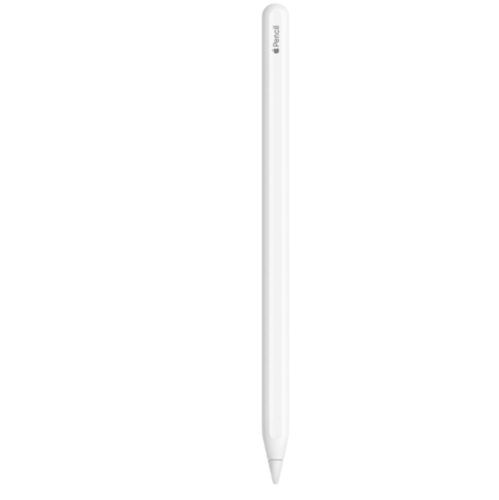 Your price for this item is $215.12
-
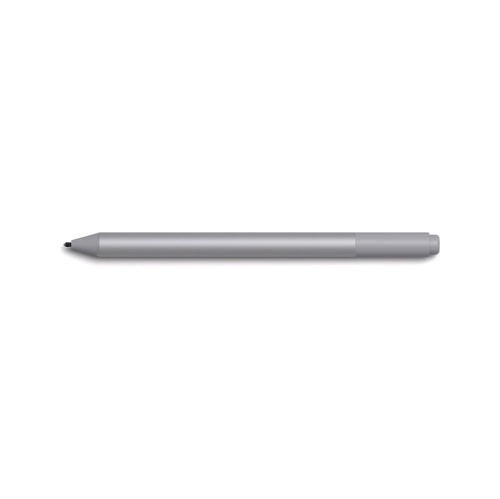 Your price for this item is $116.99
-
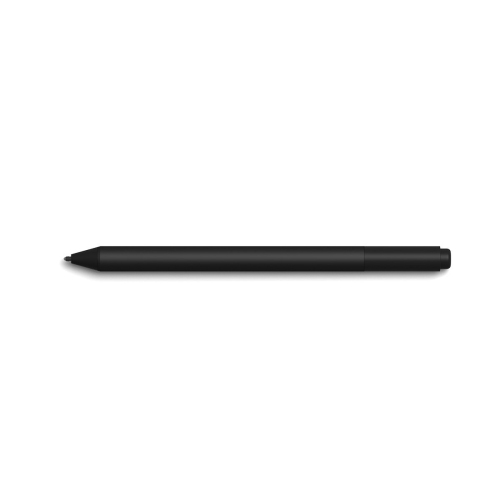 Your price for this item is $165.68
-
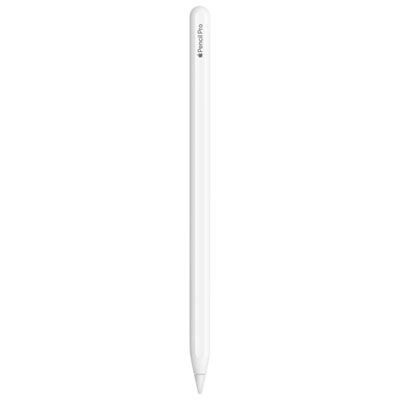 Your price for this item is $139.99
-
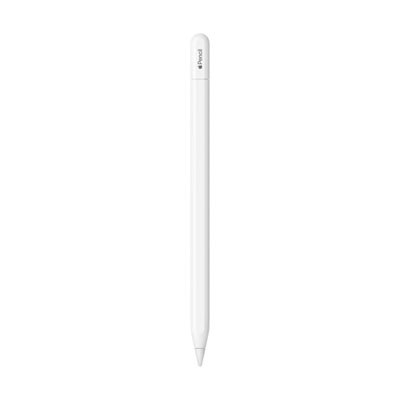 Your price for this item is $89.99
-
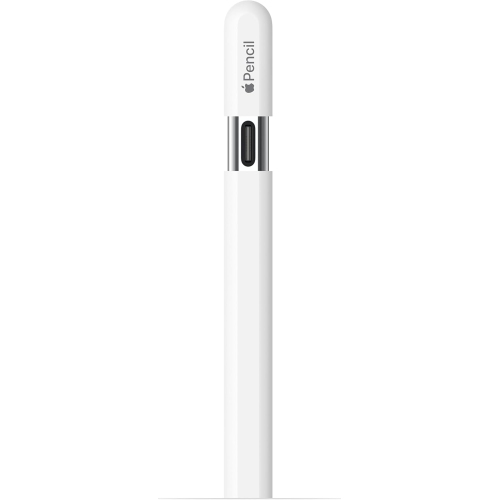 Your price for this item is $94.99
-
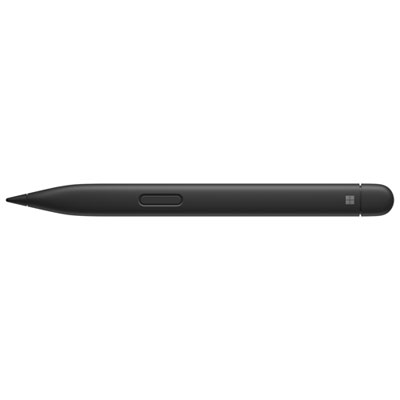 Your price for this item is $189.99
-
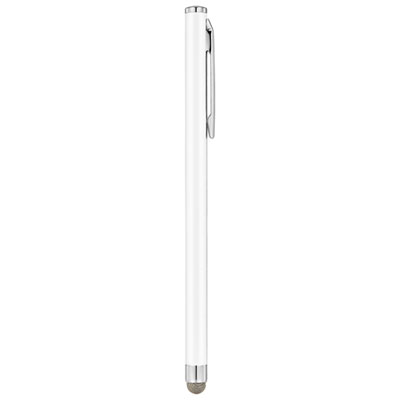 Your price for this item is $9.99