Tablets With FaceTime
Discover the perfect way to stay connected with a tablet with FaceTime. Whether you're catching up with friends, joining virtual meetings, or sharing special moments with family, these tablets make video calling easy and enjoyable. Explore a wide selection of models designed for seamless communication, entertainment, and productivity on the go. Find the ideal tablet with FaceTime to suit your lifestyle and keep you in touch wherever you are.
Sort





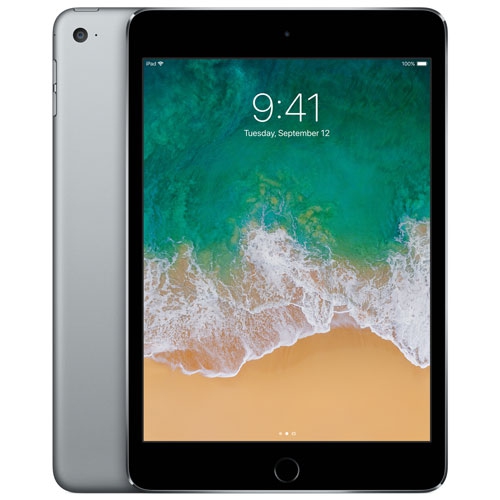


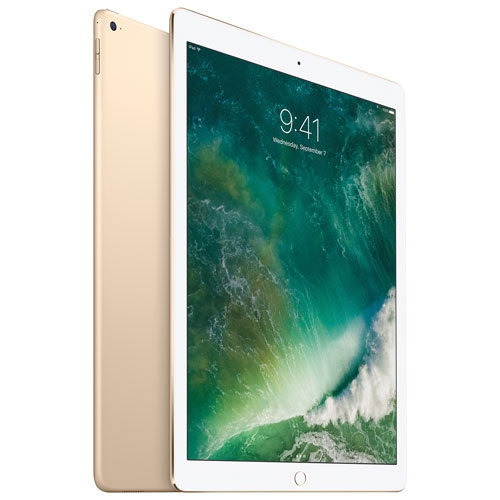
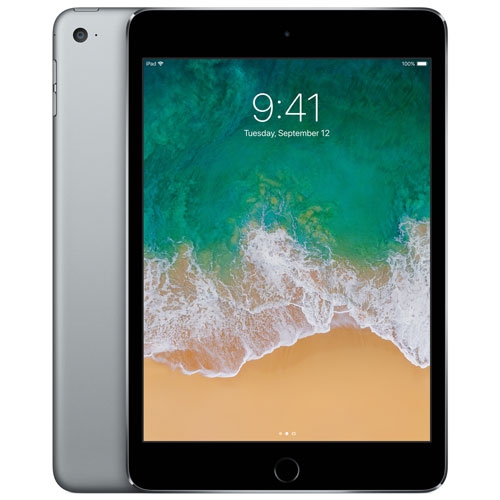
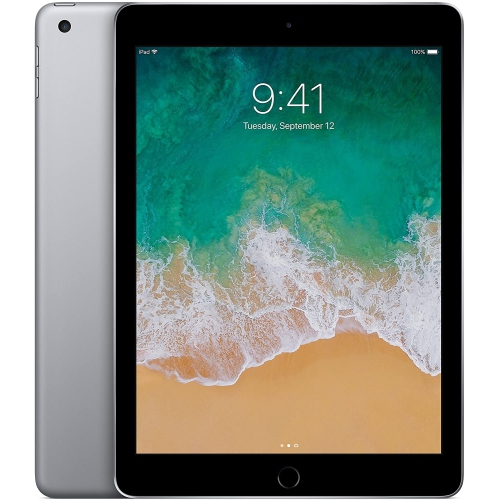
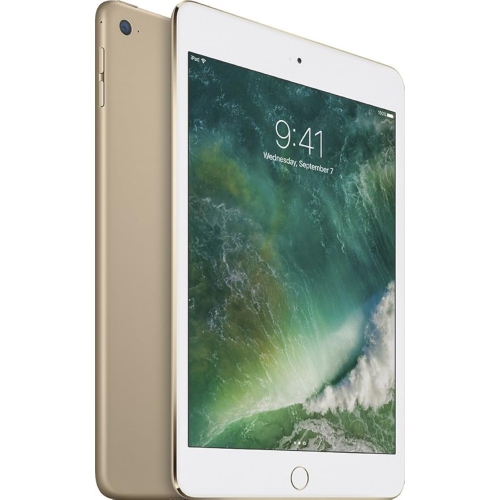
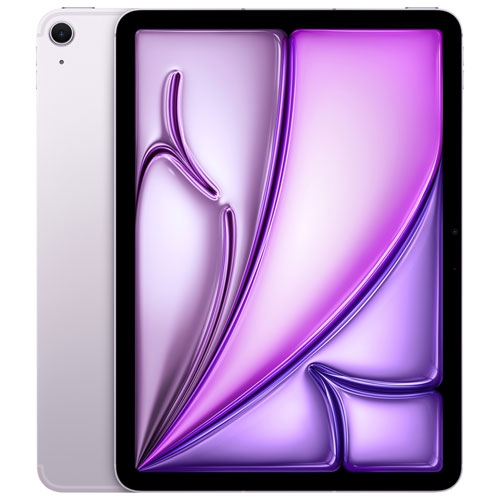

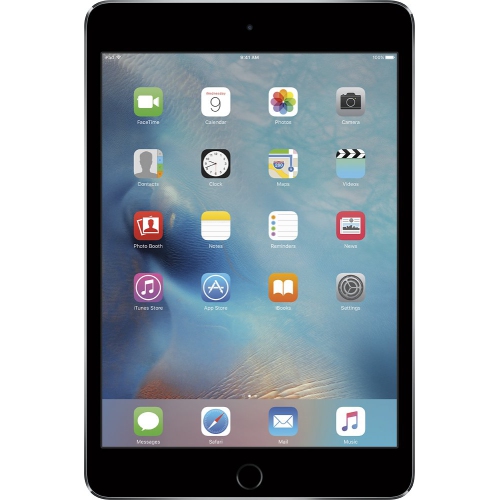







A bigger view for conversations beyond the desk
Tablets with FaceTime offer a larger screen for video conversations without tying the call to a desk. On a tablet with native support, the FaceTime app can place and receive video and audio calls over Wi-Fi or, on a cellular-capable model with an active data plan, through a mobile data connection. A front-facing camera alone does not make a tablet compatible with the app. Some tablets without native support can join a FaceTime call through an invitation link opened in a supported web browser, but joining by link is different from having the app’s built-in calling functions. That distinction matters for anyone who wants to open a contact, start a conversation and answer incoming calls directly on the tablet. For everyday use, a steady internet connection helps keep speech clear and movement smooth, whether the conversation is a quick check-in or an hour spent catching up with family. A tablet can sit on a kitchen table while grandparents watch a child show off a drawing, rest on a stand during a conversation between friends, or travel between rooms when a quieter spot is needed. The extra display space is particularly useful when several people share the frame or a group call brings together relatives in different places. It can also make facial expressions easier to see than on a small phone screen. Initial setup generally includes signing in to an account, enabling FaceTime and selecting the contact details that can receive calls. For shared household tablets, those settings help determine whose calls appear on the device. Screen size, front-camera placement and clear sound are useful points of comparison across iPads for Video Calls. Beyond calling, a tablet can serve as a reading screen, a place to check messages or a portable display for entertainment, making FaceTime one part of a device used throughout the day.
The physical design of a tablet makes a noticeable difference during longer conversations. A compact screen and lighter body are easier to hold in one hand, while a larger display gives faces, shared photos and on-screen controls more room. Larger tablets also take up more space on a bedside table or narrow shelf, especially once a protective case and stand are added. Display size is measured diagonally, so the overall width, height and weight remain important when judging how comfortably a tablet fits into daily routines. Many designs pair a glass screen with a metal or rigid composite housing; a textured case can add grip when the body feels smooth in the hand. A stable folding cover or adjustable stand is useful for hands-free calls, particularly when the tablet needs to stay at eye level rather than point upwards from a countertop. Front-camera position deserves attention, too. A camera placed along the longer edge can provide a more natural viewing angle when the tablet is used horizontally, although the best position depends on how the device is held. Where supported, automatic framing can help keep a person in view as they move, but it does not replace thoughtful placement. Soft light falling towards the face usually gives a clearer picture than a bright window directly behind it. Camera resolution is only one part of image quality; lighting, processing and connection quality also affect what the other person sees. Built-in microphones and speakers are convenient for a shared conversation, while compatible headphones can make speech easier to follow in a busy room and keep the other caller’s voice more private. Charging connections, headphone compatibility and the fit of any keyboard case are worth checking together, since accessories need to match the tablet’s dimensions and ports. Software support also matters beyond the first call, affecting access to calling features, app compatibility and security updates over time.
A tablet used regularly for FaceTime benefits from practical protection and straightforward care. A fitted case with reinforced corners can provide a buffer against everyday knocks, while a compatible screen protector adds a replaceable layer over the display. Neither makes a tablet unbreakable, and resistance to spills or splashes should never be assumed without checking the device’s stated protection. For cleaning, a soft, lint-free cloth and the manufacturer’s recommended method help remove fingerprints without damaging the screen coating; liquid should not be sprayed directly onto the tablet or allowed into openings. A stand with a broad, steady base is especially useful around an active household, where a sleeve brushing the edge of a table can interrupt a call. Battery needs also depend on how the tablet is used. Video calling keeps the display, camera, microphone and network connection working together, so a battery estimate based on other activities may not reflect a long FaceTime conversation. Having a suitable charger within reach helps with extended calls, provided the cable can run safely without pulling the tablet off its stand. For someone who finds small controls difficult, adjustable text, display settings and supported accessibility features can make the wider tablet experience more comfortable. Captions, where available for the device, language and region, may also help a caller follow a conversation. Children using a shared tablet may need age-appropriate account settings and adult help managing contacts, while adults sharing one device may prefer to review call notifications and account access. A passcode and an up-to-date operating system help protect personal information beyond the call itself. As a gift, a FaceTime-compatible tablet can suit a grandparent who values a larger view, a student keeping in touch from another city or a frequent traveller wanting a familiar way to call home. A well-matched case, a stable viewing position and a simple setup can make that gift easier to use from the first conversation.
Top selling and popular products
-
 Your price for this item is $889.99
-
 Your price for this item is $949.97
-
 Your price for this item is $1549.99
-
 Your price for this item is $869.99
-
 Your price for this item is $1195.99
-
 Your price for this item is $949.99
-
 Your price for this item is $949.98
-
 Your price for this item is $979.99
Discover more categories related to Tablets With FaceTime


Top Collections:
Best Black Friday Deals This Year, Best Black Friday Deals On Electronics, Kindle Devices, Pokemon Centers, Best Black Friday Deals On Apple Products, Best Cameras for Sports Photography, Dyson Airwrap, Pokémon 30th Celebration Cards, Apple iPhone 17 Pro, Canon G7X Cameras
Some products may be subject to Environmental Handling Fees
(EHF) depending on your province.
Learn more about EHFs.