Tablets With Facial Recognition
Tablets With Facial Recognition offer a seamless and secure way to access your device with just a glance. Designed for convenience and enhanced privacy, these tablets make it easy to unlock your screen and manage your tasks efficiently. Whether you’re working, streaming, or staying connected on the go, Tablets With Facial Recognition provide a modern solution for users seeking both functionality and ease of use. Explore a wide selection to find the perfect match for your lifestyle and needs.
Sort
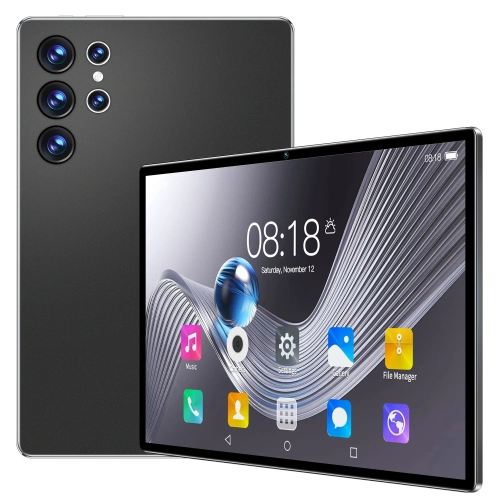
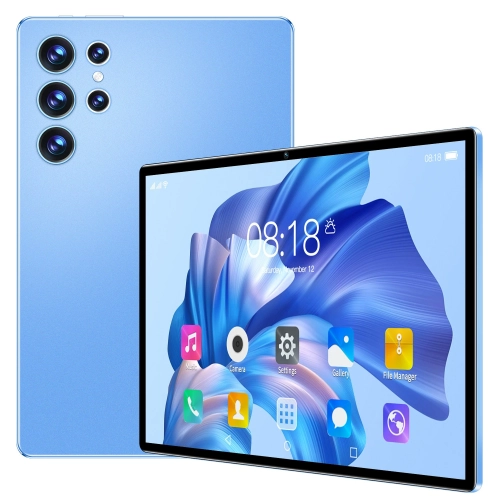
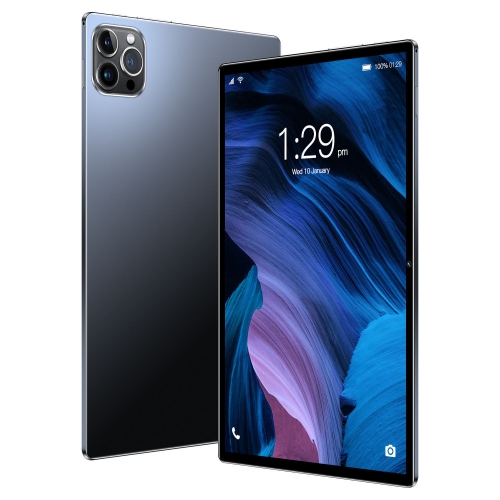
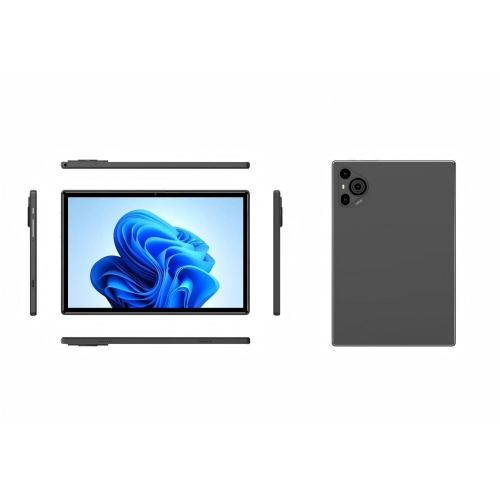
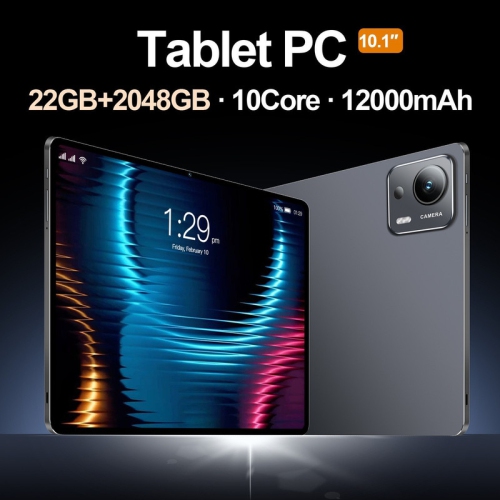
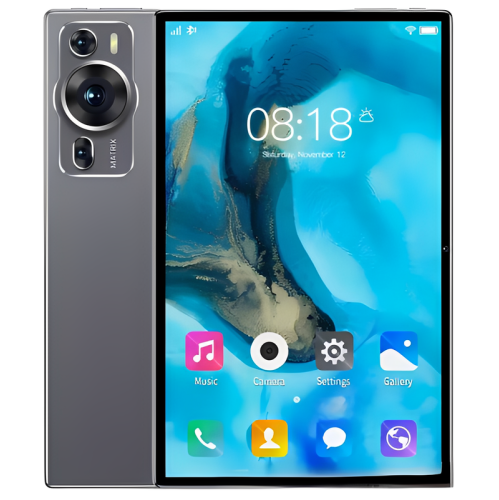
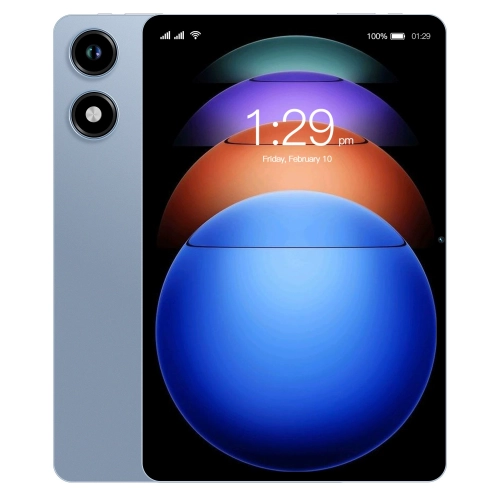
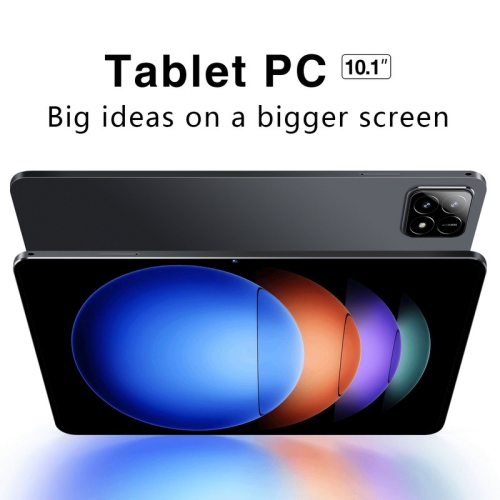
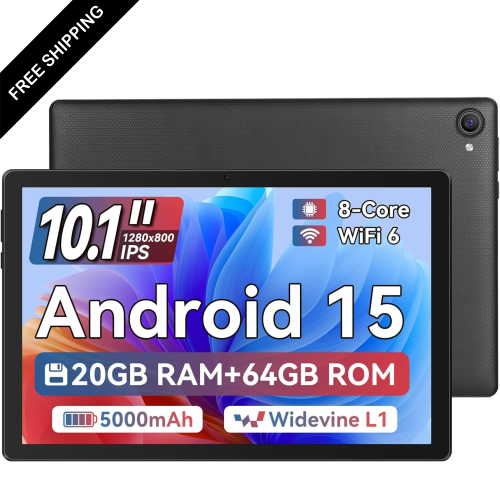
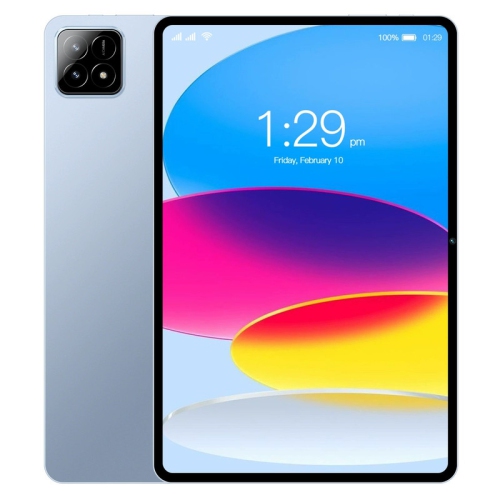
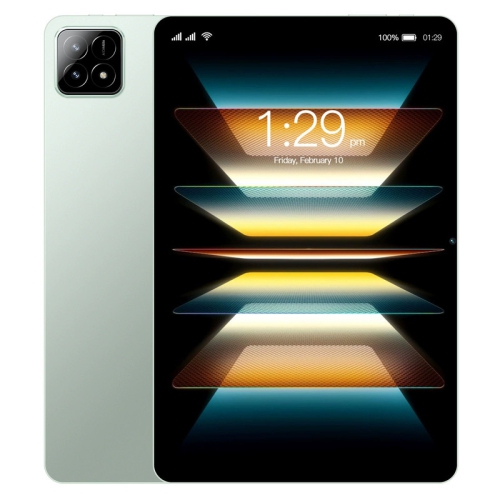
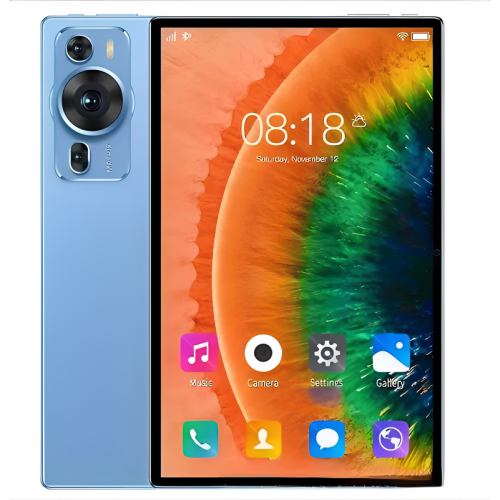
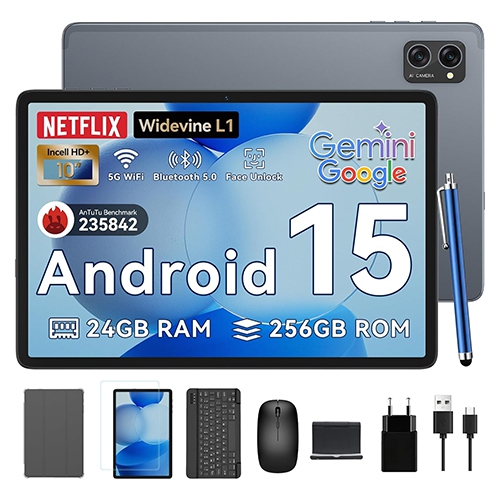
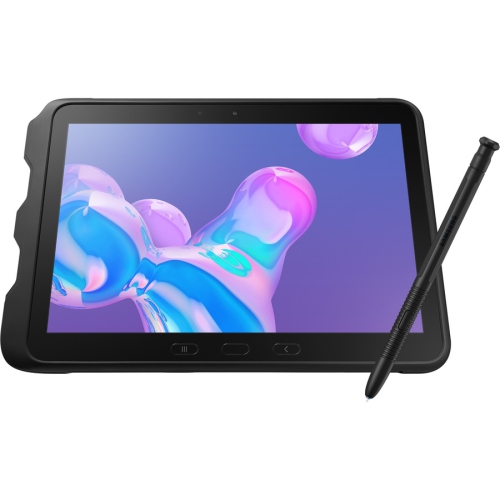

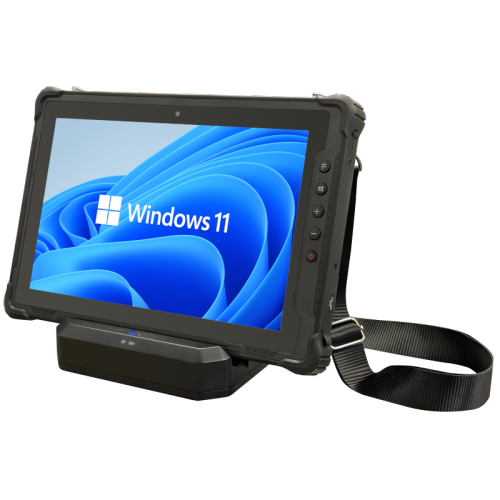
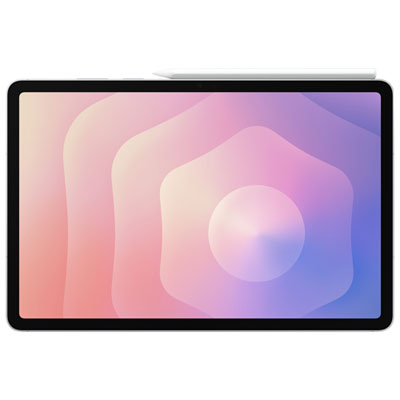

Why face unlock security varies from tablet to tablet
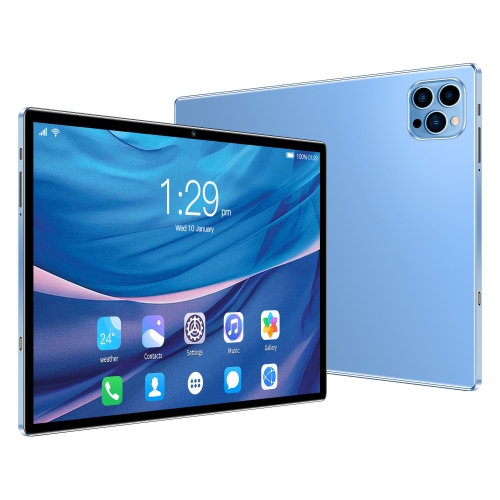
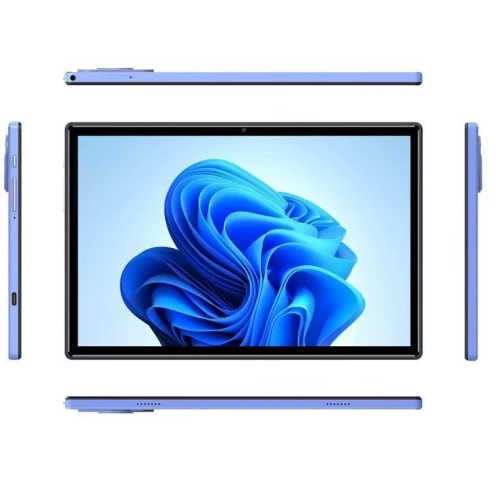
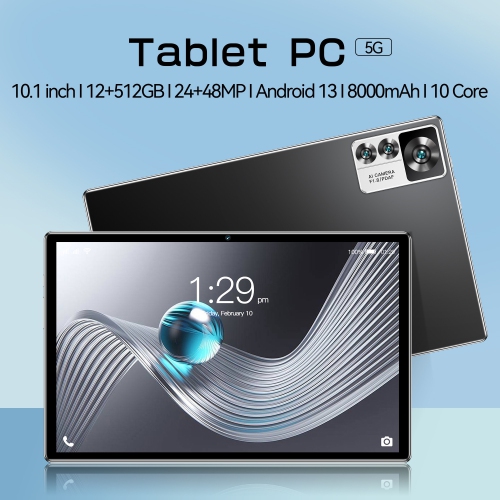
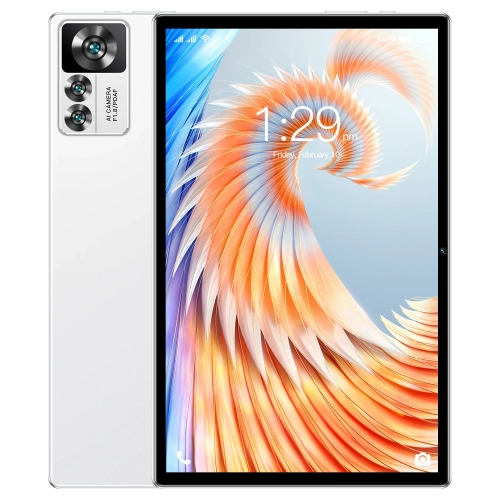
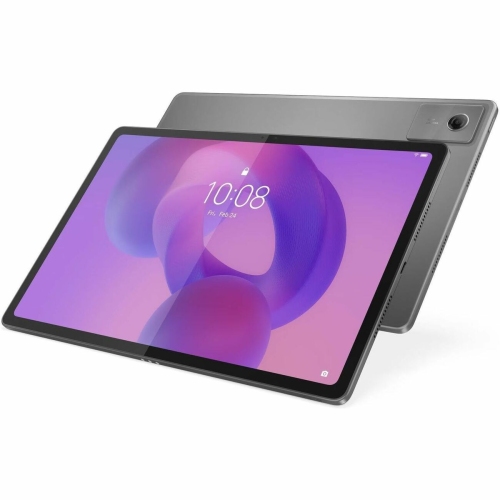
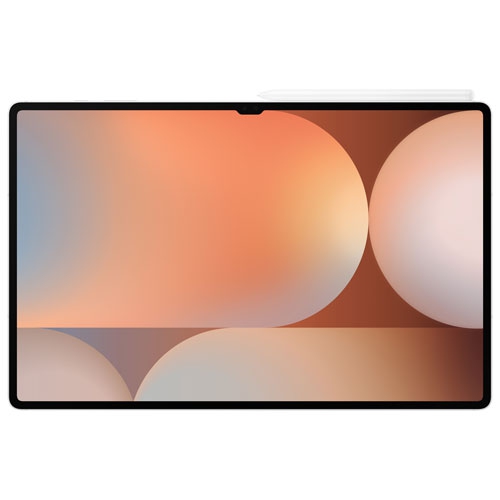
Tablets with facial recognition use a front-facing camera, infrared sensors, depth-sensing hardware, or a combination of these technologies to recognize an enrolled face and unlock the device. This can make everyday access feel more direct: set the tablet on a desk, look towards the screen, and continue reading, working, or watching without entering a passcode each time. The important distinction is that not all face unlock systems offer the same protection. Basic camera-based recognition typically compares a visible image with stored facial information, while more advanced systems can use depth or infrared data to assess facial features. Camera-only implementations may be more vulnerable to photographs or similar-looking faces, depending on their design. Systems that meet the operating system’s security requirements may also authenticate supported apps, approve purchases, or unlock saved passwords, but those functions should not be assumed from the presence of face unlock alone. A front-facing camera for video calls does not automatically mean a tablet supports facial recognition, either; that capability must be supported by the device’s hardware and software. For someone checking a recipe with flour on their fingers or opening meeting notes while the tablet rests on a stand, facial recognition reduces the need to touch the screen just to sign in. Performance still depends on the implementation, camera position, viewing angle, and whether the face is clearly visible. Support for glasses, face coverings, landscape orientation, and recognition in dim rooms varies between devices. Infrared-assisted systems can work without relying on the same visible light needed by an ordinary camera, although their capabilities differ. A passcode, password, or another supported sign-in method remains necessary as a backup and may be required after restarting the tablet or after unsuccessful recognition attempts. Facial recognition is therefore best understood as a convenient way to access a compatible tablet, with its security level and permitted uses determined by the particular system.
Beyond the sign-in experience, a tablet needs to suit the activities that fill the rest of the day. A compact screen is easier to hold while reading on the sofa or carrying between appointments, whereas a larger display gives spreadsheets, drawings, and side-by-side documents more room. Screen quality matters just as much as size: clear text supports long reading sessions, good colour reproduction helps with visual work, and a responsive touchscreen makes handwritten notes feel more immediate when paired with a compatible stylus. For students moving between lecture notes and research, or professionals reviewing documents away from a desk, keyboard support and practical multitasking features can be more important than entertainment extras. The operating system determines which apps run, how files are handled, and which accessories work, so familiar software and required workplace tools deserve attention alongside facial recognition. Processing power and memory affect how comfortably the tablet handles several tasks, while storage needs grow with downloaded videos, large presentations, games, and creative projects. Battery life varies with brightness, network use, video calls, and demanding apps; advertised estimates do not represent every routine. Wi-Fi supports online access through a compatible network, while cellular-capable tablets can offer another connection option with a suitable plan and coverage. Camera placement also becomes noticeable during daily use. A tablet resting horizontally in a keyboard case should provide a comfortable view for calls, and its facial recognition sensors need to remain unobstructed for sign-in. A stable stand can help keep the screen at a useful angle without requiring the tablet to be lifted repeatedly. For users with limited hand dexterity, face unlock may reduce repeated passcode entry, though accessibility features and attention requirements differ between systems. Shoppers interested in spoken commands as another way to interact can also explore Tablets With Voice Recognition. Voice features and facial recognition serve different purposes: one can support compatible spoken interactions, while the other can help verify identity for device access. Neither feature alone guarantees that every app or task can be handled without touching the screen.
Materials, accessory fit, and regular care help determine how comfortably a facial recognition tablet fits into daily life. Aluminium bodies can feel rigid and substantial, while other constructions may prioritize lower weight; overall durability depends on the full design rather than the casing material alone. Glass displays still need protection from knocks, pressure inside a bag, and abrasive debris. A fitted case with raised edges can help guard against everyday bumps, but it should match the tablet’s dimensions, buttons, ports, and camera openings precisely. Covers, screen protectors, and attached keyboard accessories must not block the sensors used for facial recognition. A folio that folds into a stand can be useful at a kitchen counter or shared desk, provided its viewing positions keep the face within the sensor’s supported range. For cleaning, follow the manufacturer’s instructions, use an appropriate soft cloth, and avoid spraying liquid directly onto the device. Keeping the front camera and sensor area free of smudges can help preserve reliable operation, while careful handling of charging cables and connectors helps prevent unnecessary strain. Water resistance is not a standard feature across tablets, so use around sinks or drinks calls for care unless the device has an applicable rating. On a shared household tablet, biometric enrolment, separate user profiles, and parental controls require particular attention because support varies by operating system and device. Face unlock is not a substitute for account permissions, purchase restrictions, or a strong backup credential. Ongoing software updates also matter, especially when the tablet holds work files, personal messages, or saved account details. As a gift, a tablet with facial recognition can suit a university student, a frequent reader, a creative hobbyist, or a family member who values straightforward access to everyday apps. The strongest fit depends on the recipient’s preferred software, comfortable screen size, and intended use, with facial recognition adding convenience to a device that already meets those needs.
Top selling and popular products
-
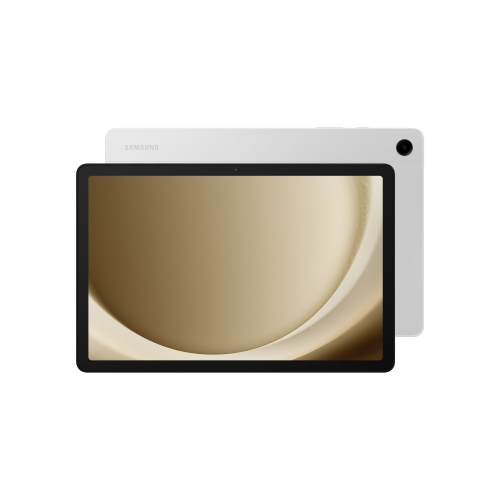 Your price for this item is $499.99
-
 Your price for this item is $350
-
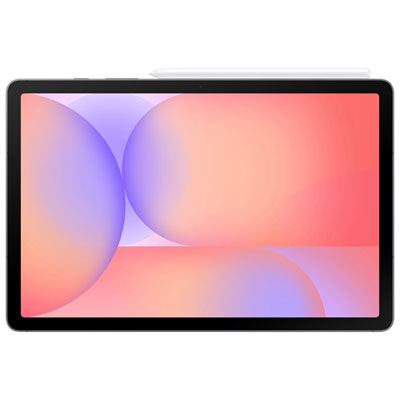 Your price for this item is $399.99
-
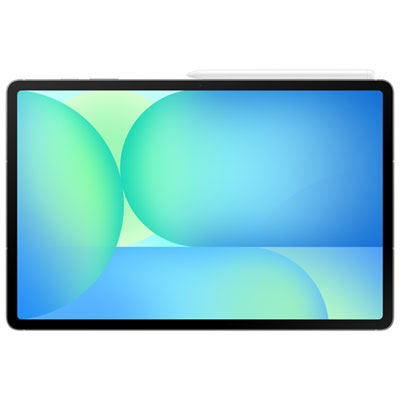 Your price for this item is $979.99
-
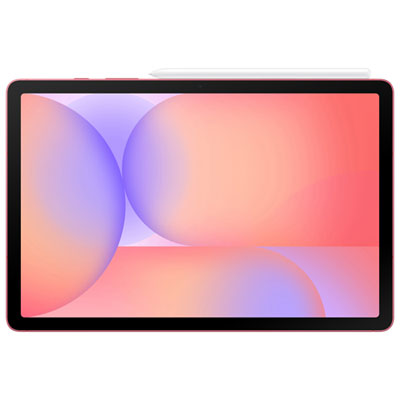 Your price for this item is $399.99
-
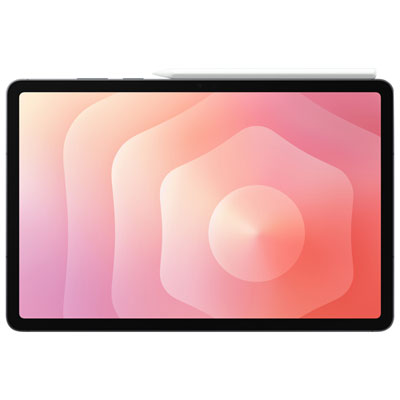 Your price for this item is $1399.99
-
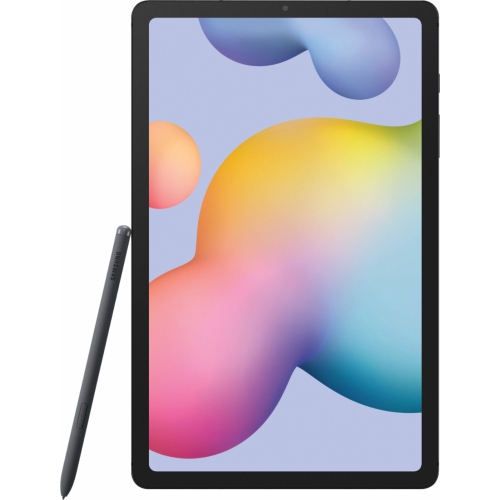 Your price for this item is $699.99
-
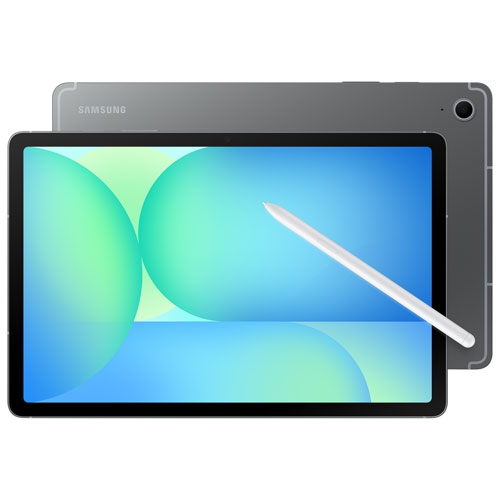 Your price for this item is $664.95
Discover more categories related to Tablets With Facial Recognition
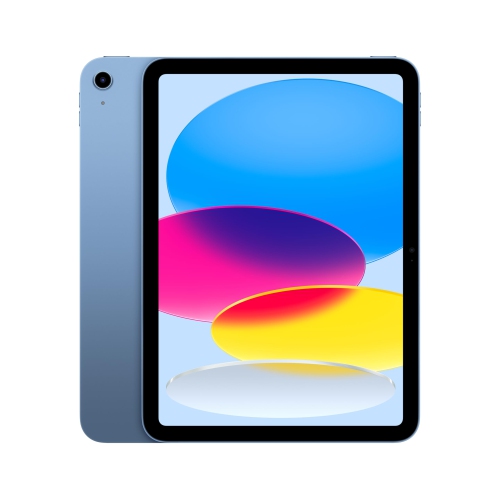
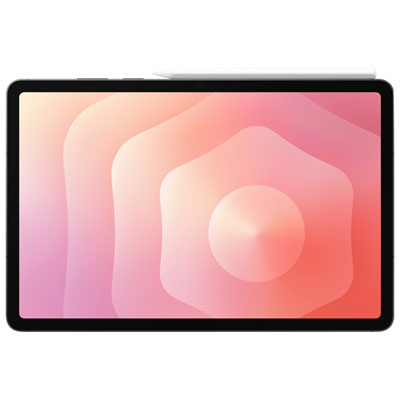
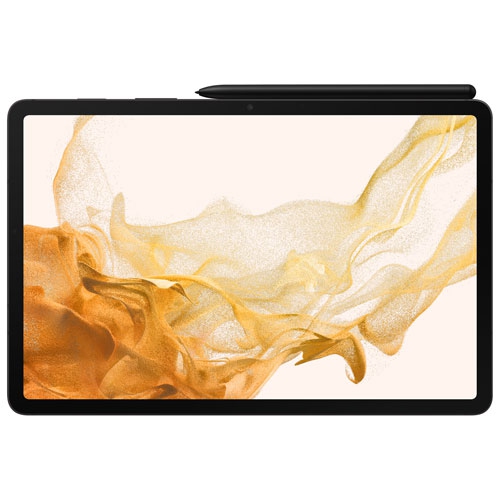
Top Collections:
Best Black Friday Deals This Year, Best Black Friday Deals On Electronics, Kindle Devices, Pokemon Centers, Best Black Friday Deals On Apple Products, Best Cameras for Sports Photography, Dyson Airwrap, Pokémon 30th Celebration Cards, Apple iPhone 17 Pro, Canon G7X Cameras
Some products may be subject to Environmental Handling Fees
(EHF) depending on your province.
Learn more about EHFs.