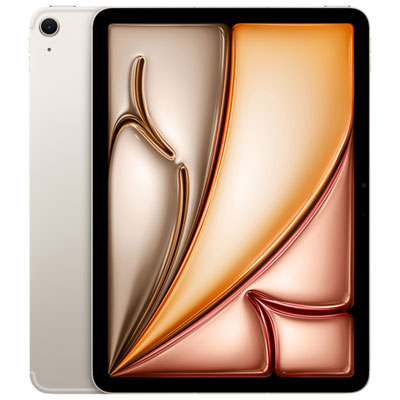
iPads For Video Calls
Stay connected with friends, family, and colleagues using iPads for video calls. These versatile tablets offer a convenient way to participate in virtual meetings, catch up with loved ones, or join online classes from almost anywhere. Whether you’re looking for a device to support your remote work setup or simply want an easy way to stay in touch, iPads for video calls provide a user-friendly solution designed for seamless communication. Explore a range of options to find the right fit for your needs and enjoy clear, reliable video chats every time.
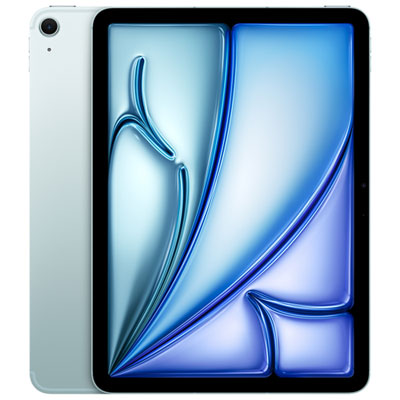
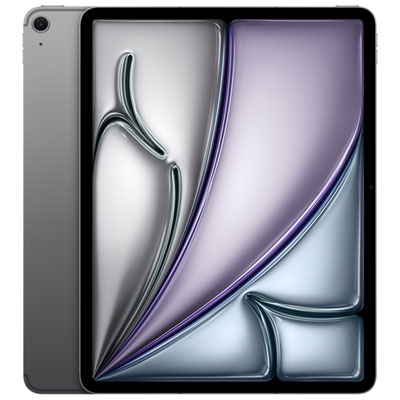
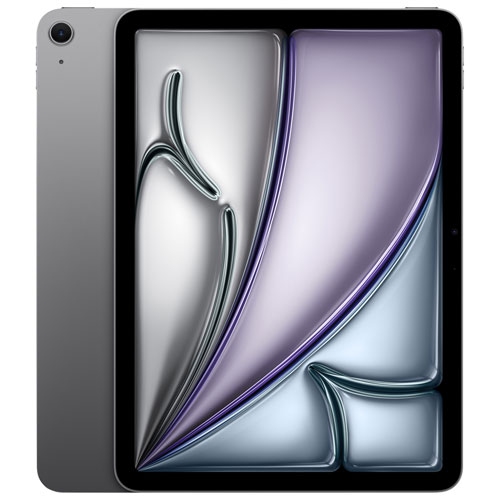
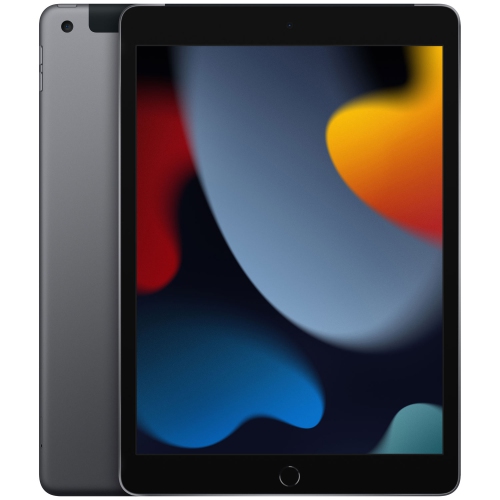
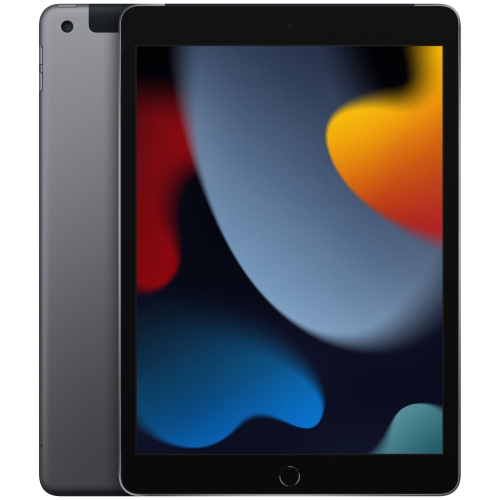
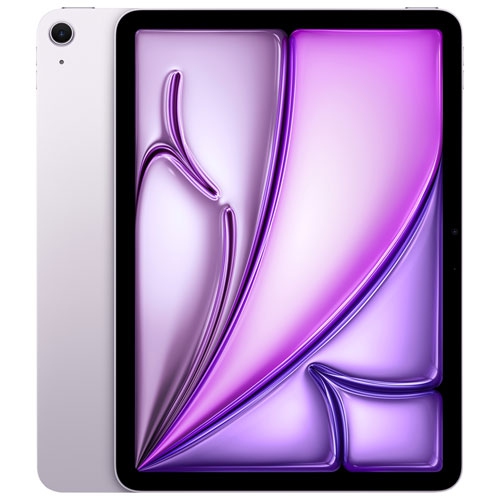
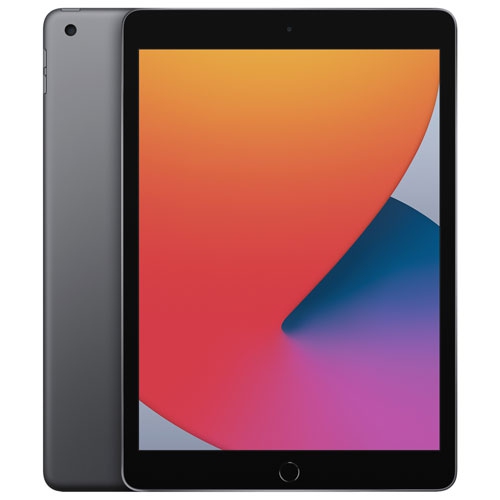
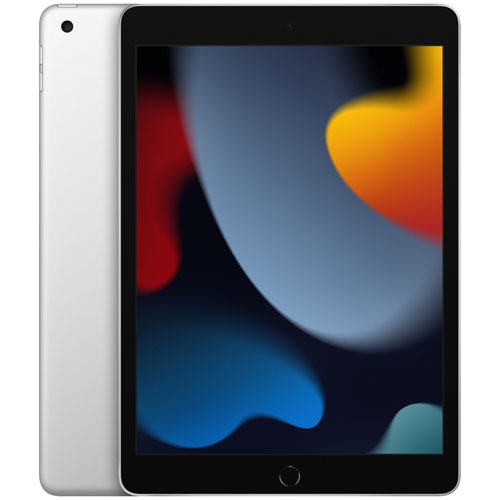
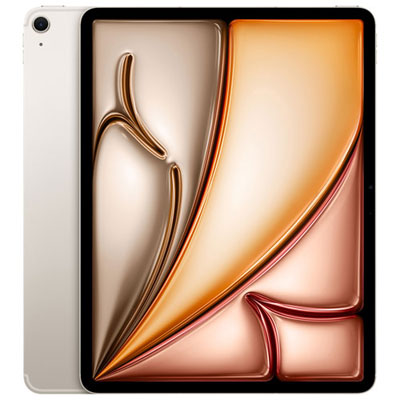
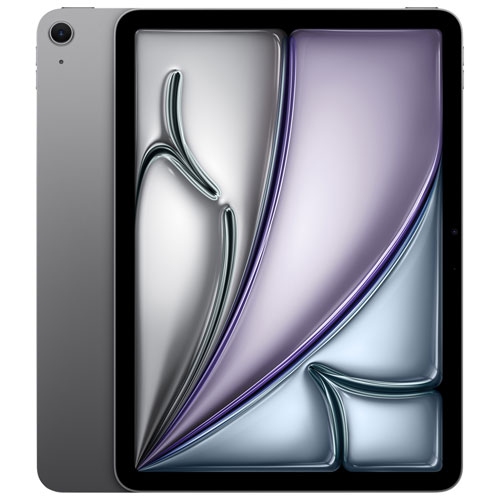
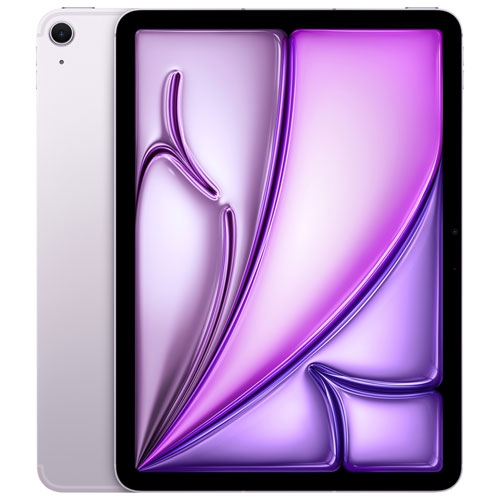
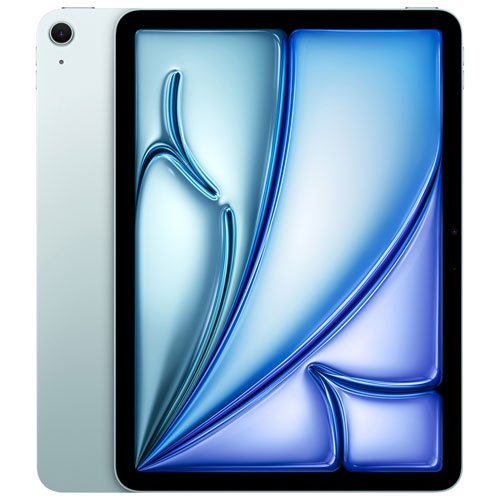
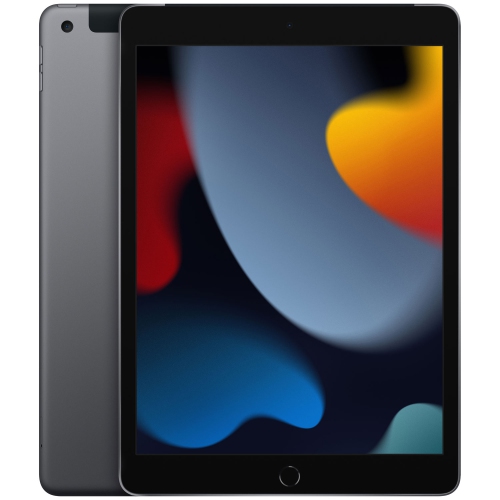

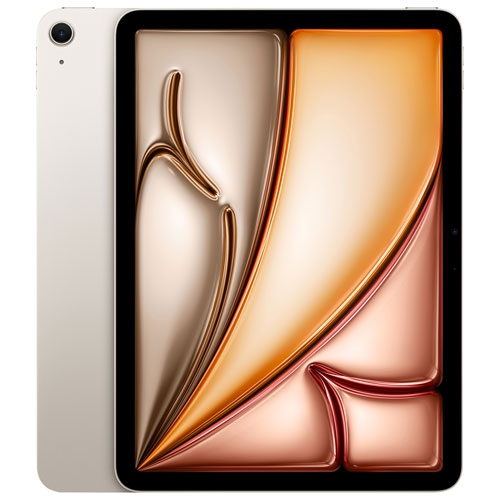
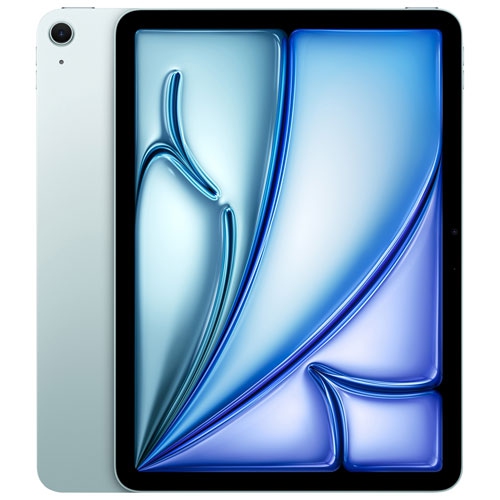
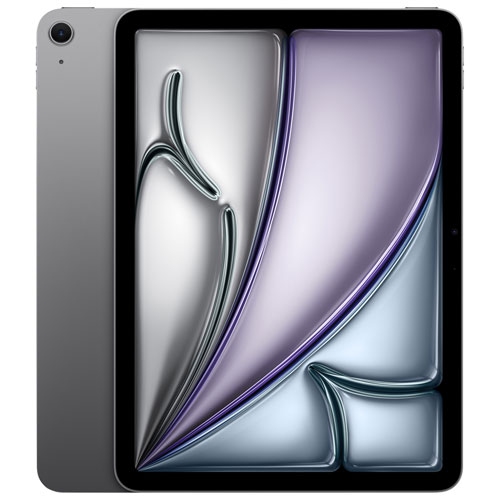
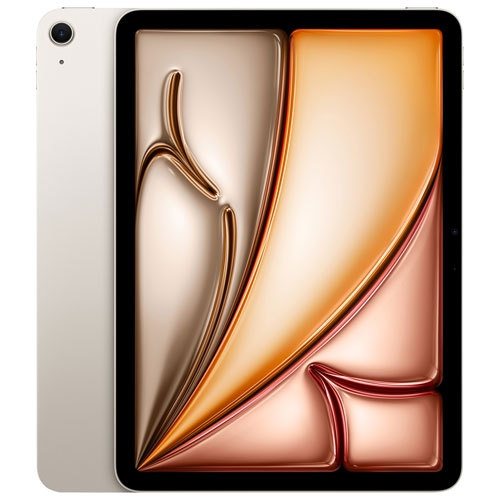
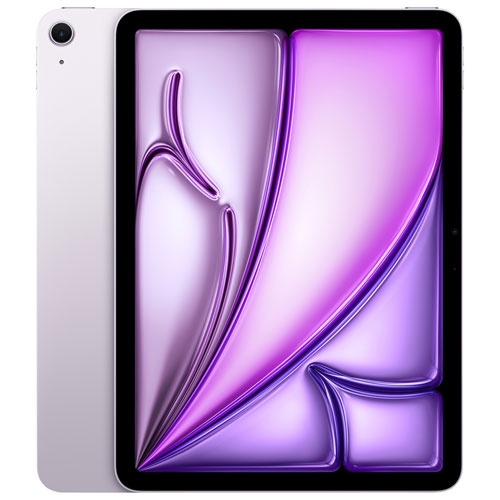
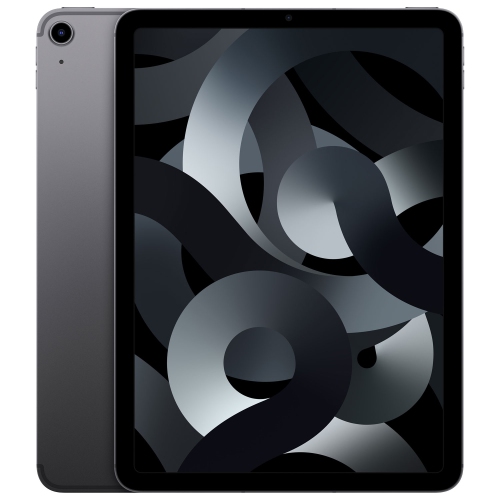
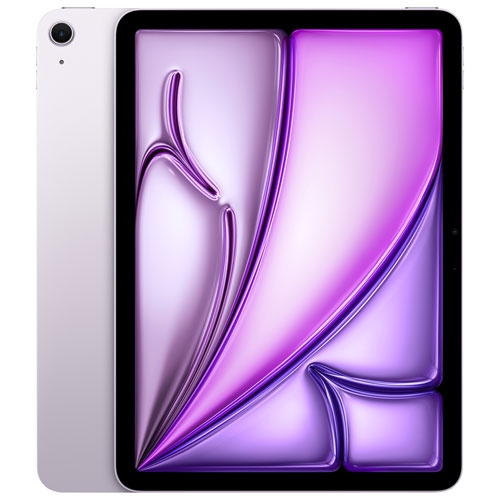
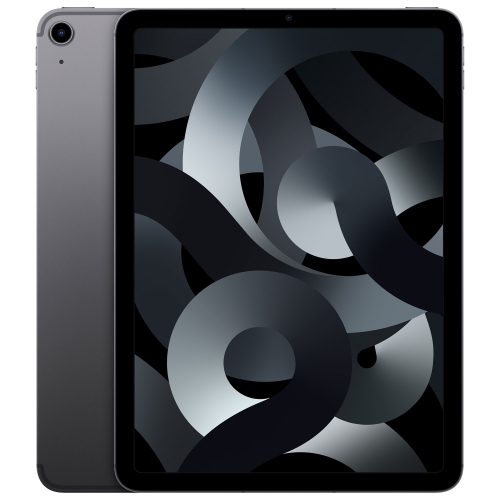
Stay connected with clear, convenient video calls anywhere
When choosing an iPad for video calls, there are several features to consider that can enhance your experience. A high-resolution front-facing camera is essential for clear, vibrant video quality, especially if you’re searching for the best iPad for video calls camera. Look for models that offer advanced camera features such as Centre Stage, which keeps you perfectly framed even as you move around the room. Screen size is another important factor—some may prefer a larger display for group calls or presentations, while others might appreciate the portability of a more compact device. Battery life is crucial for longer calls or days spent away from a charging source, and fast, stable Wi-Fi connectivity ensures your conversations remain uninterrupted. Touchscreen controls make it easy to adjust settings, switch between apps, or share your screen with just a few taps. Accessories like stands or keyboards can further enhance the experience, providing hands-free convenience during longer calls or multitasking sessions. For those who frequently travel or spend time outdoors, the lightweight design and durable build of iPads offer peace of mind, letting you join a video call from a park bench, backyard patio, or cozy indoor nook as the seasons change.
No matter who you’re shopping for or what your video calling needs may be, iPads offer a versatile and user-friendly solution. Their combination of powerful hardware, intuitive software, and a wide range of available apps means you can easily connect with anyone, anywhere. Whether you’re setting up a virtual family reunion, celebrating a birthday from afar, or collaborating with colleagues on a new project, you’ll find an iPad that fits your lifestyle and preferences. If you’re interested in exploring more options specifically designed for seamless video communication, visit our selection of Tablets With FaceTime to find the perfect device for your needs. With the right iPad, every video call can feel more personal, engaging, and lifelike—helping you share smiles, laughter, and meaningful conversations all year long.
FAQ
What features make iPads a good choice for video calls?
iPads offer high-quality front-facing cameras, clear microphones, and powerful processors, making them ideal for smooth and reliable video calls. Their large screens also provide a comfortable viewing experience during conversations.
Which apps can I use on an iPad for video calling?
Popular video calling apps available on iPads include FaceTime, Zoom, Microsoft Teams, Google Meet, Skype, and WhatsApp. These apps can be downloaded from the App Store and are optimized for iPad use.
Can I connect external accessories to my iPad to enhance video calls?
Yes, you can connect accessories such as Bluetooth headphones, external microphones, or even keyboards to your iPad via Bluetooth or compatible ports to improve audio quality and convenience during video calls.
Do iPads support group video calls?
iPads support group video calls through various apps like FaceTime, Zoom, and Microsoft Teams. The number of participants may vary depending on the app being used.
How do I ensure a stable internet connection for video calls on my iPad?
For the best video call experience on your iPad, connect to a strong Wi-Fi network or use cellular data if your model supports it. Staying close to your router and minimizing other devices using bandwidth can help maintain call quality.
Top selling and popular products
-
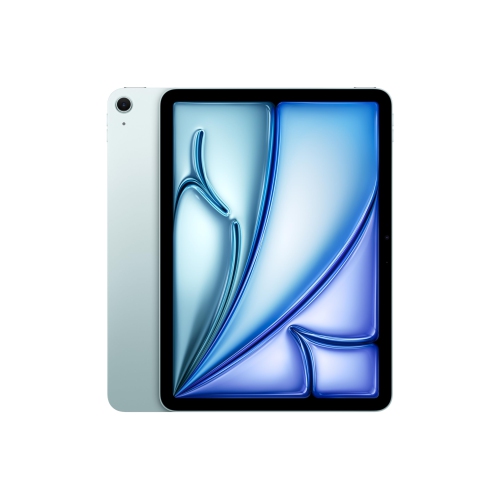 Your price for this item is $889.99
-
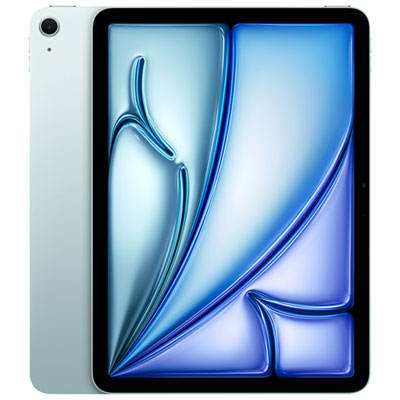 Your price for this item is $949.97
-
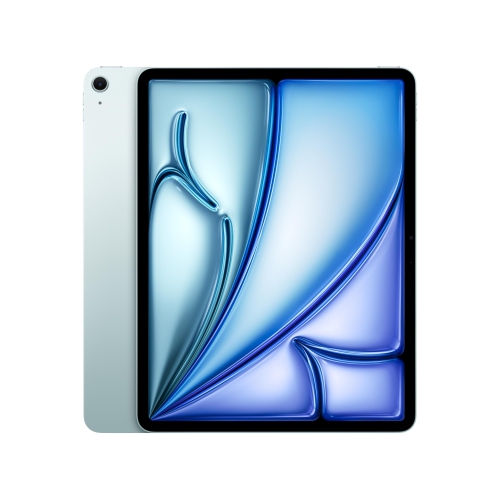 Your price for this item is $1549.99
-
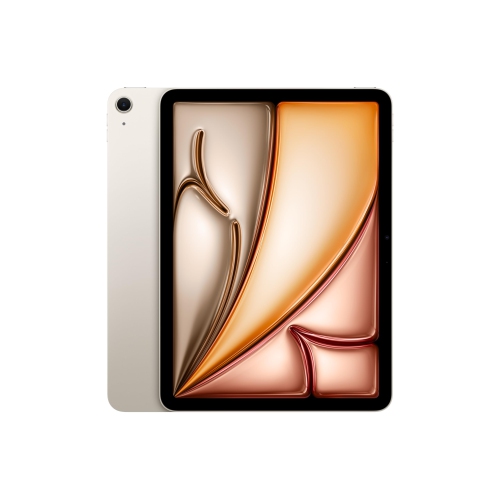 Your price for this item is $869.99
-
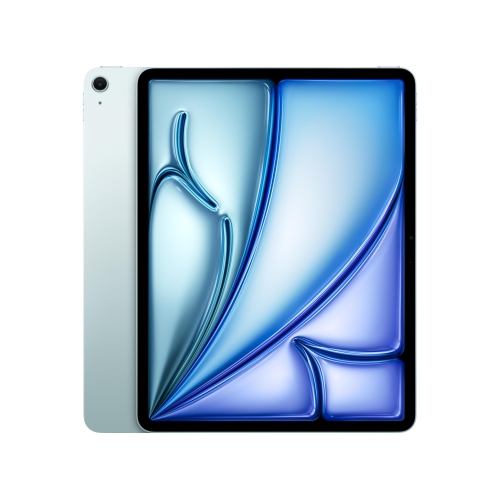 Your price for this item is $1195.99
-
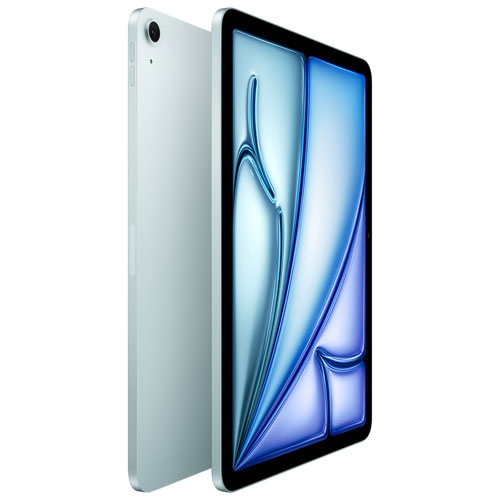 Your price for this item is $949.99
-
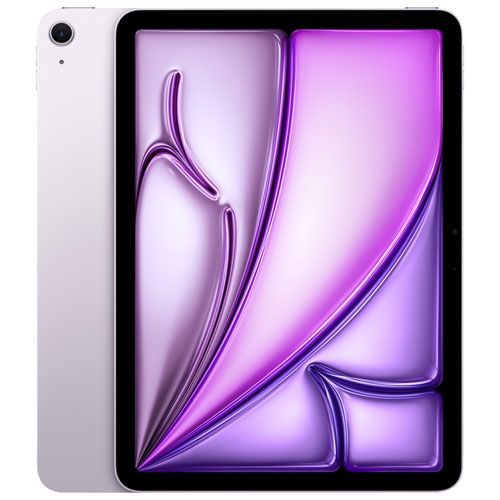 Your price for this item is $949.98
-
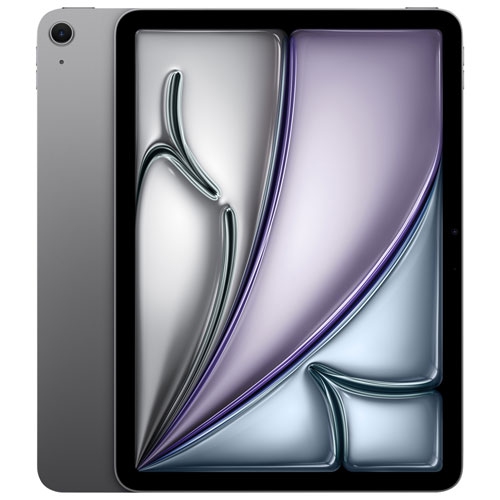 Your price for this item is $979.99