Tablets for Reading and Note Taking
Tablets for Reading and Note Taking offer a convenient and versatile way to enjoy your favorite books, organize your thoughts, and boost productivity. With options designed to suit a variety of preferences and lifestyles, finding the right tablet can help streamline daily tasks, enhance study sessions, or simply make it easier to access information on the go. Explore a wide selection of tablets that make reading and note taking more enjoyable and efficient, whether you’re at home, in the classroom, or on the move.
Sort
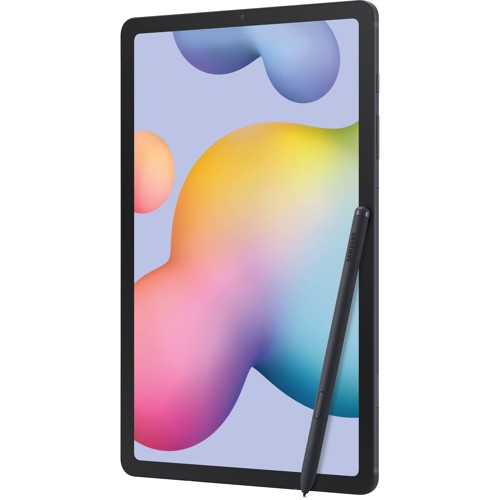
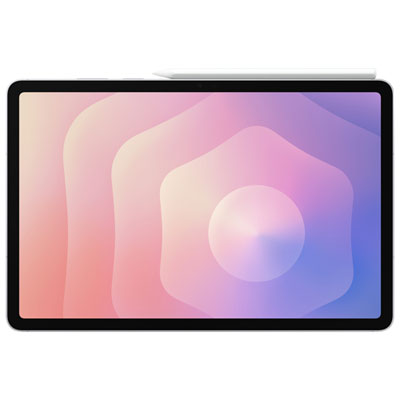
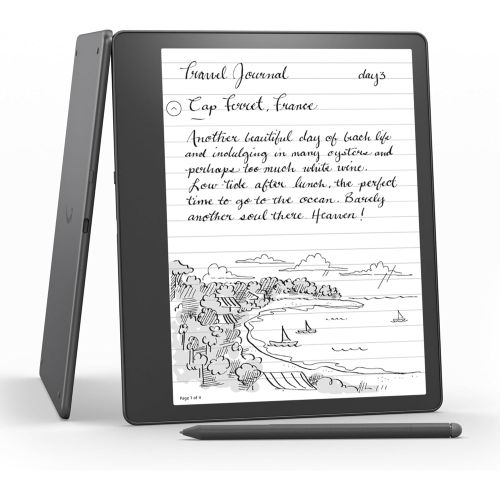
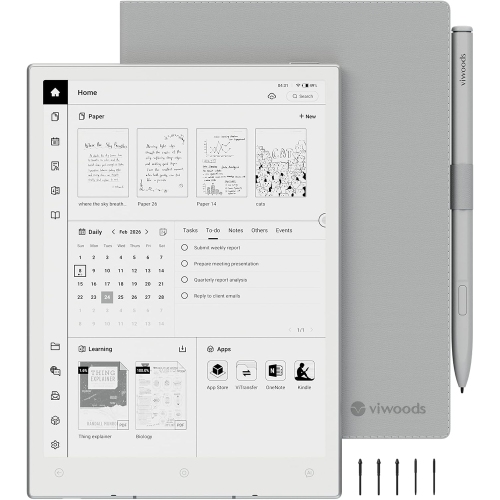
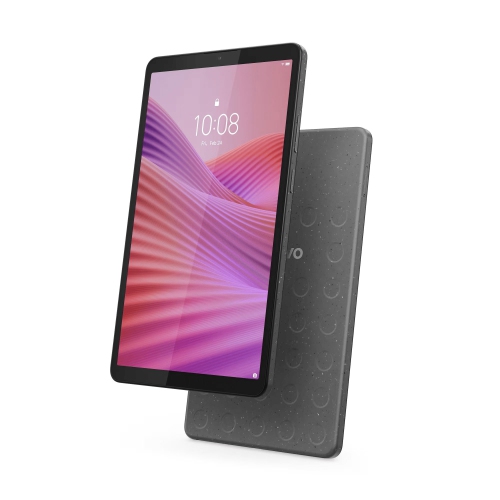
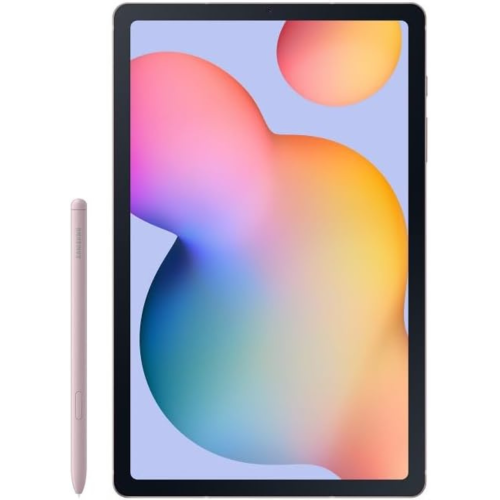

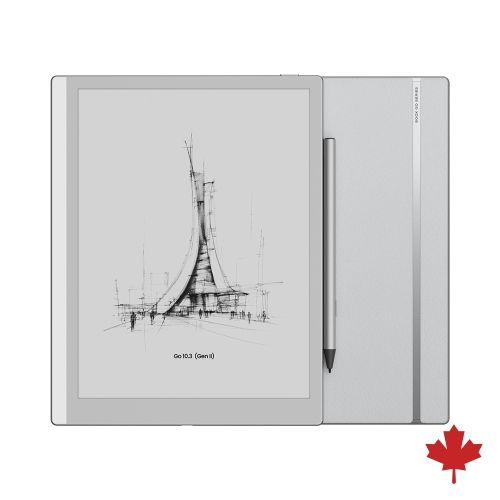
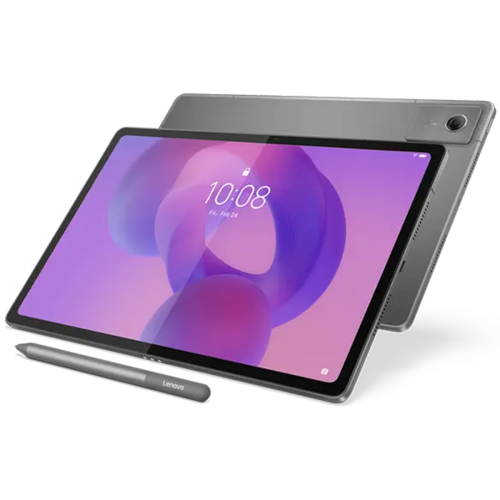

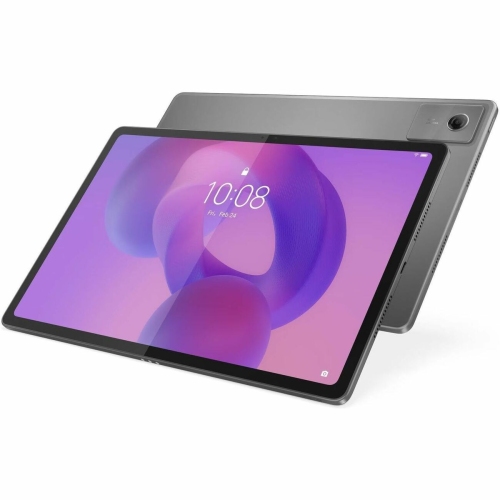
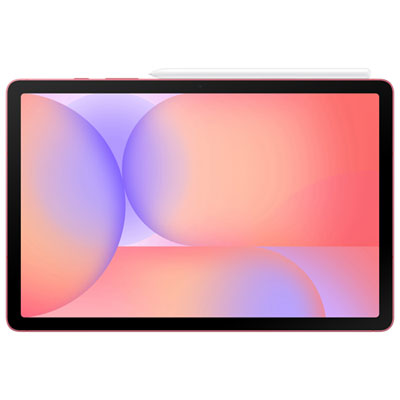
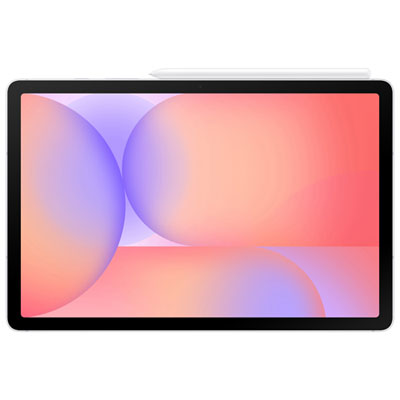


How screen choice shapes reading comfort and handwriting
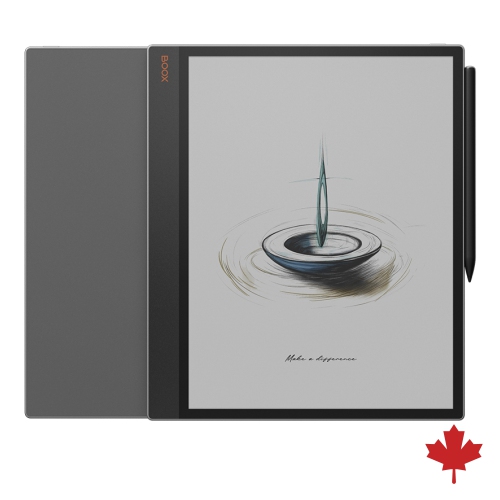
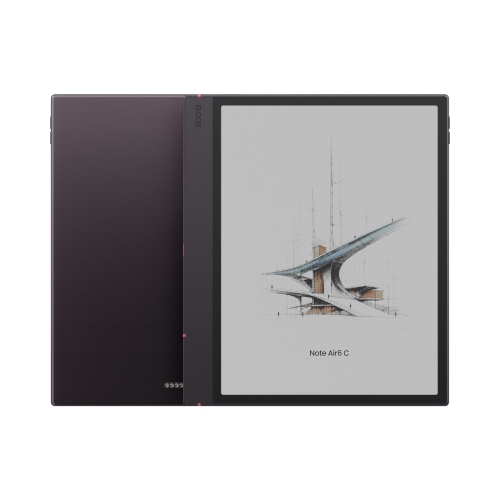
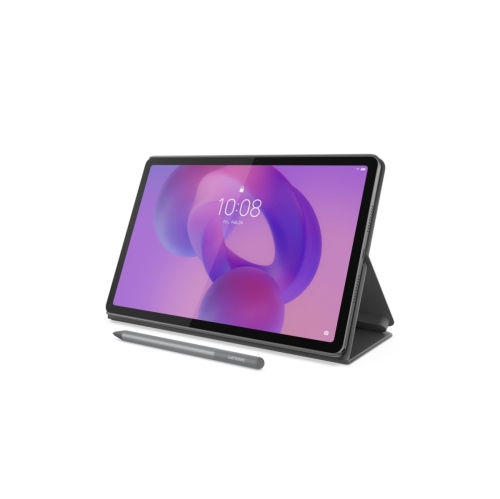
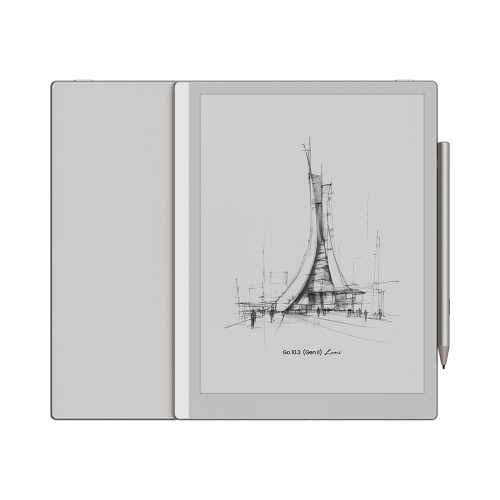
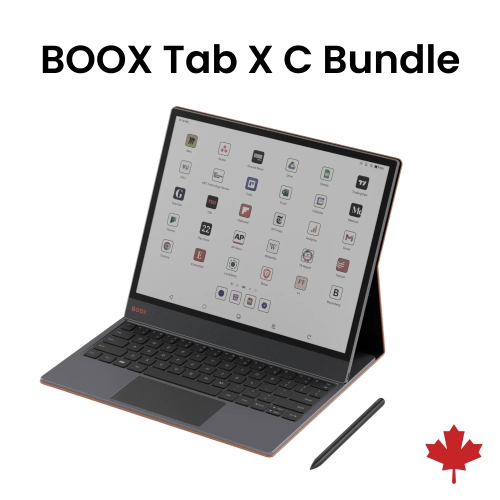
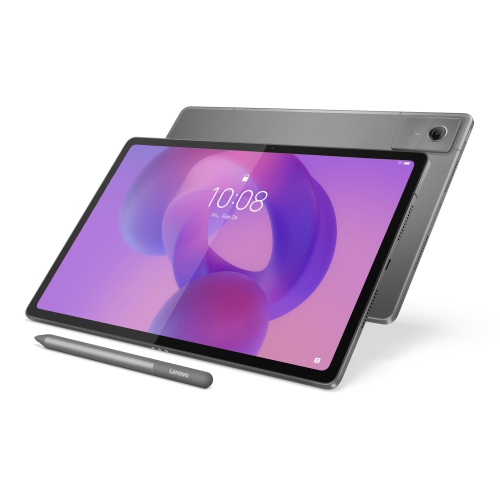
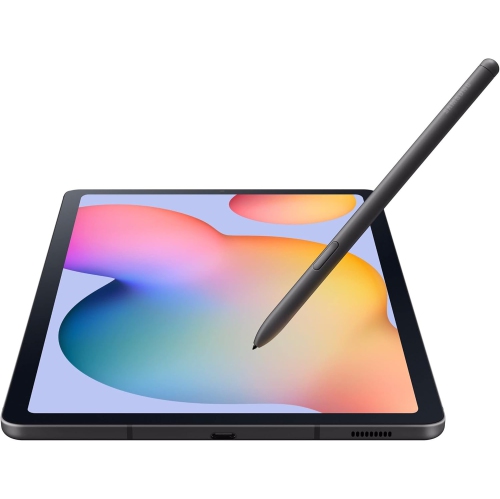
Tablets for reading and note taking bring books, documents, and handwritten ideas together on a screen that can move from a desk to a lecture hall or a favourite reading chair. The most useful features depend on the material being read and the kind of writing that accompanies it. A novel calls for clear text, comfortable page turns, and a device that feels manageable in one hand; a technical textbook or research paper benefits from a larger display that keeps diagrams, footnotes, and page margins legible. E-paper tablets emphasize a paper-like appearance and can suit readers who prefer a focused space for books and handwritten notes. Their displays generally refresh more slowly than conventional tablet screens, making them better suited to static pages than video or fast scrolling. Conventional colour tablets offer more flexibility for illustrated textbooks, magazines, web research, and switching between reading and note-taking apps. Neither display type is automatically better for every reader. Screen sharpness, reflections, brightness controls, and the way text scales all affect everyday comfort. An adjustable front light on a compatible e-paper device illuminates the page differently from a conventional backlit display, while a matte screen surface can soften reflections without eliminating them altogether. For someone reading dense PDFs, enough screen space to view a full page may matter more than fitting the tablet into a small bag. For someone reading fiction on a commute, lower weight and an easy grip may take priority. Readers whose main focus is books rather than extensive handwriting can also explore Tablets for Reading for that broader use. Battery life varies with the display, lighting level, wireless connections, and workload: turning pages on an e-paper screen typically uses less power than streaming lessons or running several apps. Published battery estimates therefore make the most sense alongside the activities they describe. A comfortable reading setup also leaves room for personal preferences, including font size, line spacing, page orientation, and whether the tablet rests on a stand or stays in hand.
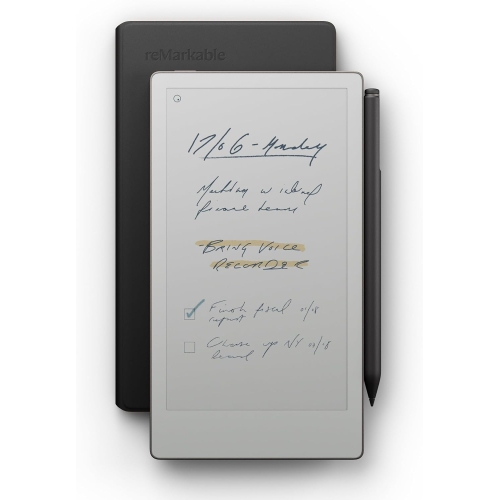
Handwriting support is a defining consideration for a tablet that will serve as both a reading device and a digital notebook. A touchscreen alone does not guarantee precise pen input, and a stylus must be compatible with the tablet to deliver its supported writing features. Active pen systems can provide palm rejection, allowing a hand to rest on the screen while writing, along with pressure sensitivity for varied strokes where the app supports it. Low writing latency helps ink appear close behind the pen tip, which is particularly useful when jotting down a lecturer’s explanation or sketching a quick diagram during a meeting. The feel of writing also depends on the screen finish, pen nib, grip, and app; a textured surface creates more resistance, while smooth glass lets the pen glide. Some pens need charging or replaceable batteries, and others do not, so that detail affects how easily the setup fits into a daily routine. Note-taking features can range from simple handwritten pages to searchable handwriting, typed annotations, audio attachments, and organized subject notebooks. Those functions vary by device, app, language support, and permissions rather than being standard across all tablets. Reading and writing together also take different forms. A student might highlight a passage and summarize it in a separate notebook, while a project manager might mark revisions directly onto a PDF. Writing directly on an e-book page is not universally supported, and some reading platforms handle annotations as highlights, comments, or linked notes instead. File compatibility and export options matter when that work needs to leave the tablet. A marked-up document is more useful when it can be shared in a format that classmates or colleagues can open. On compatible conventional tablets, split-screen layouts can keep a source document beside a notebook, although a smaller display may leave each pane cramped. Search, folders, tags, and dependable saving tools help a growing collection of lecture notes, meeting minutes, and reading observations remain useful long after the first page is filled.
The physical design of a reading and note-taking tablet matters just as much during repeated use as its software. Common constructions include metal or plastic housings and glass-fronted displays, but the material alone does not establish how well a device will withstand drops or daily handling. Weight, balance, edge shape, and the added bulk of a case influence how comfortable it feels through a long chapter or a full page of handwriting. A protective cover can help shield the screen in a bag, while a stable stand supports hands-free reading and a more comfortable writing angle. Case fit needs to match the tablet’s dimensions, camera position, buttons, ports, and any pen attachment or charging area. A pen loop or secure holder can be especially helpful when moving between classrooms, shared workspaces, and home. Screen protectors also need appropriate compatibility: textured options can change pen feel, image clarity, and nib wear. Routine care is straightforward but important. A clean, soft cloth helps remove fingerprints, and cleaning products should follow the device maker’s guidance rather than relying on household sprays. Keeping grit away from the screen and replacing worn pen tips as directed can help maintain a consistent writing surface. Water resistance should never be assumed, and a cover does not make a tablet waterproof. Storage needs grow with downloaded textbooks, image-heavy PDFs, audiobooks, and attached recordings, whereas basic text notes generally take less space. Wi-Fi supports downloading and syncing, but offline reading and editing depend on whether files are saved locally and the relevant app permits access. Backups and a screen lock help protect coursework and personal notes, particularly on a device carried outside the home. These tablets can be thoughtful gifts for avid readers, students, teachers, and people who like to plan or think on paper, provided the recipient’s preferred reading services and writing tools are supported. A well-matched tablet keeps the practical details out of the way, leaving space to follow an argument, capture a useful thought, or return to a bookmarked page.
Handwriting support is a defining consideration for a tablet that will serve as both a reading device and a digital notebook. A touchscreen alone does not guarantee precise pen input, and a stylus must be compatible with the tablet to deliver its supported writing features. Active pen systems can provide palm rejection, allowing a hand to rest on the screen while writing, along with pressure sensitivity for varied strokes where the app supports it. Low writing latency helps ink appear close behind the pen tip, which is particularly useful when jotting down a lecturer’s explanation or sketching a quick diagram during a meeting. The feel of writing also depends on the screen finish, pen nib, grip, and app; a textured surface creates more resistance, while smooth glass lets the pen glide. Some pens need charging or replaceable batteries, and others do not, so that detail affects how easily the setup fits into a daily routine. Note-taking features can range from simple handwritten pages to searchable handwriting, typed annotations, audio attachments, and organized subject notebooks. Those functions vary by device, app, language support, and permissions rather than being standard across all tablets. Reading and writing together also take different forms. A student might highlight a passage and summarize it in a separate notebook, while a project manager might mark revisions directly onto a PDF. Writing directly on an e-book page is not universally supported, and some reading platforms handle annotations as highlights, comments, or linked notes instead. File compatibility and export options matter when that work needs to leave the tablet. A marked-up document is more useful when it can be shared in a format that classmates or colleagues can open. On compatible conventional tablets, split-screen layouts can keep a source document beside a notebook, although a smaller display may leave each pane cramped. Search, folders, tags, and dependable saving tools help a growing collection of lecture notes, meeting minutes, and reading observations remain useful long after the first page is filled.
The physical design of a reading and note-taking tablet matters just as much during repeated use as its software. Common constructions include metal or plastic housings and glass-fronted displays, but the material alone does not establish how well a device will withstand drops or daily handling. Weight, balance, edge shape, and the added bulk of a case influence how comfortable it feels through a long chapter or a full page of handwriting. A protective cover can help shield the screen in a bag, while a stable stand supports hands-free reading and a more comfortable writing angle. Case fit needs to match the tablet’s dimensions, camera position, buttons, ports, and any pen attachment or charging area. A pen loop or secure holder can be especially helpful when moving between classrooms, shared workspaces, and home. Screen protectors also need appropriate compatibility: textured options can change pen feel, image clarity, and nib wear. Routine care is straightforward but important. A clean, soft cloth helps remove fingerprints, and cleaning products should follow the device maker’s guidance rather than relying on household sprays. Keeping grit away from the screen and replacing worn pen tips as directed can help maintain a consistent writing surface. Water resistance should never be assumed, and a cover does not make a tablet waterproof. Storage needs grow with downloaded textbooks, image-heavy PDFs, audiobooks, and attached recordings, whereas basic text notes generally take less space. Wi-Fi supports downloading and syncing, but offline reading and editing depend on whether files are saved locally and the relevant app permits access. Backups and a screen lock help protect coursework and personal notes, particularly on a device carried outside the home. These tablets can be thoughtful gifts for avid readers, students, teachers, and people who like to plan or think on paper, provided the recipient’s preferred reading services and writing tools are supported. A well-matched tablet keeps the practical details out of the way, leaving space to follow an argument, capture a useful thought, or return to a bookmarked page.
Top selling and popular products
-
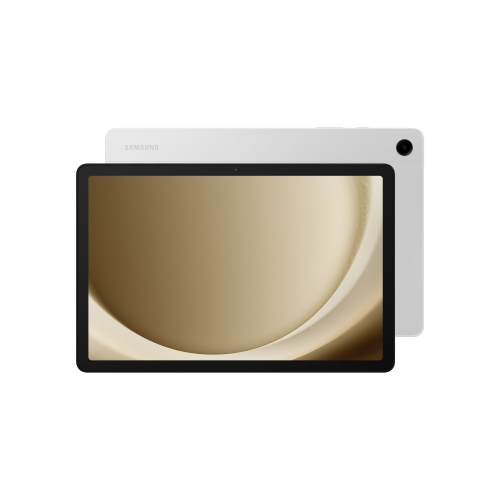 Your price for this item is $499.99
-
 Your price for this item is $363.99
-
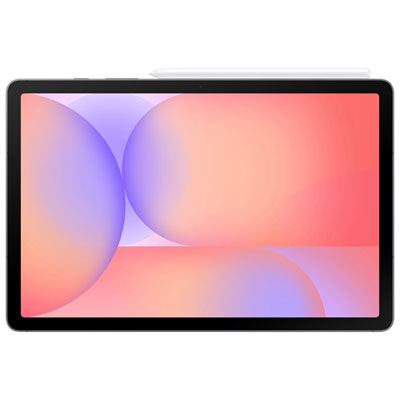 Your price for this item is $579.99
-
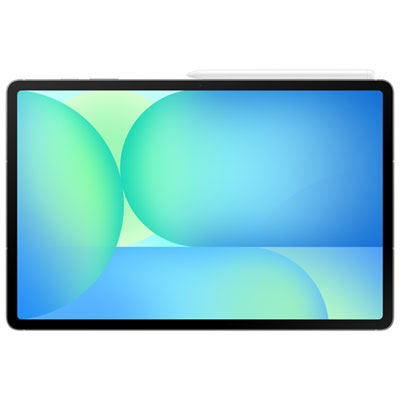 Your price for this item is $979.99
-
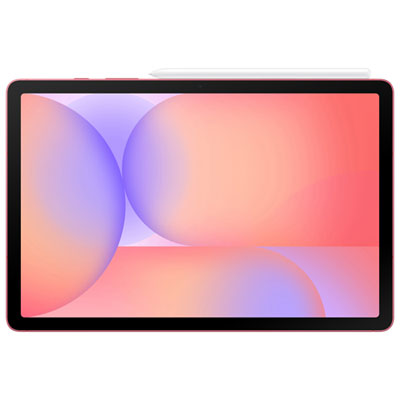 Your price for this item is $579.99
-
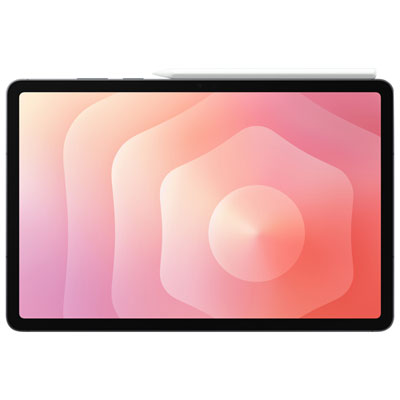 Your price for this item is $1399.99
-
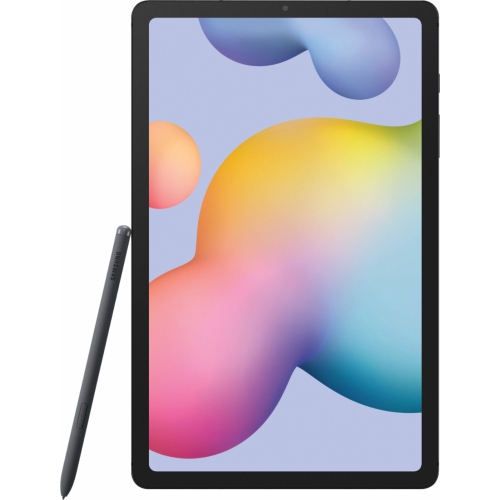 Your price for this item is $699.99
-
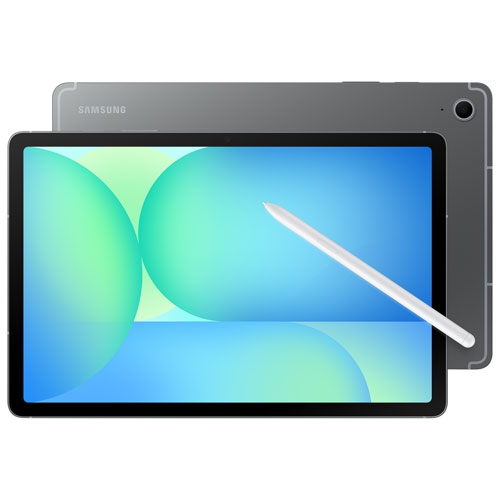 Your price for this item is $624.95
Discover more categories related to Tablets for Reading and Note Taking

Top Collections:
Pokemon Centers, Pokémon 30th Celebration Cards, Best Budget Office Chairs, Kindle Devices, Best Cameras for Sports Photography, Canon G7X Cameras, Best Black Friday Deals On Electronics, Best Laptops for Writers, iPhone 15 Apple, Jackery Power Stations
Some products may be subject to Environmental Handling Fees
(EHF) depending on your province.
Learn more about EHFs.