Tablets for Work
Tablets for work offer a flexible and efficient solution for staying productive on the go or at the office. With a wide selection designed to fit various professional needs, these devices make it easy to handle tasks, collaborate with colleagues, and access important files wherever you are. Explore tablets for work that combine portability with powerful performance, helping you stay connected and organized throughout your busy day. Find the perfect tablet to support your workflow and enhance your productivity.
Sort
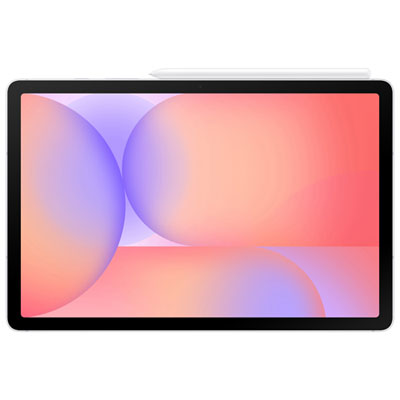
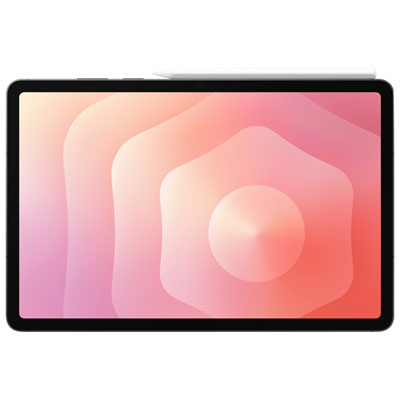
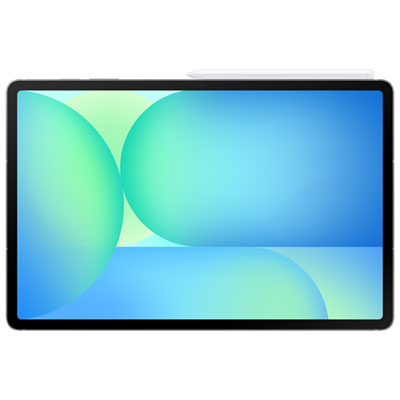
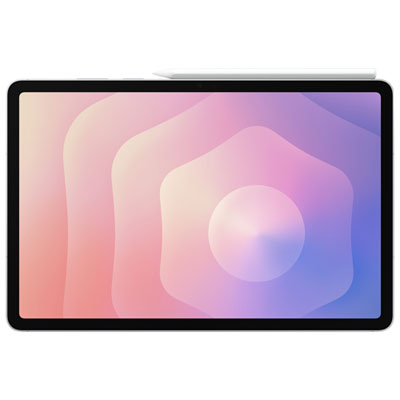
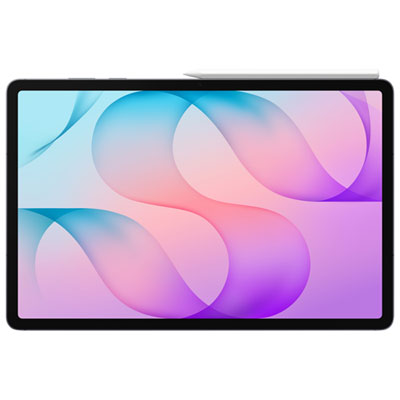
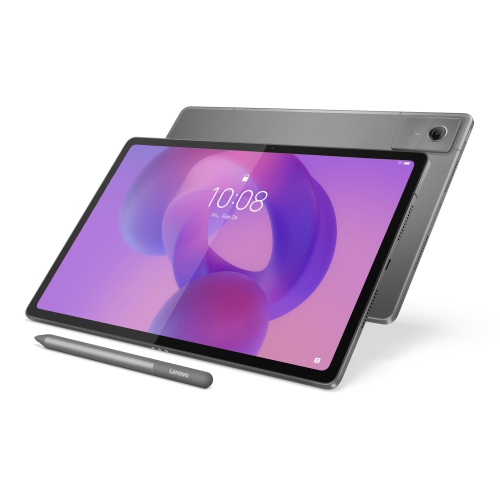
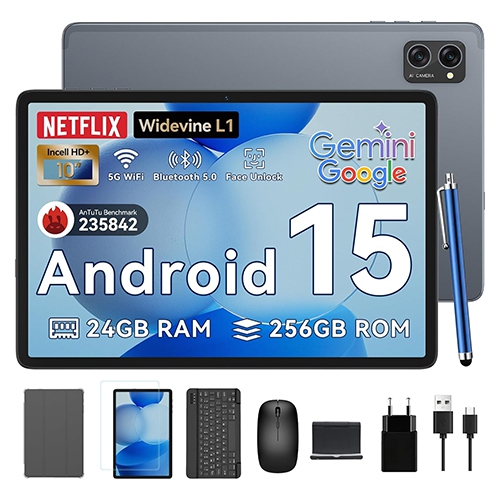
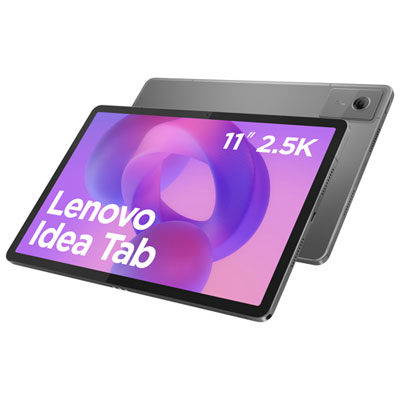
A tablet’s real test is your typical workday
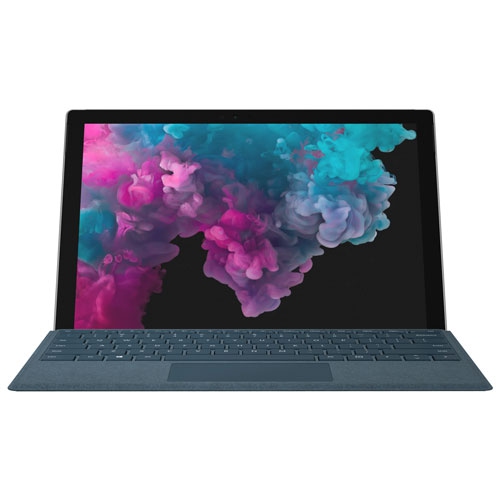
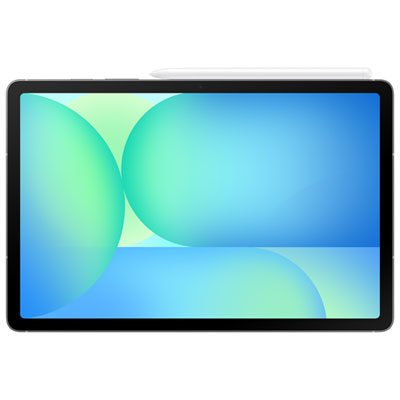
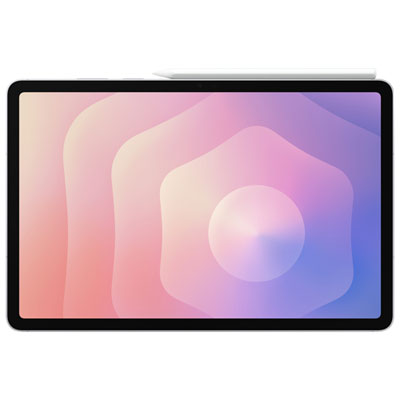
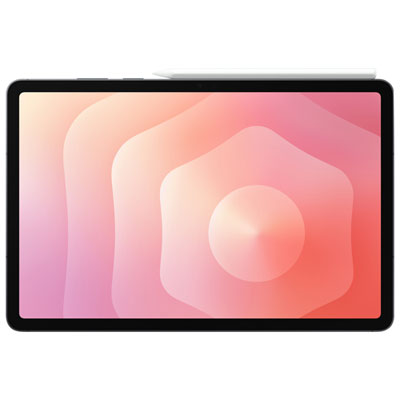
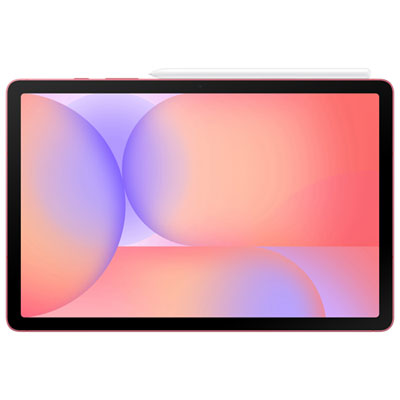
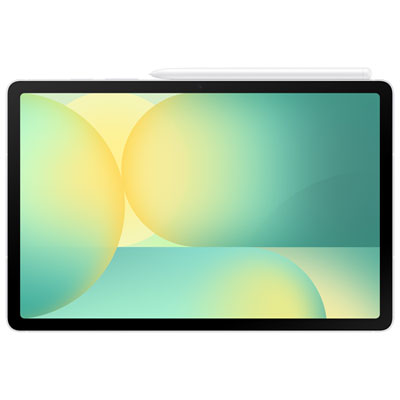
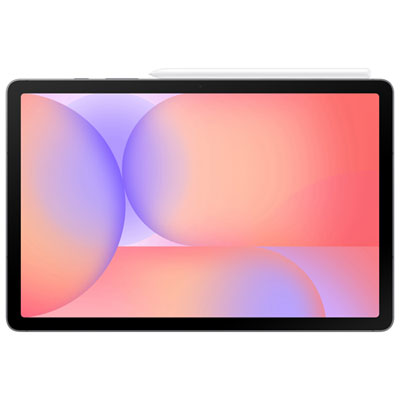
Tablets for work bring email, documents, meetings and project notes into a portable touchscreen device that can move from a desk to a client visit without much fuss. A useful work tablet has the performance to handle daily apps, a screen that makes information comfortable to read, and support for the keyboard, pen or other accessories the job requires. The right fit depends less on a single specification than on how the device handles a typical workday. Someone reviewing contracts may value clear text and accurate pen input, while a project coordinator may need to keep a spreadsheet, a messaging app and a video call open together. Operating system compatibility is especially important: tablets running desktop operating systems can support compatible desktop applications, while those using mobile operating systems rely on mobile apps and browser-based tools. A familiar application name does not always mean the tablet version includes every desktop feature. Complex spreadsheet functions, specialized business software, document formatting and browser extensions are worth checking against the actual work involved. Processing power and memory affect how smoothly apps open, switch and work alongside one another, particularly with large presentations, detailed drawings or several active windows. Storage needs depend on whether files stay mainly online or travel with the device; downloaded training videos, scanned documents and high-resolution images can take up considerable space. A smaller tablet is easier to hold during a site visit or tuck into a briefcase, whereas a larger display provides more room for side-by-side documents and an on-screen keyboard. Screen resolution, brightness and reflection handling matter when reading fine print or reviewing visual work under overhead lighting. For people who annotate reports or sketch ideas, support for a compatible active pen can be more valuable than additional processing power. Pen accuracy, palm rejection and the way an app handles handwriting all influence whether a quick handwritten note becomes a practical part of the workflow. For design-related tasks, colour accuracy may also matter, alongside compatibility with the file formats colleagues use.
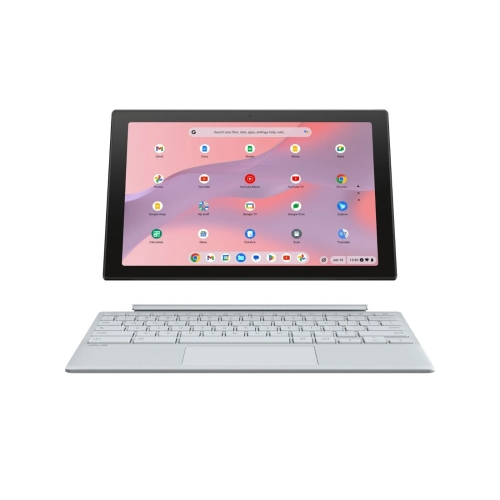
Keyboard and accessory support can make the difference between a tablet used mainly for reading and one used for substantial daily work. A physical keyboard provides a more comfortable setup for lengthy emails, reports and spreadsheet entries, while a trackpad or mouse can make selecting text and moving between windows more precise. Keyboard layouts, key spacing and shortcut support vary, so a compact design may feel different from a familiar desktop setup. The stand matters just as much: a stable base and adjustable viewing angle help keep the screen readable on a meeting table, and some keyboard cases work more comfortably on a lap than others. Accessories may be sold separately, and compatibility can depend on the tablet’s exact dimensions, connector placement and supported input technology. For video meetings, camera position affects framing when the tablet is turned horizontally, while microphone quality and support for a headset influence how clearly conversations come through. Ports and wireless connections shape the rest of the setup. Wi-Fi supports office and home connections, while a tablet with cellular capability can offer another way to access online tools when paired with a compatible service plan and network coverage. External displays, storage drives, card readers and wired accessories require the appropriate connections, and a matching plug alone does not guarantee every function is supported. Battery life also depends on the workload: video calls, a bright display, mobile data and demanding apps generally use more power than reading documents. Charging speed, charger compatibility and access to a suitable power source are useful considerations for days spent moving between locations. For frequent travel, the combined weight of the tablet, case, keyboard and charger gives a more realistic picture of portability than the tablet’s weight alone. A device that feels light in the hand can become a noticeably different package once it is set up for typing, protection and a full day away from the desk.
Daily handling puts practical demands on a work tablet’s materials and construction. Metal housings can provide a firm, rigid feel, while other materials may help keep weight down; durability depends on the complete design rather than the finish alone. A well-fitting case can protect vulnerable corners and help prevent scratches in a bag, but ordinary cases should not be assumed to provide tested drop protection or resistance to liquids. Any stated protection rating applies under specific conditions. On a busy counter or shared desk, a secure stand can also help prevent accidental knocks. A sleeve adds a barrier between the screen and keys, cables or other objects carried nearby. For cleaning, a soft, lint-free cloth and the manufacturer’s care directions help protect screen coatings, and liquids should not be sprayed directly onto the device. Comfortable positioning is another part of long-term use. Raising the screen and using a separate keyboard can reduce the need to look down for extended periods, while adjustable text size, display settings and accessibility features can make everyday tasks easier. Security deserves equal attention when work files contain client details or internal information. Depending on the device and workplace requirements, useful features may include biometric sign-in, encryption, remote management and supported software updates. Employer approval and compatibility with workplace account policies are particularly important for anyone connecting a personally owned tablet to business systems. Reliable backups and a clear separation between personal and work accounts can also make file handling more manageable. Teachers, tutors and people balancing coursework with employment often need similar capabilities, including document annotation, video meetings and a keyboard for longer assignments; Tablets for School Work offers a related focus for those overlapping needs. Whether the daily routine involves taking notes beside a customer, checking plans between appointments or editing a proposal at a desk, a well-matched work tablet supports the actual tasks without adding unnecessary bulk or complexity.
Keyboard and accessory support can make the difference between a tablet used mainly for reading and one used for substantial daily work. A physical keyboard provides a more comfortable setup for lengthy emails, reports and spreadsheet entries, while a trackpad or mouse can make selecting text and moving between windows more precise. Keyboard layouts, key spacing and shortcut support vary, so a compact design may feel different from a familiar desktop setup. The stand matters just as much: a stable base and adjustable viewing angle help keep the screen readable on a meeting table, and some keyboard cases work more comfortably on a lap than others. Accessories may be sold separately, and compatibility can depend on the tablet’s exact dimensions, connector placement and supported input technology. For video meetings, camera position affects framing when the tablet is turned horizontally, while microphone quality and support for a headset influence how clearly conversations come through. Ports and wireless connections shape the rest of the setup. Wi-Fi supports office and home connections, while a tablet with cellular capability can offer another way to access online tools when paired with a compatible service plan and network coverage. External displays, storage drives, card readers and wired accessories require the appropriate connections, and a matching plug alone does not guarantee every function is supported. Battery life also depends on the workload: video calls, a bright display, mobile data and demanding apps generally use more power than reading documents. Charging speed, charger compatibility and access to a suitable power source are useful considerations for days spent moving between locations. For frequent travel, the combined weight of the tablet, case, keyboard and charger gives a more realistic picture of portability than the tablet’s weight alone. A device that feels light in the hand can become a noticeably different package once it is set up for typing, protection and a full day away from the desk.
Daily handling puts practical demands on a work tablet’s materials and construction. Metal housings can provide a firm, rigid feel, while other materials may help keep weight down; durability depends on the complete design rather than the finish alone. A well-fitting case can protect vulnerable corners and help prevent scratches in a bag, but ordinary cases should not be assumed to provide tested drop protection or resistance to liquids. Any stated protection rating applies under specific conditions. On a busy counter or shared desk, a secure stand can also help prevent accidental knocks. A sleeve adds a barrier between the screen and keys, cables or other objects carried nearby. For cleaning, a soft, lint-free cloth and the manufacturer’s care directions help protect screen coatings, and liquids should not be sprayed directly onto the device. Comfortable positioning is another part of long-term use. Raising the screen and using a separate keyboard can reduce the need to look down for extended periods, while adjustable text size, display settings and accessibility features can make everyday tasks easier. Security deserves equal attention when work files contain client details or internal information. Depending on the device and workplace requirements, useful features may include biometric sign-in, encryption, remote management and supported software updates. Employer approval and compatibility with workplace account policies are particularly important for anyone connecting a personally owned tablet to business systems. Reliable backups and a clear separation between personal and work accounts can also make file handling more manageable. Teachers, tutors and people balancing coursework with employment often need similar capabilities, including document annotation, video meetings and a keyboard for longer assignments; Tablets for School Work offers a related focus for those overlapping needs. Whether the daily routine involves taking notes beside a customer, checking plans between appointments or editing a proposal at a desk, a well-matched work tablet supports the actual tasks without adding unnecessary bulk or complexity.
Top selling and popular products
-
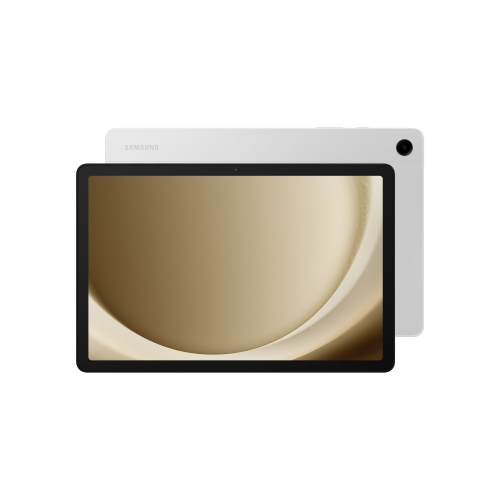 Your price for this item is $499.99
-
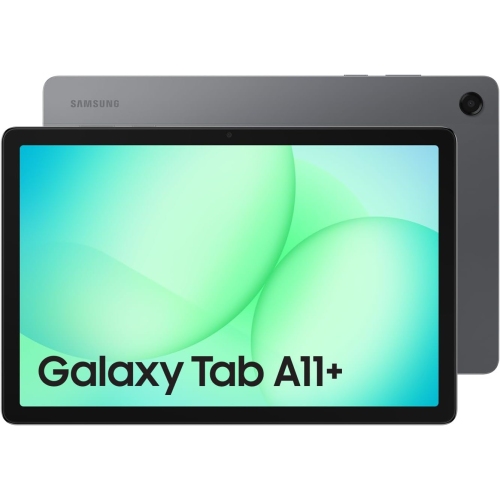 Your price for this item is $363.99
-
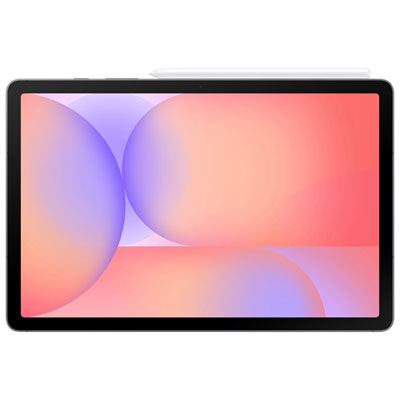 Your price for this item is $579.99
-
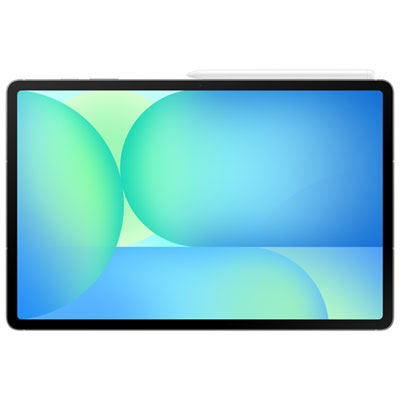 Your price for this item is $979.99
-
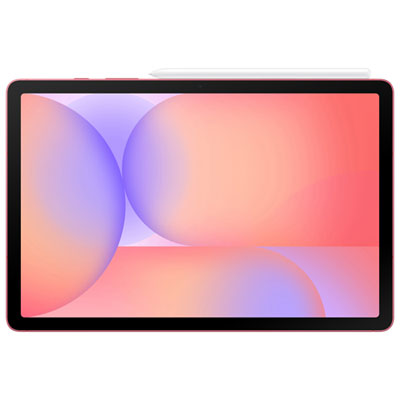 Your price for this item is $579.99
-
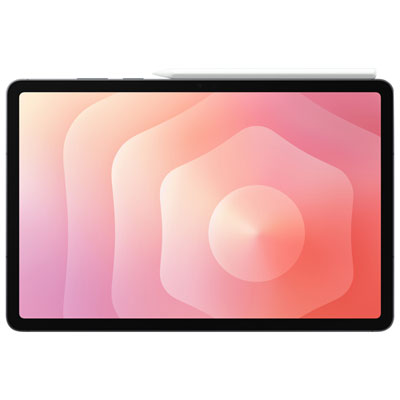 Your price for this item is $1399.99
-
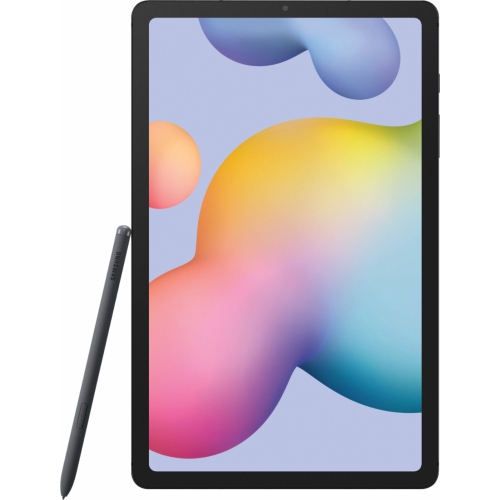 Your price for this item is $699.99
-
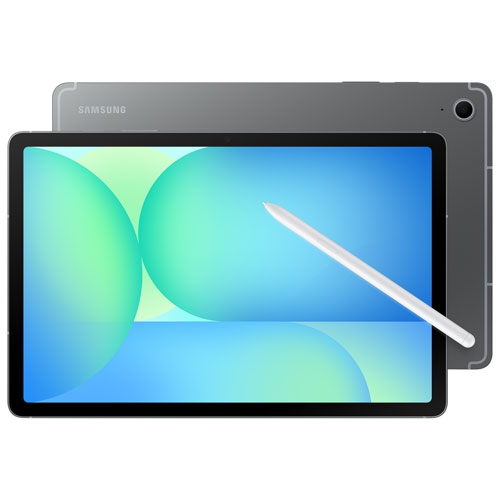 Your price for this item is $624.95
Discover more categories related to Tablets for Work
Top Collections:
Pokemon Centers, Pokémon 30th Celebration Cards, Best Budget Office Chairs, Kindle Devices, Best Cameras for Sports Photography, Canon G7X Cameras, Best Black Friday Deals On Electronics, Best Laptops for Writers, iPhone 15 Apple, Jackery Power Stations
Some products may be subject to Environmental Handling Fees
(EHF) depending on your province.
Learn more about EHFs.