Tablets With Fingerprint Sensors
Tablets with fingerprint sensors offer a secure and convenient way to access your device while keeping your information protected. These tablets combine advanced technology with user-friendly features, making them a popular choice for both work and entertainment. Whether you're looking to boost productivity, enjoy immersive media experiences, or stay connected on the go, tablets with fingerprint sensors provide an added layer of security without compromising on performance or style. Explore a wide selection to find the perfect option that fits your lifestyle and needs.
Sort


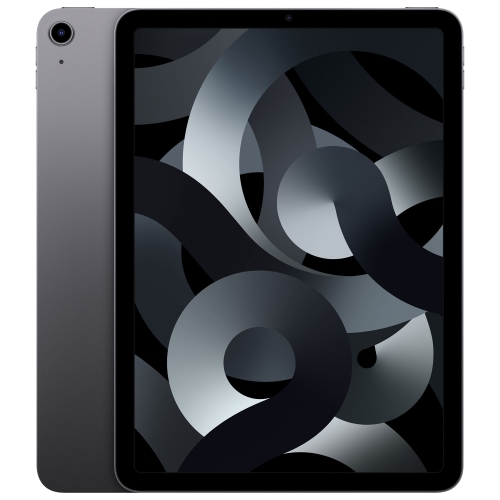
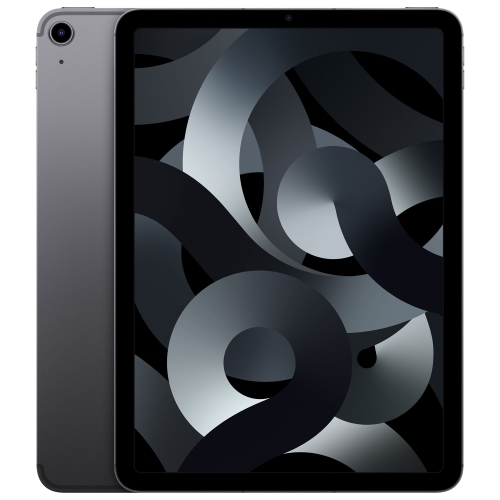
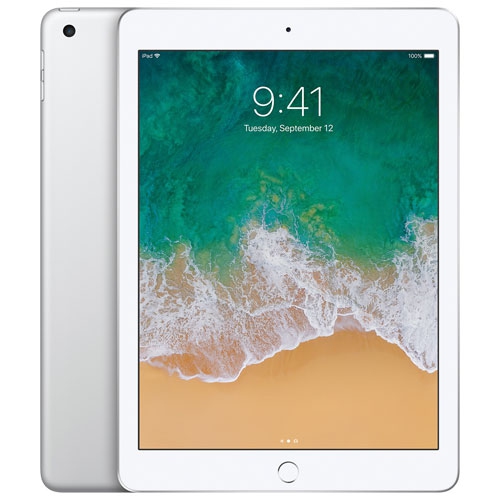
What matters before and after your tablet unlocks
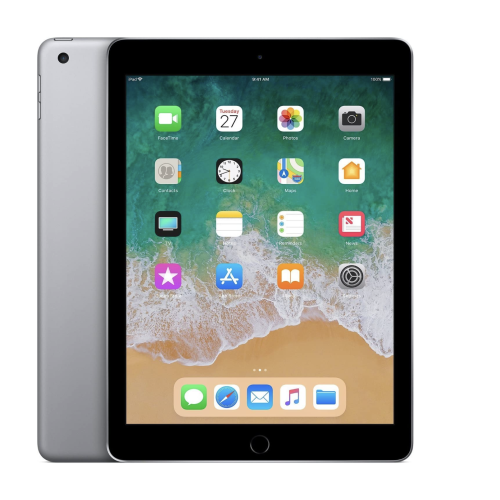
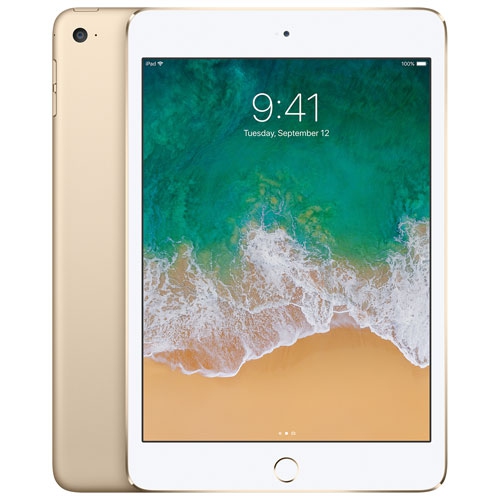
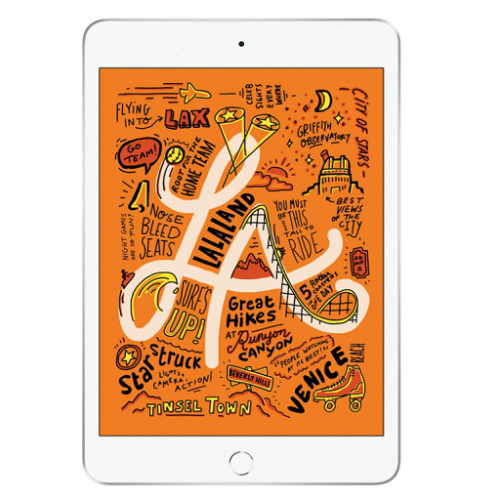
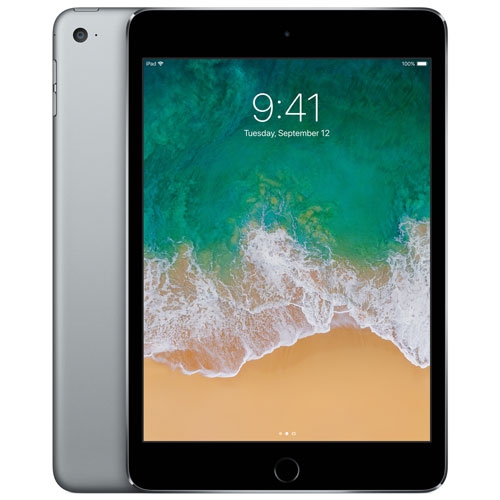
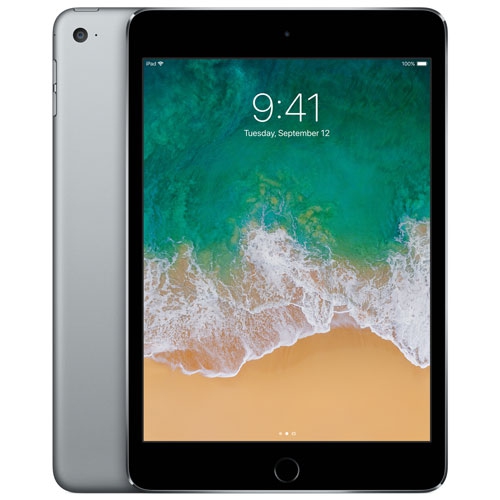
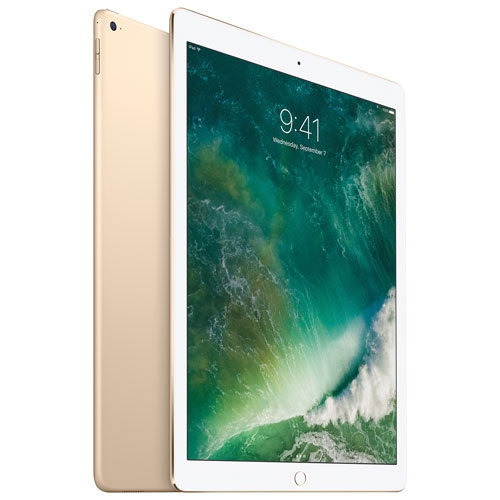
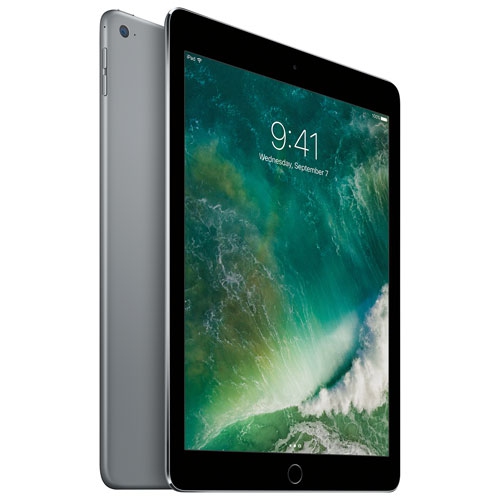
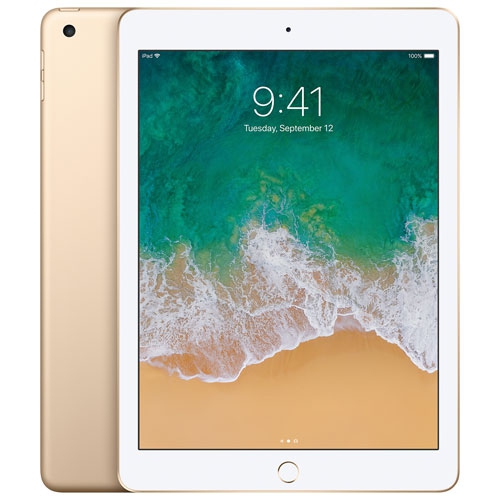
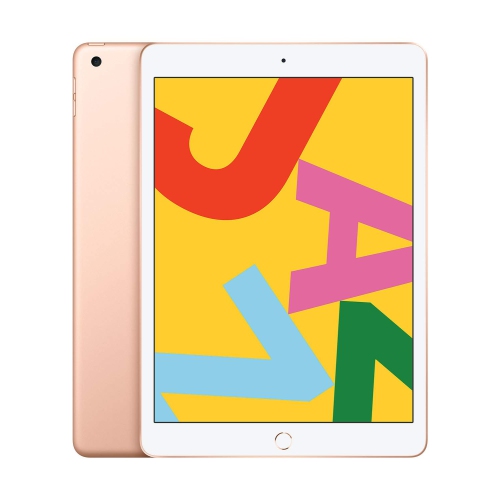
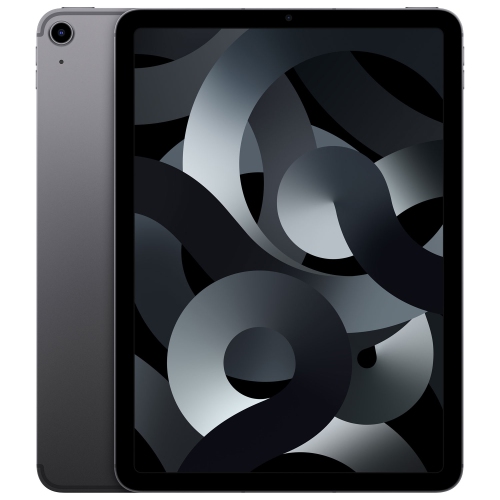
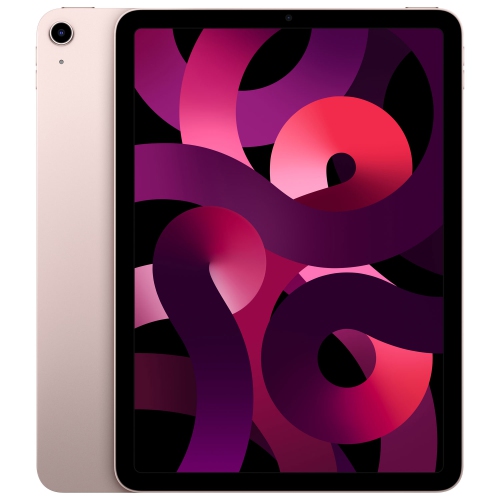
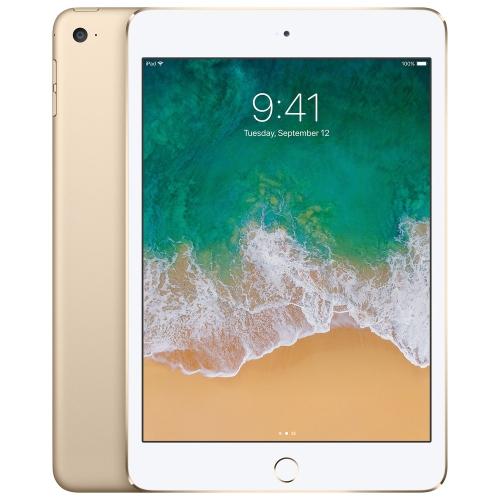
Tablets with fingerprint sensors combine a touchscreen with biometric authentication, allowing a registered fingerprint to unlock the device instead of entering a passcode each time. Depending on the design, the sensor may be built into the power button, positioned in a home button, or placed beneath the display. A power-button sensor can be convenient when lifting a tablet from a desk, while an in-display sensor provides a designated touch area on the screen. The most comfortable placement depends on how the tablet is held: upright for reading, sideways for watching videos, or supported by a stand for typing. Fingerprint authentication can also support app sign-ins, password access, and purchase approval where the operating system, app, and service allow it. These functions vary, so the presence of a fingerprint sensor does not mean that every app or transaction supports biometric approval. For everyday use, the benefit is straightforward: less repeated typing when opening a tablet to check a recipe, review class notes, or join a video call. A fingerprint sensor is one part of device security rather than a replacement for other protections. A PIN, password, or pattern remains important, and the tablet may require it after restarting, following unsuccessful fingerprint attempts, or under other security conditions. Biometric systems generally use a mathematical representation of the fingerprint rather than a conventional photograph, although storage and protection methods differ between devices. Software updates, app permissions, and account settings still matter when personal documents, messages, or saved passwords are involved. Shared use also deserves attention. Registering another person’s finger may give that person access to the same unlocked account; it does not automatically create a separate private space. Separate user profiles, parental controls, and workplace access rules depend on the operating system and configuration. For a family tablet or a device used for work, those details can be just as important as the location of the sensor.
Beyond the fingerprint reader, the right tablet format depends on what fills the screen each day. A compact tablet is easier to carry in a small bag or hold while reading, while a larger display offers more room for spreadsheets, illustrated textbooks, drawing tools, and side-by-side apps. Screen size alone does not determine comfort: weight, thickness, edge shape, and the balance of the device all affect how it feels during a long reading session or video call. Display resolution influences the clarity of small text, while brightness and reflection handling affect visibility near a window or under overhead lighting. For students, a responsive tablet can bring lecture slides, handwritten notes, and reference material together without filling a desk with paper. For work, useful features may include reliable multitasking, a front-facing camera suited to calls, and support for a keyboard or external display. Creative use introduces different considerations, including compatible stylus technology, pressure sensitivity, app support, and enough storage for artwork or video files. Stylus and keyboard compatibility is device-specific, and support should not be assumed simply because an accessory connects wirelessly or fits the screen dimensions. Processing performance and memory influence how smoothly demanding apps run, while storage capacity affects how much can be kept on the device. Expandable storage is useful where supported, but it is not a feature of every tablet. Wi-Fi connectivity suits use around a home, campus, or office with a suitable network; cellular connectivity, where supported, can provide access away from Wi-Fi and requires a compatible service plan. Battery life varies with screen brightness, video calls, games, and other tasks, so a stated runtime is not a guarantee for every routine. Charging connections, compatible power adapters, and the ability to connect headphones or other accessories can also shape daily convenience. The fingerprint sensor adds a quick way into the tablet, but the display, software, performance, and connections determine what happens once it is unlocked.
Materials and protection make a noticeable difference when a tablet moves between a kitchen counter, a backpack, and a living-room sofa. Metal housings can feel rigid and substantial, while plastic housings may help keep weight down; neither material alone establishes how well a device will withstand a drop. Glass screens still benefit from thoughtful handling, and any stated water- or dust-resistance rating applies only under its specified conditions. A fitted case can protect corners and provide a stable viewing angle, but its cut-outs must leave a button-mounted fingerprint sensor easy to reach. Screen protectors also need to suit the tablet, particularly when a sensor sits beneath the display, since incompatible layers may interfere with fingerprint reading. Clean, dry fingers and a clean sensor surface generally provide more consistent results than damp hands or a smudged reader. Gentle care with a soft, lint-free cloth helps remove fingerprints from the screen and housing; cleaning methods and liquids should follow the device maker’s directions. For someone who frequently annotates documents, the feel of the screen and the stability of a writing stand may matter more than a very slim profile. For someone who reads or streams for long stretches, manageable weight, clear speakers, and an adjustable case can make the tablet more comfortable to use. As a gift, a fingerprint-equipped tablet can suit a student organizing coursework, a family member making video calls, or an avid reader who prefers adjustable text. Familiar software, accessibility settings, and compatibility with existing accounts and accessories help make that gift a practical fit. Someone comparing touch-based unlocking across device types can also explore Phones With Fingerprint Scanner for a smaller-screen option. On a tablet, the combination of a comfortable format, suitable software, dependable everyday performance, and an accessible fingerprint reader supports everything from a quick message to a focused session of reading, writing, or drawing.
Top selling and popular products
-
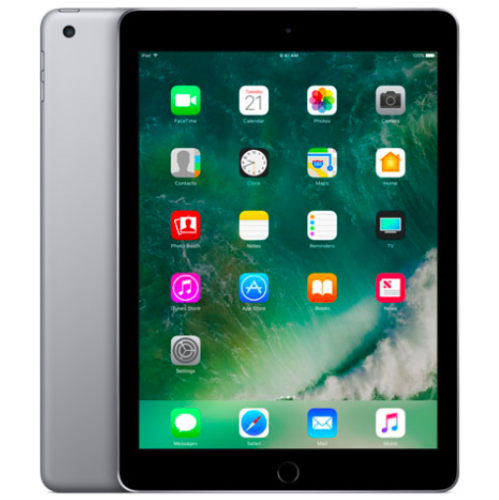 Your price for this item is $109.99
-
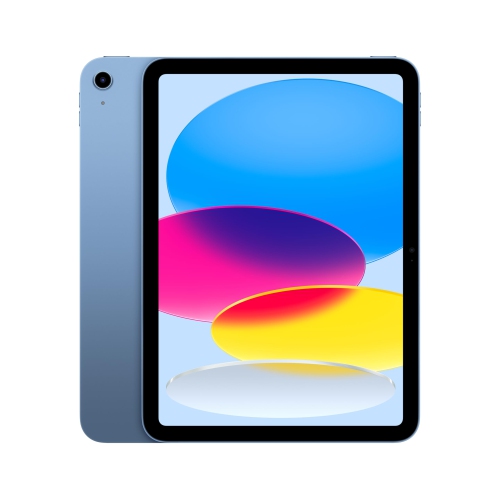 Your price for this item is $649
-
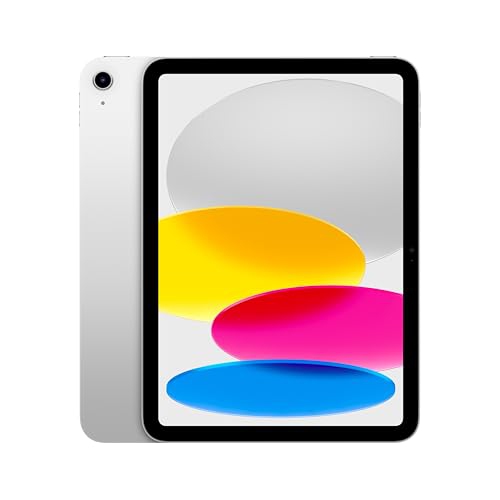 Your price for this item is $669.95
-
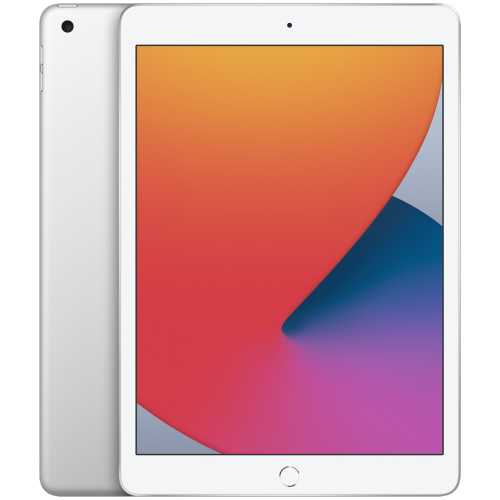 Your price for this item is $141.98
-
 Your price for this item is $639.99
-
 Your price for this item is $649.99
-
 Your price for this item is $249.99
-
 Your price for this item is $169.99
Discover more categories related to Tablets With Fingerprint Sensors



Top Collections:
Best Black Friday Deals This Year, Best Black Friday Deals On Electronics, Kindle Devices, Pokemon Centers, Best Black Friday Deals On Apple Products, Best Cameras for Sports Photography, Dyson Airwrap, Pokémon 30th Celebration Cards, Apple iPhone 17 Pro, Canon G7X Cameras
Some products may be subject to Environmental Handling Fees
(EHF) depending on your province.
Learn more about EHFs.