Tax Software for Business
Tax software for business is essential for managing finances and ensuring smooth tax preparation throughout the year. Whether you run a small startup or oversee a large corporation, choosing the right tax software for business can help streamline your processes and keep everything organized. Explore a wide selection of options designed to meet the unique needs of businesses, making it easier to handle tax season with confidence and efficiency. Find the ideal solution to support your company’s financial goals and keep operations running smoothly.
Sort



Why business structure matters more than business size
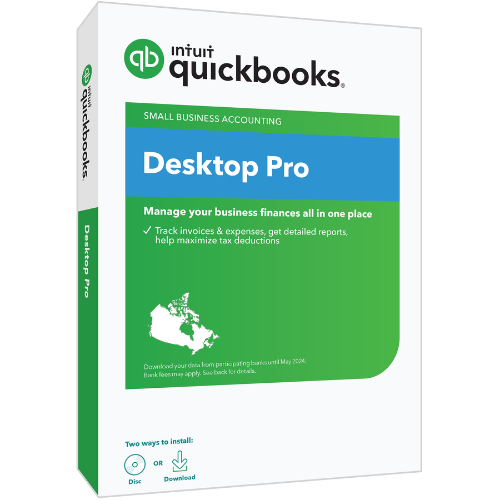
Tax software for business helps Canadian owners and tax preparers organize financial information, calculate taxes and prepare returns that match the way a business is legally structured. For a sole proprietor, business income is reported on the owner’s personal T1 return, typically using Form T2125, Statement of Business or Professional Activities. An incorporated business generally files a separate T2 corporation income tax return, even when it has only one owner. Most corporations must file their T2 returns electronically using software certified by the Canada Revenue Agency (CRA), subject to applicable exceptions. This distinction matters more than the size of the business: a freelance consultant and an incorporated consulting company may have similar daily expenses but require different tax preparation software. Options grouped under Tax Software for Self Employed can be relevant to sole proprietors who need to report business activities alongside personal income. Corporate tax software serves a different filing purpose and may include tools for financial statements, shareholder information and corporate tax schedules. The corporation’s filing does not replace any personal return its owner is required to submit. A suitable software licence needs to cover the correct return type and tax year, with certification for the applicable electronic filing method where required. Corporate filers may also need support for separate provincial returns, including those required in Quebec and Alberta. Partnerships have their own reporting considerations, so support for a partner’s business income does not necessarily include preparation of a partnership information return. These differences make the scope of the software especially important for owners with more than one business activity or legal entity. A clear description of supported forms, jurisdictions and filing functions helps distinguish software suited to a straightforward owner-operated business from software intended for more involved corporate reporting. Corporate fiscal years can also end on dates other than December 31, making support for the relevant taxation period another important part of the fit.
The practical value of business tax software often comes from how it turns a year’s financial records into a consistent return. A self-employed designer might need to enter client revenue, software subscriptions, professional fees and eligible business-use-of-home expenses. An incorporated contractor may need to work with a balance sheet, an income statement, capital assets and amounts owing between the company and its shareholder. Software that supports the appropriate schedules can make these details easier to organize without treating every business as though it has the same reporting needs. Interview-style screens can suit owners who prefer plain-language prompts, while forms-based entry may be more familiar to experienced preparers working directly from financial statements. Some programs support importing accounting information or carrying forward details from a prior return; the supported file formats and compatible tax years determine how useful those functions will be. Importing data does not remove the need to review it, particularly when bookkeeping categories do not map neatly to tax reporting categories. A vehicle purchase, for example, may require different treatment from fuel or routine repairs, and a payment to an owner is not automatically the same as an ordinary operating expense. Features for capital cost allowance, business-use percentages and prior-year balances can be useful when those situations apply. Calculations, missing-field alerts and diagnostic checks may help identify inconsistencies, but they cannot establish that an expense is eligible or that the underlying records are complete. Receipts, invoices, mileage logs and supporting statements remain essential. Sales tax also deserves separate attention: recording GST/HST in bookkeeping records is not the same as preparing and filing a GST/HST return, and income tax software should not be assumed to include that function. Payroll reporting is another distinct task. For businesses working with an accountant, clear summaries and exportable working papers can make it easier to discuss adjustments before filing. The strongest fit is software that reflects the business’s actual transactions rather than adding complexity that its owner is unlikely to use.
Compatibility, access and record handling are important considerations because tax software works with sensitive business and personal information. Downloadable programs need to match the computer’s operating system and any stated hardware requirements, while browser-based software depends on a supported browser and a reliable internet connection for its online functions. A business owner who prepares returns on one computer has different needs from a bookkeeper who moves between work locations or collaborates with an accountant. Licence terms may distinguish between personal business use and professional preparation, limit the number of returns, or set conditions for multiple users. Support for an original return also does not necessarily include adjustments, every supplementary schedule or every provincial filing. Clear documentation helps establish those boundaries before financial information is entered. Security features may include multifactor authentication, access controls and encrypted data handling, depending on the software. For a shared office computer, separate user access and a secure sign-in process can help keep tax records apart from everyday administrative work. Downloadable copies of completed returns, filing confirmations and supporting schedules are useful for maintaining an organized business archive. A saved draft is not proof of submission; an electronic filing acknowledgement helps establish whether a transmitted return was accepted. Access to readable records after a subscription ends, or after a computer is replaced, also matters for future reference and professional review. Software updates can address form changes and technical issues, while help resources and technical support can clarify how a program functions. Those services are different from individualized advice about how tax rules apply to a particular business. Businesses with complex ownership, transactions outside Canada or major changes in operations may still need professional tax advice. For routine filing, dependable calculations, understandable navigation and well-organized records can make the work more manageable. Business tax software is most useful when its filing capabilities, workflow and record-keeping features match both the legal structure of the business and the person preparing its return.
The practical value of business tax software often comes from how it turns a year’s financial records into a consistent return. A self-employed designer might need to enter client revenue, software subscriptions, professional fees and eligible business-use-of-home expenses. An incorporated contractor may need to work with a balance sheet, an income statement, capital assets and amounts owing between the company and its shareholder. Software that supports the appropriate schedules can make these details easier to organize without treating every business as though it has the same reporting needs. Interview-style screens can suit owners who prefer plain-language prompts, while forms-based entry may be more familiar to experienced preparers working directly from financial statements. Some programs support importing accounting information or carrying forward details from a prior return; the supported file formats and compatible tax years determine how useful those functions will be. Importing data does not remove the need to review it, particularly when bookkeeping categories do not map neatly to tax reporting categories. A vehicle purchase, for example, may require different treatment from fuel or routine repairs, and a payment to an owner is not automatically the same as an ordinary operating expense. Features for capital cost allowance, business-use percentages and prior-year balances can be useful when those situations apply. Calculations, missing-field alerts and diagnostic checks may help identify inconsistencies, but they cannot establish that an expense is eligible or that the underlying records are complete. Receipts, invoices, mileage logs and supporting statements remain essential. Sales tax also deserves separate attention: recording GST/HST in bookkeeping records is not the same as preparing and filing a GST/HST return, and income tax software should not be assumed to include that function. Payroll reporting is another distinct task. For businesses working with an accountant, clear summaries and exportable working papers can make it easier to discuss adjustments before filing. The strongest fit is software that reflects the business’s actual transactions rather than adding complexity that its owner is unlikely to use.
Compatibility, access and record handling are important considerations because tax software works with sensitive business and personal information. Downloadable programs need to match the computer’s operating system and any stated hardware requirements, while browser-based software depends on a supported browser and a reliable internet connection for its online functions. A business owner who prepares returns on one computer has different needs from a bookkeeper who moves between work locations or collaborates with an accountant. Licence terms may distinguish between personal business use and professional preparation, limit the number of returns, or set conditions for multiple users. Support for an original return also does not necessarily include adjustments, every supplementary schedule or every provincial filing. Clear documentation helps establish those boundaries before financial information is entered. Security features may include multifactor authentication, access controls and encrypted data handling, depending on the software. For a shared office computer, separate user access and a secure sign-in process can help keep tax records apart from everyday administrative work. Downloadable copies of completed returns, filing confirmations and supporting schedules are useful for maintaining an organized business archive. A saved draft is not proof of submission; an electronic filing acknowledgement helps establish whether a transmitted return was accepted. Access to readable records after a subscription ends, or after a computer is replaced, also matters for future reference and professional review. Software updates can address form changes and technical issues, while help resources and technical support can clarify how a program functions. Those services are different from individualized advice about how tax rules apply to a particular business. Businesses with complex ownership, transactions outside Canada or major changes in operations may still need professional tax advice. For routine filing, dependable calculations, understandable navigation and well-organized records can make the work more manageable. Business tax software is most useful when its filing capabilities, workflow and record-keeping features match both the legal structure of the business and the person preparing its return.
Top selling and popular products
-
 Your price for this item is $39.99
-
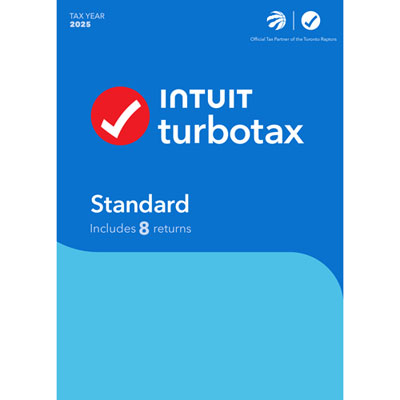 Your price for this item is $45.99
-
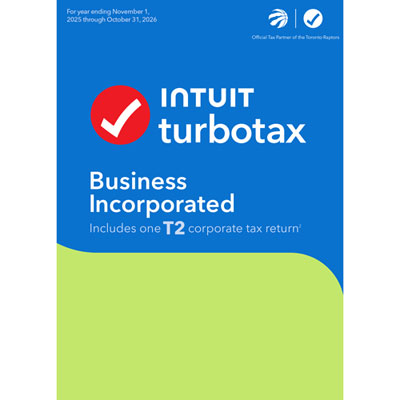 Your price for this item is $374.99
-
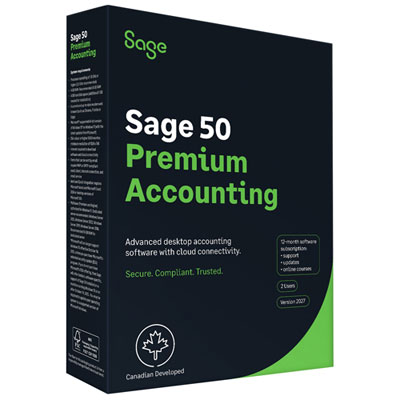 Your price for this item is $1370.99
-
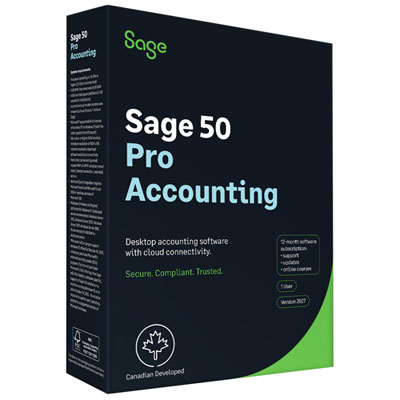 Your price for this item is $915.99
Discover more categories related to Tax Software for Business
Top Collections:
Pokemon Centers, Best Black Friday Deals This Year, Best Black Friday Deals On Electronics, Kindle Devices, Best Budget Office Chairs, Best Black Friday Deals On Apple Products, Best Cameras for Sports Photography, Pokémon 30th Celebration Cards, Dyson Airwrap, Canon G7X Cameras
Some products may be subject to Environmental Handling Fees
(EHF) depending on your province.
Learn more about EHFs.