TCL Tablets
Discover the convenience and versatility of TCL Tablets, designed to keep you connected, entertained, and productive wherever you go. With a range of models to suit different needs and preferences, TCL Tablets offer an ideal solution for browsing, streaming, working, or learning on the move. Explore options that combine style and performance to enhance your digital experience. Find the perfect TCL Tablet to fit your lifestyle at Best Buy.
Sort
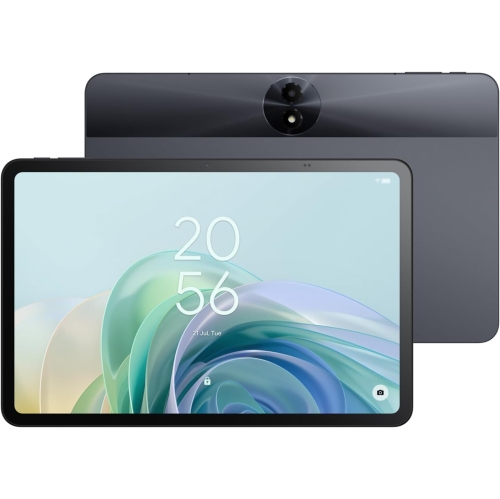
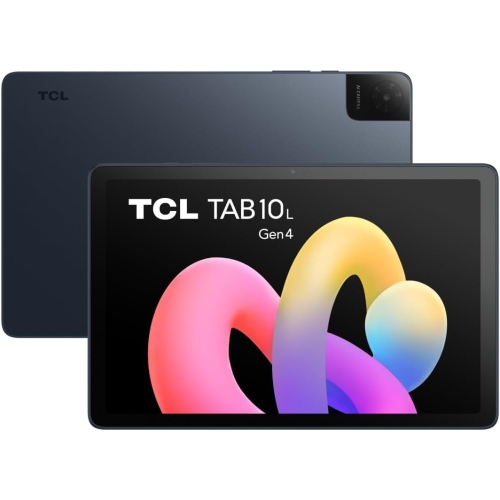
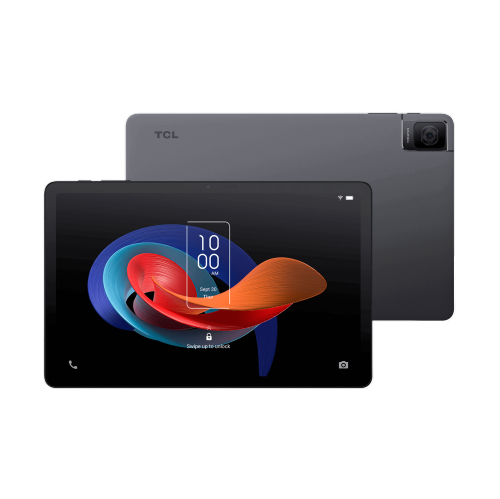
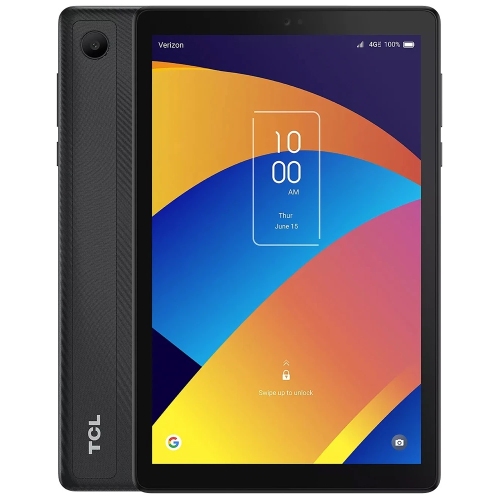
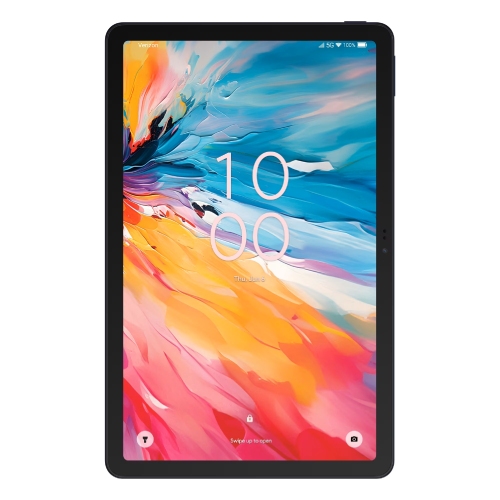
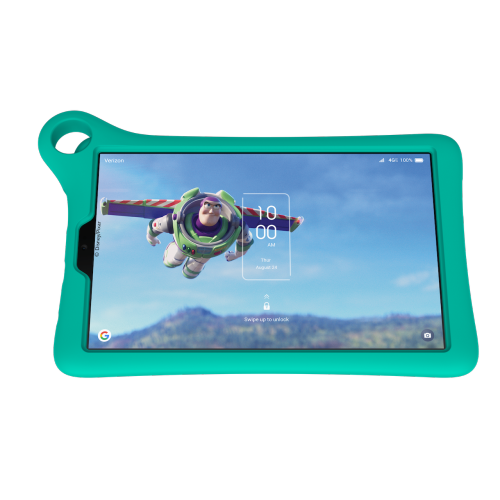
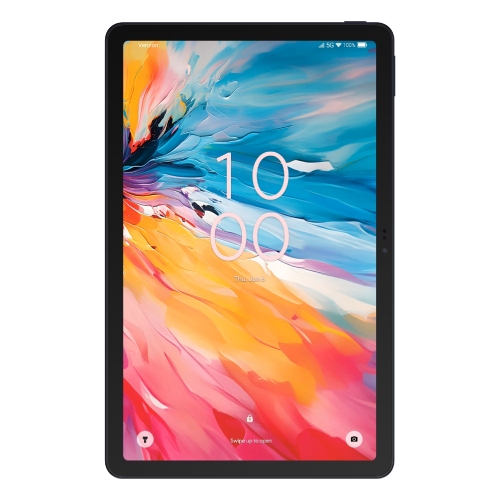
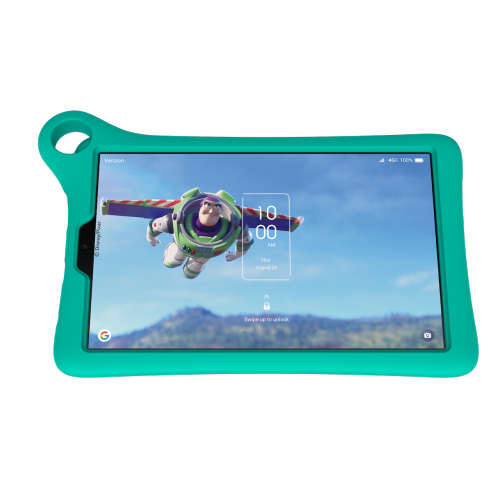
Why similar-sized tablets can feel different in daily use
Tablets bring reading, entertainment, communication, and everyday tasks onto a screen that is easier to carry than a laptop and roomier than a phone. Their appeal is often clearest in small moments: following a recipe with the screen propped beside a mixing bowl, enlarging the print in a digital novel, or watching an episode without balancing a computer on the sofa. Conventional colour displays suit video, photos, games, and general browsing, while selected tablets feature matte, paper-like screens designed to reduce visible reflections. That surface treatment can make reading documents and handwritten note-taking feel more comfortable, although the effect depends on surrounding light and individual preferences. A paper-like finish does not necessarily mean an electronic-ink screen; many such tablets retain the colour display and app-based functions associated with a general-purpose tablet. Reading modes, brightness controls, and adjustable text sizes can further tailor the experience where supported. Screen size also shapes how a tablet feels in use. A smaller screen is convenient for holding a book in one hand or slipping the device into a compact bag, while a larger display gives spreadsheets, sheet music, and side-by-side windows more breathing room. Resolution affects the sharpness of small text, and viewing angles matter when two people share a screen. For video calls, the position of the front camera can be just as noticeable as the display dimensions, particularly when the tablet rests horizontally in a stand. Sound deserves similar attention: built-in speakers are useful for casual listening, while compatible headphones offer a more personal experience in shared spaces. For long reading sessions, a stable stand, comfortable text size, and regular breaks contribute to a more relaxed setup. These details help explain why two tablets with similar screen measurements can feel quite different during an evening of reading, a remote lesson, or a conversation with family.
Everyday performance depends on how the processor, memory, software, and storage work together, rather than on screen size alone. Browsing recipes and streaming a film place different demands on a tablet than editing a long document while switching between several apps. Working memory helps keep active tasks moving, while built-in storage holds applications, downloaded videos, photos, and files. Expandable storage, where supported, can provide room for compatible media, although not every app or file type can be moved to a memory card. A tablet used mainly at home may rely comfortably on Wi-Fi, while a cellular-capable model requires compatible service for mobile data away from a wireless network. Downloaded books, music, and videos can also be useful during travel, subject to the rules of the relevant app or service. Battery life varies with brightness, video playback, gaming, wireless connections, and other settings, so a quoted runtime is not a promise for every activity. Charging connections and supported charging rates matter, too, especially when a tablet shares desk space with a phone, headphones, and other devices. For schoolwork or light productivity, compatible keyboards can make longer messages and assignments more manageable. Pen support is a separate consideration: a basic touchscreen stylus and an active pen do not necessarily offer the same precision, palm rejection, or handwriting functions. Compatibility depends on the tablet and accessory. For households with several screens, a tablet can also complement Smart TCL TV Sets, keeping browsing and messages close at hand while a larger display handles shared viewing. Casting or screen sharing depends on the devices, network, apps, and content permissions involved. Accessibility features such as text enlargement, spoken content, captions, and voice input can make everyday tasks more approachable, though the exact options differ by software. Software support, account settings, and app compatibility also influence how well a tablet fits into an existing routine over time.
The physical design matters most once a tablet becomes part of daily life. Plastic and metal housings offer different textures and weights, while the shape of the edges can affect comfort during longer periods of handheld use. A slim device may slide neatly into a work bag, but a protective case adds bulk as well as cushioning. Case fit depends on the exact dimensions, camera position, speaker openings, and charging port placement, not simply the advertised screen size. A folio cover can protect the screen in a bag and double as a stand, while a more substantial case may suit a shared family tablet that moves between a desk, kitchen counter, and living room. Protection against drops or water is not universal, and any stated resistance applies only under the conditions specified for that device. Routine care is straightforward: a soft, lint-free cloth helps remove fingerprints, and cleaning methods need to suit the screen coating and manufacturer’s directions. Paper-like surfaces may have their own care requirements, and an added screen protector can change the texture, clarity, or pen response. Keeping charging ports clear of debris and avoiding pressure on the screen during transport can help prevent everyday damage. Tablets can be thoughtful gifts for students, frequent readers, travellers, or relatives who enjoy video calls, provided the size and controls match the recipient’s needs. A child’s tablet setup may involve a secure case, age-appropriate accounts, and supported parental controls, while someone using enlarged text may value a larger screen and a dependable stand. Shared devices benefit from supported user profiles and clear privacy settings, particularly when photos, messages, or payment details are involved. The most useful tablet is one that feels natural in the recipient’s hands and supports the activities that already fill their day, whether that means annotating class notes, keeping a puzzle within reach, following a drawing lesson, or settling into a favourite book.
Everyday performance depends on how the processor, memory, software, and storage work together, rather than on screen size alone. Browsing recipes and streaming a film place different demands on a tablet than editing a long document while switching between several apps. Working memory helps keep active tasks moving, while built-in storage holds applications, downloaded videos, photos, and files. Expandable storage, where supported, can provide room for compatible media, although not every app or file type can be moved to a memory card. A tablet used mainly at home may rely comfortably on Wi-Fi, while a cellular-capable model requires compatible service for mobile data away from a wireless network. Downloaded books, music, and videos can also be useful during travel, subject to the rules of the relevant app or service. Battery life varies with brightness, video playback, gaming, wireless connections, and other settings, so a quoted runtime is not a promise for every activity. Charging connections and supported charging rates matter, too, especially when a tablet shares desk space with a phone, headphones, and other devices. For schoolwork or light productivity, compatible keyboards can make longer messages and assignments more manageable. Pen support is a separate consideration: a basic touchscreen stylus and an active pen do not necessarily offer the same precision, palm rejection, or handwriting functions. Compatibility depends on the tablet and accessory. For households with several screens, a tablet can also complement Smart TCL TV Sets, keeping browsing and messages close at hand while a larger display handles shared viewing. Casting or screen sharing depends on the devices, network, apps, and content permissions involved. Accessibility features such as text enlargement, spoken content, captions, and voice input can make everyday tasks more approachable, though the exact options differ by software. Software support, account settings, and app compatibility also influence how well a tablet fits into an existing routine over time.
The physical design matters most once a tablet becomes part of daily life. Plastic and metal housings offer different textures and weights, while the shape of the edges can affect comfort during longer periods of handheld use. A slim device may slide neatly into a work bag, but a protective case adds bulk as well as cushioning. Case fit depends on the exact dimensions, camera position, speaker openings, and charging port placement, not simply the advertised screen size. A folio cover can protect the screen in a bag and double as a stand, while a more substantial case may suit a shared family tablet that moves between a desk, kitchen counter, and living room. Protection against drops or water is not universal, and any stated resistance applies only under the conditions specified for that device. Routine care is straightforward: a soft, lint-free cloth helps remove fingerprints, and cleaning methods need to suit the screen coating and manufacturer’s directions. Paper-like surfaces may have their own care requirements, and an added screen protector can change the texture, clarity, or pen response. Keeping charging ports clear of debris and avoiding pressure on the screen during transport can help prevent everyday damage. Tablets can be thoughtful gifts for students, frequent readers, travellers, or relatives who enjoy video calls, provided the size and controls match the recipient’s needs. A child’s tablet setup may involve a secure case, age-appropriate accounts, and supported parental controls, while someone using enlarged text may value a larger screen and a dependable stand. Shared devices benefit from supported user profiles and clear privacy settings, particularly when photos, messages, or payment details are involved. The most useful tablet is one that feels natural in the recipient’s hands and supports the activities that already fill their day, whether that means annotating class notes, keeping a puzzle within reach, following a drawing lesson, or settling into a favourite book.
Top selling and popular products
-
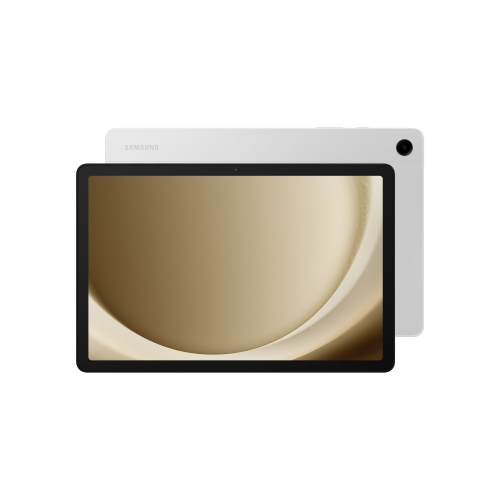 Your price for this item is $499.99
-
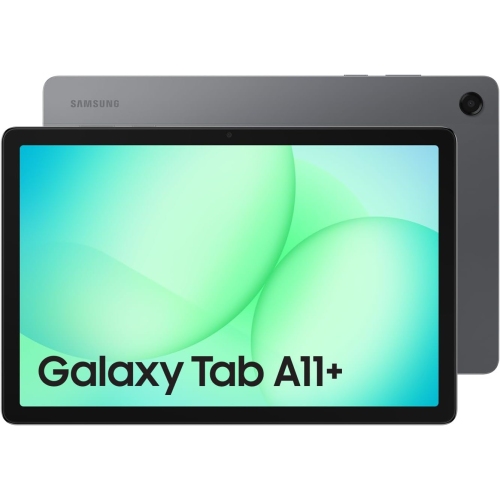 Your price for this item is $363.99
-
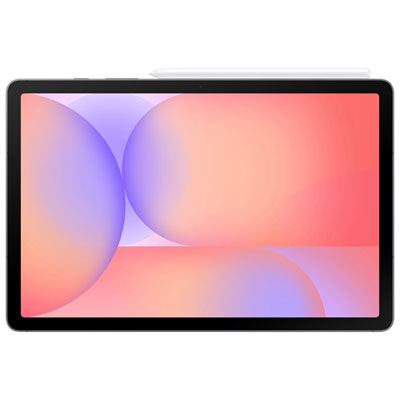 Your price for this item is $579.99
-
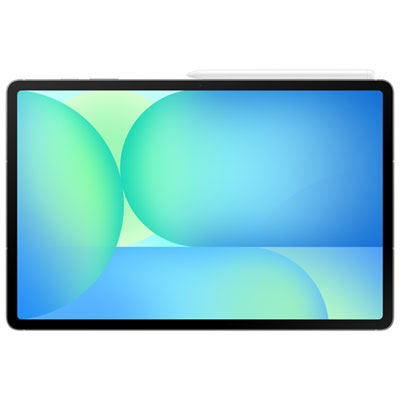 Your price for this item is $979.99
-
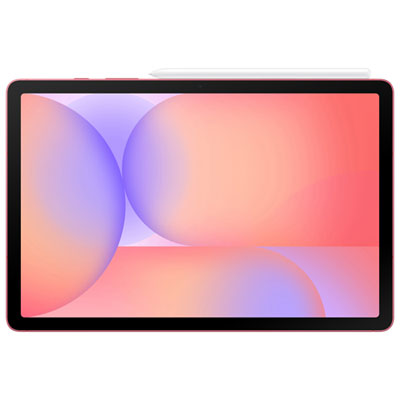 Your price for this item is $579.99
-
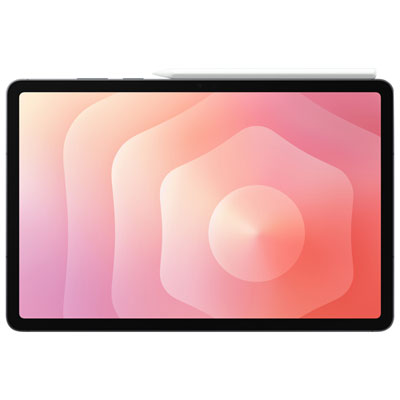 Your price for this item is $1399.99
-
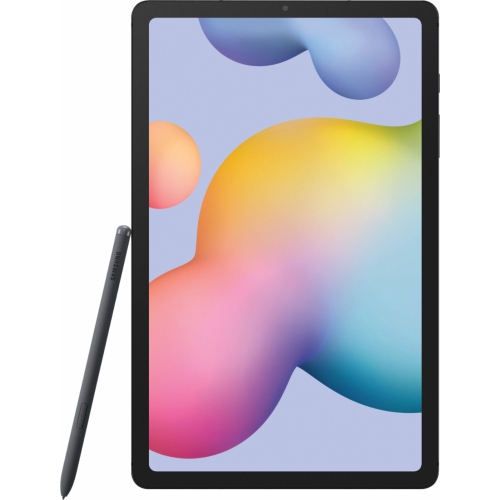 Your price for this item is $699.99
-
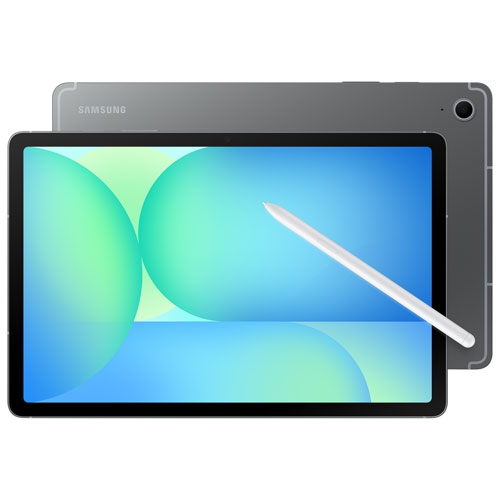 Your price for this item is $624.95
Discover more categories related to TCL Tablets

Top Collections:
Pokemon Centers, Pokémon 30th Celebration Cards, Best Budget Office Chairs, Kindle Devices, Best Cameras for Sports Photography, Canon G7X Cameras, Best Black Friday Deals On Electronics, Best Laptops for Writers, iPhone 15 Apple, Jackery Power Stations
Some products may be subject to Environmental Handling Fees
(EHF) depending on your province.
Learn more about EHFs.