Tablet Telus
Explore the latest selection of Tablet Telus options designed to keep you connected and productive wherever you go. Whether you're looking for a device to stream your favorite shows, stay on top of emails, or enjoy mobile gaming, there’s a Tablet Telus model to suit every need. Discover a range of sizes and styles that fit seamlessly into your lifestyle, making it easy to find the perfect match for work, play, or anything in between. Find your ideal Tablet Telus and experience convenience at your fingertips.
Sort








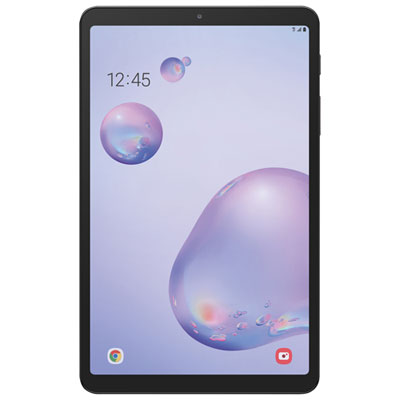
What makes a tablet ready for life beyond Wi-Fi
Cellular-enabled tablets combine a roomy touchscreen with the ability to connect to a mobile network when Wi-Fi is out of reach. That makes them useful for reading on the train, reviewing documents between appointments, joining a video call away from a desk, or keeping a map open while travelling. An LTE or 5G tablet requires compatible cellular hardware, a supported SIM or eSIM, and an activated mobile data plan to connect directly to a carrier’s network. A Wi-Fi-only tablet does not gain that capability simply by adding a plan, although it can usually connect through a compatible phone’s mobile hotspot. The distinction matters for anyone who wants a tablet to work independently rather than depend on a nearby phone. A cellular model can also use Wi-Fi at home, school, or work, leaving mobile data for time spent elsewhere. Compatibility with a particular carrier depends on the exact tablet version, supported network bands, and activation requirements; a familiar device name or similar appearance does not establish that connection on its own. A 5G-capable tablet also needs compatible service and coverage to use 5G, and connection speeds vary with location, signal strength, network traffic, and device capabilities. Everyday data needs differ just as much. Email, messaging, and occasional web browsing generally use less data than frequent video meetings, high-resolution streaming, or large file transfers. Downloaded books, saved documents, and offline entertainment can keep useful content close at hand without a continuous connection. For commuters, students, mobile professionals, and households sharing a device, the appeal is flexibility: a larger screen than a phone, with less to carry than a typical laptop. Cellular service supports that flexibility, but it does not automatically give every tablet the same calling features as a smartphone. Voice calls, messaging, and other communication tools depend on the device, software, apps, and service involved. These differences help define how comfortably a tablet fits into an existing routine, particularly when it will be used away from familiar Wi-Fi connections for much of the day.
The screen, physical size, and controls shape the experience just as strongly as connectivity. A compact tablet is easier to hold for a long reading session or slip into a small shoulder bag, while a larger display gives spreadsheets, handwritten notes, and side-by-side documents more room. Display brightness and reflections affect how clearly text can be seen near a bright window, and adjustable text size can make articles, recipes, and messages more comfortable to read. A sharp display is useful for detailed diagrams and photographs, but resolution alone does not describe the whole experience; viewing angles, colour reproduction, and touch responsiveness also matter. For someone moving between a lecture hall and a library, comfortable note-taking may depend on compatible pen input, a stable writing surface, and enough space to rest a hand. Someone answering longer emails may prefer a keyboard accessory, while a reader may value low weight above typing features. Accessory support varies, and cases, keyboards, pens, and charging connections need to match the tablet’s exact dimensions and technical requirements. Processing capability and memory influence how smoothly demanding apps and multitasking run, while storage determines how much space remains for downloaded media, documents, games, and creative work. Some tablets support removable storage and others do not, so extra space cannot be assumed. Battery life also varies with brightness, app activity, video calls, and cellular signal conditions; a full day of light reading is a different workload from hours of streaming over a mobile connection. Front-facing camera placement and microphone quality can make a noticeable difference during remote classes or meetings, especially when the tablet rests horizontally in a stand. Speakers and headphone compatibility matter for shared spaces, where clear audio should not interrupt everyone nearby. The operating system ties these features together through app support, accessibility settings, account management, and updates. For work or school use, compatibility with required software and sign-in tools can be more important than a larger screen or an extra camera.
A tablet’s materials and construction influence how it feels in the hand and how well it suits daily handling. Metal-backed designs can feel firm and substantial, while some lighter constructions are easier to hold for extended periods. Neither appearance nor material alone guarantees resistance to drops, scratches, or liquids. Glass screens benefit from protection against keys and grit inside a bag, and a well-fitted case can add grip, cover vulnerable edges, and provide a stand for reading or video calls. A raised case edge may help keep the display from touching a flat surface, but protective features differ and do not make a device damage-proof. Water resistance should never be assumed without an explicit rating. Routine care is straightforward: a soft, lint-free cloth helps remove fingerprints, and cleaning should follow the manufacturer’s directions rather than rely on household sprays or abrasive products. Charging cables should fit securely without strain, particularly when the tablet is propped up during use. For a shared household device, separate profiles where supported, parental controls, and sensible app permissions help tailor the experience to different users. A strong screen lock, supported software updates, and secure account settings are equally relevant when documents and personal information travel beyond the home. Cellular connectivity can reduce reliance on shared public Wi-Fi, though it does not replace those safeguards. As a gift, a tablet is most useful when it suits the recipient’s habits: reading and video calls for a relative, coursework and annotation for a student, or portable document access for someone who works between locations. Existing apps, accessibility needs, and comfort with the operating system all influence that fit. Colour can add a personal touch, with the Tablets Blue collection offering a related way to browse by finish. The strongest match brings together comfortable handling, suitable software, compatible connectivity, and enough capacity for the tasks that will fill its screen each day.
The screen, physical size, and controls shape the experience just as strongly as connectivity. A compact tablet is easier to hold for a long reading session or slip into a small shoulder bag, while a larger display gives spreadsheets, handwritten notes, and side-by-side documents more room. Display brightness and reflections affect how clearly text can be seen near a bright window, and adjustable text size can make articles, recipes, and messages more comfortable to read. A sharp display is useful for detailed diagrams and photographs, but resolution alone does not describe the whole experience; viewing angles, colour reproduction, and touch responsiveness also matter. For someone moving between a lecture hall and a library, comfortable note-taking may depend on compatible pen input, a stable writing surface, and enough space to rest a hand. Someone answering longer emails may prefer a keyboard accessory, while a reader may value low weight above typing features. Accessory support varies, and cases, keyboards, pens, and charging connections need to match the tablet’s exact dimensions and technical requirements. Processing capability and memory influence how smoothly demanding apps and multitasking run, while storage determines how much space remains for downloaded media, documents, games, and creative work. Some tablets support removable storage and others do not, so extra space cannot be assumed. Battery life also varies with brightness, app activity, video calls, and cellular signal conditions; a full day of light reading is a different workload from hours of streaming over a mobile connection. Front-facing camera placement and microphone quality can make a noticeable difference during remote classes or meetings, especially when the tablet rests horizontally in a stand. Speakers and headphone compatibility matter for shared spaces, where clear audio should not interrupt everyone nearby. The operating system ties these features together through app support, accessibility settings, account management, and updates. For work or school use, compatibility with required software and sign-in tools can be more important than a larger screen or an extra camera.
A tablet’s materials and construction influence how it feels in the hand and how well it suits daily handling. Metal-backed designs can feel firm and substantial, while some lighter constructions are easier to hold for extended periods. Neither appearance nor material alone guarantees resistance to drops, scratches, or liquids. Glass screens benefit from protection against keys and grit inside a bag, and a well-fitted case can add grip, cover vulnerable edges, and provide a stand for reading or video calls. A raised case edge may help keep the display from touching a flat surface, but protective features differ and do not make a device damage-proof. Water resistance should never be assumed without an explicit rating. Routine care is straightforward: a soft, lint-free cloth helps remove fingerprints, and cleaning should follow the manufacturer’s directions rather than rely on household sprays or abrasive products. Charging cables should fit securely without strain, particularly when the tablet is propped up during use. For a shared household device, separate profiles where supported, parental controls, and sensible app permissions help tailor the experience to different users. A strong screen lock, supported software updates, and secure account settings are equally relevant when documents and personal information travel beyond the home. Cellular connectivity can reduce reliance on shared public Wi-Fi, though it does not replace those safeguards. As a gift, a tablet is most useful when it suits the recipient’s habits: reading and video calls for a relative, coursework and annotation for a student, or portable document access for someone who works between locations. Existing apps, accessibility needs, and comfort with the operating system all influence that fit. Colour can add a personal touch, with the Tablets Blue collection offering a related way to browse by finish. The strongest match brings together comfortable handling, suitable software, compatible connectivity, and enough capacity for the tasks that will fill its screen each day.
Top selling and popular products
-
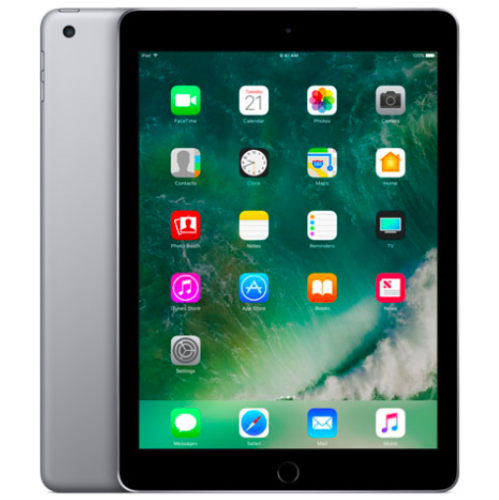 Your price for this item is $109.99
-
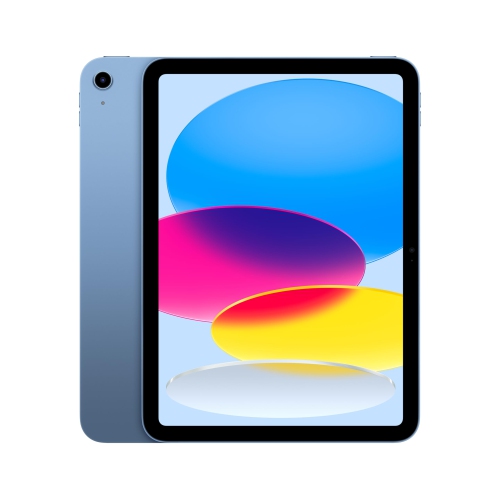 Your price for this item is $655.95
-
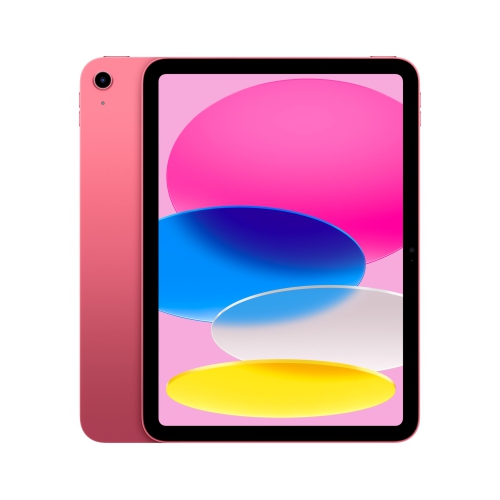 Your price for this item is $639
-
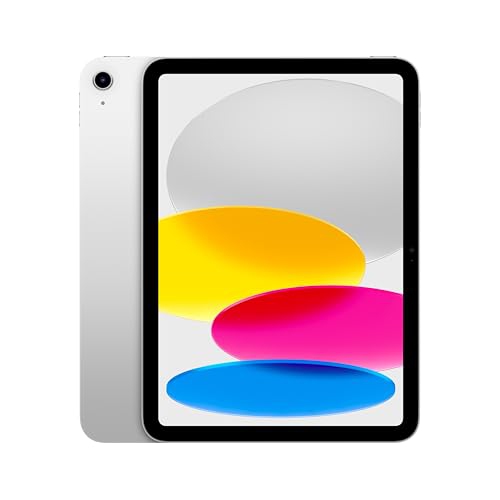 Your price for this item is $698.99
-
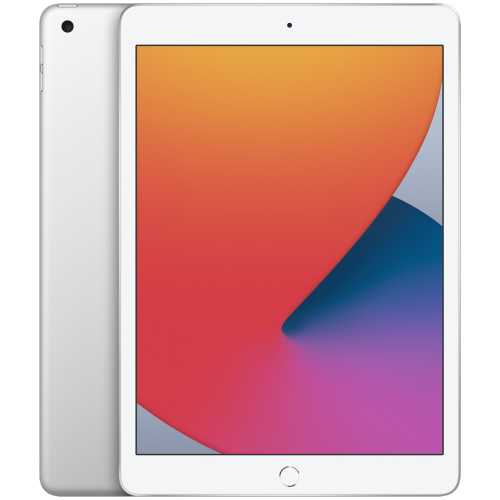 Your price for this item is $146.98
-
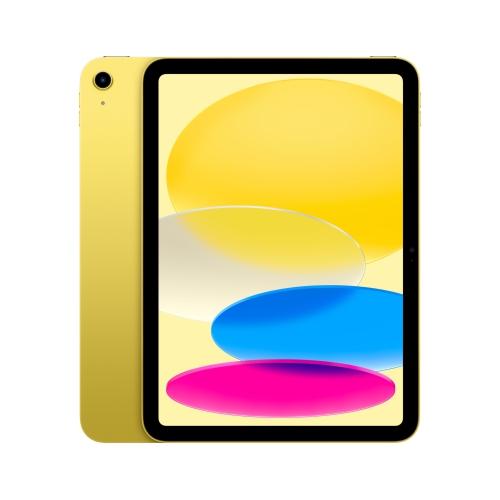 Your price for this item is $639.99
-
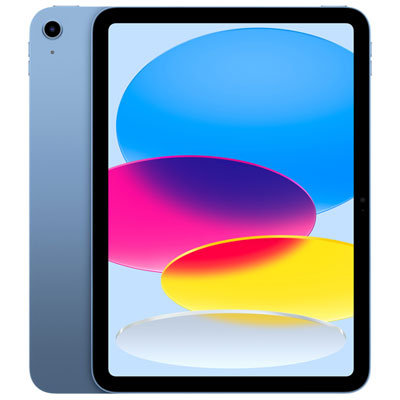 Your price for this item is $649.99
-
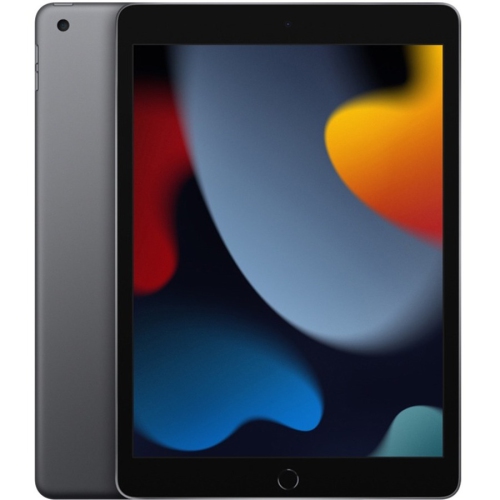 Your price for this item is $1000
Discover more categories related to Tablet Telus

Top Collections:
Pokemon Centers, Pokémon 30th Celebration Cards, Best Budget Office Chairs, Kindle Devices, Best Cameras for Sports Photography, Canon G7X Cameras, Best Black Friday Deals On Electronics, Best Laptops for Writers, iPhone 15 Apple, Jackery Power Stations
Some products may be subject to Environmental Handling Fees
(EHF) depending on your province.
Learn more about EHFs.