Telus iPads
Discover a wide selection of Telus iPad options designed to keep you connected and productive wherever you go. Whether you're looking for a device to stream, browse, or stay in touch, you'll find choices that suit your needs. Explore the latest models and data plans available with Telus iPad to enjoy seamless connectivity and impressive performance. Find the perfect match for work, entertainment, or staying organized on the move.
Sort







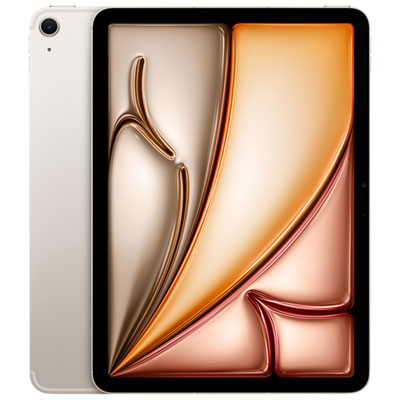
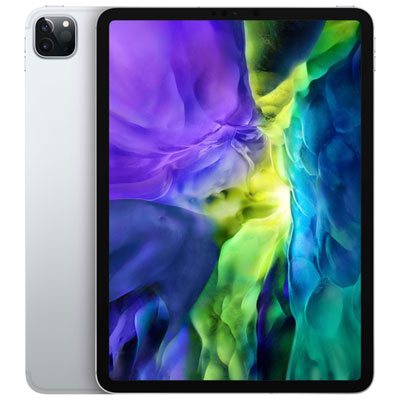
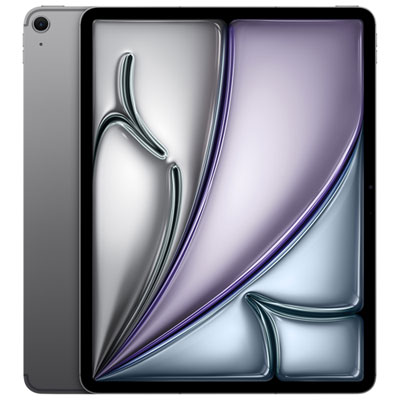
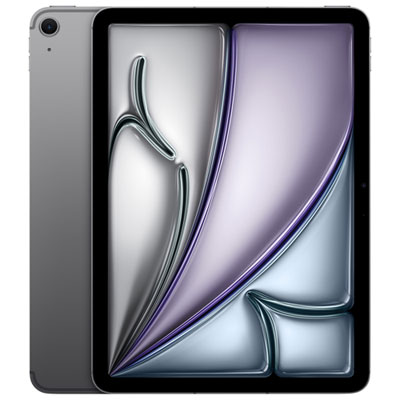
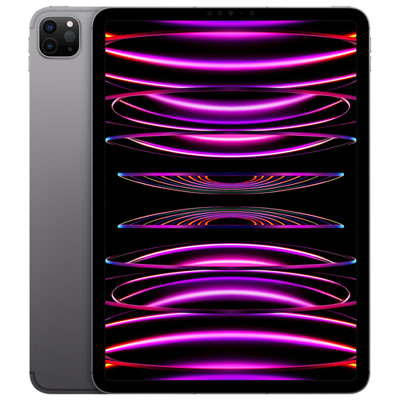

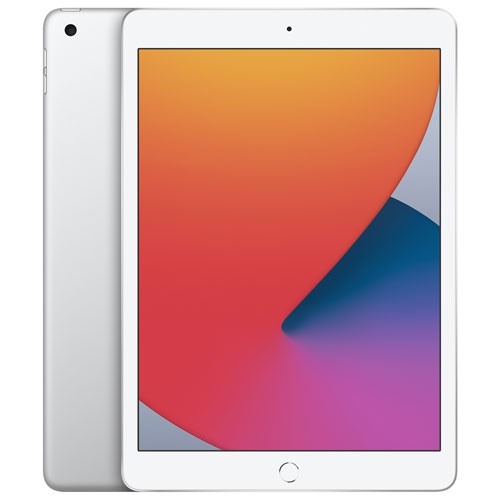


How cellular tablets fit into life beyond Wi-Fi
Cellular-enabled tablets combine a portable touchscreen with the option to connect to a mobile network, making them useful beyond the reach of a home, school, or office Wi-Fi connection. They suit people who move between locations throughout the day: a student reviewing course notes on the train, a consultant checking documents before a meeting, or a parent keeping travel details close at hand. The distinction between cellular and Wi-Fi-only hardware matters. A cellular-capable tablet needs a compatible, activated mobile data plan to use a carrier’s network, while a Wi-Fi-only tablet cannot gain built-in cellular capability simply by adding a plan. A phone’s hotspot can provide another way to get online, but that connection depends on the phone’s settings, signal, and battery. When browsing the Tablet Telus category, network compatibility, supported connection types, and activation requirements are useful details to consider alongside screen size and storage. Depending on the device, cellular service may use a physical SIM card or an eSIM, and support should be confirmed for the intended carrier. Mobile data also does not automatically give a tablet all the calling and messaging functions of a phone; those features depend on the device, apps, and service setup. Connection speed and reliability vary with coverage, location, building construction, and network conditions. For everyday use, the benefit is flexibility: opening a shared presentation while away from the office, checking a booking confirmation without joining a public network, or sending an updated document from a job site. Downloaded books, saved files, and supported offline apps remain useful when a connection is unavailable. Streaming video, video calls, and large file transfers can consume considerably more data than reading email, so download settings and app permissions are practical considerations for anyone using a tablet on the go. A mobile connection is most valuable when it supports the places and tasks that already make up someone’s day.
Screen size shapes how a tablet feels in use as much as how it fits into a bag. A smaller display can be comfortable for reading, checking messages, and holding the device in one hand for short periods, while a larger screen gives spreadsheets, drawings, and side-by-side apps more breathing room. For someone marking up a document, the extra space can make handwritten comments easier to place; for a commuter, a compact device may be easier to balance on a lap without taking over the seat. Overall weight, edge shape, and the weight of an attached case or keyboard all affect portability. Display brightness and glare handling matter in brightly lit spaces, while text clarity and adjustable viewing settings can make longer reading sessions more comfortable. Performance requirements depend on the work being done. Browsing, reading, and watching videos place different demands on a tablet than editing high-resolution footage, creating detailed artwork, or switching repeatedly between several demanding apps. Processor capability, memory, software support, and app compatibility deserve attention together rather than in isolation. Storage is another everyday consideration: downloaded films, large games, scanned documents, and creative project files can accumulate quickly. Cloud storage can help keep files accessible across devices, but access may depend on a connection, and not every tablet supports storage expansion. Battery performance varies with screen brightness, mobile signal, video playback, and the apps running in the background. A full day of note-taking may look very different from hours of streaming over a mobile connection. Charging-port compatibility and the ability to charge from an existing desk setup also influence convenience. For work or study, the most suitable tablet is one that runs the required apps, opens the relevant file formats, and works with any necessary keyboard or stylus. A tablet can be excellent for reviewing and annotating documents without necessarily replacing a computer for specialized desktop software, complex spreadsheets, or tasks that rely on particular peripherals. That distinction helps keep expectations grounded in actual use.
Materials, accessories, and care contribute to how well a tablet holds up to daily handling. Glass touchscreens provide a smooth surface for reading, tapping, and writing, while aluminium or other body materials influence weight, rigidity, and feel. A slim profile is convenient to carry, but it does not make a device resistant to drops, scratches, or liquid exposure. A well-fitting case can protect corners and edges, and a cover that folds into a stable stand can make video calls or recipe viewing more comfortable without requiring the tablet to be held. Fit needs to match the exact device dimensions, camera placement, buttons, speakers, and charging port; a case designed for a similarly sized tablet may still block a control or leave an edge exposed. Keyboard and stylus compatibility also varies, so the connection method and supported features matter as much as the accessory’s appearance. Someone taking lecture notes may prefer a responsive stylus and a case that lies securely on a desk, while a frequent traveller may value a lightweight cover and a sleeve that keeps the screen separate from keys and cables. Care is straightforward but worth making part of a routine: a soft, lint-free cloth can remove fingerprints, and cleaning methods should follow the device manufacturer’s directions. Keeping moisture away from openings, avoiding abrasive cleaners, and carrying the tablet in a dedicated compartment can help preserve its finish and function. For shared household use, passcodes, supported user controls, and age-appropriate content settings help keep personal files and children’s activities separate where the software allows. Tablets can make thoughtful gifts for students, readers, creative hobbyists, or relatives who enjoy video calls, provided the device suits their comfort with technology and intended activities. A recipient who mainly reads and watches videos may appreciate simplicity and a comfortable screen more than advanced performance, while someone drawing or working with files may need specific app and accessory support. The strongest match is a tablet whose connection options, size, and capabilities make familiar tasks easier without adding unnecessary complexity.
Screen size shapes how a tablet feels in use as much as how it fits into a bag. A smaller display can be comfortable for reading, checking messages, and holding the device in one hand for short periods, while a larger screen gives spreadsheets, drawings, and side-by-side apps more breathing room. For someone marking up a document, the extra space can make handwritten comments easier to place; for a commuter, a compact device may be easier to balance on a lap without taking over the seat. Overall weight, edge shape, and the weight of an attached case or keyboard all affect portability. Display brightness and glare handling matter in brightly lit spaces, while text clarity and adjustable viewing settings can make longer reading sessions more comfortable. Performance requirements depend on the work being done. Browsing, reading, and watching videos place different demands on a tablet than editing high-resolution footage, creating detailed artwork, or switching repeatedly between several demanding apps. Processor capability, memory, software support, and app compatibility deserve attention together rather than in isolation. Storage is another everyday consideration: downloaded films, large games, scanned documents, and creative project files can accumulate quickly. Cloud storage can help keep files accessible across devices, but access may depend on a connection, and not every tablet supports storage expansion. Battery performance varies with screen brightness, mobile signal, video playback, and the apps running in the background. A full day of note-taking may look very different from hours of streaming over a mobile connection. Charging-port compatibility and the ability to charge from an existing desk setup also influence convenience. For work or study, the most suitable tablet is one that runs the required apps, opens the relevant file formats, and works with any necessary keyboard or stylus. A tablet can be excellent for reviewing and annotating documents without necessarily replacing a computer for specialized desktop software, complex spreadsheets, or tasks that rely on particular peripherals. That distinction helps keep expectations grounded in actual use.
Materials, accessories, and care contribute to how well a tablet holds up to daily handling. Glass touchscreens provide a smooth surface for reading, tapping, and writing, while aluminium or other body materials influence weight, rigidity, and feel. A slim profile is convenient to carry, but it does not make a device resistant to drops, scratches, or liquid exposure. A well-fitting case can protect corners and edges, and a cover that folds into a stable stand can make video calls or recipe viewing more comfortable without requiring the tablet to be held. Fit needs to match the exact device dimensions, camera placement, buttons, speakers, and charging port; a case designed for a similarly sized tablet may still block a control or leave an edge exposed. Keyboard and stylus compatibility also varies, so the connection method and supported features matter as much as the accessory’s appearance. Someone taking lecture notes may prefer a responsive stylus and a case that lies securely on a desk, while a frequent traveller may value a lightweight cover and a sleeve that keeps the screen separate from keys and cables. Care is straightforward but worth making part of a routine: a soft, lint-free cloth can remove fingerprints, and cleaning methods should follow the device manufacturer’s directions. Keeping moisture away from openings, avoiding abrasive cleaners, and carrying the tablet in a dedicated compartment can help preserve its finish and function. For shared household use, passcodes, supported user controls, and age-appropriate content settings help keep personal files and children’s activities separate where the software allows. Tablets can make thoughtful gifts for students, readers, creative hobbyists, or relatives who enjoy video calls, provided the device suits their comfort with technology and intended activities. A recipient who mainly reads and watches videos may appreciate simplicity and a comfortable screen more than advanced performance, while someone drawing or working with files may need specific app and accessory support. The strongest match is a tablet whose connection options, size, and capabilities make familiar tasks easier without adding unnecessary complexity.
Top selling and popular products
-
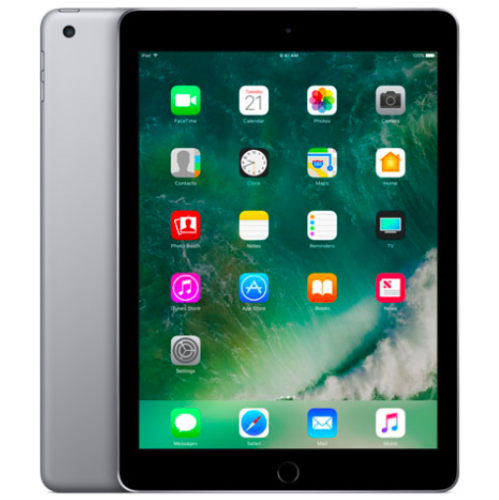 Your price for this item is $109.99
-
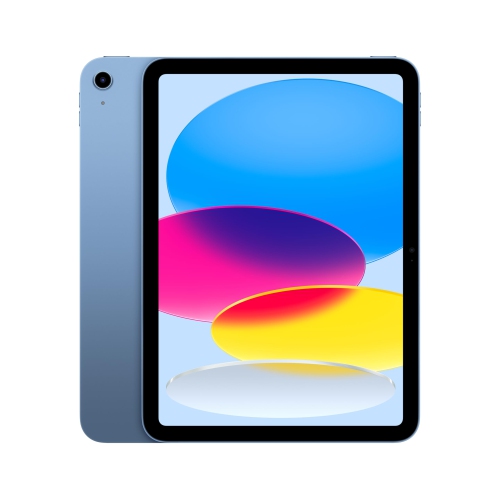 Your price for this item is $655.95
-
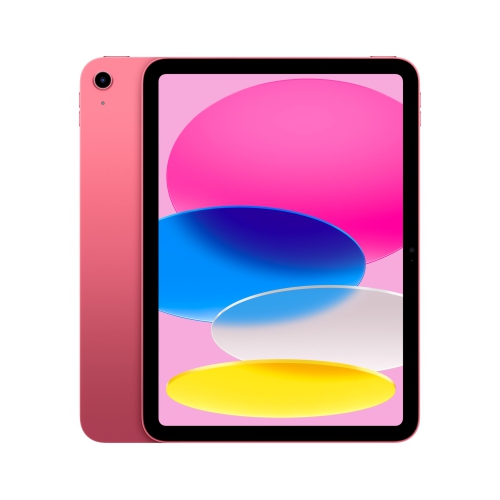 Your price for this item is $639
-
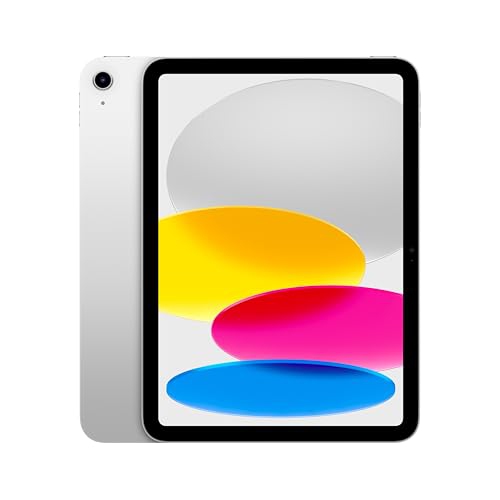 Your price for this item is $698.99
-
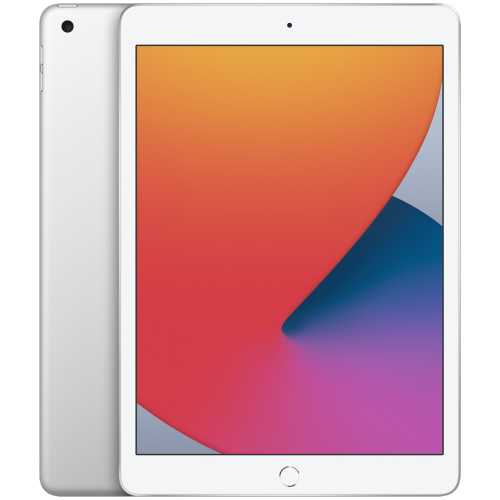 Your price for this item is $146.98
-
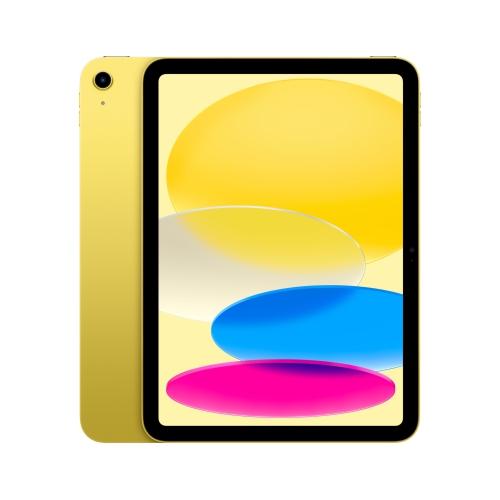 Your price for this item is $639.99
-
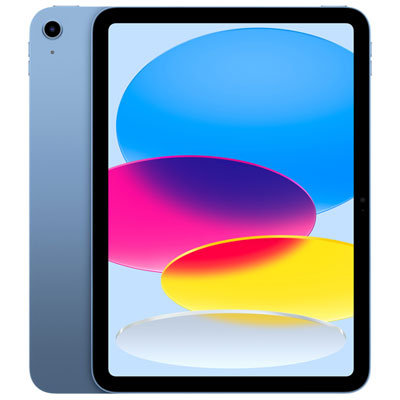 Your price for this item is $649.99
-
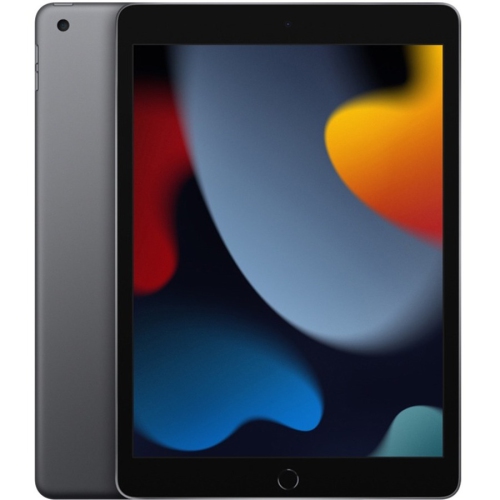 Your price for this item is $1000
Discover more categories related to Telus iPads

Top Collections:
Pokemon Centers, Pokémon 30th Celebration Cards, Best Budget Office Chairs, Kindle Devices, Best Cameras for Sports Photography, Canon G7X Cameras, Best Black Friday Deals On Electronics, Best Laptops for Writers, iPhone 15 Apple, Jackery Power Stations
Some products may be subject to Environmental Handling Fees
(EHF) depending on your province.
Learn more about EHFs.