ThinkCentre M910Q
Discover the versatility and performance of the ThinkCentre M910Q, designed to meet a variety of computing needs in both home and office settings. Its compact design makes it an ideal choice for maximizing workspace without sacrificing capability. Whether you're upgrading your current setup or searching for a reliable solution for everyday tasks, the ThinkCentre M910Q delivers dependable operation to help keep you productive. Explore options that fit your requirements and experience efficient computing with this trusted model.
Sort


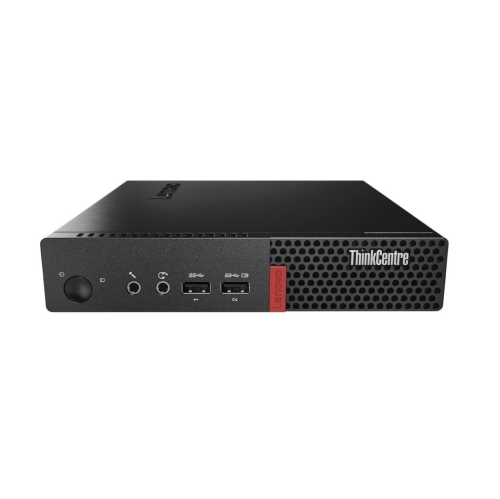


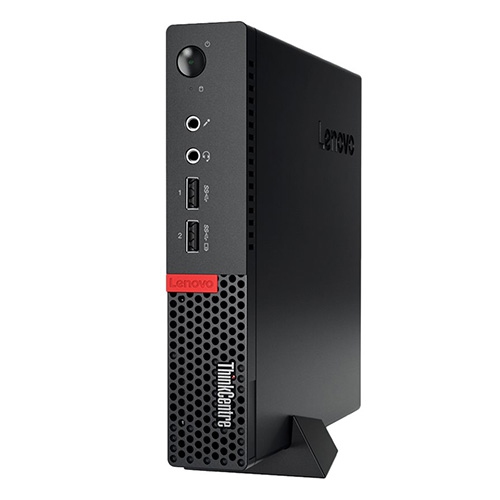


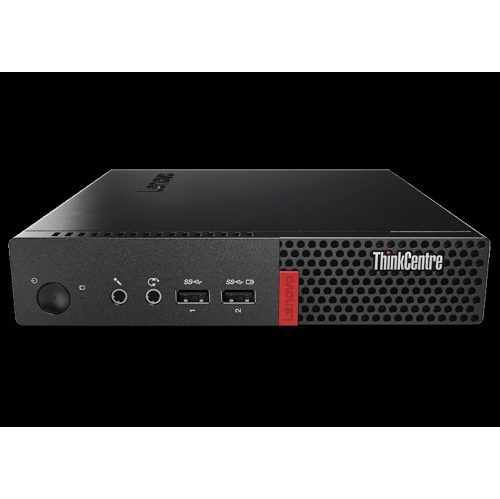


Everyday office computing without a full-size desktop tower
Ultra-compact business desktop computers bring the essentials of a traditional office PC into a chassis small enough to sit beside a monitor, tuck beneath a desk shelf or attach to a compatible mounting bracket. Often described as one-litre desktops, these systems suit workspaces where a full-size tower would take up valuable room. Their appeal is practical: a separate keyboard, mouse and display provide a familiar desktop experience, while the computer itself stays out of the way. They can be a good fit for document preparation, browser-based applications, bookkeeping, email and remote access to workplace systems, provided the processor, memory and operating system meet the requirements of the software being used. For a student, that might mean researching an assignment with several browser tabs open while drafting a report. For a small business, it could mean a reception workstation that handles appointments, invoices and customer records throughout the day. Older business mini desktops commonly use sixth- or seventh-generation processors, so their suitability depends more on the exact configuration and software requirements than on their compact appearance. Memory capacity also makes a noticeable difference during everyday multitasking. Configurations with 8GB of memory may suit lighter workloads, while 16GB gives more breathing room for larger spreadsheets, video meetings and multiple applications. Some systems in this class support up to 32GB of DDR4 memory through two SO-DIMM slots, although supported speeds and capacities should be confirmed in the specifications. These are desktop computers rather than laptops: they generally require an external power adapter, a display and input devices, and they do not include a built-in screen or battery. That distinction makes them particularly useful for a fixed workstation where portability matters less than a tidy layout, comfortable peripherals and straightforward access to files and applications. Integrated graphics are well suited to typical office visuals and video playback, but demanding games, complex three-dimensional modelling and heavy video production usually call for a different class of computer.
Storage and connectivity determine how comfortably a compact desktop fits into an existing setup. A solid-state drive can help applications open promptly and make everyday file access feel responsive, while capacity determines how much room remains for documents, photographs, downloaded media and installed software. Some business mini desktops accommodate both an M.2 NVMe solid-state drive and a 2.5-inch SATA drive, allowing the operating system and frequently used applications to reside on one drive while a second holds larger files. Dual-drive capability should not be mistaken for two installed drives, and the necessary mounting bracket or cable may depend on the configuration. An internal second drive also does not replace a separate backup; important records benefit from copies kept independently of the computer. Display connections deserve similar attention. DisplayPort is common on business-focused mini PCs, while other video connections can vary, making the monitor’s inputs and any required adapters important parts of the setup. Multiple-display support can be useful for keeping a spreadsheet on one screen and reference material on another, but the number of usable displays, supported resolutions and refresh rates depend on the graphics hardware and connections. USB ports accommodate everyday accessories such as keyboards, mice, webcams and external storage, although port counts and transfer speeds differ. A wired Gigabit Ethernet connection is useful at a permanent desk or for transferring files across a compatible local network. Wi-Fi and Bluetooth may be optional rather than standard, so wireless capability should be confirmed rather than assumed from the computer’s size or appearance. A video-call workstation also needs suitable audio equipment and a camera, whether these are built into the monitor or connected separately. Operating-system compatibility is especially important with older hardware: a processor that handles office tasks comfortably may still fall outside the requirements of a newer operating system. Supported security updates, application compatibility and any workplace requirements matter alongside the hardware specifications. For another desktop family to compare, ThinkCentre M920 provides a related starting point, with individual configurations deserving the same attention to processor, memory, storage and connections.
The physical design of a mini desktop affects both its placement and its long-term practicality. Business-oriented models often combine metal chassis panels with a moulded front section, creating a compact enclosure intended for regular use at a desk. A sturdy case helps protect internal components during normal handling, but it is not a substitute for careful placement. Ventilation openings need clear space, and a computer hidden behind a monitor still needs room for airflow, cable bends and access to the power button. A compatible mount can keep the desk clear, although mounting hardware, orientation and weight limits should match the computer and monitor arrangement. For shared workstations, accessible front ports make it easier to connect a headset or removable drive without reaching behind the screen. Maintenance is generally straightforward: shut down and unplug the computer before cleaning its exterior, use a soft cloth, keep liquids away from openings and follow the manufacturer’s directions for removing dust. Internal upgrades require compatible components and suitable handling precautions, even when the enclosure is designed for convenient service access. With refurbished desktops, cosmetic condition, installed components, included accessories and warranty terms are separate considerations. Light marks on the case do not necessarily indicate how well a computer performs, while an attractive exterior does not establish the condition of the storage drive or cooling system. Clear configuration details matter more than appearance alone. Beyond office work, compact desktops can suit hobby projects such as a small home server, a network testing station or a dedicated computer for home automation, provided the software and connection requirements are met. Continuous operation brings additional considerations, including backups, storage health, fan noise and secure remote access. These systems can also make practical gifts for a student, a family member who needs a dedicated desk computer or a technically minded recipient who enjoys setting up projects. The most useful match is one that complements the recipient’s monitor and accessories, supports their applications and leaves enough memory and storage for the way they actually work.
Storage and connectivity determine how comfortably a compact desktop fits into an existing setup. A solid-state drive can help applications open promptly and make everyday file access feel responsive, while capacity determines how much room remains for documents, photographs, downloaded media and installed software. Some business mini desktops accommodate both an M.2 NVMe solid-state drive and a 2.5-inch SATA drive, allowing the operating system and frequently used applications to reside on one drive while a second holds larger files. Dual-drive capability should not be mistaken for two installed drives, and the necessary mounting bracket or cable may depend on the configuration. An internal second drive also does not replace a separate backup; important records benefit from copies kept independently of the computer. Display connections deserve similar attention. DisplayPort is common on business-focused mini PCs, while other video connections can vary, making the monitor’s inputs and any required adapters important parts of the setup. Multiple-display support can be useful for keeping a spreadsheet on one screen and reference material on another, but the number of usable displays, supported resolutions and refresh rates depend on the graphics hardware and connections. USB ports accommodate everyday accessories such as keyboards, mice, webcams and external storage, although port counts and transfer speeds differ. A wired Gigabit Ethernet connection is useful at a permanent desk or for transferring files across a compatible local network. Wi-Fi and Bluetooth may be optional rather than standard, so wireless capability should be confirmed rather than assumed from the computer’s size or appearance. A video-call workstation also needs suitable audio equipment and a camera, whether these are built into the monitor or connected separately. Operating-system compatibility is especially important with older hardware: a processor that handles office tasks comfortably may still fall outside the requirements of a newer operating system. Supported security updates, application compatibility and any workplace requirements matter alongside the hardware specifications. For another desktop family to compare, ThinkCentre M920 provides a related starting point, with individual configurations deserving the same attention to processor, memory, storage and connections.
The physical design of a mini desktop affects both its placement and its long-term practicality. Business-oriented models often combine metal chassis panels with a moulded front section, creating a compact enclosure intended for regular use at a desk. A sturdy case helps protect internal components during normal handling, but it is not a substitute for careful placement. Ventilation openings need clear space, and a computer hidden behind a monitor still needs room for airflow, cable bends and access to the power button. A compatible mount can keep the desk clear, although mounting hardware, orientation and weight limits should match the computer and monitor arrangement. For shared workstations, accessible front ports make it easier to connect a headset or removable drive without reaching behind the screen. Maintenance is generally straightforward: shut down and unplug the computer before cleaning its exterior, use a soft cloth, keep liquids away from openings and follow the manufacturer’s directions for removing dust. Internal upgrades require compatible components and suitable handling precautions, even when the enclosure is designed for convenient service access. With refurbished desktops, cosmetic condition, installed components, included accessories and warranty terms are separate considerations. Light marks on the case do not necessarily indicate how well a computer performs, while an attractive exterior does not establish the condition of the storage drive or cooling system. Clear configuration details matter more than appearance alone. Beyond office work, compact desktops can suit hobby projects such as a small home server, a network testing station or a dedicated computer for home automation, provided the software and connection requirements are met. Continuous operation brings additional considerations, including backups, storage health, fan noise and secure remote access. These systems can also make practical gifts for a student, a family member who needs a dedicated desk computer or a technically minded recipient who enjoys setting up projects. The most useful match is one that complements the recipient’s monitor and accessories, supports their applications and leaves enough memory and storage for the way they actually work.
Top selling and popular products
-
 Your price for this item is $1399.99
-
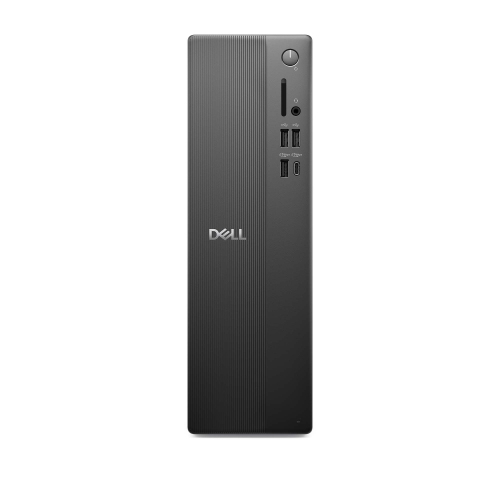 Your price for this item is $1629.79
-
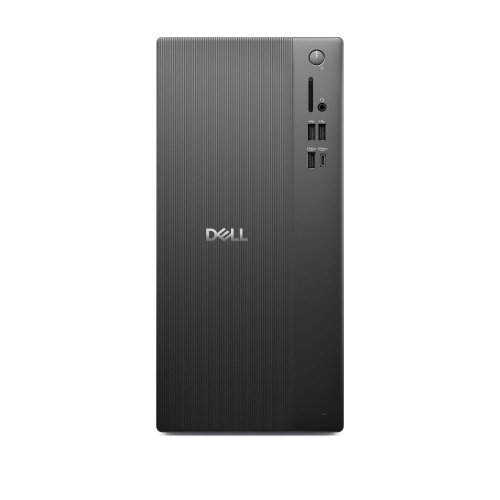 Your price for this item is $1459.79
-
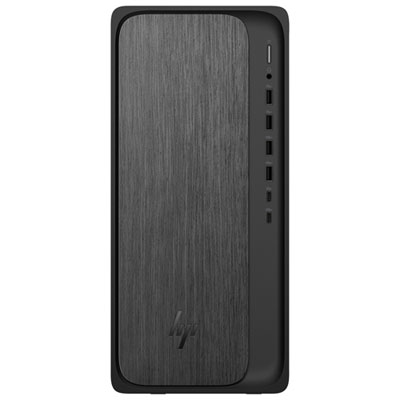 Your price for this item is $2299.99
-
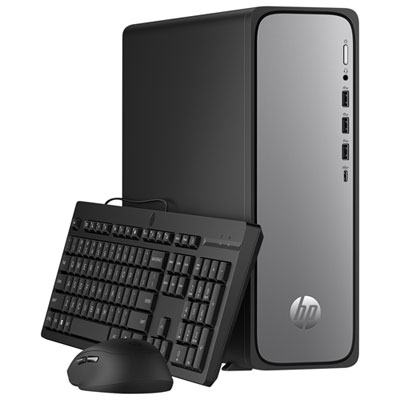 Your price for this item is $1469.99
-
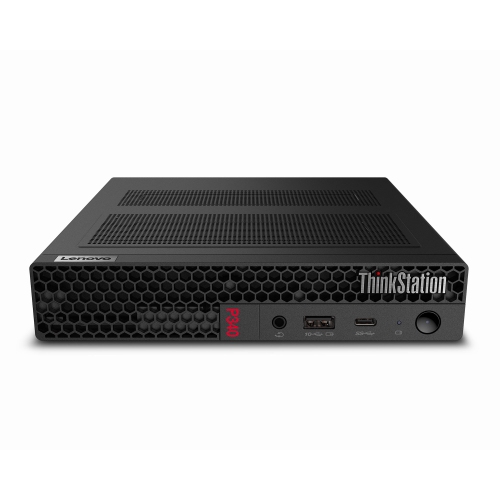 Your price for this item is $699.79
-
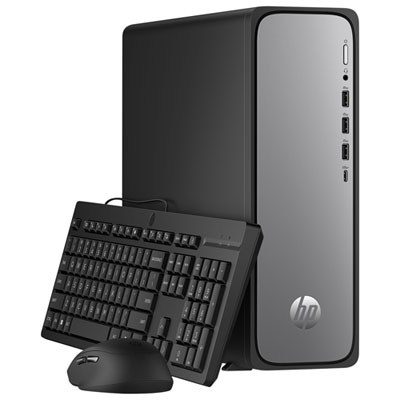 Your price for this item is $1759.99
-
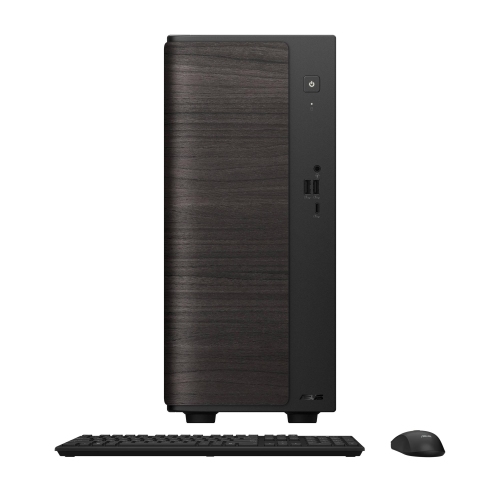 Your price for this item is $3149
Discover more categories related to ThinkCentre M910Q

Top Collections:
Pokemon Centers, Best Black Friday Deals This Year, Best Black Friday Deals On Electronics, Kindle Devices, Best Budget Office Chairs, Best Black Friday Deals On Apple Products, Best Cameras for Sports Photography, Pokémon 30th Celebration Cards, Dyson Airwrap, Canon G7X Cameras
Some products may be subject to Environmental Handling Fees
(EHF) depending on your province.
Learn more about EHFs.