Lenovo M920Q
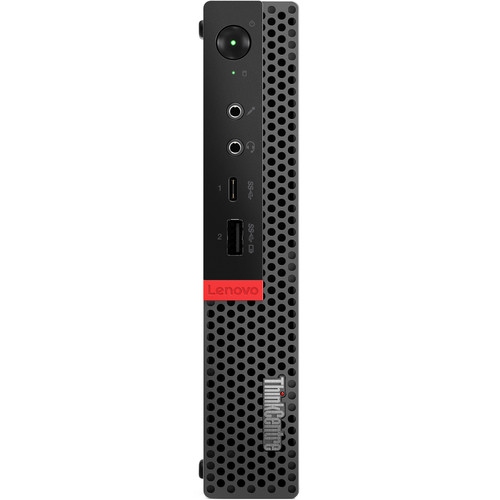
Discover the versatility and performance of the Lenovo M920Q, designed to meet a variety of computing needs. Perfect for both home and office environments, the Lenovo M920Q offers a compact solution without compromising on power or efficiency. Explore a selection of configurations and options to find the ideal fit for your workspace. With its streamlined design and reliable functionality, the Lenovo M920Q is ready to support your daily tasks with ease.
Sort






How one-litre desktops fit everyday work and home labs
One-litre business desktops are compact computers designed to deliver everyday desktop functionality without the bulk of a traditional tower. Their small cases can sit beside a monitor, tuck onto a shelf, or fit behind a compatible display mount, making them useful for home offices, reception counters, study spaces, and shared workstations. Despite their size, these are desktop PCs rather than tablets or thin clients, although the capabilities of any configuration depend on its processor, memory, storage, and operating system. For someone moving between spreadsheets, browser tabs, email, and video meetings, a compact business computer can keep the work surface clear while supporting familiar desktop software and peripherals. Students may use the same format for research, assignments, and introductory programming, while a household might dedicate one to paperwork, printing, and managing shared files. Processor generation matters alongside core count, particularly when checking software requirements and operating system support. Memory capacity affects how comfortably several applications can remain open together; 16 GB is a practical starting point for office multitasking, while heavier development work or virtual machines may benefit from more. Solid-state storage helps applications launch promptly and makes everyday file access feel responsive, but capacity deserves equal attention. A computer used mainly for documents has different storage needs from one holding large photo libraries or several virtual machine images. Integrated graphics can suit office applications, streaming video, and many everyday display arrangements, but should not be confused with a dedicated graphics card for demanding games or complex 3D work. The most useful configuration is the one that matches the actual workload, not simply the highest number in a specification list. A quiet workstation for writing and bookkeeping has different priorities from a machine expected to compile code, run test services, or drive several screens throughout the day. That distinction helps explain why outwardly similar tiny desktops can serve quite different roles.
Physical fit involves more than finding a clear patch of desk. A metal chassis provides a rigid enclosure for internal components, but ventilation openings still need breathing room, and a tightly packed cabinet can restrict airflow. A vertical stand or monitor bracket may make placement easier, provided it is compatible with the case and leaves access to the power button and ports. These mounting accessories are not necessarily included, and the external power adapter also needs a sensible place to rest without pulling on its cable. At a workstation, front-facing connections are convenient for a headset or removable drive, while rear connections help keep a keyboard, mouse, display, and network cable neatly routed. The number and type of display outputs deserve a close look when pairing a compact computer with an existing monitor. DisplayPort and HDMI connections may require different cables or adapters, and a USB-C socket does not automatically support video output. Multiple-monitor support depends on the graphics hardware, available outputs, and the resolution and refresh rate of the connected displays. Wired Ethernet is useful for stable network access during file transfers and remote sessions; Wi-Fi and Bluetooth should be confirmed in the specifications rather than assumed from the size or appearance of the case. A listing that includes wireless capability should also be checked for any required antenna. For long-term care, shut down and unplug the computer before cleaning its exterior, use a soft cloth, and keep liquids away from openings. Dust around vents can be removed carefully without pushing debris deeper into the case. Fans should not be allowed to spin freely under a strong blast of compressed air. A compact enclosure is built for stationary use, so protecting its ports from sideways cable pressure and avoiding knocks during moves can help prevent damage that has little to do with processor performance.
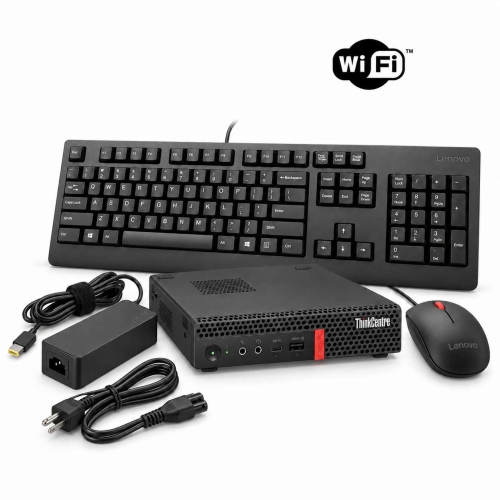
Upgrade options are another reason compact business desktops appeal to technically minded users, especially for home labs and small test systems. Depending on the hardware, accessible memory slots and replaceable storage can allow a machine to take on a new role without replacing the entire computer. Compatibility remains specific: memory generation, module format, supported capacity, storage interfaces, drive lengths, and mounting hardware must all match the system. An M.2 slot does not by itself establish which storage protocol is supported, and space for a 2.5-inch drive may still require a caddy and cable. Likewise, a compact chassis should not be assumed to accept a standard desktop graphics card or network card; internal expansion may depend on a particular riser, bracket, and layout. For a home lab running virtual machines, network tools, or software experiments, processor virtualization support, adequate memory, and reliable storage matter more than appearance. Backups remain important even when the machine is only hosting test projects, particularly if those projects become useful household services. Refurbished business desktops also warrant attention to condition descriptions, included accessories, warranty terms, and whether the operating system is properly licensed and supported. A clean exterior does not establish storage health or confirm that every port has been tested. Firmware access is worth checking for anyone planning hardware changes or an alternative operating system, since an unknown administrative password can limit those plans. Related compact desktop options, including Lenovo M70Q, provide another point of comparison for processor generation, connections, and expansion possibilities. For a student, remote worker, or family member receiving a computer as a gift, practical completeness matters: a compatible monitor, keyboard, mouse, power adapter, and suitable display cable are all part of a usable setup. Matching those essentials to the recipient’s workspace and software needs makes a small desktop feel purposeful from its first day on the desk.
Physical fit involves more than finding a clear patch of desk. A metal chassis provides a rigid enclosure for internal components, but ventilation openings still need breathing room, and a tightly packed cabinet can restrict airflow. A vertical stand or monitor bracket may make placement easier, provided it is compatible with the case and leaves access to the power button and ports. These mounting accessories are not necessarily included, and the external power adapter also needs a sensible place to rest without pulling on its cable. At a workstation, front-facing connections are convenient for a headset or removable drive, while rear connections help keep a keyboard, mouse, display, and network cable neatly routed. The number and type of display outputs deserve a close look when pairing a compact computer with an existing monitor. DisplayPort and HDMI connections may require different cables or adapters, and a USB-C socket does not automatically support video output. Multiple-monitor support depends on the graphics hardware, available outputs, and the resolution and refresh rate of the connected displays. Wired Ethernet is useful for stable network access during file transfers and remote sessions; Wi-Fi and Bluetooth should be confirmed in the specifications rather than assumed from the size or appearance of the case. A listing that includes wireless capability should also be checked for any required antenna. For long-term care, shut down and unplug the computer before cleaning its exterior, use a soft cloth, and keep liquids away from openings. Dust around vents can be removed carefully without pushing debris deeper into the case. Fans should not be allowed to spin freely under a strong blast of compressed air. A compact enclosure is built for stationary use, so protecting its ports from sideways cable pressure and avoiding knocks during moves can help prevent damage that has little to do with processor performance.
Upgrade options are another reason compact business desktops appeal to technically minded users, especially for home labs and small test systems. Depending on the hardware, accessible memory slots and replaceable storage can allow a machine to take on a new role without replacing the entire computer. Compatibility remains specific: memory generation, module format, supported capacity, storage interfaces, drive lengths, and mounting hardware must all match the system. An M.2 slot does not by itself establish which storage protocol is supported, and space for a 2.5-inch drive may still require a caddy and cable. Likewise, a compact chassis should not be assumed to accept a standard desktop graphics card or network card; internal expansion may depend on a particular riser, bracket, and layout. For a home lab running virtual machines, network tools, or software experiments, processor virtualization support, adequate memory, and reliable storage matter more than appearance. Backups remain important even when the machine is only hosting test projects, particularly if those projects become useful household services. Refurbished business desktops also warrant attention to condition descriptions, included accessories, warranty terms, and whether the operating system is properly licensed and supported. A clean exterior does not establish storage health or confirm that every port has been tested. Firmware access is worth checking for anyone planning hardware changes or an alternative operating system, since an unknown administrative password can limit those plans. Related compact desktop options, including Lenovo M70Q, provide another point of comparison for processor generation, connections, and expansion possibilities. For a student, remote worker, or family member receiving a computer as a gift, practical completeness matters: a compatible monitor, keyboard, mouse, power adapter, and suitable display cable are all part of a usable setup. Matching those essentials to the recipient’s workspace and software needs makes a small desktop feel purposeful from its first day on the desk.
Top selling and popular products
-
 Your price for this item is $1399.99
-
 Your price for this item is $1629.79
-
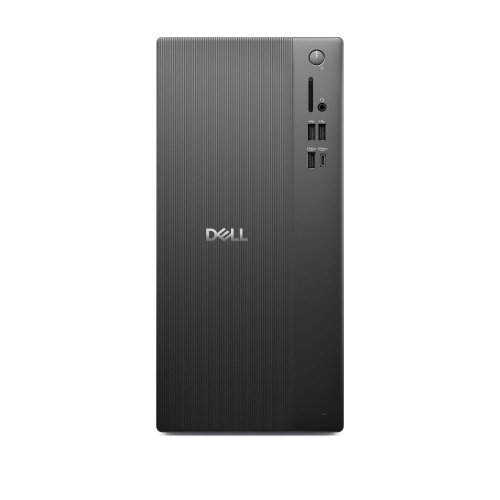 Your price for this item is $1459.79
-
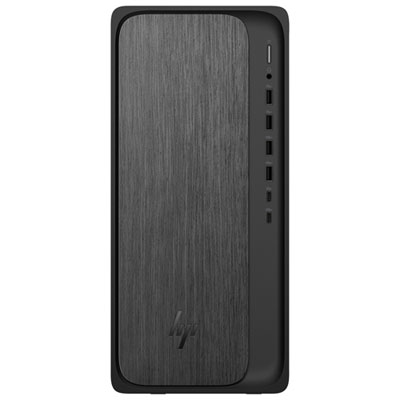 Your price for this item is $2299.99
-
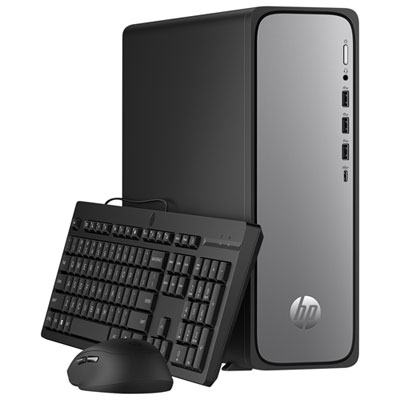 Your price for this item is $1469.99
-
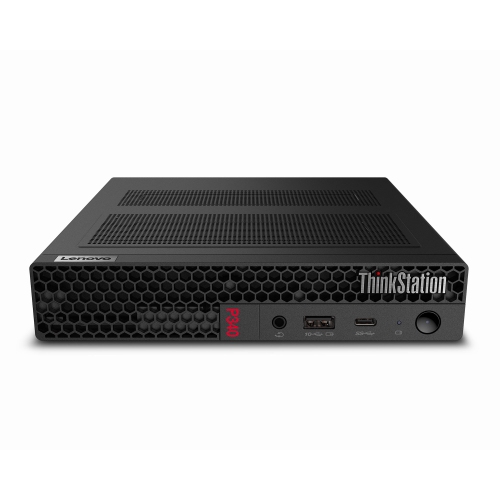 Your price for this item is $699.79
-
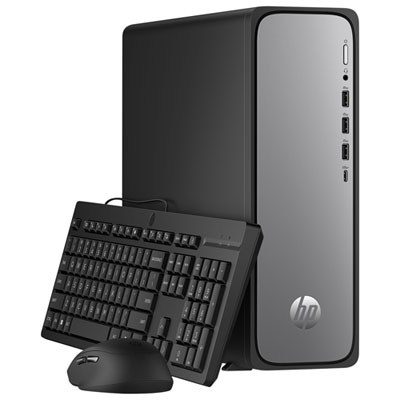 Your price for this item is $1759.99
-
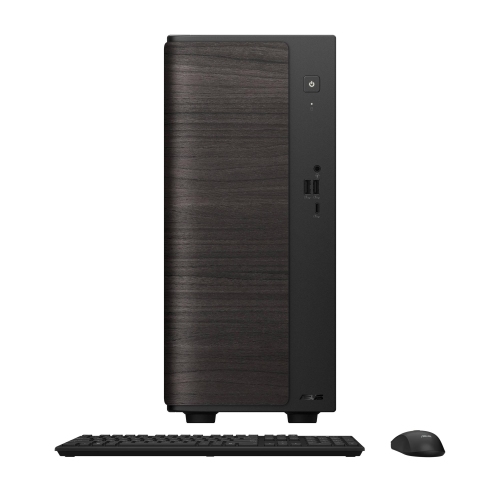 Your price for this item is $3149
Discover more categories related to Lenovo M920Q


Top Collections:
Pokemon Centers, Best Black Friday Deals This Year, Best Black Friday Deals On Electronics, Kindle Devices, Best Budget Office Chairs, Best Black Friday Deals On Apple Products, Best Cameras for Sports Photography, Pokémon 30th Celebration Cards, Dyson Airwrap, Canon G7X Cameras
Some products may be subject to Environmental Handling Fees
(EHF) depending on your province.
Learn more about EHFs.