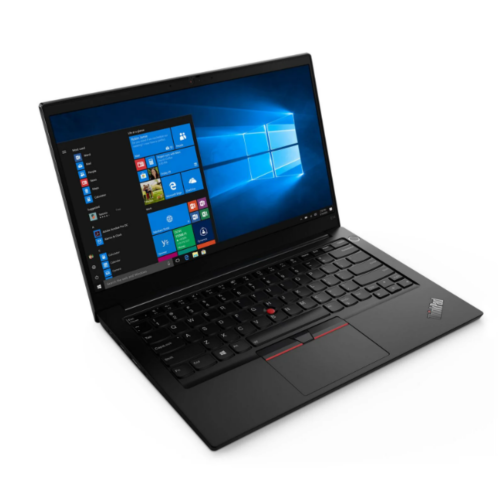
Thinkpad E14 Gen 4
Our selection of cutting-edge laptops includes the latest models with advanced features to meet all your computing needs. Whether you're a student, professional, or tech enthusiast, you'll find a range of options that deliver top-notch performance, sleek design, and innovative technology. Dive into our collection today and discover the perfect laptop to take your work and entertainment to the next level.
Sort
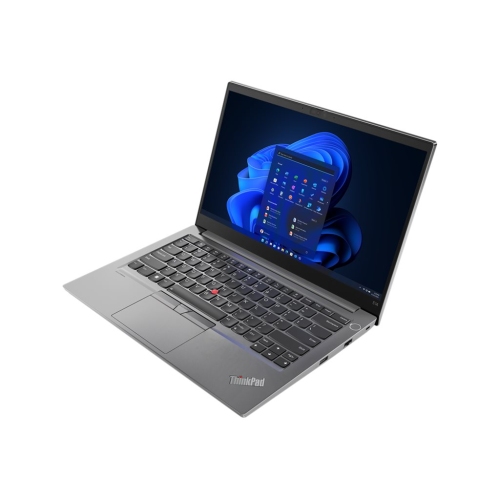
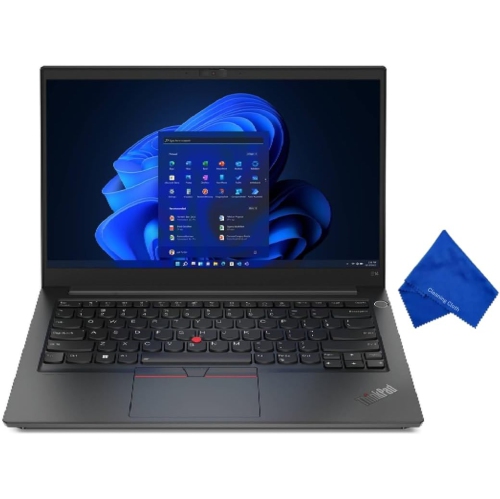

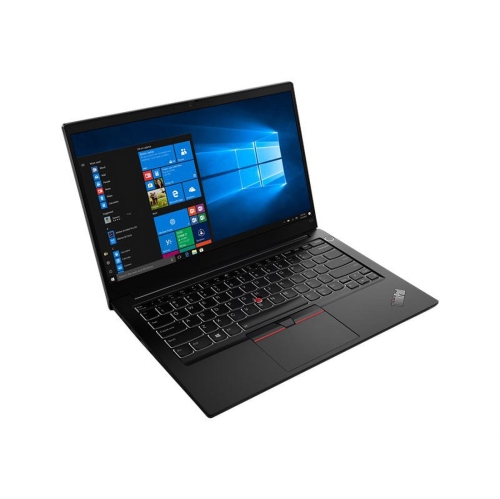


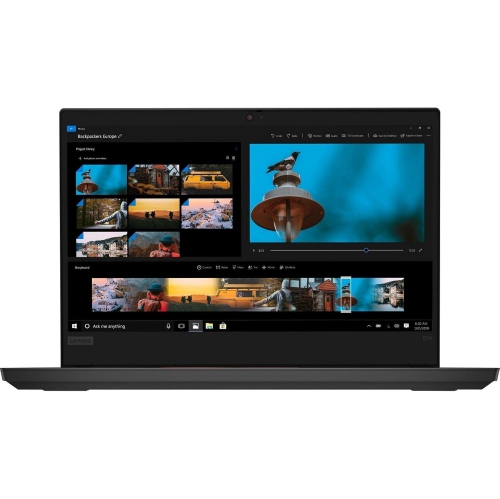
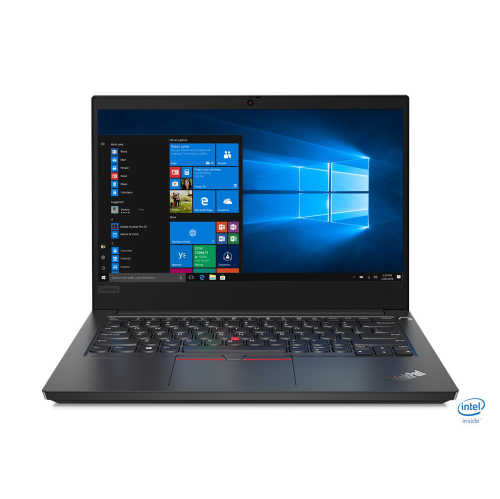
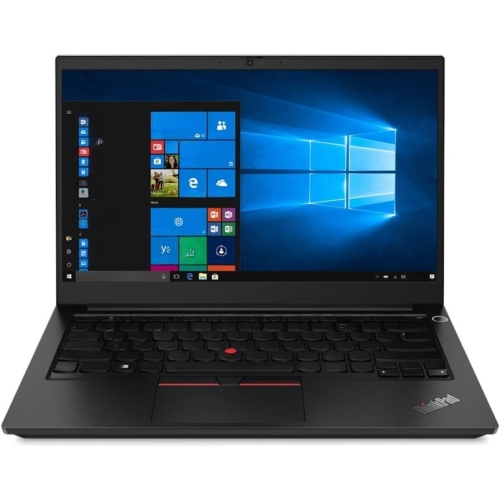

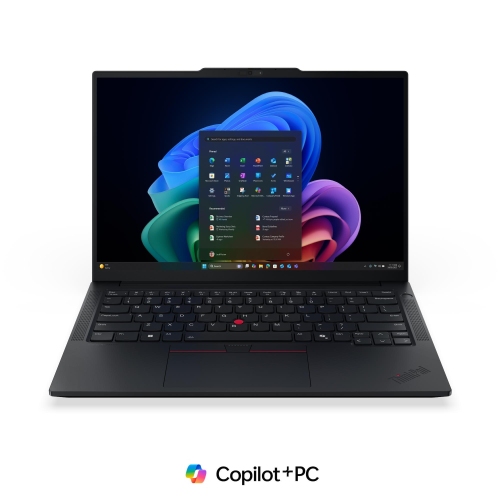
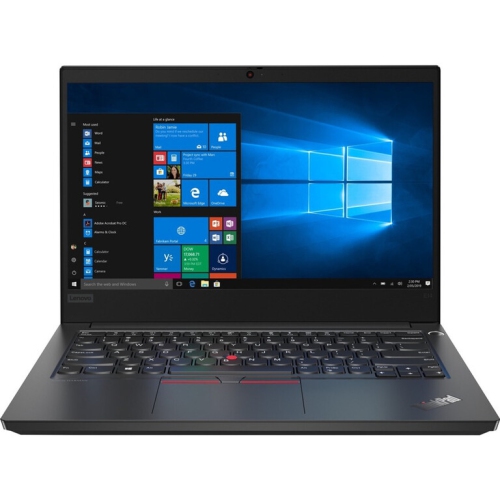
How 14-inch business laptops balance work and portability
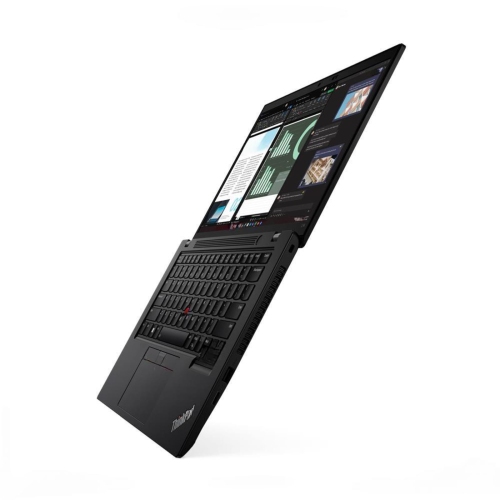
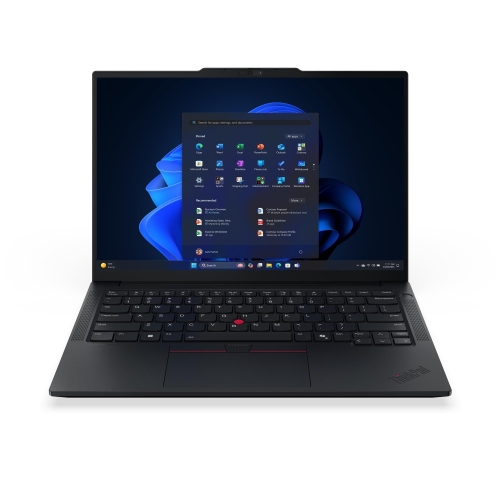
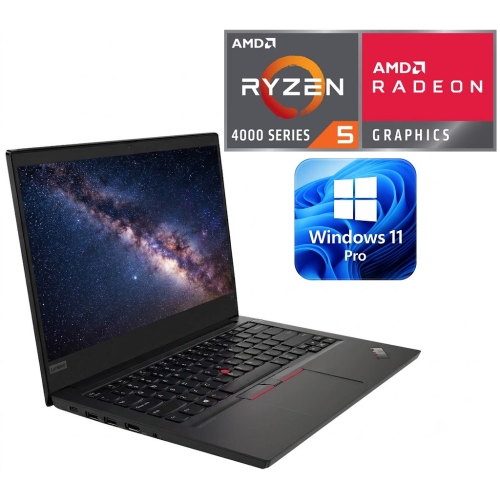
A 14-inch business laptop brings everyday work into a format that fits comfortably between a full-size desktop replacement and a smaller notebook built mainly for light tasks. The screen provides room for documents, spreadsheets, browser tabs, and video meetings without making the computer cumbersome to carry between a desk, a classroom, and a shared workspace. This category suits office staff, small-business owners, post-secondary students, and people whose work involves a steady mix of typing, research, and online collaboration. For someone preparing a presentation while answering messages and reviewing a spreadsheet, the processor, memory, and storage work together to determine how smoothly those tasks run. Processor generation and architecture matter alongside the number of cores, since a familiar performance label does not tell the whole story across different configurations. Memory capacity is particularly relevant when several applications remain open throughout the day. A configuration with 16 GB of memory generally provides more breathing room for multitasking than one with 8 GB, though requirements depend on the software involved. Solid-state storage helps applications launch promptly and makes opening locally stored files feel responsive. Capacity matters separately from speed: text documents occupy relatively little space, while large photo libraries, development tools, and project files can fill a drive much faster. Integrated graphics are generally suited to presentations, video playback, routine office applications, and many coding tasks, while demanding 3D work or graphics-heavy games may call for a different class of computer. For programming, the size of a project, the number of development tools in use, and any need to run virtual machines can make memory and processor capacity especially important. Upgrade options also vary. Some designs combine built-in memory with an expansion slot, while others have different limits, making the specifications of the individual configuration more useful than assumptions based on screen size or an outwardly similar chassis. The strongest fit comes from matching those details to the work the laptop will actually handle.
The experience of using a business notebook also depends on details that are less obvious than processor specifications. A 14-inch display is measured diagonally, and its resolution, brightness, surface finish, and panel technology all influence how comfortable it feels during a long document review or a spreadsheet-heavy afternoon. Full HD, or 1920 × 1080 pixels, is a common resolution in this size, but resolution alone does not establish colour accuracy, viewing angles, or readability under bright overhead lighting. An anti-glare finish can reduce distracting reflections, while wider viewing angles help when two people are looking at the same screen. Touch input is configuration-dependent rather than a feature to assume. Keyboard spacing, key travel, and the layout of navigation keys matter to anyone who spends hours writing reports or entering information. A backlit keyboard can make key labels easier to see in a dim meeting room, and a precise touchpad helps when there is no room for a mouse. Webcam resolution, microphone quality, and speaker clarity also shape the experience of remote meetings, especially when the laptop serves as the main communication tool rather than connecting to a separate setup. Portability involves more than the stated weight. The power adapter, protective sleeve, and accessories add to what goes into a bag, while the laptop’s width and depth determine how neatly it fits into a work tote or backpack compartment. Chassis materials may include metal, reinforced plastic, or a combination, with differences in finish, rigidity, and resistance to everyday marks. A sturdy hinge and well-supported keyboard deck contribute to a reassuring feel, although no business laptop is immune to damage from drops or pressure. Battery runtime depends on the battery fitted to the configuration, screen brightness, wireless activity, application load, and battery condition. A day spent editing text will place different demands on it than continuous video calls, so a single runtime figure cannot represent every working day.
Connections and practical ownership details help determine how easily a compact business laptop fits into an established routine. USB-A ports remain useful for many keyboards, mice, and storage devices, while USB-C can support several functions depending on the port’s specifications. The presence of a USB-C connector does not automatically confirm charging support, external-display output, or compatibility with every docking station. HDMI can simplify connecting to a monitor or meeting-room display, and a wired network port may be useful at a fixed desk. Wi-Fi capability matters for wireless connections, although actual speeds also depend on the router, network service, and distance from the access point. For a workstation with two monitors, a headset, and several accessories, display-output limits and dock compatibility deserve as much attention as the number of ports. Security features can also be valuable for work or school. Depending on the configuration, these may include a fingerprint reader, a camera privacy shutter, or hardware-based support for protecting sign-in information. The installed operating system and its edition influence software compatibility and access to certain workplace management features; employer or school requirements can narrow the appropriate choices. For a related compact business-notebook comparison, the ThinkPad T14s Gen 4 page offers additional context alongside everyday priorities such as portability, screen comfort, and desk connectivity. Long-term usability also benefits from straightforward care. A padded compartment helps protect the lid during travel, and keeping pens or cables off the keyboard before closing it reduces the risk of pressure against the display. A soft microfibre cloth is suitable for routine exterior cleaning when used according to the manufacturer’s directions, without spraying liquid directly onto the computer. Clear vents, careful cable handling, regular software updates, and reliable file backups all support dependable daily use. For a student starting a demanding programme or someone setting up a home office, these practical qualities can matter as much as headline specifications, helping a laptop remain comfortable and useful across many different tasks.
The experience of using a business notebook also depends on details that are less obvious than processor specifications. A 14-inch display is measured diagonally, and its resolution, brightness, surface finish, and panel technology all influence how comfortable it feels during a long document review or a spreadsheet-heavy afternoon. Full HD, or 1920 × 1080 pixels, is a common resolution in this size, but resolution alone does not establish colour accuracy, viewing angles, or readability under bright overhead lighting. An anti-glare finish can reduce distracting reflections, while wider viewing angles help when two people are looking at the same screen. Touch input is configuration-dependent rather than a feature to assume. Keyboard spacing, key travel, and the layout of navigation keys matter to anyone who spends hours writing reports or entering information. A backlit keyboard can make key labels easier to see in a dim meeting room, and a precise touchpad helps when there is no room for a mouse. Webcam resolution, microphone quality, and speaker clarity also shape the experience of remote meetings, especially when the laptop serves as the main communication tool rather than connecting to a separate setup. Portability involves more than the stated weight. The power adapter, protective sleeve, and accessories add to what goes into a bag, while the laptop’s width and depth determine how neatly it fits into a work tote or backpack compartment. Chassis materials may include metal, reinforced plastic, or a combination, with differences in finish, rigidity, and resistance to everyday marks. A sturdy hinge and well-supported keyboard deck contribute to a reassuring feel, although no business laptop is immune to damage from drops or pressure. Battery runtime depends on the battery fitted to the configuration, screen brightness, wireless activity, application load, and battery condition. A day spent editing text will place different demands on it than continuous video calls, so a single runtime figure cannot represent every working day.
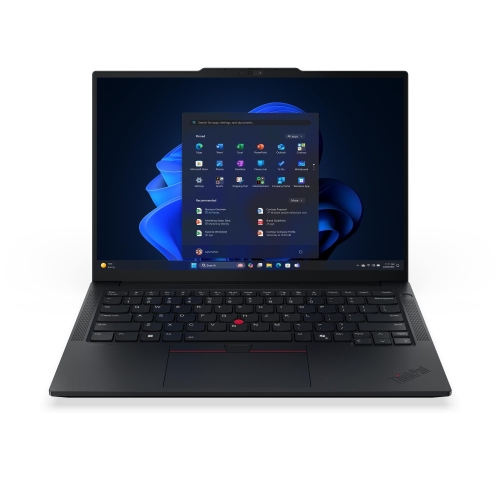
Connections and practical ownership details help determine how easily a compact business laptop fits into an established routine. USB-A ports remain useful for many keyboards, mice, and storage devices, while USB-C can support several functions depending on the port’s specifications. The presence of a USB-C connector does not automatically confirm charging support, external-display output, or compatibility with every docking station. HDMI can simplify connecting to a monitor or meeting-room display, and a wired network port may be useful at a fixed desk. Wi-Fi capability matters for wireless connections, although actual speeds also depend on the router, network service, and distance from the access point. For a workstation with two monitors, a headset, and several accessories, display-output limits and dock compatibility deserve as much attention as the number of ports. Security features can also be valuable for work or school. Depending on the configuration, these may include a fingerprint reader, a camera privacy shutter, or hardware-based support for protecting sign-in information. The installed operating system and its edition influence software compatibility and access to certain workplace management features; employer or school requirements can narrow the appropriate choices. For a related compact business-notebook comparison, the ThinkPad T14s Gen 4 page offers additional context alongside everyday priorities such as portability, screen comfort, and desk connectivity. Long-term usability also benefits from straightforward care. A padded compartment helps protect the lid during travel, and keeping pens or cables off the keyboard before closing it reduces the risk of pressure against the display. A soft microfibre cloth is suitable for routine exterior cleaning when used according to the manufacturer’s directions, without spraying liquid directly onto the computer. Clear vents, careful cable handling, regular software updates, and reliable file backups all support dependable daily use. For a student starting a demanding programme or someone setting up a home office, these practical qualities can matter as much as headline specifications, helping a laptop remain comfortable and useful across many different tasks.
Top selling and popular products
-
 Your price for this item is $449
-
 Your price for this item is $3099
-
 Your price for this item is $449.99
-
 Your price for this item is $664.05
-
 Your price for this item is $869.99
-
 Your price for this item is $2960.48
-
 Your price for this item is $489.7
-
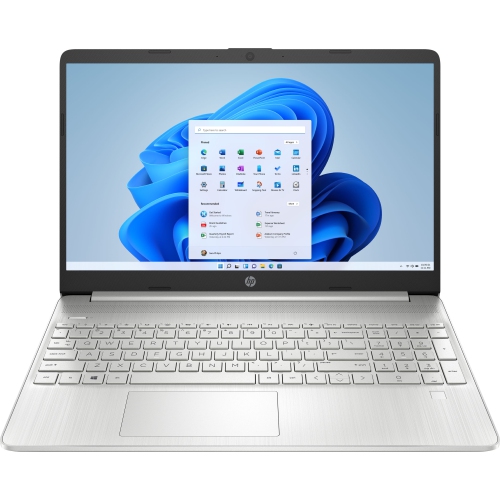 Your price for this item is $829
Discover more categories related to Thinkpad E14 Gen 4


Top Collections:
Pokemon Centers, Best Black Friday Deals This Year, Best Black Friday Deals On Electronics, Kindle Devices, Best Budget Office Chairs, Best Black Friday Deals On Apple Products, Best Cameras for Sports Photography, Pokémon 30th Celebration Cards, Dyson Airwrap, Canon G7X Cameras
Some products may be subject to Environmental Handling Fees
(EHF) depending on your province.
Learn more about EHFs.