Toshiba Portable Hard Drives
Toshiba Portable Hard Drive solutions offer a convenient way to store, transfer, and back up your important files wherever you go. Designed for users who need extra space and reliable performance, these portable hard drives make it easy to keep your documents, photos, music, and videos secure. Whether you're a student, professional, or casual user, Toshiba Portable Hard Drive options provide the flexibility to meet your storage needs at home, in the office, or on the move. Explore a variety of capacities and styles to find the perfect fit for your digital lifestyle.
Sort

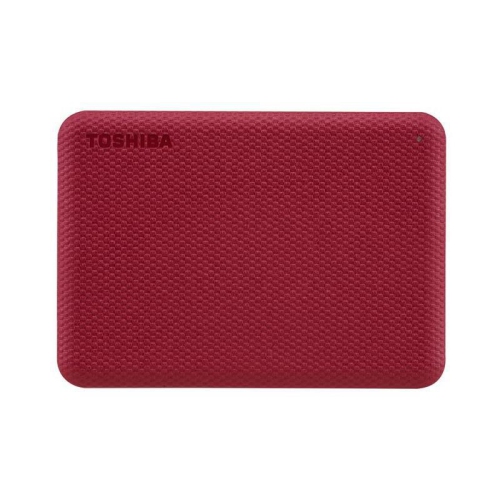
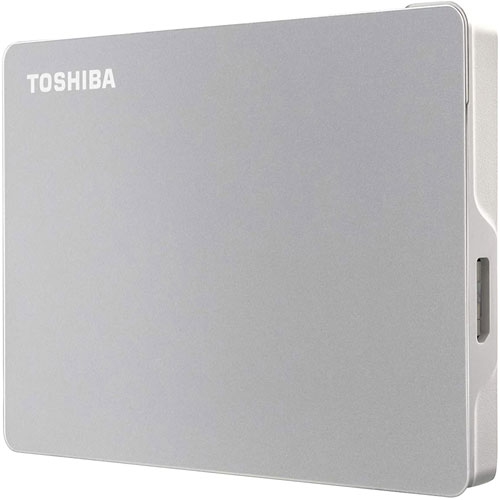
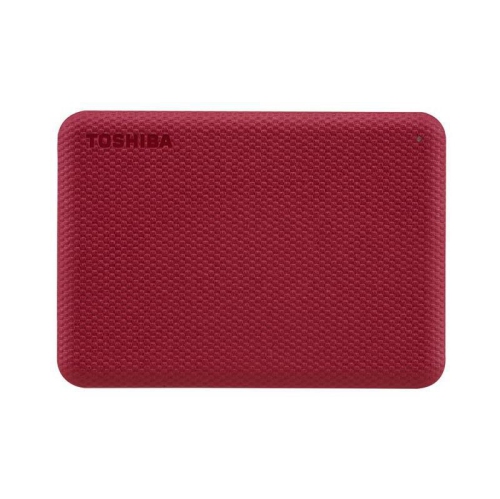
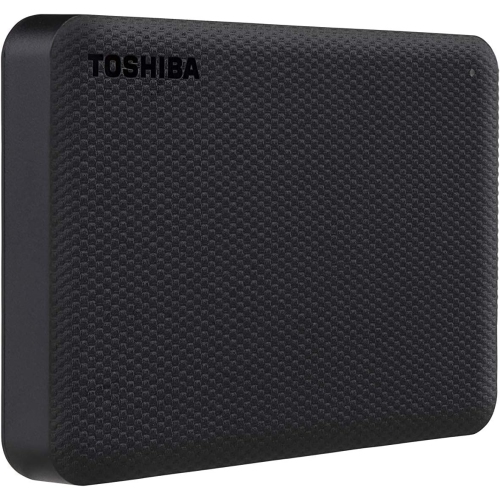
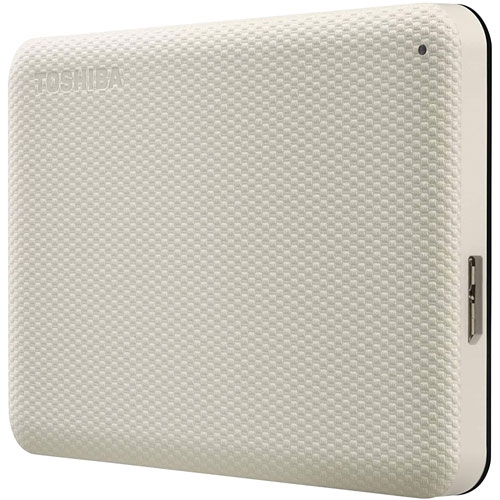
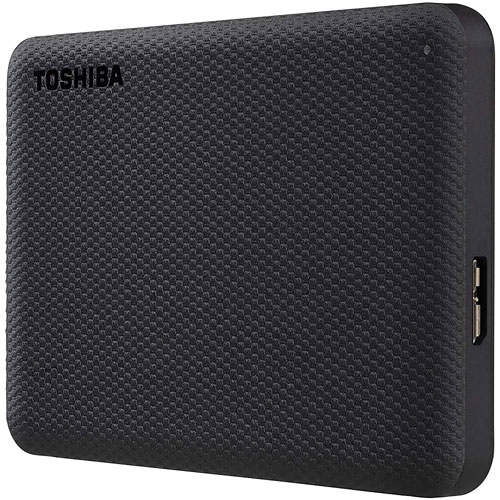
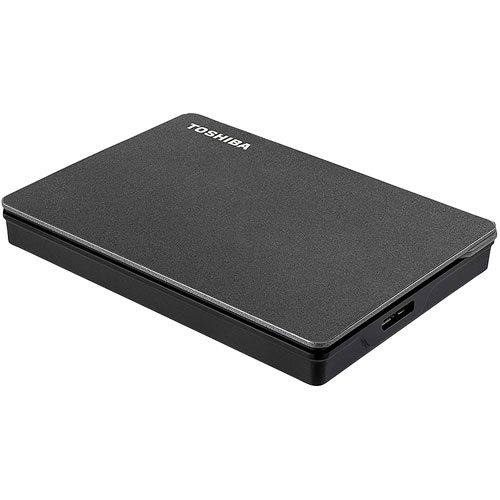
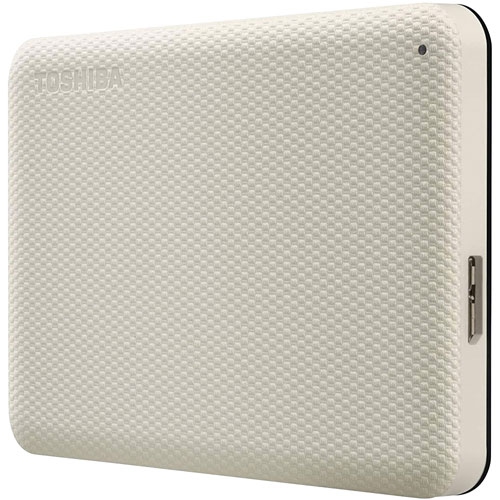


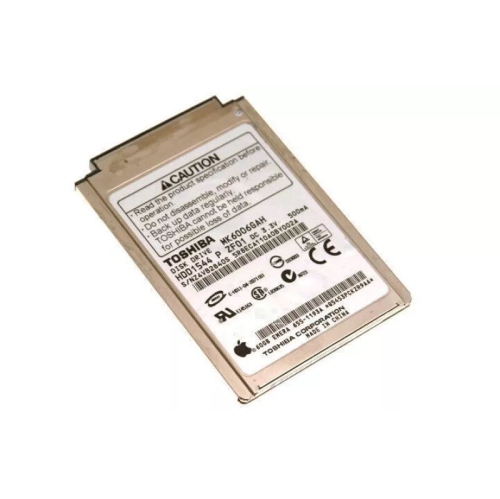

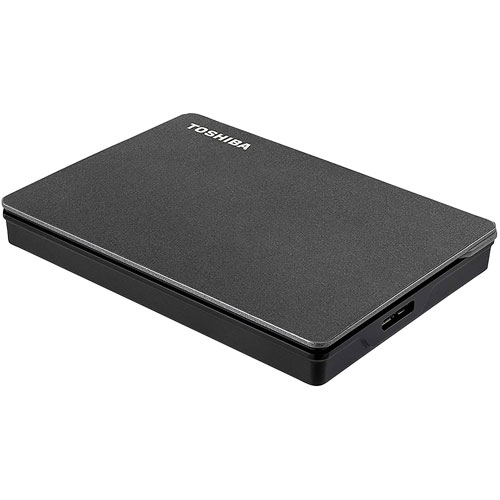
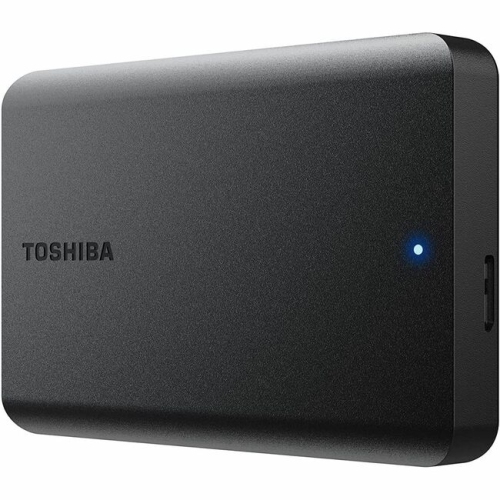
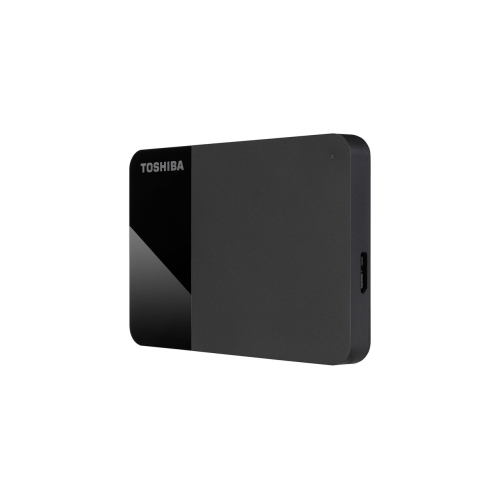
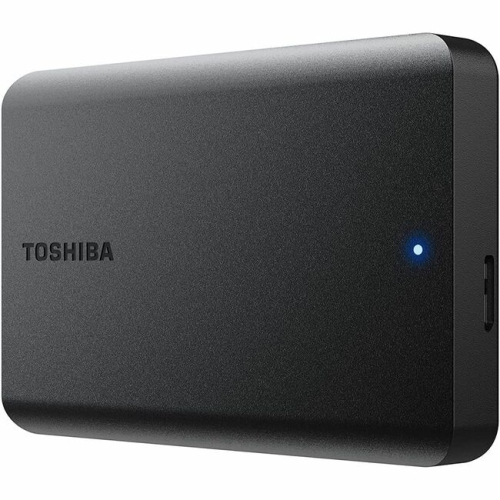
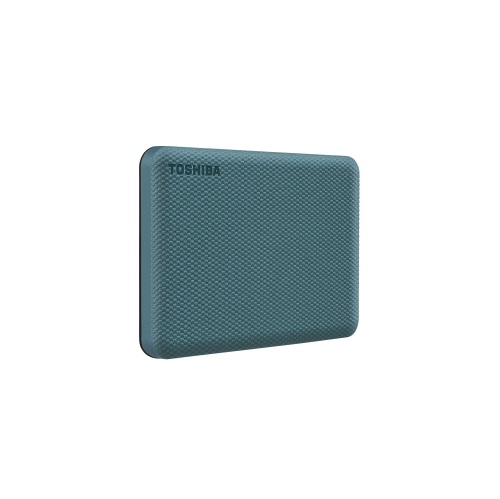

Small drives with room for growing file collections
Portable hard drives provide extra room for the files that quickly fill a computer: family photos, video projects, downloaded media, school assignments, and years of documents. Their appeal is straightforward—a compact enclosure holds a large amount of data and connects by cable when that data is needed. Many use a 2.5-inch hard drive inside a case small enough to slip into a laptop bag, with power supplied through the USB connection rather than a separate wall adapter. Capacities such as 1TB, 2TB, and 4TB suit different collections, from everyday documents and photo libraries to larger video archives. The right capacity depends as much on future additions as on the files already saved. A household collecting phone videos from several family members will usually need more room than someone storing spreadsheets and scanned paperwork. High-resolution images, long video recordings, and large creative projects can also occupy substantial space, making a little room to grow useful. Formatted capacity may appear lower than the capacity printed on the packaging because operating systems can measure storage differently and formatting uses some space. Capacity is only one consideration when comparing Portable Hard Drives; connection type, physical dimensions, and compatibility also shape everyday use. For a student, a portable drive might hold completed coursework and copies of important research. For a photographer, it can provide space for image folders after a shoot. At home, it can keep copies of irreplaceable pictures separate from the computer used every day. There is an important distinction between extra storage and a backup: moving the only copy of a file onto an external drive frees computer space, but does not create a second copy. Keeping important files in more than one location offers better protection against a damaged device, accidental deletion, or loss. A portable drive is particularly practical when substantial files need to remain accessible without relying on an internet connection.
USB compatibility affects both the physical connection and the experience of transferring files. Many portable hard drives use USB 3.2 Gen 1, the 5Gbps standard also known as USB 3.0. That figure describes the connection’s theoretical signalling rate, not the speed at which a mechanical hard drive will necessarily move files. Actual transfer performance depends on the drive, the computer’s port, the cable, and the files involved. One large video file may transfer differently from a folder containing thousands of small images and documents. A drive connected to an older USB port may still work when supported, but transfers can take longer. Connector shape matters separately from speed: a computer with only USB-C ports may need a compatible cable or adapter if the drive’s supplied cable ends in USB-A. A USB-C connector alone does not establish the transfer speed, so both the interface specification and the connector are worth checking. Compatibility also includes the drive’s file system, which determines how a computer reads and writes its contents. Some formats work across multiple operating systems, while others are intended for a particular platform or backup application. Reformatting can resolve certain compatibility needs, but it erases existing data, making a separate copy essential beforehand. For regular computer backups, support for the chosen backup software matters more than simply being able to open a folder on the drive. Television and game-console use requires additional checking because supported capacities, file formats, and connection requirements vary. Some consoles allow compatible external hard drives to store games without allowing every game to run directly from that storage. A media player may recognize certain video formats but not others, even when it recognizes the drive itself. These distinctions help match a drive to its intended role, whether that is a weekly computer backup, a travelling photo archive, or additional storage for a compatible entertainment device.
The physical design of a portable hard drive makes a difference when it is carried regularly. Moulded plastic enclosures can keep weight manageable, while smooth or textured finishes affect grip and how easily surface marks show. Actual dimensions matter more than a photograph suggests: higher-capacity drives can be thicker, and a snug compartment should leave room for the cable without pressing against its connector. A padded sleeve offers separation from keys, chargers, and other objects in a bag, although it does not make a drive shockproof. Mechanical hard drives contain moving parts, so a stable surface and gentle handling are especially important while files are being read or written. Carrying a drive after transfers have finished and safely ejecting it before disconnecting help reduce avoidable interruptions. A cable routed away from the edge of a desk is less likely to pull the drive onto the floor, and holding the connector rather than tugging the cord helps protect the connection. Care is otherwise uncomplicated: a soft, dry cloth can remove surface dust, and keeping liquids away from the enclosure and ports helps prevent damage. For shared households, a clearly named drive and consistently labelled folders make it easier to distinguish family photos from work documents or school projects. Password protection or encryption may be useful for sensitive records, but these features vary and should not be assumed; securely retained credentials are also essential for continued access. As a practical gift, a portable hard drive can suit a student, a keen photographer, or a relative preserving family memories, provided its connection and operating-system support match the recipient’s equipment. For long-term archives, an occasional check that files still open, together with another independent copy, matters more than leaving a single drive untouched in a drawer. The most useful drive fits both the amount of data being kept and the routine in which it will be used.
Top selling and popular products
-
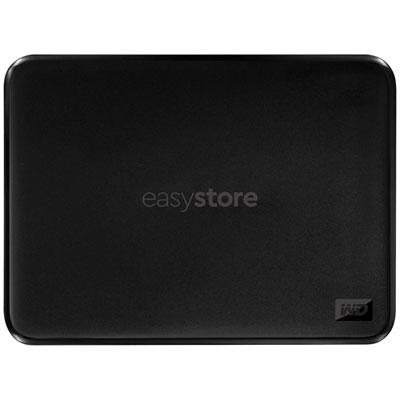 Your price for this item is $234.99
-
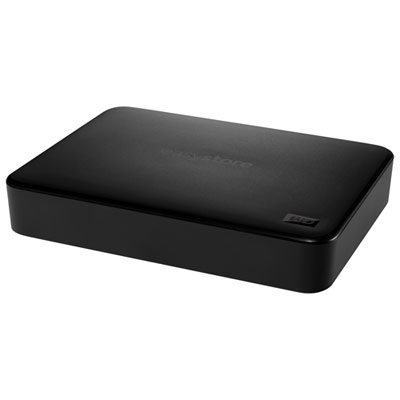 Your price for this item is $394.99
-
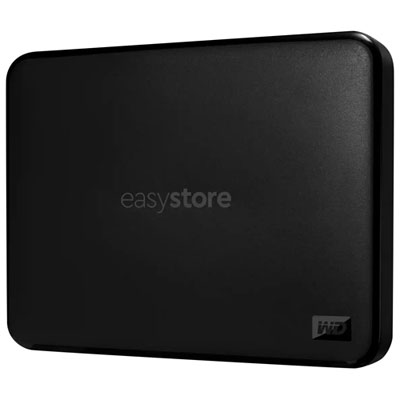 Your price for this item is $154.99
-
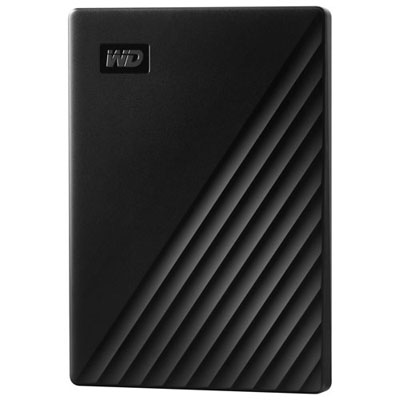 Your price for this item is $244.99
-
 Your price for this item is $539.68
-
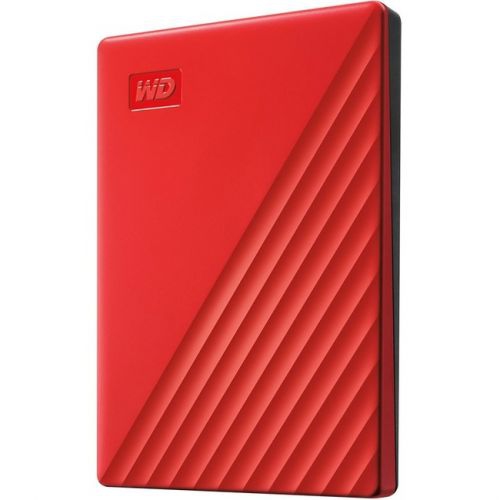 Your price for this item is $270.68
-
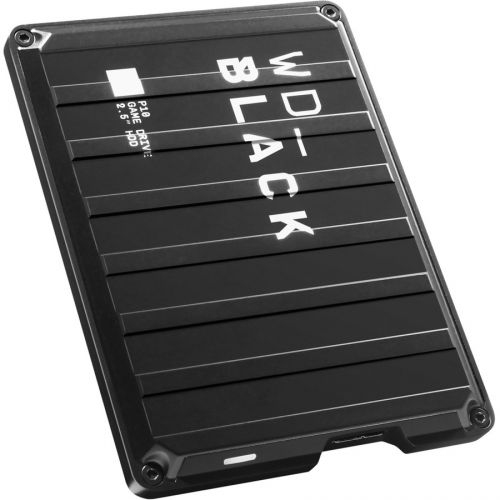 Your price for this item is $458.68
-
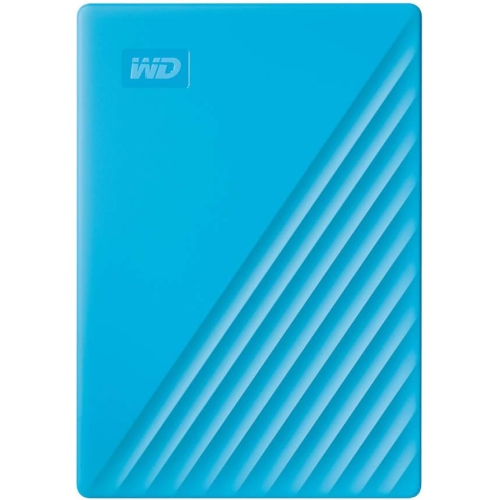 Your price for this item is $280.68
Discover more categories related to Toshiba Portable Hard Drives
Top Collections:
Best Black Friday Deals This Year, Best Black Friday Deals On Electronics, Kindle Devices, Pokemon Centers, Best Black Friday Deals On Apple Products, Best Cameras for Sports Photography, Dyson Airwrap, Pokémon 30th Celebration Cards, Apple iPhone 17 Pro, Canon G7X Cameras
Some products may be subject to Environmental Handling Fees
(EHF) depending on your province.
Learn more about EHFs.