Toshiba External Hard Drives
Toshiba External Hard Drive solutions offer a convenient way to expand your storage and keep important files secure. Perfect for work, school, or personal use, these drives make it easy to manage large amounts of data with ease. Whether you need extra space for photos, videos, documents, or backups, Toshiba External Hard Drive options deliver reliable performance that fits seamlessly into your digital lifestyle. Explore a variety of capacities and designs to find the right match for your needs.
Sort

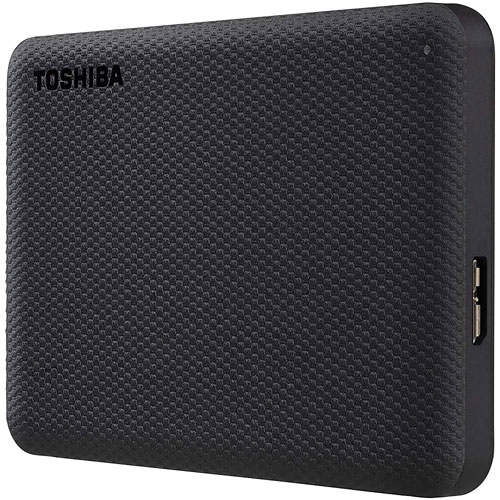
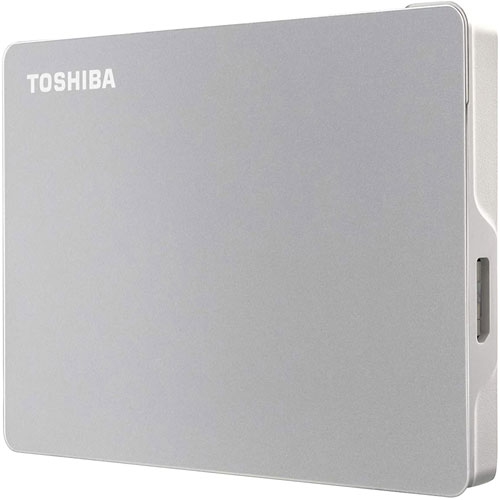
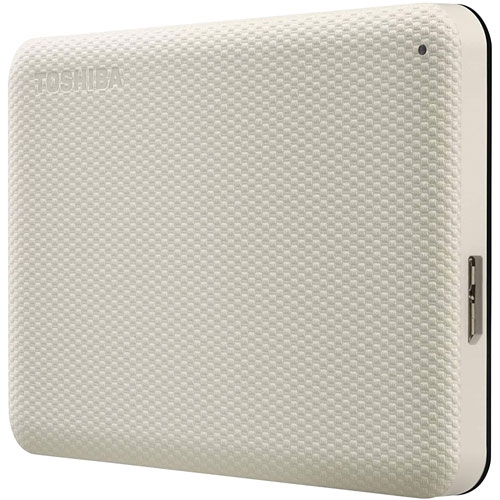
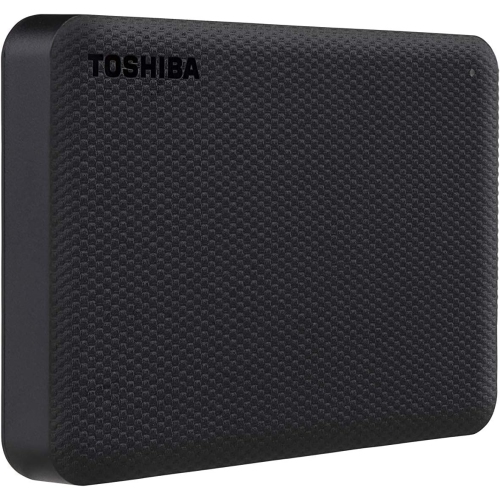

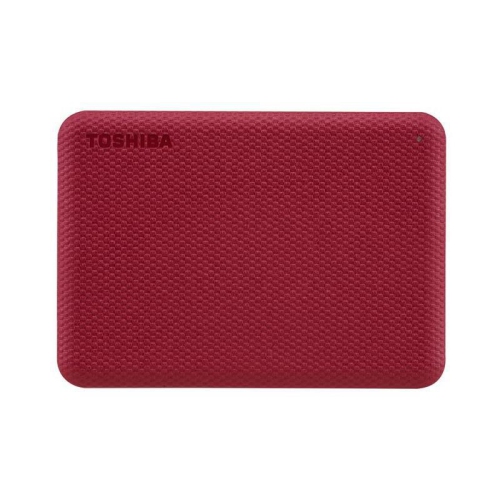
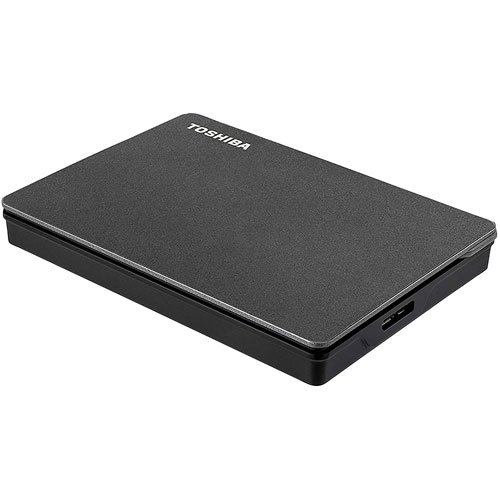
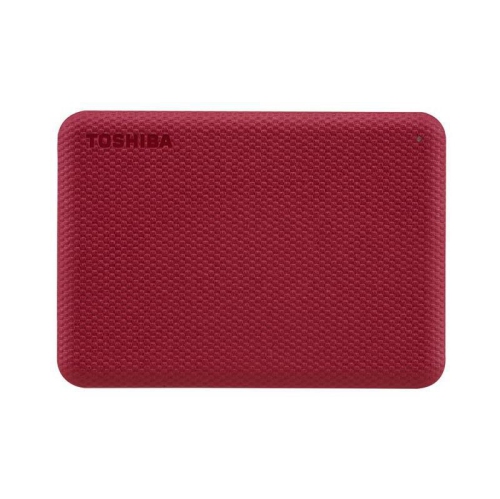
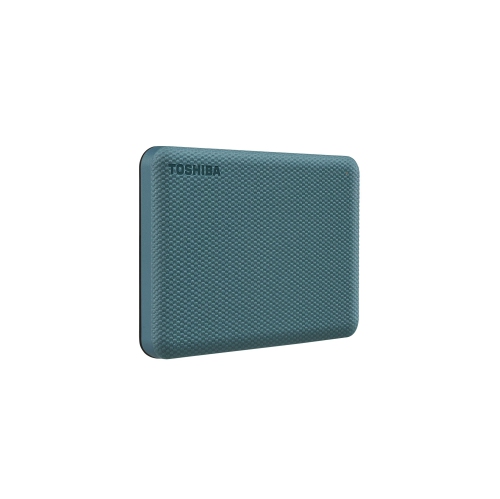


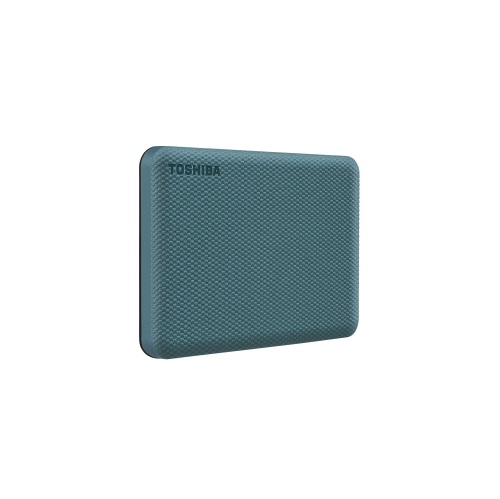
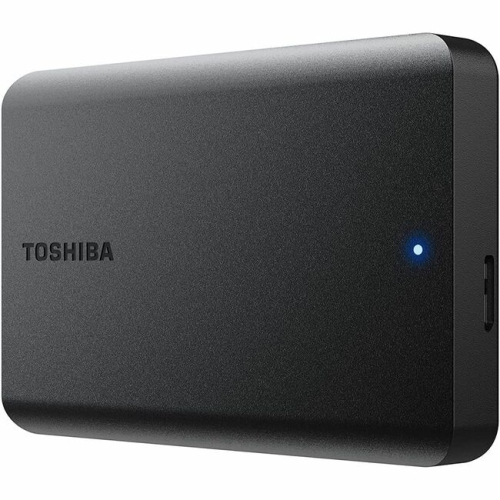
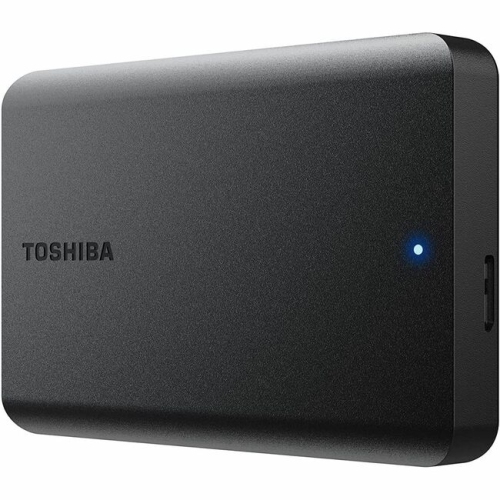

Portable storage for growing collections and everyday backups
Portable external hard drives add room for documents, photo libraries, videos, and other files without requiring changes to a computer’s internal storage. They connect through USB and keep files on a separate physical device, making them useful for both everyday storage and an additional backup copy. Compact portable designs commonly use a 2.5-inch hard disk mechanism inside a protective enclosure, with power supplied through the USB connection rather than a separate wall adapter. That combination suits a laptop bag, a home office drawer, or a desk where a larger storage device would take up valuable space. Capacities such as 1 TB, 2 TB, and 4 TB accommodate different collections: text documents generally occupy little space, while high-resolution photographs, video footage, and large project folders can accumulate quickly. A household saving years of family photos has different storage needs from a student carrying assignments between computers or a photographer keeping copies of original image files. Capacity planning is most useful when it accounts for both the files already on hand and the material likely to be added later. The usable space shown by a computer will be lower than the capacity printed on the packaging because of differences in how storage is measured, along with formatting overhead. Connection specifications also need context. USB 3.0 and USB 3.2 Gen 1 support a maximum interface rate of 5 Gbps, but that figure is not the speed at which a mechanical hard drive will continuously copy files. Actual transfer performance depends on the drive, computer, cable, connection, and type of data being moved. One large video file may transfer more smoothly than a folder containing thousands of small images and documents. For backups, media storage, and files that do not need constant high-speed access, an external hard drive offers a straightforward way to keep substantial collections separate from a computer’s built-in storage.
Compatibility involves more than finding a USB port that fits. The connector on the computer, the cable supplied with the drive, the operating system, and the drive’s file format all affect how it can be used. USB-A and USB-C describe connector shapes, not a guaranteed transfer speed, so a different cable or adapter does not automatically make a drive faster. A compatible connection must support data transfer as well as provide sufficient power. Many portable hard drives come formatted with NTFS, which may allow full use on one computer while limiting another system to reading the stored files. Reformatting can change that behaviour, but it erases the drive’s contents, so existing files need another safe location before the format is changed. The exFAT format is often useful for moving large files between different operating systems, although support should also be confirmed for any television, media player, or other device that will access the drive. Dedicated computer backup tools may have their own formatting requirements. Storage and backup also serve different purposes: moving the only copy of a folder onto an external drive frees internal space, but it does not create a backup. A backup means retaining another copy that can be used if the original is lost, damaged, or accidentally deleted. Automated backup software can make that process easier by copying new and changed files on a schedule, provided the drive is connected when the backup runs. For important records or irreplaceable photographs, keeping an additional copy in a separate location adds protection against an incident affecting both the computer and its nearby drive. Encryption can help protect private files if a portable drive is misplaced, while a securely stored password or recovery key helps prevent losing access to those files. These details matter particularly when storage moves between a home desk, a shared workspace, and a bag carried throughout the day.
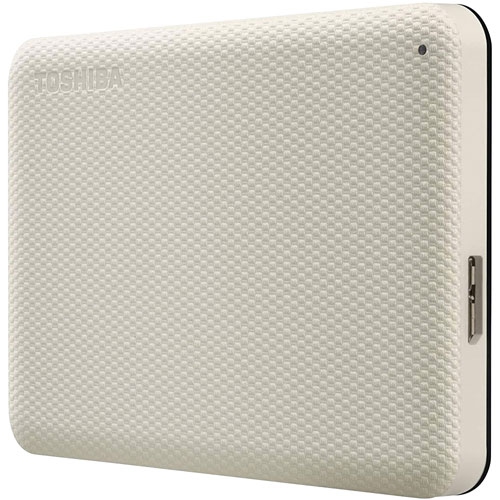
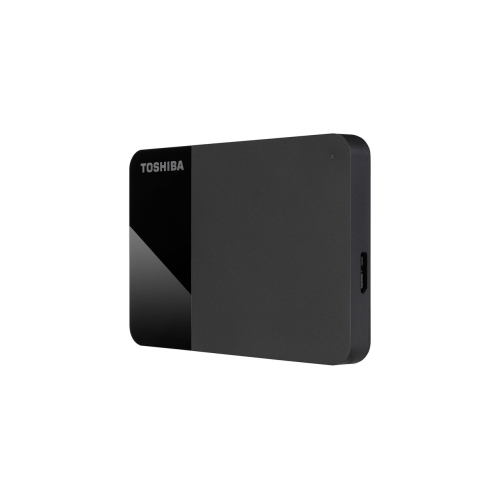
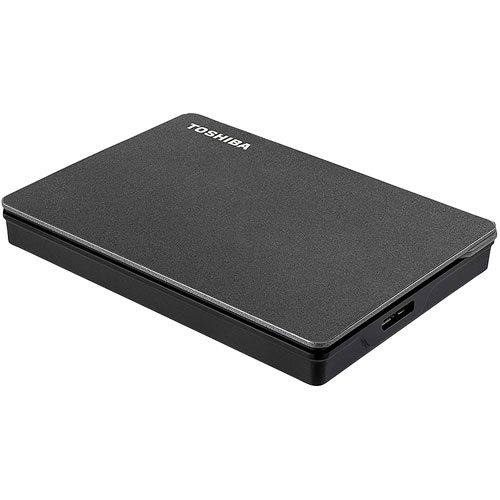
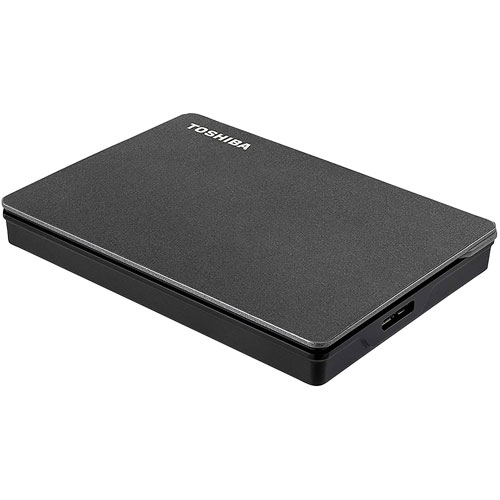
The enclosure, finish, and handling of an external hard drive influence how comfortably it fits into daily use. Portable housings may be made from plastic or metal, with smooth, matte, or textured surfaces that offer different looks and feel in the hand. A textured finish can make a small enclosure easier to grip, while a matte surface may make fingerprints less noticeable. Neither finish makes the internal mechanism immune to damage. Mechanical hard drives contain moving parts, so a compact shape should not be mistaken for drop resistance. Any stated protection against scratches, vibration, or impacts applies only to the conditions described for that drive. On a desk, a flat, stable position and a cable routed away from passing feet or rolling chair wheels help reduce accidental pulls. During transport, a padded compartment or fitted case can keep the enclosure from knocking against a charger, keys, or other hard objects. Disconnecting the cable before packing also reduces strain on the port. Safe ejection allows the computer to finish pending operations before the drive is unplugged; interrupting an active transfer can leave files incomplete or damage the file system. Basic care includes keeping the device dry, preventing debris from entering its connectors, and cleaning the exterior with a soft, dry cloth. A clear folder structure makes the stored content easier to use, whether it holds scanned family records, finished design projects, or recordings from a personal music collection. Descriptive folder names and occasional checks that backed-up files open properly can make a large archive much more manageable. For students, remote workers, hobby photographers, and relatives who collect digital memories, portable storage can also be a practical gift when its connection and capacity suit the recipient’s computer. The Best External Hard Drives selection provides a broader view of external storage options for different routines. The most useful fit balances enough space for a growing collection with compatible connections, manageable dimensions, and a dependable habit of keeping more than one copy of important files.
Top selling and popular products
-
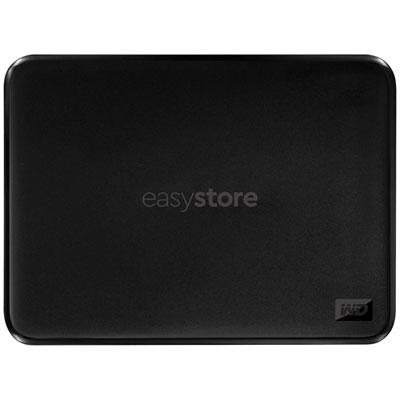 Your price for this item is $234.99
-
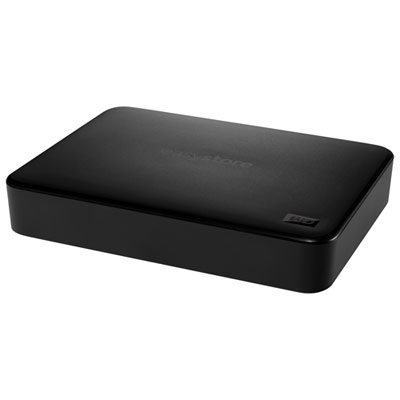 Your price for this item is $394.99
-
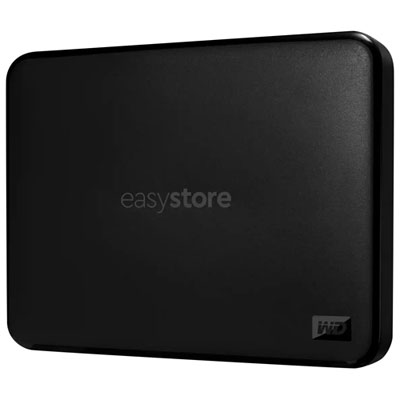 Your price for this item is $154.99
-
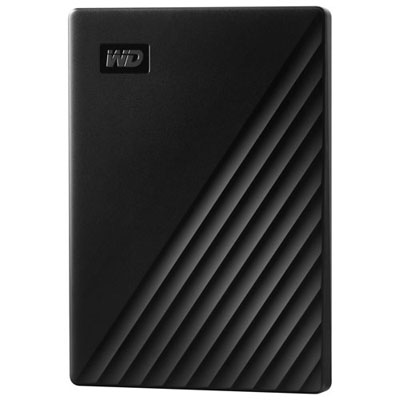 Your price for this item is $244.99
-
 Your price for this item is $539.68
-
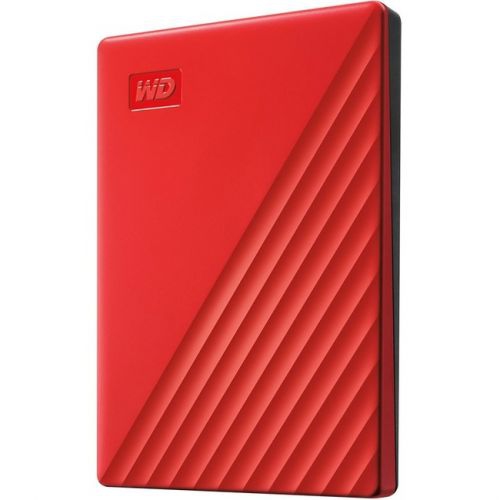 Your price for this item is $270.68
-
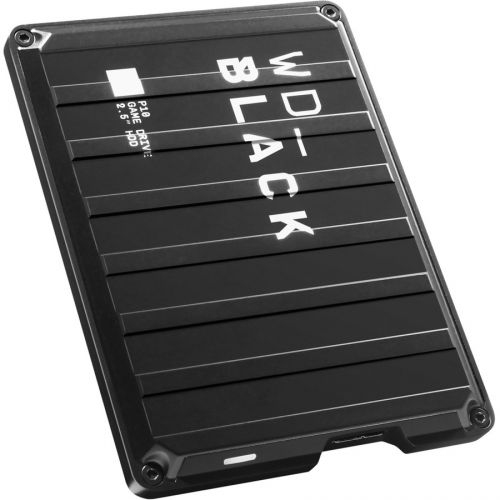 Your price for this item is $458.68
-
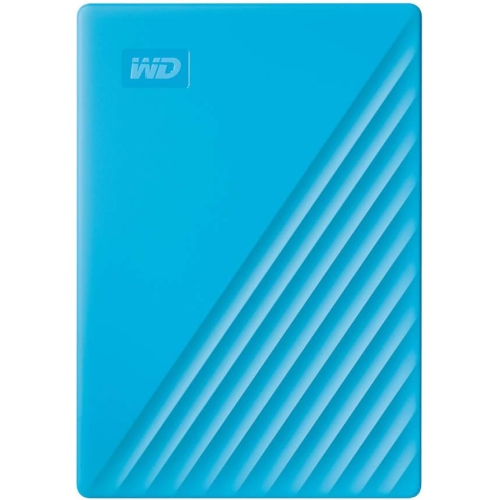 Your price for this item is $280.68
Discover more categories related to Toshiba External Hard Drives
Top Collections:
Best Black Friday Deals This Year, Best Black Friday Deals On Electronics, Kindle Devices, Pokemon Centers, Best Black Friday Deals On Apple Products, Best Cameras for Sports Photography, Dyson Airwrap, Pokémon 30th Celebration Cards, Apple iPhone 17 Pro, Canon G7X Cameras
Some products may be subject to Environmental Handling Fees
(EHF) depending on your province.
Learn more about EHFs.