Touchpad Computers
Touchpad Computers offer a versatile and user-friendly way to stay connected, work efficiently, and enjoy entertainment on the go. With intuitive controls and sleek designs, these devices are perfect for students, professionals, and anyone seeking portable computing solutions. Explore a wide selection of Touchpad Computers to find the right fit for your lifestyle, whether you need a device for productivity, creativity, or staying in touch with friends and family. Discover the convenience and flexibility that Touchpad Computers can bring to your everyday tasks.
Sort


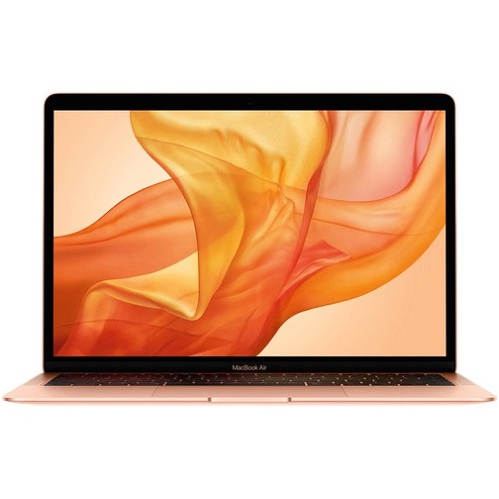


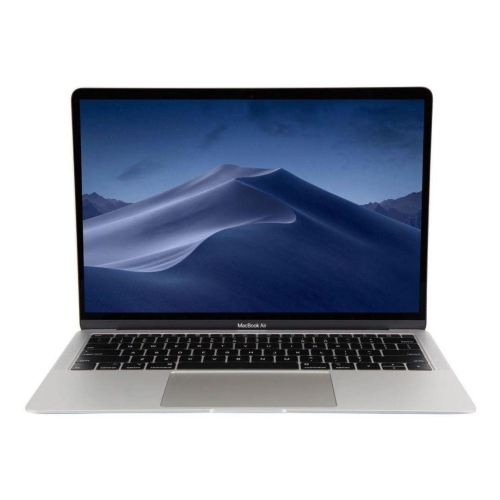
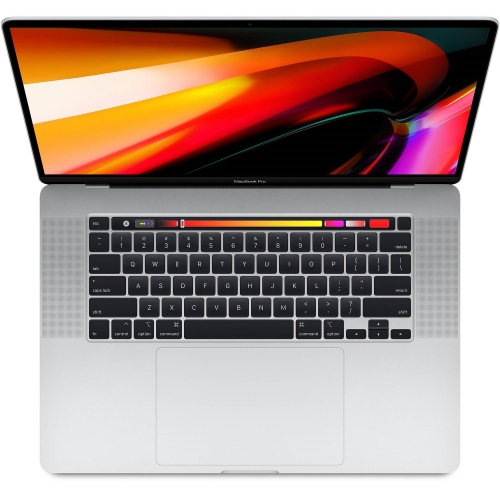
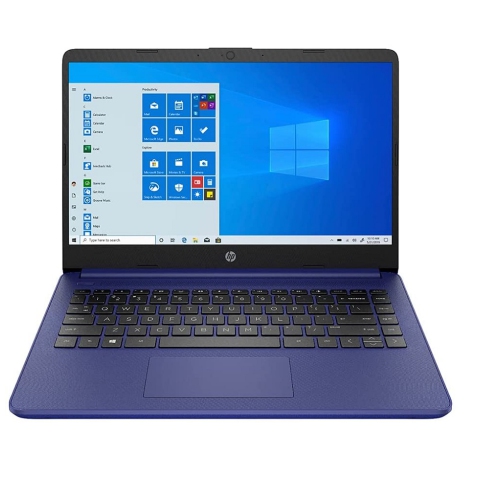
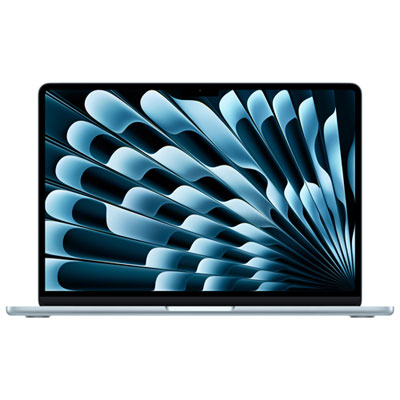
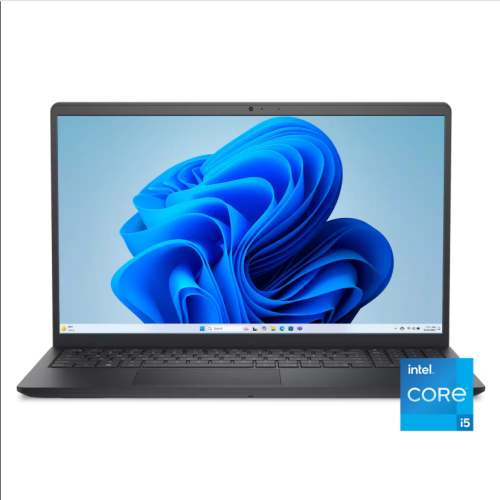

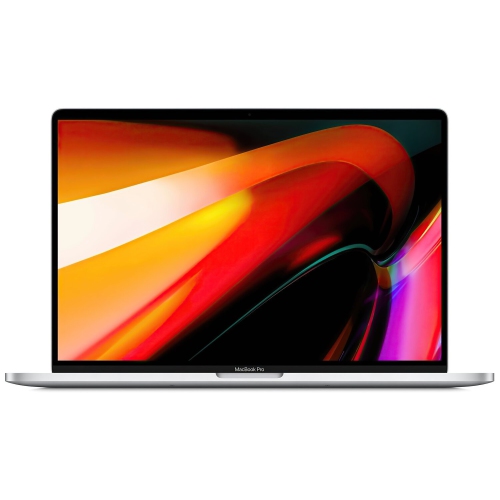
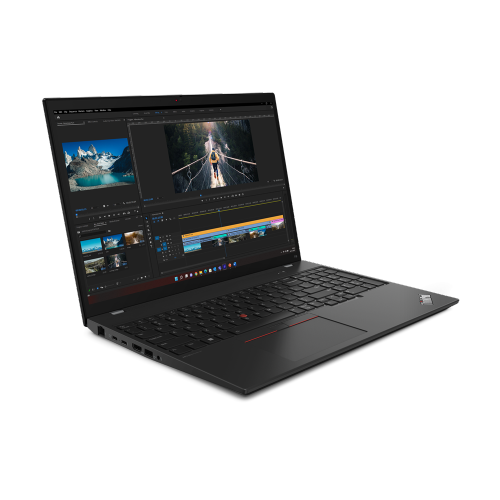

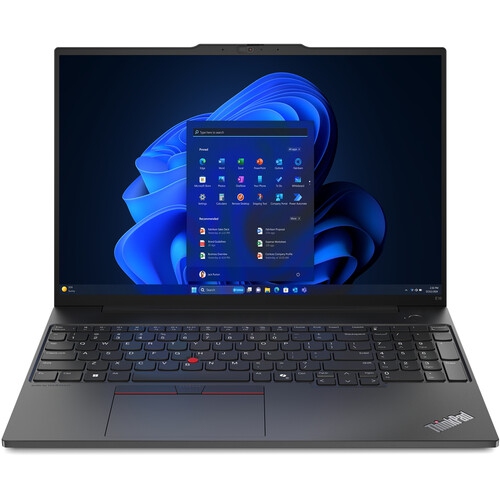
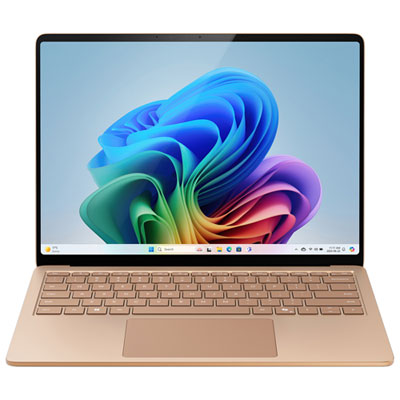
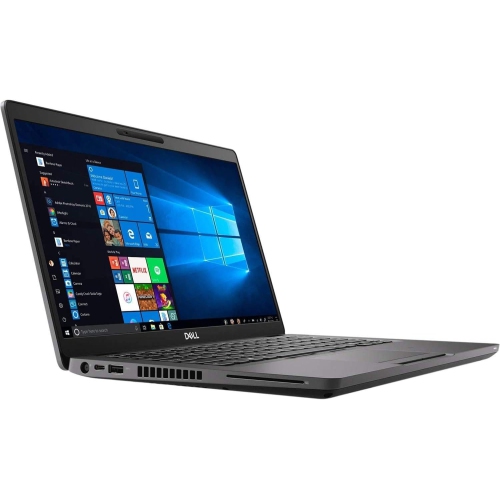
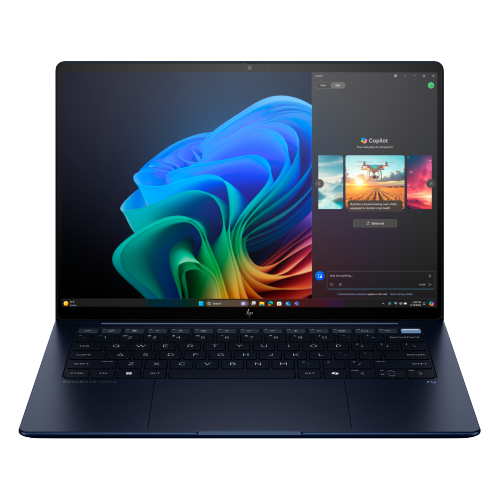
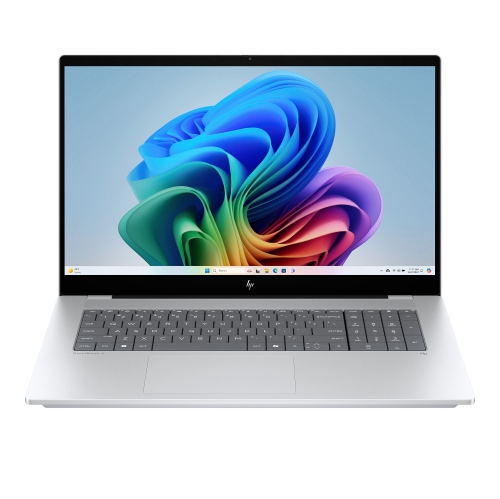
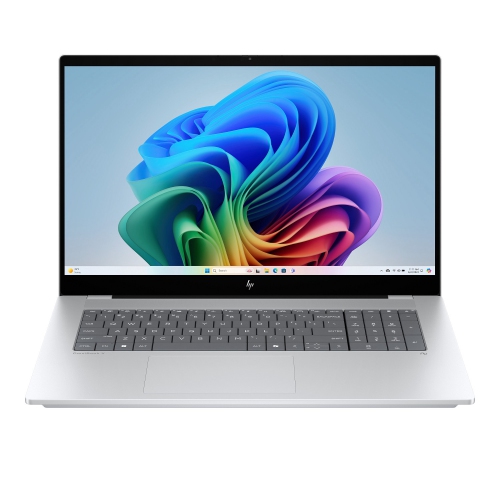

Flexible touch navigation for work, study, and everyday life
Touchpad computers have become a mainstay for anyone seeking a seamless and intuitive computing experience, whether for work, study, or leisure. These devices are distinguished by their built-in touch-sensitive surfaces, allowing users to navigate, scroll, and zoom with simple finger gestures rather than relying solely on an external mouse. The versatility of touchpad computers makes them especially appealing to students, professionals, and creative individuals who value flexibility and portability. For those who are often on the move—whether heading to the office, campus, or a favourite coffee shop—a laptop with touchpad screen functionality provides the freedom to work efficiently without the need for additional peripherals. This convenience is equally appreciated at home, where the ability to quickly swipe, tap, or pinch-to-zoom on a responsive touchpad can streamline everything from browsing the web to editing documents or managing photos. During the warmer months, when you might be working outside or travelling, the compact design and built-in navigation of touchpad computers means you can set up your workspace almost anywhere, without worrying about extra cables or accessories.
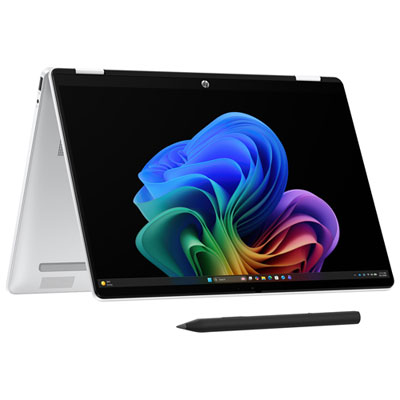
When considering a touchpad computer, it’s important to think about your personal workflow and comfort. Modern touchpads are designed with ergonomics in mind, offering a more neutral wrist position compared to traditional mice, which can be a welcome relief for anyone prone to wrist pain or repetitive strain injuries. Multi-touch gestures, such as two-finger scrolling or three-finger swiping, can make everyday tasks faster and more intuitive, whether you’re switching between applications or zooming in on detailed images. Touchpad sensitivity and size are also key factors; a larger, responsive touchpad can make navigation smoother, especially for those who spend long hours on their device. Many models now feature capacitive touchpads, which respond to the natural capacitance of your skin, delivering precise control and a satisfying tactile experience. For users who want the added versatility of pen input or direct on-screen interaction, exploring a device that combines a touchpad with a touch-enabled display—like those found in some HP Touch Screen Computers—can further expand creative and productivity possibilities.
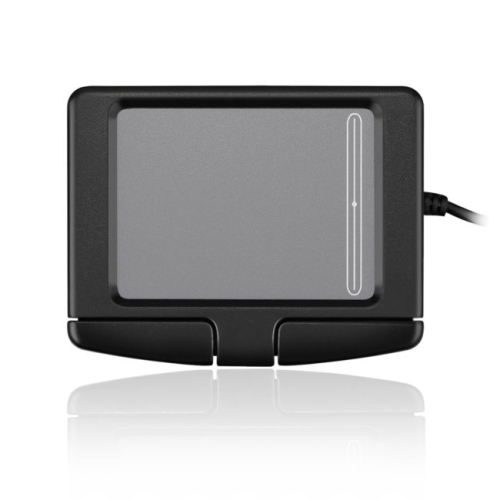
Touchpad computers make thoughtful gifts for students heading off to university, professionals setting up a new home office, or anyone looking to upgrade their everyday tech. Their user-friendly design is ideal for both tech-savvy individuals and those who prefer straightforward, reliable controls. As the seasons shift and routines change—whether you’re preparing for a busy fall semester or making the most of summer’s longer days—the adaptability of a touchpad computer ensures it fits right in with your lifestyle. Maintenance is generally straightforward; most touchpads are durable and, if issues arise, updating drivers or simple troubleshooting steps can quickly restore functionality. For desktop users who want the same gesture-based control, external touchpads are available, bringing the benefits of touch navigation to any workstation setup. With a wide range of options available, from compact ultraportables to full-featured laptops with touchpad screen capabilities, there’s a touchpad computer to match every need and preference.
When considering a touchpad computer, it’s important to think about your personal workflow and comfort. Modern touchpads are designed with ergonomics in mind, offering a more neutral wrist position compared to traditional mice, which can be a welcome relief for anyone prone to wrist pain or repetitive strain injuries. Multi-touch gestures, such as two-finger scrolling or three-finger swiping, can make everyday tasks faster and more intuitive, whether you’re switching between applications or zooming in on detailed images. Touchpad sensitivity and size are also key factors; a larger, responsive touchpad can make navigation smoother, especially for those who spend long hours on their device. Many models now feature capacitive touchpads, which respond to the natural capacitance of your skin, delivering precise control and a satisfying tactile experience. For users who want the added versatility of pen input or direct on-screen interaction, exploring a device that combines a touchpad with a touch-enabled display—like those found in some HP Touch Screen Computers—can further expand creative and productivity possibilities.
Touchpad computers make thoughtful gifts for students heading off to university, professionals setting up a new home office, or anyone looking to upgrade their everyday tech. Their user-friendly design is ideal for both tech-savvy individuals and those who prefer straightforward, reliable controls. As the seasons shift and routines change—whether you’re preparing for a busy fall semester or making the most of summer’s longer days—the adaptability of a touchpad computer ensures it fits right in with your lifestyle. Maintenance is generally straightforward; most touchpads are durable and, if issues arise, updating drivers or simple troubleshooting steps can quickly restore functionality. For desktop users who want the same gesture-based control, external touchpads are available, bringing the benefits of touch navigation to any workstation setup. With a wide range of options available, from compact ultraportables to full-featured laptops with touchpad screen capabilities, there’s a touchpad computer to match every need and preference.
Top selling and popular products
-
 Your price for this item is $449
 -
 Your price for this item is $3099
 -
 Your price for this item is $299.95
 -
 Your price for this item is $664.05
 -
 Your price for this item is $599.68
 -
 Your price for this item is $869.99
 -
 Your price for this item is $259
 -
 Your price for this item is $418.98
Discover more categories related to Touchpad Computers
Top Collections:
Pokemon Centers, Kindle Devices, Best Budget Office Chairs, Apple iPhones 16, Best Laptops for Writers, iPhone 15 Apple, Canon G7X Cameras, Refurbished Apple Laptops, Alarm Clock, Motorola Razr Phones
Some products may be subject to Environmental Handling Fees
(EHF) depending on your province.
Learn more about EHFs.