Touchpad Laptops
Touchpad Laptops offer a seamless and intuitive way to navigate your digital world, making everyday tasks and entertainment more convenient. With a wide selection of models to choose from, you can find the perfect combination of performance, portability, and style to suit your needs. Whether you're working on the go, streaming your favorite shows, or staying connected with friends and family, Touchpad Laptops provide reliable functionality for any lifestyle. Explore the latest options and discover how easy it is to stay productive and entertained wherever you are.
Sort
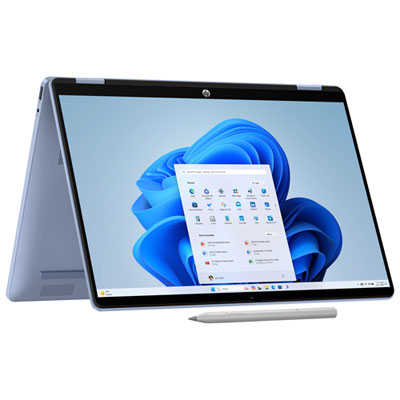
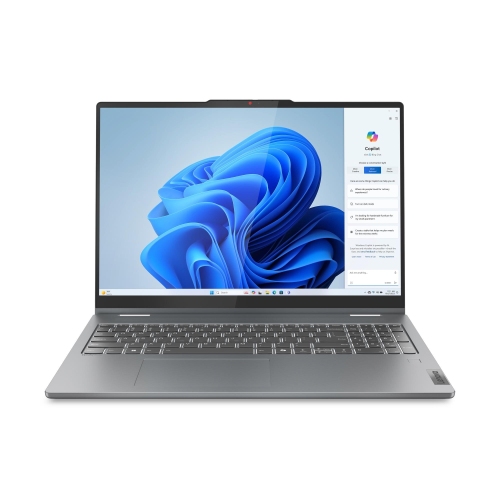
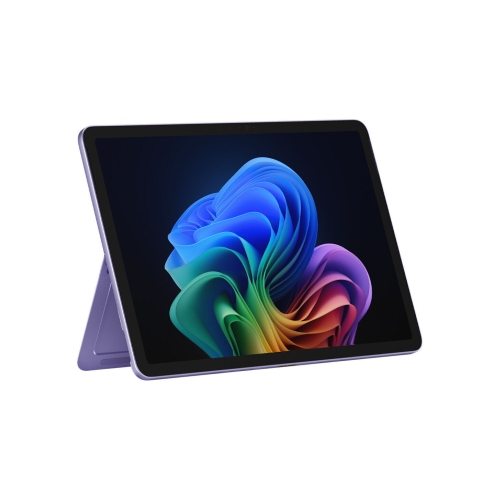
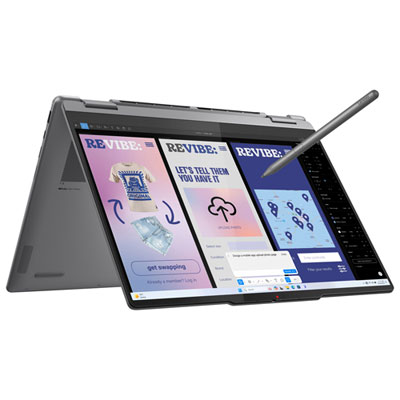
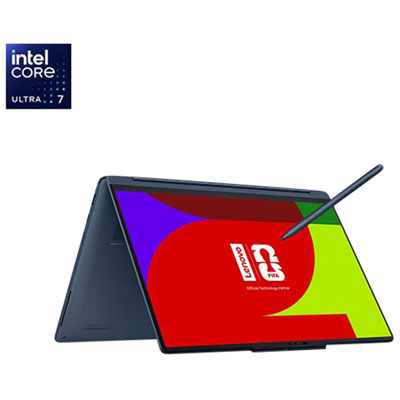
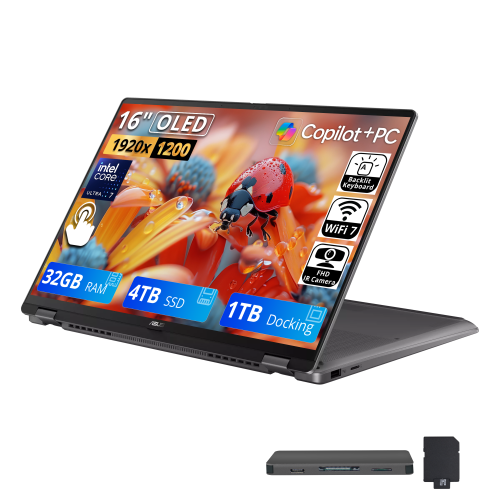
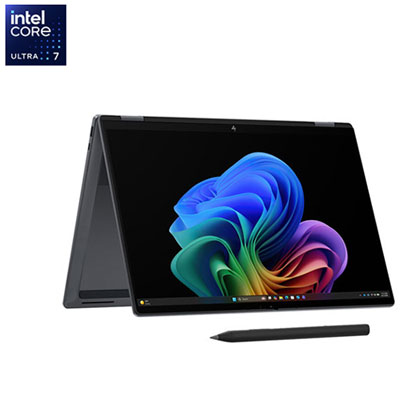
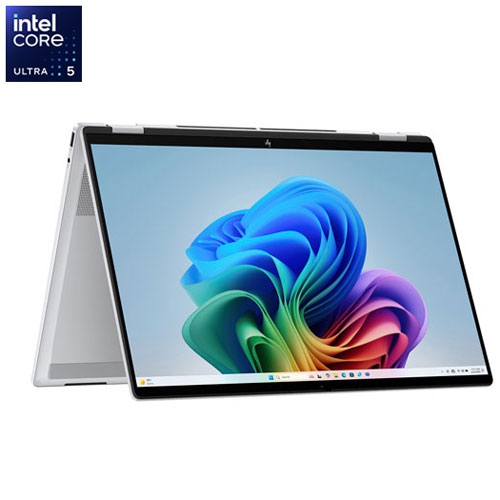
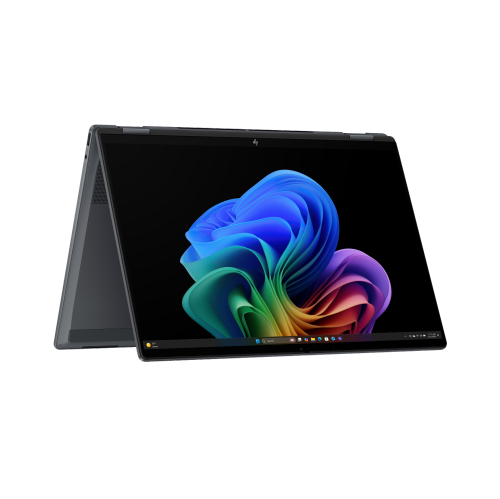
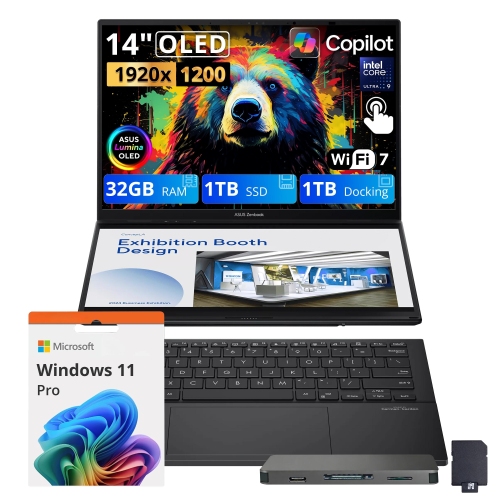
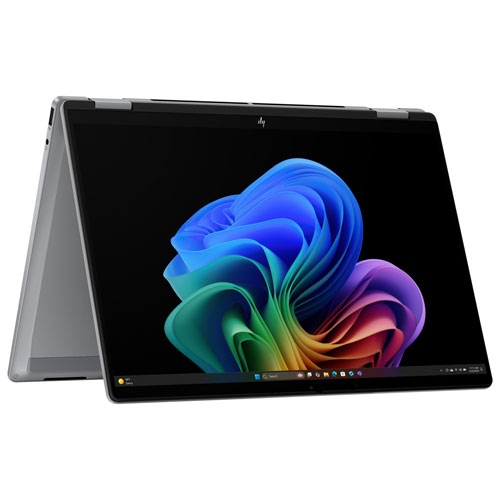
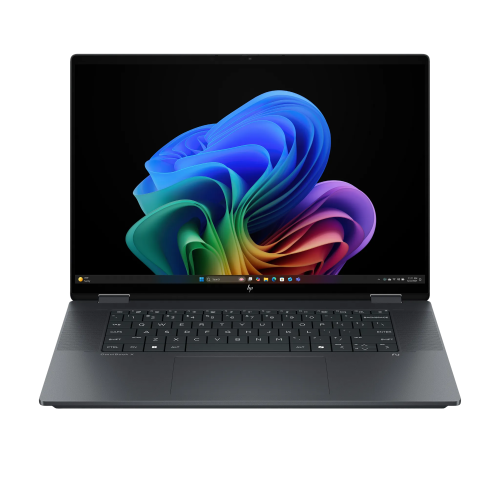
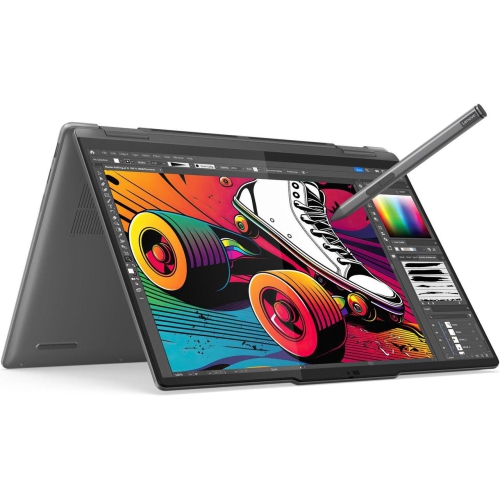
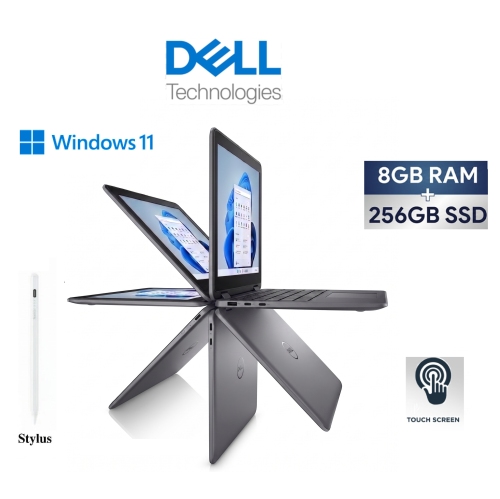
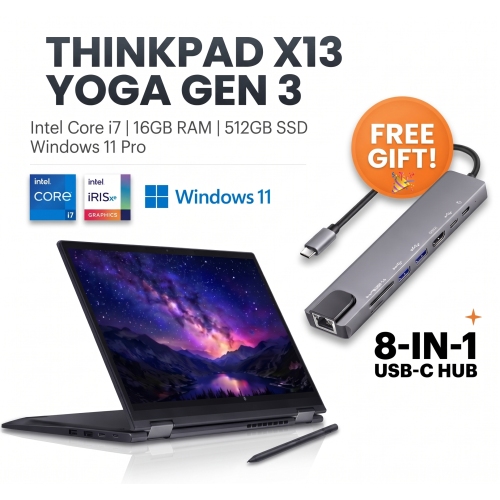
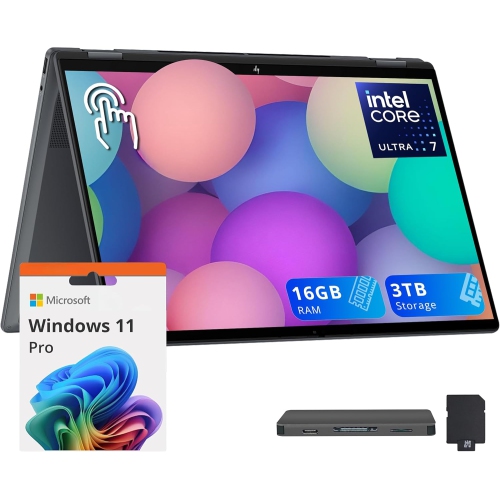
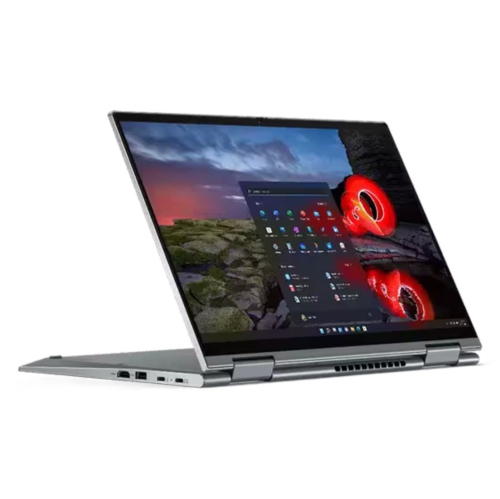
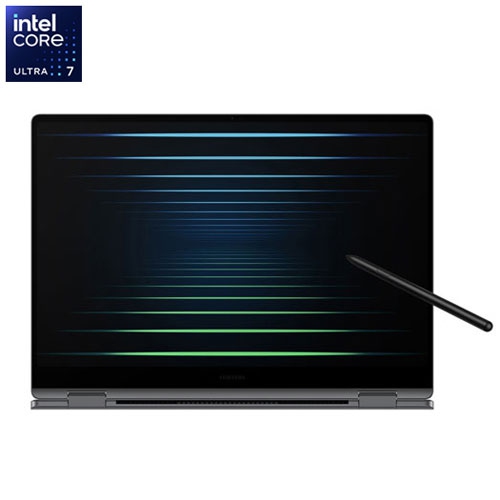
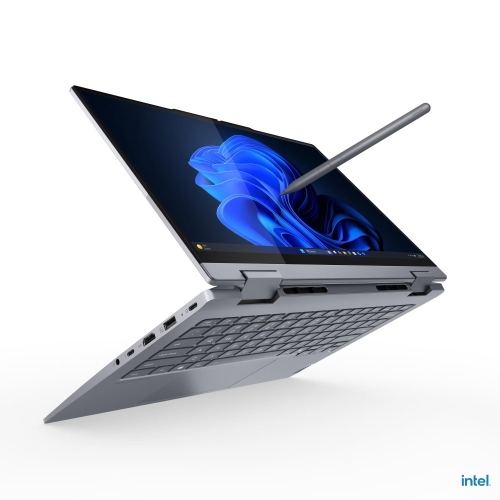
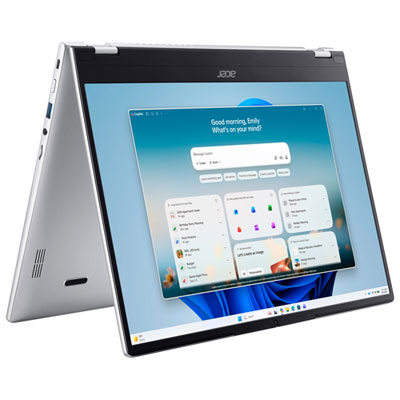
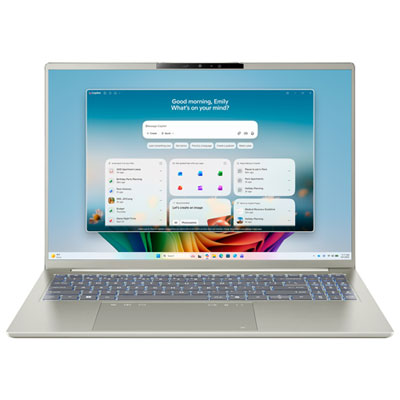
Smooth cursor control without making room for a mouse
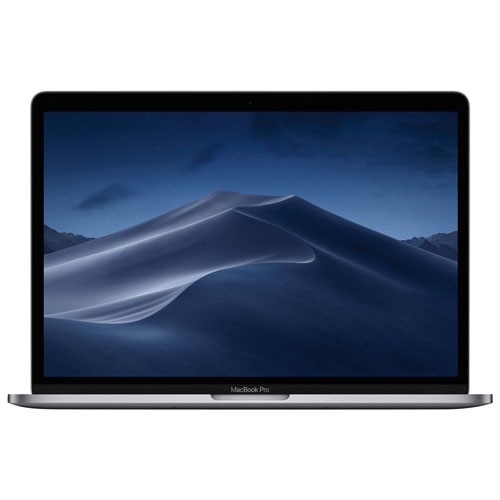
Touchpad laptops bring cursor control, scrolling and navigation into the same compact design as the keyboard and display. A touchpad, also called a trackpad, is the touch-sensitive surface typically positioned below the keyboard; it lets fingers move the pointer without a separate mouse. That makes it useful when a laptop is balanced on a lecture-hall desk, opened at a shared work table or tucked into a small home office. A touchpad is not the same as a touchscreen: a touchscreen responds to contact directly on the display, while a touchpad controls what happens on screen from a separate surface. A laptop can have either feature or both, so touchscreen capability and convertible hinges are separate specifications. Many touchpads support familiar gestures such as two-finger scrolling, pinching to zoom and swiping between open windows, although the available gestures depend on the operating system, drivers and software. Precision comes from more than the size of the pad. Consistent tracking, reliable palm rejection and a surface that lets fingers glide comfortably all contribute to a smoother experience. Palm rejection helps prevent accidental pointer movement when hands rest near the touchpad during typing, while adjustable sensitivity can make navigation feel more natural. Some designs use a mechanical click, while others use haptic feedback to simulate a click through controlled vibration. Tap-to-click and gesture settings offer additional ways to personalize operation where supported. A spacious touchpad can make long scrolling motions and dragging files feel less cramped, but its placement also matters: the relationship between the keyboard, palm rest and pointing surface affects comfort during extended use. For students moving between notes and research, office workers managing spreadsheets, or someone sorting family photos, a responsive touchpad helps everyday tasks flow without needing to clear space for another accessory. People who prefer a mouse for detailed work can still use the built-in touchpad while travelling or working away from a desk.
The rest of the laptop shapes how useful that touchpad feels in daily use. A compact chassis is easier to carry between appointments, while a larger laptop can provide more room for a broad keyboard, a generous palm rest and a display suited to side-by-side documents. Screen size alone does not determine touchpad size, and a number pad or offset keyboard layout can change where hands naturally land. Glass touchpad surfaces often have a smooth feel, while plastic surfaces vary in texture and finish; either material benefits from consistent tracking across the usable area. Chassis materials also influence handling. Metal bodies can feel rigid, while well-constructed plastic designs can offer practical everyday durability without relying on a particular finish to signal strength. Secure hinges, a stable keyboard deck and balanced weight distribution matter when the laptop is opened and closed repeatedly. A convertible design adds folding positions for supported uses, but it does not automatically improve touchpad performance, and some configurations disable the keyboard and touchpad when folded into tablet mode. Display resolution, brightness and viewing angles affect reading and video calls independently of the pointing surface. Processor capability, memory and storage likewise determine how comfortably the computer handles several browser tabs, large documents, photo libraries or demanding applications. Integrated AI features may be useful for supported tasks, but they do not define a touchpad laptop, and their requirements vary by application. Battery life depends on workload, display settings and hardware, while fast charging requires a compatible laptop, charger and charging conditions. Wi-Fi capability, webcam quality and microphone performance are especially relevant for classes and meetings held online. Connections for external displays, storage and accessories can make a portable computer more adaptable at a fixed desk. For someone who alternates between writing on the go and working with a larger monitor at home, that combination of comfortable input, suitable performance and practical connectivity matters more than any single headline feature.
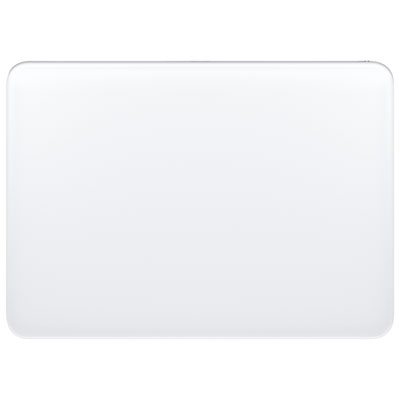
Long-term satisfaction also comes from how well a laptop fits the owner's habits and how easily its surfaces can be maintained. Touchpads collect fingerprints and skin oils through normal use, and a clean, dry surface generally provides more consistent finger movement than one covered in residue. Cleaning should follow the manufacturer's directions, using a soft, lint-free cloth and avoiding liquid sprayed directly onto the laptop. Excess moisture around touchpad edges, keyboard openings and ports can cause damage. Abrasive cleaners or rough cloths may affect surface coatings, while an adhesive cover can change the feel or responsiveness of the pad. A padded sleeve with a suitable fit helps protect the chassis from scratches in a backpack, and keeping loose cables or small objects away from the keyboard before closing the lid reduces pressure against the display. On a desk, a stable work surface supports comfortable typing and leaves ventilation openings unobstructed. Touchpad settings can often be customized for scrolling direction, pointer speed, tap behaviour and supported gestures, making the same laptop feel better suited to its user without changing the hardware. Some people prefer a light tap for routine selections; others find a deliberate click easier to control. Those preferences are especially relevant when selecting a laptop as a gift for a student, a family member replacing an older computer or someone beginning a new job. Familiar keyboard spacing, readable screen text and comfortable navigation can be more meaningful than unfamiliar extras. An external pointing surface can also complement a laptop used on a stand, with Touchpad Trackpads offering a related category for desk-based setups. For detailed illustration, gaming or repetitive spreadsheet work, a mouse or another input device may still be preferable. The built-in touchpad remains valuable for the moments between those setups: opening a presentation before a meeting, adjusting a video call or finishing a document without connecting anything else.
Top selling and popular products
-
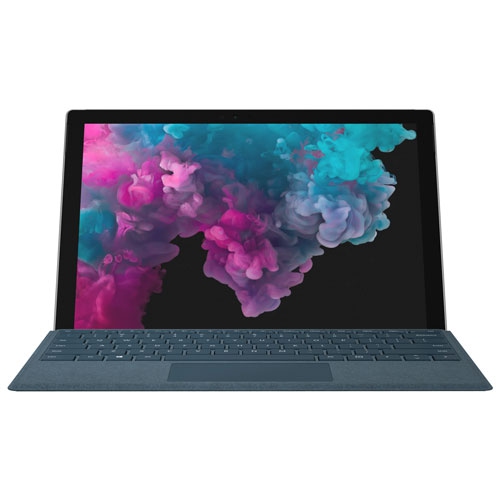 Your price for this item is $380
-
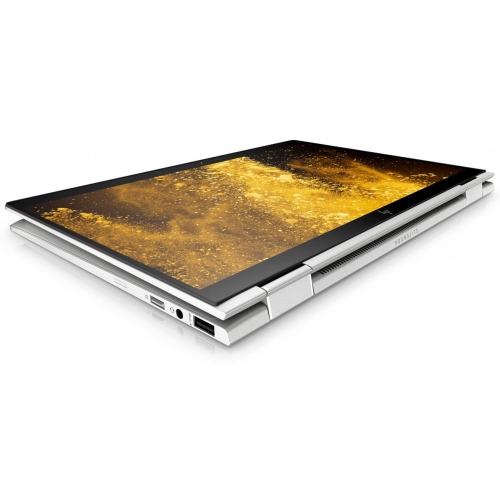 Your price for this item is $898
-
 Your price for this item is $1549.97
-
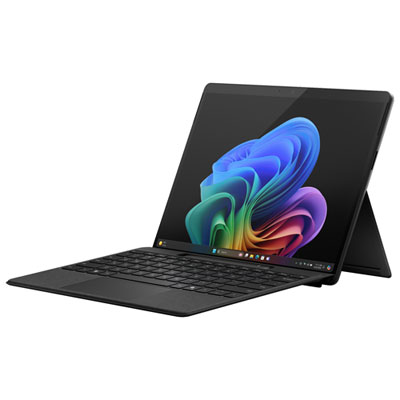 Your price for this item is $1849.99
-
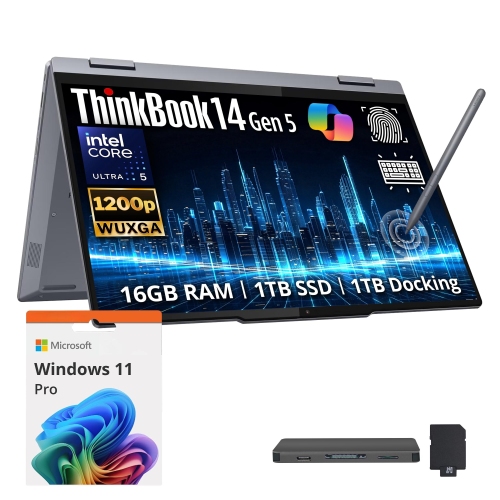 Your price for this item is $1899
-
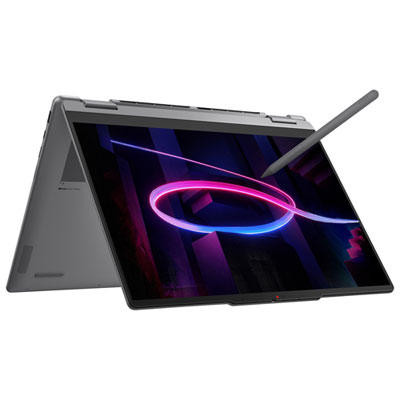 Your price for this item is $1999.99
-
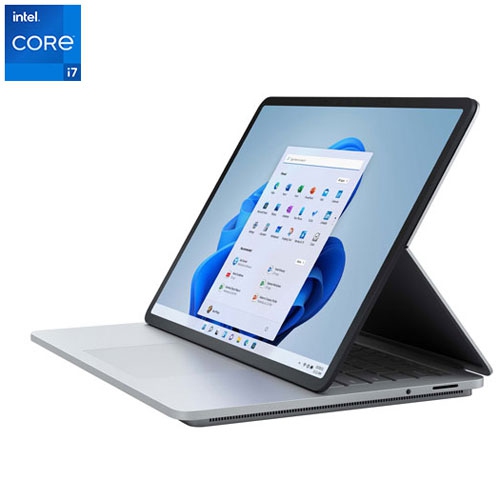 Your price for this item is $1499
-
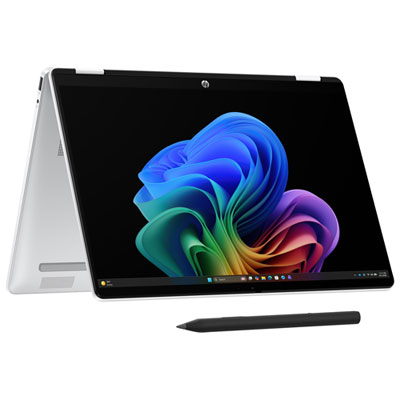 Your price for this item is $1799.99
Discover more categories related to Touchpad Laptops
Top Collections:
Best Black Friday Deals This Year, Best Black Friday Deals On Electronics, Kindle Devices, Pokemon Centers, Best Black Friday Deals On Apple Products, Best Cameras for Sports Photography, Dyson Airwrap, Pokémon 30th Celebration Cards, Apple iPhone 17 Pro, Canon G7X Cameras
Some products may be subject to Environmental Handling Fees
(EHF) depending on your province.
Learn more about EHFs.