Touchscreen Laptops for Note Taking
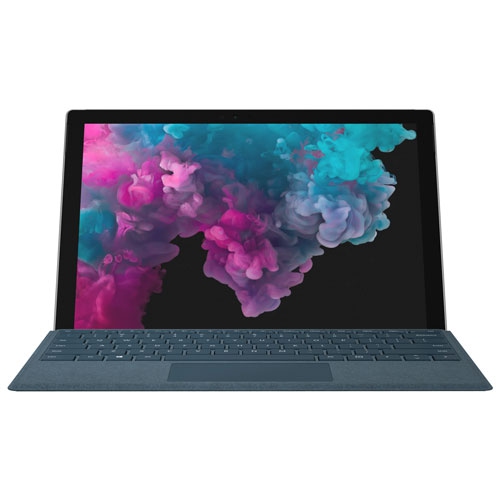
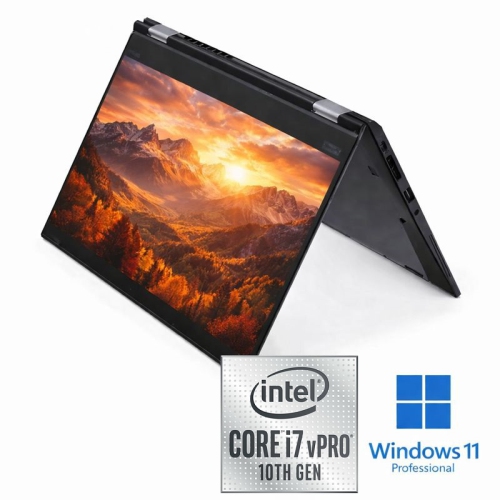
Touchscreen Laptops for Note Taking offer a convenient and versatile way to capture ideas, organize thoughts, and stay productive whether you're in class, at work, or on the go. With responsive touch displays, these laptops make it easy to jot down notes, sketch diagrams, or annotate documents directly on the screen. Explore a wide selection of models designed to help you streamline your workflow and enhance your note-taking experience. Find the perfect fit for your needs with options that blend portability, performance, and intuitive controls.
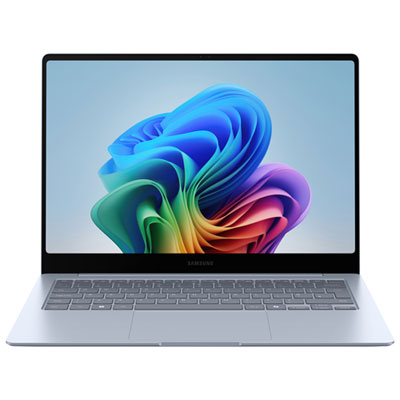
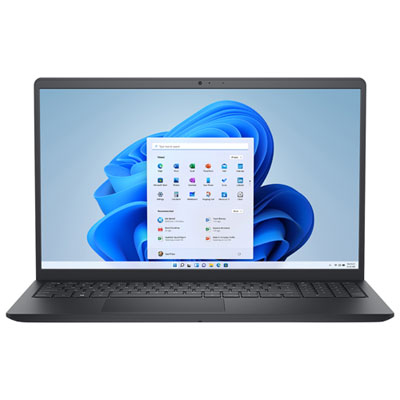
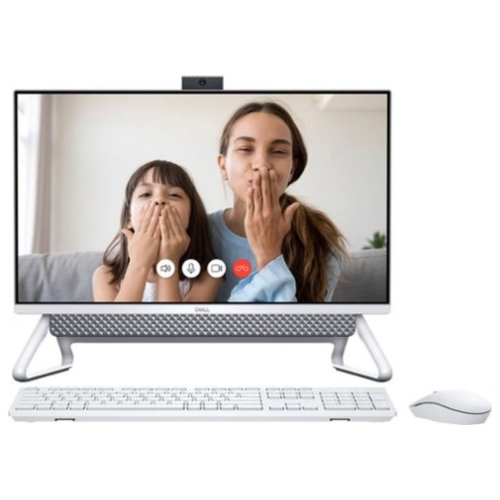
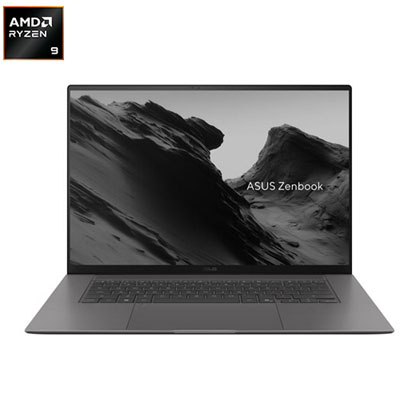
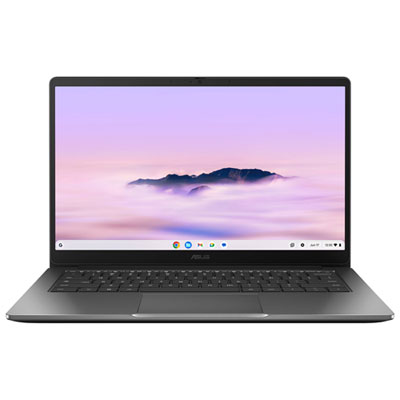
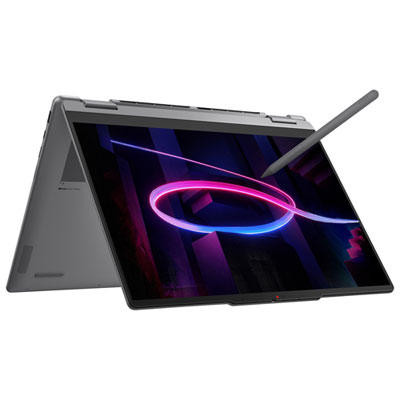

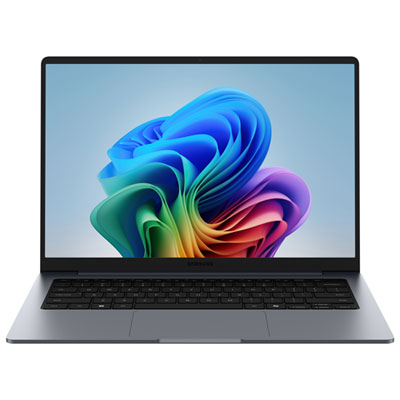
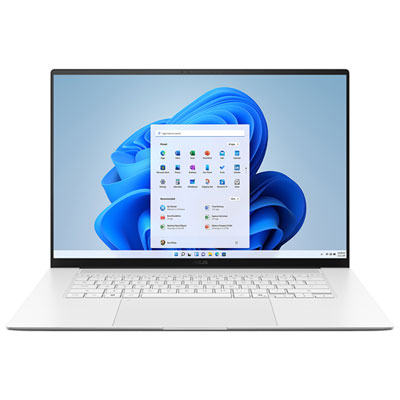
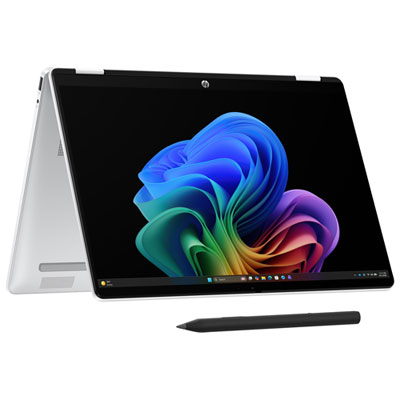
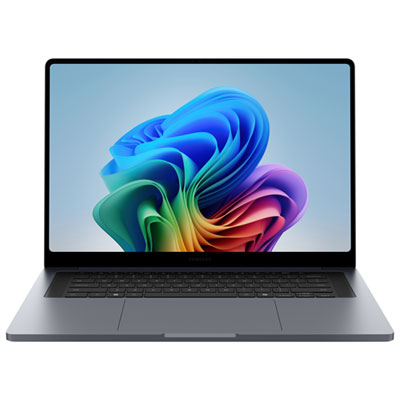
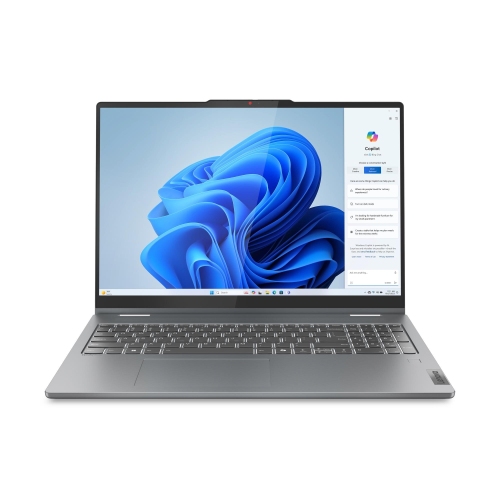
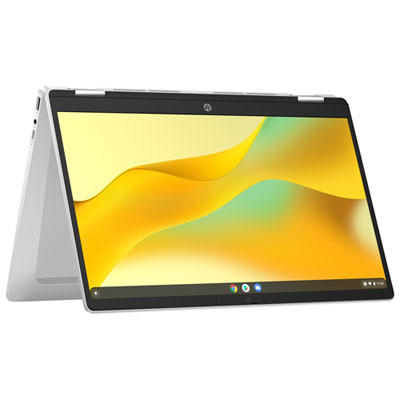
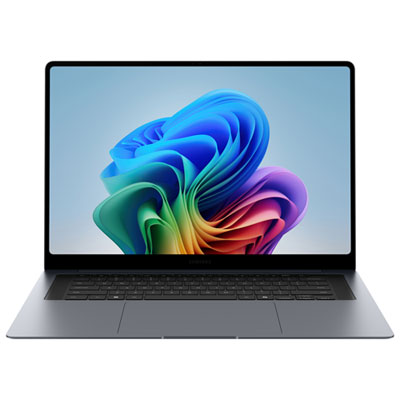

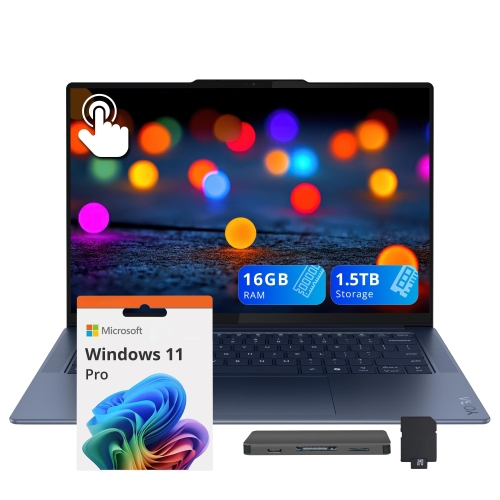
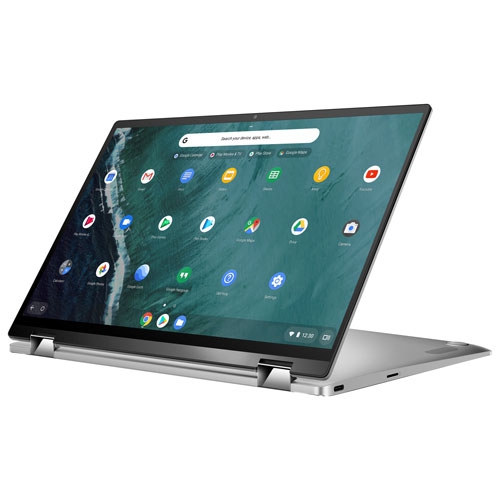

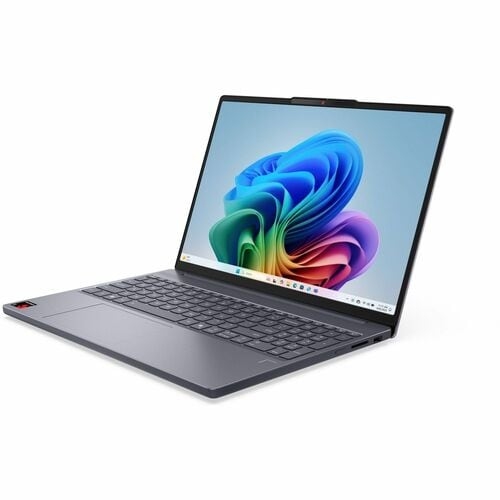
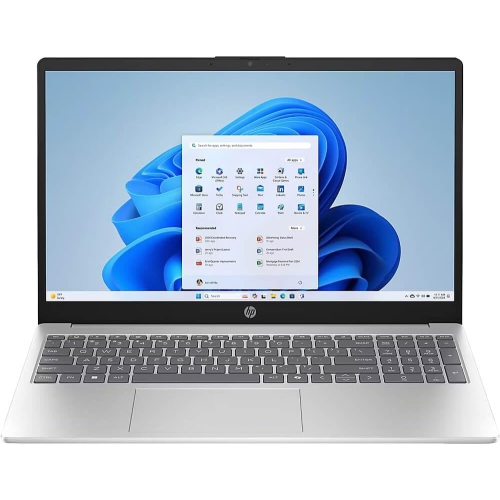
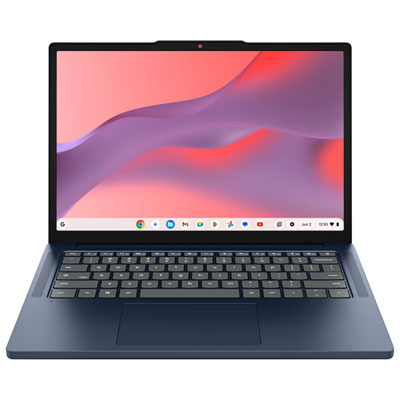
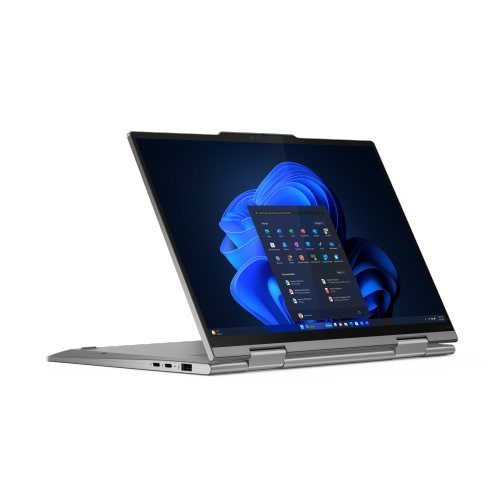
From lecture notes to creative ideas, wherever work takes you
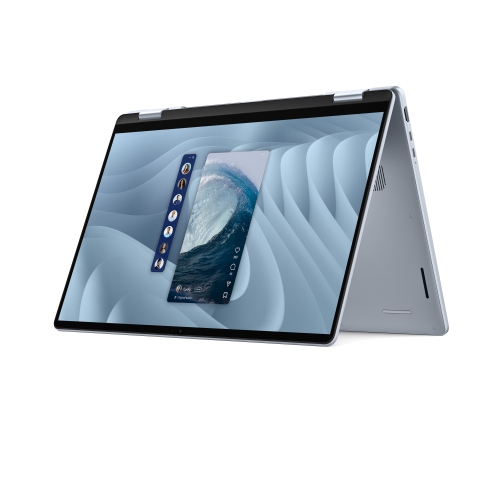
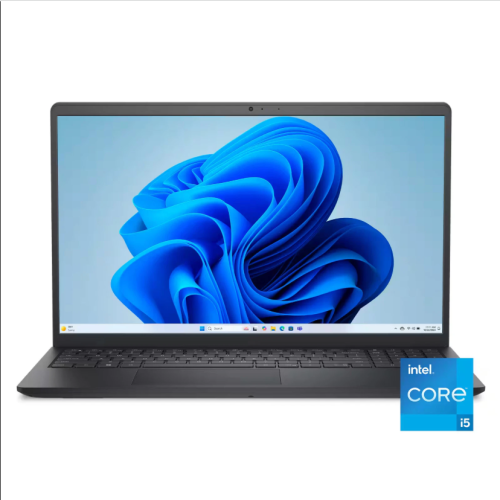
When considering a touchscreen laptop for note taking, it’s helpful to think about the features that matter most for your workflow. Battery life is a key factor, especially if you’re moving between classes, meetings, or workspaces throughout the day. A crisp, bright display ensures your notes are easy to read, even in outdoor settings or under bright lights. Many models offer convertible designs, allowing you to switch between laptop and tablet modes with a simple flip or fold, which is ideal for those moments when you want to quickly sketch a diagram or highlight important information. Storage and memory options vary, so it’s worth considering how much space you’ll need for your notes, files, and apps. For those who love to keep everything organized, integrated software and cloud syncing make it easy to access your notes across devices. Touchscreen laptops also make thoughtful gifts for graduates, teachers, or anyone embarking on a new project or academic journey, offering a practical yet personal way to support their ambitions.
As summer transitions into the cooler months, the versatility of a touchscreen laptop becomes even more apparent. From capturing inspiration during outdoor study sessions to participating in virtual meetings or workshops from home, these devices support a wide range of activities. Families may find them useful for managing schedules, creating to-do lists, or keeping kids engaged with interactive learning apps. Artists and designers appreciate the tactile feedback and creative possibilities, while business professionals enjoy the convenience of marking up presentations or signing documents digitally. If you’re searching for a device that balances productivity and creativity, exploring options like a lenovo touch screen laptop best buy can help you find the right fit for your needs. For those interested in maximizing efficiency, you can discover more about how these devices can enhance your workflow by visiting our dedicated page for Touchscreen Laptops for Productivity. With the right touchscreen laptop, note taking becomes more than just a task—it transforms into an experience that adapts to your lifestyle, helping you stay organized, inspired, and ready for whatever the season brings.
FAQ
What features should I look for in a touchscreen laptop for note taking?
When choosing a touchscreen laptop for note taking, consider features such as stylus compatibility, palm rejection technology, responsive touchscreens, long battery life, and lightweight design for portability. A high-resolution display and good keyboard can also enhance your overall experience.
Are touchscreen laptops compatible with popular note-taking apps?
Yes, most touchscreen laptops are compatible with popular note-taking apps like Microsoft OneNote, Evernote, Google Keep, and others. Many Windows and Chrome OS devices support these applications either natively or through web browsers.
Do I need a special stylus to take notes on a touchscreen laptop?
Some touchscreen laptops come with a dedicated stylus designed specifically for the device, while others support third-party styluses. For the best note-taking experience, it's recommended to use an active stylus that offers pressure sensitivity and palm rejection.
Can I convert handwritten notes to text on a touchscreen laptop?
Many touchscreen laptops support handwriting recognition through various apps. Software like Microsoft OneNote or Windows Ink Workspace can convert your handwritten notes into editable digital text for easier organization and sharing.
How does palm rejection work on touchscreen laptops?
Palm rejection is a feature that allows you to rest your hand on the screen while writing with a stylus without causing unwanted marks or inputs. This technology distinguishes between intentional pen input and accidental touches from your palm or fingers.
Top selling and popular products
-
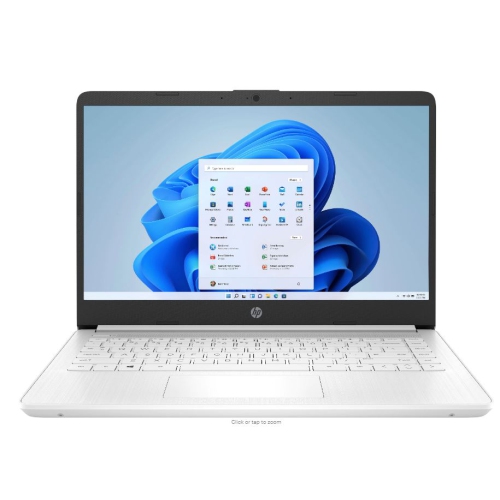 Your price for this item is $449
-
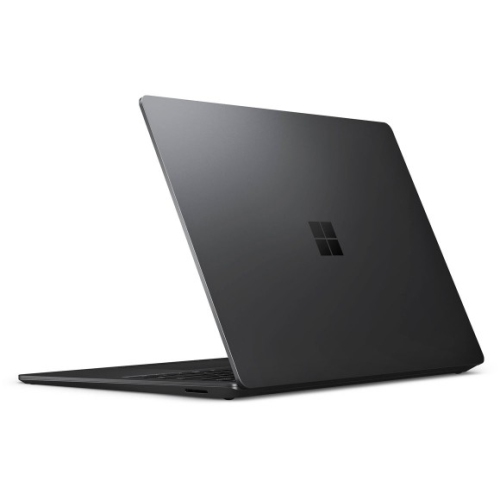 Your price for this item is $3099
-
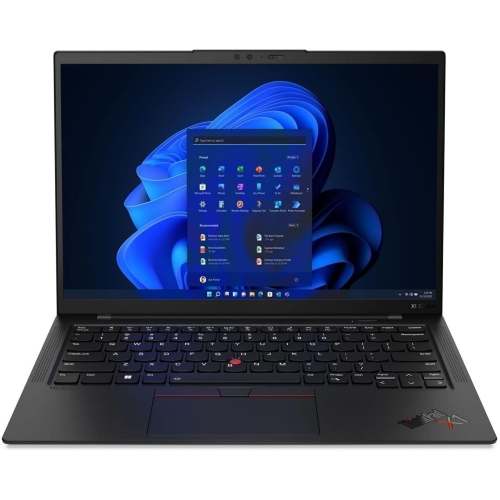 Your price for this item is $429.99
-
 Your price for this item is $1800.68
-
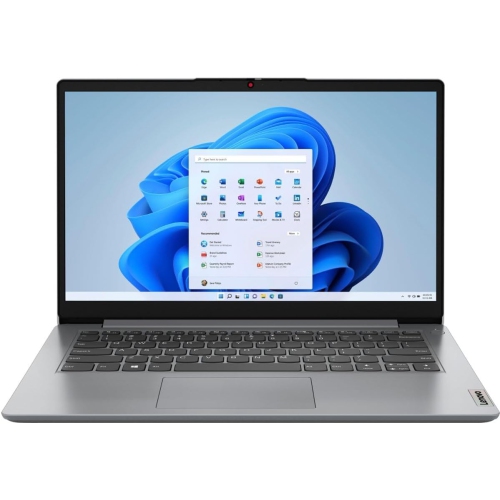 Your price for this item is $664.05
-
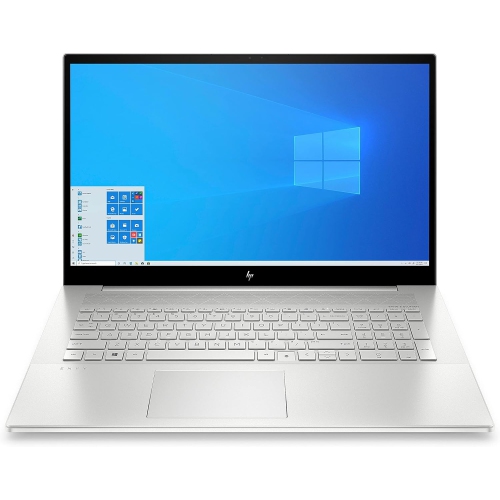 Your price for this item is $869.99
-
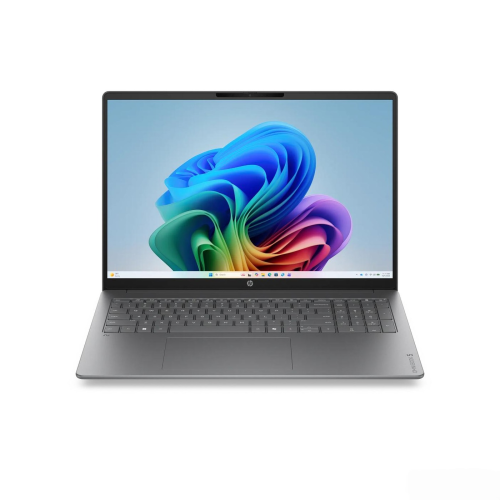 Your price for this item is $2960.48
-
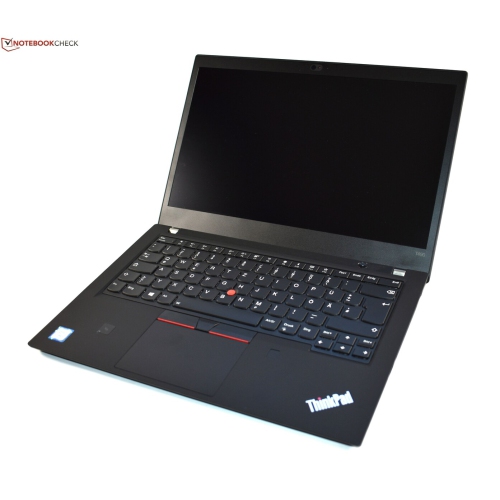 Your price for this item is $479.68