Trackball Keyboards
Discover the perfect blend of precision and comfort with trackball keyboards, an innovative solution for those seeking a unique typing and navigation experience. Ideal for both professional environments and home offices, these keyboards offer unparalleled control with their integrated trackball, allowing you to navigate seamlessly without the need for a traditional mouse. Whether you're looking to enhance your productivity or simply want to explore a more ergonomic approach to computing, trackball keyboards provide an efficient and space-saving alternative. Explore the range of options available and find the one that best suits your needs, ensuring every keystroke and movement is as smooth as possible.
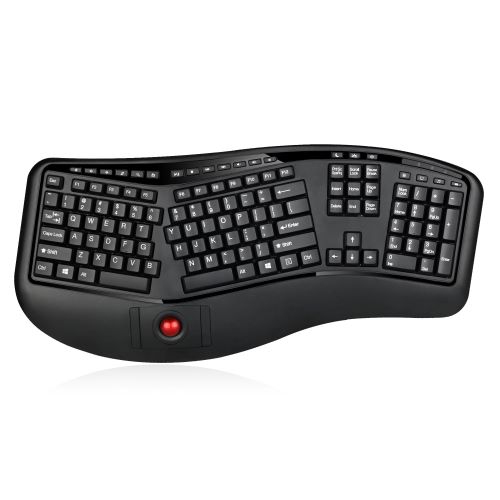
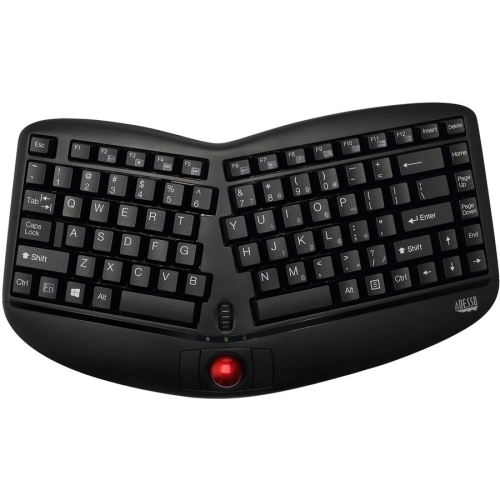
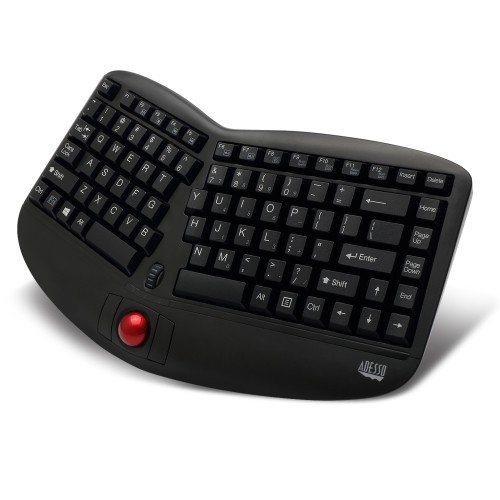
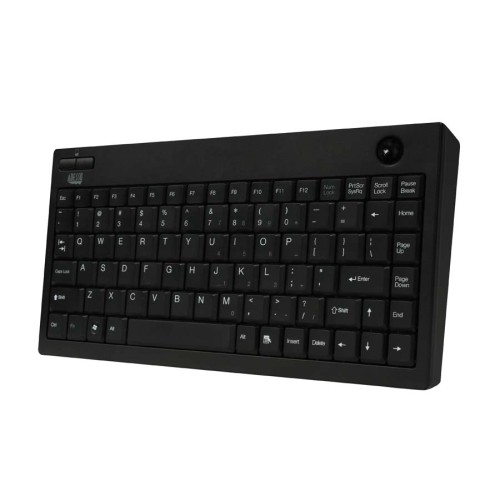
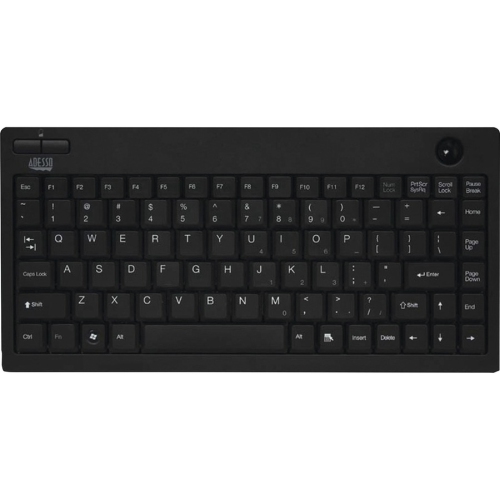
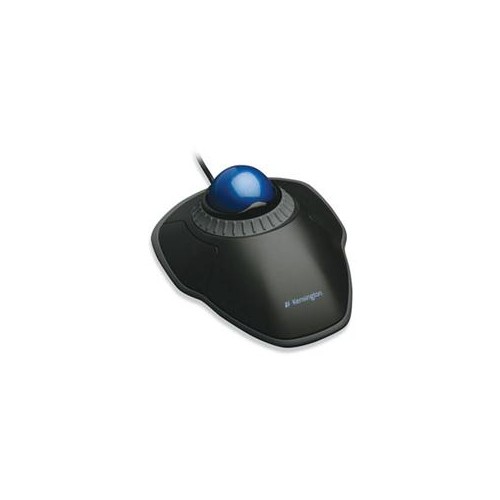
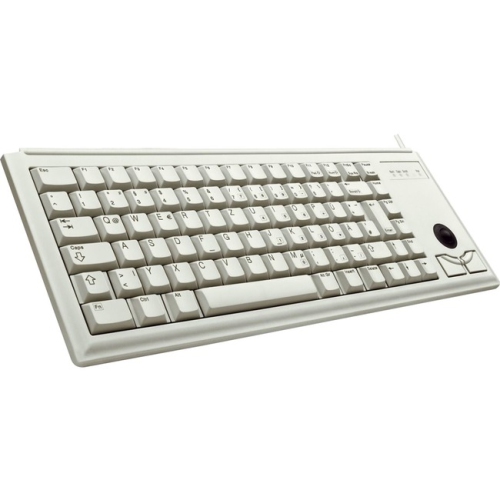
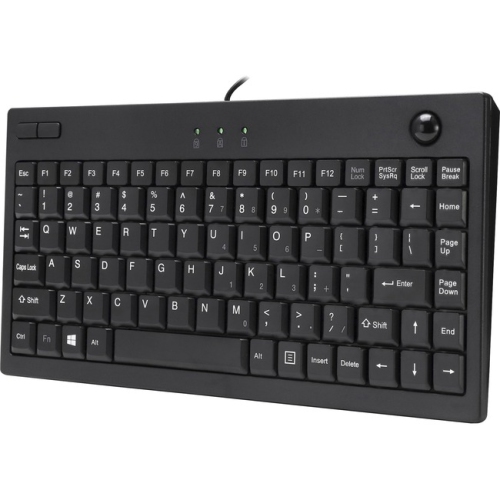
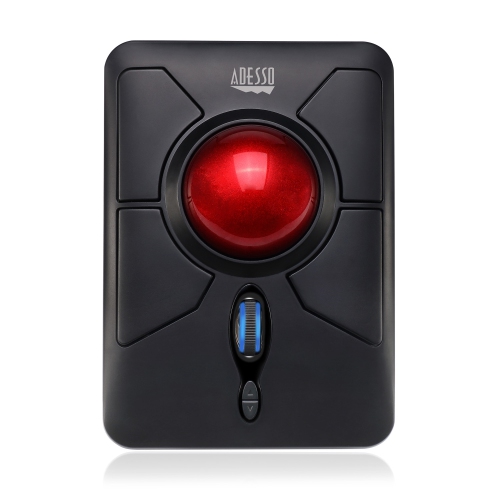
Integrated cursor control for compact, flexible workspaces
Connection type is another important consideration when shopping for trackball keyboards. Wired models connect through USB and are often a practical choice for fixed workstations, shared equipment, industrial environments, and situations where dependable plug-and-play operation matters. They generally do not require batteries and can be ready to use as soon as they are connected to a compatible computer. Wireless models can create a tidier setup and make it easier to move the keyboard between a desk, a television, or another nearby device. Look for the wireless technology used, the receiver or pairing method, battery requirements, and the expected operating range. Compatibility should also be confirmed before purchase, particularly if the keyboard will be used with a Mac, Windows computer, Chromebook, smart television, media player, or other USB-enabled device. Some trackball keyboards include extra USB ports, programmable keys, shortcut buttons, backlighting, or integrated palm support, while others keep the design simple to conserve space. A built-in hub can be helpful when the computer’s ports are difficult to reach, but it may require an additional cable or available power. Key layout matters as well. Low-profile membrane keys tend to offer quiet, familiar typing, which can be welcome in a shared room or home office. Mechanical versions may appeal to enthusiasts who prefer a more defined key press, the option to customize switches and keycaps, or a split design that lets each half sit at a more comfortable angle. Split ergonomic keyboards may place the trackball near the thumbs, reducing the need to lift a hand from the home row while navigating. They can take more time to learn, especially when the halves are separated or the key arrangement differs from a traditional keyboard, so consider whether you want immediate familiarity or greater adjustability. Pay attention to the overall dimensions, cable placement, weight, palm-rest shape, and the amount of clearance needed around the trackball. A compact keyboard that fits neatly beside a monitor may be ideal for a tight workstation, while a larger contoured model can provide more support during long typing sessions. Keeping the trackball clean is also worthwhile; dust and skin oils can affect smooth movement, so follow the manufacturer’s instructions for removing the ball and cleaning the contact points.
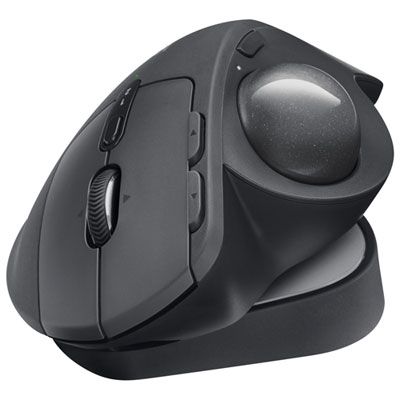
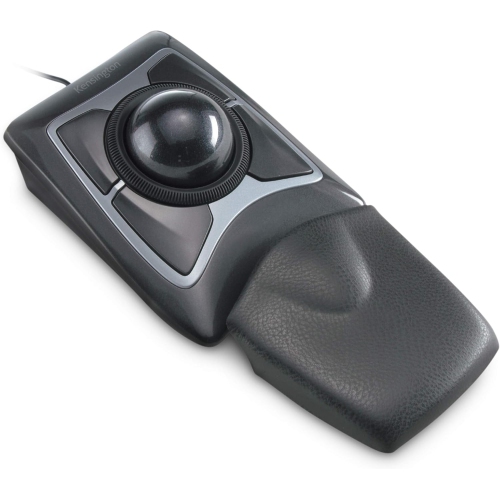
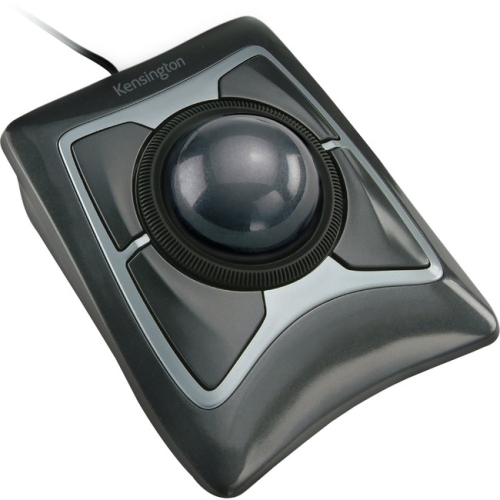
Trackball keyboards can be a practical choice for home and office users, programmers, writers, researchers, students, customer-service teams, digital signage operators, and anyone working in a location where a conventional mouse is inconvenient. They are also worth considering for users who prefer to keep navigation close to the typing area or who move between several work surfaces during the day. A compact model can make a thoughtful gift for a student setting up a small dorm-room desk, a family member building a media-centre setup, or a remote worker who wants to make better use of limited workspace. For someone who spends cooler months working, studying, gaming, or managing household tasks indoors, a single device that handles both text entry and cursor control can help reduce clutter around the screen. When choosing one as a gift, look for a familiar key arrangement unless the recipient has specifically expressed an interest in split or mechanical designs. It is also helpful to consider whether they use a number pad, prefer quiet keys, need wireless freedom, or share their computer with other people. Users who already enjoy a separate trackball may prefer the consistent control offered by a keyboard with an integrated ball, while newcomers may need a little practice to develop a light, precise rolling motion. Trackball keyboards are not interchangeable with every ergonomic accessory, and some people may prefer a separate pointing device with a larger ball or a different hand position. If that is the case, explore Ergonomic Trackball Mice for an alternative approach to cursor control. Before completing your purchase, compare the keyboard’s dimensions with your available space, verify operating-system compatibility, review whether batteries or a wireless receiver are included, and consider the location of the ball and buttons in relation to your dominant hand. The right trackball keyboard should feel stable, responsive, and easy to understand, allowing typing and navigation to flow together without constantly searching for a mouse.
Top selling and popular products
-
 Your price for this item is $39.98
 -
 Your price for this item is $49.72
 -
 Your price for this item is $159
 -
 Your price for this item is $219.99
 -
 Your price for this item is $199.99
 -
 Your price for this item is $44.99
 -
 Your price for this item is $22.68
 -
 Your price for this item is $169.99