Triple Monitor Stands
Maximize your productivity and elevate your workstation with a triple monitor stand. Designed to support three monitors, this versatile stand helps you create an efficient and organized setup for work or play. Say goodbye to cluttered desks and hello to a seamless multi-monitor experience that enhances your viewing angles and overall comfort. Whether you're a professional who needs multiple screens for multitasking or a gamer looking to immerse yourself in the action, a triple monitor stand is a must-have accessory for optimizing your space and workflow.
Sort
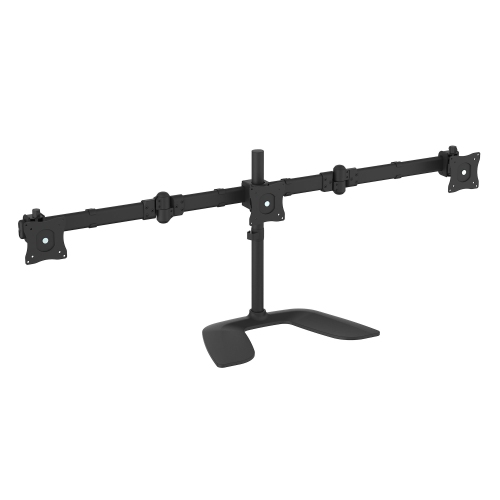
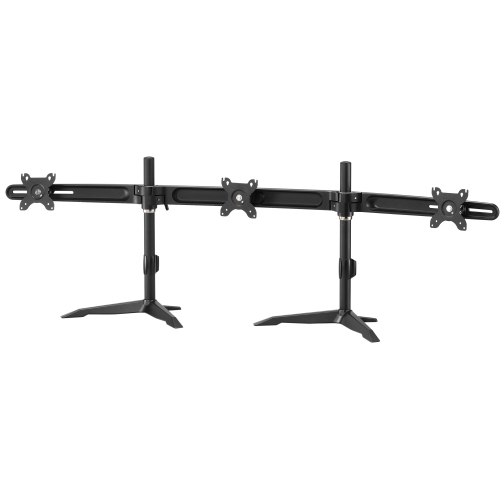
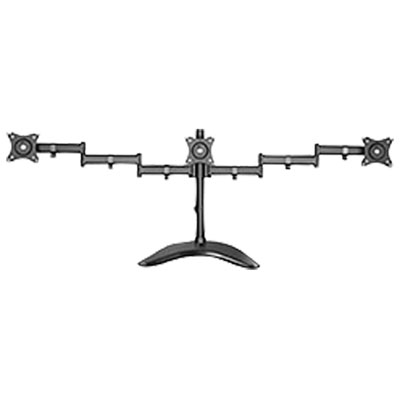
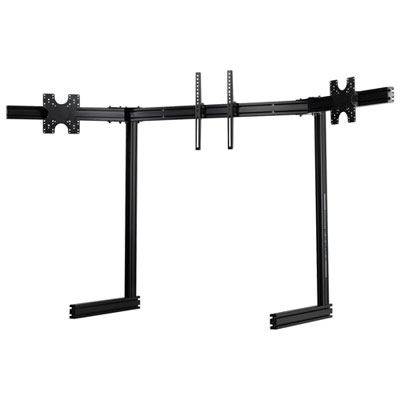
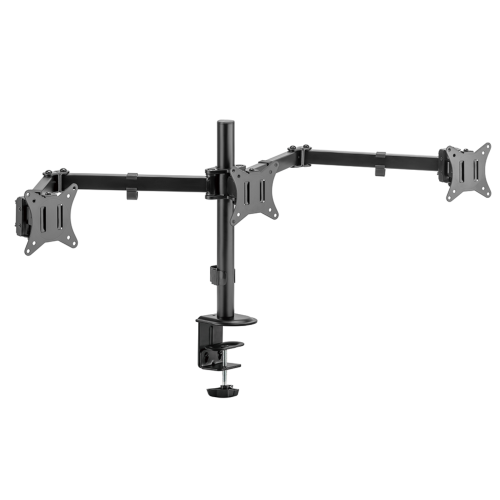
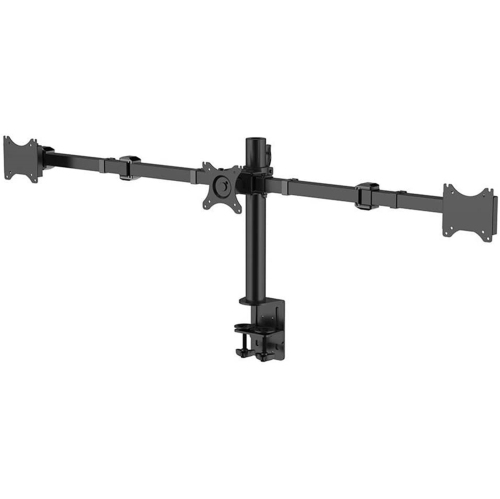
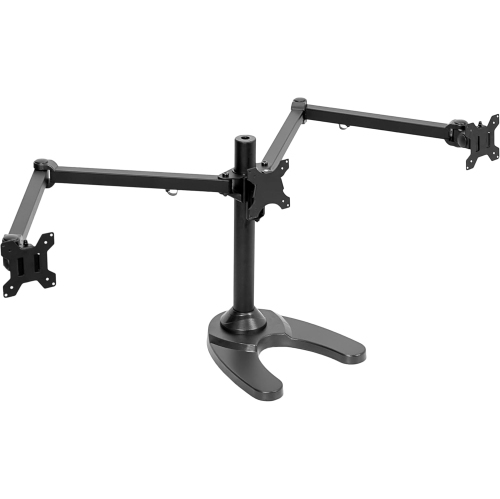

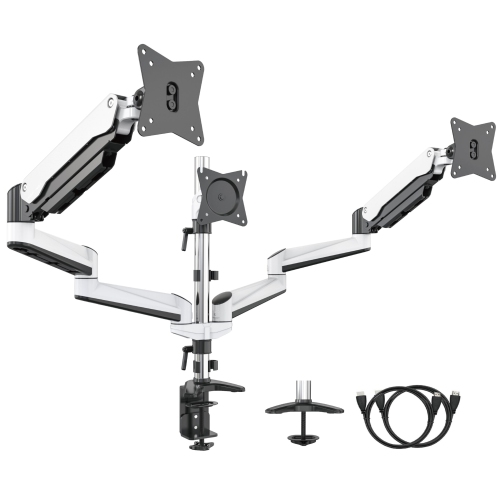
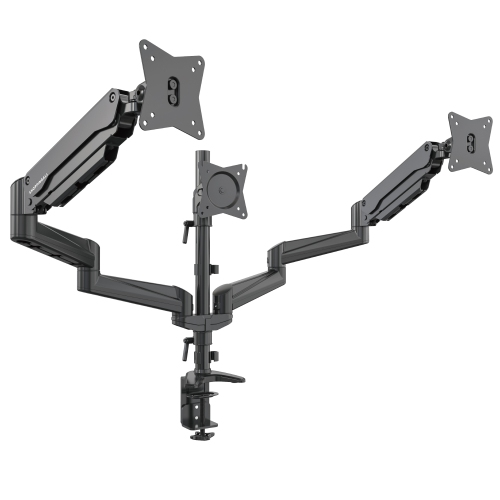
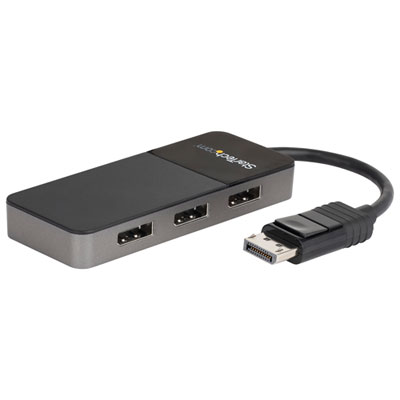
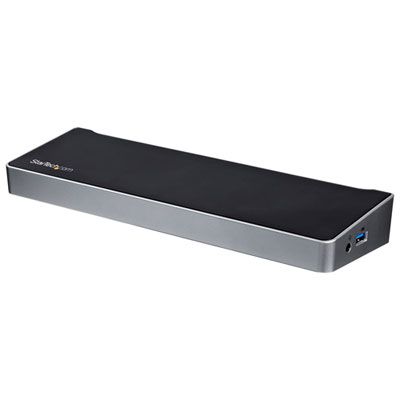
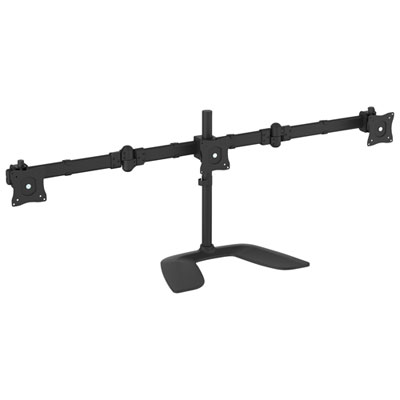
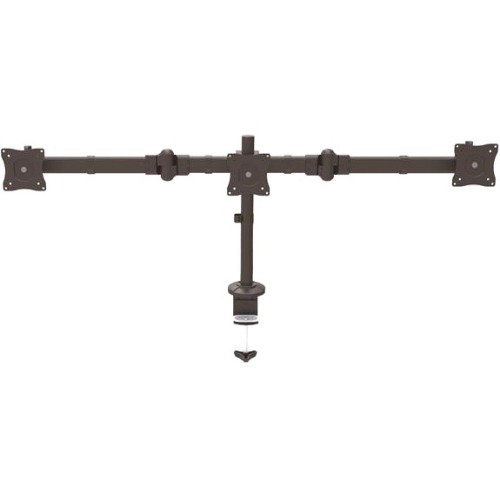
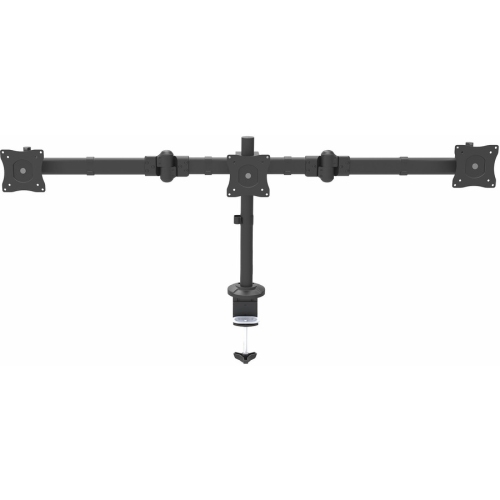
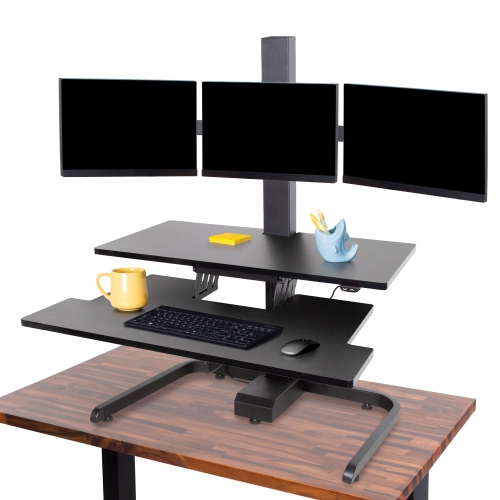
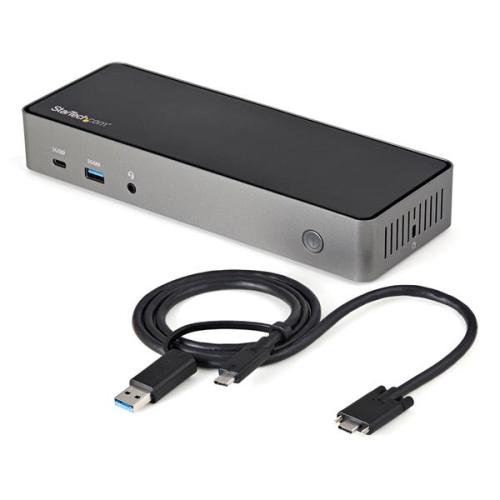
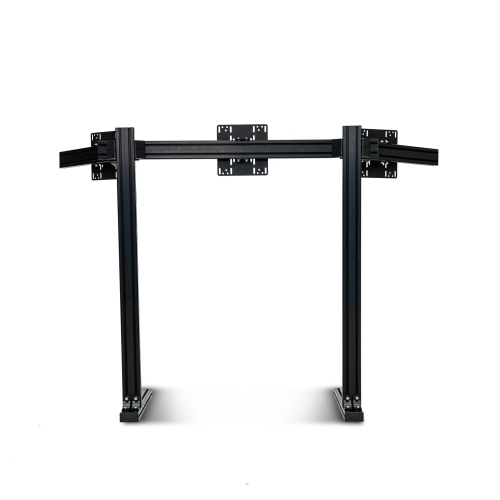
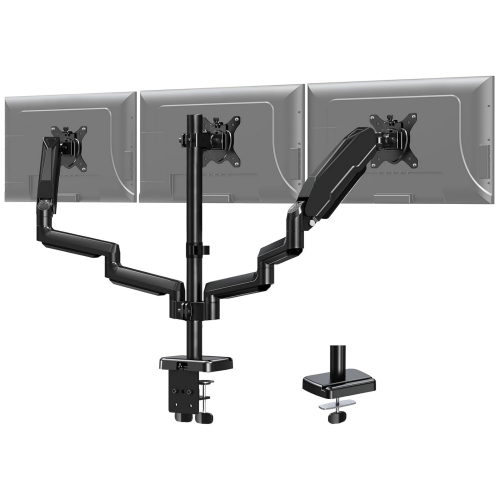

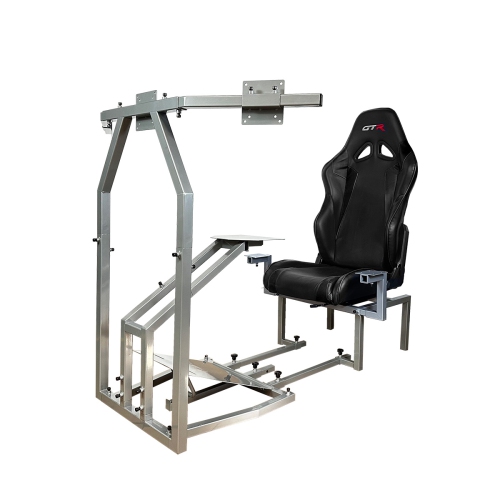
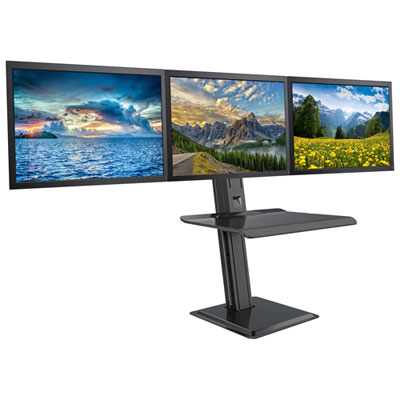

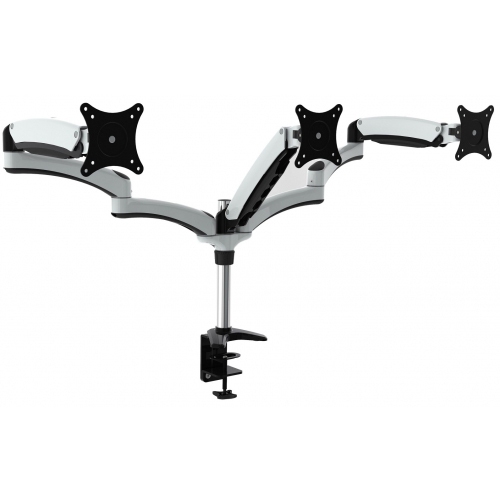
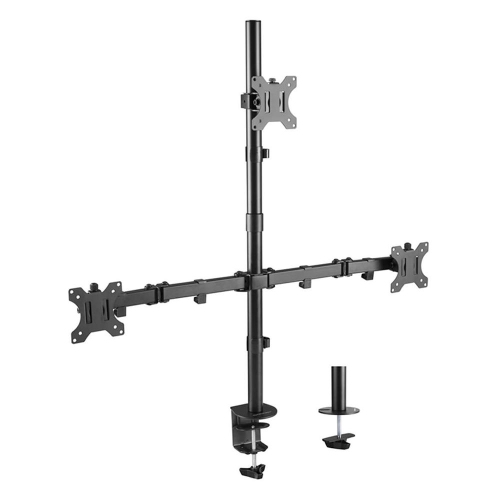
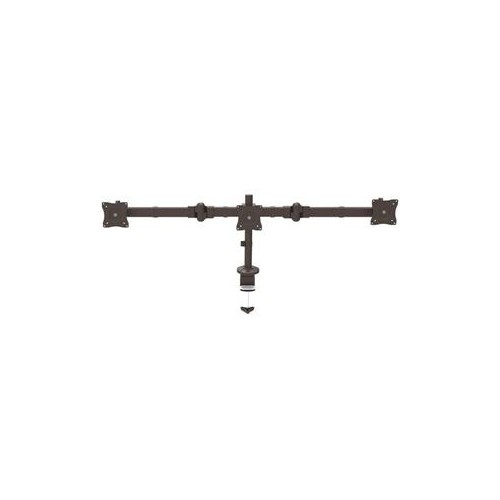
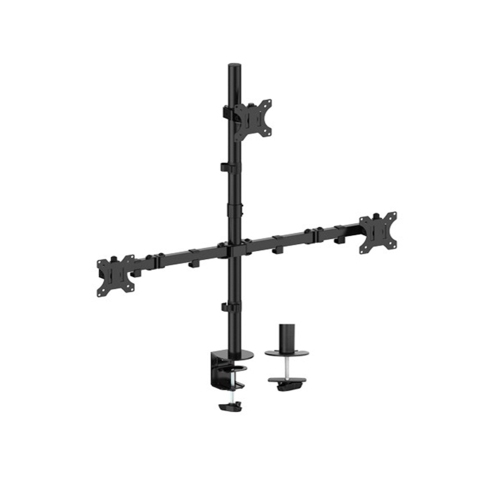
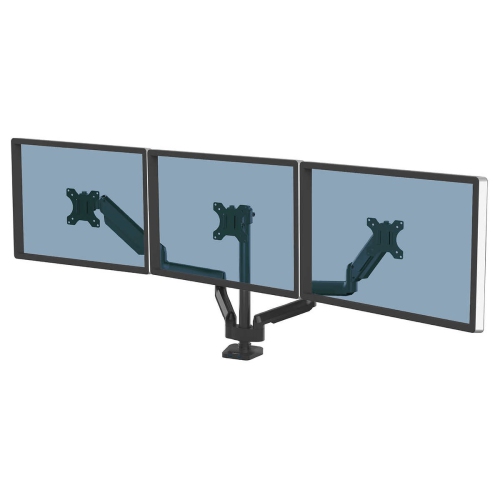
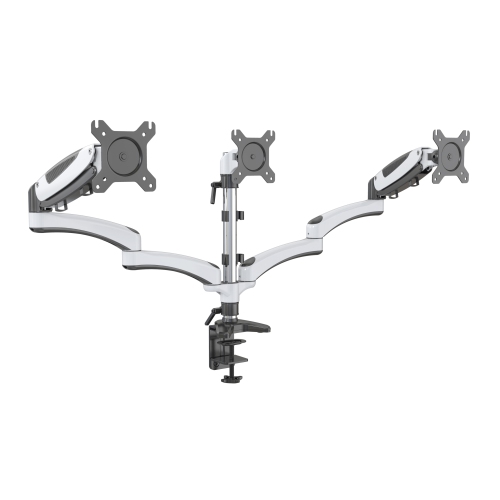
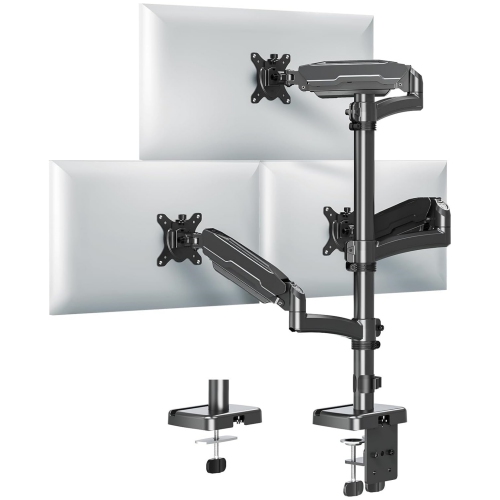
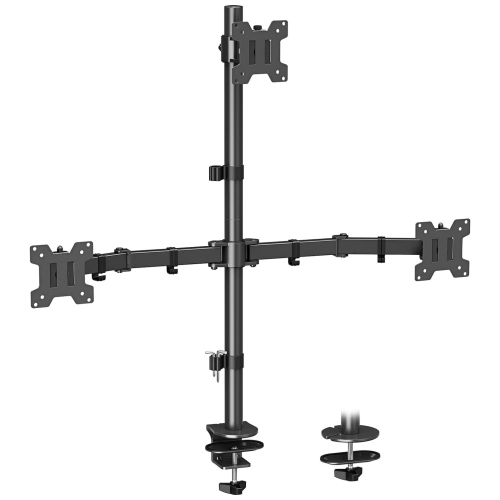
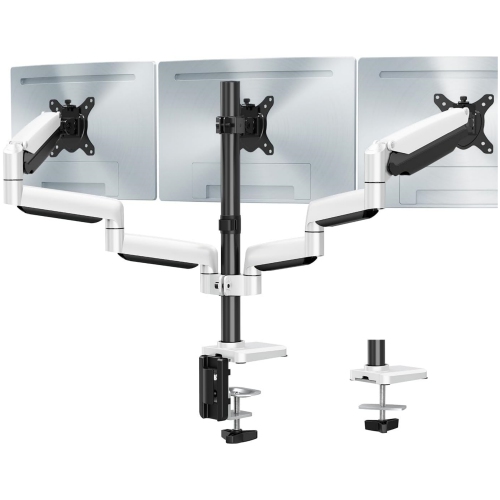
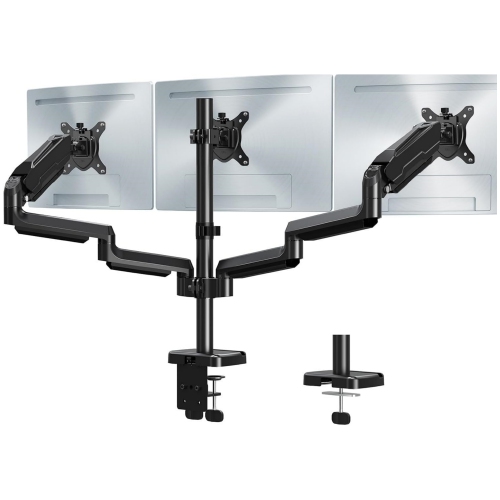
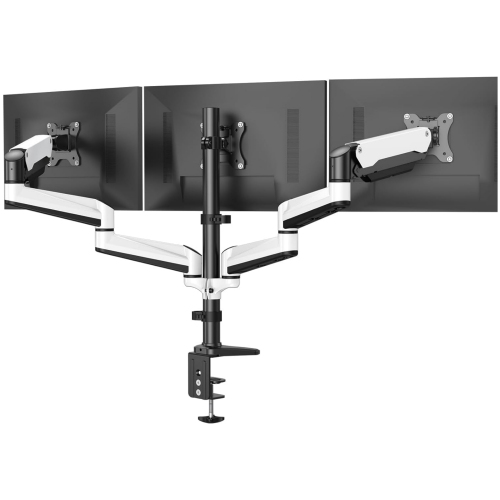
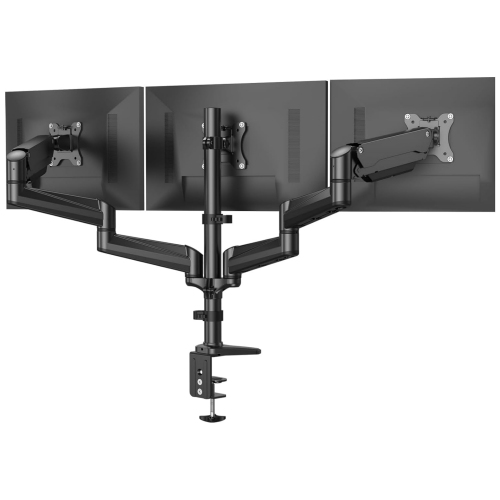


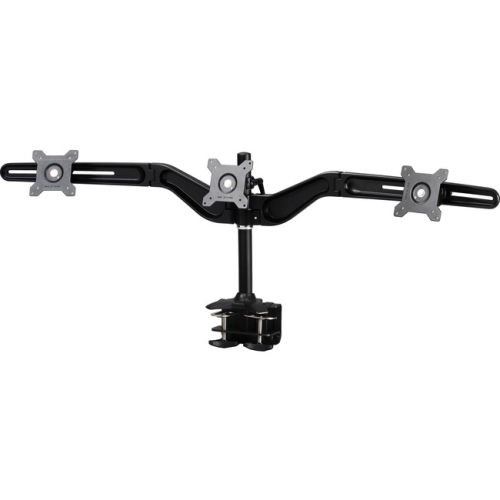
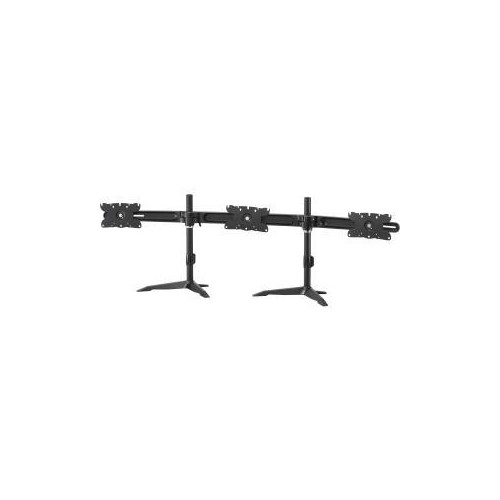
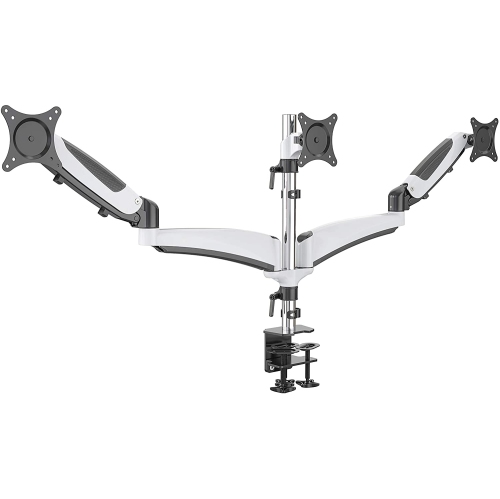
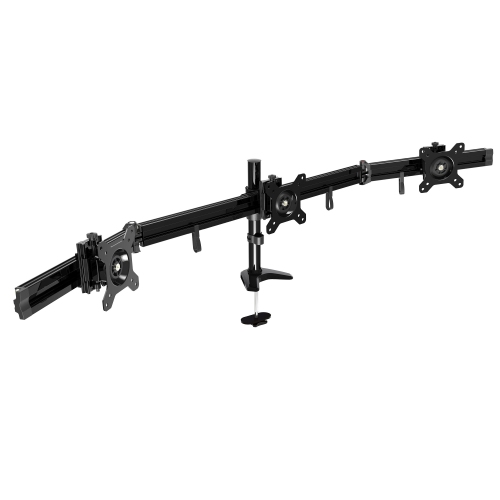

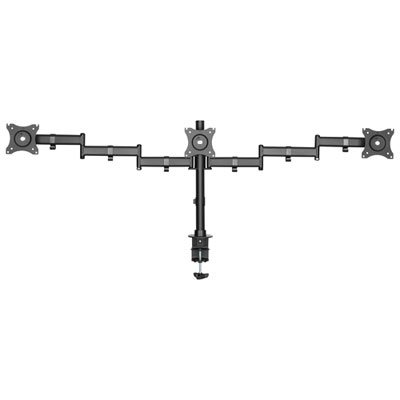
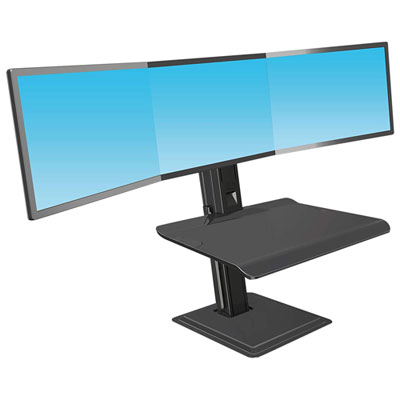

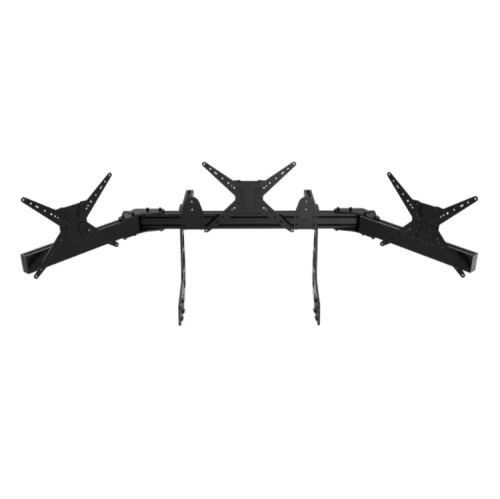
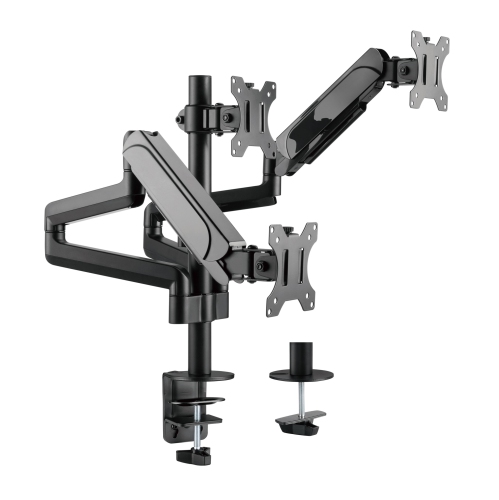
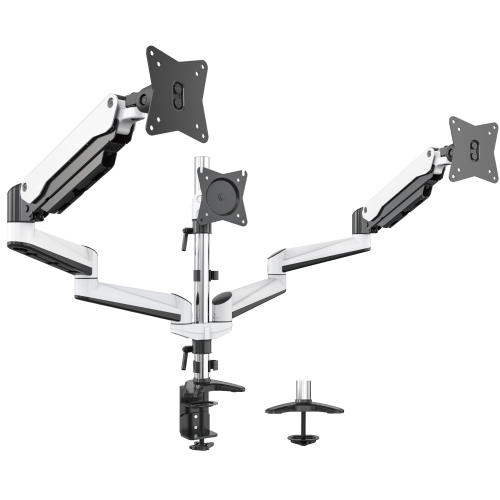
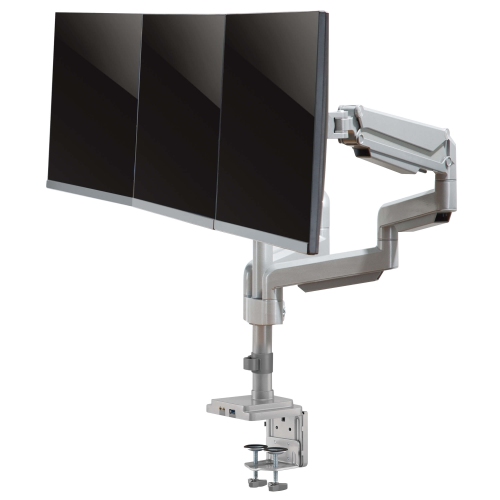
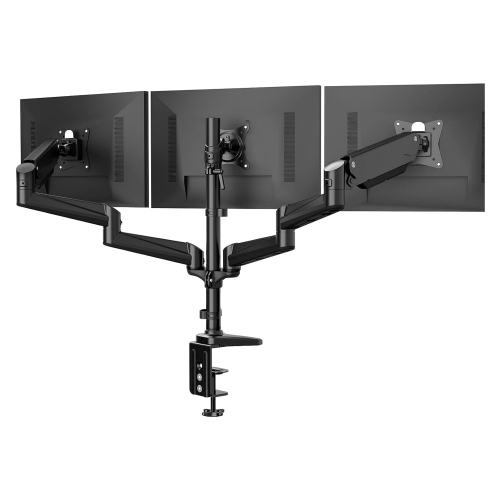
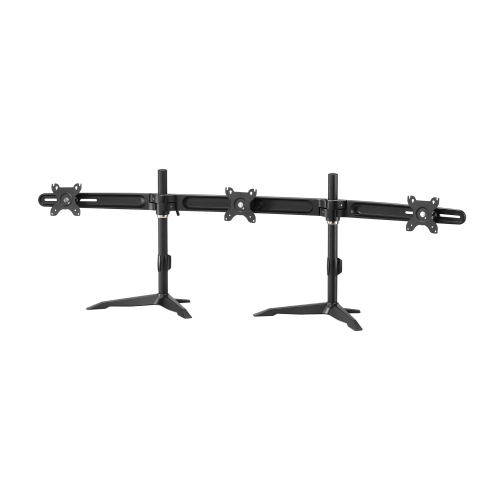
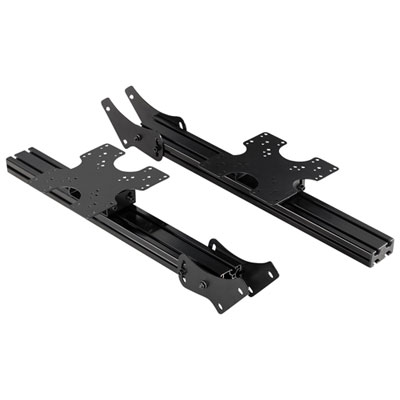
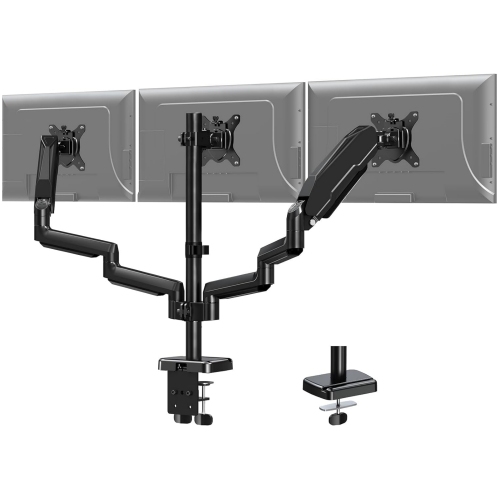


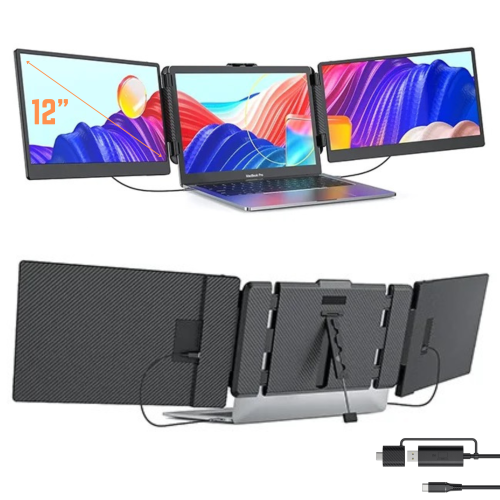
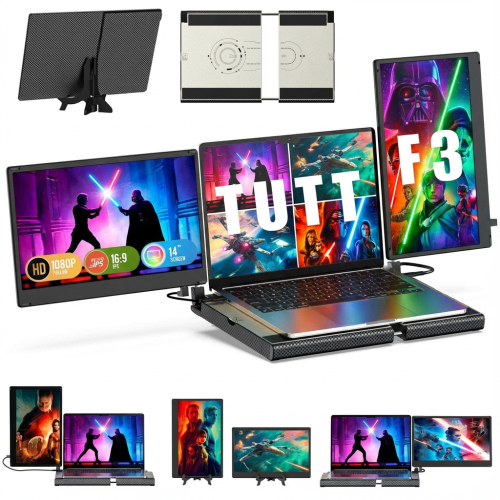
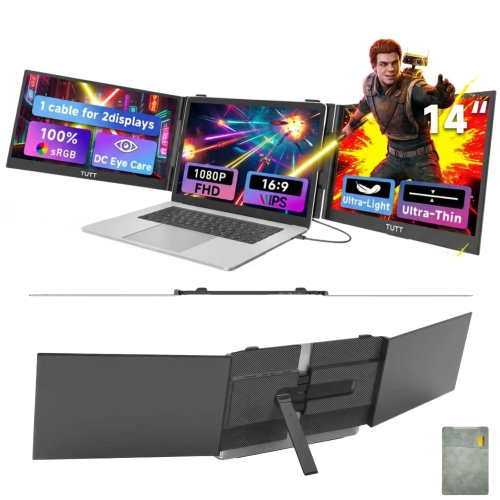
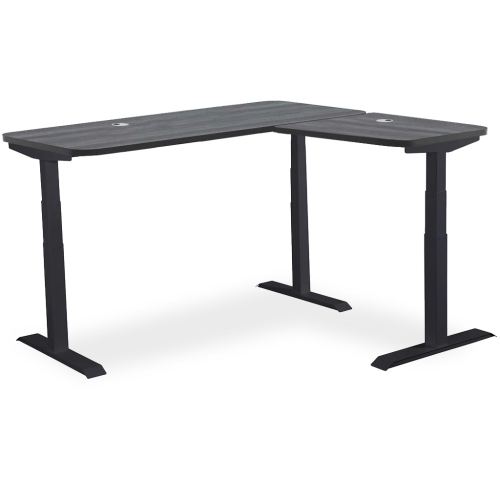
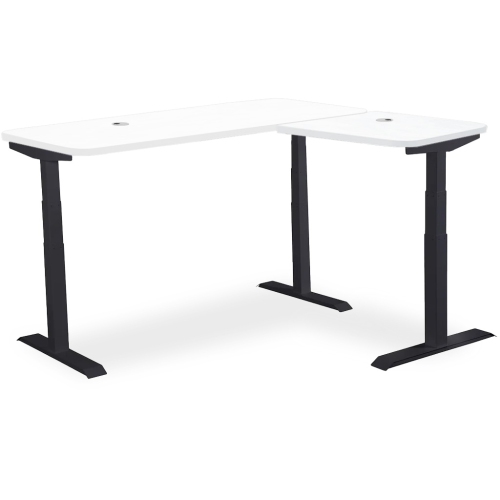
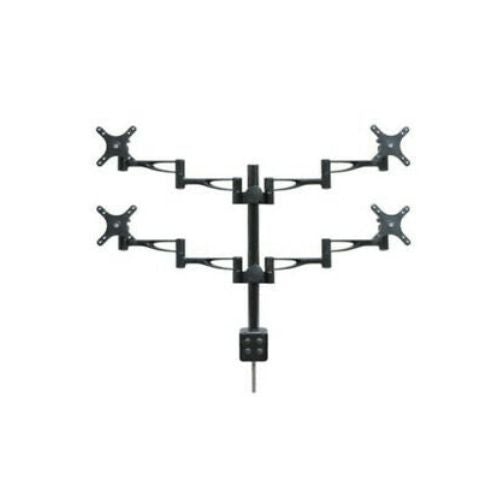
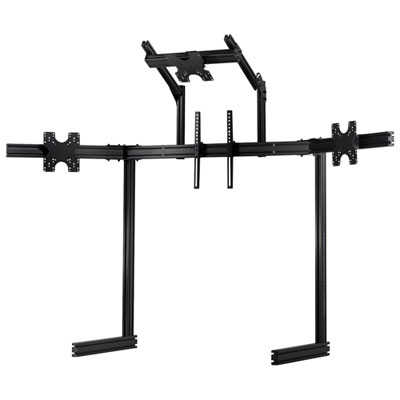
More screen space for work, gaming, and creative projects
A triple monitor stand is a game-changer for anyone looking to maximize productivity, create an immersive gaming atmosphere, or build a professional-grade simulation setup. Whether you’re a remote worker managing multiple spreadsheets, a creative professional editing video across expansive timelines, or a gamer seeking panoramic views, the right triple monitor stand can transform your workspace. As the seasons shift from the warmth of summer into the cooler fall months, many people find themselves reorganizing their home offices or gaming spaces to accommodate changing routines—making this the perfect time to consider how a triple monitor stand can enhance comfort and efficiency. These stands are designed to hold three screens side by side, providing a seamless display that can help reduce neck strain, eliminate the hassle of switching between windows, and create a visually striking workstation. For those setting up a new home office or gifting a loved one who thrives on multitasking, a triple monitor stand is a practical and thoughtful choice.
When selecting a triple monitor stand, there are several important considerations to keep in mind to ensure you get the best fit for your needs. First, consider the mounting style: desk-mounted stands (using C-clamps or grommets) are ideal for saving valuable desk space and work well with monitors ranging from 13 to 32 inch, while freestanding desk stands offer flexibility and are easy to reposition, though they do require more surface area. For those with larger screens or specialized setups—such as sim-racing or flight simulation—a freestanding floor stand provides the stability and support necessary for displays 32 inch and larger. It’s essential to check the VESA mounting pattern compatibility, typically 75x75mm or 100x100mm, to ensure your monitors will fit securely. Weight capacity is another key factor; each arm must be able to support the weight of your specific monitors to prevent drooping or instability. Adjustability is also crucial: look for stands with independent tilt, swivel, and rotation features, allowing you to fine-tune each screen for the optimal viewing angle and reduce glare, which is especially appreciated during long work sessions or marathon gaming nights as the days grow shorter.
Triple monitor stands are not just for professionals—students, content creators, and hobbyists can all benefit from the expanded screen real estate and tidy cable management these stands provide. They make an excellent gift for anyone upgrading their workspace or diving into new projects during the back-to-school or early holiday season. For the best experience, pairing your triple monitor stand with the right desk is important; a sturdy, spacious surface ensures everything remains stable and organized. Explore options like Desks for Three Monitors to find a workstation that complements your new setup. Whether you’re tackling a busy workday, unwinding with your favourite games, or perfecting your creative projects, a triple monitor stand can help you make the most of your space and your time as you settle into the routines of late summer and fall.
When selecting a triple monitor stand, there are several important considerations to keep in mind to ensure you get the best fit for your needs. First, consider the mounting style: desk-mounted stands (using C-clamps or grommets) are ideal for saving valuable desk space and work well with monitors ranging from 13 to 32 inch, while freestanding desk stands offer flexibility and are easy to reposition, though they do require more surface area. For those with larger screens or specialized setups—such as sim-racing or flight simulation—a freestanding floor stand provides the stability and support necessary for displays 32 inch and larger. It’s essential to check the VESA mounting pattern compatibility, typically 75x75mm or 100x100mm, to ensure your monitors will fit securely. Weight capacity is another key factor; each arm must be able to support the weight of your specific monitors to prevent drooping or instability. Adjustability is also crucial: look for stands with independent tilt, swivel, and rotation features, allowing you to fine-tune each screen for the optimal viewing angle and reduce glare, which is especially appreciated during long work sessions or marathon gaming nights as the days grow shorter.
Triple monitor stands are not just for professionals—students, content creators, and hobbyists can all benefit from the expanded screen real estate and tidy cable management these stands provide. They make an excellent gift for anyone upgrading their workspace or diving into new projects during the back-to-school or early holiday season. For the best experience, pairing your triple monitor stand with the right desk is important; a sturdy, spacious surface ensures everything remains stable and organized. Explore options like Desks for Three Monitors to find a workstation that complements your new setup. Whether you’re tackling a busy workday, unwinding with your favourite games, or perfecting your creative projects, a triple monitor stand can help you make the most of your space and your time as you settle into the routines of late summer and fall.
Top selling and popular products
-
 Your price for this item is $34.95
 -
 Your price for this item is $129.99
 -
 Your price for this item is $69.99
 -
 Your price for this item is $69.99
 -
 Your price for this item is $99.99
 -
 Your price for this item is $124
 -
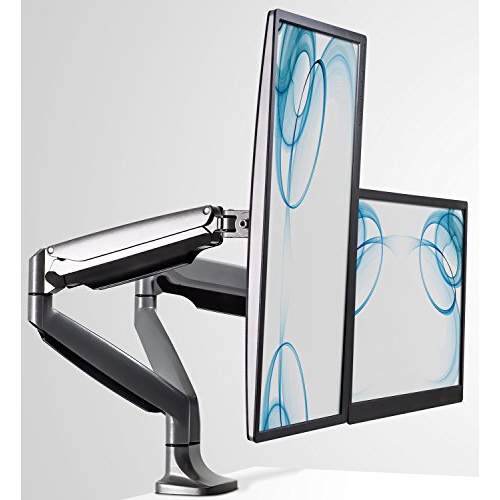 Your price for this item is $256.68
 -
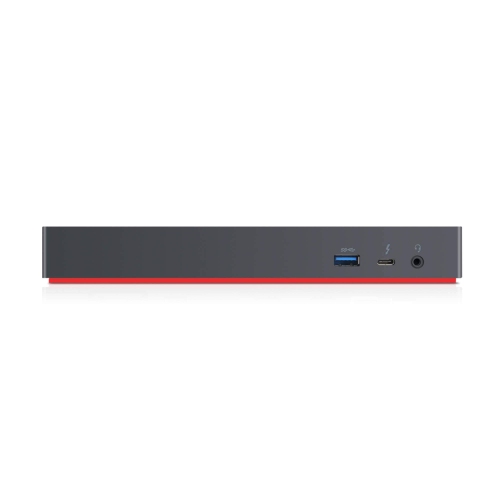 Your price for this item is $300
Discover more categories related to Triple Monitor Stands

Top Collections:
Pokemon Centers, Kindle Devices, Best Budget Office Chairs, Apple iPhones 16, Best Laptops for Writers, iPhone 15 Apple, Canon G7X Cameras, Refurbished Apple Laptops, Alarm Clock, Motorola Razr Phones
Some products may be subject to Environmental Handling Fees
(EHF) depending on your province.
Learn more about EHFs.