Tv Pc Speakers
Enhance your viewing and gaming experience with our wide selection of TV PC speakers. Designed to deliver exceptional sound quality, these speakers are the perfect addition to your entertainment setup. Whether you're watching movies, playing games, or streaming your favorite shows, our range of TV PC speakers will immerse you in a world of crystal-clear audio. From sleek and compact options to powerful and immersive setups, we have the perfect speakers to suit your needs. Elevate your audio experience and bring your entertainment to life with our top-notch TV PC speakers.
Sort
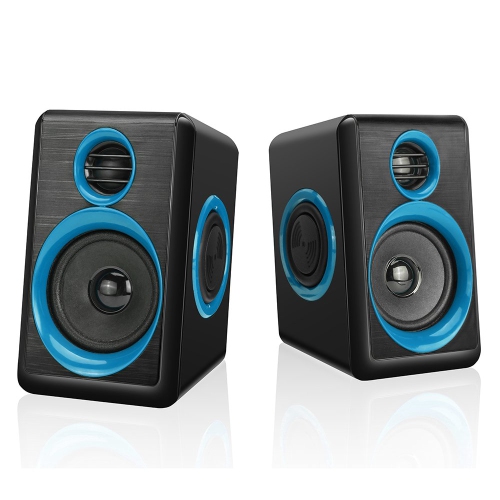
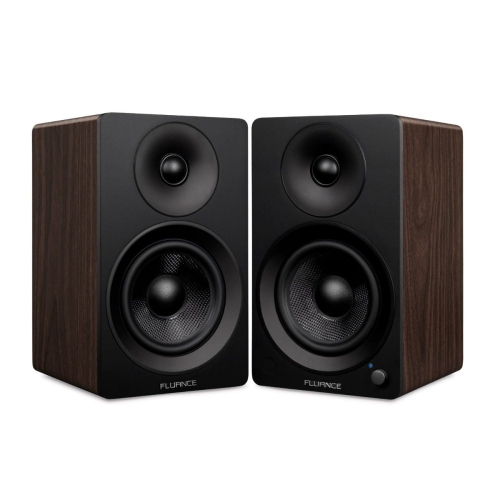
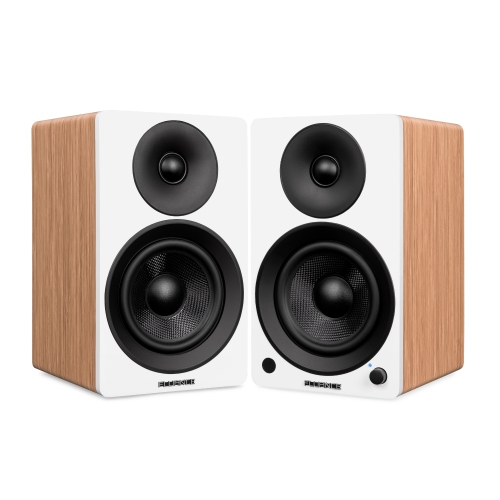
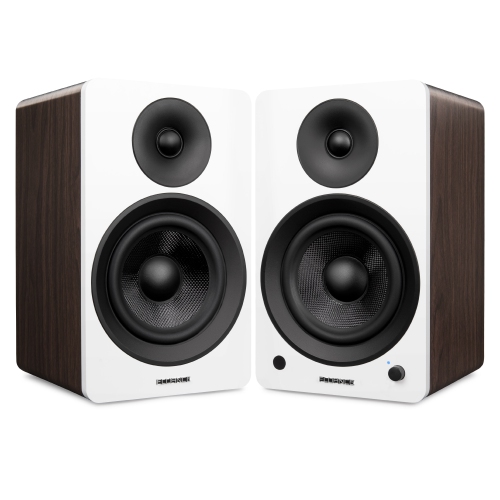
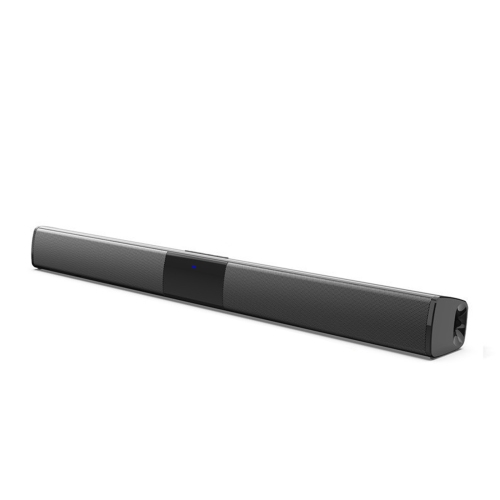
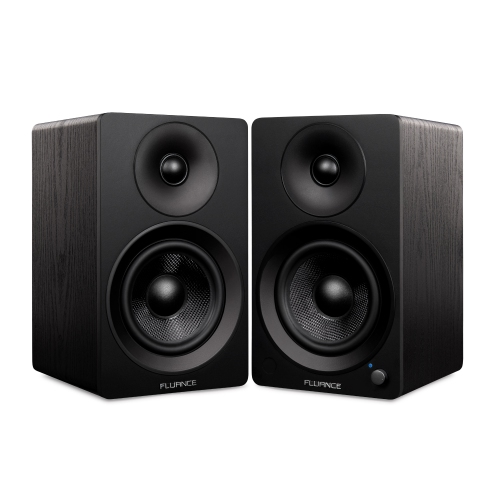
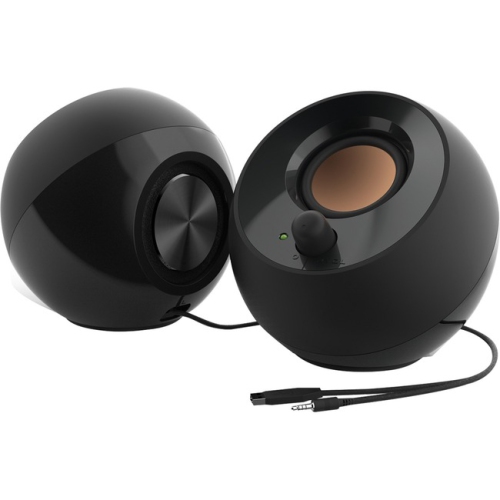
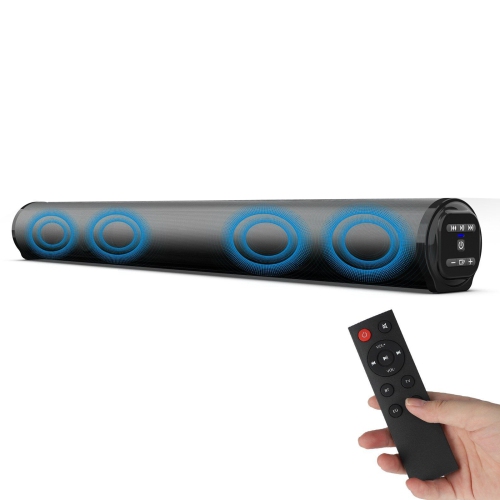


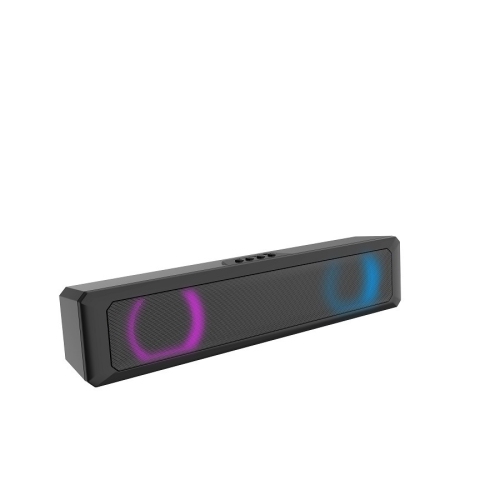
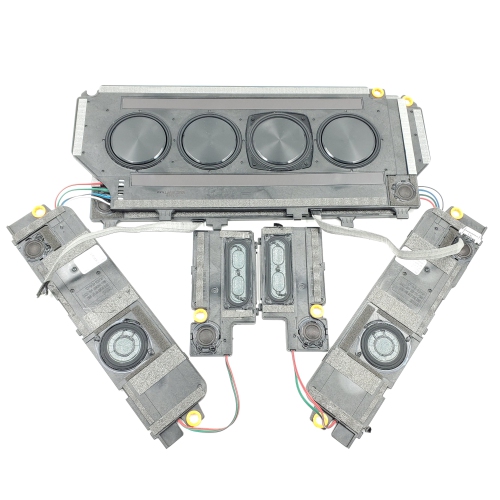

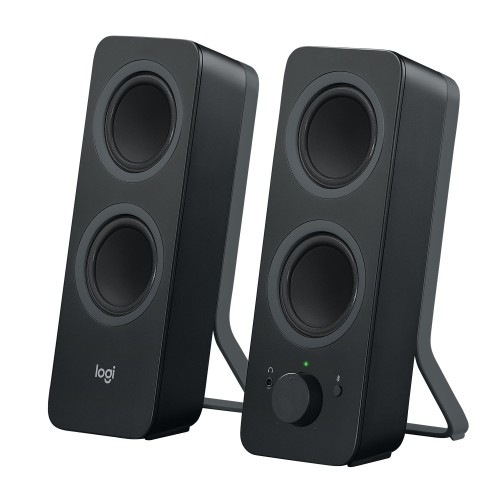
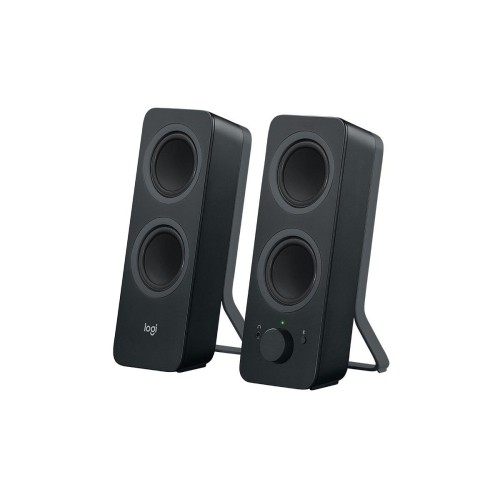

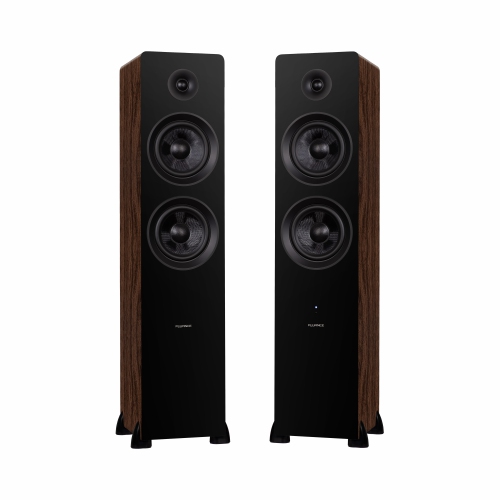
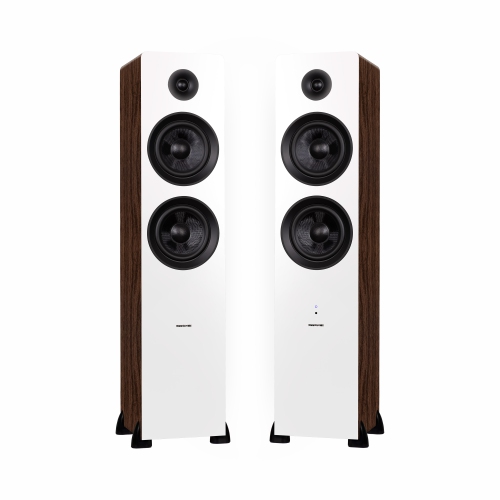
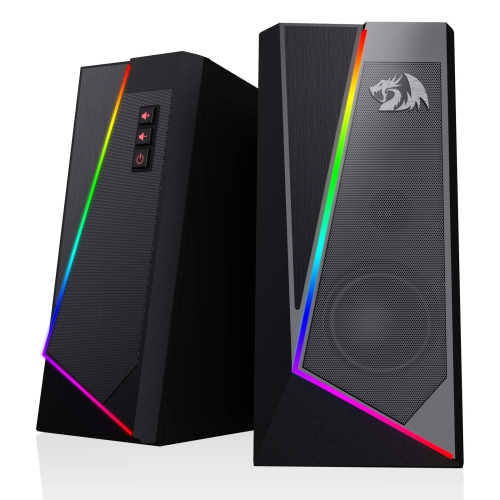
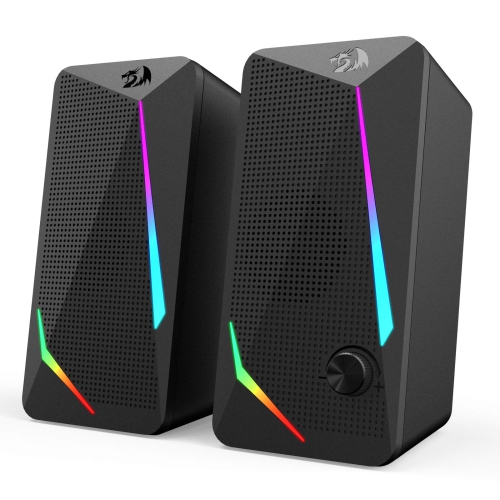
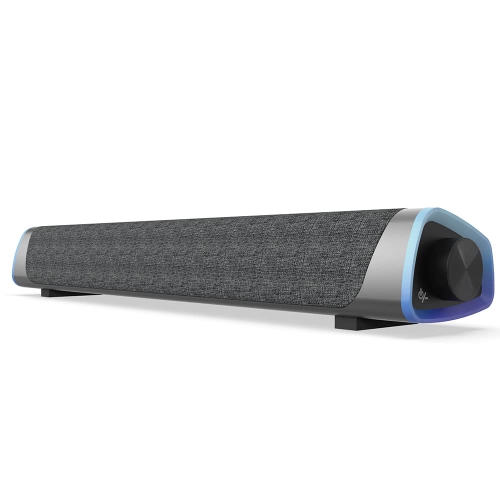
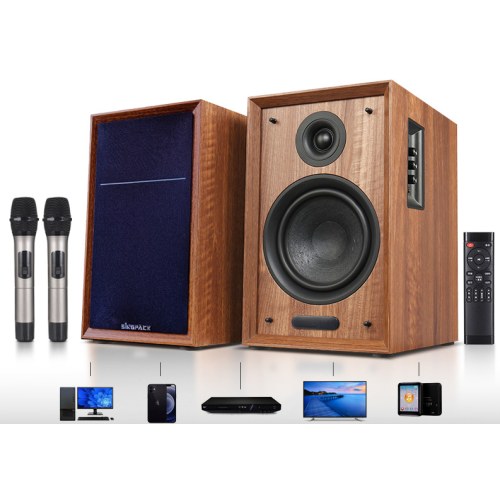
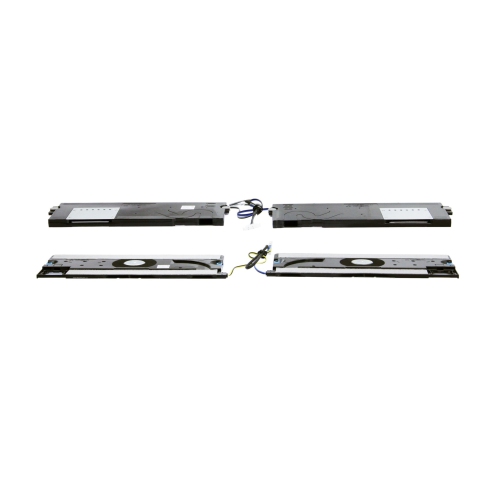
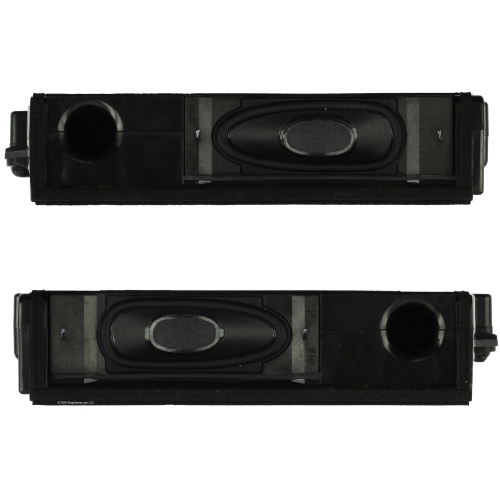
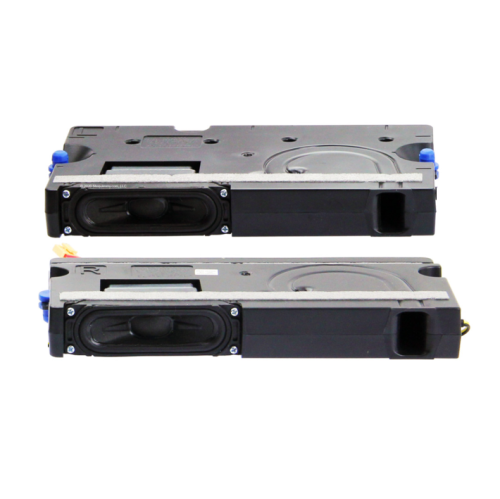
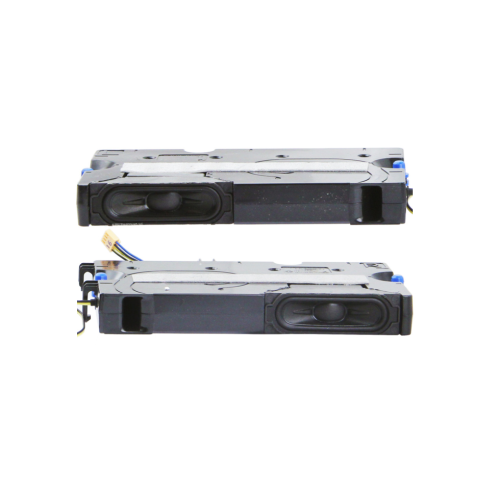
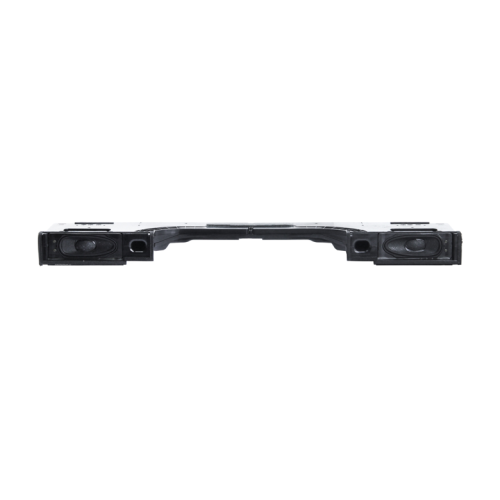
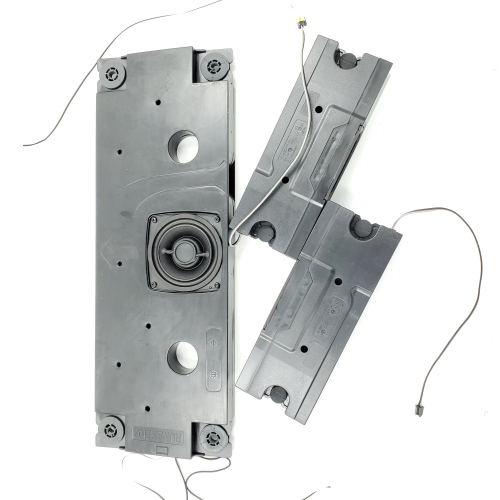
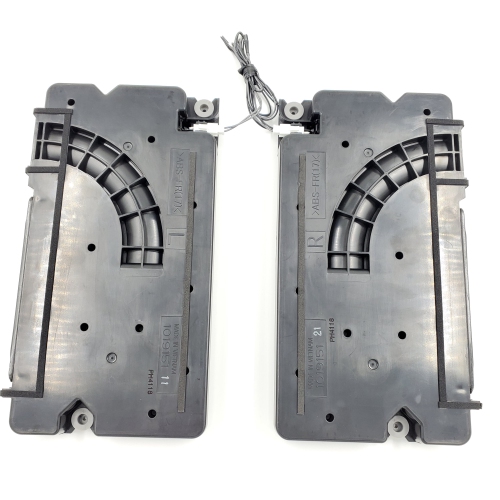
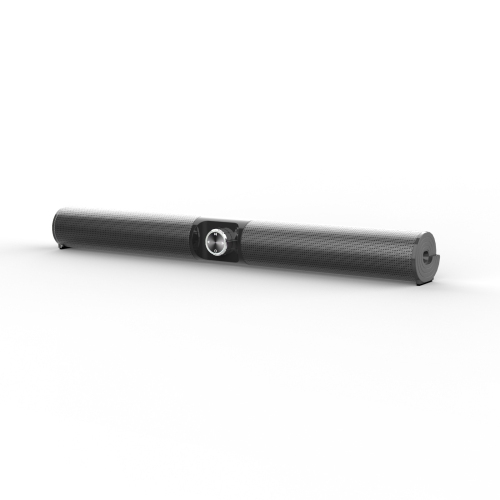
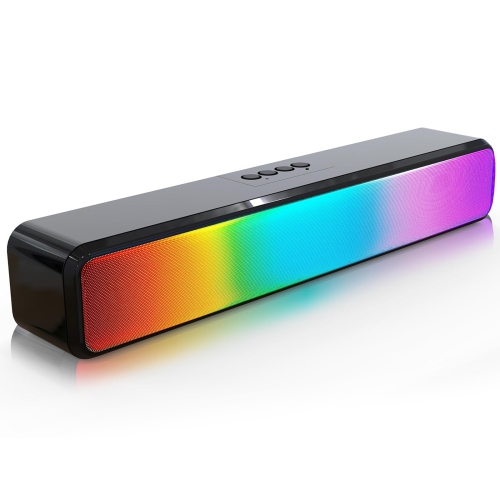
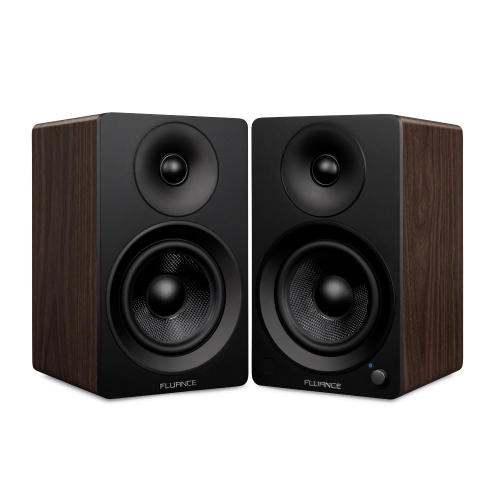
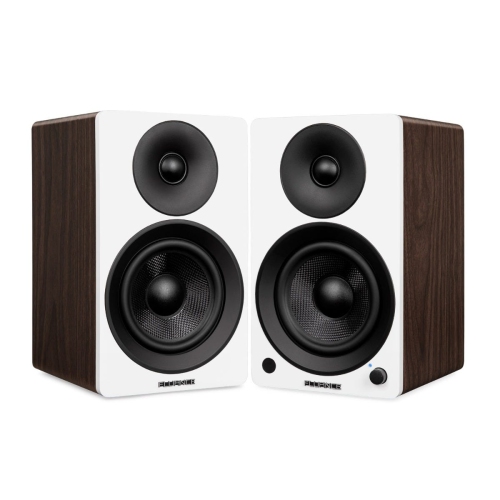
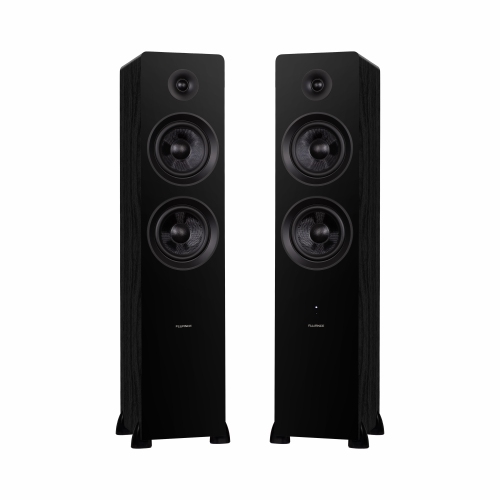

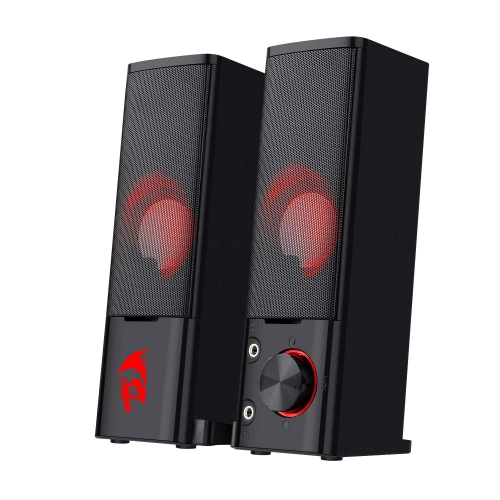
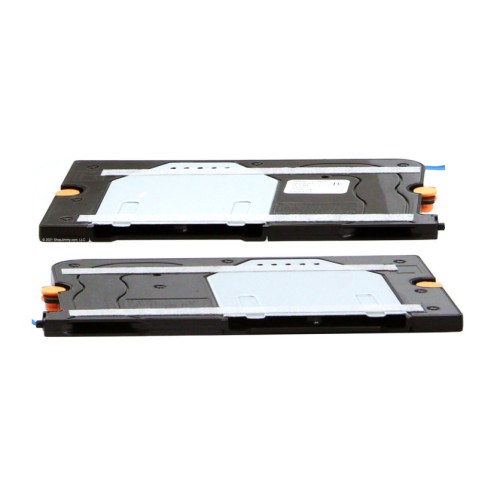
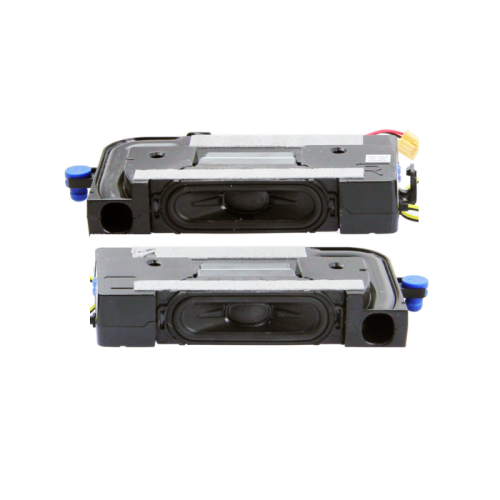
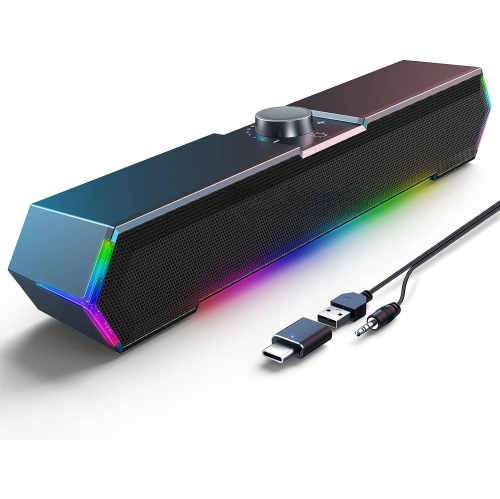

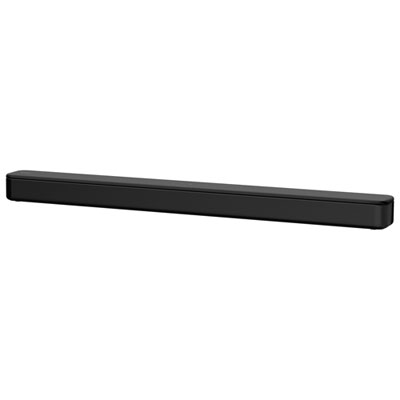
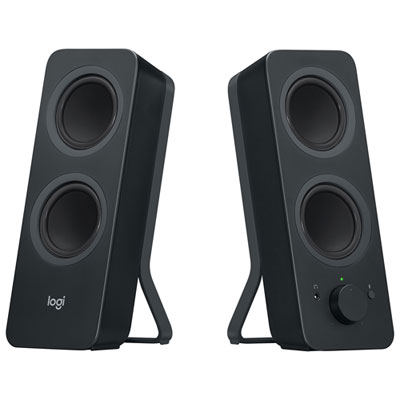
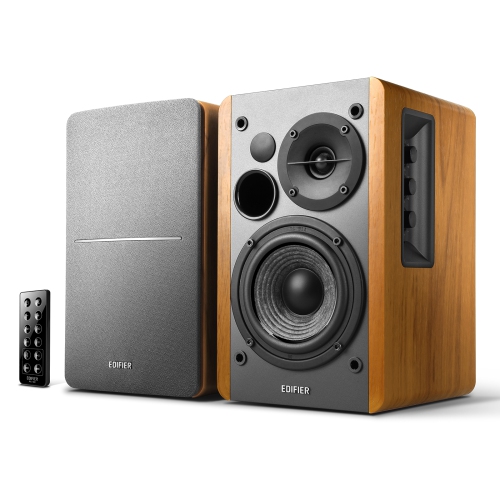


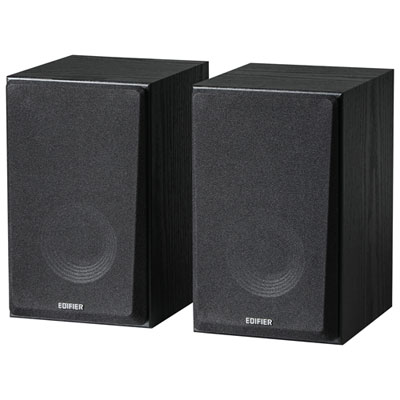
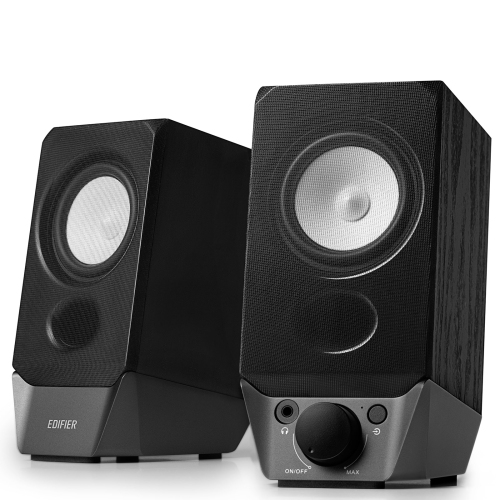

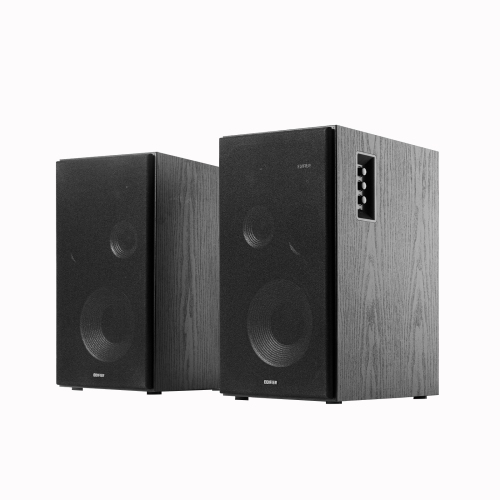
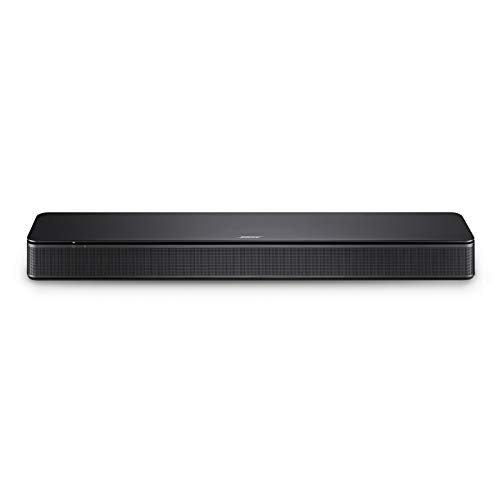
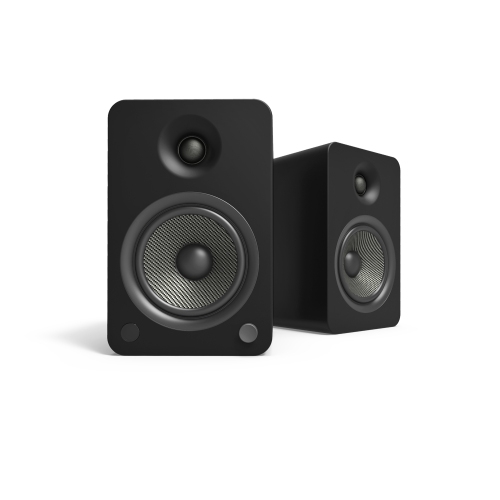
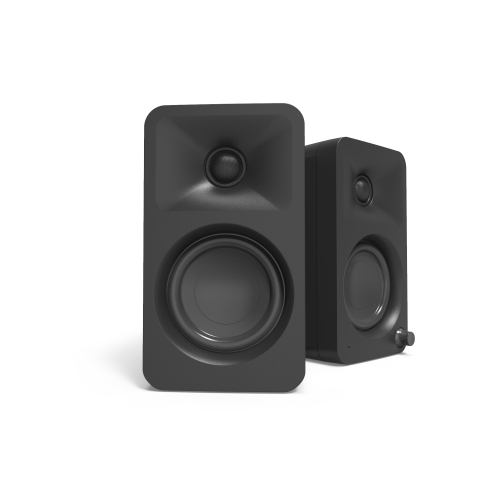
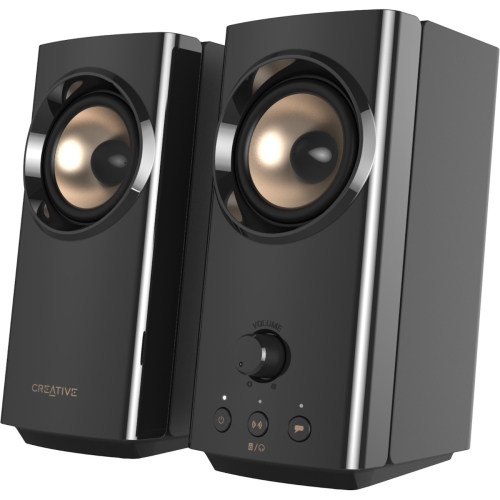

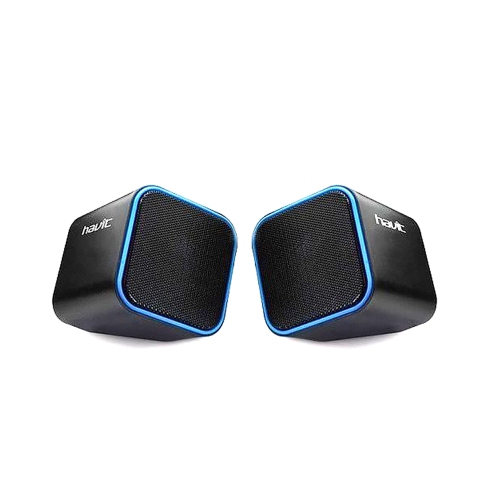
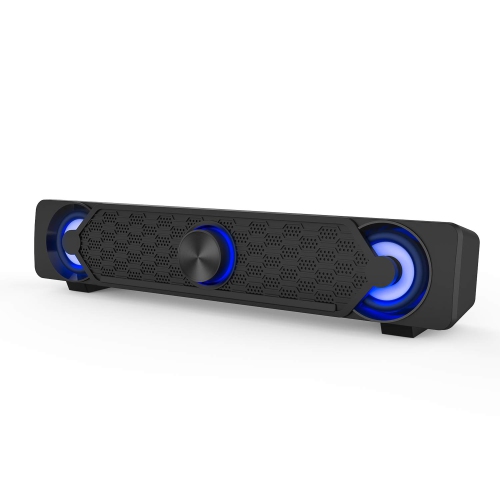
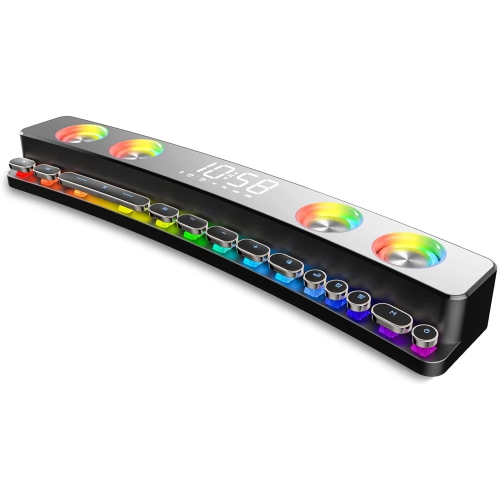
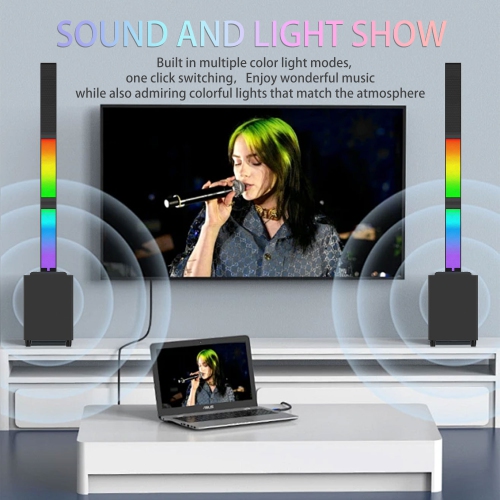
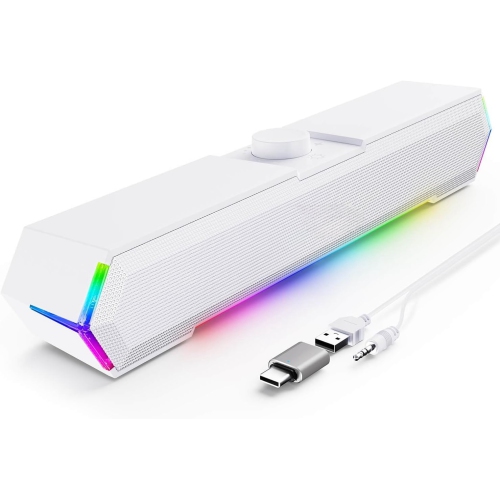
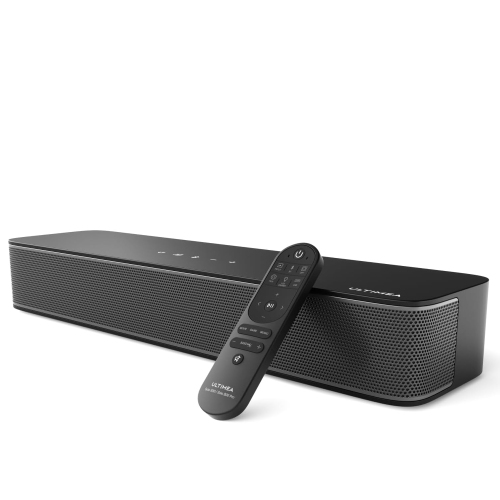
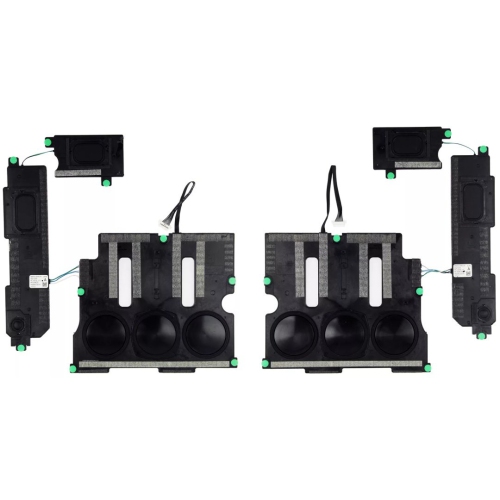
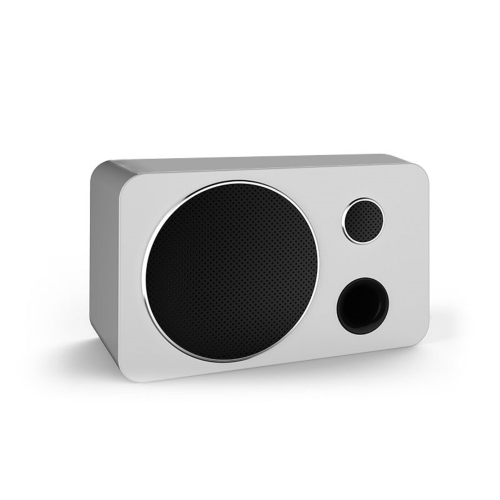
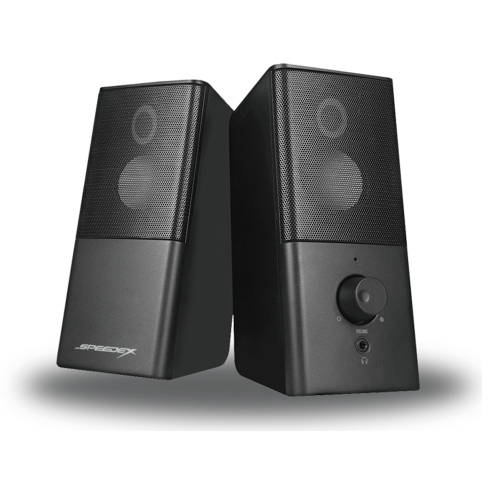
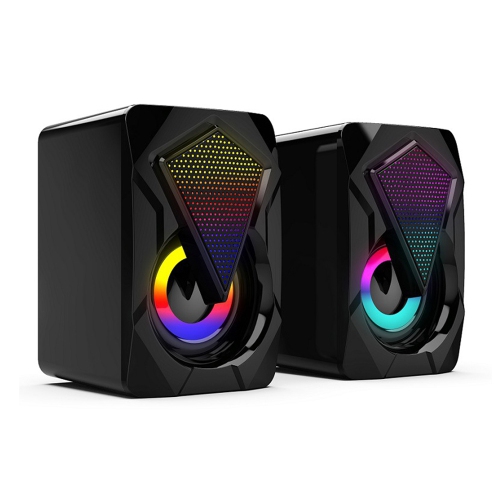

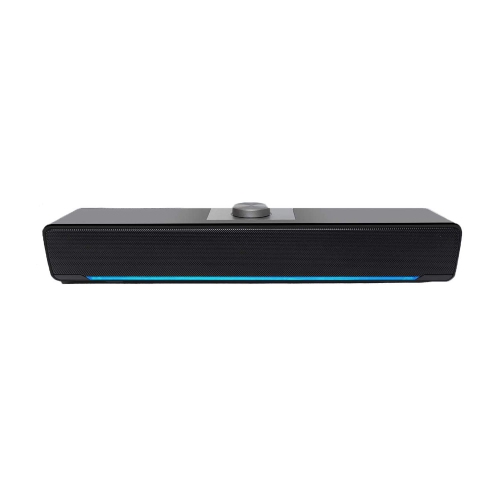
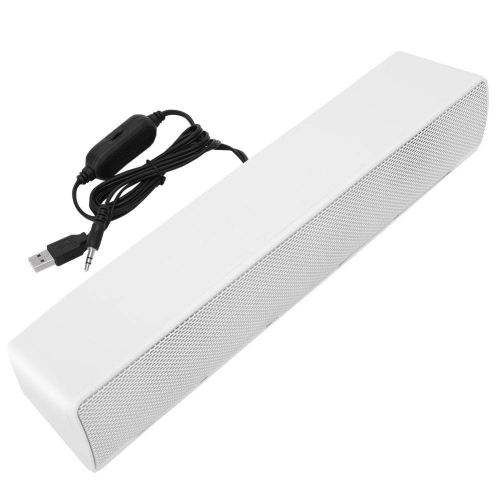
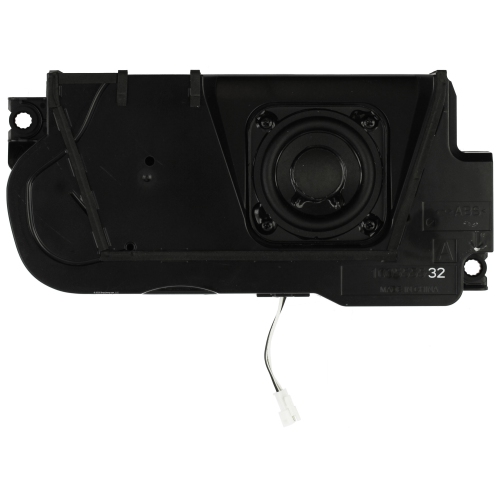
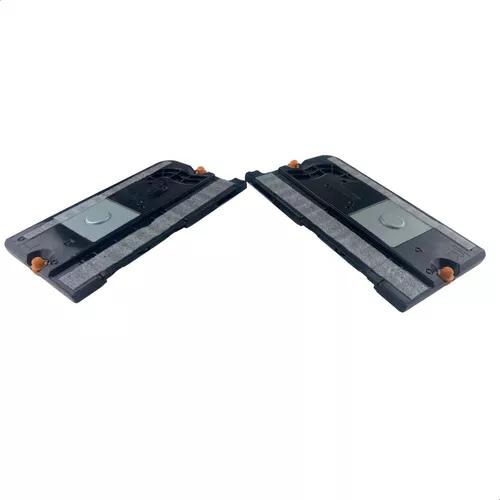
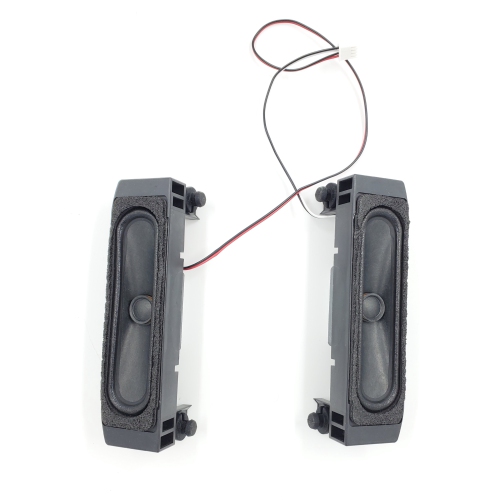


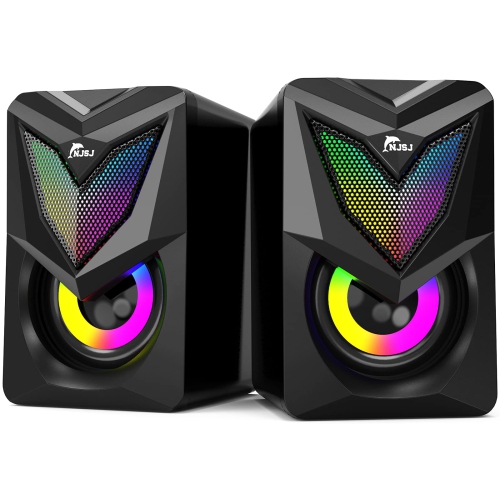

Fuller screen sound without turning up the volume
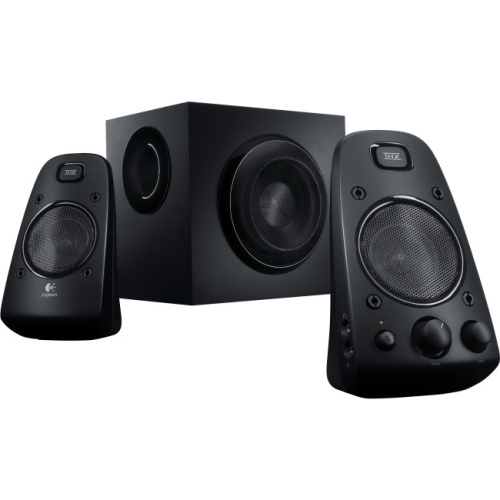
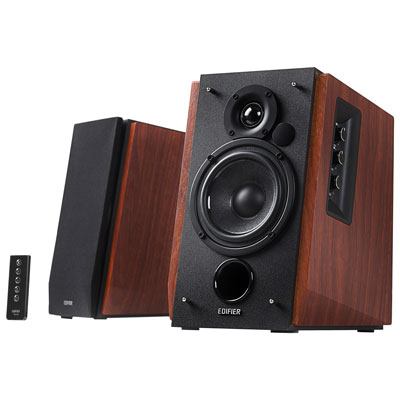
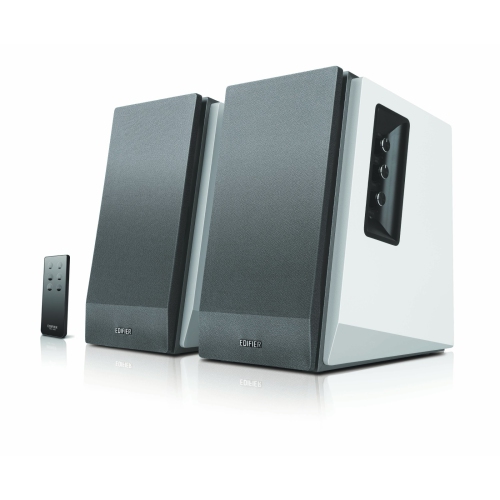
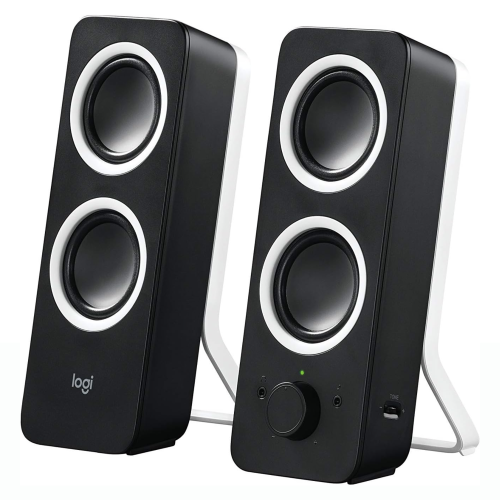
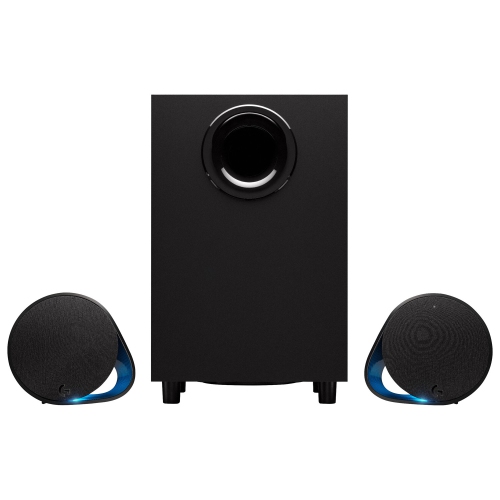
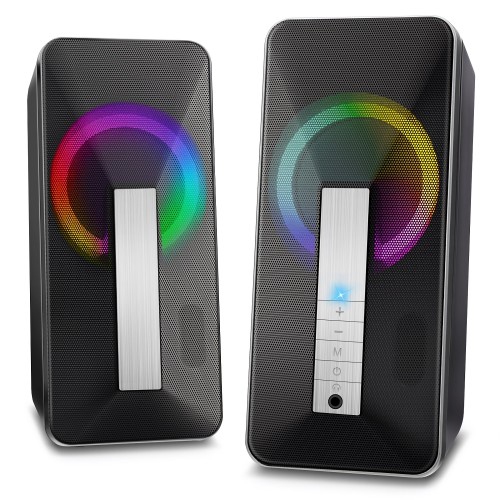
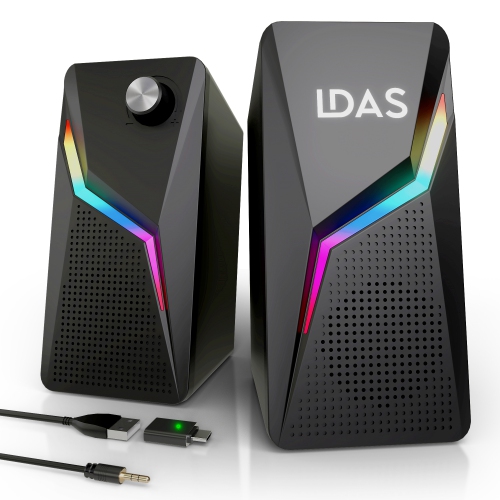
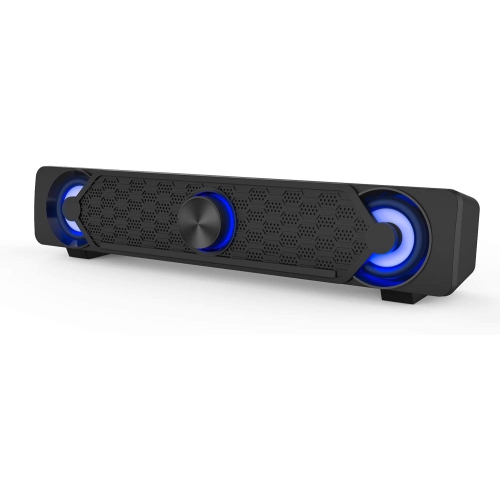
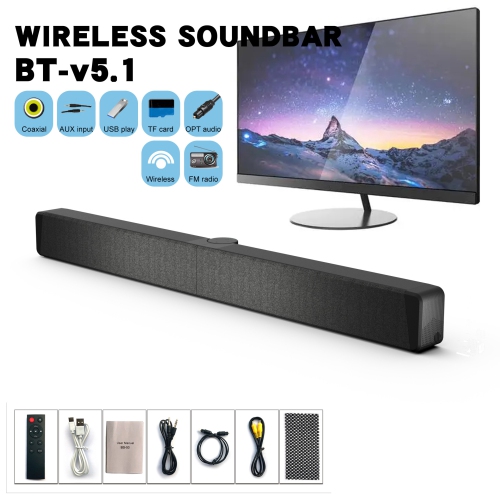
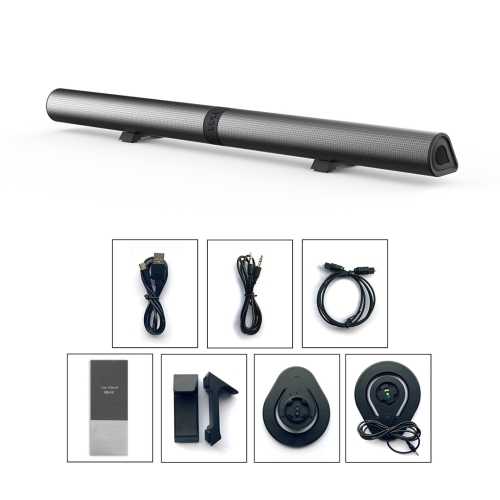
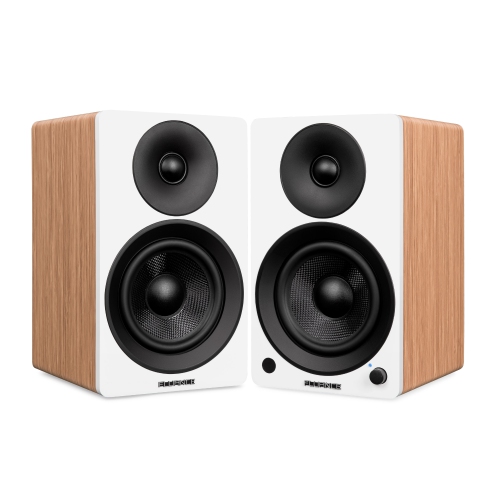
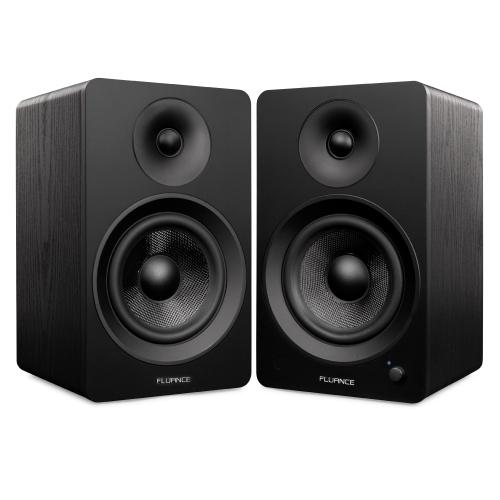
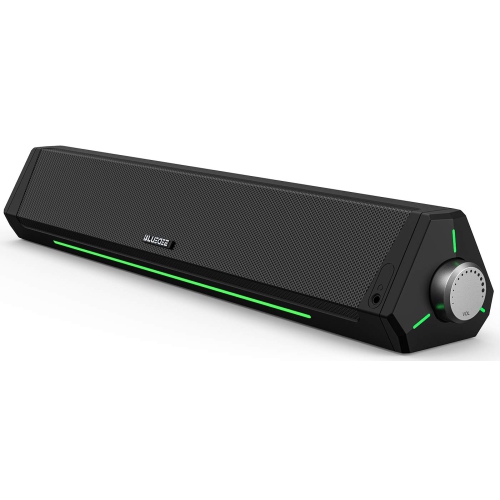
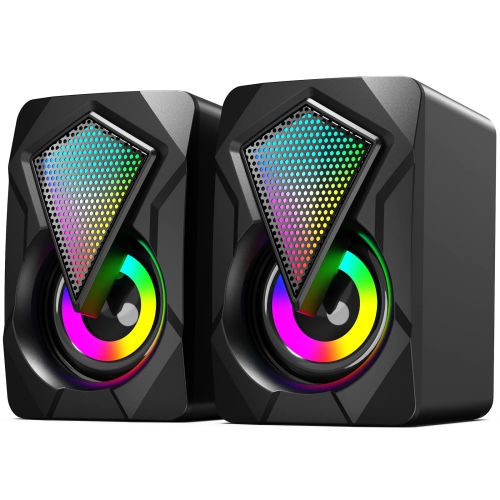
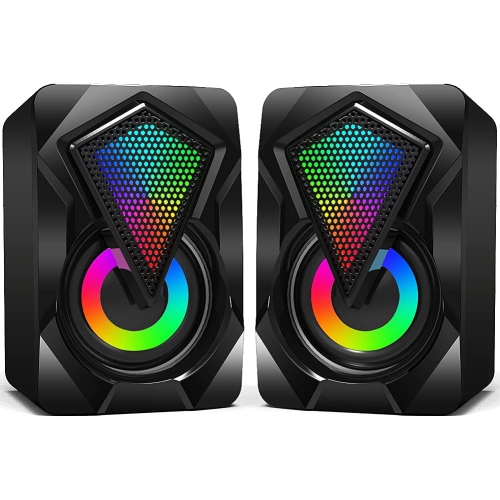
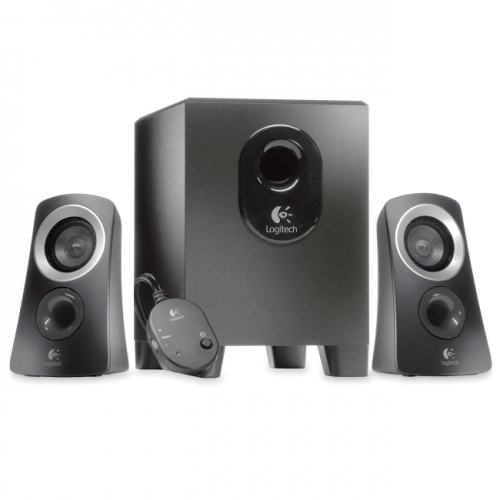
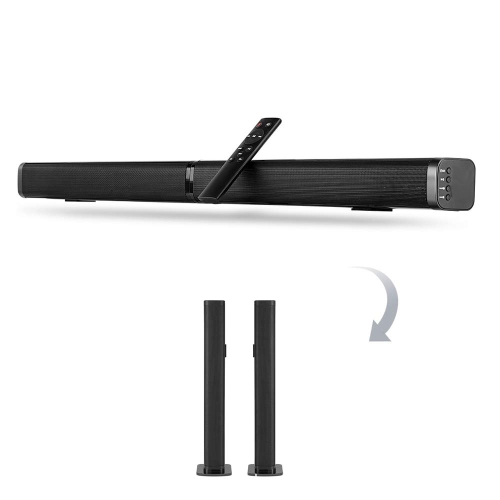
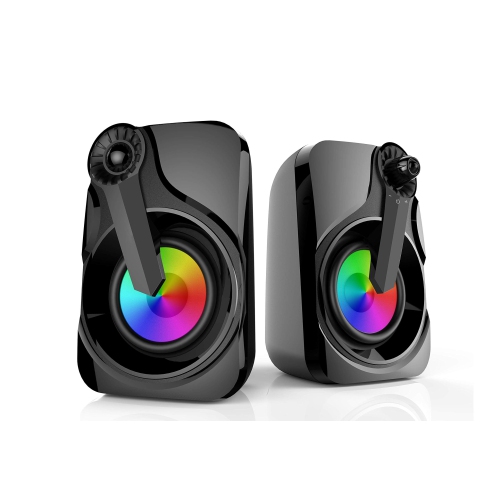
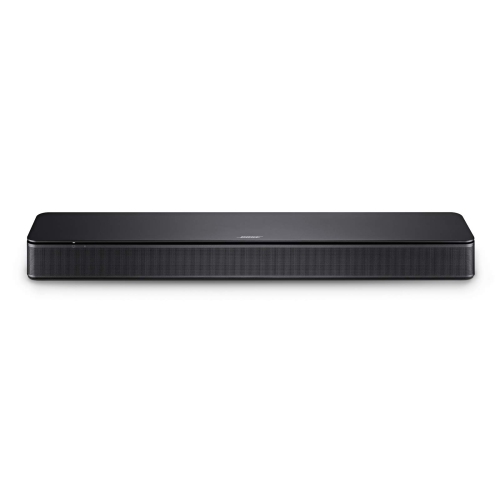
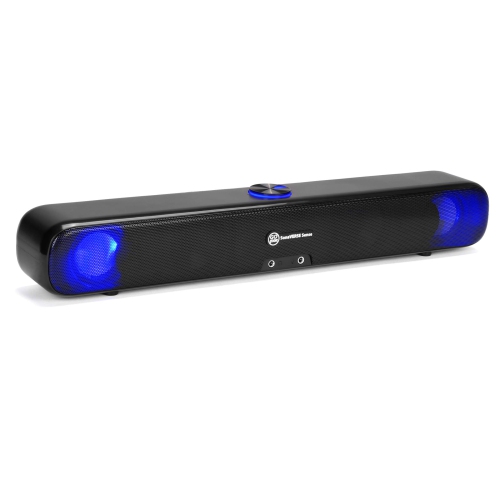
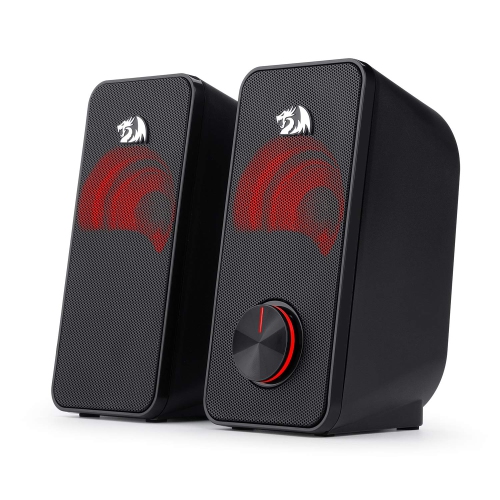
TV and PC speakers bring fuller sound to the screens used for films, games, music, and everyday work. A television’s slim cabinet leaves limited room for speaker drivers, while many computer monitors have small built-in speakers or no audio output of their own. External speakers can give dialogue more presence, add weight to a film soundtrack, and make instruments easier to distinguish without relying on high volume. The category includes compact desktop pairs, bookshelf-style powered speakers, soundbars, and speaker systems with a separate subwoofer. Each format suits a different space and listening distance. A pair beside a computer monitor can create a clear left-to-right soundstage for someone sitting at a desk, while a wider arrangement around a television can spread sound across a seating area. A soundbar keeps the setup contained in a single main enclosure, making it a practical fit for a narrow desk or media console. Systems described as 2.0 have two main audio channels without a dedicated subwoofer; 2.1 systems add a subwoofer for lower frequencies. That extra bass can give action scenes and game effects more impact, although a well-balanced stereo pair may be a better fit for shared rooms where voices and music matter more than deep rumble. Powered speakers contain amplification, whereas passive speakers need a compatible external amplifier or receiver. That distinction matters when the aim is a straightforward connection to a TV or computer rather than a larger component system. For a home office that doubles as an evening viewing space, speakers with several suitable inputs can serve both screens without constant cable swapping. Shoppers focused mainly on a living-room setup can also explore TV External Speakers for options suited to television listening. Across these formats, the most useful match depends on the room, the source devices, and whether listening usually happens from an armchair across the room or a desk chair close to the screen.
Connections determine whether TV and PC speakers will work with a particular setup, and a familiar-looking socket does not always serve the same purpose. A 3.5 mm auxiliary input accepts analogue audio from a compatible headphone or line output, making it useful with many desktop computers, laptops, and some televisions. RCA inputs can accept stereo analogue audio from a source with matching outputs or an appropriate cable, but RCA sockets on a television may be inputs rather than outputs. Optical connections carry digital audio from compatible TVs or computers to speakers with an optical input. This can be a convenient wired option, though the source’s audio format must match what the speakers support; some stereo systems require the TV output to be set to PCM. Optical is not automatically a guarantee of better sound, since the speakers, source material, and placement still shape the result. HDMI ARC or eARC can simplify television audio and may support volume control through the TV remote when both devices and their settings are compatible. An ordinary computer HDMI connection is not interchangeable with a TV’s ARC connection, so a soundbar designed around ARC may need another input for desktop use. USB deserves similar attention: on some speakers it carries computer audio, while on others it supplies power only and a separate audio cable is still needed. Bluetooth reduces the need for an audio cable between compatible devices and is handy for playing music from a phone, but wireless playback can introduce noticeable delay during games or video. A wired connection is often preferable when timing matters. Multiple inputs also do not necessarily mean that two sources can play together; many speakers switch between them. For a shared TV and computer arrangement, accessible input controls, a remote, and clearly labelled connections can make the difference between an easy daily routine and reaching behind furniture whenever the screen changes.
Physical fit and sound balance matter just as much as connectivity. On a desk, speaker width and depth need to leave space for the keyboard, mouse, and monitor stand, while a soundbar’s height should not obscure the bottom of the screen or a television’s remote sensor. Separate left and right speakers generally work best with some space between them and their higher-frequency drivers directed towards the listening position. Small stands or isolation pads can help bring desktop speakers closer to ear level and reduce vibration through a tabletop. Bass response can change considerably near walls and corners, especially with rear-ported cabinets, so placement flexibility is useful in tight rooms. A subwoofer needs floor space and sensible cable routing; tucked against a shared wall, it may transmit more low-frequency sound to neighbouring rooms than expected. Cabinet materials commonly include moulded plastic, wood, or wood-based panels, sometimes paired with metal or fabric grilles. Sturdy construction, secure connectors, and a stable base are useful signs of everyday practicality, but cabinet material alone does not determine audio quality. For speech-heavy viewing and video meetings, clear midrange sound and easy volume adjustment may matter more than maximum output. Speakers do not necessarily include a microphone, so calls may still require a separate microphone or the one built into a computer or webcam. For gaming, distinct stereo positioning can help make movement across the screen easier to follow, while music benefits from a balance that keeps vocals audible alongside bass and percussion. Care is usually straightforward: a soft, dry cloth removes surface dust, liquids should stay away from drivers and ports, and ventilation openings need to remain unobstructed. Cables with enough slack help avoid strain when a monitor or console is moved. TV and PC speakers can make a thoughtful gift for a student, a film enthusiast, or someone building a more comfortable workspace, particularly when their device connections and available space are known. A setup that fits naturally into the room is more likely to become part of everything from quiet background listening to a full evening of films.
Connections determine whether TV and PC speakers will work with a particular setup, and a familiar-looking socket does not always serve the same purpose. A 3.5 mm auxiliary input accepts analogue audio from a compatible headphone or line output, making it useful with many desktop computers, laptops, and some televisions. RCA inputs can accept stereo analogue audio from a source with matching outputs or an appropriate cable, but RCA sockets on a television may be inputs rather than outputs. Optical connections carry digital audio from compatible TVs or computers to speakers with an optical input. This can be a convenient wired option, though the source’s audio format must match what the speakers support; some stereo systems require the TV output to be set to PCM. Optical is not automatically a guarantee of better sound, since the speakers, source material, and placement still shape the result. HDMI ARC or eARC can simplify television audio and may support volume control through the TV remote when both devices and their settings are compatible. An ordinary computer HDMI connection is not interchangeable with a TV’s ARC connection, so a soundbar designed around ARC may need another input for desktop use. USB deserves similar attention: on some speakers it carries computer audio, while on others it supplies power only and a separate audio cable is still needed. Bluetooth reduces the need for an audio cable between compatible devices and is handy for playing music from a phone, but wireless playback can introduce noticeable delay during games or video. A wired connection is often preferable when timing matters. Multiple inputs also do not necessarily mean that two sources can play together; many speakers switch between them. For a shared TV and computer arrangement, accessible input controls, a remote, and clearly labelled connections can make the difference between an easy daily routine and reaching behind furniture whenever the screen changes.
Physical fit and sound balance matter just as much as connectivity. On a desk, speaker width and depth need to leave space for the keyboard, mouse, and monitor stand, while a soundbar’s height should not obscure the bottom of the screen or a television’s remote sensor. Separate left and right speakers generally work best with some space between them and their higher-frequency drivers directed towards the listening position. Small stands or isolation pads can help bring desktop speakers closer to ear level and reduce vibration through a tabletop. Bass response can change considerably near walls and corners, especially with rear-ported cabinets, so placement flexibility is useful in tight rooms. A subwoofer needs floor space and sensible cable routing; tucked against a shared wall, it may transmit more low-frequency sound to neighbouring rooms than expected. Cabinet materials commonly include moulded plastic, wood, or wood-based panels, sometimes paired with metal or fabric grilles. Sturdy construction, secure connectors, and a stable base are useful signs of everyday practicality, but cabinet material alone does not determine audio quality. For speech-heavy viewing and video meetings, clear midrange sound and easy volume adjustment may matter more than maximum output. Speakers do not necessarily include a microphone, so calls may still require a separate microphone or the one built into a computer or webcam. For gaming, distinct stereo positioning can help make movement across the screen easier to follow, while music benefits from a balance that keeps vocals audible alongside bass and percussion. Care is usually straightforward: a soft, dry cloth removes surface dust, liquids should stay away from drivers and ports, and ventilation openings need to remain unobstructed. Cables with enough slack help avoid strain when a monitor or console is moved. TV and PC speakers can make a thoughtful gift for a student, a film enthusiast, or someone building a more comfortable workspace, particularly when their device connections and available space are known. A setup that fits naturally into the room is more likely to become part of everything from quiet background listening to a full evening of films.
Top selling and popular products
-
 Your price for this item is $89.99
 -
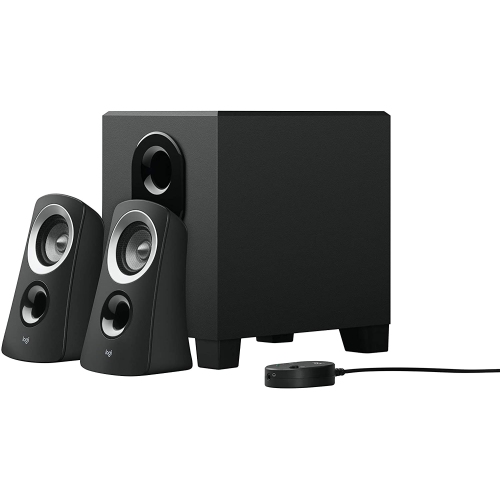 Your price for this item is $103.68
 -
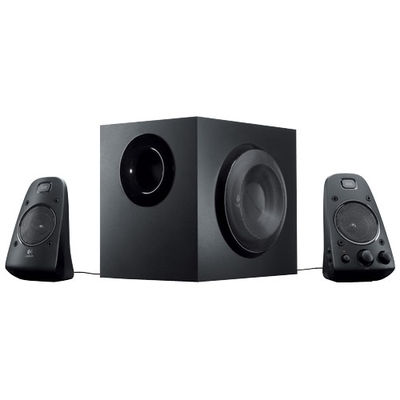 Your price for this item is $249.99
 -
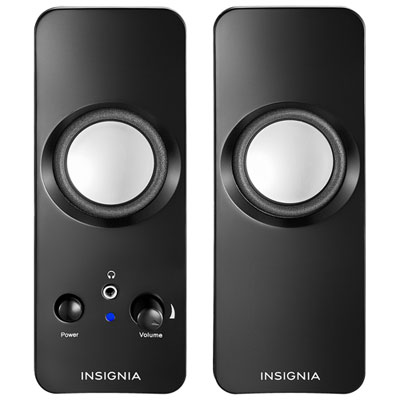 Your price for this item is $29.99
 -
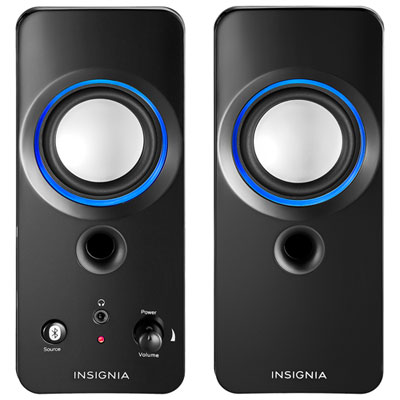 Your price for this item is $49.99
 -
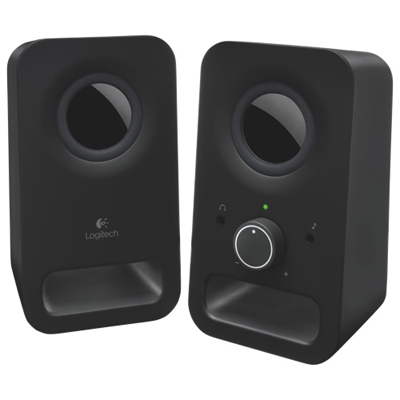 Your price for this item is $34.98
 -
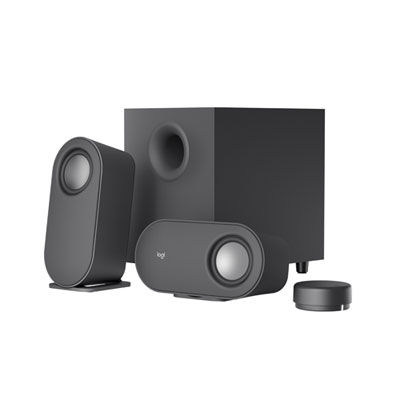 Your price for this item is $179.99
 -
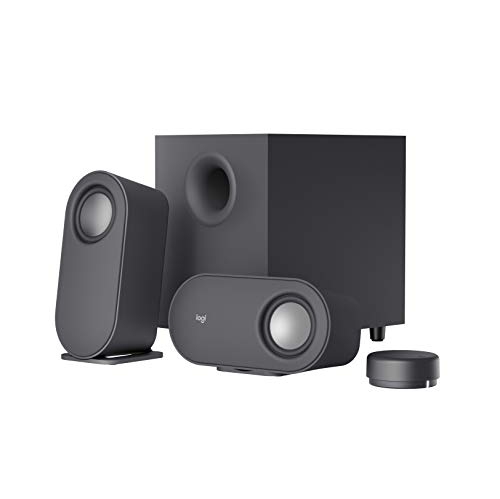 Your price for this item is $207.68
Discover more categories related to Tv Pc Speakers
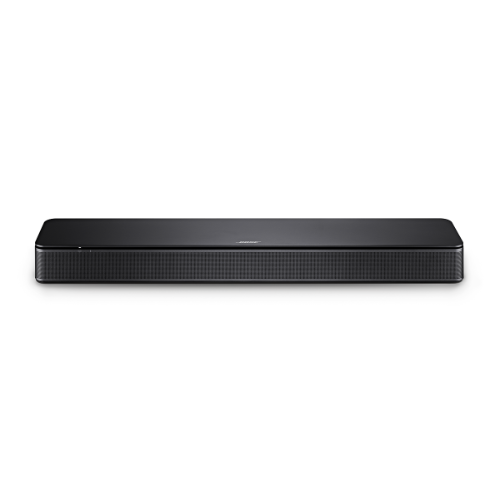
Top Collections:
Pokemon Centers, Kindle Devices, Best Budget Office Chairs, Apple iPhones 16, Best Laptops for Writers, iPhone 15 Apple, Canon G7X Cameras, Refurbished Apple Laptops, Alarm Clock, Motorola Razr Phones
Some products may be subject to Environmental Handling Fees
(EHF) depending on your province.
Learn more about EHFs.