UPS for Laptop
UPS For Laptop solutions provide reliable backup power to keep your devices running smoothly during unexpected outages or fluctuations. Whether working from home, studying, or gaming, having a dependable UPS For Laptop can help protect your data and minimize interruptions. Explore a variety of options designed to support your laptop and maintain productivity in any situation. Find the right UPS For Laptop to suit your needs and enjoy peace of mind knowing your device stays powered when you need it most.
Sort
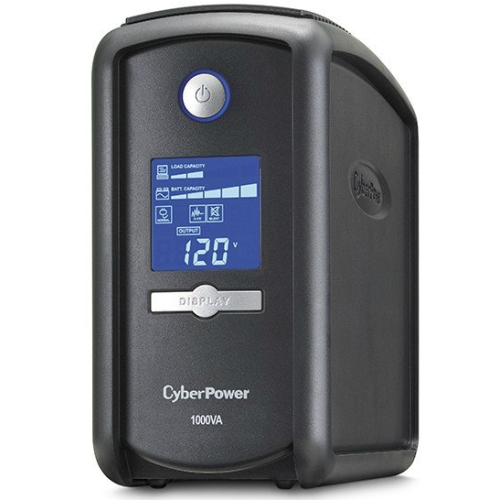
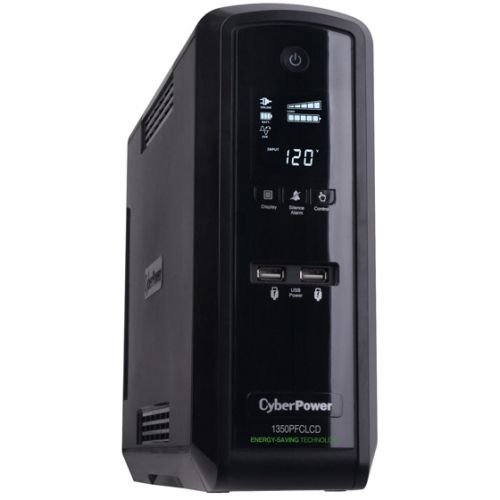
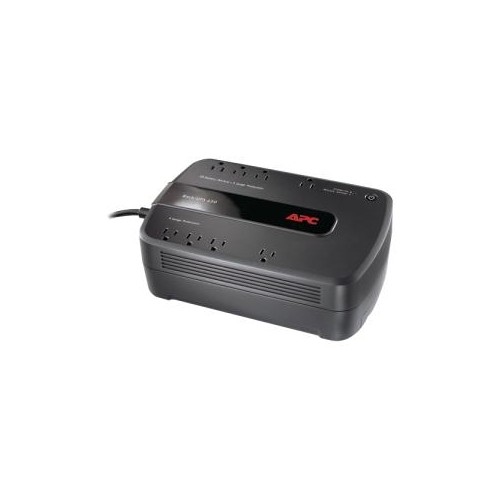
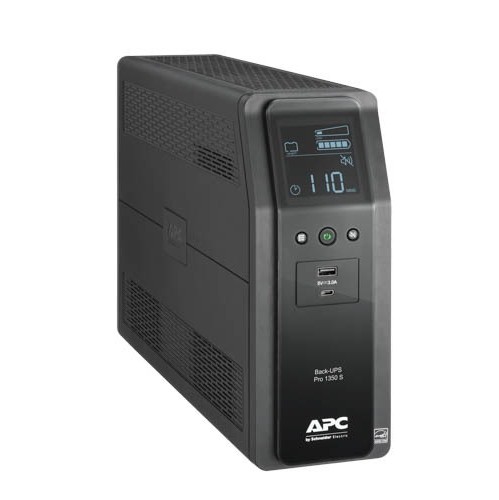
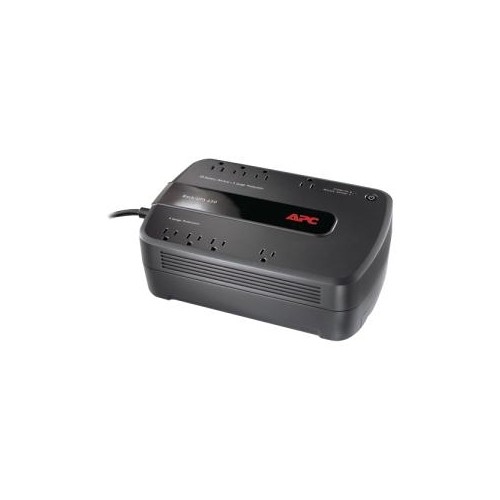

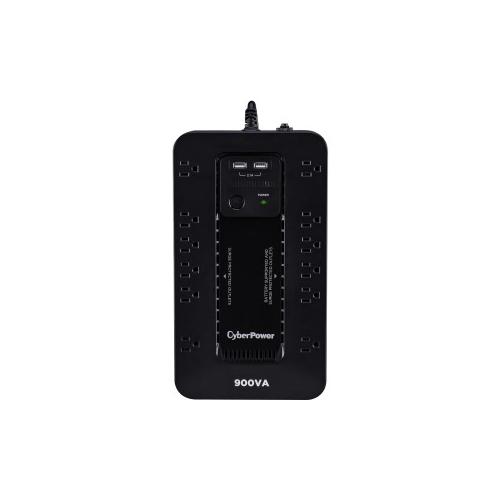

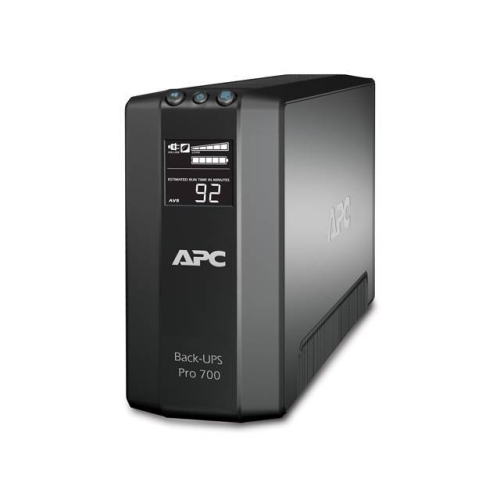
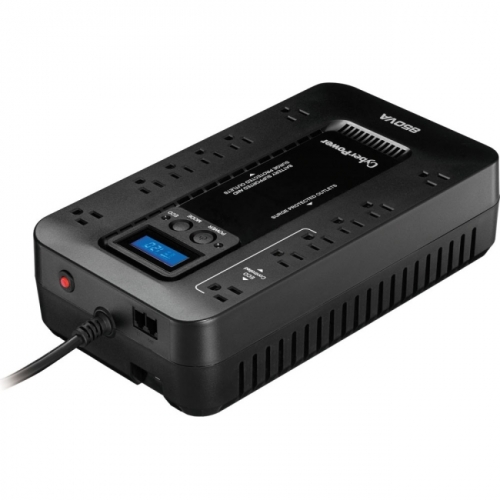
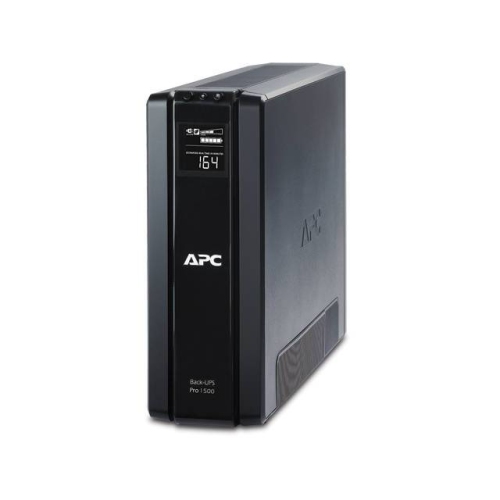
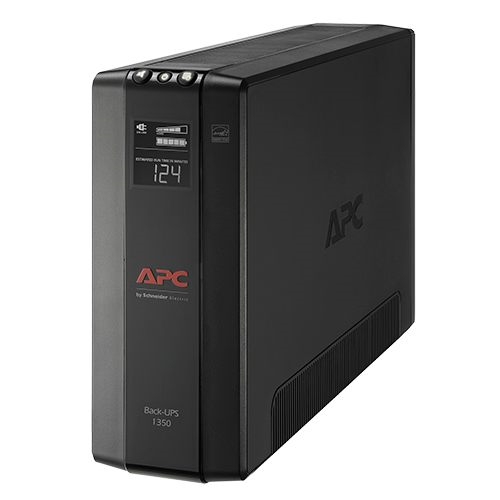

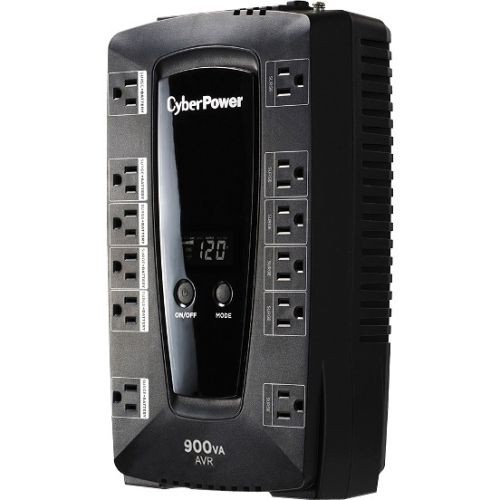
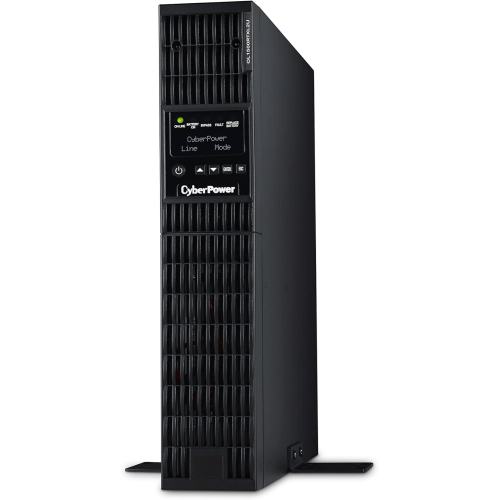
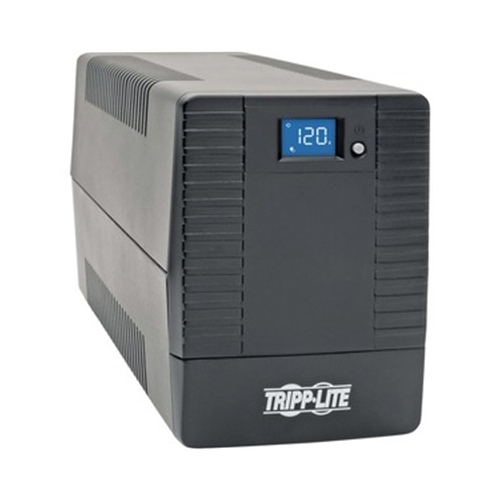
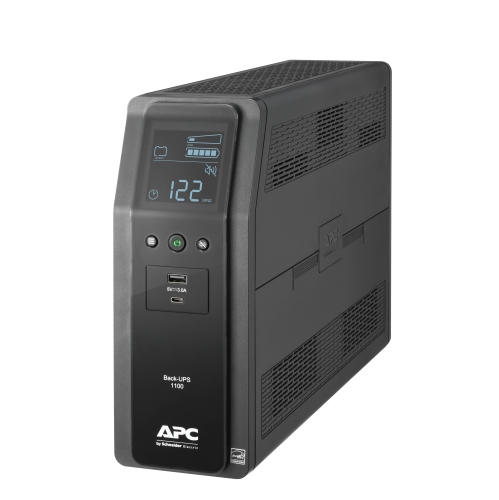
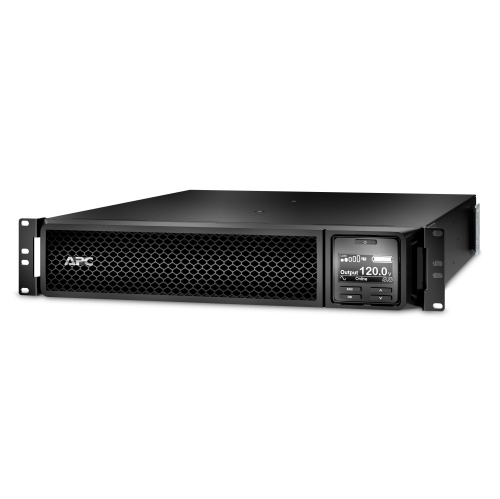
Battery backup for the workspace beyond your laptop
An uninterruptible power supply (UPS) for a laptop provides short-term battery backup when mains power fails, while models with surge protection also help protect connected equipment from voltage spikes. A laptop’s built-in battery already allows the computer itself to keep running when unplugged, so a UPS is especially useful for the equipment around it: an external monitor, docking station, modem, router, or external drive with its own power adapter. Without backup power, a laptop screen may stay lit while the larger display goes dark and the network connection drops. Battery backup can give that connected workspace time to keep operating through a brief interruption or allow files to be saved and equipment to be shut down properly. For someone working across two screens, attending an online class, or transferring a large folder to an external drive, keeping the supporting equipment powered can be as important as keeping the laptop running. A UPS is different from a laptop power bank: it generally accepts standard AC power plugs, allowing compatible laptop chargers and other equipment to share a backup power source. That makes it a practical addition to a fixed desk setup rather than a typical accessory for working on the move. Remote workers, students, and people using laptops for design, accounting, or home administration may all benefit from this added continuity. Network backup does have limits, however. A powered router cannot maintain internet access if the modem, fibre terminal, or service provider’s equipment loses power elsewhere. The usefulness of a laptop UPS therefore depends on the whole setup, not simply the computer connected to it. It is best understood as a bridge through short interruptions and a chance to finish essential tasks safely, rather than a replacement for a long-duration backup power system.
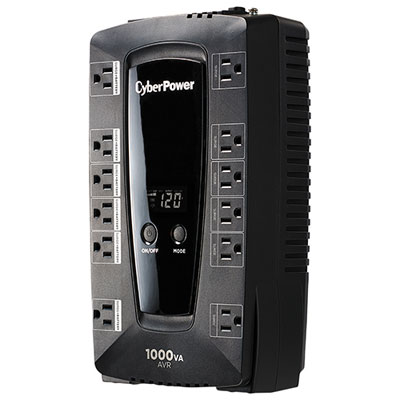
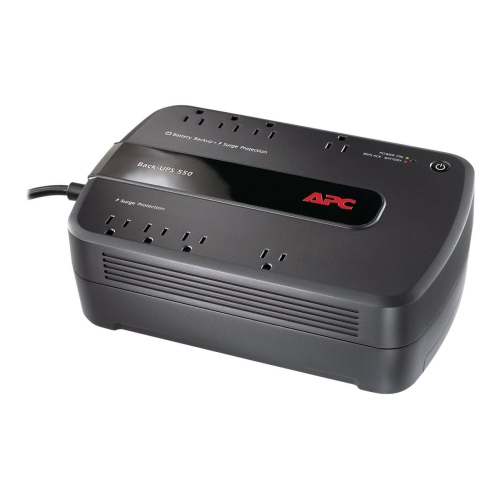
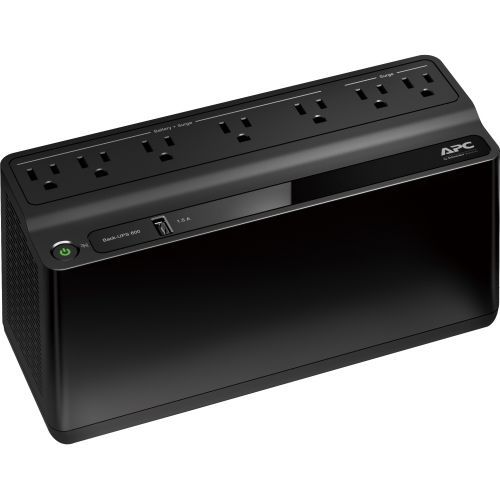
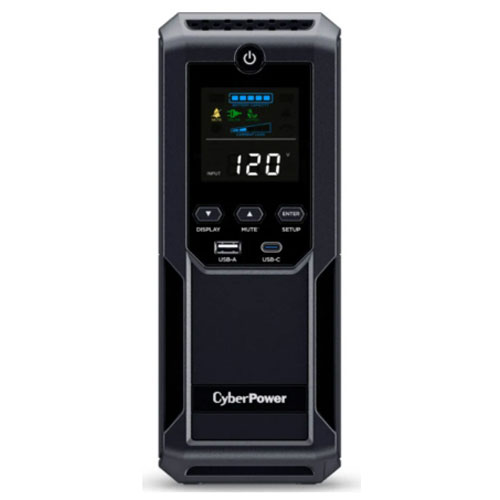
UPS capacity involves both the electrical load it can support and the time its battery can sustain that load. Ratings are commonly expressed in volt-amperes, or VA, and watts; connected equipment needs to remain within both limits. The laptop charger, monitor, dock, and networking equipment all contribute to the total, and laptop charging can add demand while the computer is also working. Some headroom accommodates normal changes in power draw, but a higher VA rating alone does not establish how many minutes a setup will run. Manufacturer runtime charts at comparable wattage loads provide a more meaningful basis for comparing battery backup duration. A modest setup with a laptop charger and router has different needs from a workstation with multiple monitors and powered accessories. Outlet layout matters, too. Many UPS units divide their receptacles between battery-backed outlets and surge-only outlets, so the number of sockets on the housing is not necessarily the number that will remain powered during an outage. Widely spaced receptacles can make bulky adapters easier to accommodate without blocking neighbouring sockets. Features also vary by design. Automatic voltage regulation, found on many line-interactive units, can correct certain voltage fluctuations without drawing on the battery. Output waveform is another compatibility consideration: some equipment manufacturers specify pure sine wave power, making the requirements of the laptop charger and other connected devices important. A status display can show load, battery charge, or estimated runtime, while audible alerts signal conditions such as an outage or low battery. Configurable alerts may be useful in a shared workspace, though warning behaviour differs between models. USB connectivity can support monitoring software and, with compatible operating systems and settings, automatic shutdown. These data connections are distinct from USB charging ports, which do not necessarily supply enough power to charge a laptop. Clear specifications help distinguish features that support the workspace from extras that may not be needed.
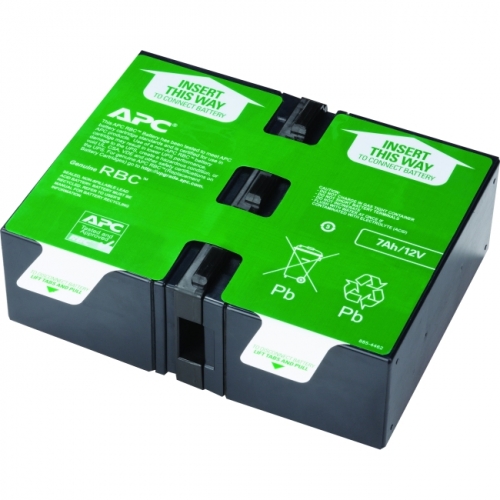
Physical fit and everyday care also influence how well a UPS works alongside a laptop. Compact housings can suit smaller desks, while upright tower designs may fit beside a desk pedestal or beneath a work surface. Dimensions, weight, cable length, and access to the power button deserve attention, particularly where several adapters already compete for space. Battery backup equipment can be surprisingly heavy for its size, so a stable position is preferable to a narrow shelf or a spot where a chair can strike it. Durable housings protect the internal components during ordinary use, but ventilation openings still need to remain unobstructed, and the unit should be kept away from liquids and excessive dust. A UPS belongs on a suitable grounded wall receptacle in accordance with its manufacturer’s instructions; connecting it through another power bar or linking power devices together may be prohibited. High-demand equipment such as space heaters and laser printers is generally unsuitable for the battery-backed outlets of a typical laptop UPS. Noise is another practical distinction, since some designs use fans and others may produce audible operating sounds. In a quiet study or shared room, published noise information and alert settings can matter as much as the footprint. Over time, rechargeable batteries lose capacity, so the runtime available later in the unit’s life may be shorter than when it was new. Built-in self-tests and battery replacement indicators can help identify maintenance needs, although supported checks vary. Units with user-replaceable batteries can remain useful beyond the life of the original battery, provided the replacement matches the exact requirements of the UPS. Compatible options in UPS Replacement Batteries must be matched by the specified battery or cartridge reference, not appearance alone. With suitable capacity, accessible connections, and routine attention to battery condition, a laptop UPS can add a reassuring layer of continuity to a familiar workspace.
Top selling and popular products
-
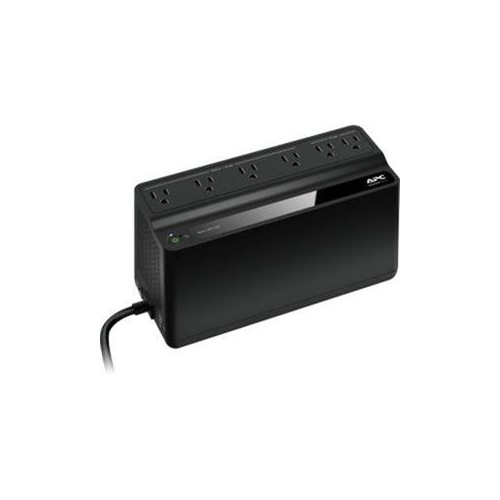 Your price for this item is $105.68
-
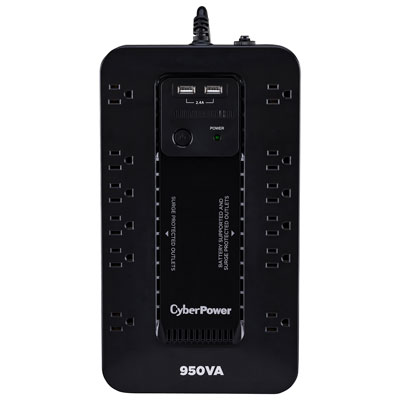 Your price for this item is $149.99
-
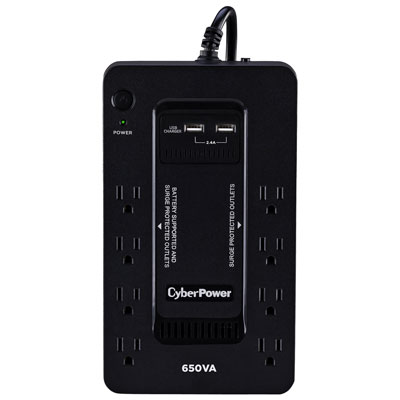 Your price for this item is $99.99
-
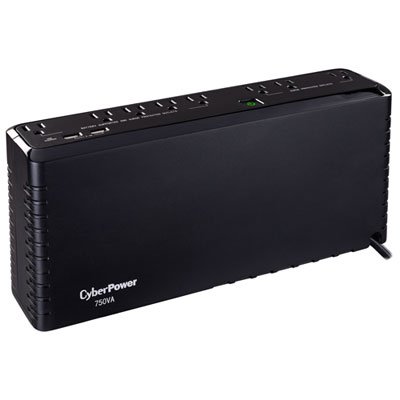 Your price for this item is $119.99
-
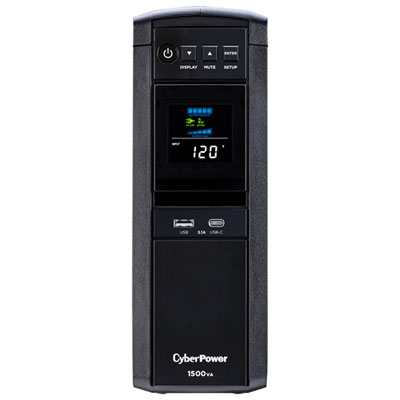 Your price for this item is $299.99
-
 Your price for this item is $149.99
-
 Your price for this item is $170.99
-
 Your price for this item is $175.56
Discover more categories related to UPS for Laptop
Top Collections:
Best Black Friday Deals This Year, Best Black Friday Deals On Electronics, Kindle Devices, Pokemon Centers, Best Black Friday Deals On Apple Products, Best Cameras for Sports Photography, Dyson Airwrap, Pokémon 30th Celebration Cards, Apple iPhone 17 Pro, Canon G7X Cameras
Some products may be subject to Environmental Handling Fees
(EHF) depending on your province.
Learn more about EHFs.