UPS Replacement Batteries
Looking for reliable replacement batteries to keep your devices powered up? Look no further than our selection of UPS replacement batteries. Whether you need a replacement for your uninterruptible power supply (UPS) or want to ensure uninterrupted power for your essential electronics, our range of UPS replacement batteries has got you covered. With lasting performance and compatibility with various UPS models, these replacement batteries are designed to provide reliable backup power when you need it most. Shop our collection today and never worry about losing power again.
Sort

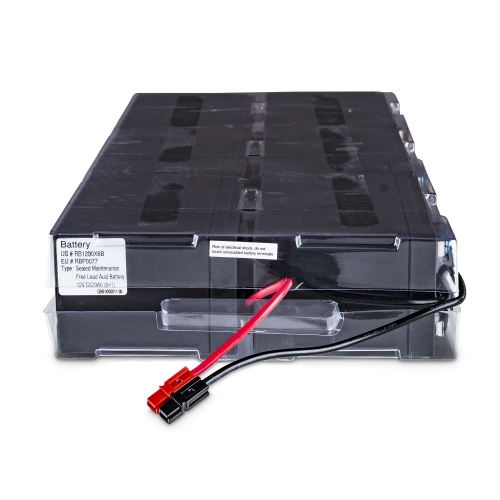

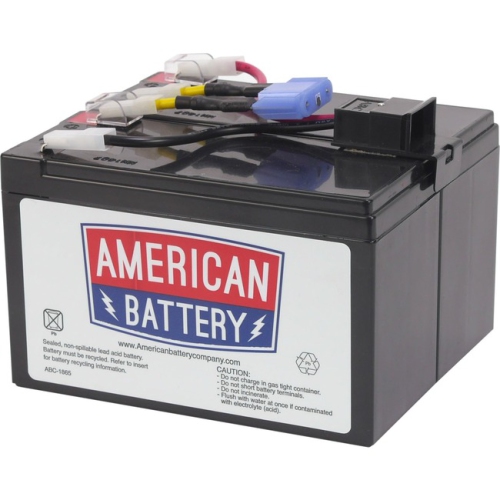
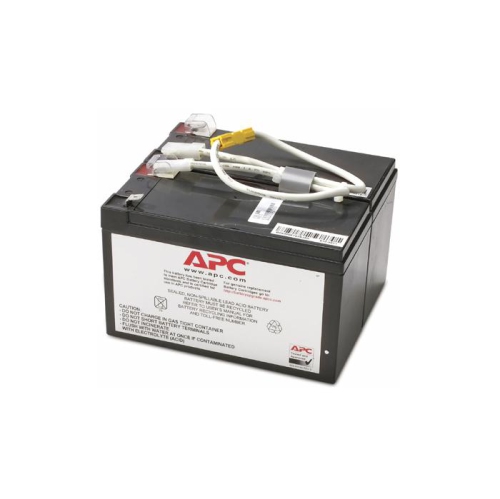
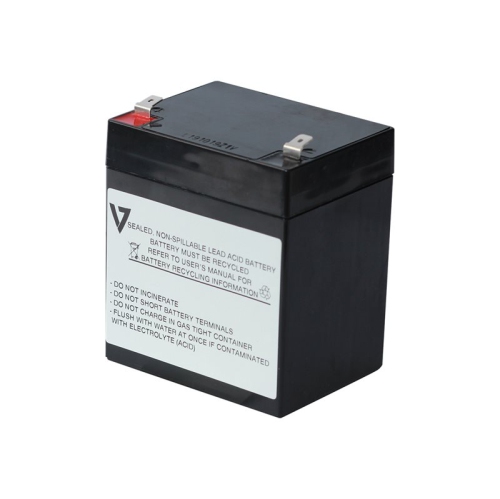
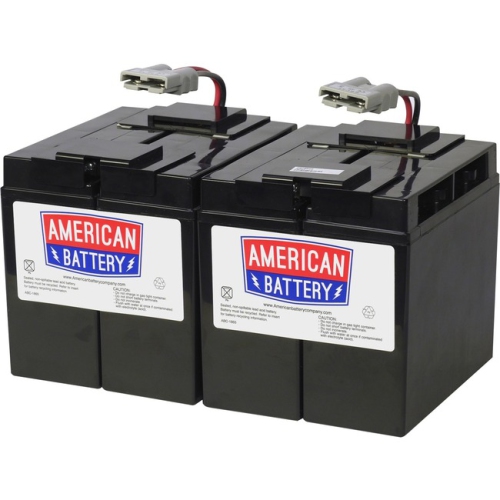

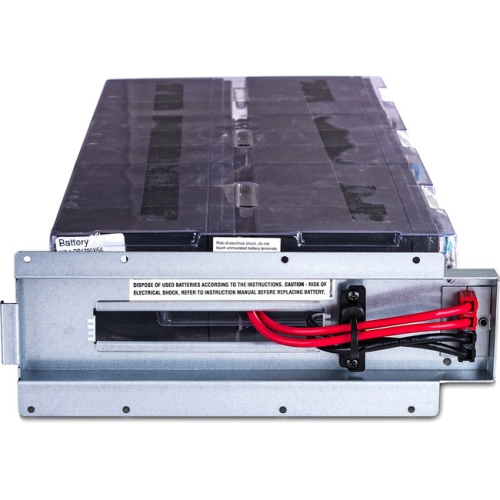
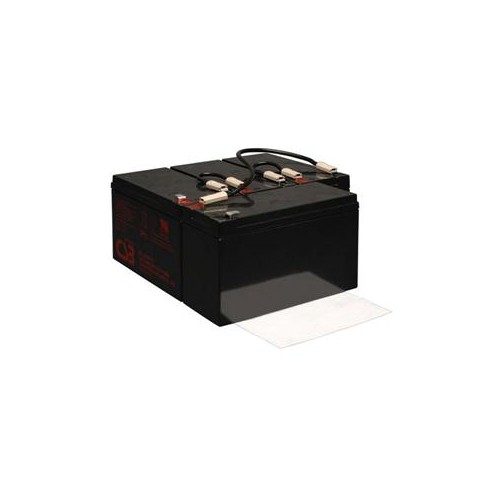
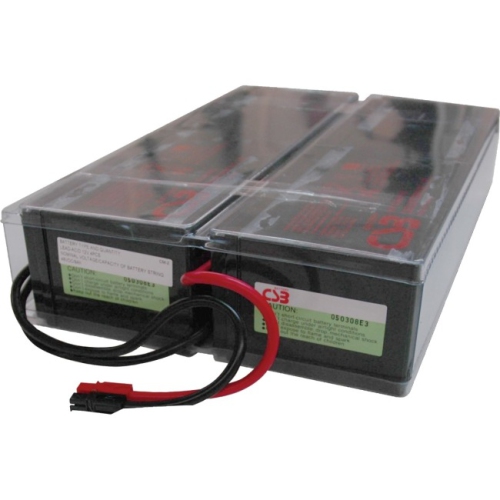
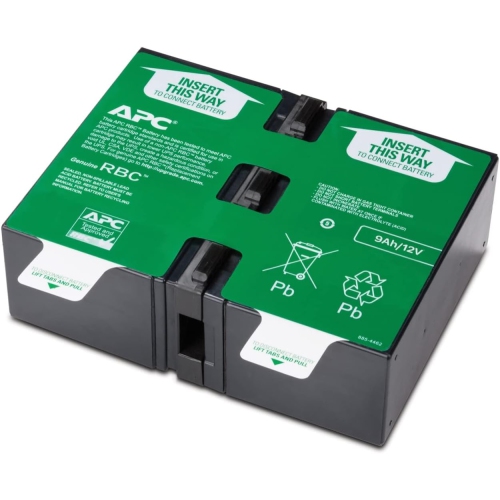
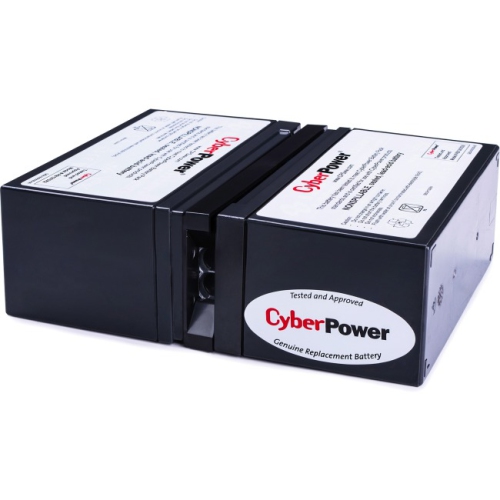
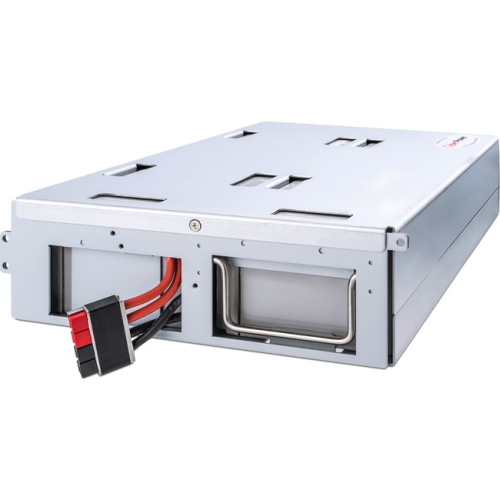
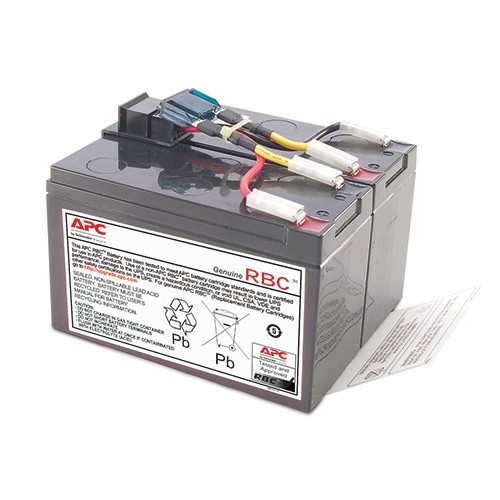
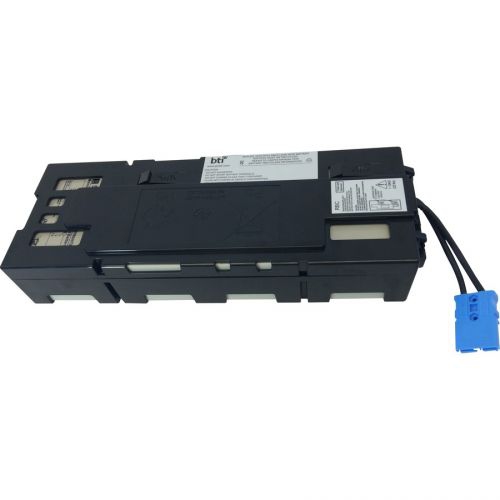
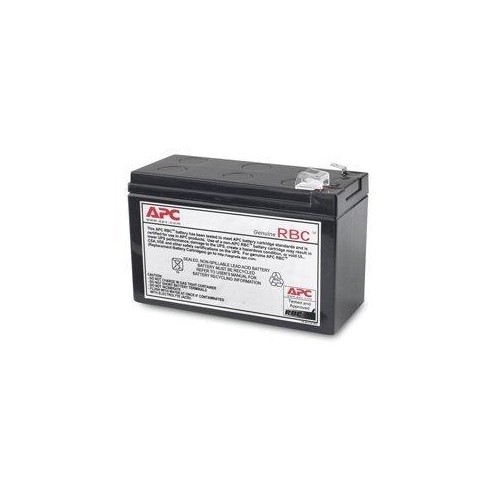
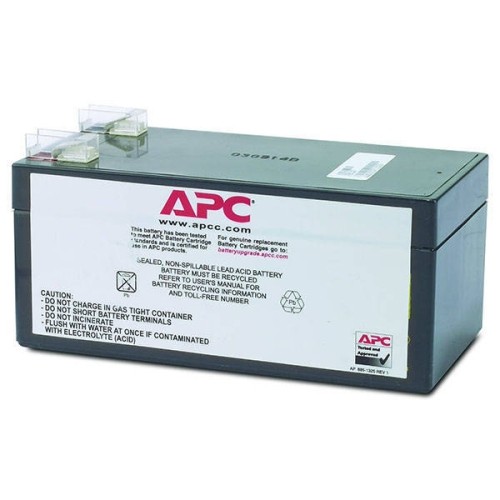
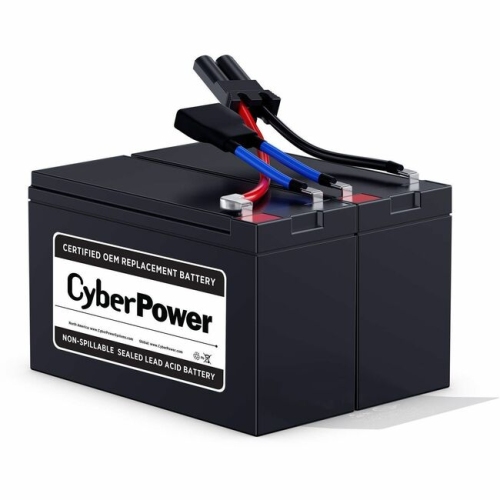
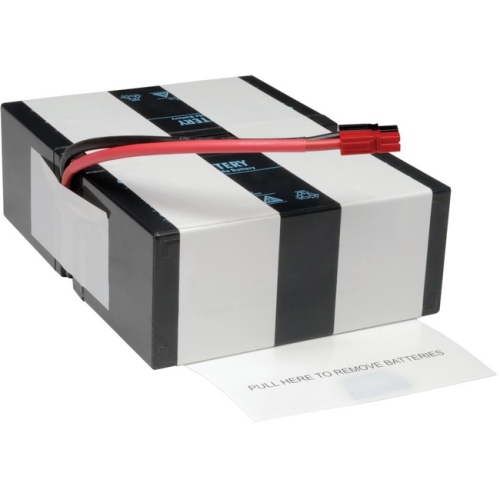
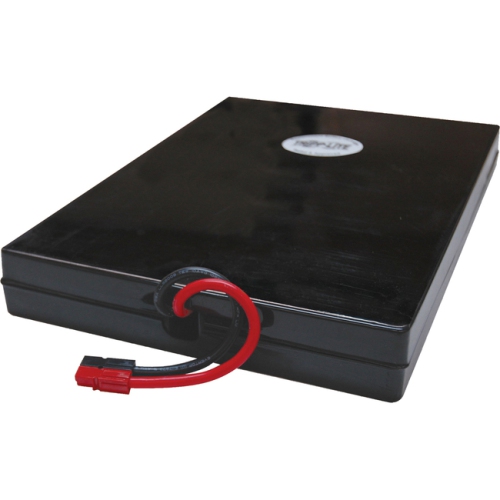

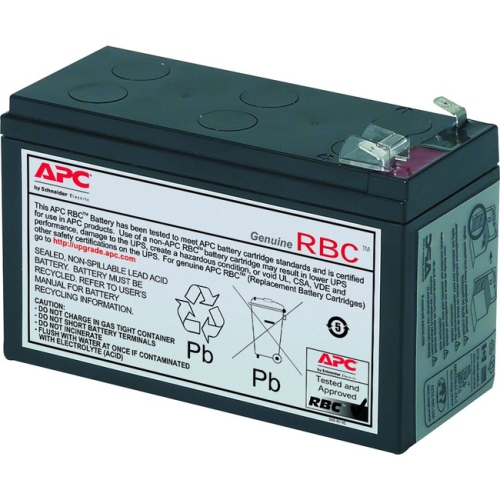
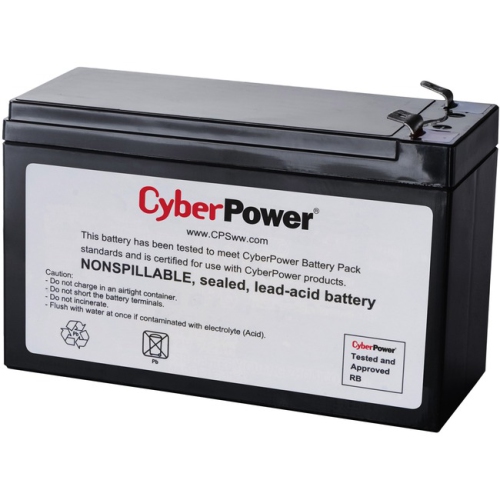

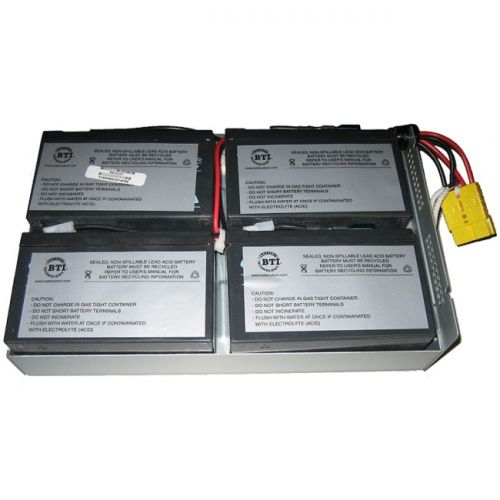

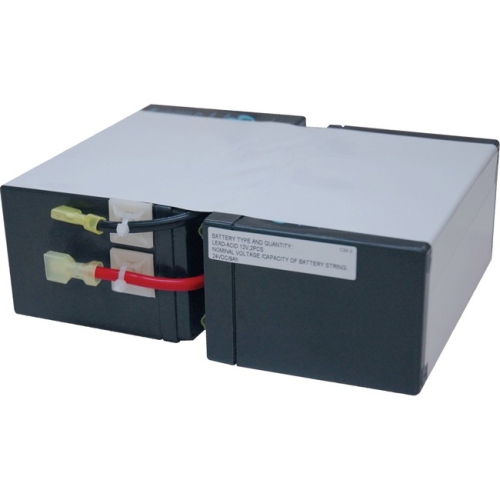
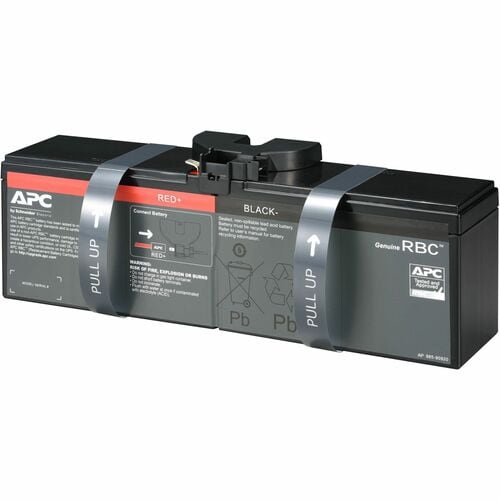


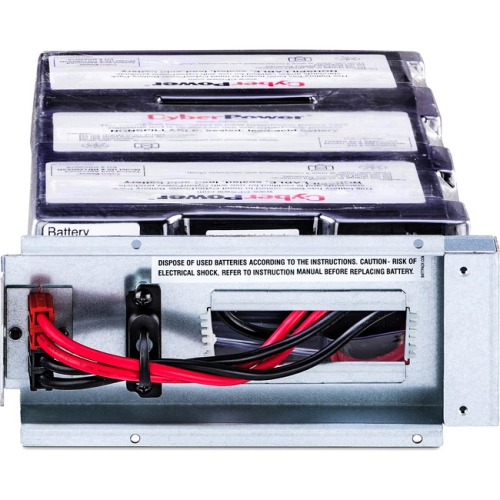
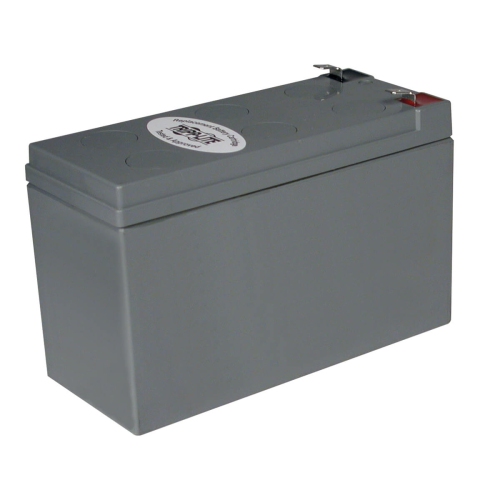
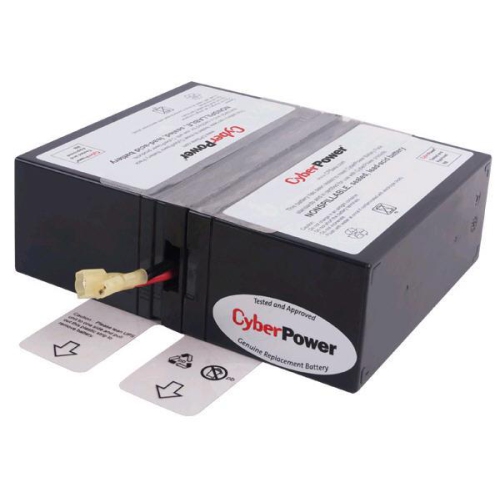
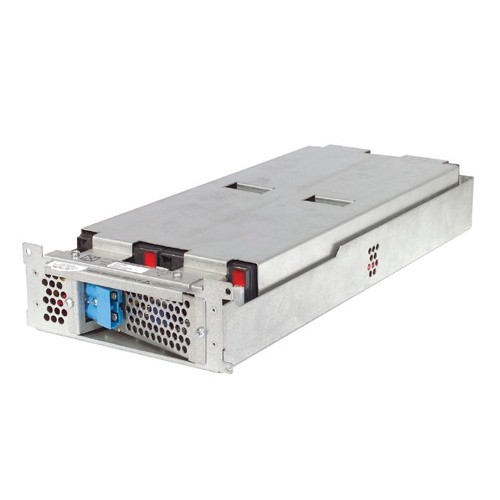

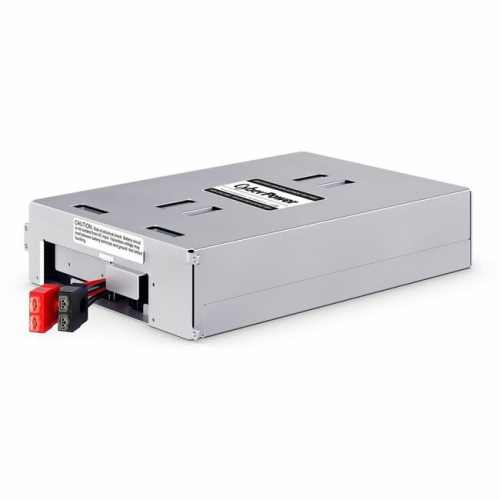
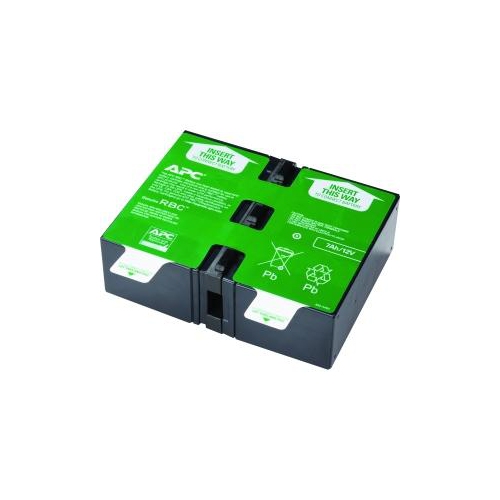
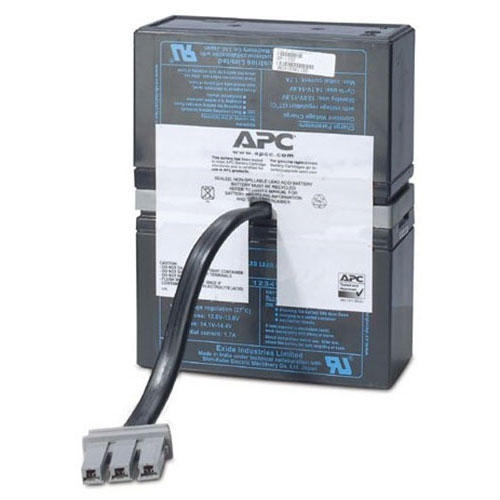
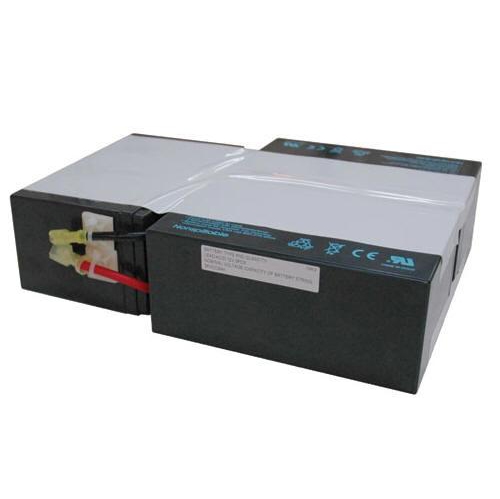
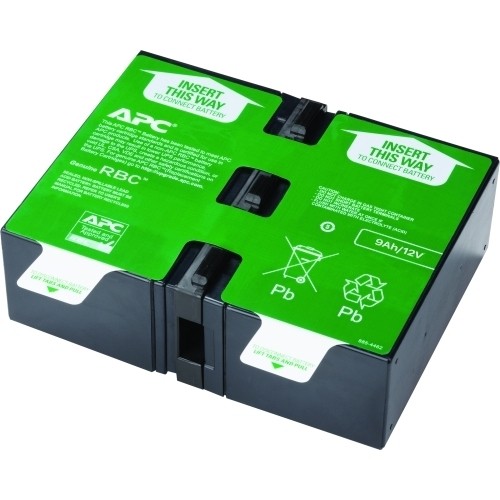
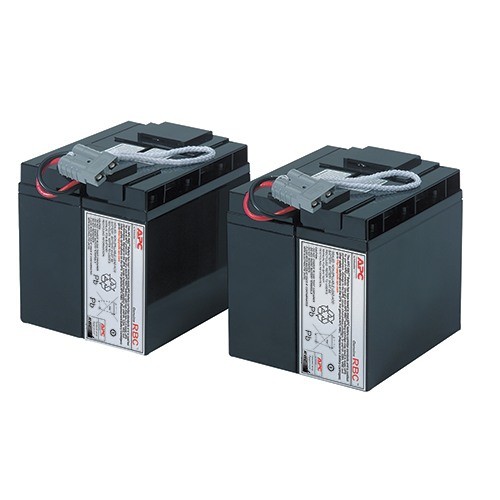
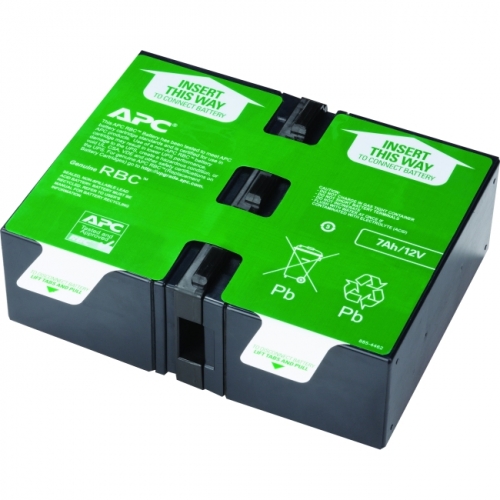
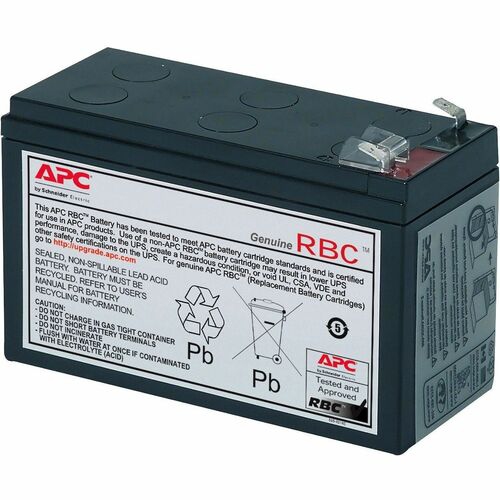
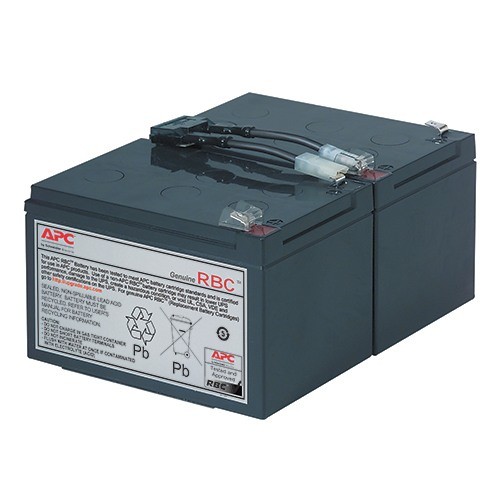
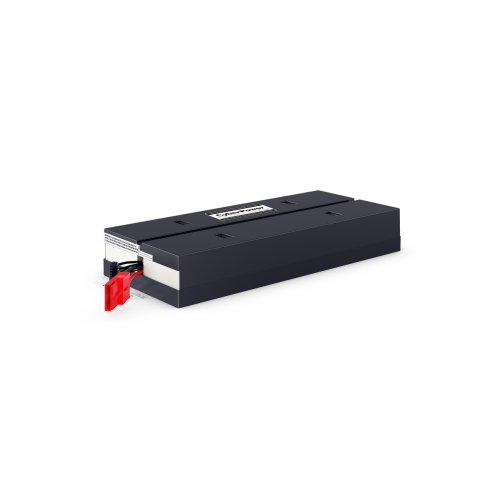
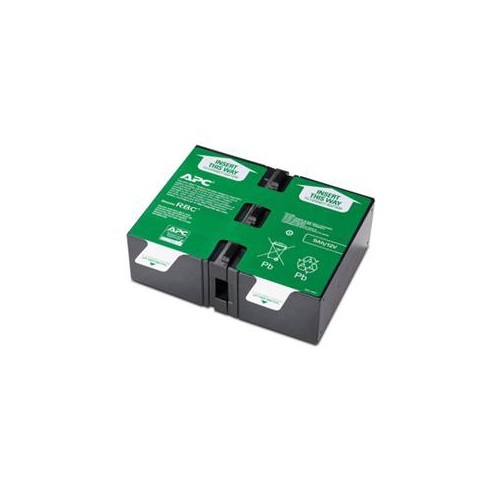


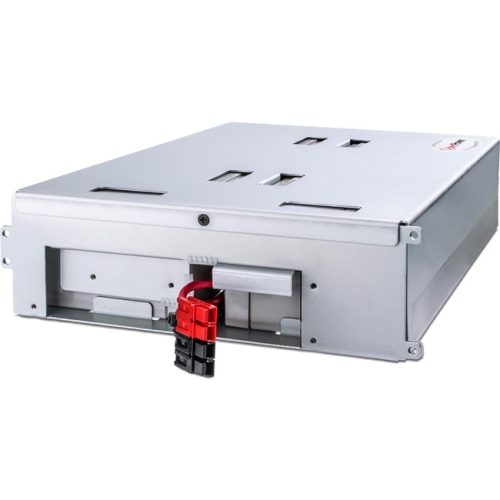
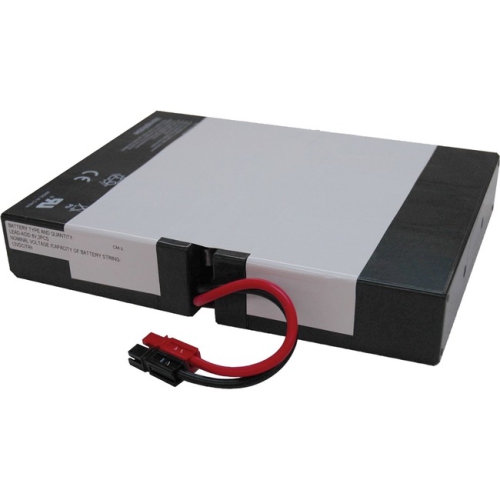
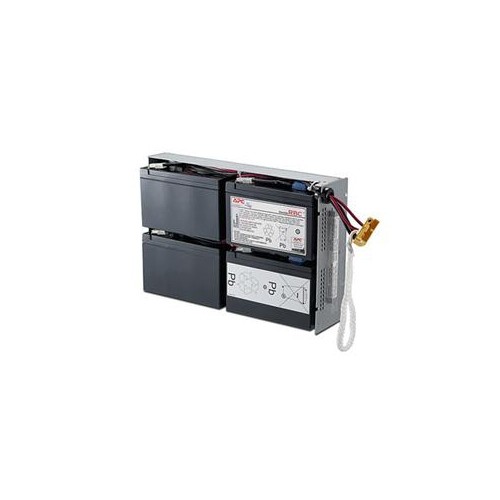

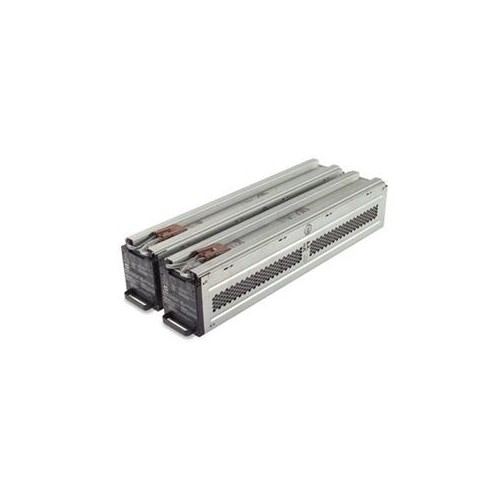

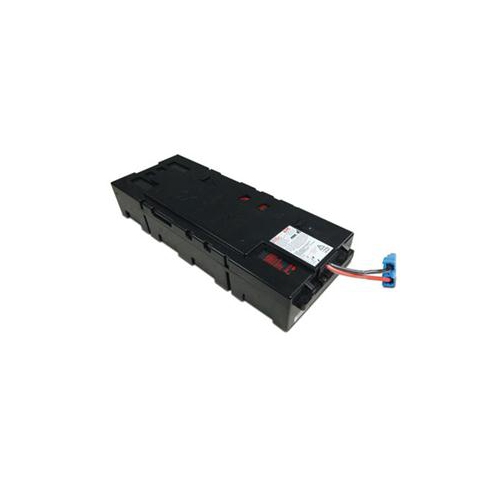

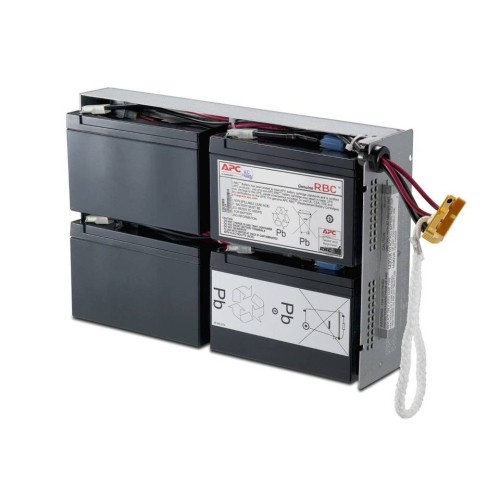
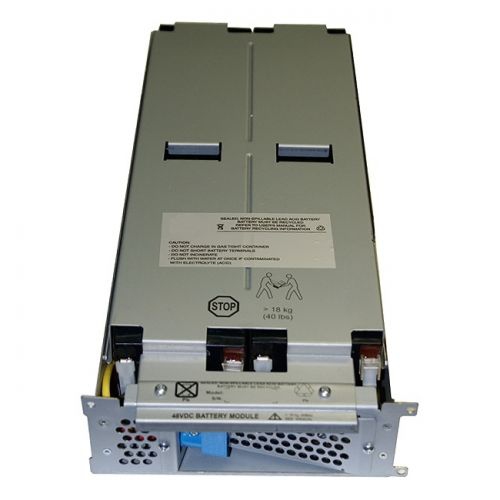
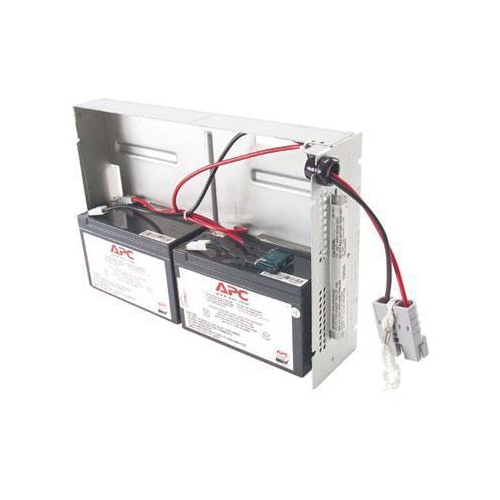
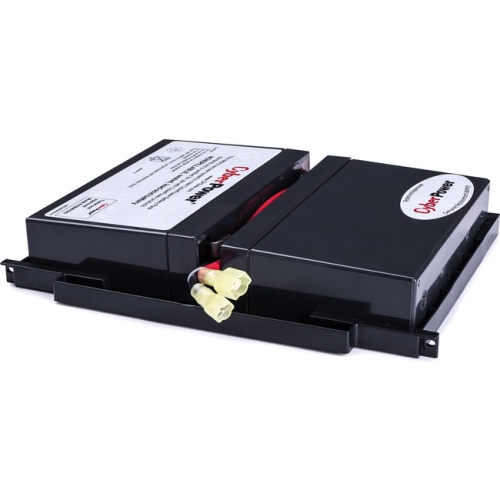
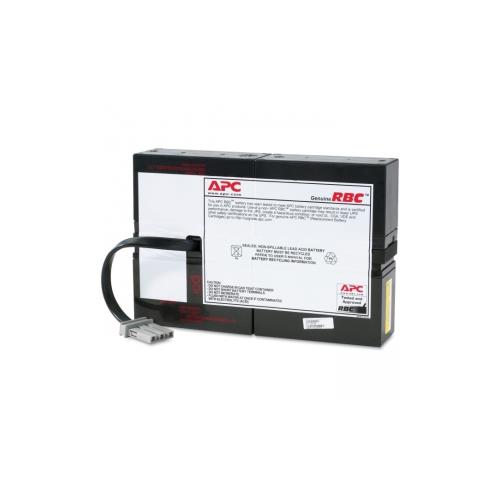
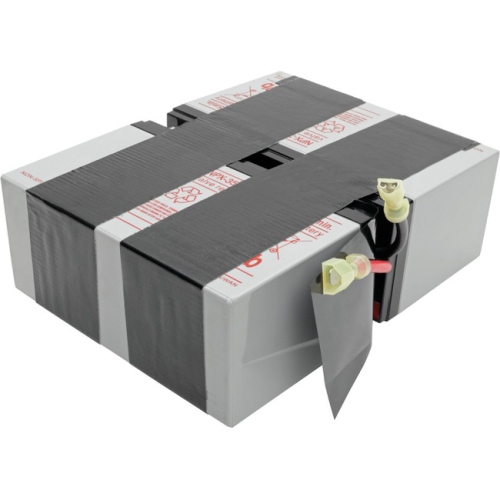
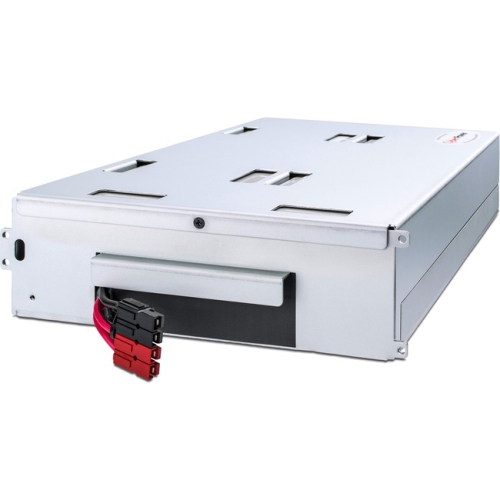
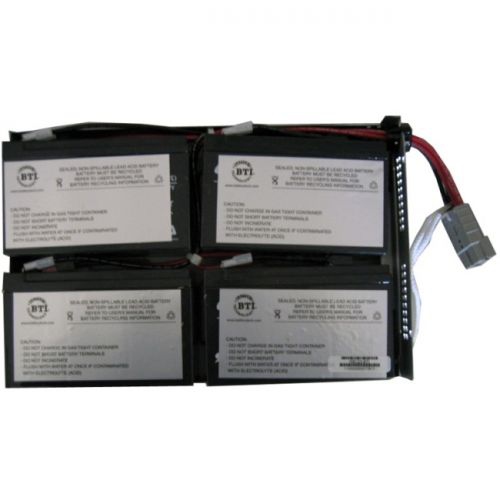
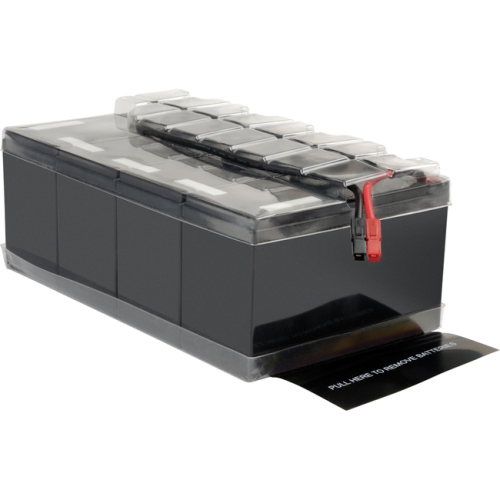
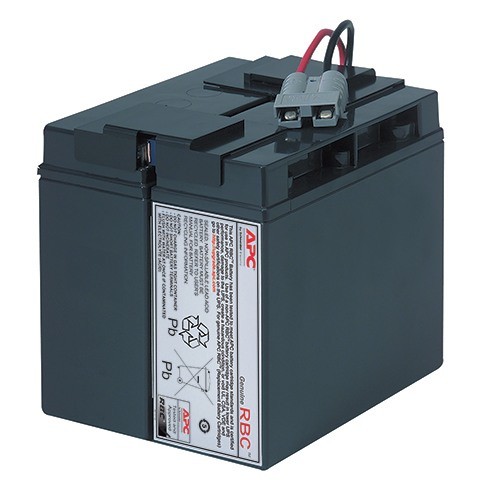
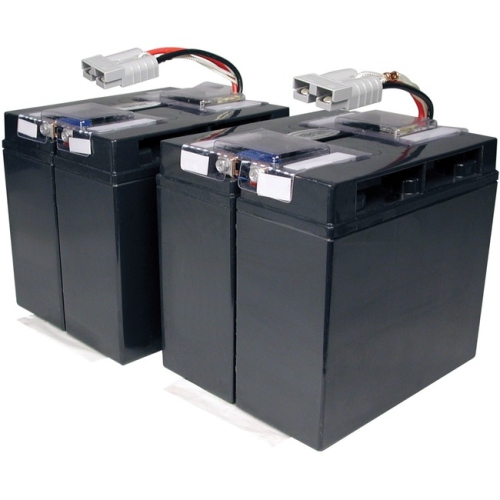
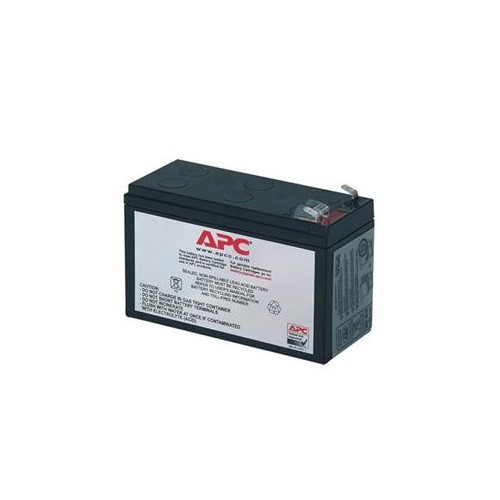
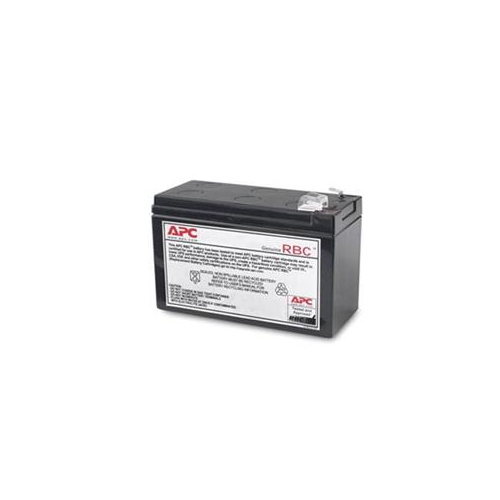
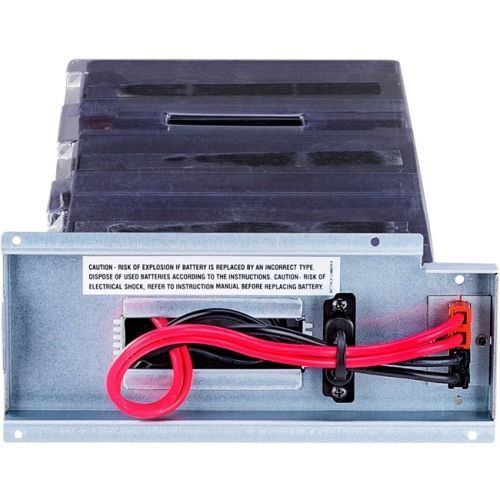
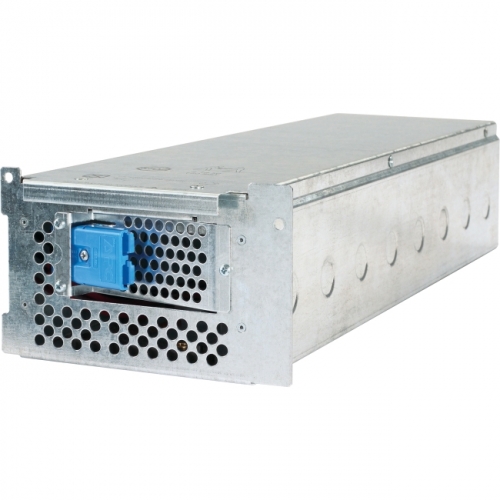
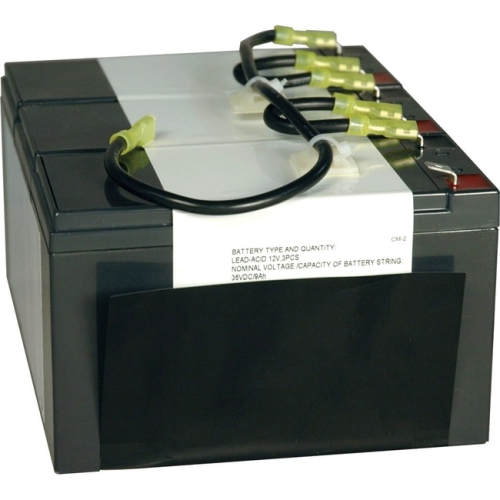
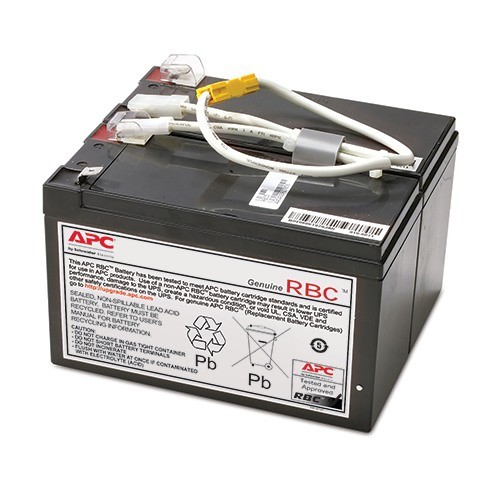
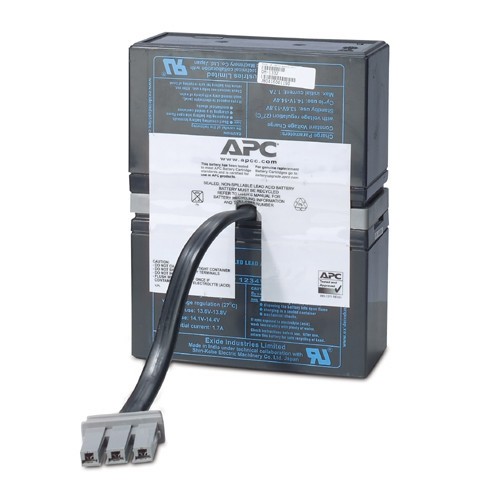

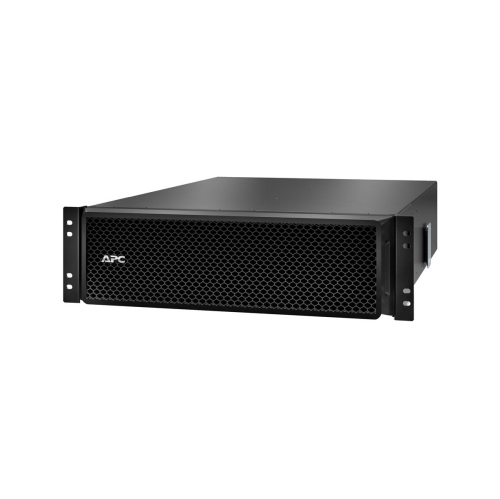
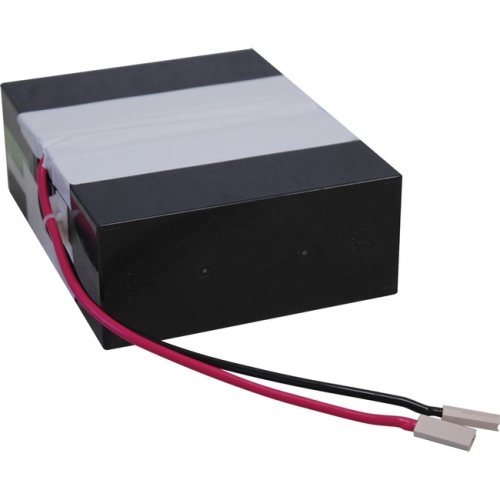
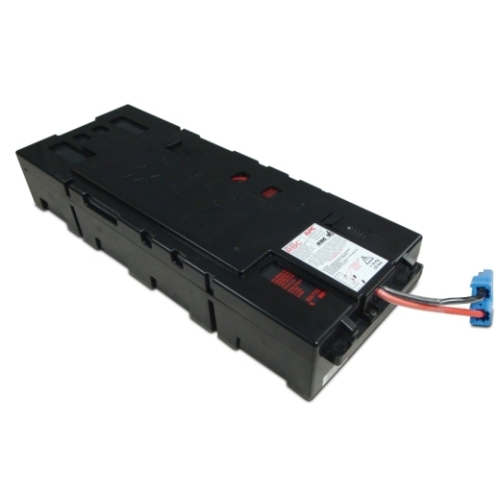
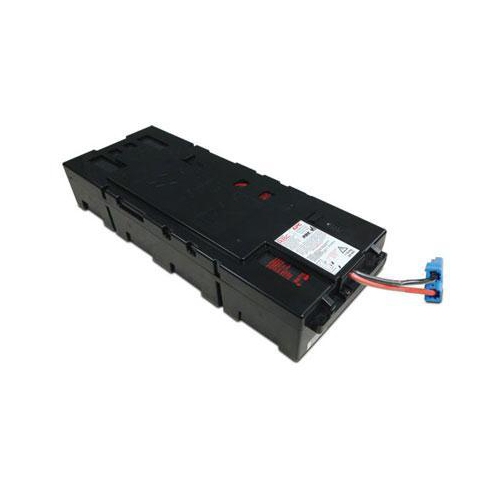
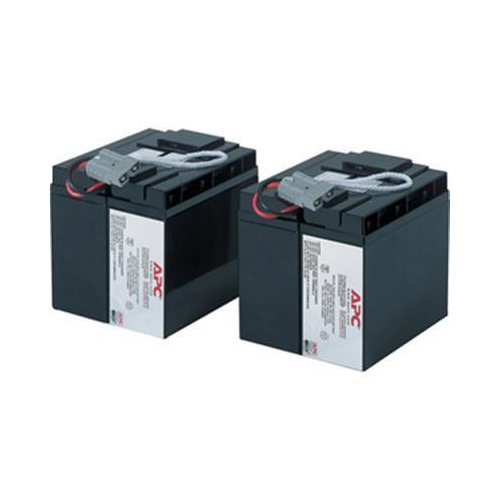
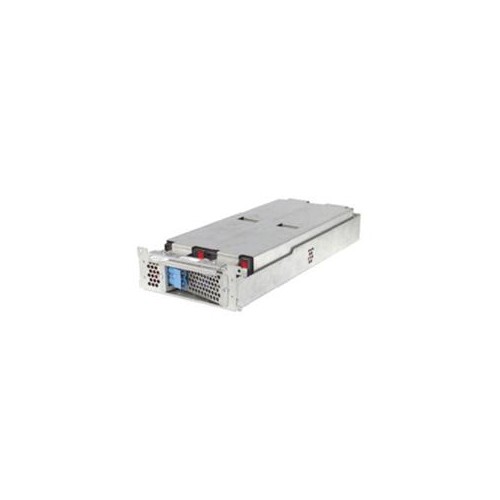
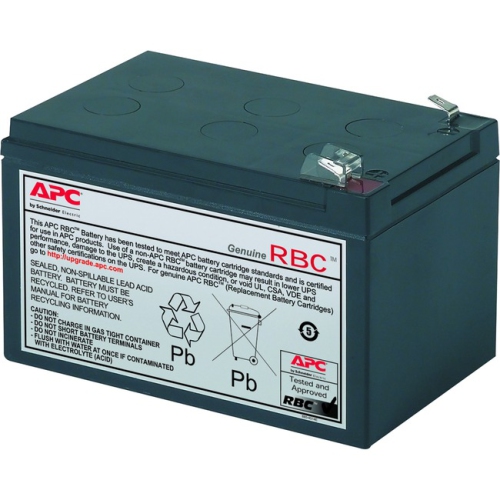

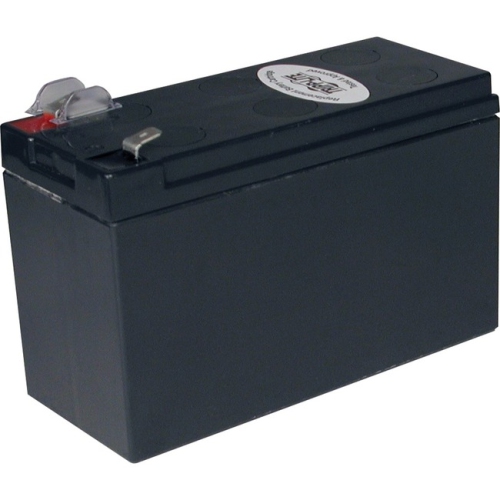
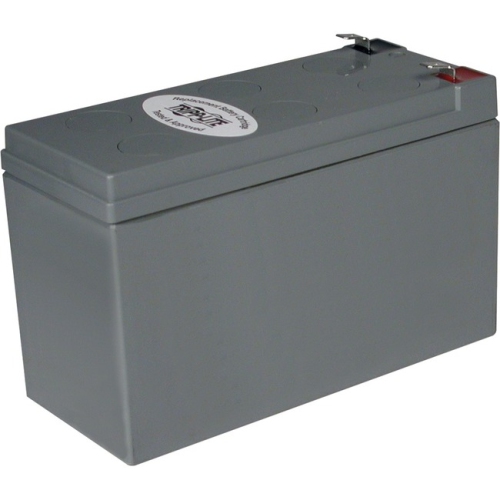
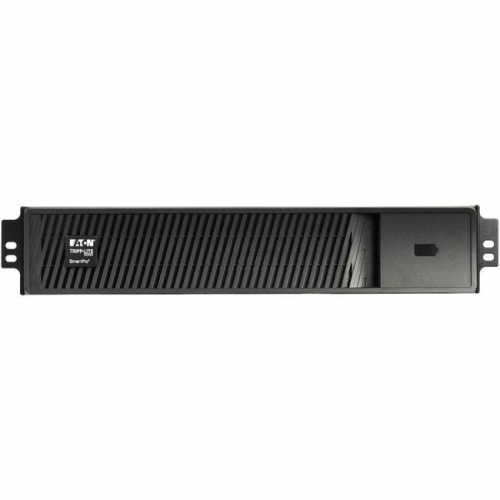
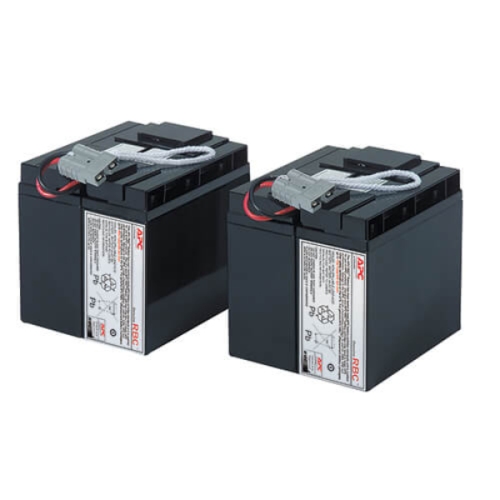

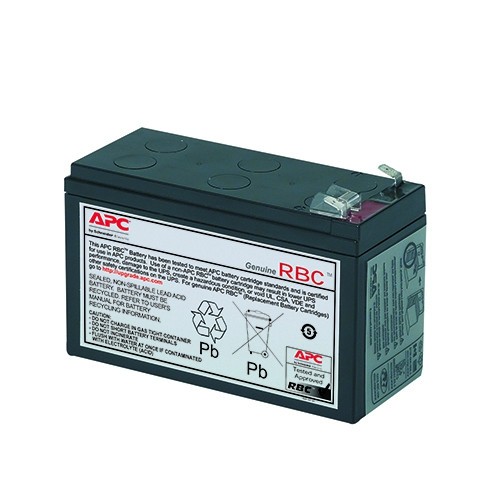
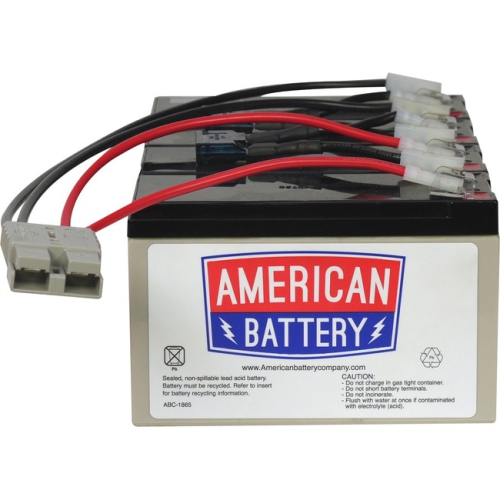
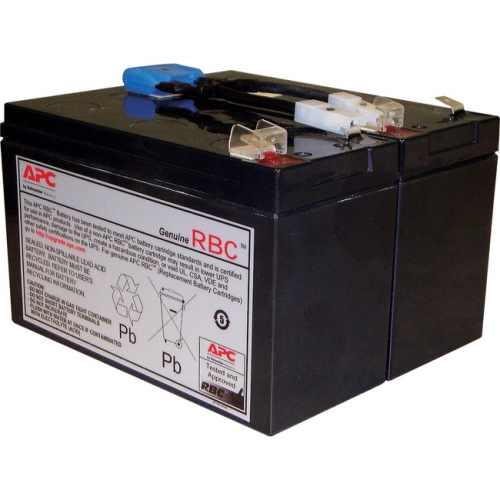
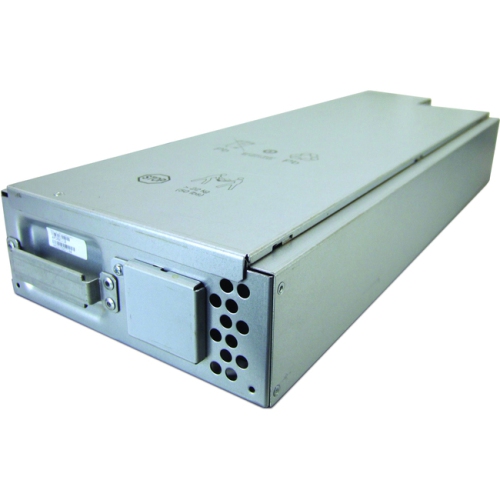
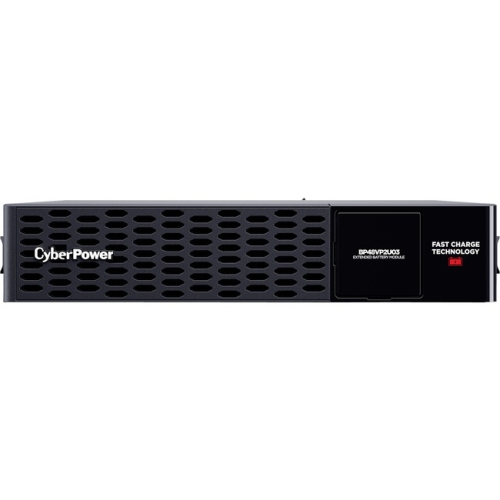

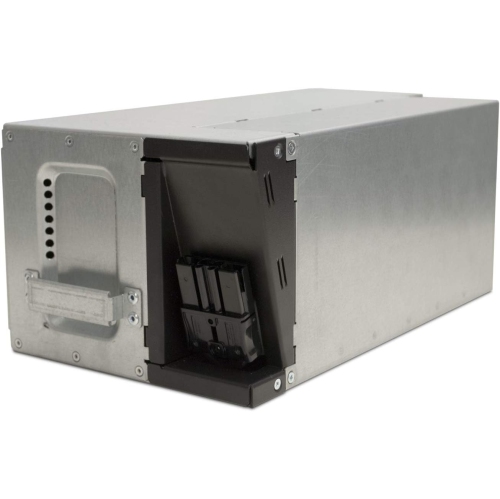
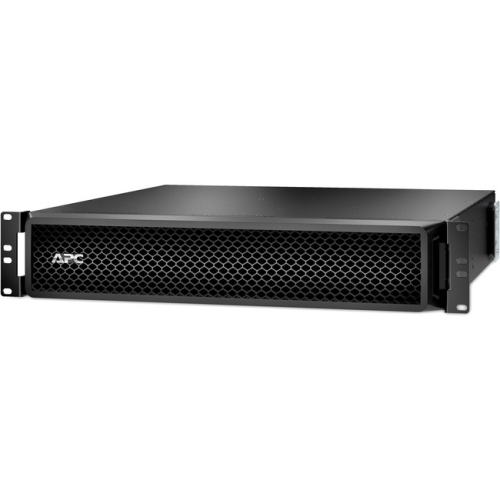
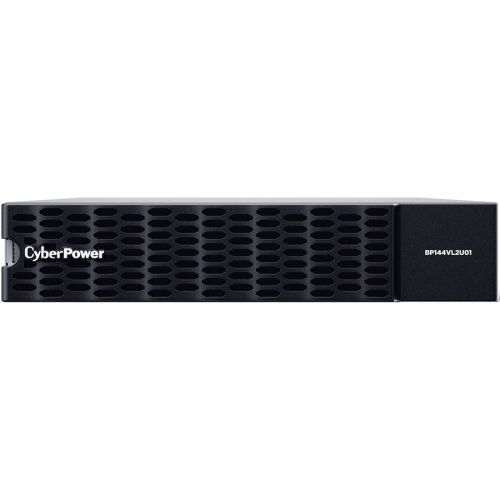
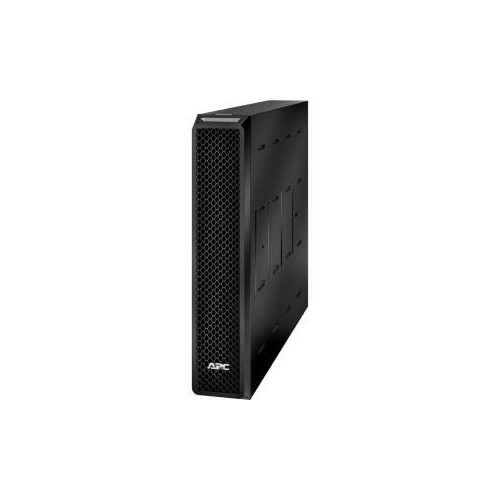
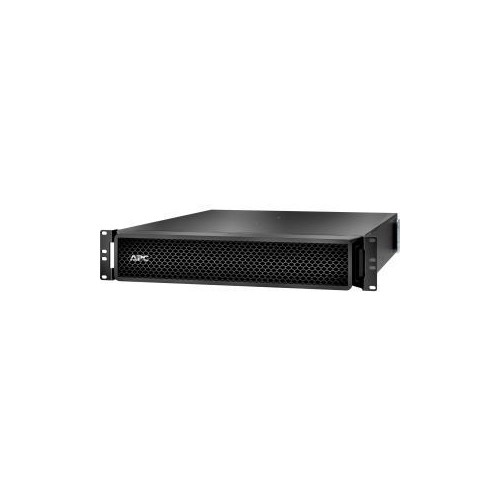
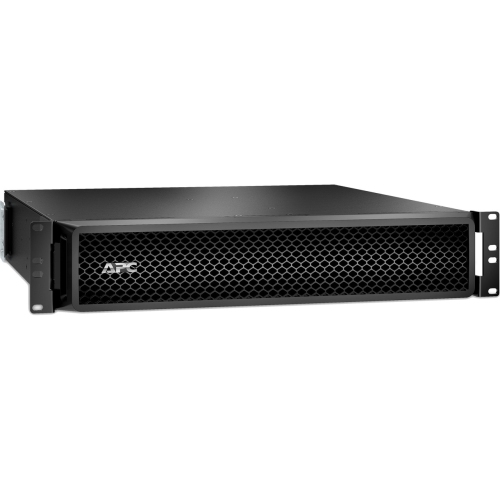
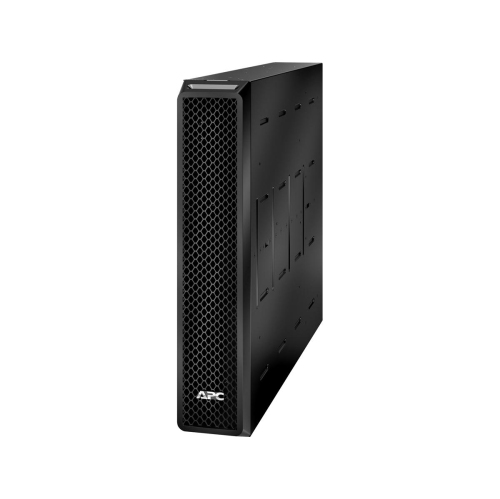

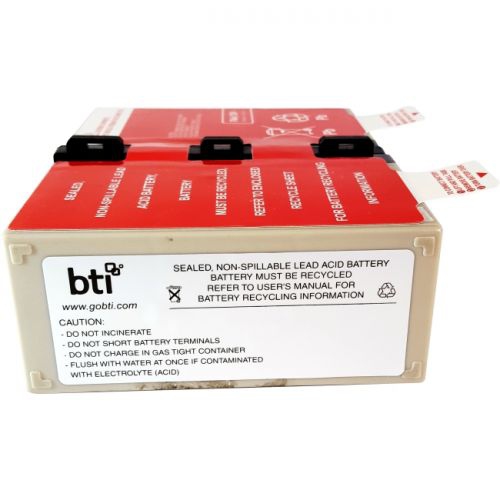
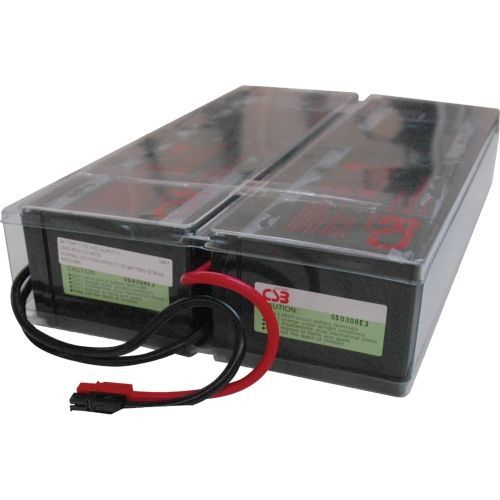
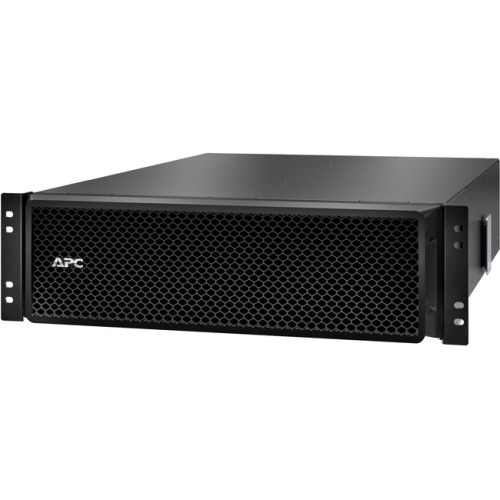
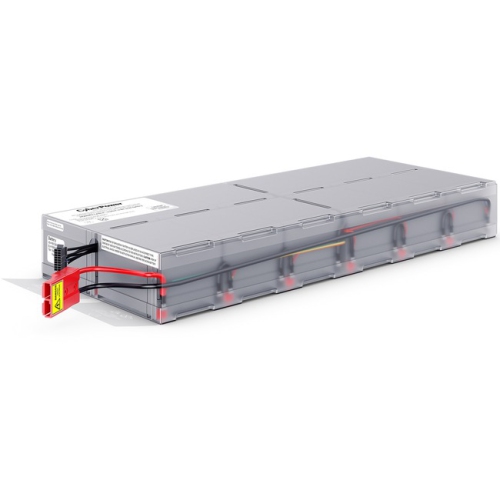
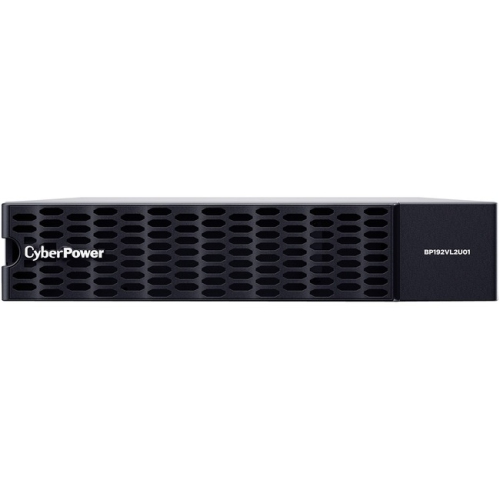
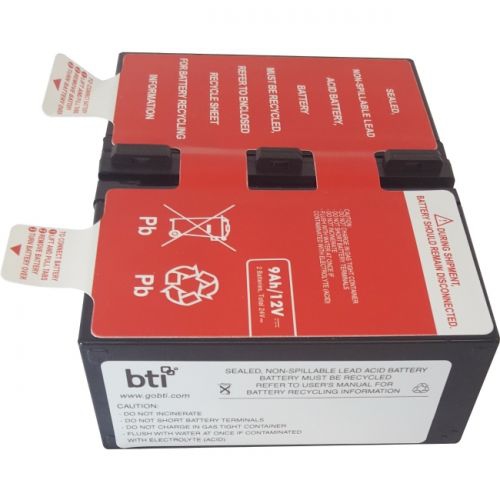
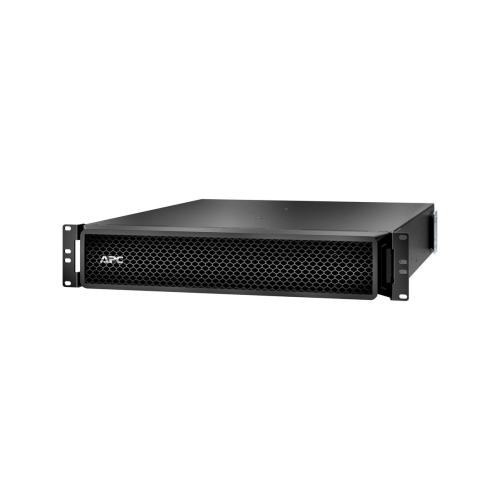
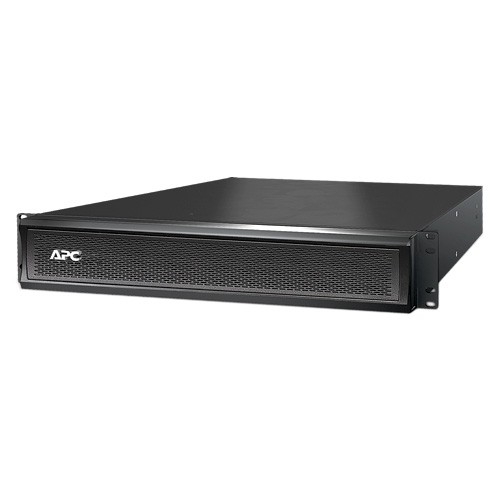

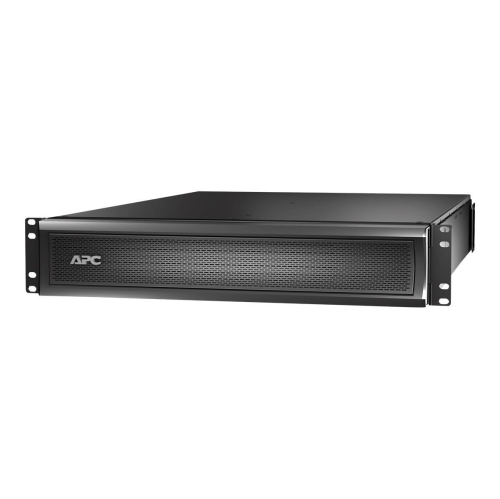
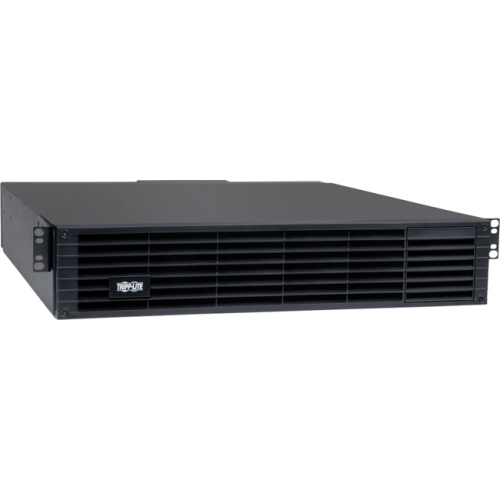

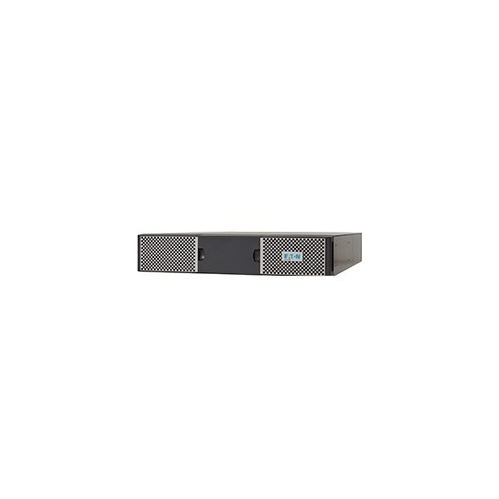
A compatible battery buys time when power cuts out
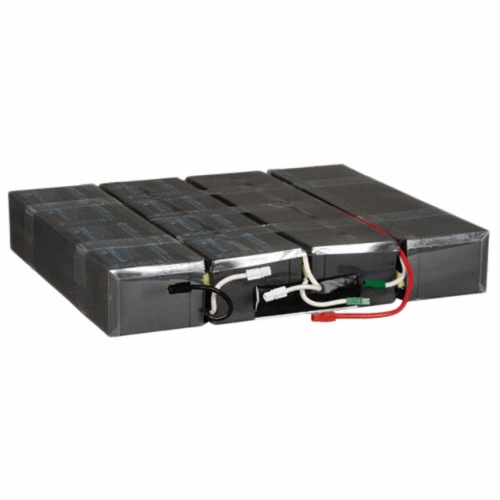
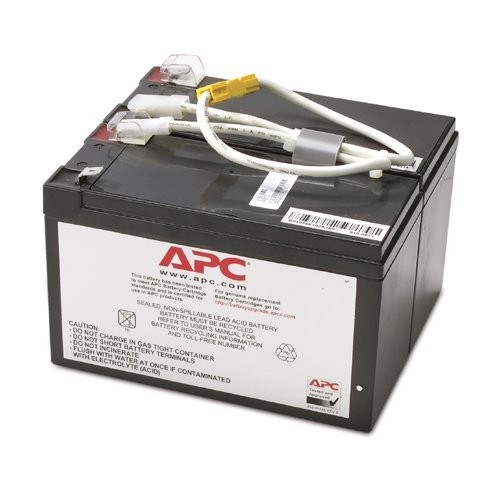
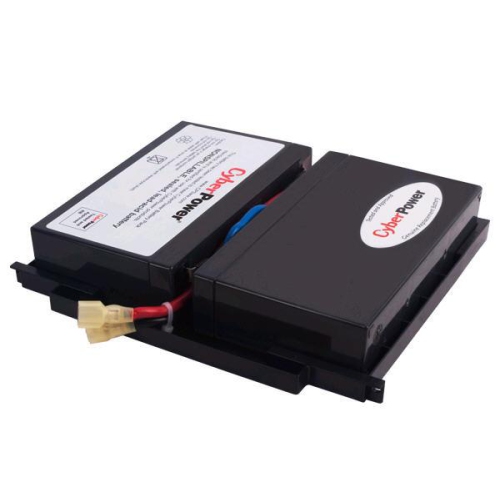
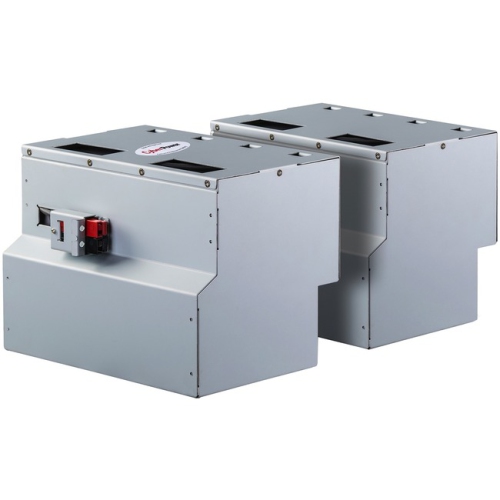
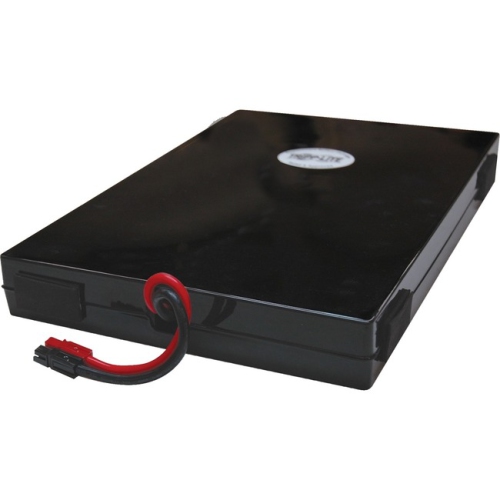
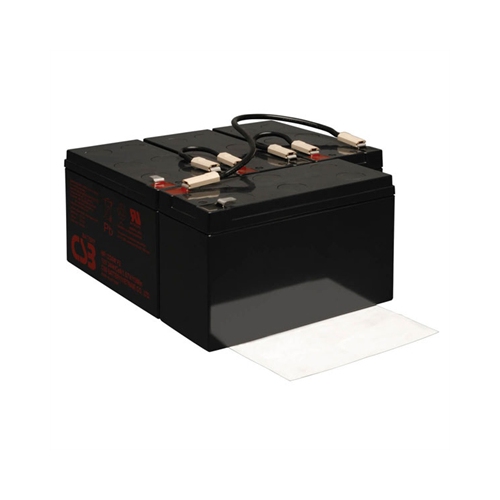
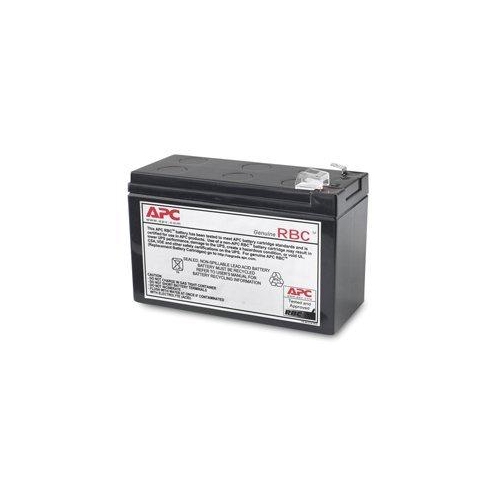
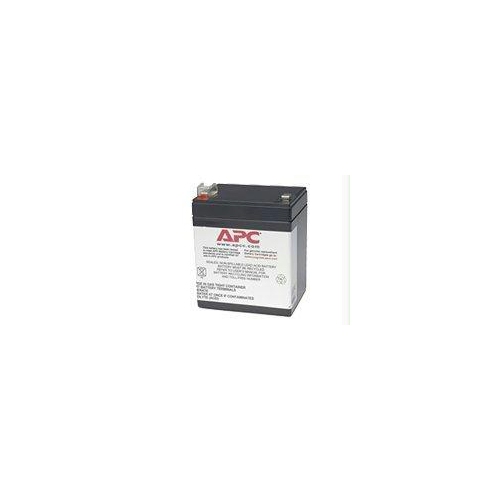
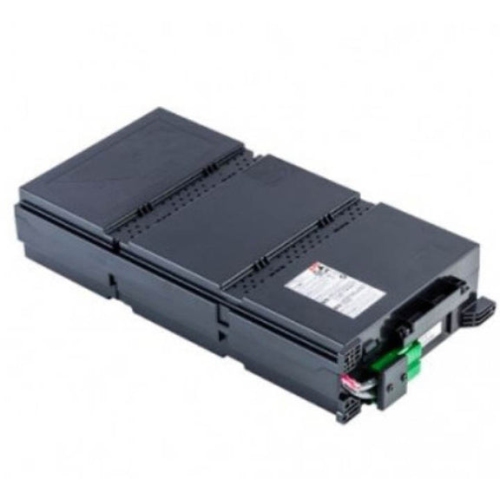
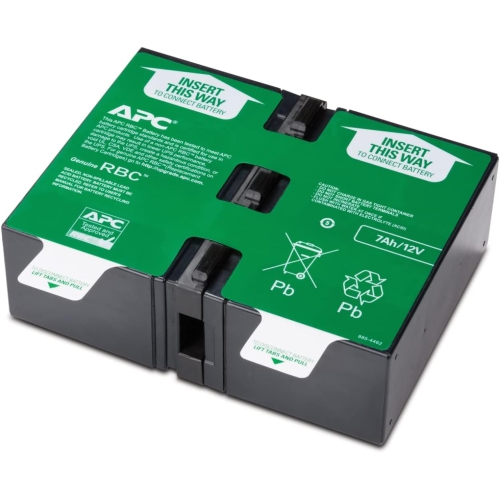
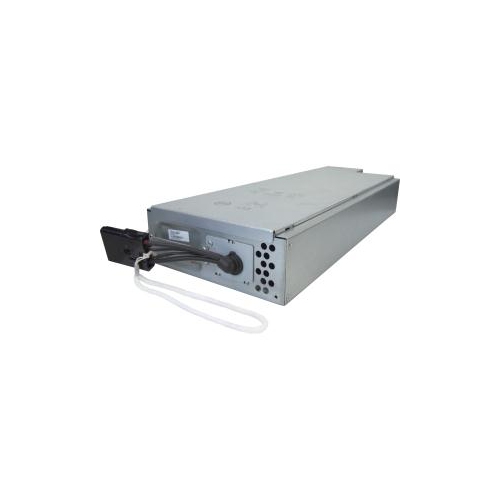
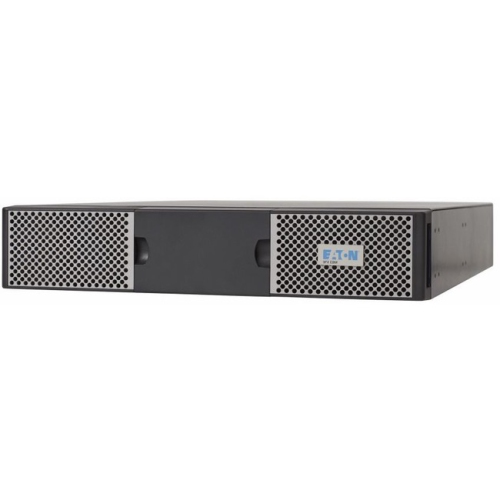
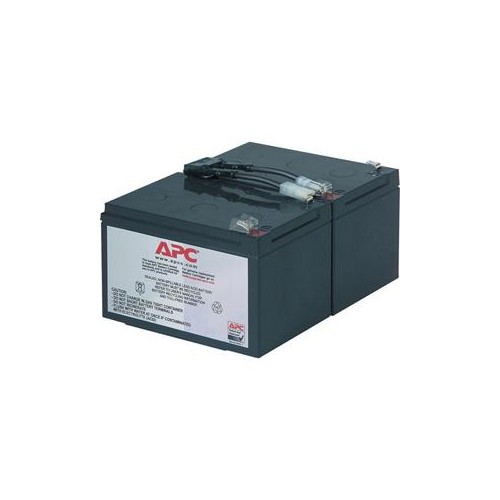
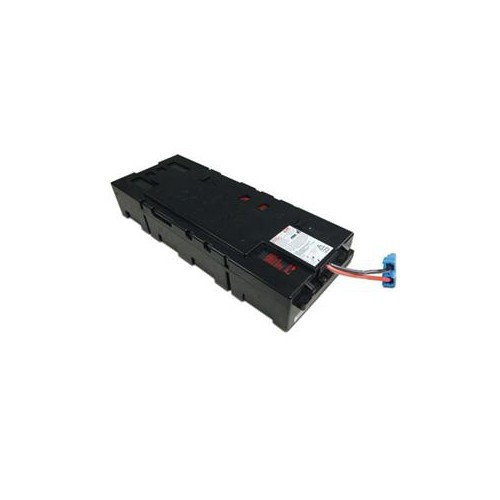
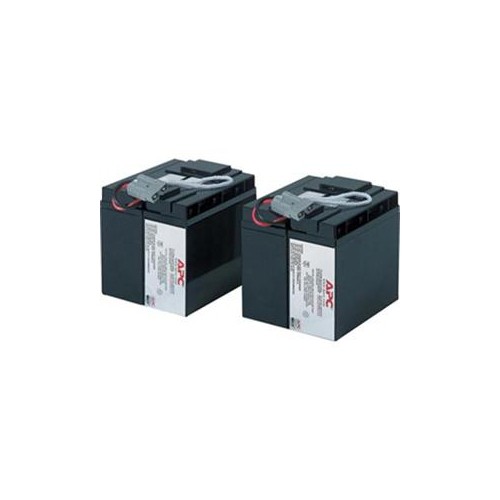
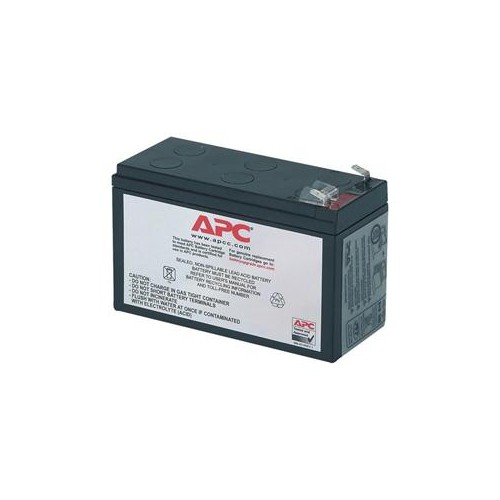
UPS replacement batteries replace the rechargeable power source inside an uninterruptible power supply, allowing a compatible unit to continue providing battery backup when incoming power is interrupted. The battery stores the energy that keeps connected equipment running for a limited period, while the UPS manages the transfer from mains power to battery power. For a home office, that extra time can mean saving an unfinished document and shutting down a desktop computer properly. For a network setup, it may keep a modem, Wi-Fi router, or network storage device operating through a brief interruption, provided those devices are connected to battery-backed outlets. Replacement batteries are particularly relevant when a functioning UPS reports that its battery needs attention, fails a battery self-test, or delivers noticeably less runtime than it once did. Rechargeable batteries gradually lose capacity through age and use, even when the UPS spends most of its time plugged in. A replacement battery addresses that loss of stored energy; it does not repair damaged electronics, faulty outlets, or other problems within the UPS itself. The amount of backup time depends on both the battery and the equipment drawing power. A modest networking setup generally places a smaller demand on a UPS than a workstation with several displays, so the same battery can deliver different runtimes in different settings. Battery capacity should therefore be considered alongside the UPS rating and the actual connected load, rather than as a promise of a fixed number of minutes. These batteries suit households, remote workers, small offices, and anyone maintaining compatible backup power equipment. Their purpose is usually continuity rather than prolonged operation: keeping a connection active briefly, allowing files to finish saving, or providing enough time for an orderly shutdown. For equipment that supports automatic shutdown through a USB or network connection, a healthy battery also gives the associated software time to respond. That makes battery condition an important part of a dependable backup setup, even when interruptions are infrequent.
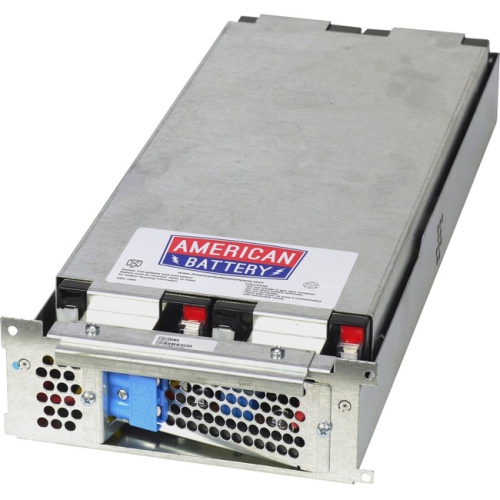
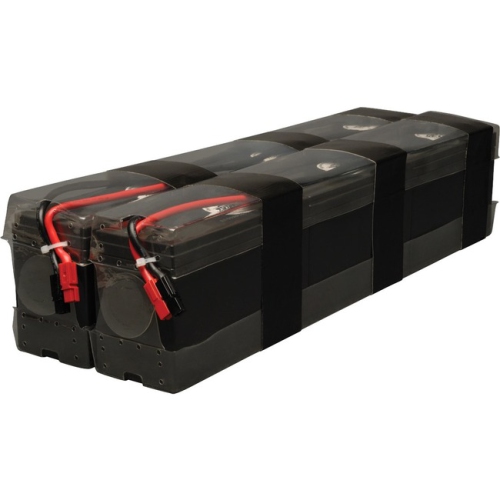
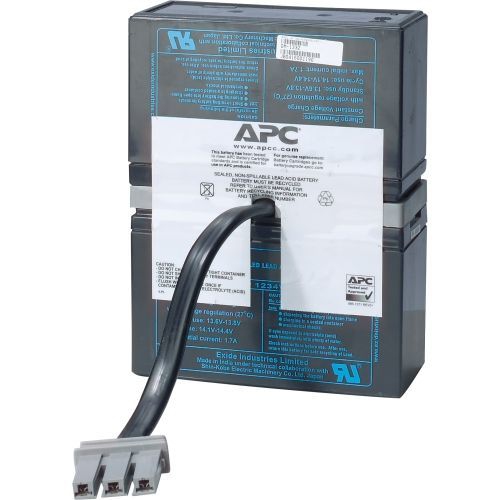
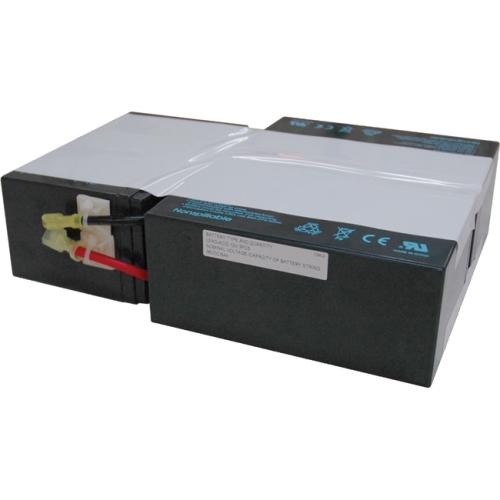
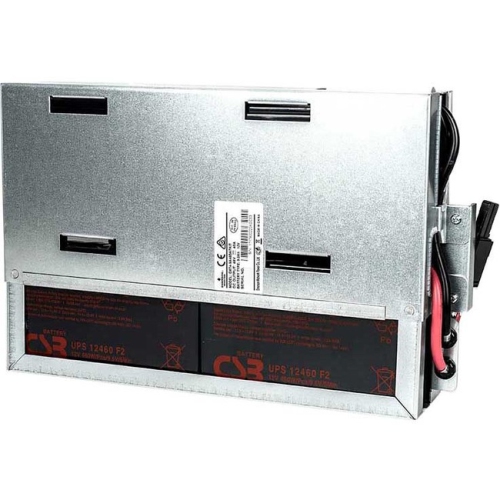
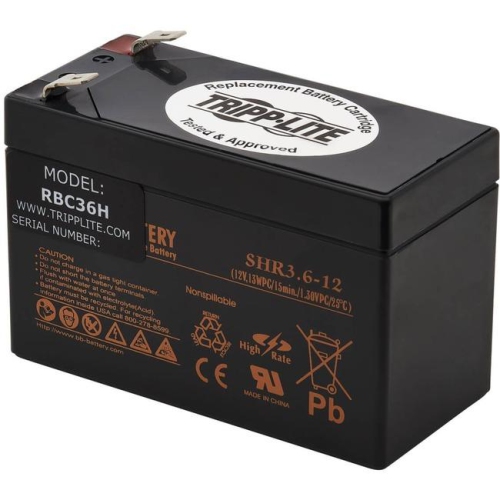
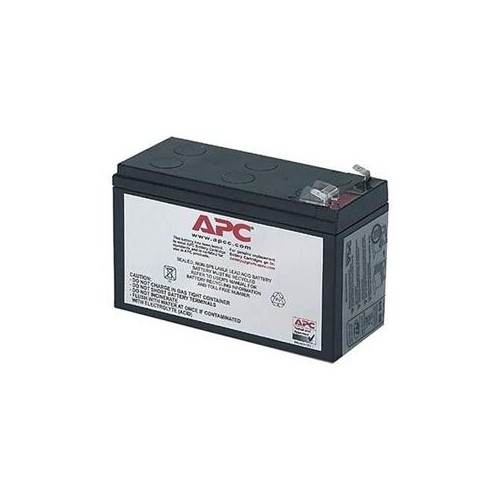
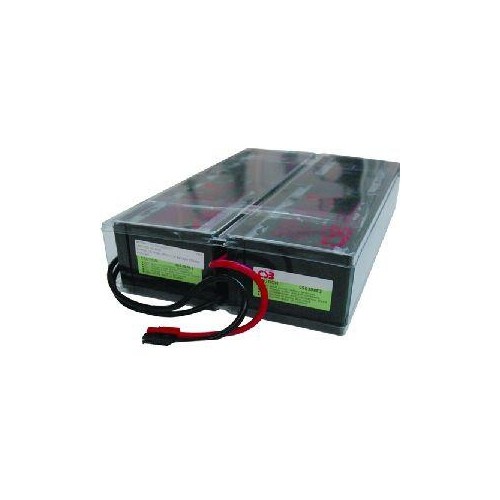
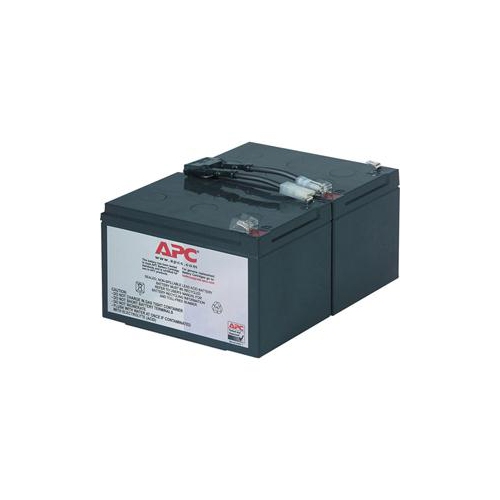
Compatibility is the central consideration when choosing UPS replacement batteries. A battery that looks similar to the original is not necessarily a suitable match, because the required voltage, capacity, terminal arrangement, and physical dimensions can differ between UPS models. The full model number on the UPS label and the manufacturer’s specified replacement battery or cartridge reference provide a more reliable starting point than the unit’s general appearance or power rating alone. Some UPS units accept a single battery, while others use a matched group of batteries assembled into a cartridge with wiring, connectors, fuses, or a protective housing. The distinction matters: a bare battery and a complete cartridge may serve different replacement requirements, even when their basic electrical specifications appear alike. Many consumer and office UPS systems use sealed lead-acid batteries, often with an absorbent glass mat construction that holds the electrolyte within internal glass-fibre separators. Their enclosed cases and maintenance-free design make them practical for use inside compatible backup power units, without routine topping up of liquid. Other UPS systems use different battery technologies, including lithium-ion designs, and those chemistries should not be substituted for one another unless the manufacturer explicitly permits it. Within the specified battery type, terminal size, connector orientation, cable reach, and compartment clearance all affect fit. A slightly different case shape can prevent the battery cover from closing or place strain on a connection. Higher stated capacity is not automatically a suitable upgrade, since charging requirements and physical fit must still match the UPS design. Where several batteries form one pack, the replacement arrangement should follow the manufacturer’s requirements rather than mixing old and new batteries or different specifications. For shoppers narrowing their search to that compatible product family, APC Battery Replacements offers a related collection to explore, with the exact UPS model still determining the correct fit. Careful matching helps preserve the intended relationship between the battery, charging circuitry, enclosure, and runtime monitoring, rather than relying on appearance alone.
Replacing a UPS battery generally involves safely shutting down connected equipment, switching off and unplugging the UPS, accessing the designated battery compartment, and installing the manufacturer-approved replacement according to the unit’s instructions. The replacement then needs to charge for the period specified by the manufacturer before its full backup capacity can be assessed; some models call for up to 24 hours, but charging requirements vary. This process applies only to units designed for user-replaceable batteries. A UPS can retain electrical energy after it has been unplugged, and exposed battery terminals can deliver a high current if shorted, so opening other parts of the enclosure or improvising connections is not appropriate. Accessible battery compartments, clear connector layouts, and complete replacement cartridges can make routine maintenance more straightforward, but the unit’s instructions remain the reference for safe handling. A battery with swelling, cracks, leakage, damaged terminals, or an unusual odour should not be installed or forced out of a tight compartment; qualified service may be needed. Once a compatible replacement is fitted and charged, the UPS self-test and status indicators can help confirm that the battery is recognized and ready for service. Runtime estimates may take time to update, and a successful battery replacement does not increase the UPS output rating or make it suitable for equipment beyond its specified limits. Ongoing care centres on keeping the unit dry, leaving ventilation openings unobstructed, and checking battery alerts rather than waiting for an interruption to reveal reduced capacity. The sealed construction does not mean the battery can be opened, repaired, or refilled. Replacement batteries awaiting installation should be stored and charged according to their supplied instructions, since rechargeable batteries can lose charge while unused. Spent batteries also need appropriate handling: intact terminals should be protected against accidental contact, and batteries should go to an approved battery collection centre rather than ordinary household waste. With the correct fit, proper charging, and attention to condition, a replacement battery helps an otherwise serviceable UPS continue supporting everyday computing and connected equipment.
Top selling and popular products
-
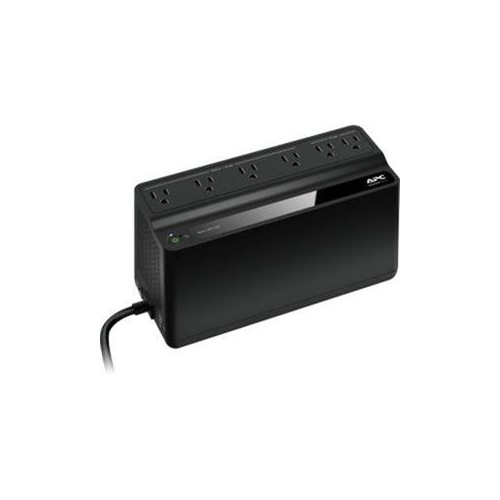 Your price for this item is $105.68
-
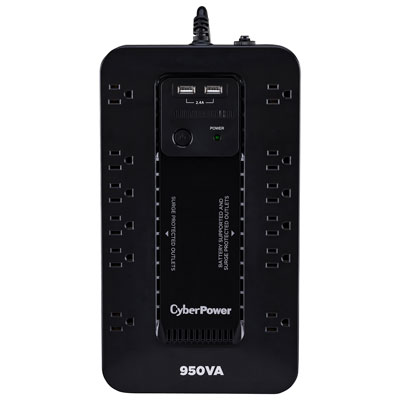 Your price for this item is $149.99
-
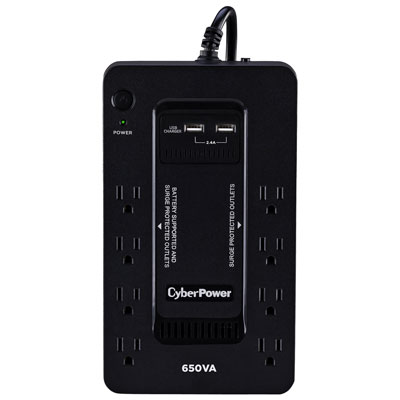 Your price for this item is $99.99
-
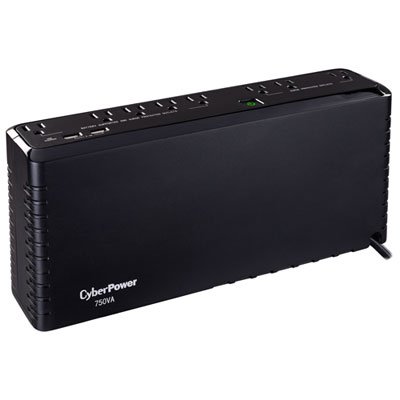 Your price for this item is $119.99
-
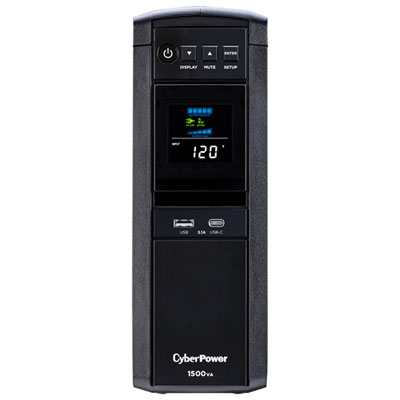 Your price for this item is $299.99
-
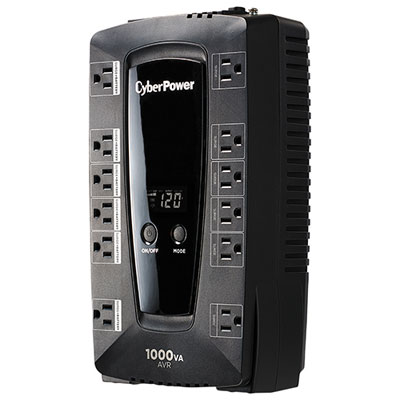 Your price for this item is $149.99
-
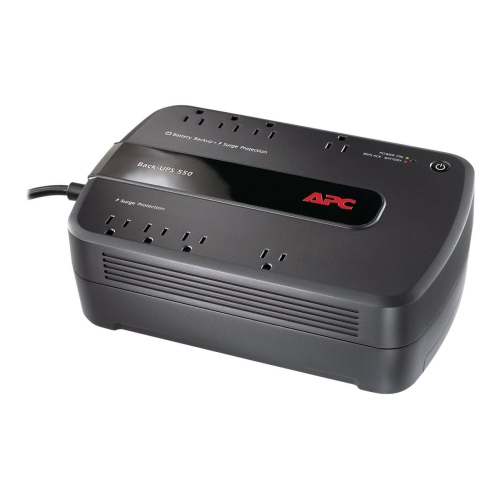 Your price for this item is $170.99
-
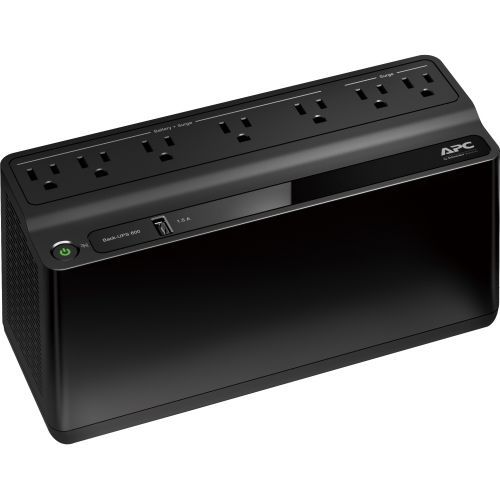 Your price for this item is $175.56
Discover more categories related to UPS Replacement Batteries
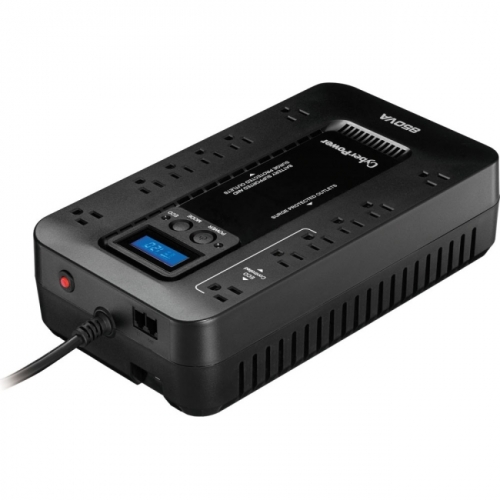
Top Collections:
Best Black Friday Deals This Year, Best Black Friday Deals On Electronics, Kindle Devices, Pokemon Centers, Best Black Friday Deals On Apple Products, Best Cameras for Sports Photography, Dyson Airwrap, Pokémon 30th Celebration Cards, Apple iPhone 17 Pro, Canon G7X Cameras
Some products may be subject to Environmental Handling Fees
(EHF) depending on your province.
Learn more about EHFs.