Usb Adapter Cables
Discover the seamless connectivity solutions with our diverse range of USB adapter cables at Best Buy Canada. Whether you're looking to bridge the gap between devices or enhance your tech setup, these versatile adapters are designed to meet your needs. From transferring data to charging devices, USB adapter cables offer a reliable and efficient way to connect your gadgets. Explore our collection to find the perfect cable that fits your lifestyle, ensuring you stay connected wherever you go.
Sort
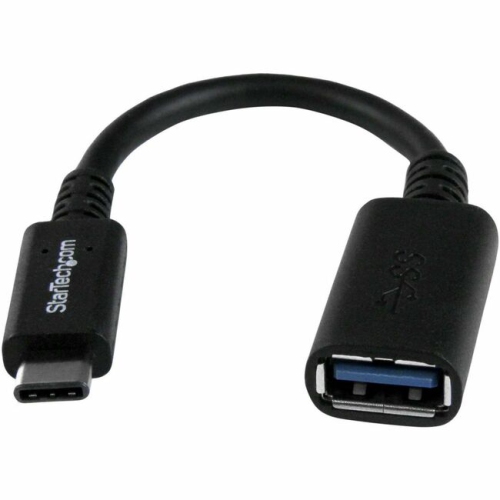

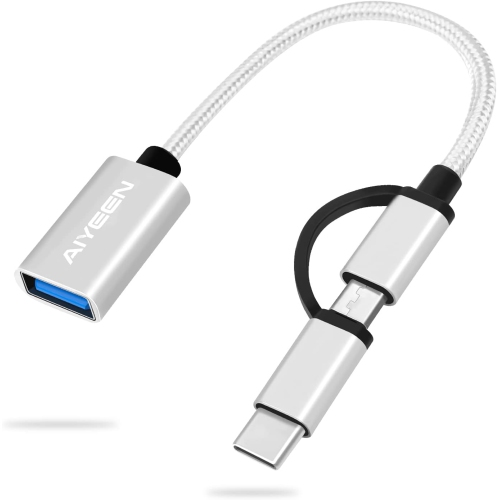

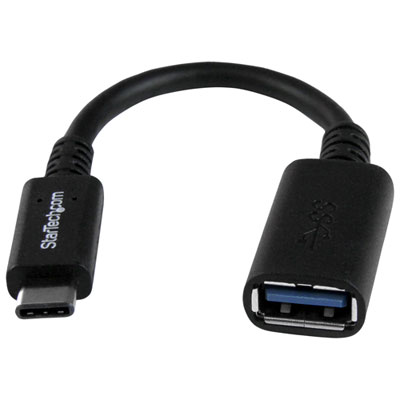
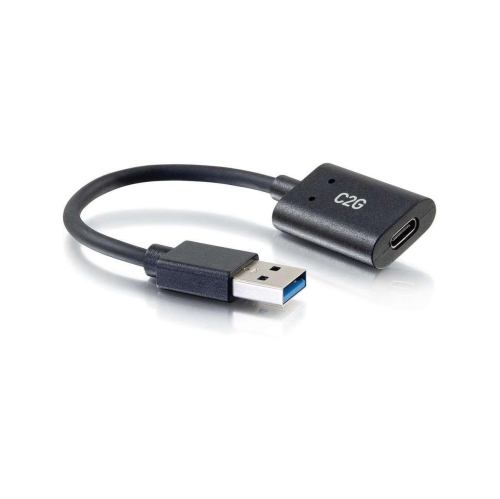
USB compatibility goes beyond a matching connector
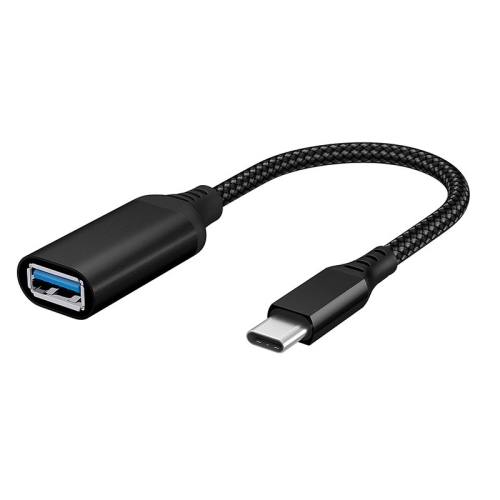
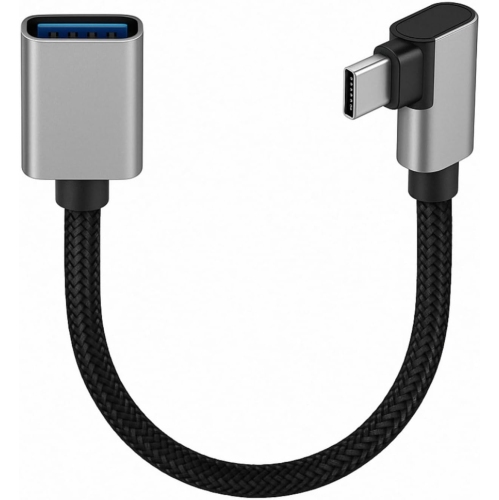
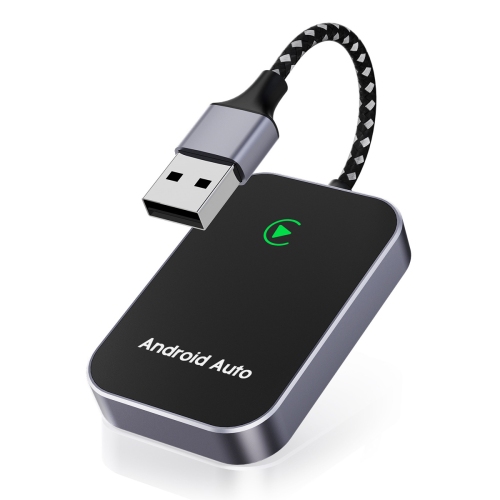
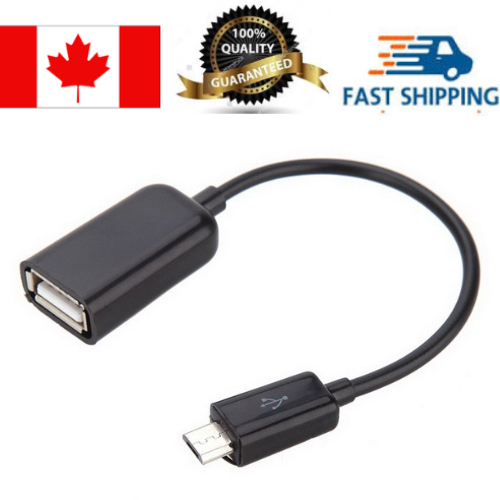
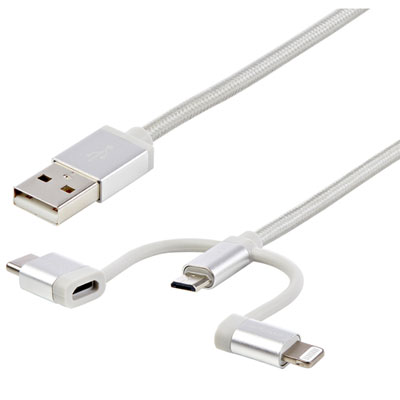
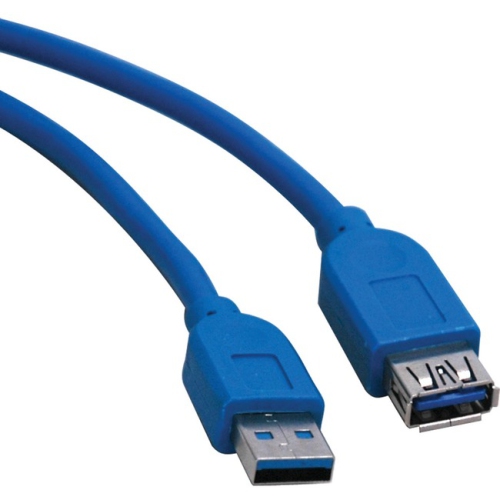
USB adapter cables connect devices with different USB connector types, allowing compatible equipment to charge, transfer data, or work with peripherals. They bridge connections such as USB-A, USB-C, Micro-USB, and USB-B, helping newer computers and mobile devices work with accessories that use another port shape. A laptop with USB-C ports, for example, may need an adapter cable to connect a USB-A keyboard or storage drive, while an older printer may use a USB-B connection at the device end. Some adapter cables have a plug at each end; others combine a plug with a socket that accepts an existing cable or accessory. That distinction matters when connecting two devices directly rather than adapting a cable already in use. USB-C has a compact, reversible connector, while USB-A and Micro-USB plugs need to face the correct way when inserted. Connector shape alone does not establish what a cable can do: charging, data transfer, and display support depend on the cable’s specifications and the connected equipment. An adapter changes the physical connection, but it does not automatically add capabilities that a device or port lacks. This makes USB adapter cables useful for households with several generations of electronics, students moving between a laptop and shared equipment, and anyone keeping familiar peripherals in daily use. At a desk, a short adapter lead can bring a connection out from behind a monitor or computer, making it easier to reach without repeatedly moving equipment. In a work bag, a compact adapter cable can connect a portable computer to a wired mouse or another compatible accessory without requiring a separate replacement for each device. The most suitable connection depends on both ends of the setup: the port on the computer, phone, or charger, and the connector on the accessory. Matching those physical connections is the starting point, followed by the charging or data capabilities needed for the task.
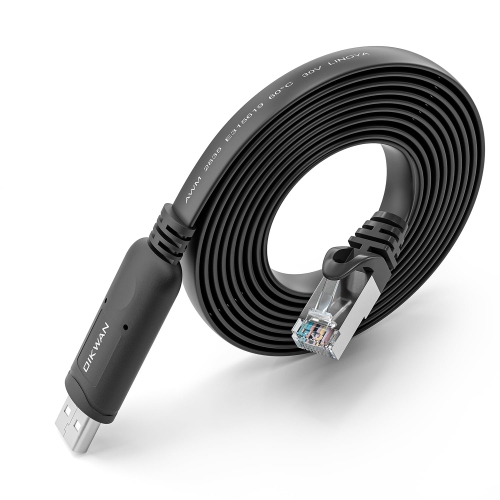
Charging performance depends on the complete connection, including the power source, adapter cable, and receiving device. A cable that fits a phone is not necessarily suitable for charging a laptop, and a USB-C connector does not by itself indicate support for USB Power Delivery or a particular power level. For equipment that supports faster charging, the cable’s power rating and any required charging protocol need to match the intended setup. An adapter can also limit the power or data rate that would otherwise be possible through a direct connection. Data capability deserves separate attention because some cables are intended for charging only, while others support both power and file transfers. Moving photos from a phone, copying large folders to an external drive, and connecting a keyboard place different demands on a cable. For storage transfers, the supported USB data standard matters more than the appearance of the connector, and the slowest compatible part of the connection generally sets the limit. Video is another distinct function: connecting a USB-C device to a display requires an adapter designed for that purpose and a source port that supports the necessary video output. A basic USB adapter cable should not be assumed to carry a display signal. For supported phones and tablets, USB On-The-Go, often called OTG, allows the mobile device to act as a host for accessories such as a keyboard or flash drive. Device support, software compatibility, and accessory power requirements still apply. Network administration has a different connection requirement altogether. USB console cables connect a computer to supported equipment’s management console for configuration and troubleshooting rather than serving as ordinary charging leads. Their compatibility depends on the console interface, electrical signalling, and any required drivers, so a connector that looks familiar is not enough to establish that it will work.
Construction and fit make a noticeable difference when an adapter cable is handled every day. Flexible plastic jackets are common, while braided coverings add texture and may help resist surface abrasion; neither finish alone guarantees a longer service life. Reinforcement where the cable enters the connector is particularly useful because this area bends whenever a device is picked up, moved, or packed away. Moulded strain relief, secure connector housings, and a cable that bends without forming a sharp crease are practical details for frequent use. Connector size also matters beyond the metal plug itself. A bulky housing may interfere with a protective phone case or crowd neighbouring laptop ports, while a more compact housing can be easier to use in a closely spaced row of connections. Right-angle connectors can help route a cable along the edge of a device, although their orientation needs to suit the port position and surrounding space. Length affects both reach and tidiness: a short adapter lead keeps a portable setup manageable, while a longer cable can span the distance between a computer and a peripheral without pulling tightly across the desk. Extra length is not automatically better, particularly where a cable could snag on a chair or hang under tension from a port. For shared households, a small set of clearly distinguishable connections can reduce the frustration of sorting through similar-looking leads. An adapter cable can also be a practical gift for a student or frequent traveller when the recipient’s device ports and intended use are known. Care is straightforward: hold the connector housing when unplugging, keep plugs free of debris, and store the cable in a loose loop rather than winding it tightly around a charger. Keeping connectors dry and avoiding crushed sections helps protect the connection. Frayed jackets, loose plugs, or intermittent operation are reasons to stop using a damaged cable rather than repeatedly bending it until it connects.
Top selling and popular products
-
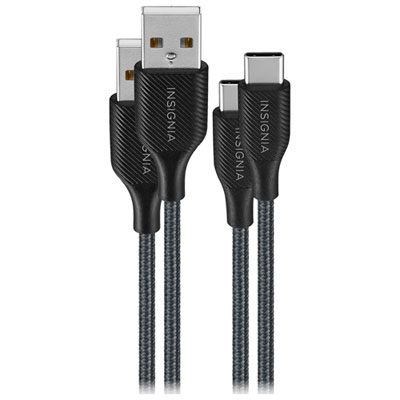 Your price for this item is $19.99
-
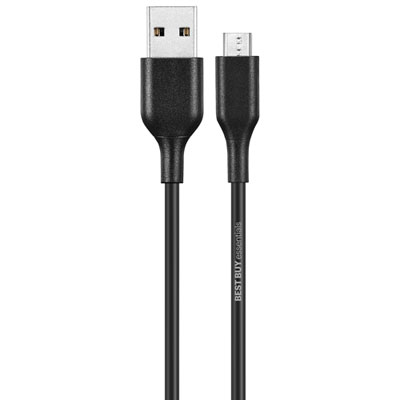 Your price for this item is $7.99
-
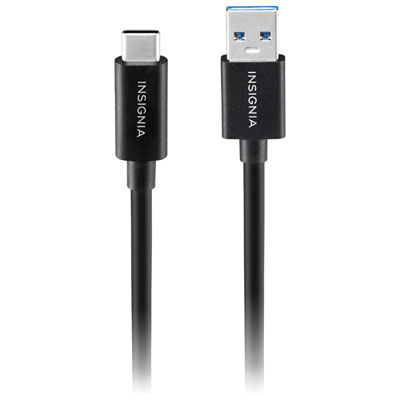 Your price for this item is $19.99
-
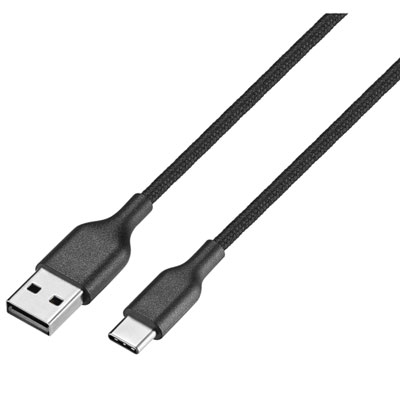 Your price for this item is $9.99
-
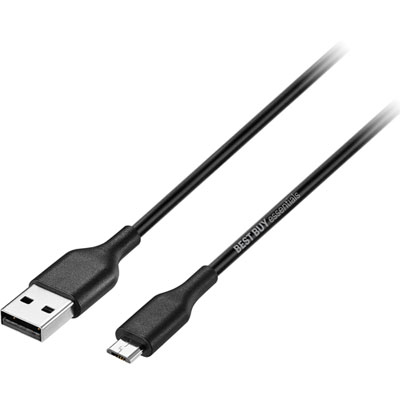 Your price for this item is $9.99
-
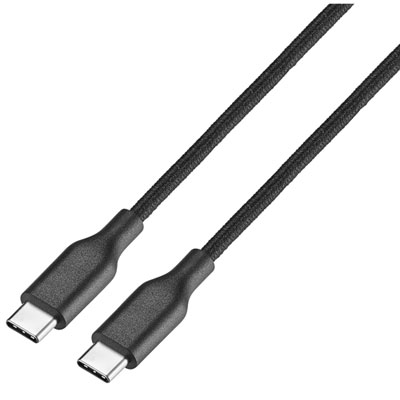 Your price for this item is $14.99
-
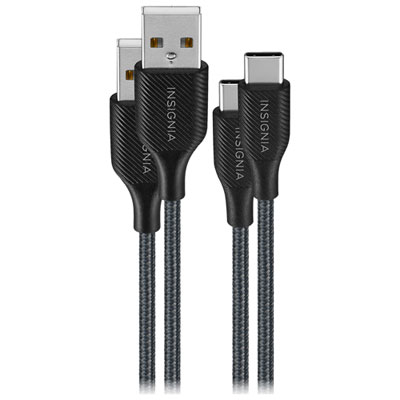 Your price for this item is $24.99
-
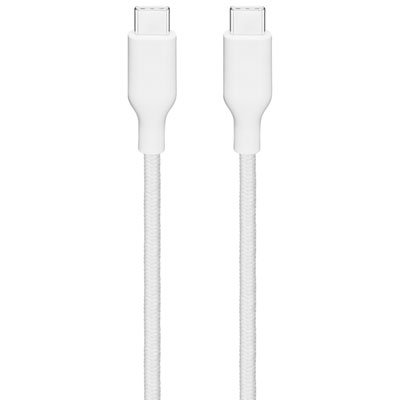 Your price for this item is $14.99
Discover more categories related to Usb Adapter Cables
Top Collections:
Best Black Friday Deals This Year, Best Black Friday Deals On Electronics, Kindle Devices, Pokemon Centers, Best Black Friday Deals On Apple Products, Best Cameras for Sports Photography, Dyson Airwrap, Pokémon 30th Celebration Cards, Apple iPhone 17 Pro, Canon G7X Cameras
Some products may be subject to Environmental Handling Fees
(EHF) depending on your province.
Learn more about EHFs.