Usb Console Cables
Unlock seamless connectivity and streamline your tech setup with our range of USB console cables. Essential for IT professionals and tech enthusiasts alike, these cables provide a reliable solution for connecting various devices to network equipment, ensuring efficient data transfer and communication. Whether you're setting up a home office or managing a large-scale network, USB console cables are designed to meet your connectivity needs with ease and precision. Explore our selection to find the perfect cable that fits your requirements and enhances your digital experience.
Sort
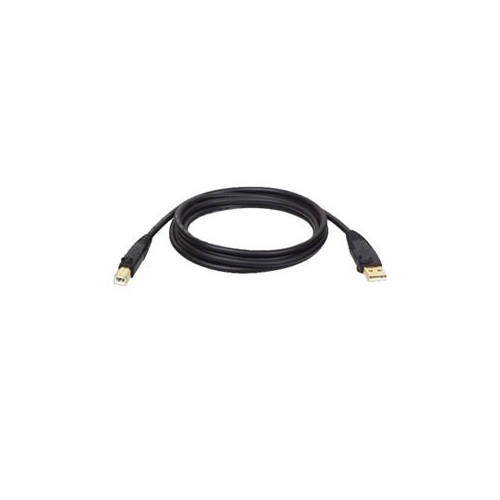
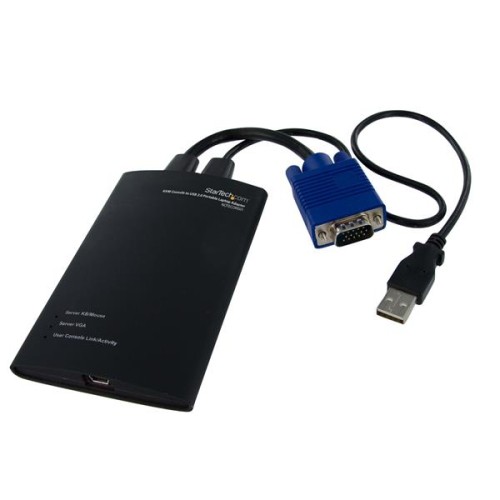
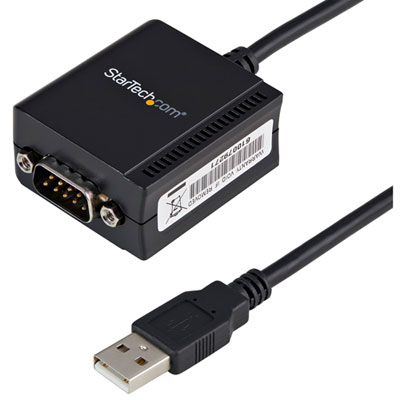
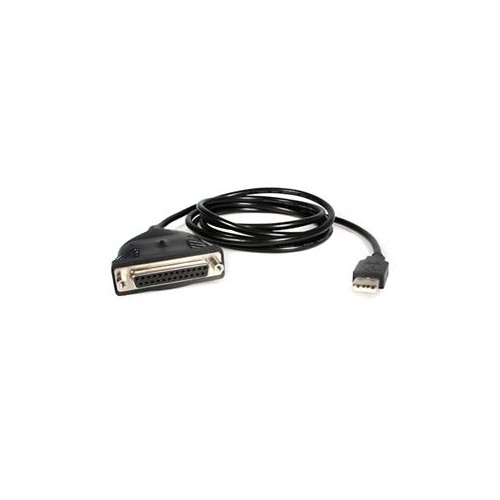
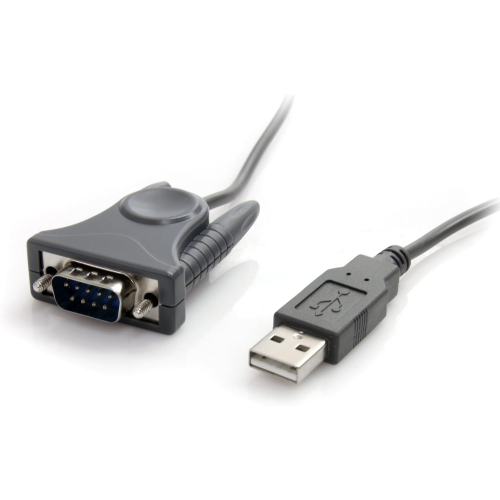

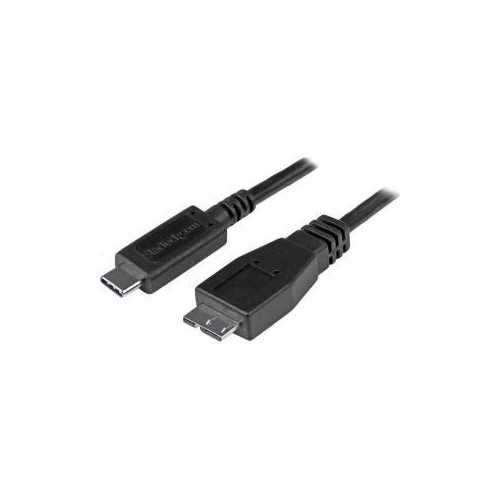

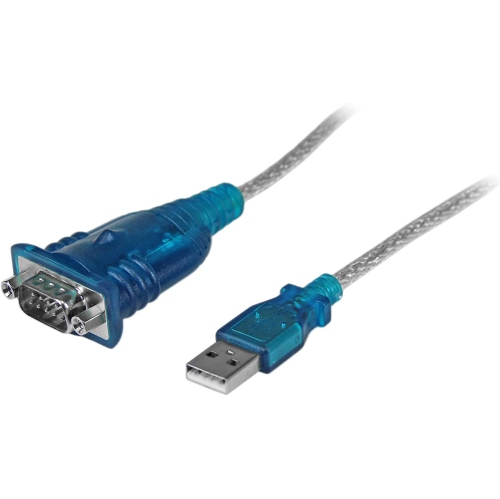
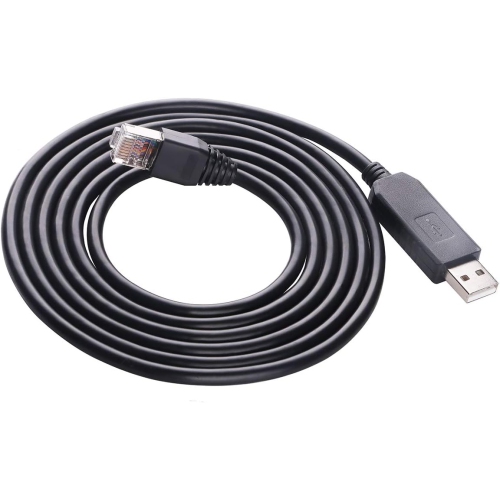
Direct console access for setup, recovery, and troubleshooting
USB console cables provide a direct connection between a computer and the console port on networking equipment such as routers, switches, firewalls, access points, and other managed devices. They are commonly used during initial setup, recovery, troubleshooting, and maintenance when a device is not yet reachable through a regular network connection. Instead of carrying ordinary internet or file-transfer traffic, these cables usually create a serial command-line connection, allowing an administrator to view startup messages, enter configuration commands, assign network settings, restore access, or diagnose a problem from a terminal application. The connector on the equipment may look familiar but does not always indicate the cable’s function. An RJ45-shaped console port, for example, is not necessarily an Ethernet port; its internal pin arrangement may follow a rollover or serial console layout. Other hardware may use Mini-USB, Micro-USB, or USB-C for console access. On the computer side, the connection may require USB-A or USB-C, so checking both ends before ordering is one of the most important steps. A cable that fits physically may still be wired for a different purpose, which is why the equipment’s manual or technical specifications should be used to confirm the required cable type, pinout, and connection method. For shoppers comparing USB Console Cables, the best choice is the one that matches the exact console interface and supports the operating system and terminal software used for the task.
Compatibility also depends on how the cable presents itself to the computer. Many USB console cables include an internal serial conversion chipset that creates a virtual COM port or comparable serial interface. The computer may need a driver before the connection appears in the terminal program, particularly after plugging in the cable for the first time. Before purchasing, check driver availability for the version of Windows, macOS, or Linux in use, and confirm whether the cable is supported by newer computers that rely on USB-C ports. Adapters can be useful, but adding another connection between the computer and console cable may introduce fit, clearance, or compatibility concerns, especially in a crowded equipment rack. Cable construction is another practical consideration. A longer cable can make it easier to work beside a rack, bench, or cabinet, while a shorter option helps keep a portable toolkit tidy. Shielding and sturdy strain relief can be valuable where several power and data cables run together, and moulded connectors may withstand frequent plugging and unplugging. Since console connections generally handle command-line data rather than large files, maximum USB data rates are often less important than dependable serial communication and a correctly matched wiring standard. It is also helpful to check whether terminal settings such as baud rate, data bits, parity, stop bits, and flow control need to be entered manually. Common settings vary by device, so following the manufacturer’s documentation is preferable to assuming that one configuration will work for every router or switch. A clear label on each end can save time when working in a dim cabinet or during an urgent service call, while a cable with a flexible jacket is easier to route without putting pressure on the port.
USB Console Cables are useful for network administrators, IT students, computer technicians, system integrators, and anyone maintaining a home lab with managed networking equipment. They are often kept in a laptop bag, service case, or desk drawer until a device needs to be configured without a working network connection. In a small office, a console cable can help an installer bring a new switch online before network services are ready. At home, it may be useful for learning command-line administration, practising network configuration, or restoring access to equipment after a settings change. They can also make a practical gift for a student entering networking studies, a new technician building a tool kit, or a hobbyist assembling a test bench. When choosing one, consider the computer’s available USB port, the network device’s console connector, the cable’s length, driver support, and whether a rollover or other specialized pin arrangement is required. Keep in mind that USB extension leads are not automatically interchangeable with console cables; an extension is intended to add reach to an existing USB connection, while a console cable may convert USB communication and route it through a specific serial wiring pattern. If extra reach is the main requirement after confirming compatibility, you can also browse USB Extension Cables. During the cooler months, when indoor projects and home lab work often become more appealing, having the correct cable close at hand can turn a complicated setup into a straightforward connection. Store it with the equipment documentation, note the driver or terminal settings that worked, and identify each end clearly so the next configuration session begins with less guesswork.
Compatibility also depends on how the cable presents itself to the computer. Many USB console cables include an internal serial conversion chipset that creates a virtual COM port or comparable serial interface. The computer may need a driver before the connection appears in the terminal program, particularly after plugging in the cable for the first time. Before purchasing, check driver availability for the version of Windows, macOS, or Linux in use, and confirm whether the cable is supported by newer computers that rely on USB-C ports. Adapters can be useful, but adding another connection between the computer and console cable may introduce fit, clearance, or compatibility concerns, especially in a crowded equipment rack. Cable construction is another practical consideration. A longer cable can make it easier to work beside a rack, bench, or cabinet, while a shorter option helps keep a portable toolkit tidy. Shielding and sturdy strain relief can be valuable where several power and data cables run together, and moulded connectors may withstand frequent plugging and unplugging. Since console connections generally handle command-line data rather than large files, maximum USB data rates are often less important than dependable serial communication and a correctly matched wiring standard. It is also helpful to check whether terminal settings such as baud rate, data bits, parity, stop bits, and flow control need to be entered manually. Common settings vary by device, so following the manufacturer’s documentation is preferable to assuming that one configuration will work for every router or switch. A clear label on each end can save time when working in a dim cabinet or during an urgent service call, while a cable with a flexible jacket is easier to route without putting pressure on the port.
USB Console Cables are useful for network administrators, IT students, computer technicians, system integrators, and anyone maintaining a home lab with managed networking equipment. They are often kept in a laptop bag, service case, or desk drawer until a device needs to be configured without a working network connection. In a small office, a console cable can help an installer bring a new switch online before network services are ready. At home, it may be useful for learning command-line administration, practising network configuration, or restoring access to equipment after a settings change. They can also make a practical gift for a student entering networking studies, a new technician building a tool kit, or a hobbyist assembling a test bench. When choosing one, consider the computer’s available USB port, the network device’s console connector, the cable’s length, driver support, and whether a rollover or other specialized pin arrangement is required. Keep in mind that USB extension leads are not automatically interchangeable with console cables; an extension is intended to add reach to an existing USB connection, while a console cable may convert USB communication and route it through a specific serial wiring pattern. If extra reach is the main requirement after confirming compatibility, you can also browse USB Extension Cables. During the cooler months, when indoor projects and home lab work often become more appealing, having the correct cable close at hand can turn a complicated setup into a straightforward connection. Store it with the equipment documentation, note the driver or terminal settings that worked, and identify each end clearly so the next configuration session begins with less guesswork.
Top selling and popular products
-
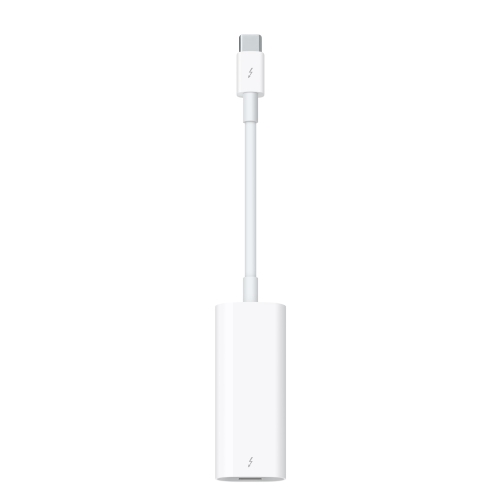 Your price for this item is $89.18
 -
 Your price for this item is $19.99
 -
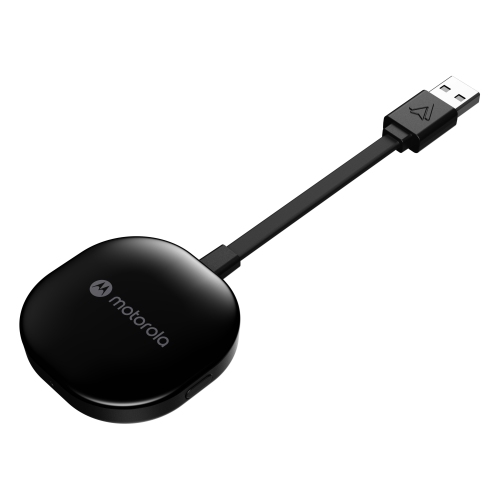 Your price for this item is $94.99
 -
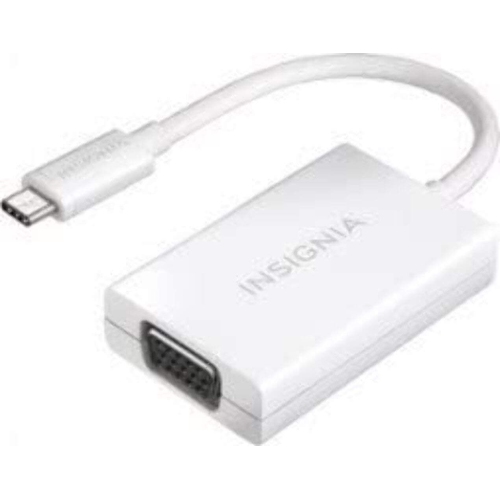 Your price for this item is $13.99
 -
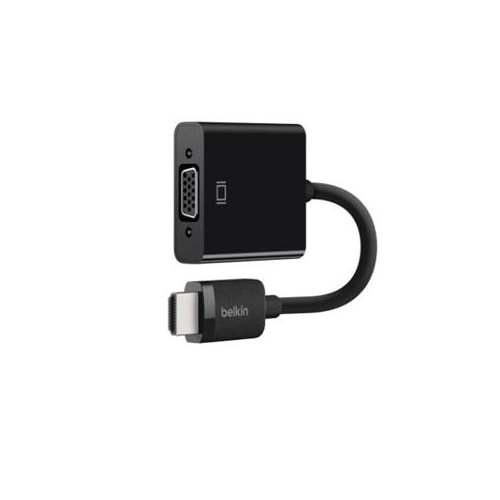 Your price for this item is $48.68
 -
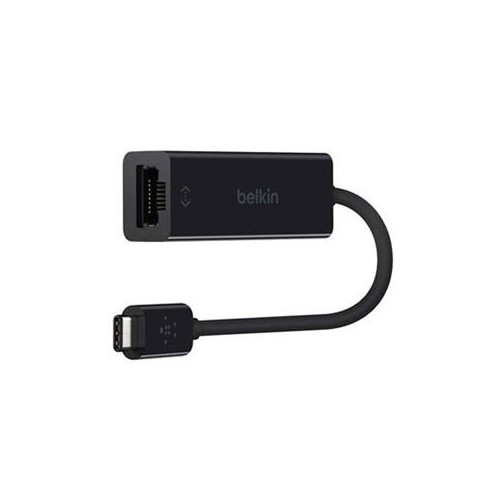 Your price for this item is $49.68
 -
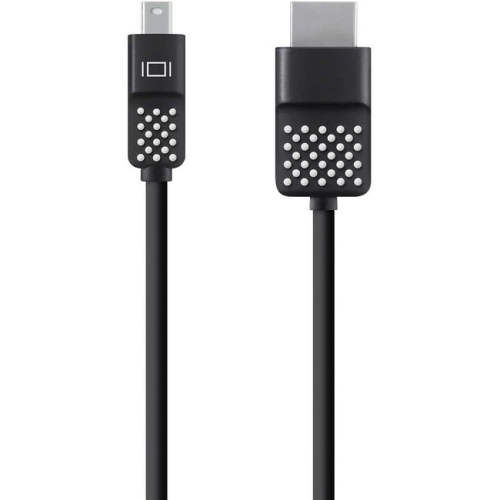 Your price for this item is $29.68
 -
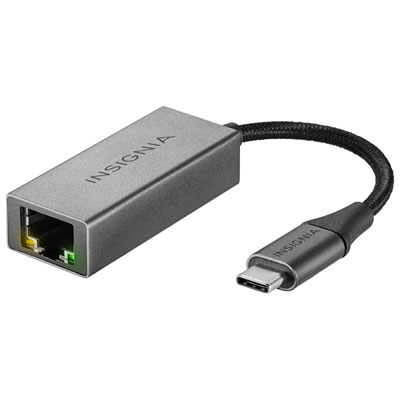 Your price for this item is $29.95
Discover more categories related to Usb Console Cables
Top Collections:
Pokemon Centers, Budget 4K TVs, Best Budget Office Chairs, Kindle Devices, Canon G7X Cameras, Apple iPhones 16, iPhone 15 Apple, Laptops for Business Work, Xiaomi Phones, Flip Phones
Some products may be subject to Environmental Handling Fees
(EHF) depending on your province.
Learn more about EHFs.