USB Cables for Tech Accessories
Upgrade your connectivity with usb cables for tech accessories, designed to keep your devices powered and data flowing smoothly. Whether you need reliable charging solutions or dependable connections for your favorite gadgets, you'll find a wide selection to fit your needs. Explore options that make syncing, transferring, and powering up effortless, so you can stay productive and connected at home, in the office, or on the go. Find the perfect usb cables for tech accessories to enhance your setup and keep everything running seamlessly.
Sort


Why cable compatibility goes beyond matching the connector
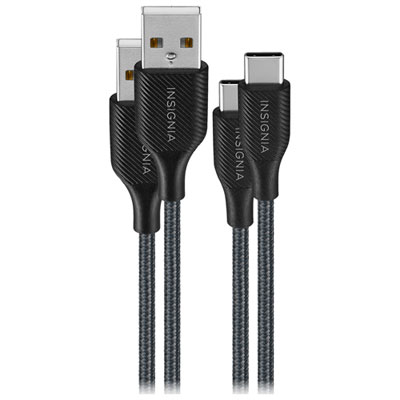
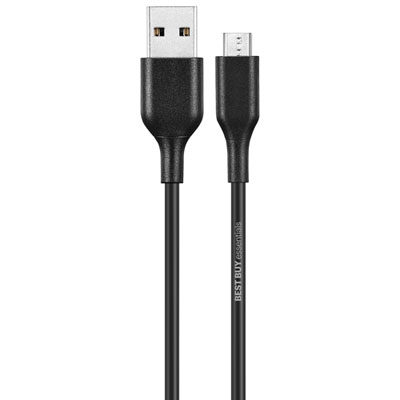
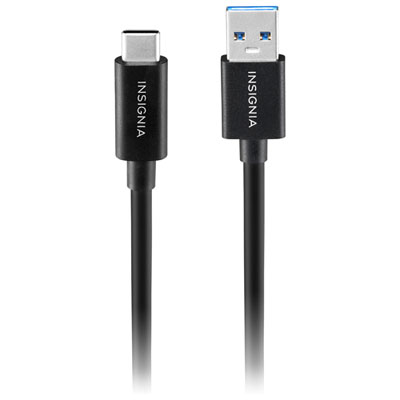
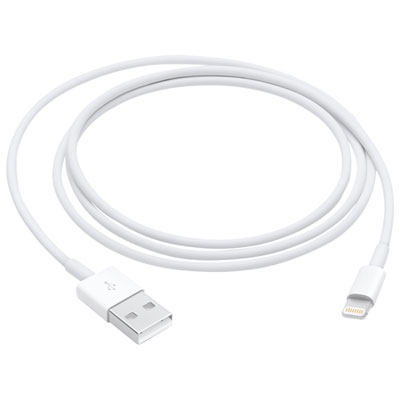
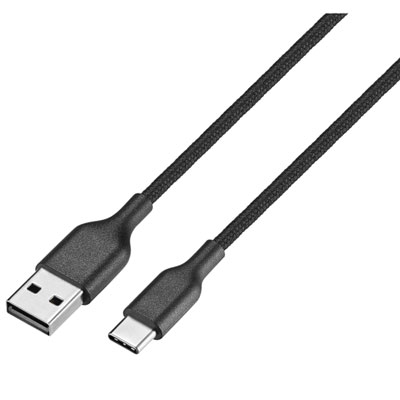
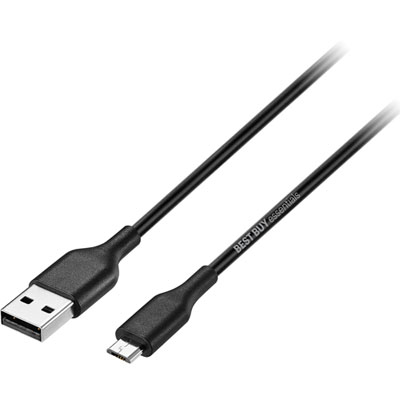
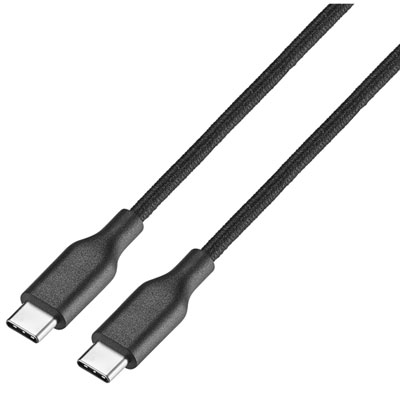
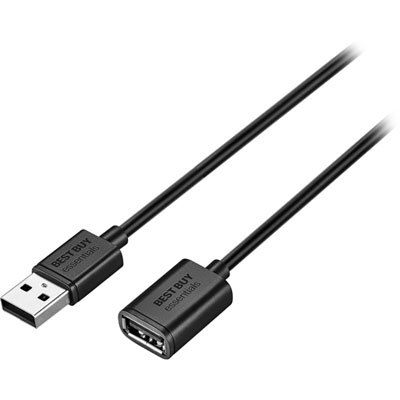
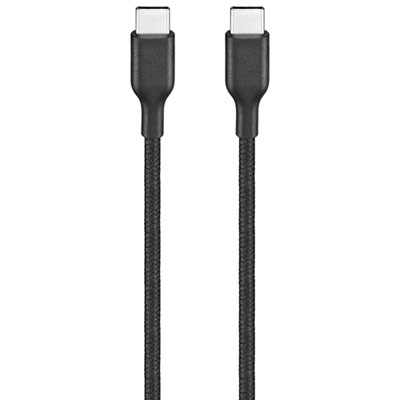
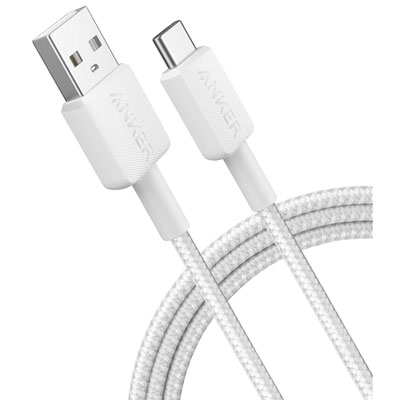
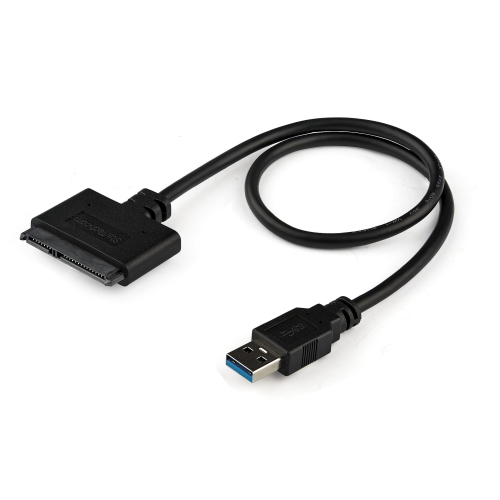
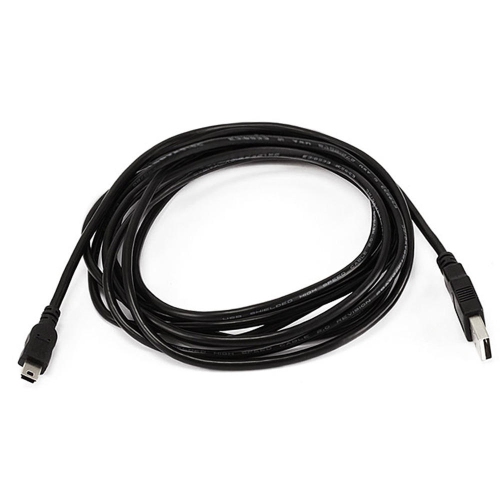
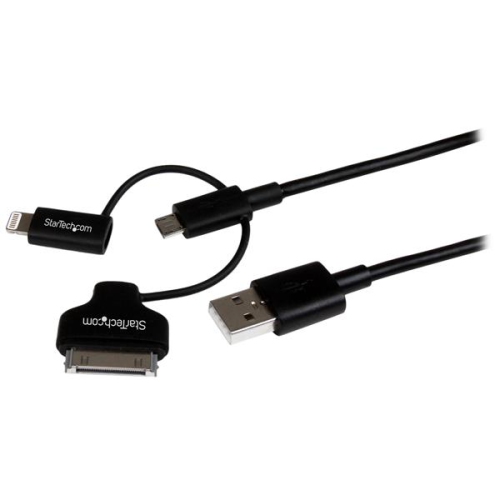
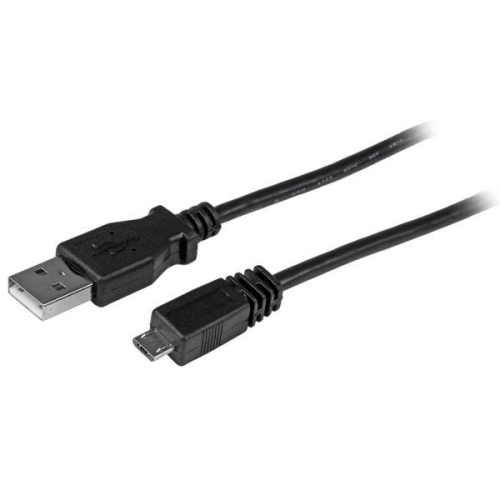
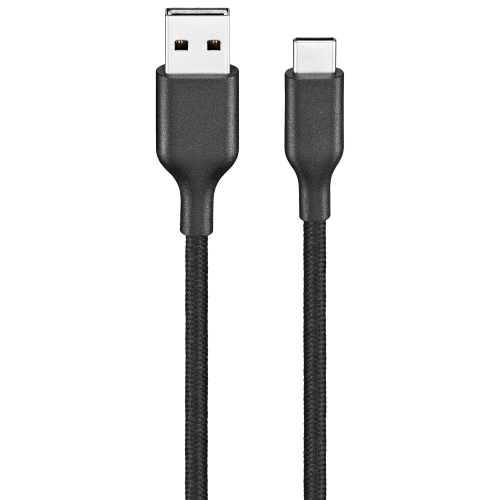
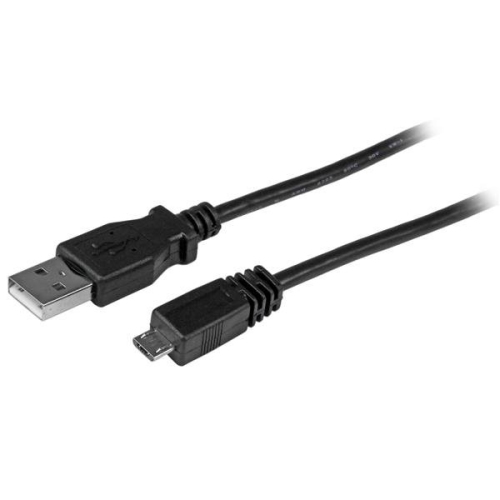
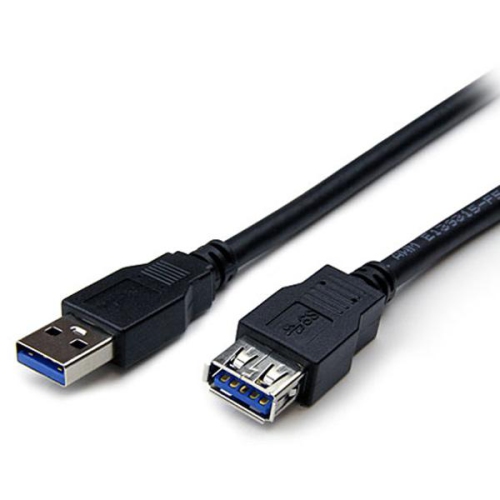
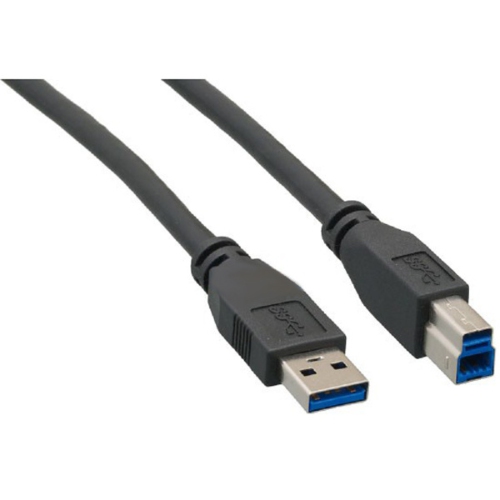
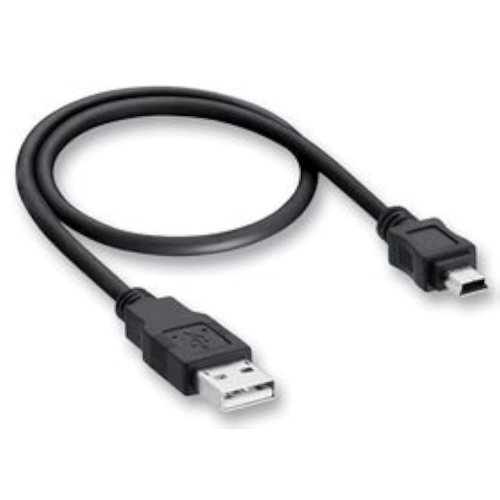
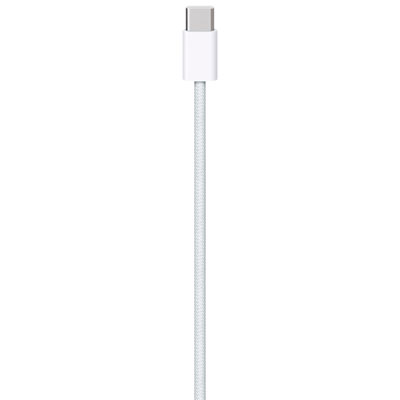
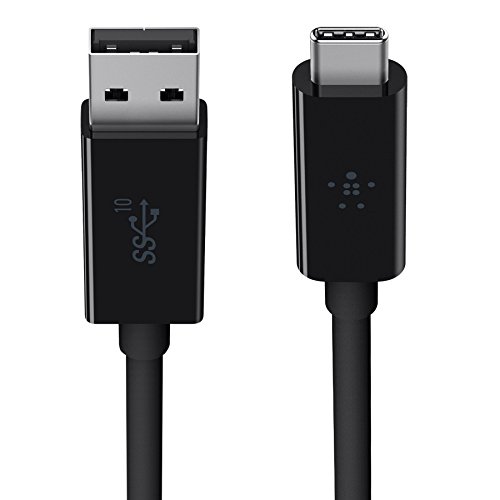
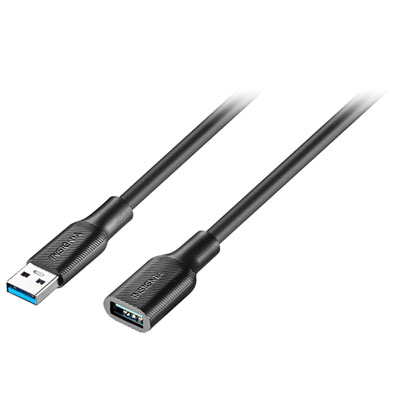
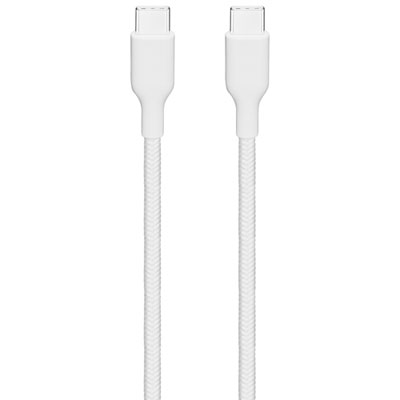
USB cables for tech accessories connect everyday devices to chargers, computers, hubs, and other compatible equipment for power, data transfer, or both. The connector at each end determines what the cable can physically connect, while its specifications determine what that connection can do. USB-C to USB-C cables connect devices with USB-C ports and can support fast charging, file transfers, and, on compatible cables and equipment, video output. USB-A to USB-C cables link USB-C accessories to the rectangular USB-A ports found on many computers, charging adapters, and hubs. Micro-USB cables remain useful for accessories such as portable speakers, wireless headphones, game controllers, and rechargeable lights that use this smaller, asymmetrical connector. USB cables with a Lightning connector serve compatible phones, tablets, and accessories equipped with a Lightning port. These connector types are not interchangeable, even when the devices they serve perform similar tasks. A pair of wireless headphones and a portable speaker might both need charging but require different cable ends, making the port shape more useful than the accessory category when matching a cable. USB-C connectors are reversible, while USB-A and Micro-USB connectors generally need to be aligned in a particular orientation. For a desk with several rechargeable accessories, a mix of connector types can make more sense than several identical cables. A shorter cable might connect a keyboard to a nearby hub, while another reaches a headset stand from a power adapter beneath the desk. Travel bags, bedside tables, shared charging areas, and home offices each place different demands on the same basic accessory. Matching both ends to the actual ports helps avoid a cable that fits the device but not its intended power source. The connector housing also matters: a bulky plug may not reach a recessed port or fit through the opening in a protective case, even when the connector itself is correct.
Charging performance depends on the cable, the power source, and the connected device working together. A cable labelled for a high power level does not make a basic charging adapter deliver more power, and a device draws only the power it supports through a compatible charging connection. USB Power Delivery is a charging standard used by many USB-C devices, but the cable and charger still need suitable ratings for the intended setup. A compact accessory may have modest charging needs, while a laptop can require substantially more power. Data performance is a separate consideration. Two cables with identical USB-C connectors can have very different transfer capabilities, and some cables are intended for charging without data transfer. For moving photos, backing up files, or connecting external storage, the stated data rate matters more than the shape of the plug. Connecting a display through USB-C adds another requirement: the cable, source device, and display connection must all support the necessary video capability. A charging cable should not be assumed to carry video simply because it fits. These distinctions are especially relevant at a workstation where one cable may be expected to handle several tasks. Cable length also changes how comfortably a setup works. A short lead keeps a portable power bank and phone close together without leaving a large loop in a bag. A longer cable can reach from a wall adapter to a bedside table or from a desktop tower to an accessory on the work surface. Extra length is useful only when the cable still meets the required power and data specifications; longer does not automatically mean more capable. Measuring the route around furniture, rather than just the straight-line distance, helps account for corners and port placement. A little slack keeps tension off connectors, while excessive loose cable can snag on chair arms or become tangled with other leads. Right-angle connectors can suit tight spaces, provided their orientation leaves neighbouring ports and device controls accessible.
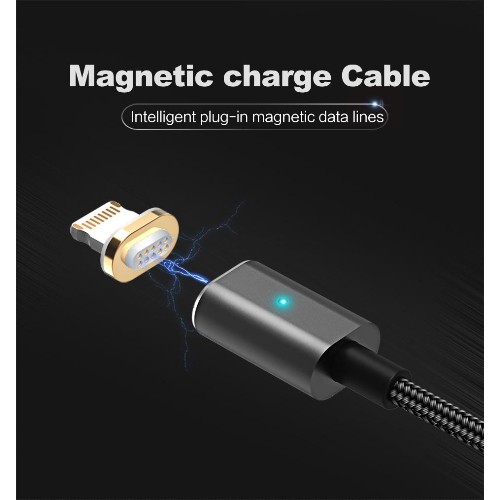
Materials and construction influence how a USB cable feels in daily use and how well it handles repeated movement. Braided nylon jackets add a textured outer layer that can help resist surface abrasion, although their flexibility varies. Silicone jackets often feel soft and bend easily, which can be convenient when a cable is frequently packed and unpacked. Smooth plastic jackets are straightforward to wipe clean and can slide neatly through cable clips or desk openings. No jacket material makes a cable immune to damage, and reinforced strain relief near each connector is particularly useful where the lead bends during charging or handling. Someone who connects a controller every evening may value a flexible lead that moves comfortably, while a cable kept behind a monitor may benefit more from a tidy route and secure fit. For compatible magnetic connection designs, USB Magnetic Cables offer another way to attach and detach a charging lead. Their connector systems and supported functions vary, so matching tips, charging ratings, and data capabilities remain important; magnetic components should not be assumed to work across different designs. Whatever the construction, disconnecting a cable by holding the plug rather than pulling the cord helps reduce stress at the join. Loose coils are gentler than tight wraps, particularly around a charging adapter, and a small pouch can keep spare leads from catching on keys or other objects in a bag. Cleaning should follow the cable maker’s directions, with power disconnected and connectors kept dry. Fraying, exposed wiring, bent contacts, or a loose connector are signs that a cable needs replacing rather than continued use. For students, commuters, gamers, and anyone managing several rechargeable accessories, dependable cables can make everyday routines simpler without adding complicated equipment. They can also be useful gifts when the recipient’s connector types and intended uses are known. A well-matched cable earns its place through an uncomplicated fit: enough reach, the right capabilities, and construction suited to where and how it will be used.
Charging performance depends on the cable, the power source, and the connected device working together. A cable labelled for a high power level does not make a basic charging adapter deliver more power, and a device draws only the power it supports through a compatible charging connection. USB Power Delivery is a charging standard used by many USB-C devices, but the cable and charger still need suitable ratings for the intended setup. A compact accessory may have modest charging needs, while a laptop can require substantially more power. Data performance is a separate consideration. Two cables with identical USB-C connectors can have very different transfer capabilities, and some cables are intended for charging without data transfer. For moving photos, backing up files, or connecting external storage, the stated data rate matters more than the shape of the plug. Connecting a display through USB-C adds another requirement: the cable, source device, and display connection must all support the necessary video capability. A charging cable should not be assumed to carry video simply because it fits. These distinctions are especially relevant at a workstation where one cable may be expected to handle several tasks. Cable length also changes how comfortably a setup works. A short lead keeps a portable power bank and phone close together without leaving a large loop in a bag. A longer cable can reach from a wall adapter to a bedside table or from a desktop tower to an accessory on the work surface. Extra length is useful only when the cable still meets the required power and data specifications; longer does not automatically mean more capable. Measuring the route around furniture, rather than just the straight-line distance, helps account for corners and port placement. A little slack keeps tension off connectors, while excessive loose cable can snag on chair arms or become tangled with other leads. Right-angle connectors can suit tight spaces, provided their orientation leaves neighbouring ports and device controls accessible.
Materials and construction influence how a USB cable feels in daily use and how well it handles repeated movement. Braided nylon jackets add a textured outer layer that can help resist surface abrasion, although their flexibility varies. Silicone jackets often feel soft and bend easily, which can be convenient when a cable is frequently packed and unpacked. Smooth plastic jackets are straightforward to wipe clean and can slide neatly through cable clips or desk openings. No jacket material makes a cable immune to damage, and reinforced strain relief near each connector is particularly useful where the lead bends during charging or handling. Someone who connects a controller every evening may value a flexible lead that moves comfortably, while a cable kept behind a monitor may benefit more from a tidy route and secure fit. For compatible magnetic connection designs, USB Magnetic Cables offer another way to attach and detach a charging lead. Their connector systems and supported functions vary, so matching tips, charging ratings, and data capabilities remain important; magnetic components should not be assumed to work across different designs. Whatever the construction, disconnecting a cable by holding the plug rather than pulling the cord helps reduce stress at the join. Loose coils are gentler than tight wraps, particularly around a charging adapter, and a small pouch can keep spare leads from catching on keys or other objects in a bag. Cleaning should follow the cable maker’s directions, with power disconnected and connectors kept dry. Fraying, exposed wiring, bent contacts, or a loose connector are signs that a cable needs replacing rather than continued use. For students, commuters, gamers, and anyone managing several rechargeable accessories, dependable cables can make everyday routines simpler without adding complicated equipment. They can also be useful gifts when the recipient’s connector types and intended uses are known. A well-matched cable earns its place through an uncomplicated fit: enough reach, the right capabilities, and construction suited to where and how it will be used.
Top selling and popular products
-
 Your price for this item is $39.99
 -
 Your price for this item is $24.99
 -
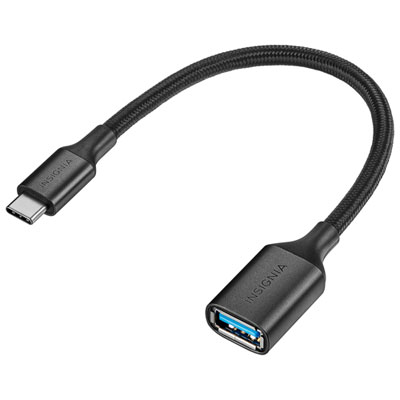 Your price for this item is $19.99
 -
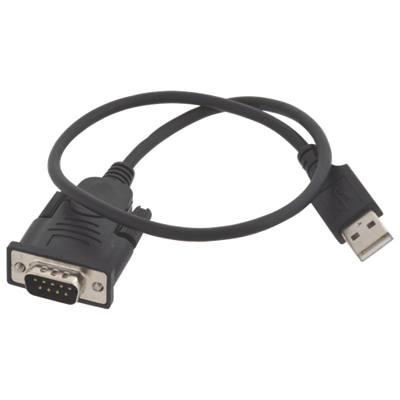 Your price for this item is $29.99
 -
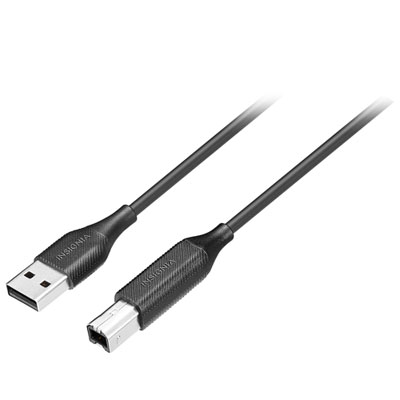 Your price for this item is $29.99
 -
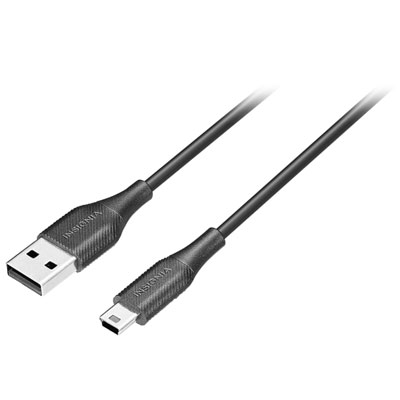 Your price for this item is $19.99
 -
 Your price for this item is $31.99
 -
 Your price for this item is $24.99
Discover more categories related to USB Cables for Tech Accessories
Top Collections:
Pokemon Centers, Kindle Devices, Best Cameras for Sports Photography, Samsung Galaxy Phones, Laptops for Business Work, Canon G7X Cameras, Pokémon 30th Celebration Cards, Refurbished Apple Laptops, iPhone 15 Apple, Cordless Dyson Vacuums
Some products may be subject to Environmental Handling Fees
(EHF) depending on your province.
Learn more about EHFs.