USB Accessories
Upgrade your tech game with our wide selection of USB accessories. From essential USB cables to convenient adapters and stylish hubs, we have everything you need to stay connected and powered up. Whether you're looking to enhance your workspace or simplify your charging setup on the go, our range of USB accessories offers practical solutions to meet your everyday tech needs. Browse through our collection and discover the perfect USB accessory to complement your devices seamlessly.
Sort
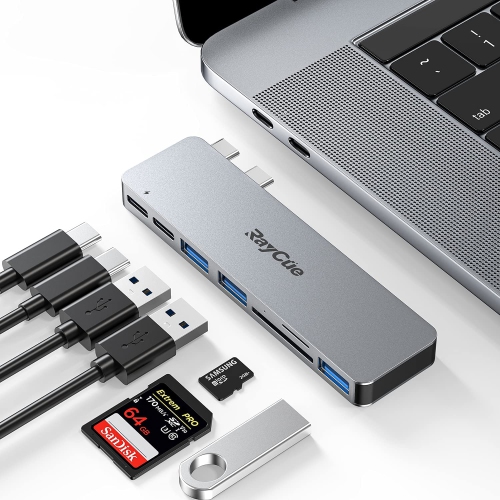
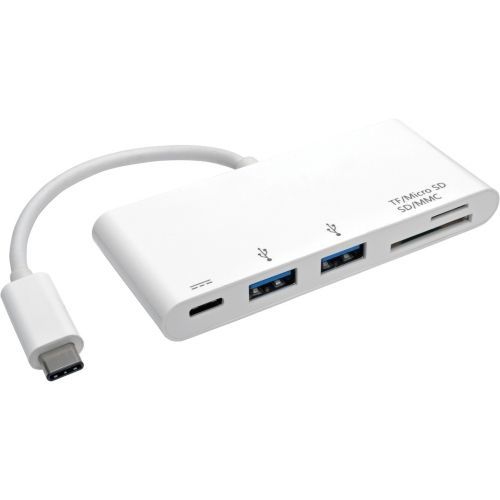
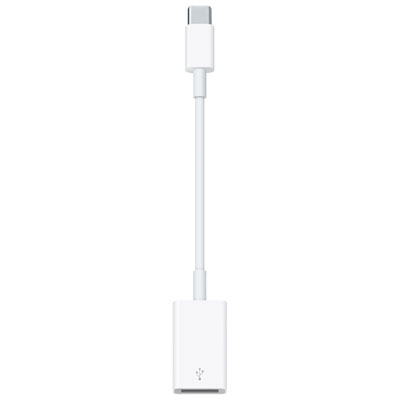
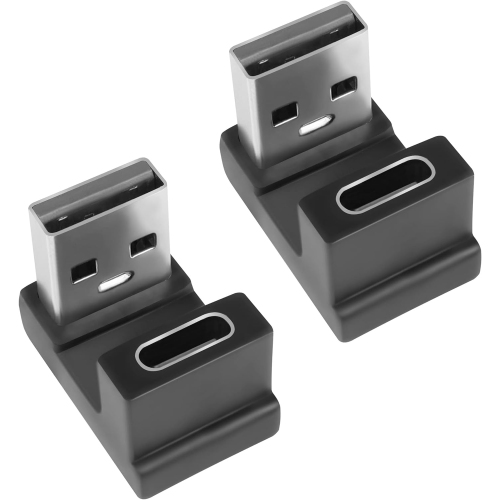
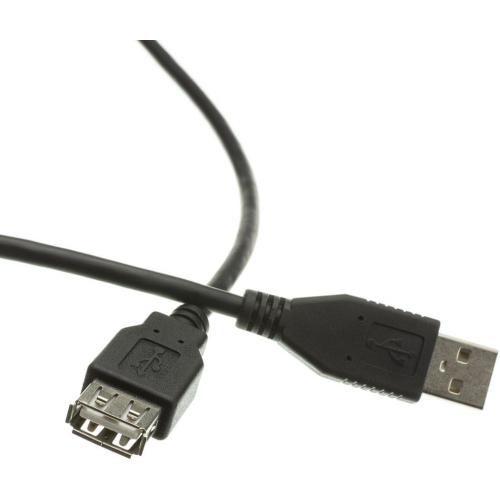
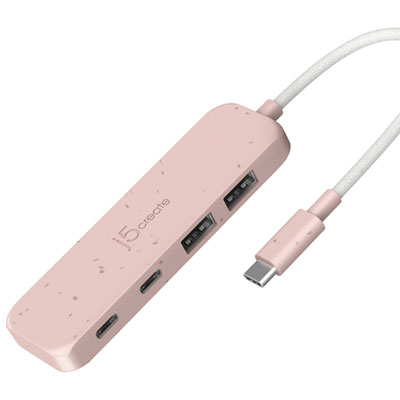
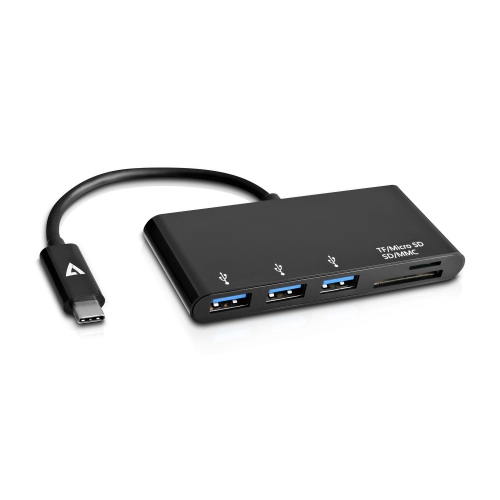
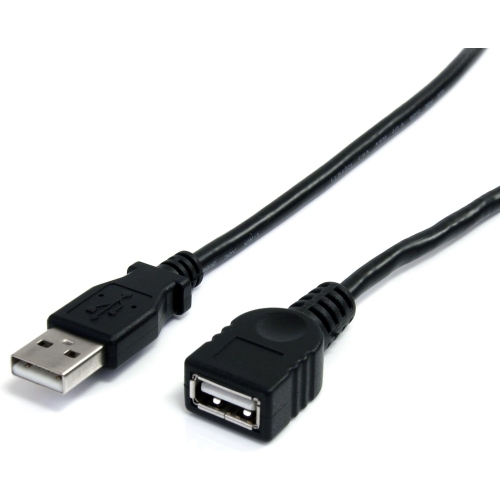
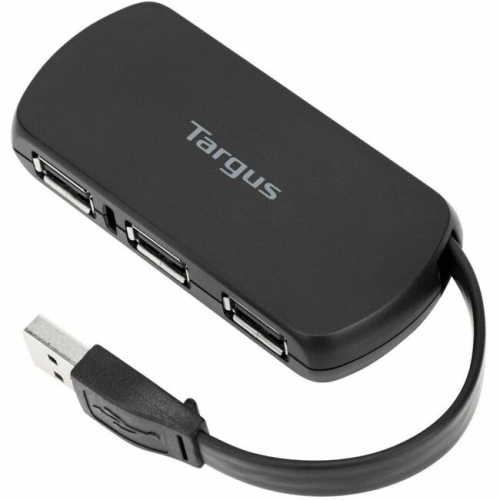
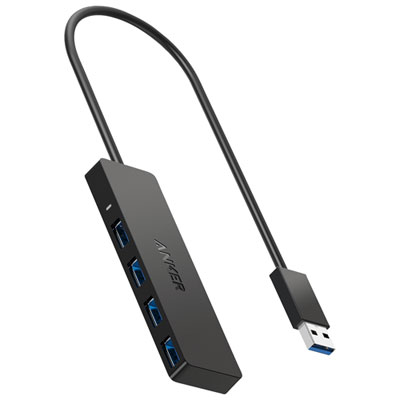
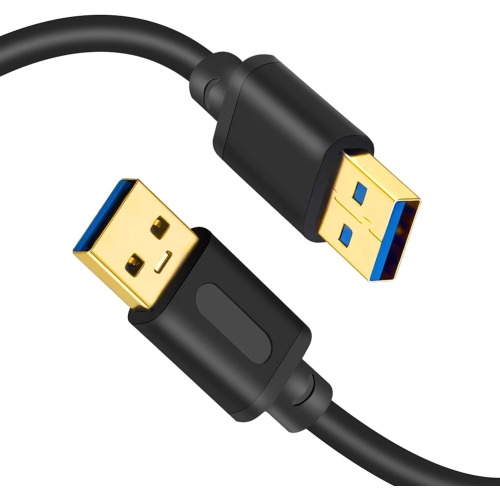
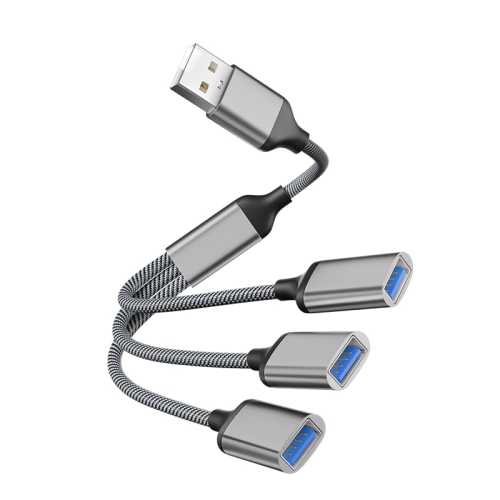
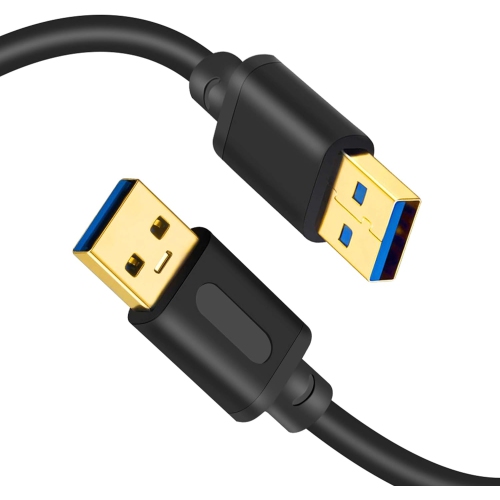
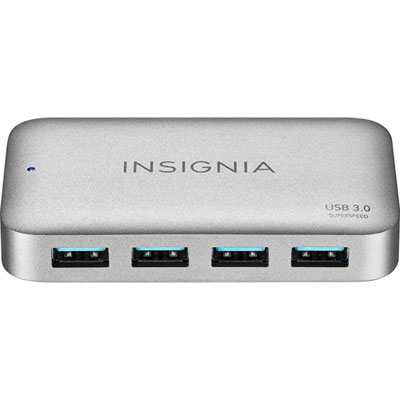
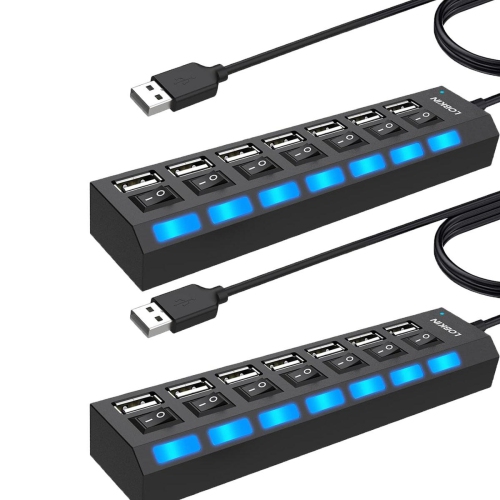
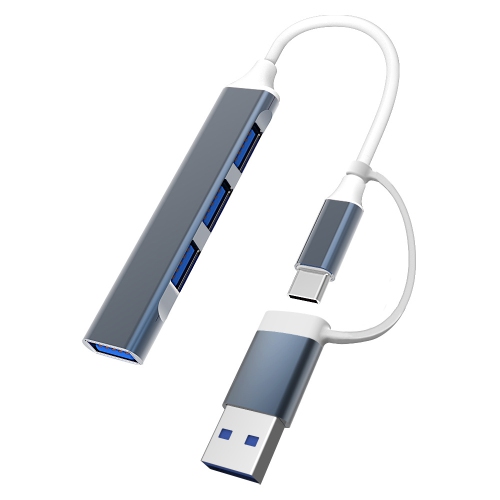
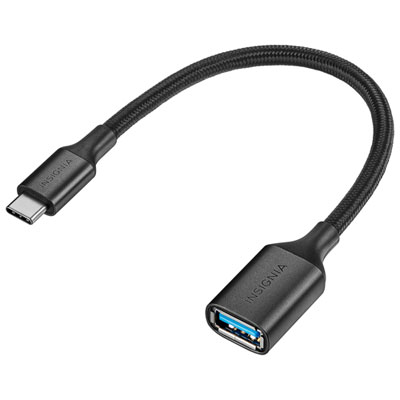
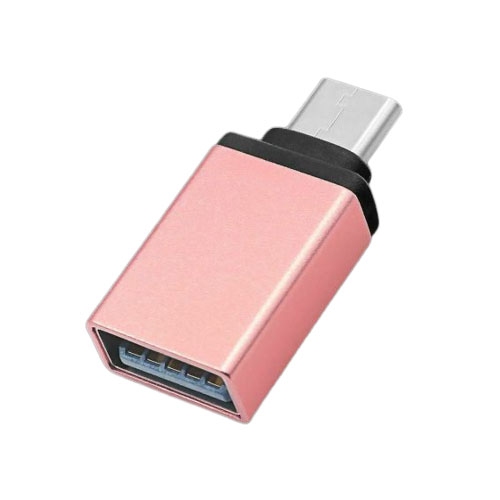
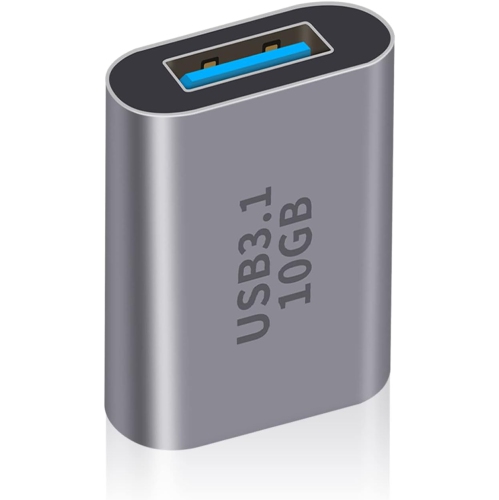
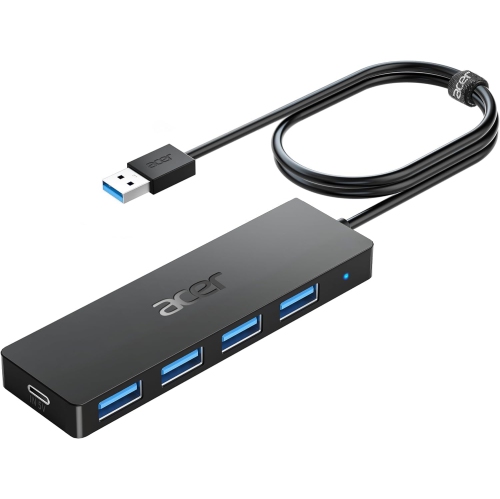
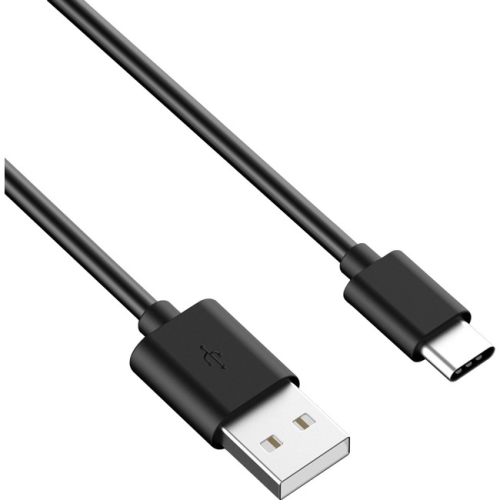
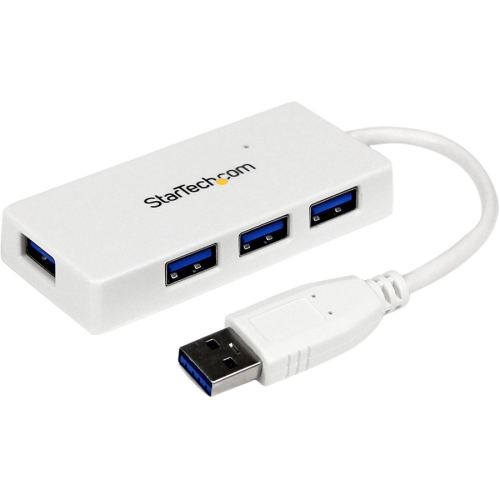
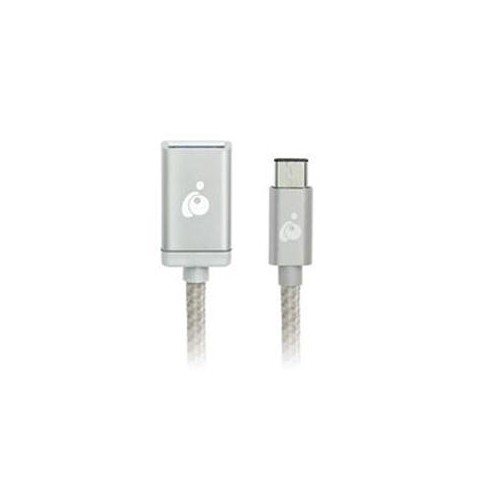
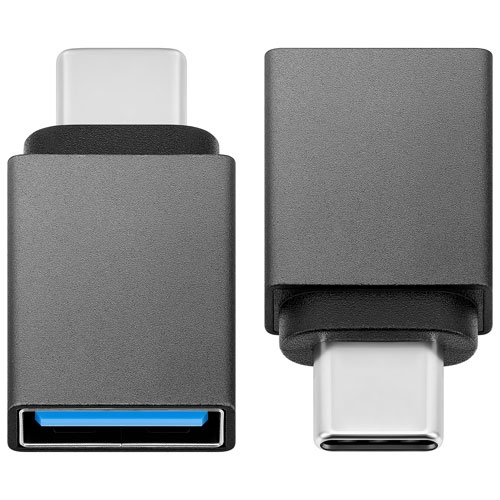
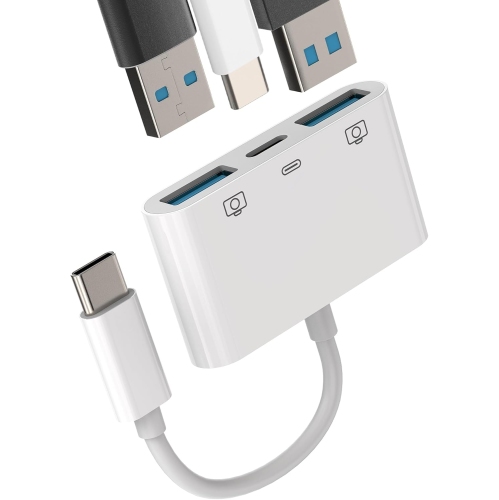
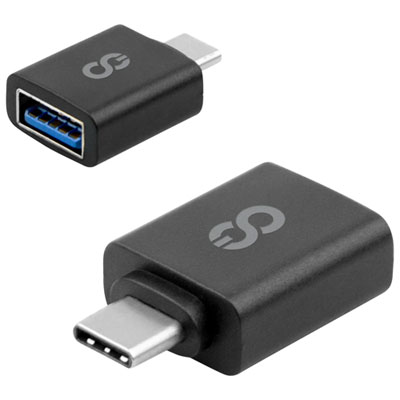
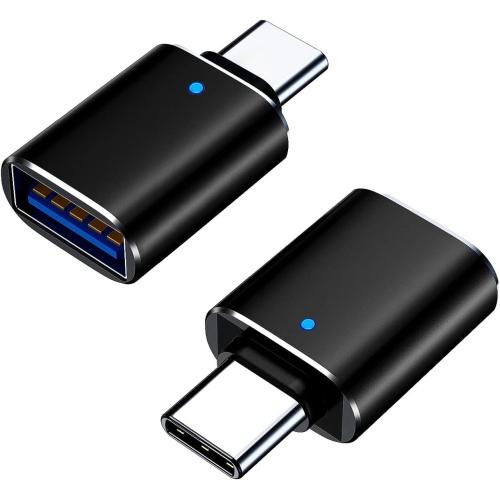
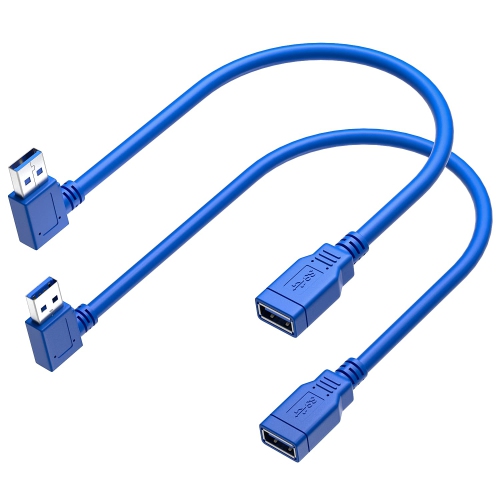
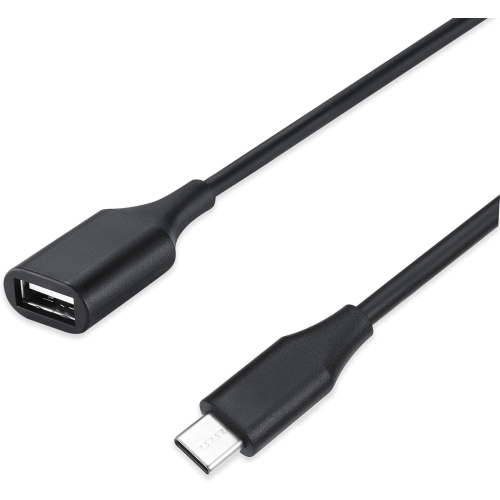
![DOLAER USB C to USB Adapter, Type C to USB Adapter [2 Pack] 3.0 USB Type C Male to USB Female, USB C Female to USB Male Adapter Otg Converter](https://multimedia.bbycastatic.ca/multimedia/products/500x500/174/17466/17466444.jpeg)
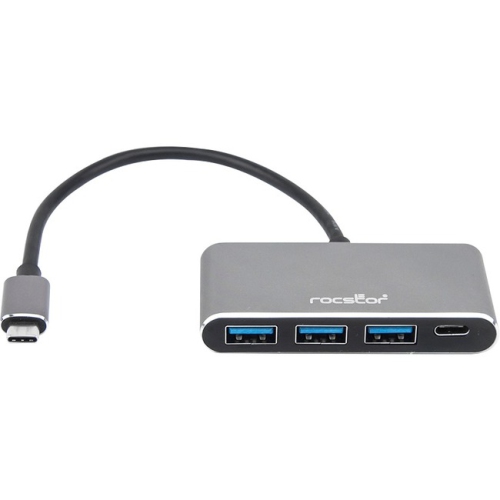

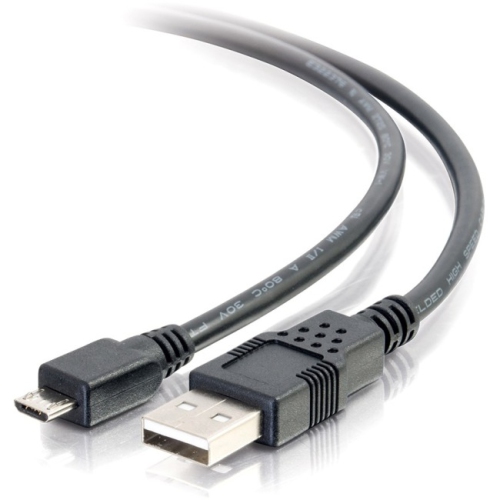
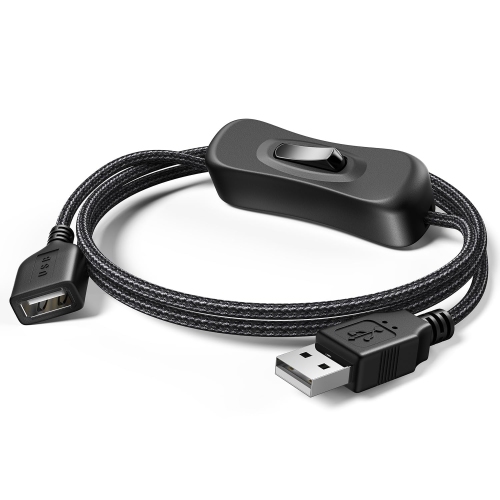
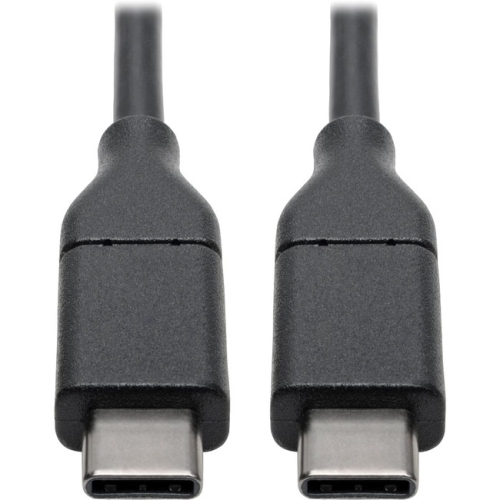
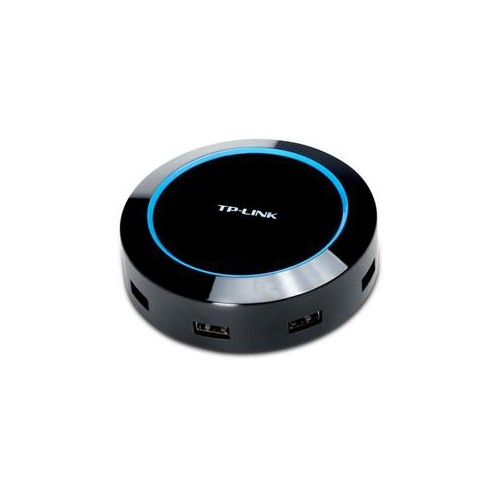
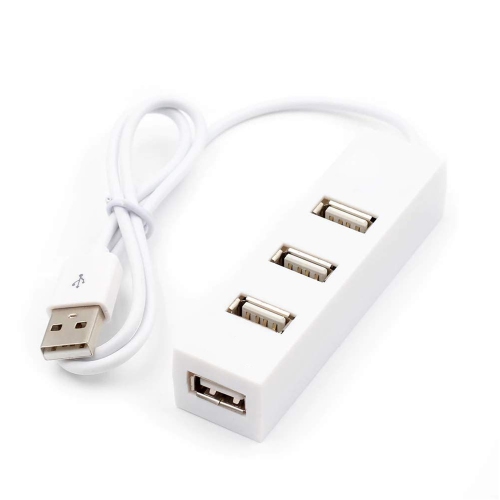
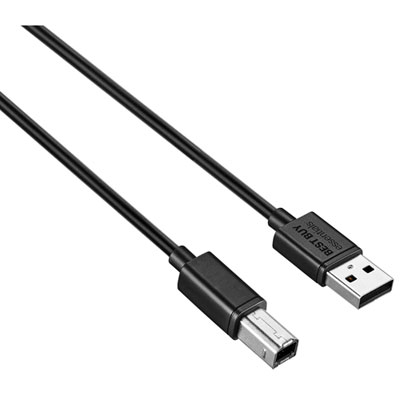
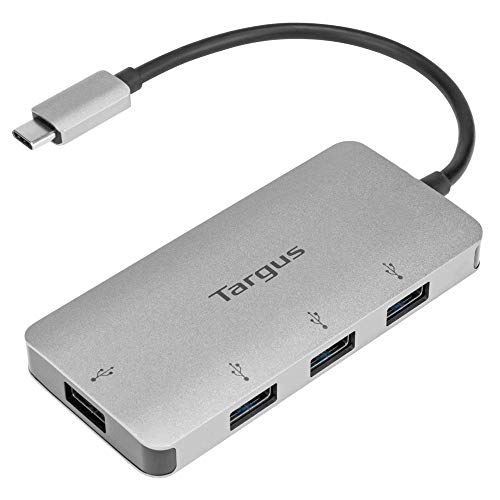
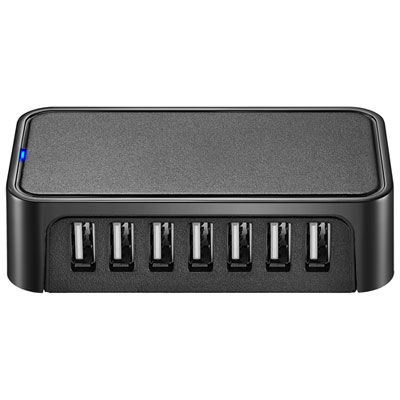
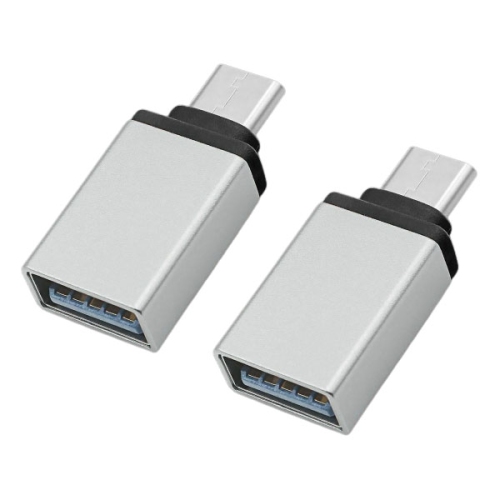

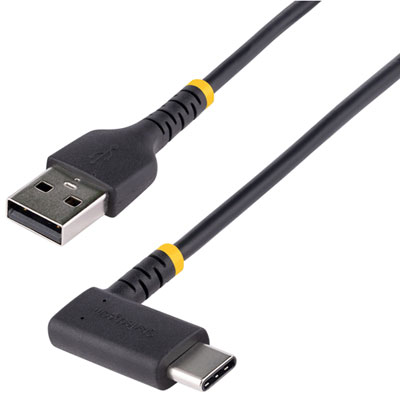
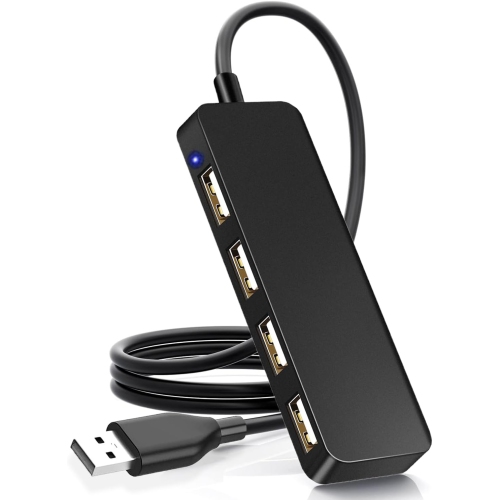
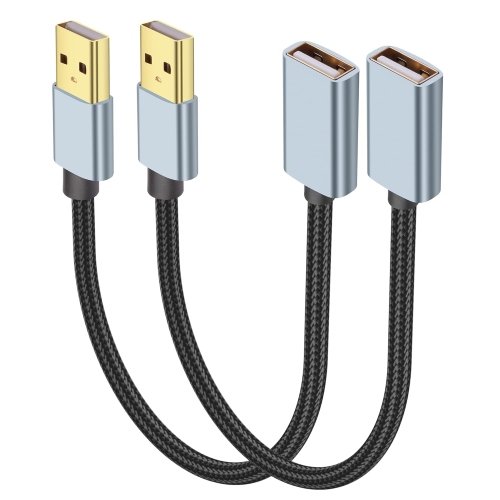

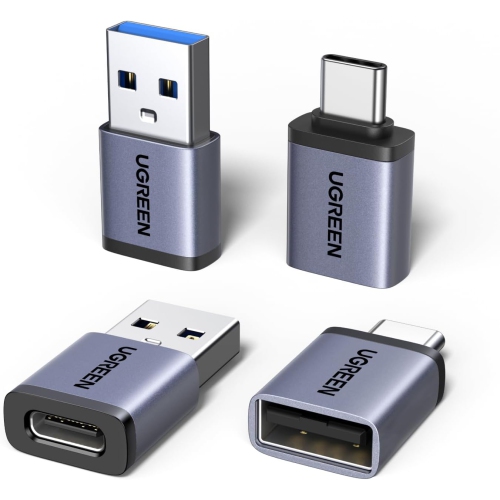
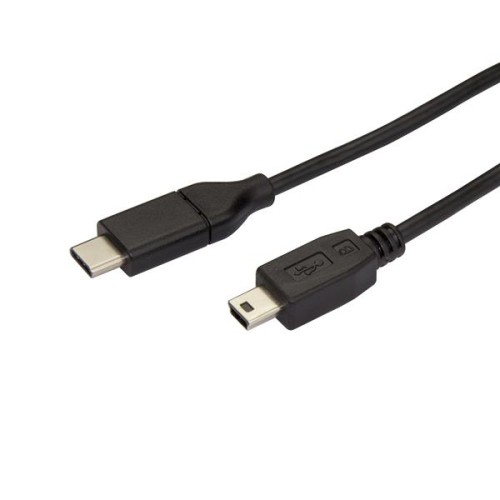
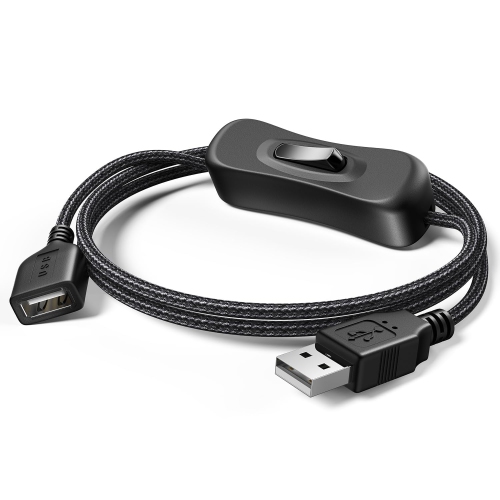
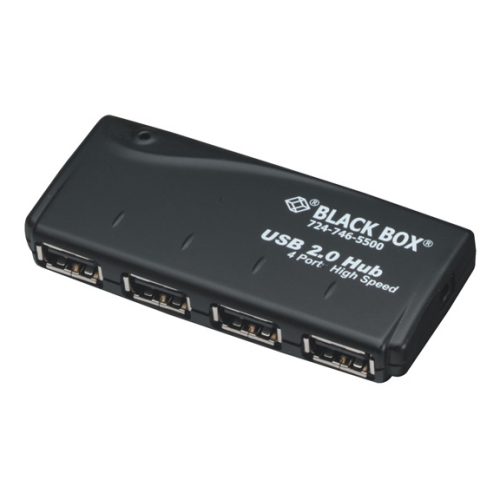
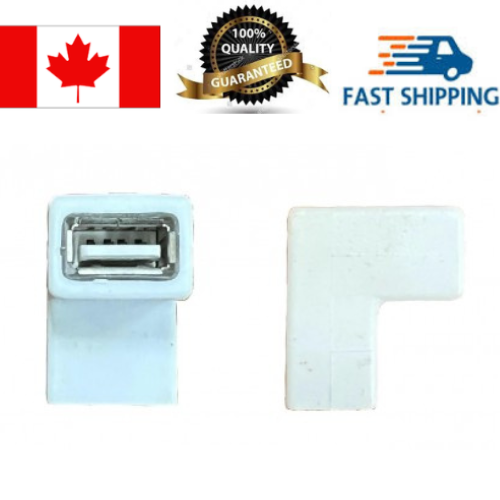
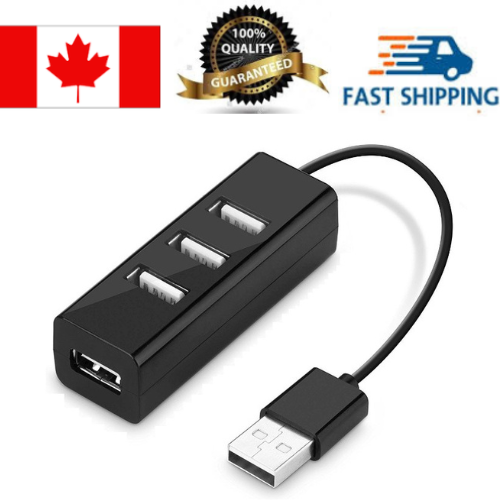
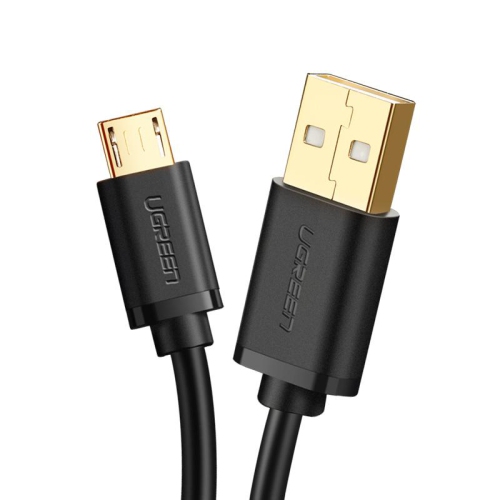

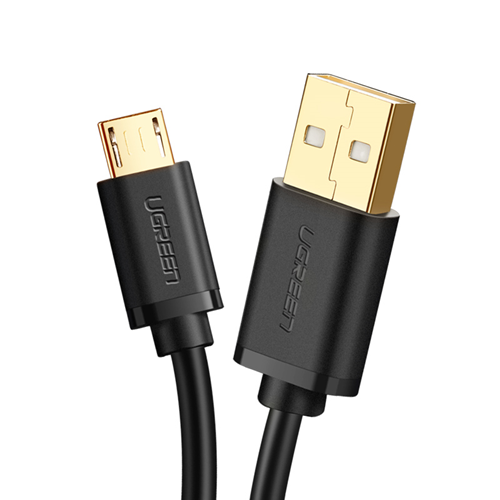


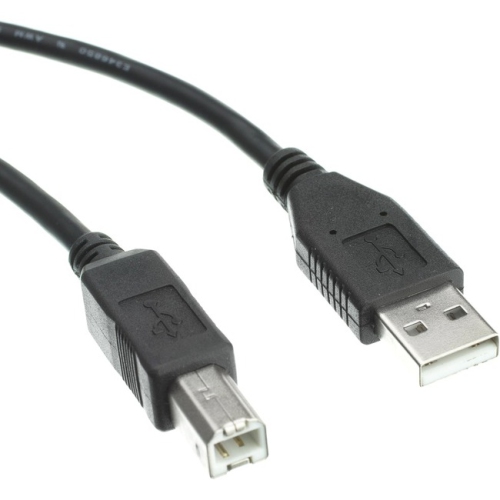
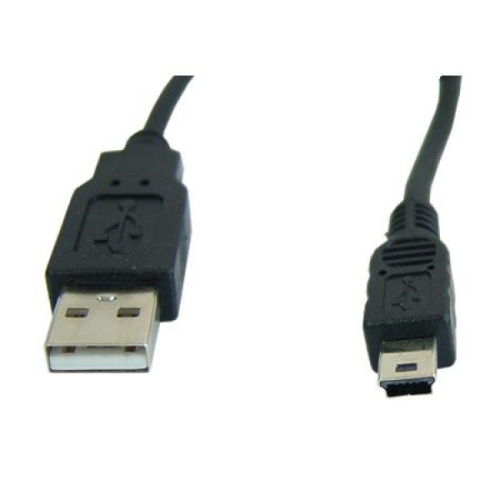
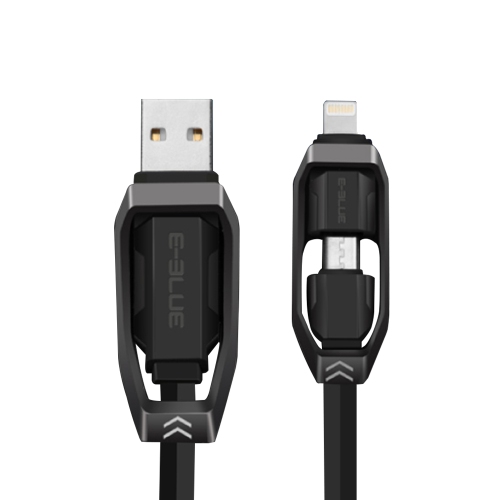
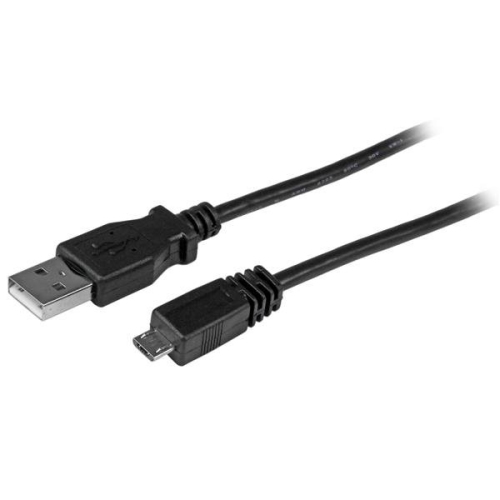

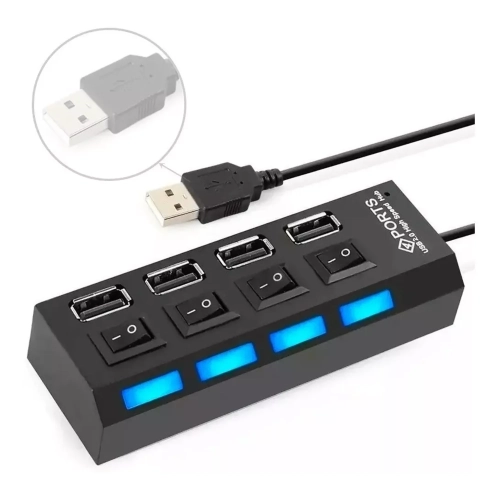
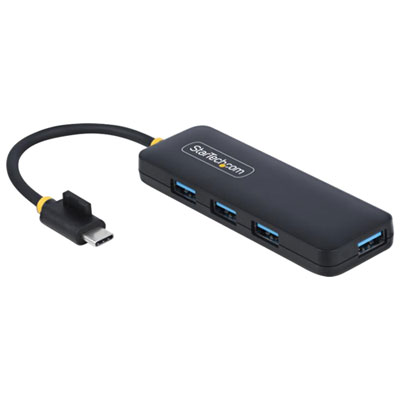
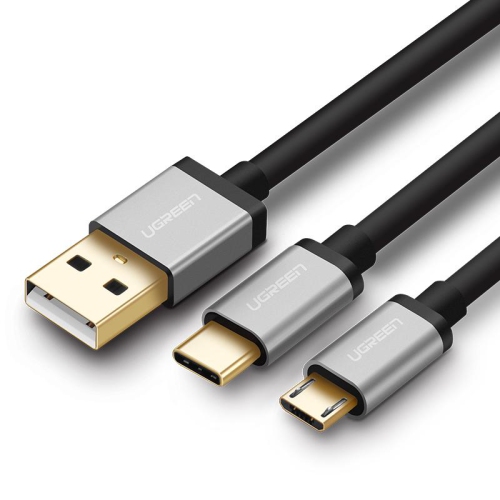
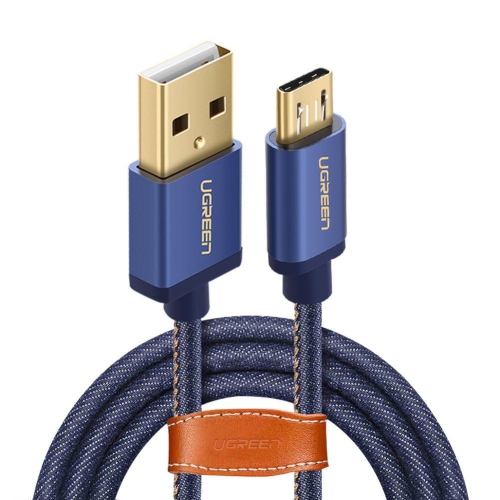
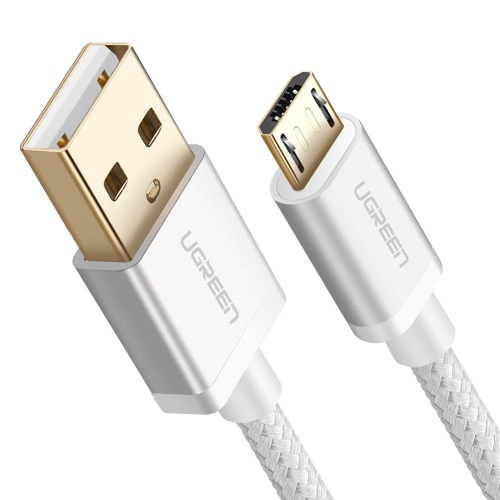
![UGREEN [2Pack] Micro-USB to USB Cable With Lightning Adapter](https://multimedia.bbycastatic.ca/multimedia/products/500x500/153/15341/15341107.jpg)
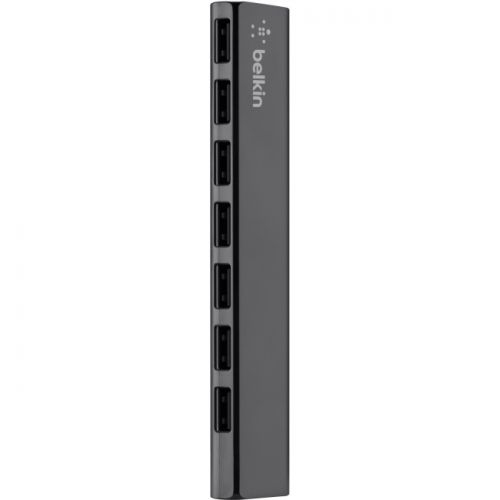
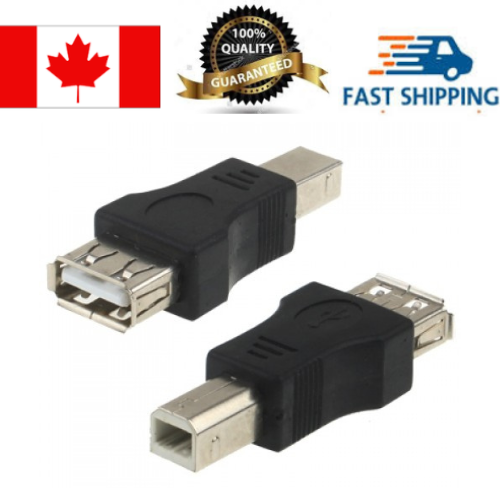
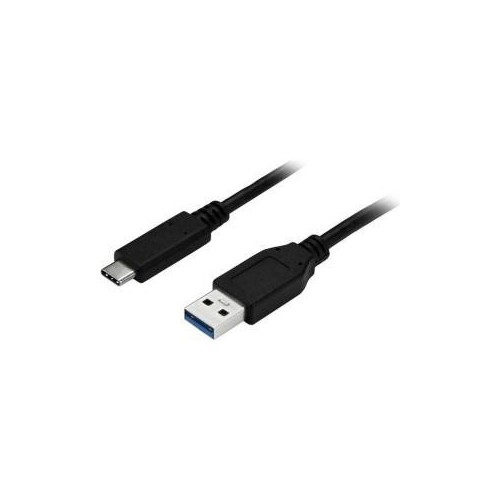
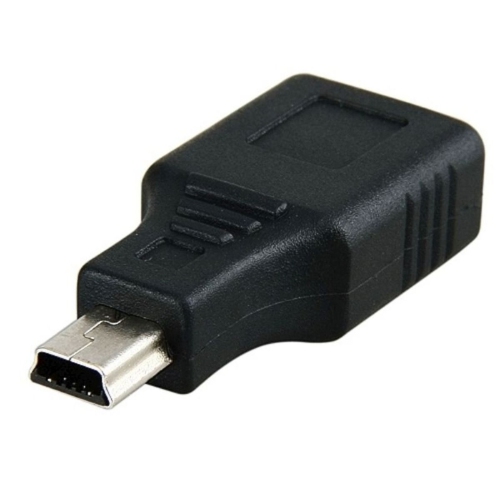
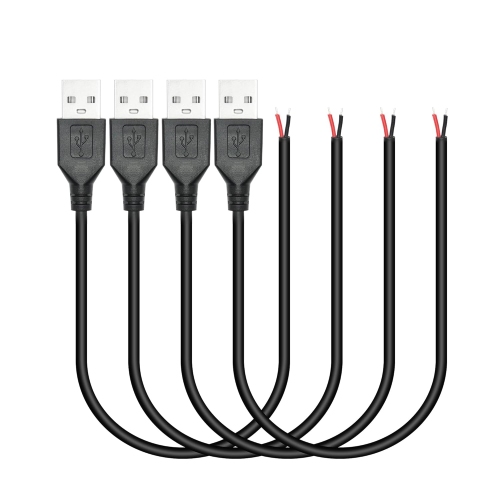
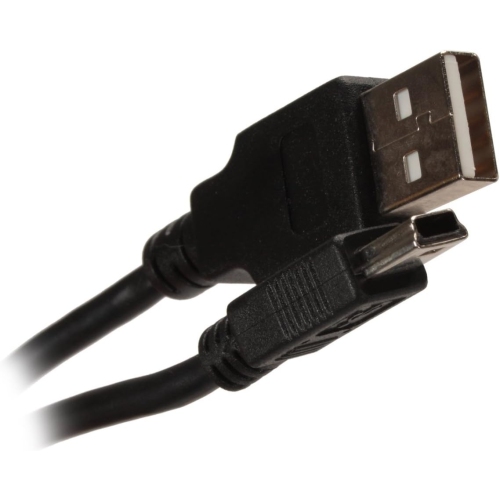
![SABRENT [6-Pack] 22Awg Premium 3Ft Micro USB Cables High Speed USB 2.0 A Male to Micro B Sync And Charge Cables [Black]](https://multimedia.bbycastatic.ca/multimedia/products/500x500/139/13987/13987493.jpg)
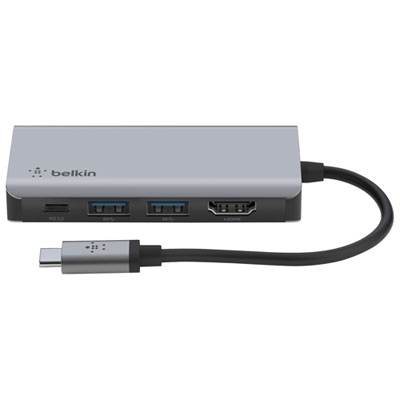
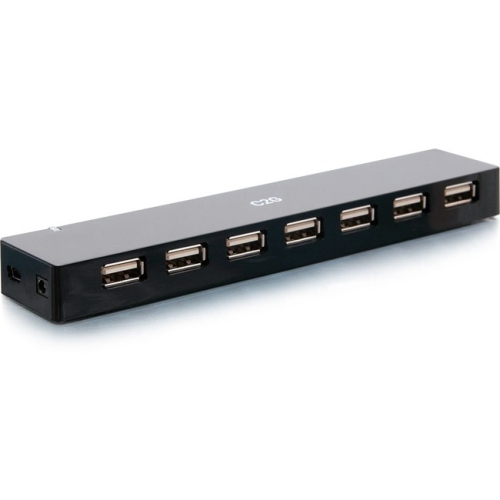
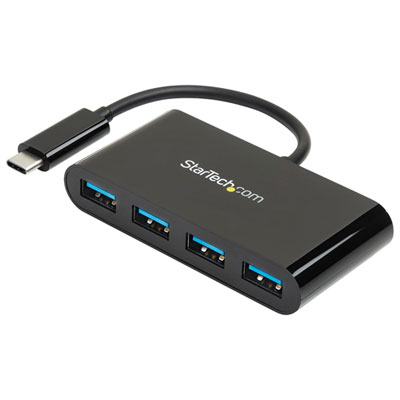
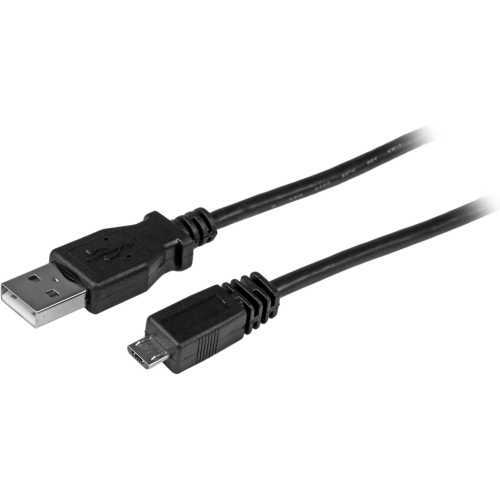
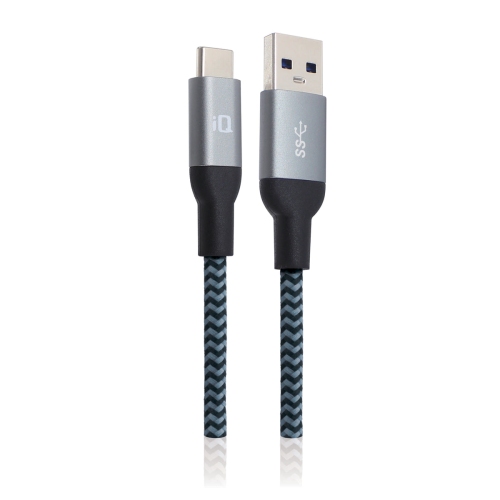

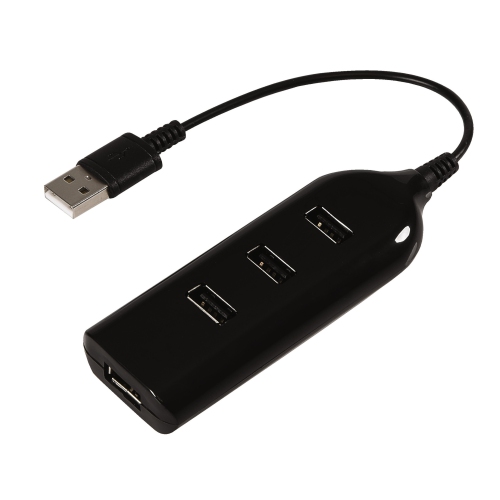
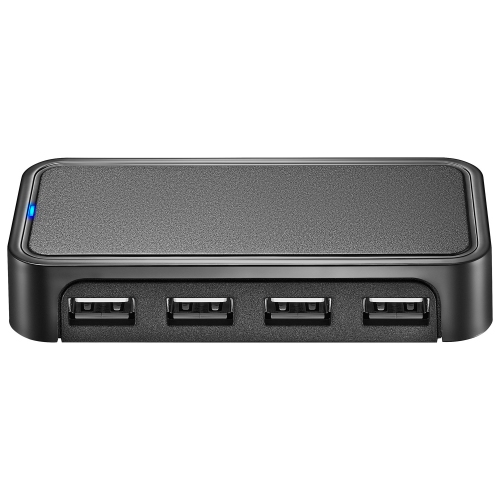
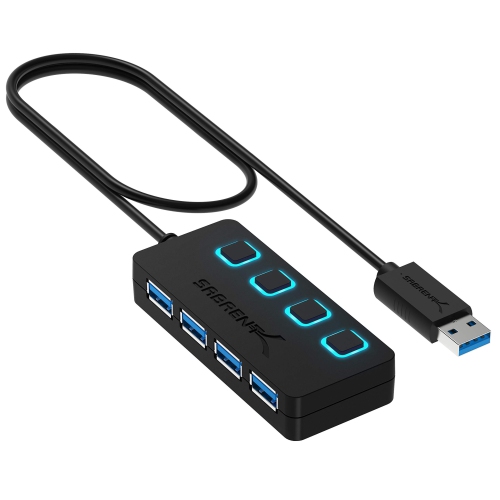
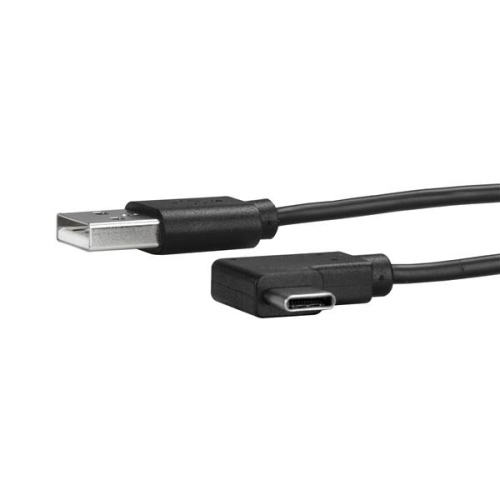


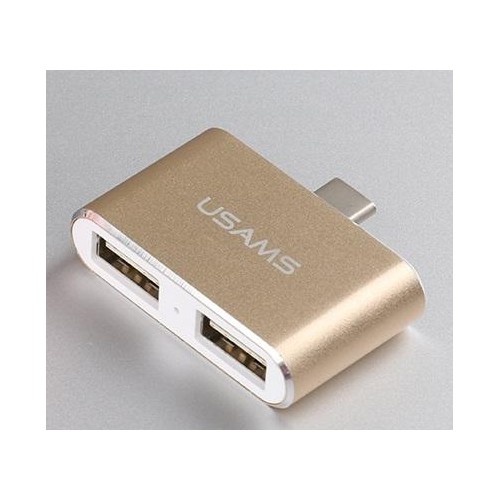
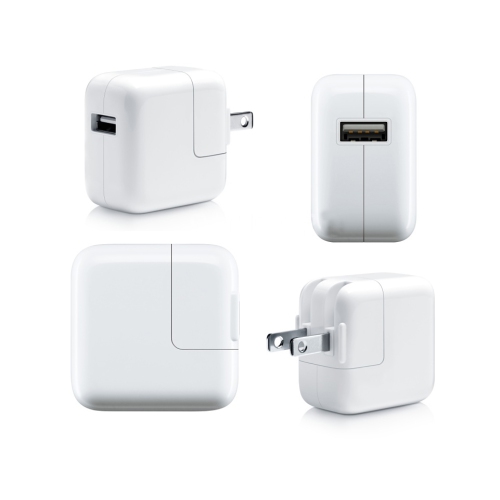
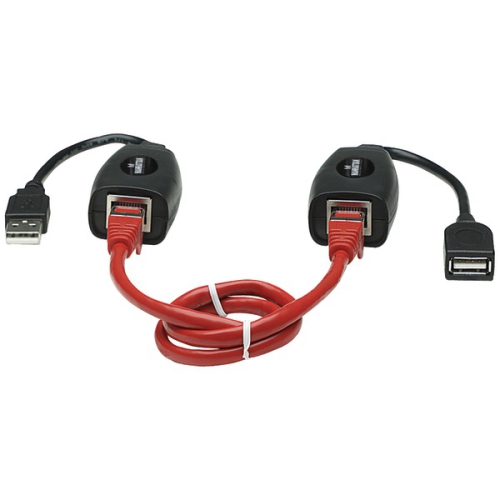
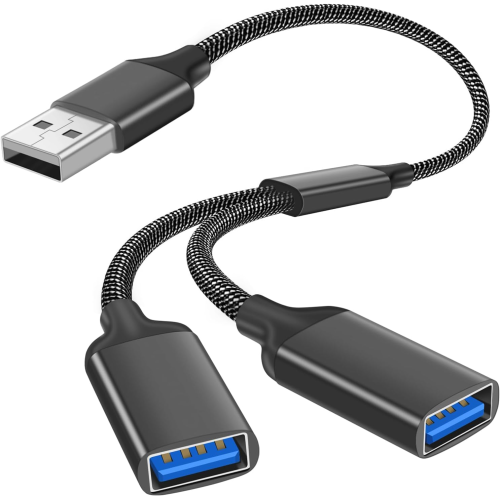
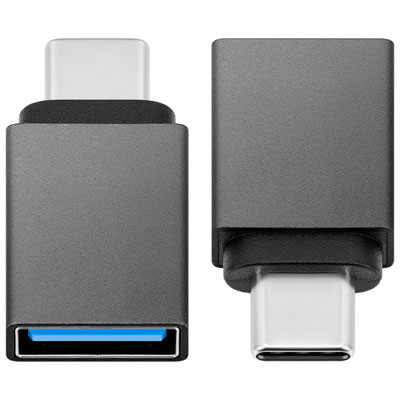
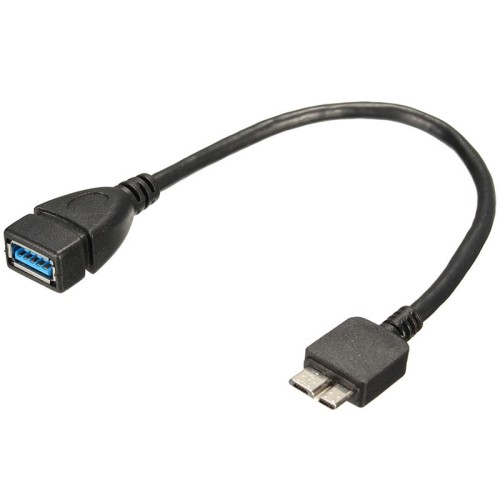
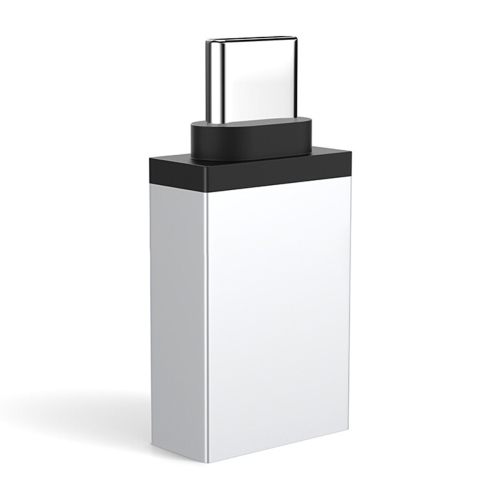
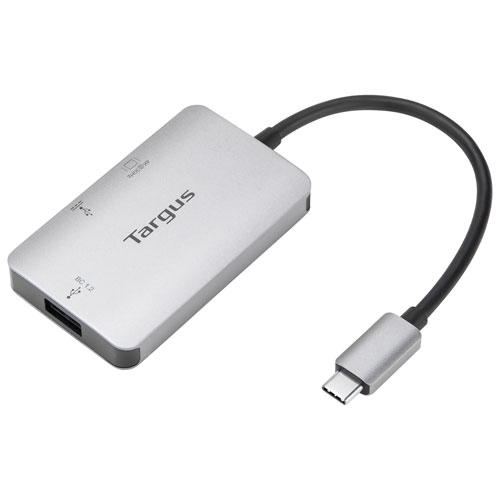
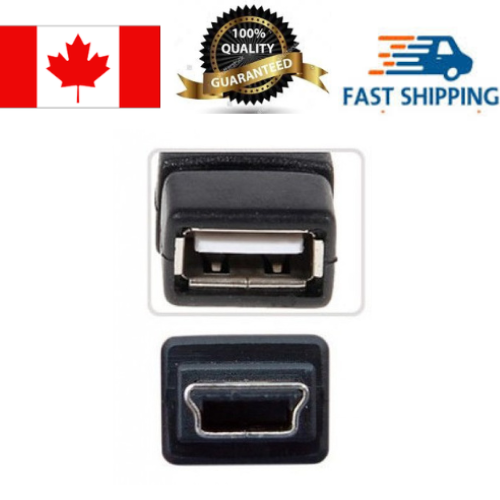
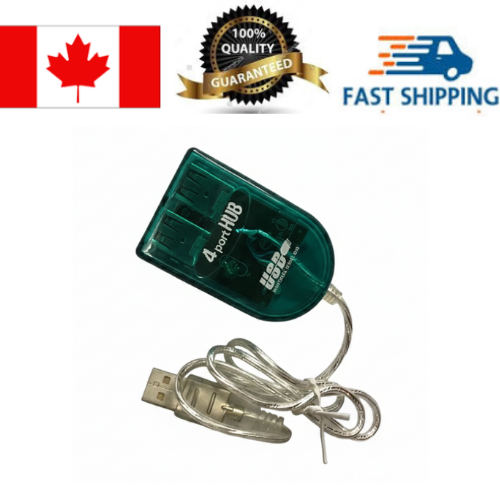


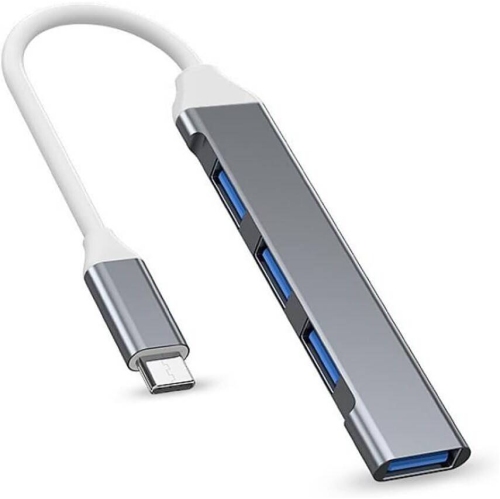
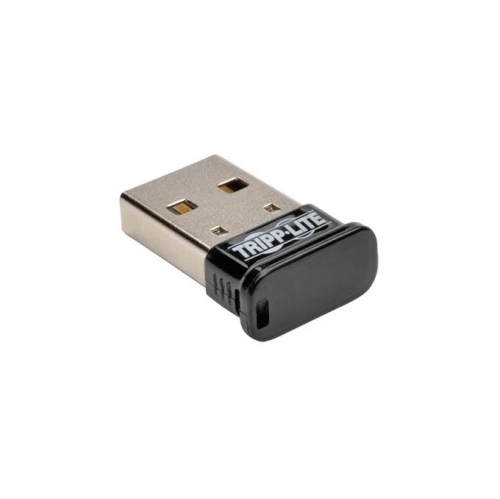
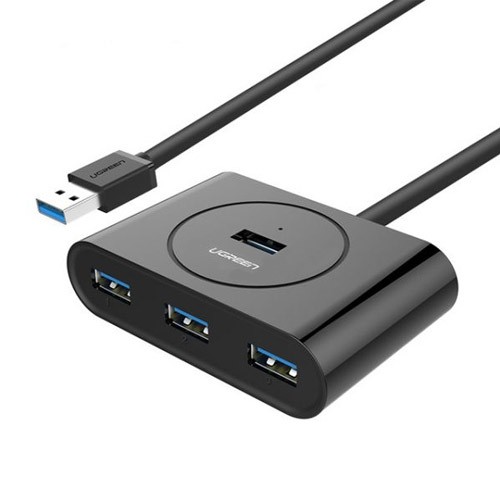
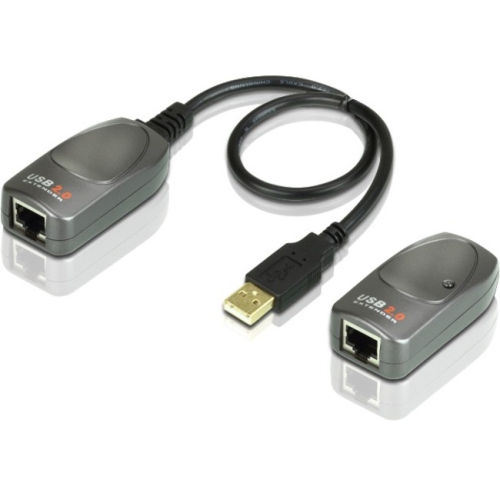
Simple ways to connect, charge, store, and work anywhere
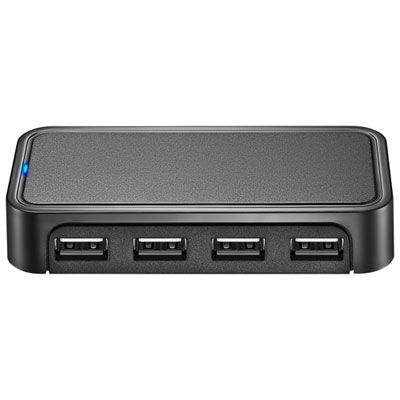
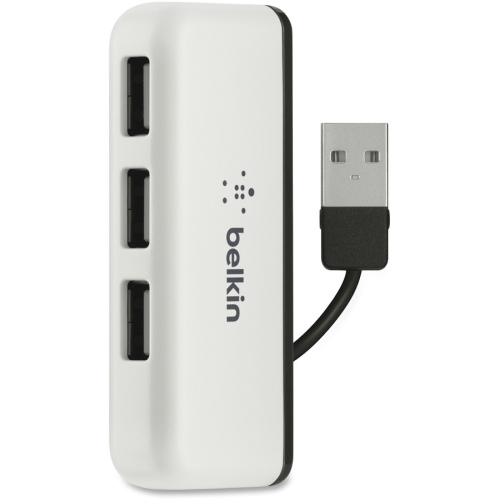
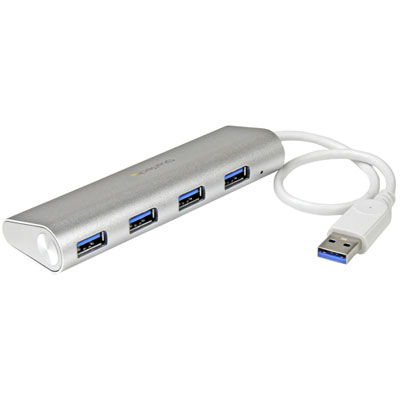
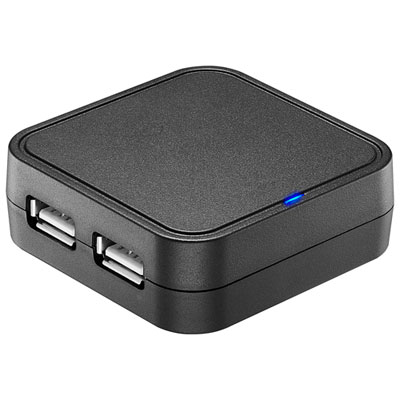
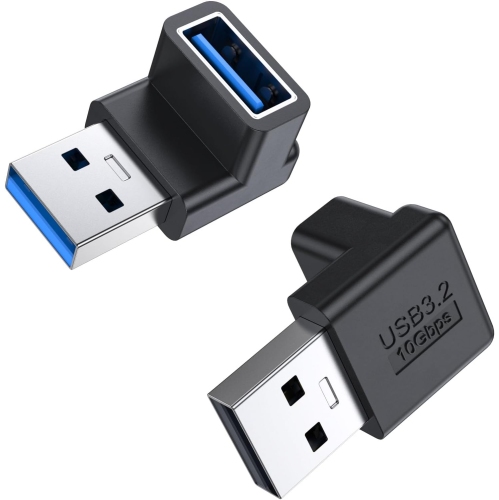
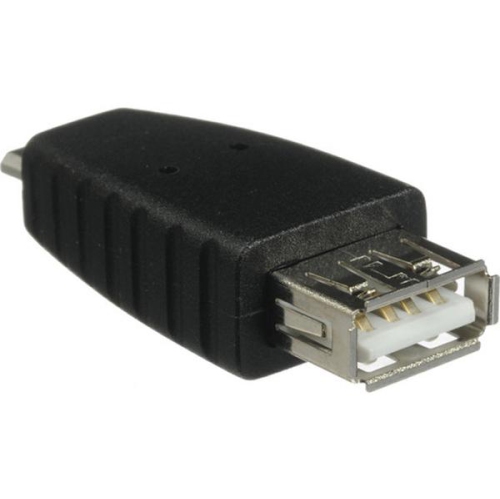
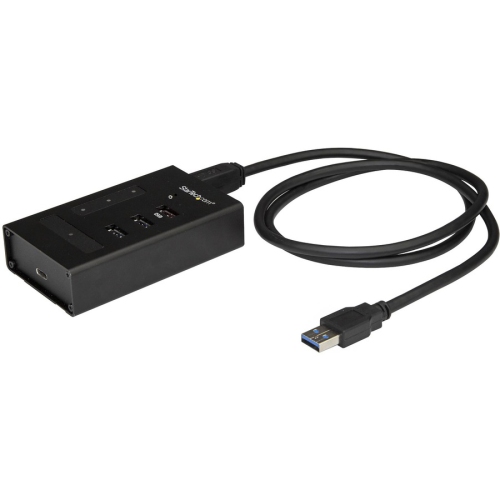
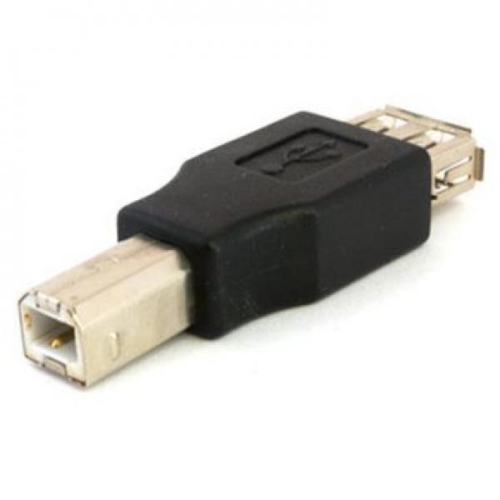
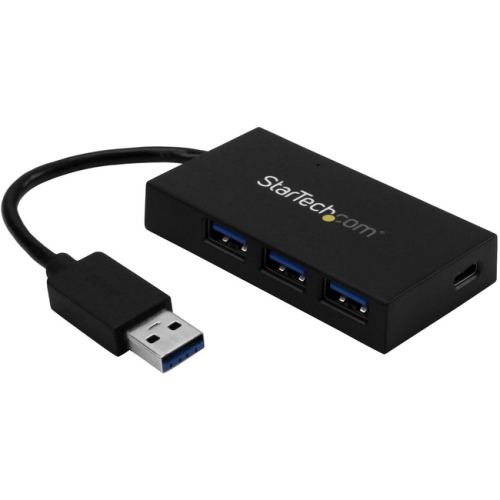
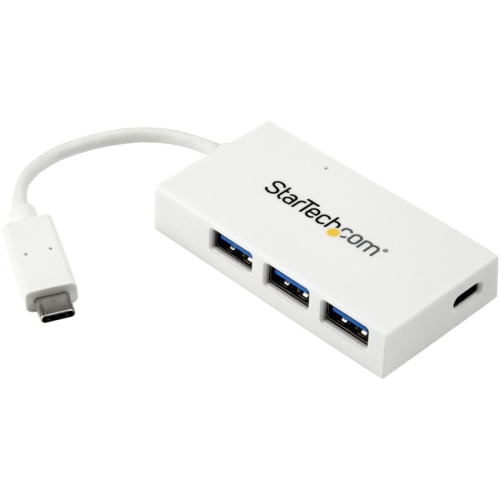
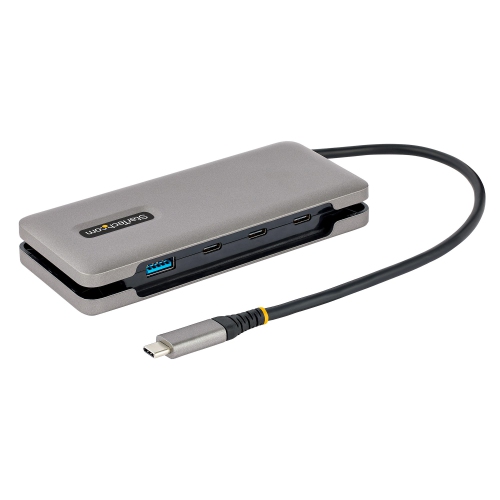
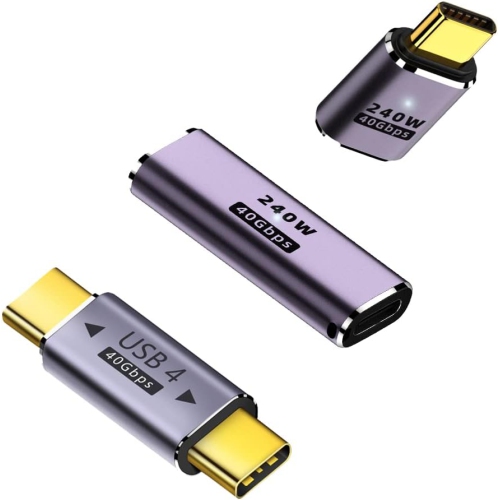
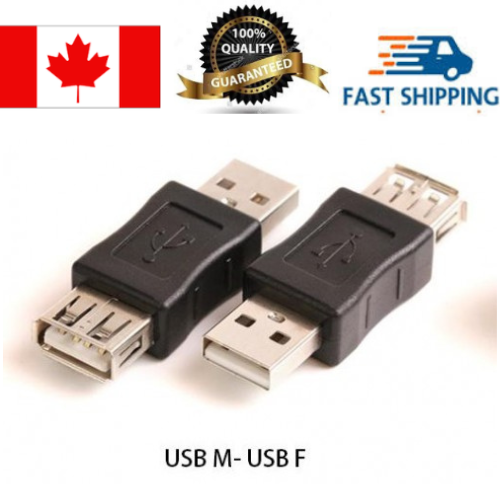
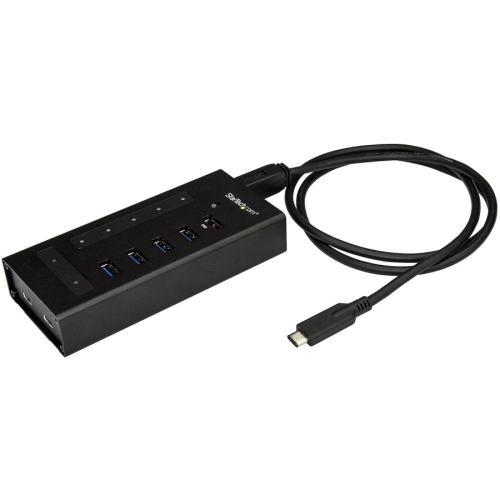
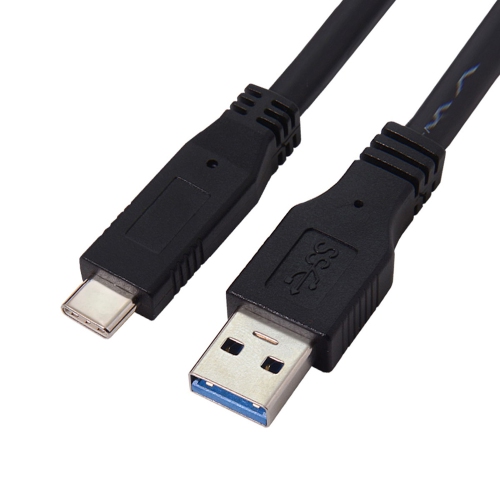
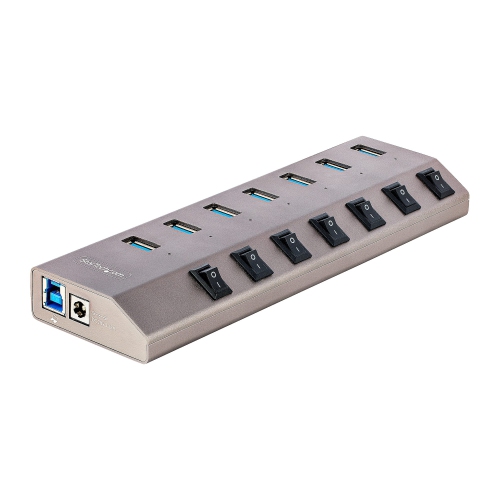
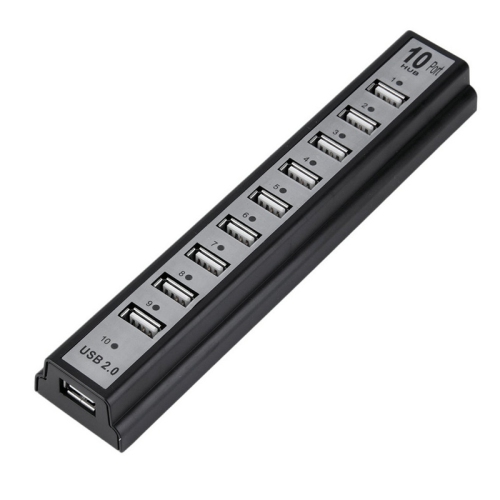
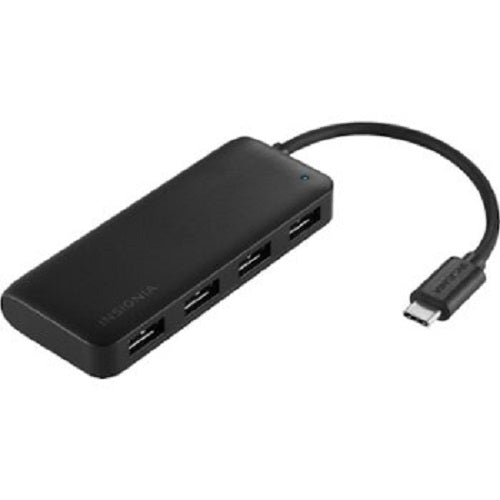
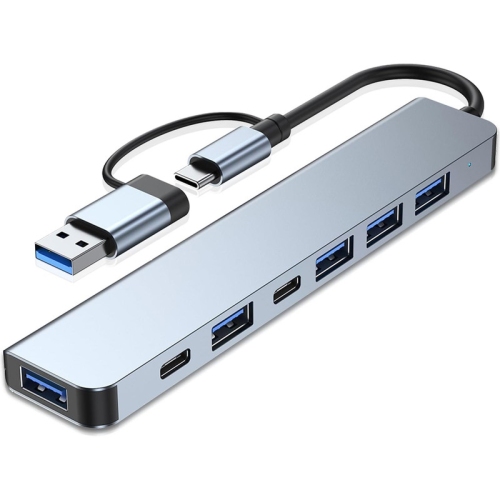
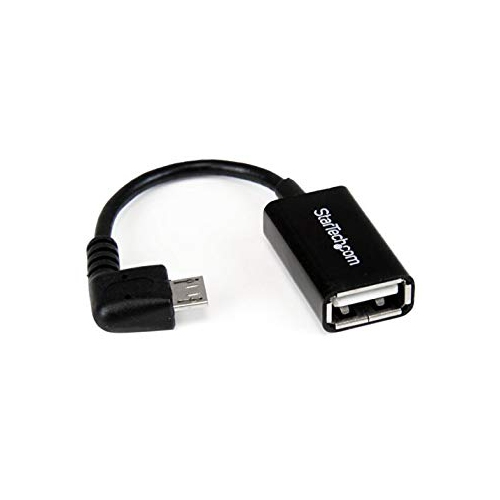
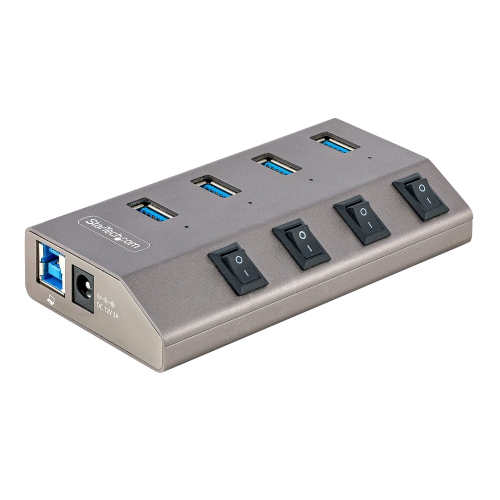
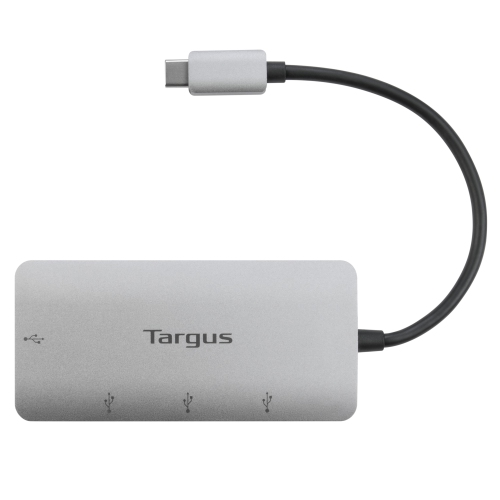
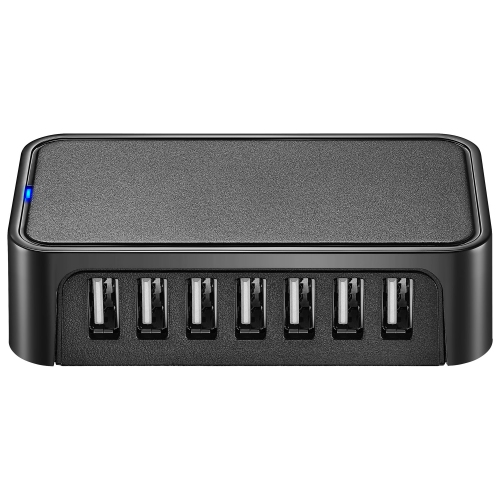
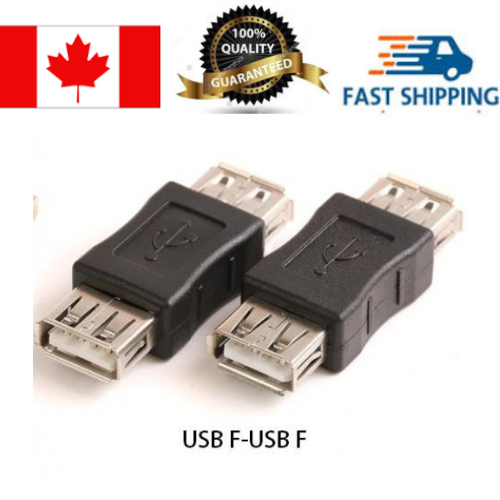
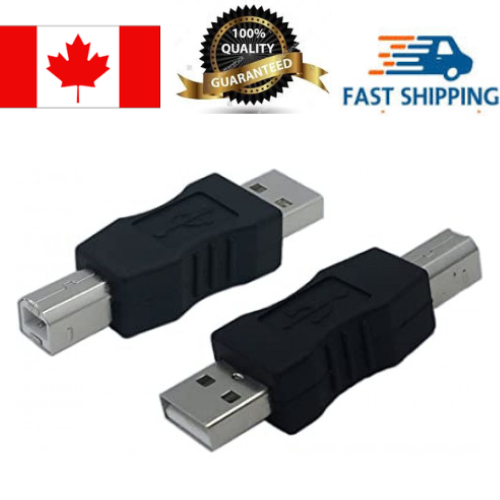
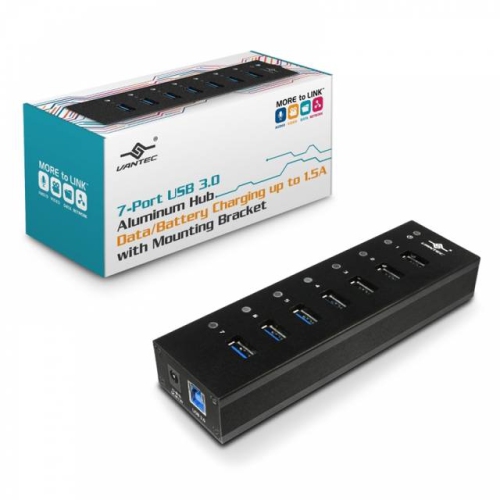
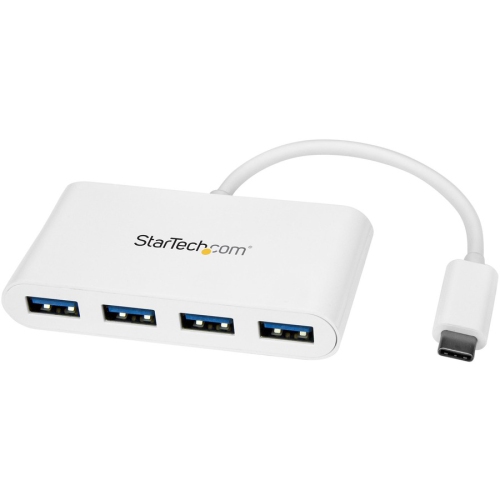
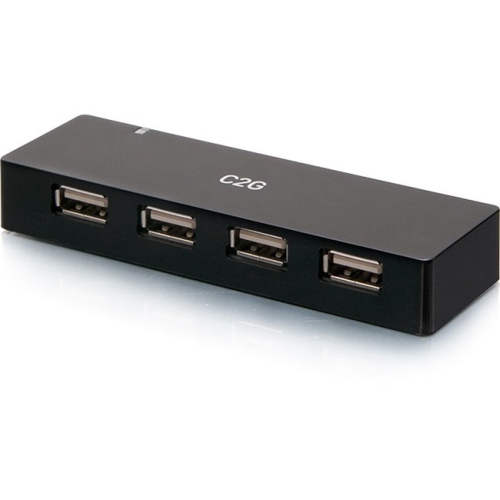
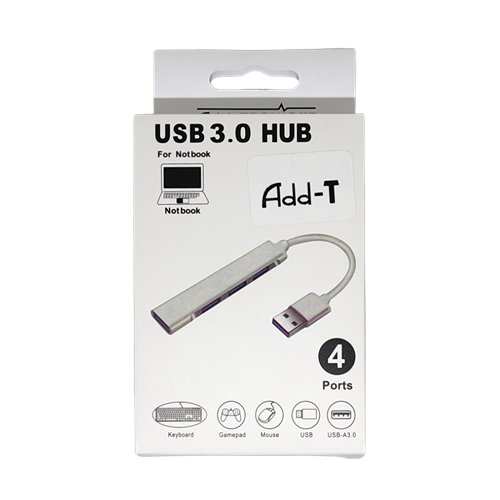
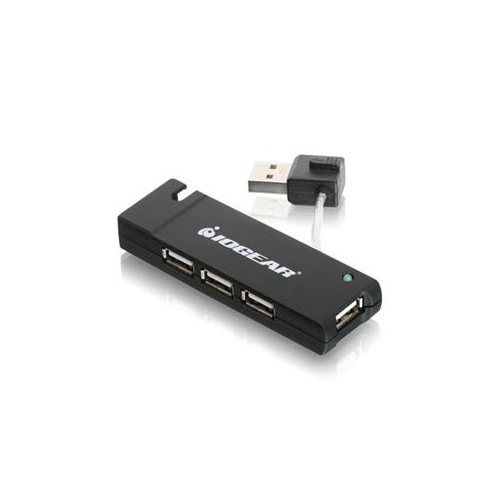
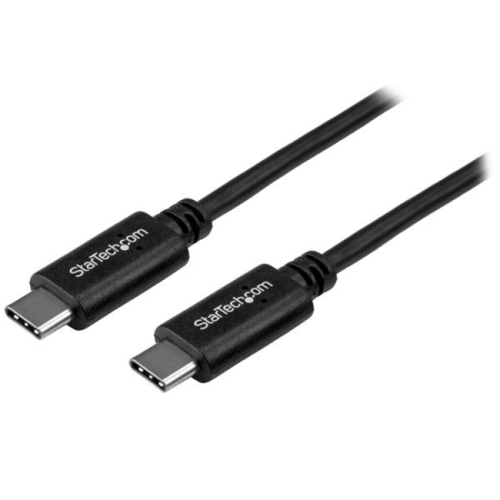
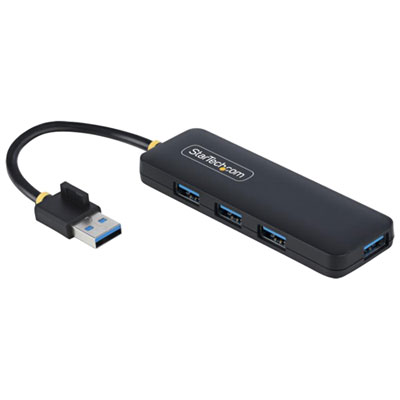
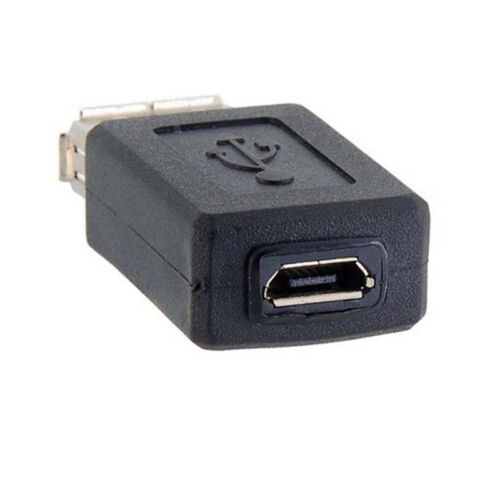
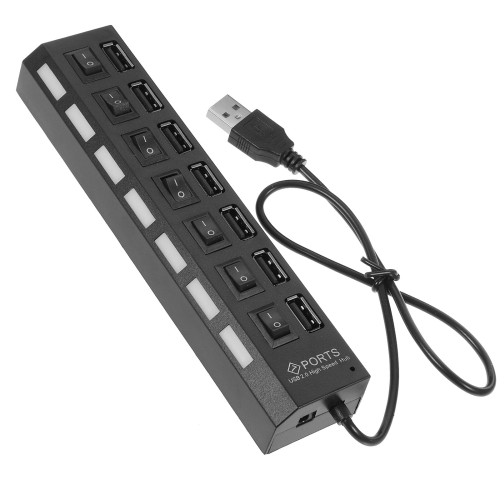
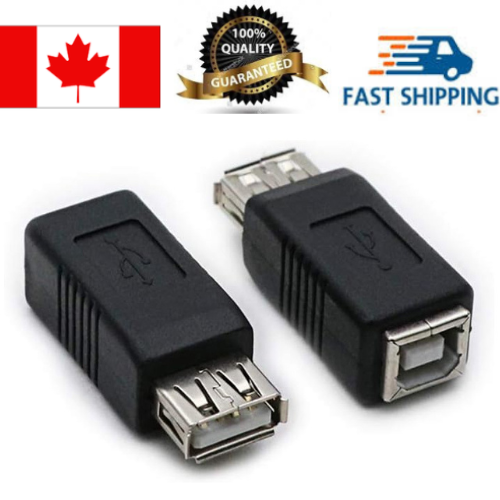
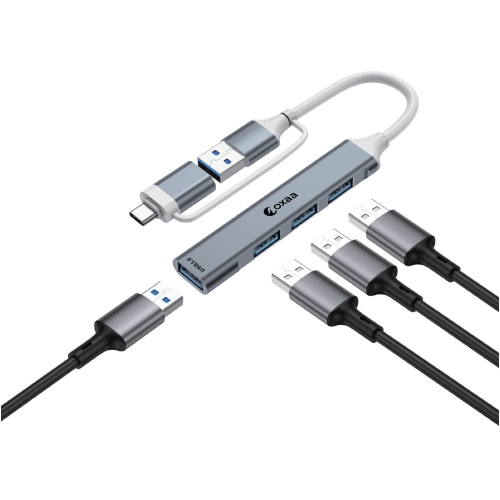
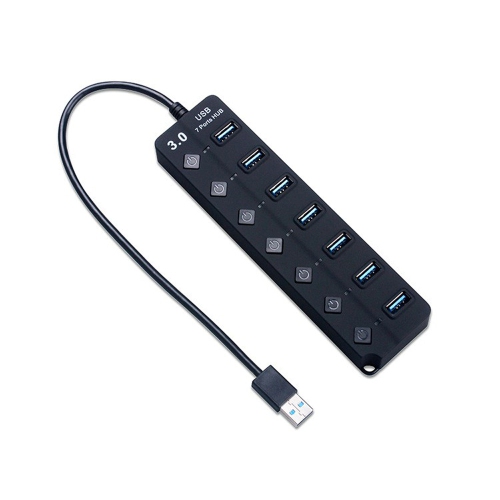
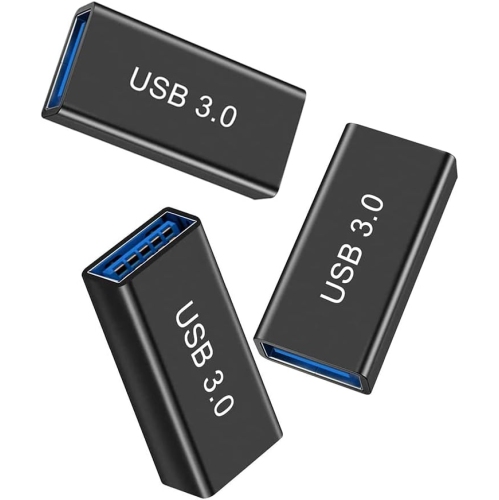
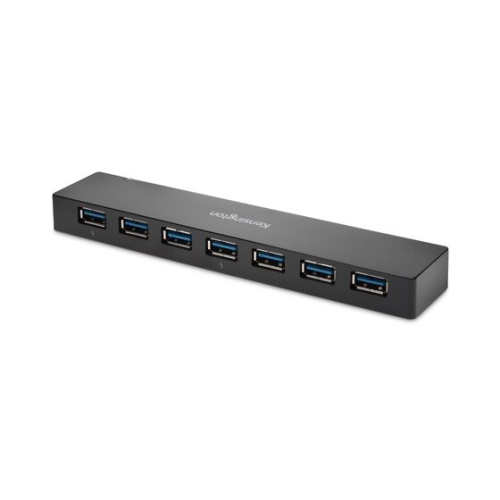
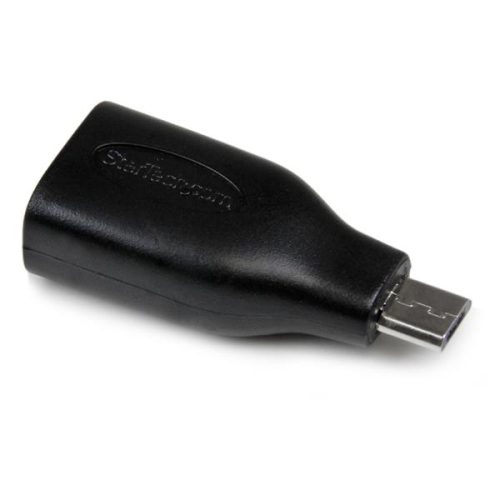
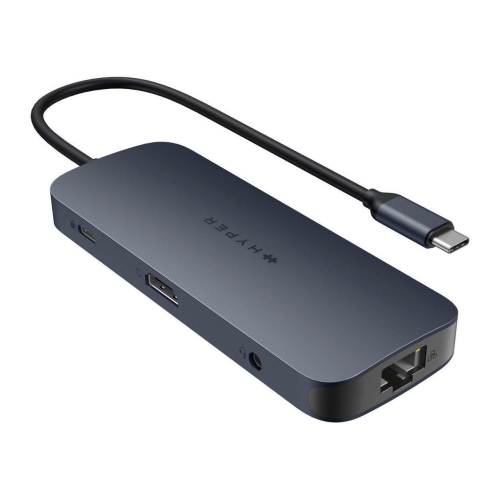
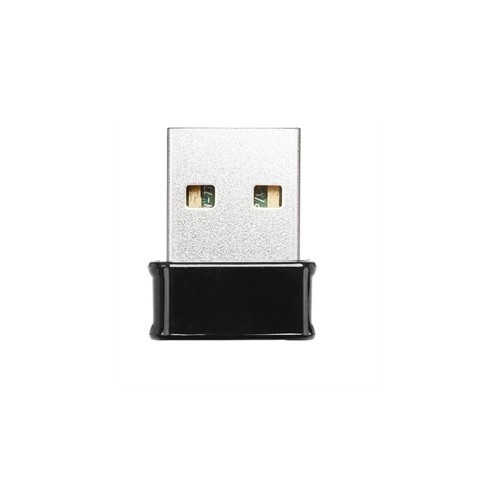
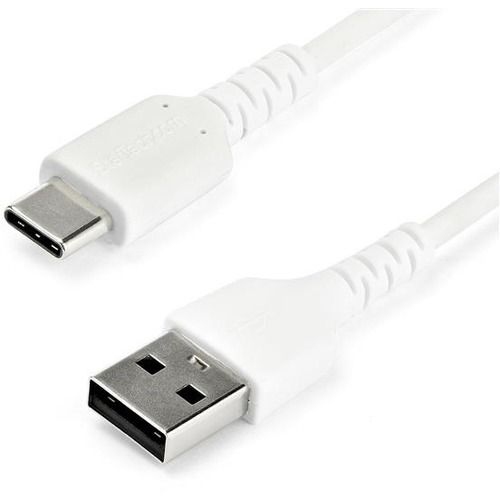
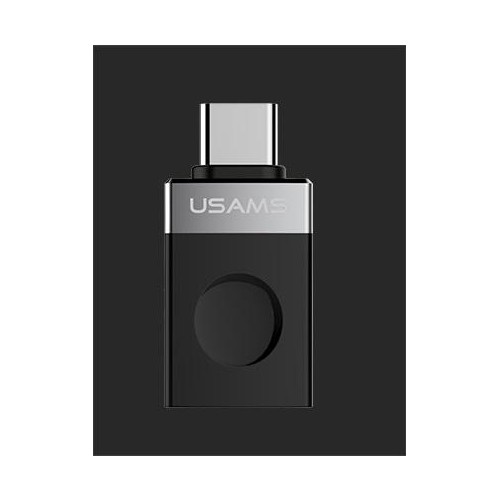
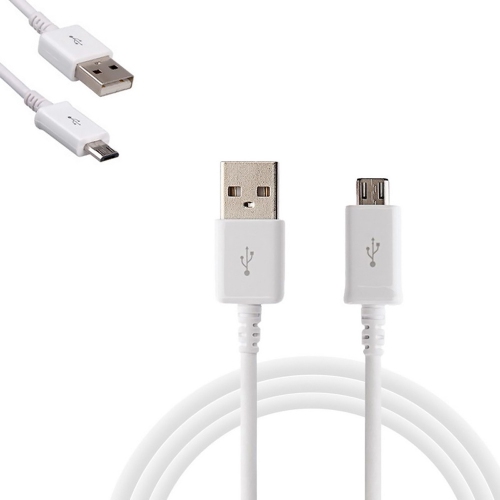
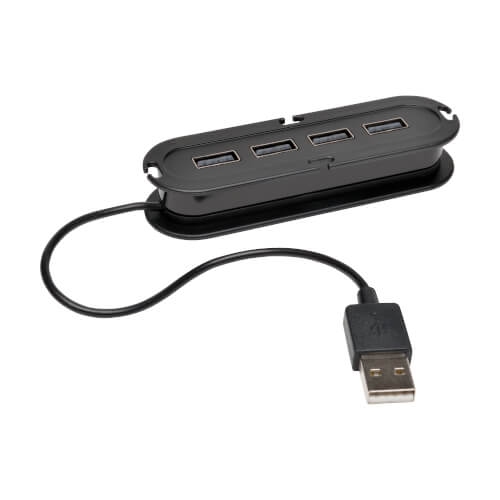
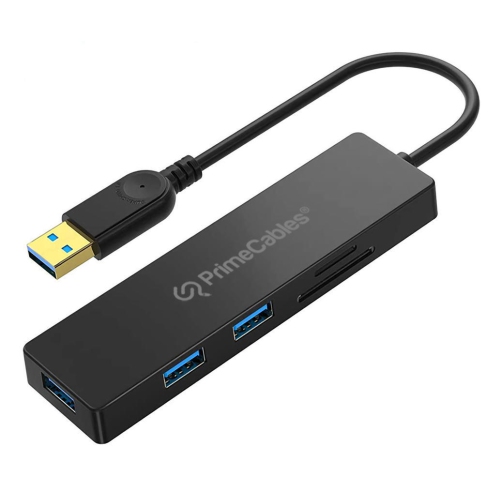
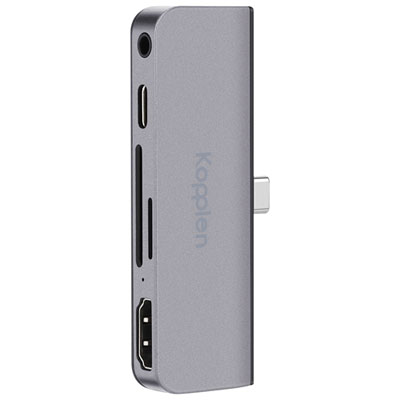
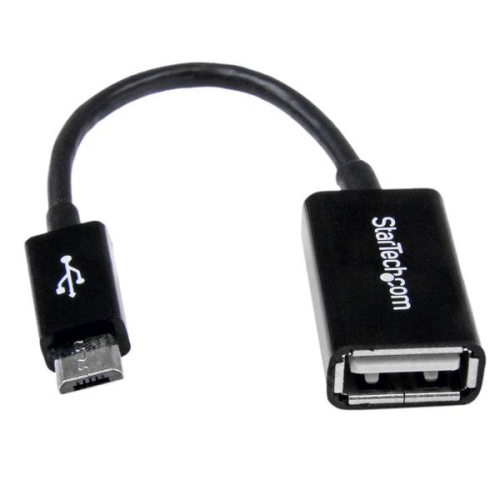
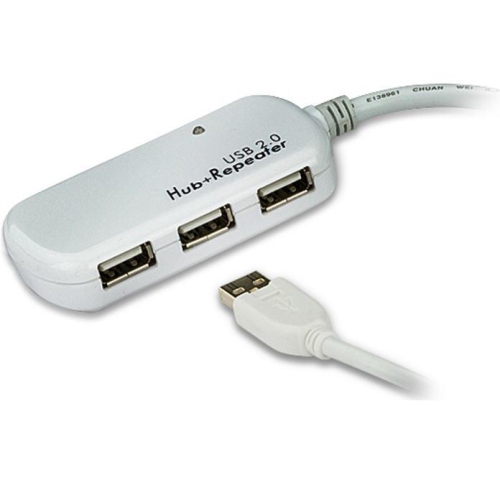
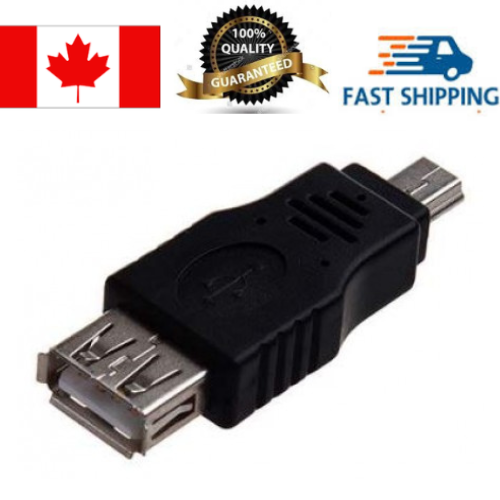
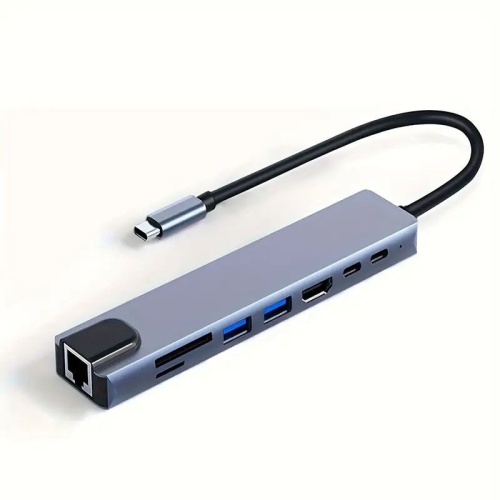
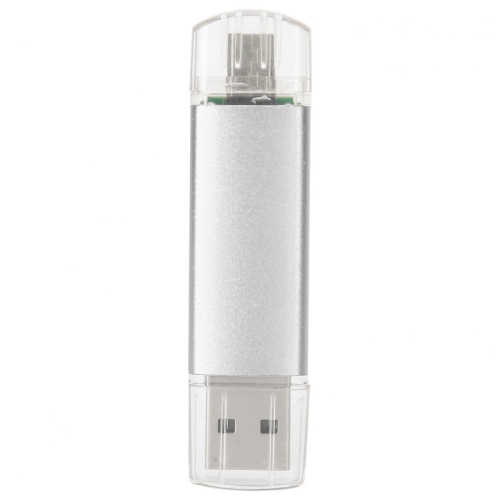
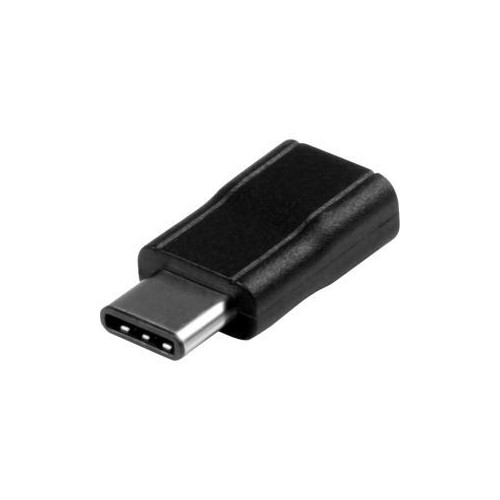
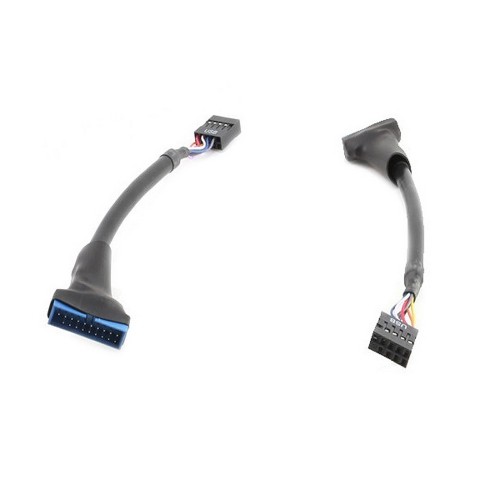
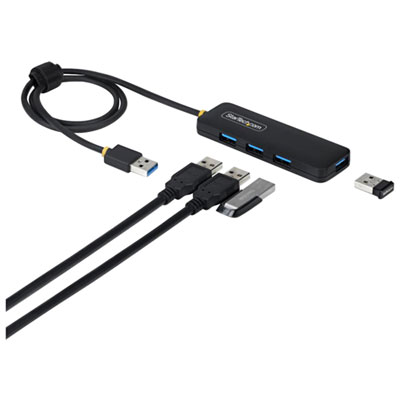
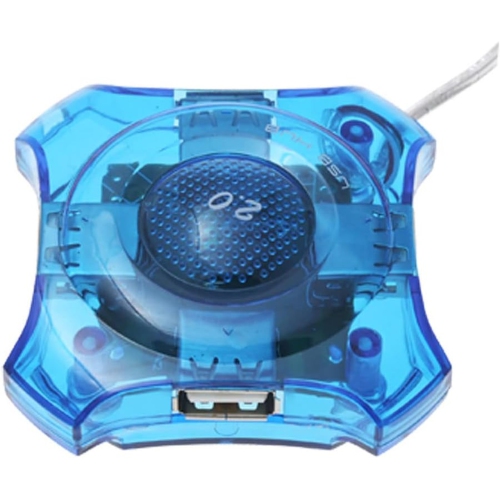
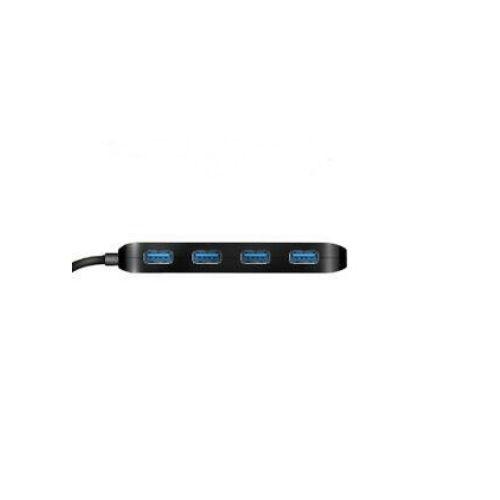
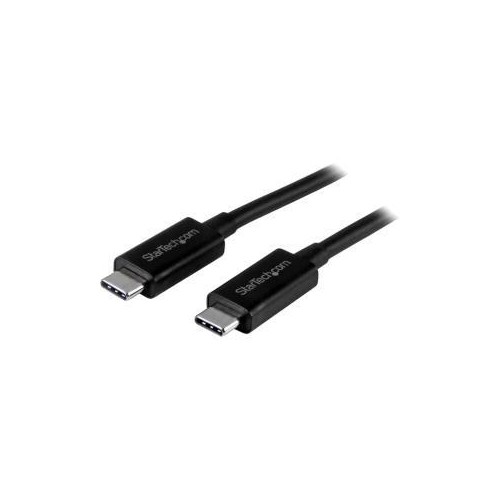
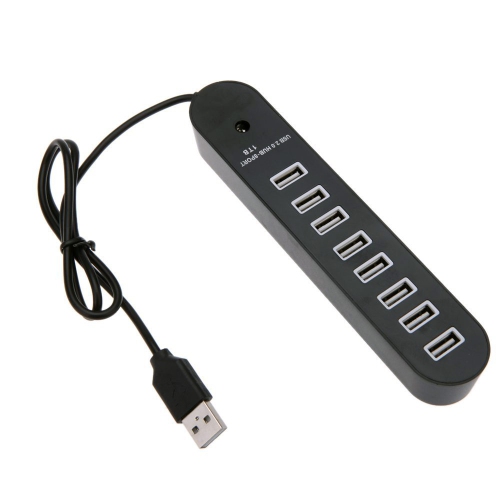
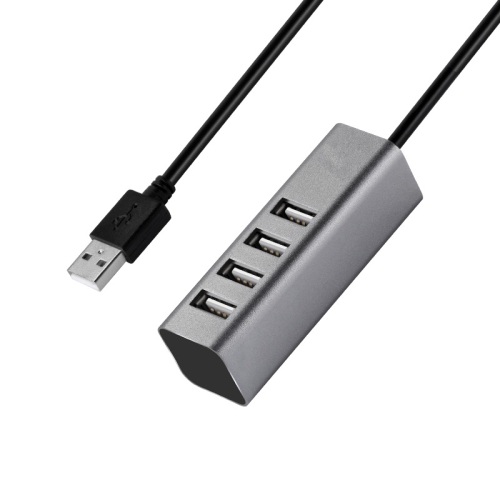
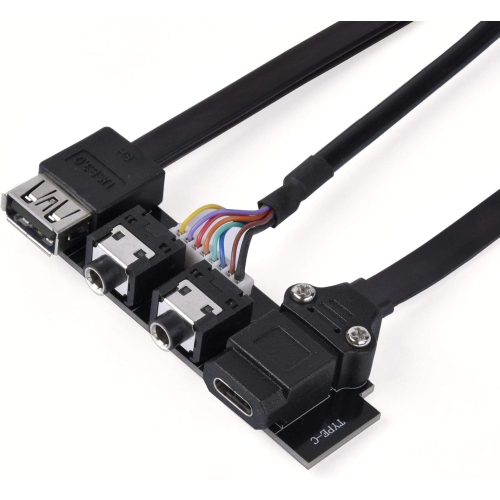
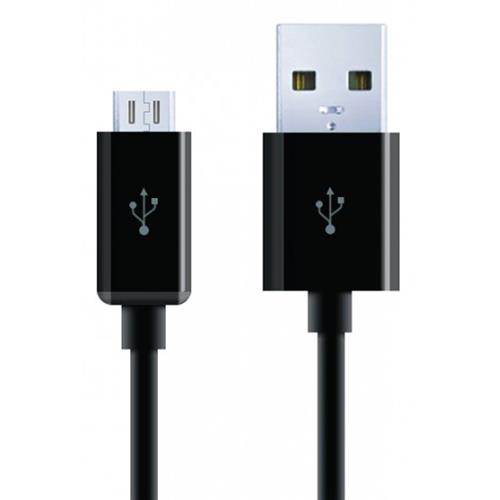
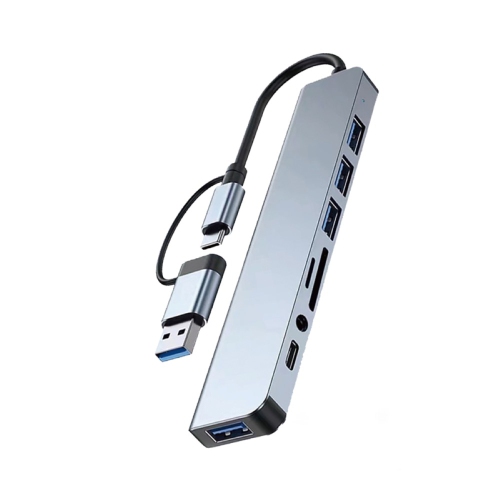
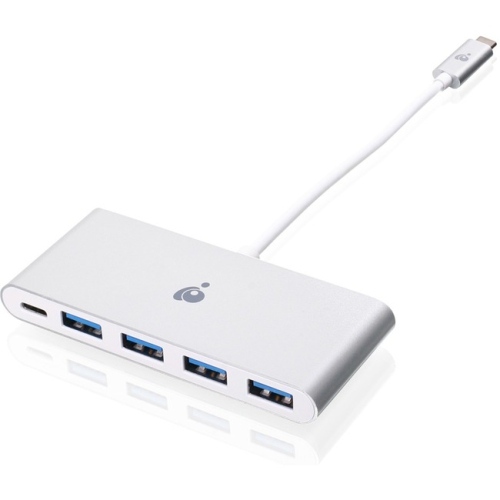
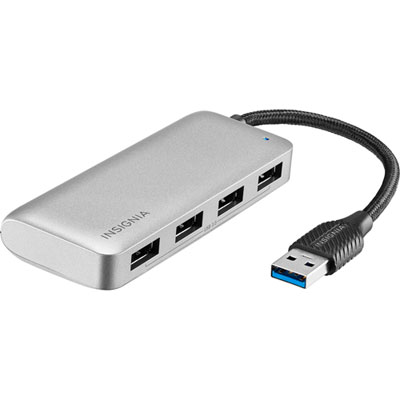
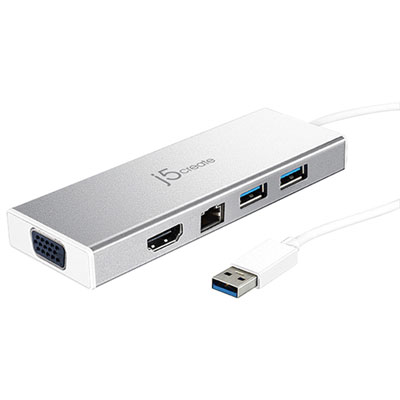
USB accessories make it easier to connect, charge, store, and use the devices that fill a modern home, office, classroom, or travel bag. A laptop may have only a few ports, a tablet may rely on a single USB-C connection, and a phone may need an adapter before it can read a drive or connect to another device. The right accessory can make those everyday limitations far less noticeable. USB hubs are useful when several peripherals need to be connected at once, such as a keyboard, mouse, external storage, printer, headset, or camera. Before choosing a hub, check the ports on the computer or tablet and confirm whether they are USB-A, USB-C, or another supported format. It is also worth considering the number and type of ports, the required data-transfer speed, and whether the hub draws power from the host device or accepts a separate power connection. A compact hub can be particularly helpful at a shared workspace or in a home office where a single cable can connect several desk accessories, while a larger multi-port option may better suit a workstation with multiple screens, storage devices, and other peripherals. Adapters and converters solve a different but related problem by bridging incompatible connections. A USB-C to USB-A adapter, for example, can help connect a newer computer to an older cable or accessory, while a multi-port adapter may combine USB connections with video, memory-card, or network ports. Compatibility is the important detail: not every USB-C port supports the same features, and a connector that fits physically may not carry video, transfer data at the expected speed, or provide enough power for every use. Checking the device specifications and the accessory’s supported standards before buying helps prevent the familiar frustration of having the right-looking connector that does not perform the required task.
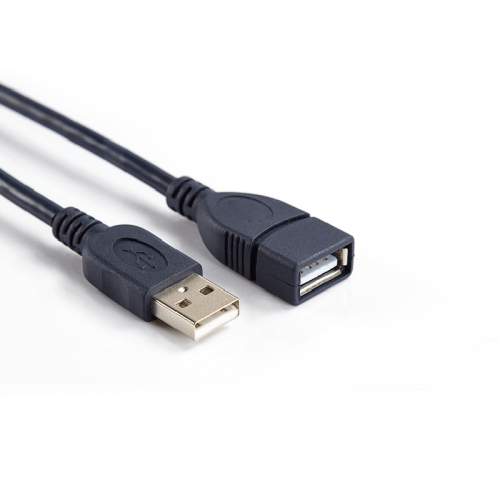
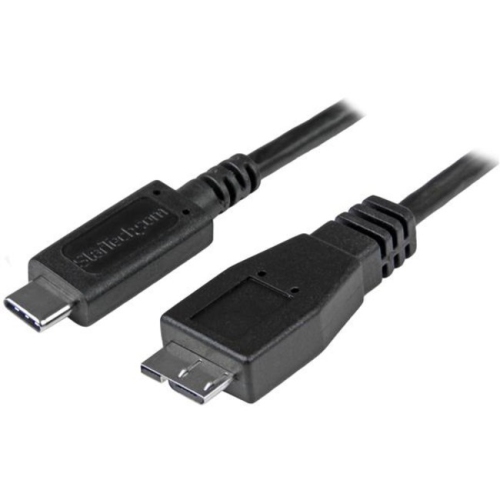
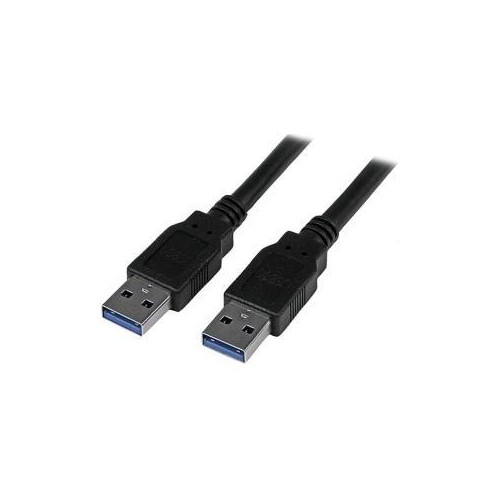
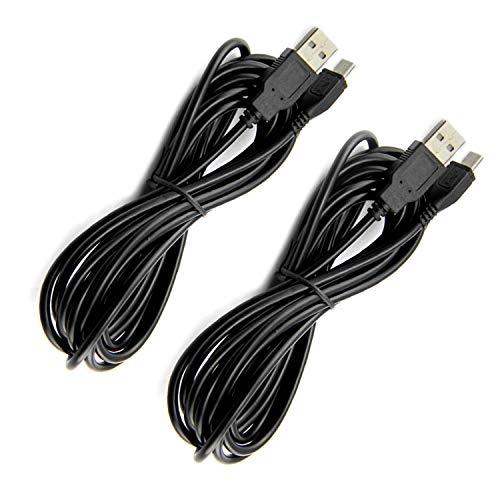
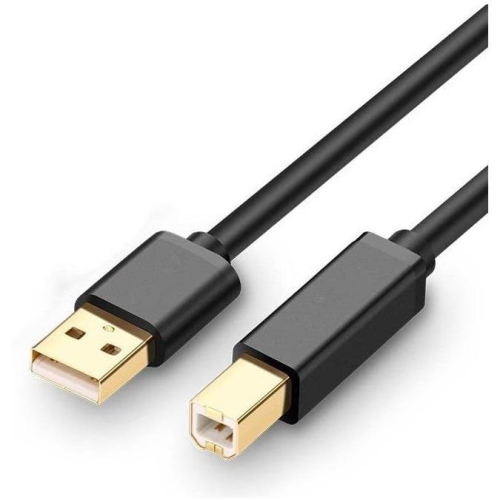
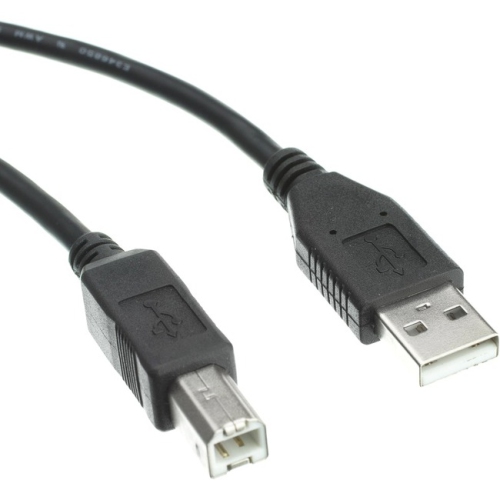
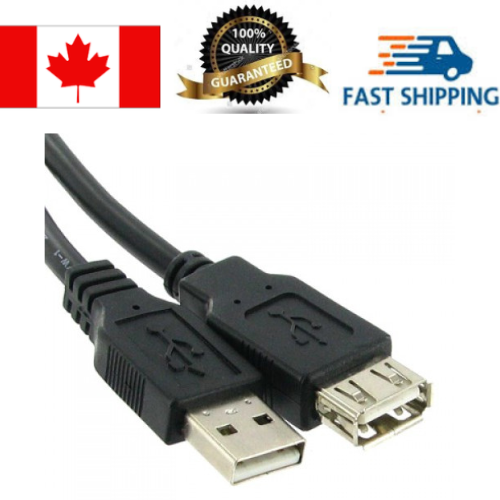
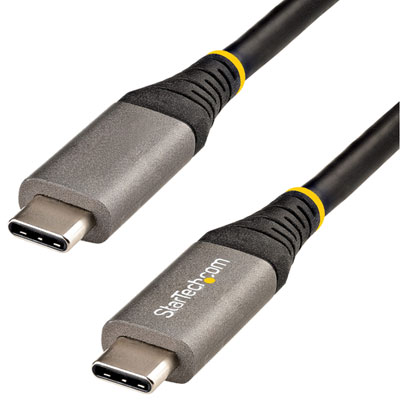
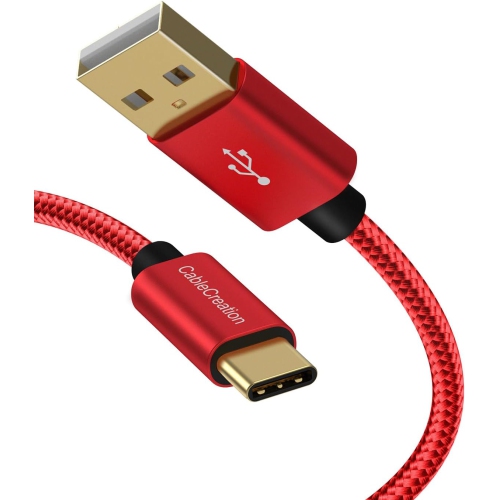
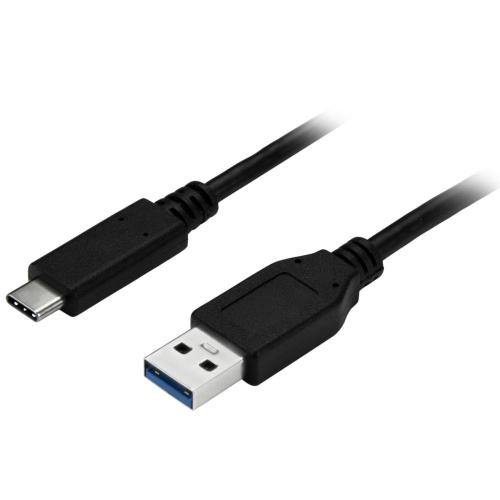
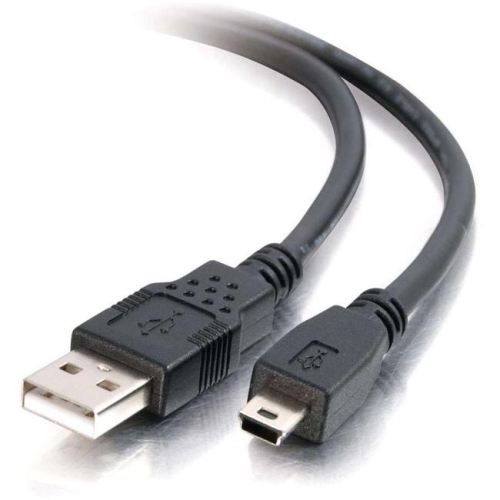
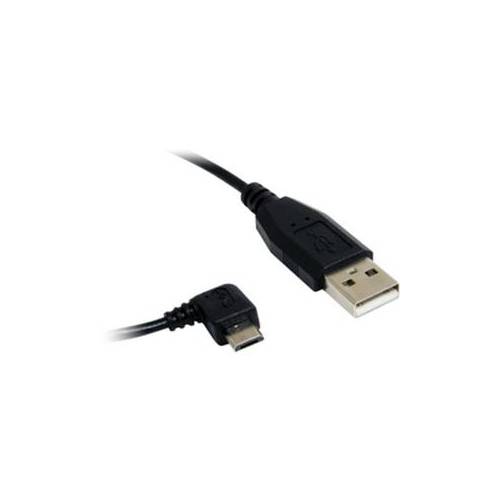
USB accessories are also useful for moving and protecting digital files. USB flash drives offer a convenient way to carry documents, photos, presentations, and other files between compatible devices, making them handy for students, commuters, photographers, and anyone who works across more than one computer. Capacity, read and write speed, connector type, and physical size all deserve attention. A small drive can slip into a pencil case or jacket pocket, while a higher-capacity option may be better for large media libraries or regular backups. Some people use portable storage to keep a second copy of important work before travelling; others use it to transfer a presentation to a meeting-room computer or share a folder of family photos. External enclosures and storage accessories can also help repurpose compatible internal drives, although it is important to confirm the drive form factor and interface before making a purchase. For phones and tablets, look for support for the device’s operating system, file-management capabilities, and any required app or permission settings. Charging accessories are another major part of the USB category. A wall charger, car charger, charging cable, or compact charging station can help keep phones, tablets, headphones, cameras, controllers, and other rechargeable devices ready for the day. Compare the charger’s output with the device’s requirements, especially when fast charging is important. A cable may support charging but not high-speed data, or it may be designed for a particular connector on each end. Cable length matters as well: a short cable keeps a travel pouch tidy, while a longer one is more practical beside a bed, sofa, or hard-to-reach outlet. For a desk with several devices, a powered charging accessory can reduce cable clutter and make it easier to keep frequently used electronics in one place.
Some USB accessories bring small comforts and useful functions to a desk, bedside table, dorm room, or travel setup. USB-powered lights can add focused illumination for reading, video calls, or late-night work without lighting an entire room. Compact fans, warming accessories, and other desk gadgets can make a workspace more comfortable during long study sessions or workdays, while a USB-powered humidifier may suit a dry indoor room during the cooler months. These items can be practical gifts for students moving into residence, remote workers refreshing a home office, frequent travellers, or family members who enjoy keeping a well-organized desk. When selecting a USB-powered gadget, consider whether it includes the required cable, how much power it needs, how much space it occupies, and whether its controls are easy to reach. Portable accessories should be light enough to carry and sturdy enough for regular packing and unpacking. A tidy cable-management approach also makes a difference: matching cable lengths to each setup, labelling similar cables, and keeping adapters together in a small case can save time when leaving for work or setting up in an unfamiliar room. Users who connect a computer to a compatible portable screen can also explore USB Displays for another way to expand a workspace. Whether the goal is adding ports, transferring files, charging devices, or making a personal workspace more comfortable, USB accessories are most useful when chosen around the device, connection standard, power needs, and daily routine they are intended to support.
USB accessories are also useful for moving and protecting digital files. USB flash drives offer a convenient way to carry documents, photos, presentations, and other files between compatible devices, making them handy for students, commuters, photographers, and anyone who works across more than one computer. Capacity, read and write speed, connector type, and physical size all deserve attention. A small drive can slip into a pencil case or jacket pocket, while a higher-capacity option may be better for large media libraries or regular backups. Some people use portable storage to keep a second copy of important work before travelling; others use it to transfer a presentation to a meeting-room computer or share a folder of family photos. External enclosures and storage accessories can also help repurpose compatible internal drives, although it is important to confirm the drive form factor and interface before making a purchase. For phones and tablets, look for support for the device’s operating system, file-management capabilities, and any required app or permission settings. Charging accessories are another major part of the USB category. A wall charger, car charger, charging cable, or compact charging station can help keep phones, tablets, headphones, cameras, controllers, and other rechargeable devices ready for the day. Compare the charger’s output with the device’s requirements, especially when fast charging is important. A cable may support charging but not high-speed data, or it may be designed for a particular connector on each end. Cable length matters as well: a short cable keeps a travel pouch tidy, while a longer one is more practical beside a bed, sofa, or hard-to-reach outlet. For a desk with several devices, a powered charging accessory can reduce cable clutter and make it easier to keep frequently used electronics in one place.
Some USB accessories bring small comforts and useful functions to a desk, bedside table, dorm room, or travel setup. USB-powered lights can add focused illumination for reading, video calls, or late-night work without lighting an entire room. Compact fans, warming accessories, and other desk gadgets can make a workspace more comfortable during long study sessions or workdays, while a USB-powered humidifier may suit a dry indoor room during the cooler months. These items can be practical gifts for students moving into residence, remote workers refreshing a home office, frequent travellers, or family members who enjoy keeping a well-organized desk. When selecting a USB-powered gadget, consider whether it includes the required cable, how much power it needs, how much space it occupies, and whether its controls are easy to reach. Portable accessories should be light enough to carry and sturdy enough for regular packing and unpacking. A tidy cable-management approach also makes a difference: matching cable lengths to each setup, labelling similar cables, and keeping adapters together in a small case can save time when leaving for work or setting up in an unfamiliar room. Users who connect a computer to a compatible portable screen can also explore USB Displays for another way to expand a workspace. Whether the goal is adding ports, transferring files, charging devices, or making a personal workspace more comfortable, USB accessories are most useful when chosen around the device, connection standard, power needs, and daily routine they are intended to support.
Top selling and popular products
-
 Your price for this item is $49.99
 -
 Your price for this item is $65.99
 -
 Your price for this item is $19.98
 -
 Your price for this item is $29.99
 -
 Your price for this item is $99.99
 -
 Your price for this item is $79.99
 -
 Your price for this item is $19.99
 -
 Your price for this item is $104.99
Discover more categories related to USB Accessories
Top Collections:
Pokemon Centers, Kindle Devices, Best Cameras for Sports Photography, Samsung Galaxy Phones, Laptops for Business Work, Canon G7X Cameras, Pokémon 30th Celebration Cards, Refurbished Apple Laptops, iPhone 15 Apple, Cordless Dyson Vacuums
Some products may be subject to Environmental Handling Fees
(EHF) depending on your province.
Learn more about EHFs.