USB Wireless Keyboards
Discover the ultimate blend of convenience and performance with USB wireless keyboards, designed to elevate your typing experience. These innovative devices offer a clutter-free workspace by eliminating tangled cords, making them perfect for home offices, gaming setups, or on-the-go productivity. With a variety of styles and features available, USB wireless keyboards cater to every need, whether you're looking for ergonomic designs for comfort during long hours or compact options for easy portability. Explore the seamless connectivity and enhanced functionality that these keyboards bring to your digital life, ensuring you stay efficient and connected wherever you are.
Sort

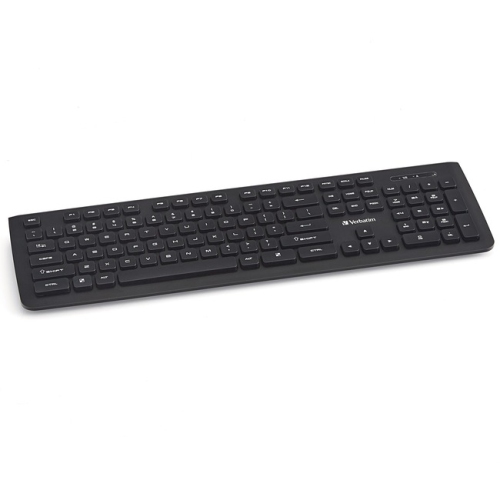
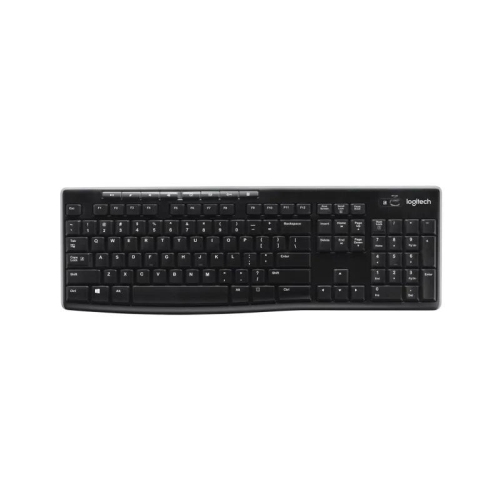
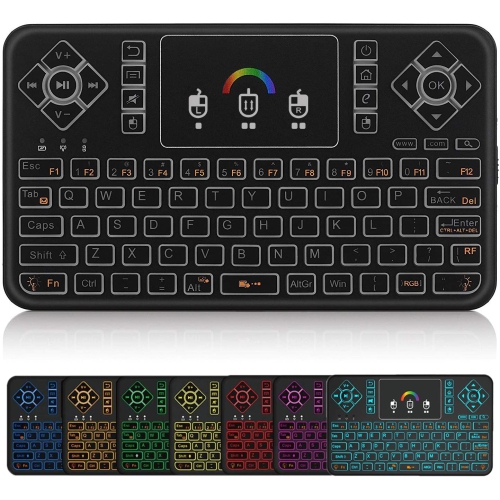
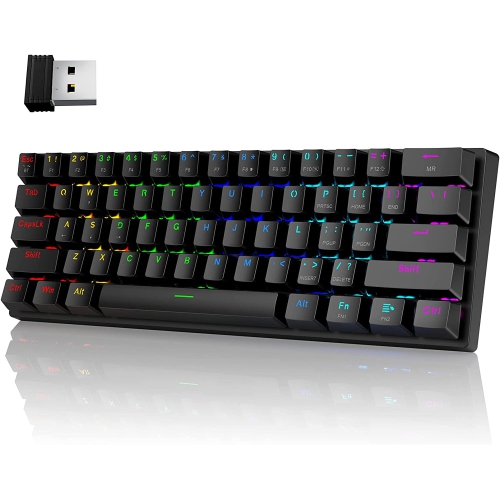
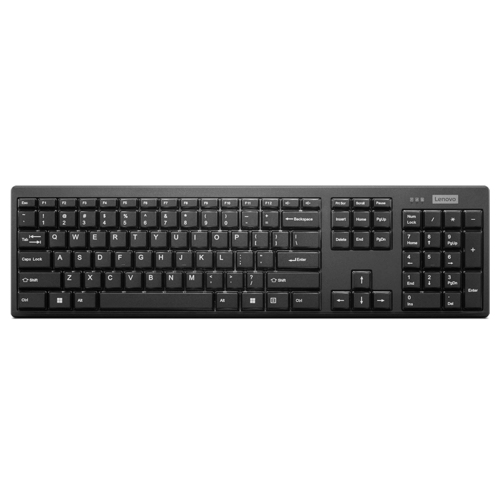


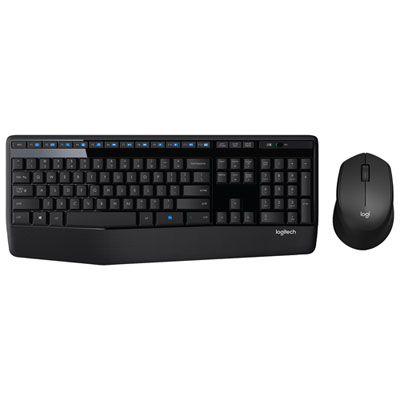
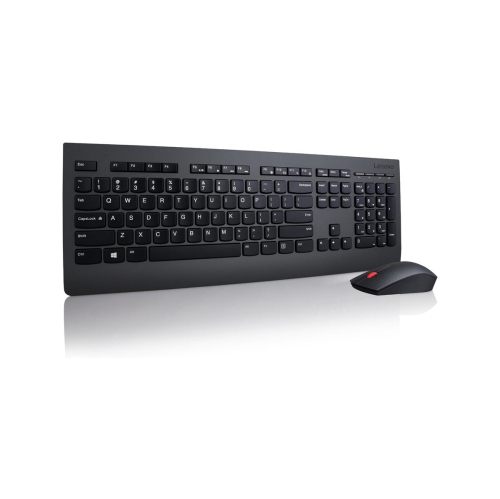
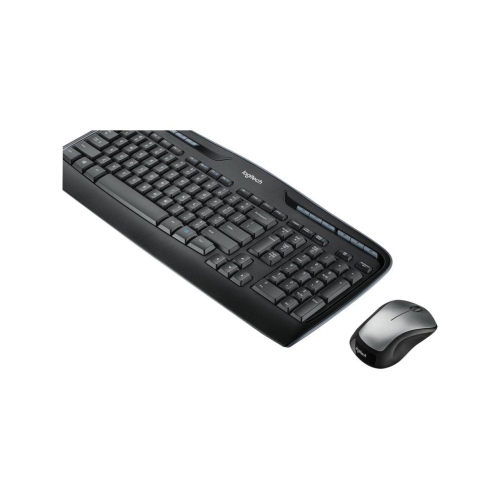
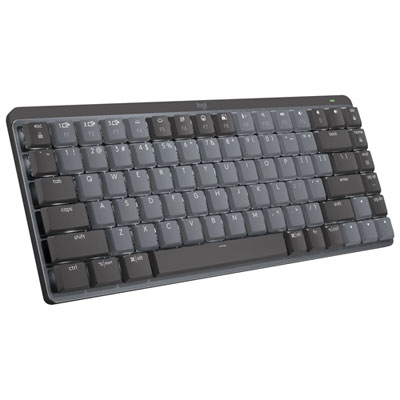

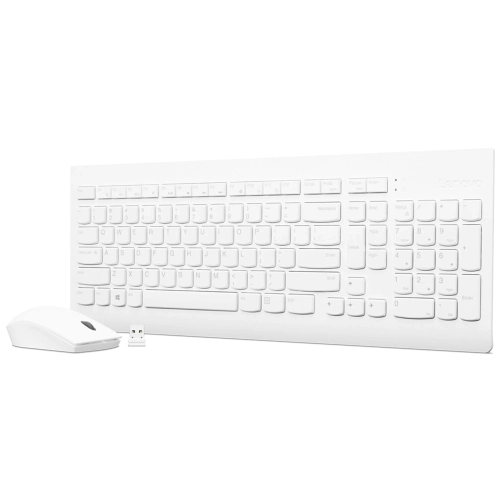

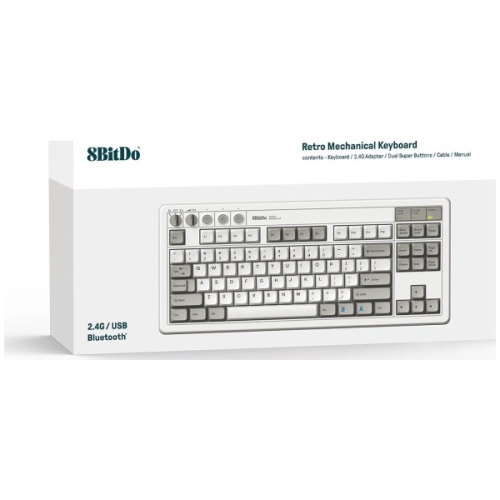

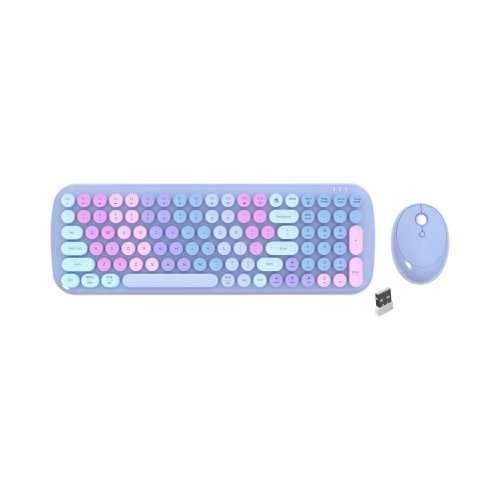

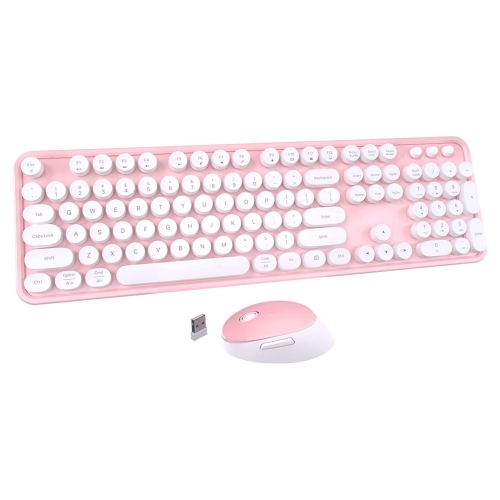
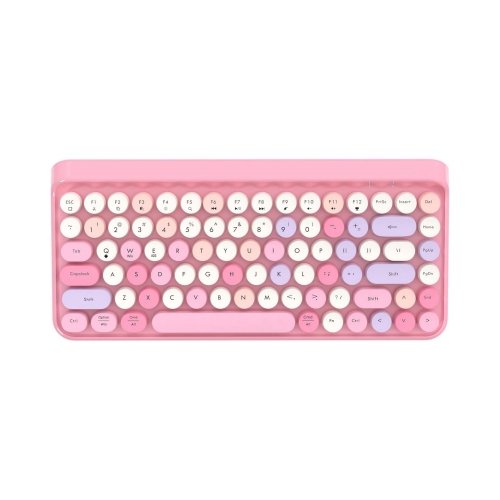
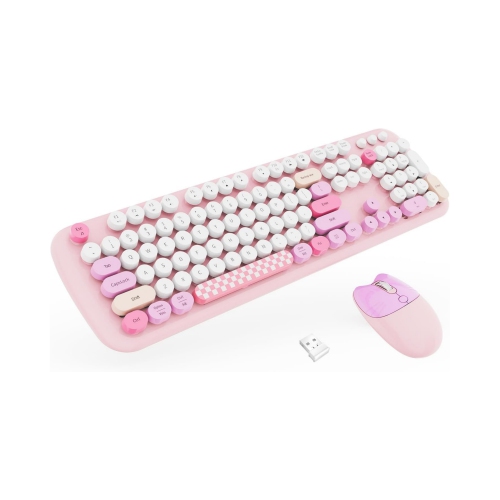
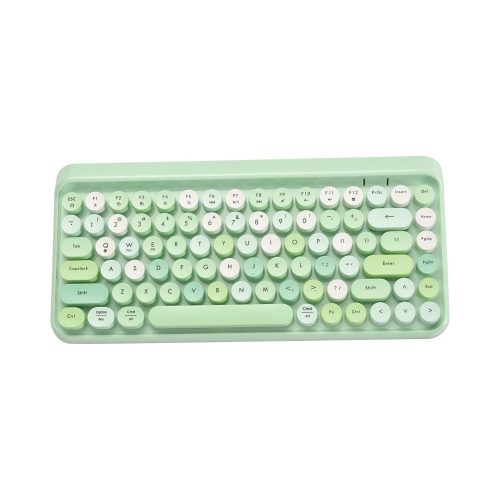
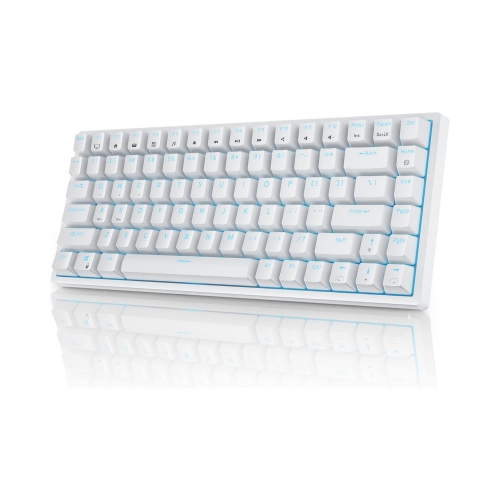
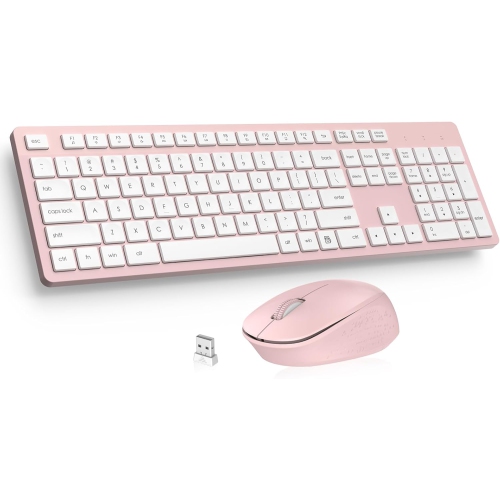
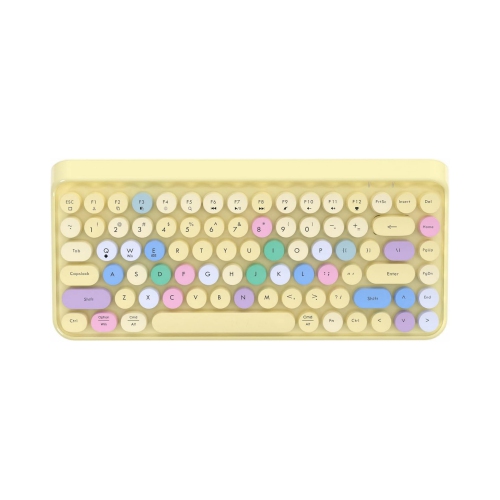
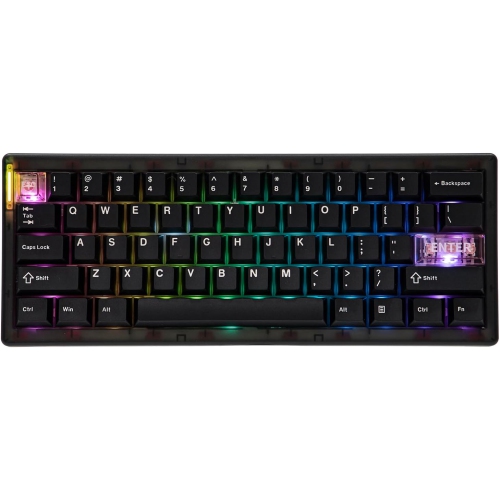
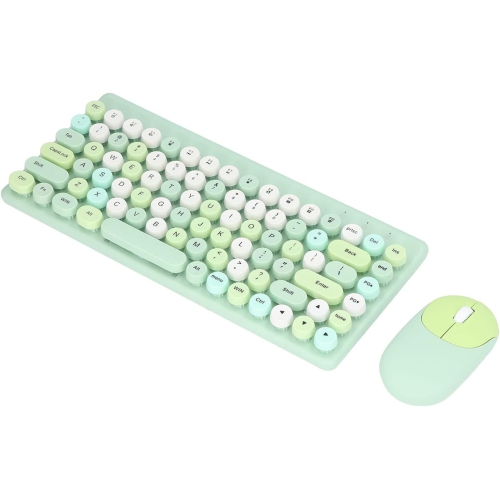
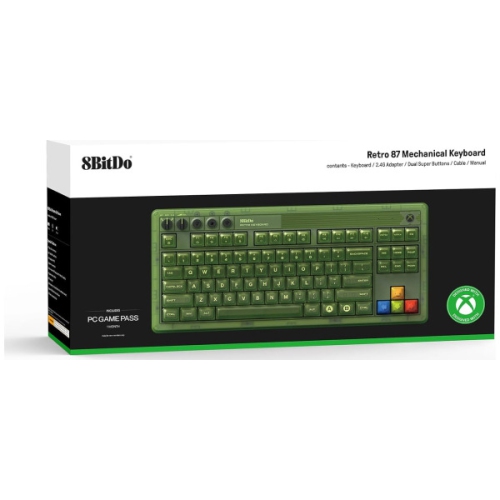
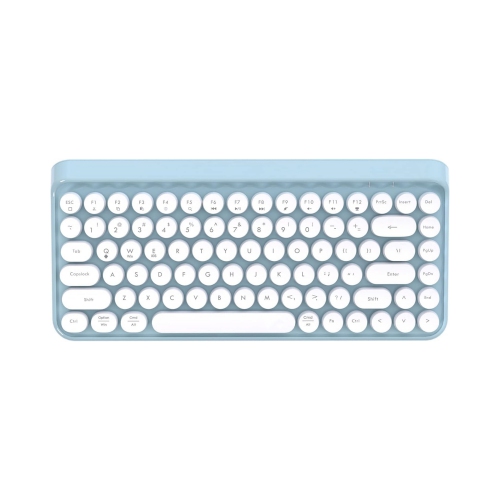
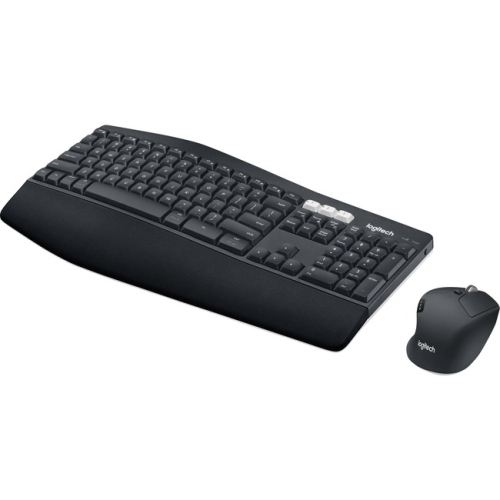

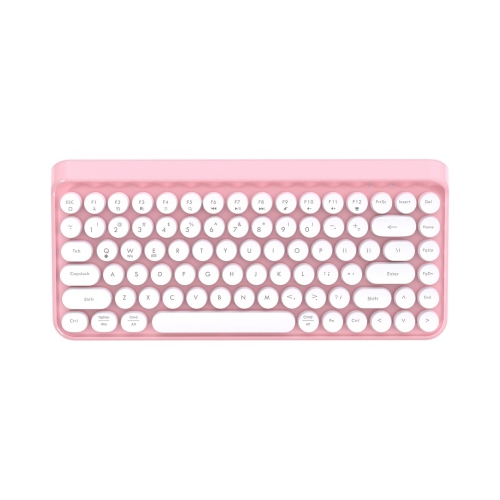
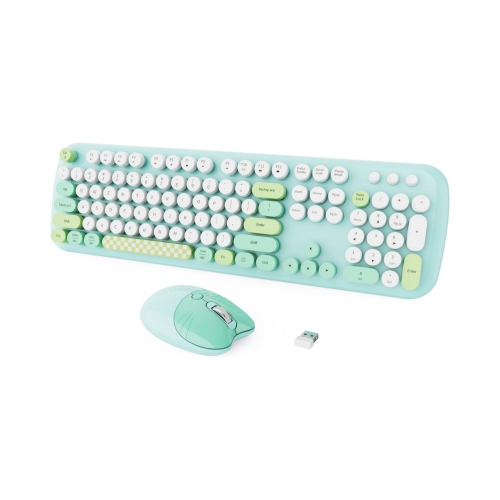
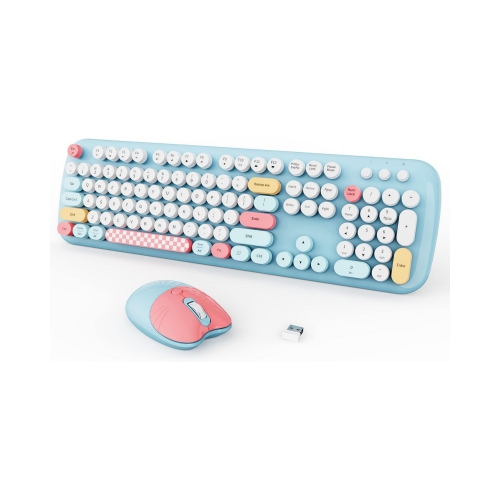
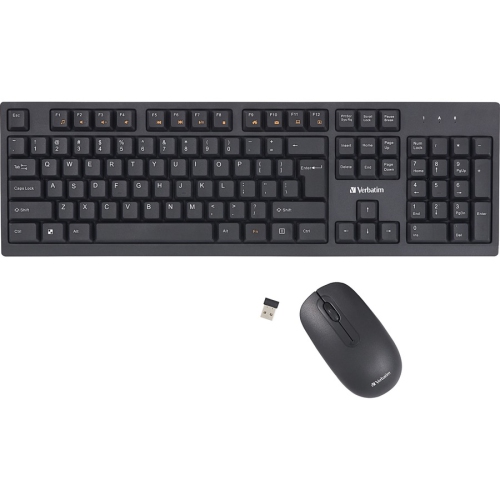
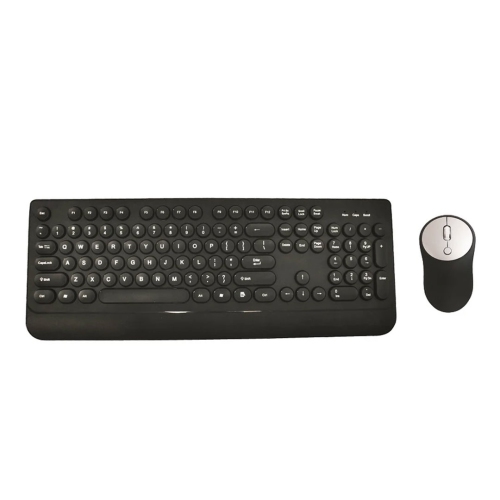
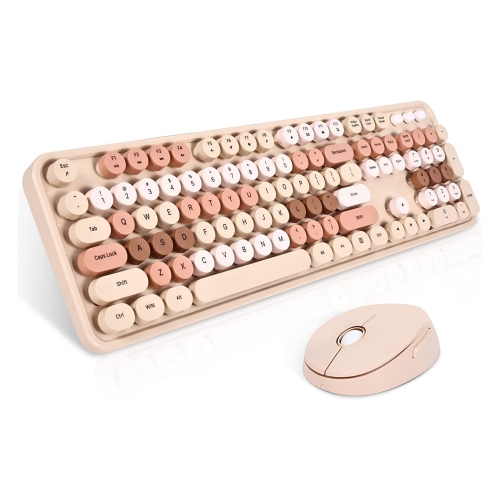

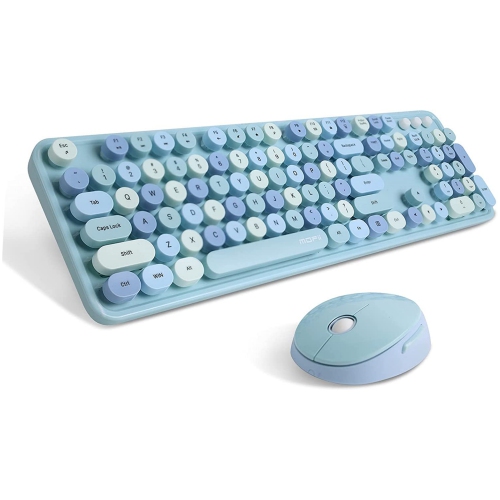
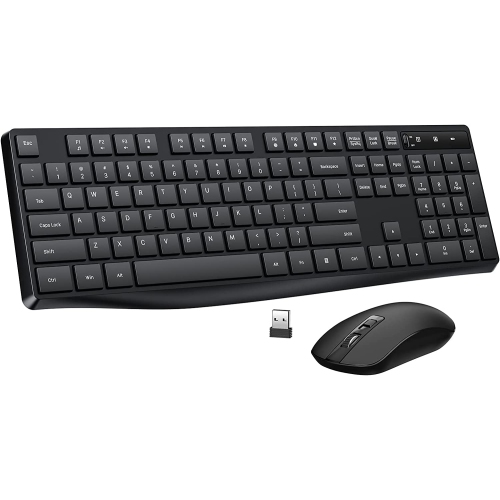
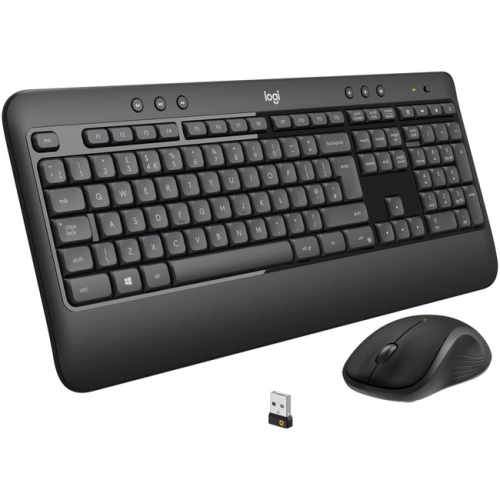
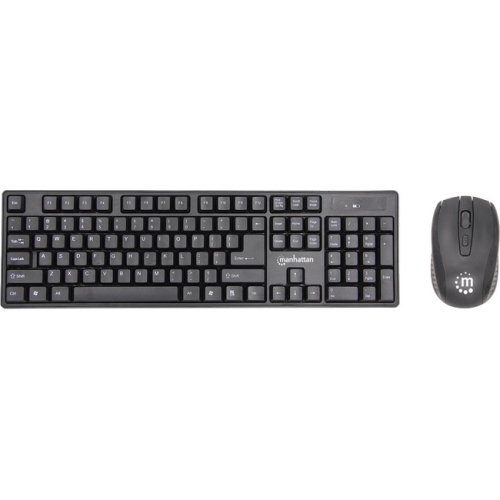
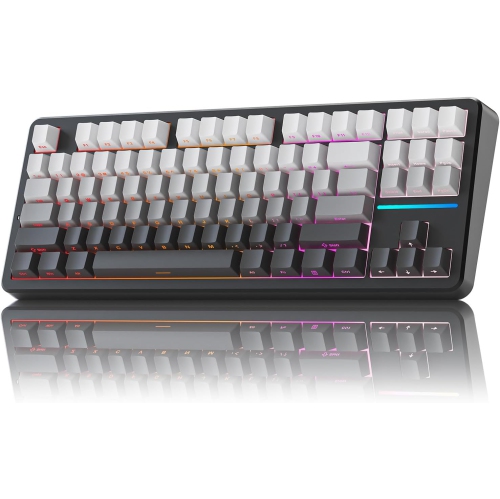
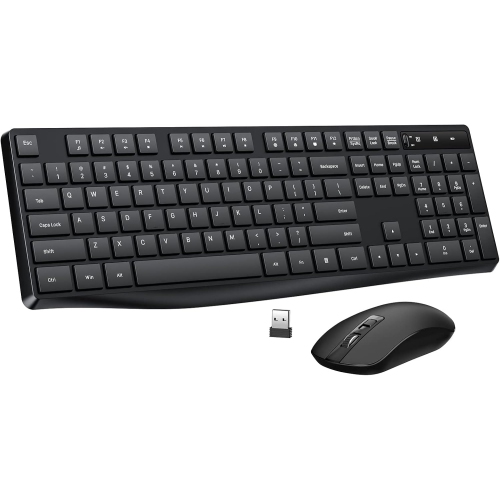
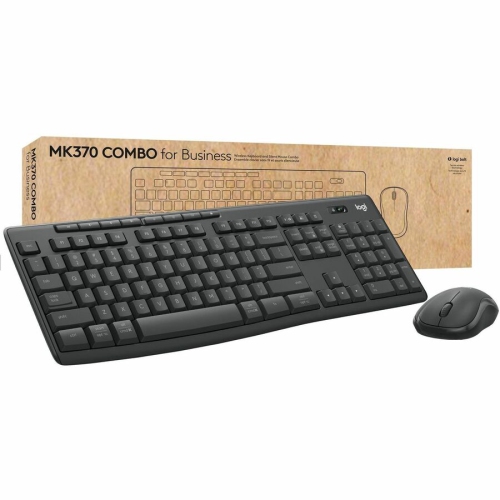
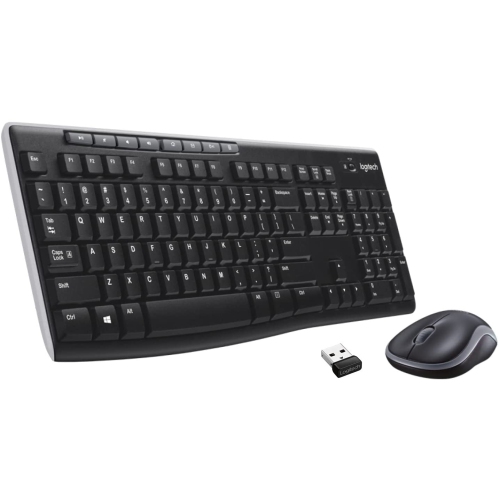
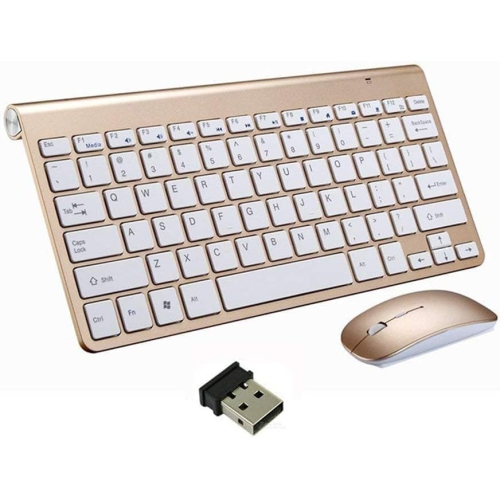
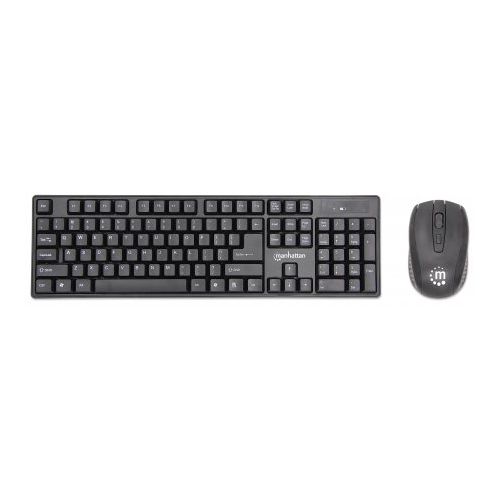
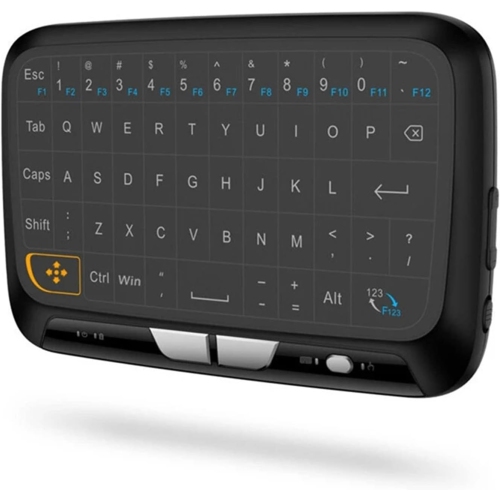
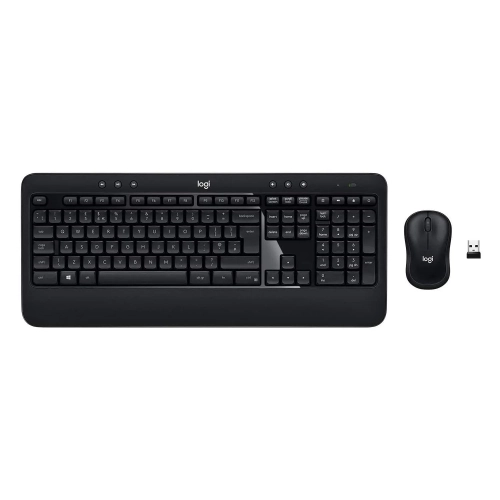
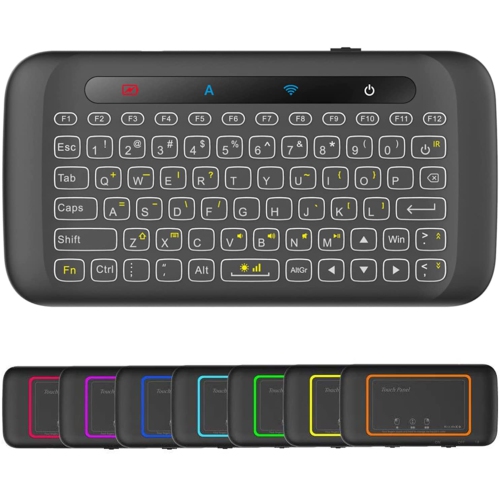
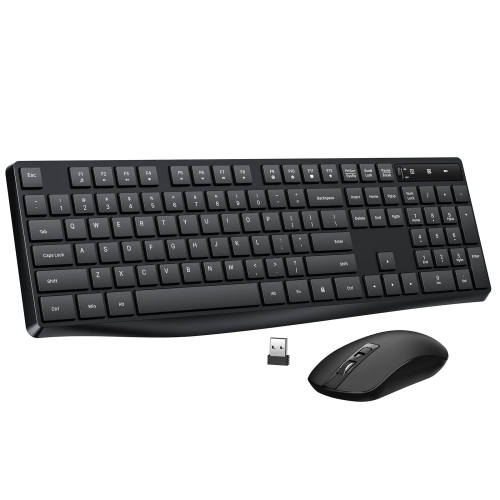
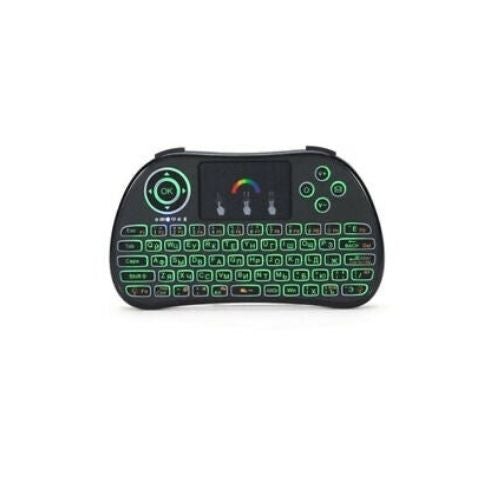
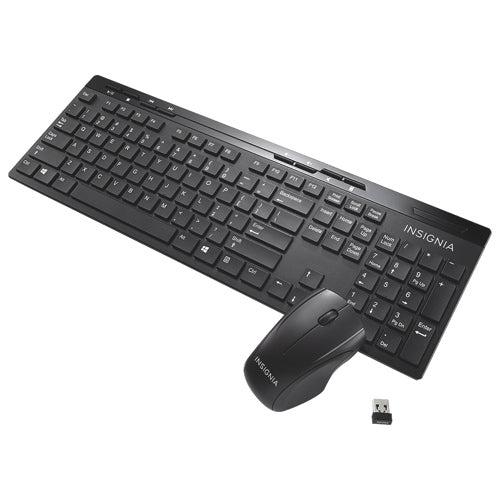
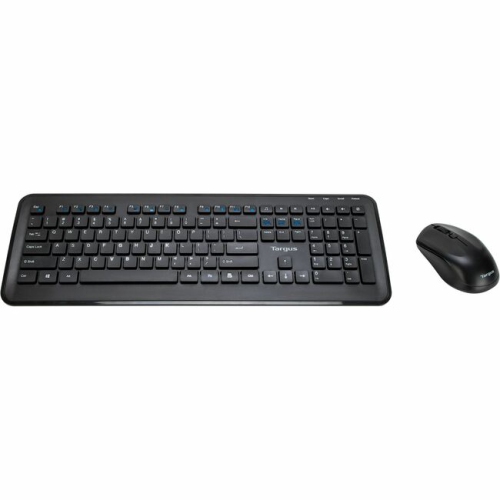
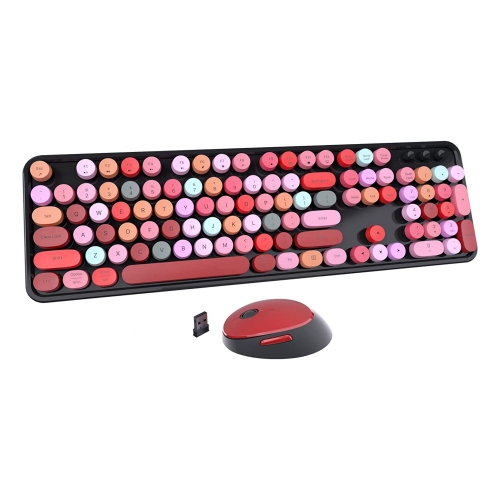
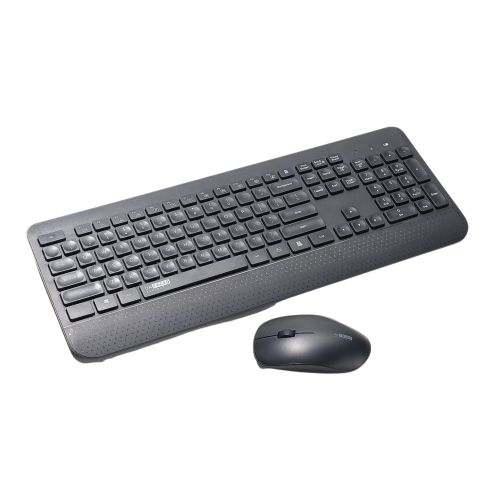
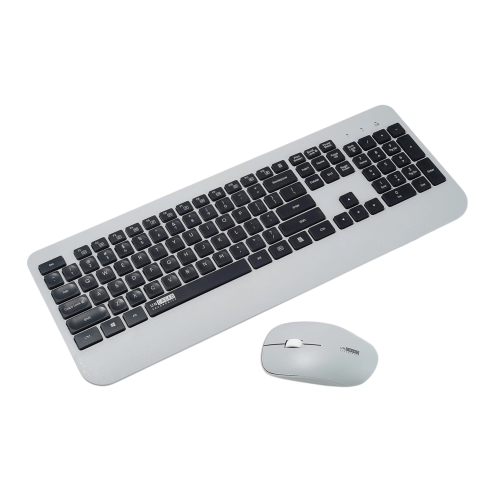
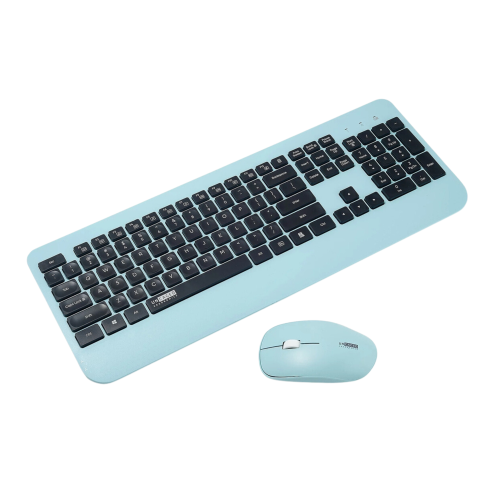
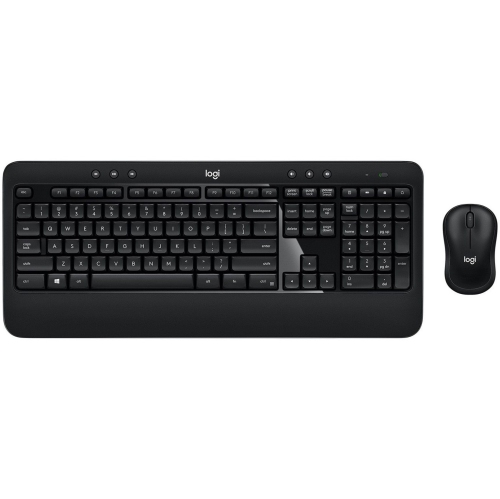
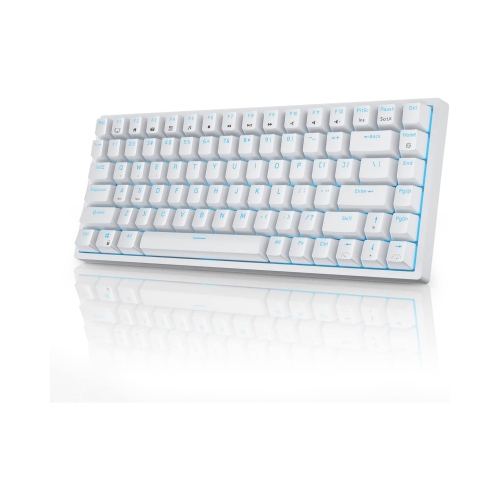


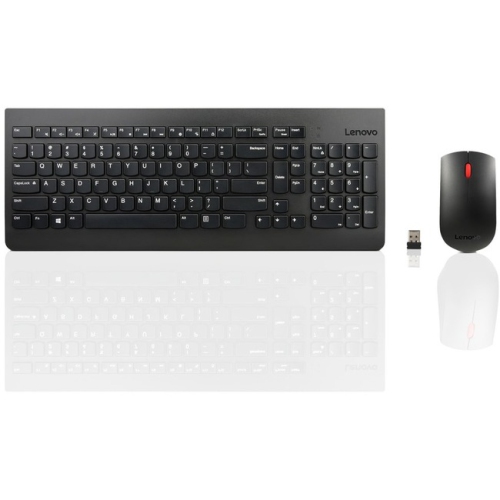
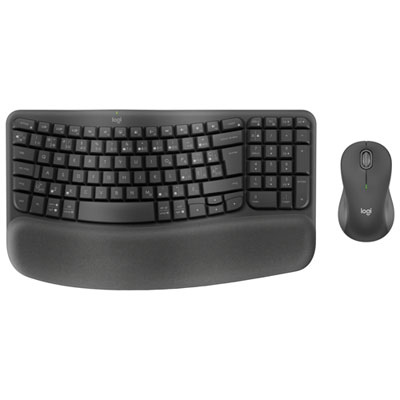
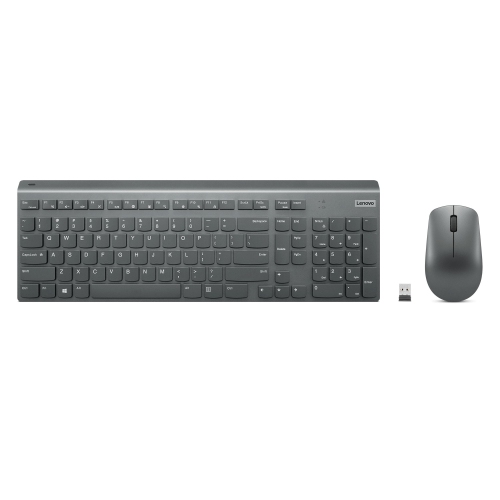
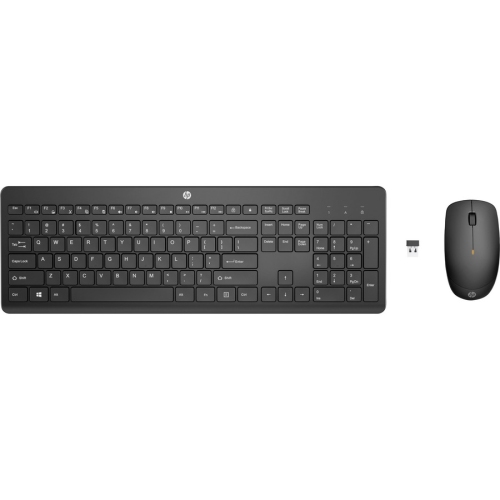
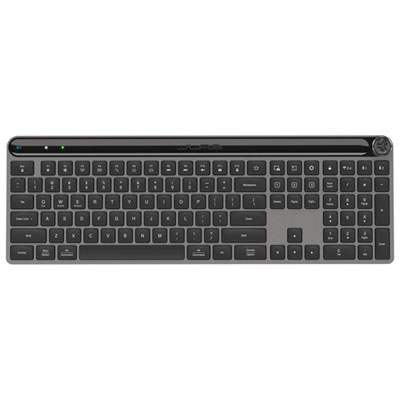
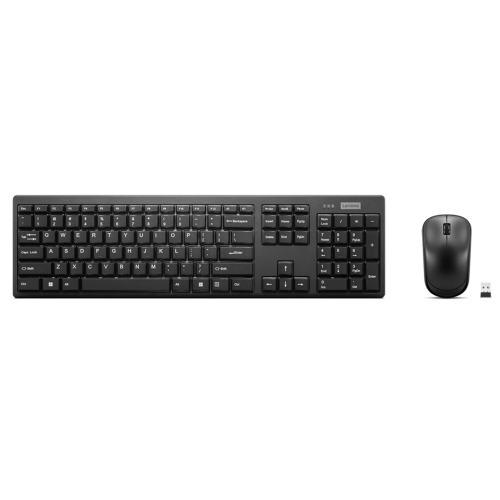
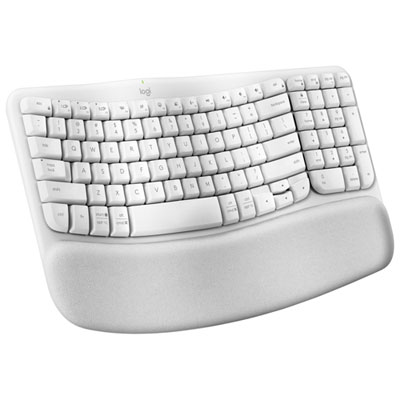
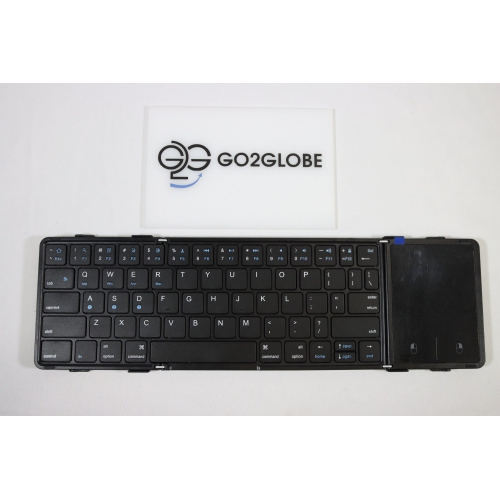
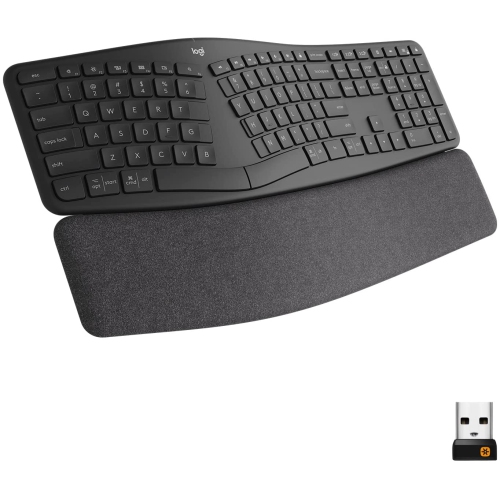
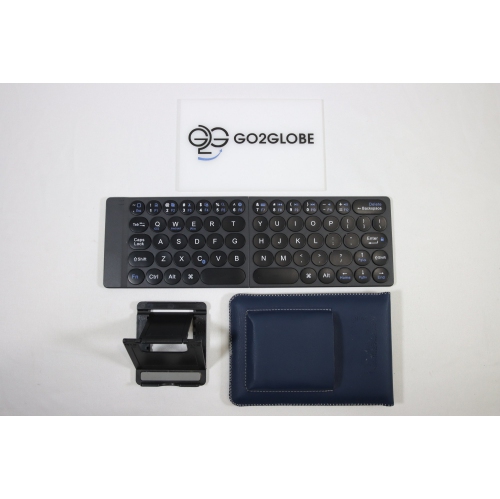
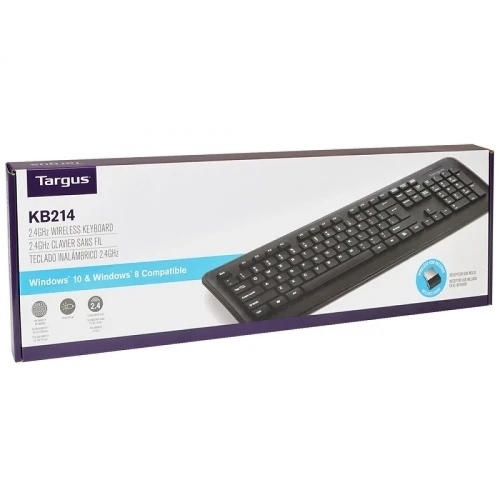
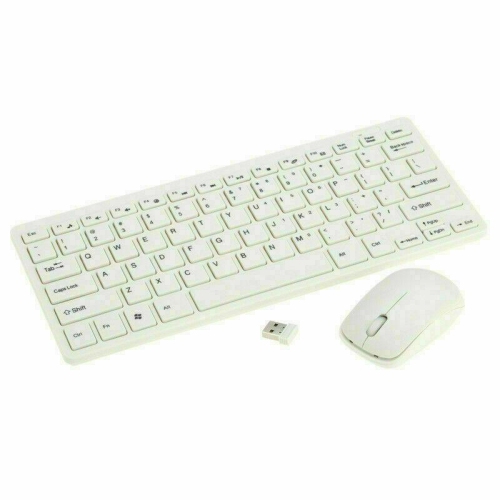
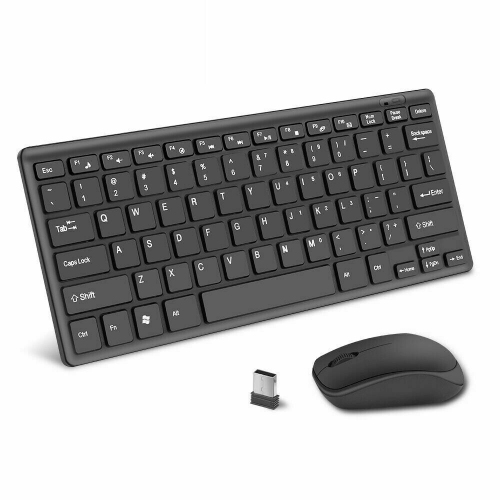
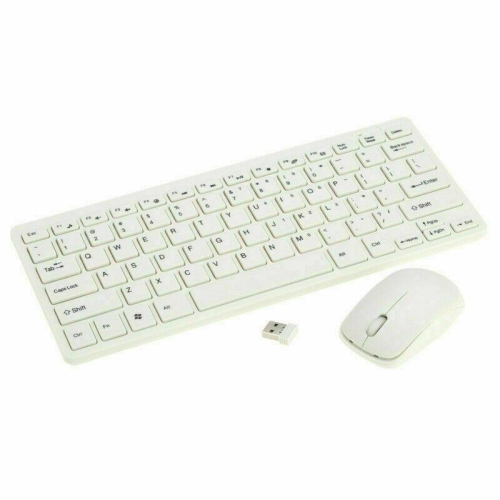
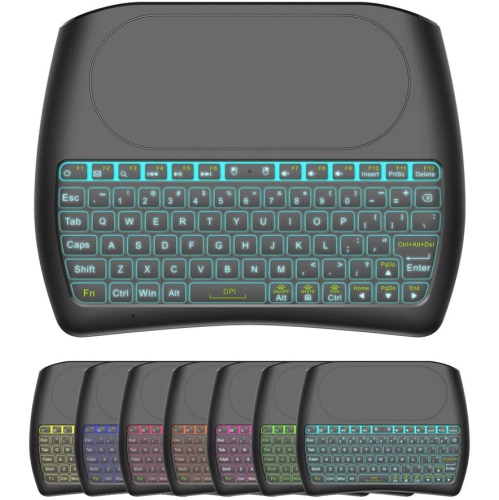

A practical guide to comfortable typing without desk clutter
USB Wireless Keyboards offer a tidy, flexible way to type on a desktop computer, laptop, smart TV, compatible tablet, or other device with an available USB port. Unlike wired keyboards, they connect through a small radio-frequency receiver that plugs directly into the computer, allowing you to type without running a cable across your desk. Setup is usually straightforward: insert the receiver, switch on the keyboard, and allow the computer to recognize the connection. Because the receiver uses a dedicated 2.4 GHz wireless connection, USB wireless keyboards are often a practical choice for everyday office work, studying, browsing, accounting, messaging, and home administration. They can help reduce clutter around a monitor and give you more freedom to position the keyboard where it feels comfortable, whether that means keeping it close to a laptop on a large desk or placing it on a table in front of a television. Many models use replaceable batteries, while others include rechargeable power, so it is worth checking the power requirements and expected battery life before choosing one. A keyboard with long battery life can be especially convenient for a shared family workstation or a home office where the keyboard is used throughout the day. Some designs include a low-battery indicator, an on/off switch, or automatic sleep mode to help manage power between typing sessions.
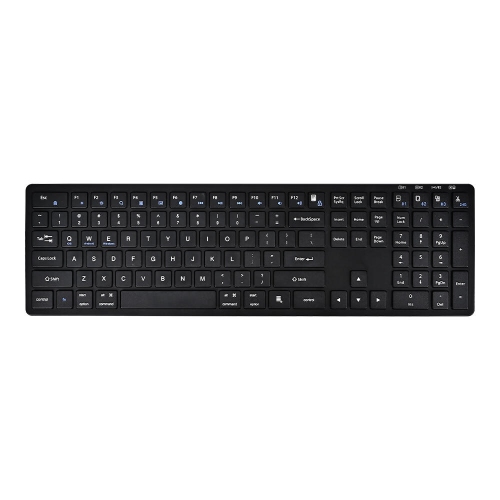
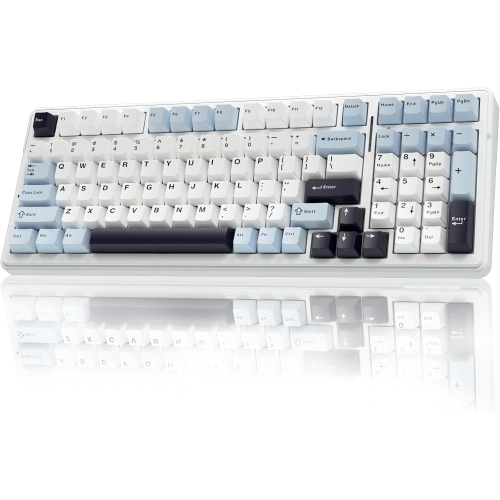
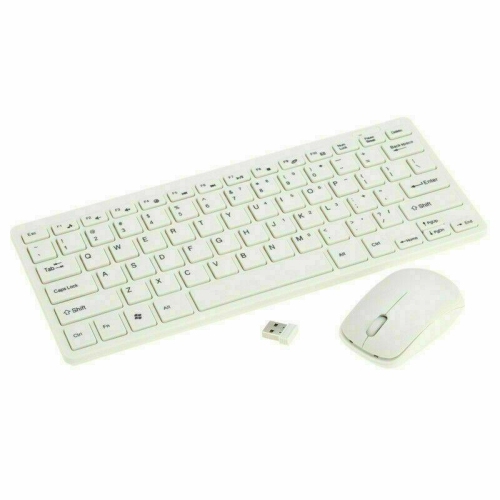
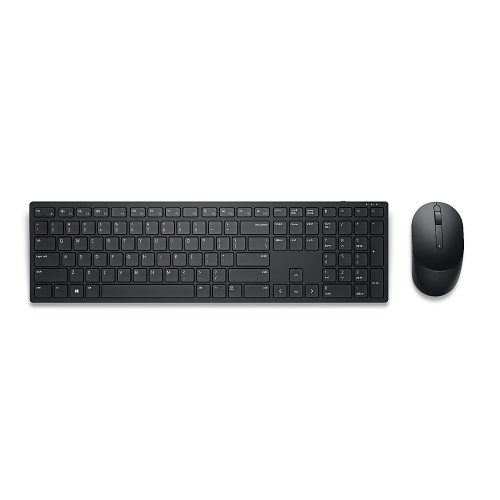
The layout is one of the most important purchase considerations. A full-size USB wireless keyboard includes the familiar letter keys, function row, arrow keys, navigation controls, and a dedicated number pad, making it well suited to spreadsheets, invoices, data entry, online forms, and anyone who frequently works with figures. The number pad can also be helpful when a keyboard is used for school assignments, household budgeting, or managing a small business from home. Compact keyboards leave out some keys or combine functions to take up less space, which can make them easier to carry between rooms or pack beside a laptop. Slim designs with scissor-style keys often have a short, quiet feel that suits a shared office, library corner, or late-night workspace, while membrane keyboards may provide a softer, familiar typing experience and are often available at an accessible price. Consider the distance between the keyboard and the computer as well as the placement of the receiver; a clear line of connection can help maintain dependable performance. Spill-resistant construction can offer added reassurance beside a morning coffee or a glass of water, although it is still important to follow the manufacturer’s care instructions and avoid assuming that spill resistance makes a keyboard waterproof. Multimedia buttons for volume, playback, mute, or calculator access can save time during a busy workday, while adjustable feet and a gently contoured shape can make longer typing sessions feel more natural. If you are buying for a student preparing a new study space, browsing University Wireless Keyboards can also help with finding a layout that suits coursework, research, and everyday computer use.
USB Wireless Keyboards can be useful for a wide range of people and are often a thoughtful gift for someone setting up a first home office, returning to school, upgrading a family computer, or replacing a tired keyboard. A full-size model may suit a parent who manages household records at the kitchen table, a remote worker who spends cooler months working indoors, or a hobbyist who writes, plans, and researches at a desktop. A compact option may appeal to someone who moves between a home office and a living-room workstation, particularly when desk space is limited. For shared spaces, quiet keys can help reduce the steady clatter that carries across a room, while dedicated media controls can make it easier to adjust audio without reaching for a mouse. If the keyboard is intended for gaming, look for features designed for that use, such as responsive key performance, anti-ghosting, or a layout that keeps commonly used controls easy to reach; a standard USB wireless keyboard is generally most appropriate for productivity and casual play rather than competitive gaming. Before making a choice, confirm that the computer or device has a compatible USB port, check whether the receiver can be stored inside the keyboard when travelling, and review the operating-system requirements. It is also useful to compare the keyboard’s dimensions with the available desk space, especially if a monitor stand, notebook, mouse, or drawing tablet will share the same surface. The right USB wireless keyboard should feel familiar from the first few minutes of use, provide dependable wireless typing, and fit naturally into the routines of work, learning, entertainment, and everyday communication.
The layout is one of the most important purchase considerations. A full-size USB wireless keyboard includes the familiar letter keys, function row, arrow keys, navigation controls, and a dedicated number pad, making it well suited to spreadsheets, invoices, data entry, online forms, and anyone who frequently works with figures. The number pad can also be helpful when a keyboard is used for school assignments, household budgeting, or managing a small business from home. Compact keyboards leave out some keys or combine functions to take up less space, which can make them easier to carry between rooms or pack beside a laptop. Slim designs with scissor-style keys often have a short, quiet feel that suits a shared office, library corner, or late-night workspace, while membrane keyboards may provide a softer, familiar typing experience and are often available at an accessible price. Consider the distance between the keyboard and the computer as well as the placement of the receiver; a clear line of connection can help maintain dependable performance. Spill-resistant construction can offer added reassurance beside a morning coffee or a glass of water, although it is still important to follow the manufacturer’s care instructions and avoid assuming that spill resistance makes a keyboard waterproof. Multimedia buttons for volume, playback, mute, or calculator access can save time during a busy workday, while adjustable feet and a gently contoured shape can make longer typing sessions feel more natural. If you are buying for a student preparing a new study space, browsing University Wireless Keyboards can also help with finding a layout that suits coursework, research, and everyday computer use.
USB Wireless Keyboards can be useful for a wide range of people and are often a thoughtful gift for someone setting up a first home office, returning to school, upgrading a family computer, or replacing a tired keyboard. A full-size model may suit a parent who manages household records at the kitchen table, a remote worker who spends cooler months working indoors, or a hobbyist who writes, plans, and researches at a desktop. A compact option may appeal to someone who moves between a home office and a living-room workstation, particularly when desk space is limited. For shared spaces, quiet keys can help reduce the steady clatter that carries across a room, while dedicated media controls can make it easier to adjust audio without reaching for a mouse. If the keyboard is intended for gaming, look for features designed for that use, such as responsive key performance, anti-ghosting, or a layout that keeps commonly used controls easy to reach; a standard USB wireless keyboard is generally most appropriate for productivity and casual play rather than competitive gaming. Before making a choice, confirm that the computer or device has a compatible USB port, check whether the receiver can be stored inside the keyboard when travelling, and review the operating-system requirements. It is also useful to compare the keyboard’s dimensions with the available desk space, especially if a monitor stand, notebook, mouse, or drawing tablet will share the same surface. The right USB wireless keyboard should feel familiar from the first few minutes of use, provide dependable wireless typing, and fit naturally into the routines of work, learning, entertainment, and everyday communication.
Top selling and popular products
-
 Your price for this item is $39.99
 -
 Your price for this item is $56.37
 -
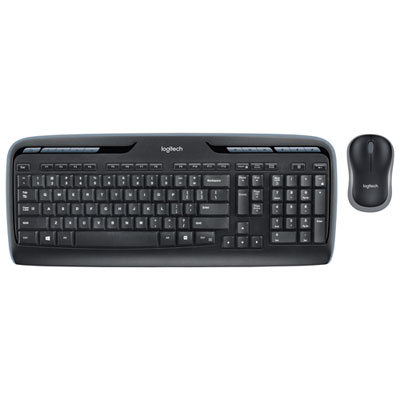 Your price for this item is $59.99
 -
 Your price for this item is $59.99
 -
 Your price for this item is $69.98
 -
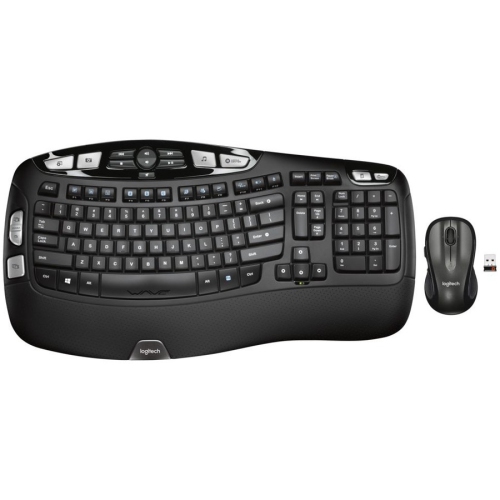 Your price for this item is $126.49
 -
 Your price for this item is $99.99
 -
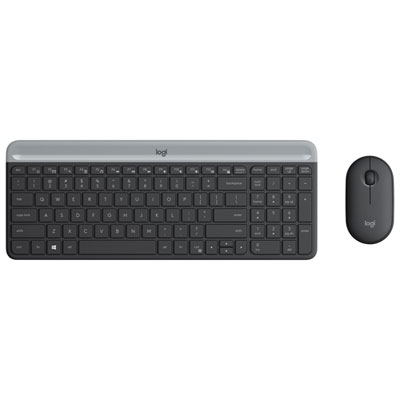 Your price for this item is $69.99
Discover more categories related to USB Wireless Keyboards
Top Collections:
Pokemon Centers, Kindle Devices, Best Budget Office Chairs, Apple iPhones 16, Best Laptops for Writers, iPhone 15 Apple, Canon G7X Cameras, Refurbished Apple Laptops, Alarm Clock, Motorola Razr Phones
Some products may be subject to Environmental Handling Fees
(EHF) depending on your province.
Learn more about EHFs.