VESA Brackets
VESA Bracket solutions offer a reliable way to mount monitors, TVs, and displays, helping you create a more organized and efficient space. Whether setting up a home office, enhancing your entertainment area, or optimizing workspace ergonomics, the right VESA Bracket ensures secure and flexible installation. Explore a range of options designed to accommodate various screen sizes and mounting preferences, making it easy to find the perfect fit for your needs.
Sort


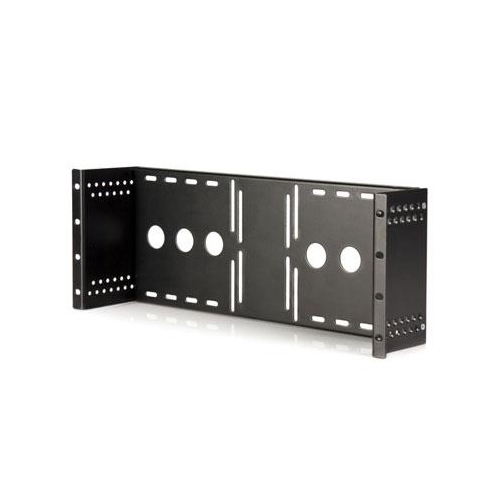
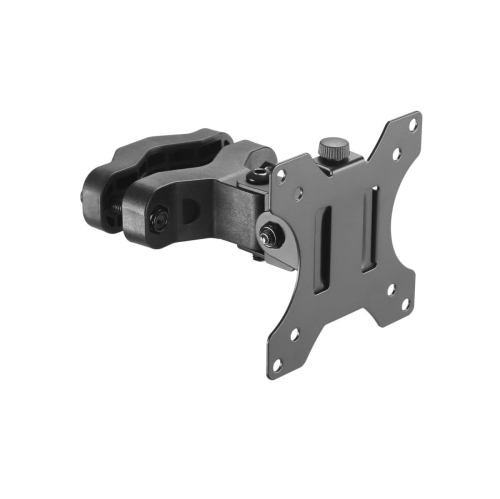
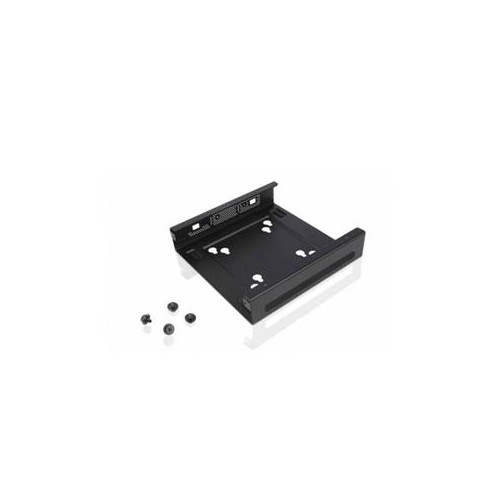
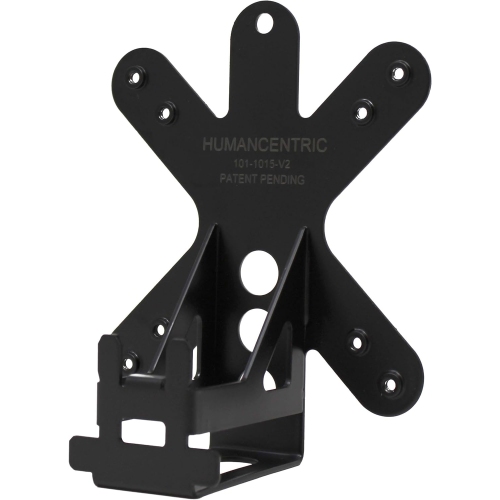


Screen compatibility goes beyond matching the mounting holes
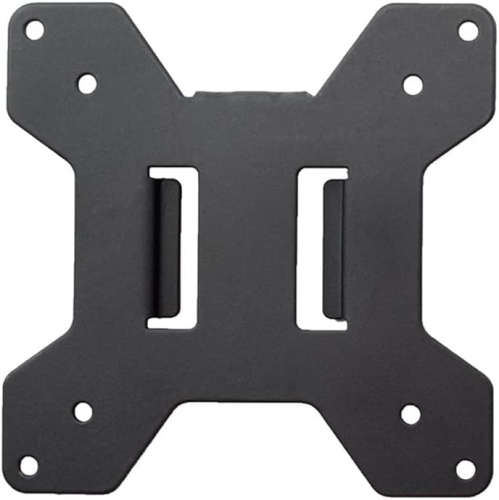
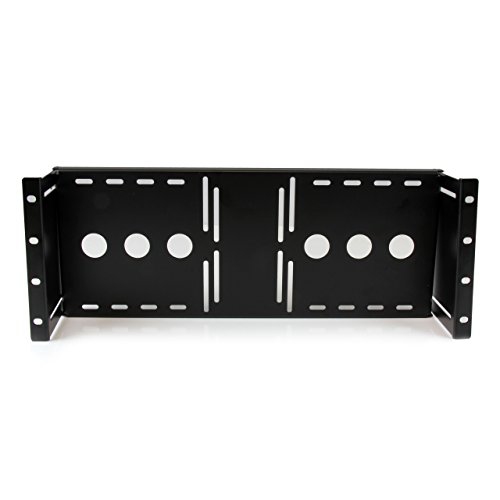
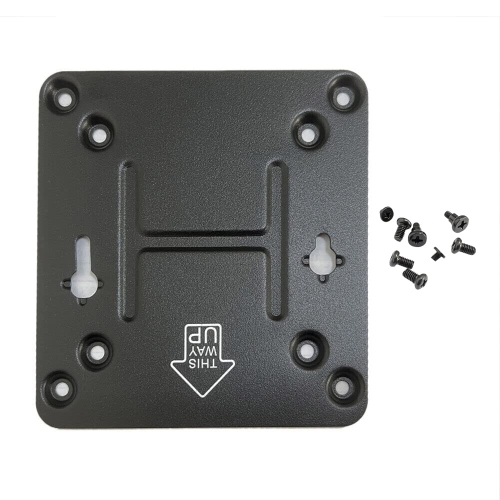
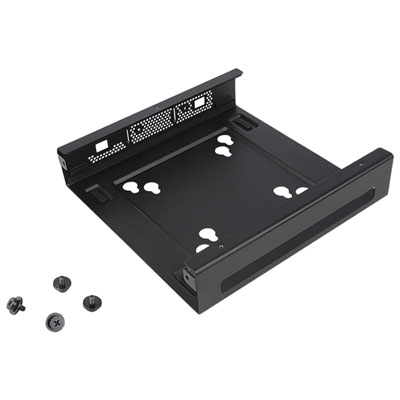
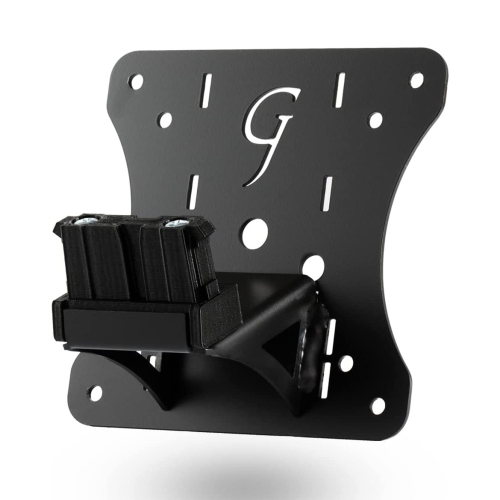
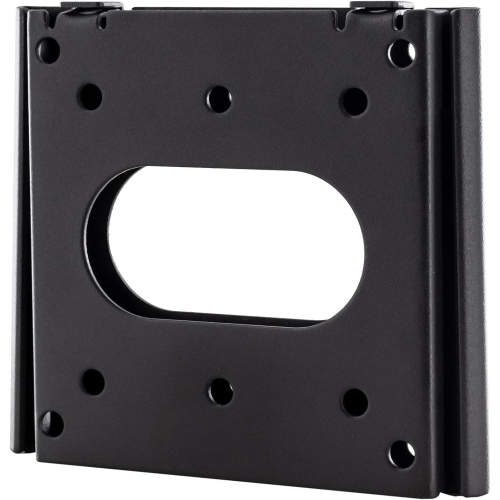
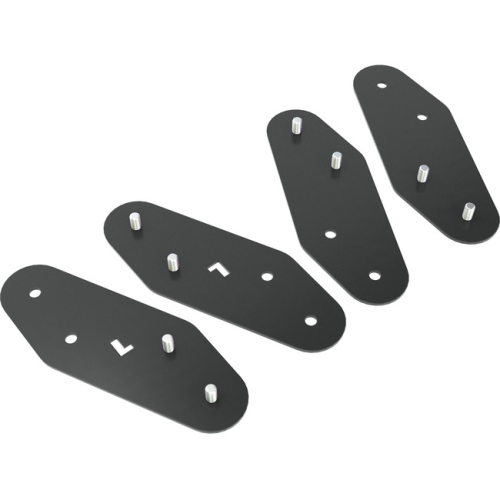
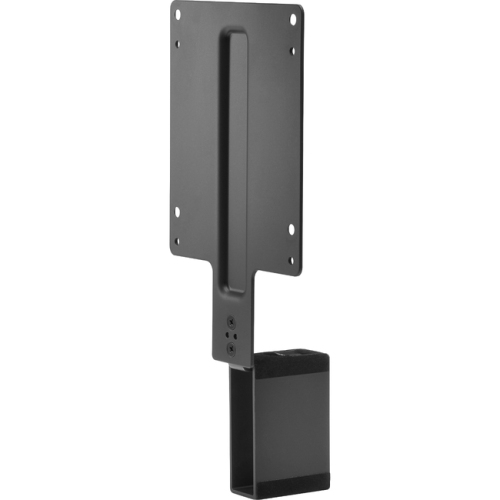
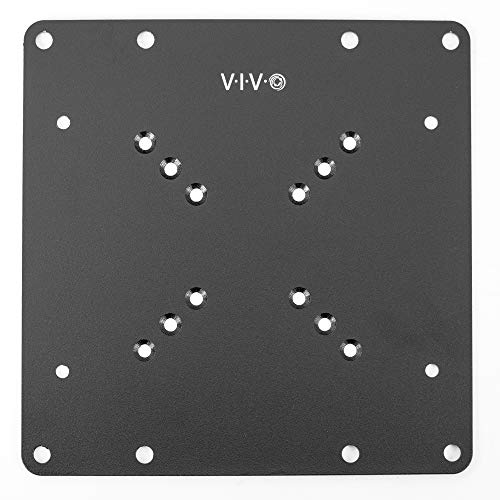
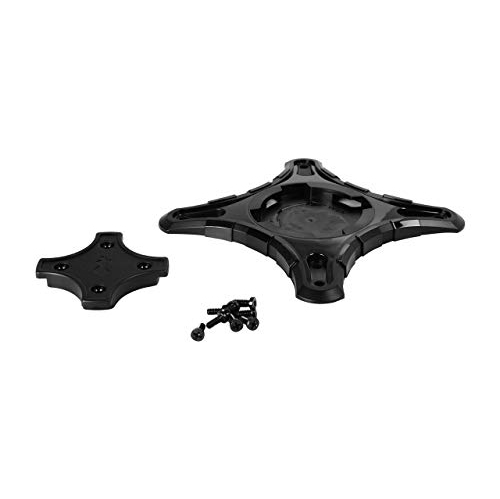
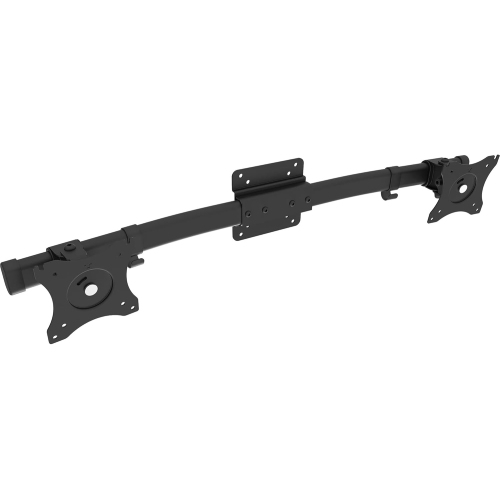
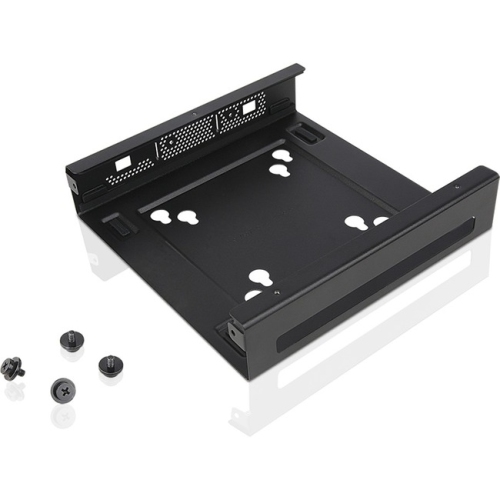
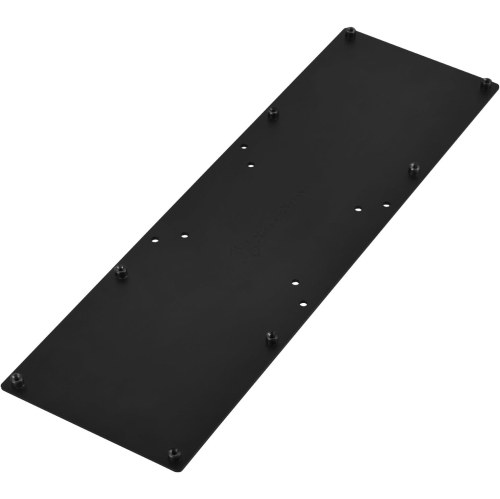
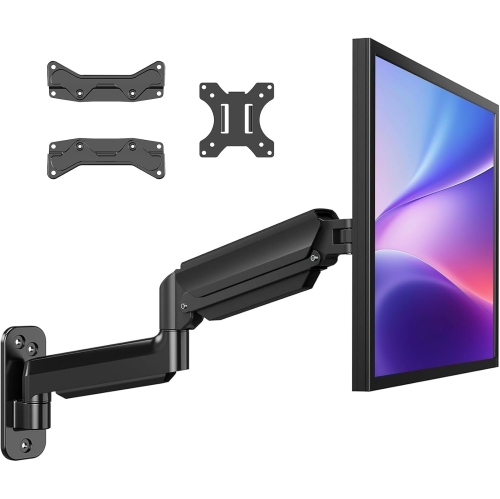
VESA brackets are mounting components that secure compatible flat-screen TVs and monitors to walls, desks, stands, or articulated arms using standardized mounting-hole patterns. VESA stands for Video Electronics Standards Association, the organization behind these mounting standards. The mounting pattern identifies the horizontal and vertical distances between the centres of the attachment holes on the back of a display, measured in millimetres. A 100 mm by 100 mm pattern, for example, has holes spaced 100 mm apart in both directions. Smaller monitors commonly use patterns such as 75 mm by 75 mm or 100 mm by 100 mm, while larger displays may require wider spacing. Matching this pattern is an important part of compatibility, but it is not the only consideration: the bracket’s weight capacity, supported screen dimensions, screw specifications, and clearance around the back of the display also matter. Two screens with the same mounting pattern can have different weights, recessed attachment points, or connections positioned close to the mounting area. Some displays need manufacturer-approved spacers or adapters, while others do not support a standard mounting interface at all. Related components such as VESA mounting plates can provide the attachment surface between a compatible display and mounting hardware, with suitability depending on the complete assembly. These details make VESA brackets useful across a broad range of spaces, from a compact study desk to a living room media wall or a shared workstation. A monitor lifted above the desktop leaves room beneath it for a keyboard, notebook, or drawing tablet, while a wall-mounted TV can free up the surface of a media cabinet. For students, remote workers, gamers, and households arranging a shared screen, the right bracket brings the display into a more practical position without relying on its original stand.
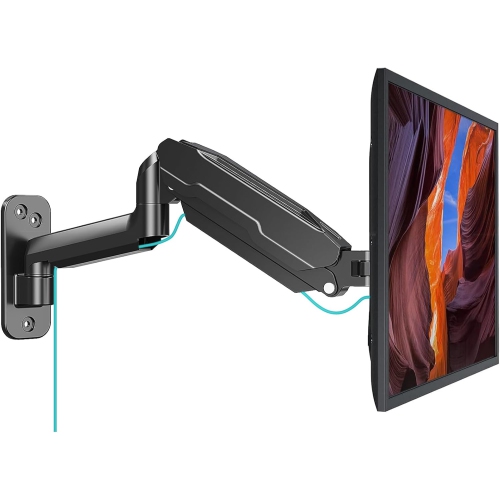
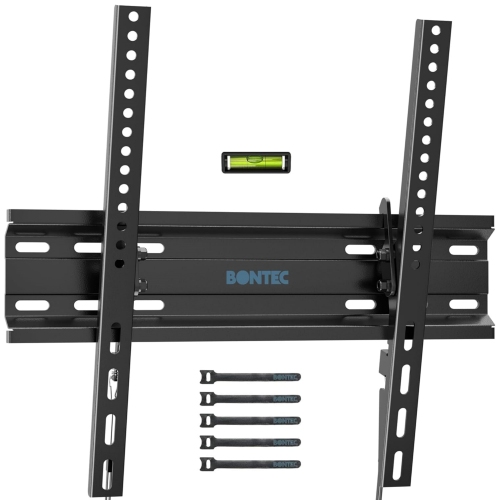
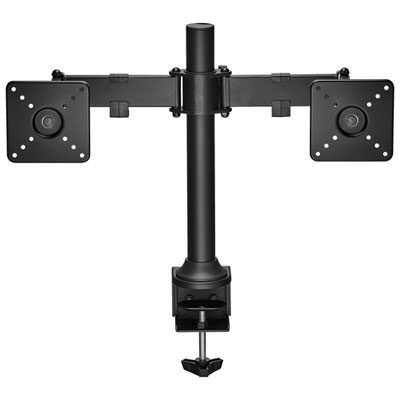
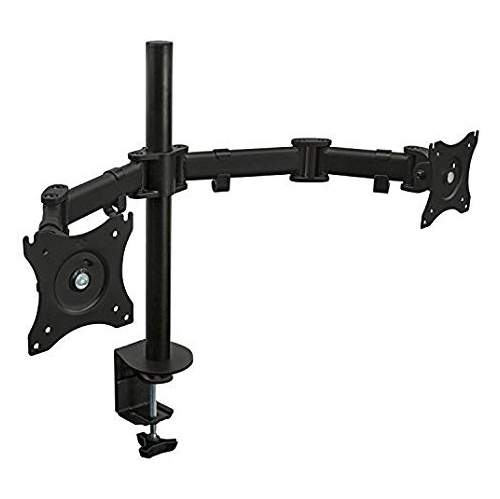
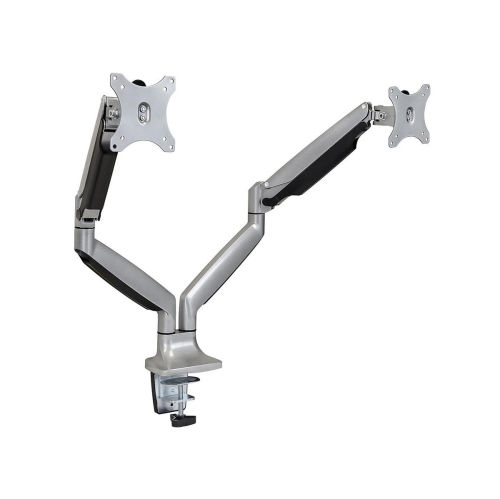
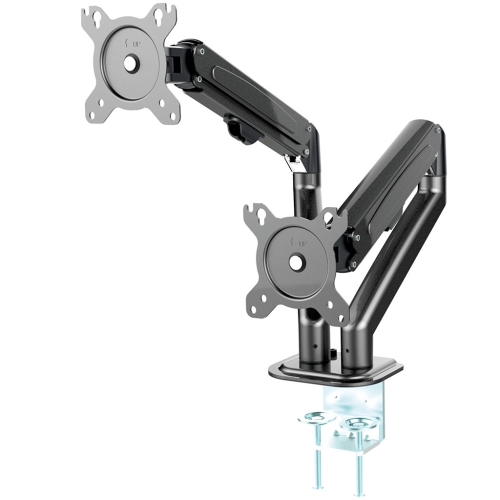
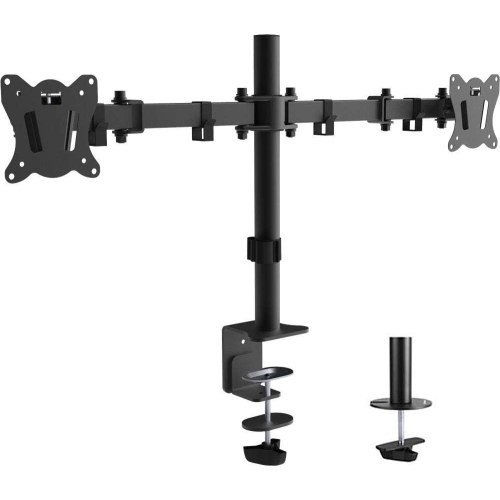
The way a bracket moves has a direct effect on how the screen fits into everyday activities. Fixed brackets keep a display in one position and often sit close to the wall, creating a tidy profile where the viewing location rarely changes. Tilting brackets allow the screen to angle up or down, which can help accommodate different seating heights or reduce reflections from overhead lighting. Full-motion brackets add swivel and extension, making it possible to turn a TV towards a dining area, angle a monitor towards a colleague, or bring a screen closer for detailed work. The available movement varies between designs, and the width of the display, nearby walls, and surrounding furniture can limit the usable range. A screen installed in a corner, for instance, needs enough clearance to turn without its edge touching the adjoining wall. At a desk, an articulated arm can help position the display at a comfortable height and distance while leaving the work surface open. Some designs support portrait orientation for reading documents or reviewing long pages of code, provided the screen and bracket allow rotation. Dual-screen arrangements introduce another consideration: each display needs suitable support, and the arm layout must accommodate the combined widths without forcing an awkward gap or overlap. Height-adjustable mechanisms may use springs or gas-assisted movement, with a specified operating weight range that matters just as much as the maximum load. A display that is too light or too heavy for the mechanism may not hold its intended position. Cable routing also affects how smoothly an adjustable setup works. Integrated channels and clips can keep power and video cables organized, but moving joints still need enough cable slack to extend or rotate without pulling on connectors. Rear-facing ports may require more space behind the screen than side-facing connections, particularly with low-profile wall brackets. These practical differences help distinguish hardware suited to a stationary viewing area from brackets intended for frequent repositioning.
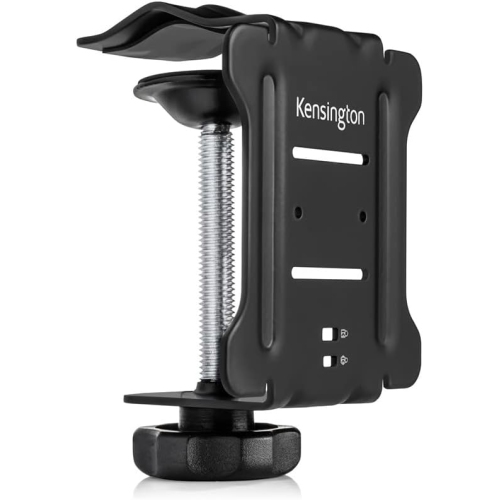
Materials, construction, and the mounting surface all contribute to the durability of a VESA bracket installation. Steel is common in wall plates and support rails because it provides strength in a relatively compact structure, while aluminium is often used in articulated arms where lower component weight can be useful. Neither material alone determines the load rating; joint design, fasteners, plate thickness, and the complete mounting assembly also play a role. Powder-coated or painted finishes give exposed hardware a consistent appearance, while well-fitted pivots and adjustment controls help a movable bracket hold its position. For wall-mounted displays, the supporting structure must be suitable for the load and the mounting method. Wood studs, concrete, and masonry require different attachment hardware, and drywall alone should not be assumed to provide adequate support. Extending arms also place leverage on the mounting point, making the specified installation requirements especially important. Desk-mounted brackets have their own fit considerations. Clamp mounts need an accessible edge and a desktop within the stated thickness range, while grommet mounts use a suitable opening through the work surface. Glass tops, hollow-core surfaces, bevelled edges, and narrow rear lips may be unsuitable unless the desk and bracket manufacturers expressly permit the arrangement. Clearance beneath the desktop matters too, particularly where drawers, cable trays, or a frame occupy the clamp area. Once installed, brackets generally need little routine care beyond gentle cleaning and occasional inspection in line with the manufacturer’s directions. A soft, dry cloth removes ordinary dust, while abrasive cleaners can damage finishes. Loose fittings, changes in alignment, or movement at the attachment point warrant attention before continued adjustment. When a display is replaced, compatibility needs to be assessed again rather than assumed from screen size alone. A replacement may have a different mounting pattern, weight, or screw depth even if its diagonal measurement is similar. Considering the display, bracket, cables, and supporting surface as one assembly helps create a setup that remains secure, accessible, and comfortable to use, whether the screen is used for focused work, shared viewing, or an extended gaming session.
Top selling and popular products
-
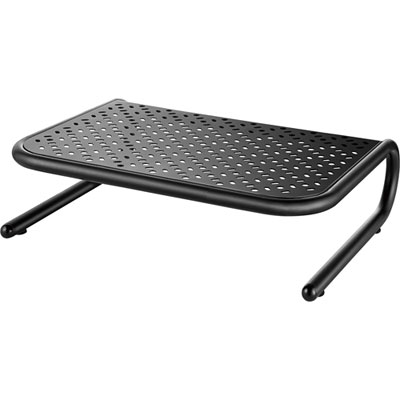 Your price for this item is $34.95
-
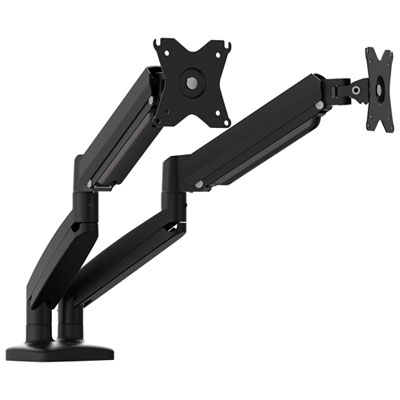 Your price for this item is $149.99
-
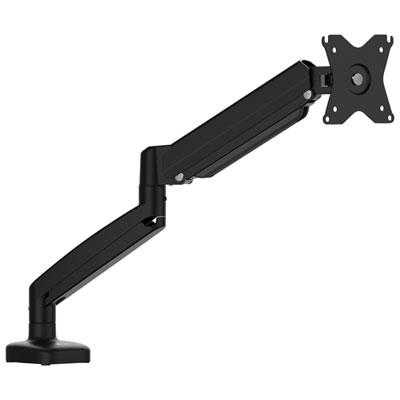 Your price for this item is $79.99
-
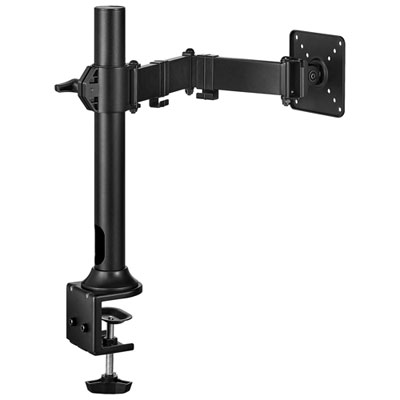 Your price for this item is $69.99
-
 Your price for this item is $71.99
-
 Your price for this item is $79.99
-
 Your price for this item is $99.99
-
 Your price for this item is $238.99
Discover more categories related to VESA Brackets
Top Collections:
Best Black Friday Deals This Year, Best Black Friday Deals On Electronics, Kindle Devices, Pokemon Centers, Best Black Friday Deals On Apple Products, Best Cameras for Sports Photography, Dyson Airwrap, Pokémon 30th Celebration Cards, Apple iPhone 17 Pro, Canon G7X Cameras
Some products may be subject to Environmental Handling Fees
(EHF) depending on your province.
Learn more about EHFs.