VESA Monitor Mounts
Looking to enhance your workspace and optimize your viewing experience? Look no further than our wide selection of VESA monitor mounts. Designed to provide maximum flexibility and ergonomic benefits, these mounts are the perfect solution for anyone seeking to elevate their productivity and comfort. Whether you're a professional in need of a multi-monitor setup or a gamer looking to create the ultimate gaming station, our range of VESA monitor mounts offers a variety of options to suit your specific needs. Say goodbye to cluttered desks and strained necks - explore our collection today and discover the perfect mount for your monitor. Also check out our Wall Mounted Desks for even more great options!
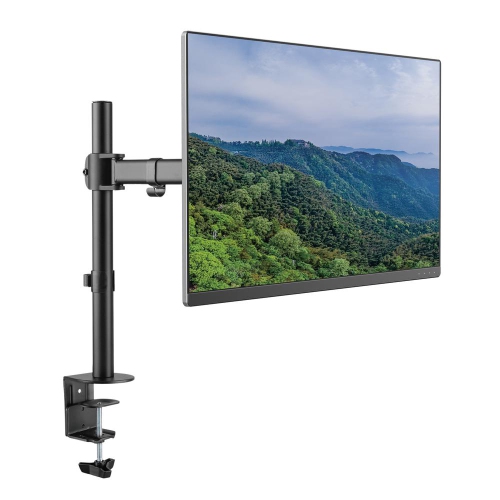
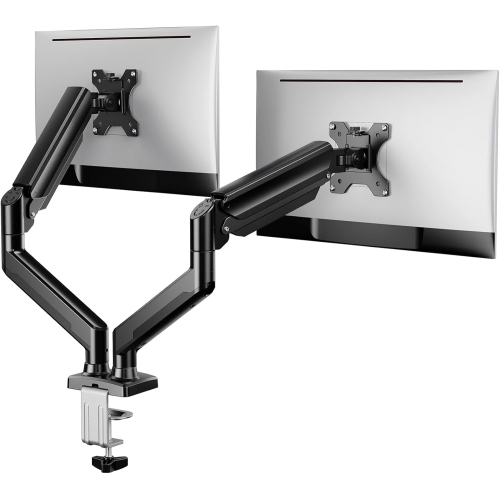
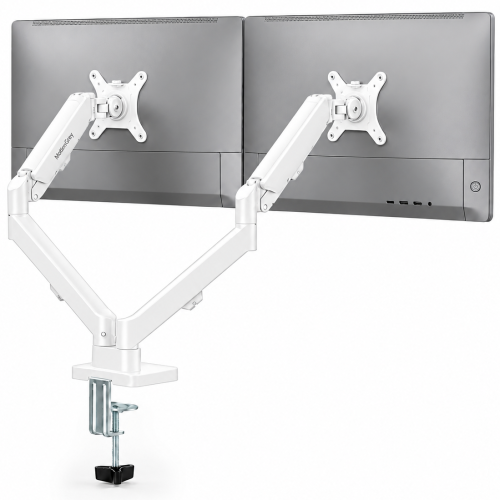
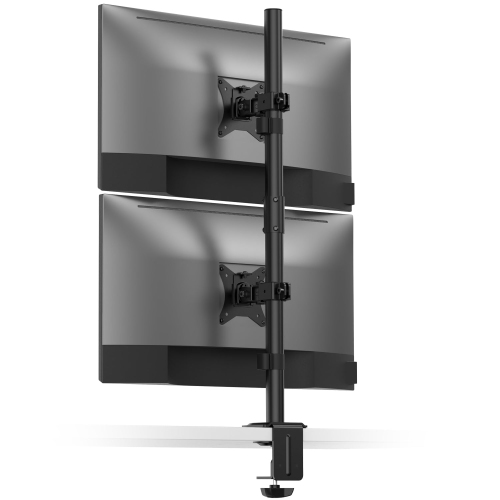
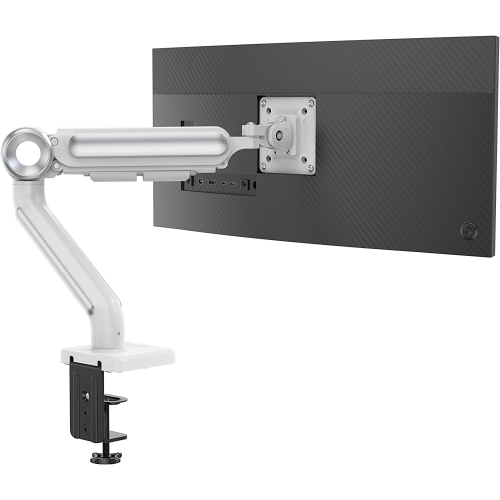
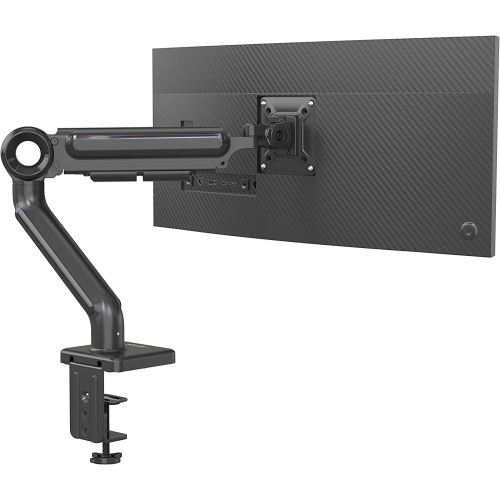
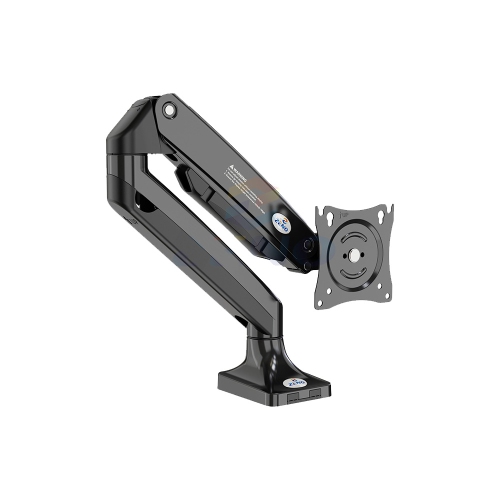
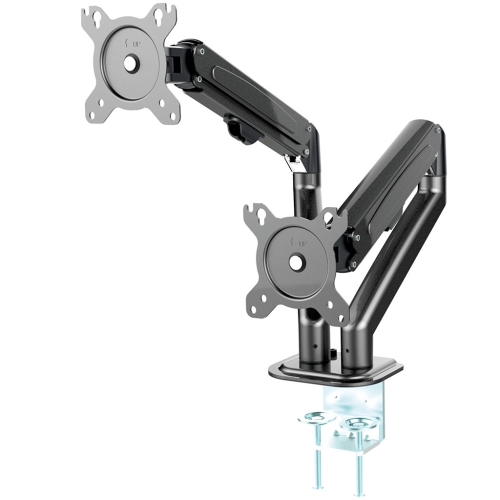
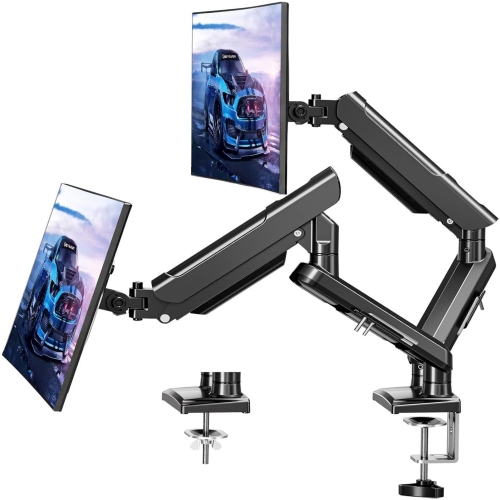
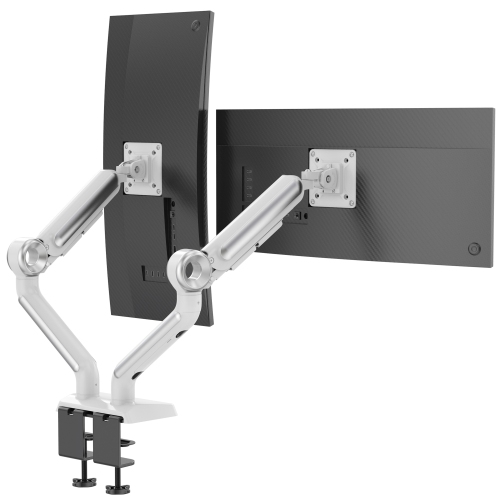
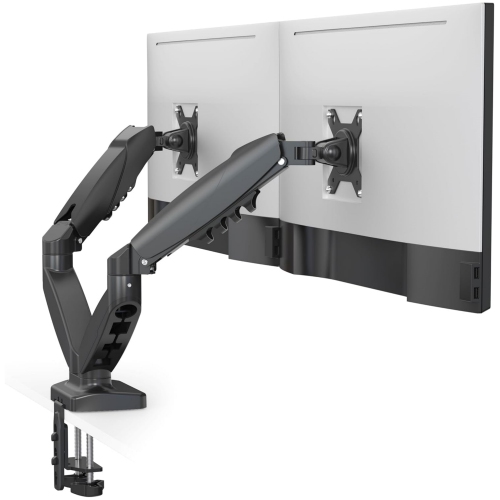
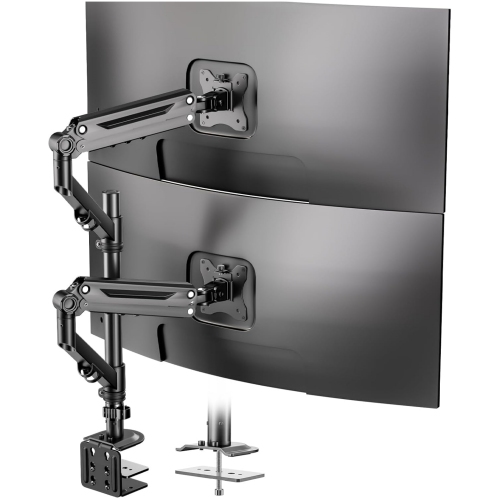
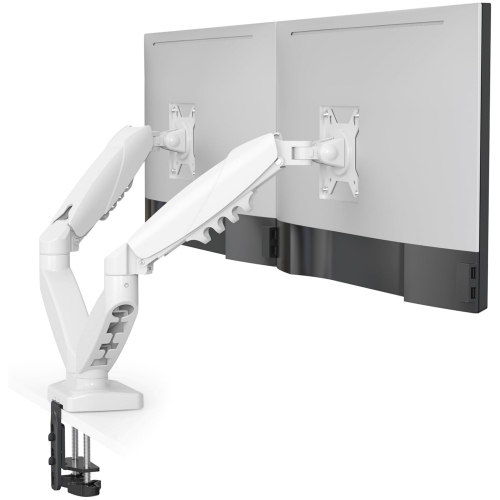
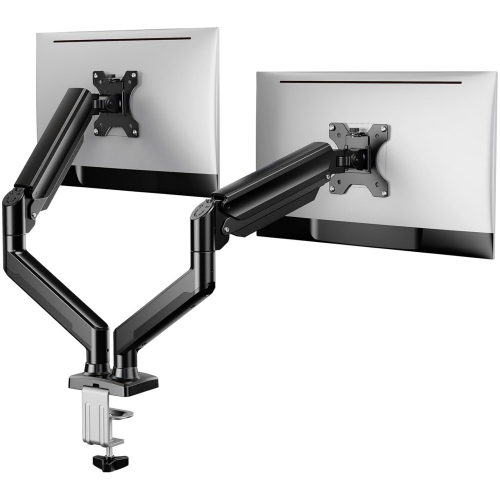
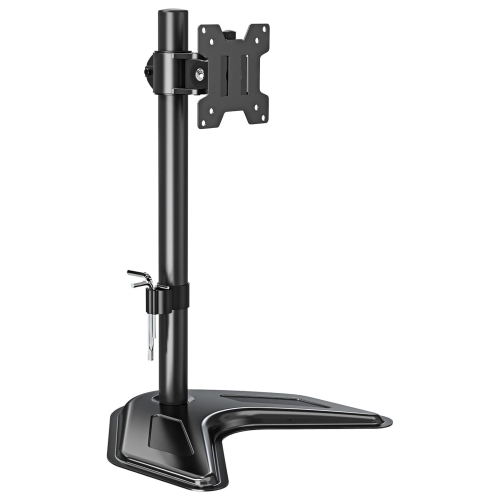
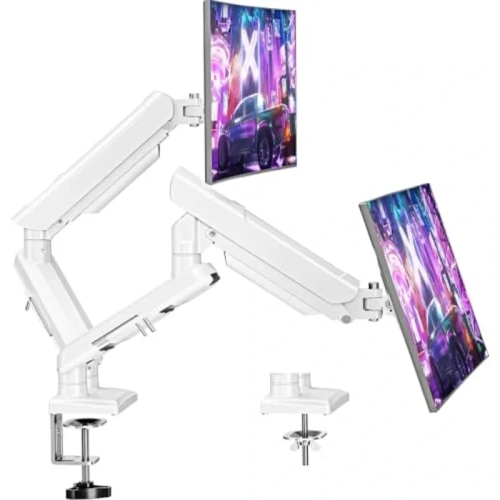
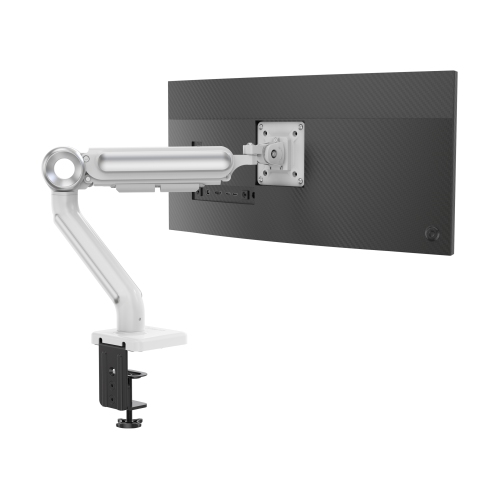
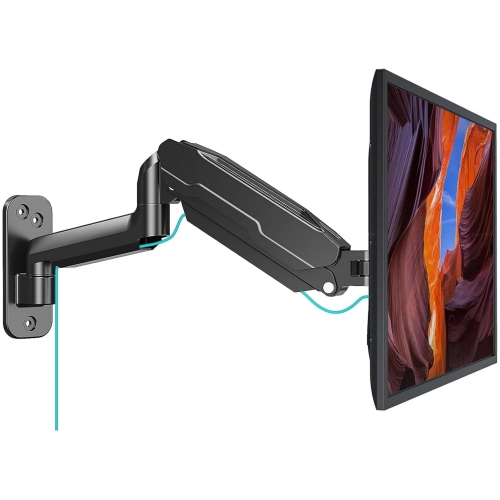
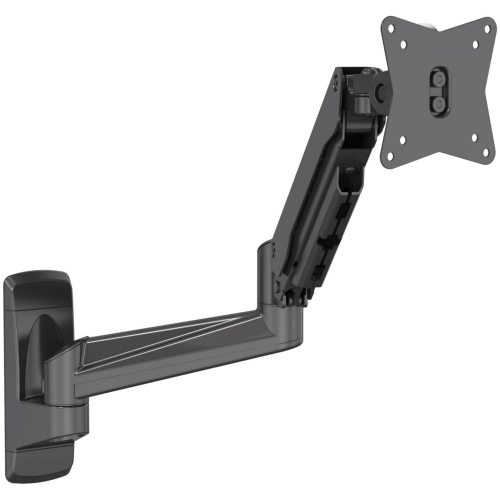

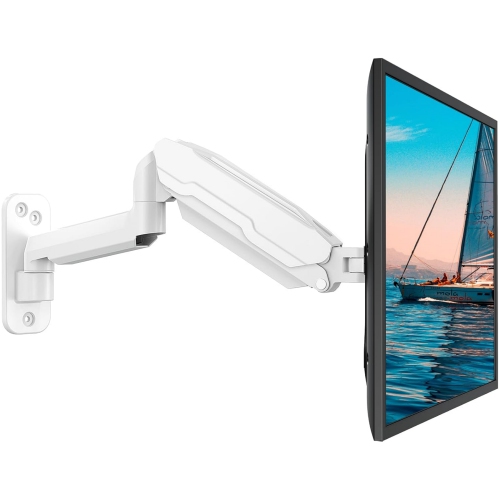
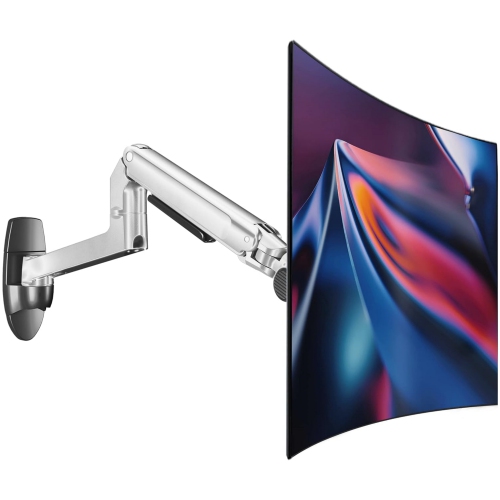
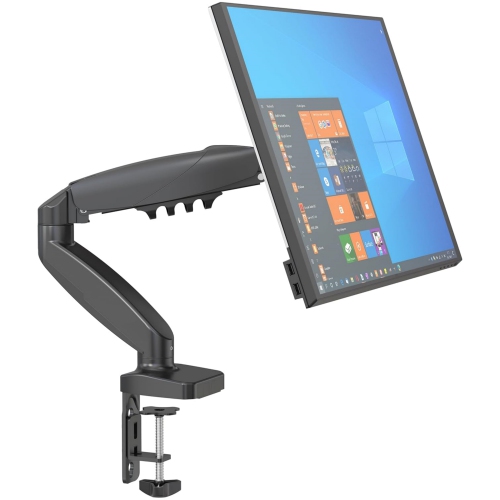
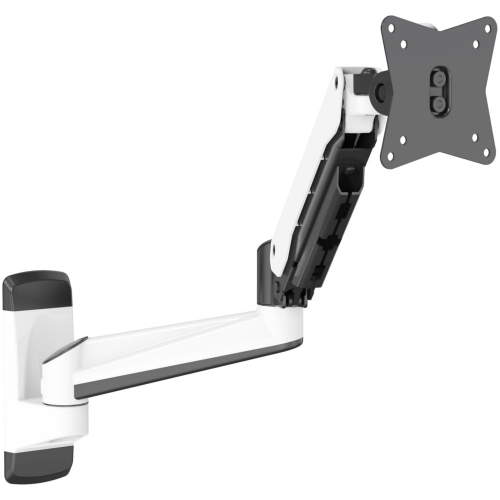
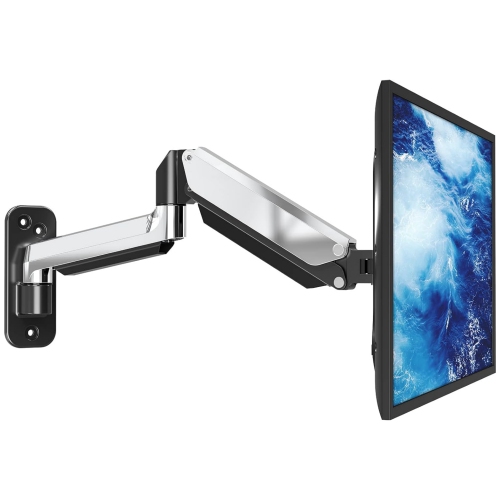
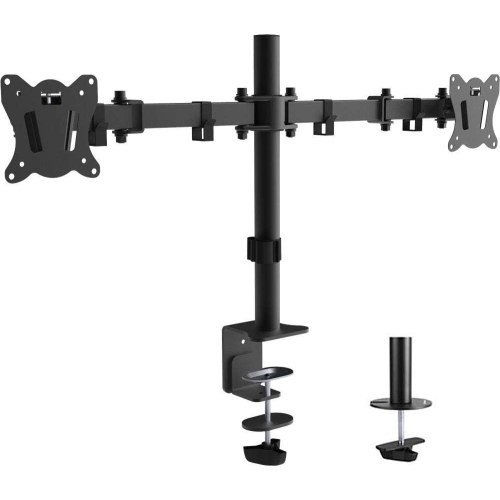
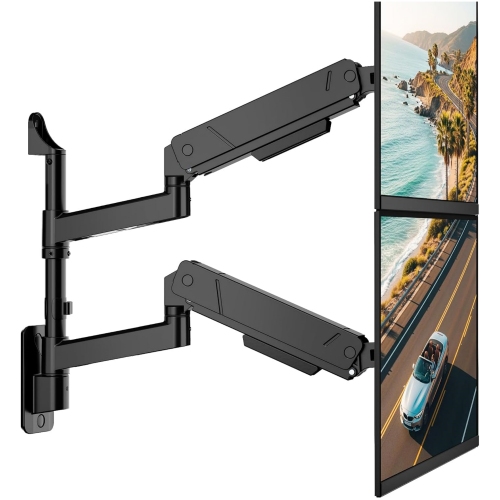
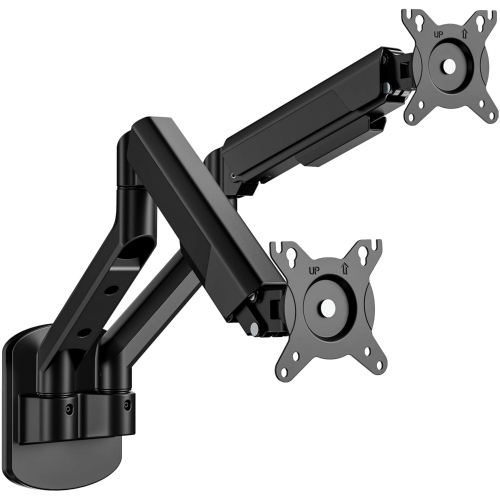
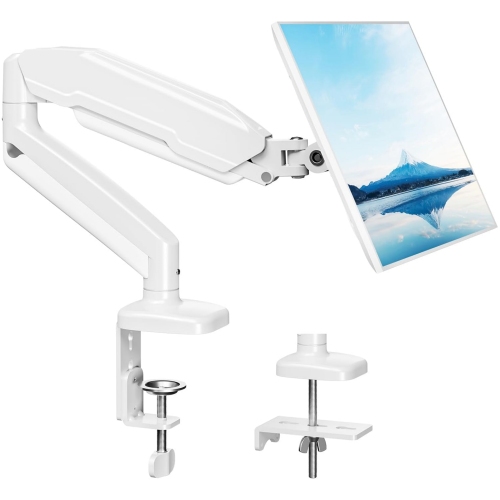
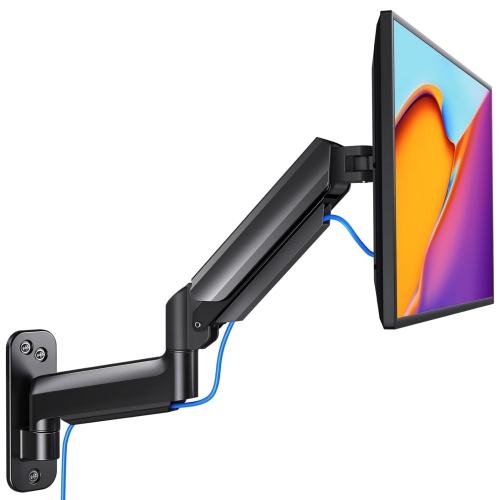
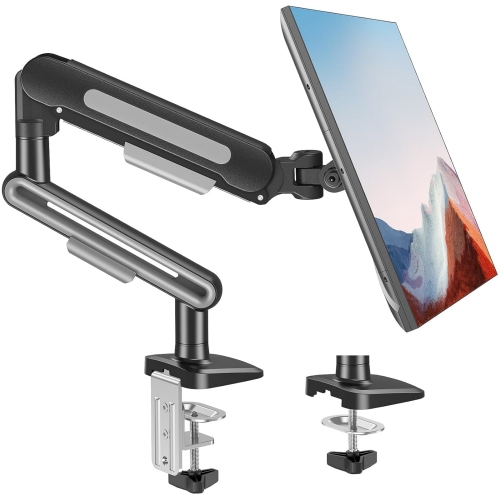
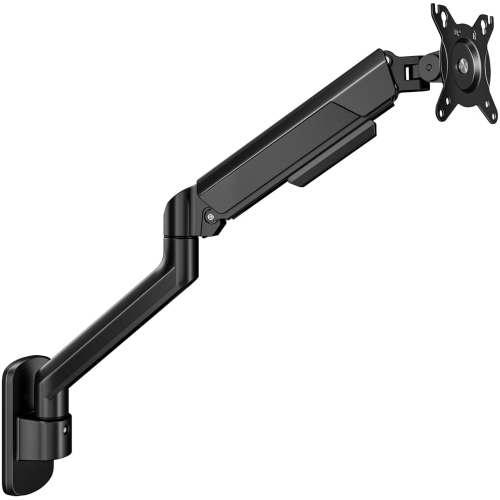
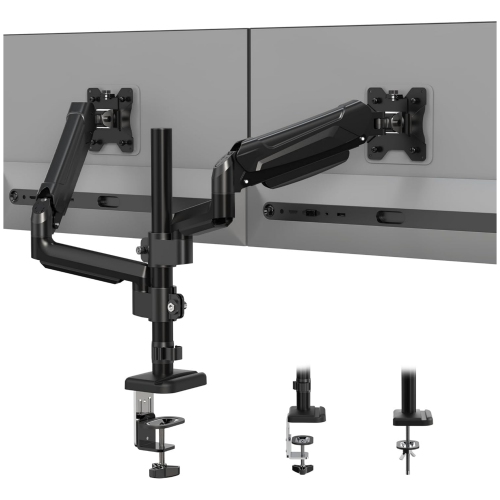
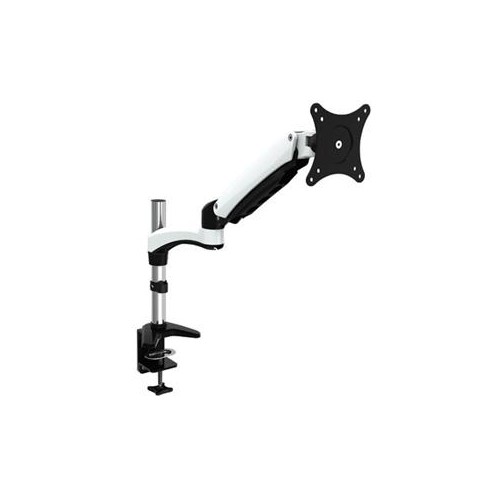
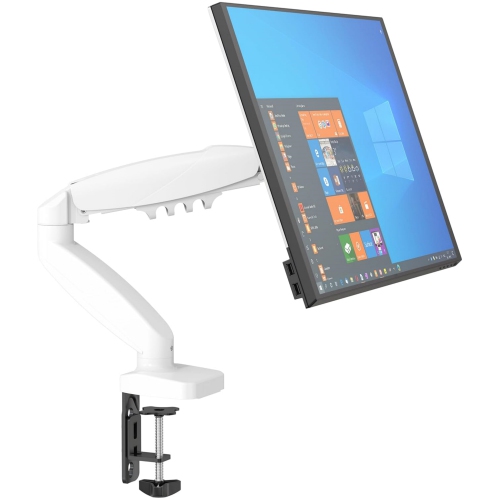
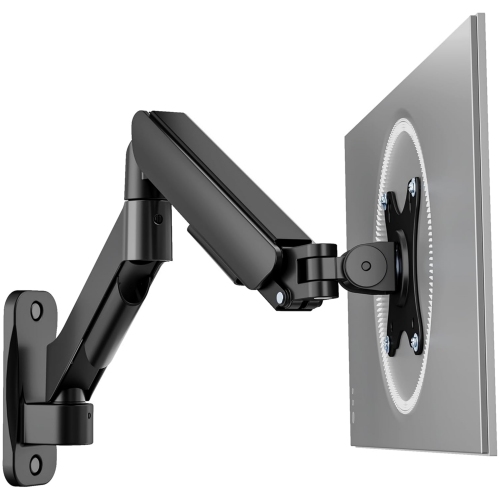
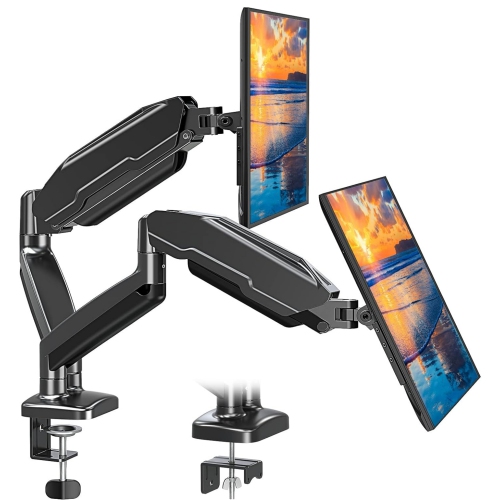
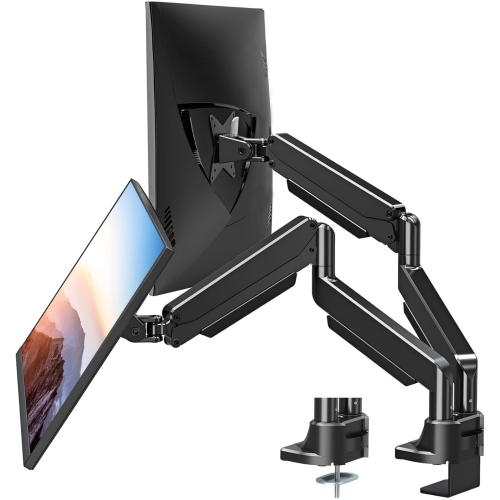
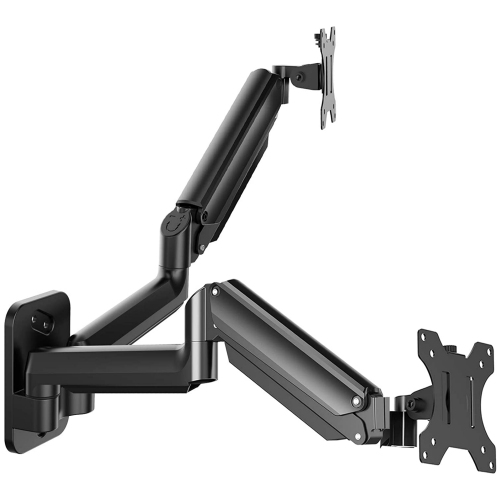

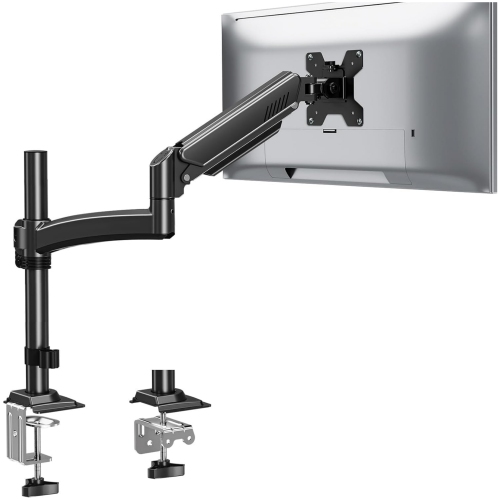
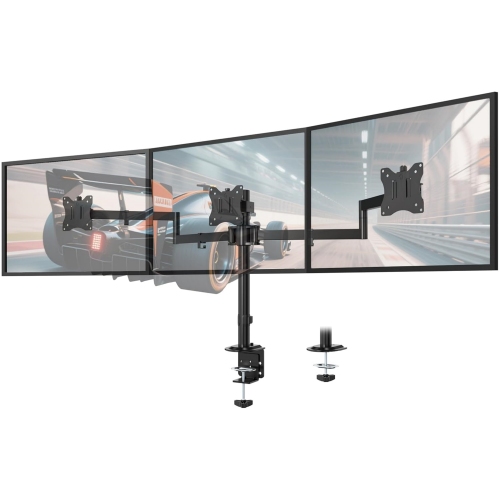
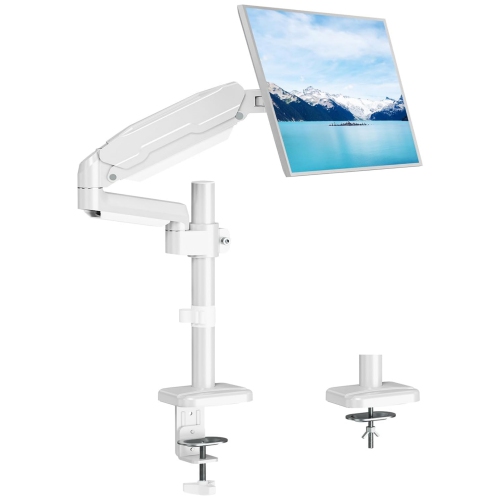
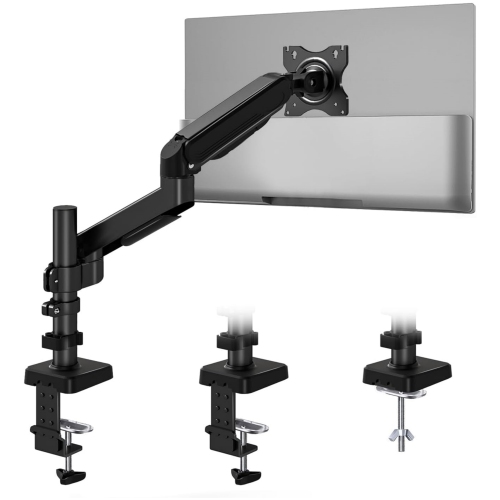
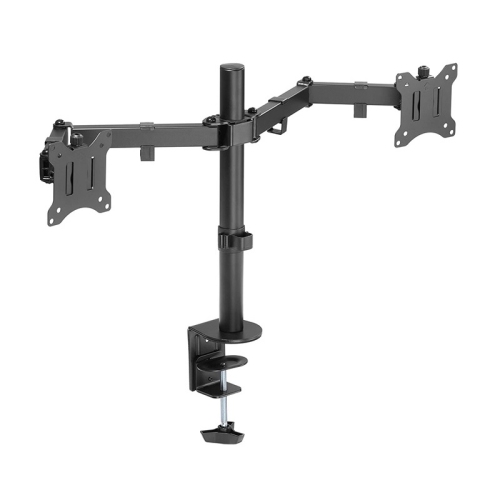
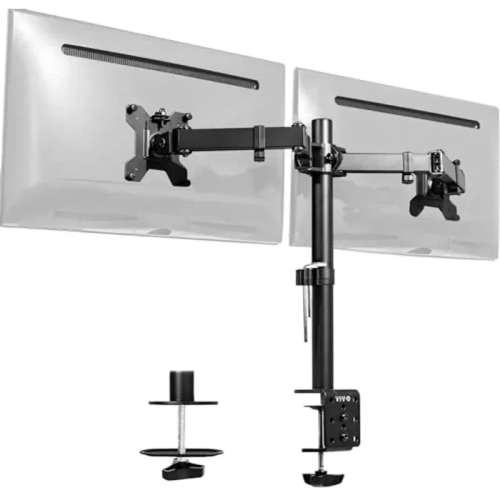
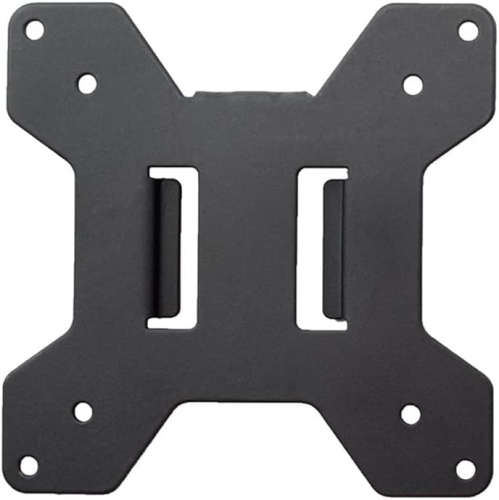

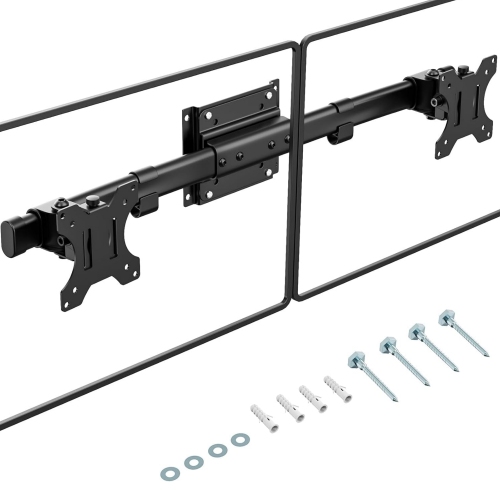
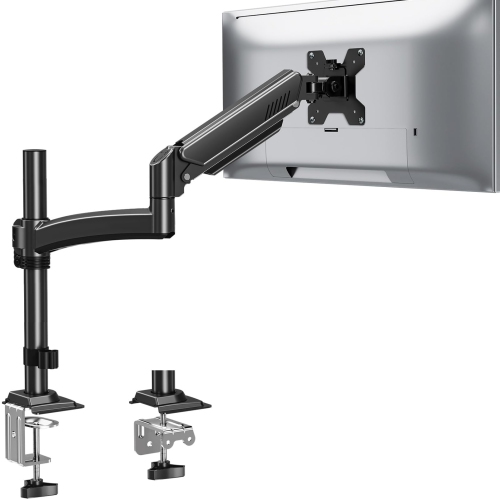
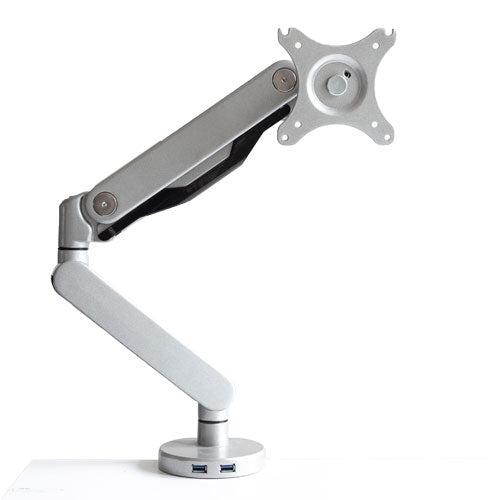


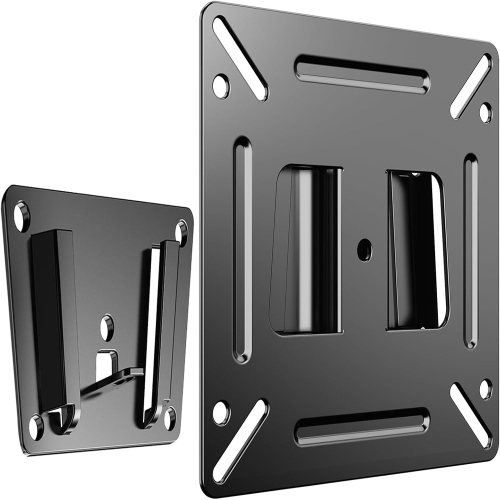
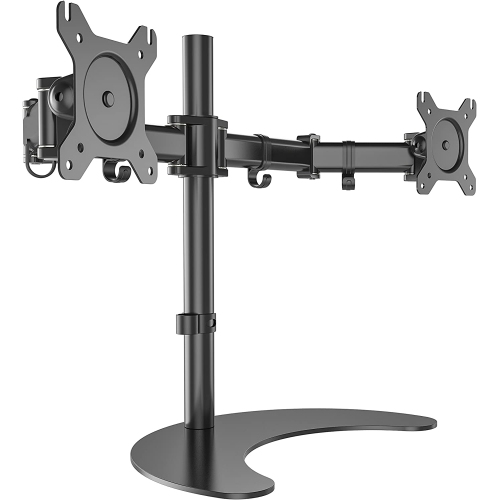
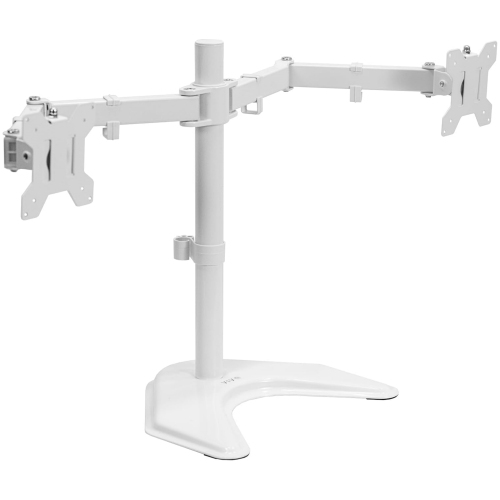
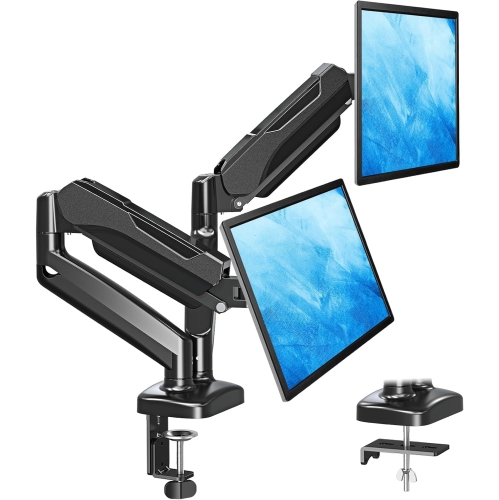
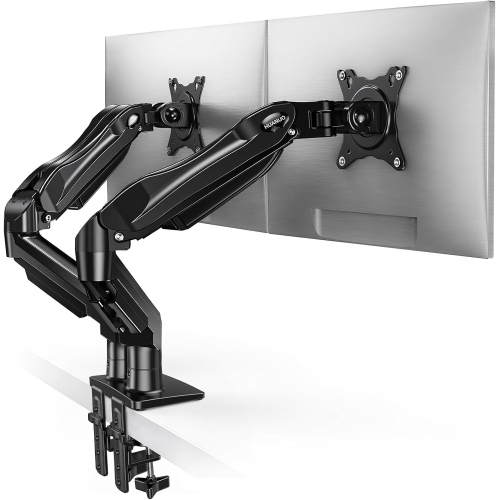


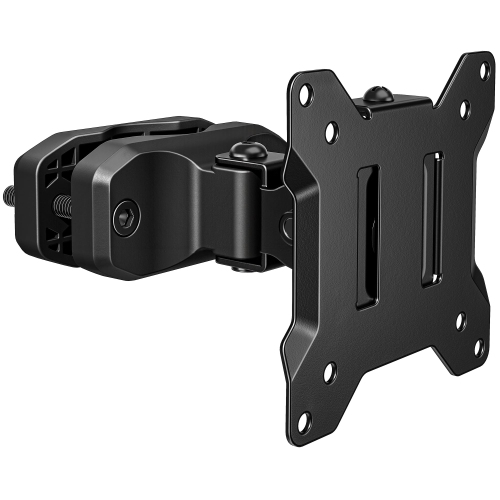
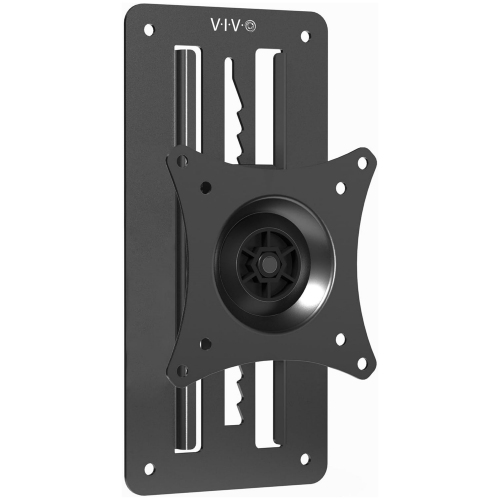
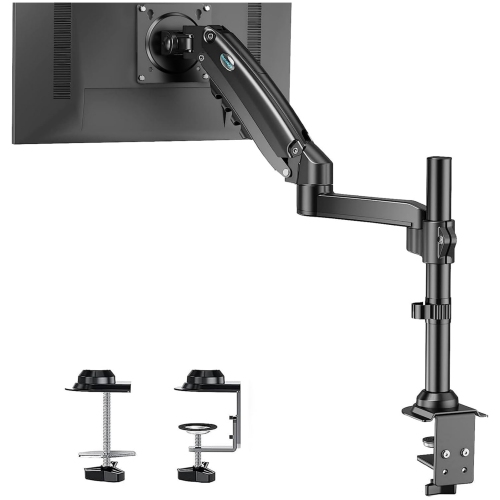
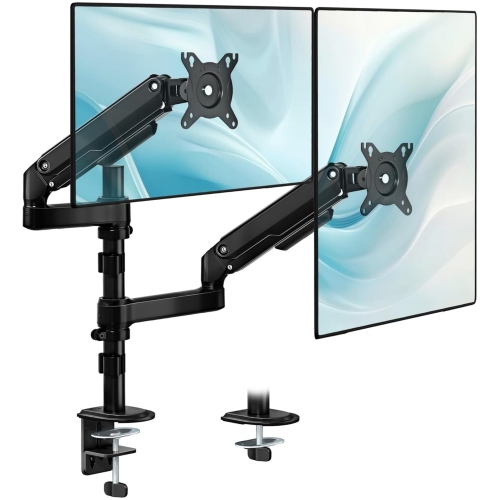
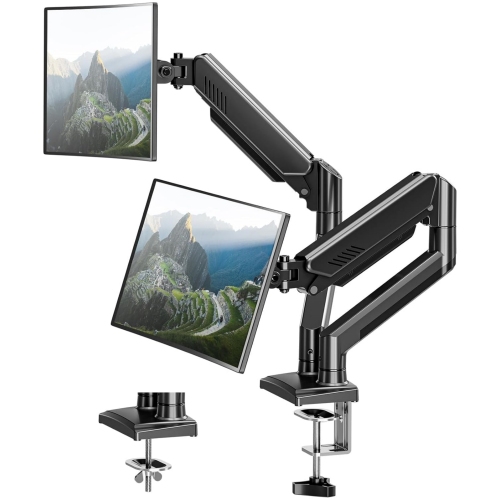
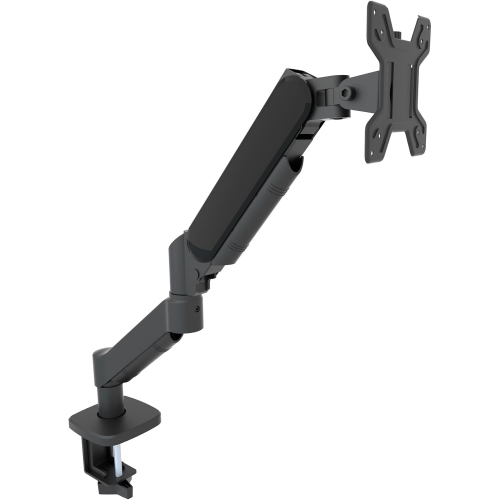
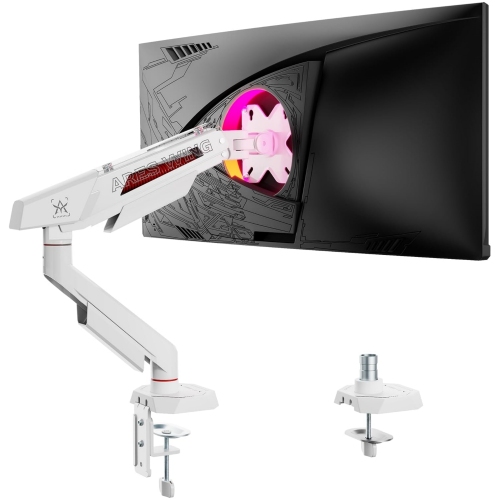
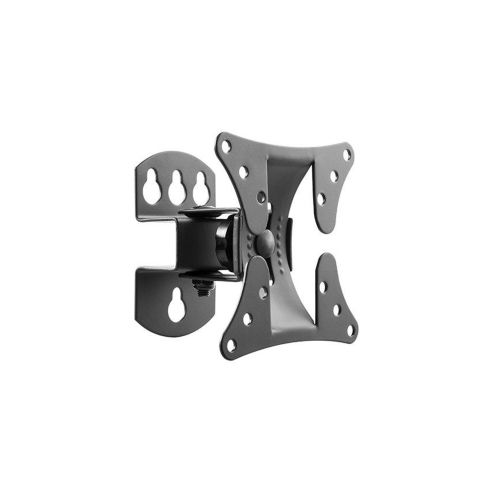
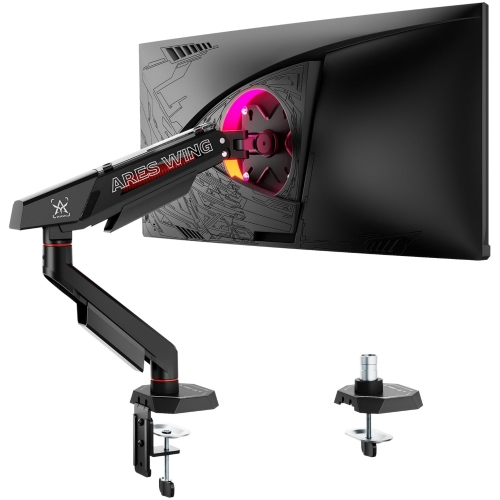
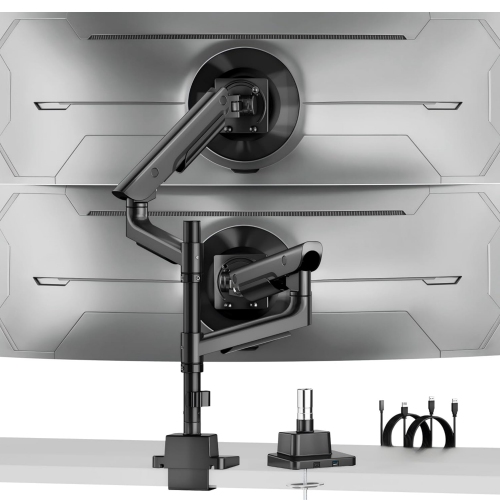

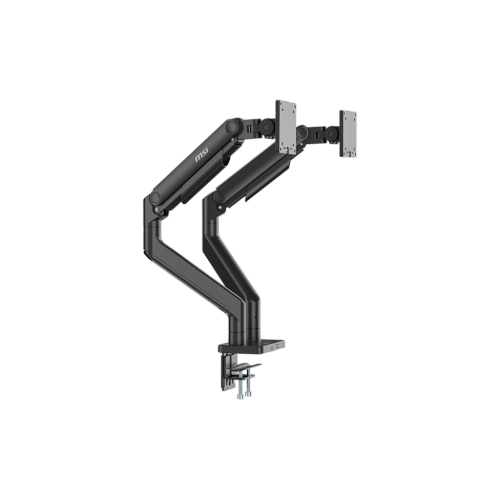
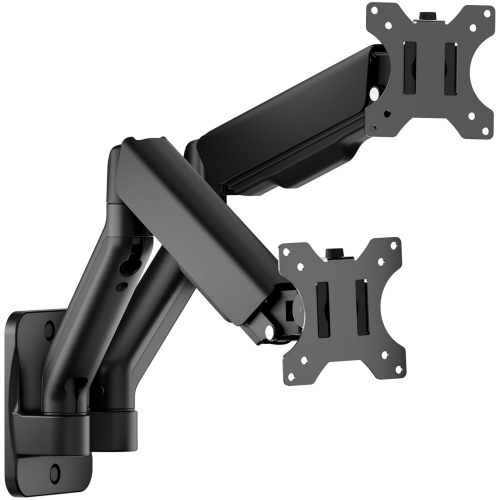
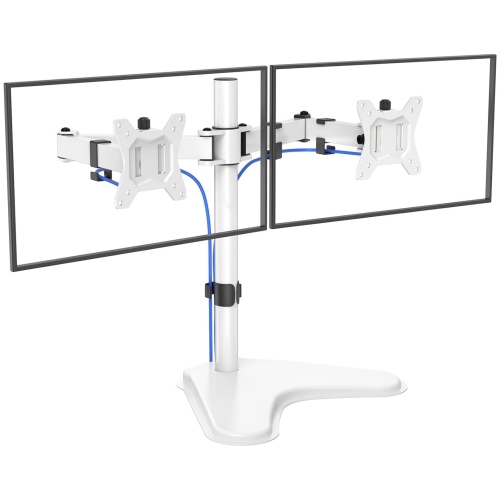
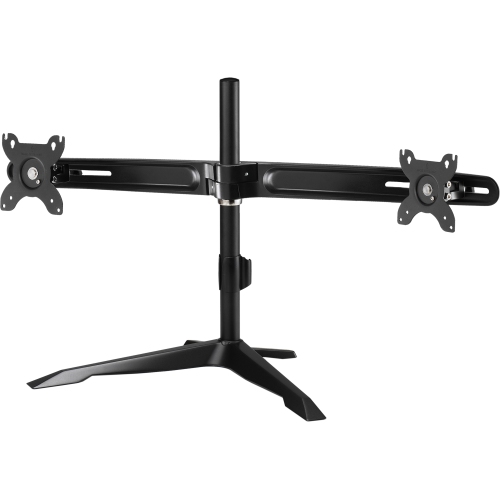
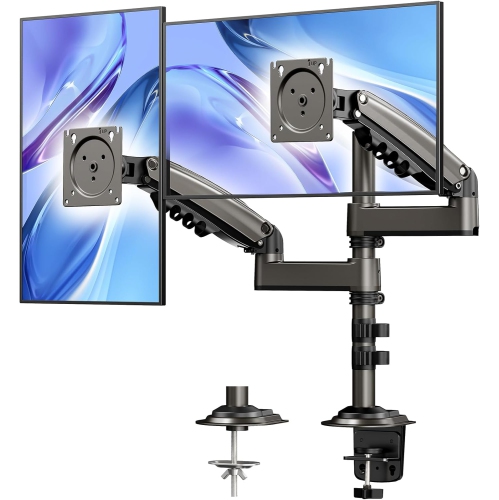
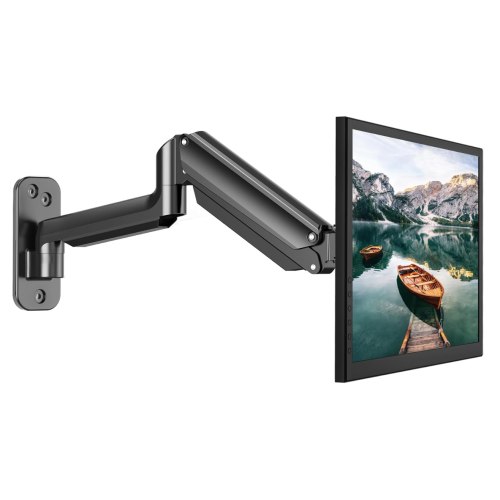


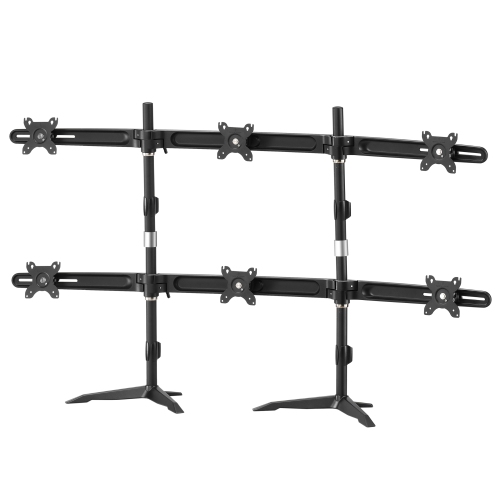
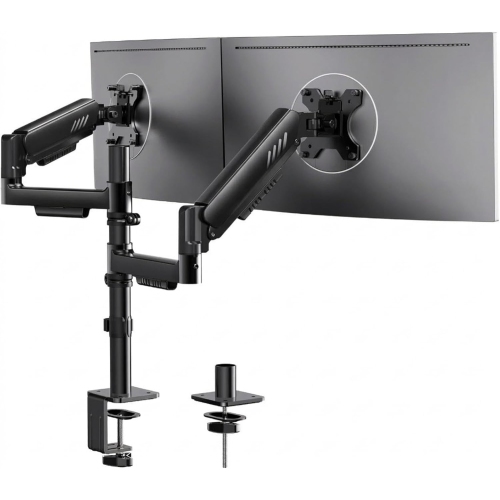
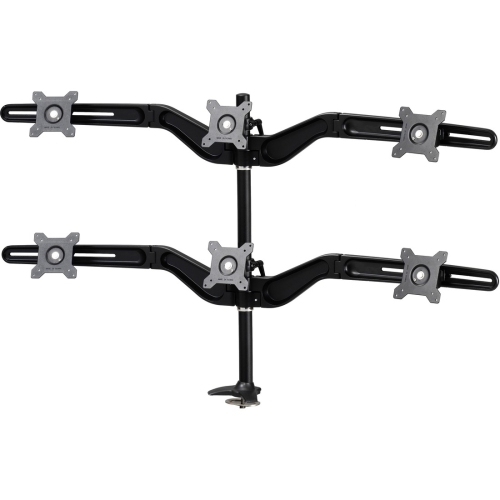
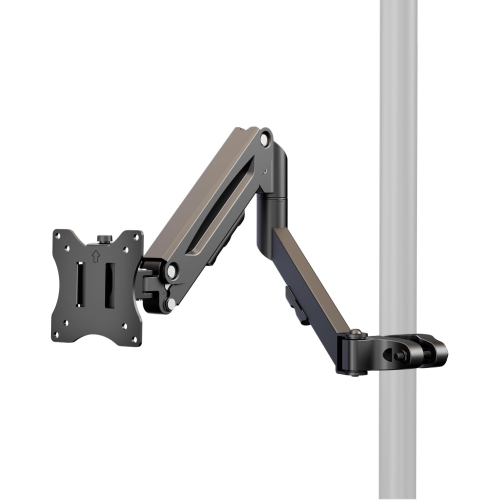



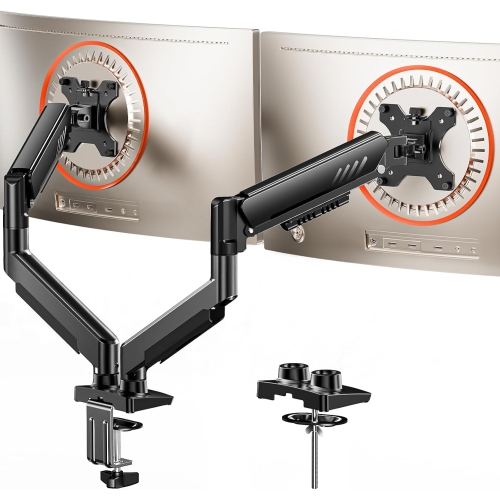
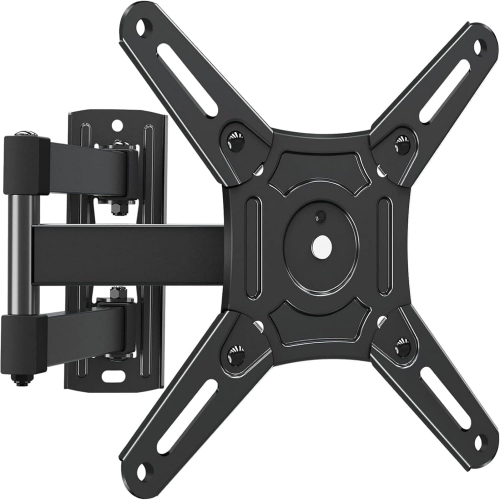
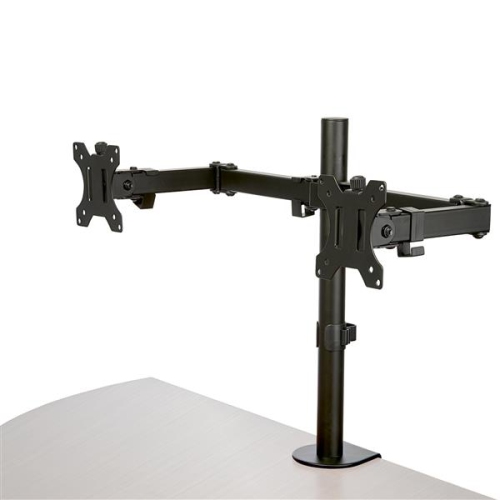
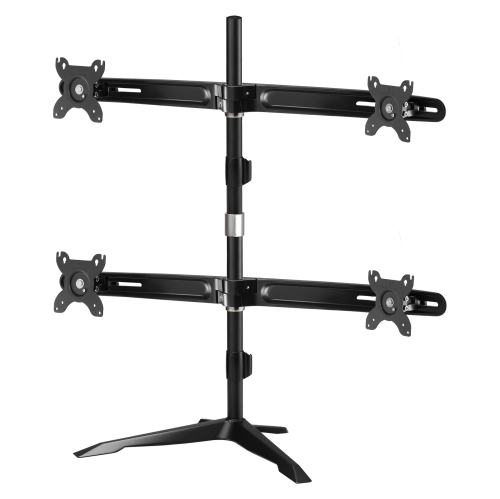

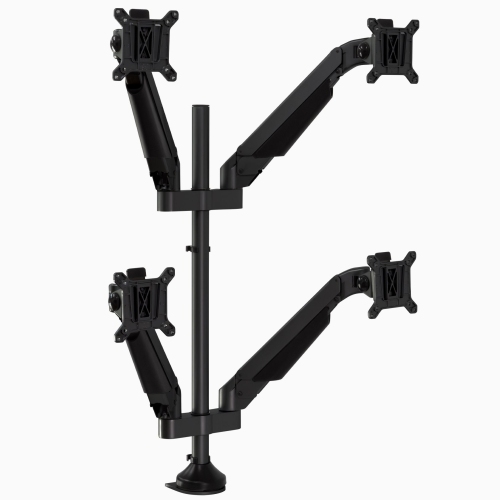
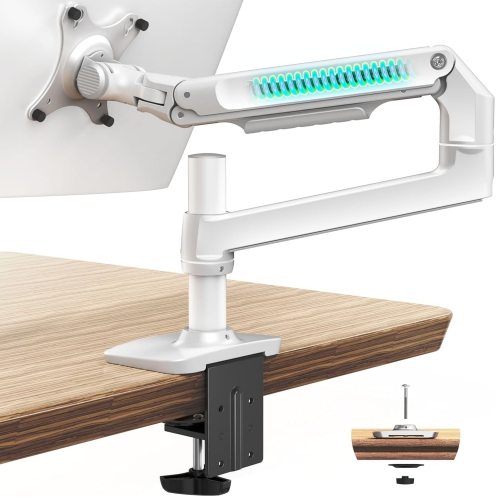
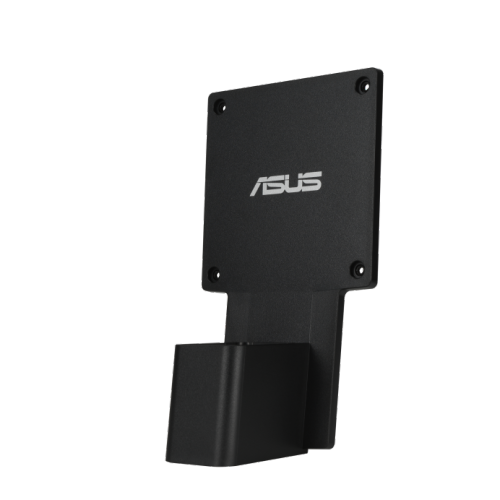

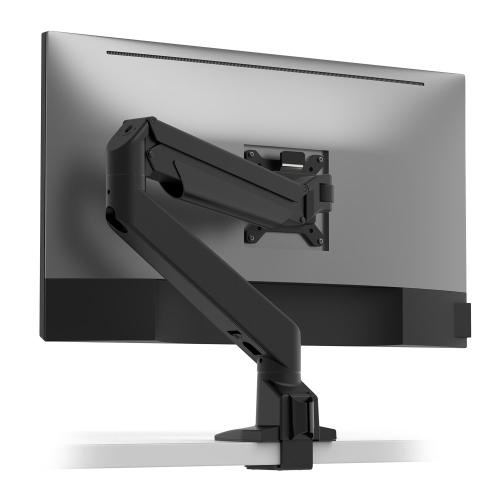
A secure monitor fit goes beyond matching holes
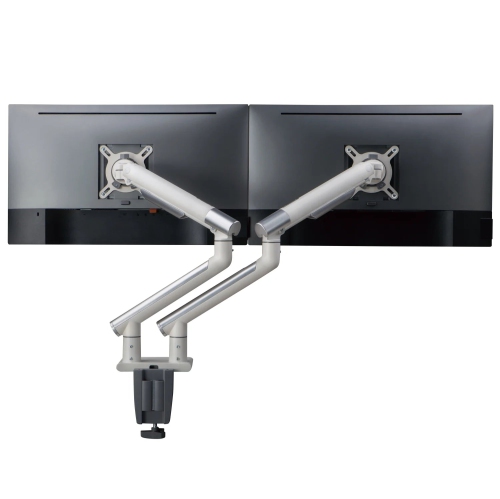
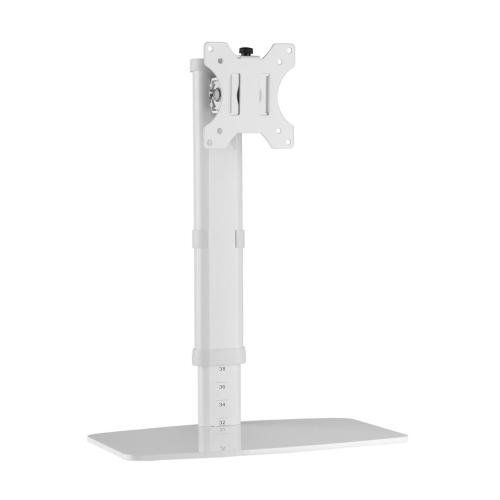
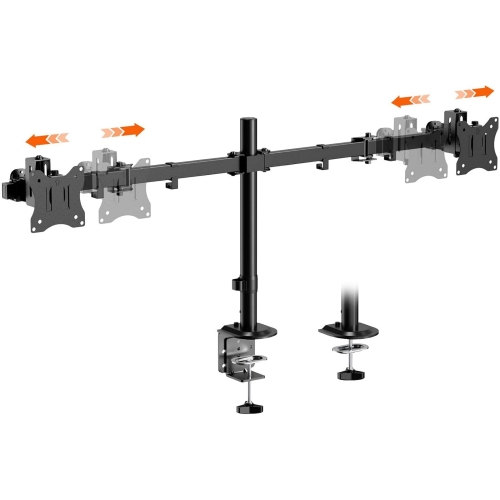
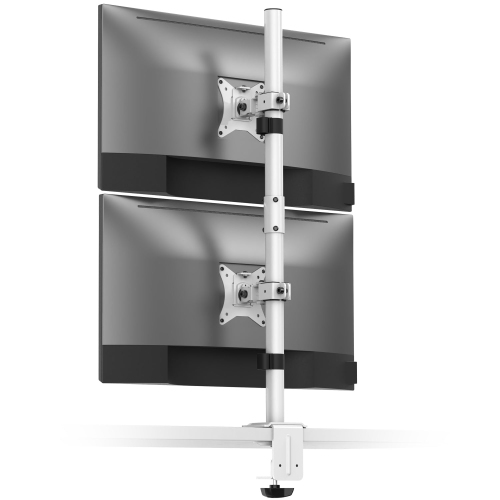
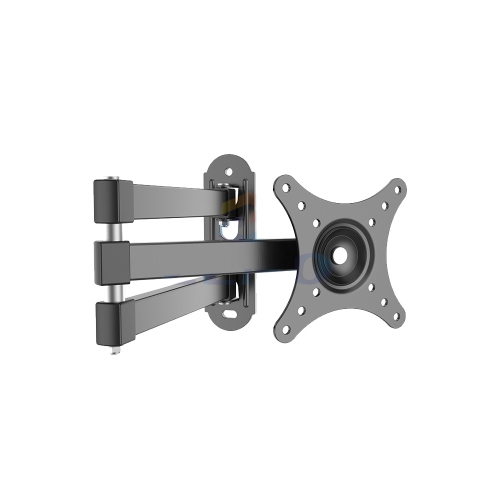
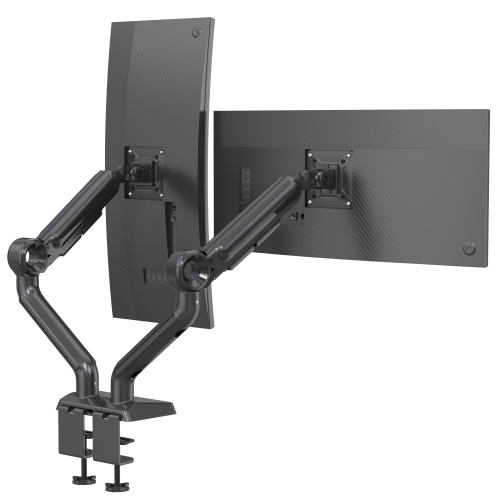
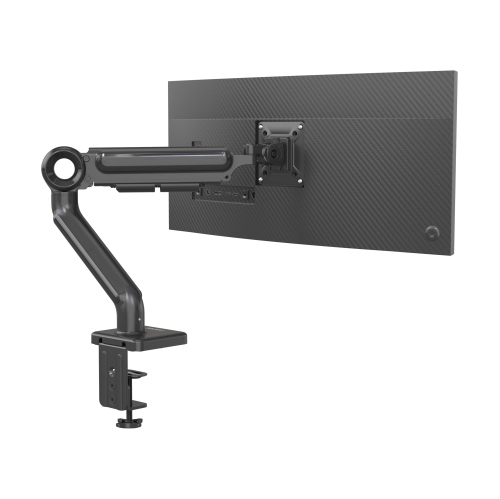
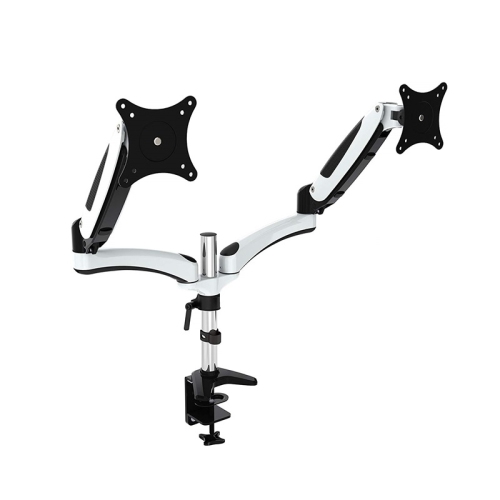
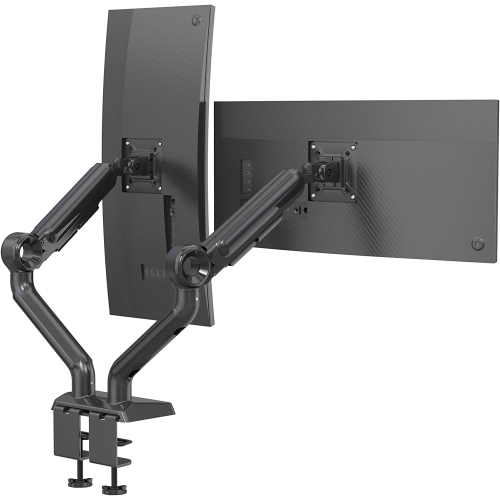
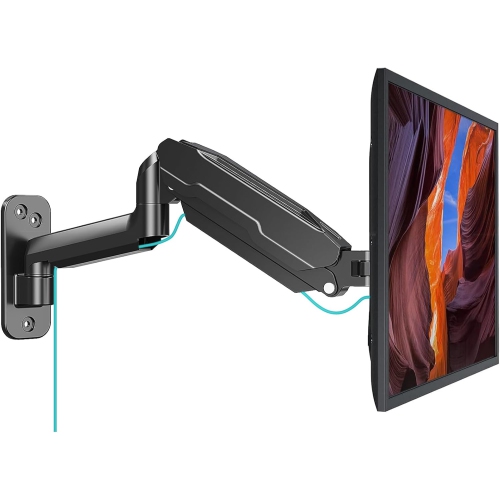
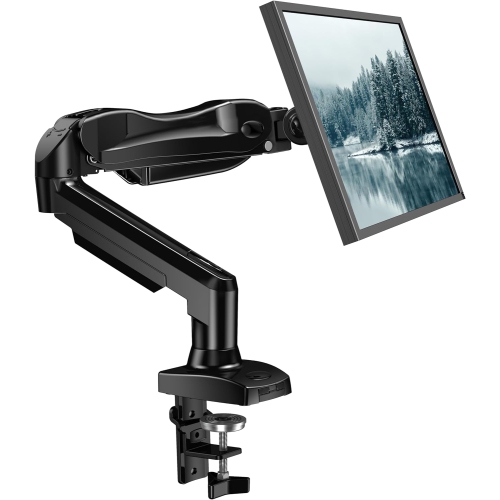
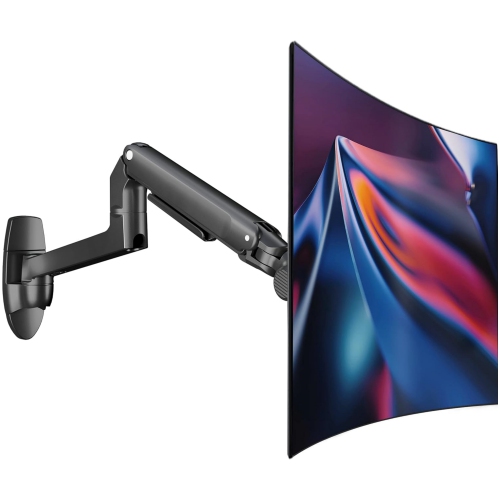
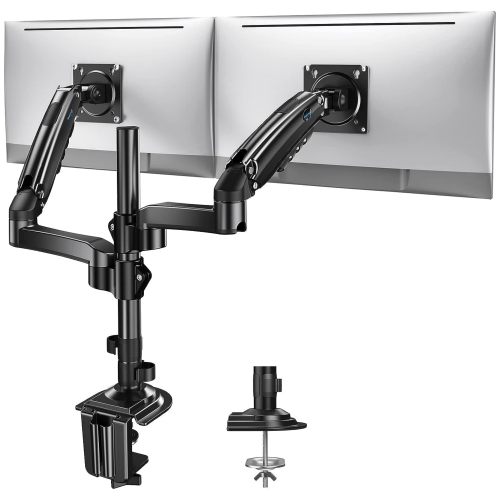
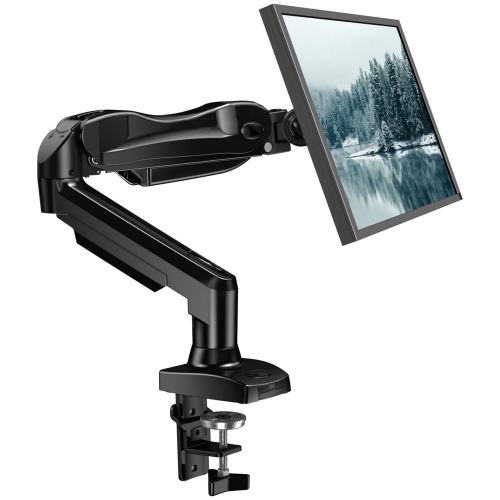
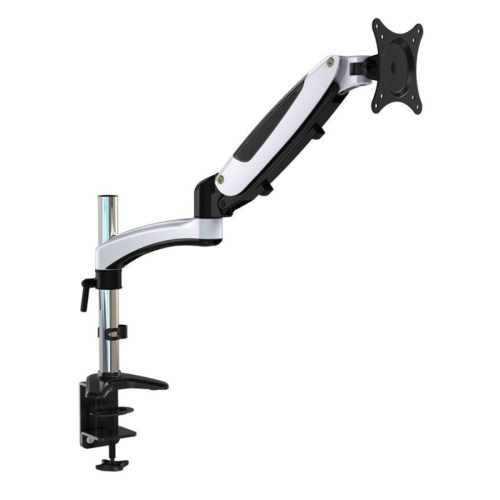
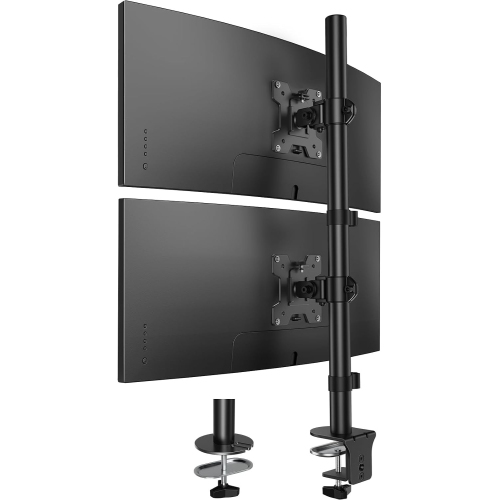
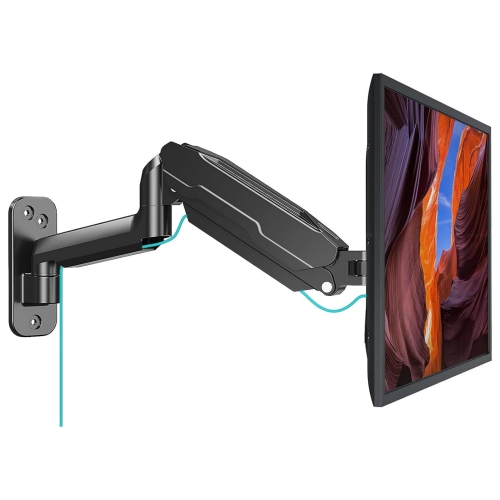
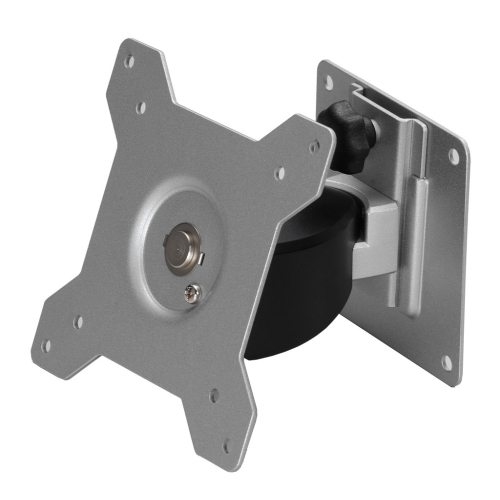
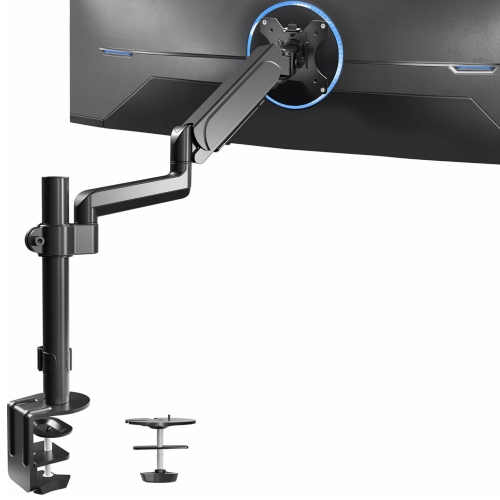
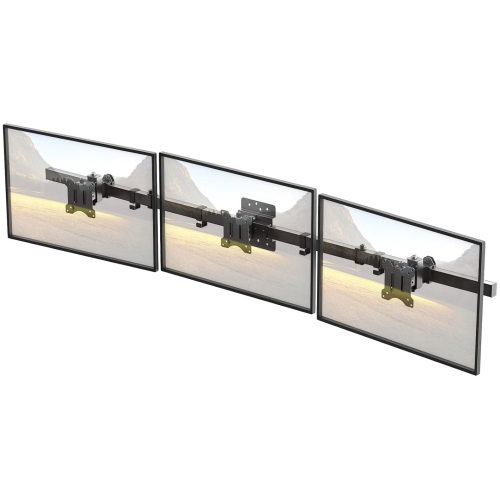
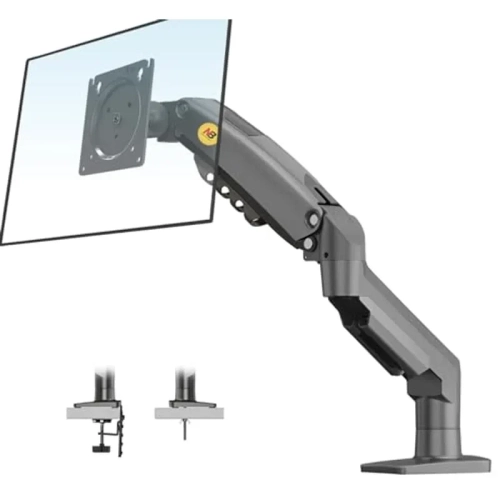
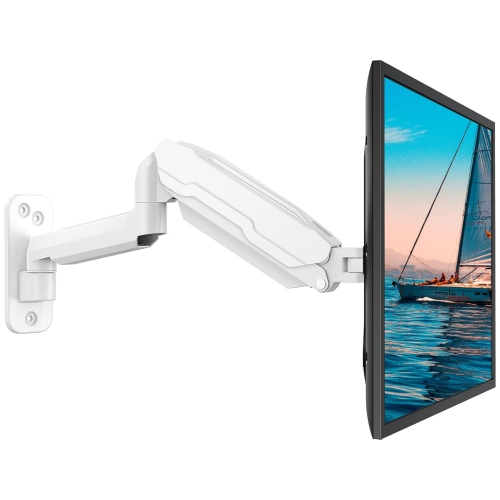
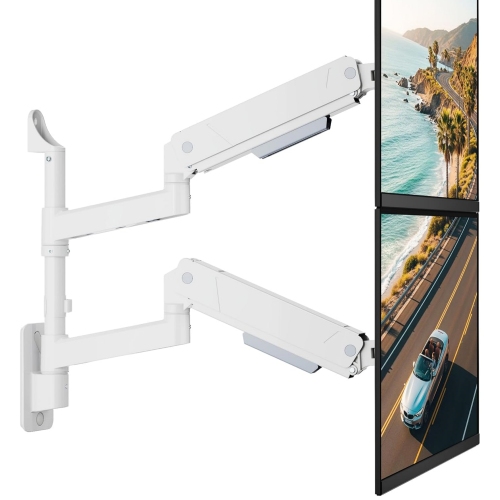
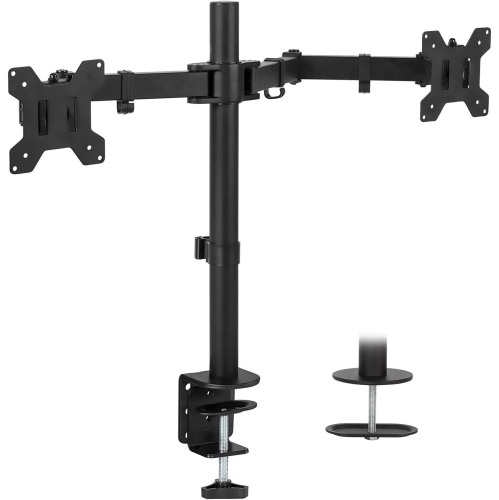
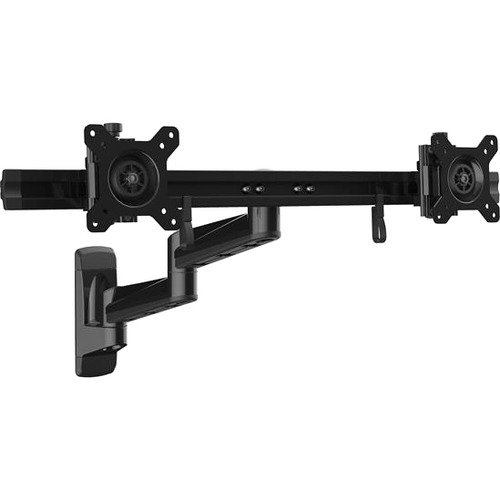
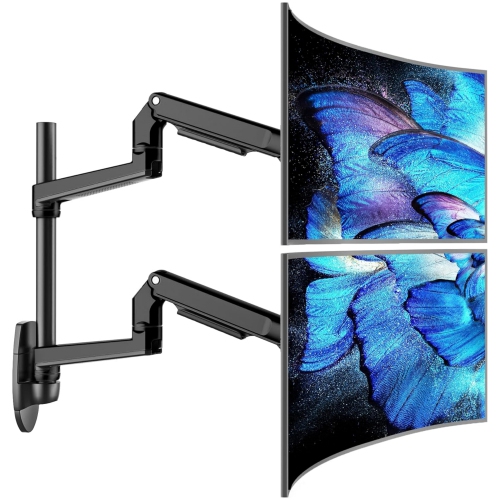
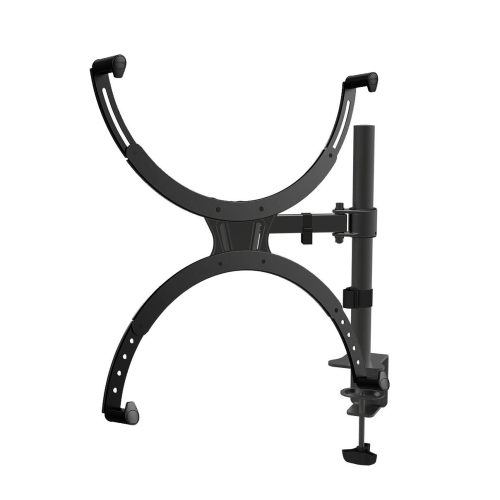
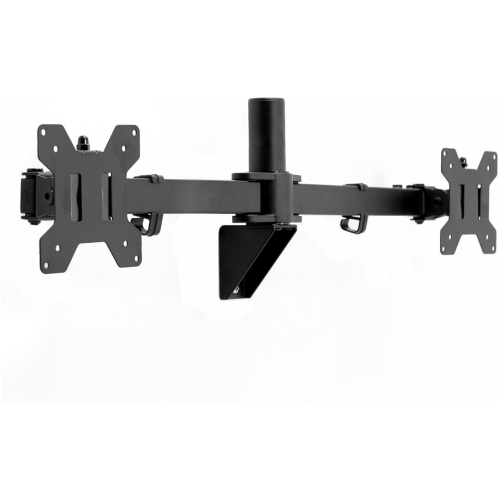
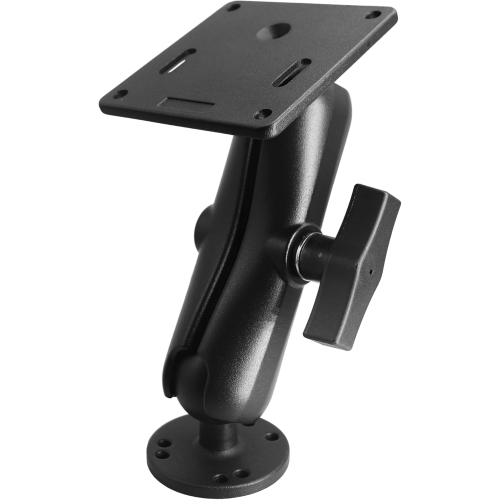
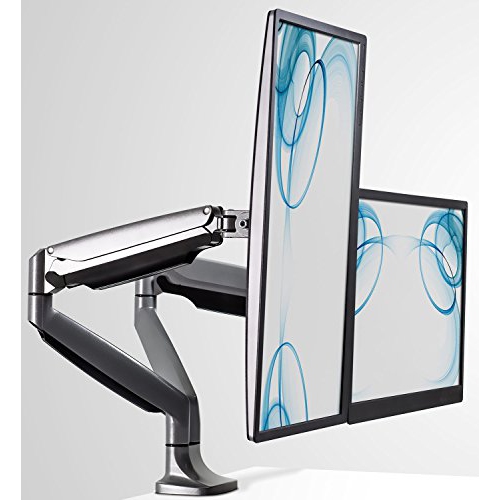
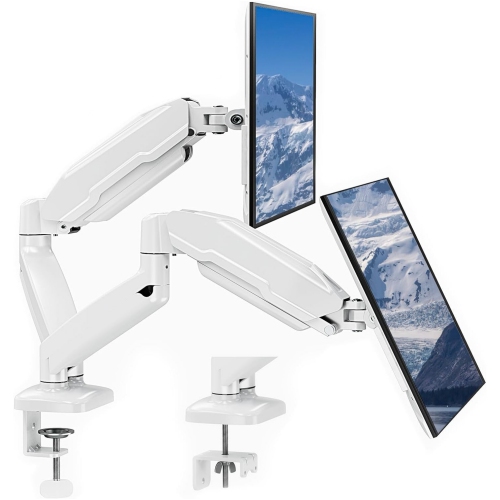
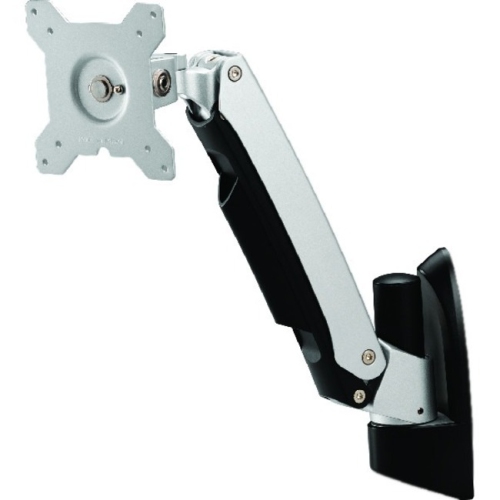
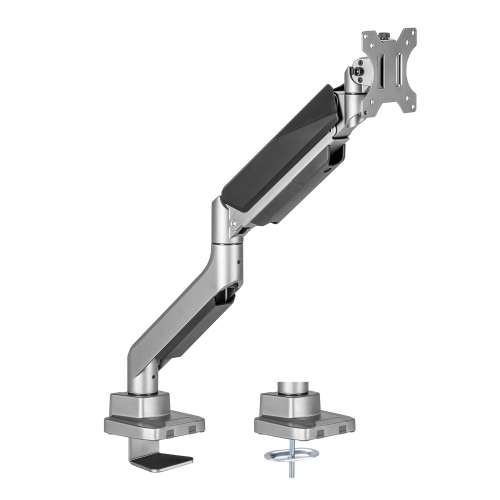
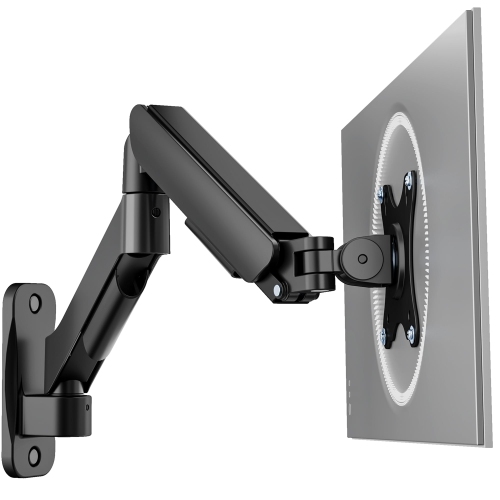
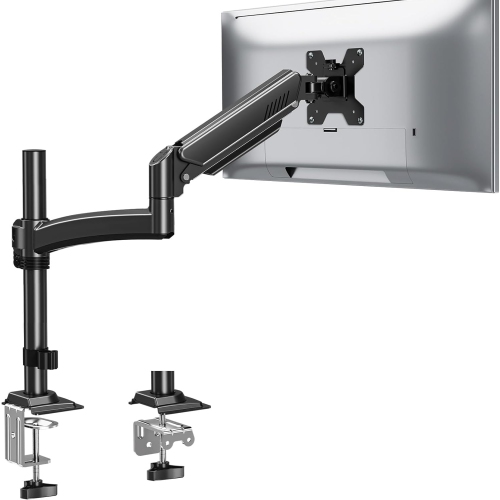
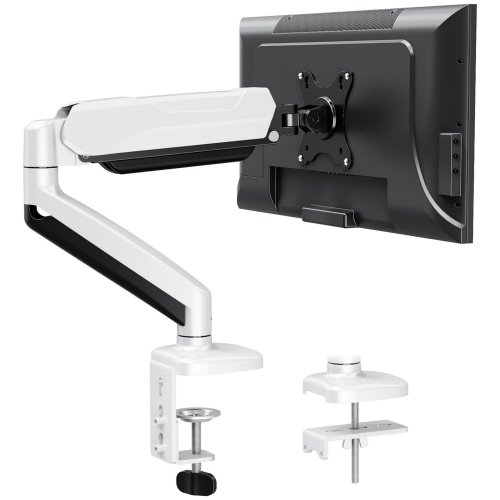
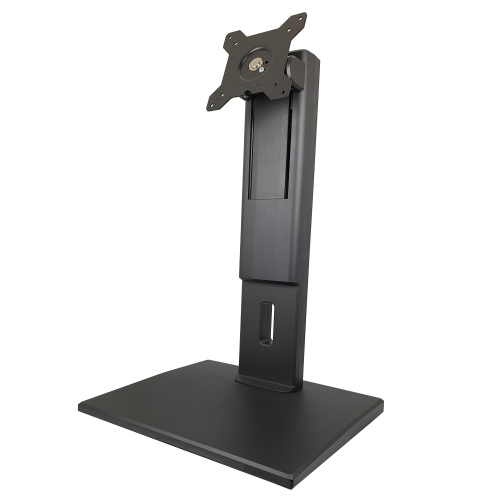
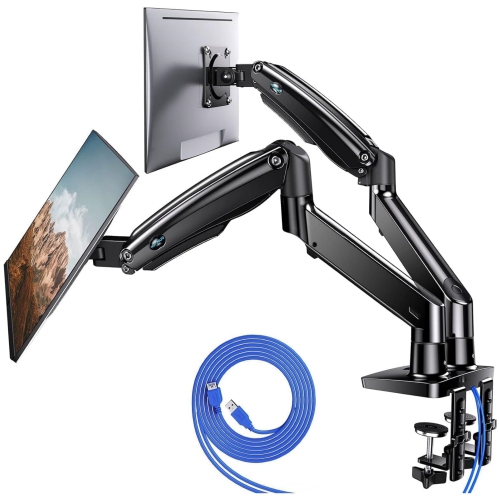
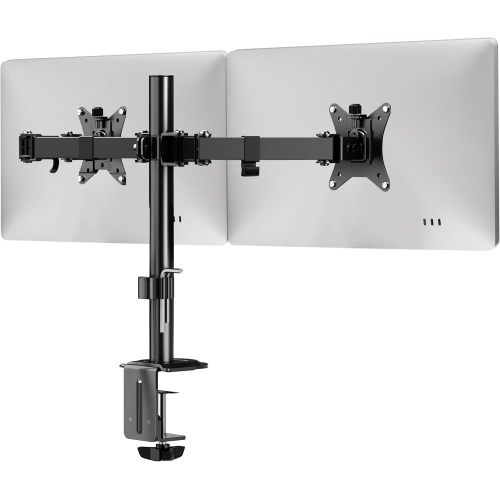
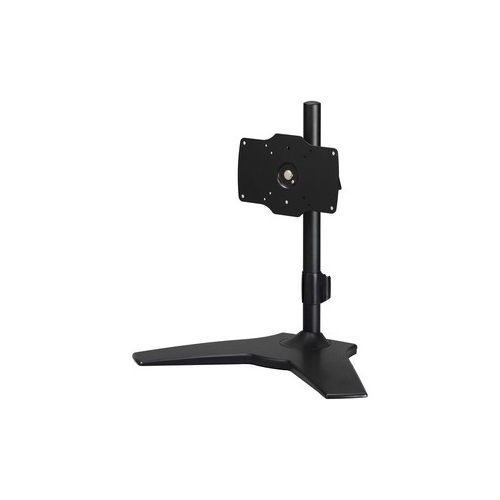
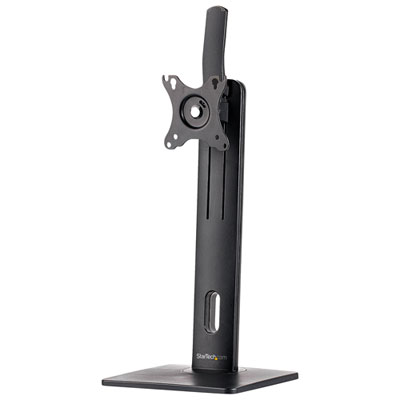
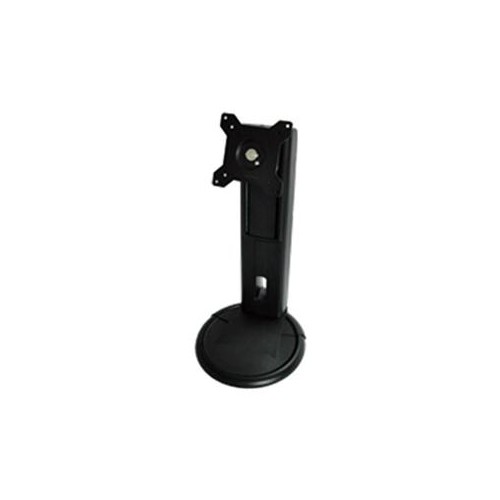
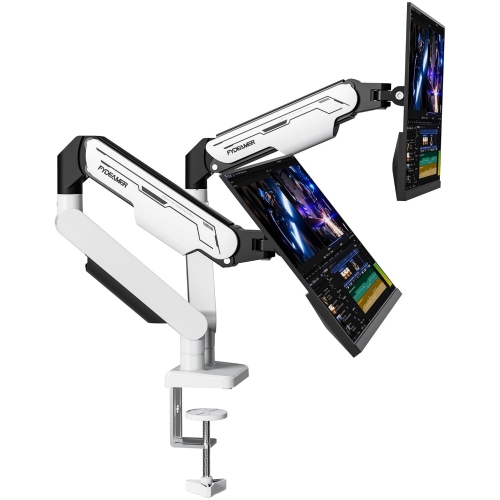
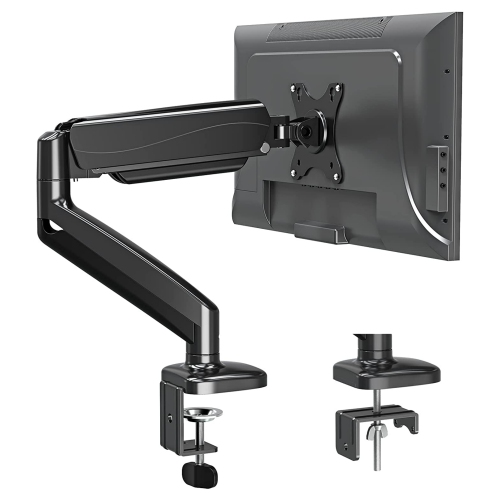
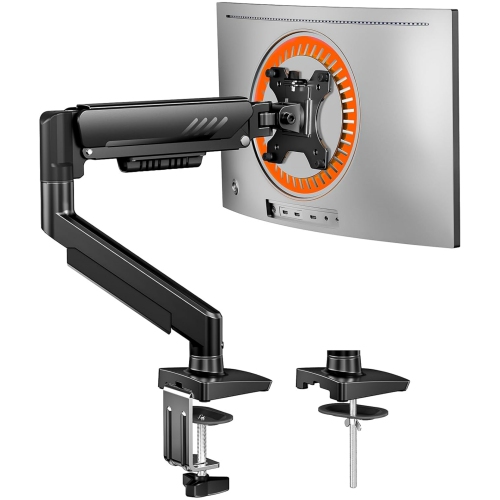
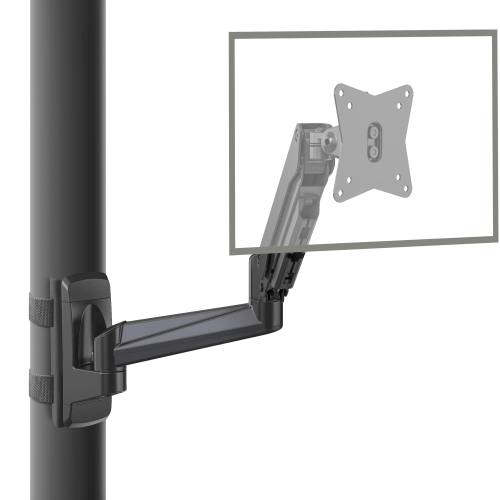
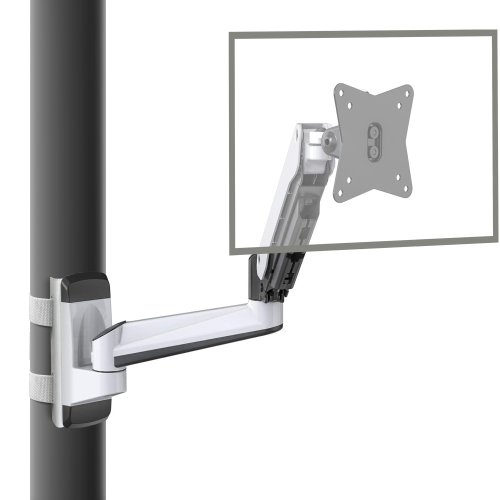
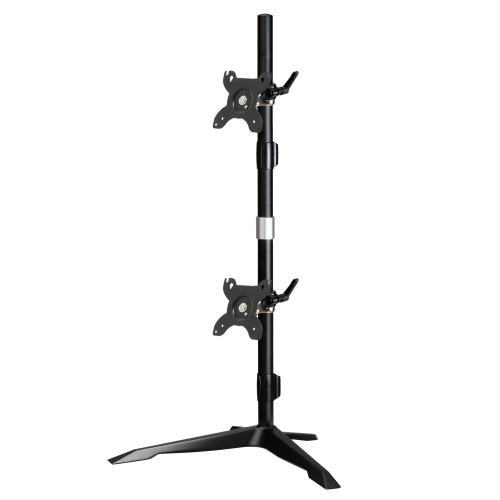
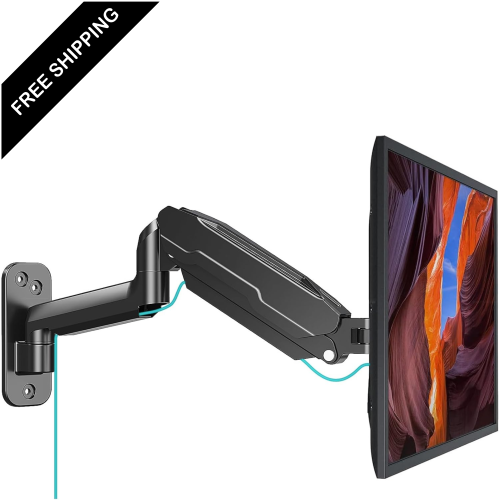
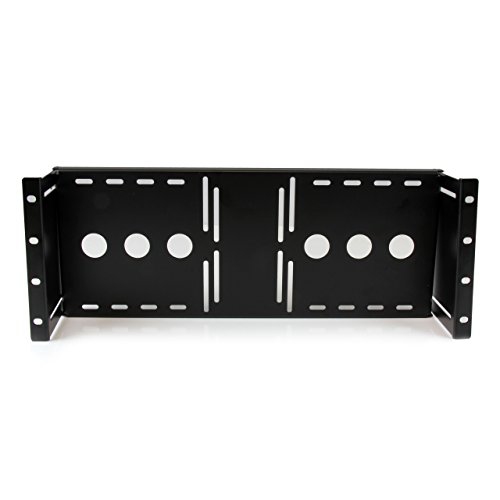
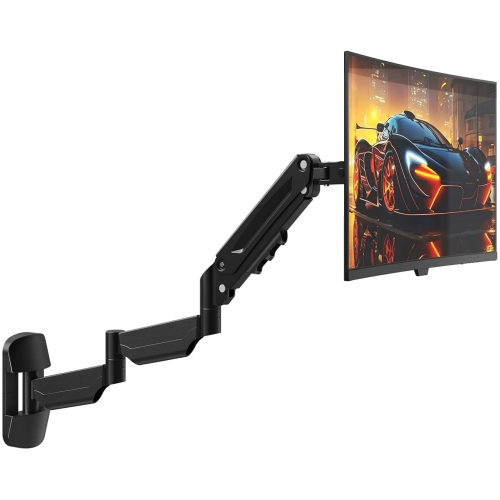
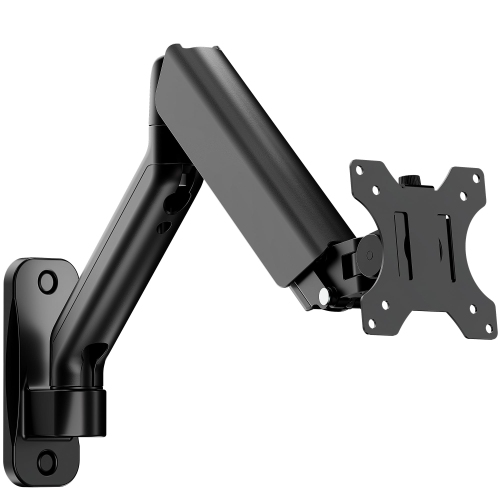
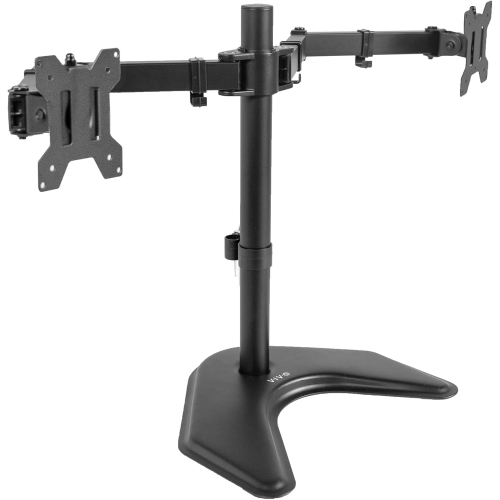
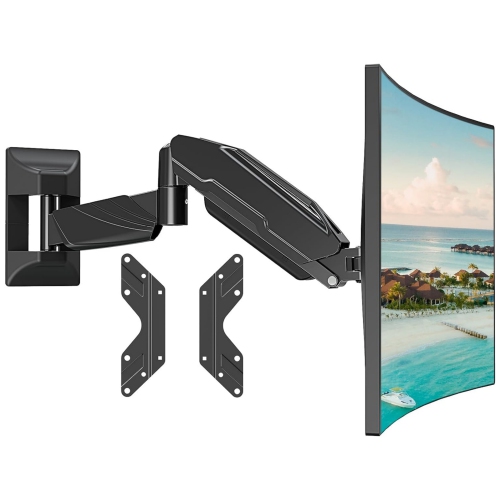
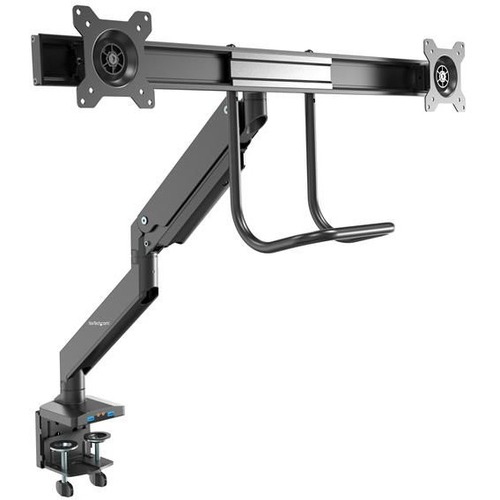
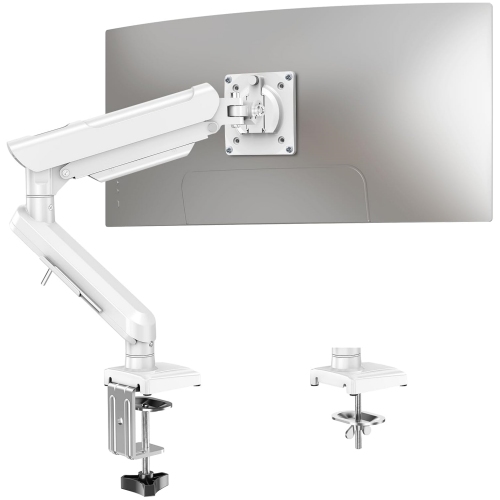
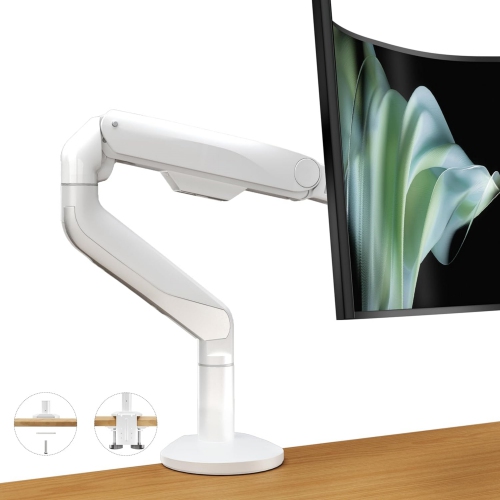
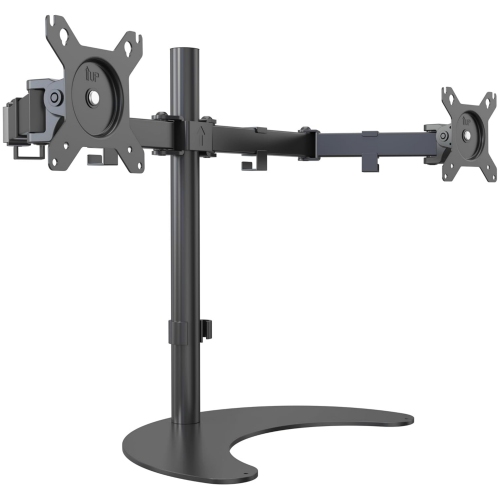
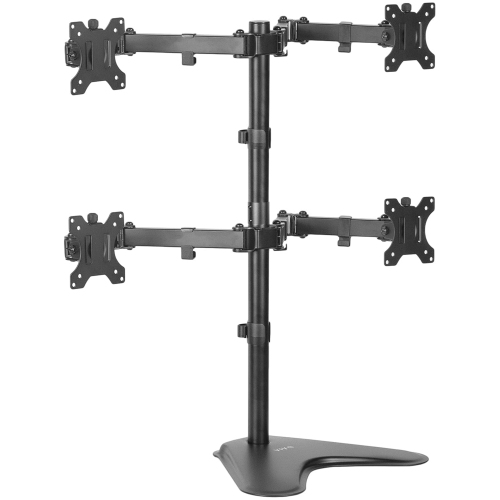
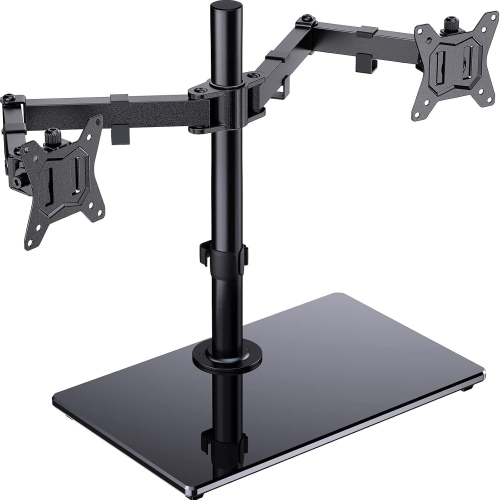
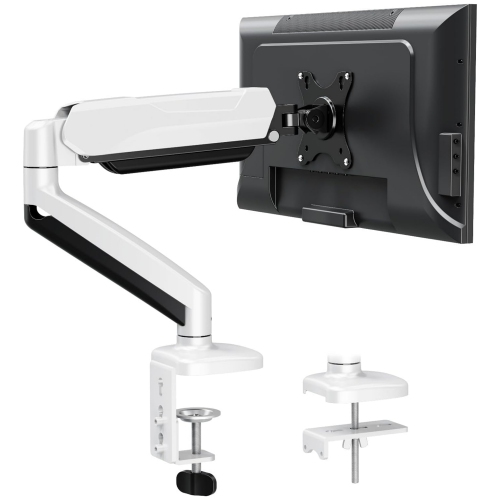
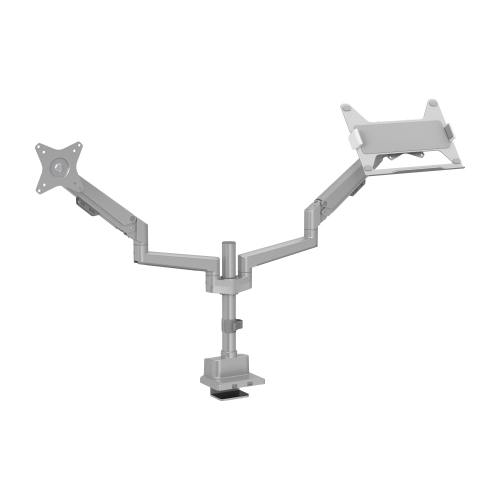
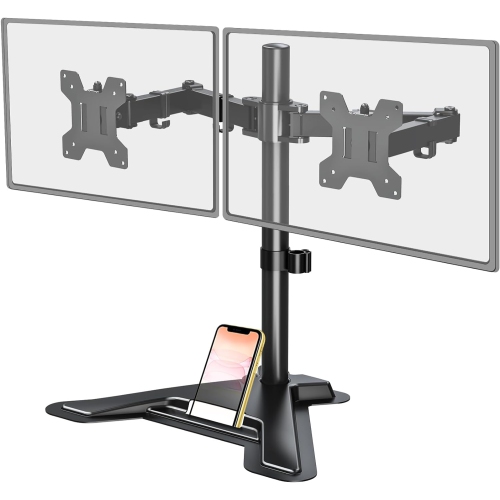
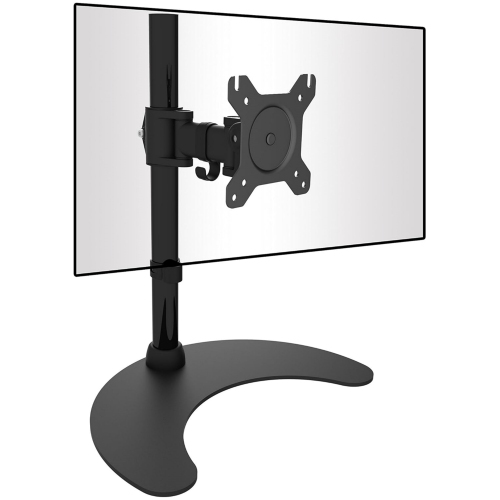
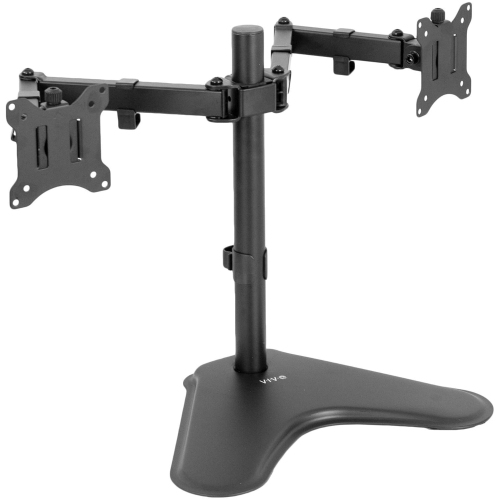
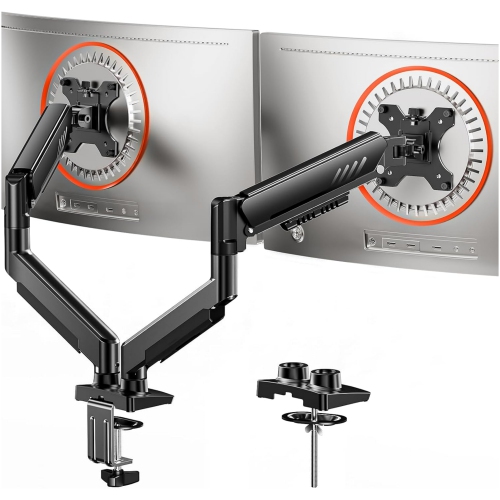
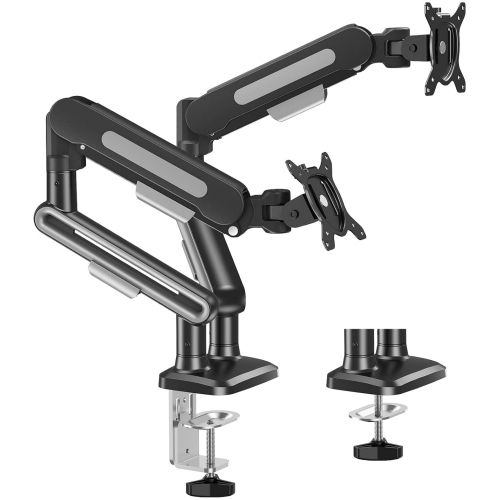
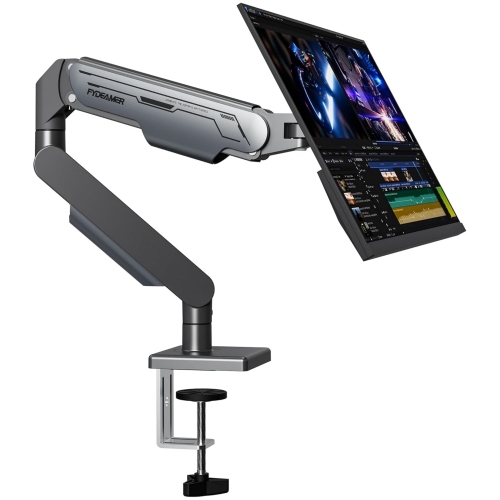
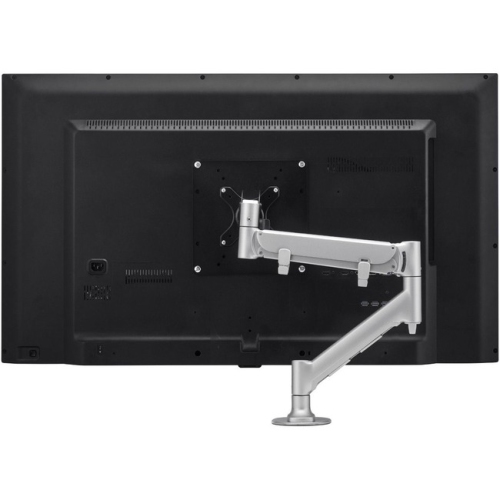
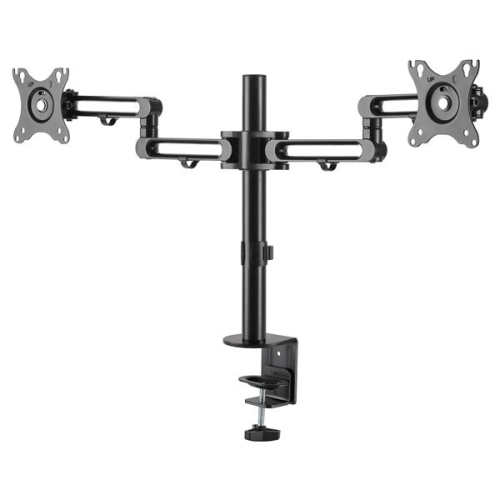
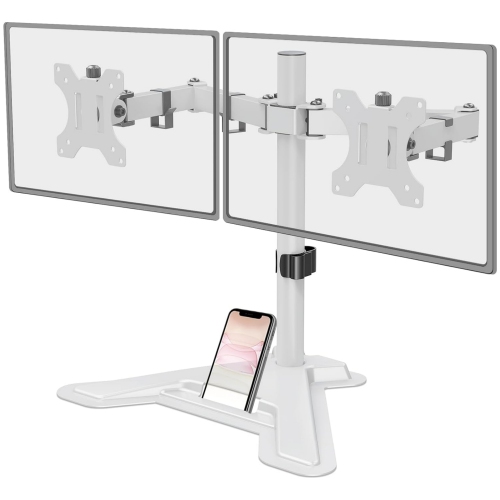
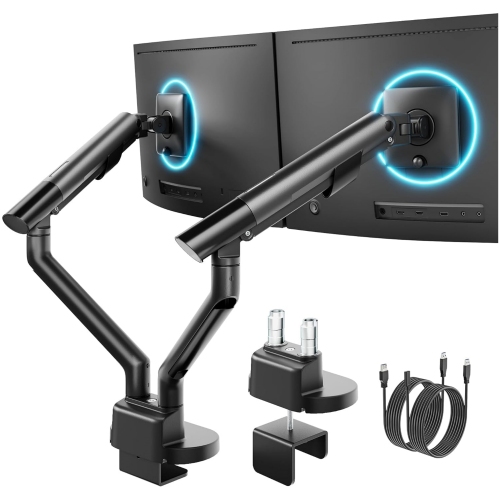
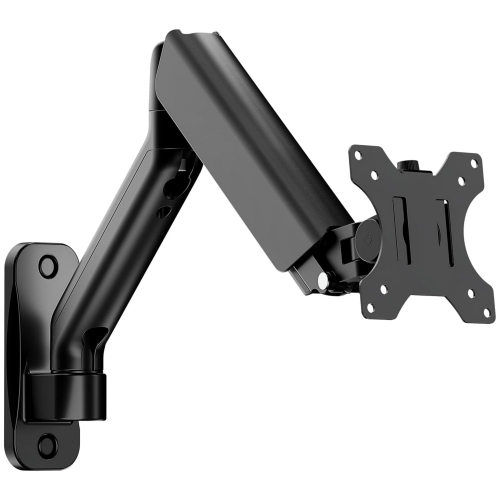
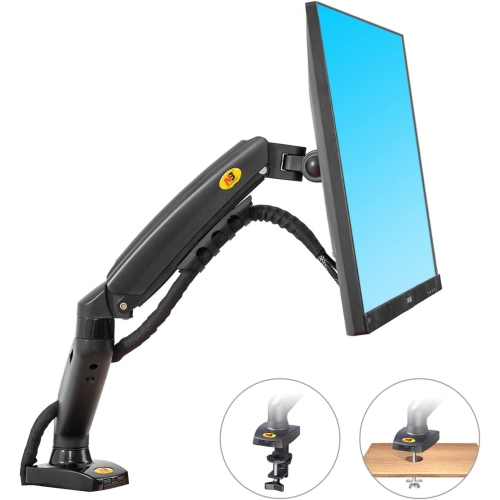
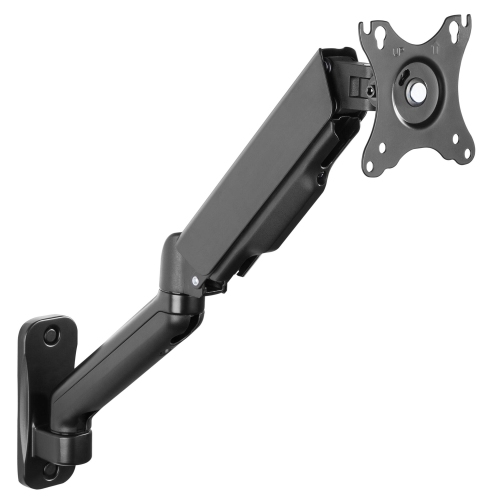
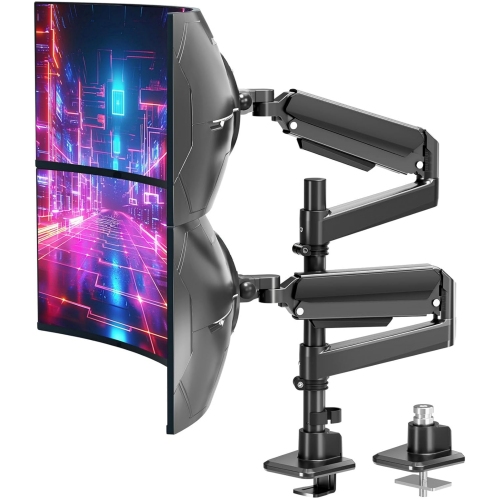
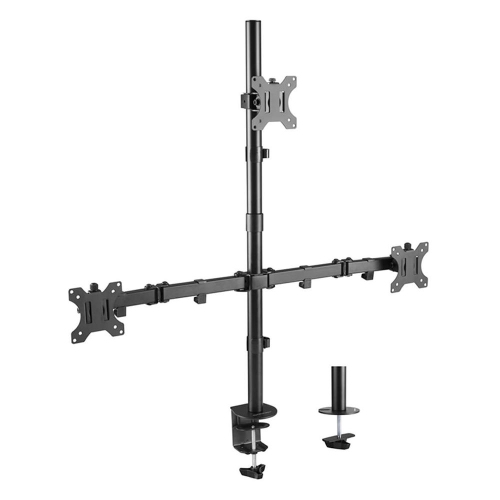
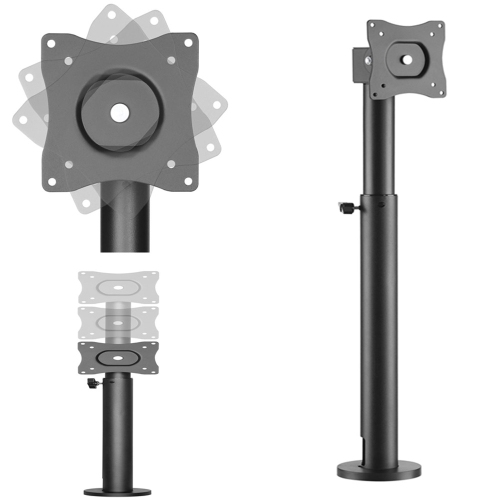
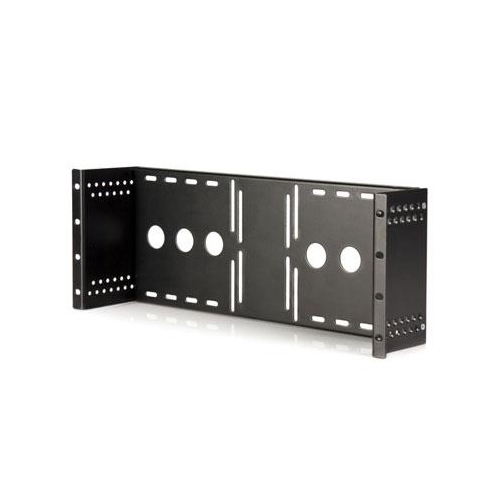
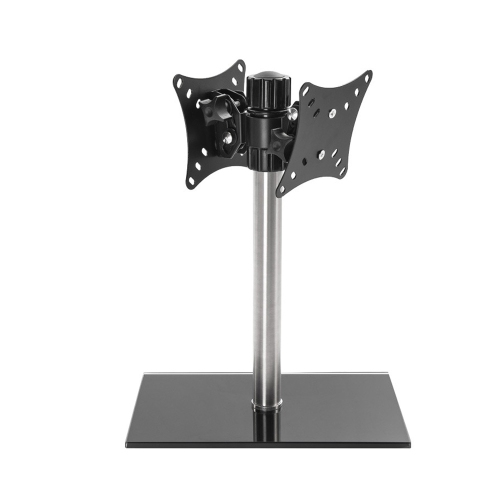
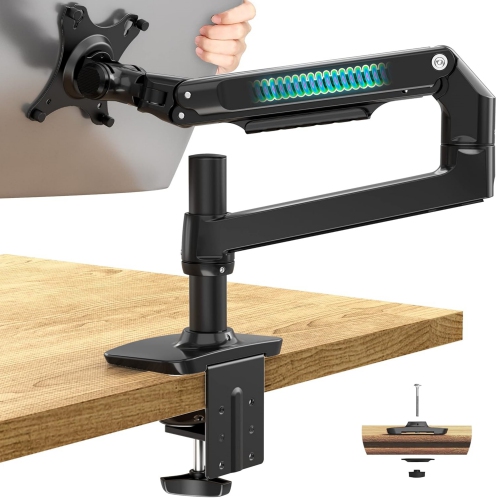
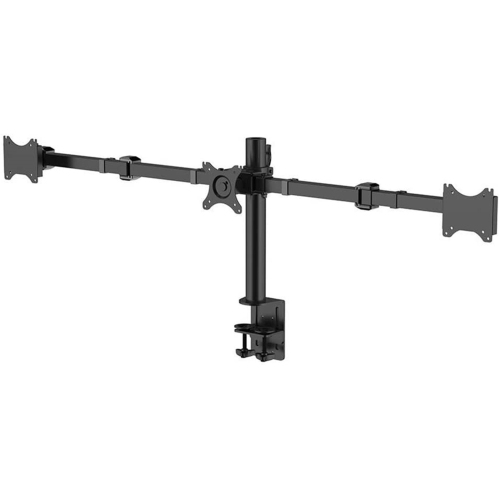
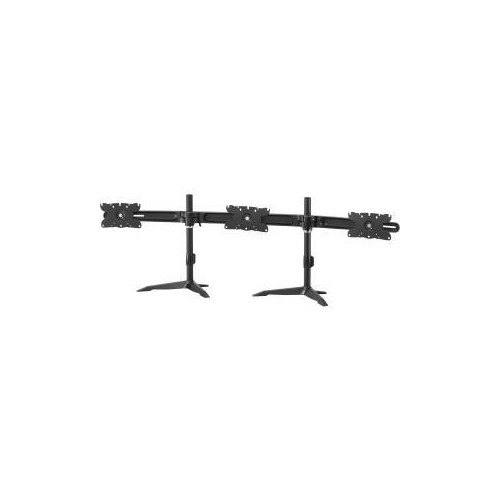
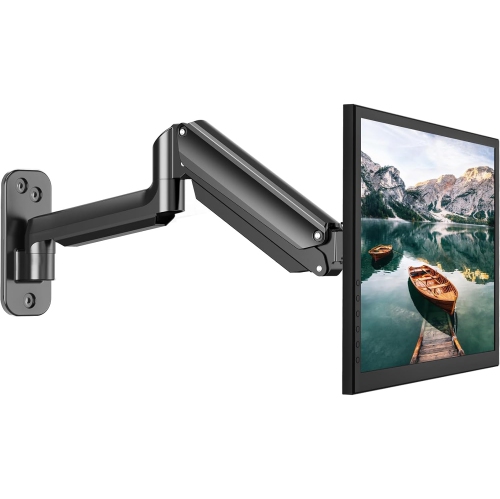
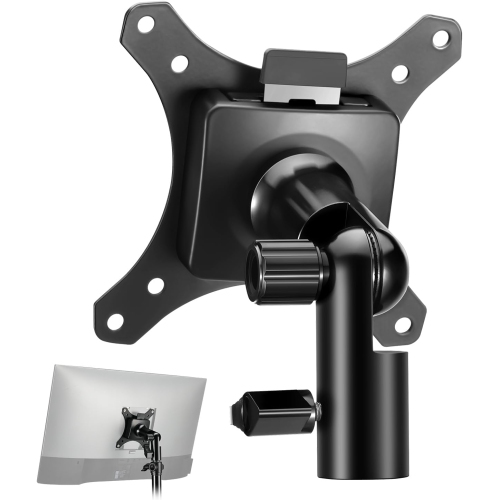
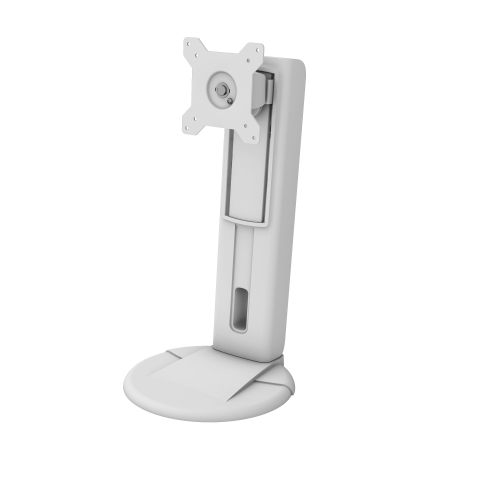
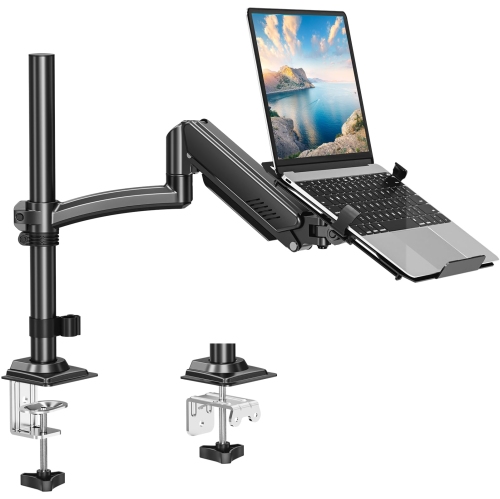
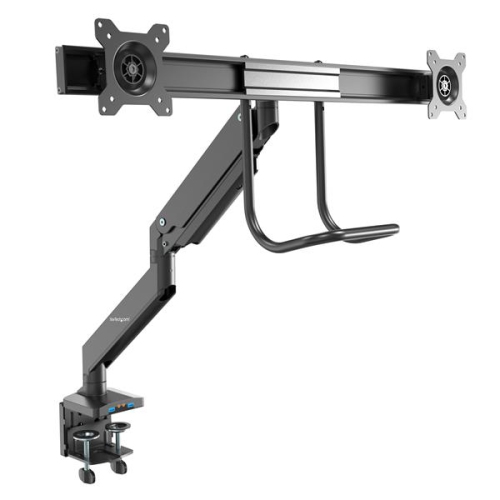
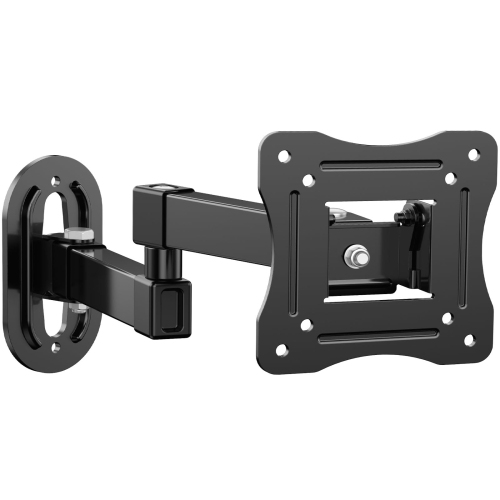
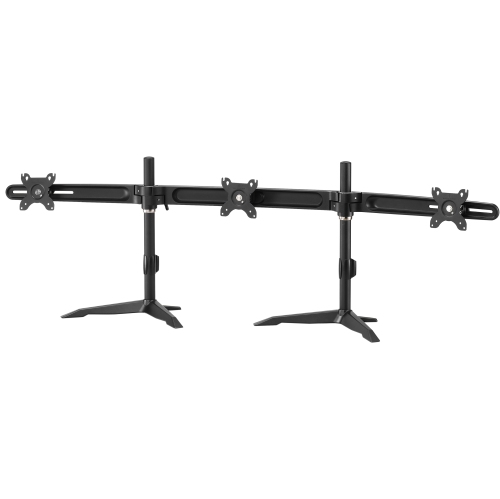
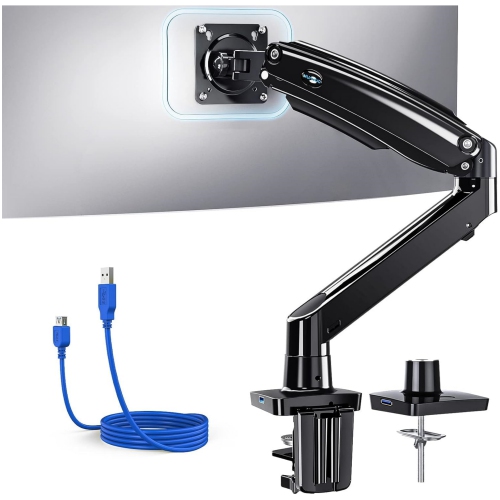
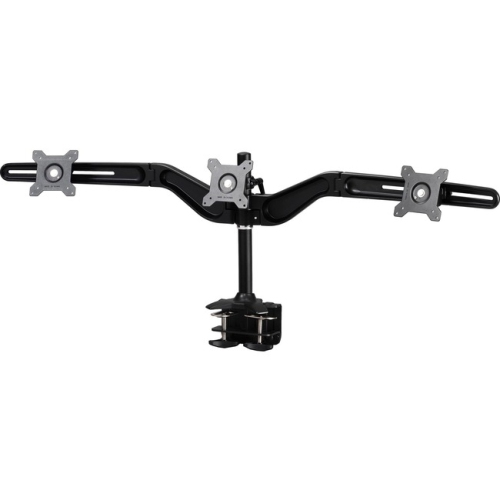
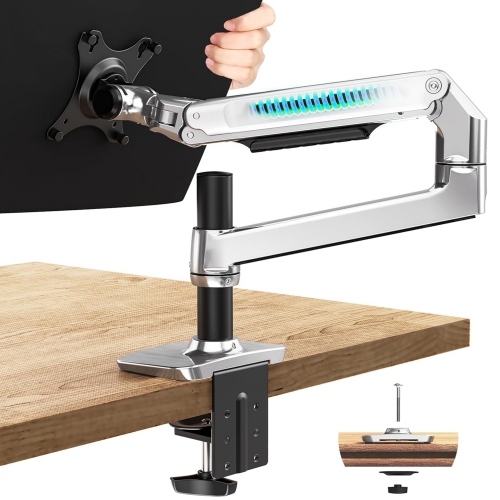
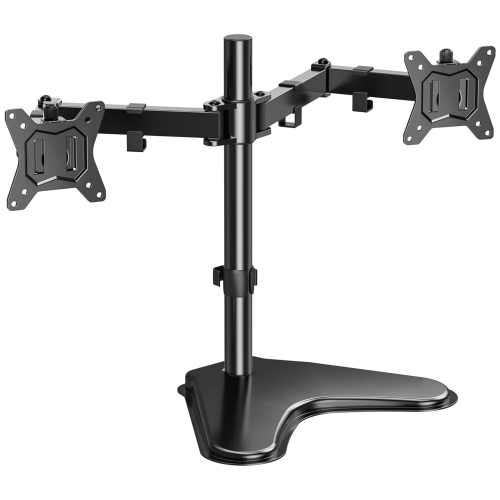
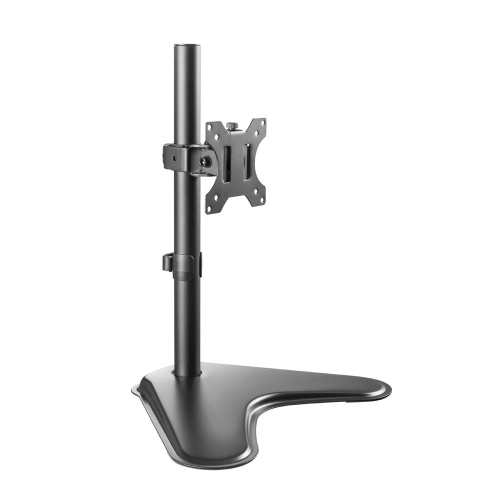
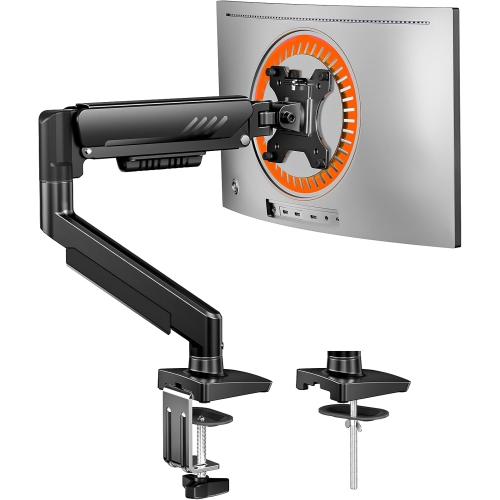
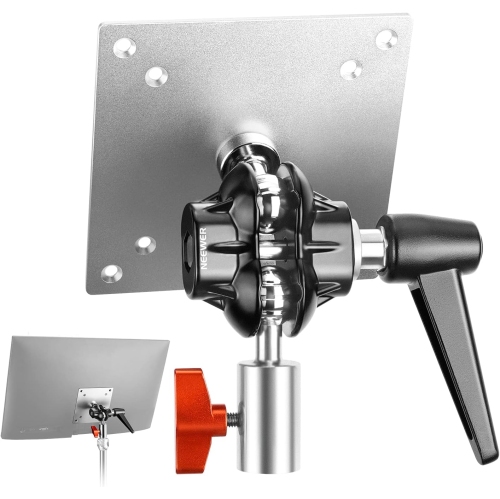
The main styles of VESA monitor mounts suit different layouts: desk-clamp arms, grommet-mounted arms, freestanding supports and wall-mounted brackets. A desk clamp grips an accessible edge of the desktop, freeing the area previously occupied by a monitor base. That extra room can make space for a full-size keyboard, a drawing tablet or an open notebook without pushing everything towards the front edge. The desktop must fall within the clamp’s thickness range and provide a suitable mounting surface above and below. Bevelled edges, drawers, rear crossbars and cable trays can interfere with installation, while glass or hollow-core surfaces may be unsuitable unless expressly approved for the mounting method. A grommet mount secures through a compatible opening in the desktop, offering another attachment position where an edge clamp will not work. Freestanding mounts avoid clamping or drilling but still need a stable surface and sufficient room for their base. Wall-mounted options keep the desktop clear, provided the wall structure and fasteners can support the complete assembly. For a screen that should sit close to the wall rather than extend over the desk, VESA Flat Wall Mounts provide a related mounting style to consider, with particular attention to rear connector clearance and access. Movement varies considerably across these designs. A fixed bracket holds a consistent position, while other mounts offer tilt, swivel, height adjustment or rotation between landscape and portrait orientation. Articulating arms can bring a screen closer for detailed work and move it back when more work surface is needed. Their full range of motion requires clearance behind, beside and above the display, especially when the desk sits against a wall or beneath shelving. On a sit-stand desk, a desk-mounted arm moves with the desktop, but cables still need enough slack for the desk’s full travel. A wall-mounted screen stays at its installed height unless its own adjustment mechanism allows movement, which makes working-height planning particularly important.
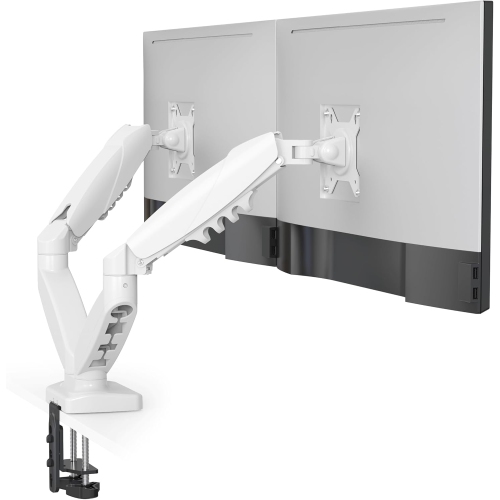
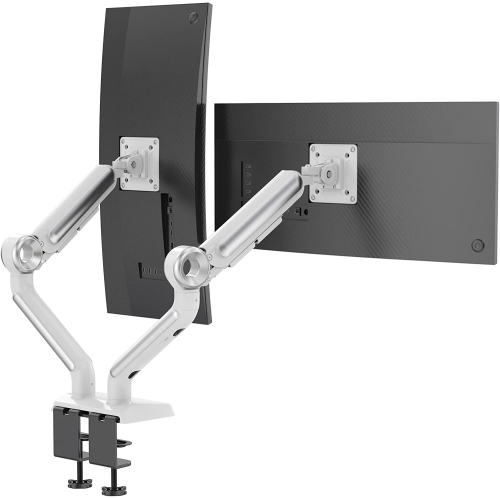
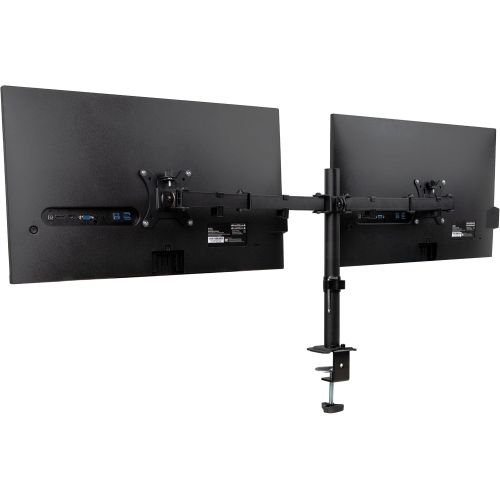
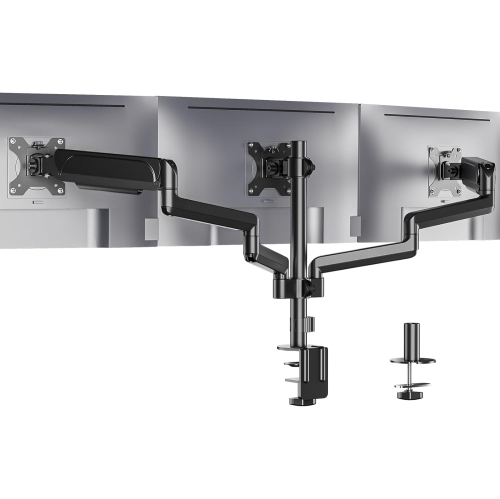
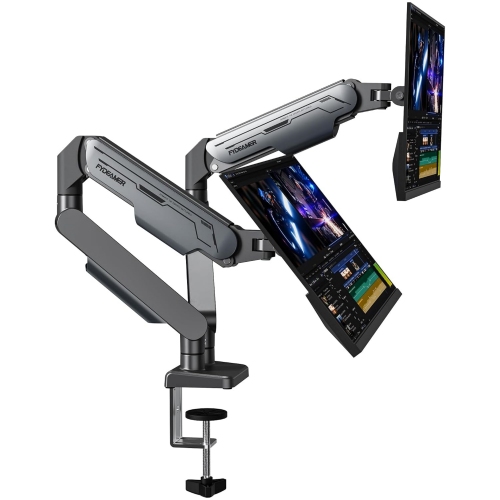
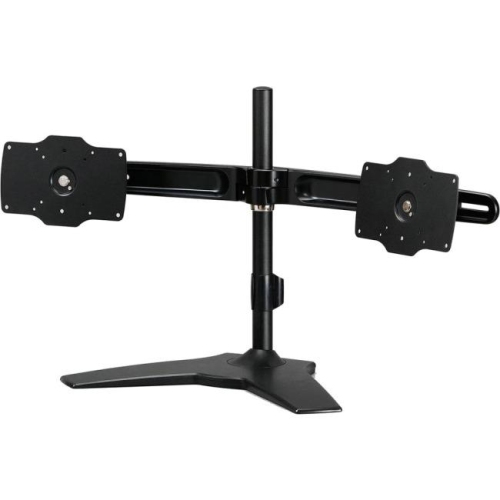
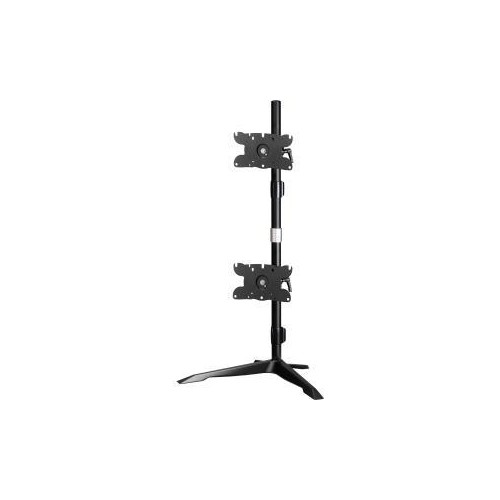
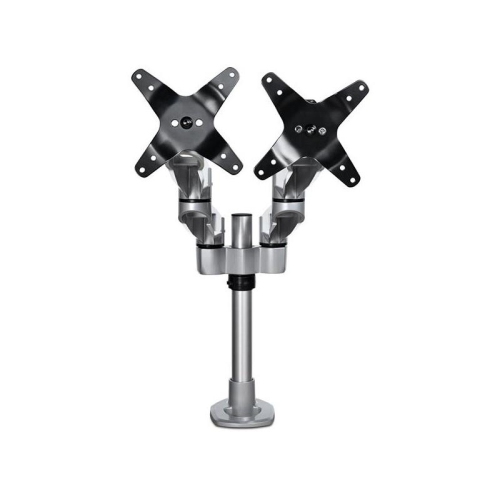
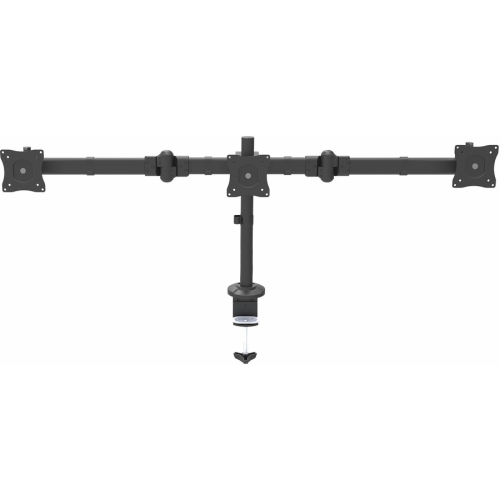
For everyday use, the most useful adjustment range is the one that suits the person at the desk. Someone working with spreadsheets may prefer a wide landscape view, while a programmer or reader of long documents may value a monitor that rotates into portrait orientation. Students can benefit from keeping reference material visible beside their main task, and gamers may want to centre a display directly behind the keyboard rather than accept the position dictated by a bulky stand. Dual-monitor mounts can organize this arrangement, but each arm needs to support its own screen’s weight and dimensions. Two displays with different sizes or attachment positions may require independent height adjustment to align their visible edges. Position the main screen in front of the usual seated position, with its upper area around eye level or slightly below as comfortable; individual vision needs and eyewear can change the preferred height. Materials and construction also influence how a mount feels in daily use. Steel and aluminium are common structural materials, with designs ranging from rigid posts to spring-assisted arms. A stable mounting plate, secure joints and properly adjusted tension help limit unwanted movement when typing or repositioning the screen. An arm that is difficult to move, drops under load or rises on its own may need adjustment within the manufacturer’s specified limits. Cable clips and channels help keep power and video leads organized, but cables should retain enough slack for every intended movement without pulling on their connectors. Routine care generally involves wiping accessible surfaces with a soft cloth, following the finish’s cleaning instructions and checking attachment points at the intervals specified by the manufacturer. Avoid adding lubricant or tightening adjustment screws beyond the stated guidance. With a suitable attachment surface, compatible hardware and room to move, a VESA monitor mount can make a compact study area, shared workstation or dedicated gaming desk easier to arrange around the tasks performed there.
Top selling and popular products
-
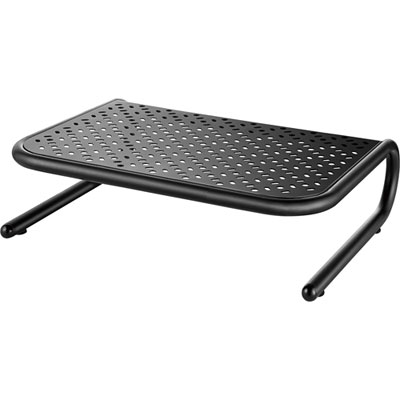 Your price for this item is $34.95
-
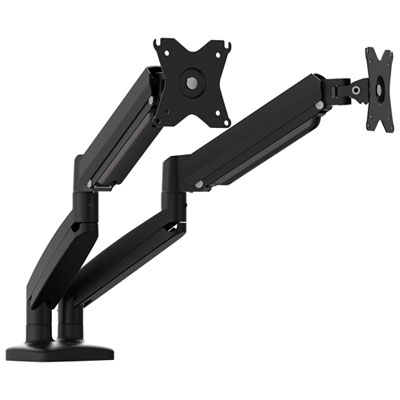 Your price for this item is $149.99
-
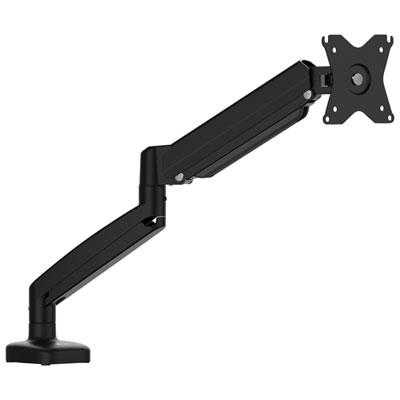 Your price for this item is $79.99
-
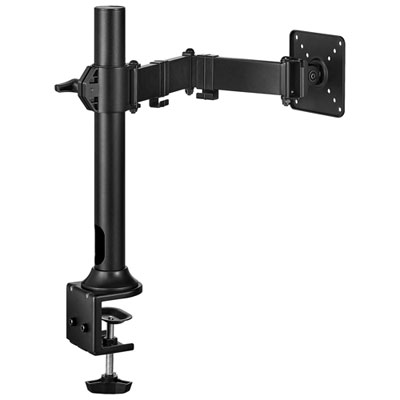 Your price for this item is $69.99
-
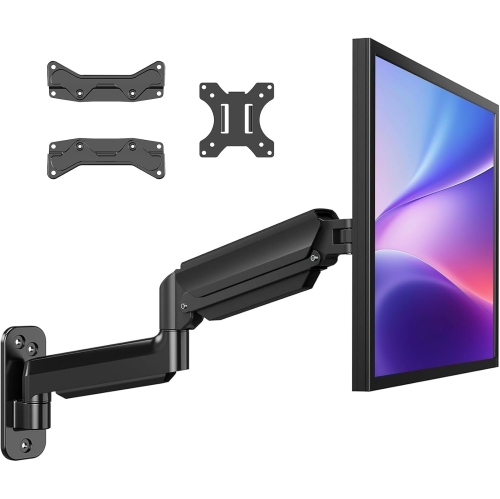 Your price for this item is $71.99
-
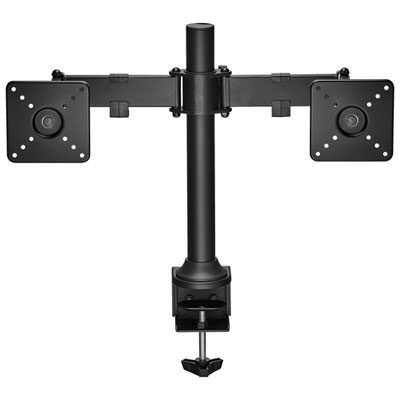 Your price for this item is $79.99
-
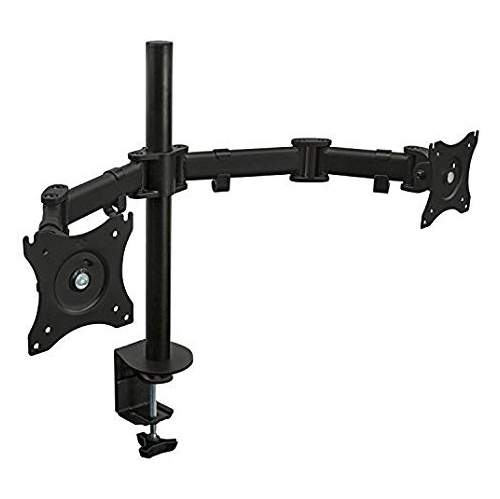 Your price for this item is $99.99
-
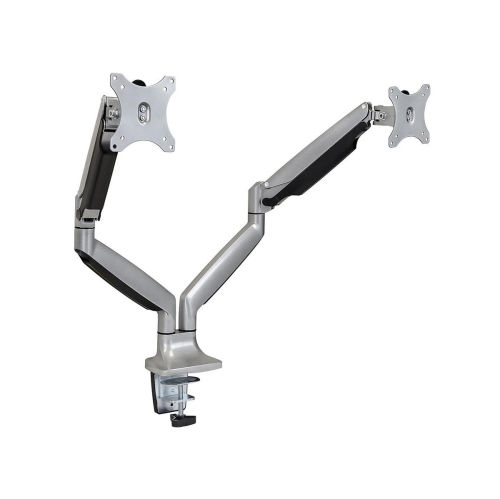 Your price for this item is $238.99