Vesa Mounting Plates
Looking to optimize your space and create a sleek, clutter-free setup for your TV or monitor? Look no further than our collection of VESA mounting plates. These versatile accessories allow you to securely attach your display to a wall or desk, freeing up valuable surface area and providing an ergonomic viewing experience. With various sizes and configurations available, you can find the perfect VESA mounting plate to suit your specific needs. Say goodbye to bulky stands and hello to a streamlined, modern look with our selection of VESA mounting plates. Also check out our selection of High Quality Laptop Stands for even more great options!
Sort



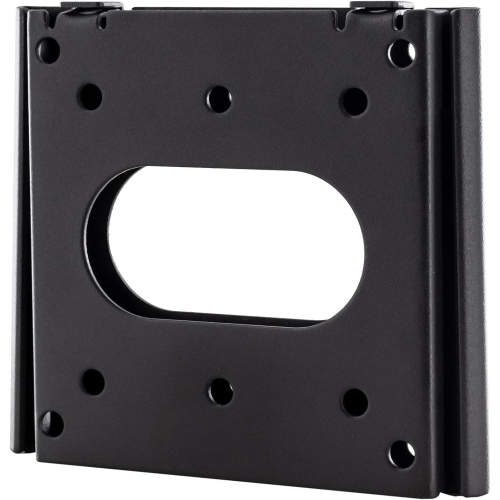
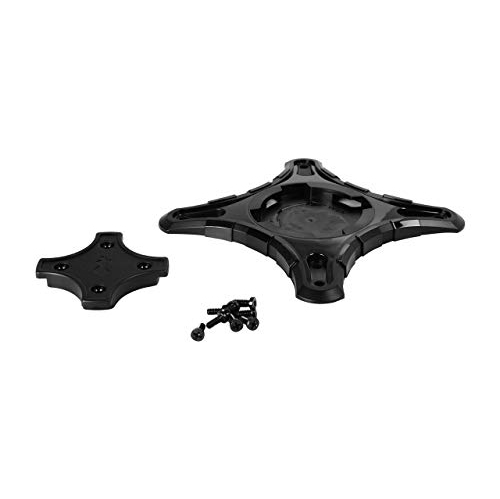
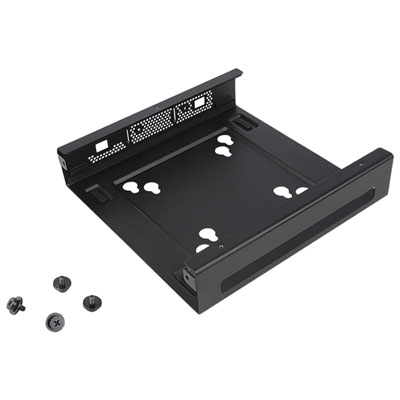


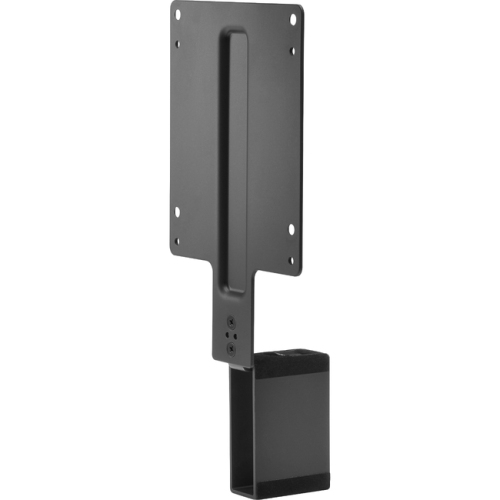






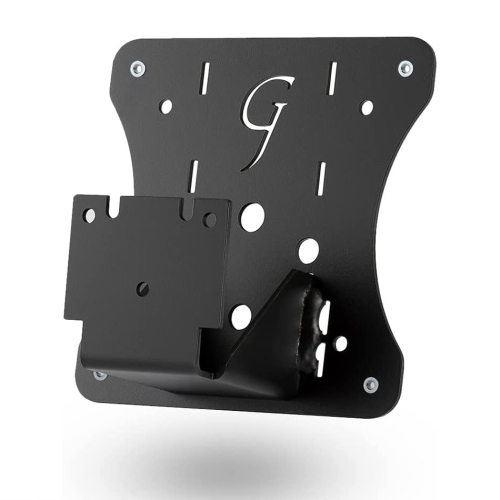
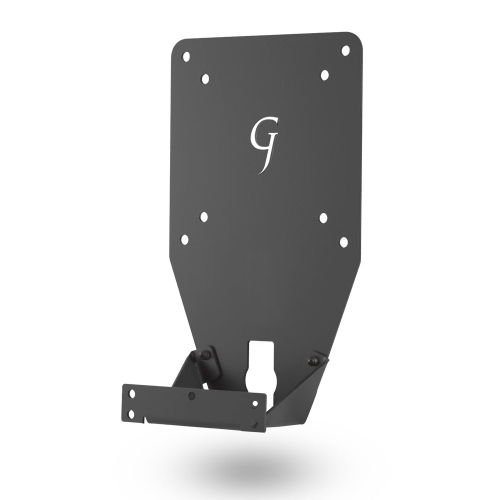

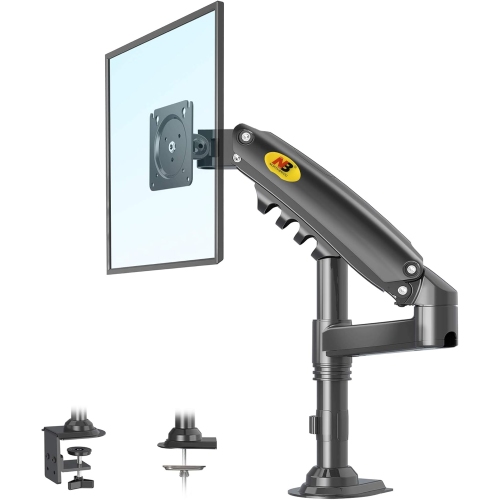
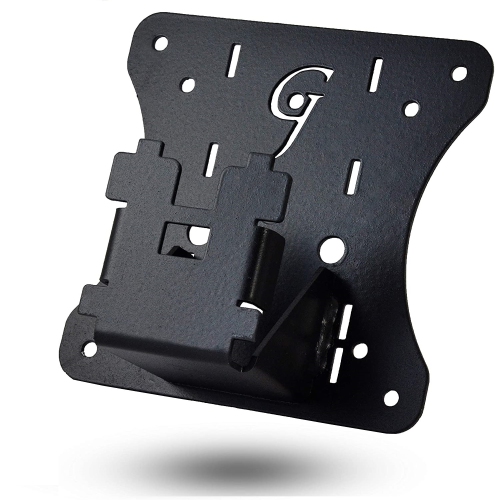

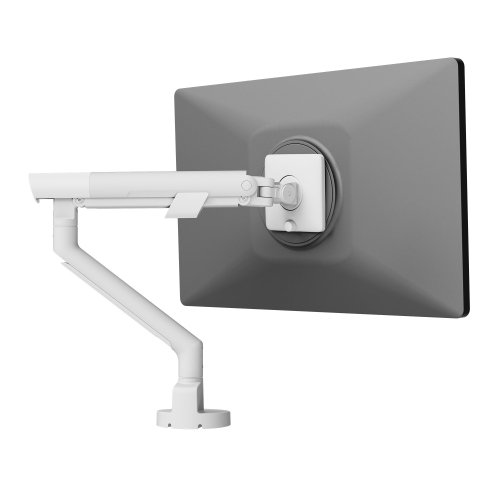

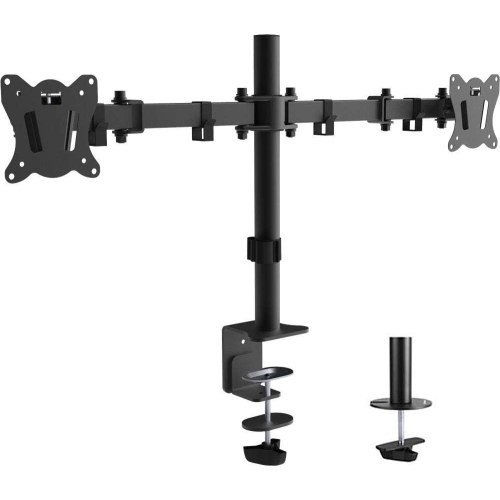
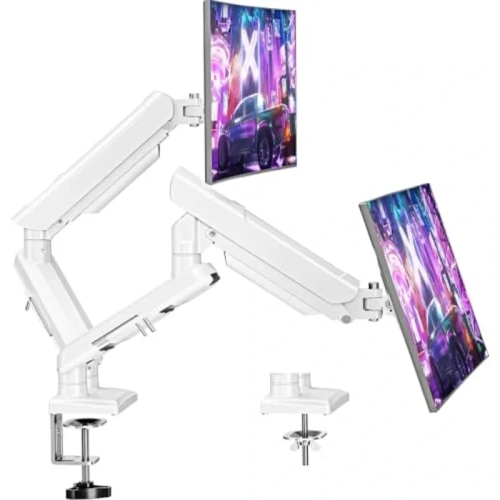
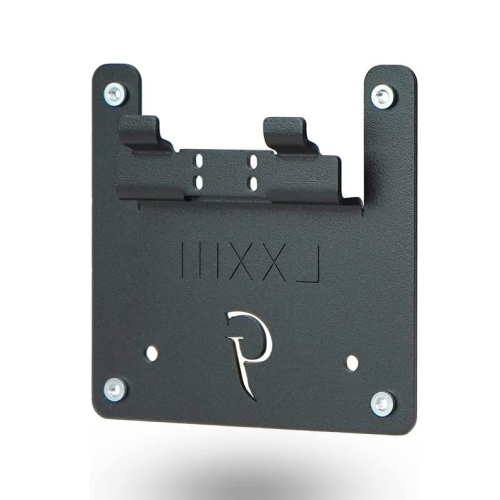








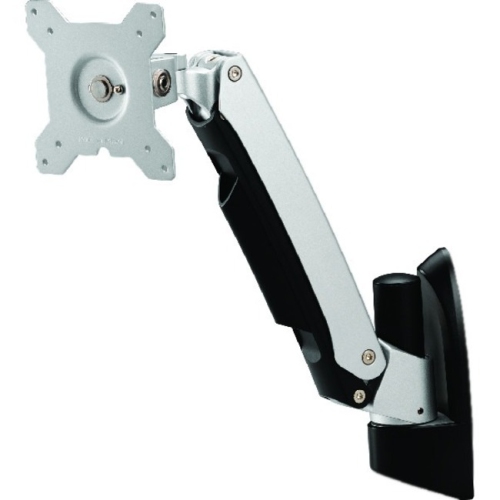

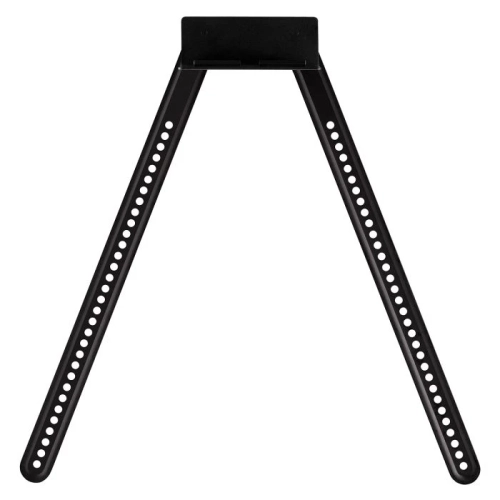
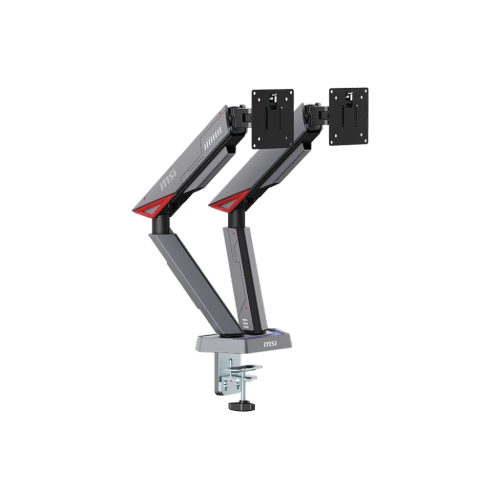
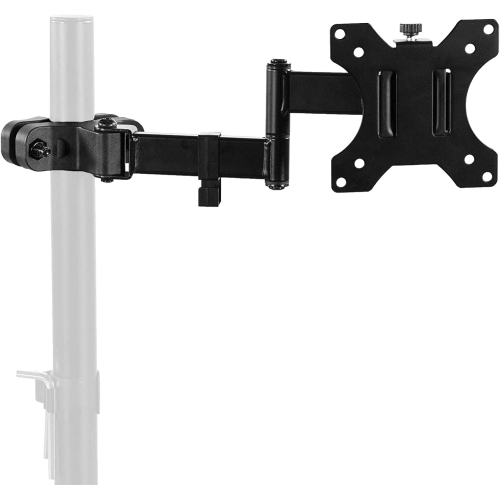
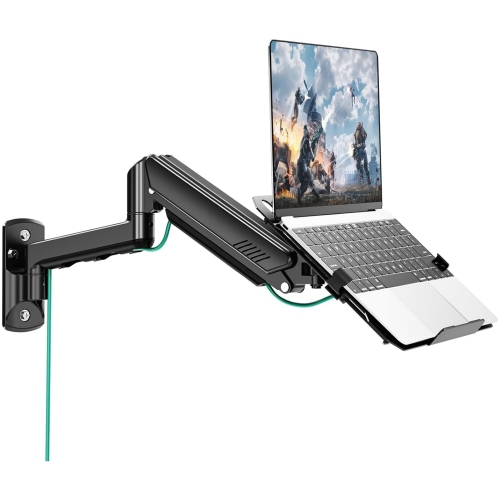
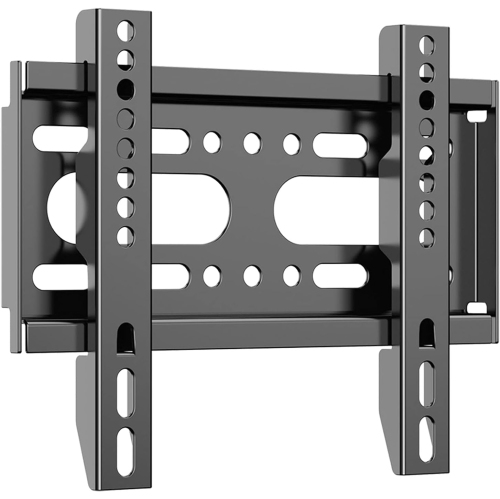
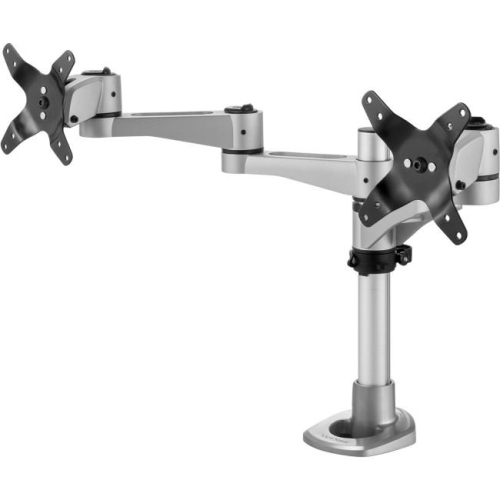
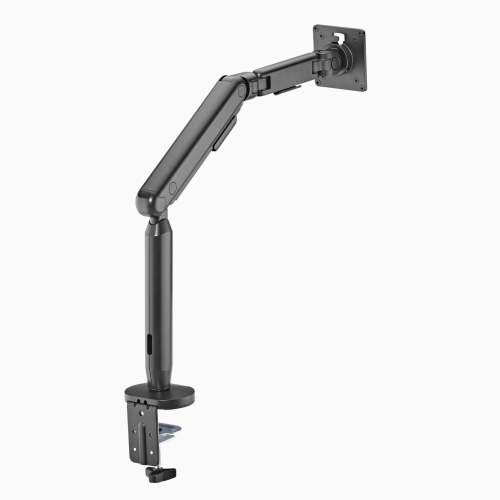
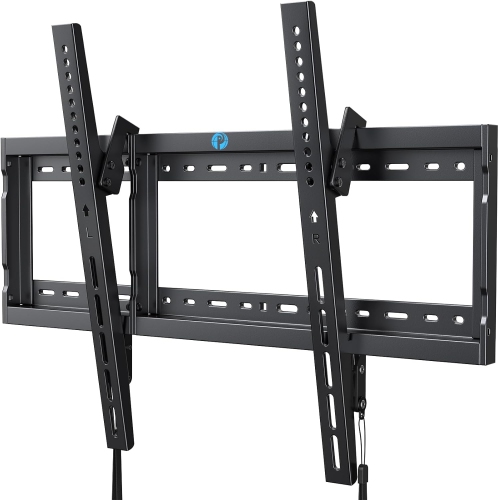
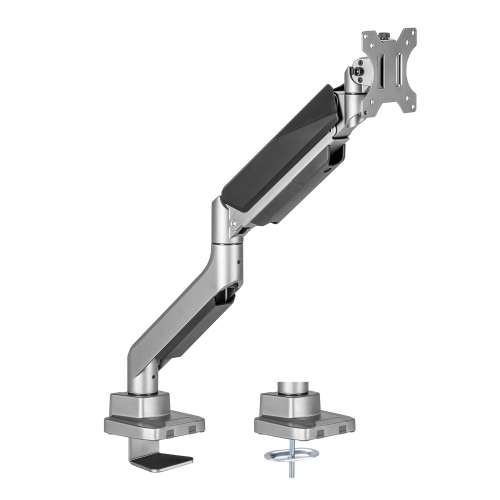
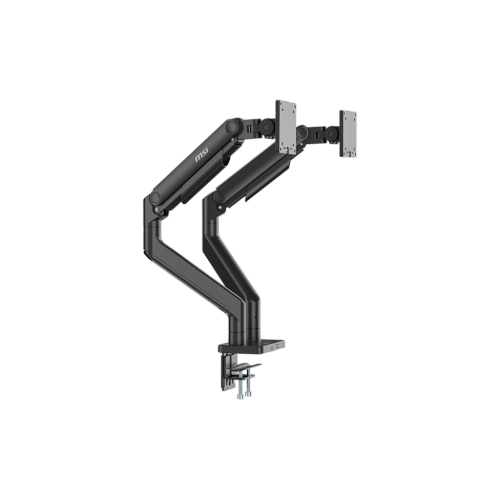
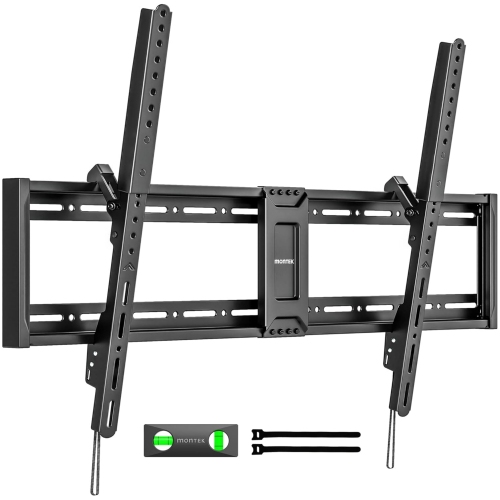




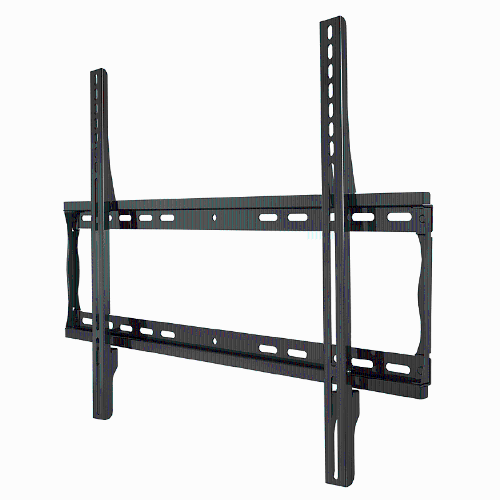
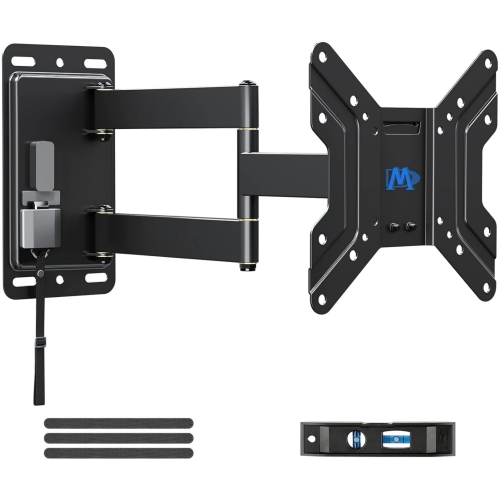

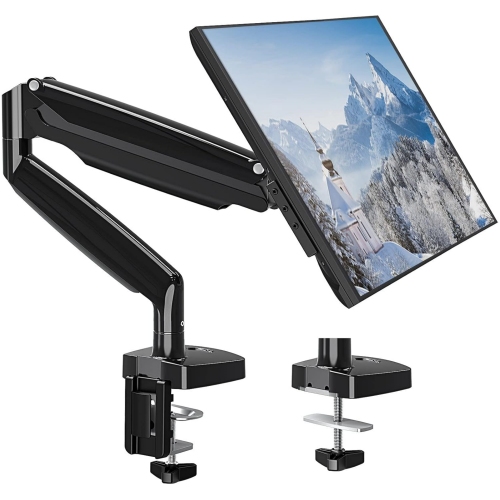
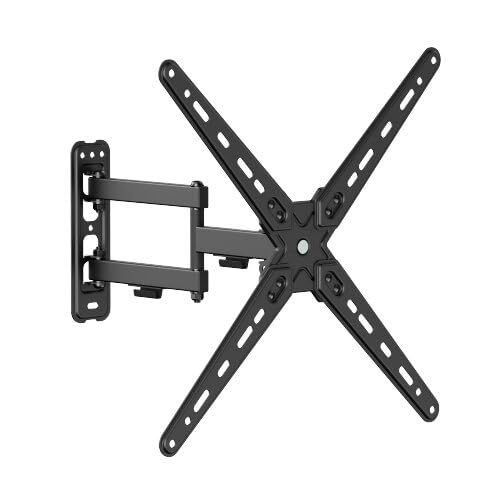
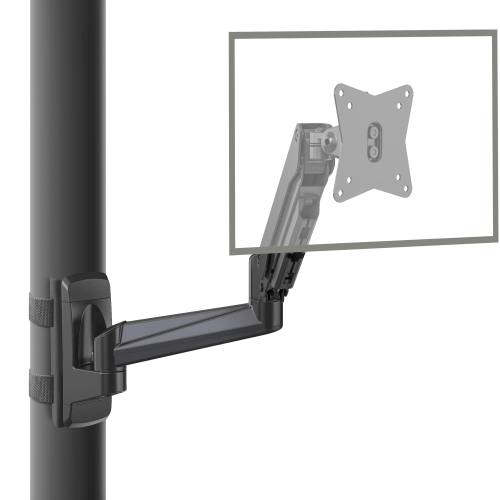
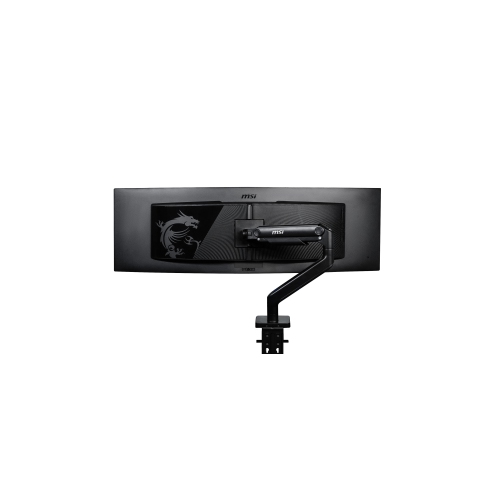
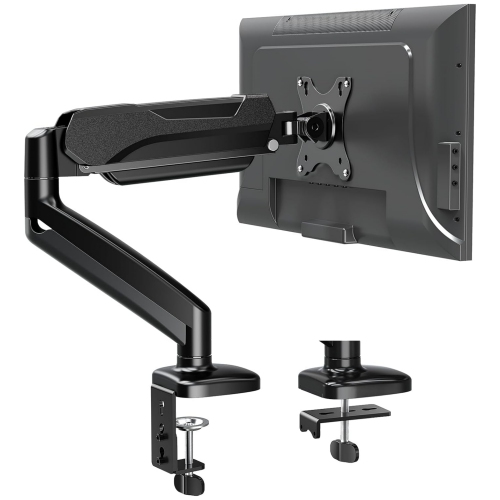
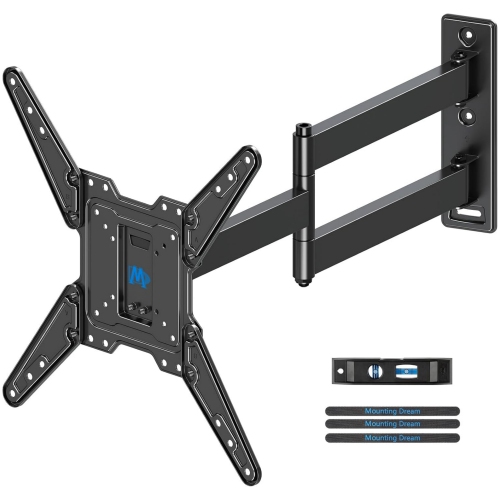


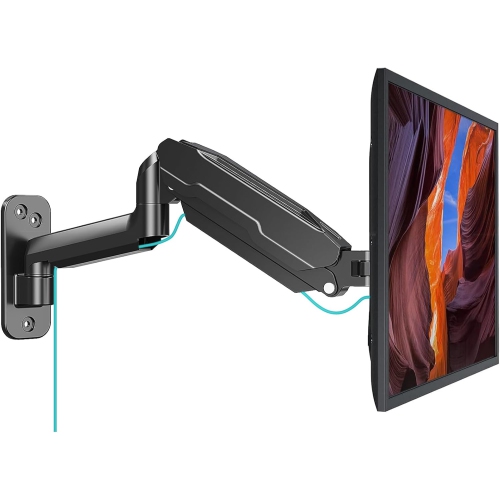
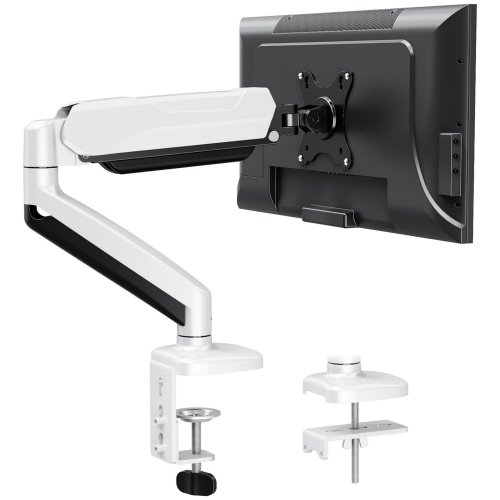
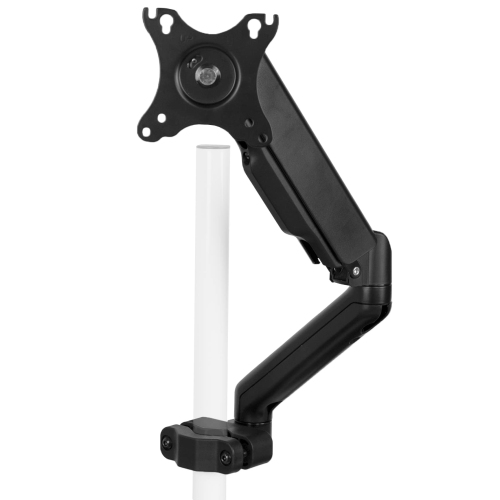
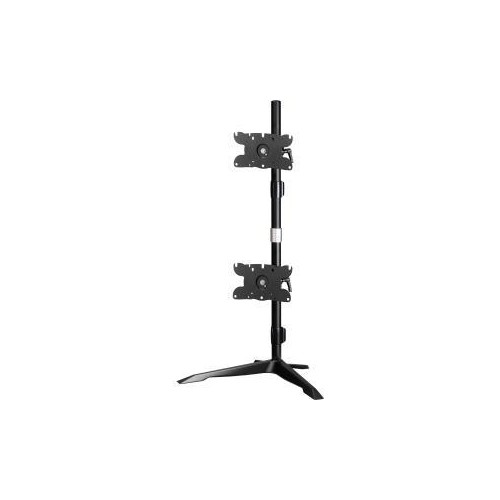
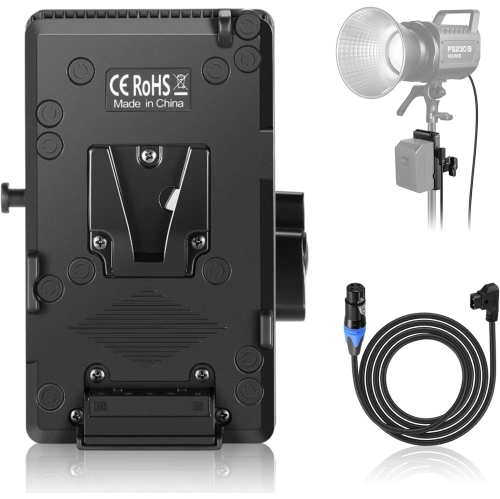
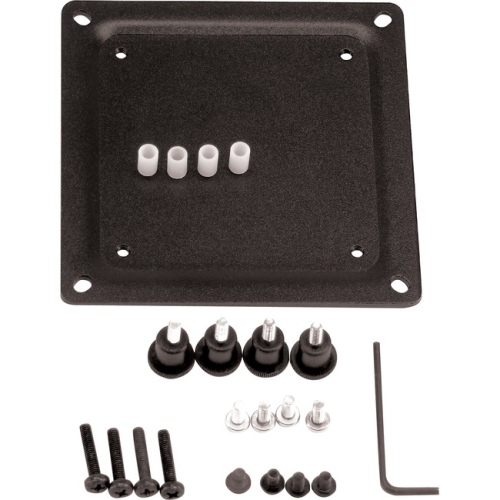
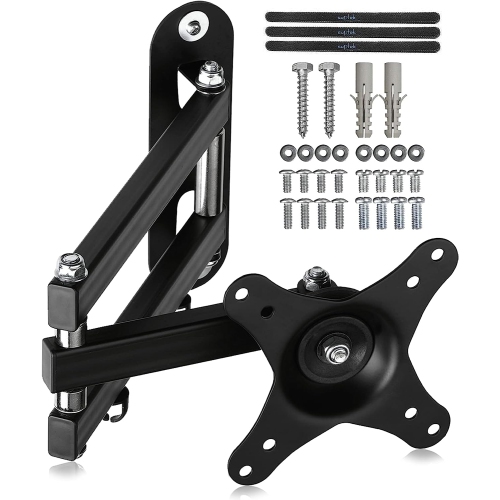
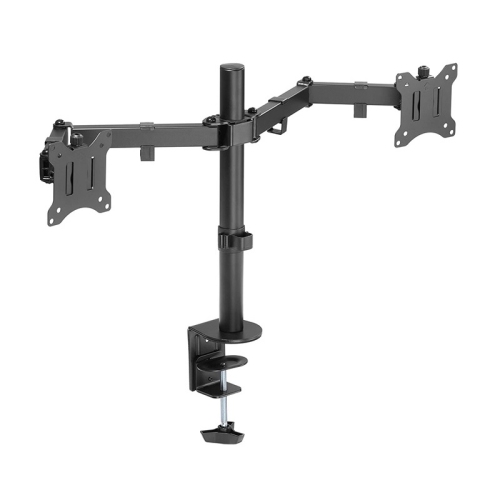
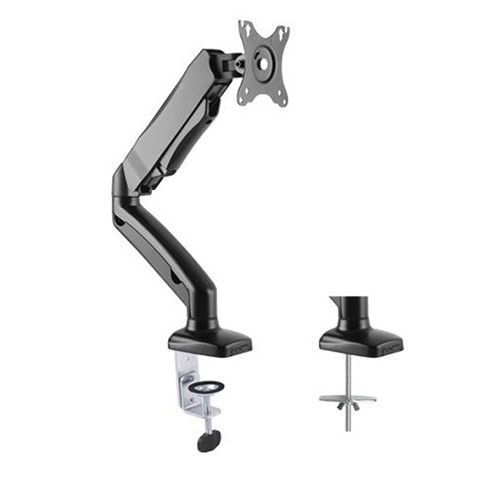
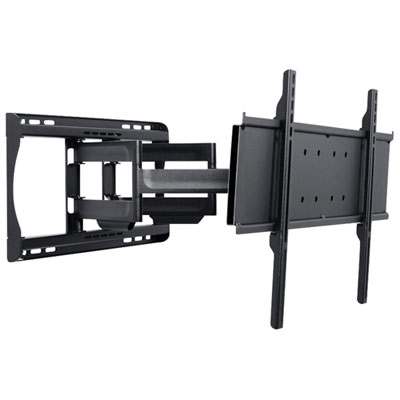
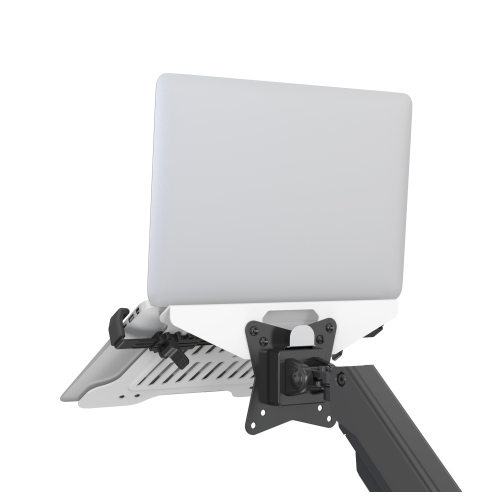
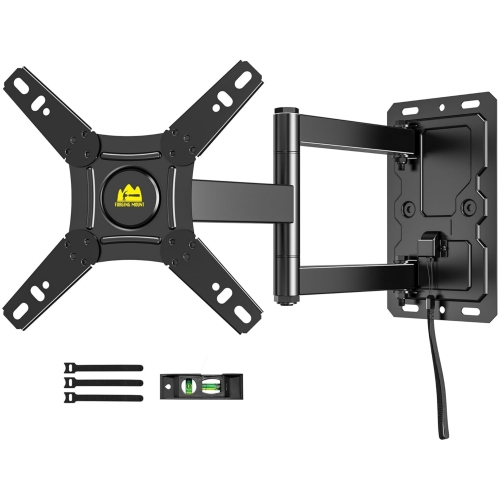
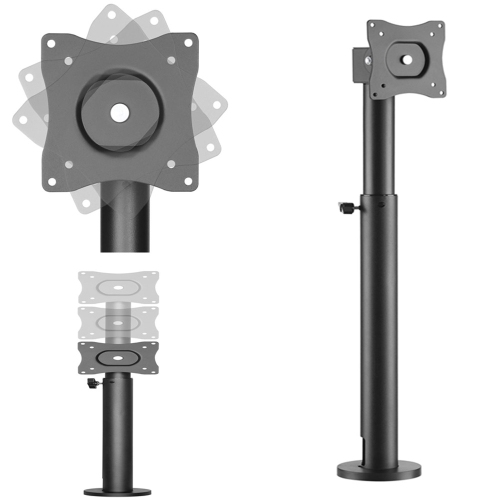
Screen mounting compatibility goes beyond matching hole patterns
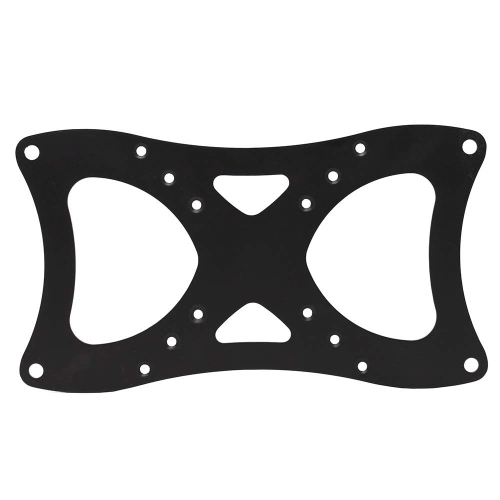
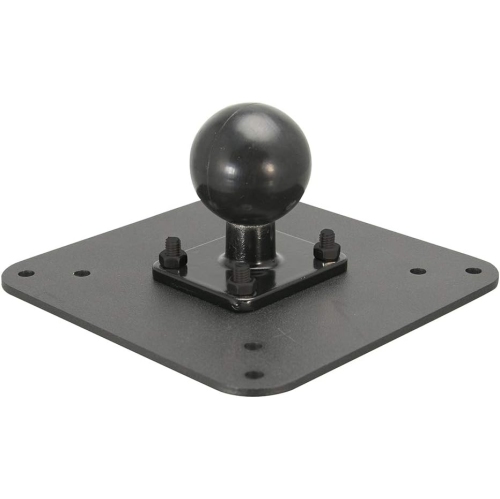
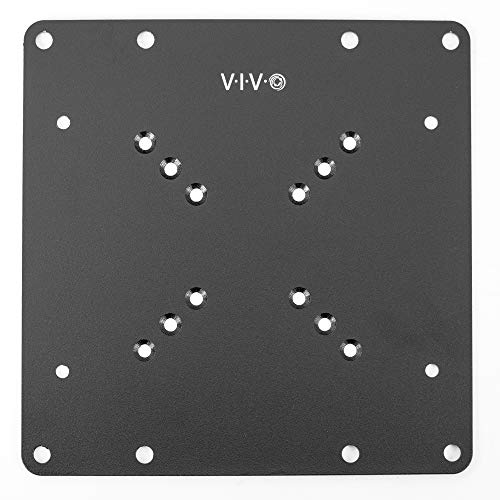
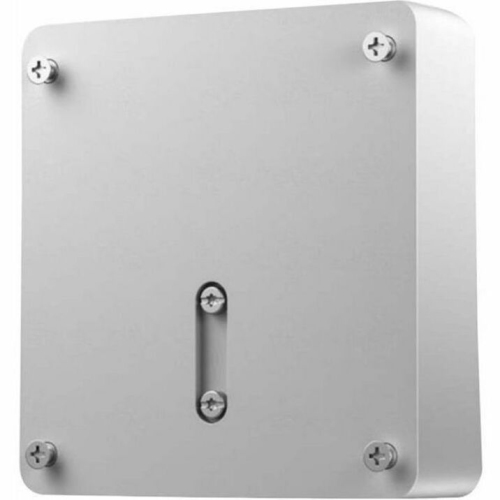
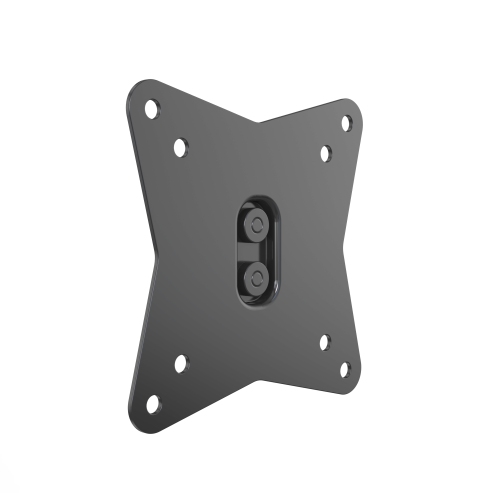
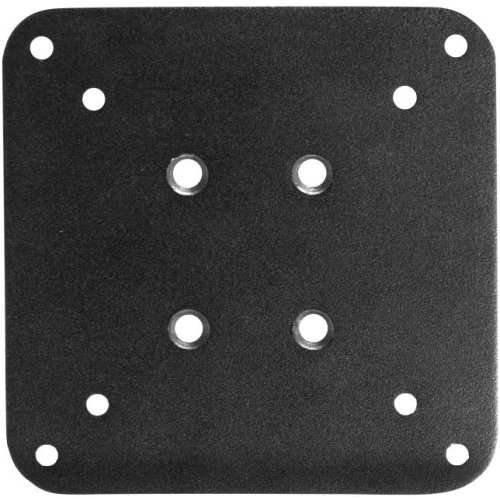
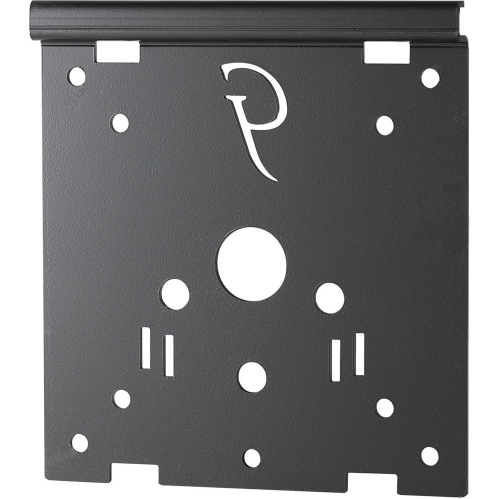
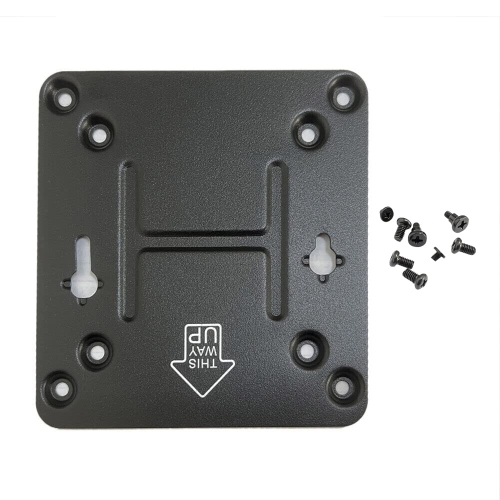
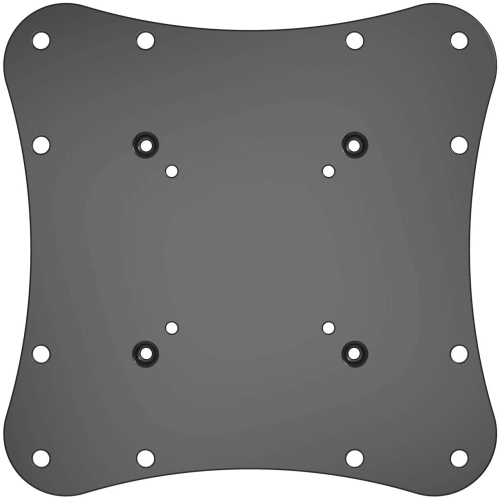
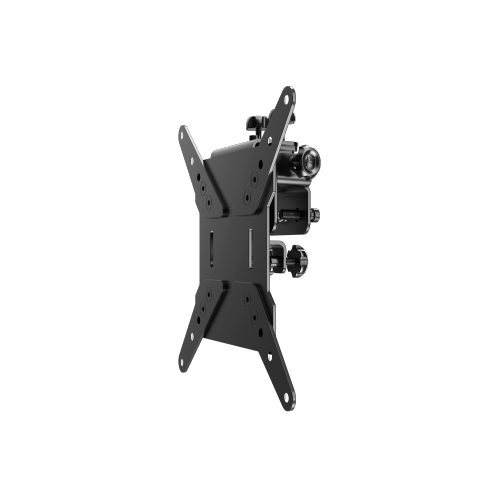
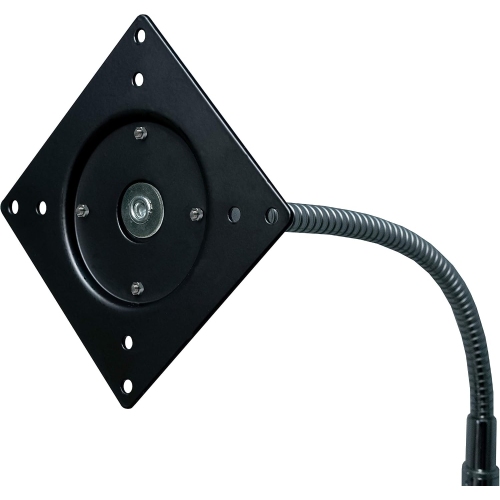
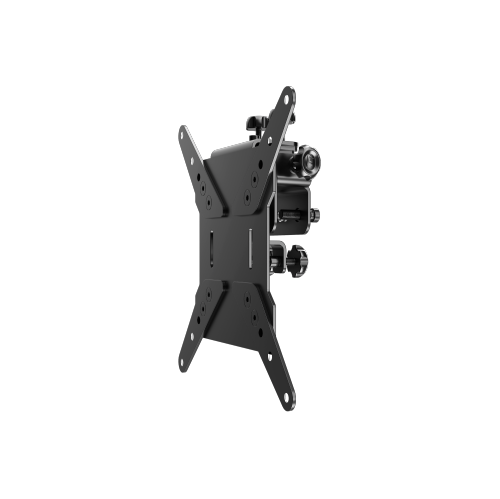
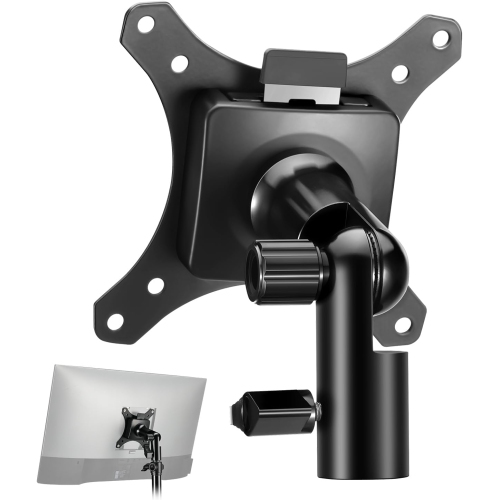
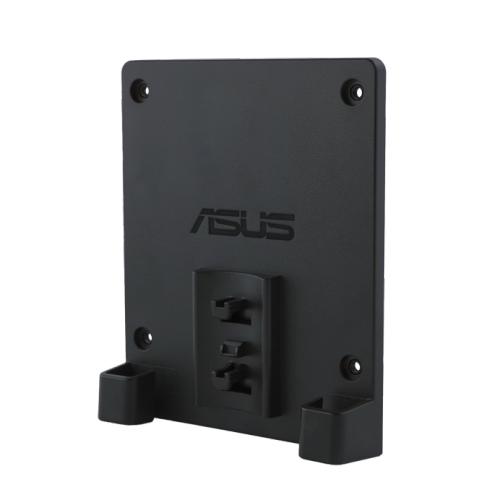
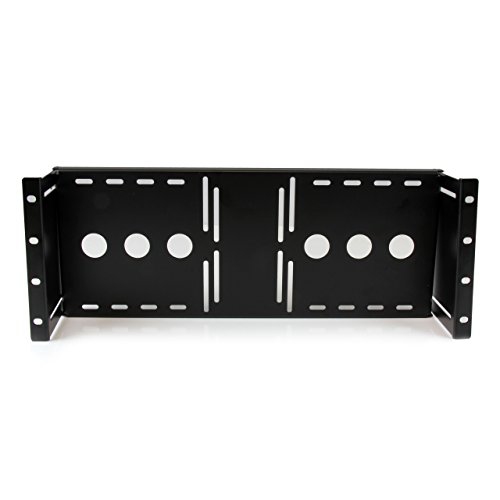
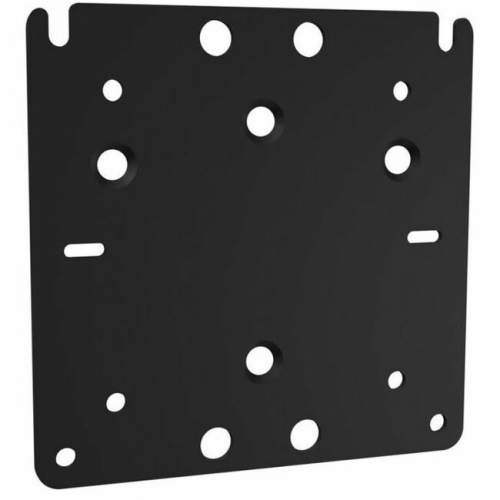
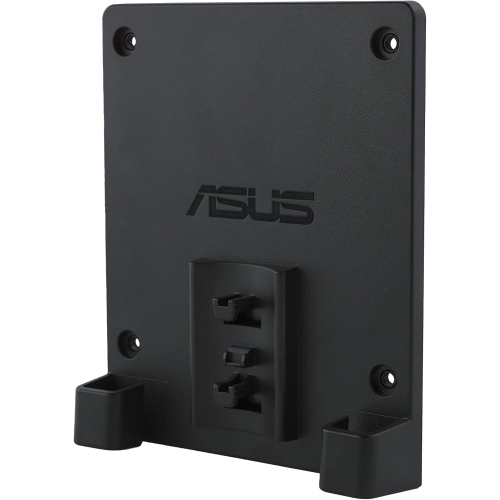
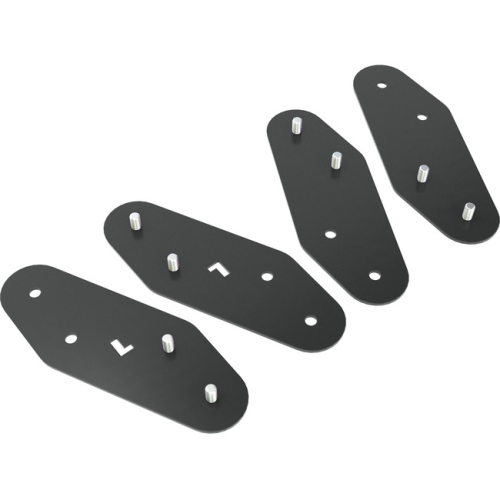
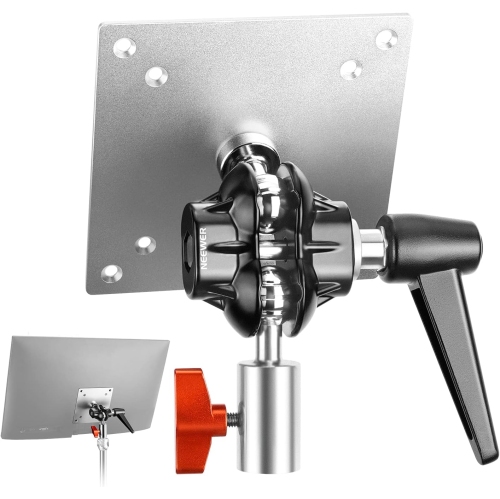
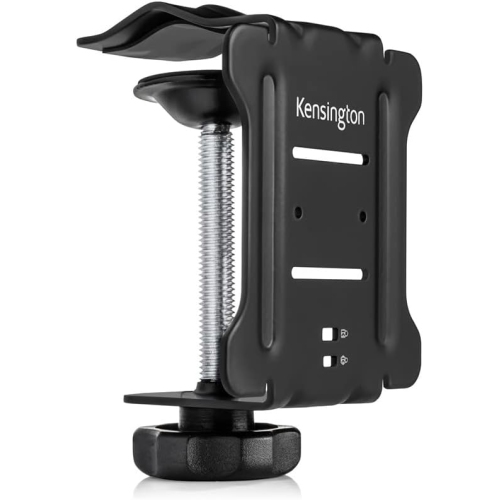
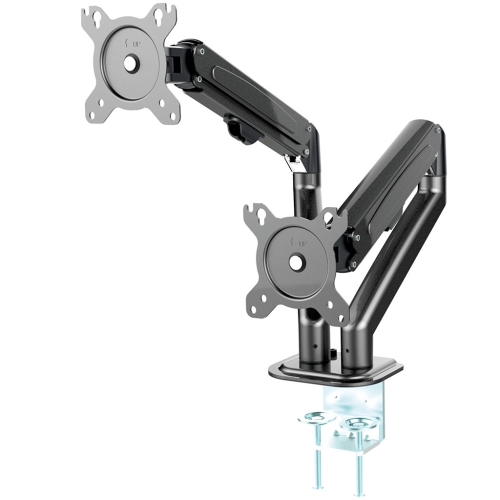
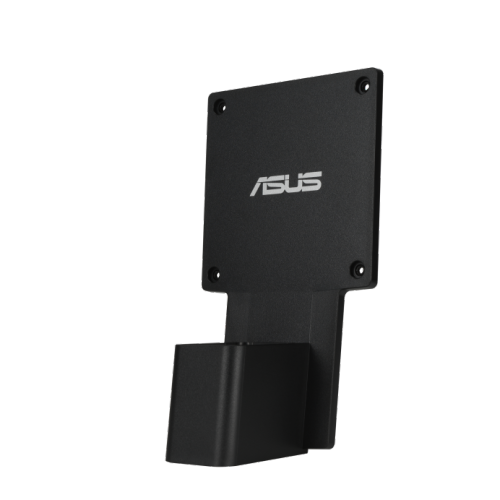
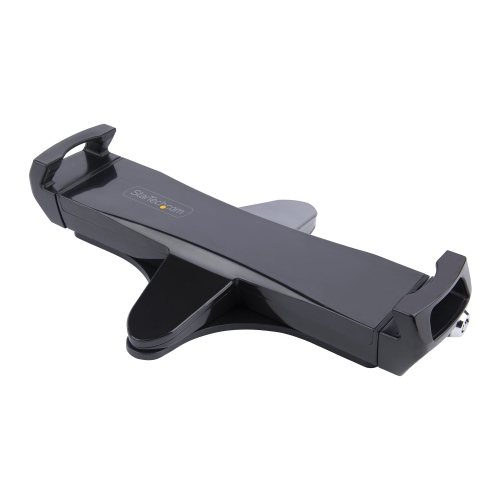
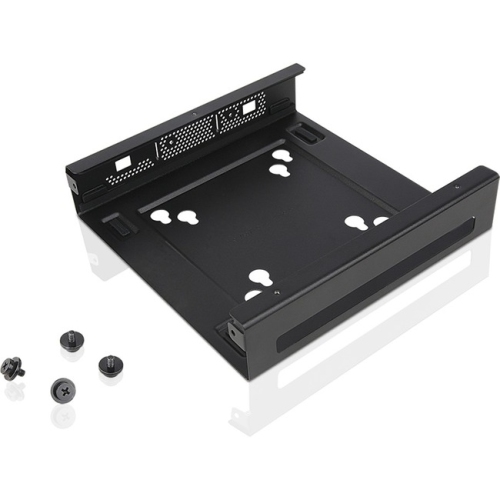
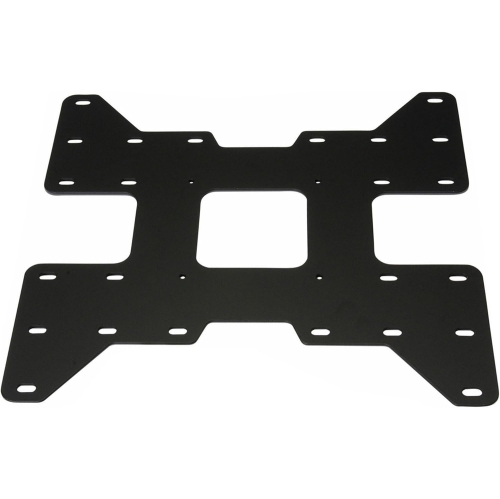
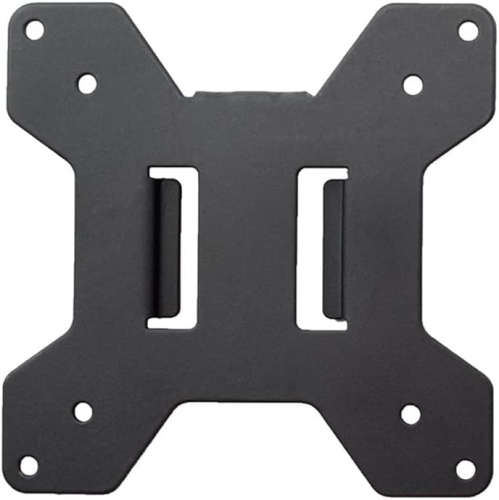
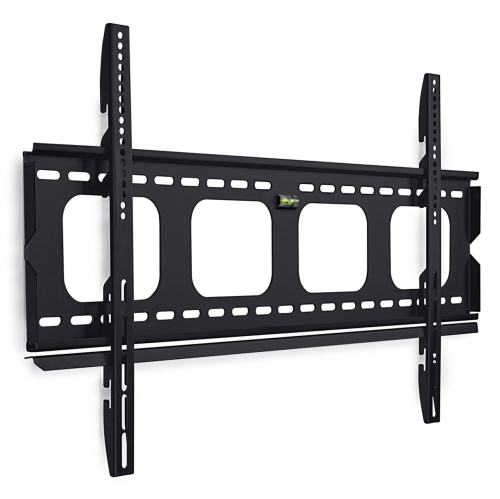
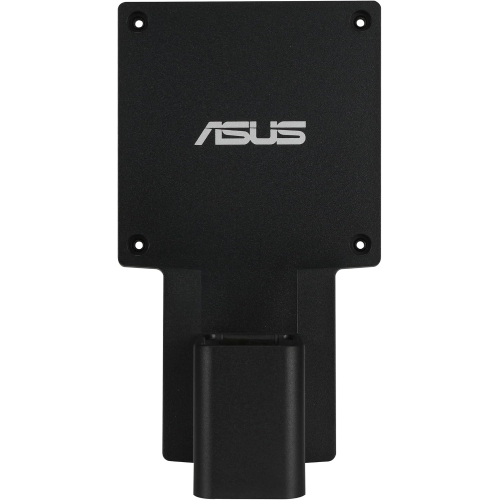
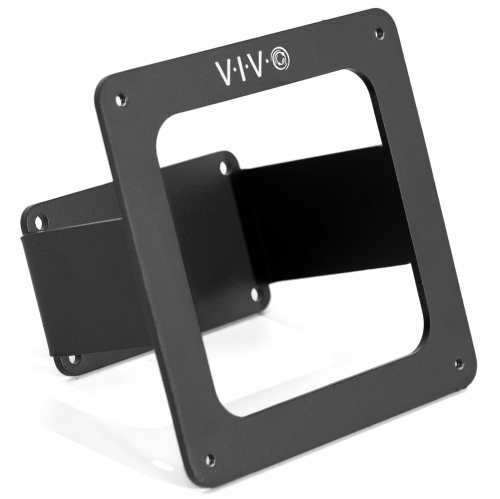
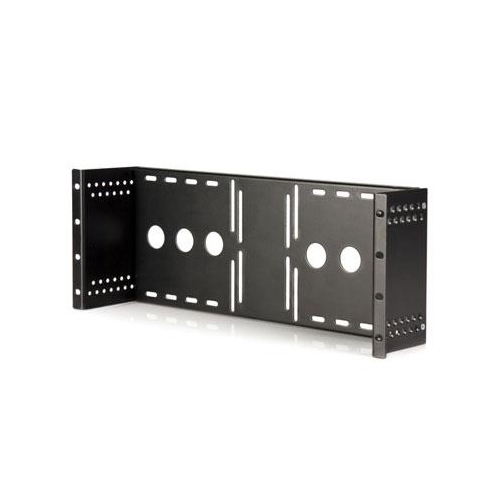
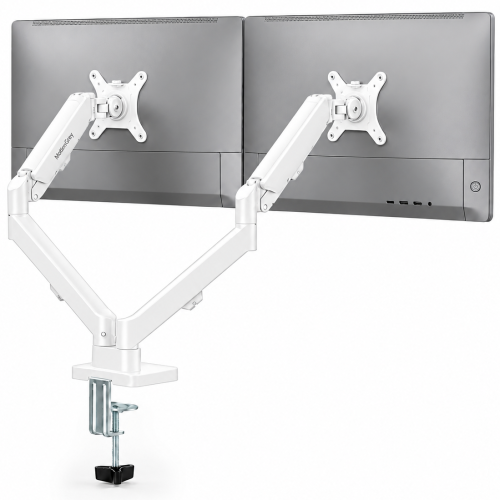
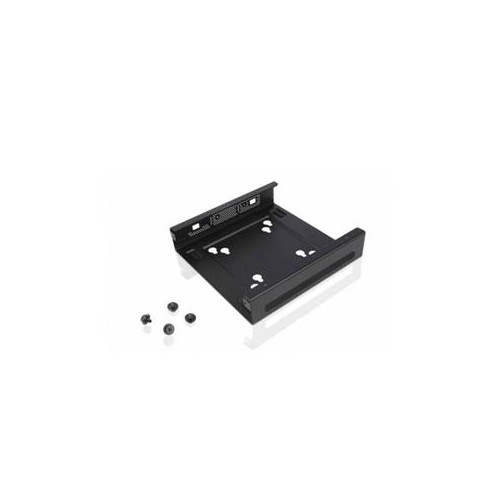
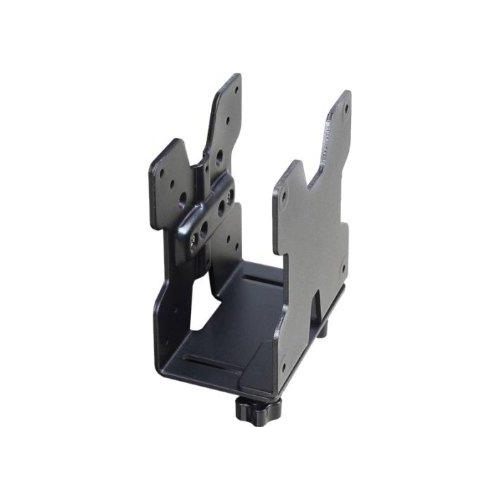
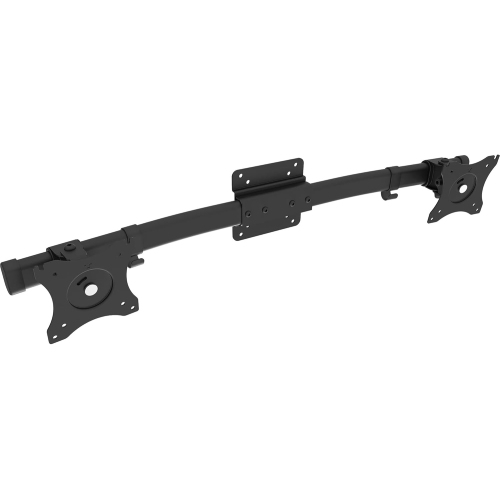
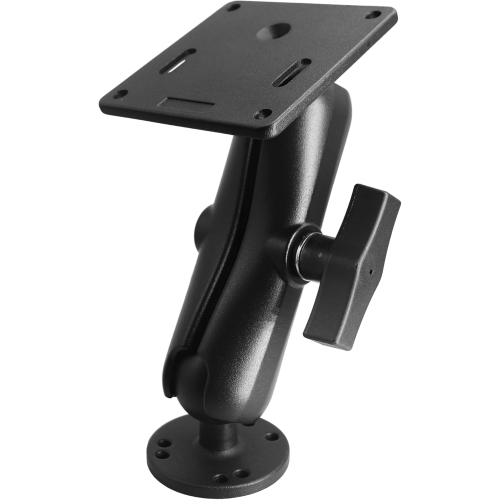
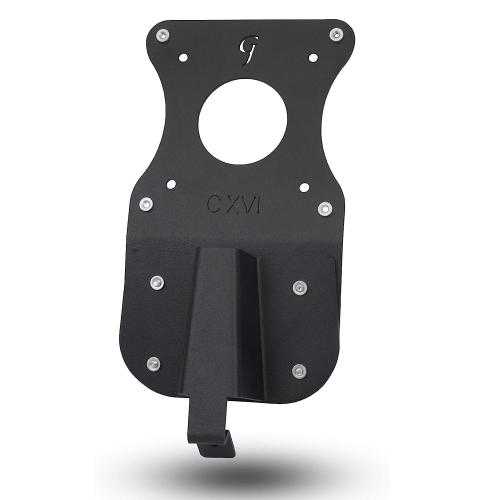
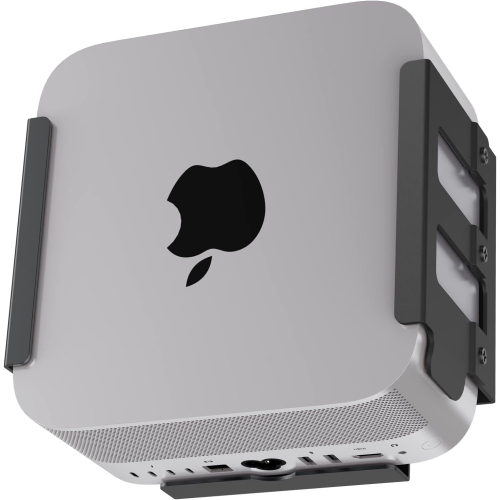
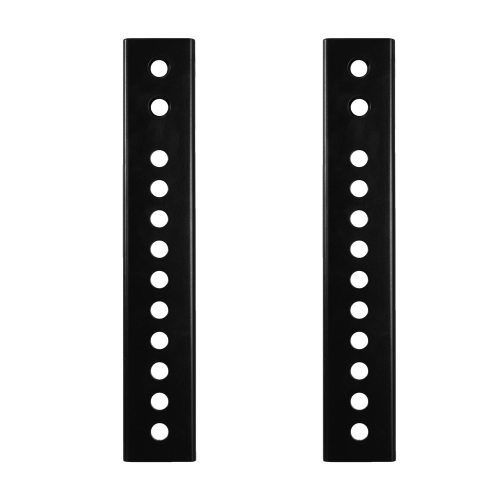
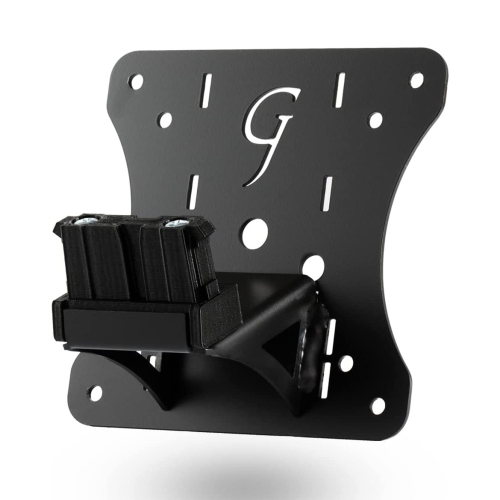
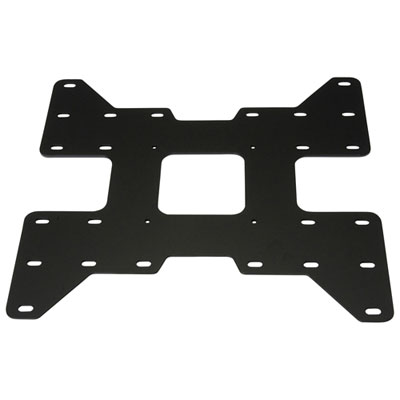
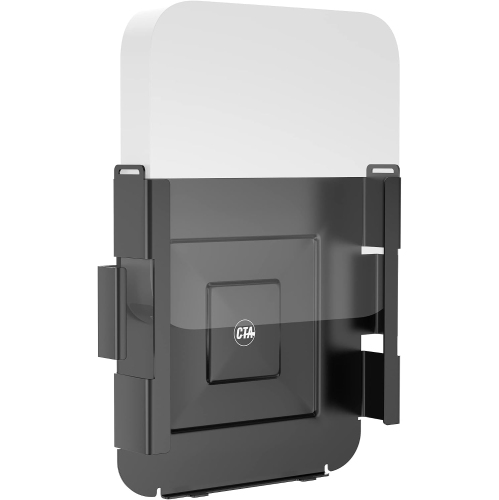
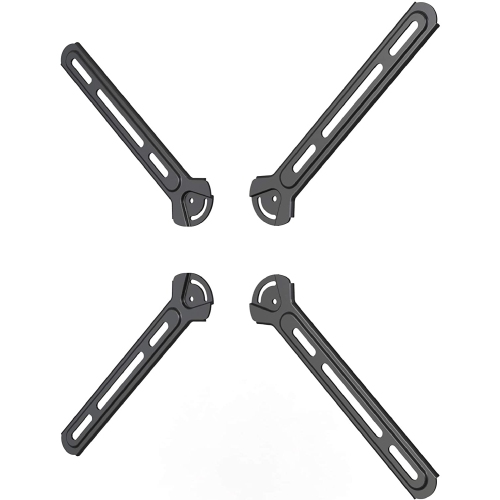
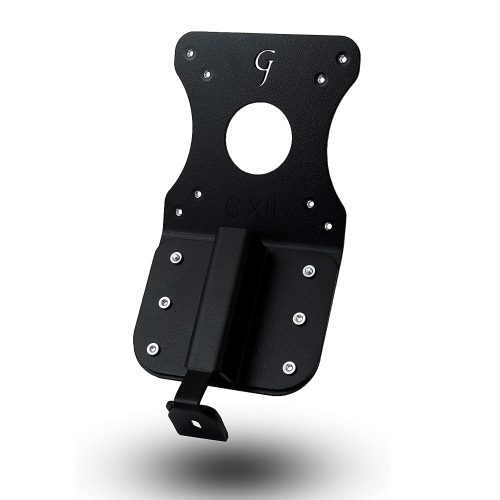
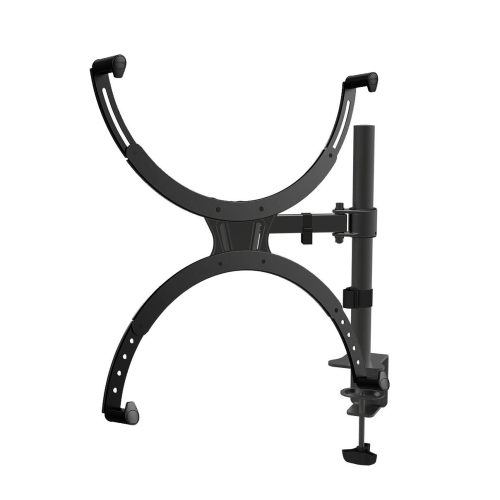
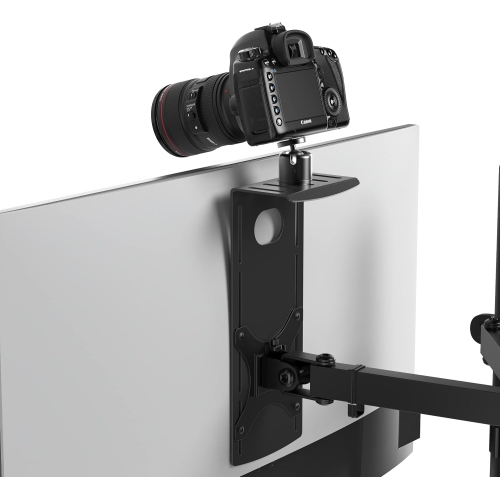
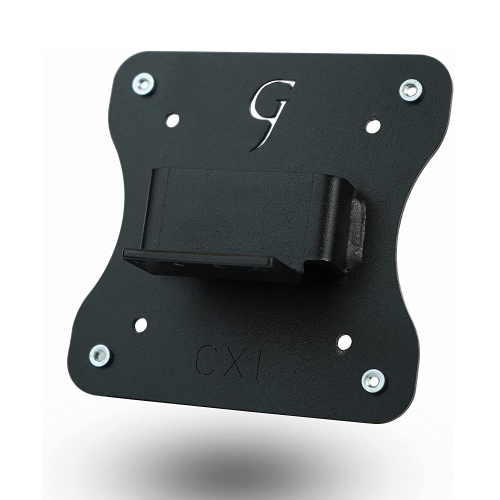
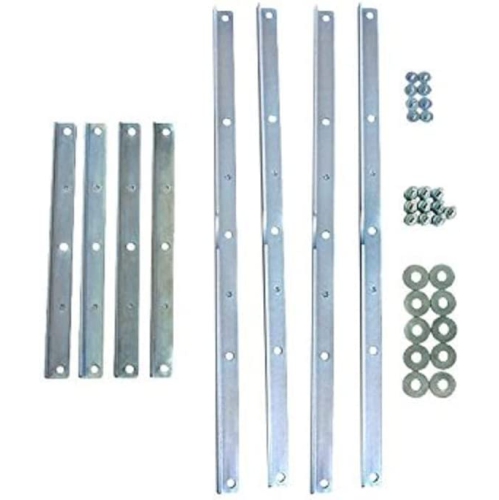
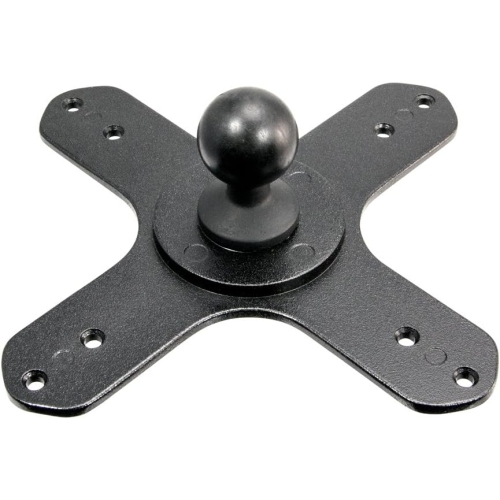
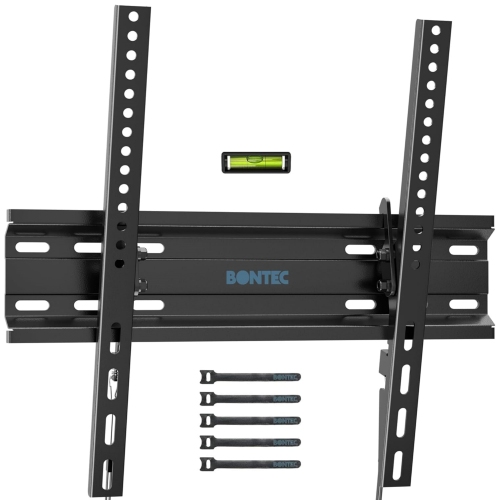
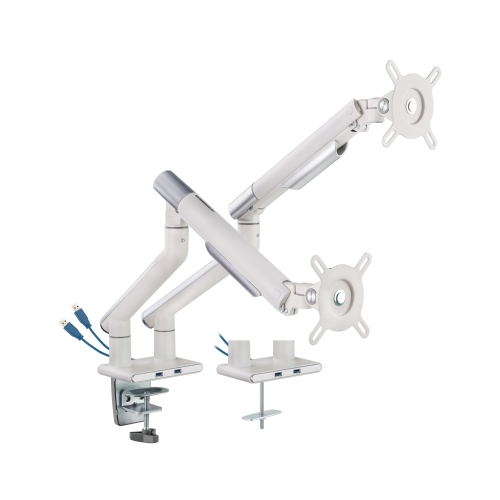
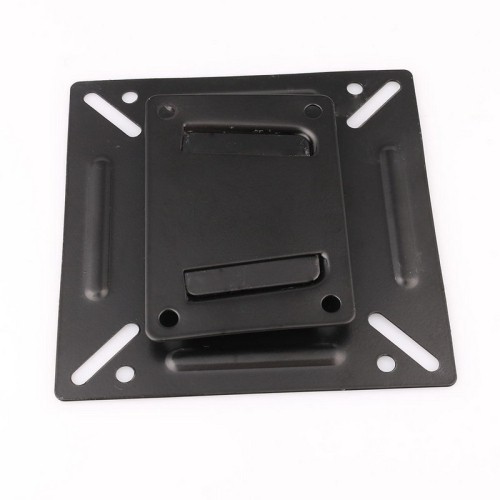
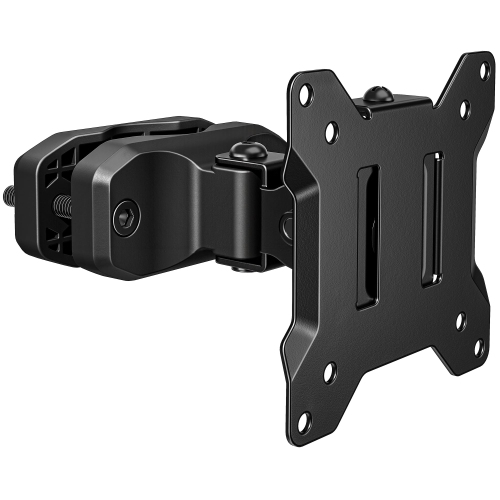
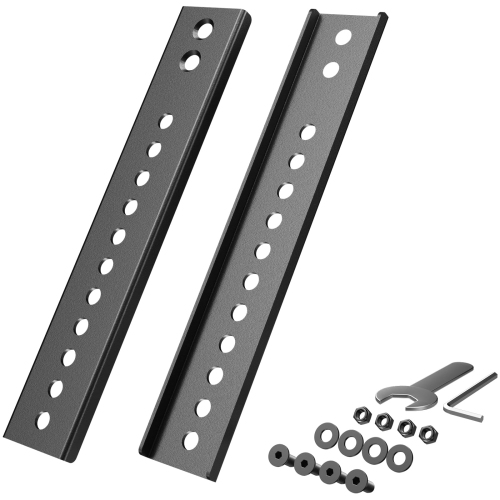
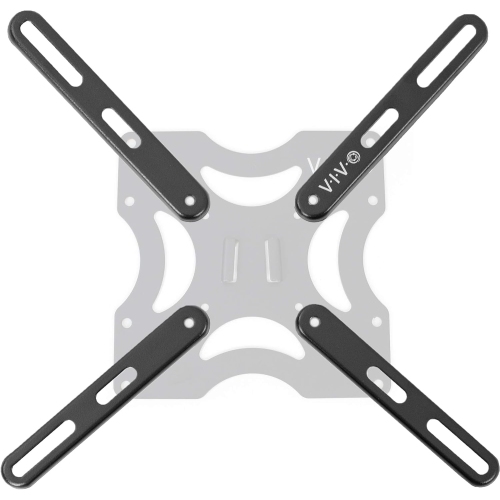
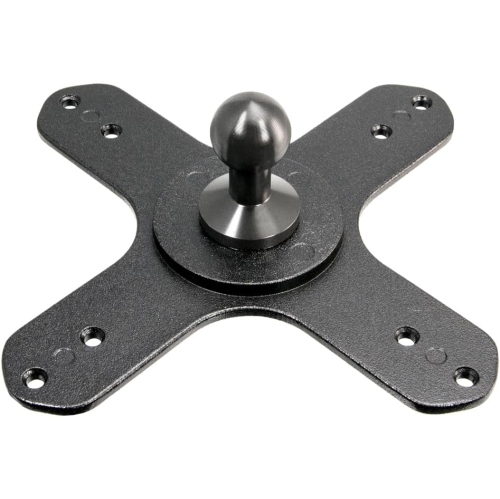
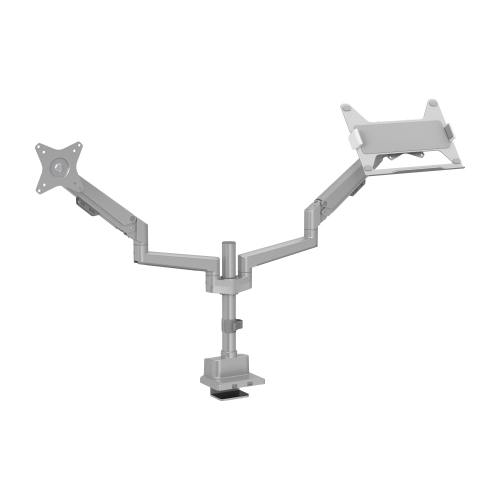
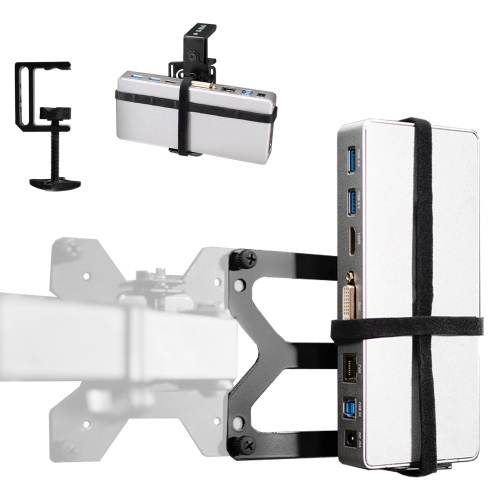
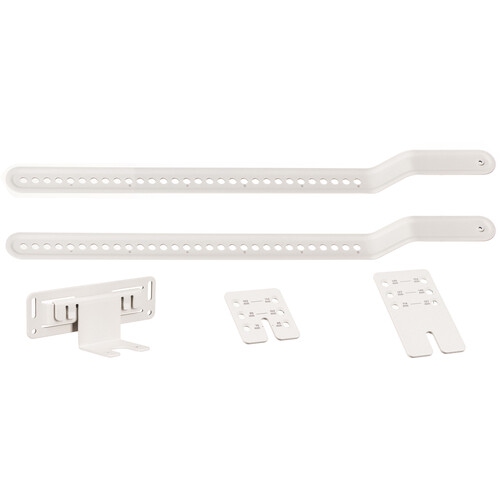
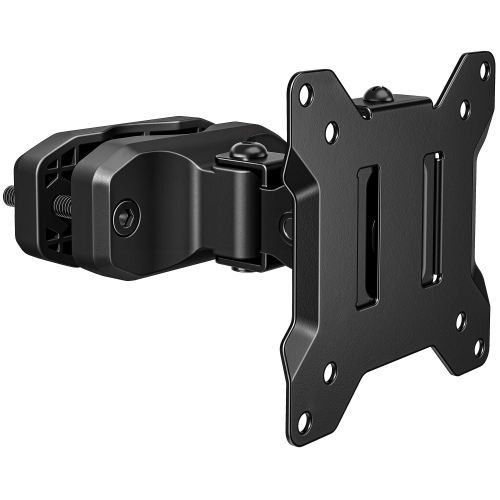
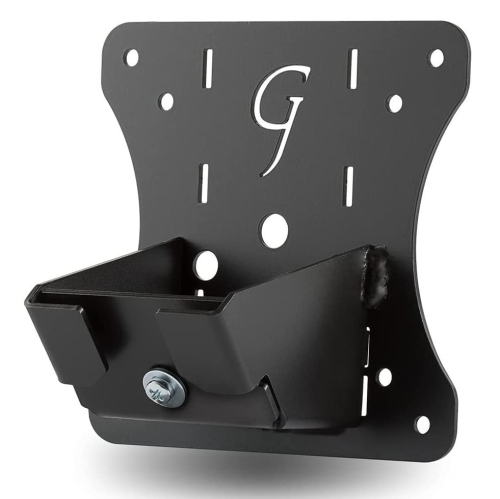
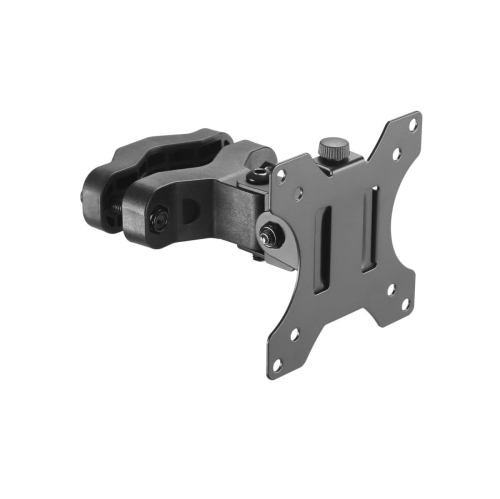
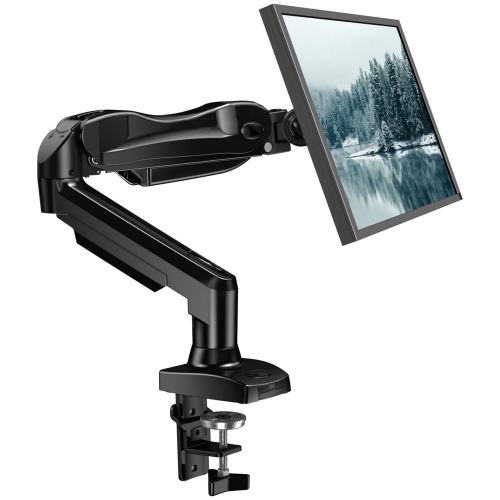
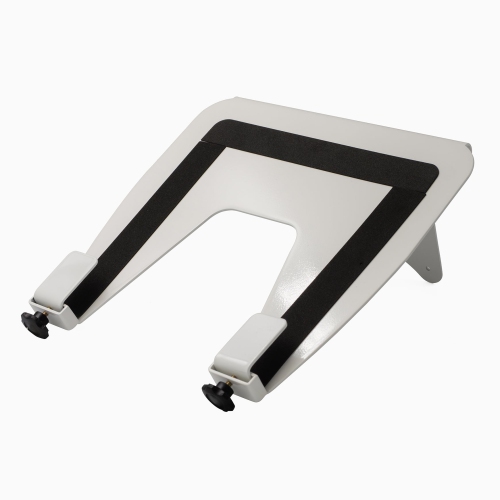
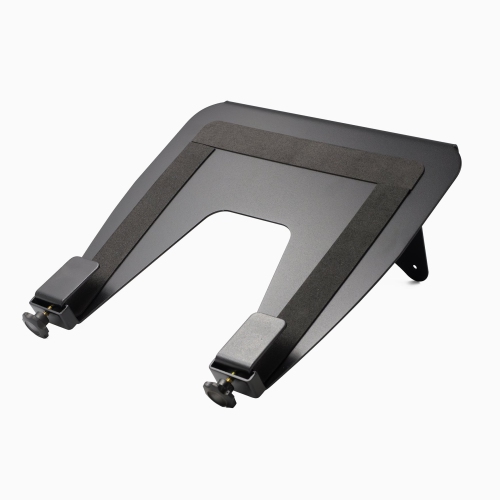
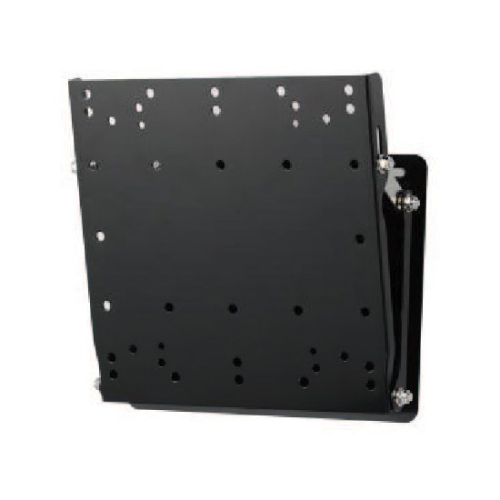
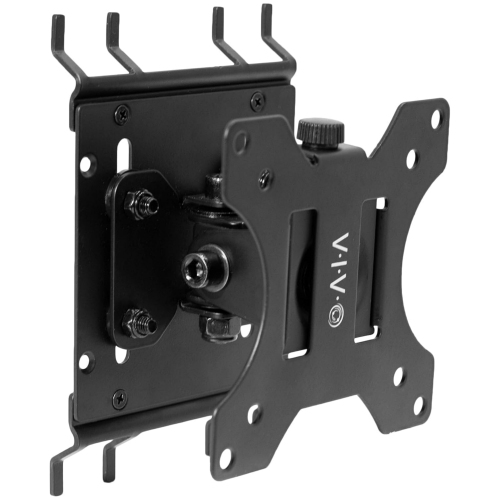
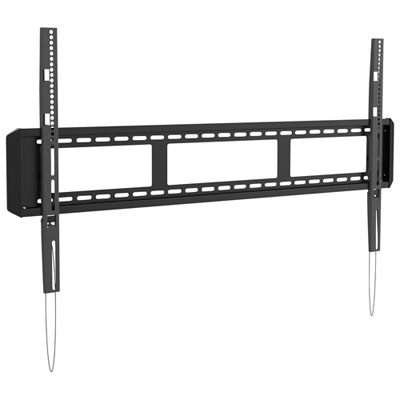
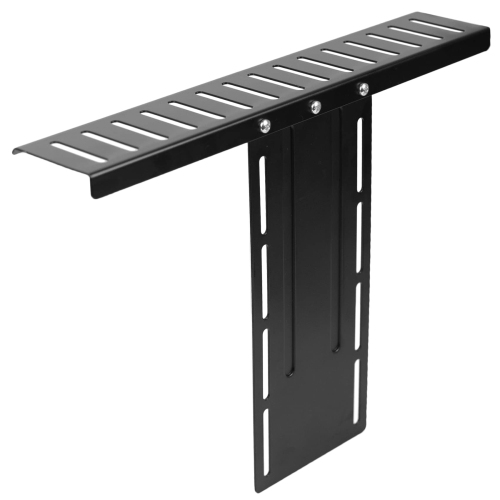
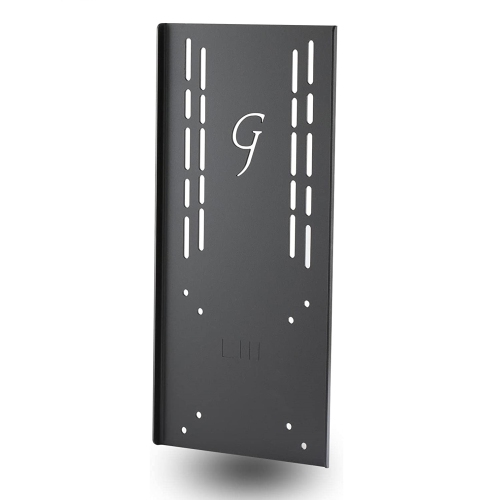
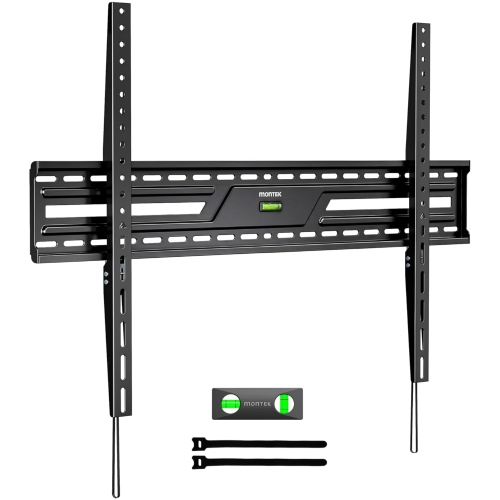
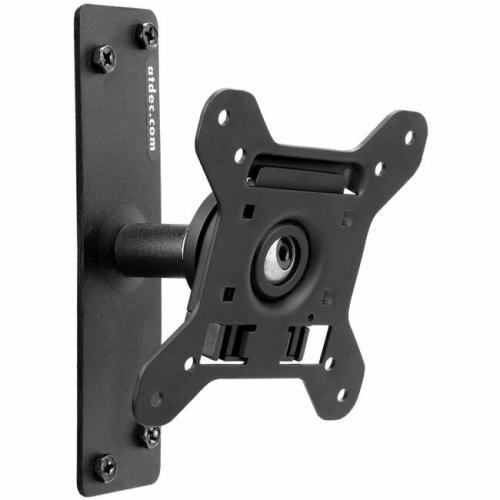
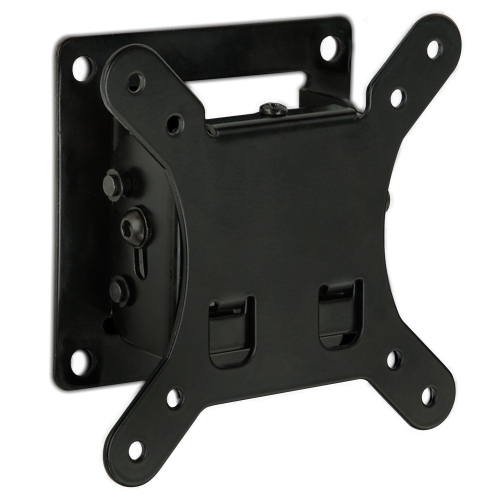
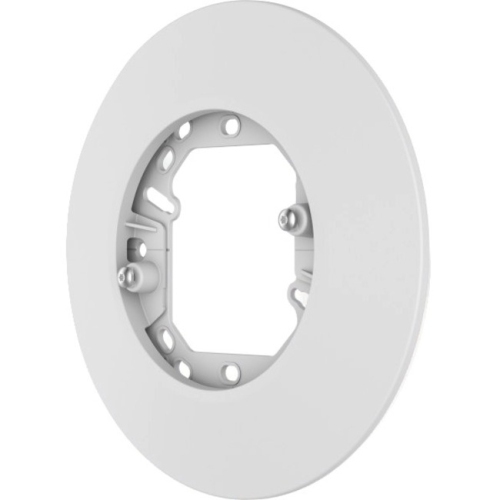
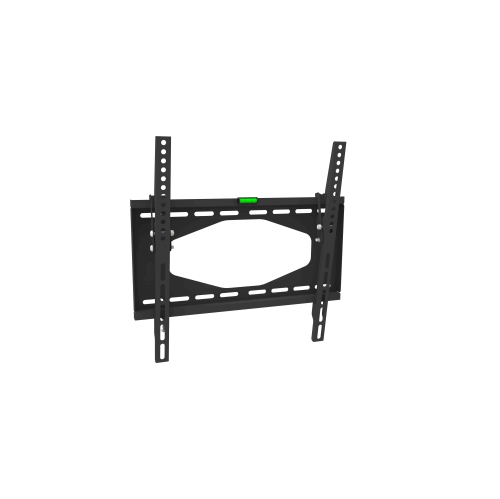
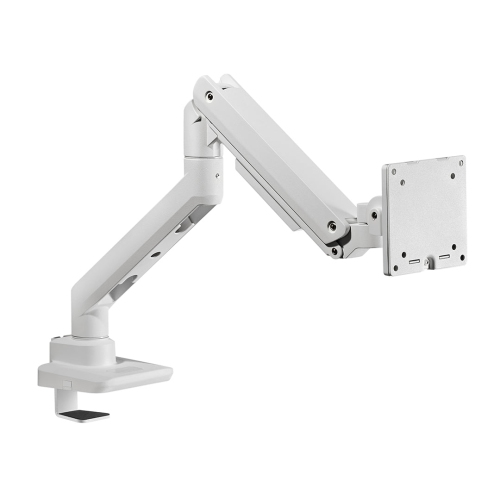
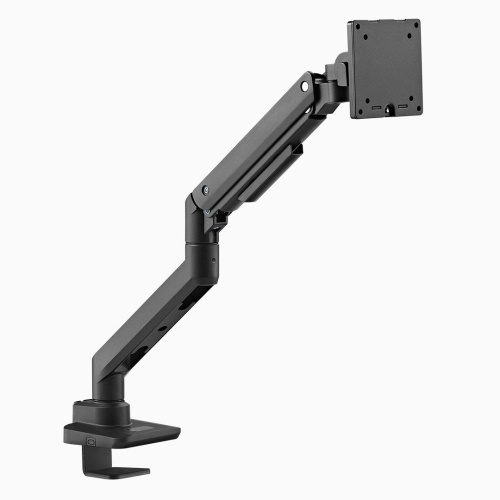
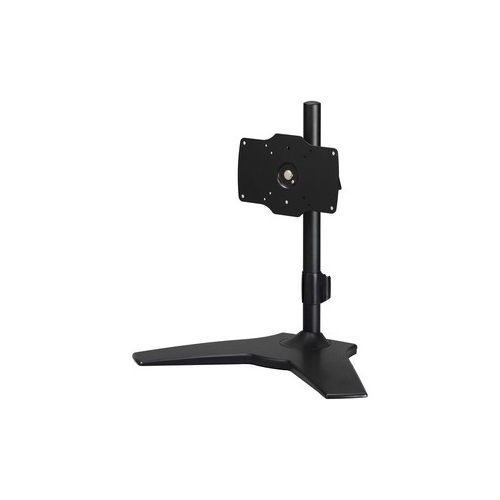
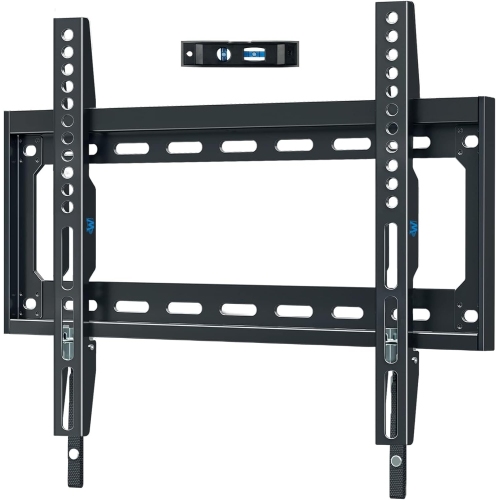
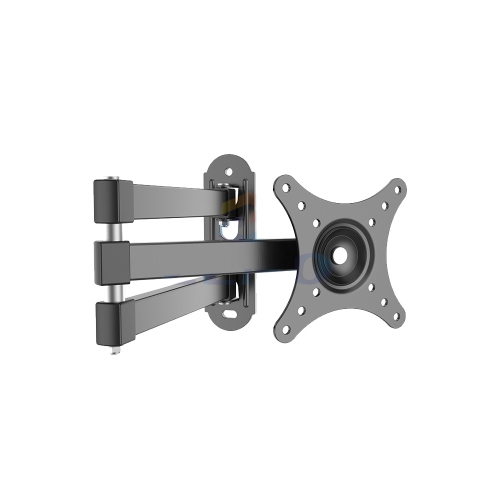
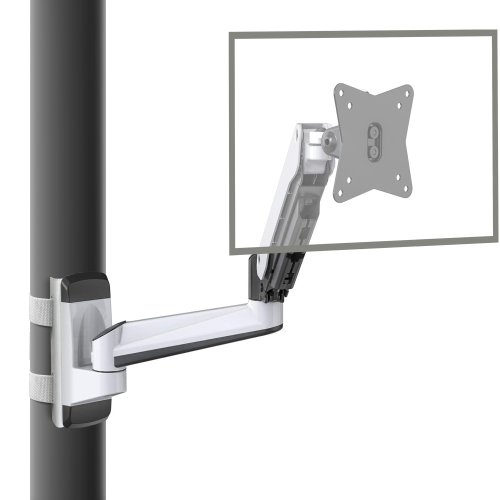
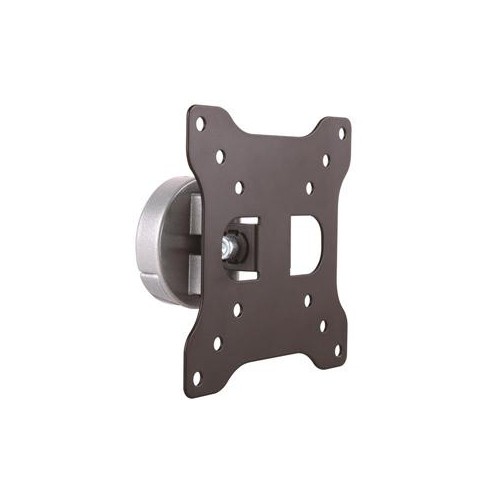
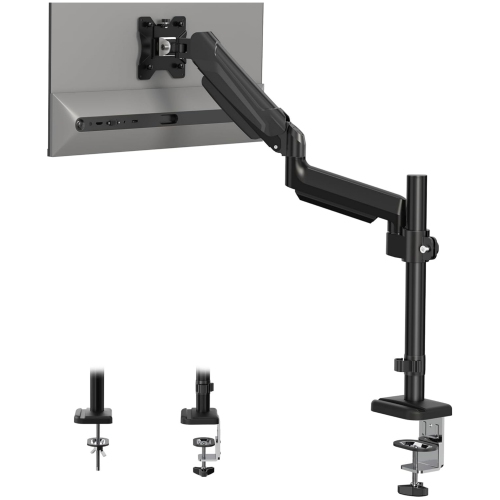
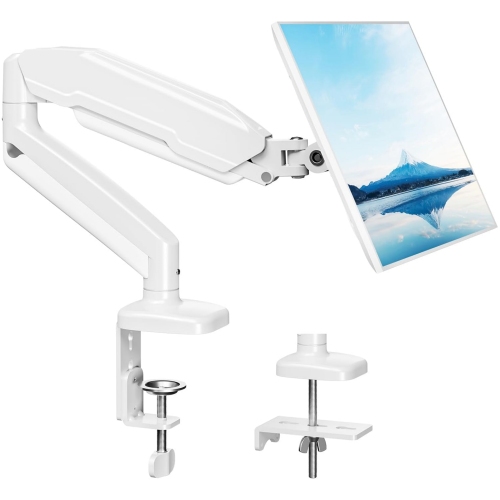
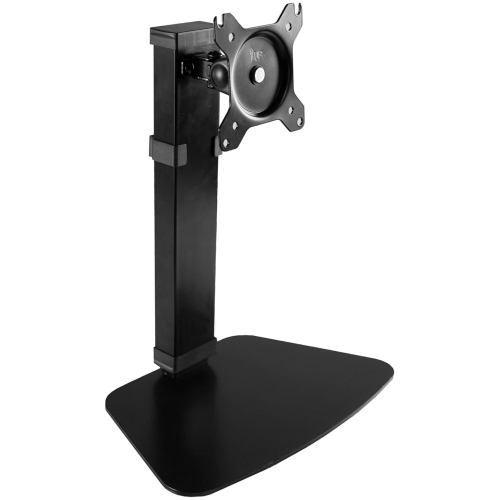
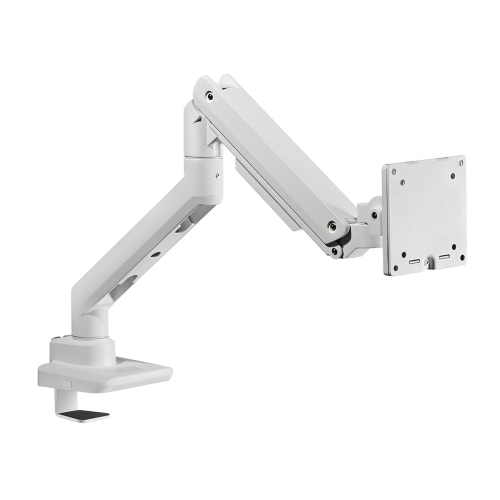
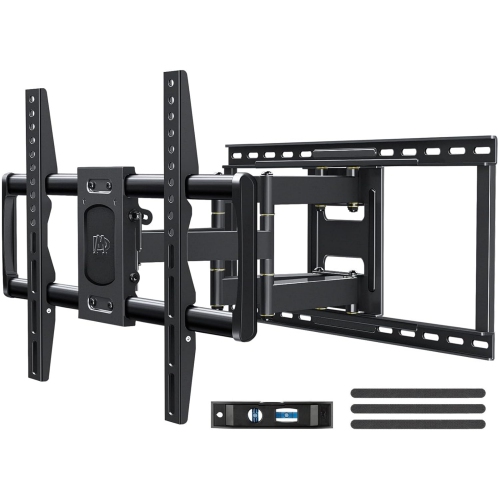
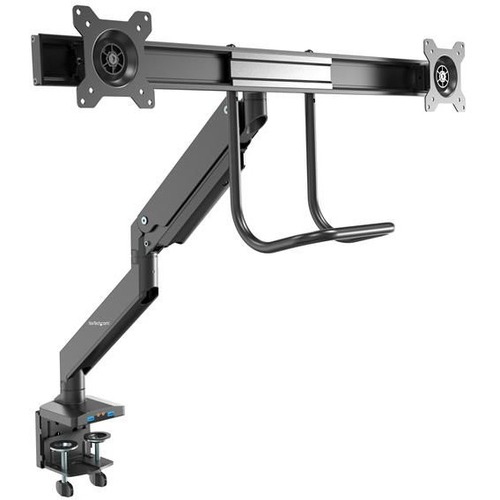
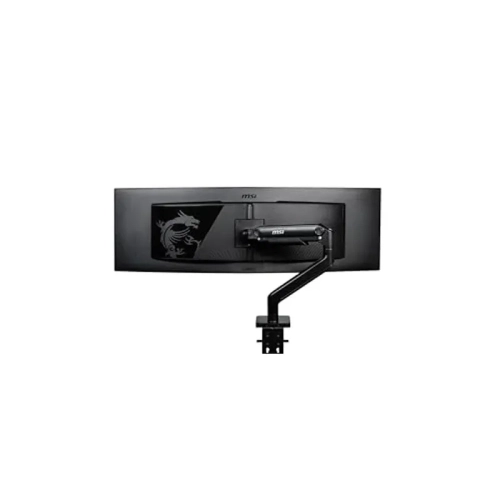
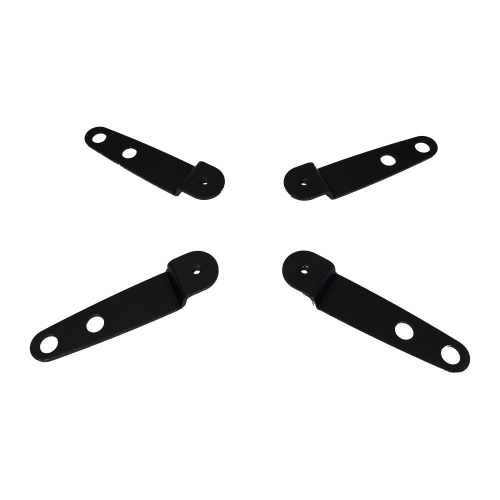
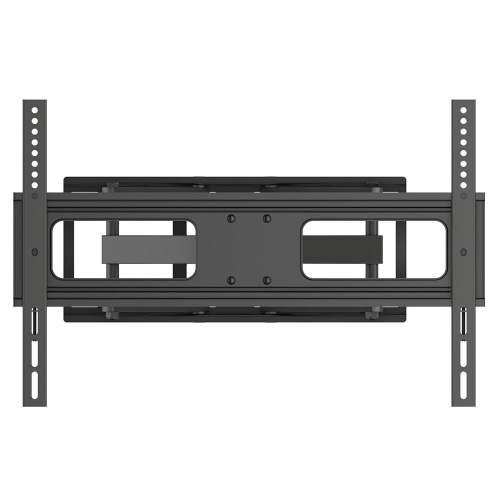
VESA mounting plates connect compatible monitors and televisions to wall mounts, desk arms, stands, and other display supports. Adapter plates can also bridge different mounting-hole patterns, allowing a display and support to work together when their original attachment points do not match. The important distinction is that a mounting plate provides an interface, not additional weight capacity: the display, plate, fasteners, and supporting mount must all be suitable for the intended setup. VESA measurements describe the horizontal and vertical distances between the centres of the mounting holes on the back of a screen, expressed in millimetres. Common patterns include 75 × 75 mm and 100 × 100 mm on computer monitors, while televisions may use layouts such as 200 × 200 mm, 400 × 400 mm, or 600 × 400 mm. These dimensions describe hole spacing rather than the overall size of the plate or screen. A larger display does not necessarily have the same pattern as another screen of similar size, and a matching hole pattern alone does not confirm compatibility. Some plates connect directly to a standard VESA layout, while others are replacement interfaces made for a particular mounting system. A removable plate that locks into one arm or wall bracket should not be assumed to fit another simply because its screen-side holes line up. Adapter plates are especially useful when a monitor is being moved from its original stand to an adjustable arm, or when a television needs a different interface to connect to an existing support. Screens with recessed attachment points, curved backs, or unusually positioned ports can require additional clearance or an expressly compatible adapter. Displays without standard mounting holes need a purpose-designed mounting solution rather than a conventional flat plate alone. For a home workstation, shared office, gaming desk, or television area, the best fit depends on the exact attachment requirements of both the screen and its support.
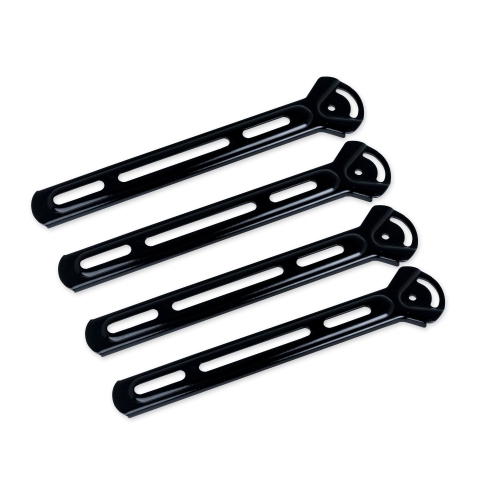
Materials and construction influence how a VESA mounting plate handles everyday use. Steel and aluminum are common choices, with performance depending on plate thickness, shape, reinforcement, and the design of the attachment points—not simply the material name. A well-finished plate should have clean edges, accurately positioned openings, and a surface suited to normal handling during installation and adjustment. Protective finishes can help limit surface wear, although the finish does not establish how much weight the plate can carry. Published load limits and compatibility information remain more useful than appearance when assessing suitability. A slim plate may keep a screen close to its support, while a thicker or offset design may provide clearance for recessed mounting holes or connections. That extra depth can also change how far the display projects from the wall or arm. Adapter designs with extended arms or multiple hole positions can accommodate different layouts, but their usable configurations depend on the manufacturer's specifications. Fasteners are another important part of the fit. Screw diameter, thread type, and length must suit the display and account for the plate, washers, and any approved spacers. A screw that is too long can damage components inside a screen, while one that is too short may not engage securely. Spacers can provide necessary clearance on compatible setups, but they are not a substitute for the correct mounting interface. The plate also needs room around ventilation openings, power connections, and video ports, particularly where plugs extend straight out from the back of the display. On an articulated arm, the total supported load includes the screen, mounting plate, and attached accessories. Moving a heavy display farther from the support can introduce additional leverage, so weight limits must be considered alongside the permitted configuration. For wall-mounted televisions, the complete installation also depends on suitable wall construction and correctly rated mounting hardware; a compatible plate cannot compensate for an unsuitable wall attachment.
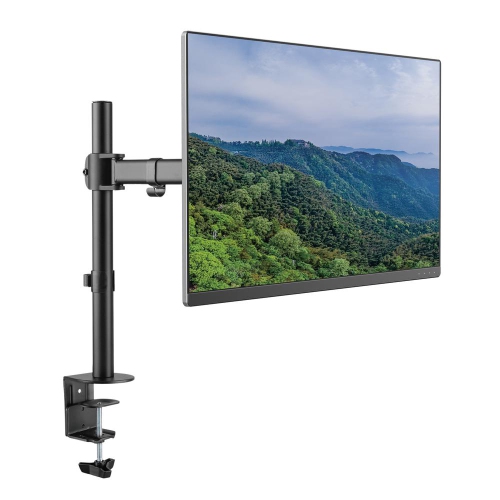
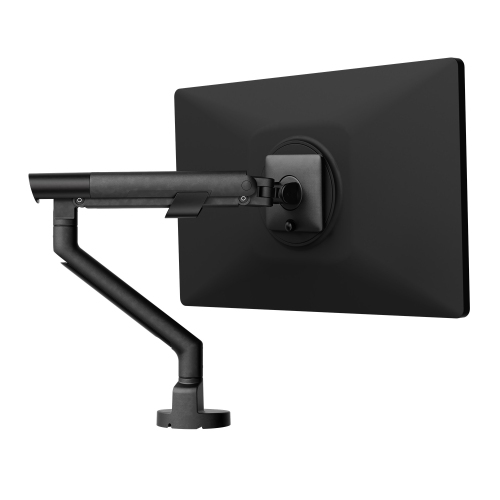
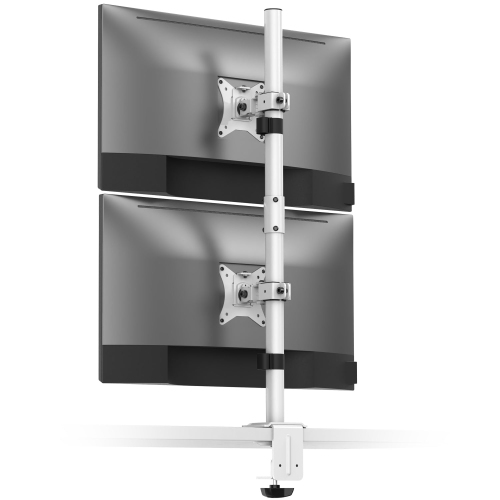
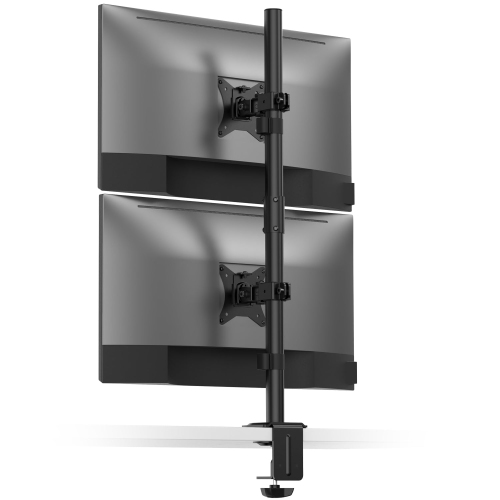
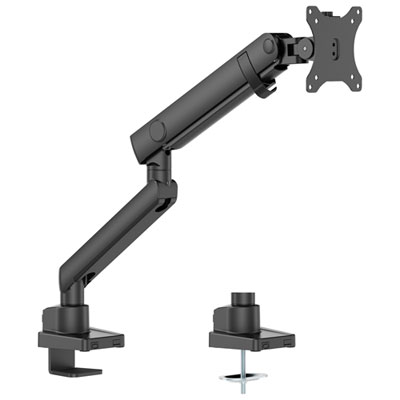
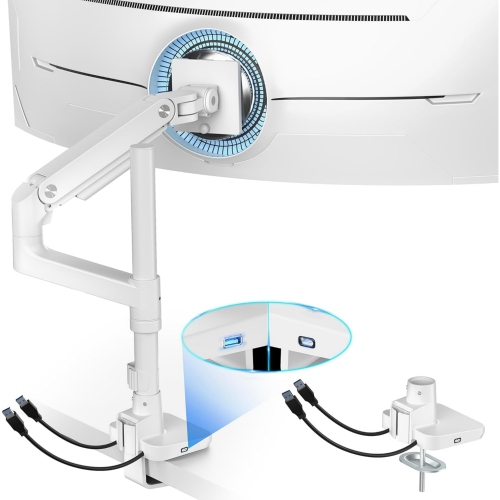
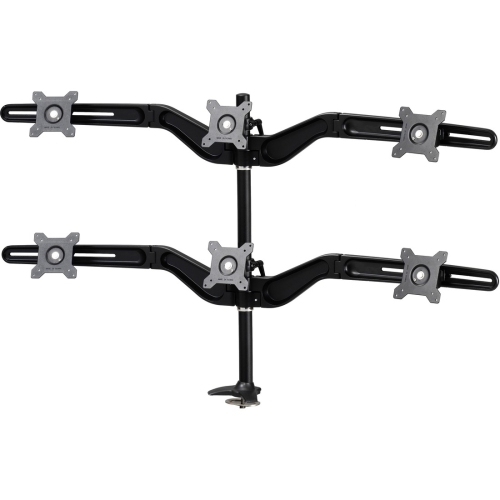
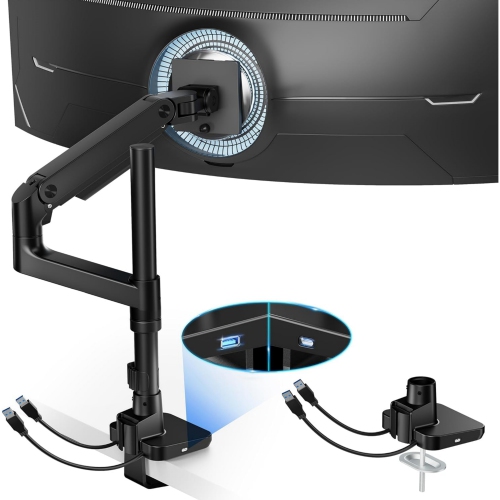
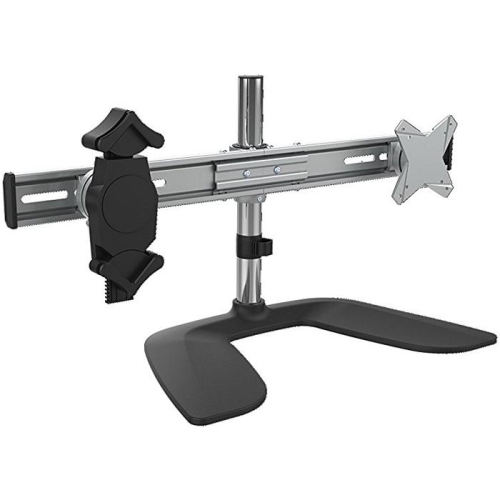
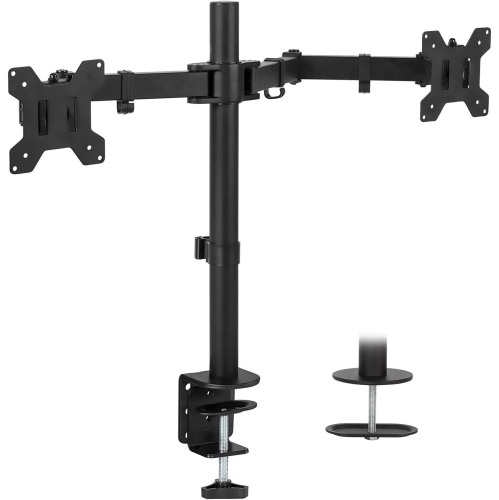
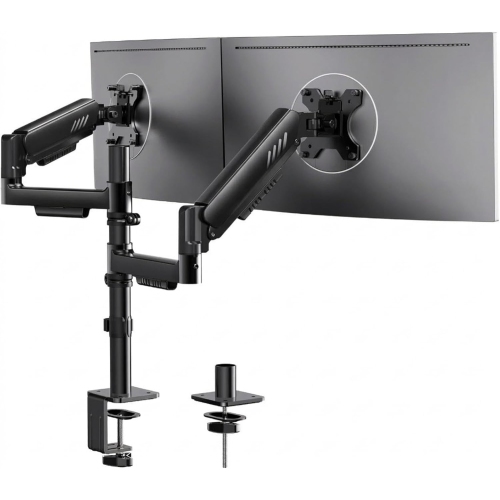
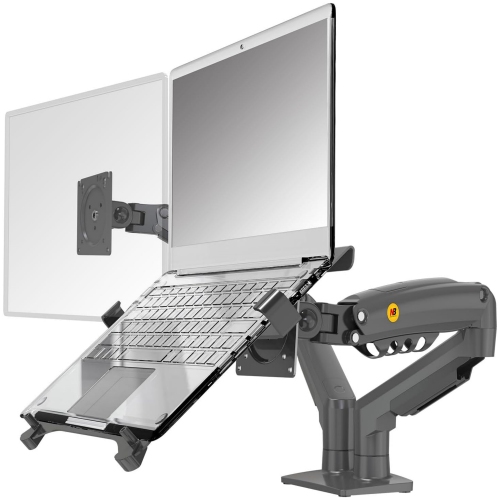
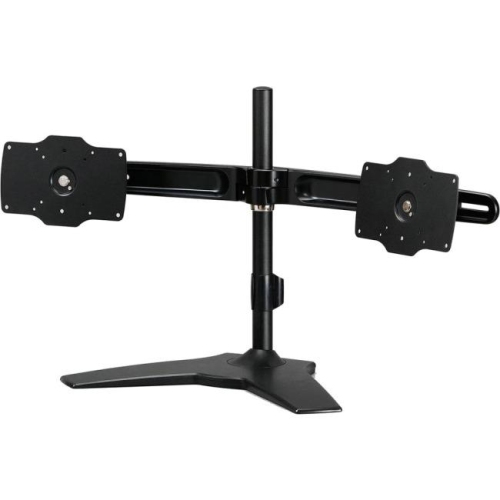
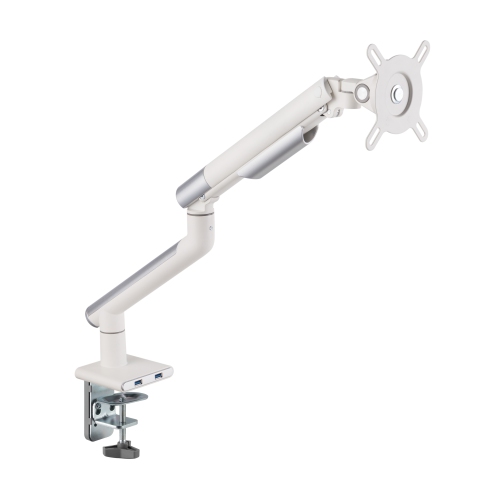
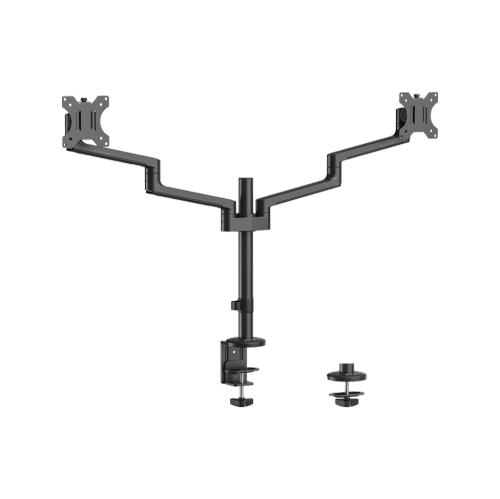
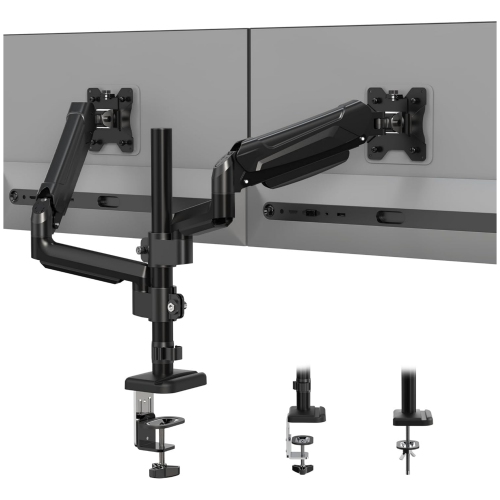
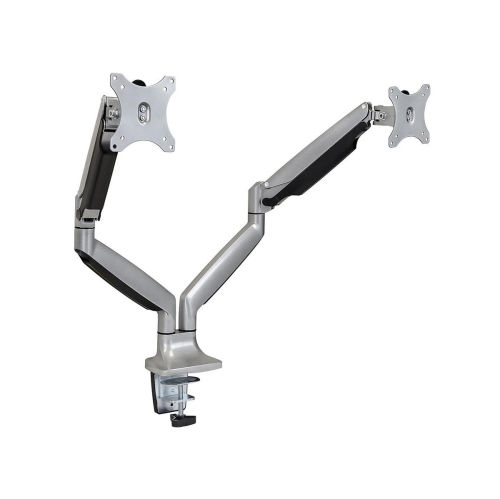
The value of a suitable VESA mounting plate becomes clear in everyday spaces. At a desk, it can connect a monitor to an arm that clears the surface beneath the screen, leaving more room for a keyboard, notebook, or drawing tablet. In a dual-monitor workstation, compatible plates help each display attach securely to its respective support, although matching screen height and position still depends on the arm's adjustment range and the location of each monitor's mounting holes. A plate itself does not necessarily provide tilt, swivel, rotation, or height adjustment; those movements usually come from the supporting mount. That distinction matters for anyone who changes between seated and standing work, shares a workstation, or rotates a display for reading long documents. In a living room, a compatible adapter can help connect a television to an appropriate wall support while preserving access to connections used by a sound system, game console, or streaming device. Related VESA Brackets offer another way to explore the attachment hardware used in these setups, with compatibility remaining specific to the display and support involved. Cable routing deserves attention wherever the screen will move: leads need enough slack for the intended adjustment without being pinched between the plate and display or pulled tight at the ports. For ongoing care, an accessible plate makes it easier to inspect attachment points and notice loose hardware, visible bending, or damage to the finish. Cleaning generally involves removing dust with a soft, dry cloth while following the hardware manufacturer's care instructions. After a screen is relocated or its mounting arrangement changes, the connections and permitted load still need to suit the complete assembly. Whether supporting a compact office monitor or forming part of a larger television installation, a well-matched mounting plate should sit securely, leave necessary clearances, and work with the support without improvised modifications.
Top selling and popular products
-
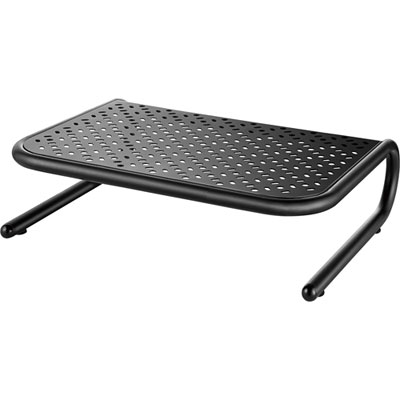 Your price for this item is $34.95
-
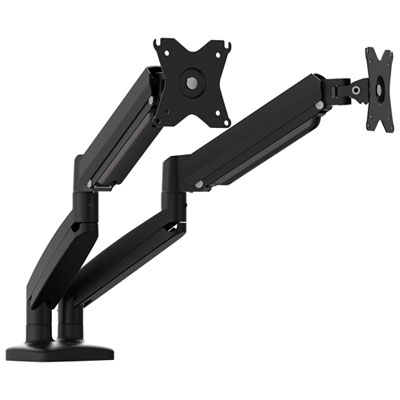 Your price for this item is $149.99
-
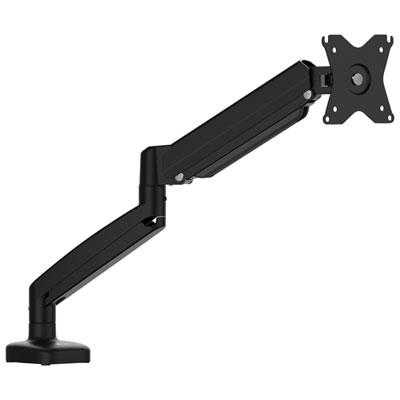 Your price for this item is $79.99
-
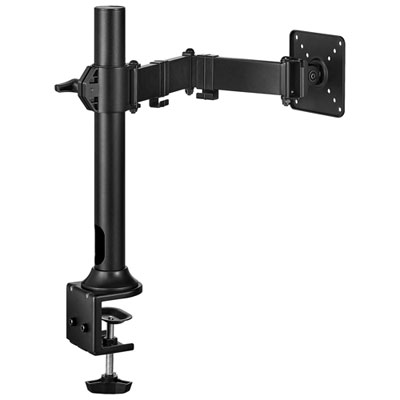 Your price for this item is $69.99
-
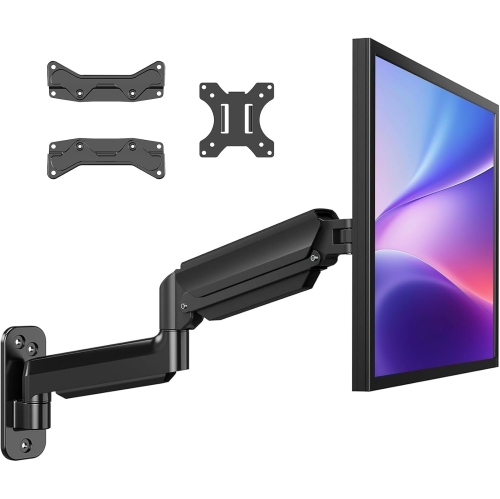 Your price for this item is $71.99
-
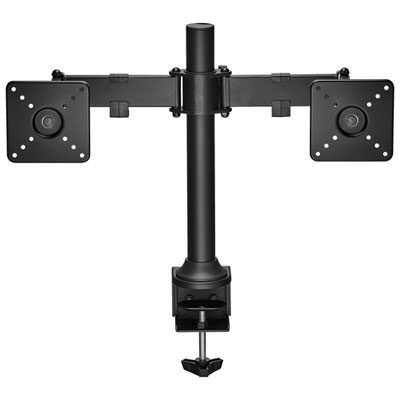 Your price for this item is $79.99
-
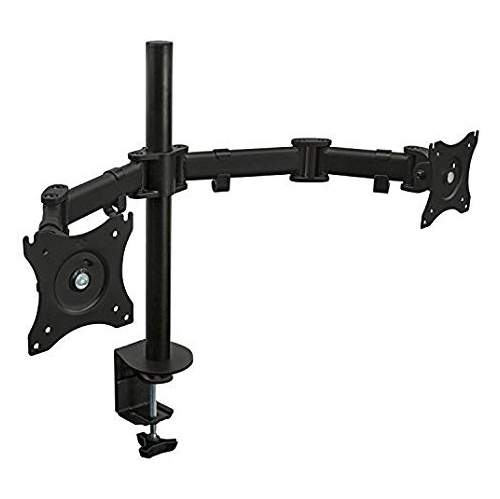 Your price for this item is $99.99
-
 Your price for this item is $238.99
Discover more categories related to Vesa Mounting Plates
Top Collections:
Best Black Friday Deals This Year, Best Black Friday Deals On Electronics, Kindle Devices, Pokemon Centers, Best Black Friday Deals On Apple Products, Best Cameras for Sports Photography, Dyson Airwrap, Pokémon 30th Celebration Cards, Apple iPhone 17 Pro, Canon G7X Cameras
Some products may be subject to Environmental Handling Fees
(EHF) depending on your province.
Learn more about EHFs.