Vivobook I7
Vivobook I7 laptops deliver an impressive blend of performance and style, making them a top choice for those seeking reliability and versatility in their daily computing. Whether you're working, studying, or enjoying your favorite entertainment, Vivobook I7 models are designed to keep up with your needs. Explore a range of options that cater to different preferences, ensuring you find the perfect fit for your lifestyle. Upgrade your experience with Vivobook I7 and enjoy seamless productivity wherever you go.
Sort
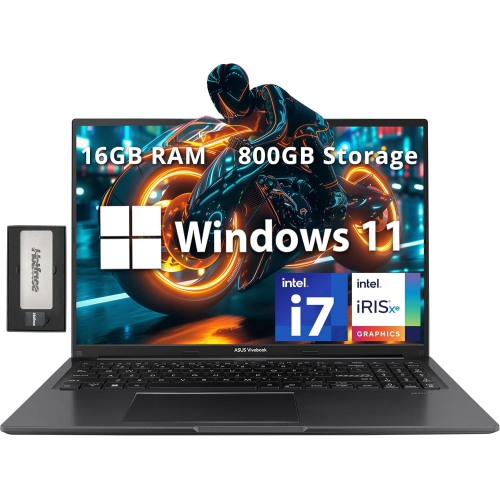
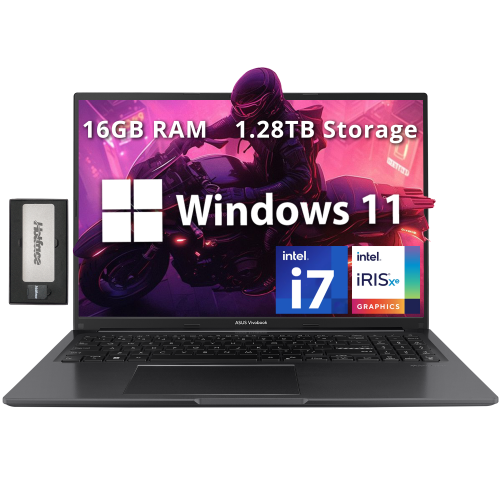

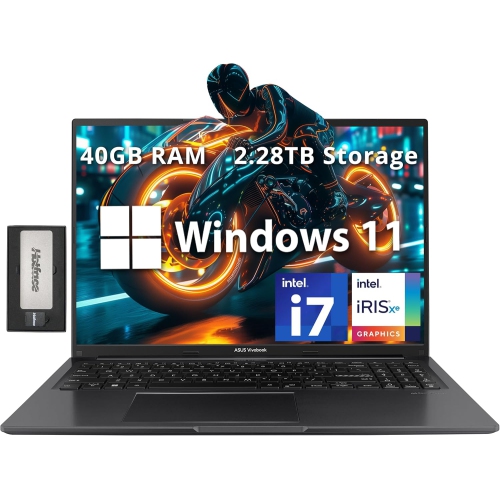
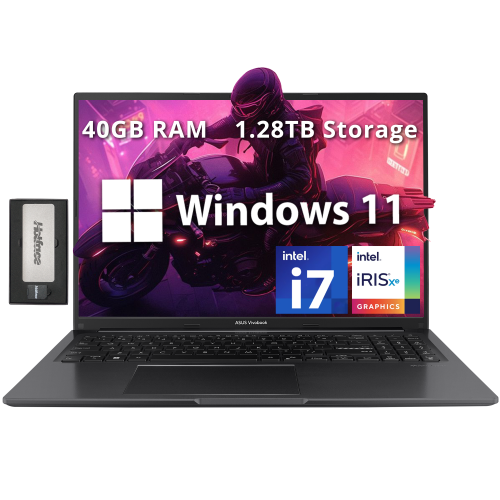
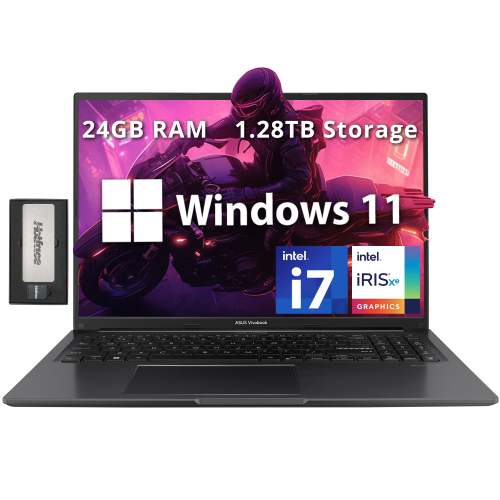
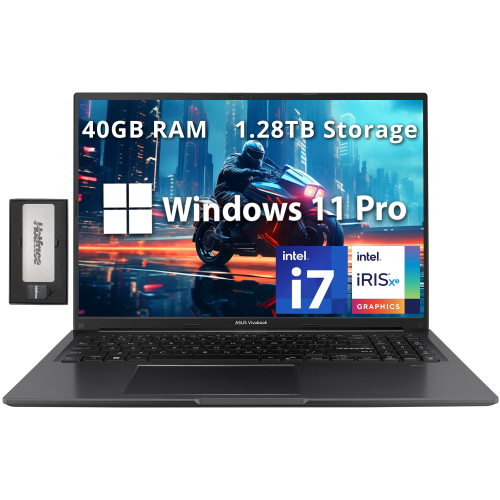
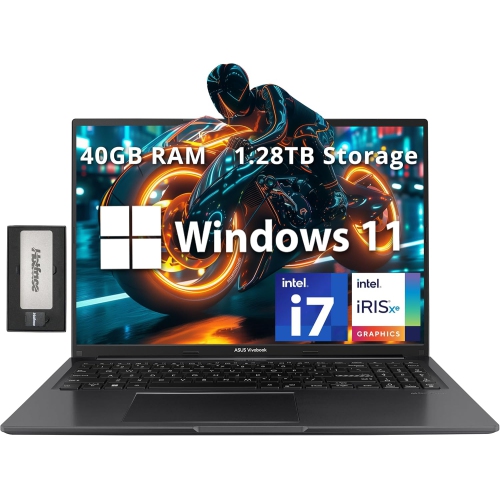
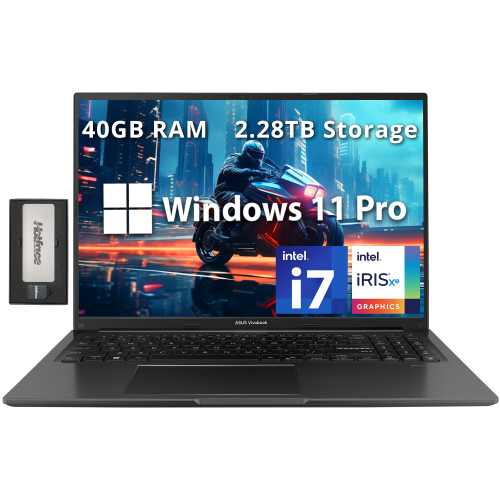
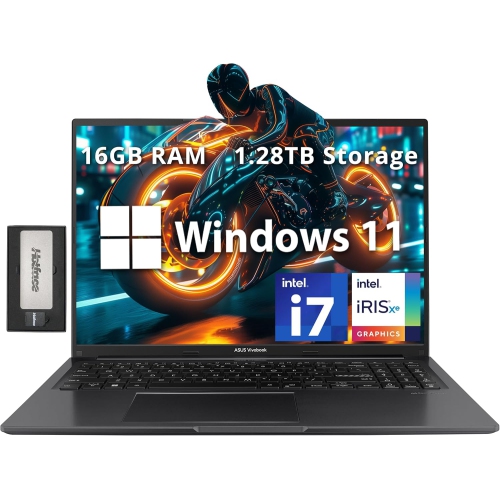
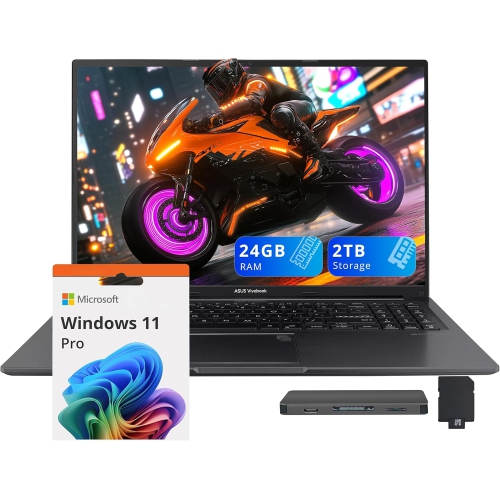
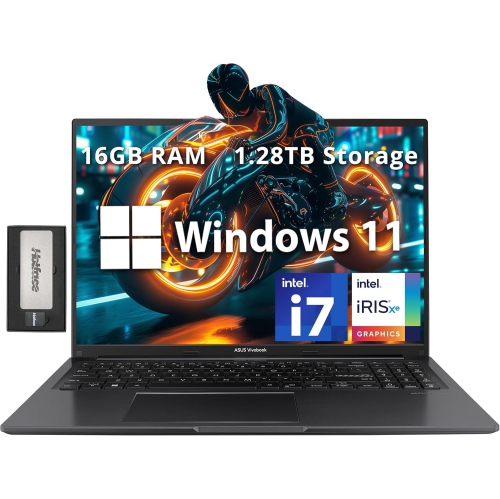
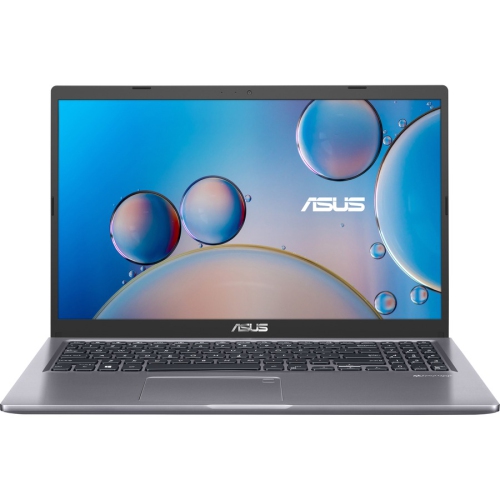
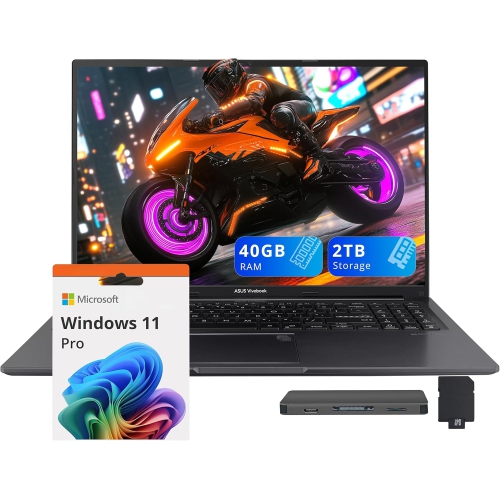
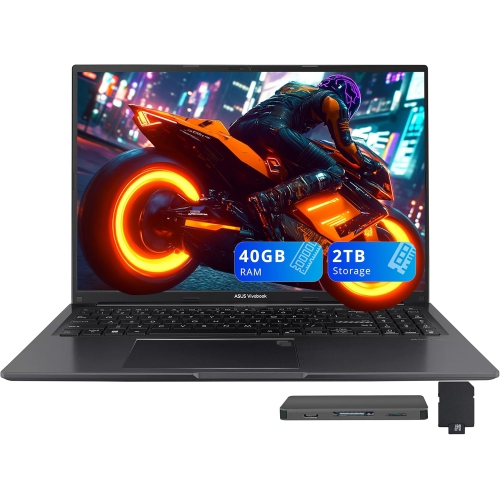

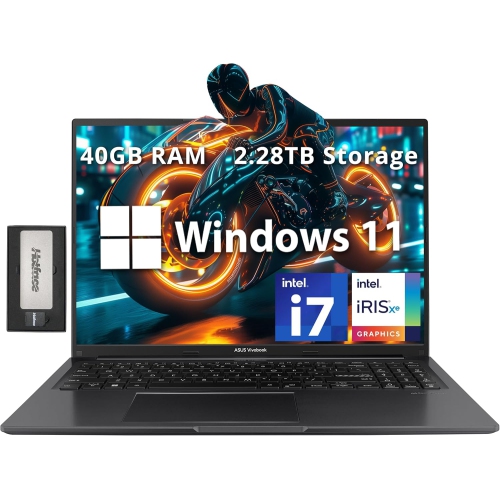

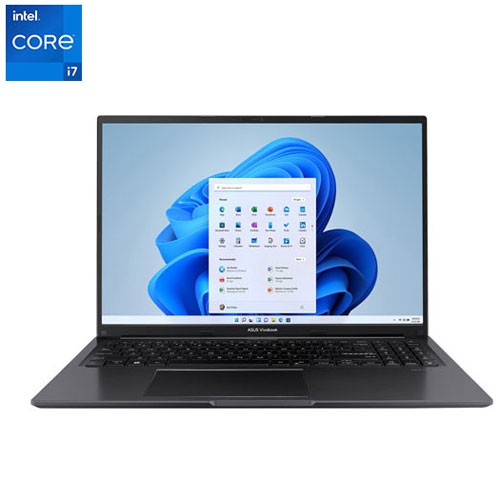

Everyday laptop performance goes beyond the i7 processor
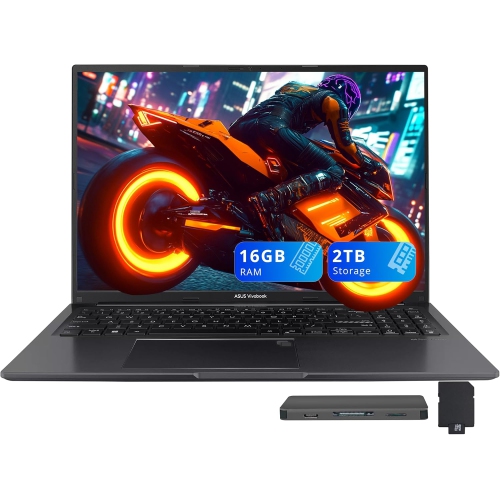
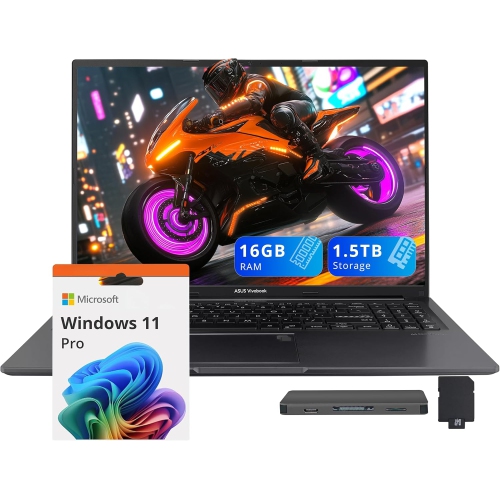
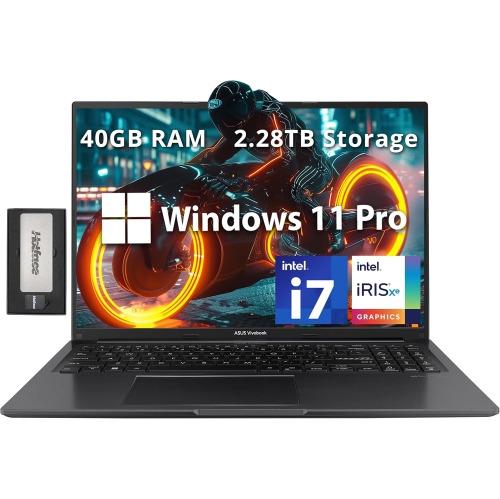
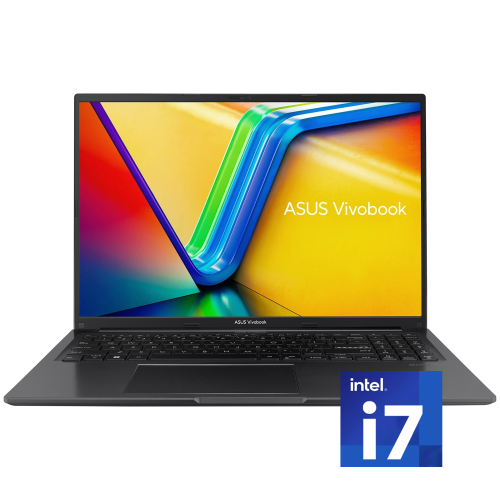
Laptops with i7 processors bring together everyday portability and the processing capacity needed for office work, study, entertainment, and demanding multitasking. They suit routines that move between a spreadsheet, a video meeting, a research session with dozens of browser tabs, and a presentation that needs finishing before the next class or appointment. The i7 designation identifies a processor tier rather than a fixed level of performance: processor generation, power settings, cooling, memory, and graphics all affect how a laptop handles those tasks. A newer processor can offer different capabilities from an older one, while a thinner chassis may prioritize portability over sustained performance under a heavy workload. For everyday productivity, the experience comes from the whole configuration, not just the processor name. Memory gives applications room to operate together, helping keep a document, several browser windows, and a call running without constant pauses. A configuration with 16 GB of memory can be a practical starting point for frequent multitasking, while larger workloads may benefit from more. A solid-state drive supports responsive startup and file access, with capacity determining how much room remains for software, photos, downloaded course material, and work files. Cloud storage can complement local storage, although access to online files depends on a suitable internet connection. Graphics capability deserves separate attention: integrated graphics can handle everyday visuals and many lighter creative tasks, but demanding games, complex 3D projects, and heavier video work may call for dedicated graphics. An i7 processor alone does not make a laptop a gaming or professional editing machine. For students preparing research papers, professionals moving between meetings, or home users organizing photos and household documents, the appeal is a versatile computer that can support varied tasks without requiring a separate device for each activity. The most suitable configuration reflects the software being used, the number of applications open at once, and whether the laptop spends most of its time travelling or connected to a desk setup.
Screen size and physical design shape daily use as much as internal specifications. A smaller laptop is easier to slip into a backpack and open on a compact lecture-hall desk, while a larger display provides more space for side-by-side documents, detailed worksheets, and a comfortably sized video window. Screen size is measured diagonally, so the laptop’s overall dimensions and weight give a clearer sense of how it will fit into a bag or workspace. Resolution affects text sharpness and how much detail is visible; brightness and surface finish influence readability near a window or under overhead lighting. Colour coverage matters more for photo and design work than for routine email, and an OLED display can offer deep blacks and strong contrast when included in the configuration. Display technology, touch support, and panel specifications vary, so those features should not be assumed from the processor tier. Keyboard layout also makes a difference over hours of use. A number pad can simplify entering figures, while well-spaced keys and a responsive touchpad help with longer writing sessions. Backlit keys can make letters easier to see in dim rooms, although this is a model-dependent feature. For video calls, webcam placement, microphone clarity, and speaker quality affect whether a laptop feels comfortable to use without extra equipment. Connections determine how easily it fits into an existing setup. USB-A ports accommodate many familiar accessories, HDMI can connect a compatible monitor or television, and a headphone jack remains useful for wired audio. USB-C capabilities differ: a port may support data transfer without supporting charging or video output. Wi-Fi performance also depends on the laptop’s wireless hardware, the router, and conditions where it is used. At a desk, an external monitor, keyboard, and mouse can create a more spacious workspace, while the laptop remains easy to disconnect for a class, meeting, or visit. That flexibility is especially useful when one computer serves both a shared household space and a quieter place for focused work.
Build materials, battery behaviour, and everyday care influence how well a laptop fits a mobile routine over time. Plastic housings can keep weight manageable, while metal panels may provide a firmer feel; neither material alone establishes how durable a laptop will be. Hinge construction, chassis rigidity, and careful handling matter when the lid is opened repeatedly or the computer travels in a bag. A padded compartment or properly fitted sleeve helps protect the finish from keys, chargers, and other loose belongings. Carrying the laptop with the lid closed, rather than lifting it by the screen, reduces unnecessary strain. A soft microfibre cloth is useful for routine cleaning, with any cleaning solution and method following the manufacturer’s care directions. Keeping drinks away from the keyboard and leaving ventilation openings clear are simple habits that help protect the device. Soft bedding can obstruct airflow, so a firm surface is a better place for longer work sessions. Battery life varies with display brightness, processor activity, wireless use, and the applications running in the background; a video-editing session places different demands on a battery than reading a document. Charging arrangements matter too, particularly for someone moving between classrooms or shared workspaces, and USB-C charging should only be expected when the laptop supports it. Memory and storage upgrade options also vary, with some components fixed in place, making the original configuration important for longer-term use. As a gift, an i7 laptop can suit a student starting a software-intensive program, a family member managing a busy home office, or someone whose creative interests extend beyond basic browsing. The recipient’s required applications, preferred screen size, and existing accessories help establish whether it is the right fit. For households weighing a different processor tier for lighter workloads, the Vivobook 15 Core I5 page provides a related point of comparison. Across these choices, the most useful laptop is one whose performance, screen, connections, and physical design suit the work it will do every day.
Top selling and popular products
-
 Your price for this item is $449
-
 Your price for this item is $3099
-
 Your price for this item is $1800.68
-
 Your price for this item is $664.05
-
 Your price for this item is $869.99
-
 Your price for this item is $2960.48
-
 Your price for this item is $489.7
-
 Your price for this item is $1199
Discover more categories related to Vivobook I7
Top Collections:
Best Black Friday Deals This Year, Best Black Friday Deals On Electronics, Kindle Devices, Best Black Friday Deals On Apple Products, Best Budget Office Chairs, Best Cameras for Sports Photography, Dyson Airwrap, Canon G7X Cameras, Best Laptops for Writers, Samsung Galaxy Phones
Some products may be subject to Environmental Handling Fees
(EHF) depending on your province.
Learn more about EHFs.