Vivobook 17
Vivobook 17 offers a versatile computing experience designed to keep up with your daily tasks, entertainment, and creative projects. With its spacious display and user-friendly design, Vivobook 17 is a smart choice for those seeking both performance and style. Explore a range of options to find the perfect fit for work, study, or play. Discover how Vivobook 17 can elevate your productivity and bring your ideas to life.
Sort
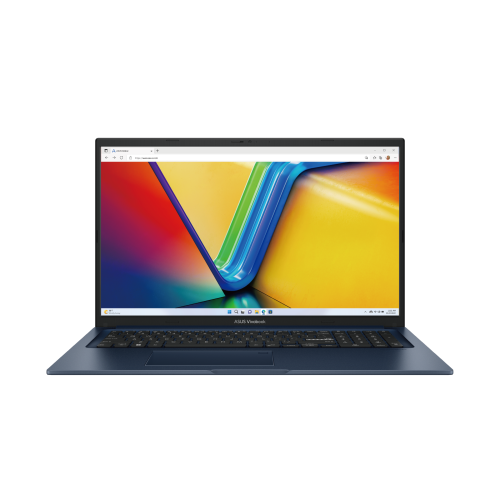
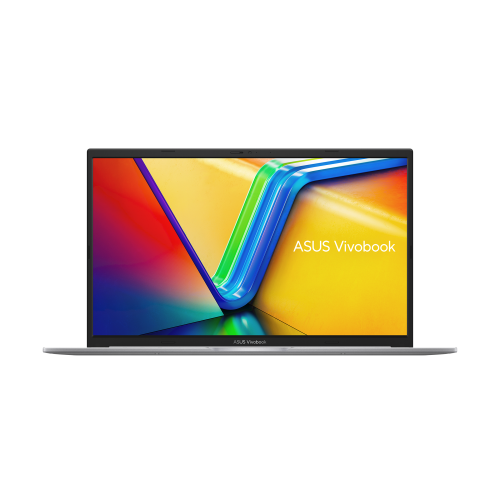
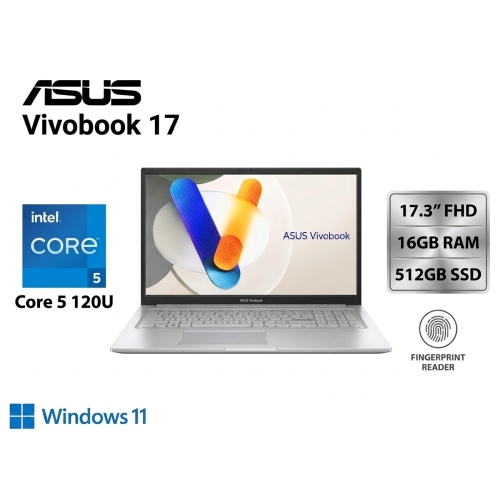
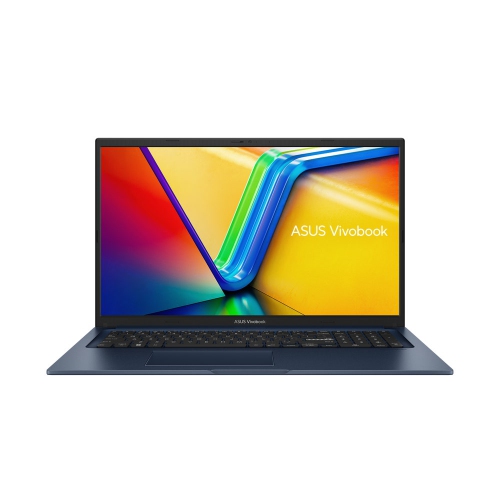
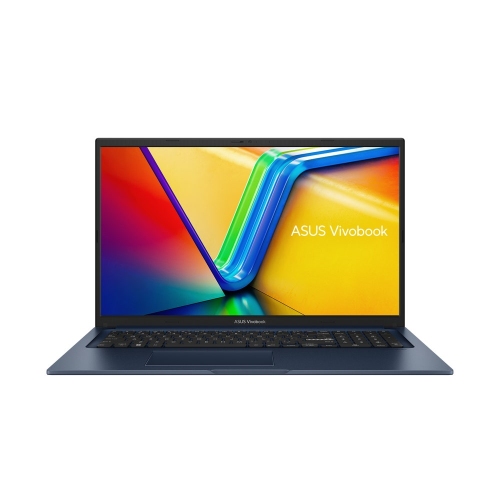
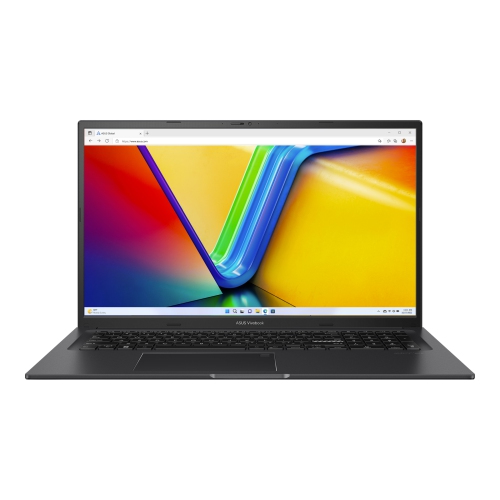
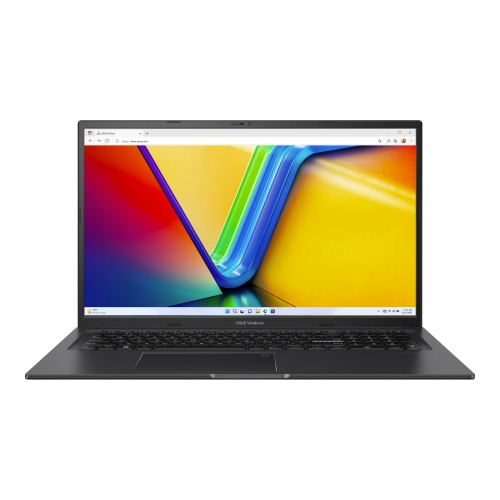
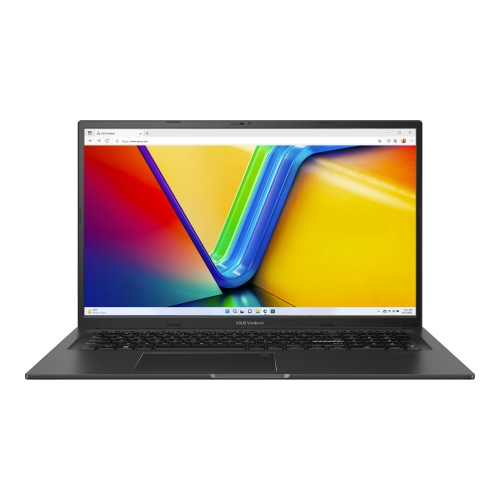
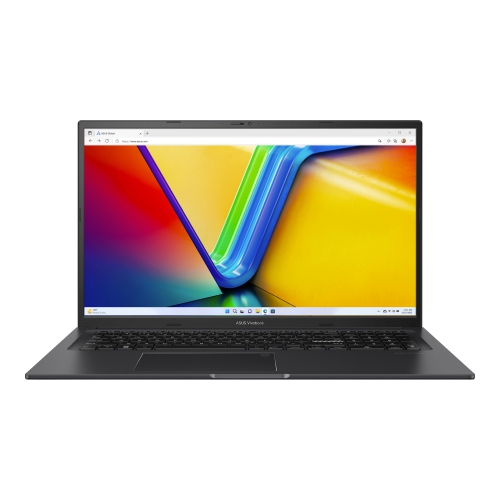
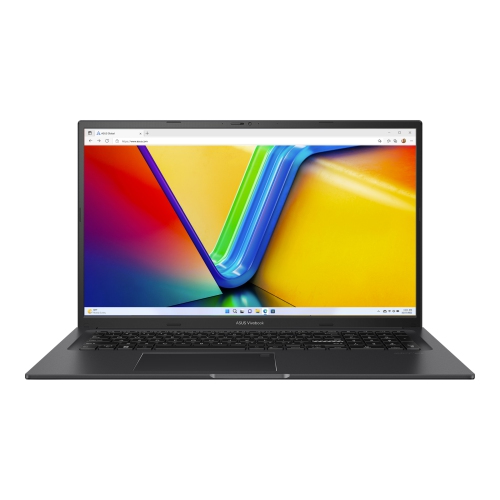
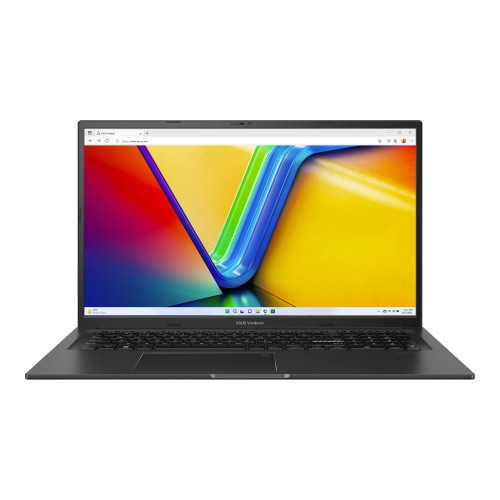
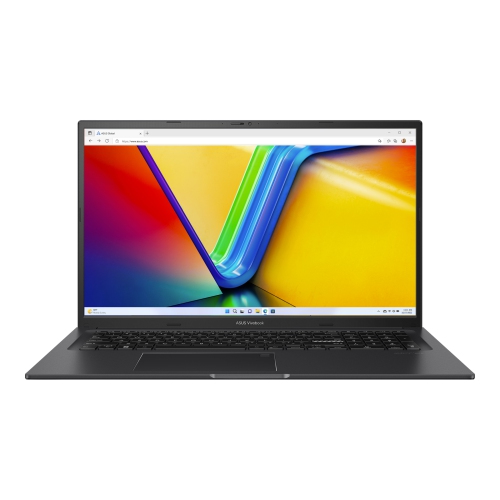
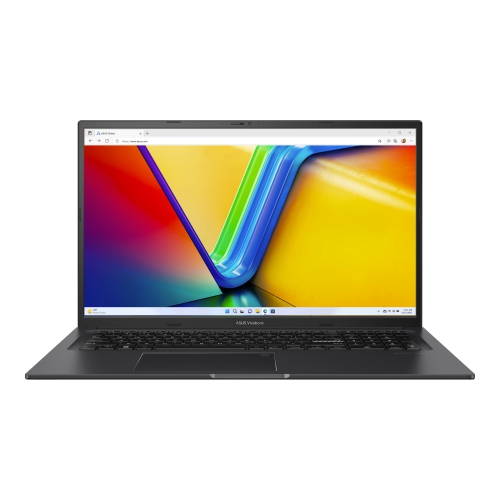
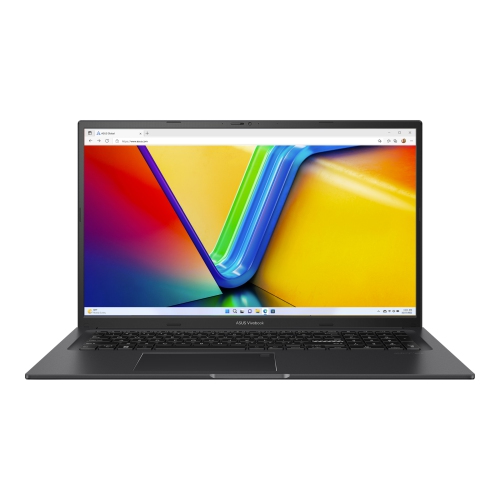
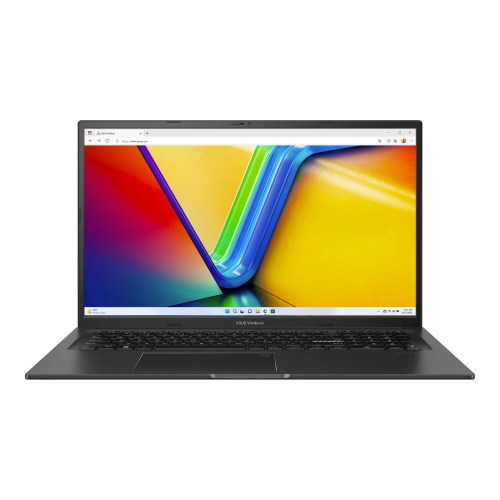
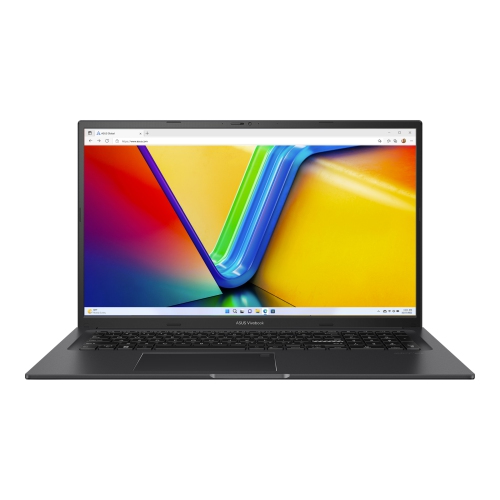
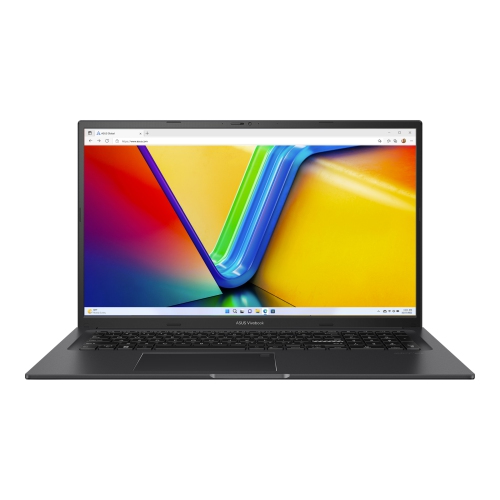
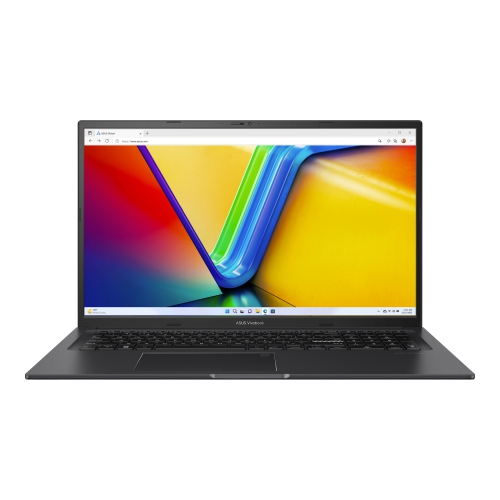
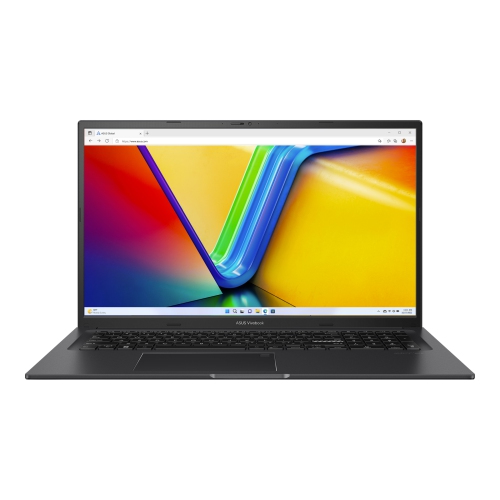
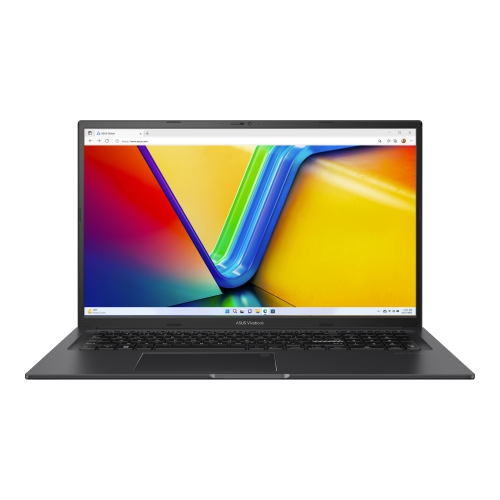
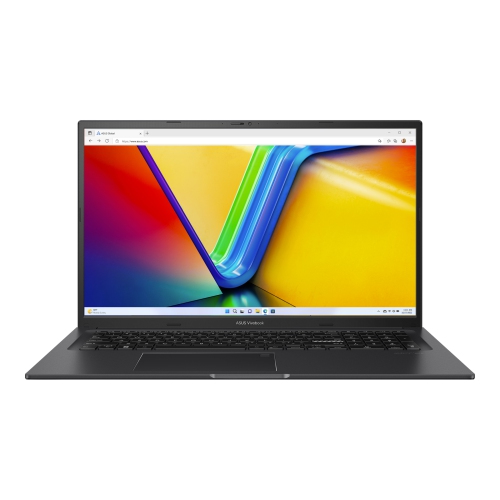
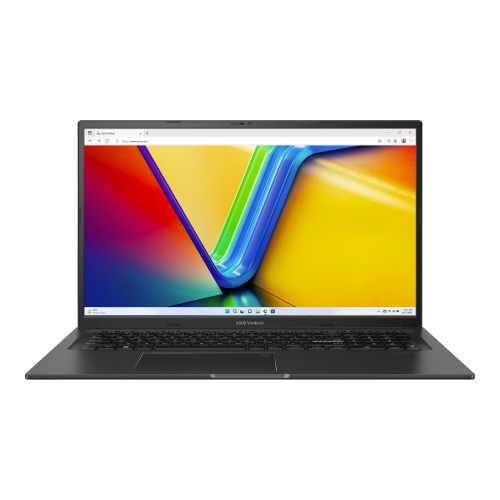
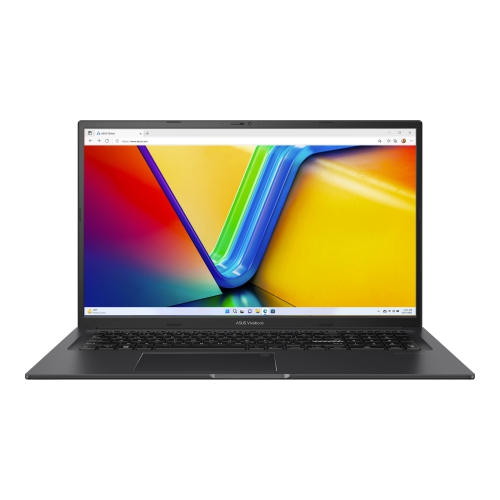
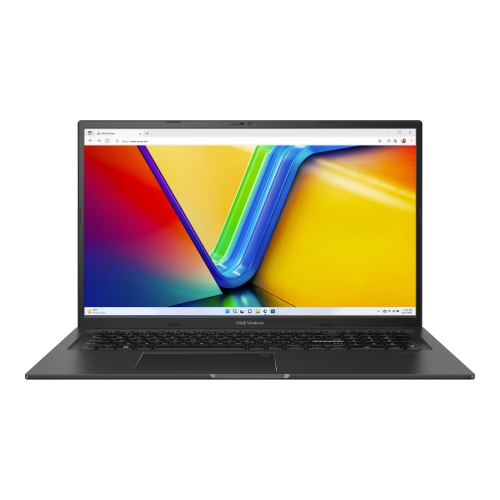
More screen space for everyday work and downtime
A 17-inch laptop gives everyday computing more room, whether that means keeping a spreadsheet beside an email window, reading a long document at a comfortable size, or watching a film without connecting a separate monitor. The screen measurement refers to the display’s diagonal, not the width of the laptop, so the overall dimensions still matter when planning a desk setup or choosing a carrying bag. This larger format is particularly useful for students working with research notes, home office users managing several applications, and households that want one computer for paperwork, video calls, and entertainment. It can also suit someone who prefers a spacious screen but still needs to move a computer between rooms or take it away occasionally. Screen size and picture quality are separate considerations: resolution affects how much detail appears on the display, while brightness, contrast, viewing angles, and colour reproduction influence how comfortable that detail is to look at. Full HD resolution generally provides sharper text than a lower-resolution display of the same size, although the amount of usable workspace also depends on display scaling. Larger text and icons can improve readability without requiring someone to lean towards the screen. An anti-glare finish can help reduce distracting reflections from nearby lamps and windows, but screen positioning remains important. For shared viewing, wider viewing angles help the picture remain consistent for someone sitting off to the side. The extra width of a larger laptop may also accommodate a dedicated number pad, which is useful for entering expenses, working through calculations, or updating a household budget. Keyboard layout varies, so key spacing, arrow-key placement, and the position of the touchpad deserve attention alongside the display. For frequent video calls, camera placement, microphone quality, and speaker clarity round out the experience. A larger screen makes participants easier to see, but it does not by itself improve how clearly others can see or hear the person using the laptop.
Performance in a large-screen laptop depends on the components inside, rather than the display dimensions. A processor handles the instructions behind applications, while memory helps keep active tasks close at hand and storage holds files, software, and the operating system. For browsing, word processing, online learning, and streaming, a balanced configuration is often more useful than concentrating on a single specification. Someone who keeps many browser tabs open while joining a video meeting and editing a document will place greater demands on memory than someone using one application at a time. Moving from 8GB to 16GB of memory can provide more breathing room for multitasking, though the benefit depends on the workload and the rest of the system. An SSD generally makes starting the computer, opening applications, and accessing files feel more responsive than a traditional hard drive. Storage capacity matters separately: a collection of videos and high-resolution photos can fill space much faster than documents and spreadsheets. Processor names also need context, since generation, power settings, and cooling can affect performance within the same broad family. A related category such as Vivobook I7 offers a processor-focused point of comparison, while the complete specifications remain important for understanding a laptop’s capabilities. Integrated graphics can suit everyday display tasks and many casual uses; demanding games, complex 3D work, and some editing applications may require more capable graphics hardware. Software requirements are the best reference for those workloads. Memory and storage upgrades are another consideration, as some laptops allow changes and others have components that are not user-replaceable. Battery life also varies with screen brightness, applications, wireless activity, and power settings, so a large display should not be taken as a promise of all-day unplugged use. For a computer that spends much of its time on a desk, easy access to power may matter more than maximum battery endurance.
The practical details of living with a 17-inch laptop are just as important as its specifications. A larger chassis occupies more desk space and needs a suitably sized sleeve or bag; matching a bag to the laptop’s actual dimensions is more reliable than relying on a screen-size label alone. Weight should include the charger when judging how comfortable the whole setup will be to carry. For someone travelling between classrooms or offices every day, that difference can be noticeable, while someone moving between a desk and a dining table may find the larger format convenient. Plastic and metal chassis designs can both serve everyday use, with durability depending on construction, hinge quality, and handling rather than material alone. Supporting the base when moving the computer and opening the lid from the centre can help avoid unnecessary twisting. A firm, flat surface keeps ventilation openings clear; cushions and bedding can block airflow and trap heat. Routine care is straightforward: shut down and unplug the laptop before cleaning, use a soft lint-free cloth, and follow the manufacturer’s directions for any cleaning solution. Liquid should never be sprayed directly onto the screen or keyboard. Connections also shape how comfortably the laptop fits into a routine. USB-A ports can accommodate many familiar accessories, HDMI can connect a compatible external display, and USB-C capabilities vary, so its presence does not automatically mean support for charging or video output. Wi-Fi compatibility, a headphone connection, and any need for wired networking are worth considering alongside those ports. At a desk, raising the screen and using a separate keyboard and mouse can make longer sessions more comfortable. If the laptop is a gift for a student, parent, or partner, the most useful match reflects the recipient’s actual habits: the programs they rely on, how often they carry a computer, and whether they value screen space more than a compact footprint.
Top selling and popular products
-
 Your price for this item is $449
-
 Your price for this item is $3099
-
 Your price for this item is $1800.68
-
 Your price for this item is $664.05
-
 Your price for this item is $869.99
-
 Your price for this item is $2960.48
-
 Your price for this item is $489.7
-
 Your price for this item is $1199
Discover more categories related to Vivobook 17
Top Collections:
Best Black Friday Deals This Year, Best Black Friday Deals On Electronics, Kindle Devices, Best Black Friday Deals On Apple Products, Best Budget Office Chairs, Best Cameras for Sports Photography, Dyson Airwrap, Canon G7X Cameras, Best Laptops for Writers, Samsung Galaxy Phones
Some products may be subject to Environmental Handling Fees
(EHF) depending on your province.
Learn more about EHFs.