Best Wall Mountable Monitors

Make the most of your desk space with the best wall mountable monitors, ranked by user review ratings. Whether you’re setting up a home office, upgrading your gaming space, or creating a multi-screen workstation, explore options that suit your needs. Compare screen sizes, resolutions, and mounting compatibility to find the right fit for your wall and your workflow.

Read More

What to look for in the best wall-mountable monitors

1. Mounting Compatibility

Check that the monitor has VESA mounting holes and that their spacing matches your chosen wall mount. Confirm that the mount supports the monitor’s size and weight without its stand, and check whether mounting hardware or an adapter is sold separately.

2. Screen Size and Resolution

Choose a screen size that suits your wall space and viewing distance. A 27-inch QHD monitor can offer sharp text for everyday work, while a larger 4K display provides more room for detailed images and multiple windows.

3. Display Performance

For work and shared viewing, look for clear text and wide viewing angles, particularly if the monitor will sit above eye level. For gaming, compare refresh rates, response times, and adaptive sync compatibility; for creative tasks, prioritize colour accuracy and colour gamut coverage.

4. Connections and Adjustability

Check for HDMI, DisplayPort, or USB-C connections that suit your devices, and make sure the ports remain accessible when mounted. A compatible mount with tilt, swivel, or extension adjustments can help you position the screen comfortably and reduce glare.
  1. 1

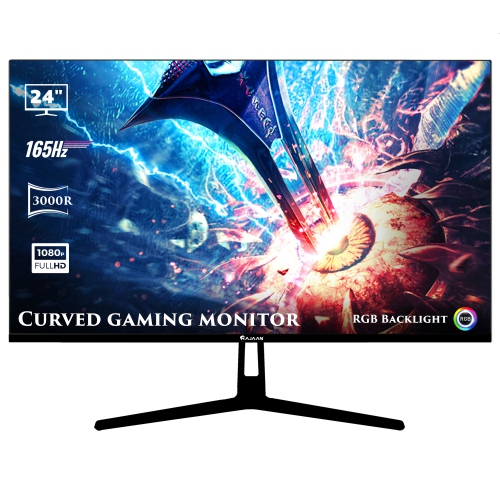
    HAJAAN 24" Curved 1080P HD Led Gaming Monitor (X2423C) - 165Hz - RGB Lighting - Wall Mountable

    About this product

    A black curved monitor with 1080p resolution, 165Hz refresh rate, RGB lighting, and versatile connectivity options.

    (1)
    $149.99
    SAVE $50
    Your price for this item is $149.99
  2. 2

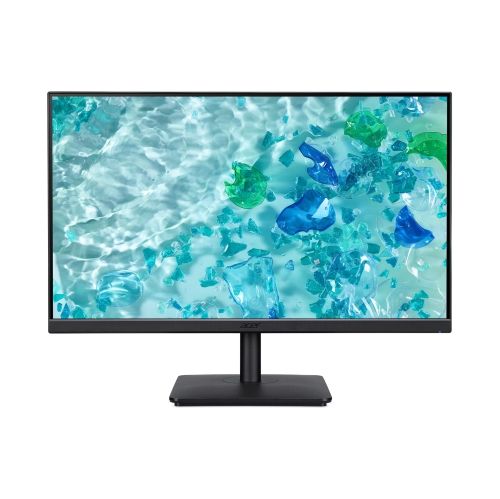
    ACER - Vero 23.8" Full HD 4Ms Ips 120Hz Monitor With Speakers W/ 2 Years Warranty

    About this product

    A Full HD IPS monitor with 120Hz refresh rate, 4ms response time, and built-in speakers.

    $105.00
    SAVE $44
    Your price for this item is $105
  3. 3

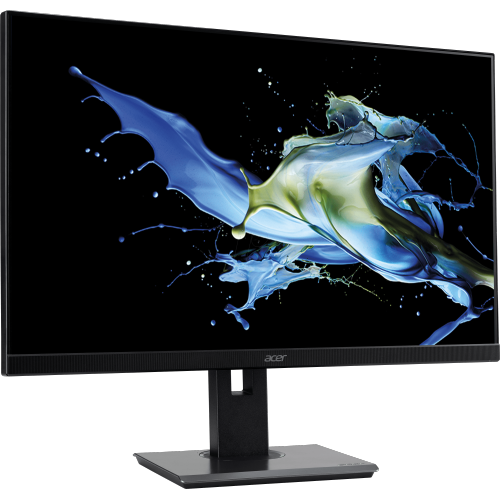
    ACER - 23.8" Fhd Ips Adaptive-Sync Ergostand Monitor W/speakers W/ 2 Years Warranty

    About this product

    An ergonomic IPS monitor with Full HD resolution, Adaptive-Sync, built-in speakers, and versatile adjustability.

    $149.00
    SAVE $30
    Your price for this item is $149
  4. 4

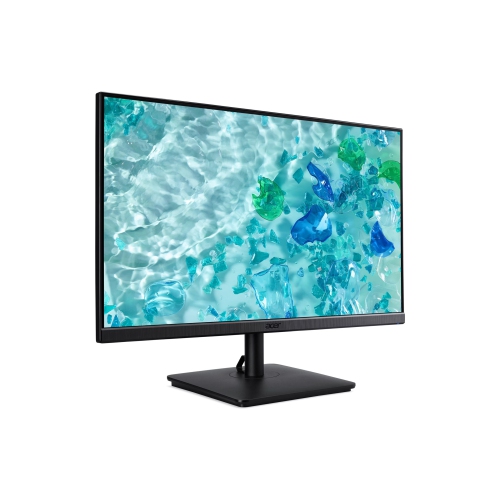
    ACER - Vero 23.8" Full HD 4Ms Adaptive-Sync Monitor W/ 2 Years Warranty

    About this product

    A Full HD monitor with 4ms response time and Adaptive-Sync for smooth, detailed visuals.

    $99.00
    SAVE $70
    Your price for this item is $99
  5. 5

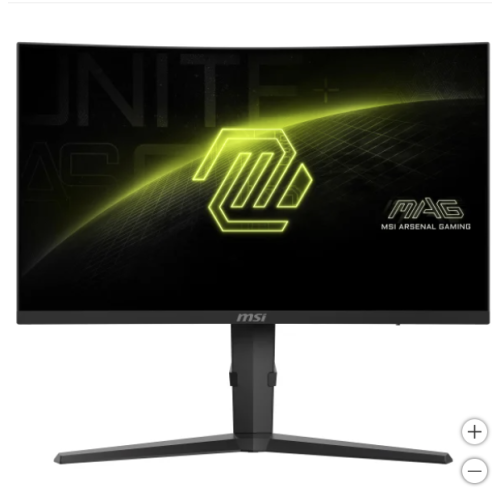
    MSI Mag 27 In. Qhd Curved Gaming Monitor (2560 X 1440)

    About this product

    A compact monochrome laser printer offering high-speed, reliable wired printing for home and small office use.

    $343.25
    SAVE $154
    Your price for this item is $343.25
  6. 6

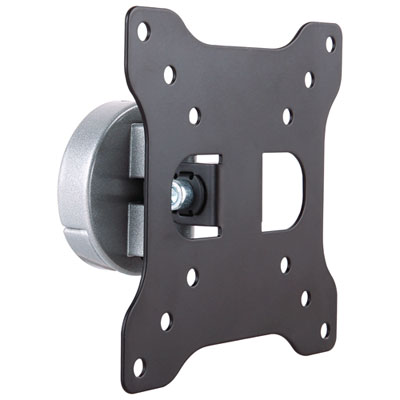
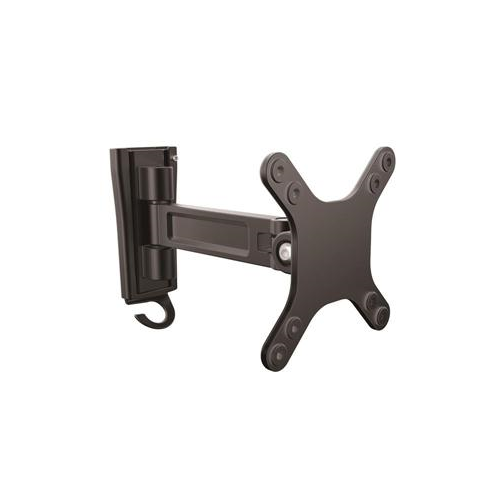
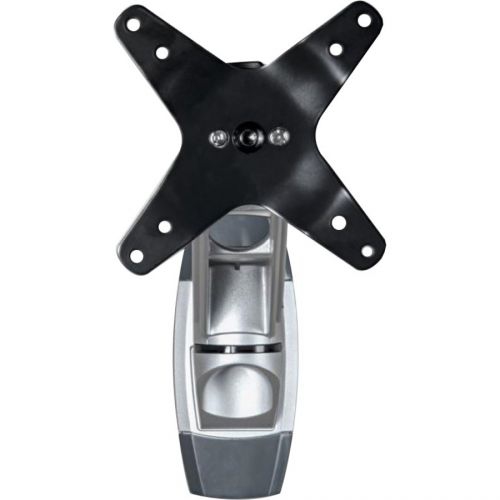
    StarTech 13" - 34" Monitor Wall Mount - Black

    About this product

    A black wall mount that tilts, swivels, and manages cables for a tidy, customizable monitor setup.

    $43.99 Your price for this item is $43.99
  7. 7

    ACER Qg 27" 1080P HD Va Led Lcd Monitor (Qg271) - 75Hz - Freesync

    About this product

    A sleek black monitor featuring Full HD resolution, VA panel, FreeSync, and a 75 Hz refresh rate.

    What customers like

    • Easy to set up and use
    • Clear and vibrant display
    • Versatile connectivity options
    • Large screen size suitable for work and gaming
    • Great value for the price
    (79)
    $195.00
    SAVE $84
    Your price for this item is $195

More desk space starts with the right mounting fit

The best wall mountable monitors combine a clear, comfortable display with mounting compatibility that suits the screen’s size, weight, and intended position. Unlike a monitor that depends entirely on its desktop stand, a wall mountable display can attach to a compatible bracket or arm, freeing the surface below for a keyboard, notebooks, speakers, or a drawing tablet. That extra room can make a noticeable difference on a shallow desk, in a shared study area, or at a workstation tucked into a bedroom. The key feature is usually a VESA mounting pattern: a set of threaded attachment points on the back of the monitor, commonly spaced 75 × 75 mm or 100 × 100 mm apart, although other patterns exist. A removable stand alone does not confirm wall-mount compatibility, and screen size alone does not determine whether a bracket will fit. The monitor’s specifications should identify its mounting pattern and weight without the stand, while the mount must support both. Recessed attachment points, the shape of the rear housing, and the position of power and video connections also affect fit. A slim display may sit neatly against a wall, but rear-facing ports still need enough clearance for plugs and gentle cable bends. For everyday work, a 24-inch or 27-inch screen can suit email, documents, and video calls without dominating a smaller room. Larger displays give spreadsheets, creative projects, and multiple windows more breathing room, provided the desk depth allows a comfortable viewing distance. Ultrawide monitors offer an expansive workspace with fewer breaks between open applications, though their width, weight, and curve deserve particular attention when matching them with mounting hardware. Wall mounting is useful for home-office workers, students, gamers, and anyone who wants a less crowded work surface. It can also help keep a permanent workstation distinct from the rest of a multipurpose room, with the screen positioned above the desk rather than taking up its centre.

Display quality remains just as important as the way a monitor attaches to the wall. Resolution influences how much detail appears on screen, while pixel density affects how crisp text looks at a given size and viewing distance. Full HD can be practical for everyday tasks on smaller displays; QHD provides more working space and finer detail on many mid-sized screens; and 4K can suit detailed images, dense documents, or larger displays. Higher resolutions may call for interface scaling to keep menus and text comfortably readable. A wall-mounted screen used for long stretches of reading benefits from a comfortable brightness range and a surface finish that manages reflections from nearby windows or lamps. Matte finishes can soften distracting glare, but thoughtful placement still matters, especially when a fixed bracket leaves little room to change the angle. IPS panels are often valued for wide viewing angles and consistent colour appearance, useful when a display is shared or viewed slightly off-centre. VA panels often provide stronger contrast for darker scenes, while OLED displays offer deep blacks and fast pixel response, with care requirements worth considering for work that leaves the same interface visible for long periods. For gaming, refresh rate, response time, and compatible adaptive-sync support matter alongside resolution, and the connected computer must be capable of delivering the intended experience. For photography, design, and video work, colour accuracy and coverage of the relevant colour space can be more meaningful than a long list of general display features. Connectivity also shapes daily convenience. HDMI and DisplayPort support many computer setups, while USB-C on some monitors can carry video, data, and laptop charging through one cable when the devices, cable, and power requirements are compatible. Not every USB-C port provides all of those functions. Accessible USB ports, built-in speakers, or a headphone connection may be helpful when the screen is mounted above the desktop. A practical choice balances these features with the tasks that fill most of the day, whether that means reviewing coursework, editing photographs, joining meetings, or settling into a game.

The mounting arrangement determines how naturally the display fits into that routine. A fixed wall bracket keeps the screen close to the wall and suits a workstation with a consistent chair position, while a tilting bracket offers limited angle adjustment without the reach of an arm. An articulating wall arm can bring a screen closer for detailed work, move it aside when the desk is needed for another task, or turn it towards someone sitting nearby. Height adjustment and portrait rotation vary by mount, so neither should be assumed from the presence of a swivelling joint. For a reading-heavy setup, a monitor that can be used vertically may make long documents easier to follow, provided its dimensions, connections, and mounting arrangement allow that orientation. Dual-screen workstations need enough wall space for both displays, with clearance for movement and cable routing. Mounts made with steel or aluminium components can provide sturdy support, but material alone does not establish strength; rated capacity, construction, wall attachment, and correct installation all matter. A wall arm also places different demands on its attachment points when extended, making the wall structure and manufacturer-specified hardware especially important. Drywall alone should not be assumed to provide adequate support, and professional installation can be helpful when the wall construction is uncertain. Compatible options on the Best Monitor Mounts page can help complete a setup once the monitor’s mounting requirements are confirmed. For comfortable everyday viewing, the main screen generally belongs directly ahead, with its top around eye level or slightly below, adjusted for the user’s posture and vision needs. Enough cable slack allows movement without pulling on ports, while clear ventilation openings help the display release heat. Routine care is straightforward: follow the manufacturer’s cleaning directions, use a clean microfibre cloth, and avoid spraying liquid directly onto the panel. Periodic checks for loose mounting hardware or pinched cables help keep the installation dependable. As a gift for a student, remote worker, or gaming enthusiast, a wall mountable monitor is most useful when its connections, dimensions, and mounting needs match the recipient’s existing space.
Read More

FAQ

Some products may be subject to Environmental Handling Fees (EHF) depending on your province. Learn more about EHFs.