WD Storage
Discover reliable solutions for your digital storage needs with WD Storage. Whether you're looking to back up important files, expand your device capacity, or organize your media collection, you'll find a variety of options designed to fit your lifestyle. Explore the selection and enjoy peace of mind knowing your data is secure and easily accessible. Find the right WD Storage solution to keep your information safe and organized.
Sort



Why drive compatibility matters as much as capacity
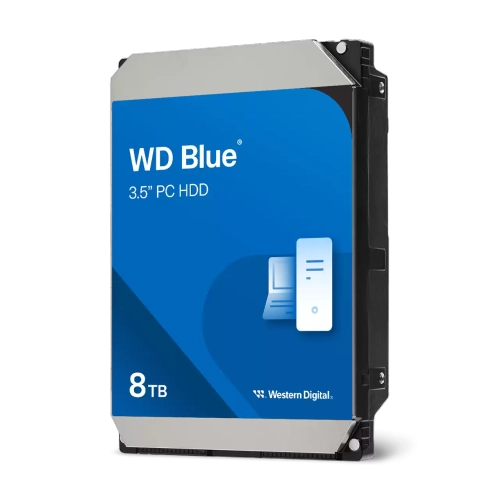
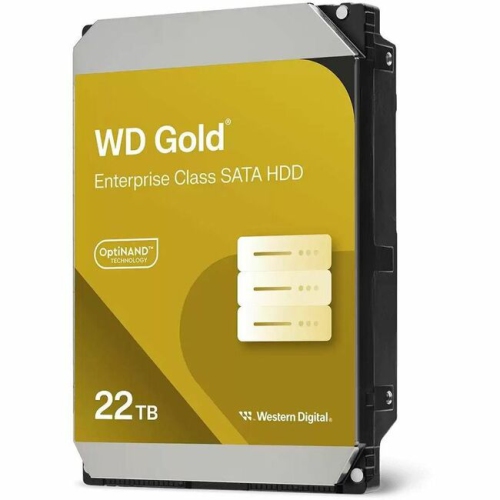
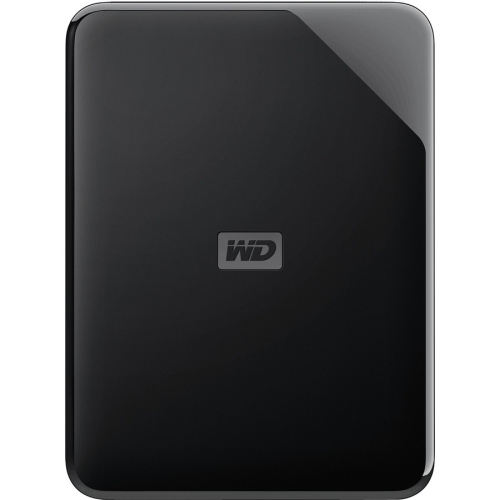
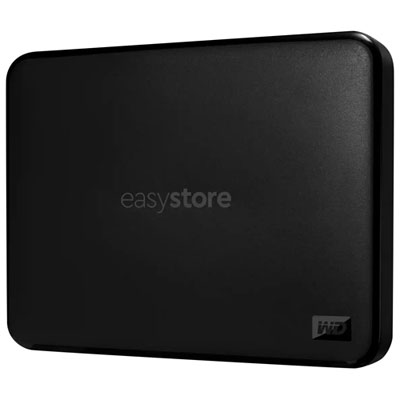
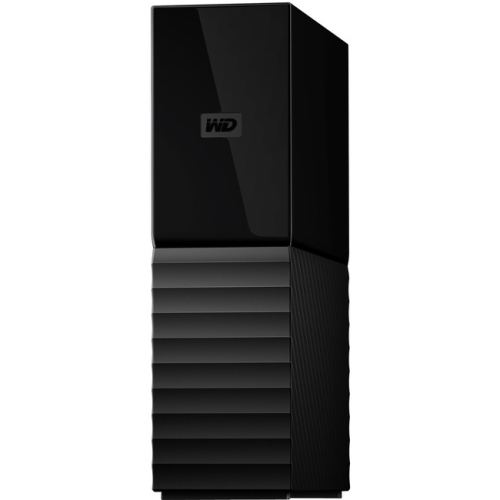
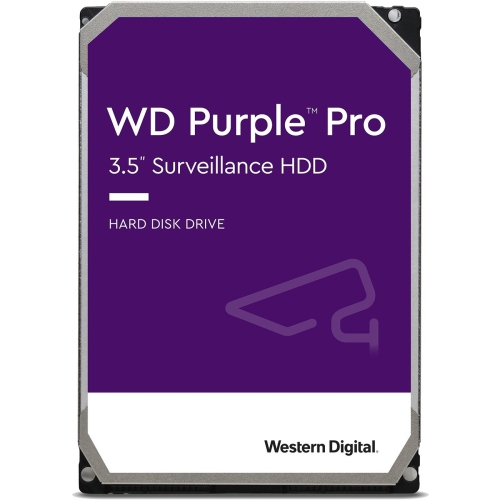
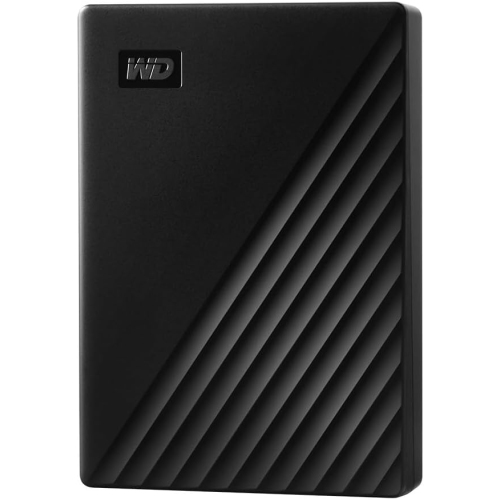
Storage drives provide space for the files, applications, photos, videos, and games that computers and other compatible devices use every day. The main categories include external hard drives, internal hard drives, and solid-state drives, with portable and desktop formats suited to different routines. An external drive connects to a compatible device and keeps additional storage within reach, whether it holds a family photo library or working files that travel between locations. Portable drives are generally compact enough for a laptop bag, and many draw power through their data cable. Desktop external drives typically stay in one place and often require a separate power adapter, making them a practical fit for a home office or a large media collection. Internal drives sit inside a compatible computer or enclosure and can expand storage or replace an existing drive. Hard disk drives store data on spinning magnetic platters and are commonly used for large collections of documents, photos, video, and backup files. Solid-state drives use flash memory with no moving mechanical parts, supporting quick access to files and responsive performance in compatible systems. The distinction matters in ordinary use: storing completed video projects places different demands on a drive than editing footage directly from it. Capacity is another important consideration. Documents usually occupy much less space than high-resolution video, large game installations, or detailed creative project files. A useful capacity allows room for the files already on hand, expected additions, and the working space applications may need. The usable capacity shown by a computer can be lower than the number printed on the packaging because of formatting, system files, and differences in how storage capacity is calculated. For households sharing a computer, students keeping coursework together, or photographers building an archive, the right storage format depends as much on how files are used as on how much space they occupy.
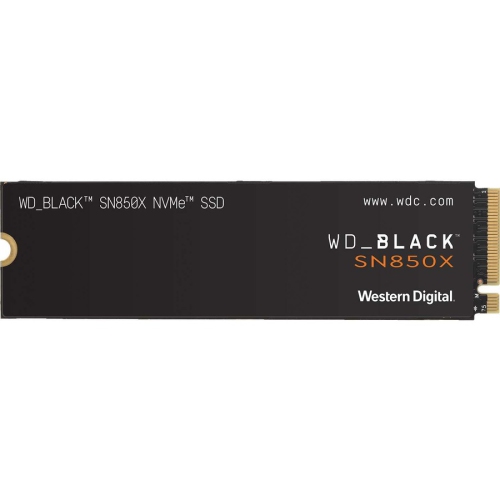
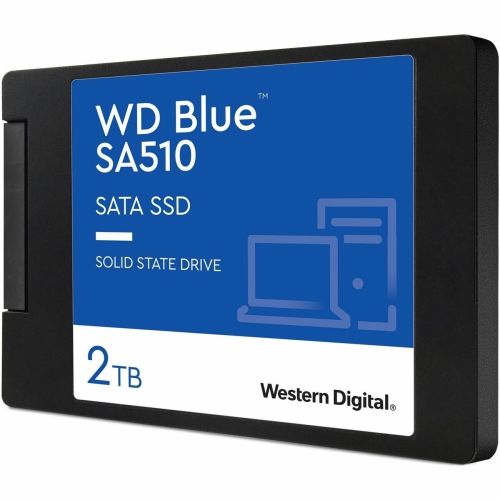
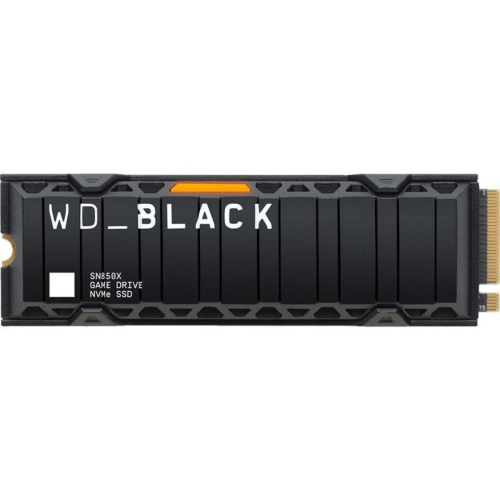
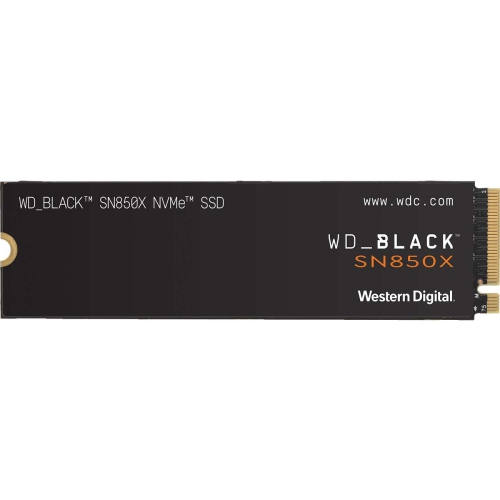
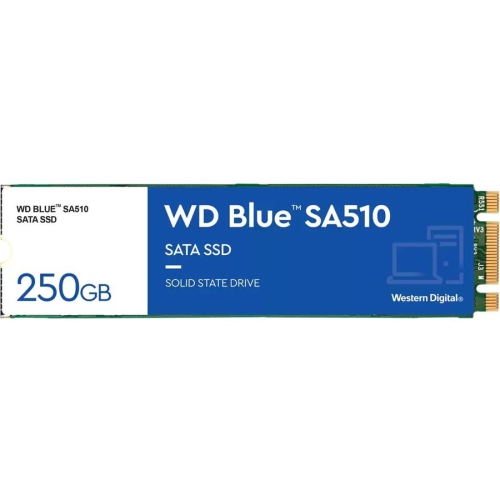
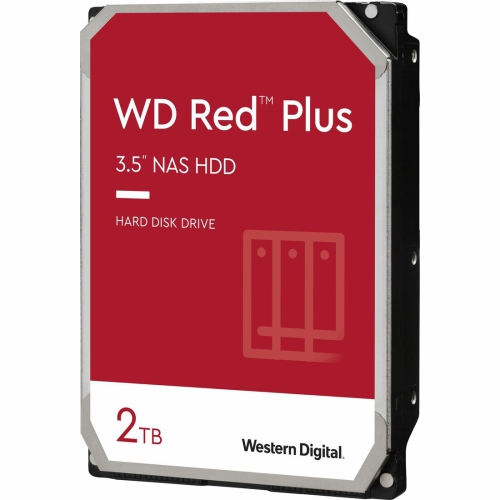
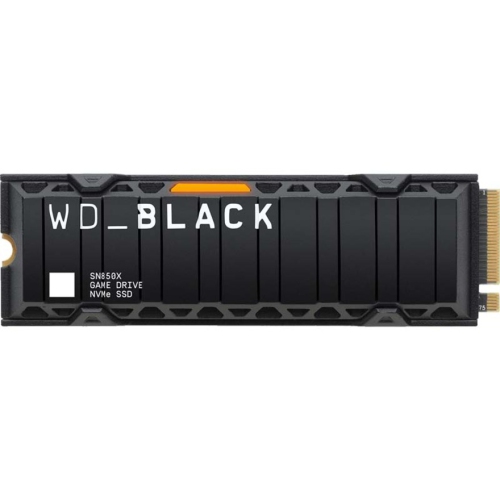
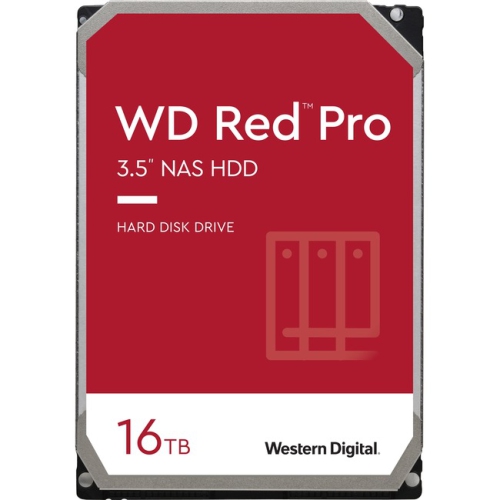
Compatibility determines how comfortably a drive fits into an existing setup. For external storage, the connector, cable, computer port, and supported transfer standard all affect the experience. USB-C describes a connector shape rather than a guaranteed speed, so two connections that look alike may offer different transfer capabilities. Actual transfer performance also depends on the host device, the drive, the cable, and the type of files being moved. Copying a folder containing thousands of small files can take longer than transferring a single large file of similar total size. Internal storage requires a closer match to the computer’s supported interface, physical dimensions, and available connections. A 2.5-inch SATA drive and an M.2 drive are different formats, and an M.2 slot does not automatically support every M.2 storage option. The computer or motherboard specifications establish which drive lengths and protocols are supported. For shoppers interested in flash-based storage, the SSD Drive WD page brings the focus to solid-state options for compatible setups. That type of storage can suit a laptop used for frequent file access, a desktop handling demanding applications, or an external workspace for creative projects. Gaming storage has additional compatibility considerations: a console may allow games to be stored on an external drive while requiring supported internal storage to play certain titles. Computer games likewise need enough free space for installation files, updates, and saved content beyond the initial download. Shared storage introduces another set of requirements. Drives intended for a network-attached storage enclosure need to match the enclosure’s compatibility specifications and intended workload, particularly when several people access files or the system runs for extended periods. File-system support also matters when moving a drive between operating systems, since a format that works well with one may have limitations on another. These details help distinguish storage that simply connects from storage that suits the way a household, workspace, or gaming setup operates.
Durability and care matter because a storage drive often carries files that would be difficult or impossible to replace. External housings may use plastic, metal, or a combination of materials, but appearance alone does not establish resistance to drops, dust, or moisture. Any protective rating applies under stated conditions and should not be assumed to cover every accident. A solid-state drive has no moving mechanical parts, which reduces one source of vulnerability during transport, but its connector and electronics still need careful handling. A hard disk drive is best kept stable while operating, with the cable positioned so it cannot easily be pulled off a desk. A fitted pouch can help prevent scratches and keep a portable drive separate from loose objects in a bag. Desktop units benefit from a firm surface, clear ventilation, and enough space around their cables to prevent strain. Safe ejection before disconnecting helps avoid interrupting a write operation, and formatting a drive can erase existing files. For valuable content, extra capacity and a backup are not the same thing: a file moved from a computer to a single external drive still exists in only one place. Separate copies, including one kept away from the main device, provide better protection against hardware failure, accidental deletion, theft, or loss. Features such as encryption and password protection can help limit unauthorized access when supported and properly configured, although recovery information needs to be kept securely. Storage can also be a thoughtful practical gift for someone digitizing family albums, completing a course, recording music, or managing a growing game library. The most useful choice matches the recipient’s device, connection type, and habits rather than relying on capacity alone. A small portable drive suits someone moving between a desk and a shared workspace, while stationary storage may fit a larger archive that rarely needs to travel. In either case, dependable storage supports a simple goal: keeping important files accessible, organized, and protected by a sensible backup routine.
Compatibility determines how comfortably a drive fits into an existing setup. For external storage, the connector, cable, computer port, and supported transfer standard all affect the experience. USB-C describes a connector shape rather than a guaranteed speed, so two connections that look alike may offer different transfer capabilities. Actual transfer performance also depends on the host device, the drive, the cable, and the type of files being moved. Copying a folder containing thousands of small files can take longer than transferring a single large file of similar total size. Internal storage requires a closer match to the computer’s supported interface, physical dimensions, and available connections. A 2.5-inch SATA drive and an M.2 drive are different formats, and an M.2 slot does not automatically support every M.2 storage option. The computer or motherboard specifications establish which drive lengths and protocols are supported. For shoppers interested in flash-based storage, the SSD Drive WD page brings the focus to solid-state options for compatible setups. That type of storage can suit a laptop used for frequent file access, a desktop handling demanding applications, or an external workspace for creative projects. Gaming storage has additional compatibility considerations: a console may allow games to be stored on an external drive while requiring supported internal storage to play certain titles. Computer games likewise need enough free space for installation files, updates, and saved content beyond the initial download. Shared storage introduces another set of requirements. Drives intended for a network-attached storage enclosure need to match the enclosure’s compatibility specifications and intended workload, particularly when several people access files or the system runs for extended periods. File-system support also matters when moving a drive between operating systems, since a format that works well with one may have limitations on another. These details help distinguish storage that simply connects from storage that suits the way a household, workspace, or gaming setup operates.
Durability and care matter because a storage drive often carries files that would be difficult or impossible to replace. External housings may use plastic, metal, or a combination of materials, but appearance alone does not establish resistance to drops, dust, or moisture. Any protective rating applies under stated conditions and should not be assumed to cover every accident. A solid-state drive has no moving mechanical parts, which reduces one source of vulnerability during transport, but its connector and electronics still need careful handling. A hard disk drive is best kept stable while operating, with the cable positioned so it cannot easily be pulled off a desk. A fitted pouch can help prevent scratches and keep a portable drive separate from loose objects in a bag. Desktop units benefit from a firm surface, clear ventilation, and enough space around their cables to prevent strain. Safe ejection before disconnecting helps avoid interrupting a write operation, and formatting a drive can erase existing files. For valuable content, extra capacity and a backup are not the same thing: a file moved from a computer to a single external drive still exists in only one place. Separate copies, including one kept away from the main device, provide better protection against hardware failure, accidental deletion, theft, or loss. Features such as encryption and password protection can help limit unauthorized access when supported and properly configured, although recovery information needs to be kept securely. Storage can also be a thoughtful practical gift for someone digitizing family albums, completing a course, recording music, or managing a growing game library. The most useful choice matches the recipient’s device, connection type, and habits rather than relying on capacity alone. A small portable drive suits someone moving between a desk and a shared workspace, while stationary storage may fit a larger archive that rarely needs to travel. In either case, dependable storage supports a simple goal: keeping important files accessible, organized, and protected by a sensible backup routine.
Top selling and popular products
-
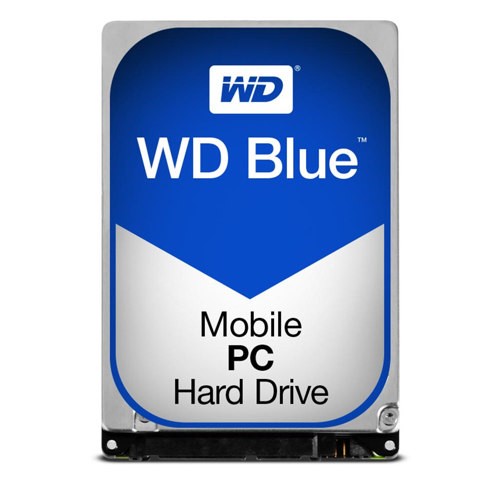 Your price for this item is $247.68
-
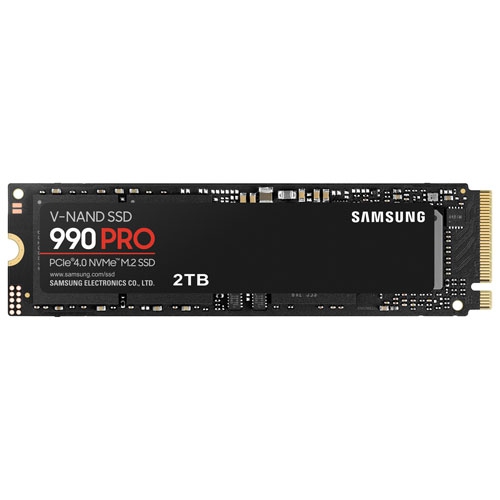 Your price for this item is $639.99
-
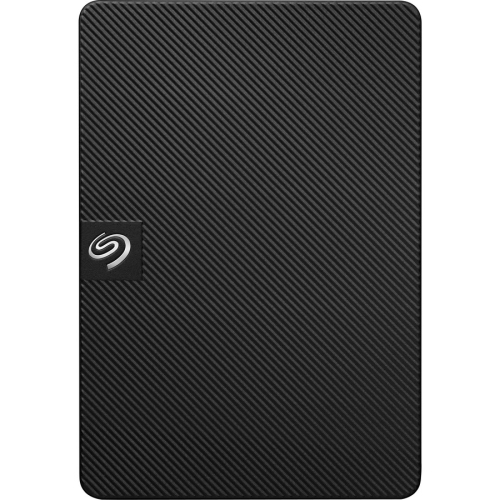 Your price for this item is $259.99
-
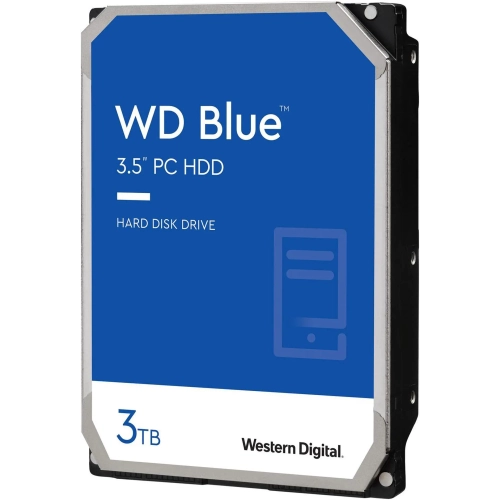 Your price for this item is $259.99
-
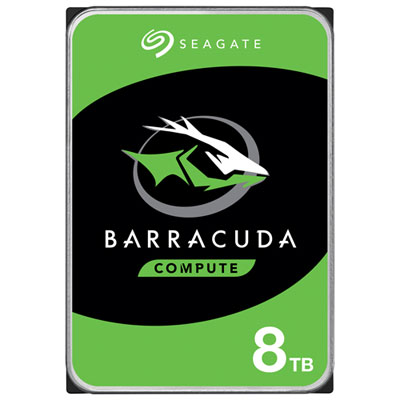 Your price for this item is $389.99
-
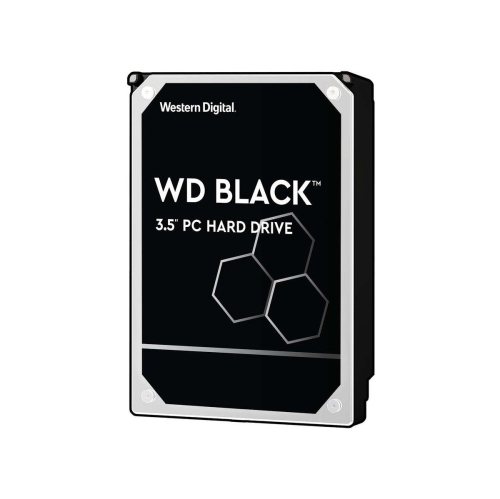 Your price for this item is $489.99
-
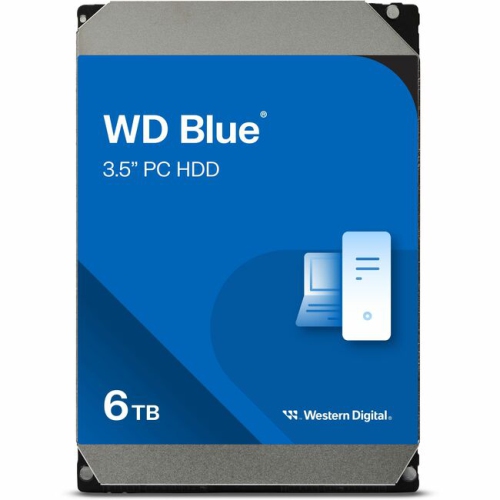 Your price for this item is $419.99
-
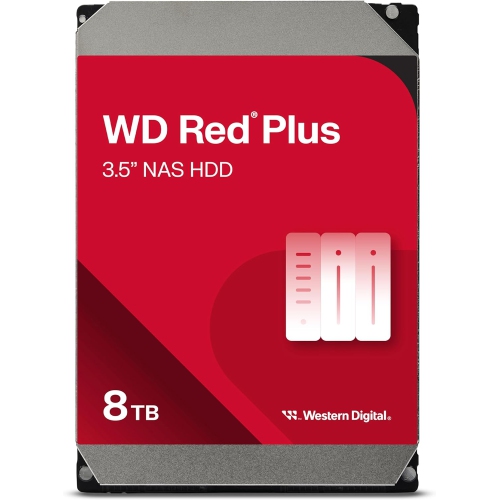 Your price for this item is $584.99
Discover more categories related to WD Storage
Top Collections:
Pokemon Centers, Best Budget Office Chairs, Kindle Devices, Best Cameras for Sports Photography, Pokémon 30th Celebration Cards, Best Laptops for Writers, Canon G7X Cameras, iPhone 15 Apple, Best Cell Phones Under $300, Apple iPhones 16
Some products may be subject to Environmental Handling Fees
(EHF) depending on your province.
Learn more about EHFs.