Wide Format Color Laser Printers
Wide Format Color Laser Printers offer a versatile solution for producing vibrant, high-quality prints on larger paper sizes, making them ideal for offices, creative professionals, and businesses with demanding printing needs. Whether you're looking to print posters, marketing materials, blueprints, or detailed graphics, these printers are designed to handle a variety of tasks with precision and efficiency. Explore a selection of Wide Format Color Laser Printers to find the perfect fit for your workspace and elevate your printing capabilities.
Sort
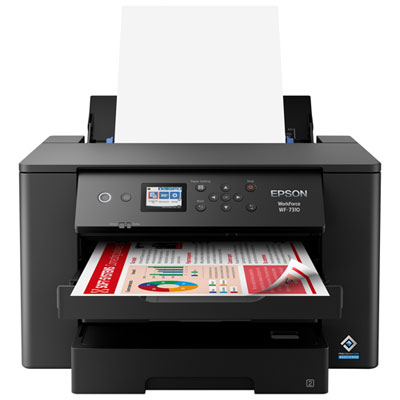
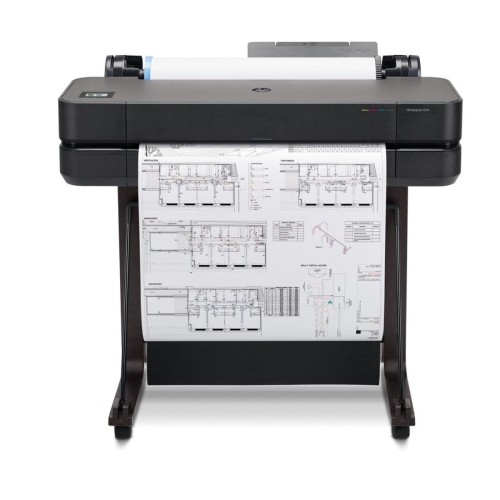
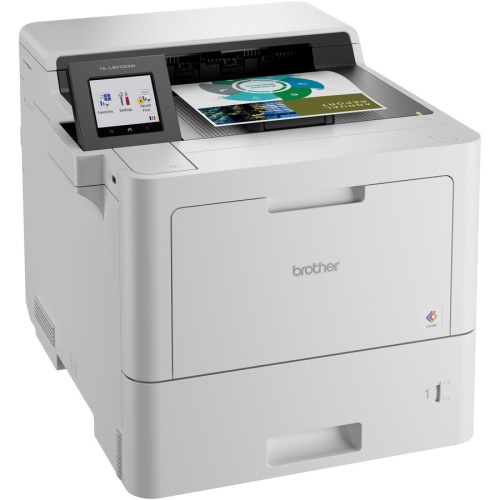
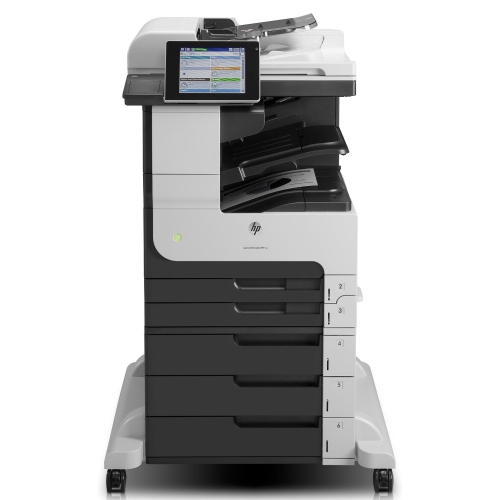
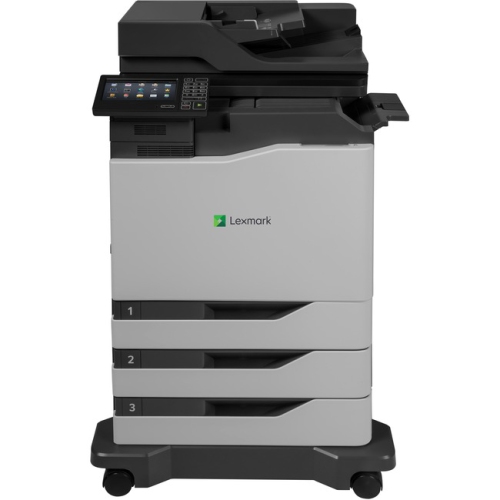
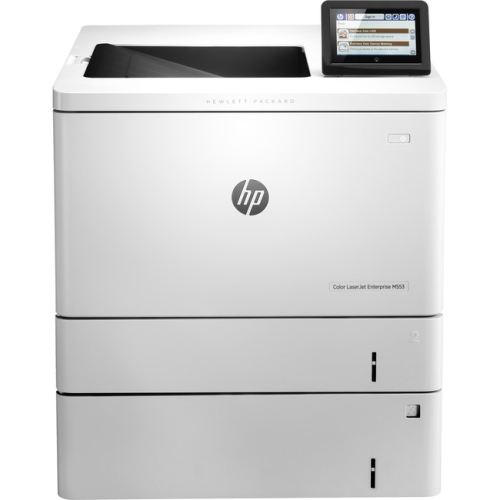
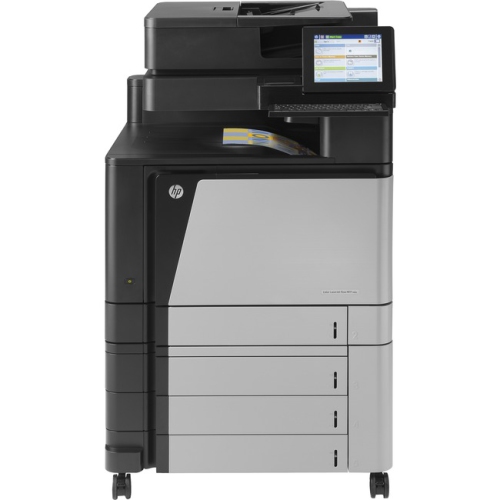
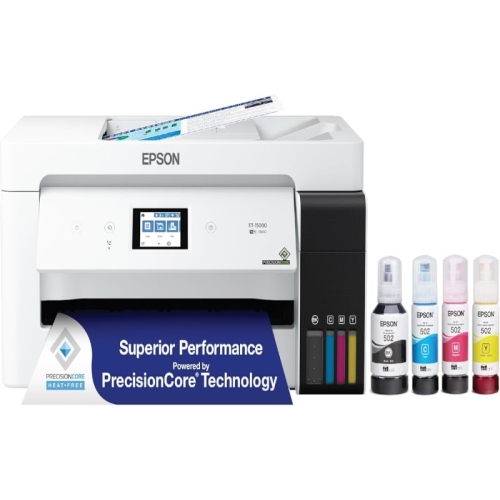
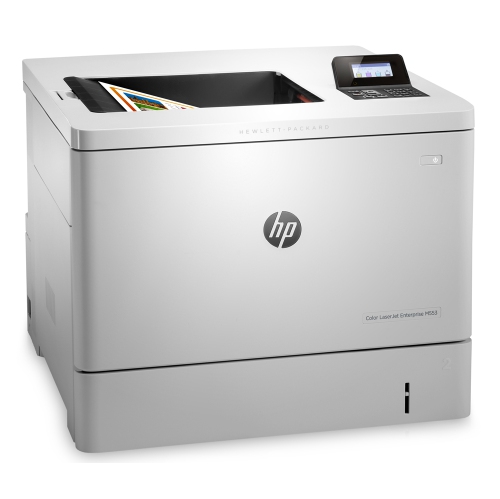
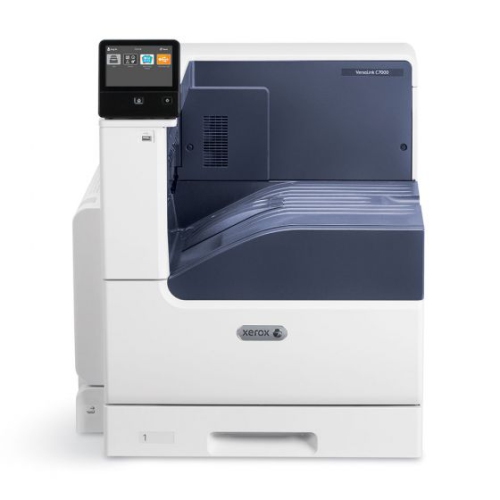
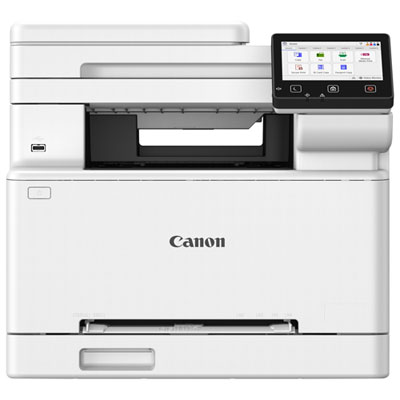
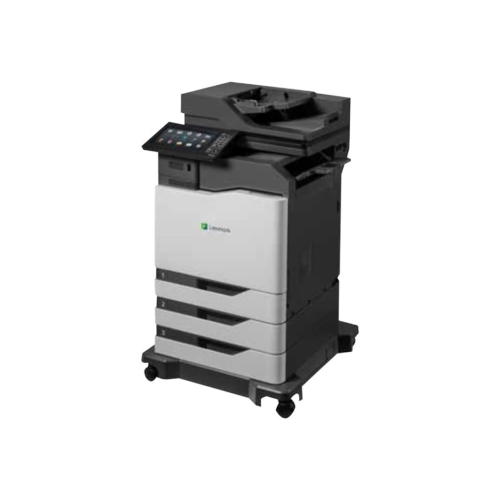
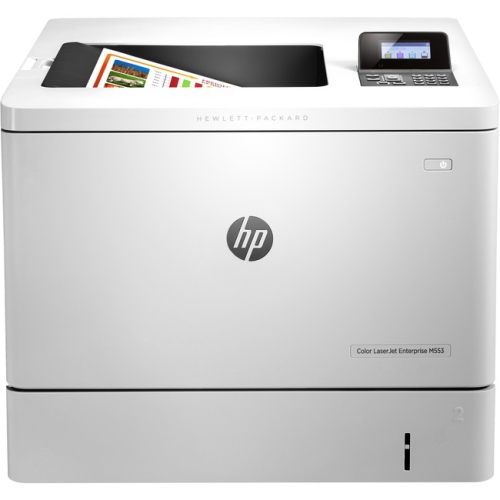
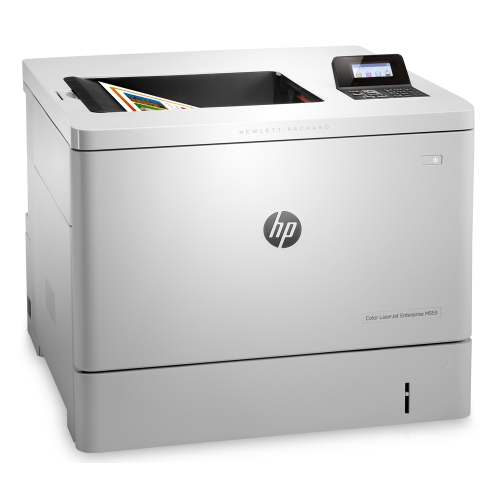
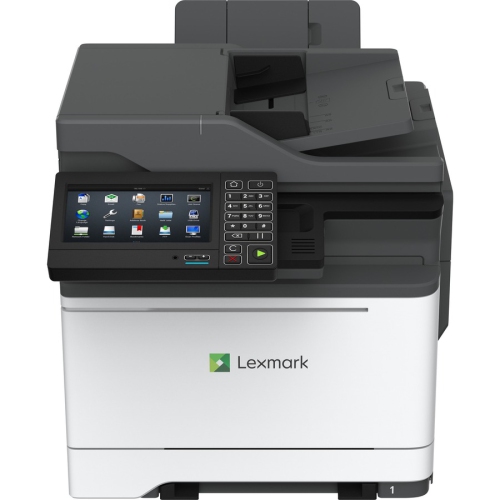
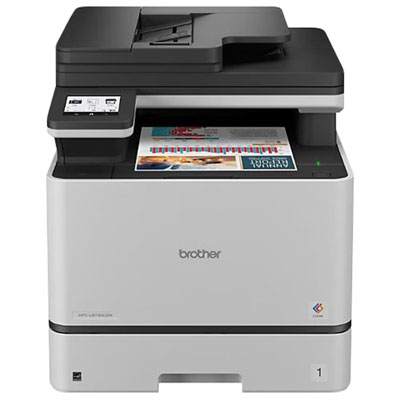

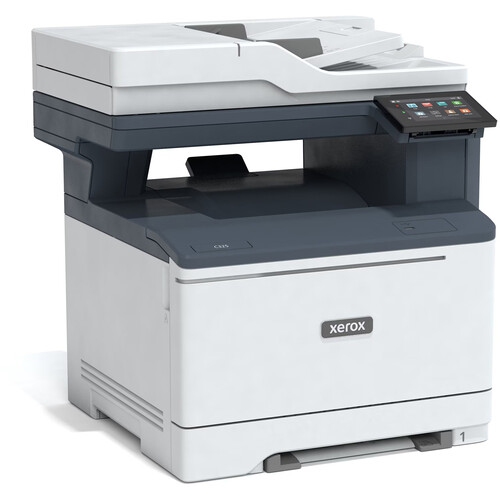
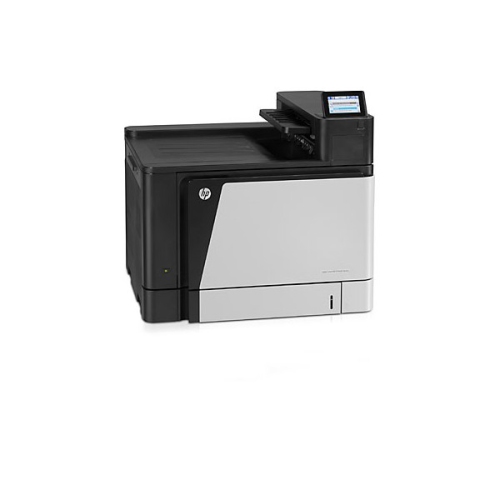
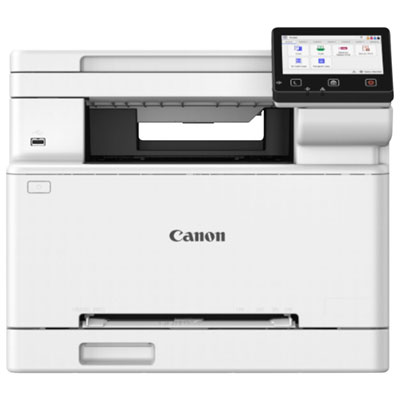
More room for readable spreadsheets and detailed drawings
Wide-format colour laser printers bring larger document printing into offices where standard letter-size pages do not always provide enough room. These printers use toner and a heat-based fusing process to produce text, charts, illustrations, and colour graphics on supported paper sizes beyond typical desktop formats. Tabloid paper measures 11 by 17 inches, while A3 measures 297 by 420 millimetres; the two are similar in purpose but not identical in size, so support for one should not be assumed to include the other. Some machines also handle 12 by 18-inch sheets, although larger formats and specialized finishing capabilities generally belong to production-oriented equipment. The distinction matters when a spreadsheet needs readable columns, a floor plan needs room for annotations, or a folded newsletter needs four letter-size pages arranged across a single tabloid sheet. Wide-format laser printing is particularly useful for colour-coded schedules, presentation handouts, classroom materials, design proofs, and internal signage. Accounting teams can review detailed tables without shrinking the type, while project coordinators can spread milestones across a larger page that several people can read together. Architects and designers may use these printers for reduced-size drawings and marked-up review copies, provided the supported dimensions and output accuracy suit the task. They are not interchangeable with roll-fed technical printers used for much larger plans. Their strengths are crisp document text, clearly defined line work, and repeatable colour output across everyday business materials. Photographs can be included in layouts, but photographic reproduction on specialist media is a different requirement from printing a sharp sales chart or a presentation cover. A print-only machine suits teams that mainly need larger output, while a multifunction model can bring printing, copying, and scanning together. Those functions may have different size limits: a printer capable of tabloid output does not necessarily include a tabloid-size scanner bed or document feeder. Matching those capabilities to the documents a team actually handles helps make the larger format useful throughout the workflow.
Paper handling has a considerable influence on how a wide-format colour laser printer fits into daily work. A team that alternates between letter-size correspondence and tabloid project sheets benefits from separate trays that keep both formats loaded, rather than requiring someone to swap paper for every larger job. Tray capacity, supported paper weights, and the sizes accepted through the main drawers or multipurpose feed all deserve attention. A heavier presentation cover may travel through a different paper path from ordinary office paper, and automatic two-sided printing may support a narrower range of sizes or weights than single-sided output. Booklets introduce another distinction: printing two pages on each side of a sheet is not the same as automatically folding and stapling that sheet. Finishing functions depend on the machine and any compatible accessories. Media should be specifically suitable for laser printing because it must tolerate the heat of the fuser. Inkjet-only coated papers, unsuitable adhesive labels, and unsupported specialty sheets can cause feeding problems or damage. Even familiar materials such as cardstock need to fall within the printer’s stated specifications. In a shared office, practical performance is about more than the headline pages-per-minute figure. Published speeds may refer to letter-size output, while larger sheets, two-sided jobs, and complex graphics can take longer. First-page-out time matters for someone collecting a single drawing between meetings; sustained throughput matters more when a department produces many copies of a colour presentation. Recommended monthly print volume provides a more useful picture of routine workload suitability than maximum duty cycle alone, which describes a capacity limit rather than a preferred ongoing workload. Memory and document-processing capability can also affect how smoothly detailed files move through the queue. For offices balancing larger documents with ordinary correspondence, business colour laser printers offer a related category to consider, with maximum supported paper size remaining an important distinction. Consistent colour settings, suitable paper, and correctly sized source files help charts, logos, and small text retain their intended appearance without relying on unnecessary scaling.
The physical fit of a wide-format colour laser printer is as important as its paper specifications. Larger trays and print mechanisms make these machines substantially different from compact desktop printers, and the listed footprint may not include the space needed to extend an output tray, open a side panel, or remove a paper drawer. A stable surface or compatible stand must support the printer’s weight, with accessible clearance for replacing toner and clearing jams. Placement should also account for the manufacturer’s ventilation guidance, nearby power access, and the people who regularly collect documents. A busy shared printer works best where output is easy to retrieve without interrupting a workstation. Ethernet connectivity can provide a dependable shared connection, while Wi-Fi, mobile printing, and direct printing features vary by model. Compatibility with the operating systems, print drivers, and document software used by a team helps prevent unnecessary steps between preparing a file and collecting the finished pages. For sensitive contracts, staff records, or financial reports, supported features such as authenticated access and PIN-protected print release can keep pages from sitting unattended in the output tray. Ongoing care centres on using approved media, storing paper flat and dry, and following the specified cleaning and maintenance procedures. Toner cartridges are only part of the maintenance picture: depending on the design, drums, transfer components, waste-toner containers, and fusers may also require attention over the machine’s service life. Their replacement intervals depend on the equipment and usage, while actual toner yield varies with page coverage and job content. A full-colour poster places different demands on supplies from a mostly text-based report with a small logo. Durable office use therefore depends on matching the printer to expected workloads and allowing straightforward access for routine servicing. For schools, administrative teams, design departments, and growing workgroups, the most useful wide-format colour laser capabilities are those that make recurring tasks simpler: readable tables, properly scaled review drawings, neatly aligned two-sided handouts, and larger colour documents produced close to the people who need them.
Top selling and popular products
-
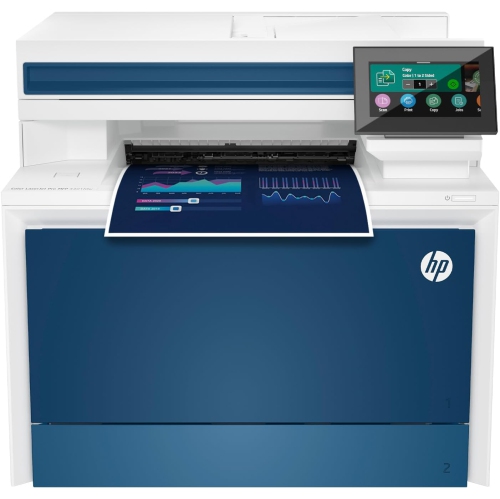 Your price for this item is $929.89
-
 Your price for this item is $371.83
-
 Your price for this item is $199.99
-
 Your price for this item is $599.68
-
 Your price for this item is $249.99
-
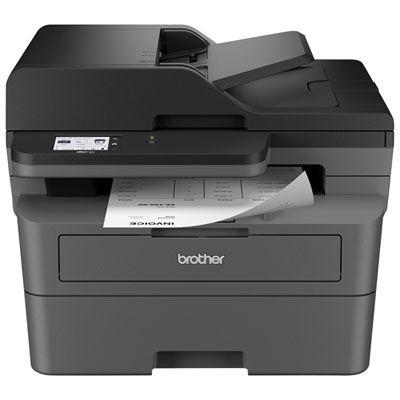 Your price for this item is $279.99
-
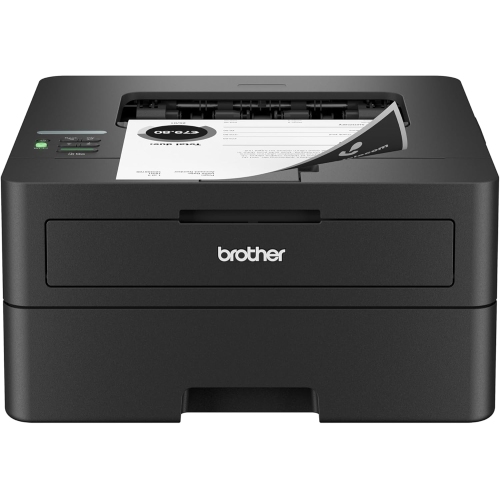 Your price for this item is $249.99
-
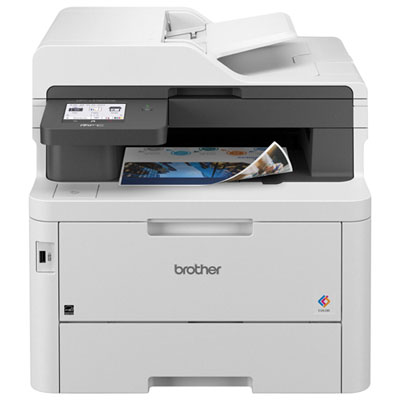 Your price for this item is $779.99
Discover more categories related to Wide Format Color Laser Printers
Top Collections:
Best Black Friday Deals This Year, Best Black Friday Deals On Electronics, Kindle Devices, Dyson Airwrap, Best Cameras for Sports Photography, Best Black Friday Deals On Apple Products, PS5 Pro Consoles, Portable Snow Blowers, Canon G7X Cameras, Pokémon 30th Celebration Cards
Some products may be subject to Environmental Handling Fees
(EHF) depending on your province.
Learn more about EHFs.