Wi-Fi 6 Access Points
Upgrade your wireless network with the latest technology by exploring our collection of Wi-Fi 6 access points. Designed to deliver lightning-fast speeds, increased capacity, and improved performance, these cutting-edge devices are perfect for homes, offices, and businesses of all sizes. Shop for Wi-Fi 6 access points to enhance your online experience.
Sort
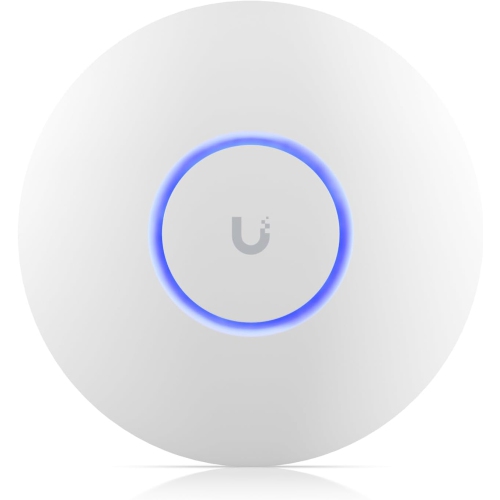
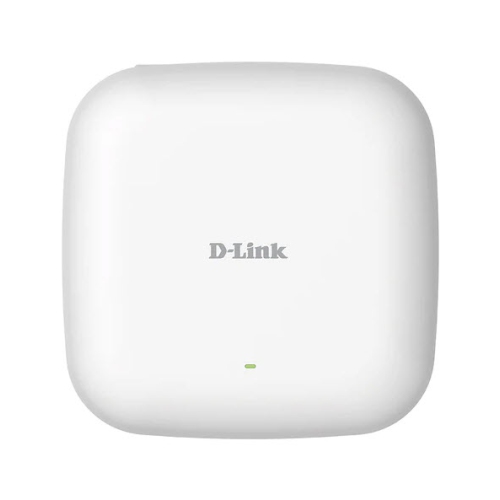
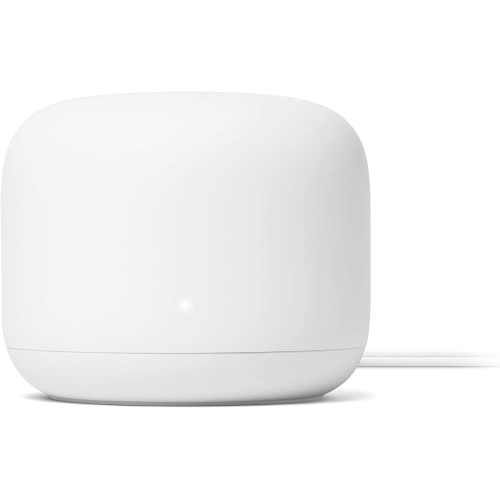
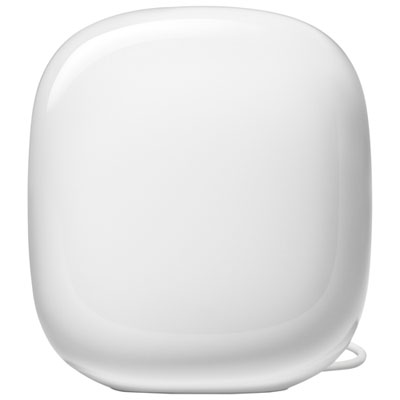
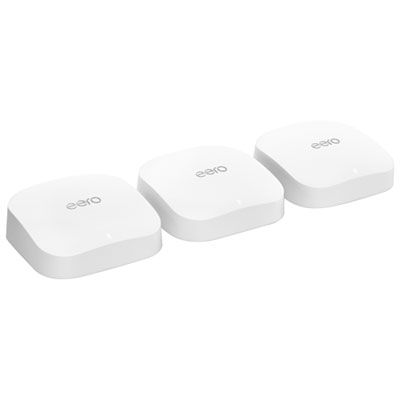
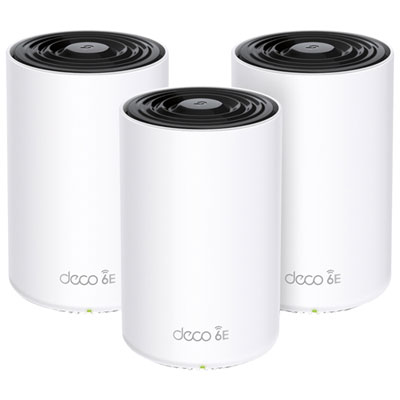
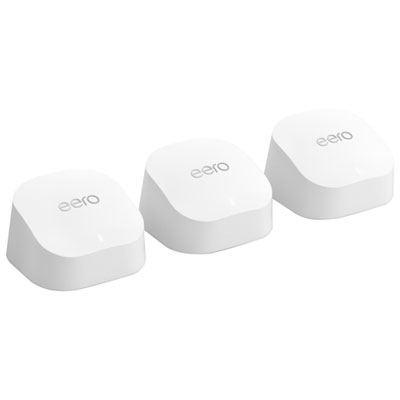
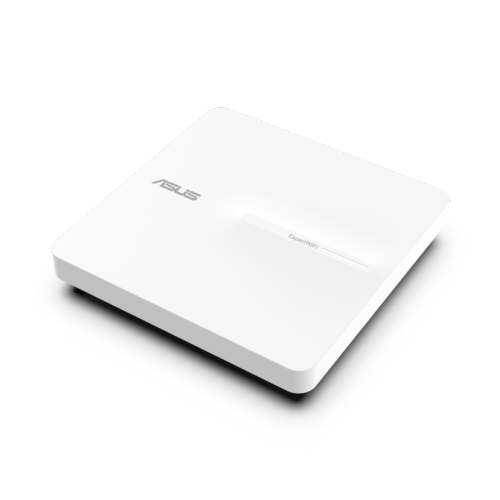
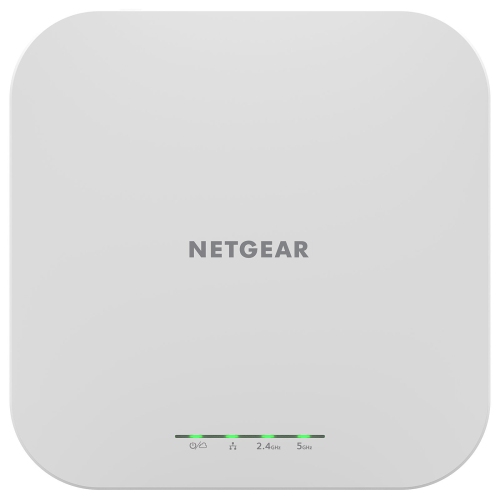
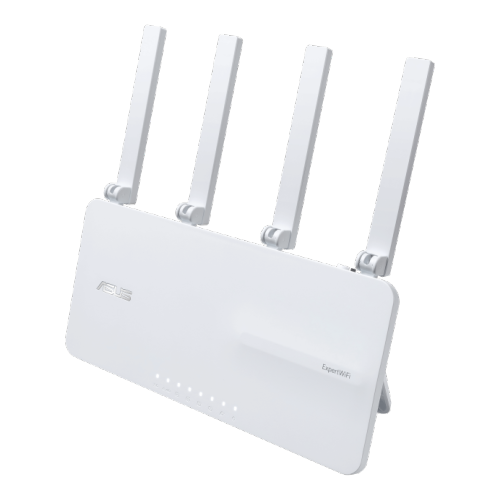
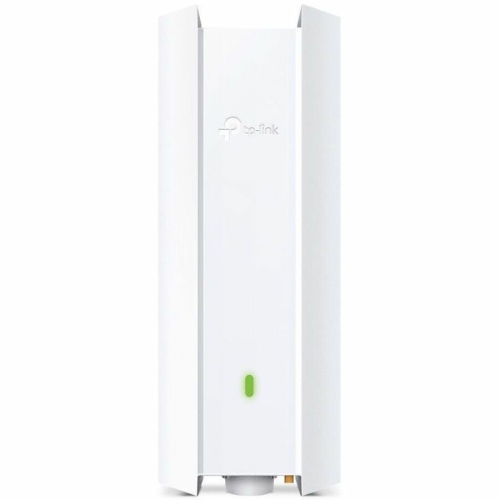
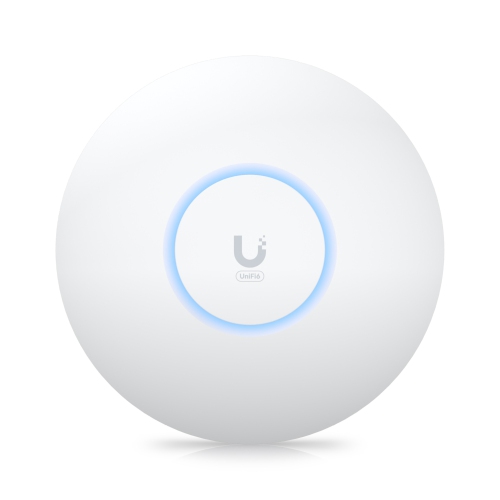



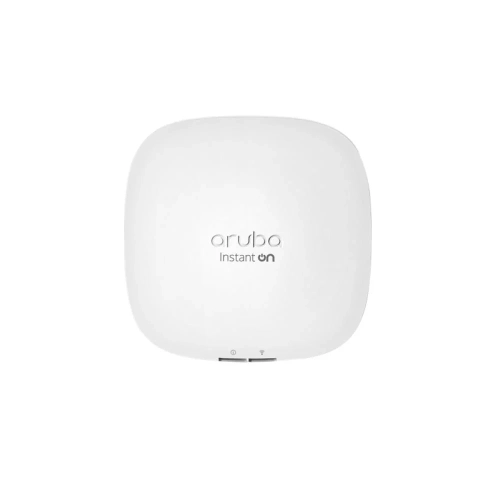
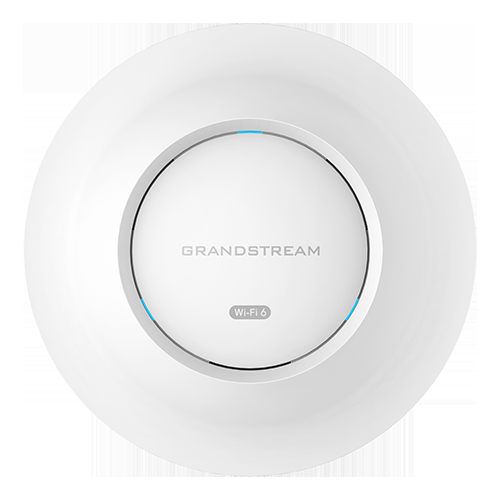
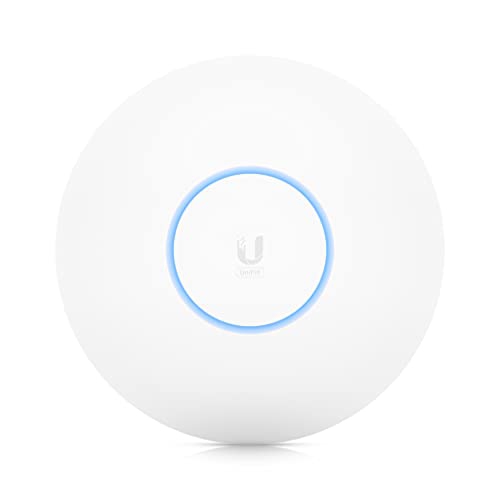
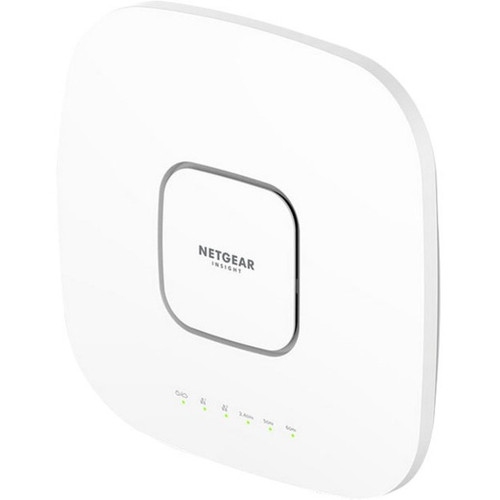

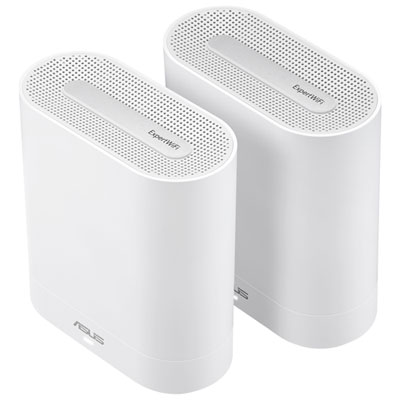
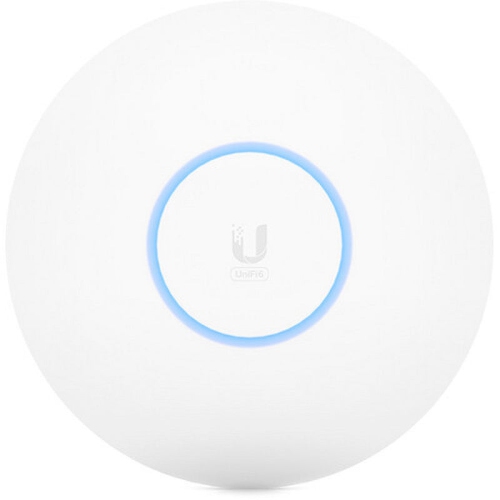
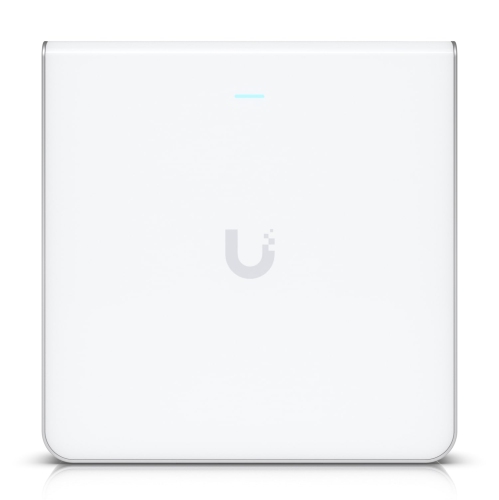
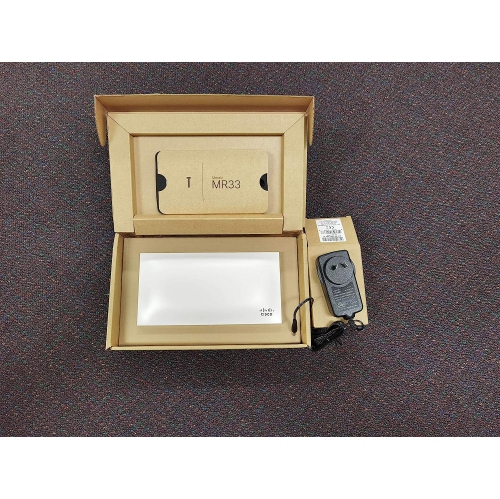
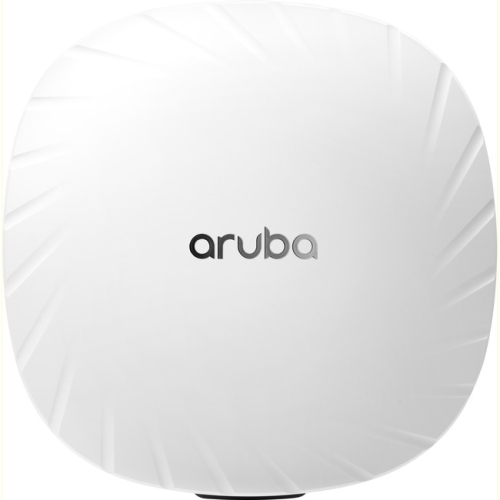
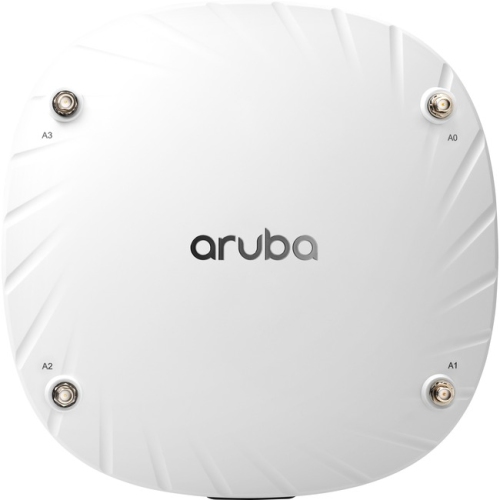
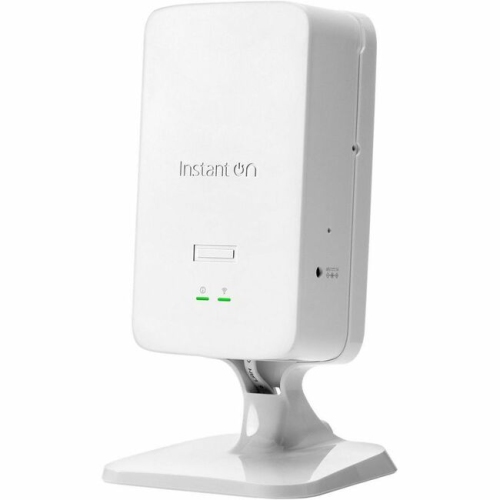

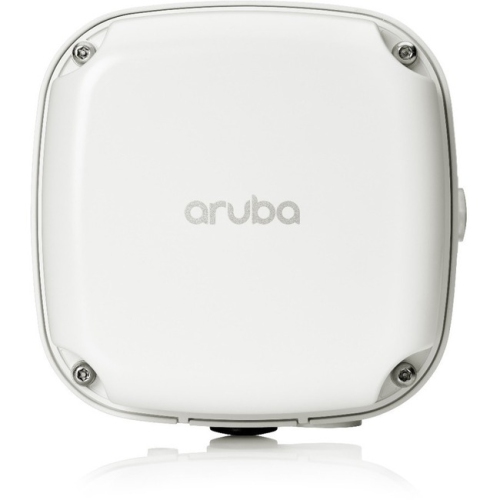
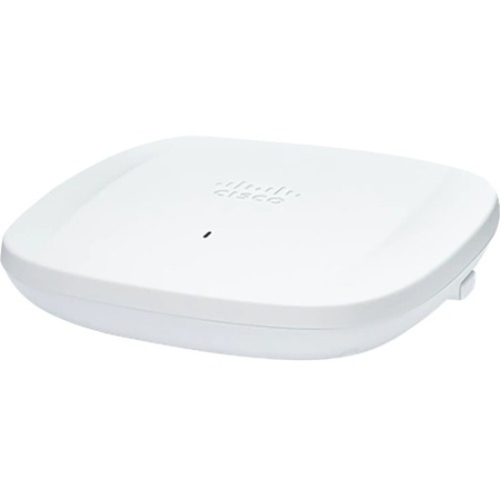
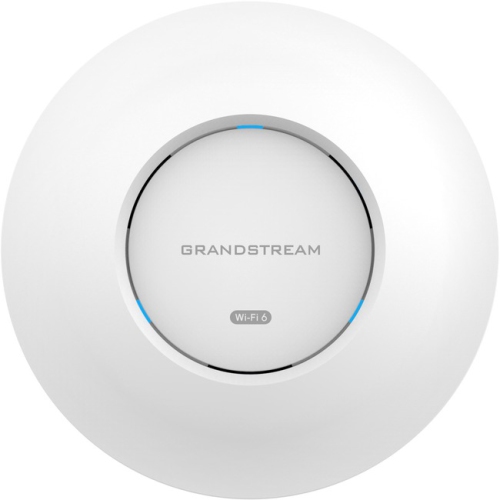


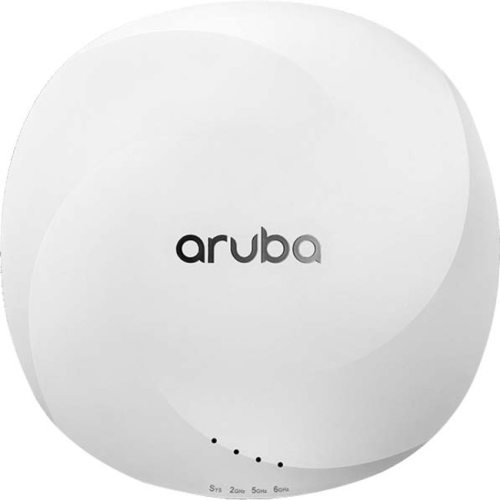
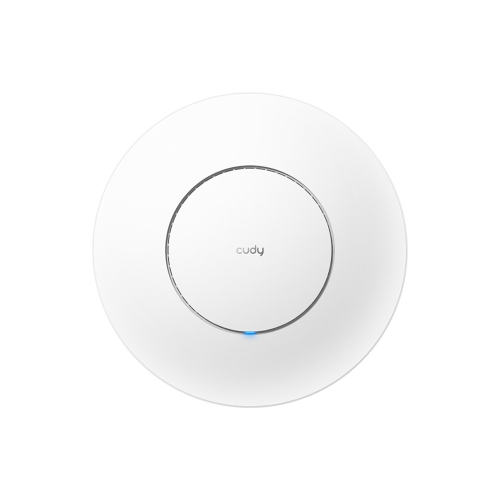
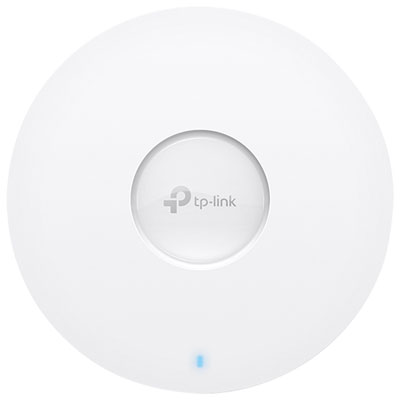
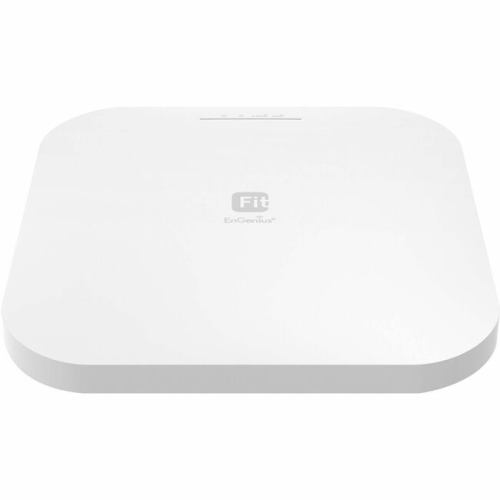
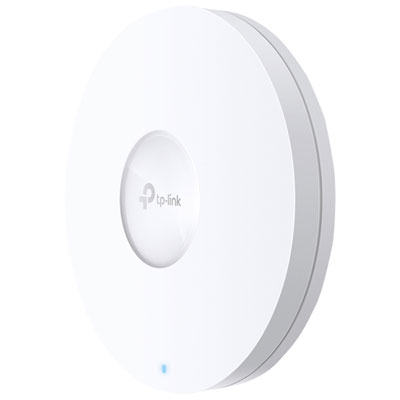
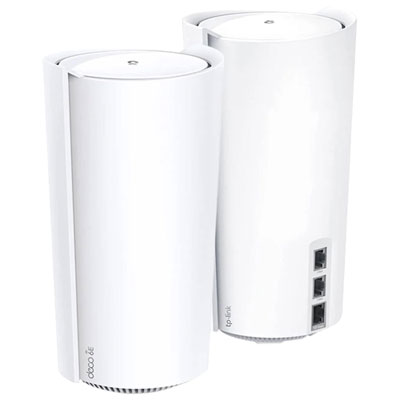
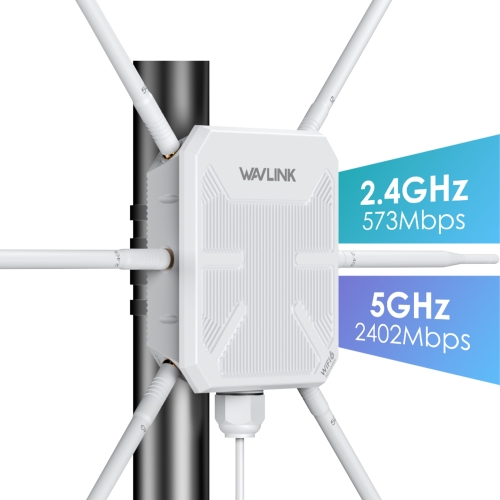
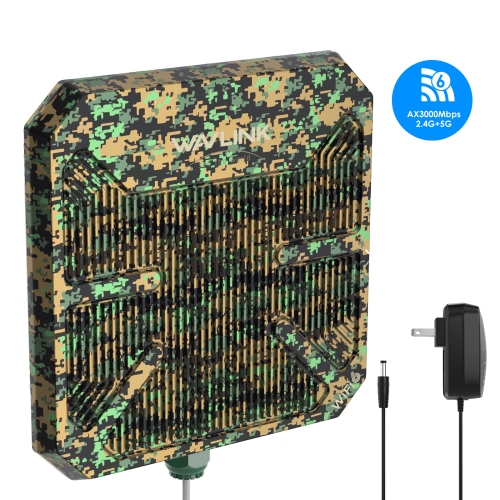
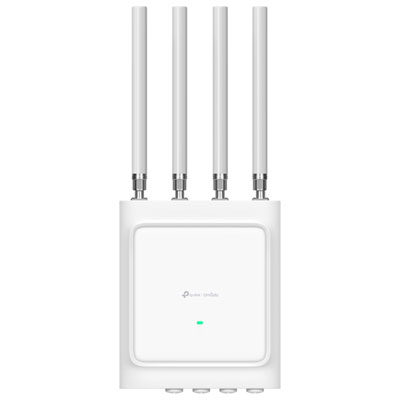
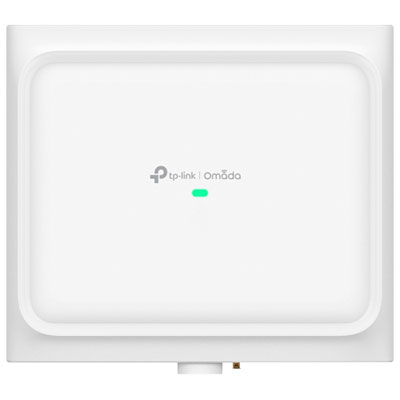
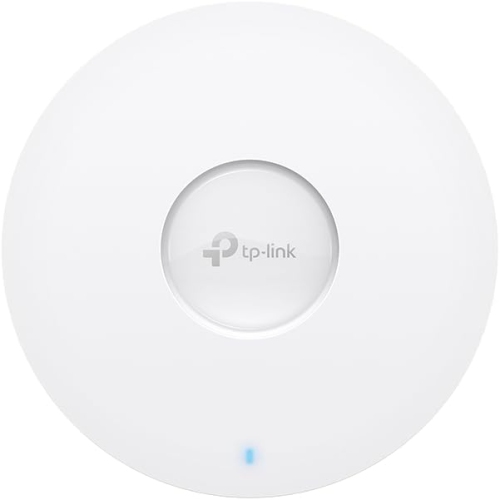
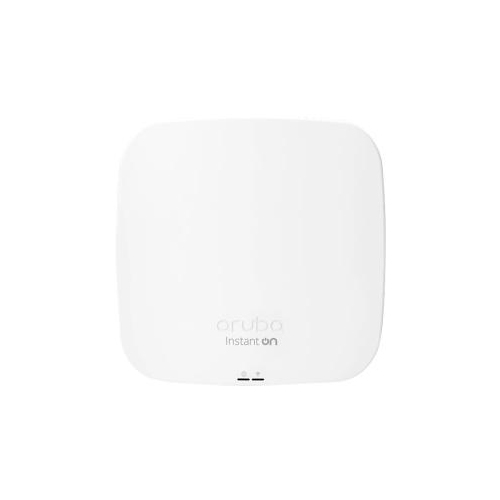
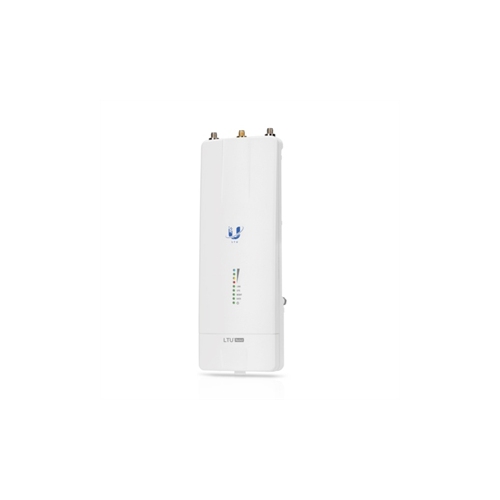


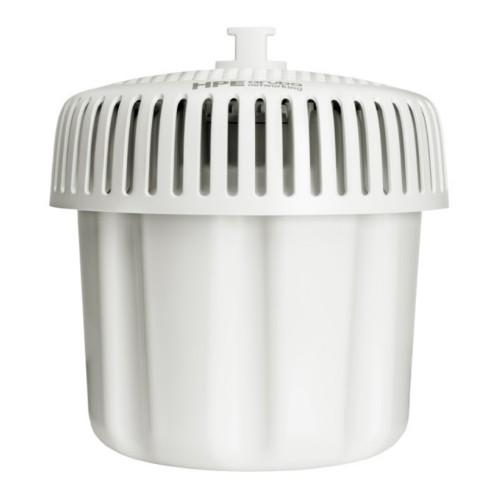

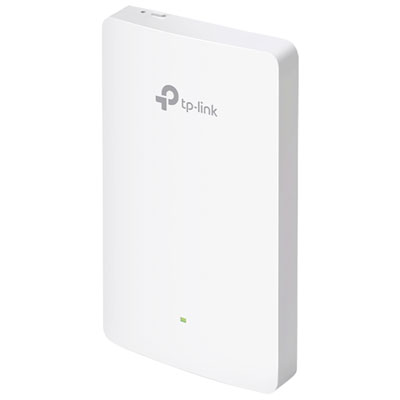
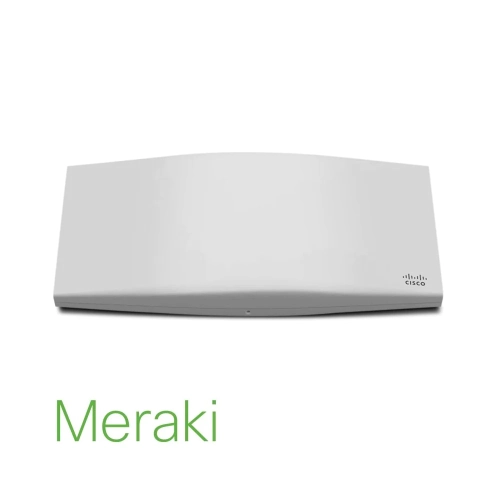
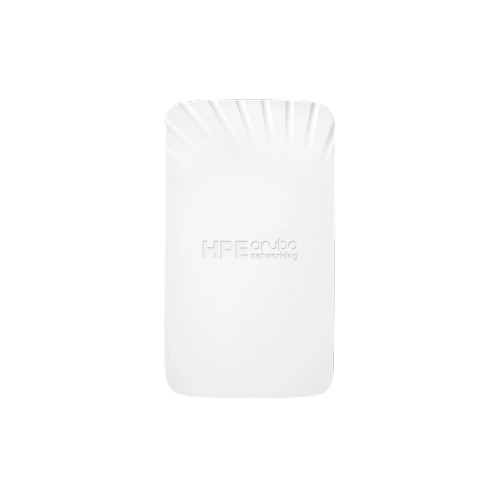
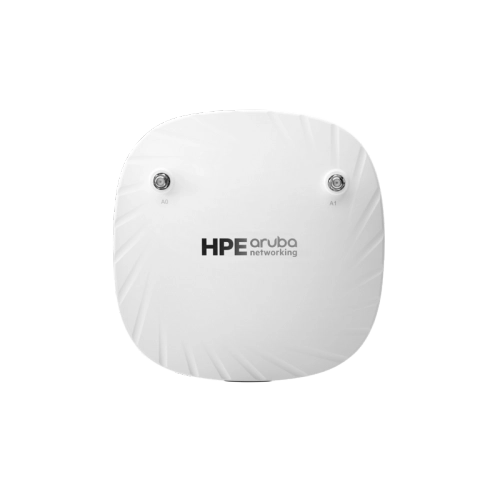



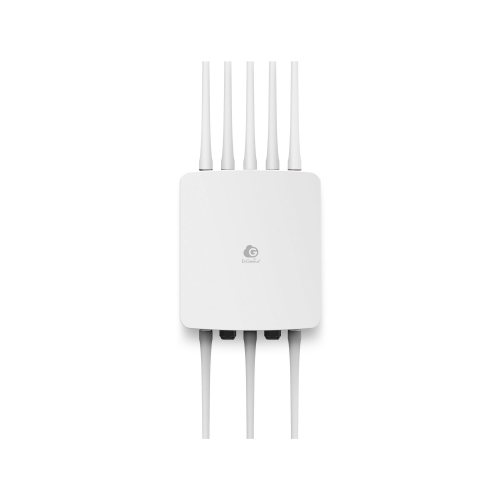

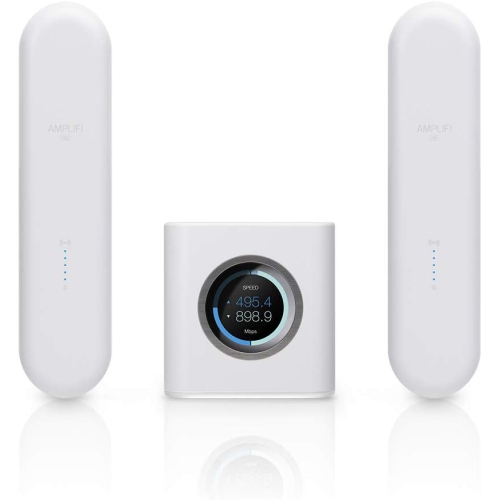
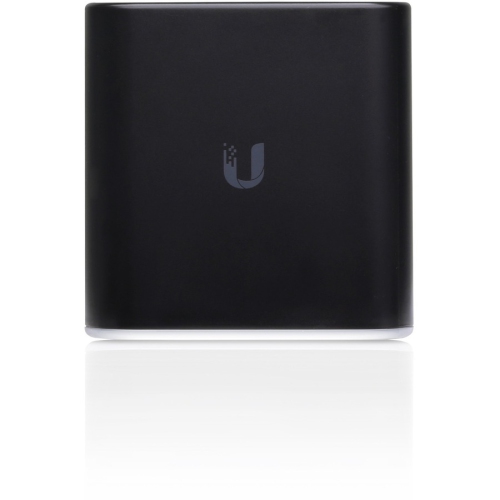
Reliable coverage for busy homes and workspaces
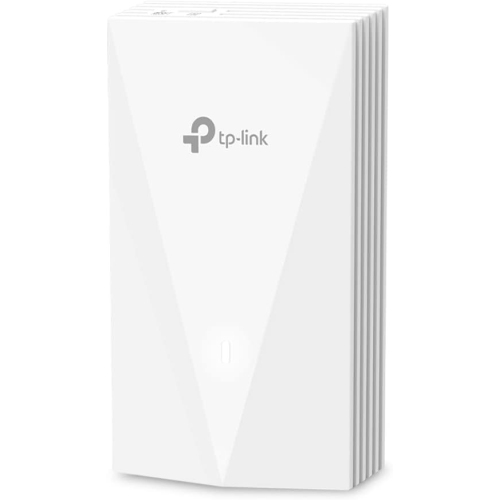
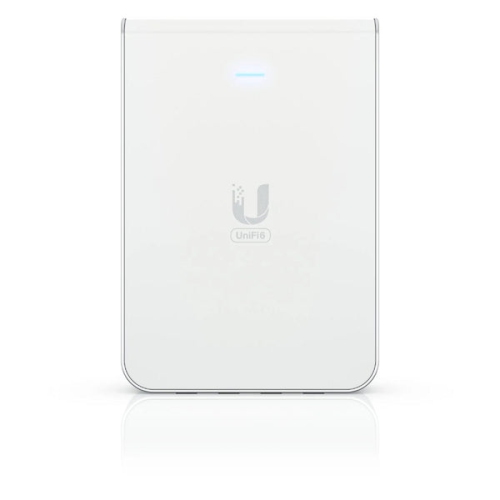
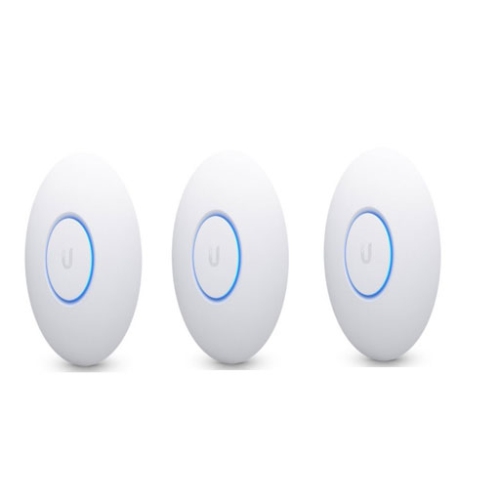
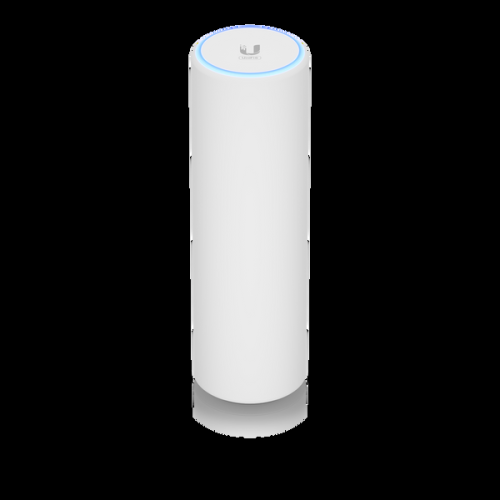
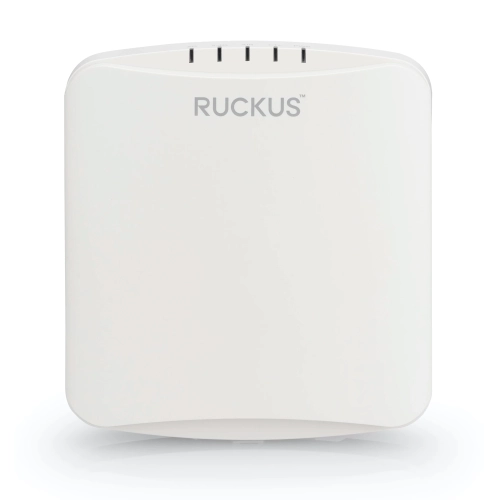
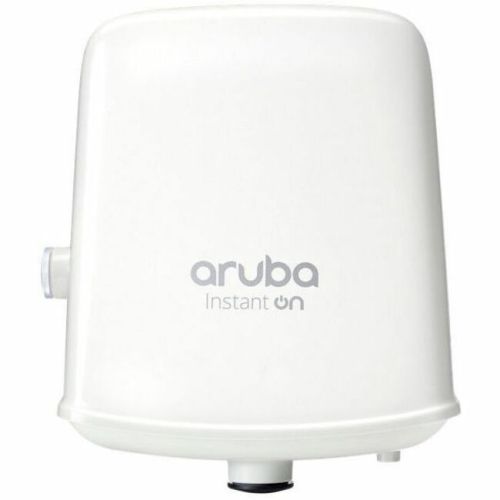
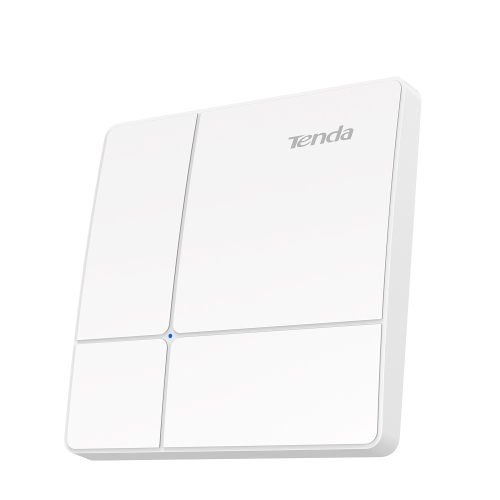
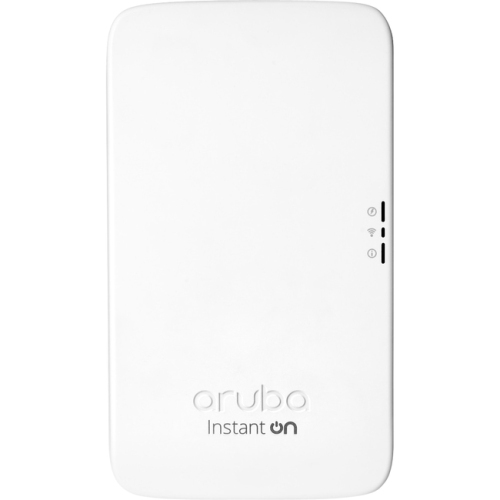
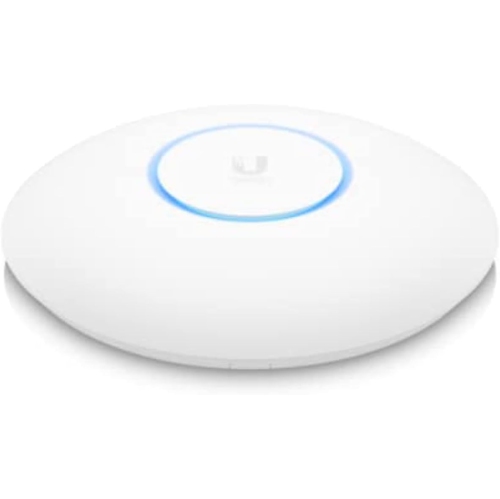
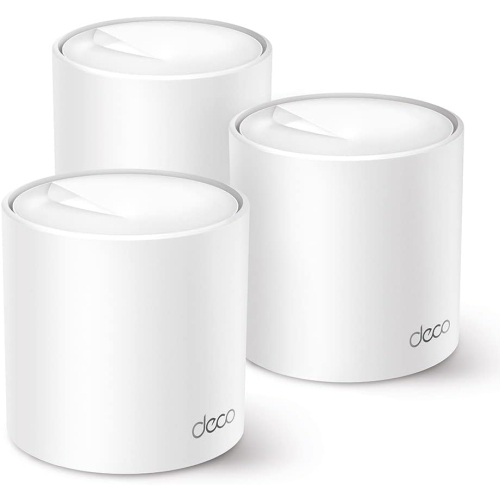
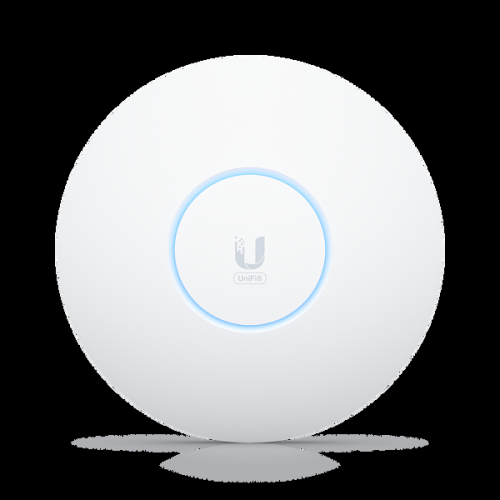
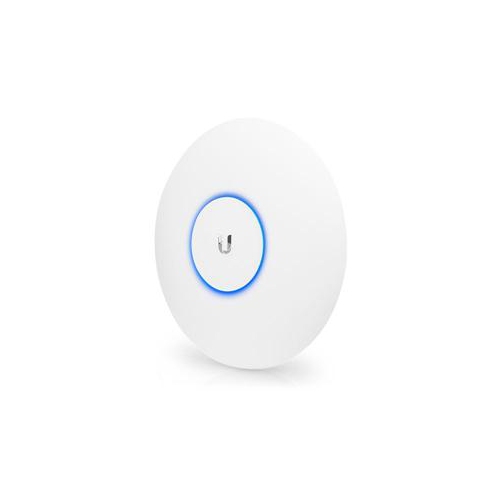
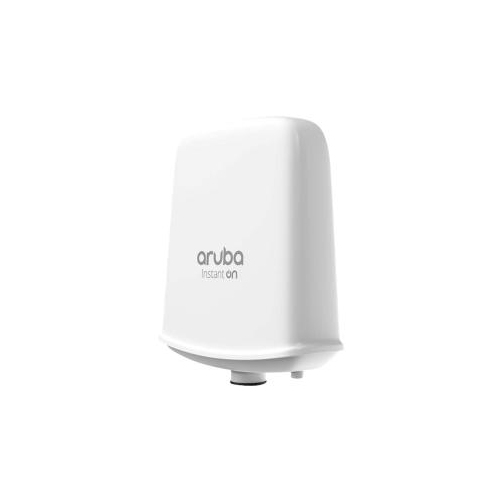
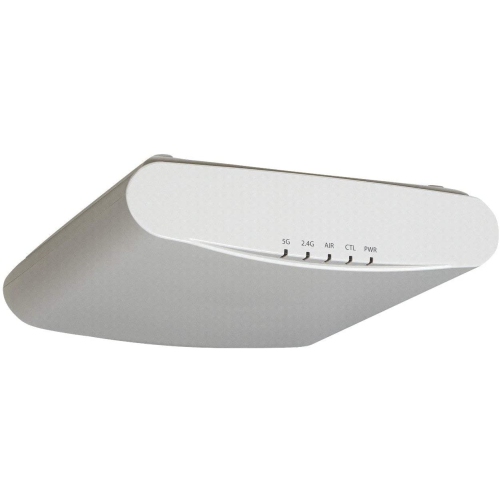
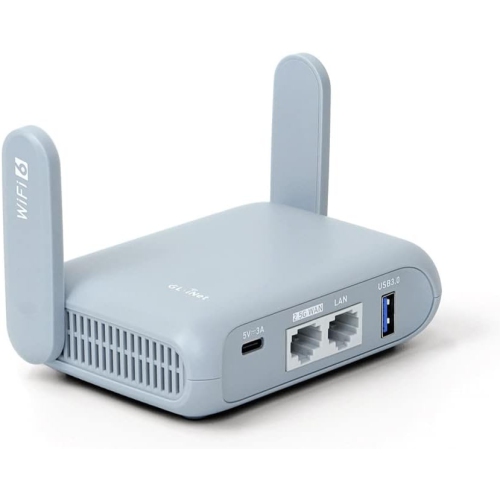
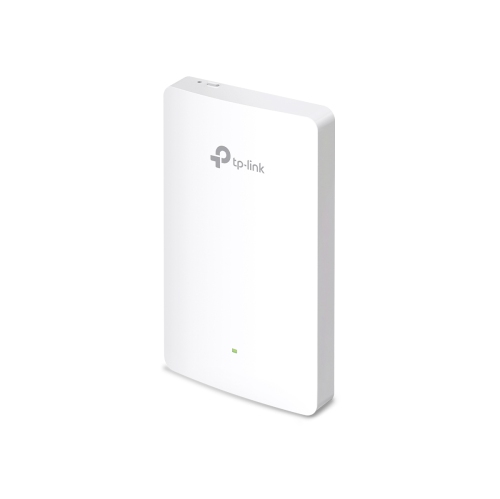
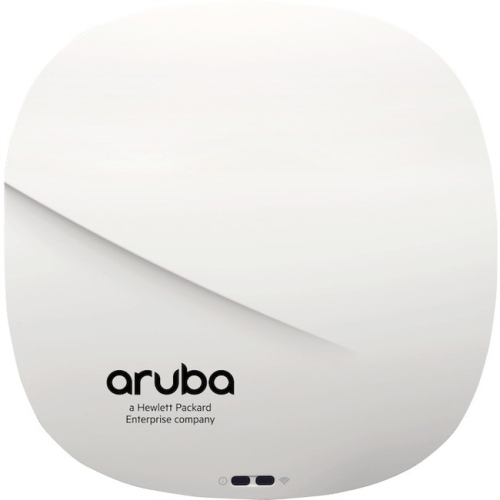
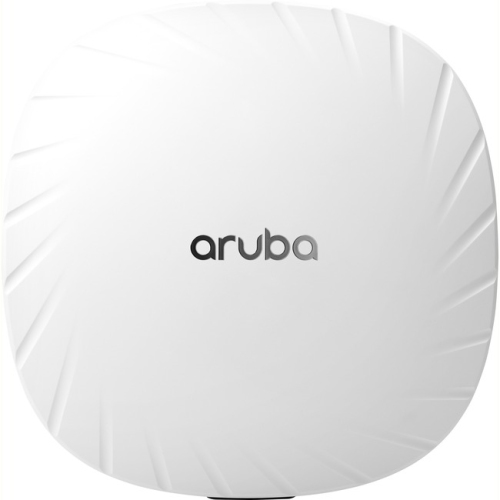
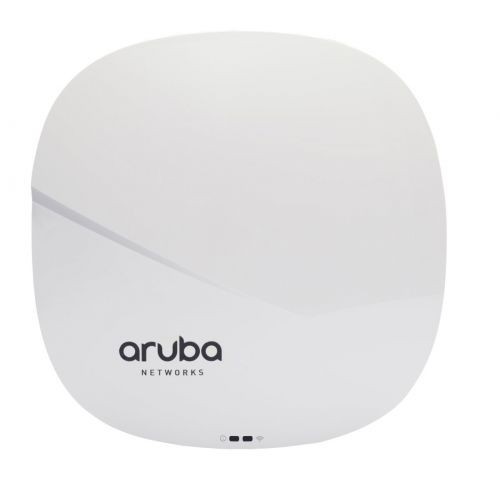
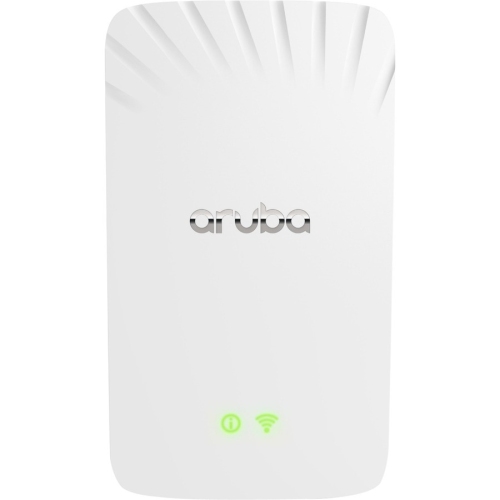
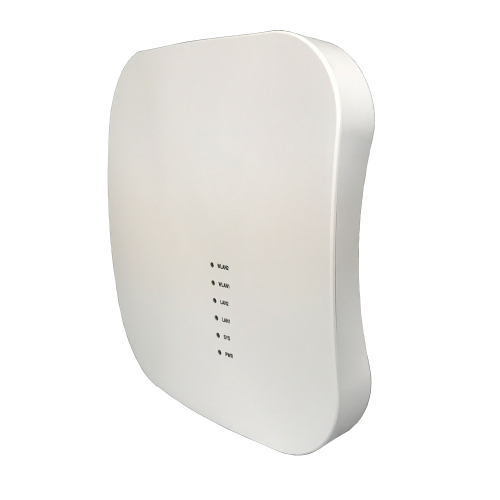
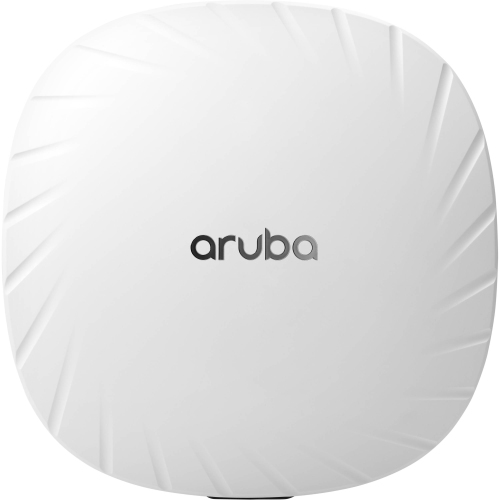
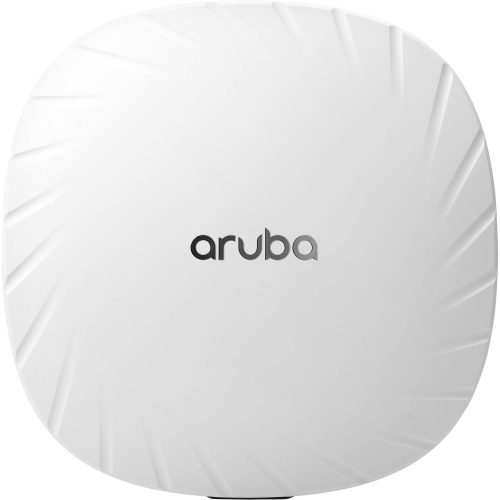
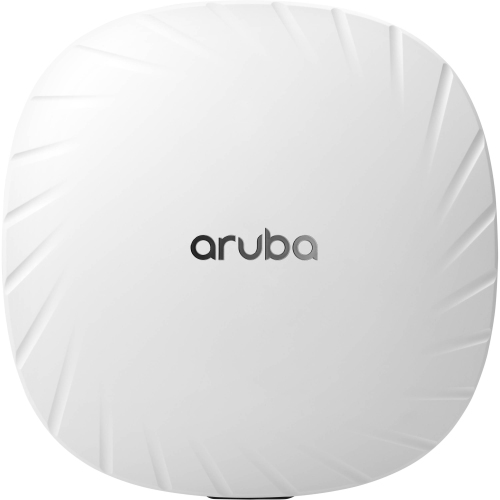
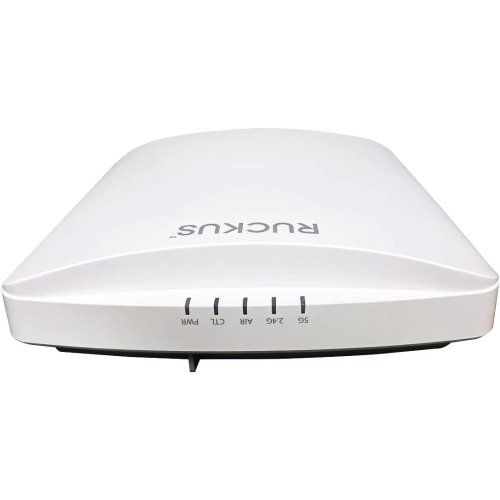
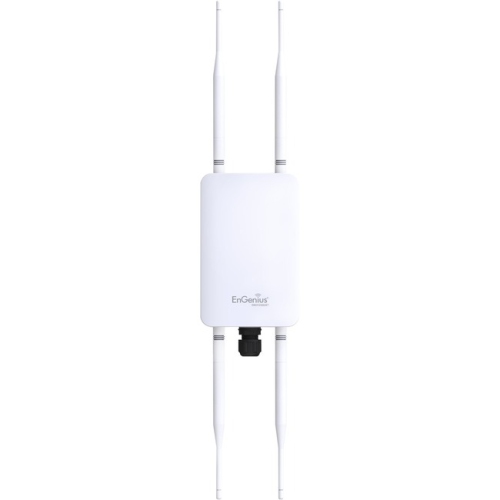
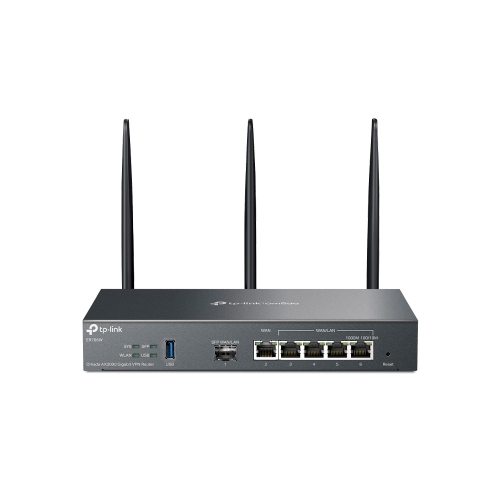
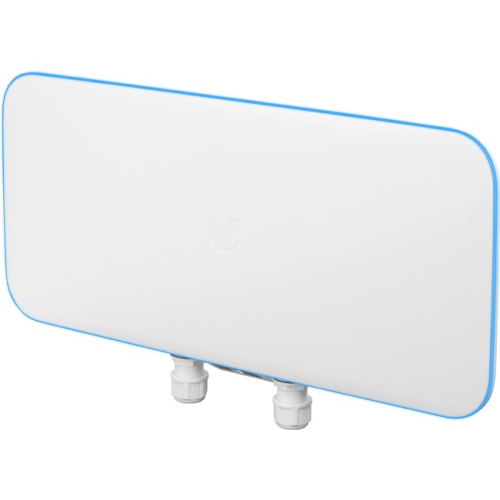
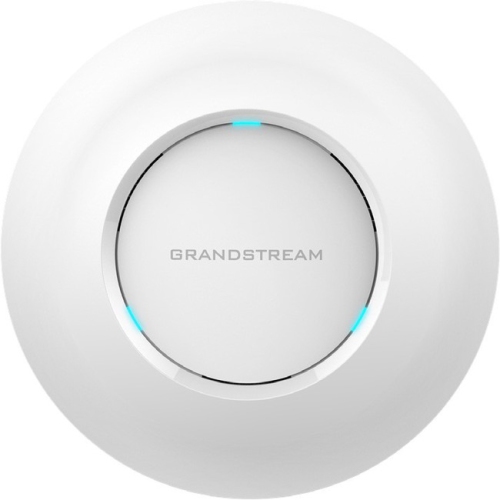
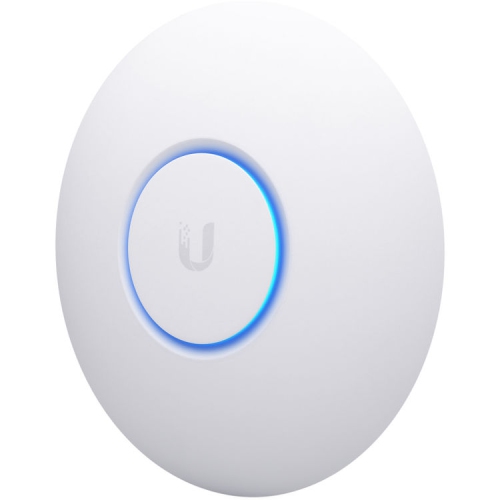
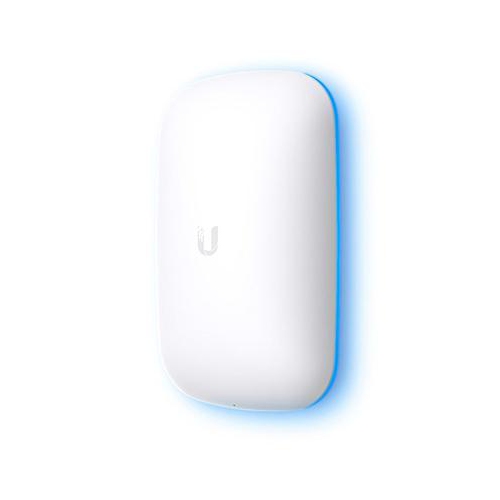
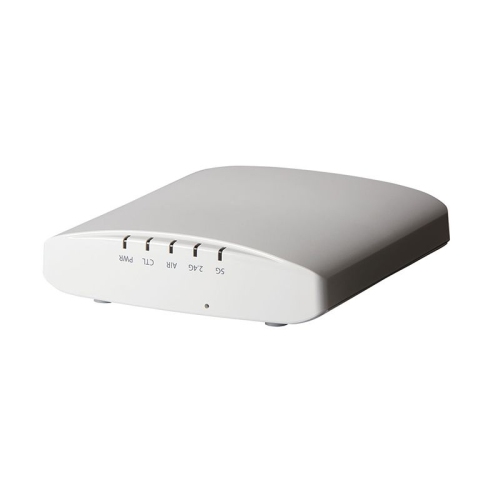
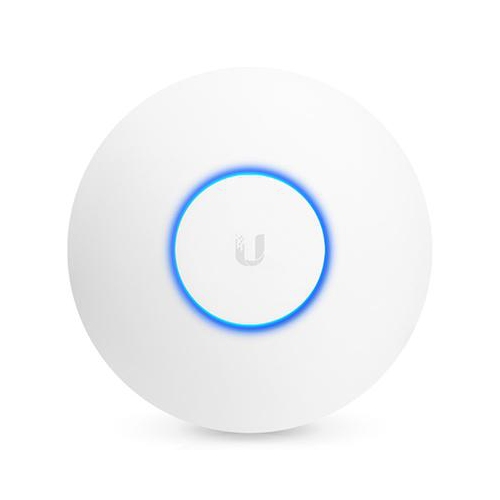
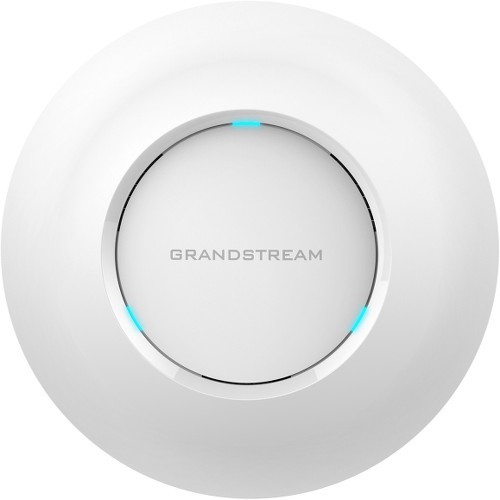
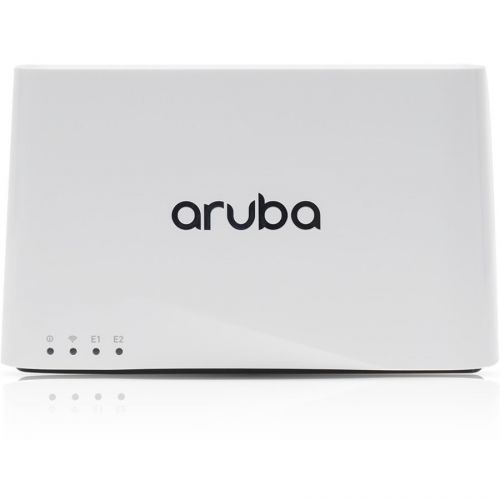
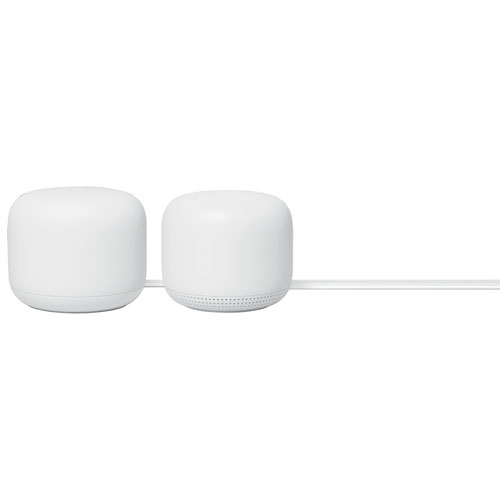
Wi-Fi 6 access points are designed to extend and improve wireless coverage by connecting to a wired network and broadcasting a Wi-Fi 6 signal in a particular area. Unlike a traditional standalone router, an access point does not usually replace the router that manages your internet connection, network settings, and security. Instead, it works alongside that equipment to bring a stronger, more consistent connection to rooms, floors, work areas, or other spaces where the existing signal is weak. This makes Wi-Fi 6 access points a practical choice for larger homes, multi-level layouts, home offices, small businesses, studios, classrooms, guest accommodations, and retail spaces. They can be especially helpful in homes with thick walls, long hallways, finished basements, or detached areas where a single router struggles to provide reliable coverage. Wi-Fi 6, also known as 802.11ax, is built for busy networks with many connected devices. Features such as OFDMA and MU-MIMO help manage simultaneous connections more efficiently, while improved traffic handling can make everyday activities feel smoother when several people are streaming video, attending video calls, playing online games, using smart home devices, or browsing on phones and tablets at the same time. A well-placed access point can help eliminate the familiar experience of walking from one room to another and watching a video pause, a call become choppy, or a smart device lose its connection. For compatible devices, Wi-Fi 6 may also improve responsiveness and efficiency, although the overall experience still depends on the internet service, network equipment, building materials, and connected devices in use. A wired Ethernet connection between the access point and the main network is an important part of the setup. Many access points support Power over Ethernet, commonly called PoE, allowing both power and network data to travel through one Ethernet cable. This can simplify installation on a ceiling or high wall where a nearby electrical outlet may not be available. If your existing network does not provide PoE, a compatible PoE injector or switch may be required, so checking the included accessories and technical requirements before purchasing is worthwhile. Pairing an access point with Wi-Fi 6 Routers can also create a cohesive network foundation, provided the equipment is configured to work together.
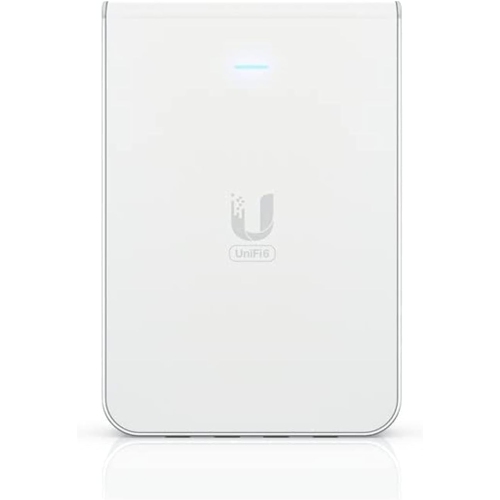
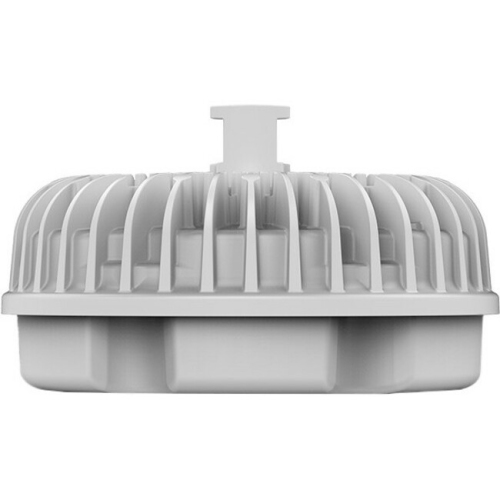
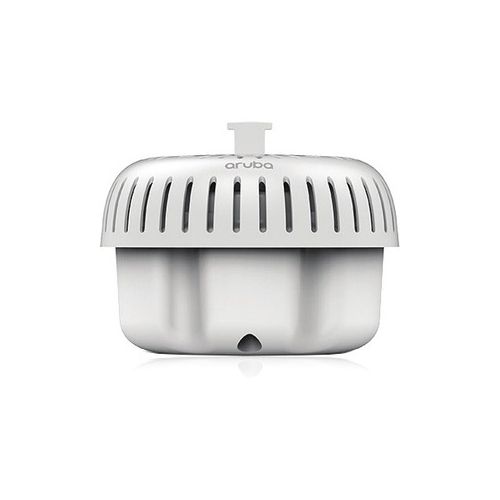
When comparing Wi-Fi 6 access points, start with the space you want to cover and the way that space is used. A compact indoor access point may be well suited to a home office, apartment, bedroom, or individual business area, while a higher-capacity model may be better for a shared workspace, busy household, workshop, or customer-facing location with many connected users. Coverage figures listed by manufacturers are useful as a general reference, but real-world range varies with walls, floors, furniture, interference, antenna placement, and the number of devices connected. A larger home may need more than one access point for dependable coverage, particularly when the main router is located near an exterior wall or on a different floor. Placement matters just as much as specifications: mounting an access point in a central, elevated position can help distribute the signal more evenly, while hiding it behind cabinets or placing it beside large appliances can reduce performance. For spaces that connect beyond the main building, look for equipment intended for appropriate outdoor or semi-outdoor conditions and follow the installation guidance carefully. Weather exposure, moisture, temperature changes, and the availability of protected cabling all affect suitability. In-wall designs can be convenient for hotel-style rooms, offices, rentals, or renovations where a neat, room-by-room installation is preferred. It is also worth considering the Ethernet port speed, as a slower wired connection can limit the benefit of a fast wireless network. If your internet plan is high speed or your local network moves large files between computers, storage devices, cameras, or media servers, faster Ethernet support may be an important part of the decision. Management features are another key consideration. Some access points are configured through a web browser or mobile app, while others are designed to work with a central management platform that can monitor multiple units, apply settings, create guest networks, schedule access, and show connected devices. Centralized management can be valuable in a business or larger home, especially when several access points need consistent names, passwords, firmware updates, and security settings. For a simpler setup, an access point with straightforward controls may be preferable. Look for support for current wireless security standards, guest access, parental controls if relevant to your household, and automatic updates where available. Compatibility with your existing router, switch, Ethernet cabling, and network layout should be confirmed before installation.
Wi-Fi 6 access points are useful for people who want to make a dependable wireless network part of how their space works, rather than treating coverage problems as an occasional inconvenience. A remote worker may use one to keep a video meeting stable at the far end of the home while other household members stream or study. A family may add one to improve service in a finished basement, upstairs bedroom, or backyard-adjacent room. A small business may use several access points to give staff, guests, point-of-sale equipment, printers, and other devices appropriate network access without relying on one overloaded location. They can also suit landlords, property managers, cottage owners, and people setting up a new home office who need a more deliberate network layout. As the weather turns cooler and more time is spent indoors, reliable connectivity becomes noticeable in small but important moments: a recipe displayed on a kitchen tablet, a work call that stays clear, a movie that continues without buffering, or a connected doorbell that responds when needed. These products can make thoughtful gifts for someone moving into a new home, renovating a workspace, opening a small office, or improving connectivity for a multi-room household, although installation requirements mean the recipient should have compatible networking equipment or be comfortable arranging setup. Before choosing, make a simple map of the space, note where the router and Ethernet cabling are located, count the rooms that need stronger service, and estimate how many devices may connect during the busiest periods. Also consider whether you prefer ceiling, wall, desk, or in-wall placement, whether PoE equipment is already available, and whether you want one access point or a centrally managed group. A carefully matched Wi-Fi 6 access point can provide broader coverage, better capacity, and a more organised network experience, helping your wireless devices stay connected where people actually use them.
When comparing Wi-Fi 6 access points, start with the space you want to cover and the way that space is used. A compact indoor access point may be well suited to a home office, apartment, bedroom, or individual business area, while a higher-capacity model may be better for a shared workspace, busy household, workshop, or customer-facing location with many connected users. Coverage figures listed by manufacturers are useful as a general reference, but real-world range varies with walls, floors, furniture, interference, antenna placement, and the number of devices connected. A larger home may need more than one access point for dependable coverage, particularly when the main router is located near an exterior wall or on a different floor. Placement matters just as much as specifications: mounting an access point in a central, elevated position can help distribute the signal more evenly, while hiding it behind cabinets or placing it beside large appliances can reduce performance. For spaces that connect beyond the main building, look for equipment intended for appropriate outdoor or semi-outdoor conditions and follow the installation guidance carefully. Weather exposure, moisture, temperature changes, and the availability of protected cabling all affect suitability. In-wall designs can be convenient for hotel-style rooms, offices, rentals, or renovations where a neat, room-by-room installation is preferred. It is also worth considering the Ethernet port speed, as a slower wired connection can limit the benefit of a fast wireless network. If your internet plan is high speed or your local network moves large files between computers, storage devices, cameras, or media servers, faster Ethernet support may be an important part of the decision. Management features are another key consideration. Some access points are configured through a web browser or mobile app, while others are designed to work with a central management platform that can monitor multiple units, apply settings, create guest networks, schedule access, and show connected devices. Centralized management can be valuable in a business or larger home, especially when several access points need consistent names, passwords, firmware updates, and security settings. For a simpler setup, an access point with straightforward controls may be preferable. Look for support for current wireless security standards, guest access, parental controls if relevant to your household, and automatic updates where available. Compatibility with your existing router, switch, Ethernet cabling, and network layout should be confirmed before installation.
Wi-Fi 6 access points are useful for people who want to make a dependable wireless network part of how their space works, rather than treating coverage problems as an occasional inconvenience. A remote worker may use one to keep a video meeting stable at the far end of the home while other household members stream or study. A family may add one to improve service in a finished basement, upstairs bedroom, or backyard-adjacent room. A small business may use several access points to give staff, guests, point-of-sale equipment, printers, and other devices appropriate network access without relying on one overloaded location. They can also suit landlords, property managers, cottage owners, and people setting up a new home office who need a more deliberate network layout. As the weather turns cooler and more time is spent indoors, reliable connectivity becomes noticeable in small but important moments: a recipe displayed on a kitchen tablet, a work call that stays clear, a movie that continues without buffering, or a connected doorbell that responds when needed. These products can make thoughtful gifts for someone moving into a new home, renovating a workspace, opening a small office, or improving connectivity for a multi-room household, although installation requirements mean the recipient should have compatible networking equipment or be comfortable arranging setup. Before choosing, make a simple map of the space, note where the router and Ethernet cabling are located, count the rooms that need stronger service, and estimate how many devices may connect during the busiest periods. Also consider whether you prefer ceiling, wall, desk, or in-wall placement, whether PoE equipment is already available, and whether you want one access point or a centrally managed group. A carefully matched Wi-Fi 6 access point can provide broader coverage, better capacity, and a more organised network experience, helping your wireless devices stay connected where people actually use them.
Top selling and popular products
-
 Your price for this item is $189.99
 -
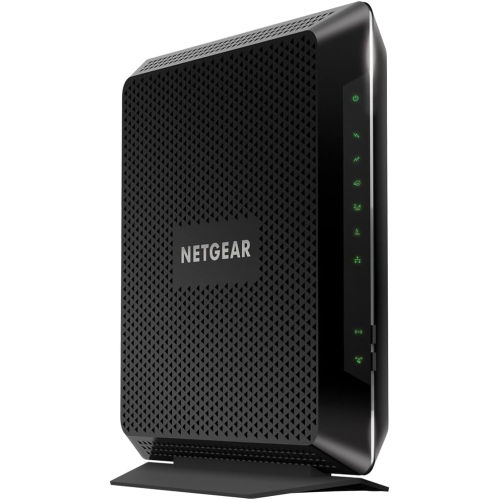 Your price for this item is $189.99
 -
 Your price for this item is $219
 -
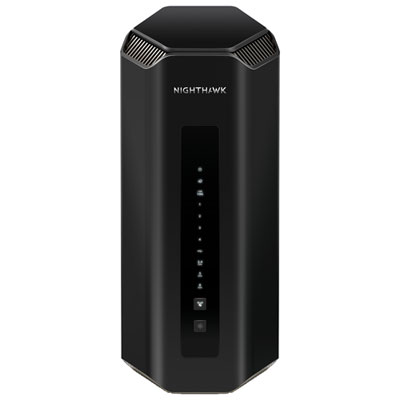 Your price for this item is $749.99
 -
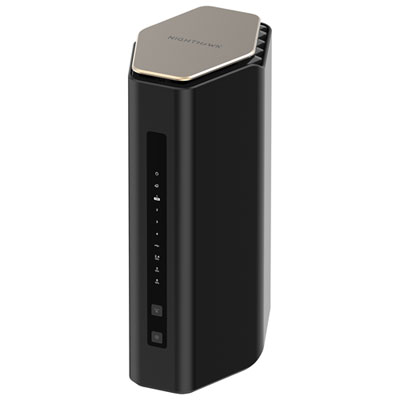 Your price for this item is $249.99
 -
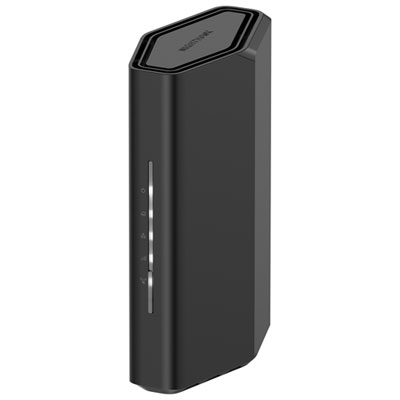 Your price for this item is $199.99
 -
 Your price for this item is $134.99
 -
 Your price for this item is $399.99
Discover more categories related to Wi-Fi 6 Access Points
Top Collections:
Pokemon Centers, Kindle Devices, Best Budget Office Chairs, Apple iPhones 16, Best Laptops for Writers, iPhone 15 Apple, Canon G7X Cameras, Refurbished Apple Laptops, Alarm Clock, Motorola Razr Phones
Some products may be subject to Environmental Handling Fees
(EHF) depending on your province.
Learn more about EHFs.