Wi-Fi 6 Routers
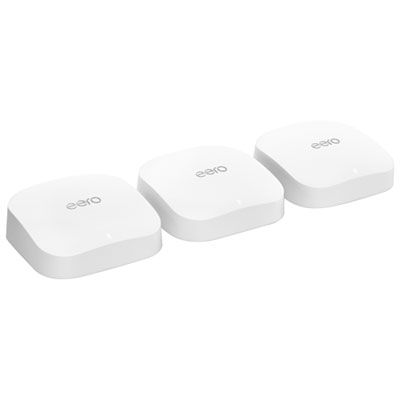
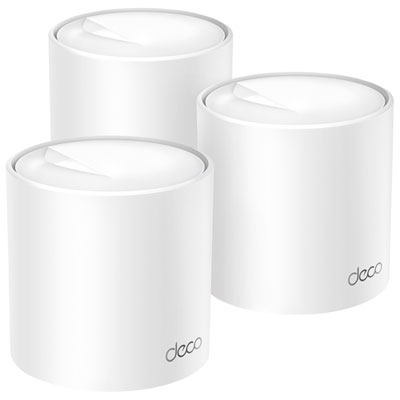
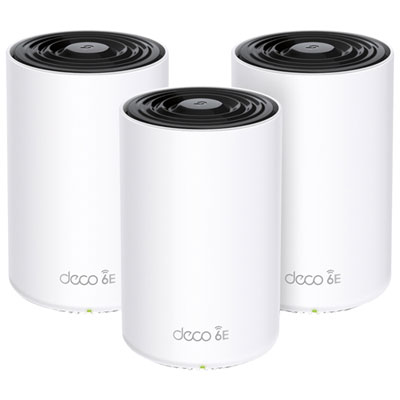
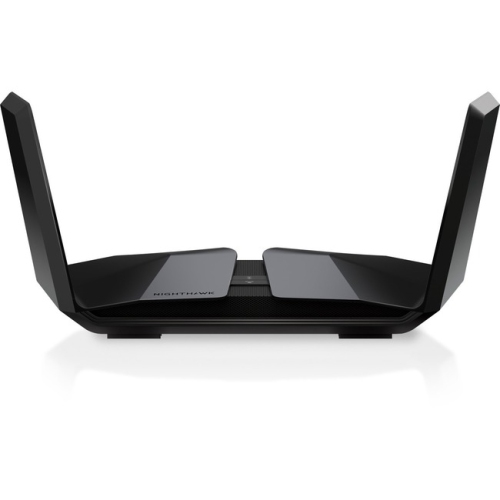
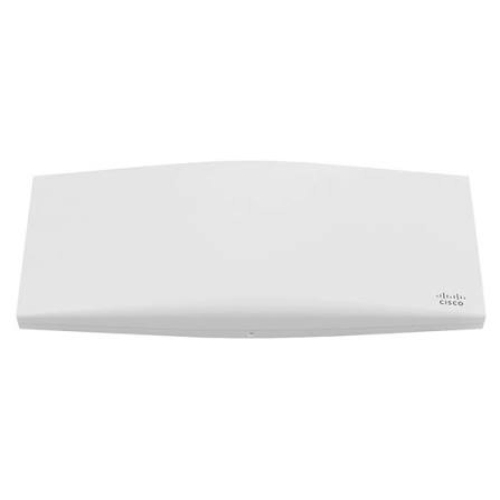
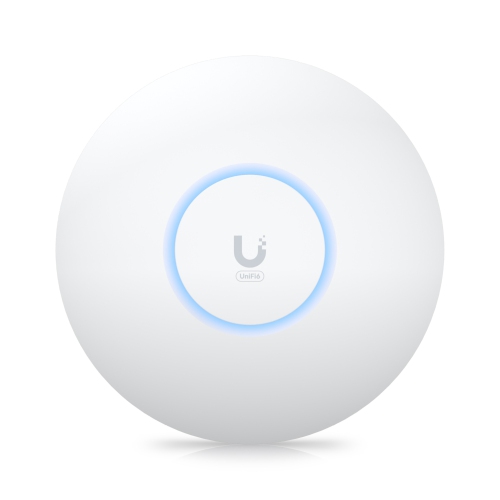
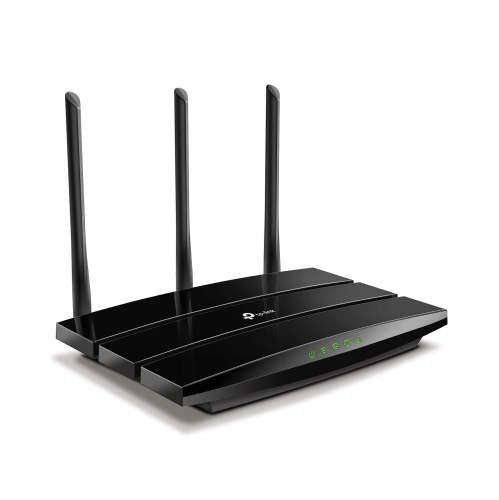
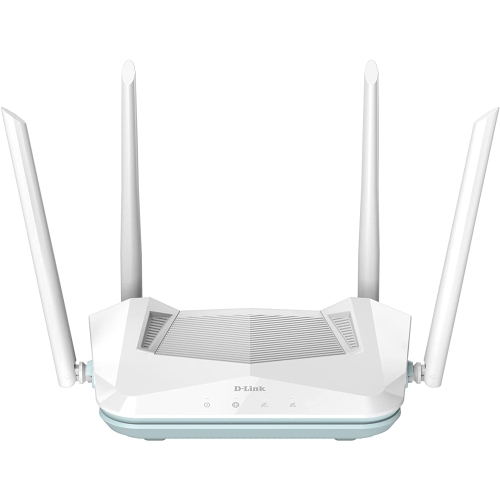
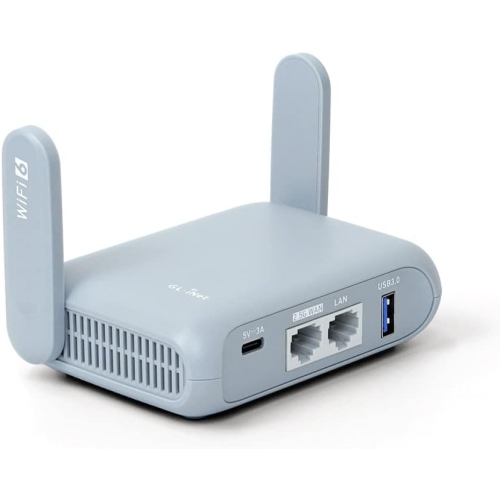
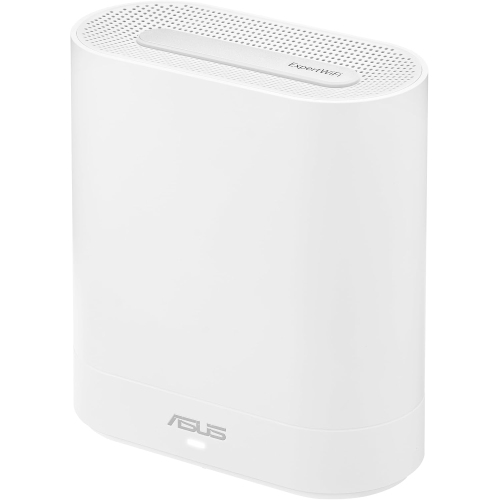
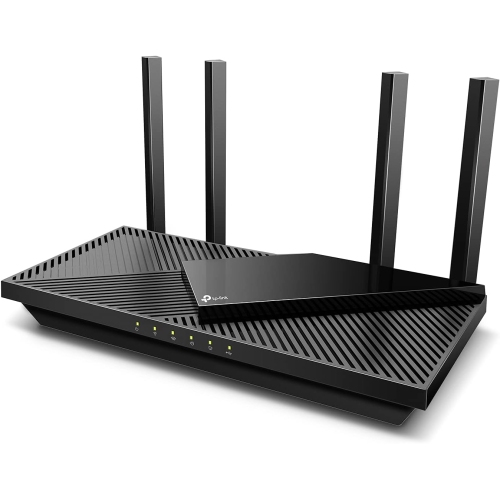
Discover the next level of internet connectivity with Wi-Fi 6 routers, designed to revolutionize your online experience. Offering faster speeds, enhanced capacity, and improved efficiency, these routers are perfect for households bustling with smart devices. Whether you're streaming your favorite shows in 4K, engaging in intense online gaming sessions, or managing a smart home ecosystem, a Wi-Fi 6 router ensures seamless connectivity. Upgrade to a more robust and reliable network that keeps you connected without interruptions. Explore our selection to find the perfect fit for your digital lifestyle.
Sort
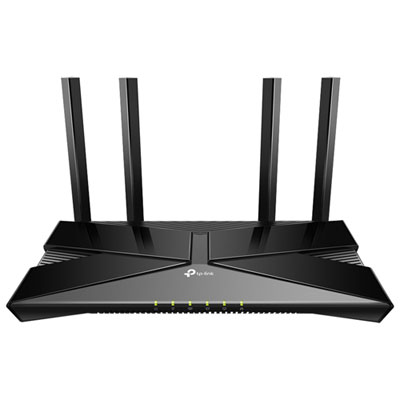
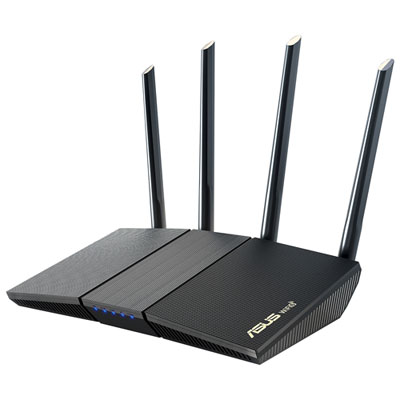
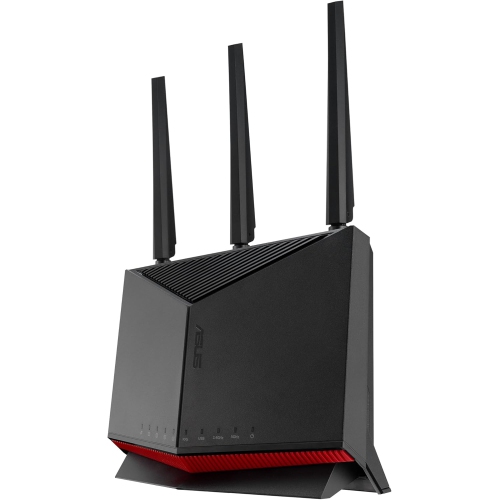
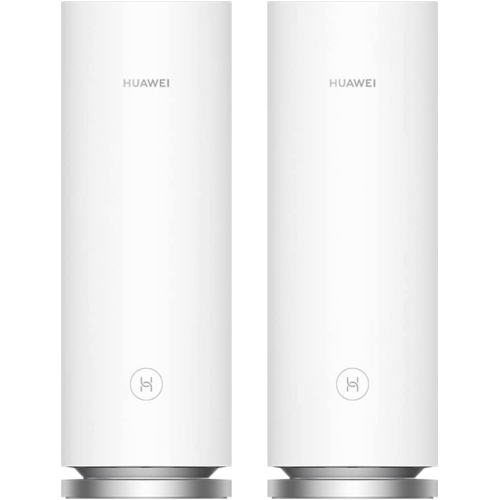
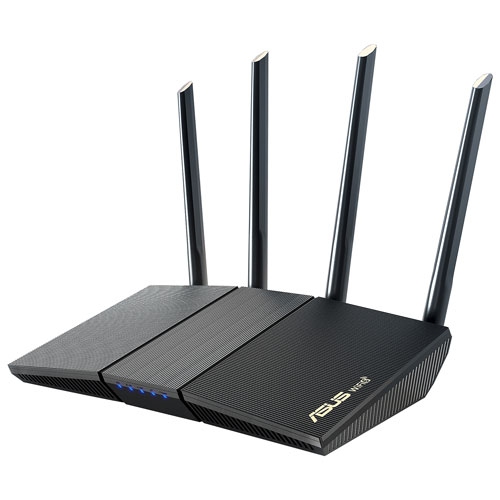
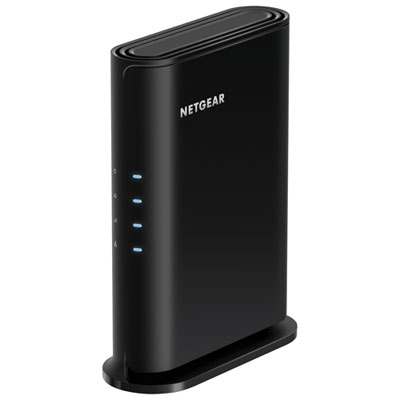
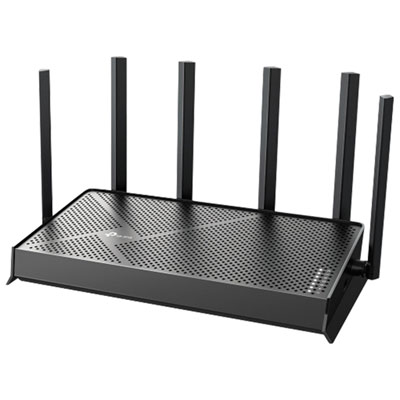
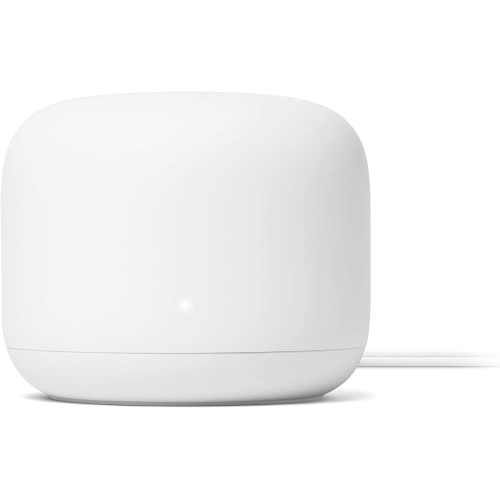

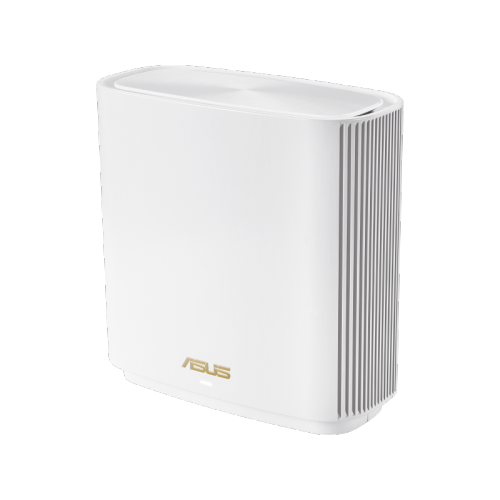
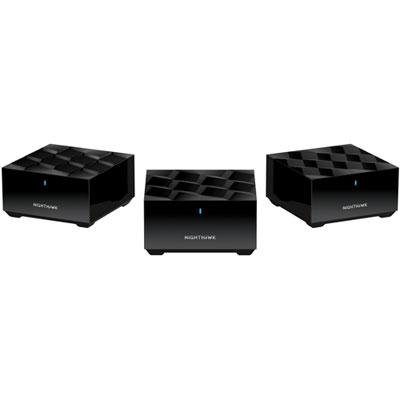
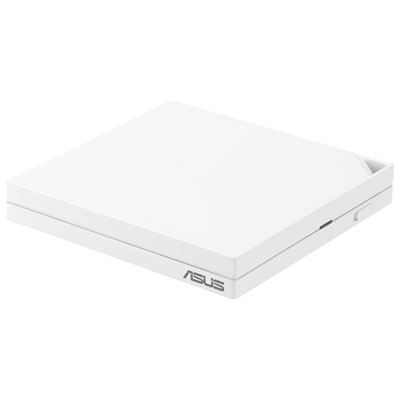
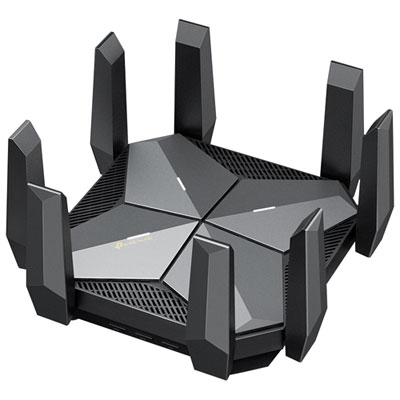
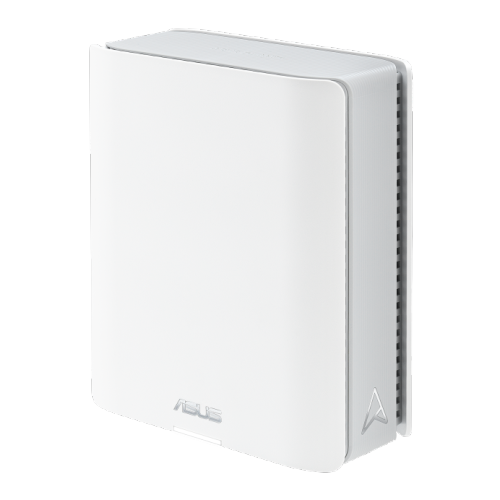
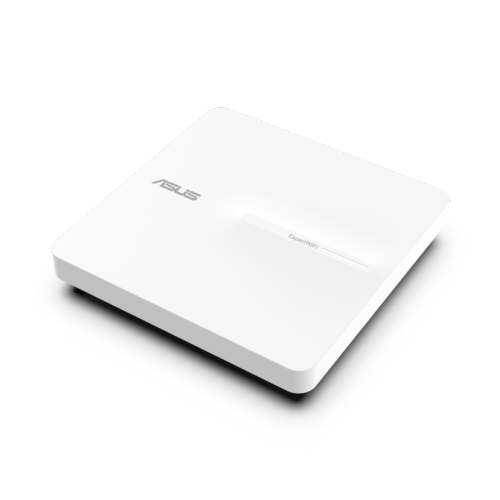
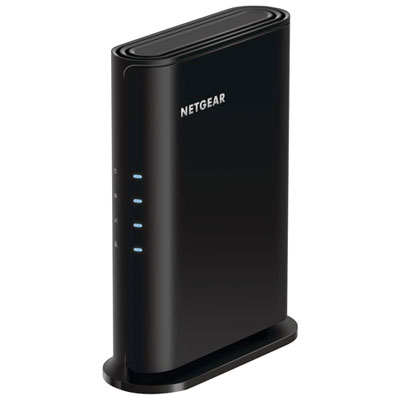
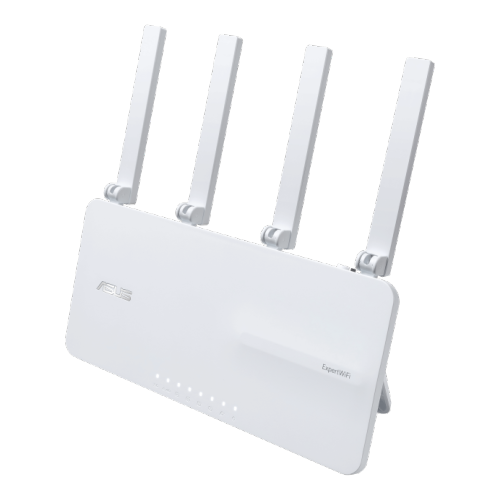
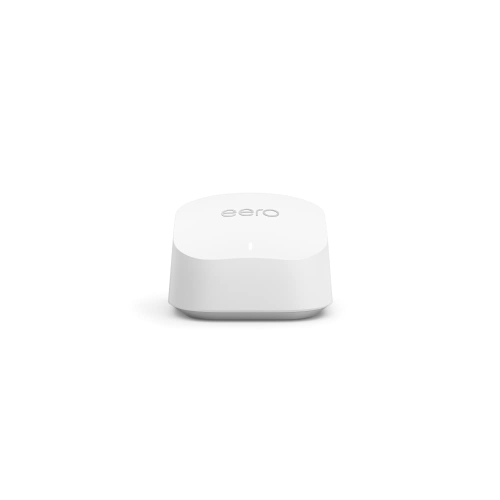
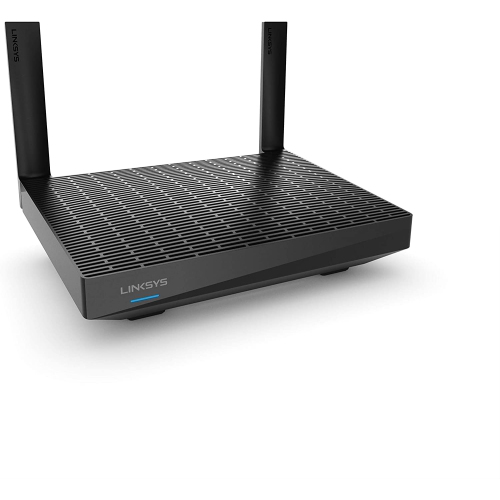
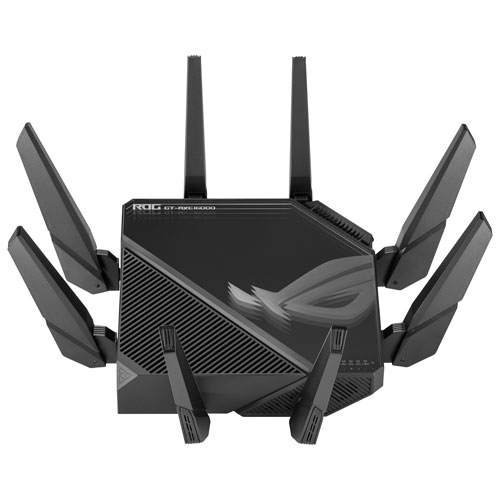
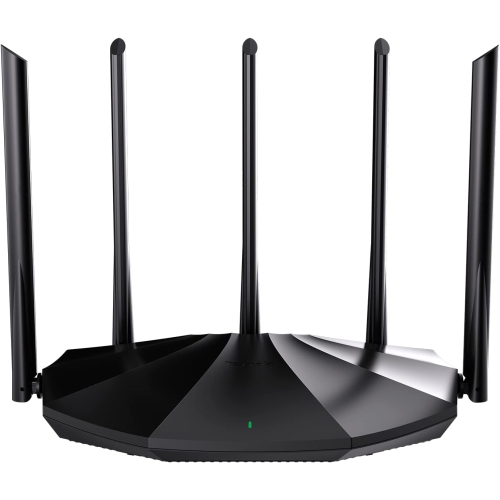
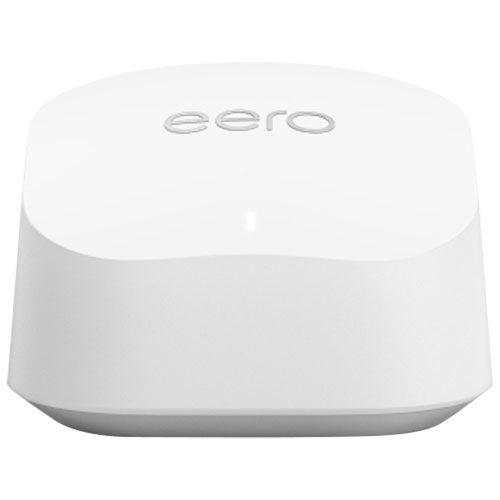
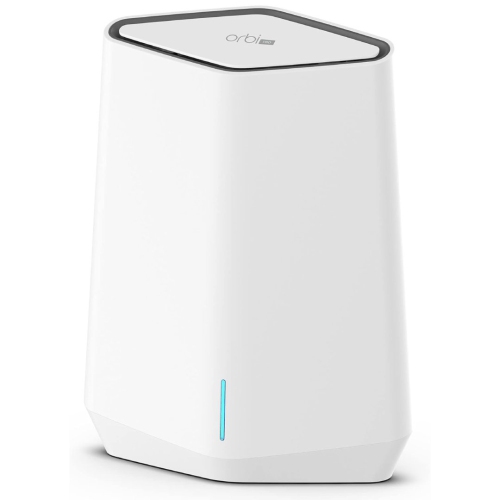
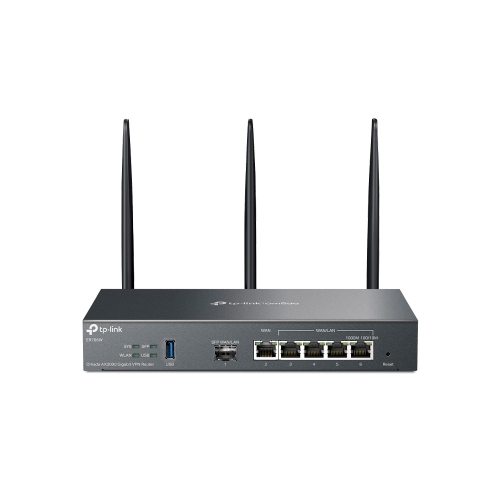
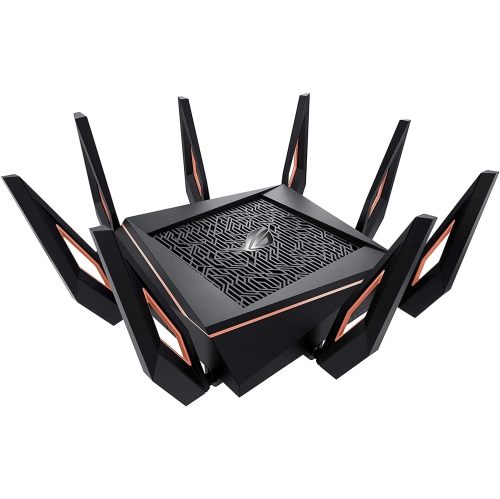
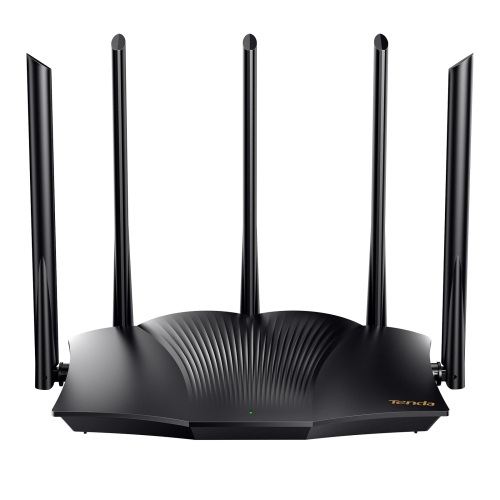
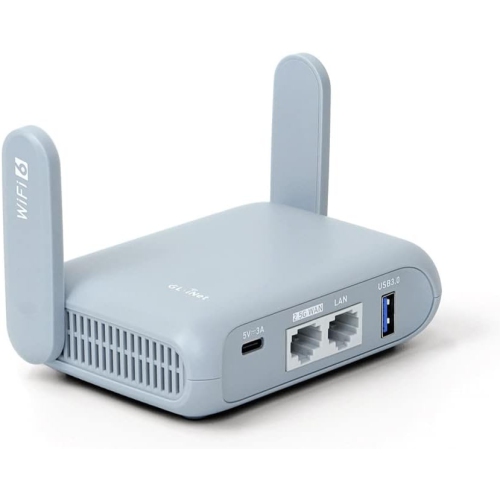
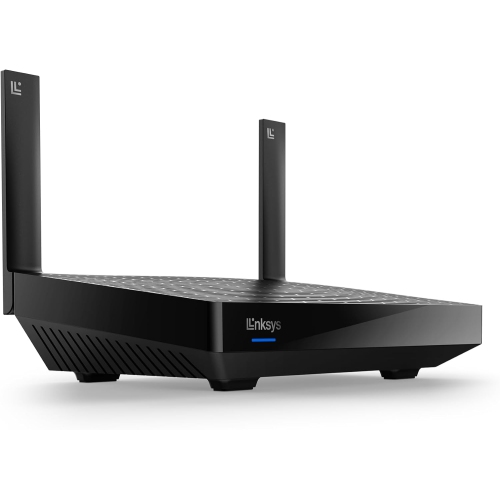
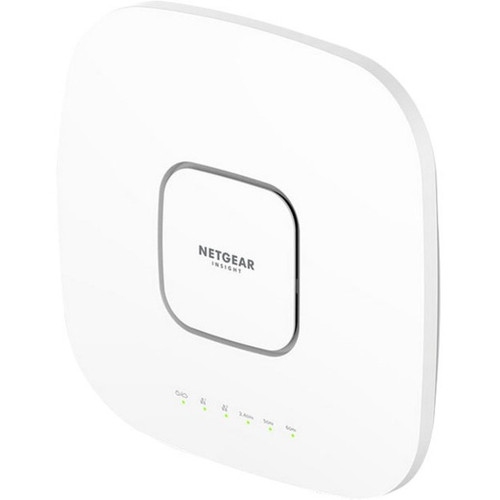


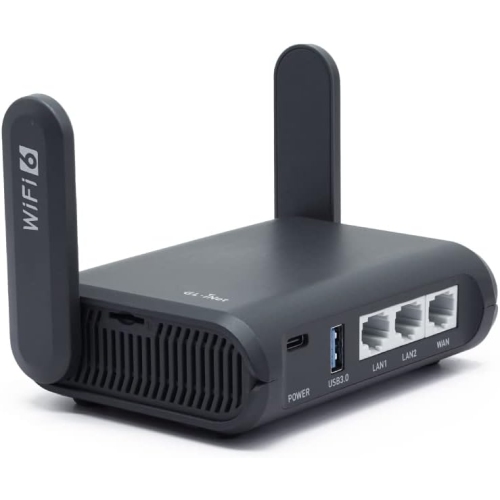
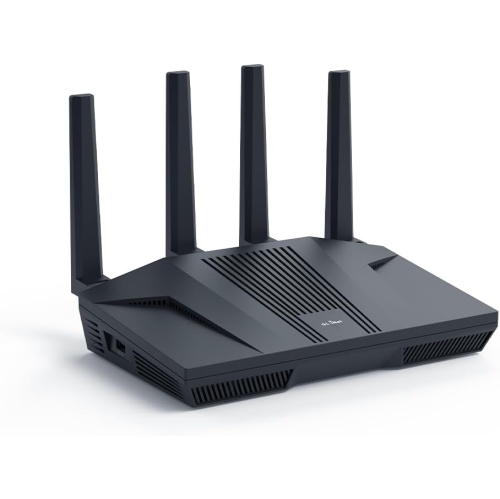
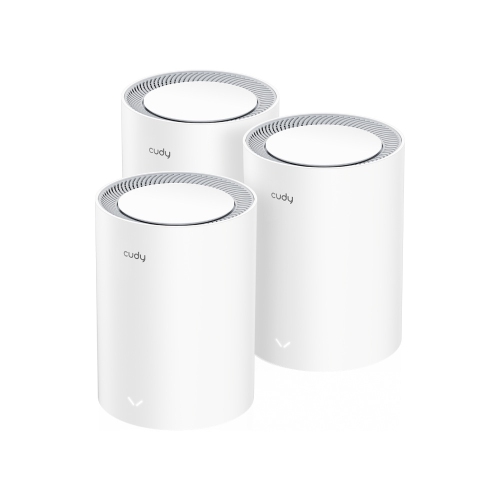
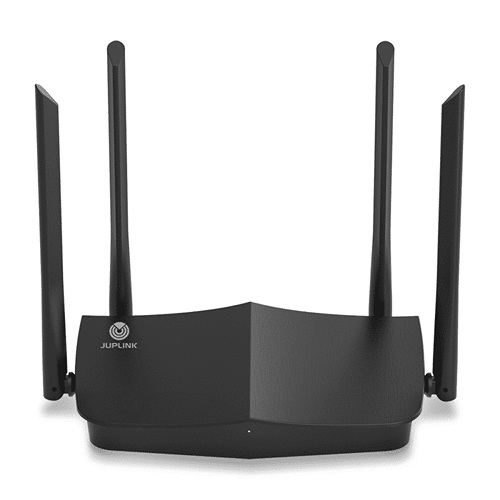
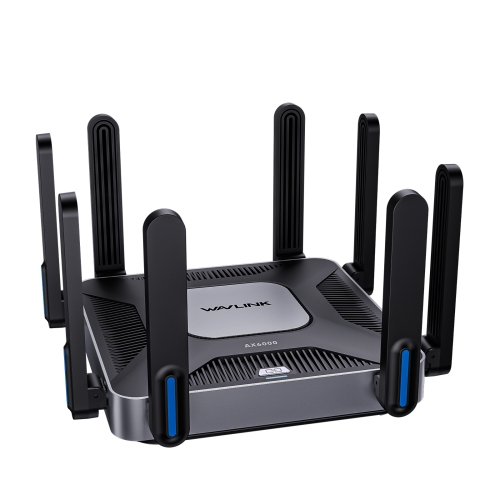
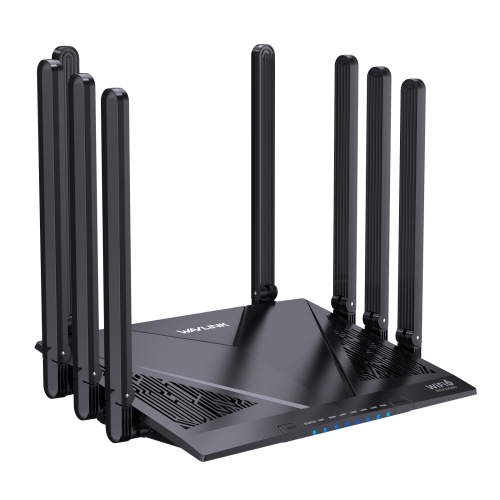
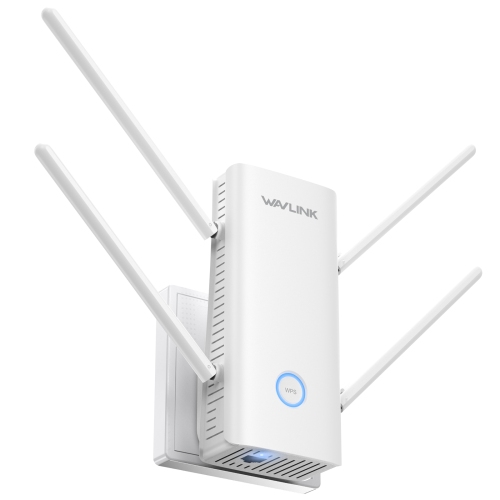
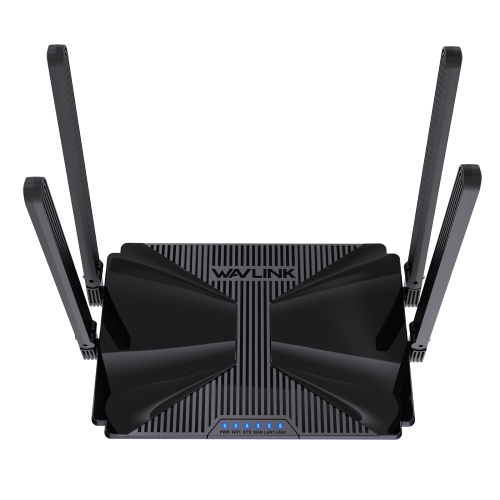
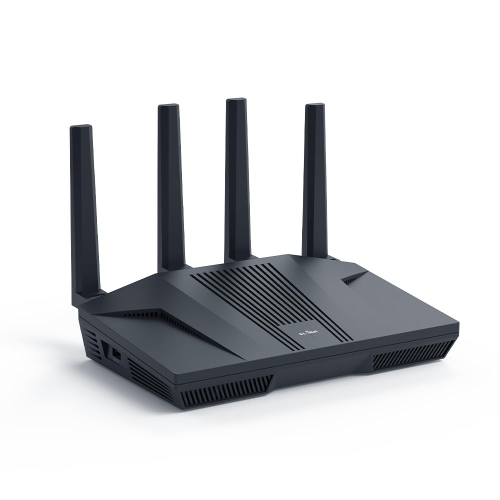
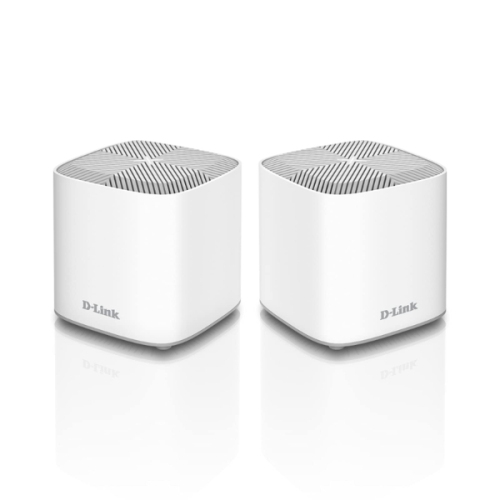
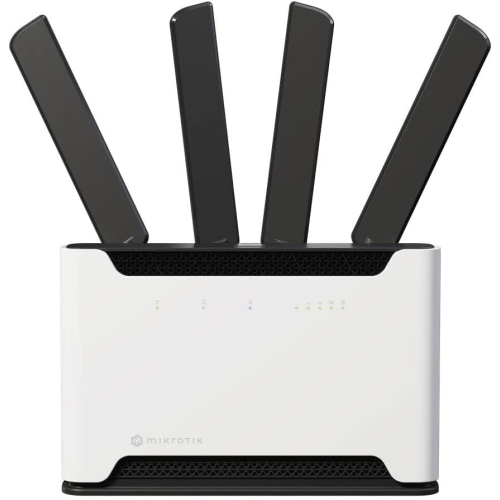
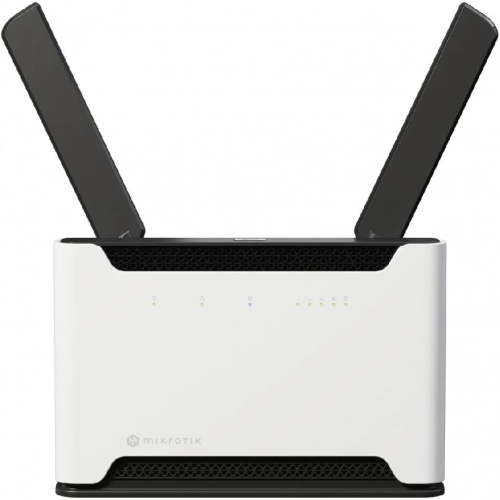

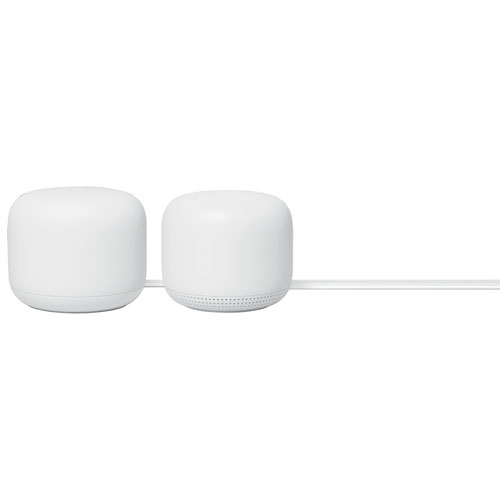
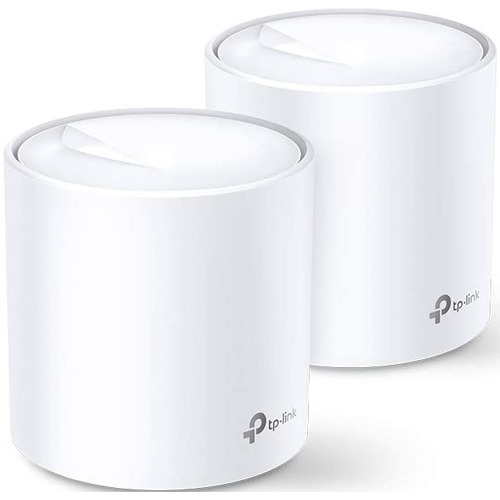
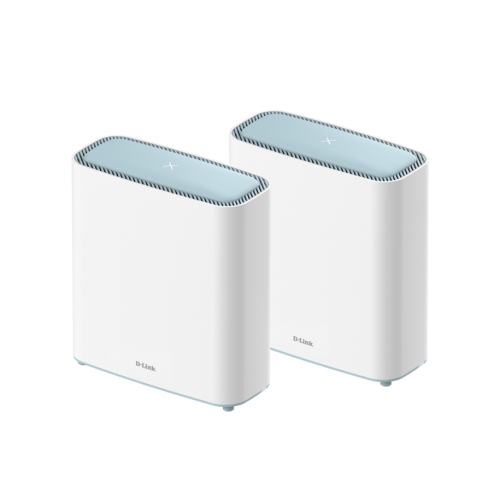
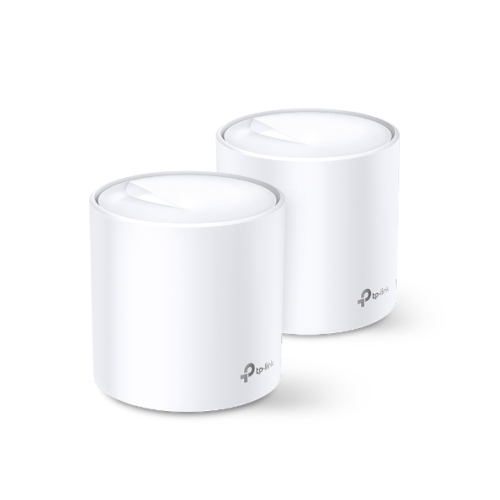
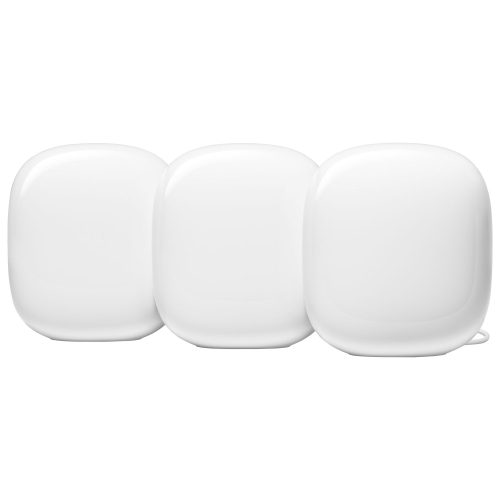

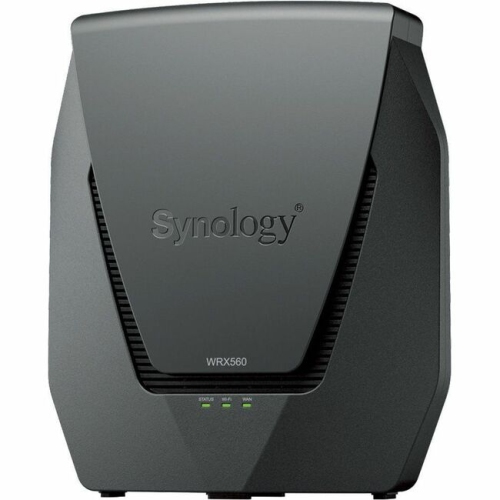
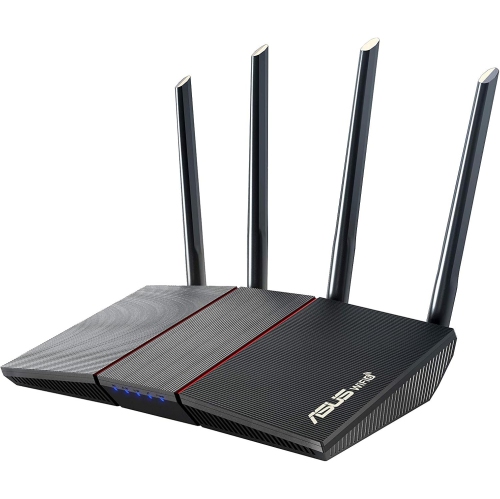
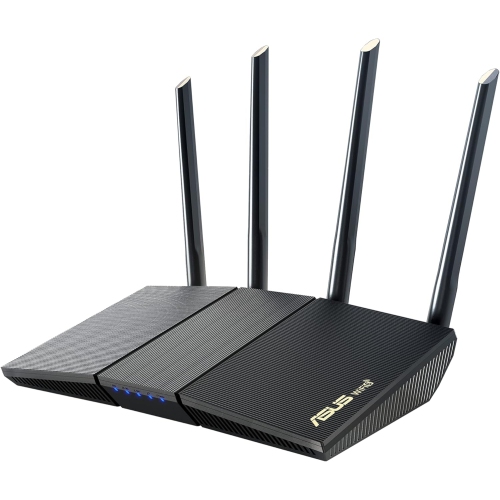
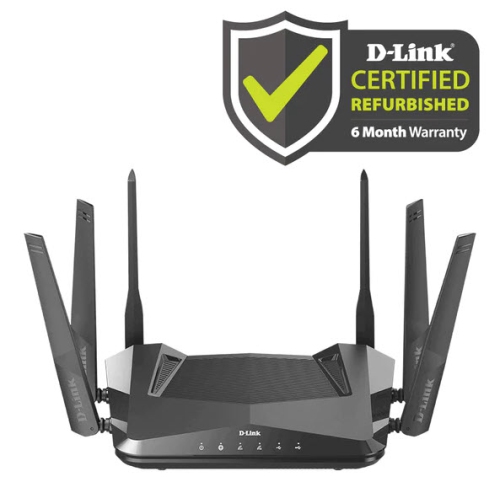
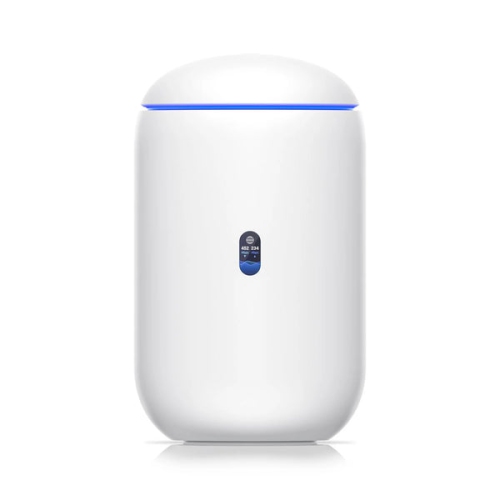
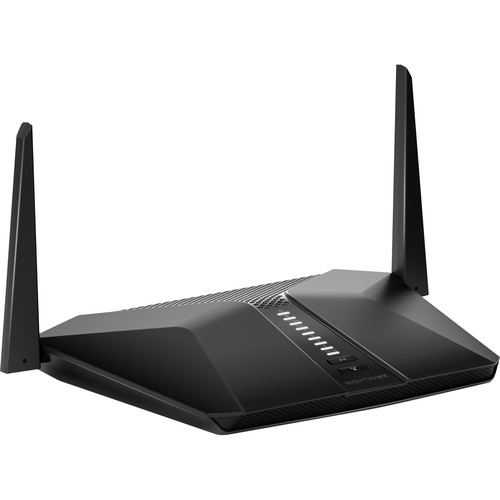
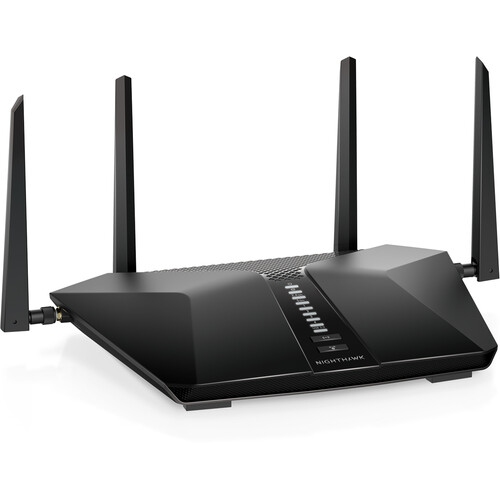



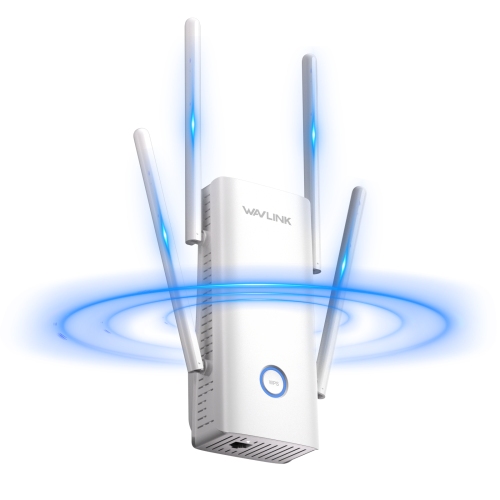
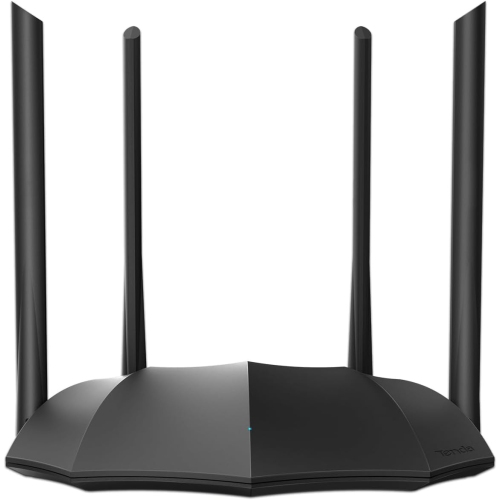
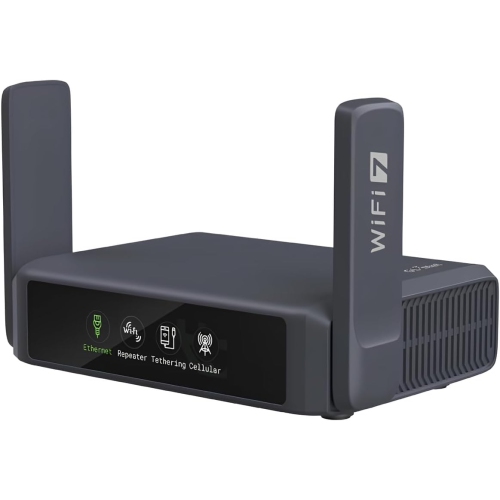
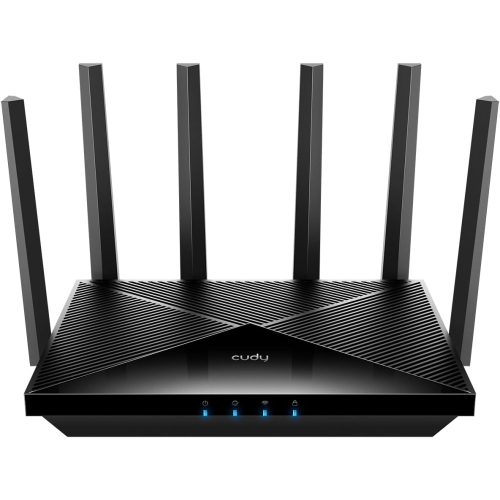
Why wireless capacity matters in a busy household
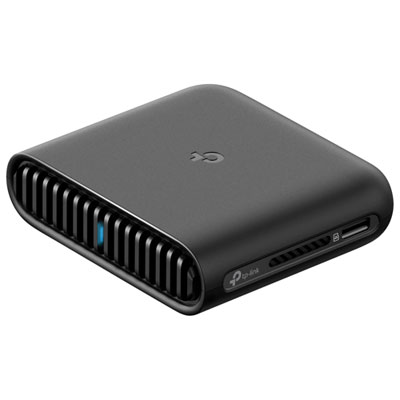
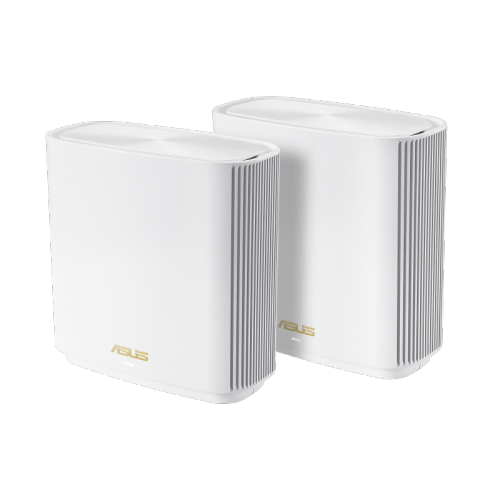
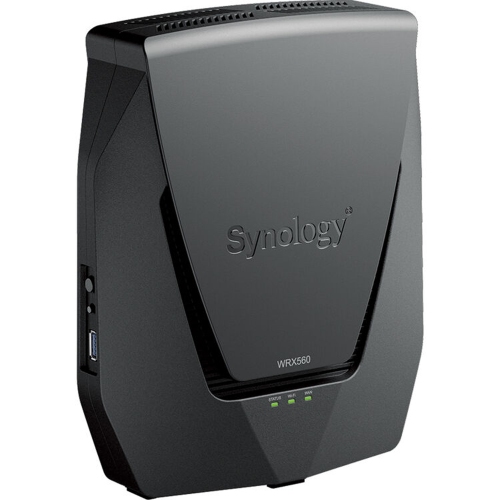
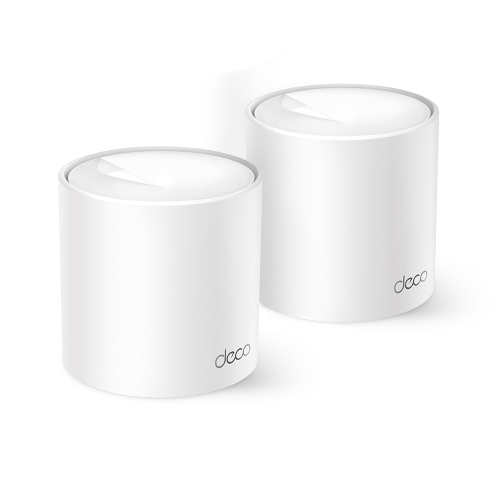
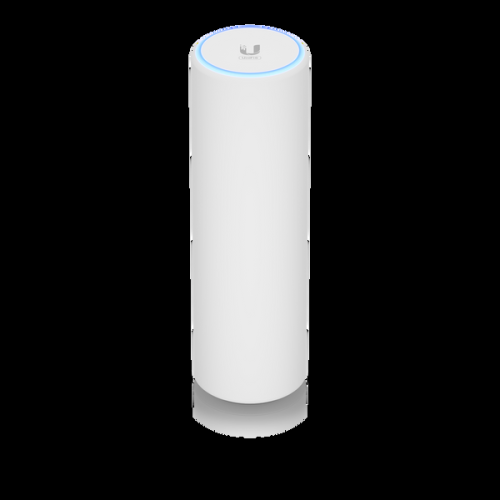
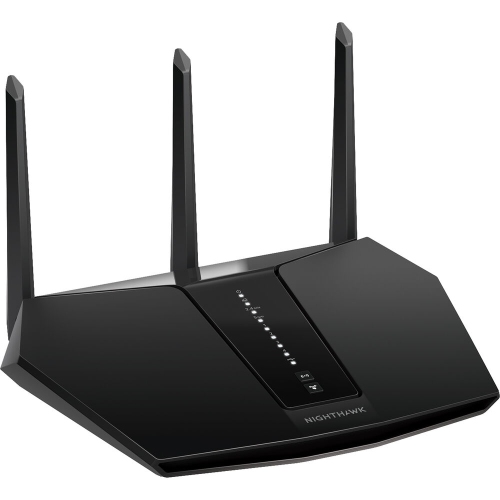
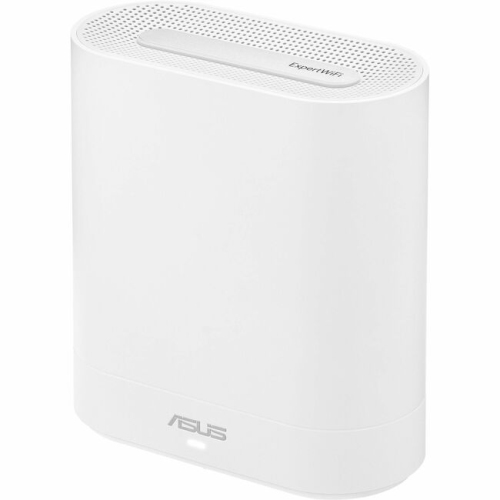
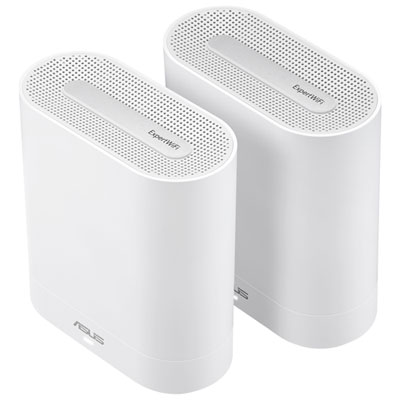
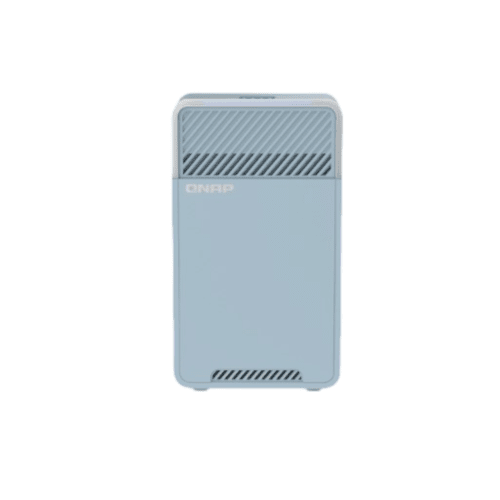
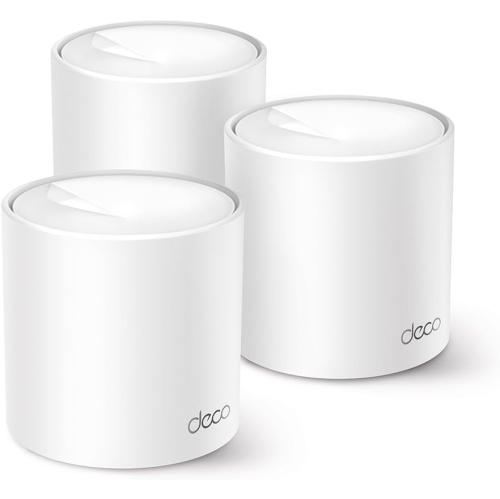
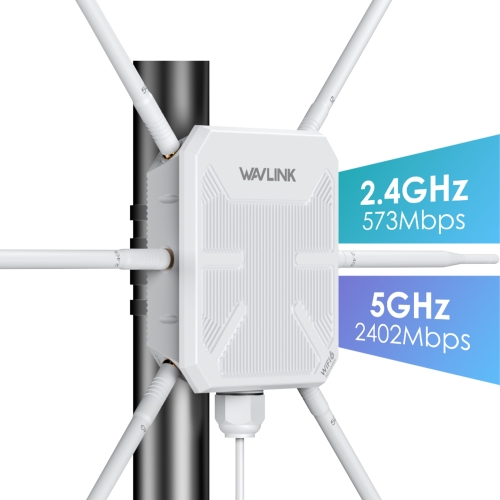
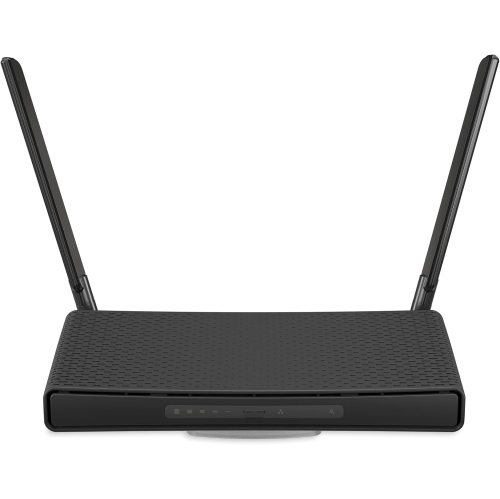
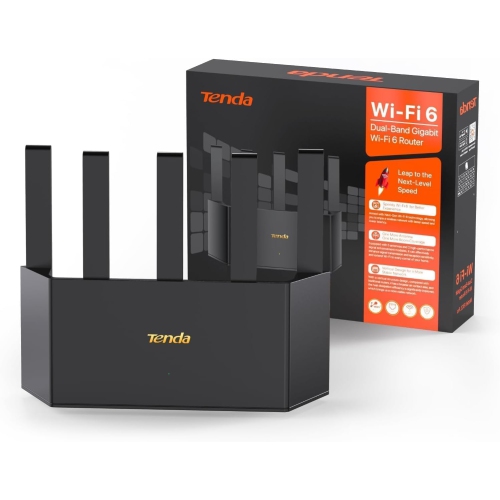
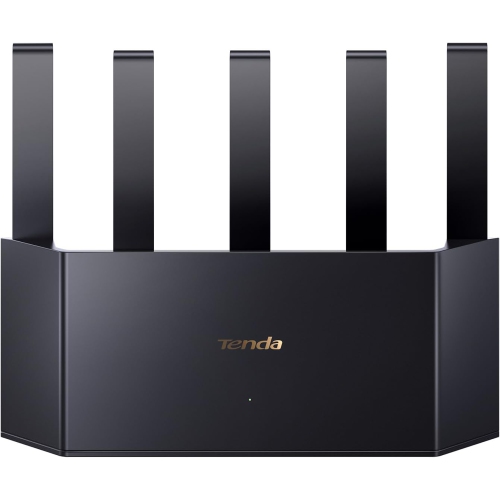
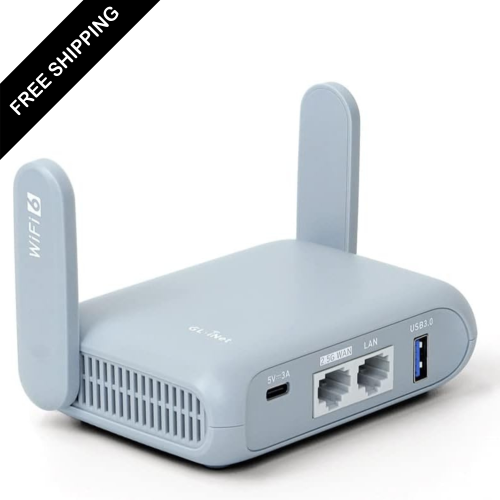
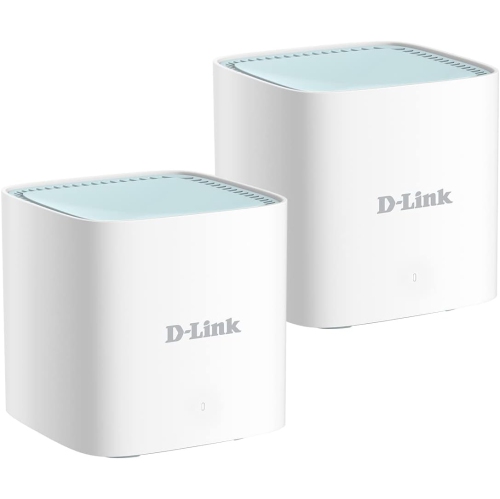
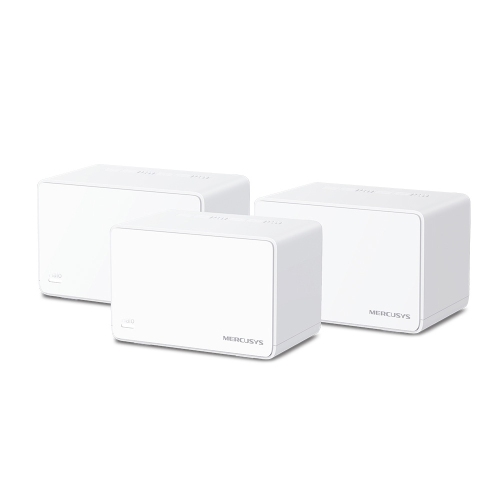
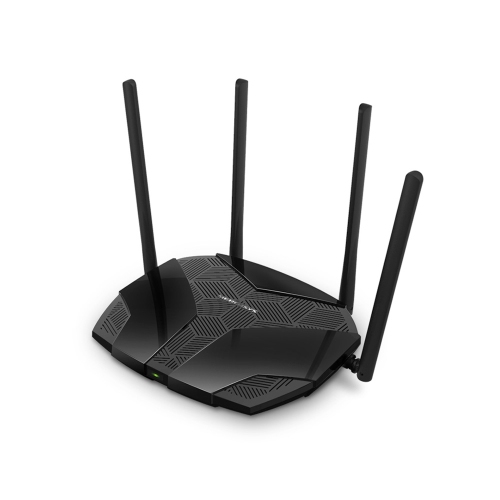
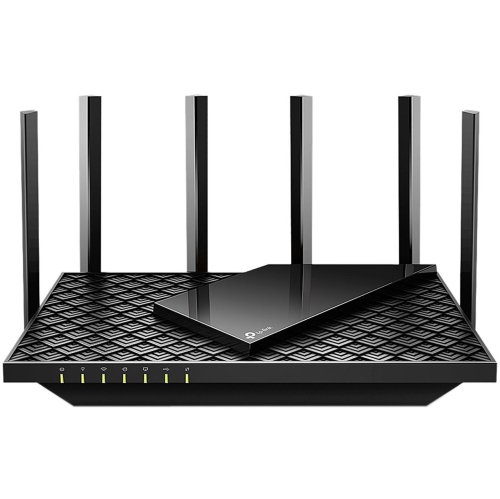
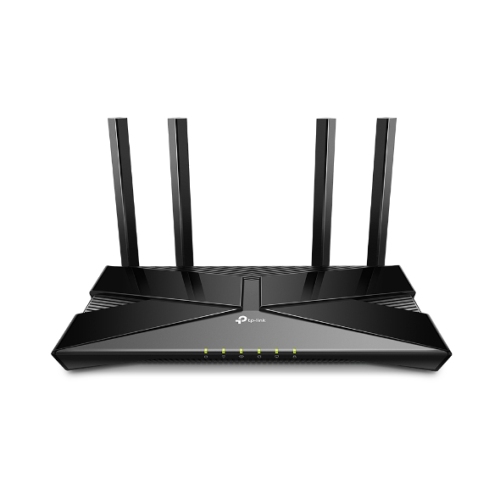
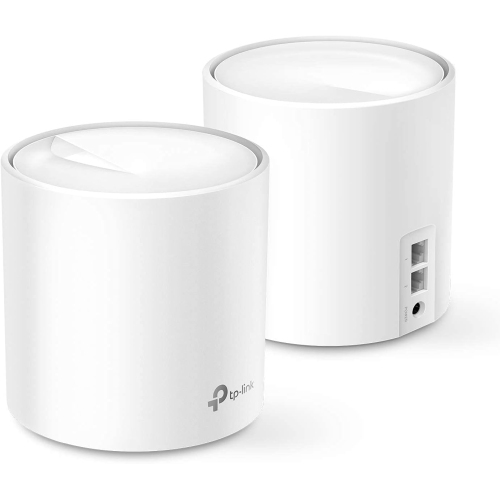
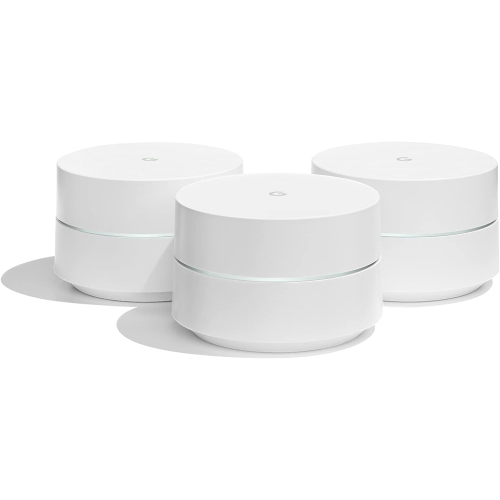
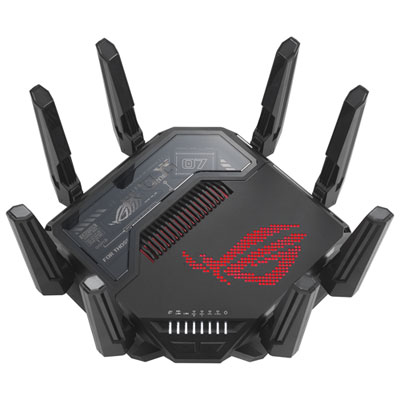
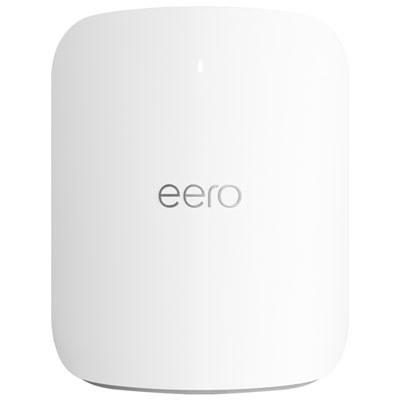
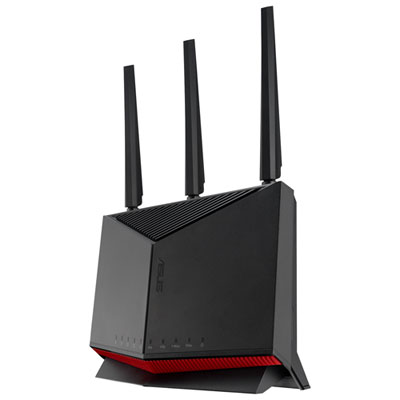
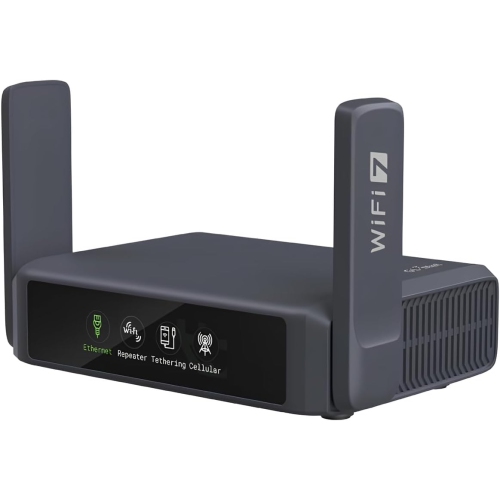
Wi-Fi 6 routers help home networks handle the mix of video calls, streaming, gaming, and connected devices that often compete for the same wireless connection. Based on the 802.11ax standard, Wi-Fi 6 improves network capacity and efficiency compared with earlier generations, particularly when several compatible devices are active at once. That matters in a household where someone is presenting from a home office while another person streams a film and a game console downloads an update. Rather than simply increasing a single device’s potential speed, the technology makes better use of shared wireless airtime. Orthogonal frequency-division multiple access, or OFDMA, divides a wireless channel into smaller resource units so compatible devices can share a transmission more efficiently. Multi-user multiple-input, multiple-output, or MU-MIMO, supports simultaneous communication with multiple compatible devices, with capabilities varying by router and client hardware. Together, these features can help reduce congestion, although their benefits depend on device support, signal quality, and network activity. Another feature, Target Wake Time, lets supported devices schedule communication with the router, which can reduce how often their wireless radios need to stay active and may extend battery life. Wi-Fi 6 routers also support older Wi-Fi devices, so upgrading the router does not require replacing every laptop, television, or smart home accessory. Older devices remain limited to the wireless capabilities they support, however. Most Wi-Fi 6 home routers use the 2.4 GHz and 5 GHz bands: 2.4 GHz generally reaches farther, while 5 GHz typically offers more capacity over shorter distances. Wi-Fi 6 does not automatically include the 6 GHz band; that capability belongs to Wi-Fi 6E and requires compatible devices. For families, roommates, remote workers, and households with many connected accessories, the practical appeal is a network better equipped to manage overlapping demands, rather than a promise that every connection will achieve the same speed.
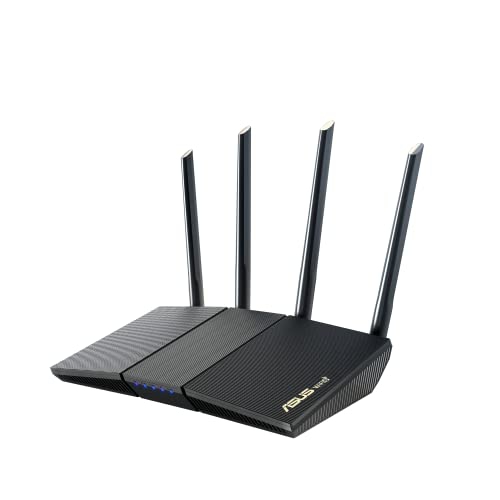
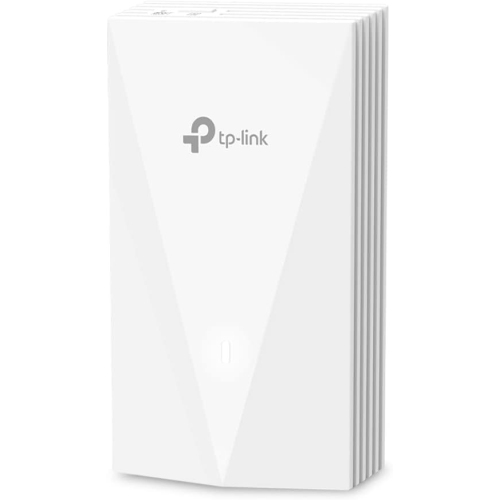
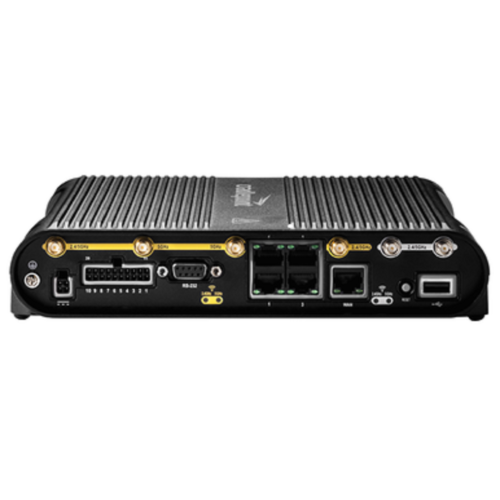
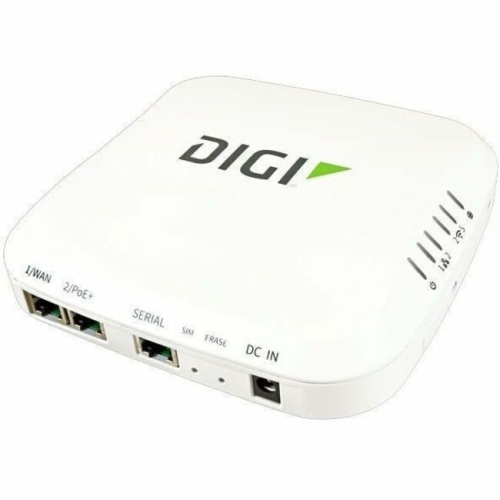
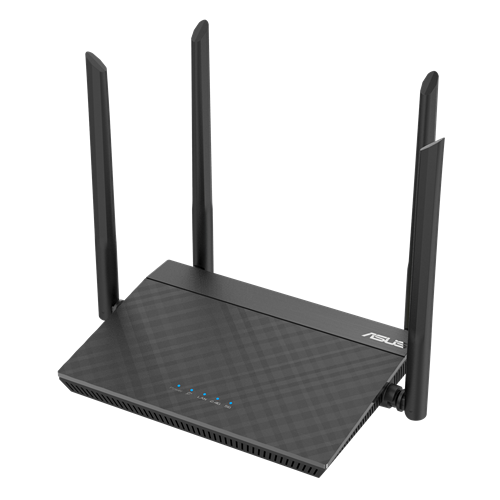
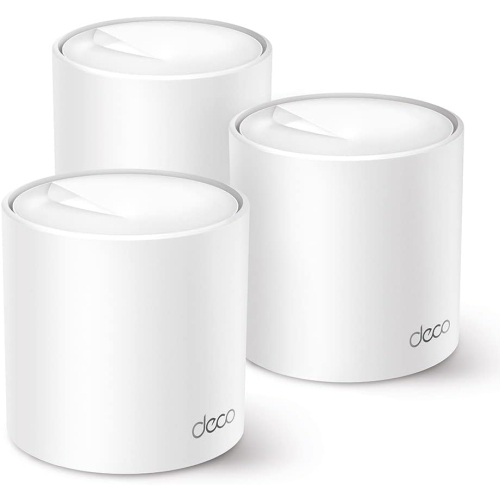
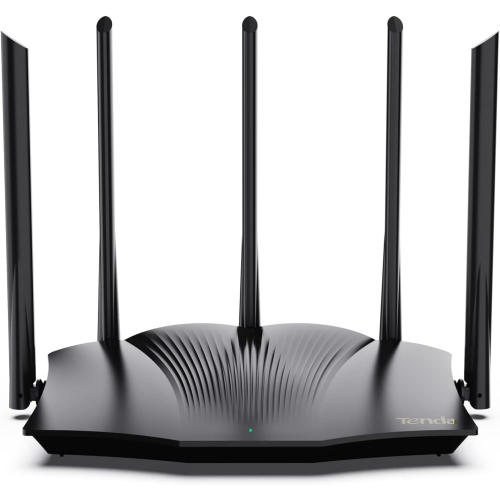
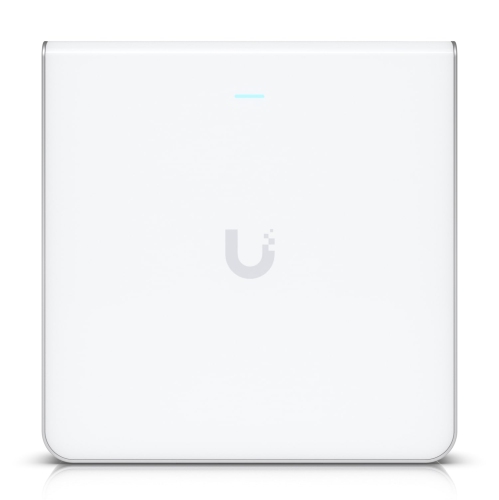
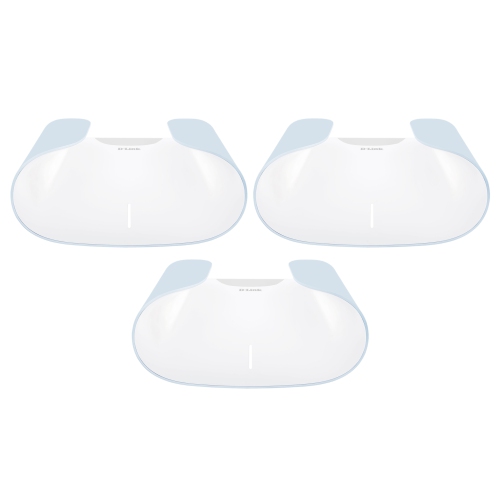
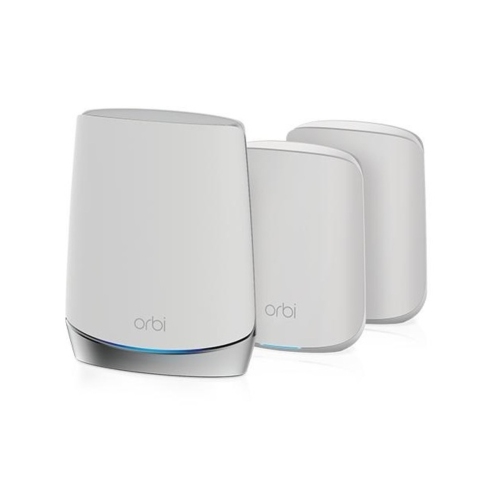
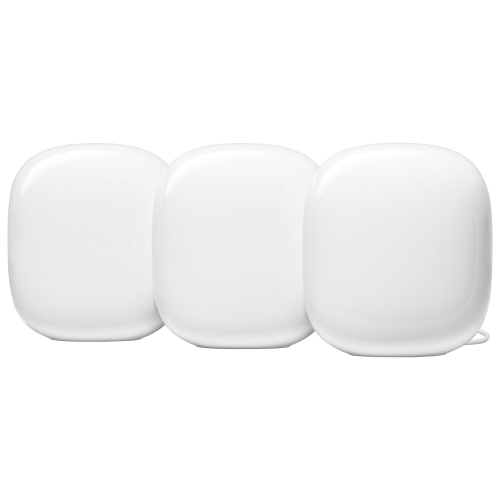
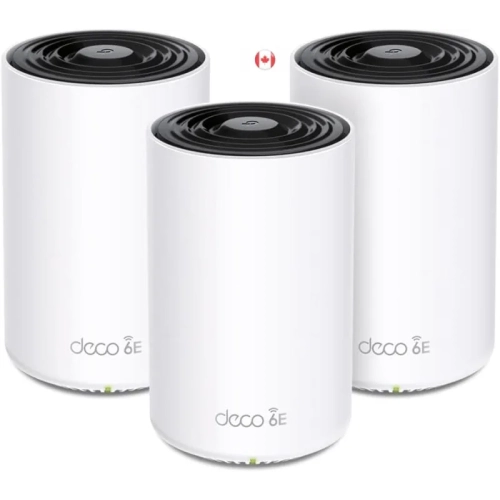
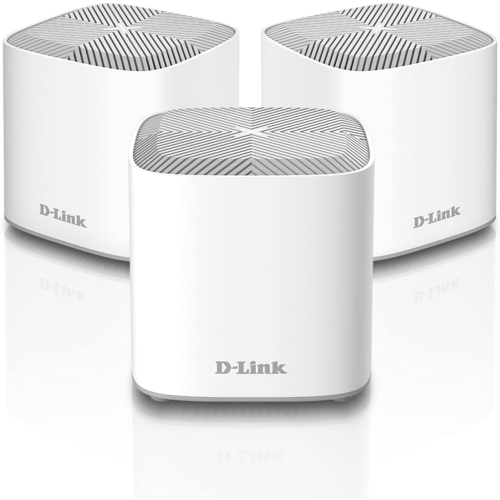
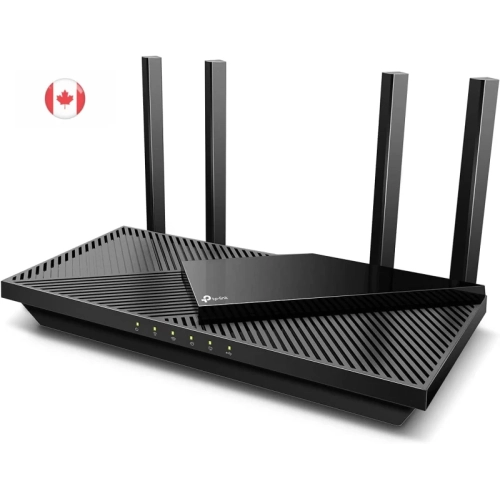
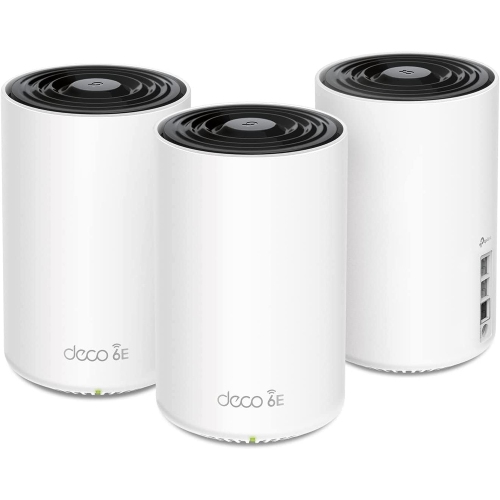
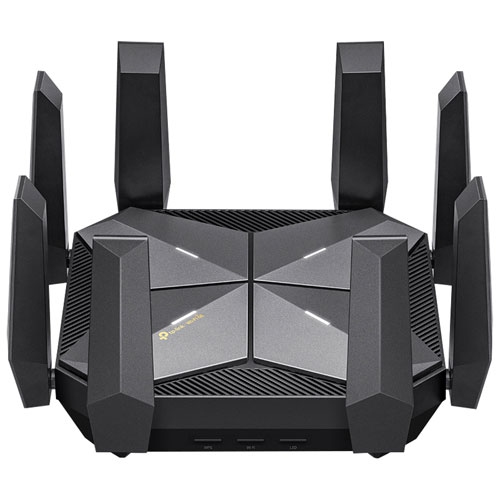
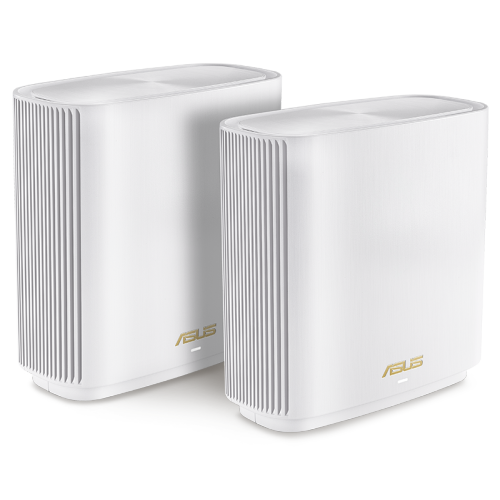
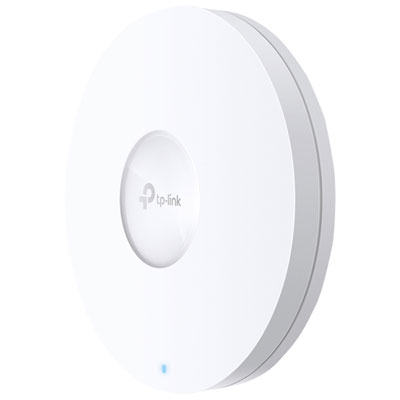
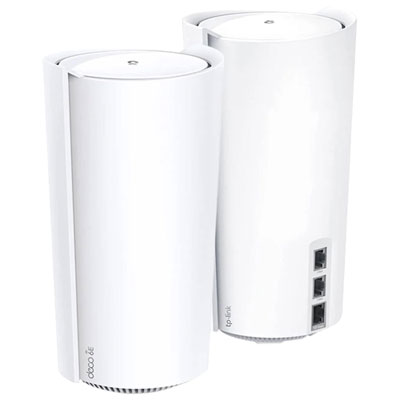
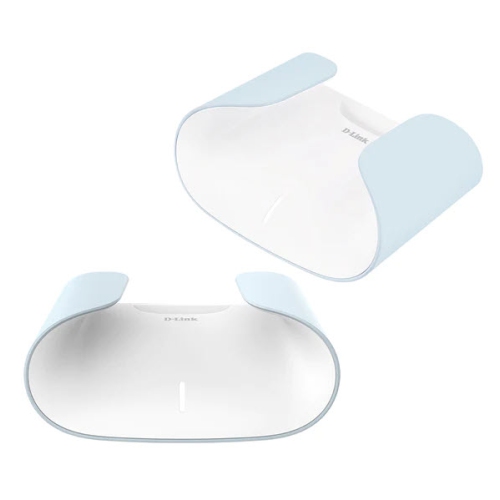
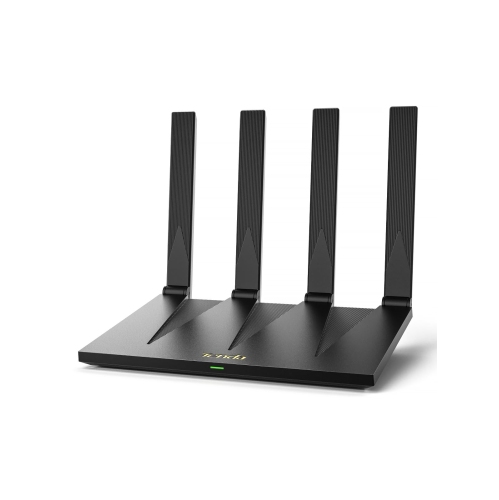
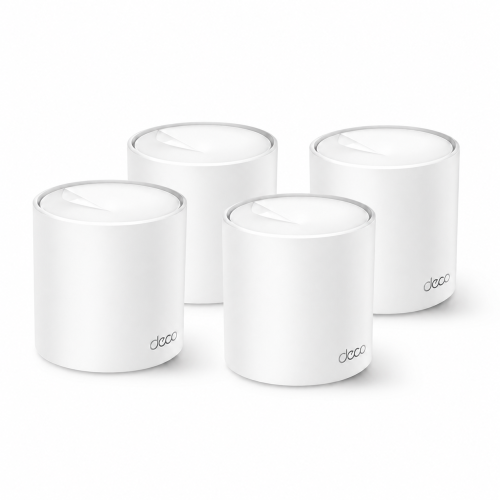
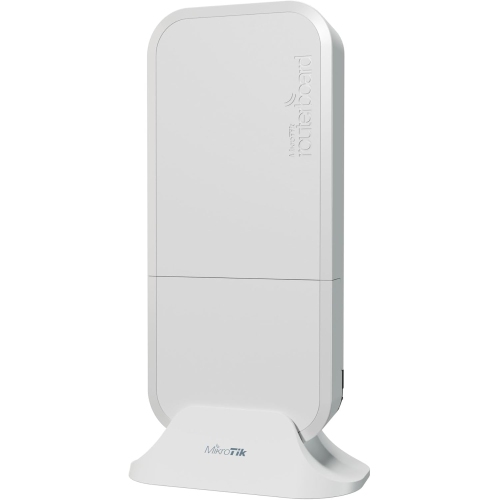
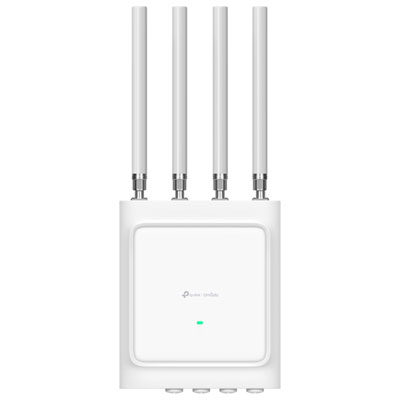
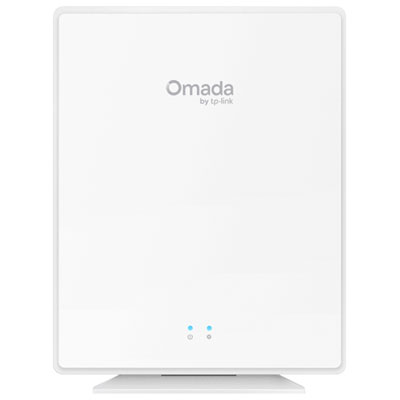
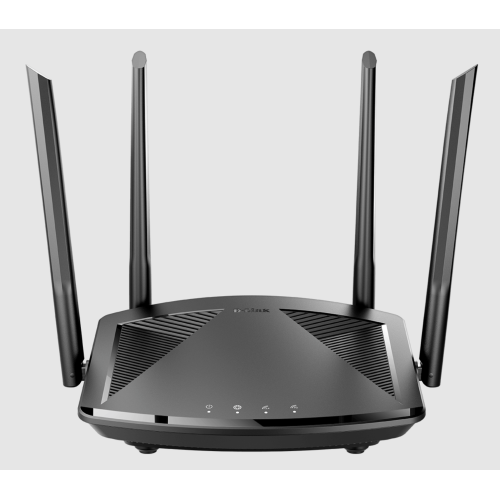
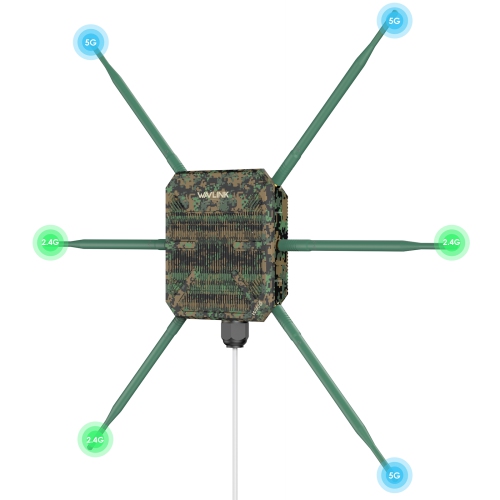
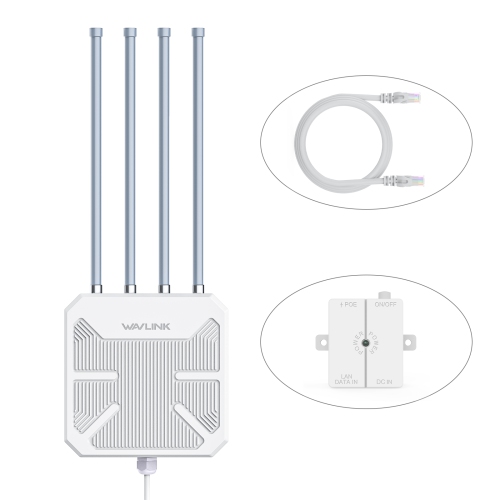
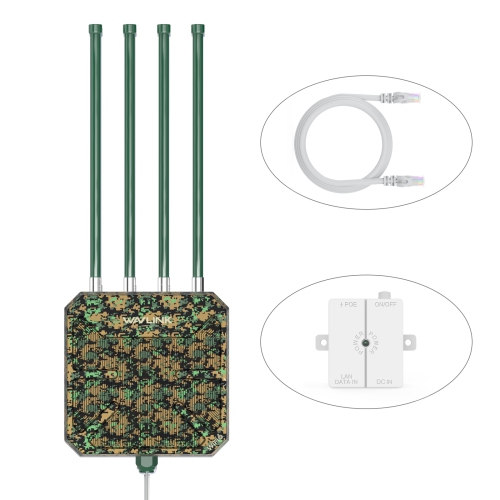
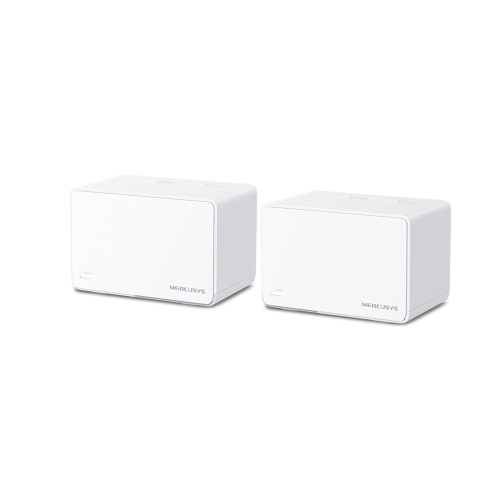
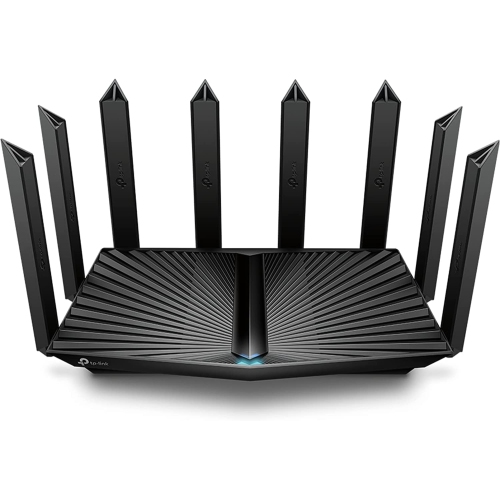
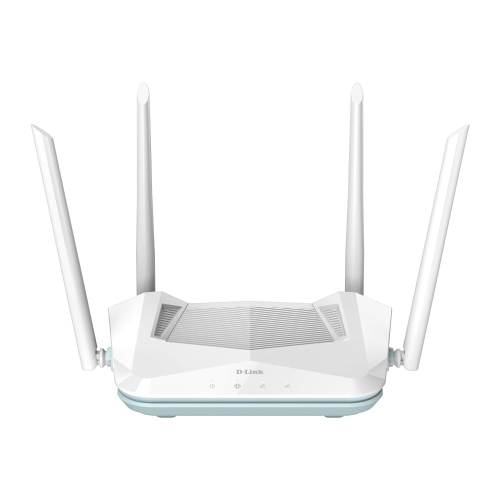
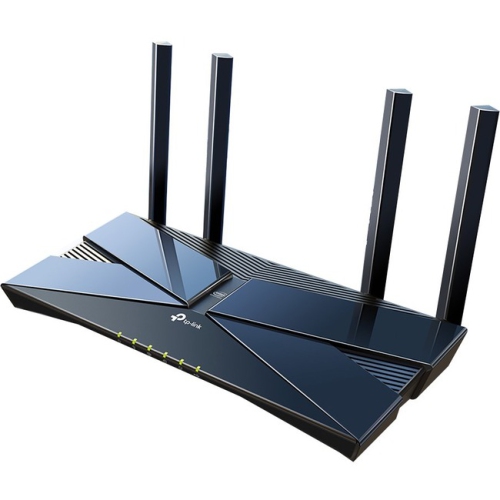
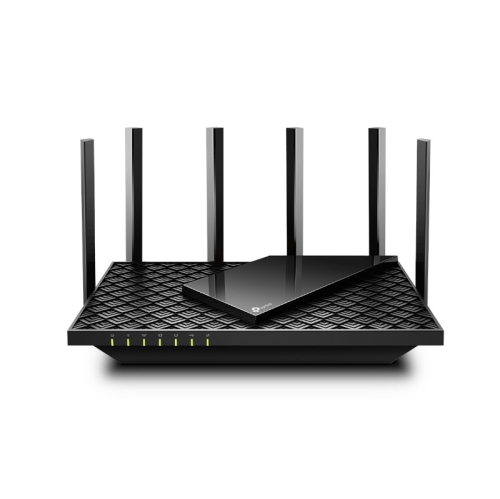
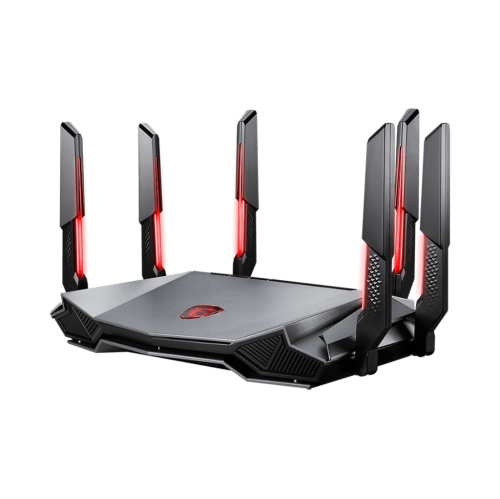
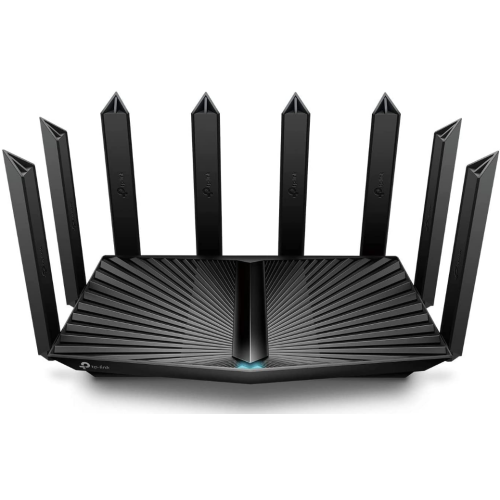
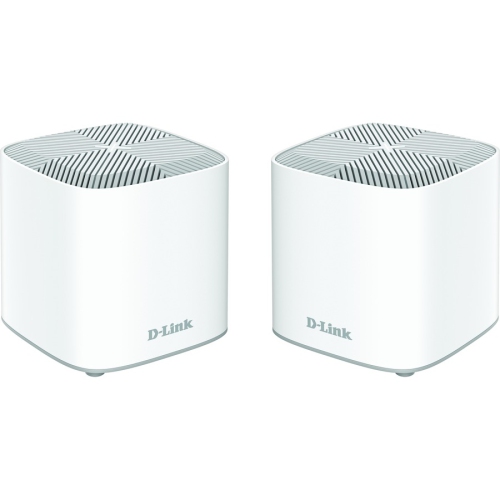
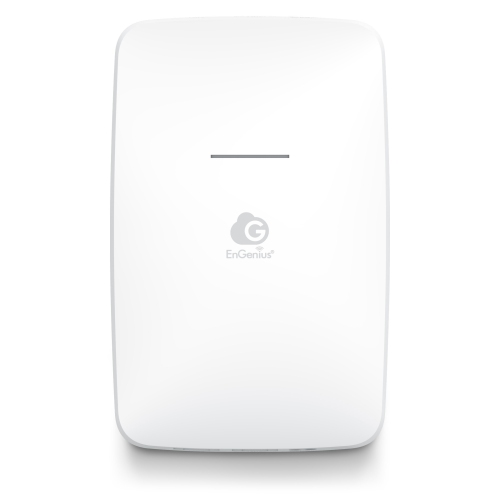
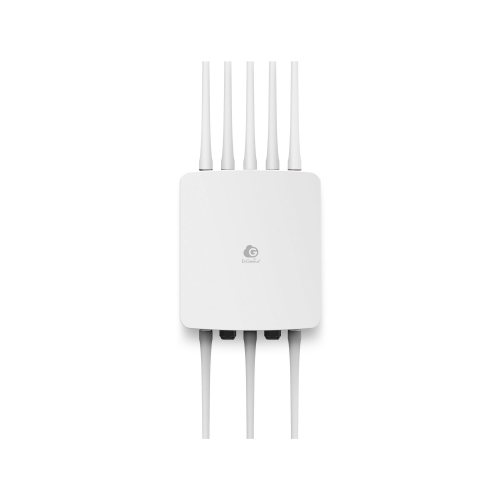
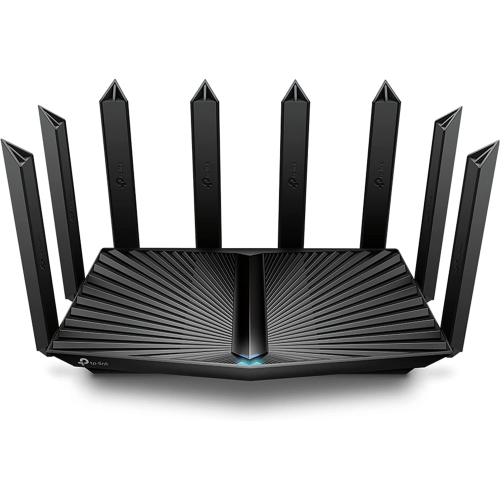
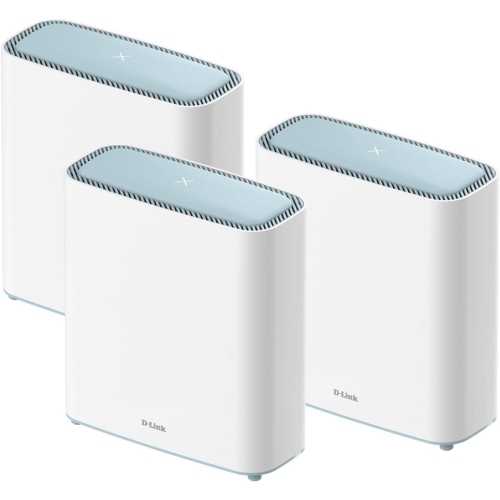
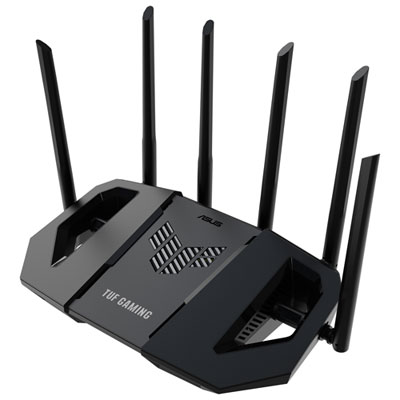
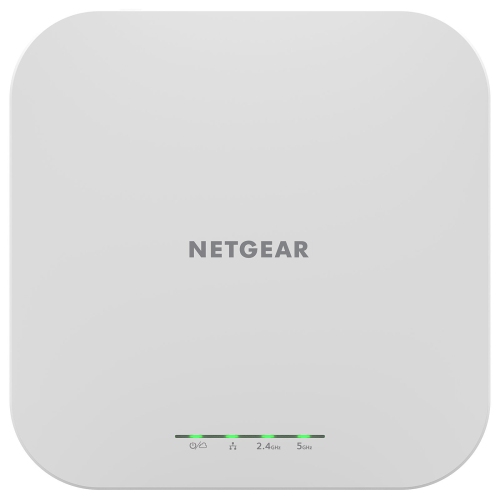
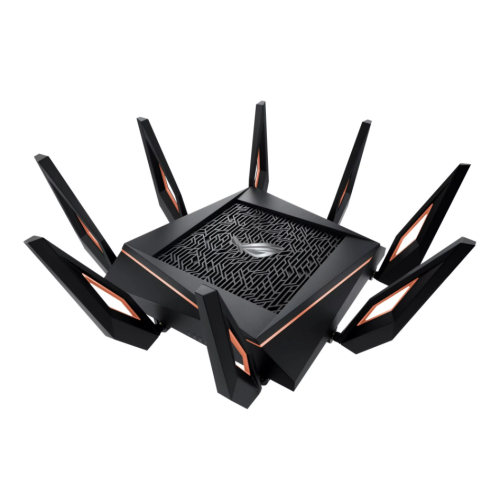
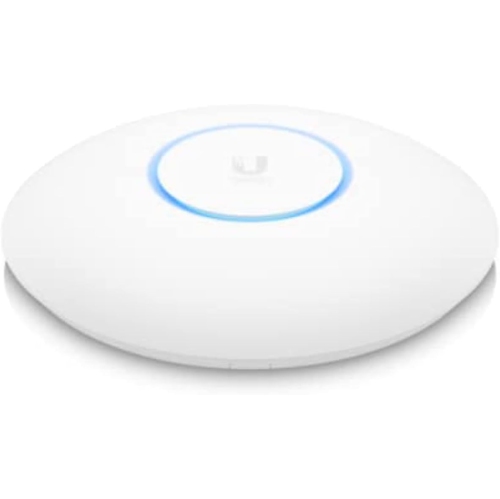
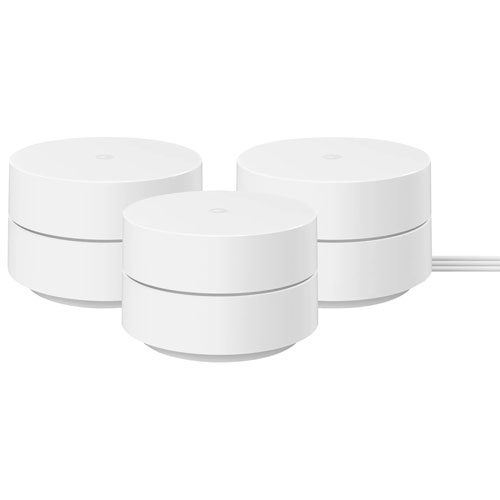
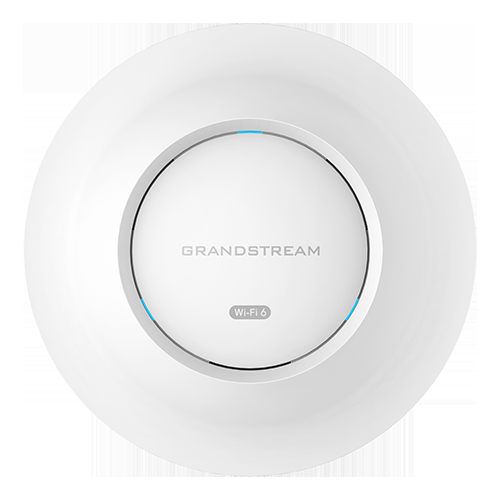
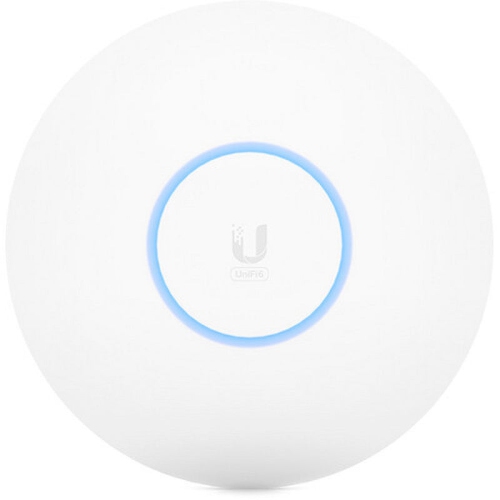
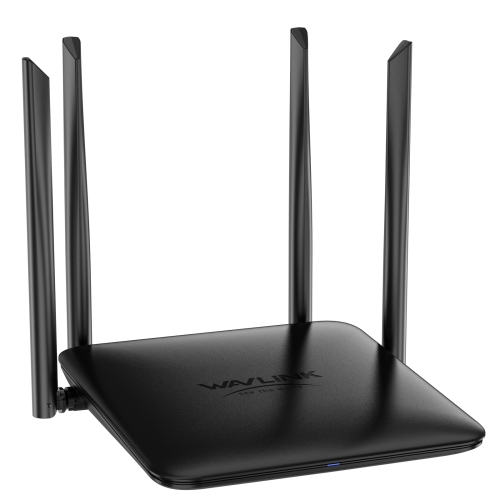
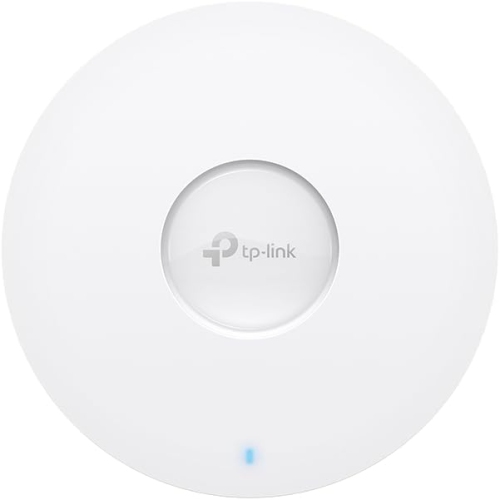
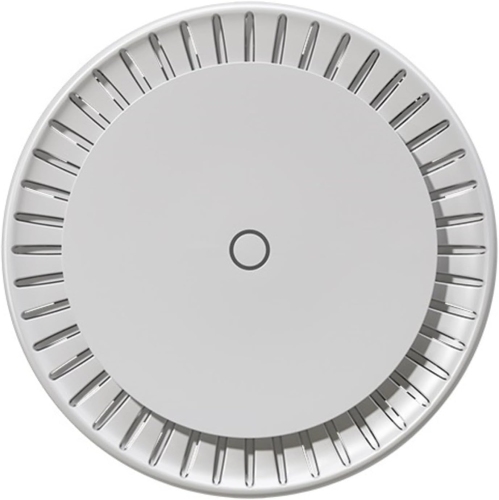
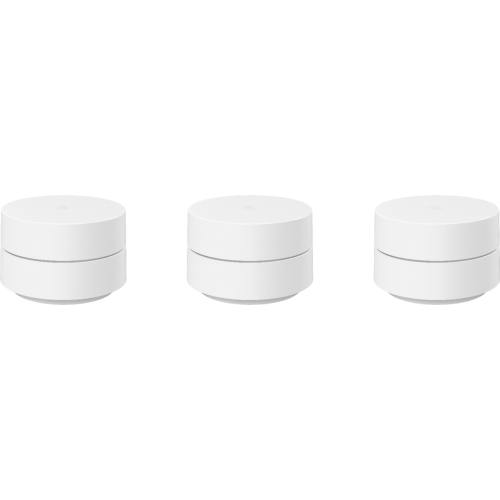
The right fit depends as much on a home’s layout and internet service as it does on the router’s advertised wireless rating. A router cannot make an internet connection faster than the service supplied to the home, and the combined speed printed in a wireless rating is not the download speed a single device should expect. Those ratings usually add together theoretical maximum link rates across the router’s bands; real performance reflects distance, interference, device capabilities, and the overhead involved in moving data. A compact apartment with a centrally placed router has different coverage needs from a multi-level house with a basement office and a television at the opposite end of the main floor. Concrete walls, metal ductwork, mirrors, and dense cabinetry can weaken or reflect signals. Placing a router on an open shelf, away from large obstructions, usually gives it a better starting point than hiding it behind a television or inside a cupboard. External antennas may offer positioning flexibility, but antenna count alone does not establish coverage quality. For larger or awkwardly shaped spaces, mesh-capable Wi-Fi 6 routers can form part of a coordinated network with compatible nodes. Support for expansion varies, so compatibility matters when adding units later. An Ethernet connection between mesh nodes, where supported, can leave more wireless capacity for connected devices and provide a steadier link between rooms. Homes with existing network cabling may also benefit from Wi-Fi 6 Access Points, which extend wireless access through a wired network rather than replacing the router’s routing role. Wired ports deserve attention even in a largely wireless home. Ethernet can provide a consistent connection for a desktop computer, console, or television, while multi-gigabit ports can support faster internet plans or local transfers when the rest of the equipment supports those speeds. Port quantity also matters when several devices need direct connections. A separate modem or optical network terminal is often still needed, depending on the internet service, and replacing or connecting to a provider’s gateway may require checking its operating modes and service requirements.
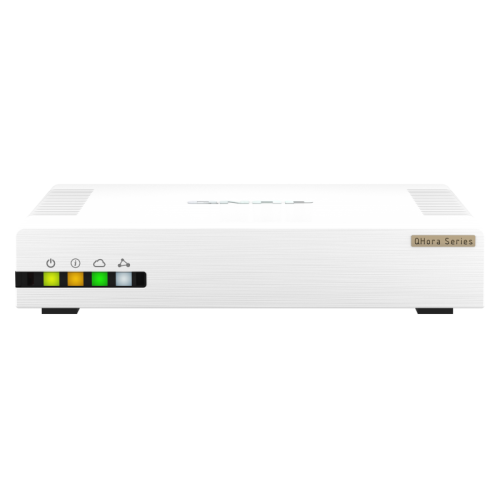
Everyday usability becomes important once the router is handling school assignments, work files, entertainment, and smart home routines. App-based setup can make installation approachable, while a browser-based interface may offer more detailed settings for households that want additional control. Useful options can include a guest network, device-level scheduling, parental controls, and quality of service settings that prioritize selected traffic during busy periods. These features vary by router, and traffic prioritization cannot create extra bandwidth when an internet connection is fully occupied. A guest network can give visitors internet access without sharing the main network password; settings that restrict access to local devices add another useful layer of separation. WPA3 security, where supported and enabled, provides newer wireless protections, though some older accessories may need a compatible mixed-security mode. Firmware updates and a clear update process are worth considering for a device expected to remain in service for years. Automatic updates can simplify upkeep, while a unique administrator password helps protect access to the router’s settings. Physical design also affects how comfortably a router fits into daily life. Many models use lightweight plastic housings with ventilation openings, and dimensions, cable clearance, indicator lights, and mounting options can matter when the only suitable location is a visible shelf or narrow desk. A sturdy, unobstructed position helps protect the casing and connectors from knocks and strained cables. Routine care is generally straightforward: follow the manufacturer’s instructions, disconnect power before cleaning, and use a soft, dry cloth rather than spraying liquid into vents or ports. Keeping openings free of dust and leaving the specified ventilation space supports reliable operation. For someone setting up a first apartment or building a dedicated home office, a Wi-Fi 6 router can also be a practical gift when the recipient’s service equipment and coverage needs are known. Across these uses, a well-matched router combines suitable coverage, enough wired connectivity, manageable controls, and support for the devices that actually share the home.
The right fit depends as much on a home’s layout and internet service as it does on the router’s advertised wireless rating. A router cannot make an internet connection faster than the service supplied to the home, and the combined speed printed in a wireless rating is not the download speed a single device should expect. Those ratings usually add together theoretical maximum link rates across the router’s bands; real performance reflects distance, interference, device capabilities, and the overhead involved in moving data. A compact apartment with a centrally placed router has different coverage needs from a multi-level house with a basement office and a television at the opposite end of the main floor. Concrete walls, metal ductwork, mirrors, and dense cabinetry can weaken or reflect signals. Placing a router on an open shelf, away from large obstructions, usually gives it a better starting point than hiding it behind a television or inside a cupboard. External antennas may offer positioning flexibility, but antenna count alone does not establish coverage quality. For larger or awkwardly shaped spaces, mesh-capable Wi-Fi 6 routers can form part of a coordinated network with compatible nodes. Support for expansion varies, so compatibility matters when adding units later. An Ethernet connection between mesh nodes, where supported, can leave more wireless capacity for connected devices and provide a steadier link between rooms. Homes with existing network cabling may also benefit from Wi-Fi 6 Access Points, which extend wireless access through a wired network rather than replacing the router’s routing role. Wired ports deserve attention even in a largely wireless home. Ethernet can provide a consistent connection for a desktop computer, console, or television, while multi-gigabit ports can support faster internet plans or local transfers when the rest of the equipment supports those speeds. Port quantity also matters when several devices need direct connections. A separate modem or optical network terminal is often still needed, depending on the internet service, and replacing or connecting to a provider’s gateway may require checking its operating modes and service requirements.
Everyday usability becomes important once the router is handling school assignments, work files, entertainment, and smart home routines. App-based setup can make installation approachable, while a browser-based interface may offer more detailed settings for households that want additional control. Useful options can include a guest network, device-level scheduling, parental controls, and quality of service settings that prioritize selected traffic during busy periods. These features vary by router, and traffic prioritization cannot create extra bandwidth when an internet connection is fully occupied. A guest network can give visitors internet access without sharing the main network password; settings that restrict access to local devices add another useful layer of separation. WPA3 security, where supported and enabled, provides newer wireless protections, though some older accessories may need a compatible mixed-security mode. Firmware updates and a clear update process are worth considering for a device expected to remain in service for years. Automatic updates can simplify upkeep, while a unique administrator password helps protect access to the router’s settings. Physical design also affects how comfortably a router fits into daily life. Many models use lightweight plastic housings with ventilation openings, and dimensions, cable clearance, indicator lights, and mounting options can matter when the only suitable location is a visible shelf or narrow desk. A sturdy, unobstructed position helps protect the casing and connectors from knocks and strained cables. Routine care is generally straightforward: follow the manufacturer’s instructions, disconnect power before cleaning, and use a soft, dry cloth rather than spraying liquid into vents or ports. Keeping openings free of dust and leaving the specified ventilation space supports reliable operation. For someone setting up a first apartment or building a dedicated home office, a Wi-Fi 6 router can also be a practical gift when the recipient’s service equipment and coverage needs are known. Across these uses, a well-matched router combines suitable coverage, enough wired connectivity, manageable controls, and support for the devices that actually share the home.
Top selling and popular products
-
 Your price for this item is $189.99
 -
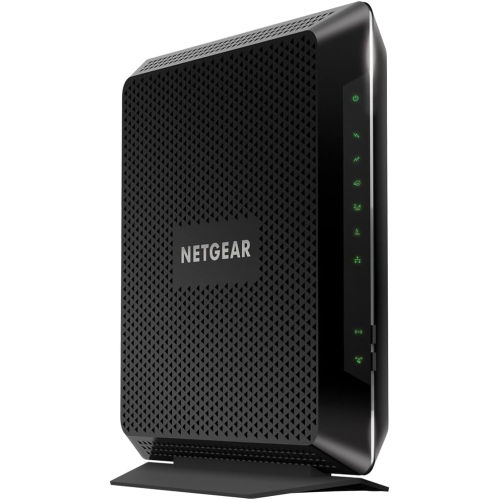 Your price for this item is $189.99
 -
 Your price for this item is $219
 -
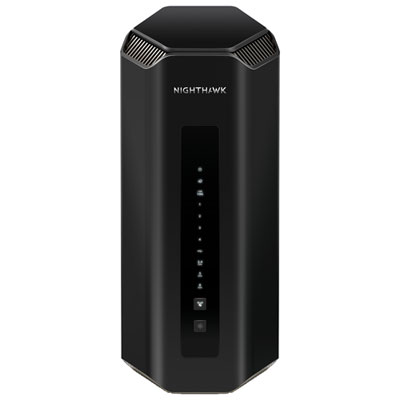 Your price for this item is $749.99
 -
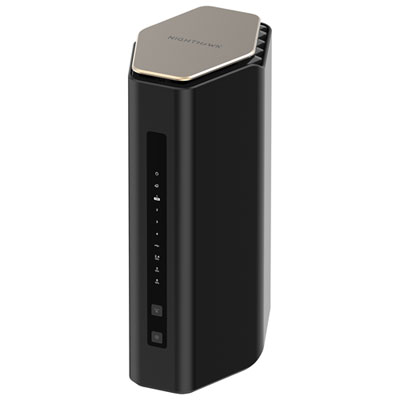 Your price for this item is $249.99
 -
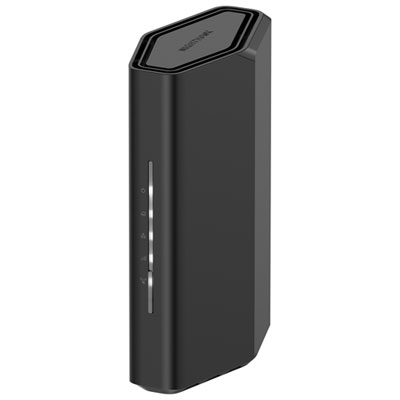 Your price for this item is $199.99
 -
 Your price for this item is $134.99
 -
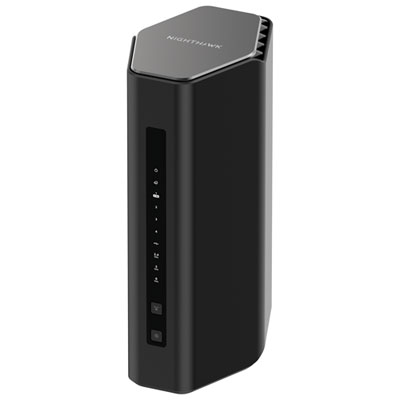 Your price for this item is $399.99
Discover more categories related to Wi-Fi 6 Routers
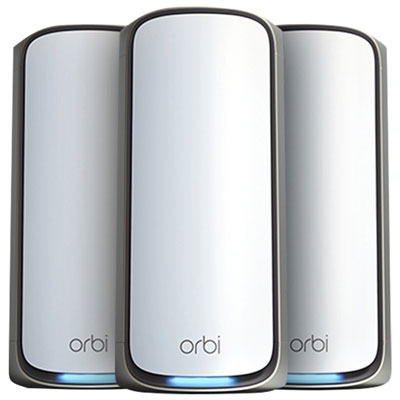
Top Collections:
Pokemon Centers, Kindle Devices, Best Budget Office Chairs, Apple iPhones 16, Best Laptops for Writers, iPhone 15 Apple, Canon G7X Cameras, Refurbished Apple Laptops, Alarm Clock, Motorola Razr Phones
Some products may be subject to Environmental Handling Fees
(EHF) depending on your province.
Learn more about EHFs.