802.11 Ac Wireless Access Points
802.11 Ac Wireless Access Points provide a reliable solution for expanding and enhancing Wi-Fi coverage in homes, offices, and commercial spaces. Designed to support seamless connectivity for multiple devices, these access points help create robust wireless networks that keep you connected where it matters most. Whether you're setting up a new network or upgrading your current setup, 802.11 Ac Wireless Access Points offer the flexibility and performance needed to support everyday online activities with ease. Explore a range of options to find the right fit for your networking needs.
Sort
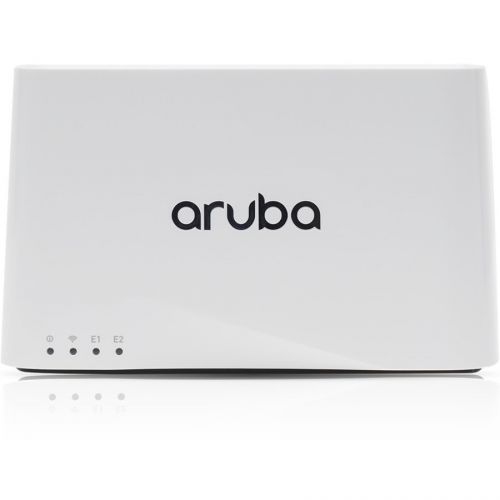
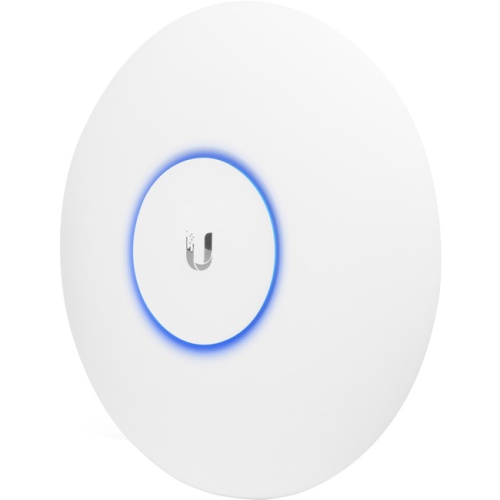
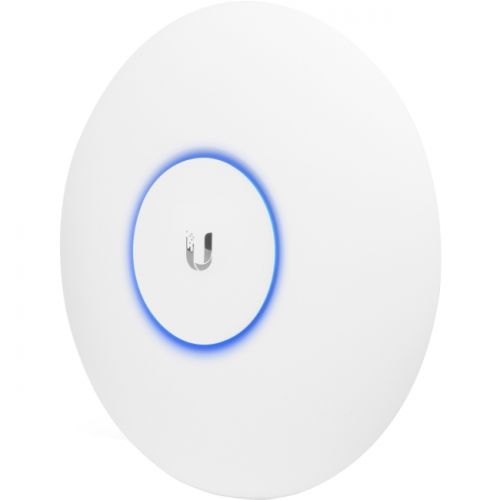
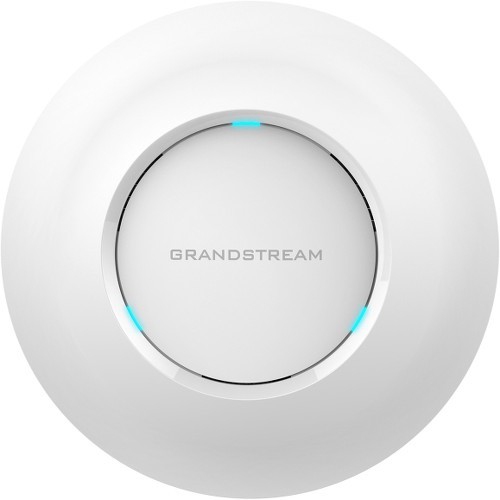
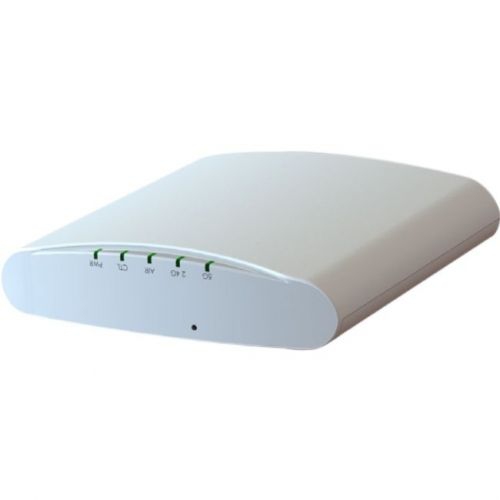

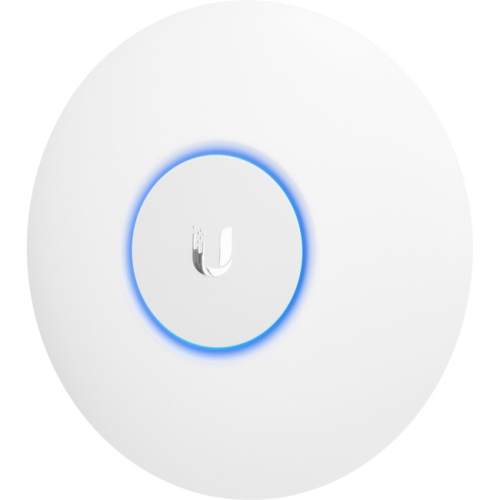
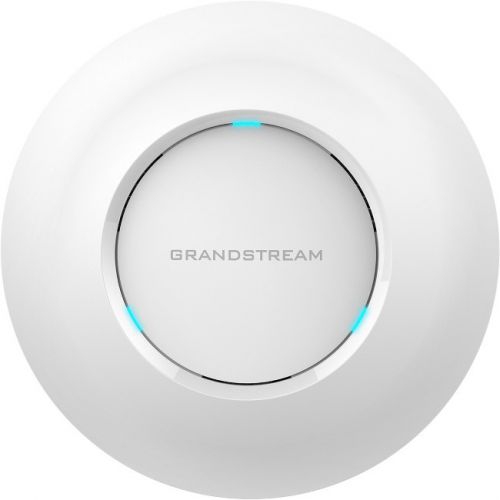
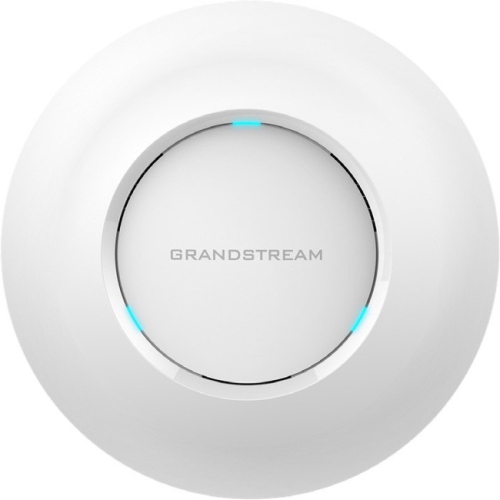

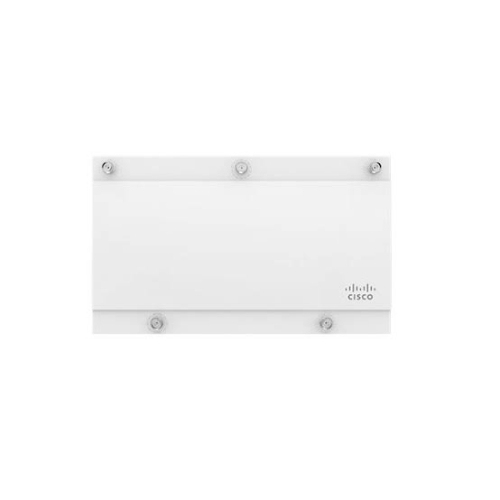
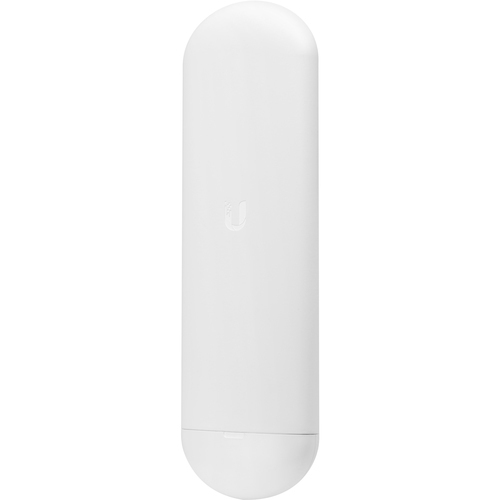
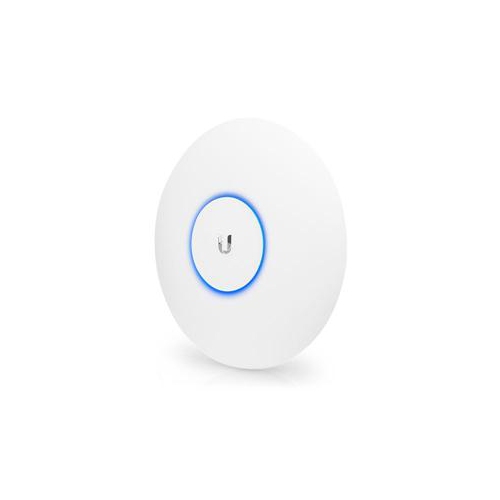
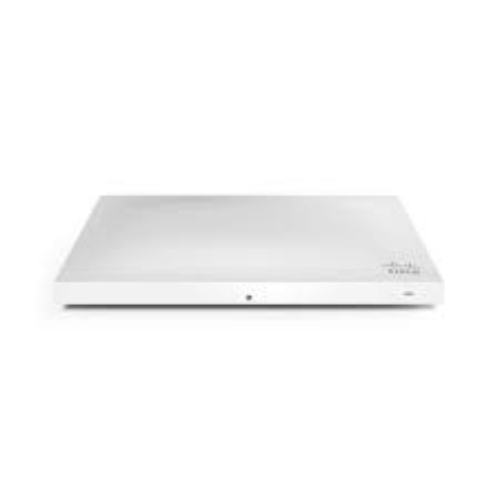
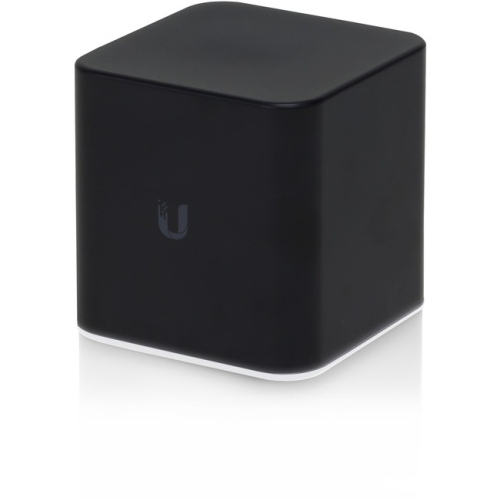
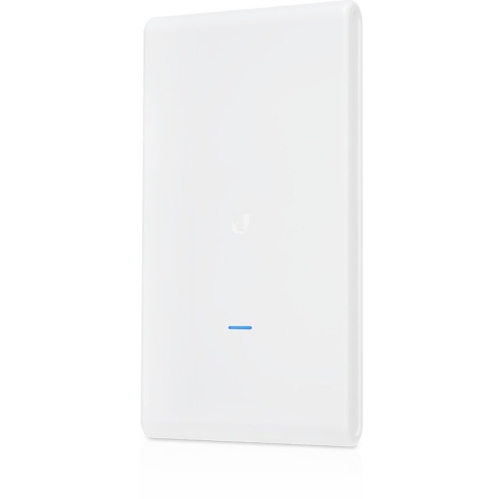
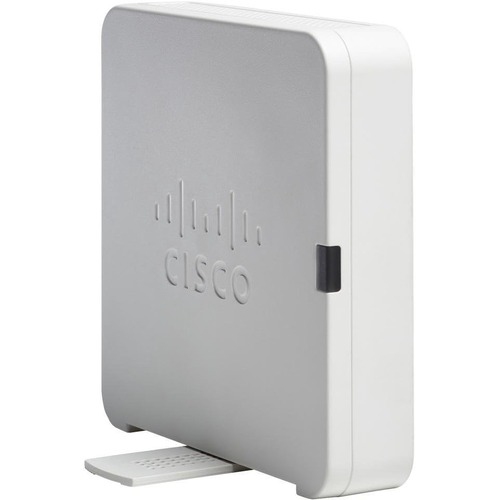
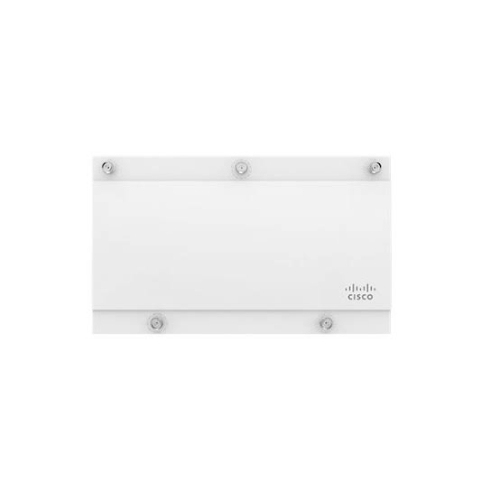

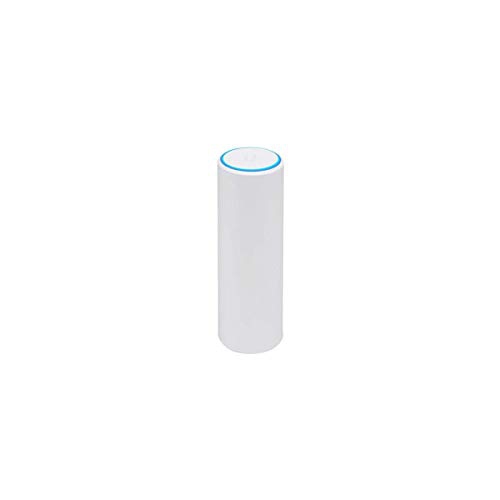
Wider Wi-Fi coverage starts with a wired connection
802.11ac wireless access points add Wi-Fi connectivity to an existing wired network, making them useful for homes, offices, shops, and other spaces where a router’s wireless signal does not reach every room reliably. Also known as Wi-Fi 5 access points, they use the 802.11ac standard on the 5 GHz band to support activities such as video meetings, streaming, file transfers, and everyday browsing. Many are dual-band devices that also provide a 2.4 GHz connection using earlier Wi-Fi standards, allowing compatible phones, laptops, printers, and connected household devices to share the same network. The two bands serve different needs: 5 GHz generally offers higher throughput and access to more channels, while 2.4 GHz often reaches farther through walls but can face more interference from nearby networks and household equipment. An access point usually connects to a router or network switch through Ethernet, then provides wireless access in the area around it. That makes it different from a typical wireless range extender, which may rely on an existing Wi-Fi signal for its connection back to the router. It also does not automatically replace the router’s internet routing or firewall functions. In a home office, an access point connected to an Ethernet outlet can bring a stronger connection closer to a desk without moving the household router. In a small business, several access points can distribute coverage across reception, workstations, and meeting rooms. Performance depends on more than the wireless standard alone. The internet plan, Ethernet connection, building layout, interference, and capabilities of each connected device all affect the experience. Advertised wireless speeds represent theoretical connection rates rather than guaranteed download speeds, and combined dual-band figures do not describe the speed available to a single device. For everyday use, well-positioned coverage and a dependable wired connection can matter more than a large speed figure on the packaging.
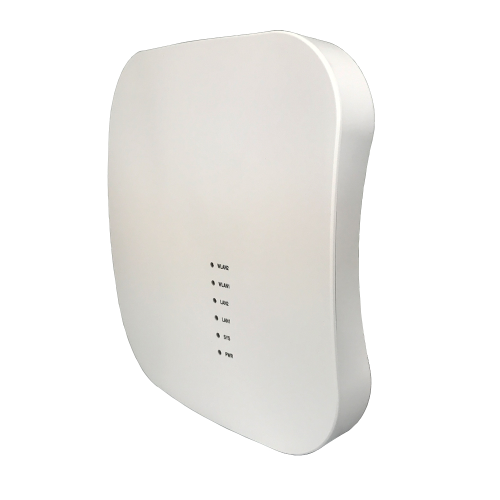
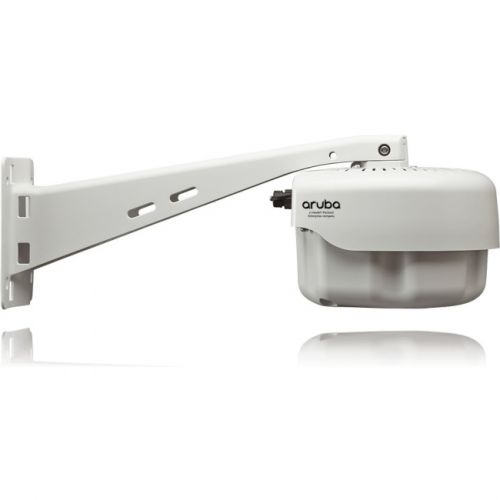
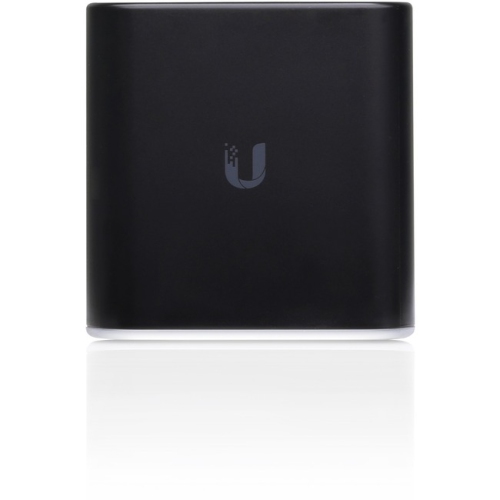
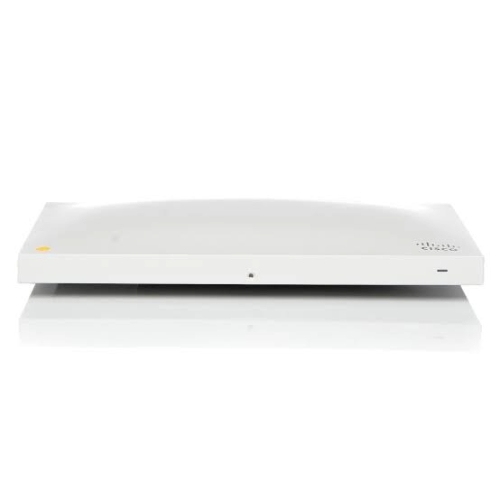
The physical design of an 802.11ac access point helps determine where it fits and how neatly it integrates into a space. Ceiling-mounted designs can provide an unobtrusive installation above an open office or living area, while wall-mounted and in-wall formats suit rooms with accessible network cabling. Desktop designs may be practical where permanent mounting is not suitable, provided the unit has a stable surface and enough clearance around its ventilation openings. Housings commonly use plastic, sometimes with metal mounting components, and durability depends on construction, secure installation, and suitability for the intended location. Mounting brackets, cable entry points, and the position of Ethernet ports can make a noticeable difference when fitting a device into a finished room. Power over Ethernet, or PoE, is particularly useful for ceiling and wall installations because a compatible Ethernet cable carries both data and electrical power, reducing the need for a nearby electrical outlet. The access point, switch, or injector must support compatible power requirements; standard PoE and passive power arrangements are not interchangeable by default. Some access points use a separate power adapter instead, and an adapter or injector may need to be supplied separately. Gigabit Ethernet connections help prevent the wired link from becoming an unnecessary bottleneck, while additional Ethernet ports on certain designs can connect nearby wired equipment. Coverage is shaped by placement as much as hardware. A unit tucked inside a cabinet or behind a large metal fixture may struggle to serve the surrounding space, even when it is close to the devices using it. Concrete walls, elevator shafts, and long corridors can also complicate coverage. A central, open position is often more effective than placing an access point at the far edge of the area it needs to serve. In larger layouts, multiple access points with thoughtfully planned channels and power levels can provide more consistent service than one unit operating at maximum power. Coverage estimates are useful reference points, but floor plans, wall materials, and neighbouring networks make actual results vary.
Management features become especially relevant when an 802.11ac wireless network serves several rooms, many users, or a mix of personal and business devices. A standalone access point may be manageable through its own interface, while other designs support a controller that brings settings, monitoring, and updates together across compatible units. Centralized management can simplify keeping network names and security settings consistent throughout an office or a larger home. Using the same network name across access points can help devices move between coverage areas, although roaming behaviour also depends on the client device and any supported roaming features. Separate guest networks and VLAN support can help keep visitor traffic apart from business systems or other connected equipment when the rest of the network supports that arrangement. Security capabilities vary, so supported encryption methods, firmware updates, and administrator controls deserve attention alongside speed and coverage. WPA2 support is common in this generation, while WPA3 availability depends on the hardware and firmware. Wave 2 features such as MU-MIMO can improve efficiency when serving compatible clients, but they do not guarantee that every connected device receives its maximum possible speed at once. A network supporting several video calls has different demands from one carrying mostly light browsing traffic, and the number of associated devices alone does not reveal how well an access point will handle a busy period. For shoppers comparing connection types, USB Wireless Access Points is a related category; checking each device’s function is important because a USB Wi-Fi adapter typically connects one computer to an existing wireless network rather than providing the same role as an Ethernet-connected access point. Ongoing care is generally straightforward: keeping ventilation openings free of dust, protecting cables from strain, and maintaining access to management settings supports reliable operation. Firmware maintenance and occasional checks of connected devices can also help identify developing issues. Whether extending coverage to a study, supporting a shared workspace, or connecting customers in a waiting area, the most suitable access point is one whose installation, power, management, and wireless capabilities match the network it will serve.
Top selling and popular products
-
 Your price for this item is $189.99
-
 Your price for this item is $189.99
-
 Your price for this item is $219
-
 Your price for this item is $899.99
-
 Your price for this item is $299.99
-
 Your price for this item is $139.99
-
 Your price for this item is $499.99
-
 Your price for this item is $349.99
Discover more categories related to 802.11 Ac Wireless Access Points
Top Collections:
Best Black Friday Deals This Year, Best Black Friday Deals On Electronics, Kindle Devices, Pokemon Centers, Best Black Friday Deals On Apple Products, Best Cameras for Sports Photography, Dyson Airwrap, Pokémon 30th Celebration Cards, Apple iPhone 17 Pro, Canon G7X Cameras
Some products may be subject to Environmental Handling Fees
(EHF) depending on your province.
Learn more about EHFs.