Windows 11 Refurbished Laptops
Windows 11 Refurbished Laptops offer a smart way to enjoy the benefits of the latest operating system at an exceptional value. Explore a wide selection of reliable devices that have been expertly restored and tested to meet high standards of performance. Whether you need a dependable laptop for work, school, or everyday use, Windows 11 Refurbished Laptops provide versatile options designed to fit your needs and budget. Find the perfect combination of quality and affordability as you browse through these professionally renewed laptops, ready to support your productivity and entertainment.
Sort










What makes a refurbished laptop ready for everyday use
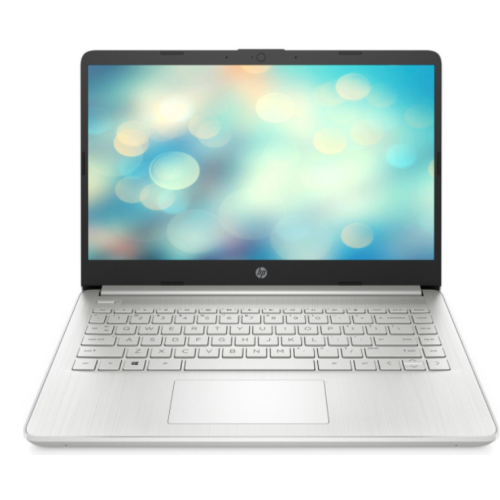
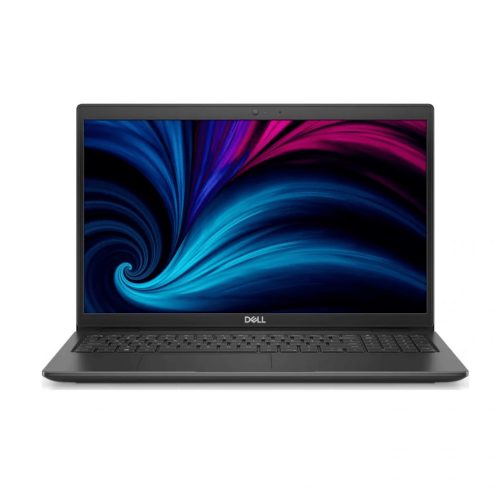
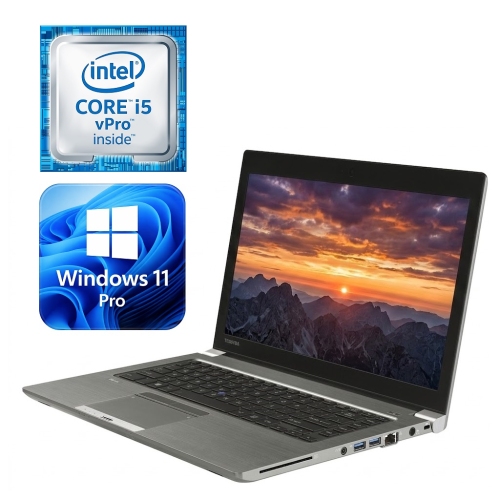
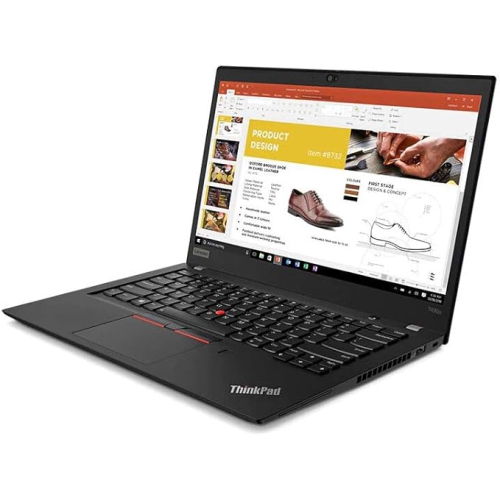
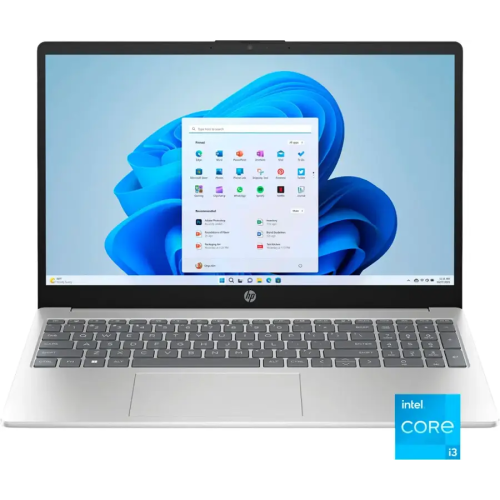
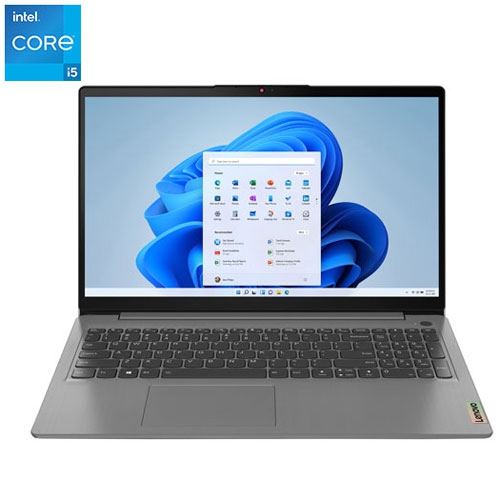
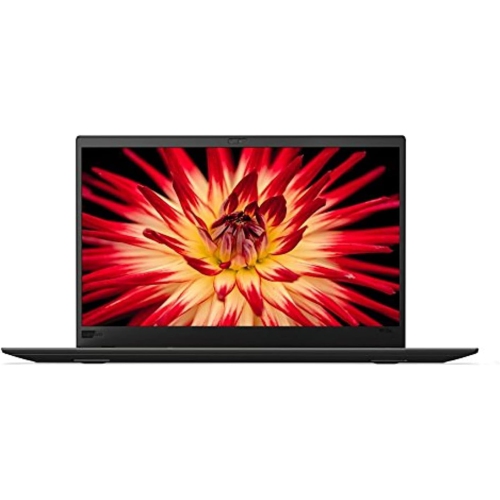
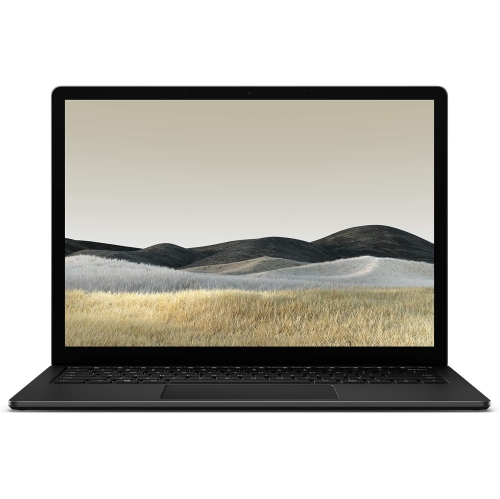
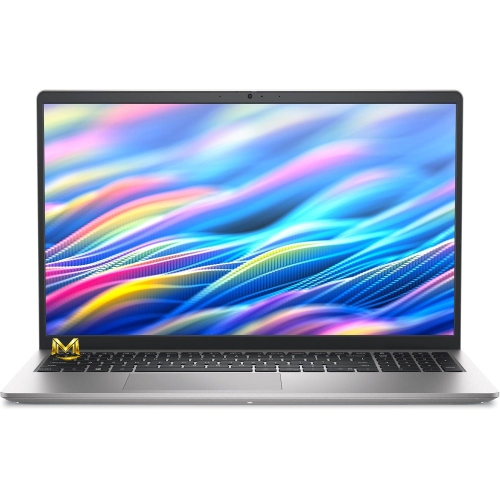
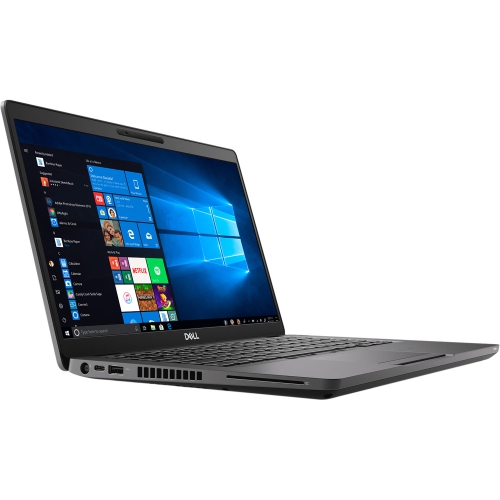
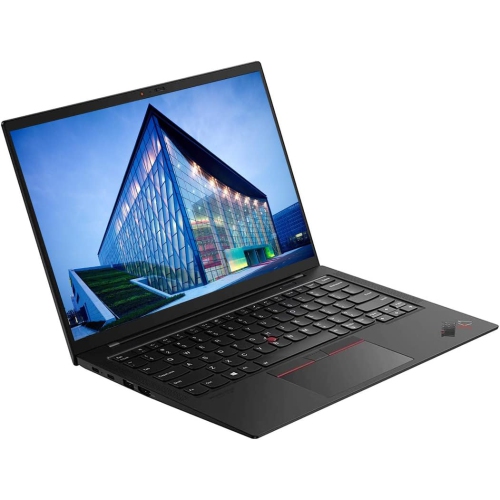
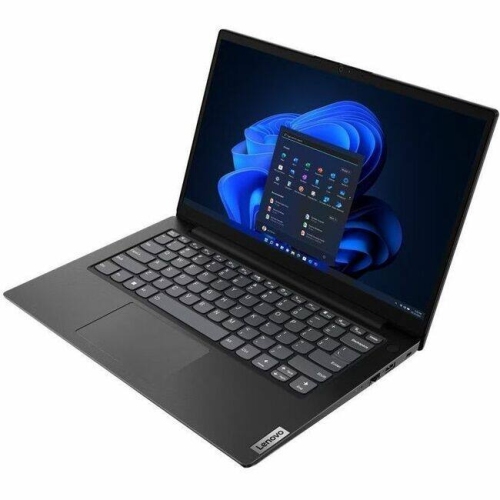
Windows 11 refurbished laptops combine a previously owned computer with an operating system designed for everyday productivity, communication, and entertainment. Refurbishment generally involves inspection, testing, cleaning, and any repairs needed before a laptop is offered for resale, although the exact process depends on the seller or refurbisher. That makes the condition description, included accessories, and warranty terms important parts of understanding each laptop. Refurbished does not necessarily mean unused, and visible wear can range from faint marks on the lid to more noticeable scratches around the keyboard or ports. Cosmetic grading describes appearance, but it does not replace details about functional testing or battery condition. A clearly described refurbished laptop can suit a student writing assignments, someone managing household paperwork, or a remote worker handling documents and video calls. Windows 11 provides familiar tools for organizing files, arranging application windows, and keeping work and personal tasks separate. Its usefulness still depends on the laptop’s hardware and compatibility with the applications a person needs. A computer used mainly for email and online appointments has different demands from one used for large spreadsheets, photo editing, or technical coursework. For work or school, compatibility with required software, printers, and account security policies matters as much as the operating system itself. Windows 11 should be properly licensed and activated, and the hardware should meet the operating system’s supported requirements rather than relying on an unsupported installation. These details help distinguish a suitable everyday computer from one that merely has a newer operating system installed. The Refurbished Laptops collection offers a broader starting point for considering different laptop formats, while this selection focuses on models running Windows 11. For someone replacing an older computer, that combination can provide a familiar way to browse, create documents, join calls, and manage daily tasks without changing to an entirely different type of device.
The most useful specifications are the ones that match how a laptop will actually be used. Processor capability affects how quickly applications respond, but a processor’s family name alone does not tell the whole story; its generation and exact model also matter. Memory becomes particularly noticeable when several tasks stay open at once. A laptop with 8 GB of RAM may suit lighter browsing and document work, while 16 GB provides more room for a video meeting, a presentation, and numerous browser tabs to run together. More demanding creative applications or technical workloads can require additional memory and stronger graphics performance. A solid-state drive helps with startup times, opening applications, and moving between files. Storage capacity is a separate consideration: documents take relatively little space, while photo libraries, downloaded videos, and large project folders can fill a drive much faster. Some storage space is also needed for the operating system, applications, and updates, so the stated capacity is not all available for personal files. Screen size changes the daily experience just as much as internal specifications. A 13-inch or 14-inch display can fit more comfortably into a backpack and onto a small desk, while a 15-inch or 16-inch display gives spreadsheets, documents, and side-by-side windows more breathing room. Resolution, brightness, and the screen’s finish influence how clearly text appears and how much reflections interfere with viewing. A matte display may be comfortable under overhead lighting, whereas a glossy touchscreen offers a different feel for scrolling and interacting with supported applications. Touch input and pen support are separate features, and neither should be assumed from the presence of Windows 11. Keyboard layout also deserves attention, especially for someone who uses French characters, enters figures frequently, or prefers dedicated navigation keys. A well-spaced keyboard, responsive touchpad, and comfortable viewing angle can make a greater difference during a long writing session than a specification that rarely affects the intended workload.
Physical design and condition shape how well a refurbished laptop fits into everyday routines. Plastic housings can be lightweight and practical, while metal lids and chassis may feel more rigid; overall construction, hinge condition, and previous handling are more informative than material alone. A laptop that travels between home, class, and a shared workspace benefits from a manageable weight, sturdy hinges, and a protective sleeve that fits its dimensions without pressing against the screen. For a computer that stays mostly on a desk, external display support, accessible ports, and a comfortable keyboard may take priority over minimum weight. Port selection affects simple routines such as connecting a mouse, transferring photos, or presenting on a larger screen. USB-C ports do not all support the same functions, so charging, video output, and data capabilities depend on the particular laptop. Wireless connectivity matters too: compatible Wi-Fi and Bluetooth hardware can support home networking and accessories, but connection quality also depends on the router, distance, and surrounding obstructions. For video calls, the webcam, microphone, speakers, and headphone connection all contribute to a more practical setup. Battery condition is especially important with previously owned computers because capacity changes with age and use. Original battery-life claims may not reflect the performance of a refurbished unit, and actual runtime varies with screen brightness, applications, and power settings. Any stated battery standard, supplied charger, warranty coverage, and return conditions help clarify what to expect. Routine care is straightforward: keep vents clear, use the laptop on a firm surface, and clean the screen and keyboard according to the manufacturer’s directions without spraying liquid directly onto them. Keeping security updates enabled and maintaining a separate backup of important files supports dependable everyday use. As a gift for a student or family member, a refurbished Windows 11 laptop is most useful when its screen, keyboard, software compatibility, and portability suit the recipient’s habits rather than simply offering the longest specification list.
The most useful specifications are the ones that match how a laptop will actually be used. Processor capability affects how quickly applications respond, but a processor’s family name alone does not tell the whole story; its generation and exact model also matter. Memory becomes particularly noticeable when several tasks stay open at once. A laptop with 8 GB of RAM may suit lighter browsing and document work, while 16 GB provides more room for a video meeting, a presentation, and numerous browser tabs to run together. More demanding creative applications or technical workloads can require additional memory and stronger graphics performance. A solid-state drive helps with startup times, opening applications, and moving between files. Storage capacity is a separate consideration: documents take relatively little space, while photo libraries, downloaded videos, and large project folders can fill a drive much faster. Some storage space is also needed for the operating system, applications, and updates, so the stated capacity is not all available for personal files. Screen size changes the daily experience just as much as internal specifications. A 13-inch or 14-inch display can fit more comfortably into a backpack and onto a small desk, while a 15-inch or 16-inch display gives spreadsheets, documents, and side-by-side windows more breathing room. Resolution, brightness, and the screen’s finish influence how clearly text appears and how much reflections interfere with viewing. A matte display may be comfortable under overhead lighting, whereas a glossy touchscreen offers a different feel for scrolling and interacting with supported applications. Touch input and pen support are separate features, and neither should be assumed from the presence of Windows 11. Keyboard layout also deserves attention, especially for someone who uses French characters, enters figures frequently, or prefers dedicated navigation keys. A well-spaced keyboard, responsive touchpad, and comfortable viewing angle can make a greater difference during a long writing session than a specification that rarely affects the intended workload.
Physical design and condition shape how well a refurbished laptop fits into everyday routines. Plastic housings can be lightweight and practical, while metal lids and chassis may feel more rigid; overall construction, hinge condition, and previous handling are more informative than material alone. A laptop that travels between home, class, and a shared workspace benefits from a manageable weight, sturdy hinges, and a protective sleeve that fits its dimensions without pressing against the screen. For a computer that stays mostly on a desk, external display support, accessible ports, and a comfortable keyboard may take priority over minimum weight. Port selection affects simple routines such as connecting a mouse, transferring photos, or presenting on a larger screen. USB-C ports do not all support the same functions, so charging, video output, and data capabilities depend on the particular laptop. Wireless connectivity matters too: compatible Wi-Fi and Bluetooth hardware can support home networking and accessories, but connection quality also depends on the router, distance, and surrounding obstructions. For video calls, the webcam, microphone, speakers, and headphone connection all contribute to a more practical setup. Battery condition is especially important with previously owned computers because capacity changes with age and use. Original battery-life claims may not reflect the performance of a refurbished unit, and actual runtime varies with screen brightness, applications, and power settings. Any stated battery standard, supplied charger, warranty coverage, and return conditions help clarify what to expect. Routine care is straightforward: keep vents clear, use the laptop on a firm surface, and clean the screen and keyboard according to the manufacturer’s directions without spraying liquid directly onto them. Keeping security updates enabled and maintaining a separate backup of important files supports dependable everyday use. As a gift for a student or family member, a refurbished Windows 11 laptop is most useful when its screen, keyboard, software compatibility, and portability suit the recipient’s habits rather than simply offering the longest specification list.
Top selling and popular products
-
 Your price for this item is $449
-
 Your price for this item is $3099
-
 Your price for this item is $449.99
-
 Your price for this item is $664.05
-
 Your price for this item is $869.99
-
 Your price for this item is $2960.48
-
 Your price for this item is $489.7
-
 Your price for this item is $829
Discover more categories related to Windows 11 Refurbished Laptops


Top Collections:
Pokemon Centers, Best Black Friday Deals This Year, Best Black Friday Deals On Electronics, Kindle Devices, Best Budget Office Chairs, Best Black Friday Deals On Apple Products, Best Cameras for Sports Photography, Pokémon 30th Celebration Cards, Dyson Airwrap, Canon G7X Cameras
Some products may be subject to Environmental Handling Fees
(EHF) depending on your province.
Learn more about EHFs.