Windows 11 S Mode Laptops
Explore a wide selection of Windows 11 S Mode Laptops designed to deliver streamlined performance and everyday convenience. These laptops offer a secure computing experience, making them an ideal choice for students, professionals, and anyone seeking reliable technology for work or play. Browse options that fit your lifestyle, whether you need portability for travel or a dependable device for home and office tasks. Find the perfect Windows 11 S Mode Laptop to match your needs and enjoy seamless integration with your favorite apps and services.
Sort
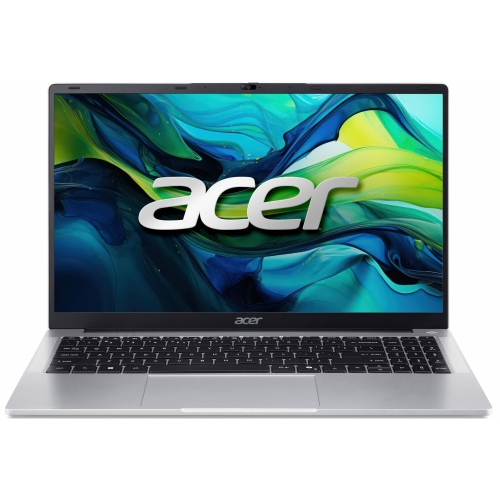

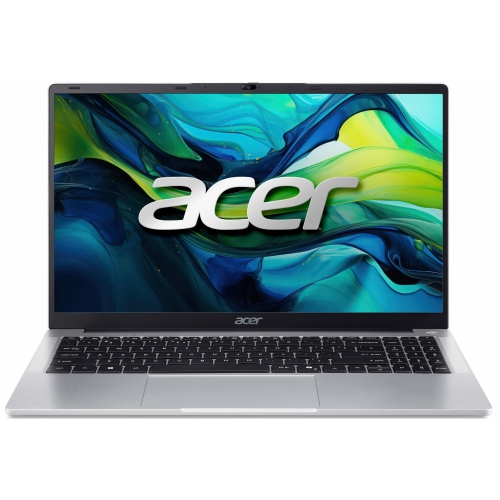
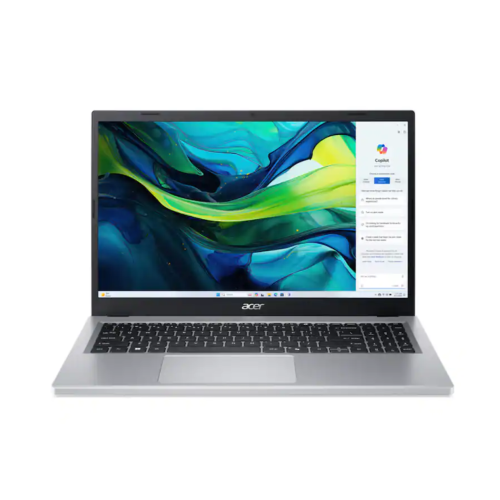
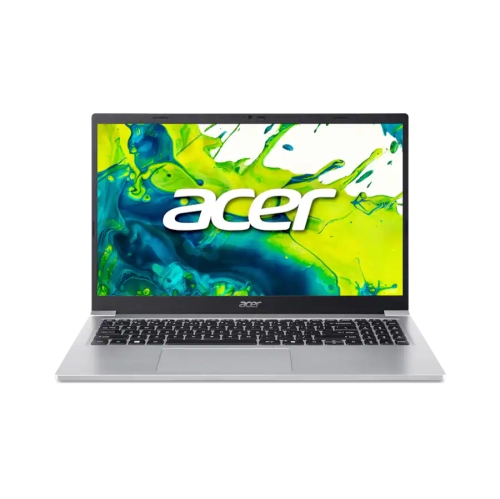
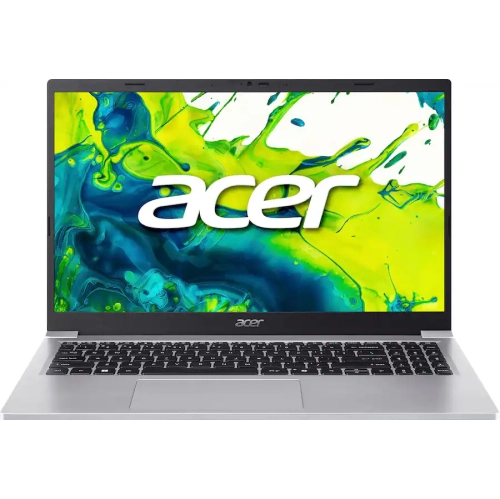
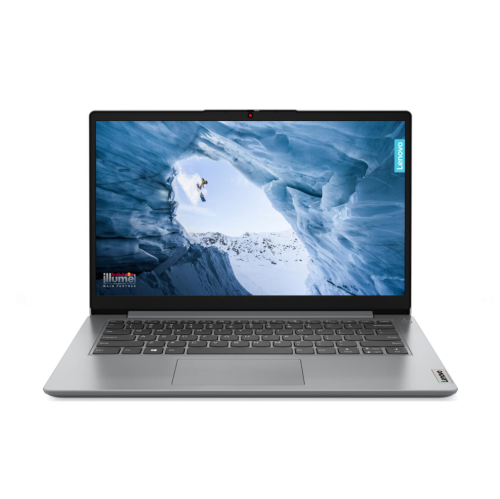






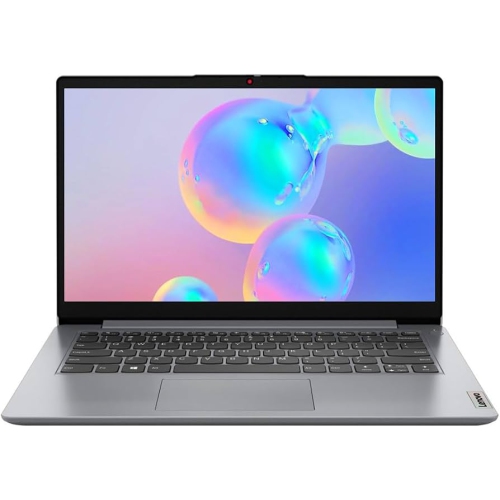

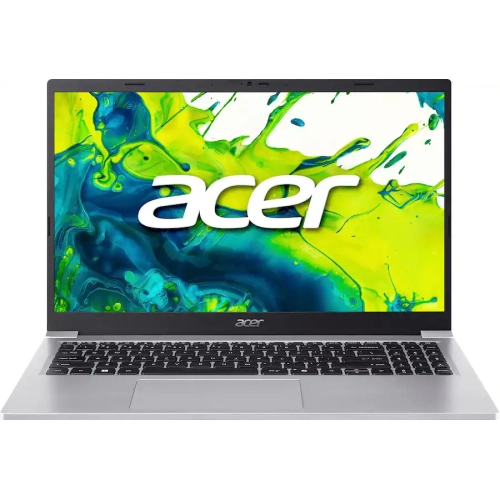
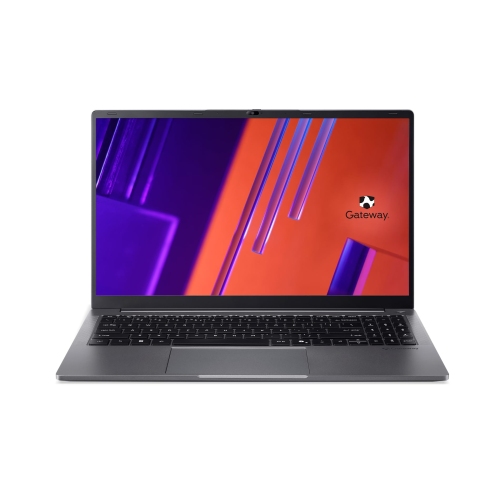
What app restrictions mean for everyday laptop use
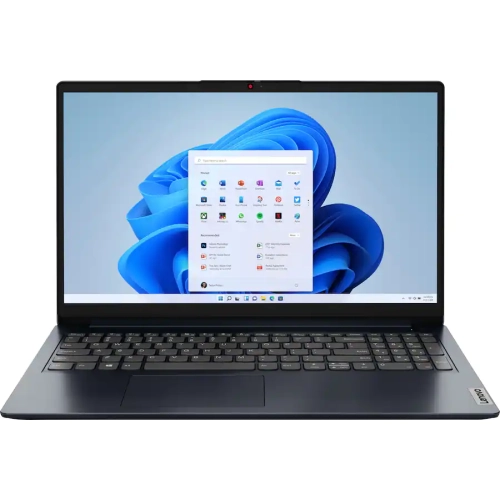
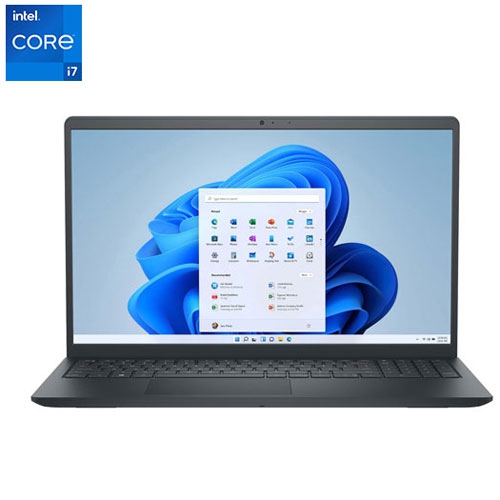
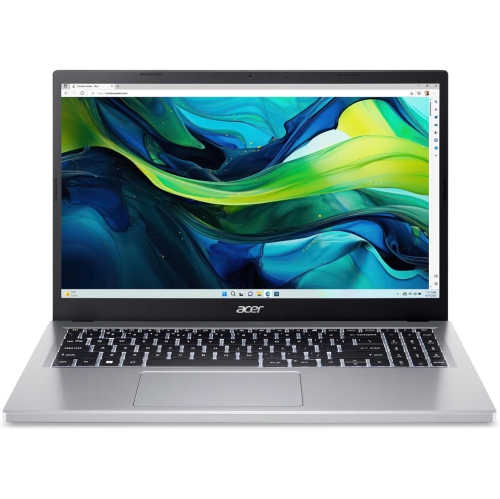
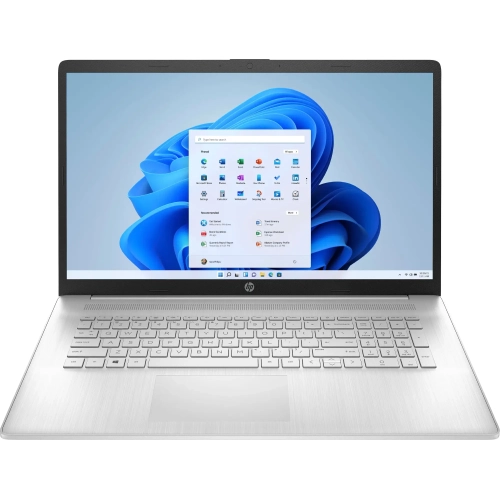
Windows 11 in S mode is a configuration of Windows 11 Home that limits app installation to the built-in app store and keeps the included web browser as the default. Laptops with this configuration are suited to everyday activities such as browsing, email, video calls, streaming, and working on documents with compatible apps or browser-based tools. S mode describes the operating system’s settings rather than a particular level of hardware, so these laptops can differ in screen size, memory, storage, construction, and performance. Their appeal is a more controlled approach to installing software, which can suit students, households sharing a computer, and people whose daily tasks happen mainly in a web browser. A student might use one to read course material, join an online class, and submit assignments through a school portal, while another household member uses it for appointments, recipes, and personal correspondence. The important distinction is software compatibility: a downloadable desktop program cannot necessarily be installed while the laptop remains in S mode, even if that program works on other Windows 11 computers. School testing software, workplace applications, specialist creative tools, games, and accessories that require separate software deserve particular attention. Browser-based access can cover many common tasks, but it is not always identical to the full desktop application, especially for advanced features or offline work. Installing software from outside the built-in app store requires switching out of S mode, and that change is one-way; the laptop cannot subsequently be switched back into S mode. For managed school or work devices, organizational settings may also affect whether that change is permitted. These boundaries make Windows 11 S mode laptops a practical match for straightforward computing needs, rather than an automatic fit for every Windows workflow. The restrictions also do not make a computer immune to scams or account theft, so software updates, strong passwords, and careful browsing remain important.
Hardware still determines how comfortable and responsive a laptop feels throughout the day. Several open browser tabs, a video meeting, and a document being edited together place more demands on memory than checking email alone. A configuration with 8GB of RAM generally provides more room for everyday multitasking than one with 4GB, while heavier workloads may benefit from more memory and a processor suited to those tasks. S mode does not turn entry-level hardware into a high-performance workstation. Storage type matters as well as capacity: a solid-state drive generally offers quicker access to files and applications than eMMC storage, although performance varies by device. Downloaded videos, photos, and offline documents can fill a smaller drive quickly, and the advertised capacity is not all usable space because Windows and installed software occupy part of it. Cloud storage can help with access across devices, but storage limits and offline requirements still matter. Display size is another practical trade-off. A compact laptop is easier to carry between classrooms or tuck into a small desk setup, while a larger display gives spreadsheets, documents, and side-by-side windows more space. Resolution, brightness, viewing angles, and a matte or glossy finish affect readability independently of screen size. A touchscreen or convertible hinge can suit handwritten notes and shared viewing, but neither feature is inherent to S mode. Keyboard spacing, trackpad responsiveness, and the position of frequently used keys also influence comfort during longer sessions. For frequent video calls, the camera, microphone, speakers, and headphone connections deserve attention alongside processor specifications. Wi-Fi capability and the quality of the local connection affect online lessons and streaming, while physical ports determine how easily a laptop connects to existing accessories. A USB-C port does not automatically support charging or an external display, so its stated capabilities matter. Battery-life estimates also depend on screen brightness, video calls, wireless use, and other settings; the most useful comparison reflects the activities the laptop will actually handle.
Construction and everyday fit help distinguish laptops that otherwise look similar on a specification sheet. Plastic housings can keep weight manageable, while metal panels may provide a firmer feel, but material alone does not establish durability. Hinge stability, chassis flex, keyboard support, and the way a laptop will be carried all matter. A device that stays on a desk has different handling demands from one travelling daily in a backpack. A padded sleeve should fit the laptop’s actual dimensions rather than only its advertised screen size, with enough room to close without pressure on the corners or lid. Keeping the charger in a separate compartment can prevent it from pressing against the screen. On a desk, a firm, flat surface helps keep ventilation openings clear; bedding and soft cushions can obstruct airflow. Routine care is straightforward: shut the laptop down before cleaning, use a soft lint-free cloth, and follow the manufacturer’s directions for the screen and exterior finish. Cleaning liquid should not be sprayed directly onto the device, and crumbs or grit should not be allowed to collect around the keyboard and hinges. For a gift recipient, the strongest match comes from understanding familiar routines: whether most tasks happen online, which applications are essential, and whether a larger screen or lighter bag matters more. Someone who reads for long periods may appreciate a clear display and comfortable text scaling, while a frequent caller may place greater value on audio and camera quality. Shoppers considering a previously owned computer can also compare Windows 11 Refurbished Laptops, remembering that refurbished condition and S mode are separate characteristics; a refurbished Windows 11 laptop does not necessarily run in S mode. Across either category, the most useful combination is hardware that comfortably supports daily tasks, software compatibility that matches real needs, and a design that fits where and how the computer will be used.
Hardware still determines how comfortable and responsive a laptop feels throughout the day. Several open browser tabs, a video meeting, and a document being edited together place more demands on memory than checking email alone. A configuration with 8GB of RAM generally provides more room for everyday multitasking than one with 4GB, while heavier workloads may benefit from more memory and a processor suited to those tasks. S mode does not turn entry-level hardware into a high-performance workstation. Storage type matters as well as capacity: a solid-state drive generally offers quicker access to files and applications than eMMC storage, although performance varies by device. Downloaded videos, photos, and offline documents can fill a smaller drive quickly, and the advertised capacity is not all usable space because Windows and installed software occupy part of it. Cloud storage can help with access across devices, but storage limits and offline requirements still matter. Display size is another practical trade-off. A compact laptop is easier to carry between classrooms or tuck into a small desk setup, while a larger display gives spreadsheets, documents, and side-by-side windows more space. Resolution, brightness, viewing angles, and a matte or glossy finish affect readability independently of screen size. A touchscreen or convertible hinge can suit handwritten notes and shared viewing, but neither feature is inherent to S mode. Keyboard spacing, trackpad responsiveness, and the position of frequently used keys also influence comfort during longer sessions. For frequent video calls, the camera, microphone, speakers, and headphone connections deserve attention alongside processor specifications. Wi-Fi capability and the quality of the local connection affect online lessons and streaming, while physical ports determine how easily a laptop connects to existing accessories. A USB-C port does not automatically support charging or an external display, so its stated capabilities matter. Battery-life estimates also depend on screen brightness, video calls, wireless use, and other settings; the most useful comparison reflects the activities the laptop will actually handle.
Construction and everyday fit help distinguish laptops that otherwise look similar on a specification sheet. Plastic housings can keep weight manageable, while metal panels may provide a firmer feel, but material alone does not establish durability. Hinge stability, chassis flex, keyboard support, and the way a laptop will be carried all matter. A device that stays on a desk has different handling demands from one travelling daily in a backpack. A padded sleeve should fit the laptop’s actual dimensions rather than only its advertised screen size, with enough room to close without pressure on the corners or lid. Keeping the charger in a separate compartment can prevent it from pressing against the screen. On a desk, a firm, flat surface helps keep ventilation openings clear; bedding and soft cushions can obstruct airflow. Routine care is straightforward: shut the laptop down before cleaning, use a soft lint-free cloth, and follow the manufacturer’s directions for the screen and exterior finish. Cleaning liquid should not be sprayed directly onto the device, and crumbs or grit should not be allowed to collect around the keyboard and hinges. For a gift recipient, the strongest match comes from understanding familiar routines: whether most tasks happen online, which applications are essential, and whether a larger screen or lighter bag matters more. Someone who reads for long periods may appreciate a clear display and comfortable text scaling, while a frequent caller may place greater value on audio and camera quality. Shoppers considering a previously owned computer can also compare Windows 11 Refurbished Laptops, remembering that refurbished condition and S mode are separate characteristics; a refurbished Windows 11 laptop does not necessarily run in S mode. Across either category, the most useful combination is hardware that comfortably supports daily tasks, software compatibility that matches real needs, and a design that fits where and how the computer will be used.
Top selling and popular products
-
 Your price for this item is $449
-
 Your price for this item is $3099
-
 Your price for this item is $449.99
-
 Your price for this item is $664.05
-
 Your price for this item is $869.99
-
 Your price for this item is $2960.48
-
 Your price for this item is $489.7
-
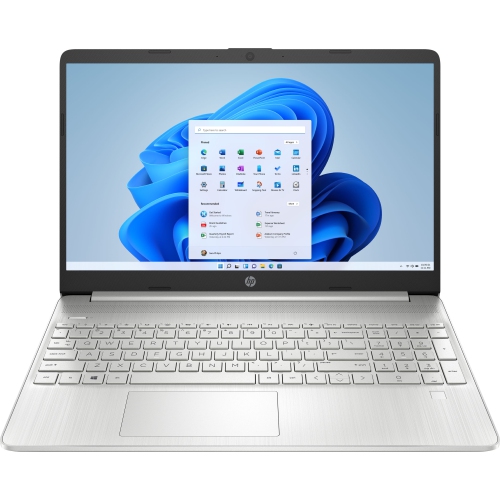 Your price for this item is $829
Discover more categories related to Windows 11 S Mode Laptops



Top Collections:
Pokemon Centers, Best Black Friday Deals This Year, Best Black Friday Deals On Electronics, Kindle Devices, Best Budget Office Chairs, Best Black Friday Deals On Apple Products, Best Cameras for Sports Photography, Pokémon 30th Celebration Cards, Dyson Airwrap, Canon G7X Cameras
Some products may be subject to Environmental Handling Fees
(EHF) depending on your province.
Learn more about EHFs.