Wrist Supports for Typing
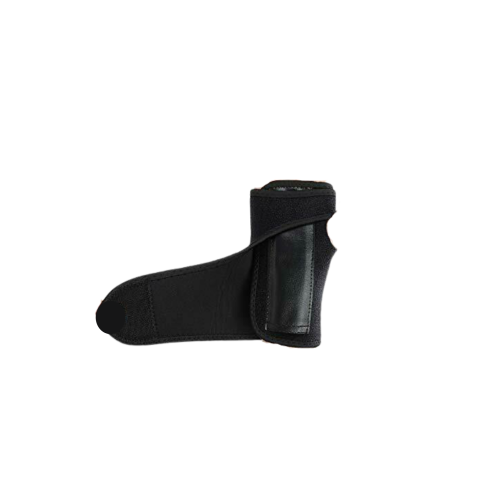
Whether you're a professional typist or spend long hours working on your computer, wrist supports can be a game-changer for your comfort and productivity. These ergonomically designed accessories provide much-needed support and relief to your wrists, helping to prevent strain, discomfort, and potential injuries caused by repetitive typing motions. At Best Buy, we understand the importance of finding the right wrist supports that suit your needs. With a wide range of options available, you can shop from our selection of wrist supports specifically designed for typing and find the perfect fit to enhance your typing experience.
Sort
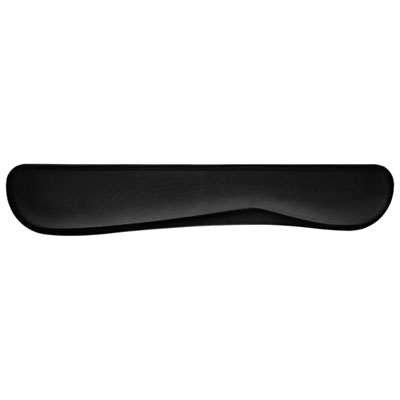
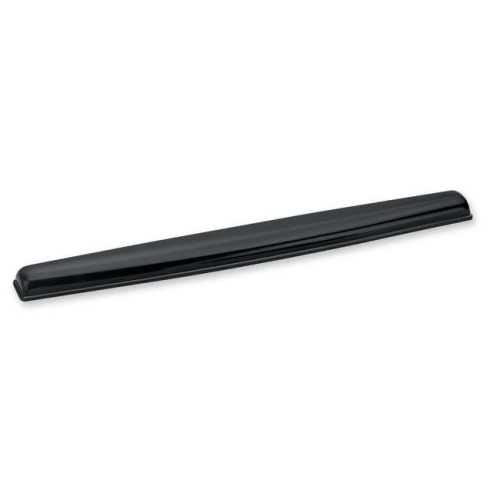
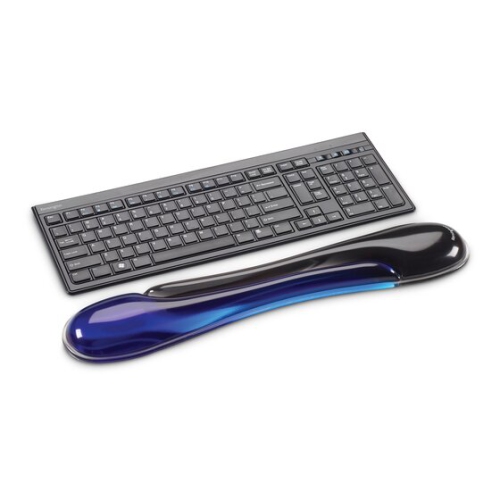
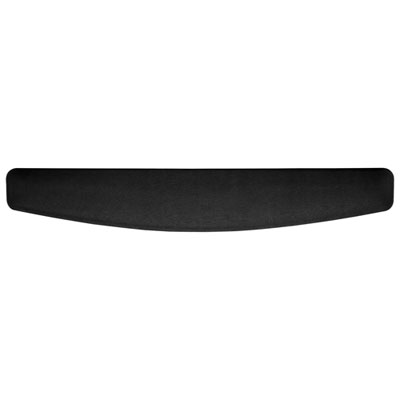
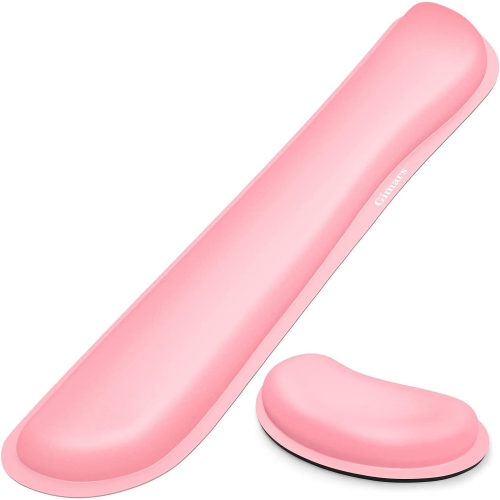
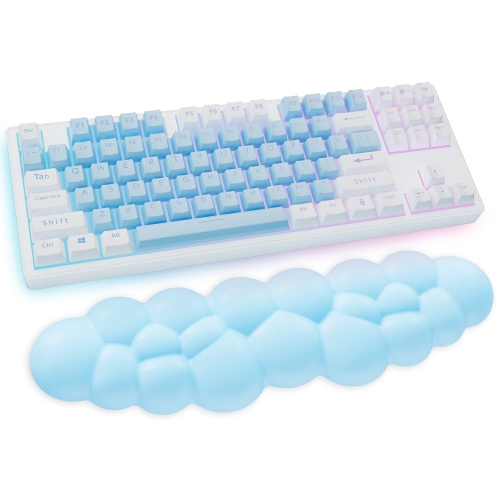
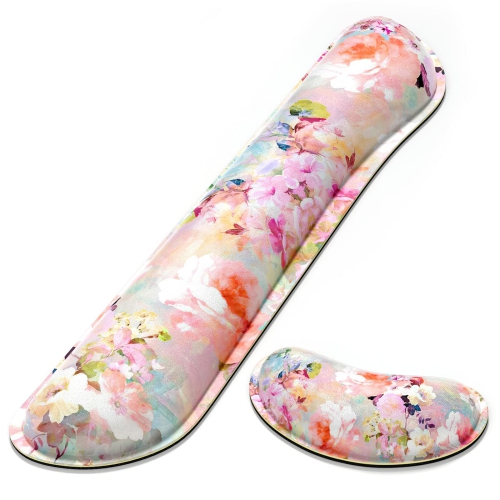
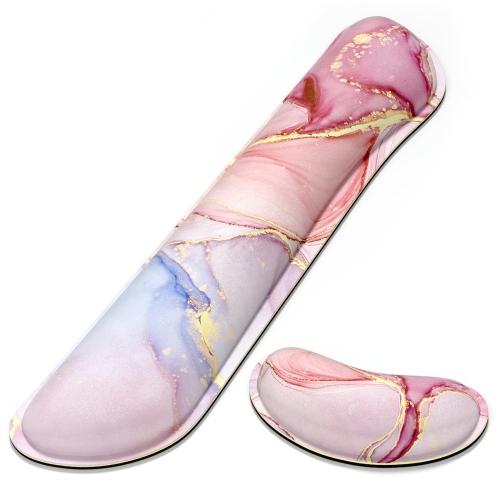
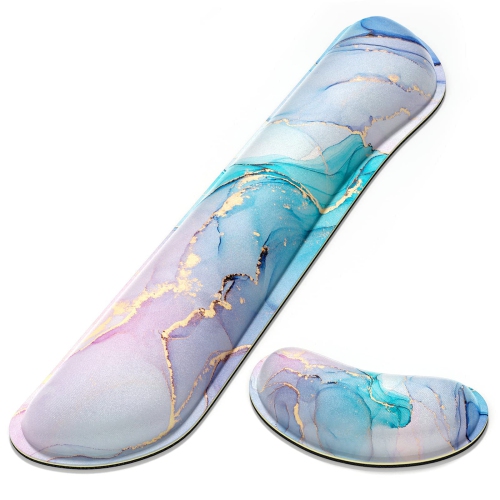
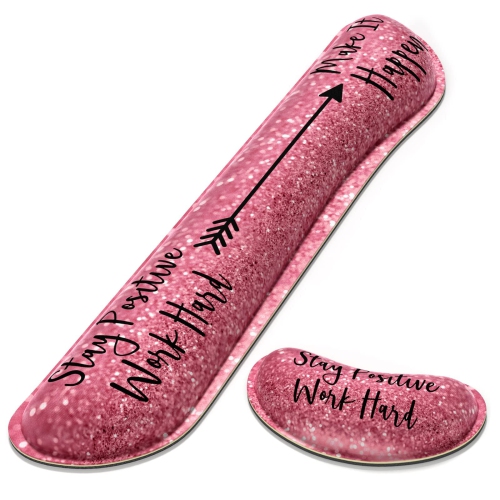
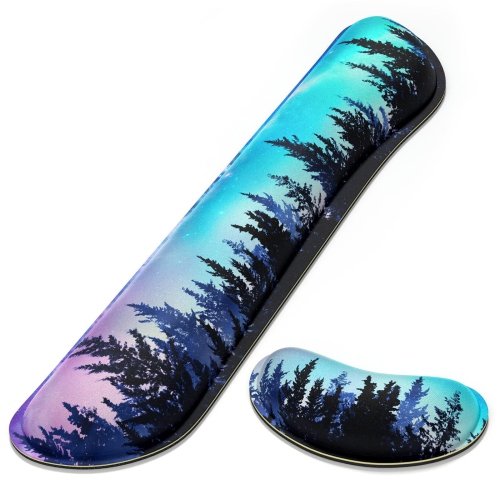
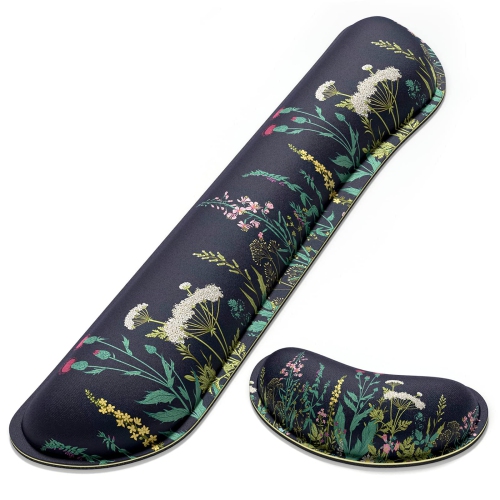
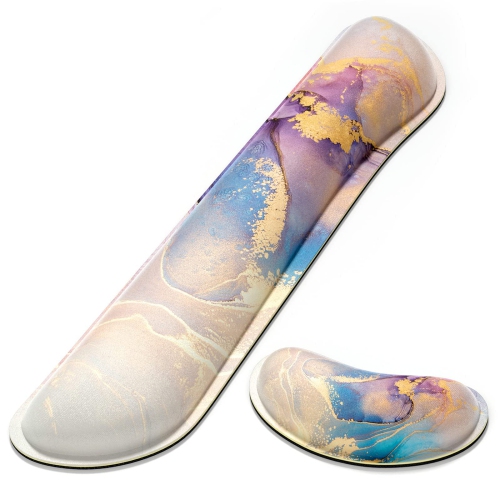
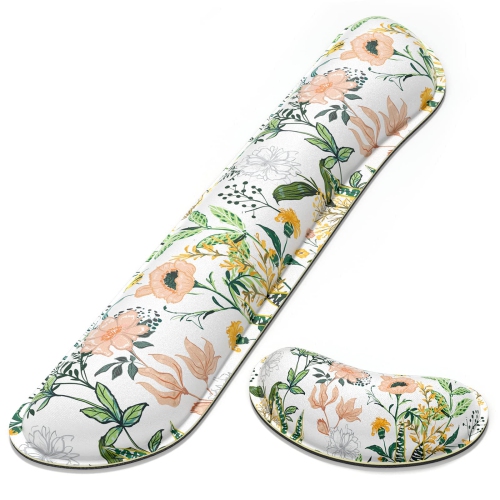
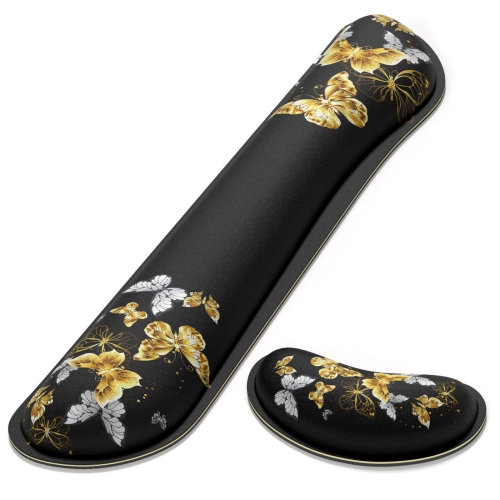

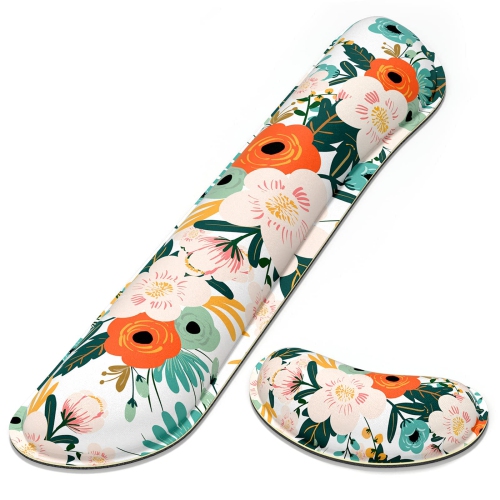
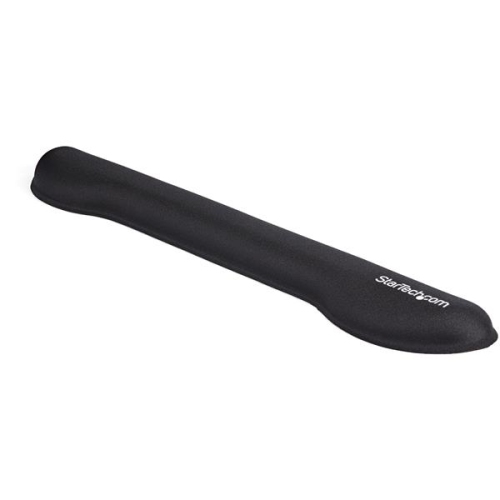
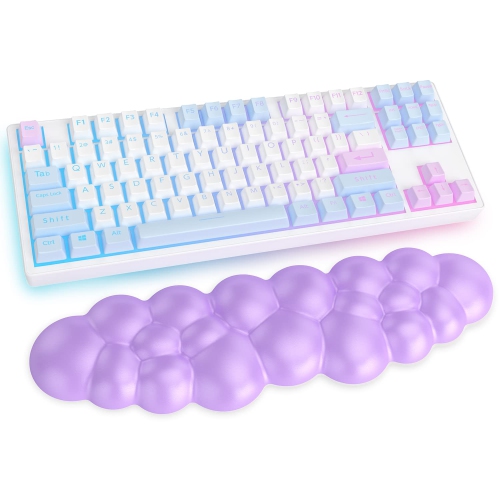
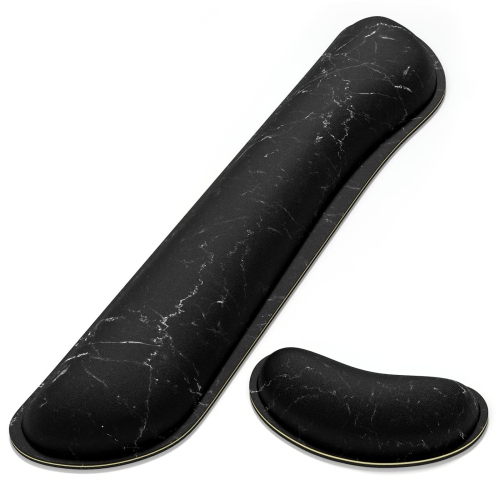
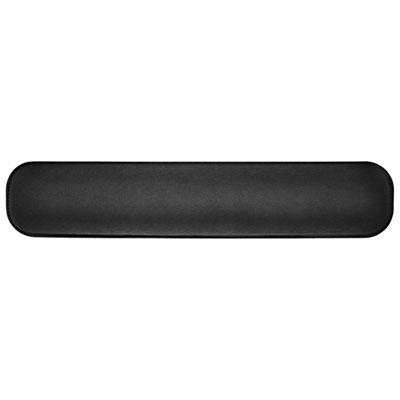
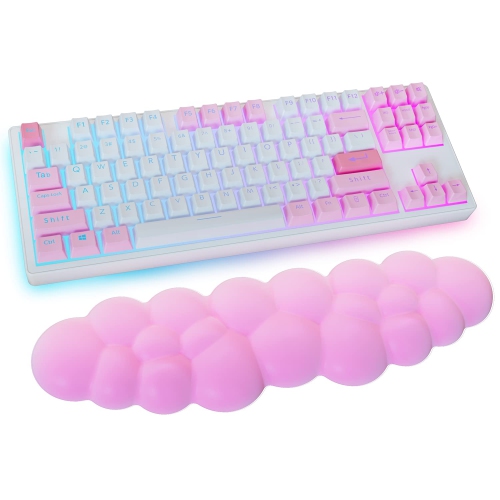
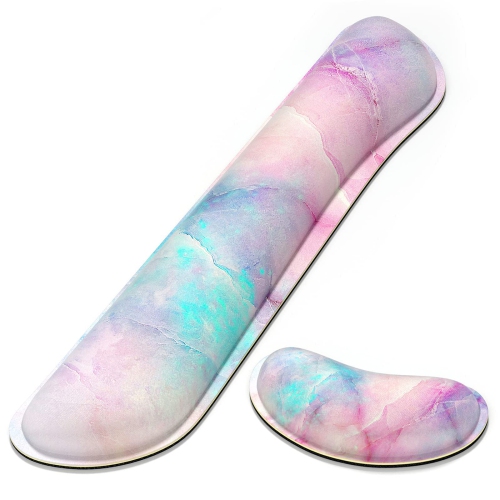
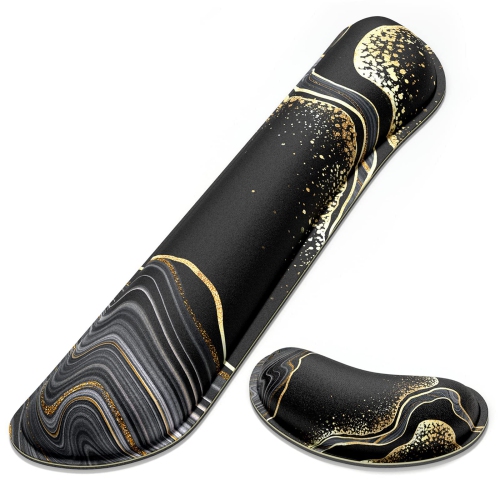
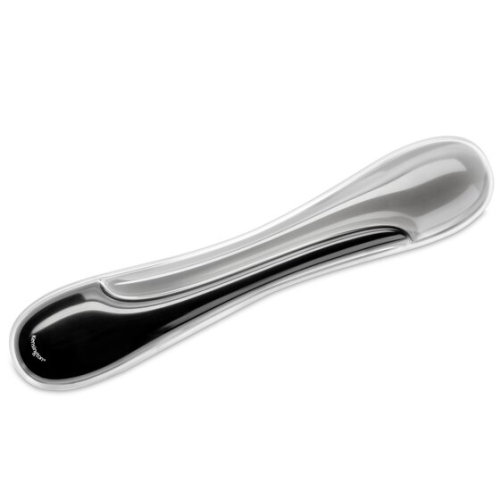
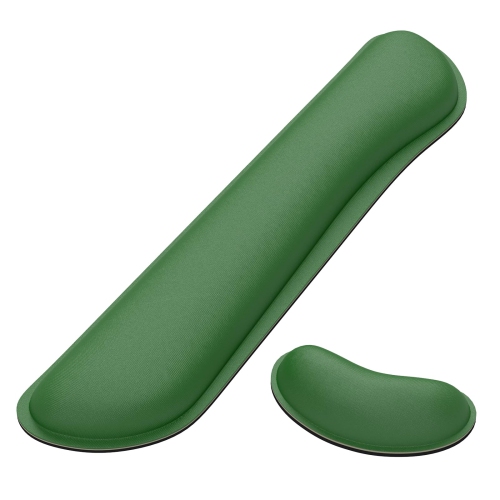
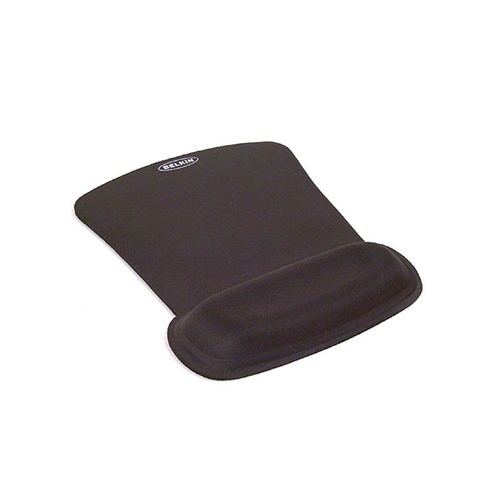
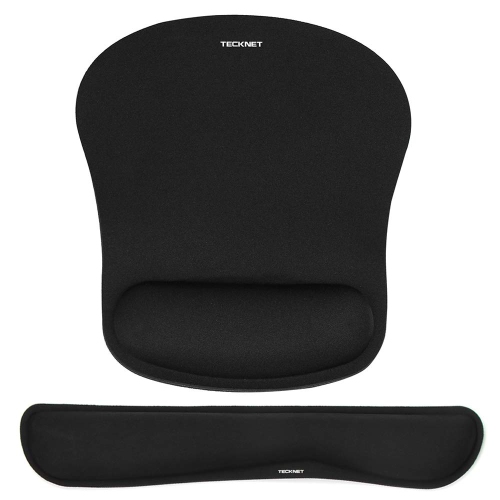
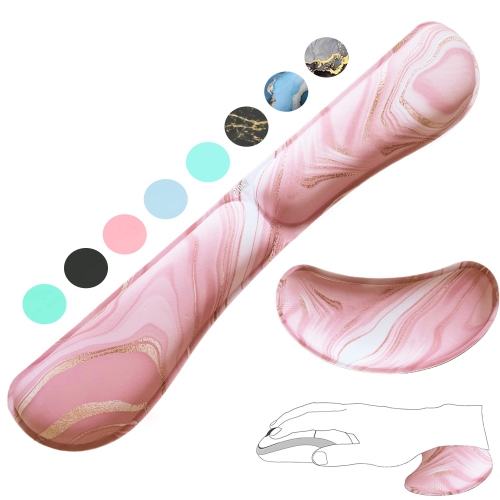
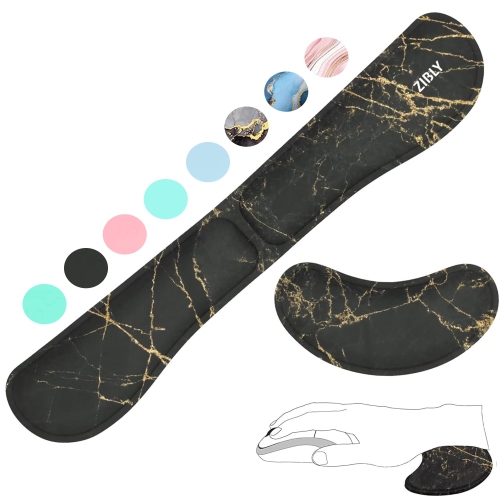
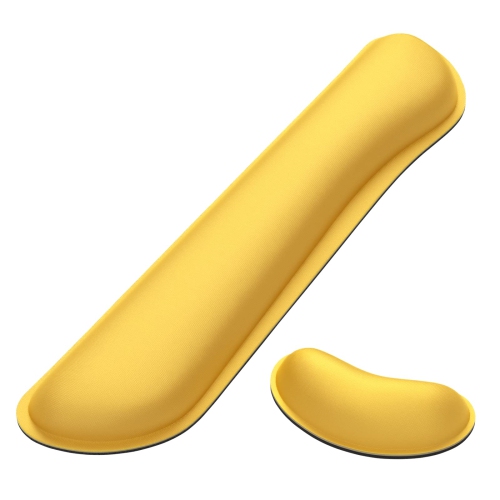
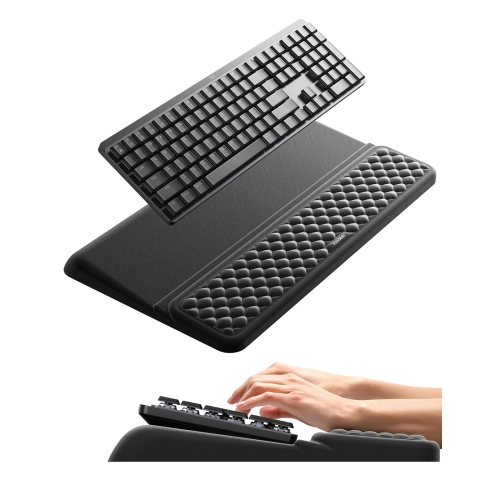
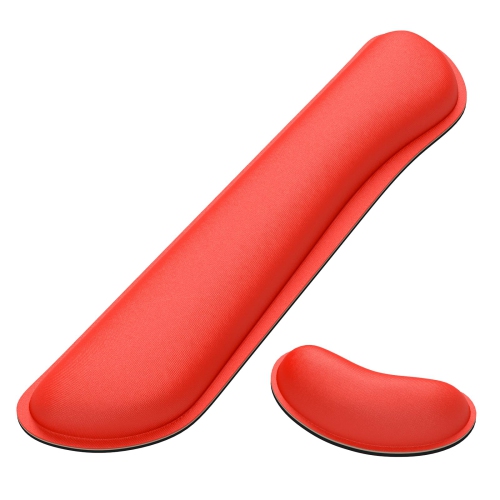
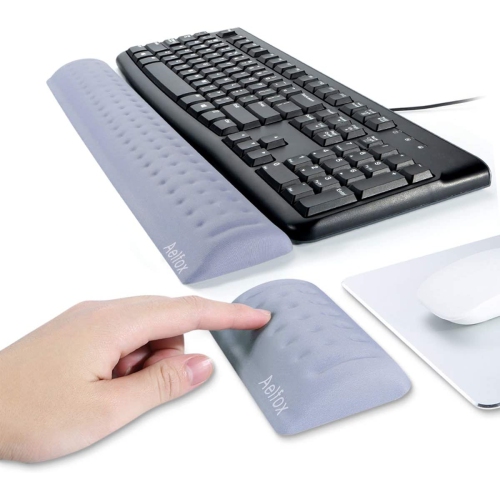
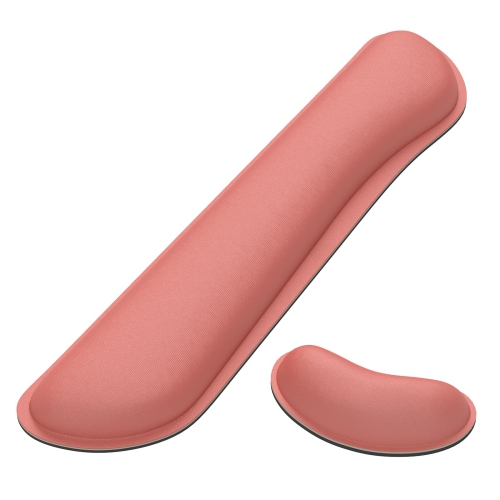
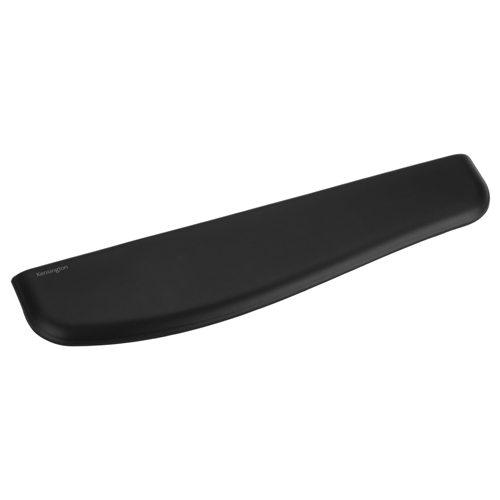
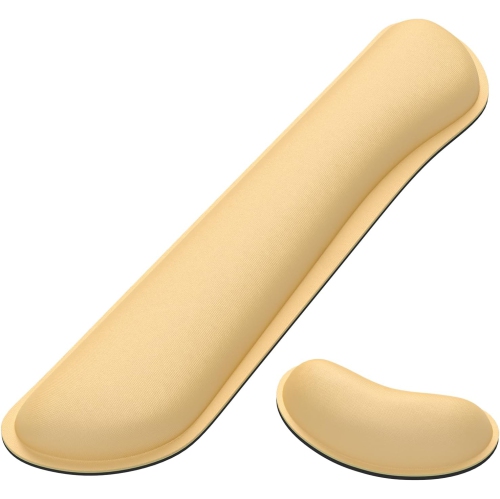
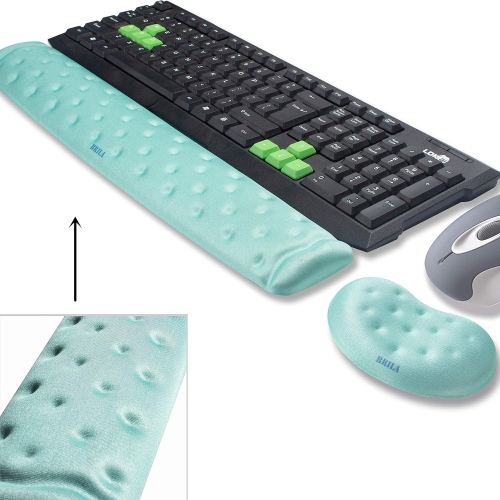
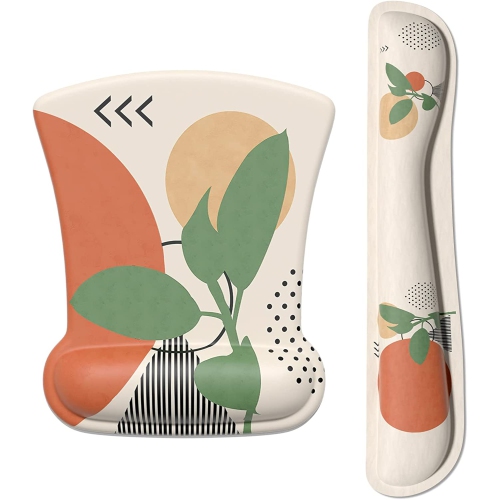
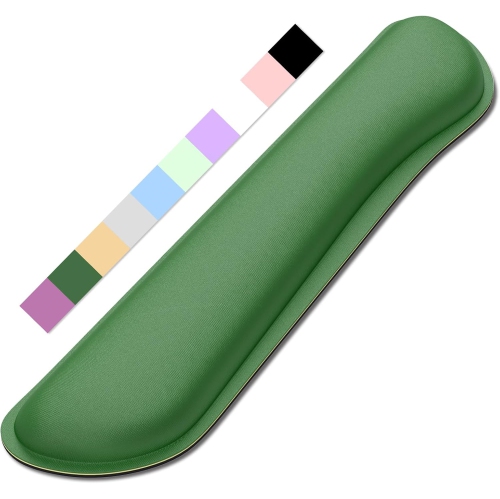
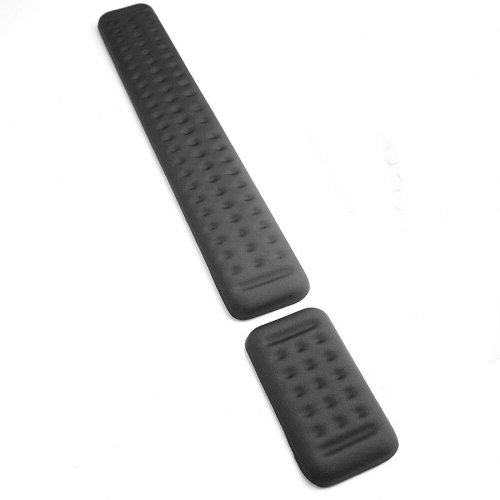
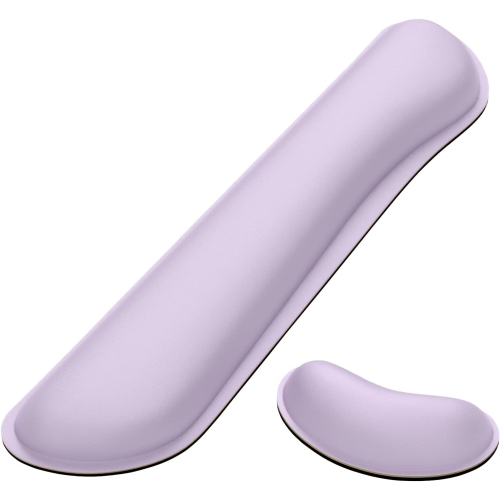
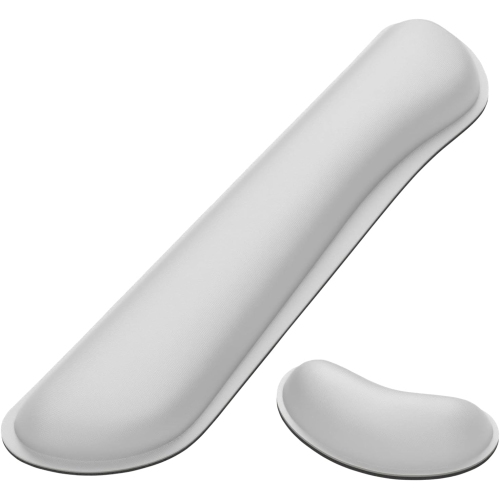
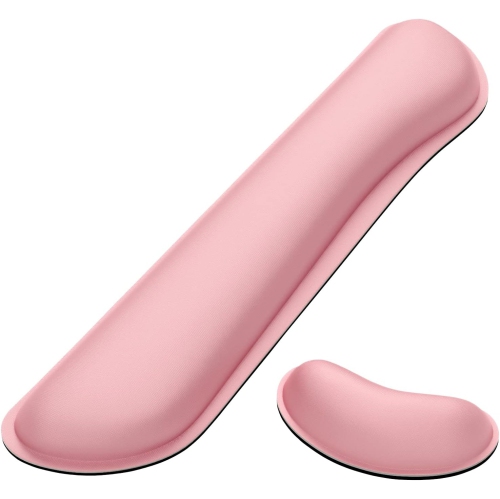
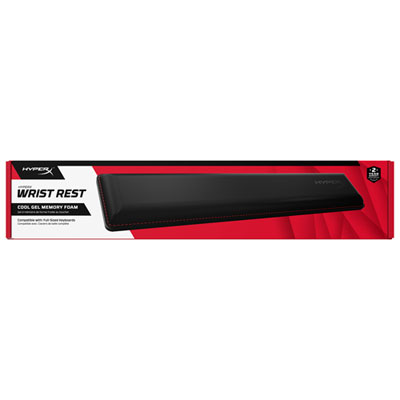
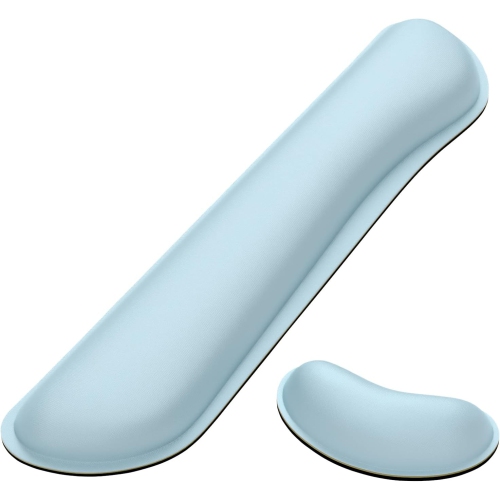
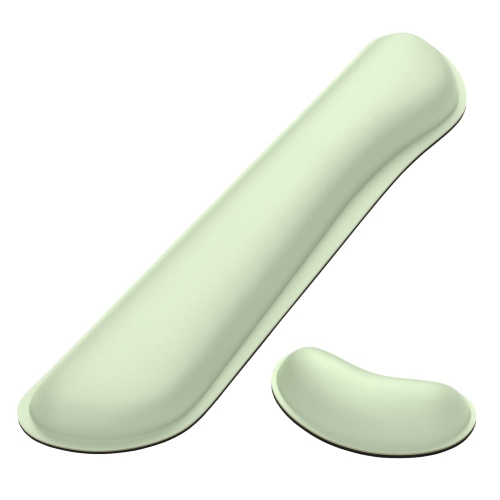
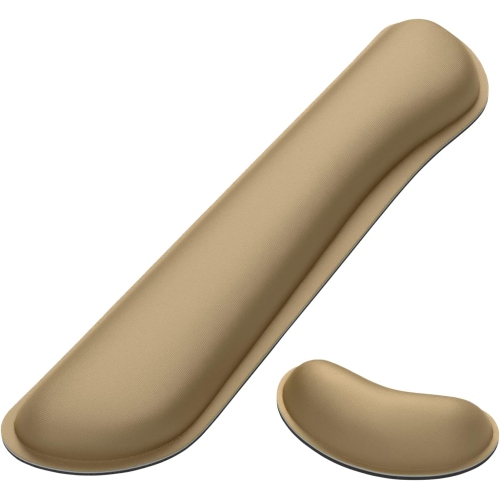
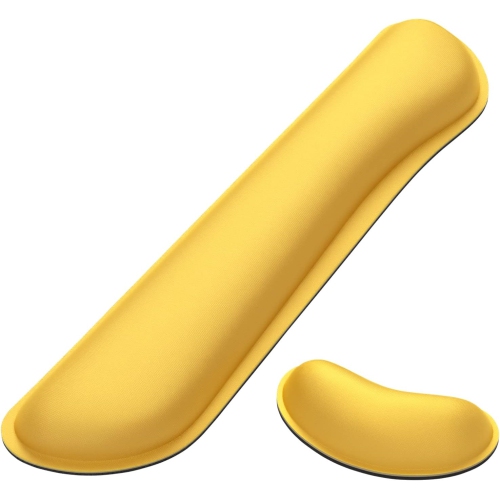
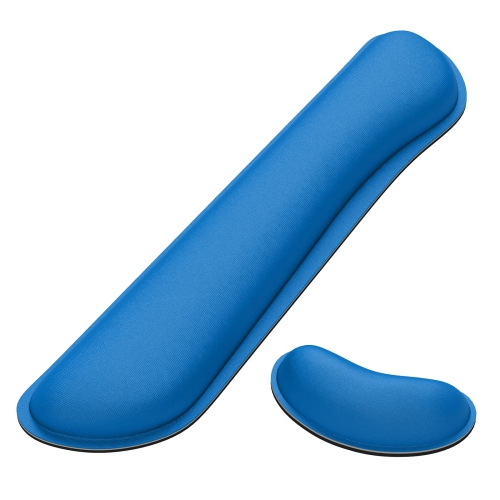
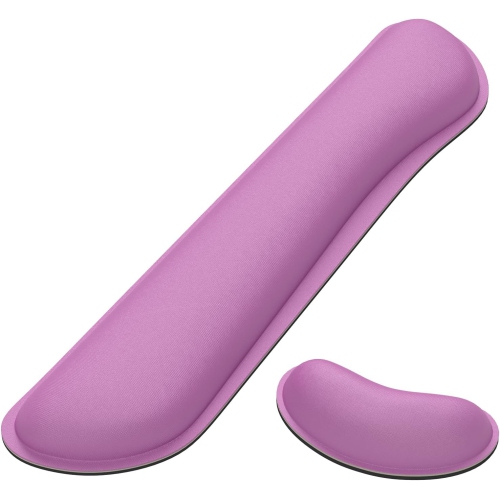
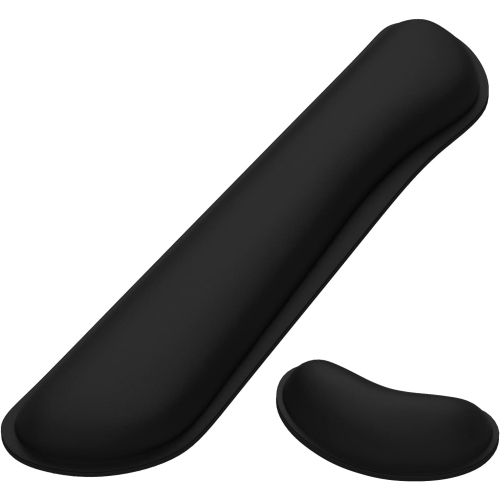
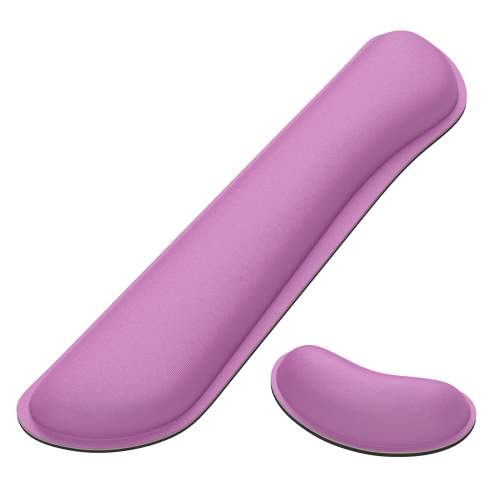
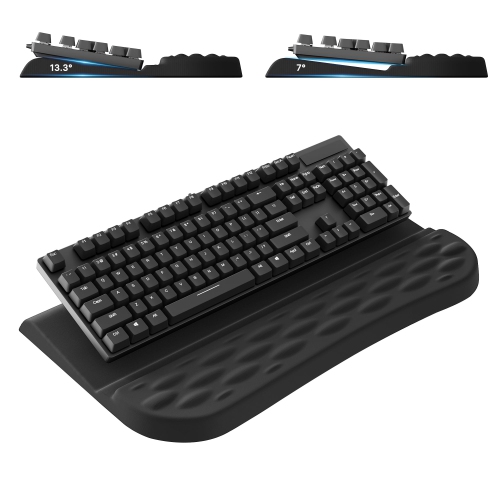
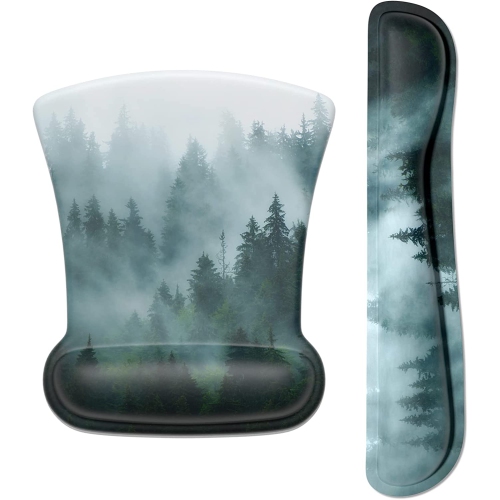
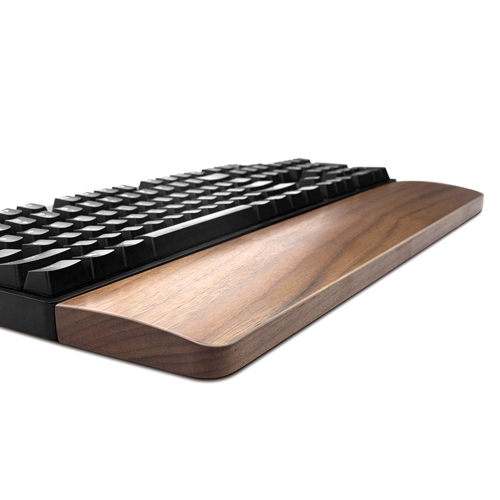
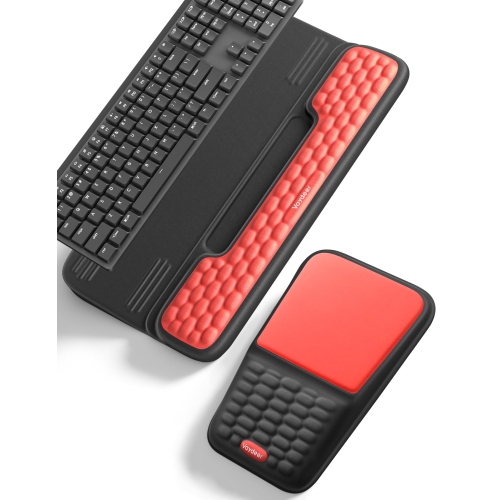
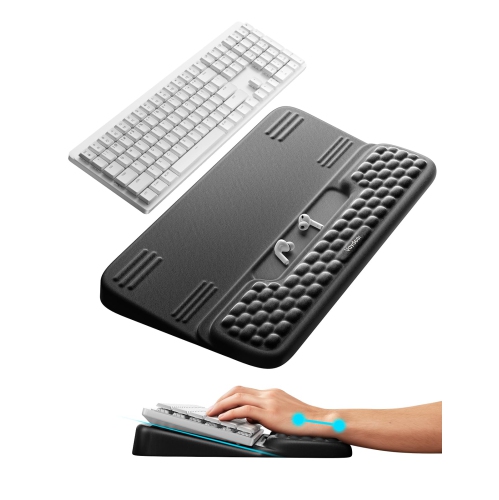
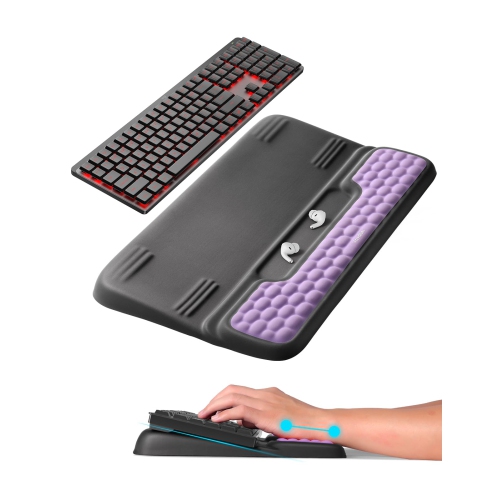

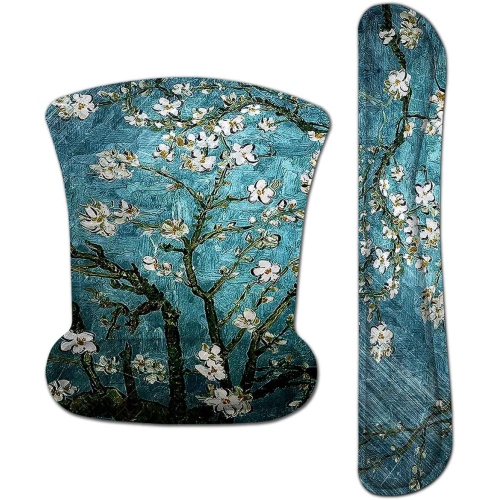
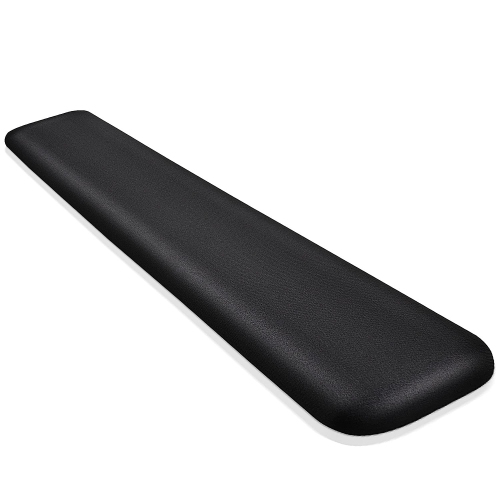
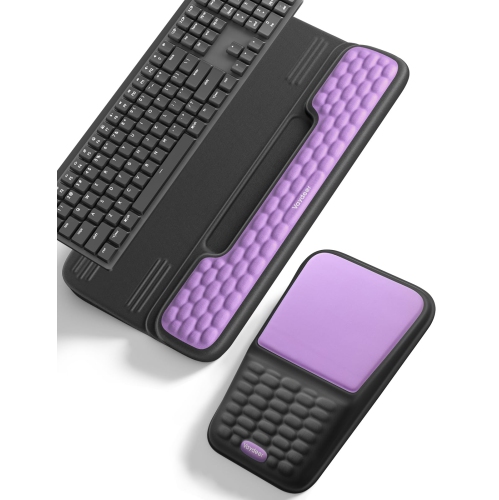
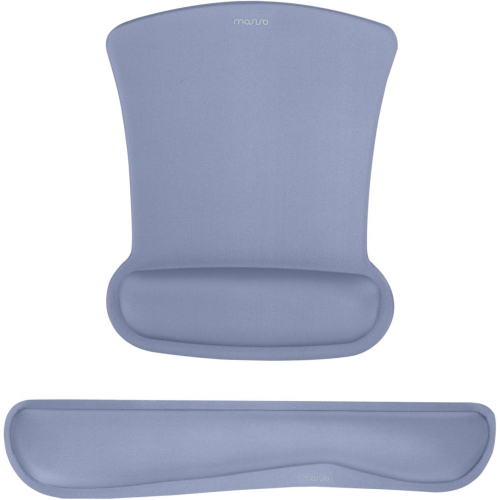
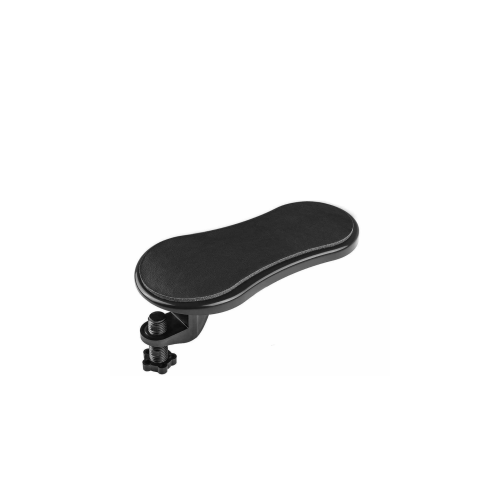
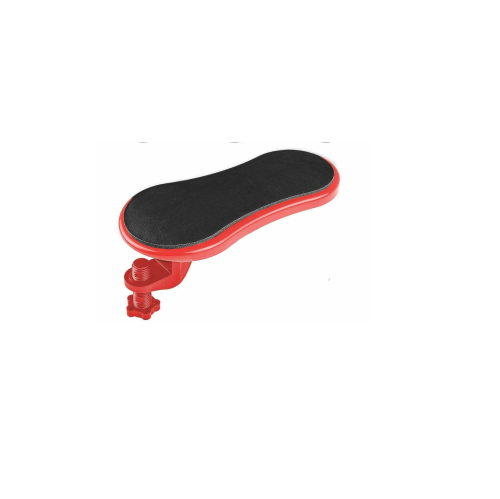
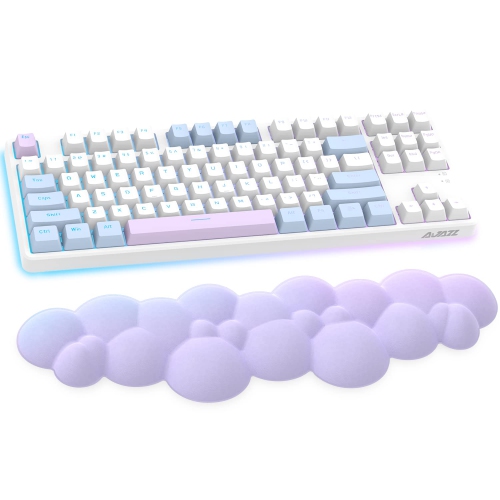
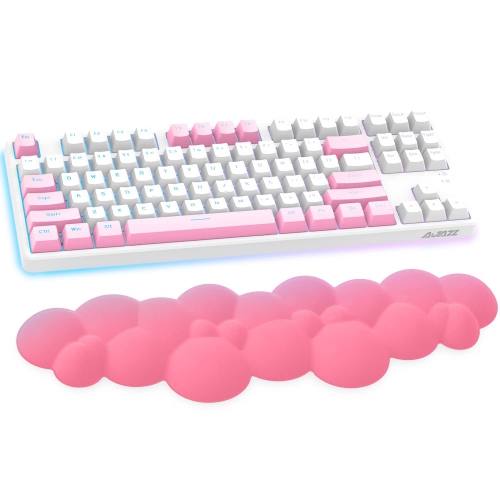
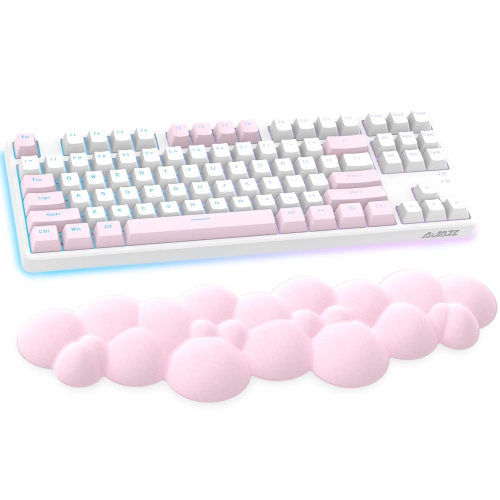
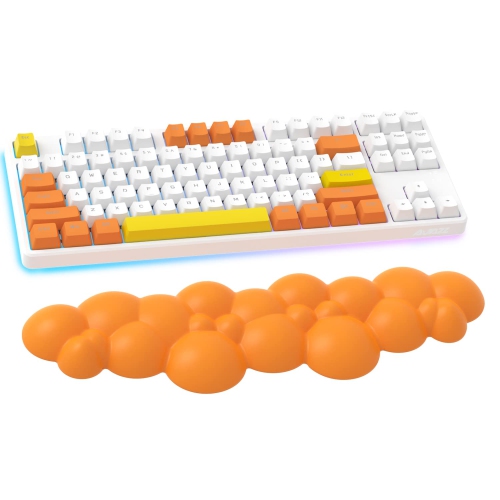
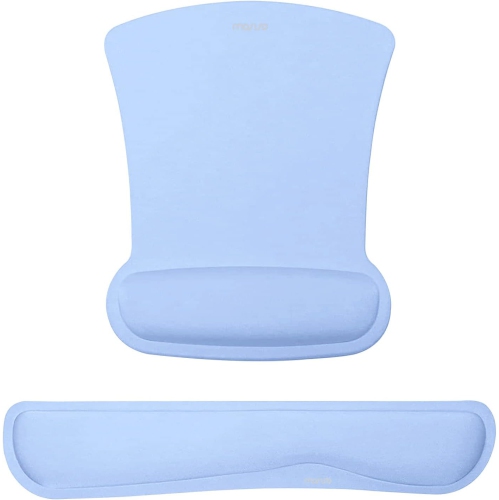
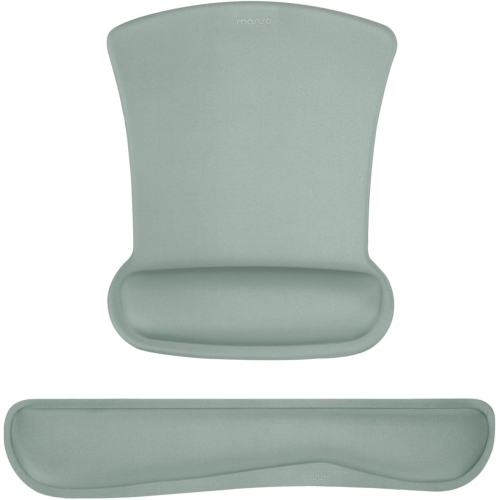
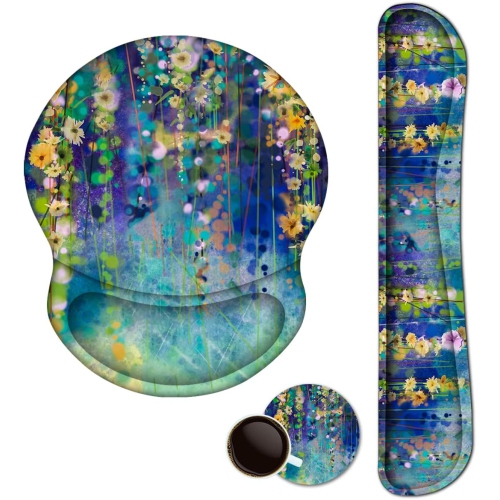
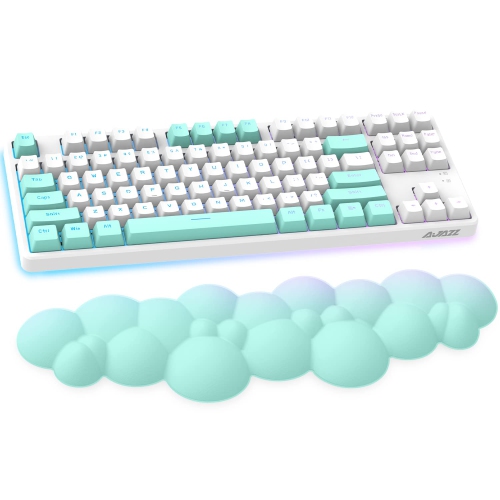

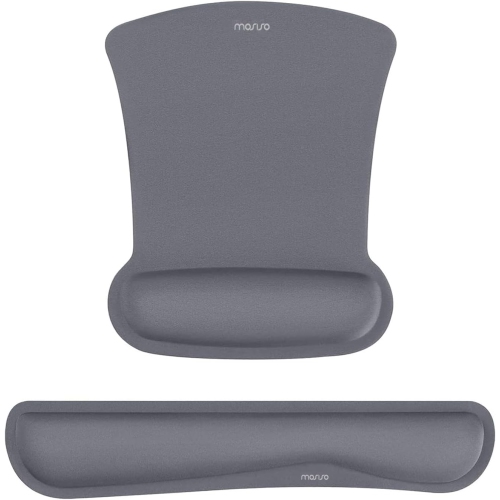
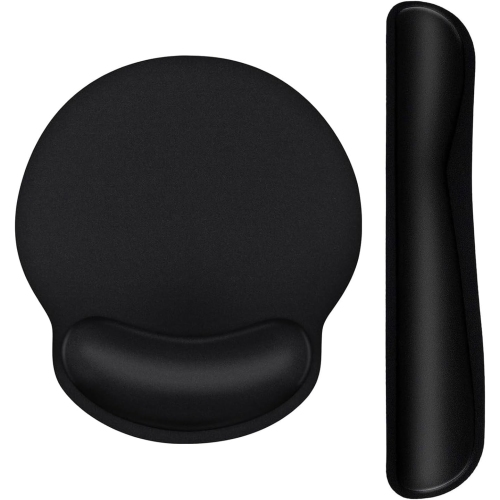
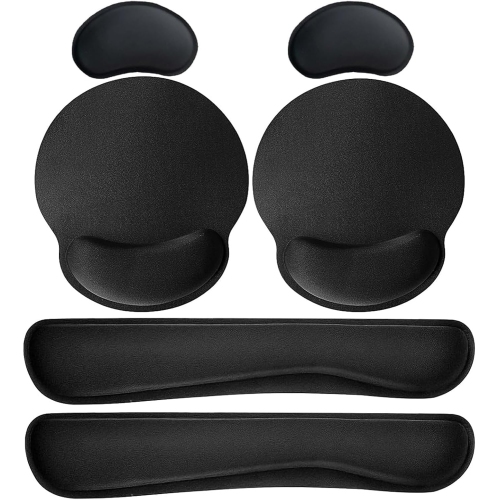
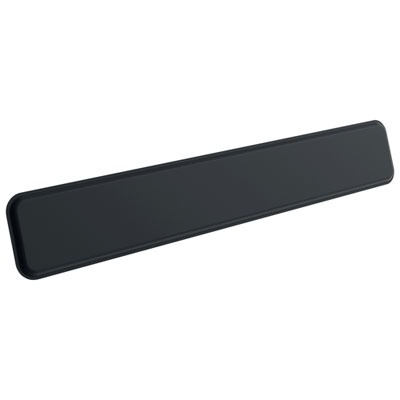
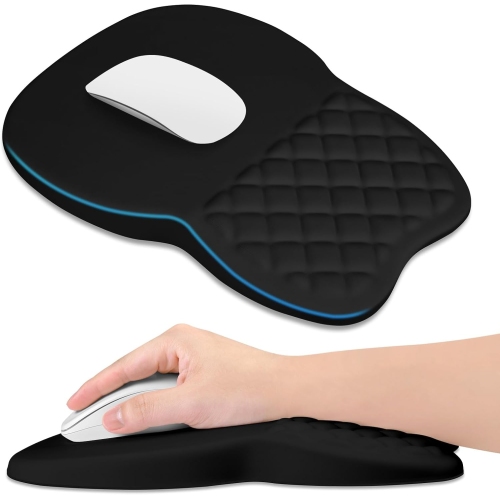
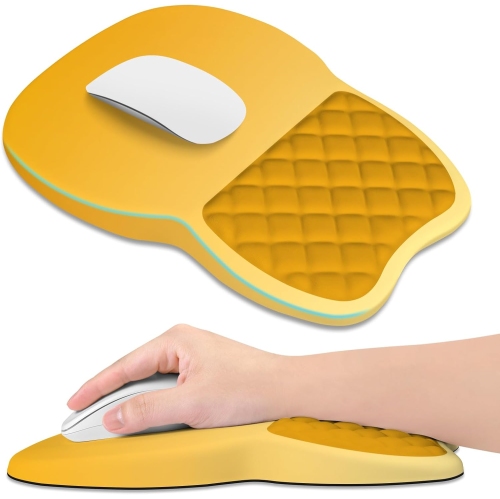
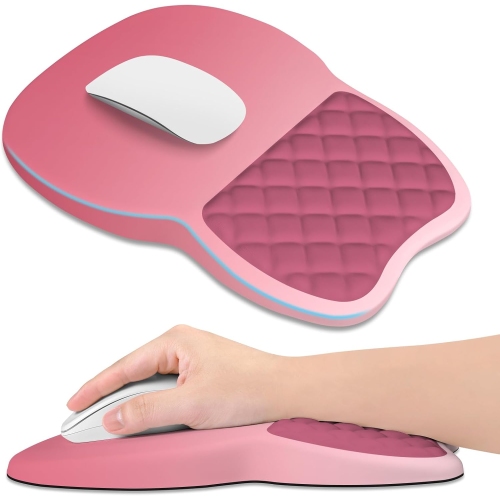
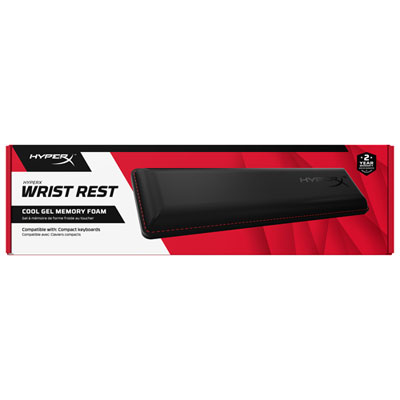
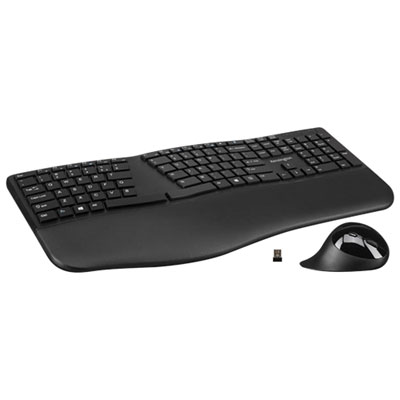
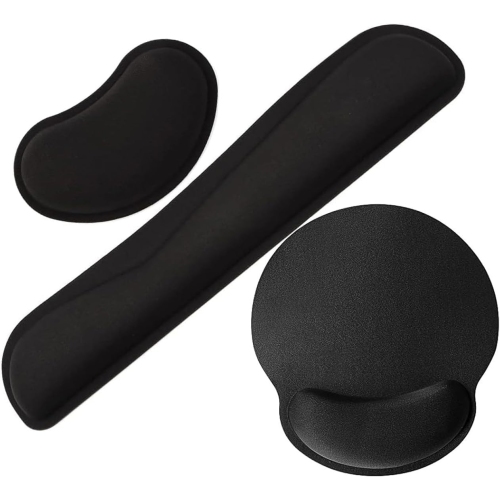

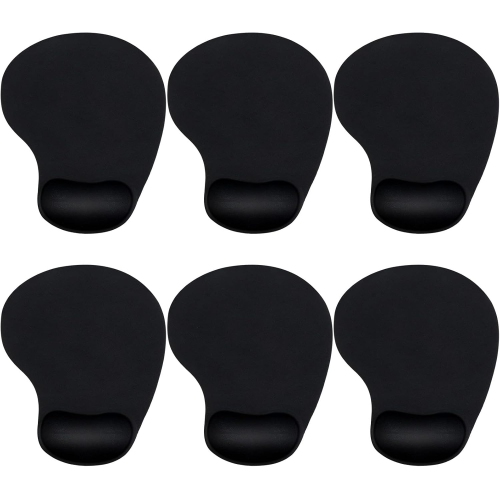
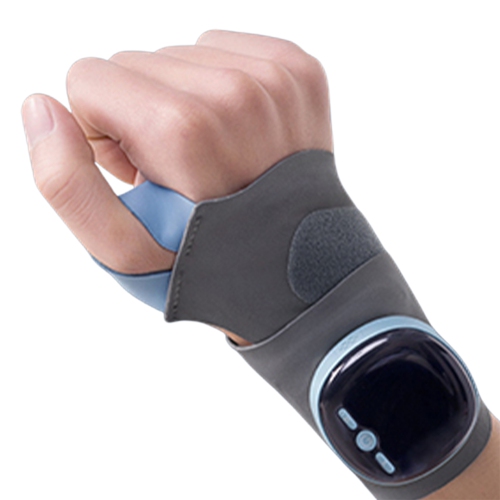
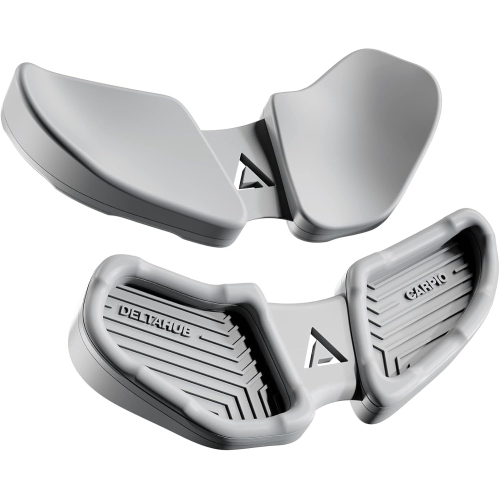
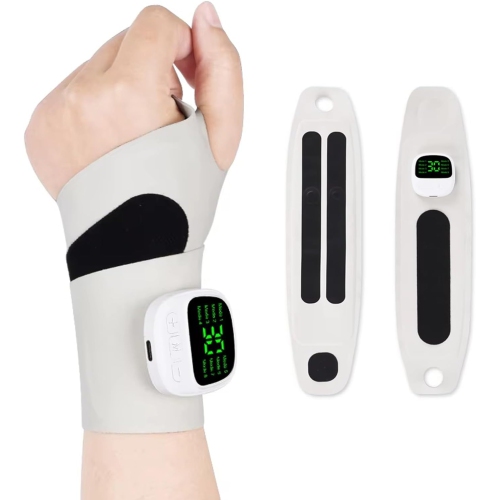
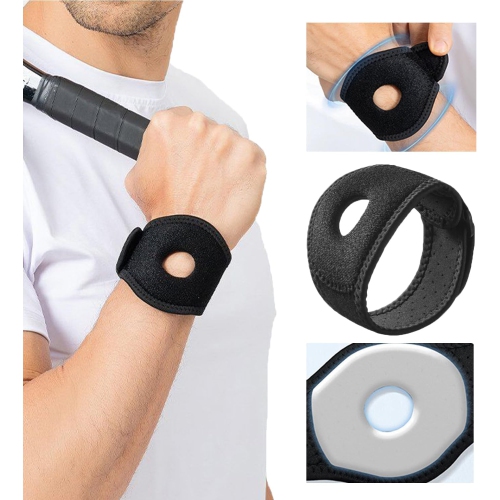


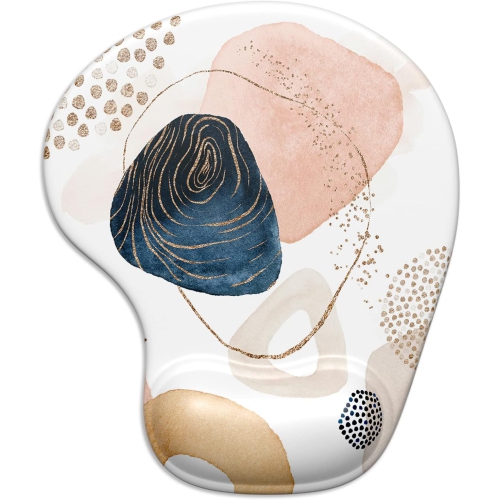
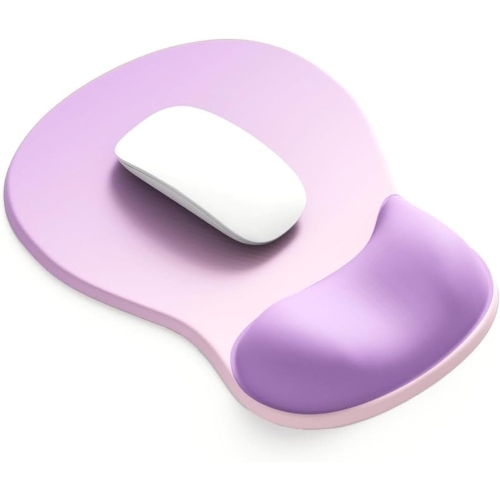
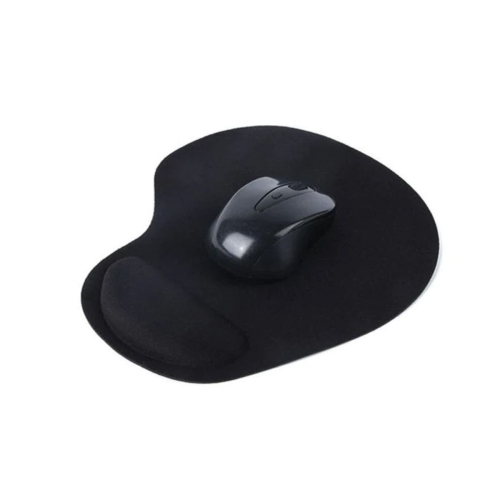
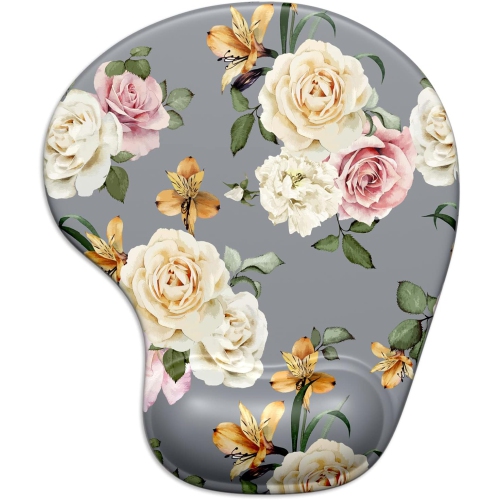


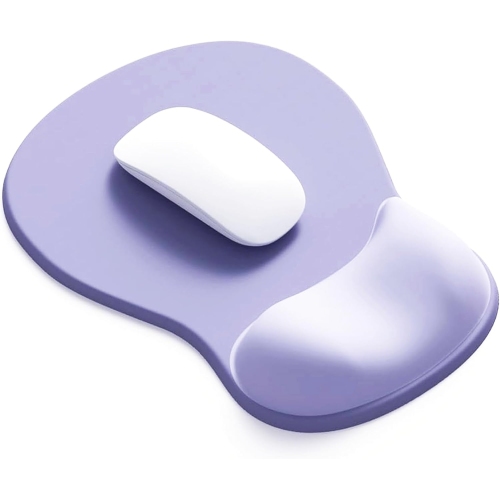
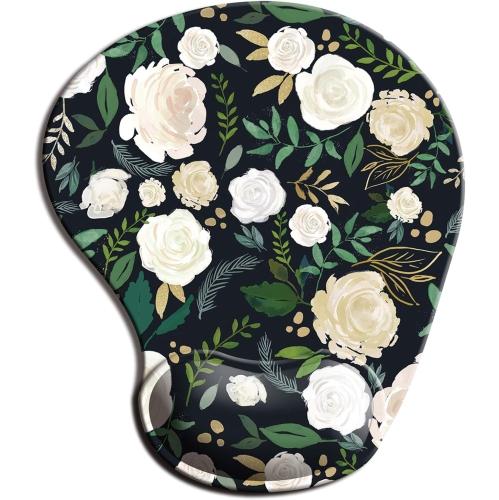
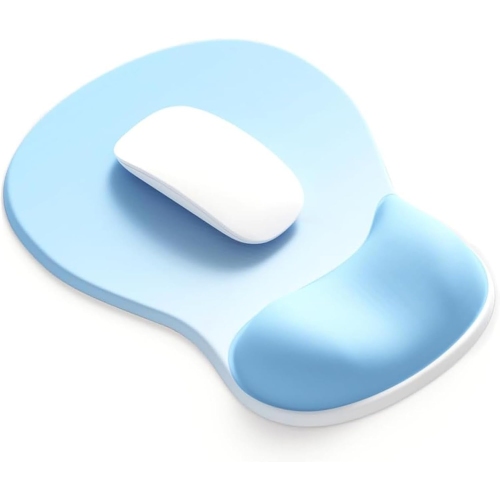
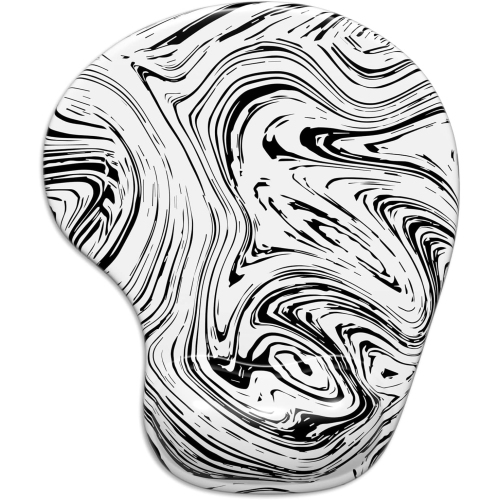


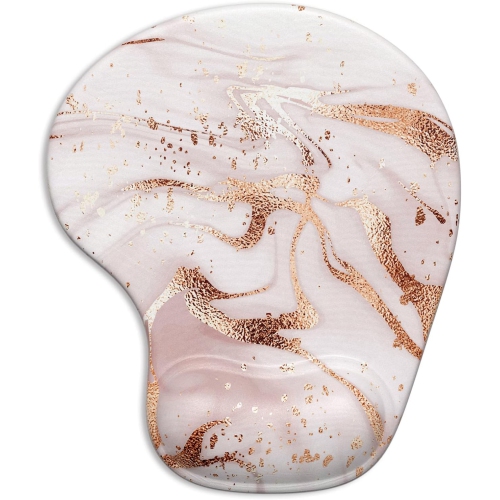
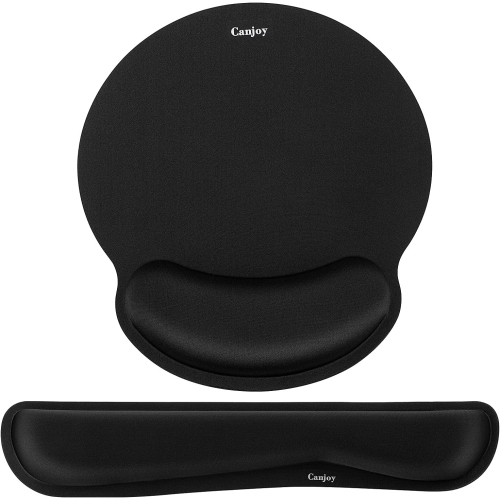
How keyboard height and support shape everyday typing comfort
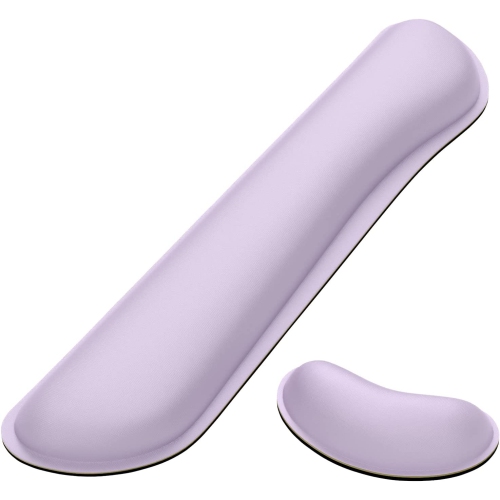
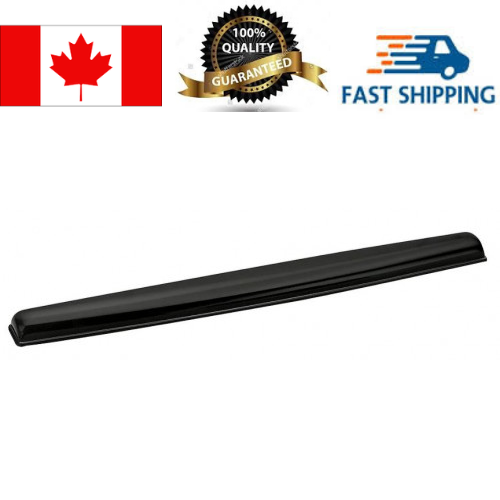
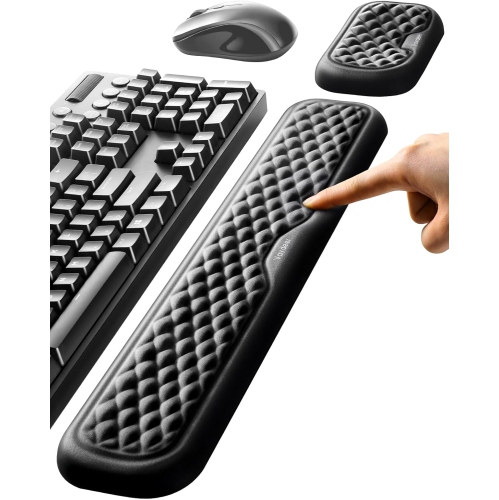
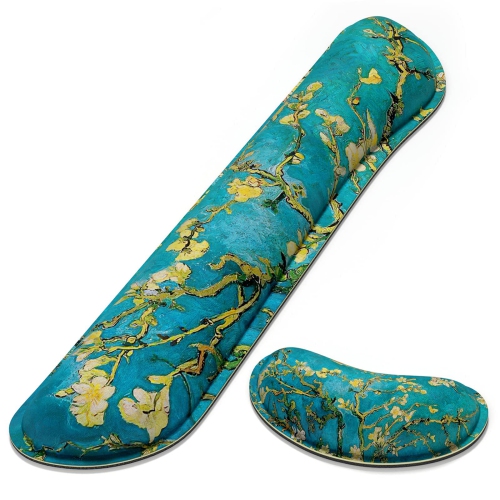
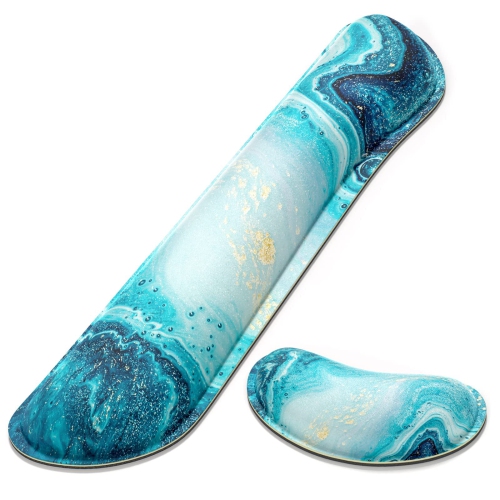
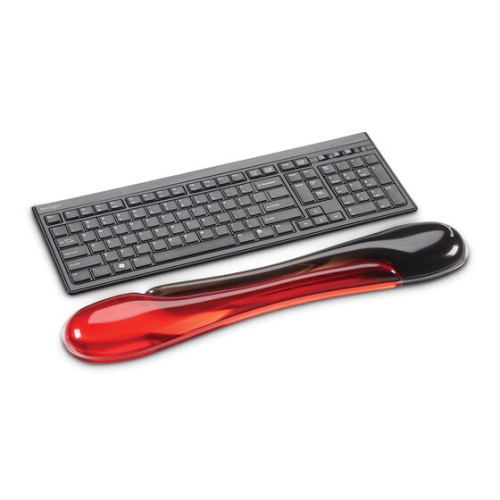
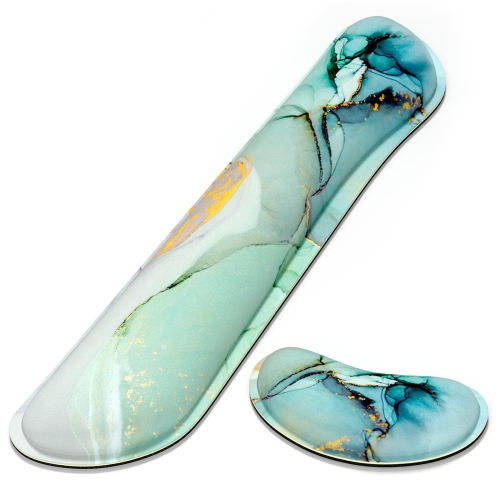
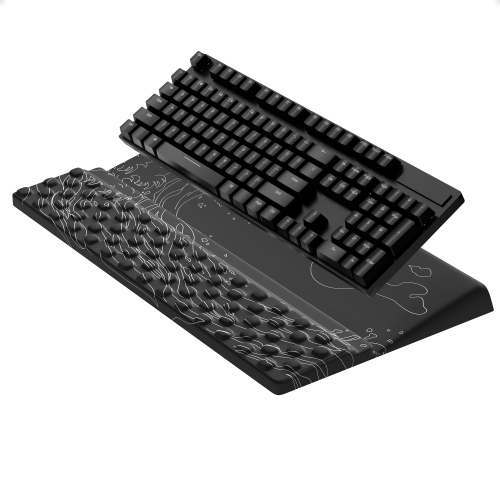
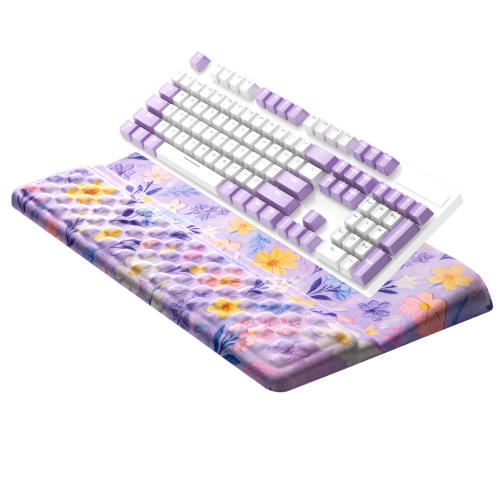
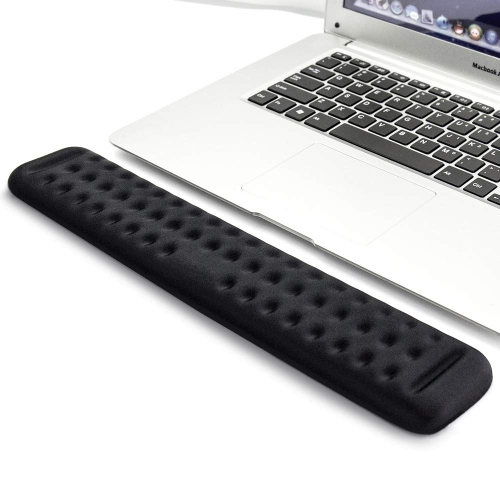
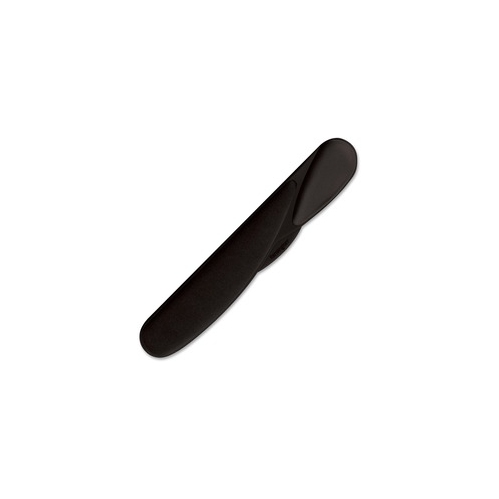
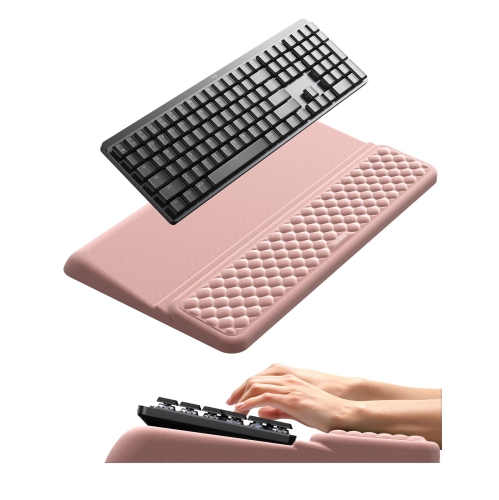
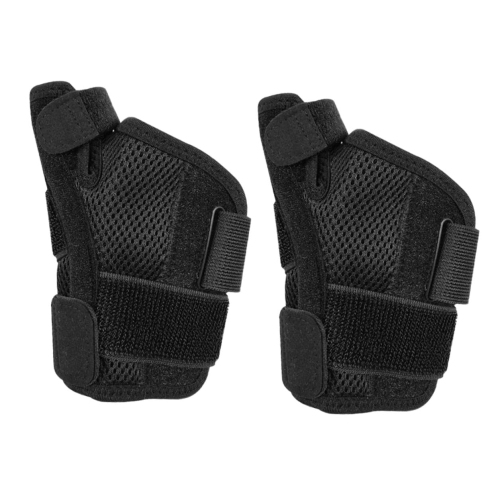
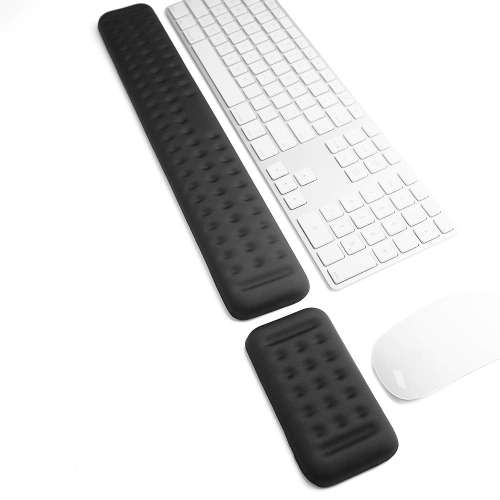
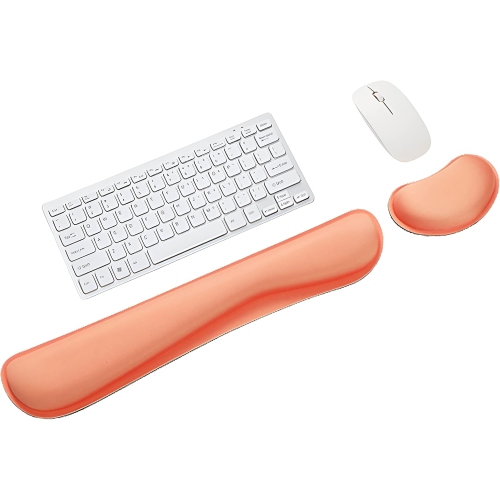
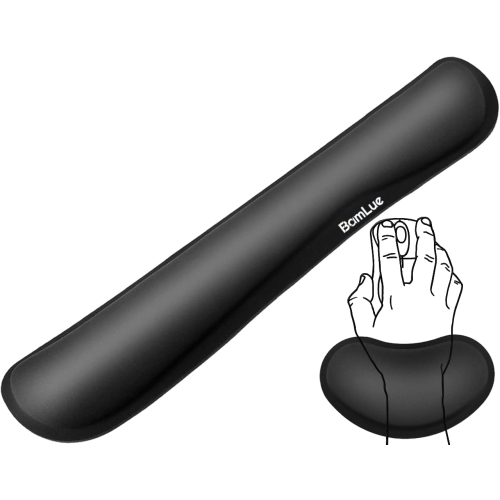
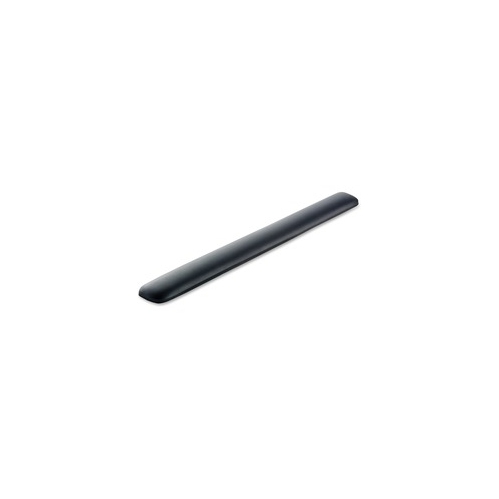
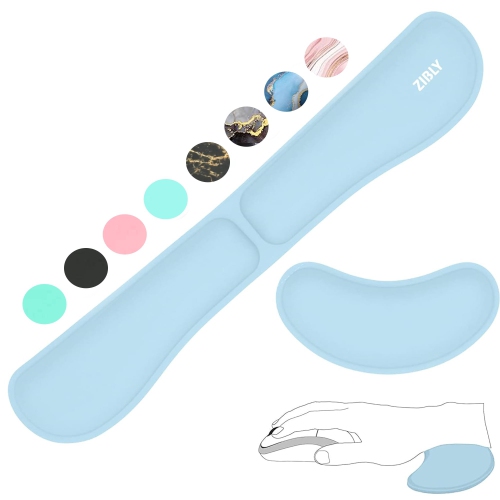
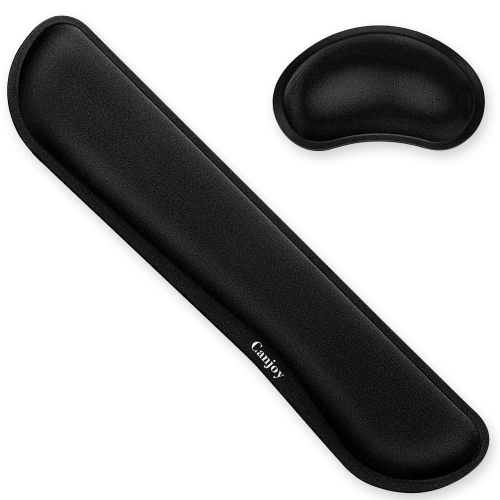
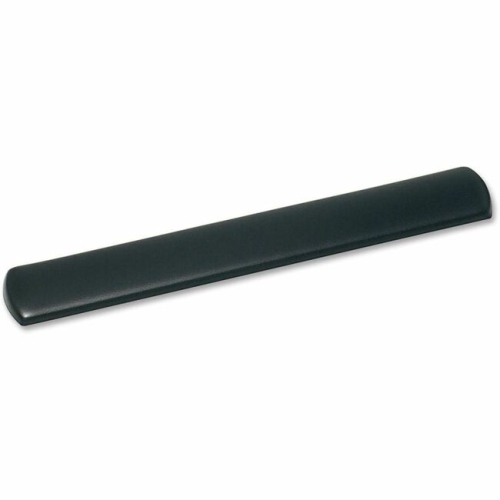
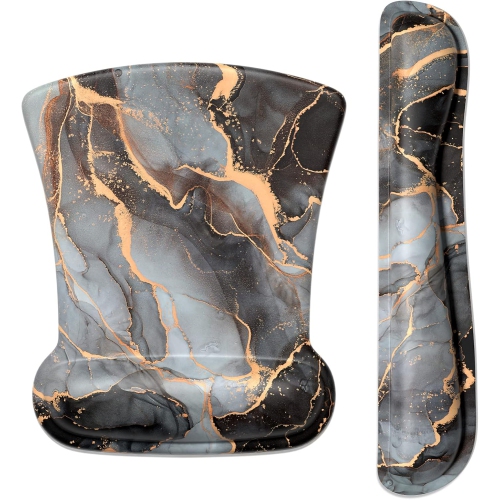
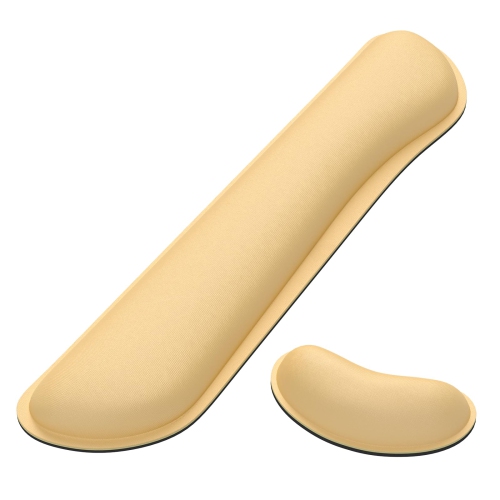
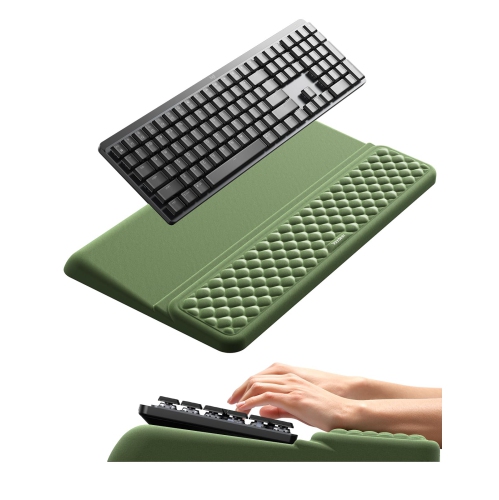
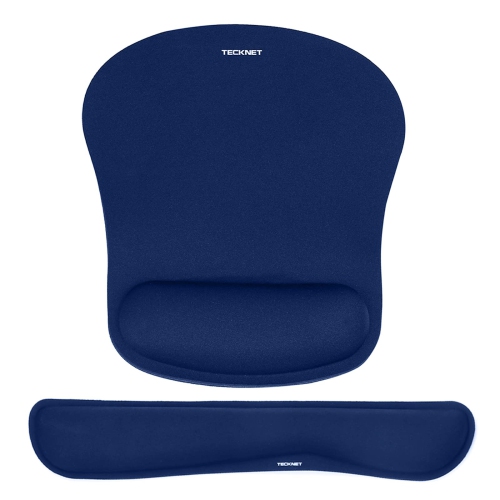
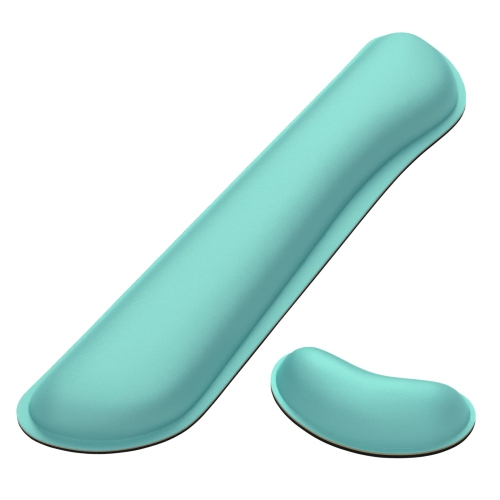
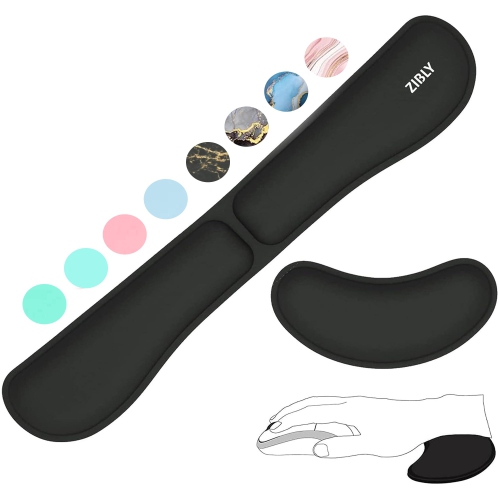
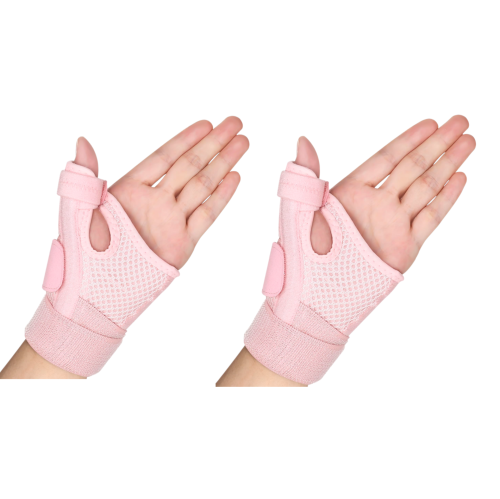
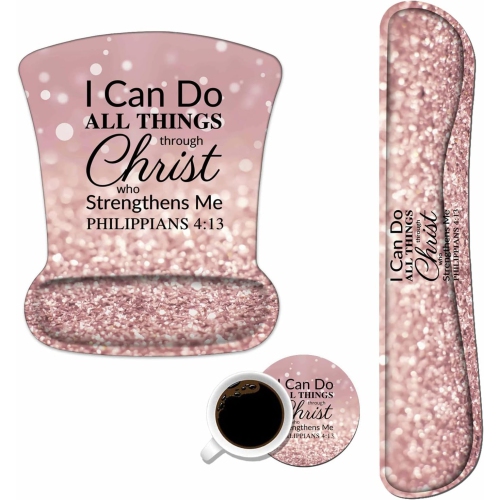
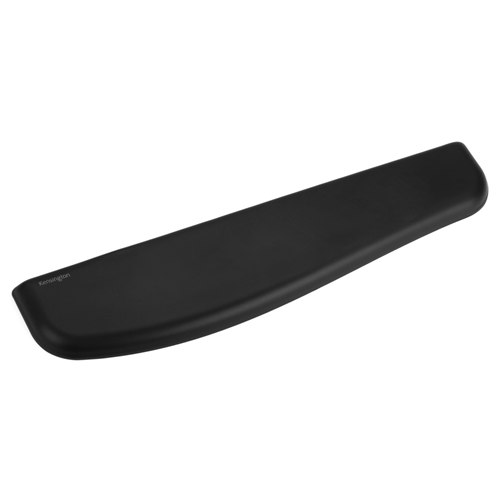
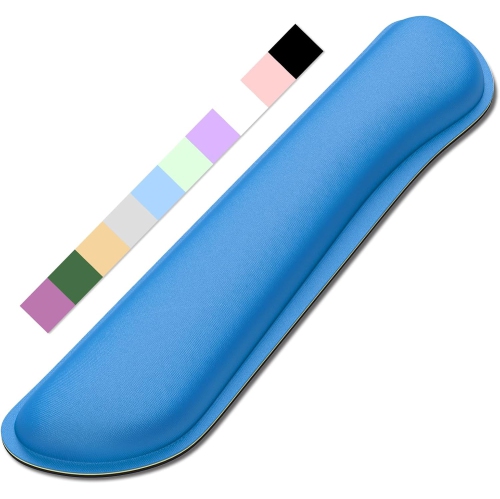
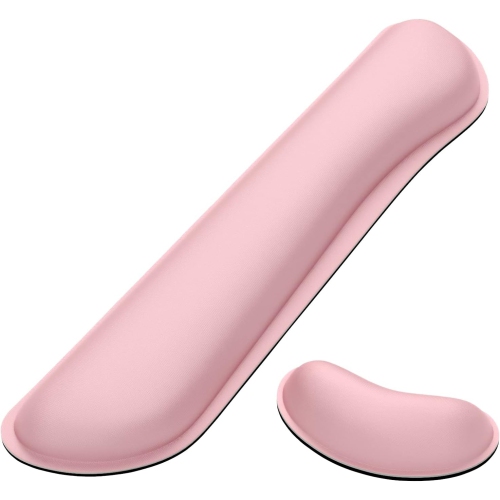
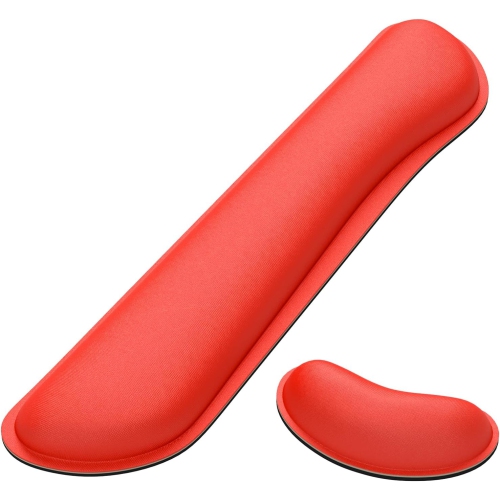
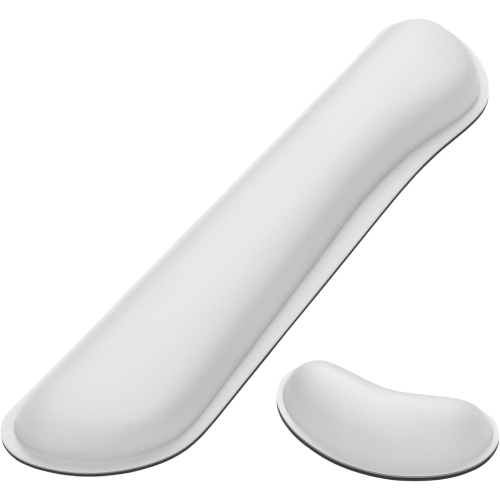
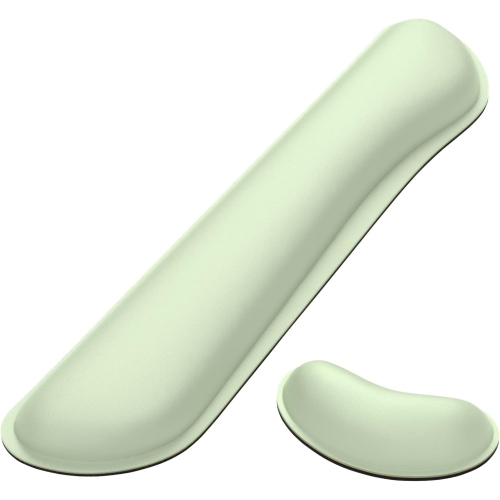
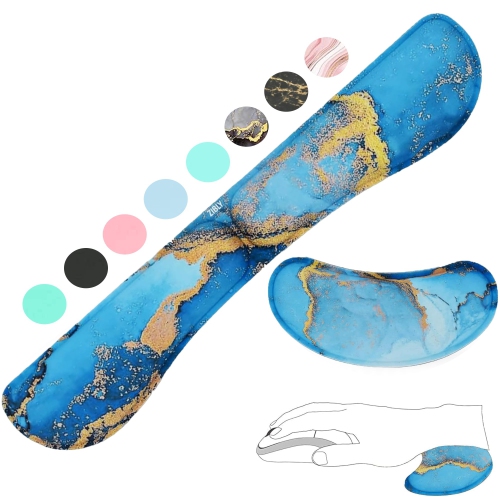
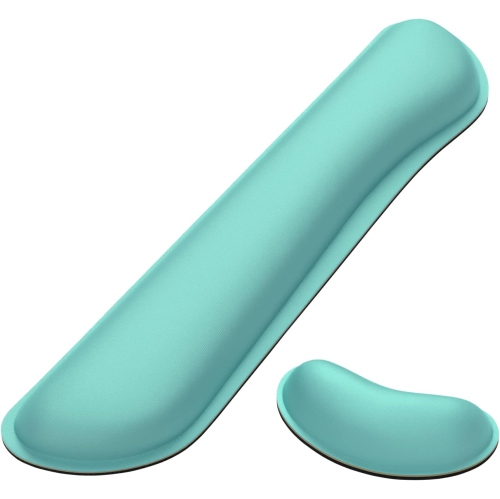
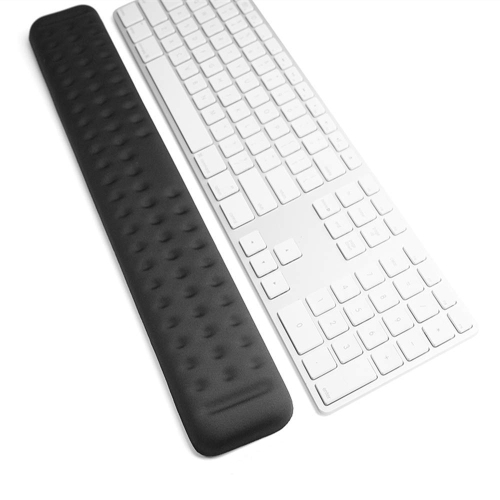
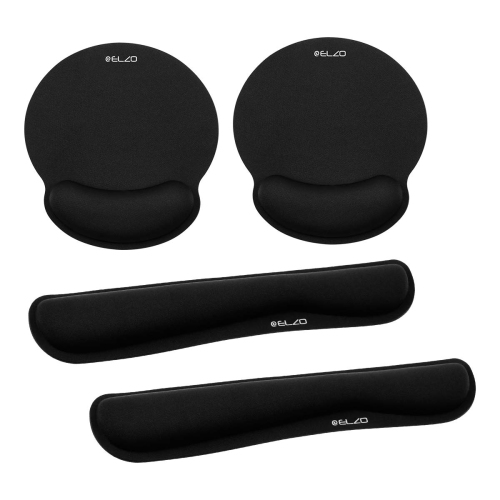
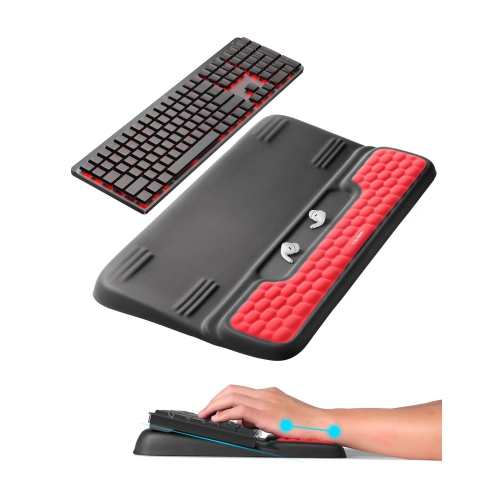
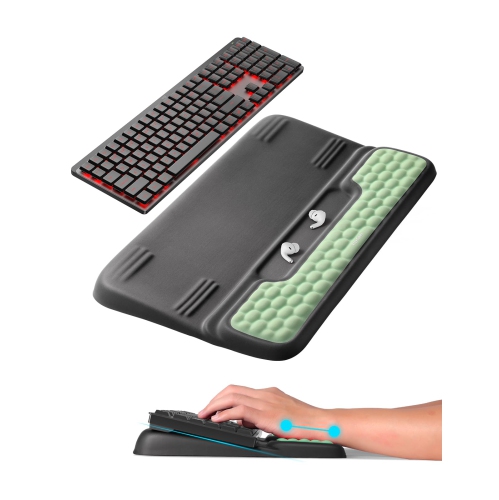
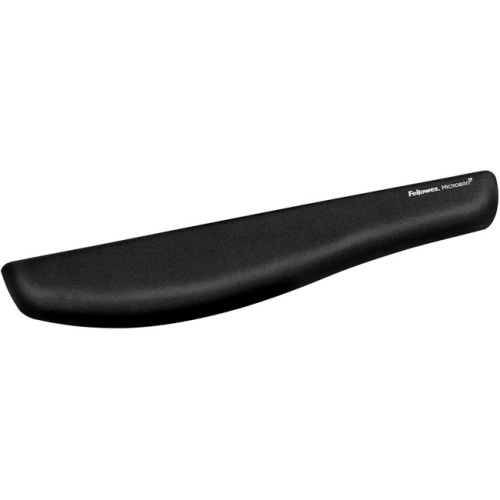
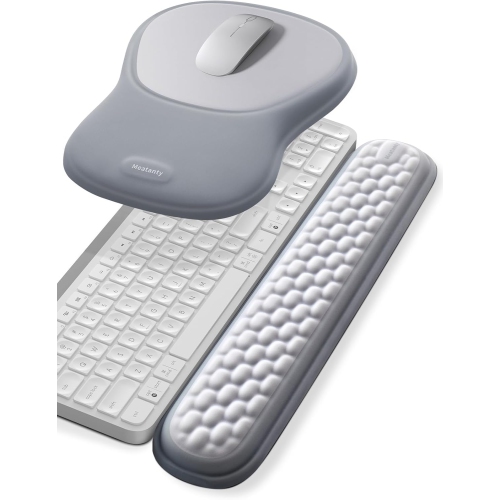
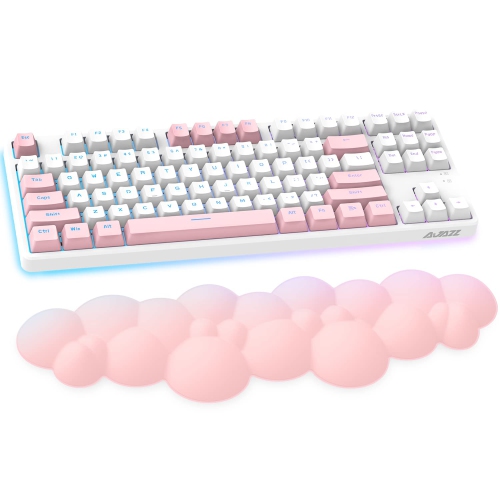
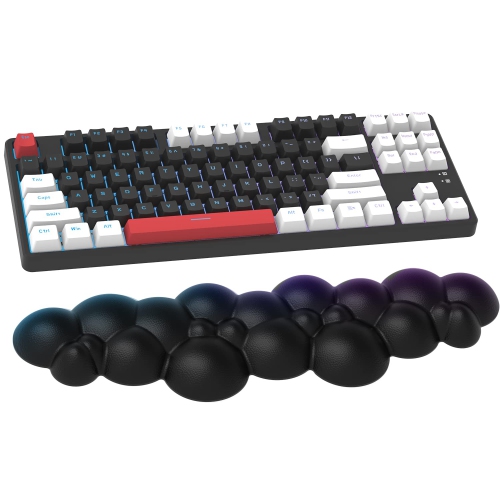
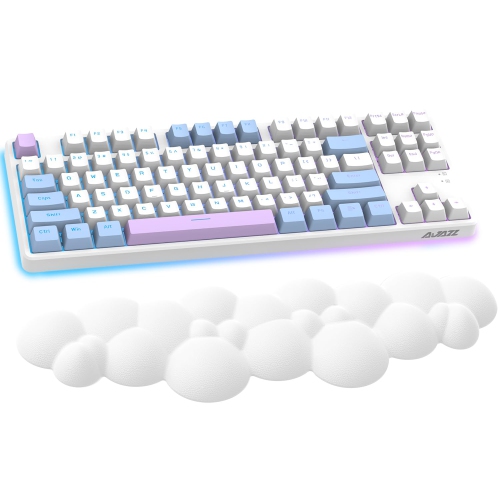
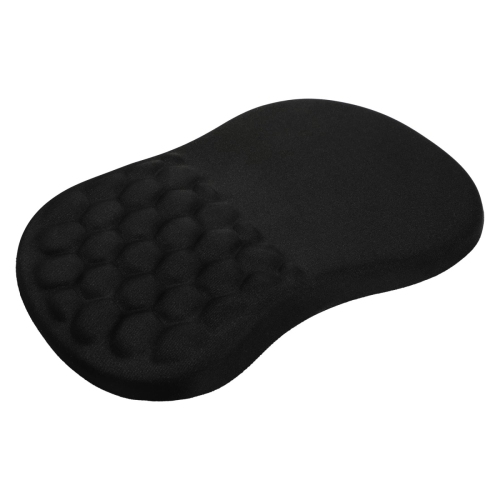
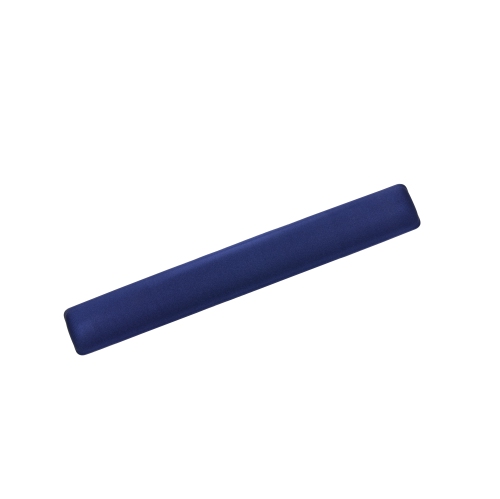
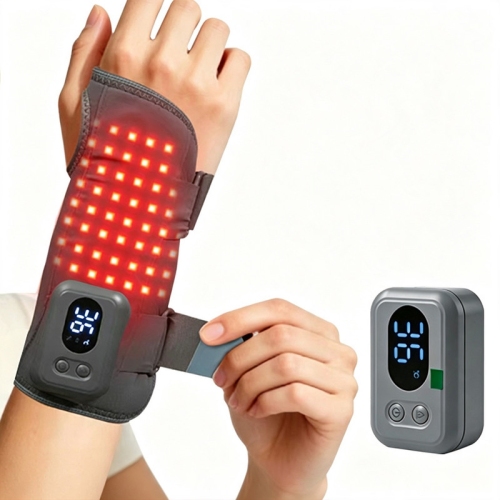
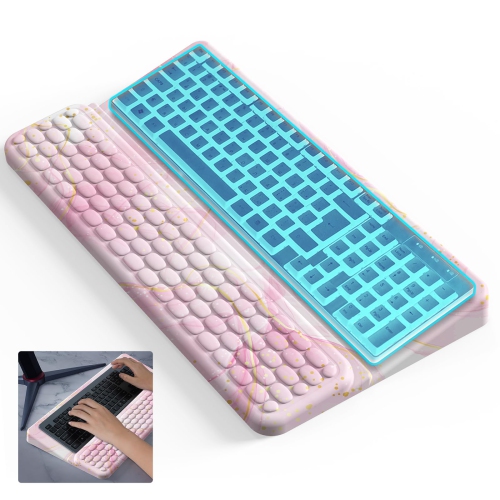
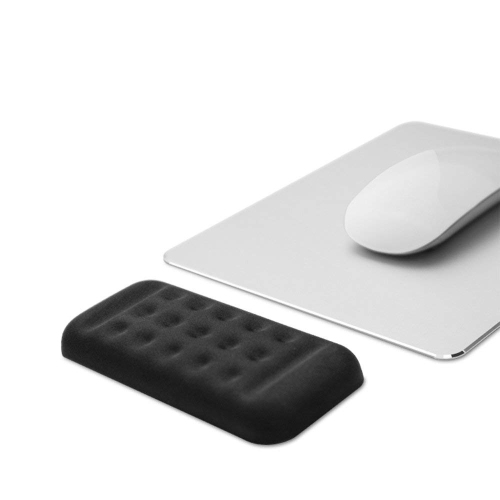
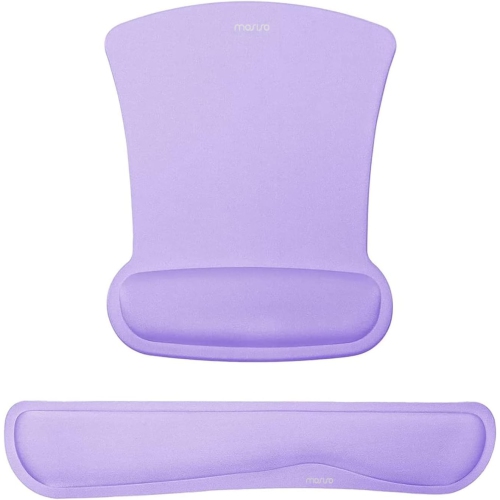
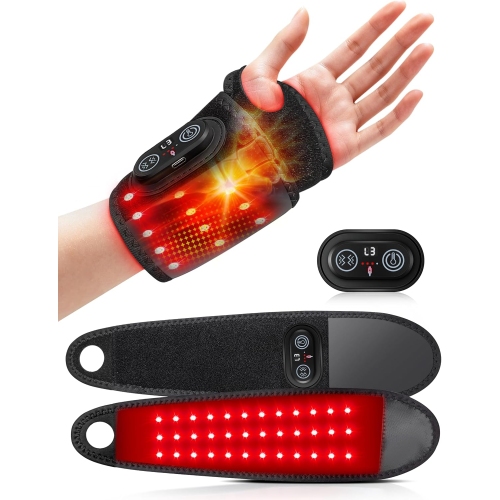
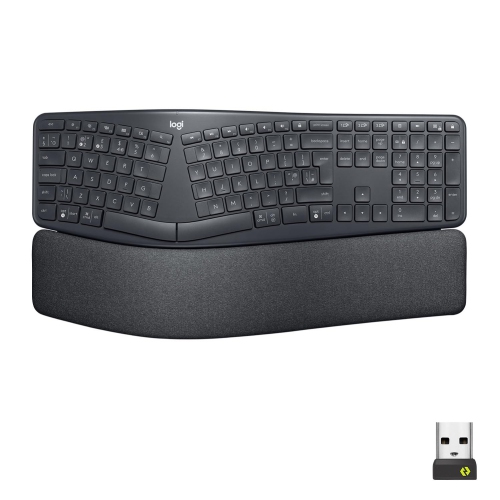
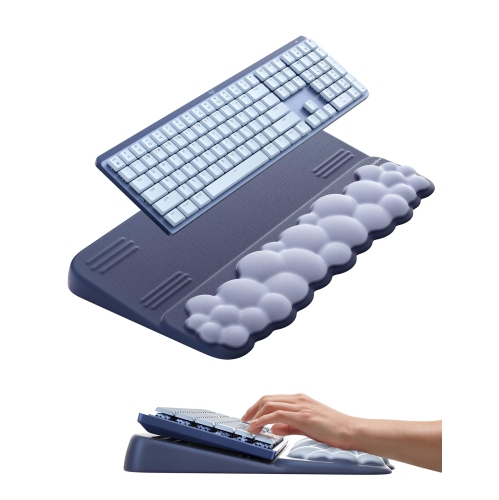
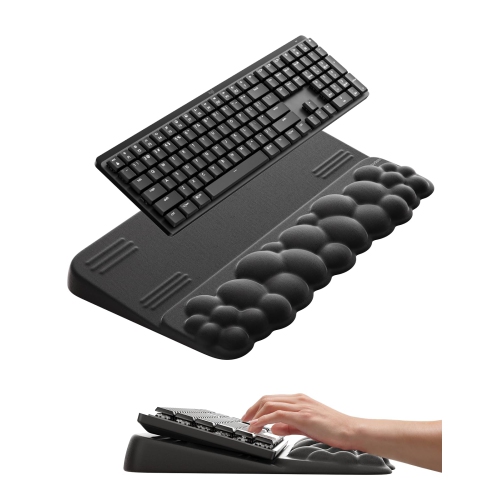
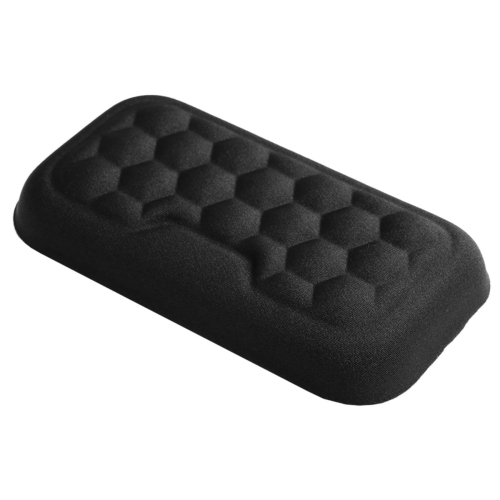
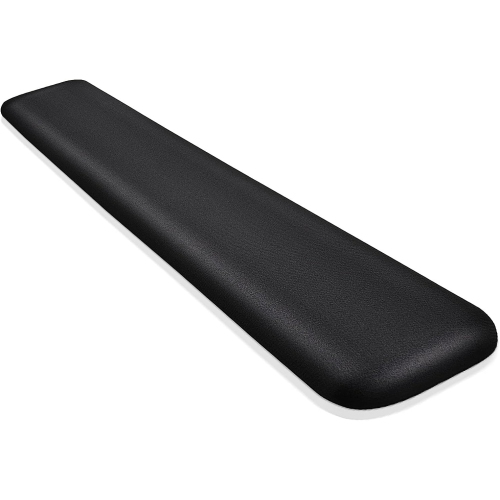
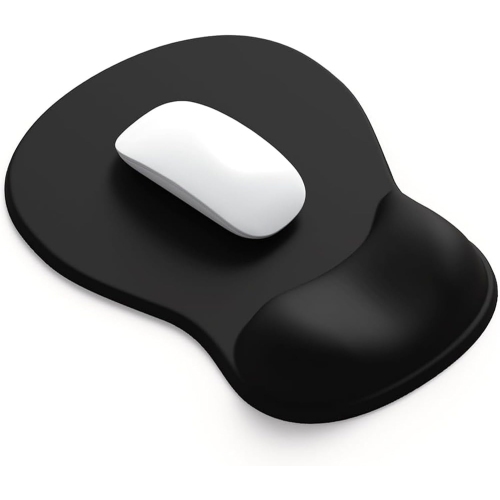
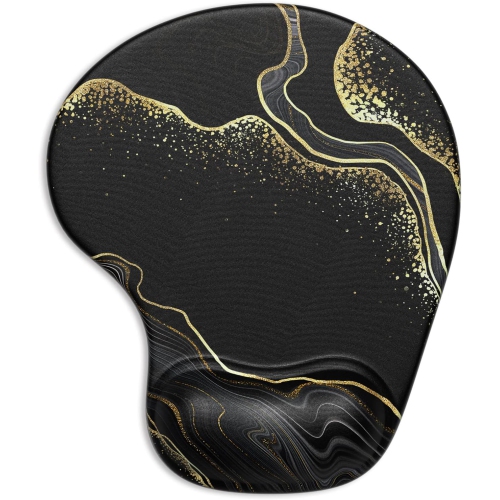
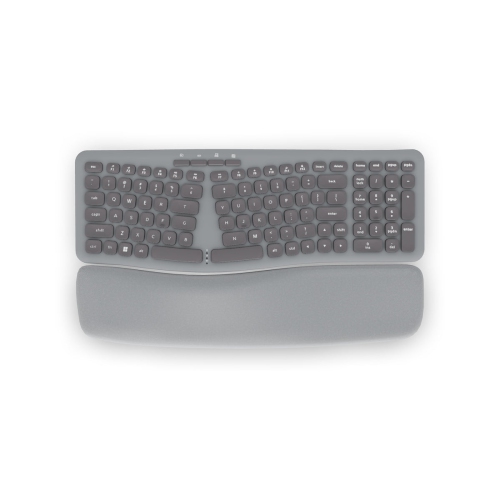
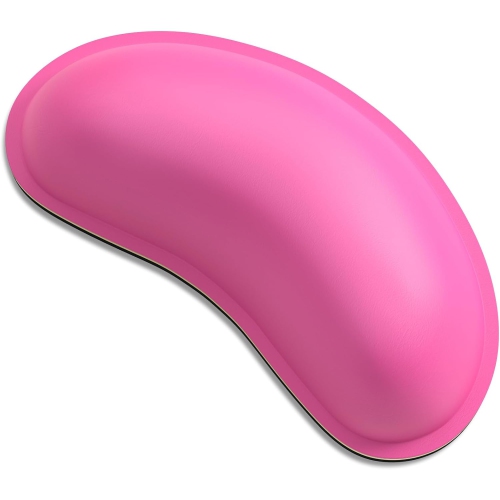
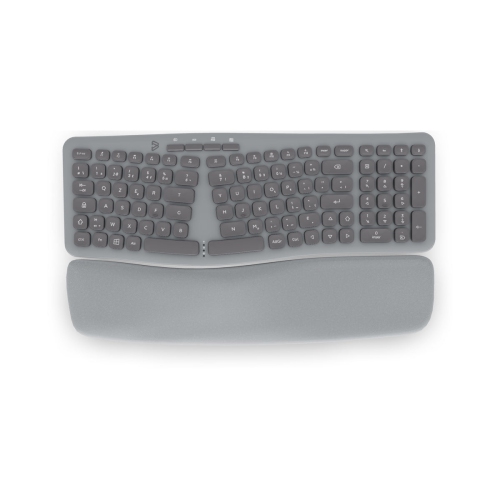
Wrist supports for typing can make a computer workstation feel more comfortable and better organized, especially for people who spend long stretches writing, studying, gaming, managing email, or working with spreadsheets. These supports are designed to bridge the space between the front edge of a keyboard and the desk, giving your hands a comfortable place to pause between typing bursts. They are also useful for creating a more consistent setup when moving between a home office, classroom, shared workspace, or gaming station. A support should not force your hands into a fixed position or sharply bend your wrists upward, downward, or sideways. Instead, aim for a neutral alignment in which your hands, wrists, and forearms feel relaxed and reasonably level with the keyboard. During active typing, your hands should generally remain light and mobile above the support rather than pressing heavily into it. When you pause to read, think, or review a document, rest the heel of your palm on the pad rather than placing pressure directly on the soft underside of your wrist. This small change in technique can make the support more useful and help you avoid treating it as a brace that holds your hands in place. Anyone who has spent an afternoon at a kitchen table with a laptop knows how quickly an awkward angle can become distracting; a properly matched wrist support can help create a smoother transition between the keyboard and the desk while keeping frequently used accessories within easy reach. For more options designed around keyboard setups, browse the Keyboard Wrist Rest selection.
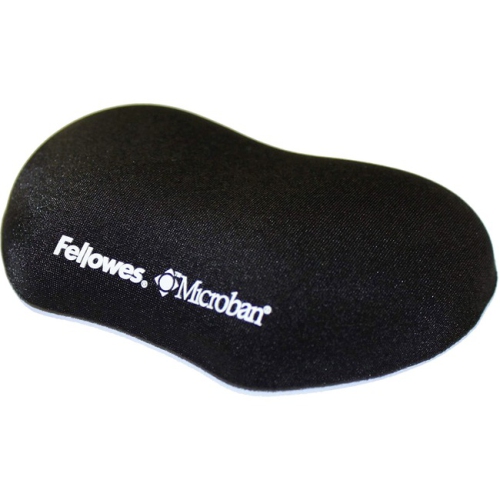
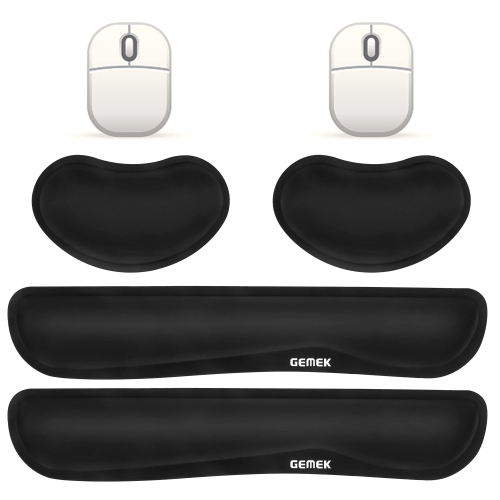
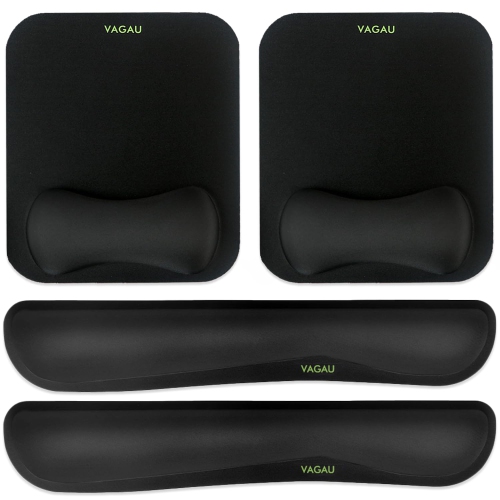
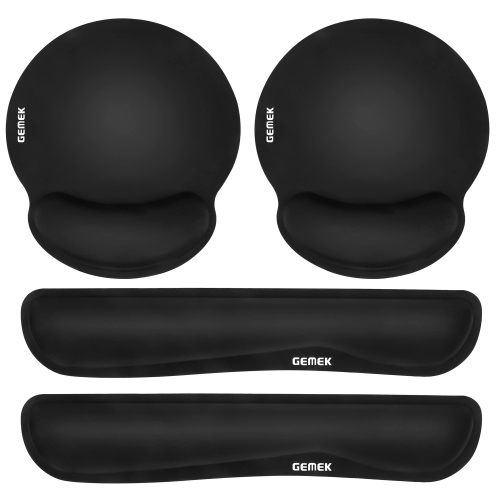
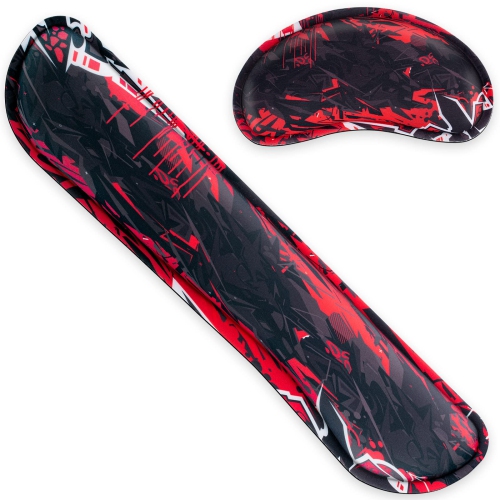
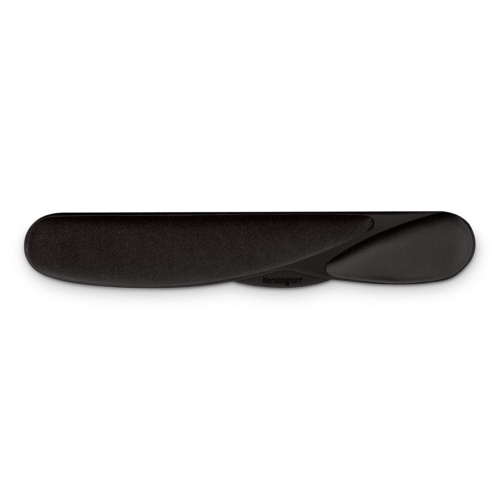
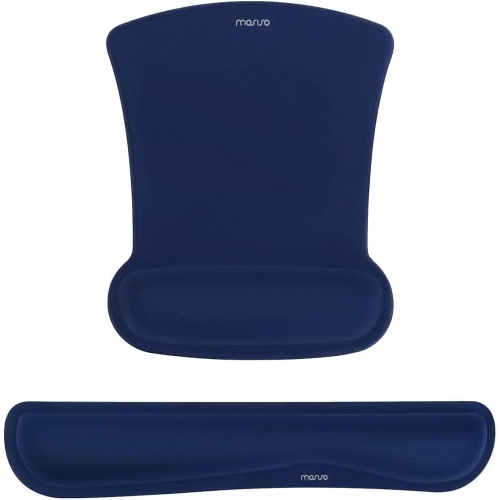
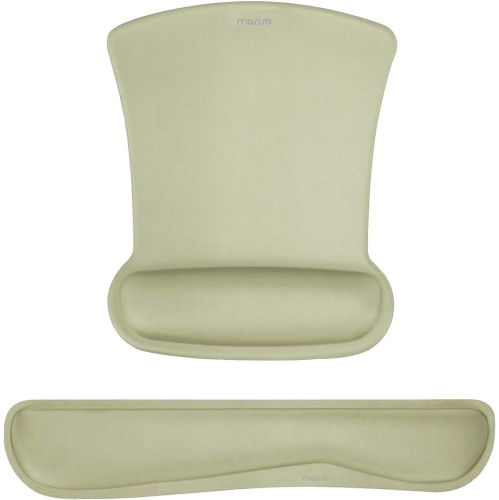
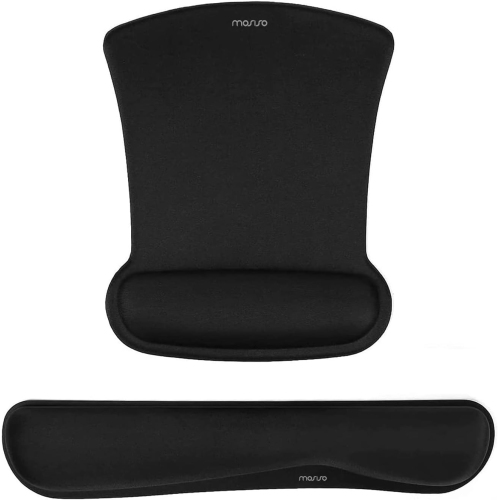
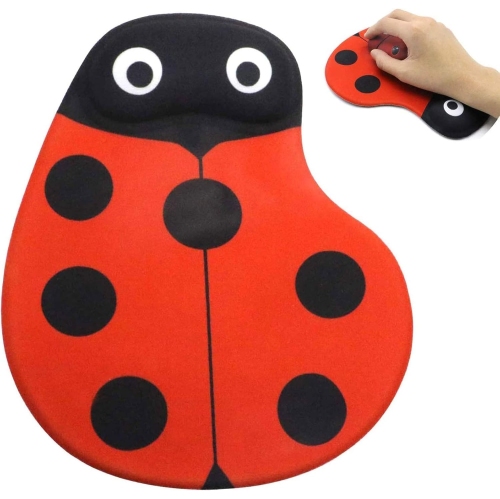
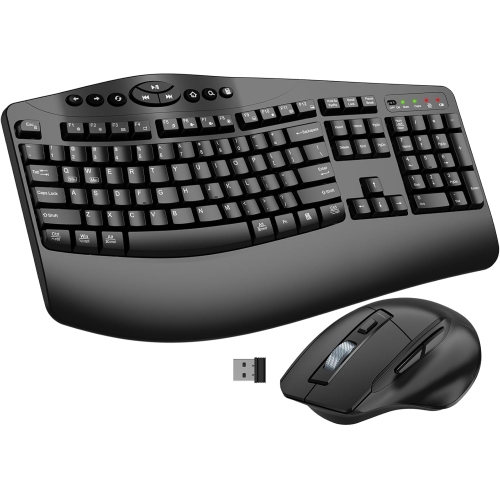
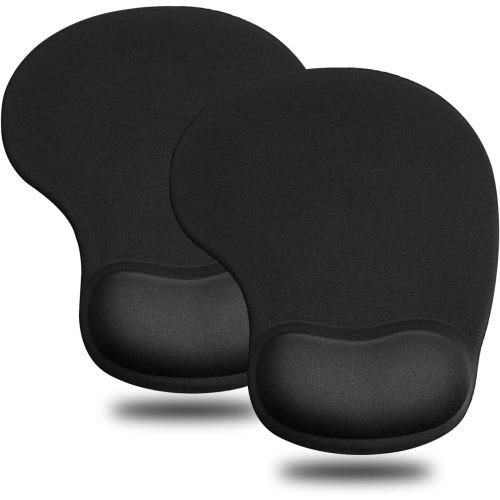
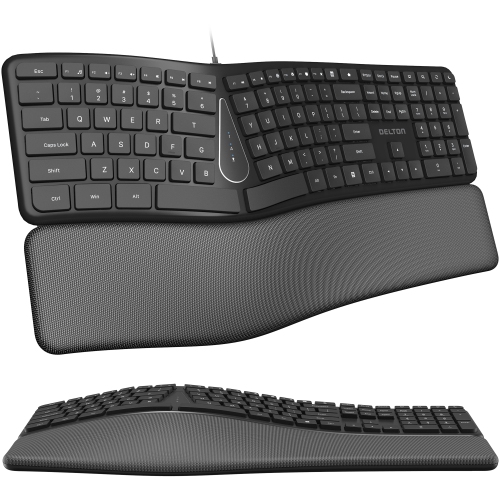
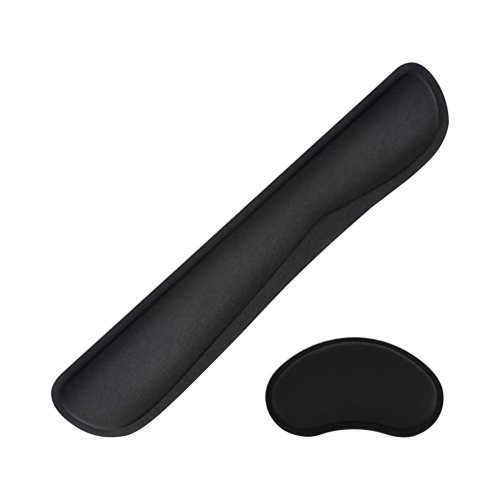
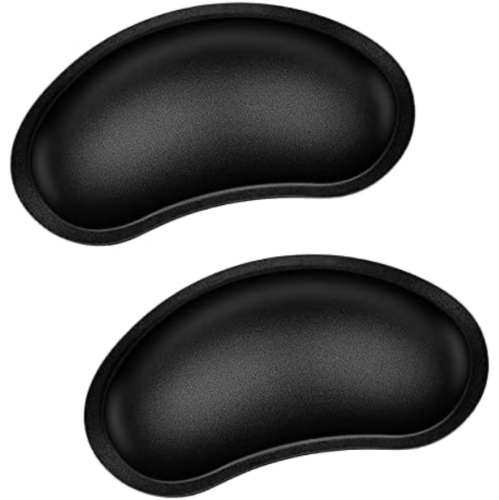
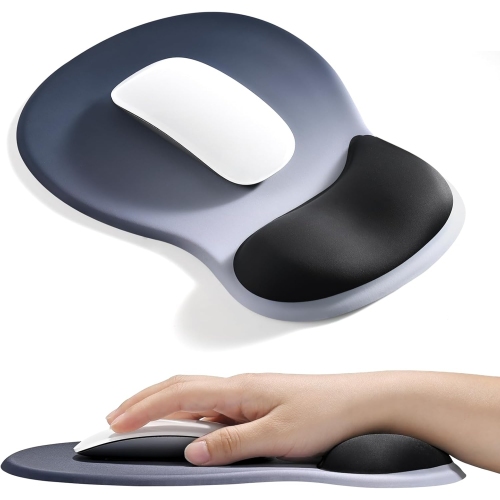
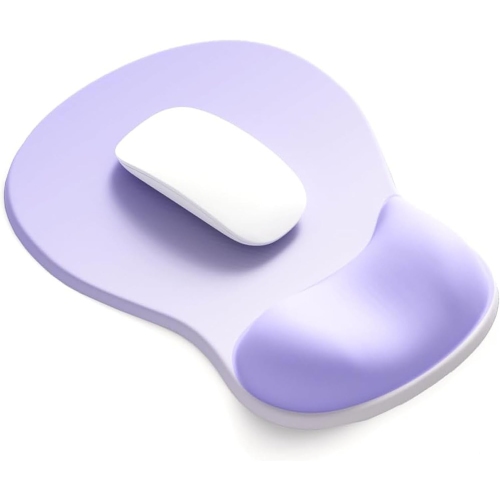
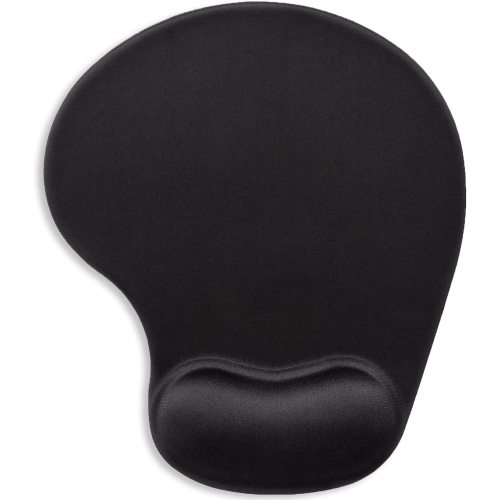
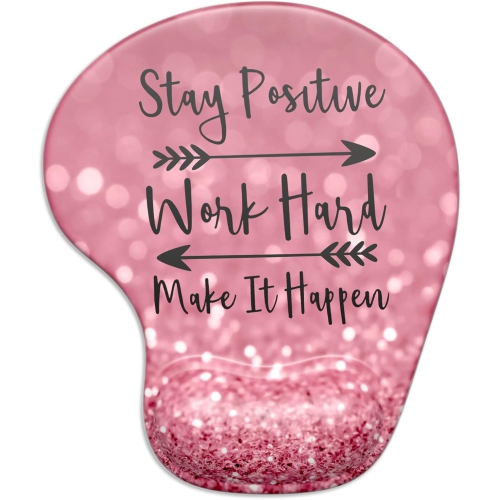
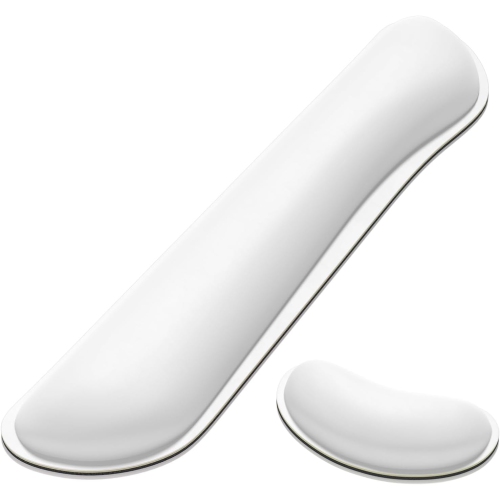
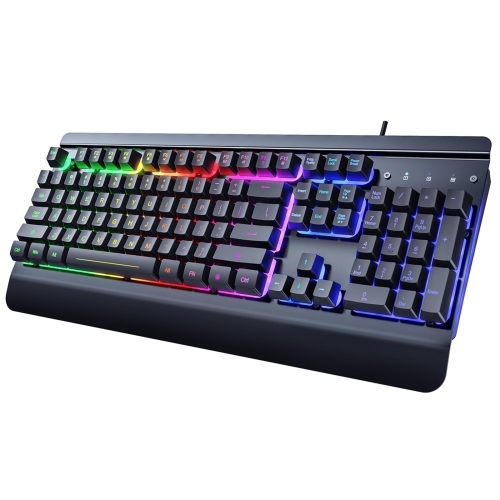
Choosing the right wrist support starts with your keyboard, not just the appearance or softness of the pad. Measure or compare the height of the keyboard’s front edge, including any raised keycaps or adjustable feet, and look for a support with a similar profile so your hands are not tipped noticeably upward or downward. A depth of about 1.5 inches (3.8 centimetres) or more can provide a useful resting area, although the best size depends on the length of your hands, the depth of your desk, and the way you naturally position your elbows. A slim laptop keyboard may suit a lower, flatter support, while a full-size mechanical keyboard with taller keys may call for a thicker option. Split or curved ergonomic keyboards can require a specially shaped support, and compact keyboards may pair better with a shorter design that does not extend beyond the sides of the keys. Consider the material as well. Memory foam offers a gently contouring feel that can distribute pressure across the heel of the palm, while gel can provide a firmer, springier surface that many people find easy to wipe clean. Fabric-covered styles can feel warm and soft during long sessions, whereas smooth surfaces may be convenient for a busy desk where occasional dust, crumbs, and spilled coffee are part of everyday life. A non-slip base is valuable on polished wood, laminate, or glass desks, since the support should stay aligned with the keyboard instead of sliding away each time you reach for a key. Length matters too: a full-size keyboard may call for a support that spans the entire front edge, while a compact or tenkeyless keyboard may look and feel more balanced with a shorter profile. If you use a separate mouse for work or gaming, a matching mouse wrist support can bring the same height and materials to both sides of the desk, helping the setup feel coordinated without taking up unnecessary space.
These products can suit a wide range of routines and make practical gifts for students, remote workers, writers, programmers, designers, gamers, and anyone setting up a computer area during the cooler months. They can also be a thoughtful addition to a dorm room, a first home office, or a family workstation where several people share the same keyboard. For a gift, pay attention to the recipient’s keyboard style and desk habits rather than choosing solely by colour or plushness. Someone who works on a slim notebook may appreciate a low-profile pad that travels easily, while a desktop user with a tall keyboard may prefer a broader support with more cushioning. A person who moves between rooms may value a lightweight design that can be packed beside a laptop, and a shared workspace may benefit from a wipeable gel surface that is simple to maintain. When setting up the support, place it directly against the front edge of the keyboard, check that it does not push the keyboard too far away, and allow your forearms to rest comfortably on the desk when possible. Keep your shoulders relaxed, let your elbows sit near your sides, and take regular pauses to move your fingers, hands, and arms rather than remaining in one position for hours. Wrist supports are comfort accessories, not a replacement for an appropriately sized chair, a suitable desk height, or professional advice when pain, numbness, tingling, or persistent discomfort is present. With the right height, depth, texture, and placement, a wrist support can give your typing area a more settled feel, whether you are answering messages beside a window, completing assignments at a compact desk, or settling into an evening gaming session as the days grow cooler.
Choosing the right wrist support starts with your keyboard, not just the appearance or softness of the pad. Measure or compare the height of the keyboard’s front edge, including any raised keycaps or adjustable feet, and look for a support with a similar profile so your hands are not tipped noticeably upward or downward. A depth of about 1.5 inches (3.8 centimetres) or more can provide a useful resting area, although the best size depends on the length of your hands, the depth of your desk, and the way you naturally position your elbows. A slim laptop keyboard may suit a lower, flatter support, while a full-size mechanical keyboard with taller keys may call for a thicker option. Split or curved ergonomic keyboards can require a specially shaped support, and compact keyboards may pair better with a shorter design that does not extend beyond the sides of the keys. Consider the material as well. Memory foam offers a gently contouring feel that can distribute pressure across the heel of the palm, while gel can provide a firmer, springier surface that many people find easy to wipe clean. Fabric-covered styles can feel warm and soft during long sessions, whereas smooth surfaces may be convenient for a busy desk where occasional dust, crumbs, and spilled coffee are part of everyday life. A non-slip base is valuable on polished wood, laminate, or glass desks, since the support should stay aligned with the keyboard instead of sliding away each time you reach for a key. Length matters too: a full-size keyboard may call for a support that spans the entire front edge, while a compact or tenkeyless keyboard may look and feel more balanced with a shorter profile. If you use a separate mouse for work or gaming, a matching mouse wrist support can bring the same height and materials to both sides of the desk, helping the setup feel coordinated without taking up unnecessary space.
These products can suit a wide range of routines and make practical gifts for students, remote workers, writers, programmers, designers, gamers, and anyone setting up a computer area during the cooler months. They can also be a thoughtful addition to a dorm room, a first home office, or a family workstation where several people share the same keyboard. For a gift, pay attention to the recipient’s keyboard style and desk habits rather than choosing solely by colour or plushness. Someone who works on a slim notebook may appreciate a low-profile pad that travels easily, while a desktop user with a tall keyboard may prefer a broader support with more cushioning. A person who moves between rooms may value a lightweight design that can be packed beside a laptop, and a shared workspace may benefit from a wipeable gel surface that is simple to maintain. When setting up the support, place it directly against the front edge of the keyboard, check that it does not push the keyboard too far away, and allow your forearms to rest comfortably on the desk when possible. Keep your shoulders relaxed, let your elbows sit near your sides, and take regular pauses to move your fingers, hands, and arms rather than remaining in one position for hours. Wrist supports are comfort accessories, not a replacement for an appropriately sized chair, a suitable desk height, or professional advice when pain, numbness, tingling, or persistent discomfort is present. With the right height, depth, texture, and placement, a wrist support can give your typing area a more settled feel, whether you are answering messages beside a window, completing assignments at a compact desk, or settling into an evening gaming session as the days grow cooler.
Top selling and popular products
-
 Your price for this item is $9.99
 -
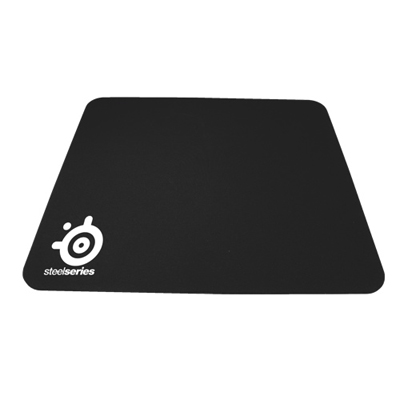 Your price for this item is $14.99
 -
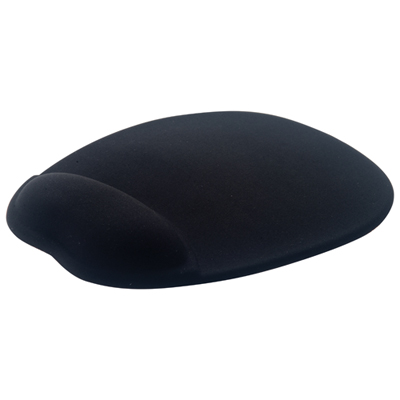 Your price for this item is $19.99
 -
 Your price for this item is $9.99
 -
 Your price for this item is $7.99
 -
 Your price for this item is $49.99
 -
 Your price for this item is $7.99
 -
 Your price for this item is $19.99
Discover more categories related to Wrist Supports for Typing

Top Collections:
Pokemon Centers, Best Cameras for Sports Photography, Kindle Devices, Samsung Galaxy Phones, Canon G7X Cameras, Pokémon 30th Celebration Cards, Refurbished Apple Laptops, iPhone 15 Apple, Laptops for Students, Budget Smartphones
Some products may be subject to Environmental Handling Fees
(EHF) depending on your province.
Learn more about EHFs.