Keyboards With Wrist Support
Finding the perfect keyboard that enhances your typing experience and takes care of your wrists is crucial for long hours of productivity. These innovative keyboards are designed to provide optimal comfort and support, ensuring that you can type away without almost any strain or fatigue. Whether you're a gamer, writer, or someone who spends hours on their computer daily, keyboards with wrist support will revolutionize how you work and play.
Sort
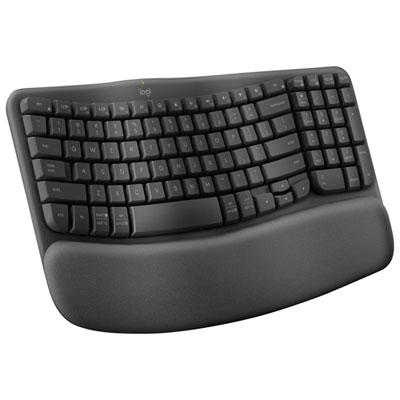
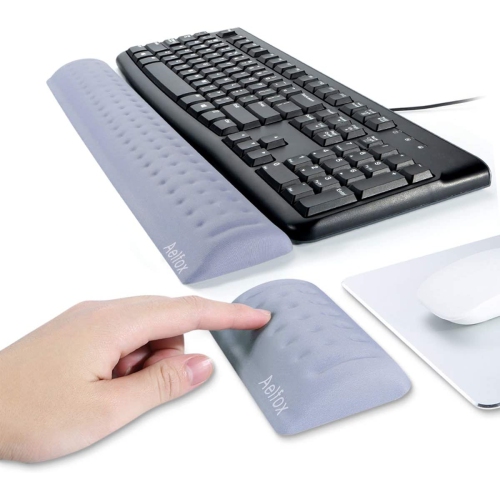
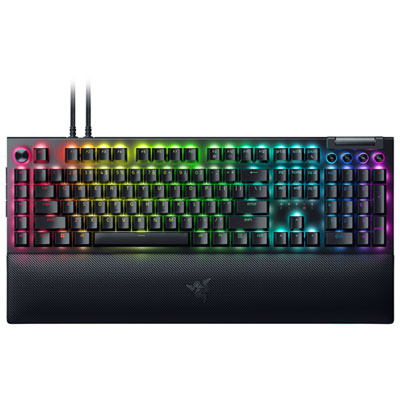
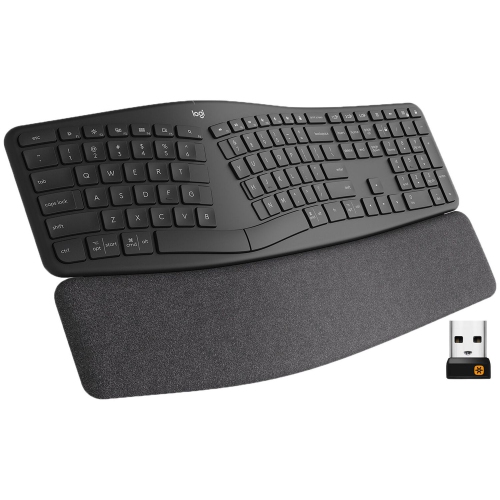
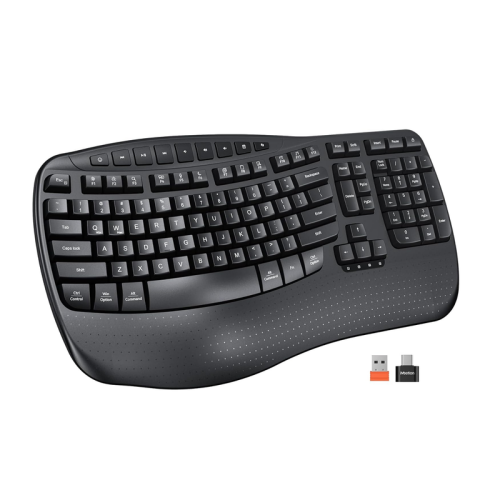
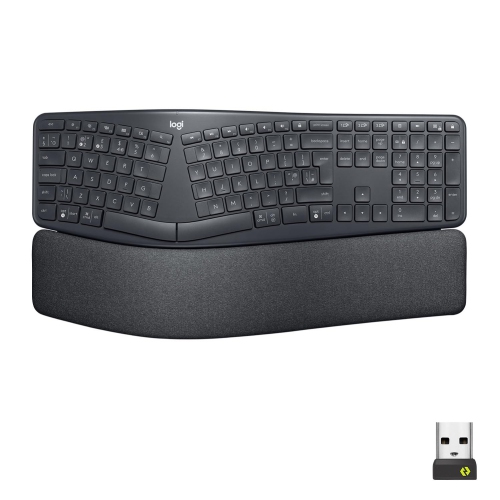

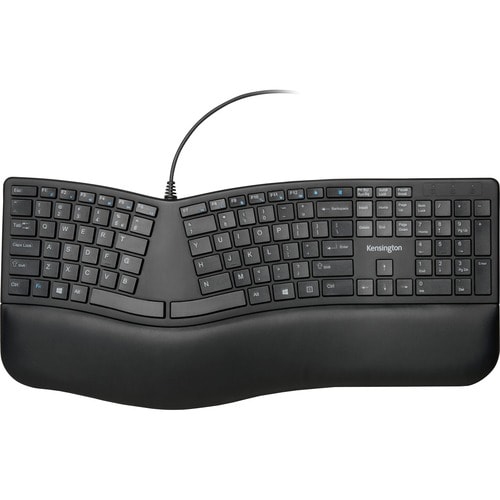
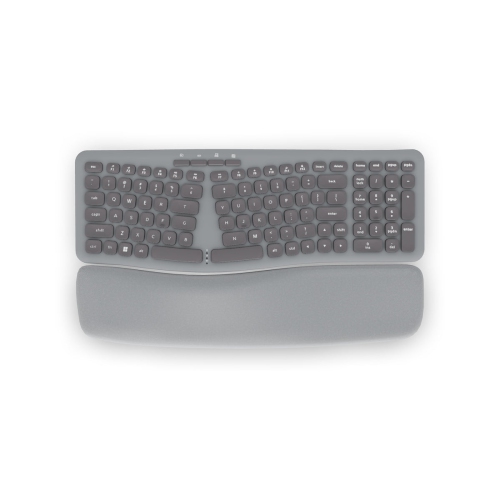
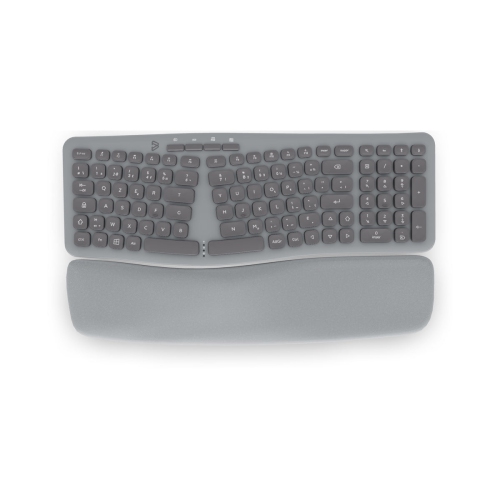
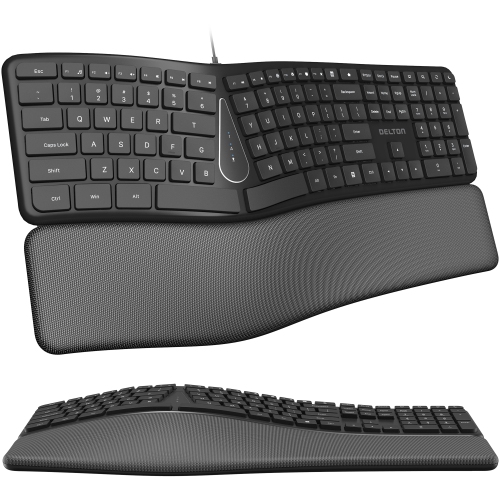
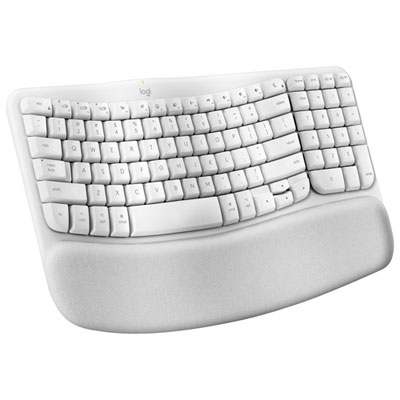
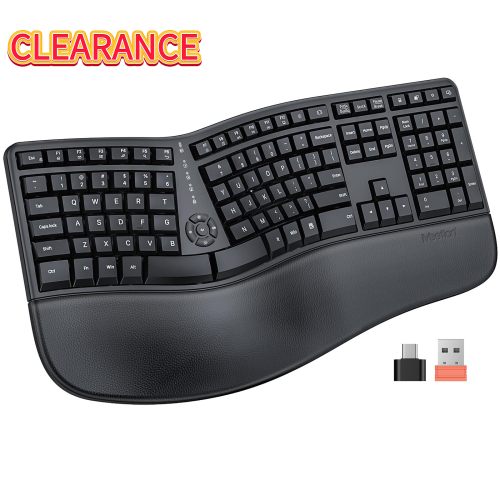
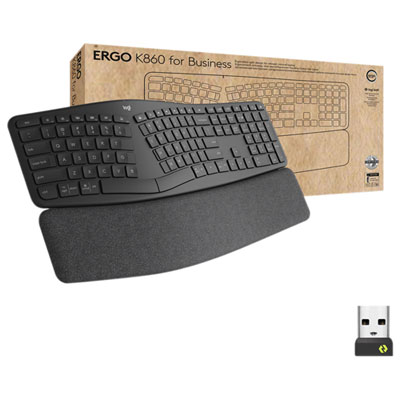
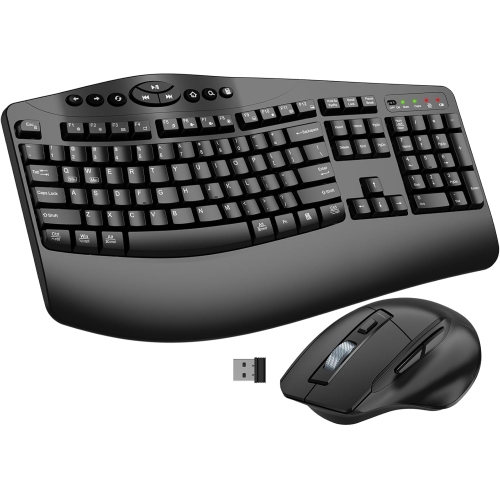
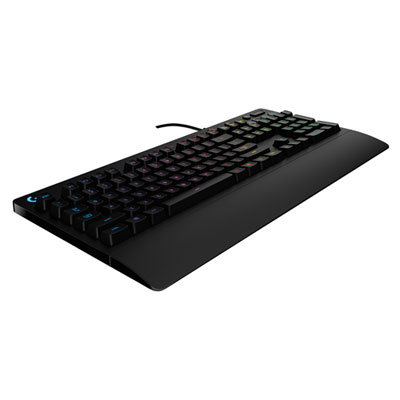
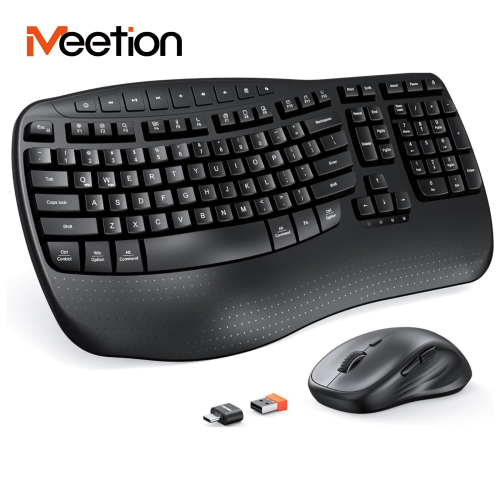
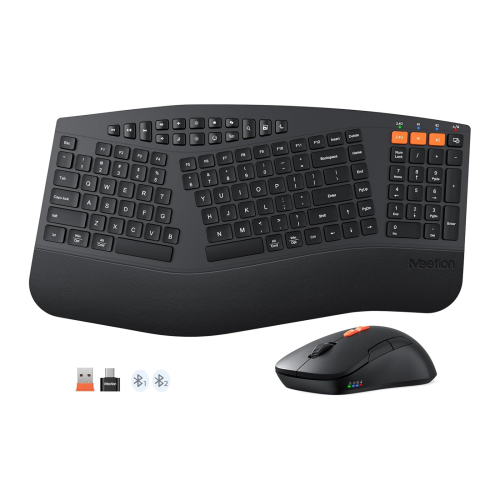
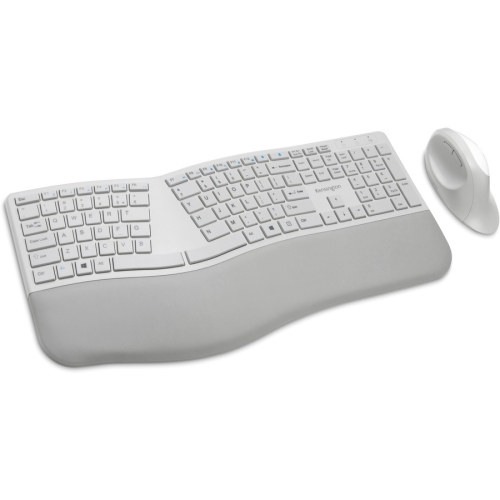
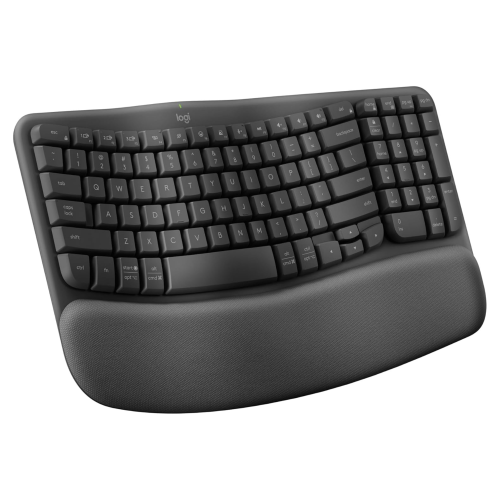
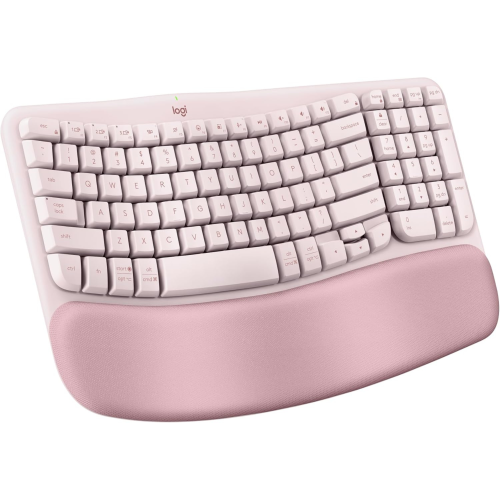

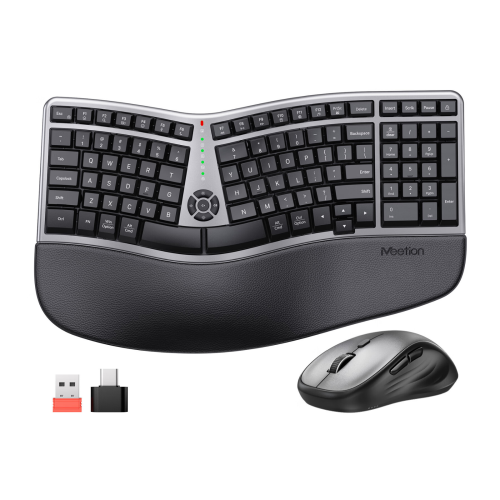

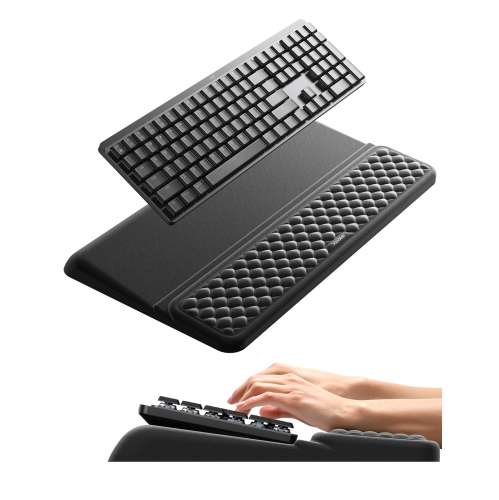
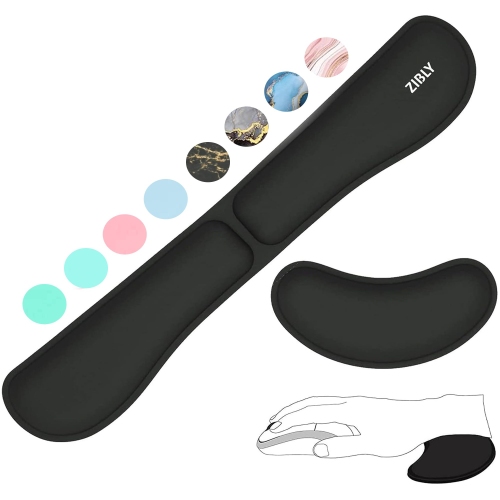
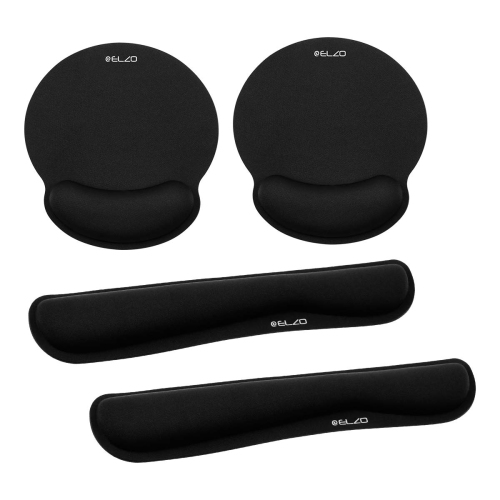
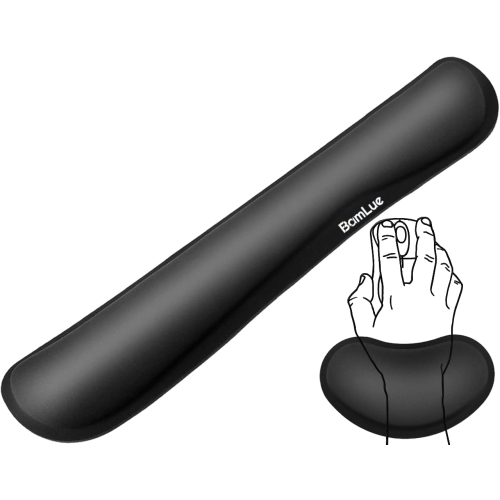
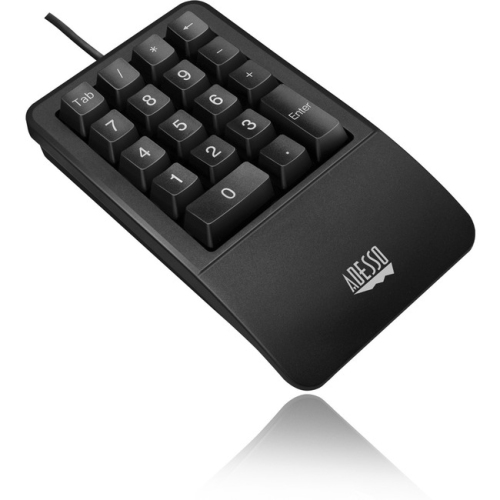
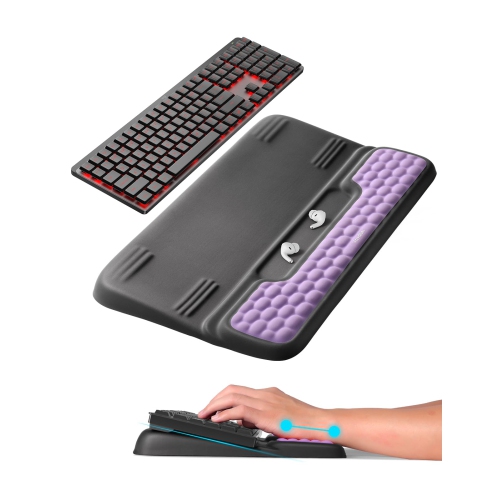
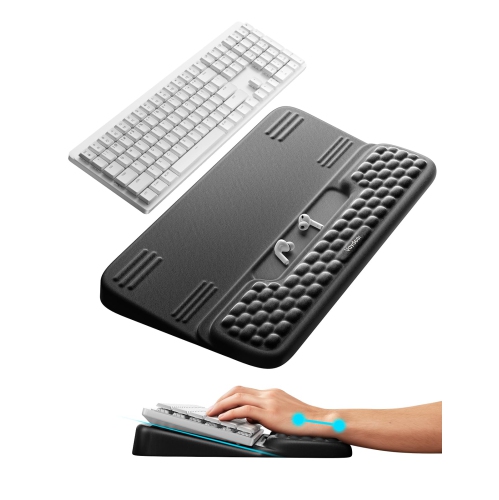
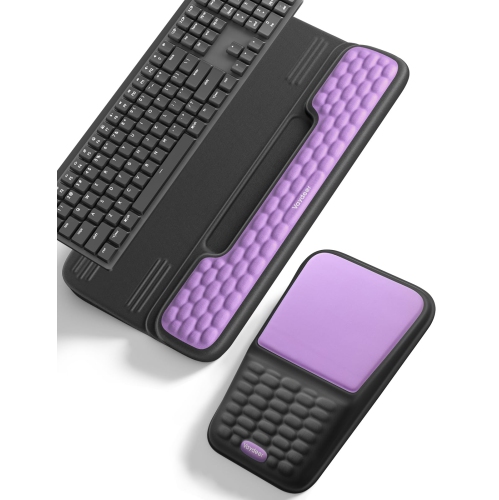
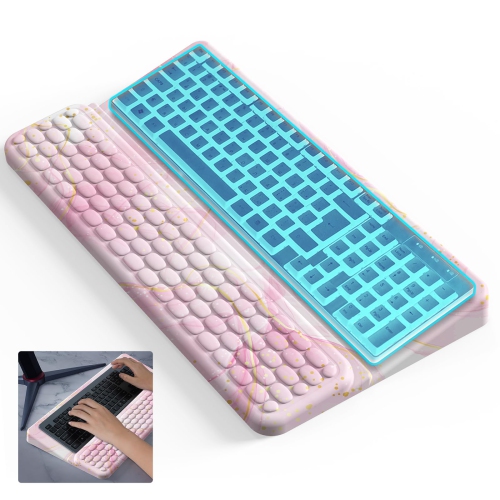
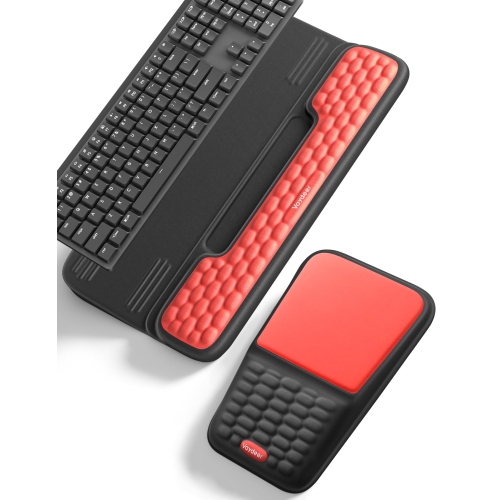
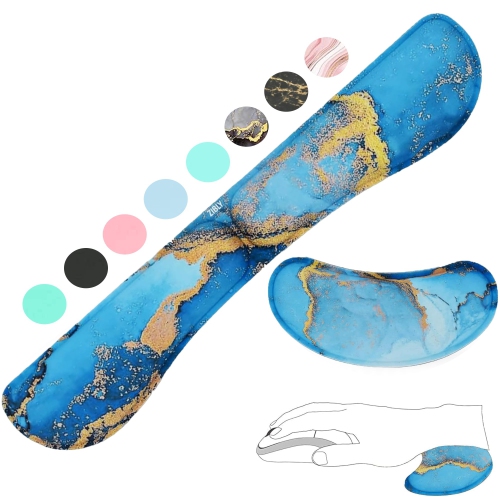
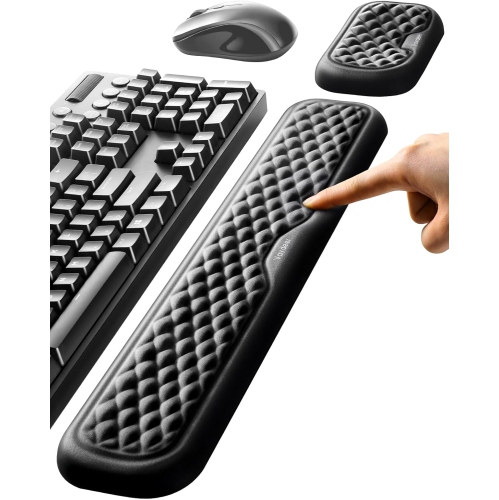
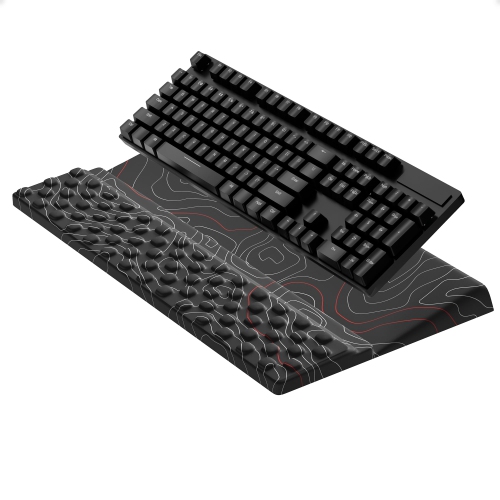
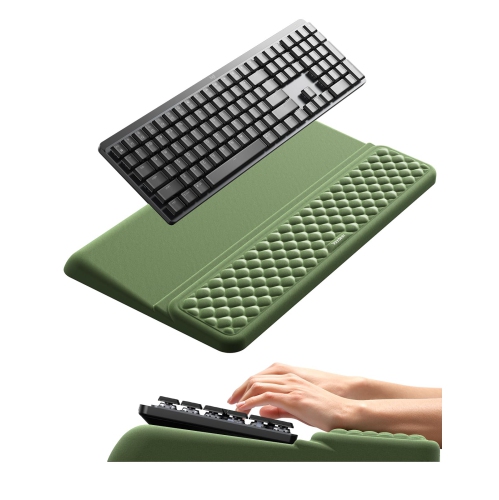
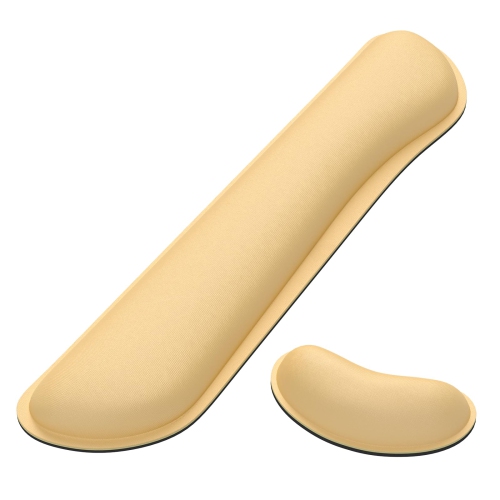
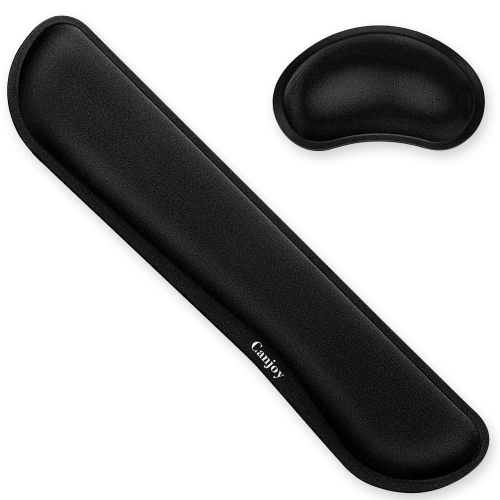
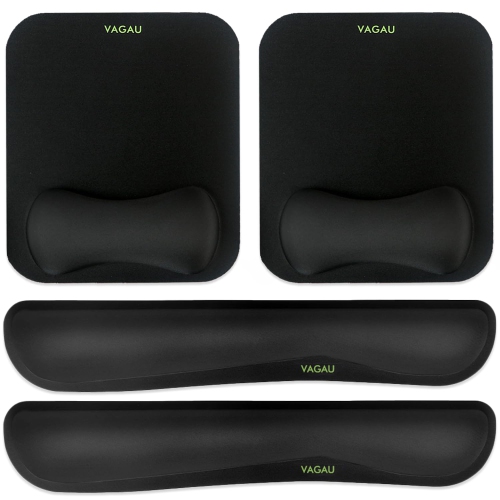
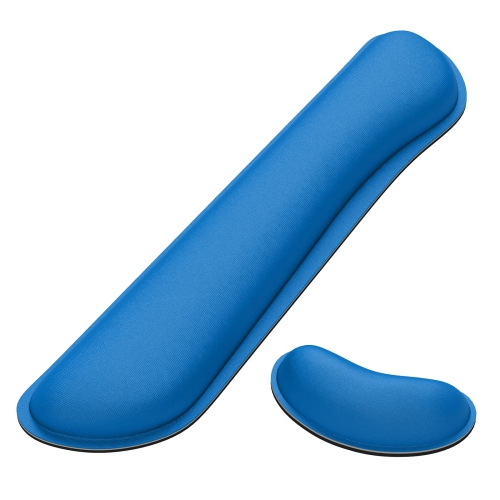

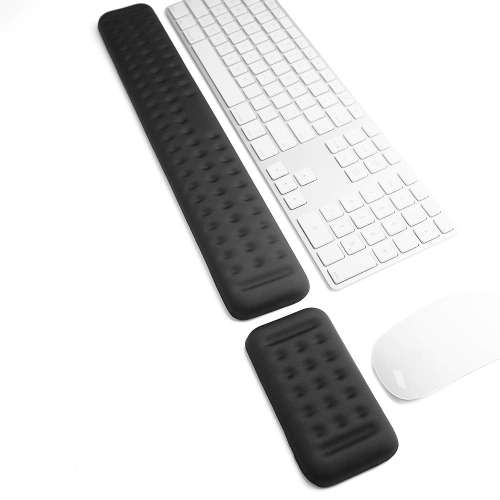
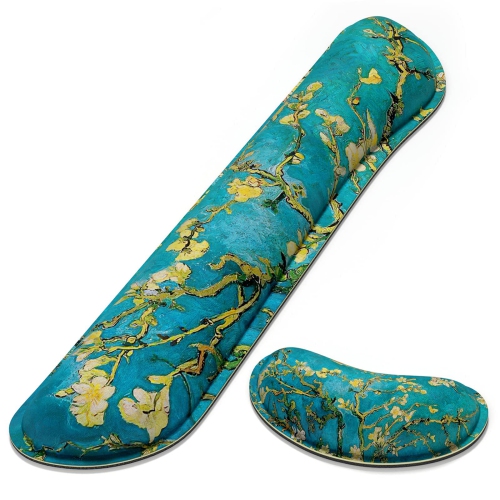
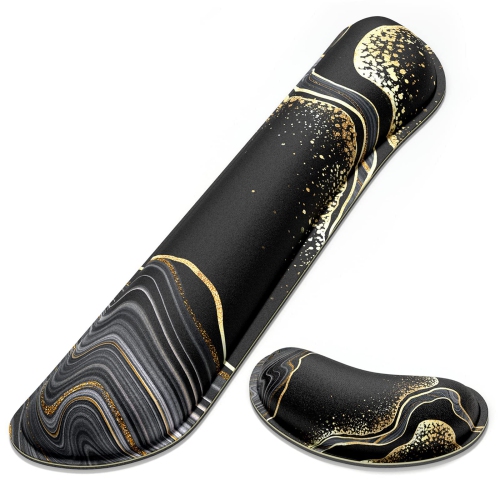
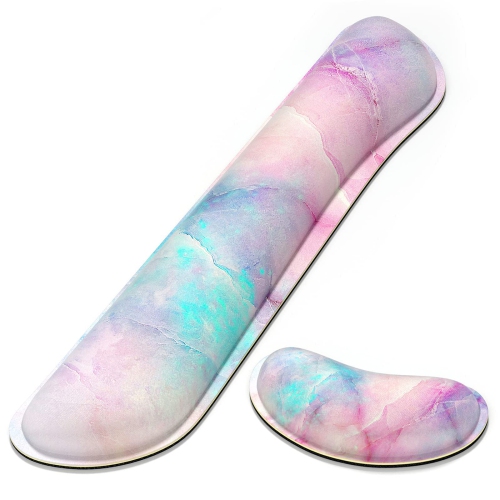
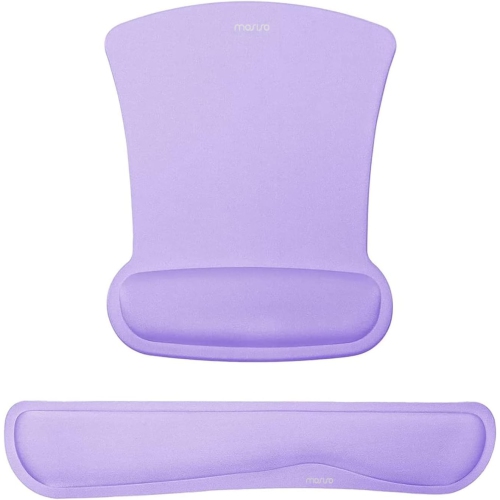
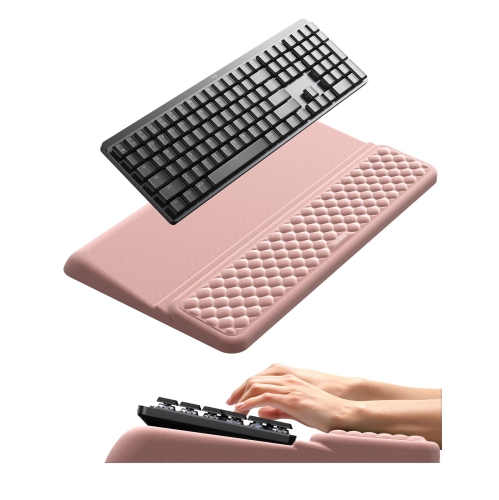
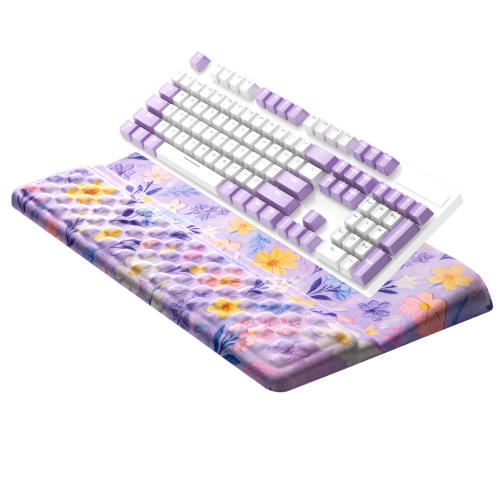
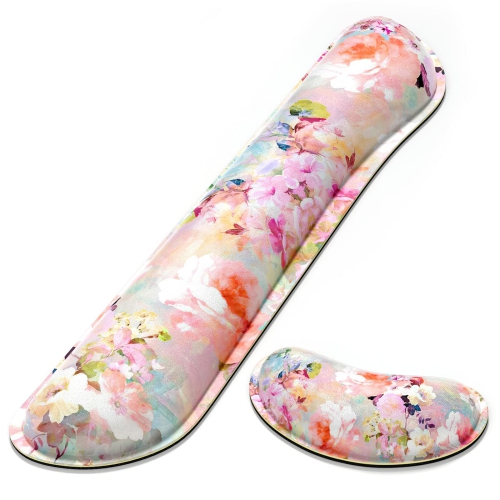
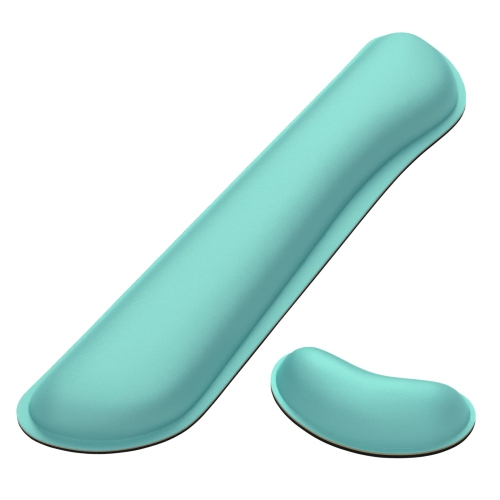
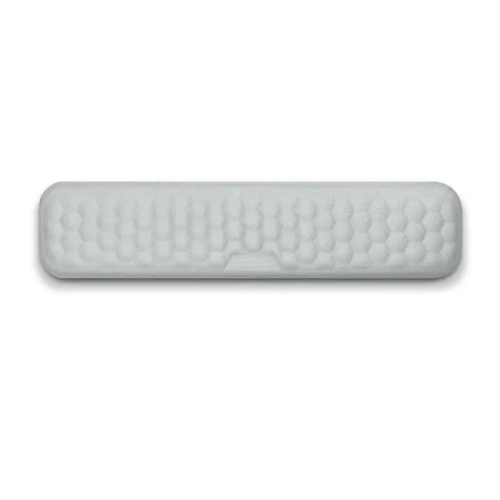
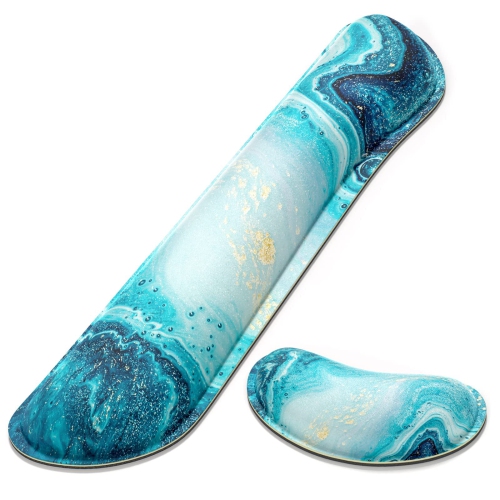
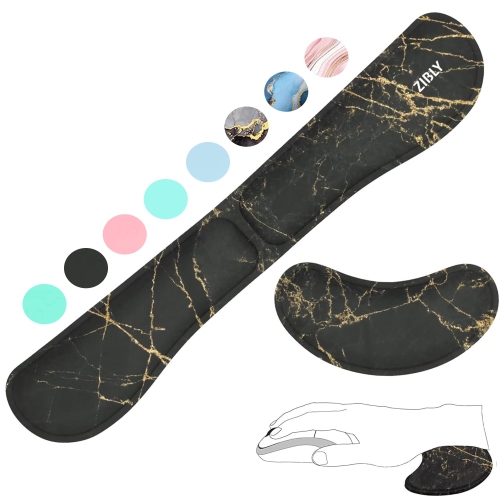


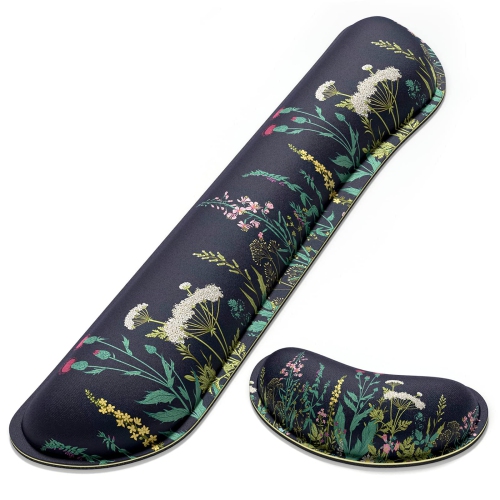
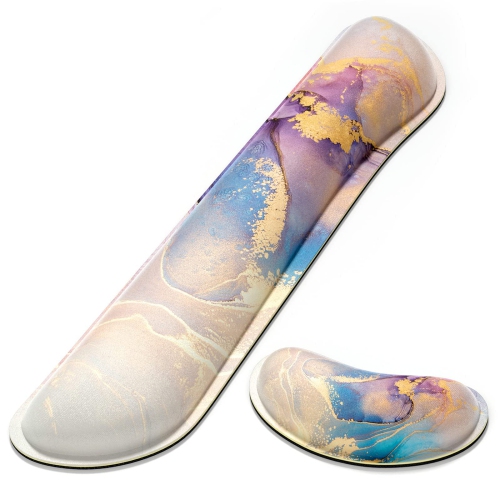
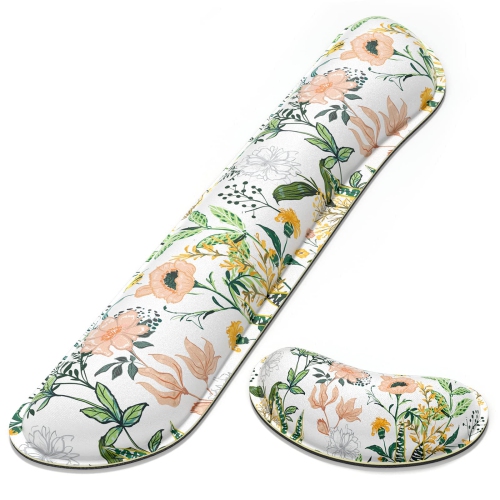
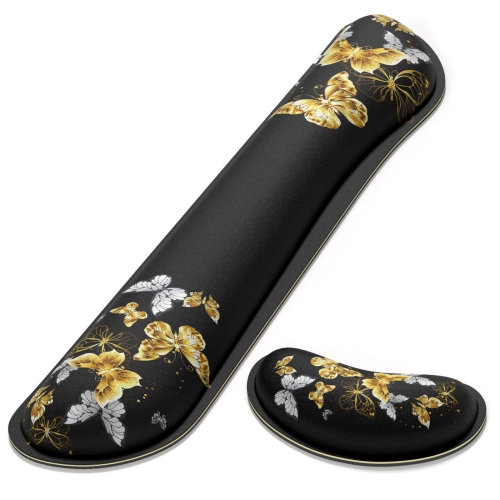
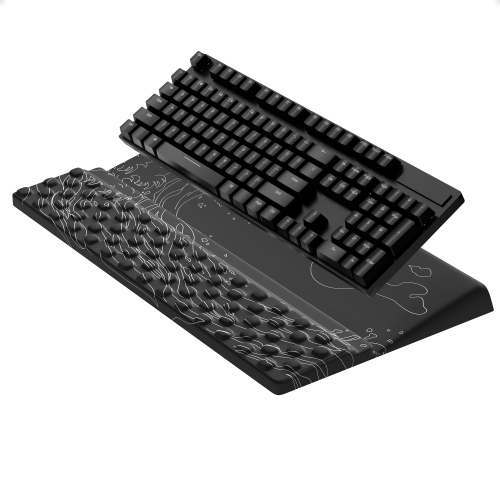
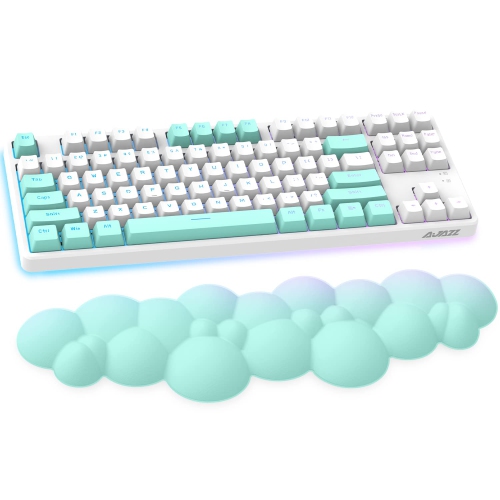
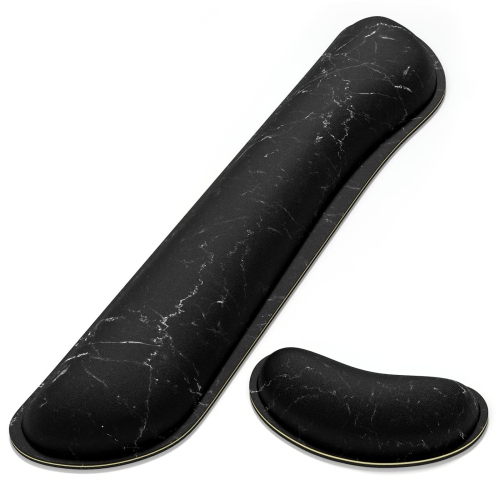
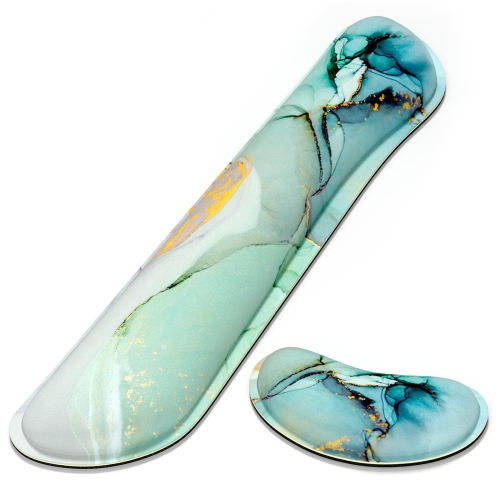
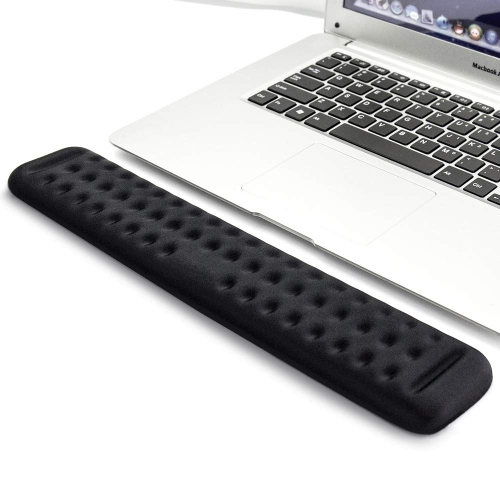
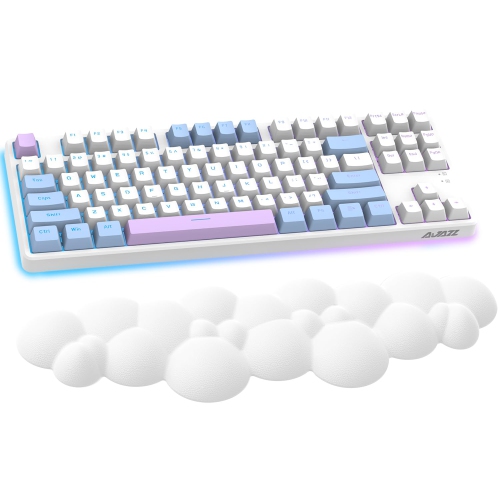
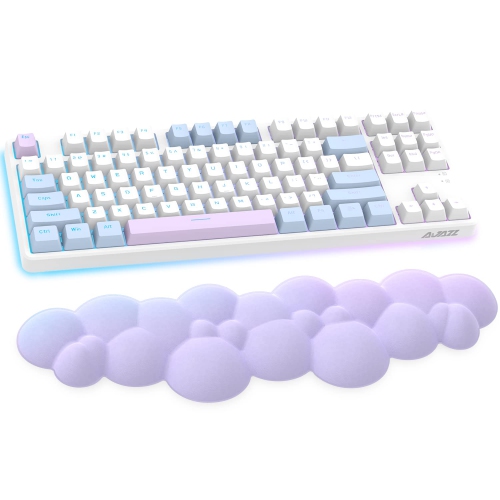
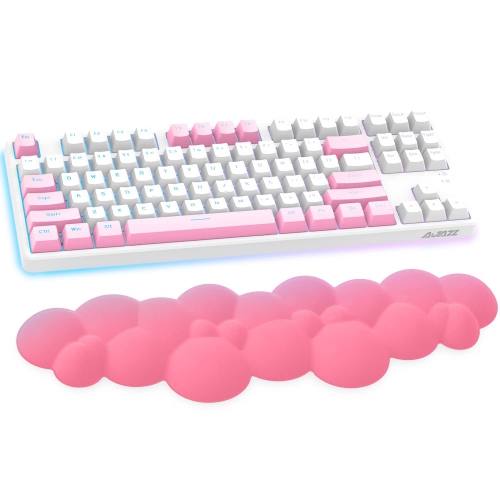
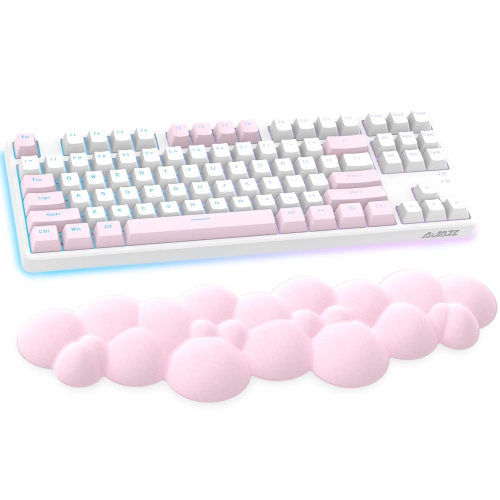
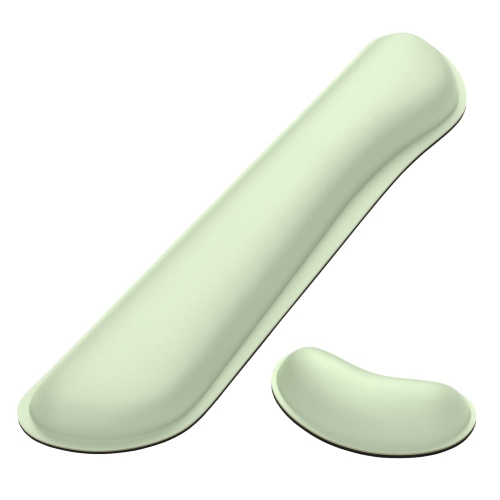
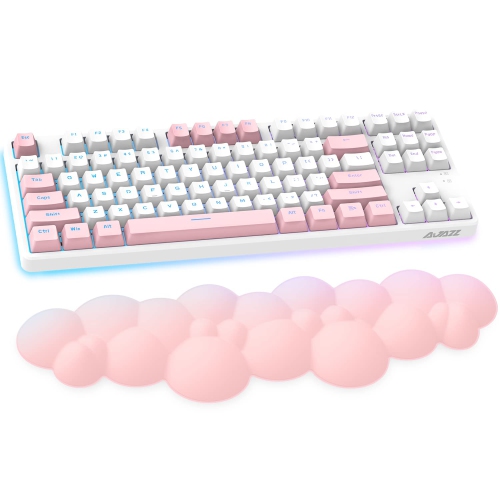
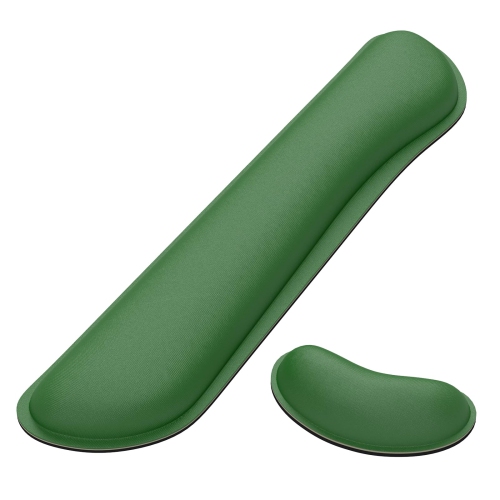
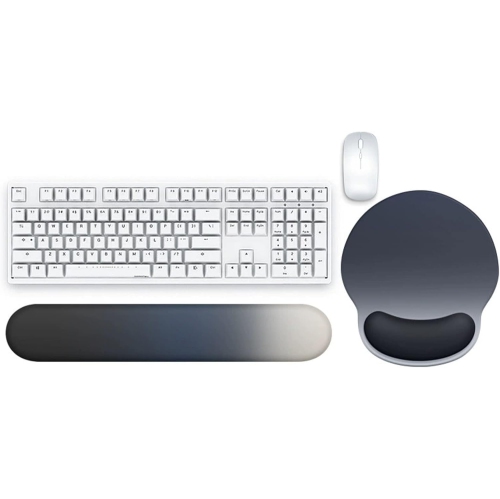
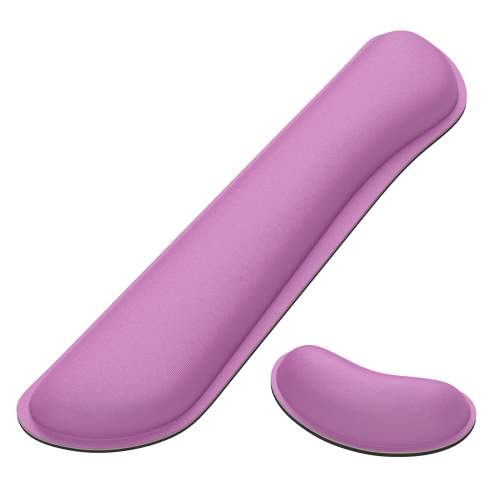
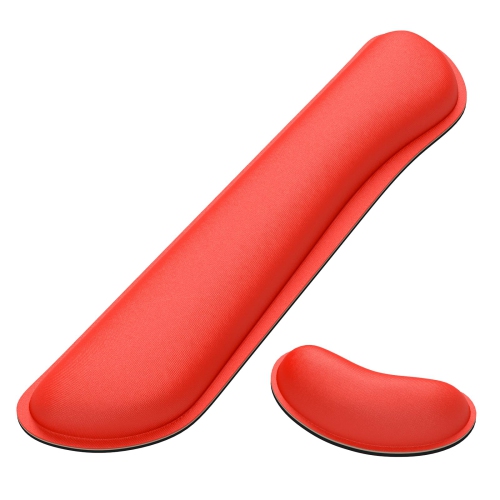
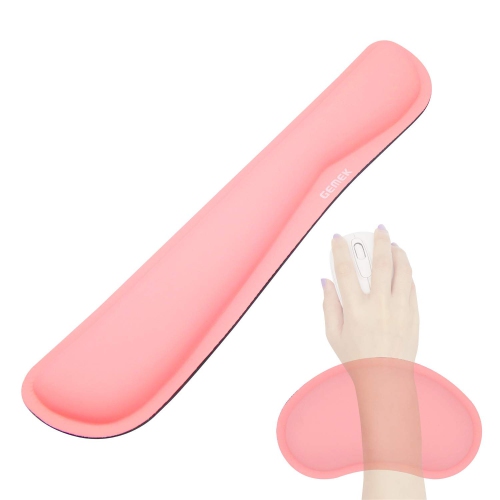
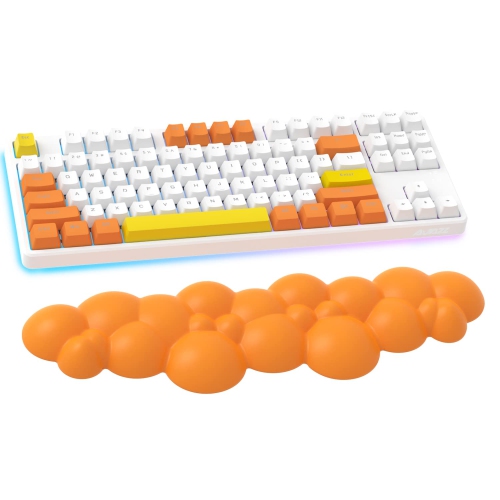
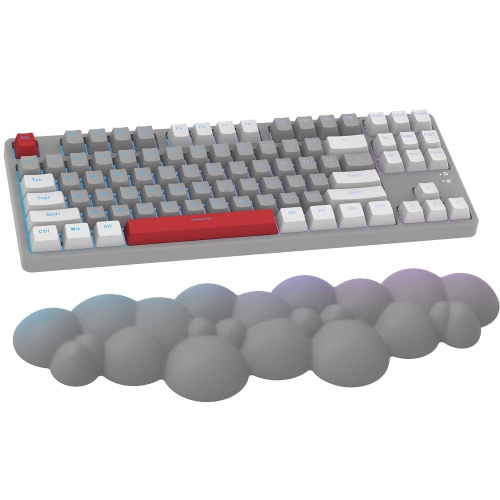
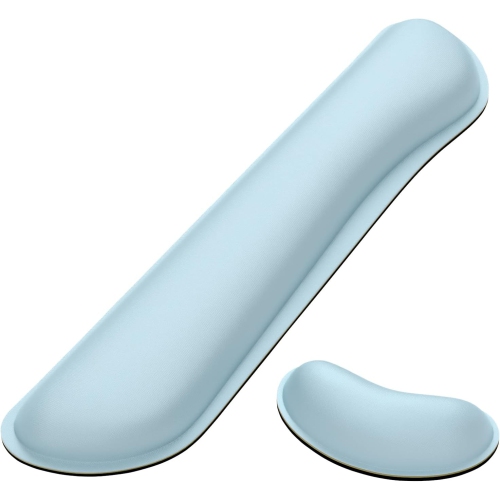

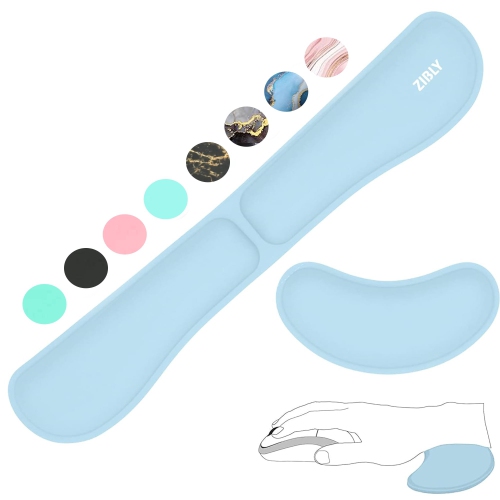
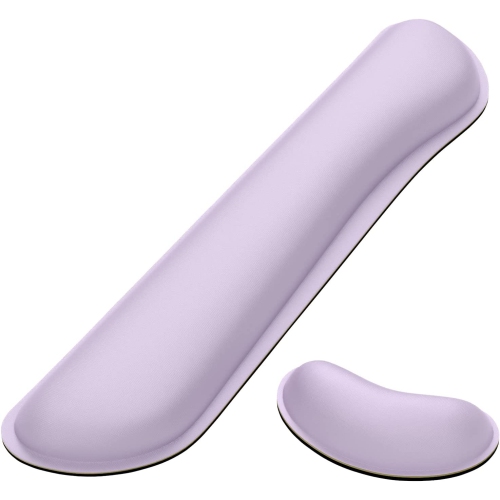
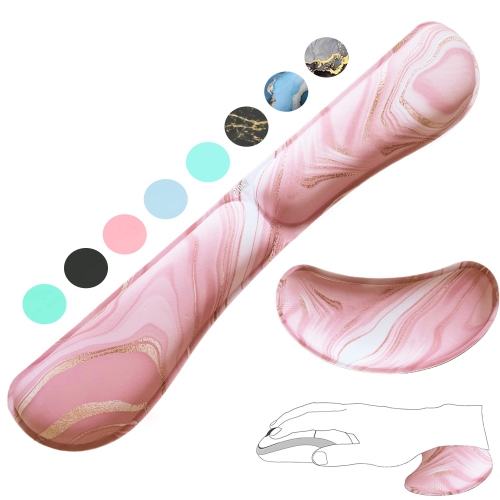
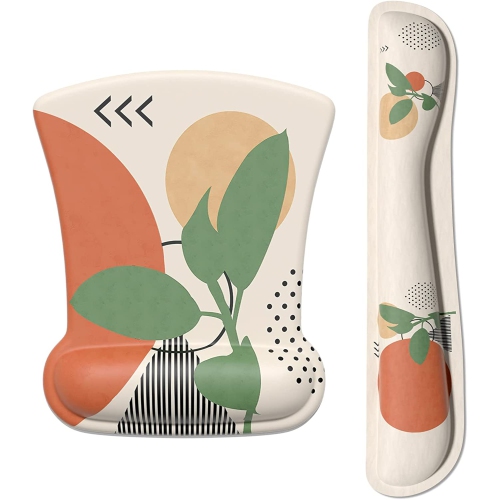
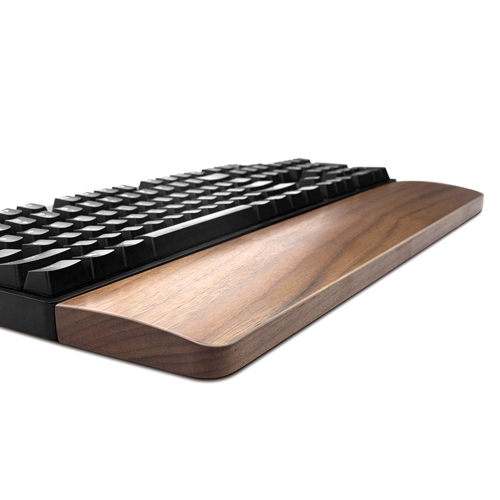
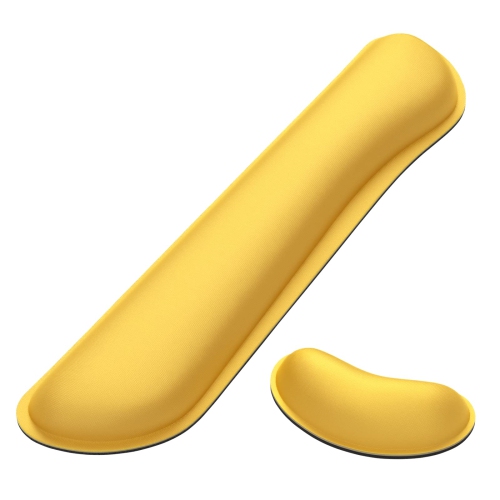
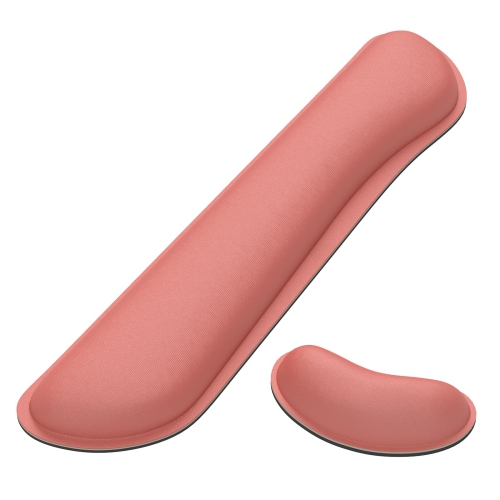

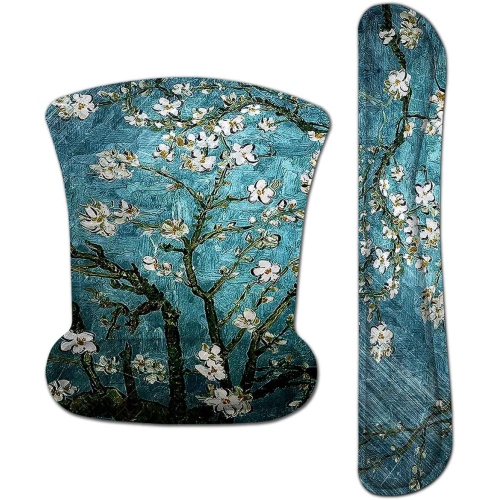
Typing comfort goes beyond a padded wrist rest
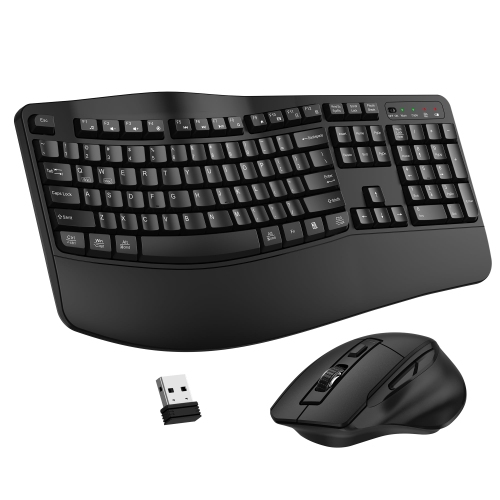
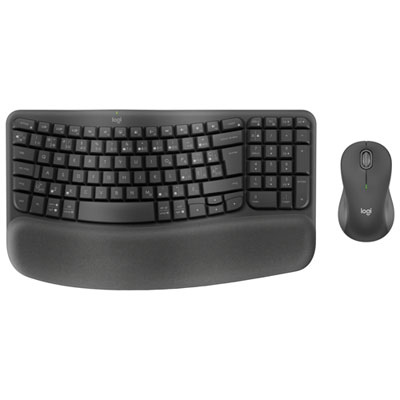
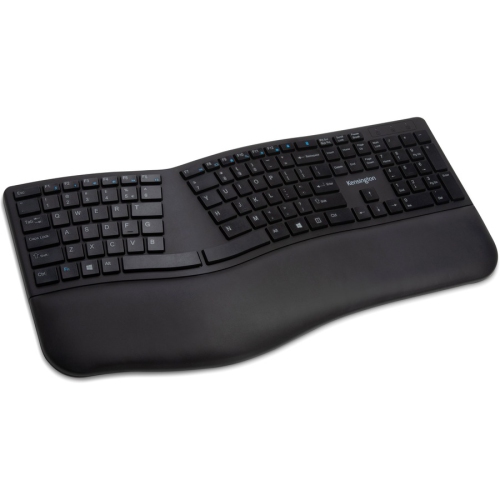
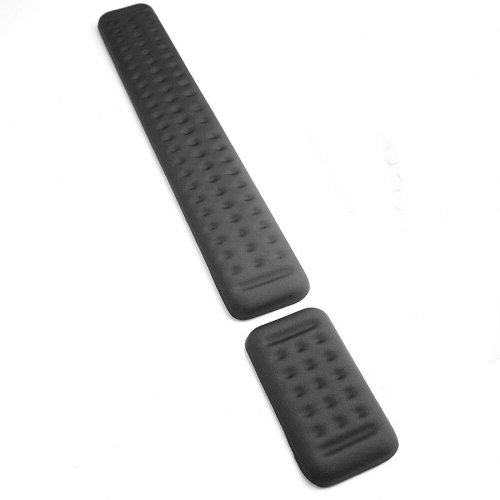
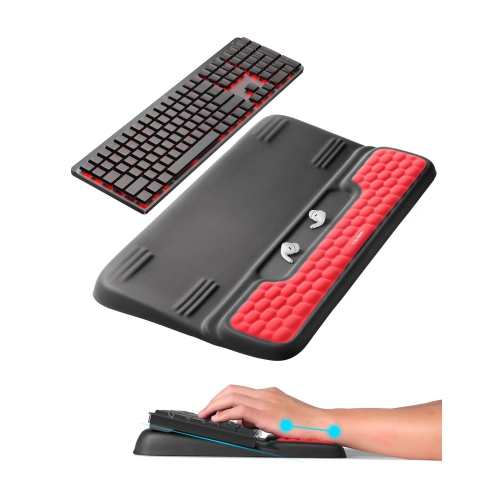
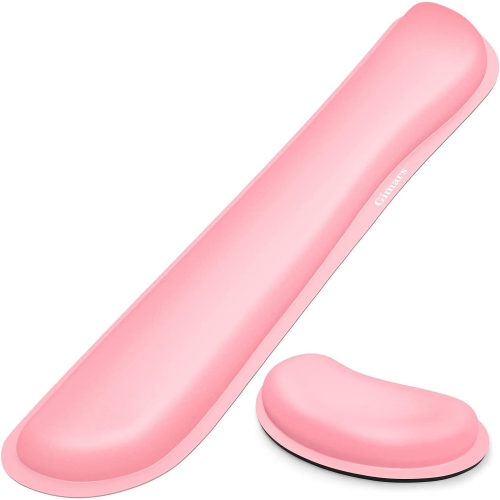
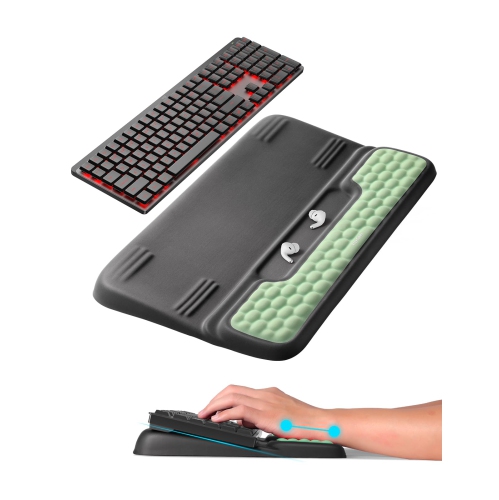
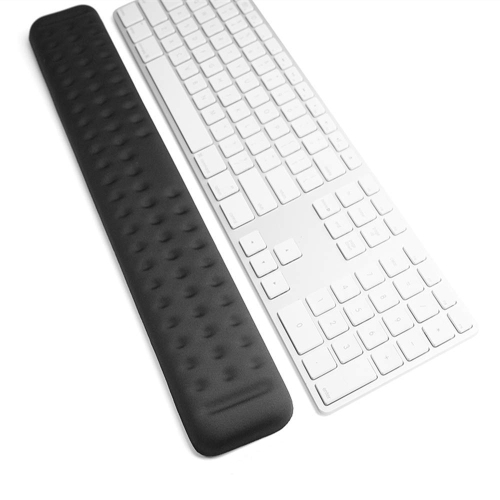
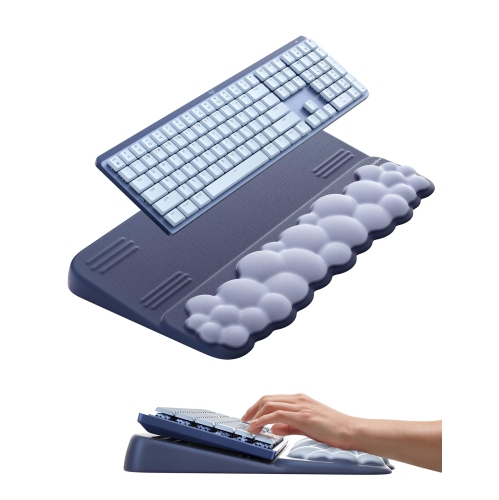
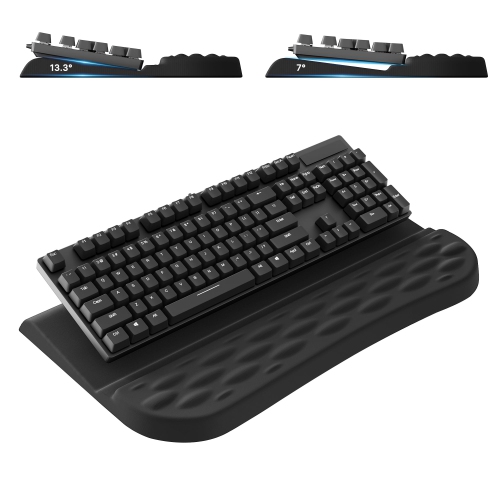
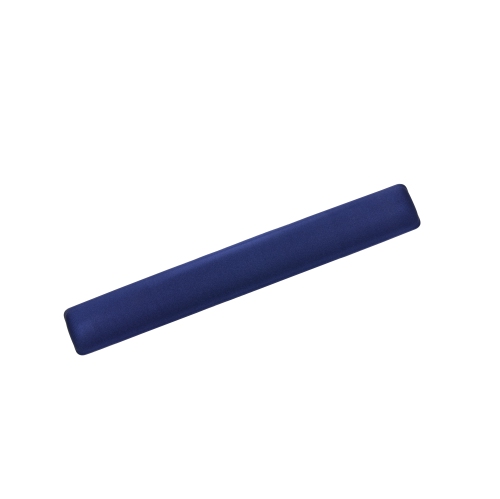
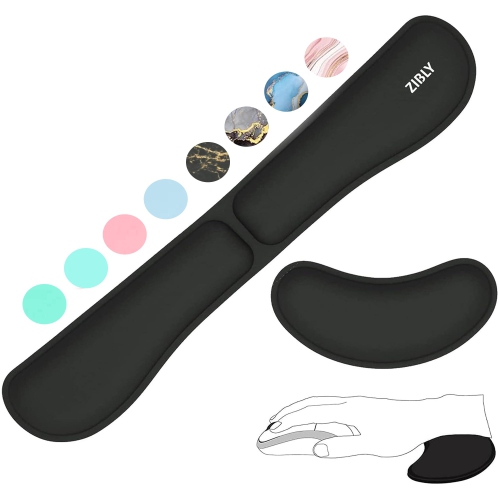
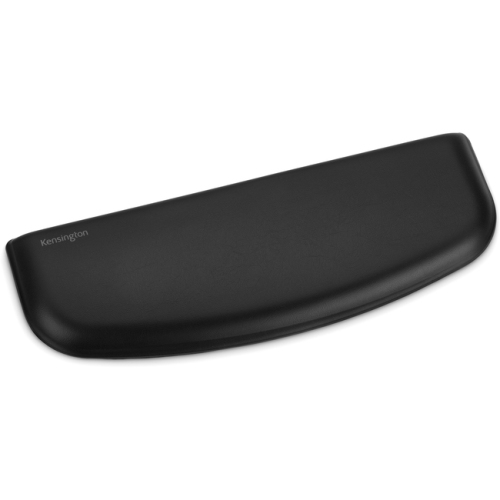
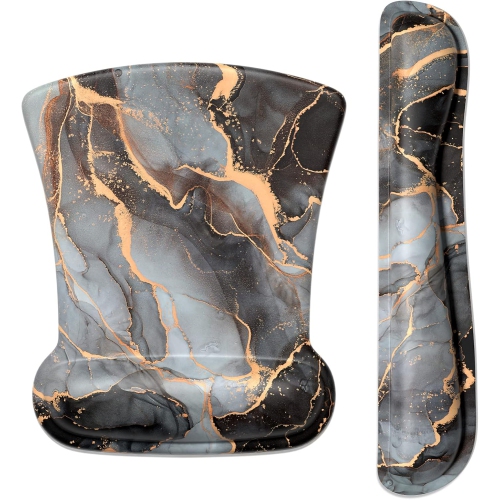
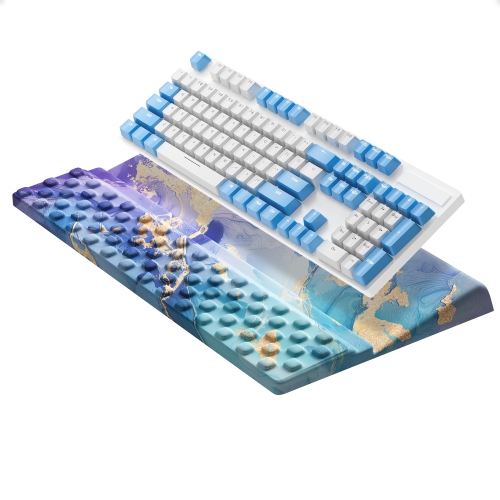
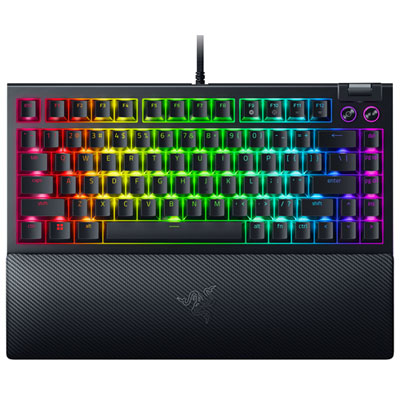
Keyboards with wrist support pair a typing surface with a built-in or detachable rest designed to support the base of the hands between keystrokes and during pauses. A well-matched rest can make a desk feel more comfortable by reducing the height difference between the desktop and the front of the keyboard, helping the hands stay closer to a neutral position rather than bending sharply upward. Often called a wrist rest or palm rest, this support works best when it provides light contact beneath the heel of the hand rather than pressing into the wrist itself. During active typing, the hands should be able to move freely across the keys. Comfort depends on the whole setup, including keyboard height, chair position, desk depth, and individual typing habits; a padded surface alone does not guarantee relief from discomfort. For someone writing reports, completing assignments, entering figures, or spending an evening at a gaming desk, the right combination of layout and support can make everyday tasks feel less cramped. Full-size keyboards provide a dedicated number pad that suits spreadsheets and frequent numerical entry, while tenkeyless and compact layouts leave more space for a mouse beside the typing area. That extra room can help keep the mouse closer to the body instead of pushing it far to one side. Split and curved layouts offer another approach, allowing different hand positions, although unfamiliar key spacing may take time to get used to. The rest should match the keyboard’s width and front-edge height closely enough that the hands do not have to reach over a tall ledge or drop onto a low cushion. A broad support surface leaves room to reposition the hands, while a shallower design takes up less desk space. Adjustable keyboard feet also affect the angle: raising the back is not automatically more comfortable, particularly if it causes the wrists to bend upward. A stable keyboard and a rest that stays in place create a more consistent typing surface, whether the desk is used for focused work or shared household tasks.
The feel of the keys matters just as much as the support in front of them. Mechanical keyboards use individual switches beneath the keys, with characteristics that range from smooth movement to a noticeable tactile bump or an audible click. A palm rest can be especially useful alongside a taller keyboard case, provided its height suits the front edge rather than lifting the hands too far above it. Mechanical Keyboards With Wrist Rest bring these features together for people who enjoy a distinct key feel while typing or gaming. Switch design, keycap shape, and typing force all influence the experience, and a wrist rest does not necessarily make a keyboard quieter. In a shared office or study space, the sound of the switches deserves attention alongside comfort. Lower-profile scissor-switch and membrane designs offer different key travel and resistance, often with a flatter typing surface that needs a correspondingly lower rest. Built-in supports remain aligned with the keyboard whenever it moves, making them straightforward for a desk that gets rearranged frequently. Detachable designs offer more flexibility, allowing the support to be removed for cleaning, positioned with a small gap, or left off when desk space is limited. Magnetic attachments can simplify alignment, while other rests sit independently on a grippy base. Wired connections suit setups where a cable is convenient and battery charging is one less task to manage. Wireless connections reduce cable clutter and can make it easier to move a keyboard aside for handwriting or other work, though the connection method, charging requirements, and device compatibility still matter. Keyboard shortcuts, media controls, backlighting, and programmable keys add convenience for different routines, but some functions depend on the operating system or supporting software. For desks used with more than one computer, clear device-switching controls can be useful, especially when moving between work and personal tasks.
Materials give wrist supports noticeably different textures and levels of firmness. Foam provides cushioning that compresses under the hands, while gel-filled designs can feel more yielding and may distribute contact differently depending on their construction. Fabric-covered padding feels soft against the skin, but its weave can collect dust and may need more careful spot cleaning than a smooth surface. Leatherette offers an easy-to-wipe finish on many designs, although repeated friction and unsuitable cleaning products can contribute to peeling or cracking over time. Silicone and rubber surfaces can provide grip, while firm wood or moulded supports offer a less compressible feel that some typists prefer. None of these materials is automatically the most comfortable choice: the useful balance is enough support to avoid sinking too deeply, without an edge that presses into the hand. Rounded edges, even padding, and a secure underside are practical details for repeated daily use. A rest that slides forward every time the keyboard is nudged can become distracting, particularly during fast typing or games that involve frequent hand movement. Care should follow the manufacturer’s directions for both the keyboard and the support. Disconnecting or switching off the keyboard before cleaning, keeping liquids away from openings, and using a lightly dampened cloth only where permitted help protect the surfaces. Detachable covers should only be washed when their care instructions allow it, and padded rests should not be soaked unless explicitly designed for that treatment. Crumbs and dust around the keys are easier to manage with regular gentle cleaning than after a spill has worked into the keyboard. For a shared desk, a wipeable rest and an easy-to-clean key surface can simplify upkeep. For a student, remote worker, writer, or gamer, a keyboard with wrist support can also be a thoughtful gift when the recipient’s preferred layout, connection type, and desk space are known. Familiar key placement and a comfortable fit usually matter more than extra controls that rarely get used. The most useful setup leaves room to change position, reach the mouse comfortably, and take regular breaks, with wrist support serving as one part of a well-arranged desk rather than a substitute for movement.
The feel of the keys matters just as much as the support in front of them. Mechanical keyboards use individual switches beneath the keys, with characteristics that range from smooth movement to a noticeable tactile bump or an audible click. A palm rest can be especially useful alongside a taller keyboard case, provided its height suits the front edge rather than lifting the hands too far above it. Mechanical Keyboards With Wrist Rest bring these features together for people who enjoy a distinct key feel while typing or gaming. Switch design, keycap shape, and typing force all influence the experience, and a wrist rest does not necessarily make a keyboard quieter. In a shared office or study space, the sound of the switches deserves attention alongside comfort. Lower-profile scissor-switch and membrane designs offer different key travel and resistance, often with a flatter typing surface that needs a correspondingly lower rest. Built-in supports remain aligned with the keyboard whenever it moves, making them straightforward for a desk that gets rearranged frequently. Detachable designs offer more flexibility, allowing the support to be removed for cleaning, positioned with a small gap, or left off when desk space is limited. Magnetic attachments can simplify alignment, while other rests sit independently on a grippy base. Wired connections suit setups where a cable is convenient and battery charging is one less task to manage. Wireless connections reduce cable clutter and can make it easier to move a keyboard aside for handwriting or other work, though the connection method, charging requirements, and device compatibility still matter. Keyboard shortcuts, media controls, backlighting, and programmable keys add convenience for different routines, but some functions depend on the operating system or supporting software. For desks used with more than one computer, clear device-switching controls can be useful, especially when moving between work and personal tasks.
Materials give wrist supports noticeably different textures and levels of firmness. Foam provides cushioning that compresses under the hands, while gel-filled designs can feel more yielding and may distribute contact differently depending on their construction. Fabric-covered padding feels soft against the skin, but its weave can collect dust and may need more careful spot cleaning than a smooth surface. Leatherette offers an easy-to-wipe finish on many designs, although repeated friction and unsuitable cleaning products can contribute to peeling or cracking over time. Silicone and rubber surfaces can provide grip, while firm wood or moulded supports offer a less compressible feel that some typists prefer. None of these materials is automatically the most comfortable choice: the useful balance is enough support to avoid sinking too deeply, without an edge that presses into the hand. Rounded edges, even padding, and a secure underside are practical details for repeated daily use. A rest that slides forward every time the keyboard is nudged can become distracting, particularly during fast typing or games that involve frequent hand movement. Care should follow the manufacturer’s directions for both the keyboard and the support. Disconnecting or switching off the keyboard before cleaning, keeping liquids away from openings, and using a lightly dampened cloth only where permitted help protect the surfaces. Detachable covers should only be washed when their care instructions allow it, and padded rests should not be soaked unless explicitly designed for that treatment. Crumbs and dust around the keys are easier to manage with regular gentle cleaning than after a spill has worked into the keyboard. For a shared desk, a wipeable rest and an easy-to-clean key surface can simplify upkeep. For a student, remote worker, writer, or gamer, a keyboard with wrist support can also be a thoughtful gift when the recipient’s preferred layout, connection type, and desk space are known. Familiar key placement and a comfortable fit usually matter more than extra controls that rarely get used. The most useful setup leaves room to change position, reach the mouse comfortably, and take regular breaks, with wrist support serving as one part of a well-arranged desk rather than a substitute for movement.
Top selling and popular products
-
 Your price for this item is $9.99
 -
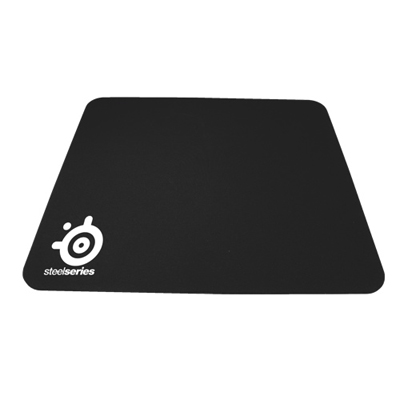 Your price for this item is $14.99
 -
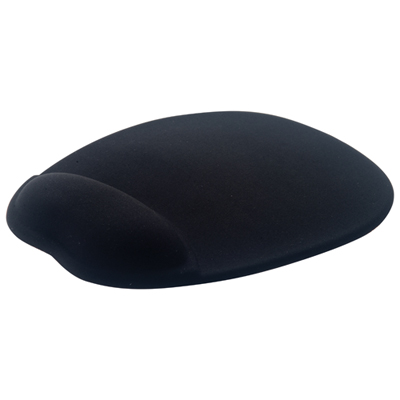 Your price for this item is $19.99
 -
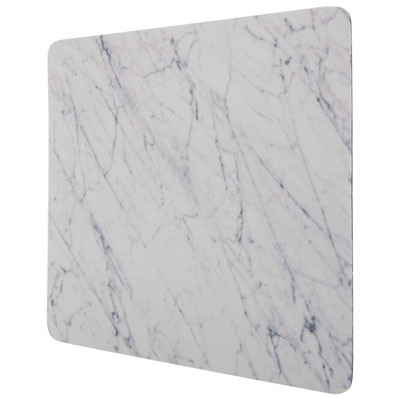 Your price for this item is $9.99
 -
 Your price for this item is $7.99
 -
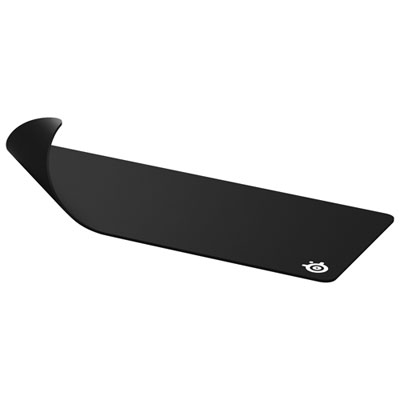 Your price for this item is $49.99
 -
 Your price for this item is $7.99
 -
 Your price for this item is $19.99
Discover more categories related to Keyboards With Wrist Support
Top Collections:
Pokemon Centers, Best Cameras for Sports Photography, Kindle Devices, Samsung Galaxy Phones, Canon G7X Cameras, Pokémon 30th Celebration Cards, Refurbished Apple Laptops, iPhone 15 Apple, Laptops for Students, Budget Smartphones
Some products may be subject to Environmental Handling Fees
(EHF) depending on your province.
Learn more about EHFs.