XP Pen Artist 12
Discover creative possibilities with the XP Pen Artist 12, designed for artists, students, and professionals seeking a reliable digital drawing solution. Explore a range of options that make sketching, illustrating, and editing more accessible and enjoyable. Whether you’re working on detailed artwork or simple designs, the XP Pen Artist 12 offers the tools you need to bring your ideas to life. Find the right fit for your creative workflow and take your projects to the next level.
Sort
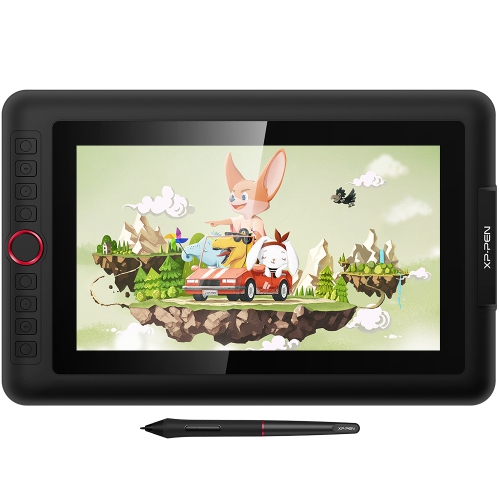
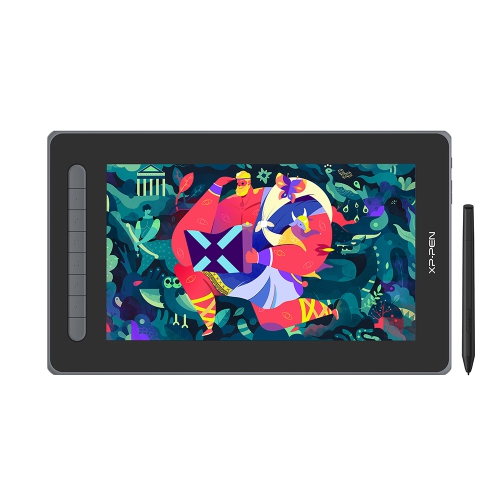
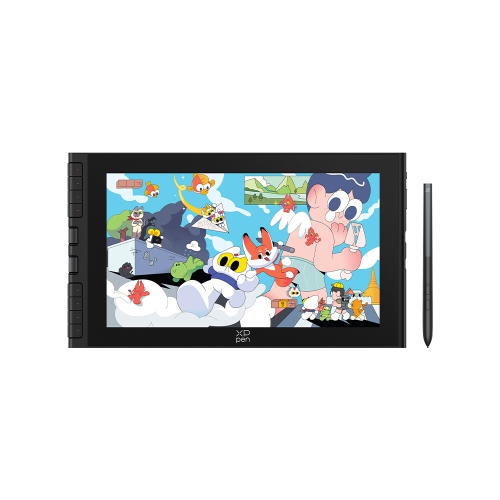
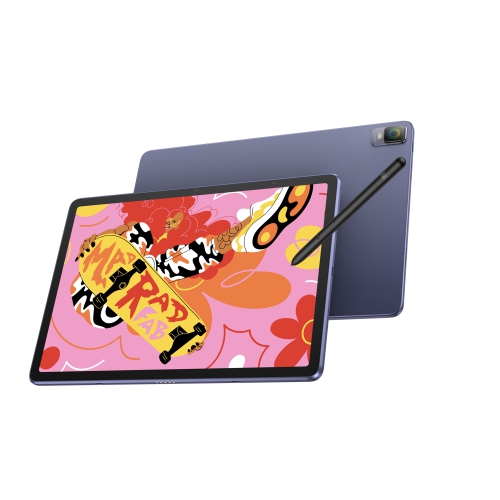
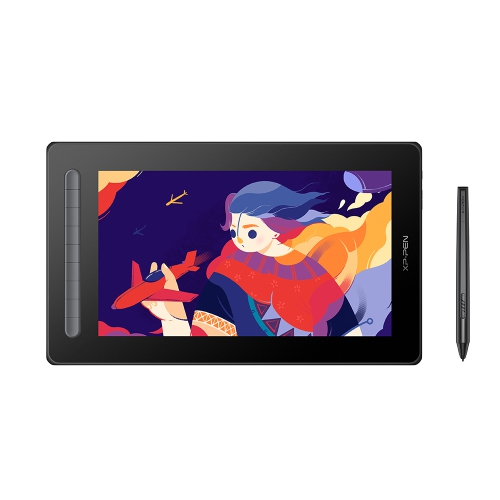
XP Pen Artist 12
For anyone with a passion for digital art, illustration, or graphic design, the right drawing tablet can be a game-changer, transforming creative visions into vibrant realities. These devices are thoughtfully engineered to bridge the gap between traditional drawing and digital creation, offering a natural pen-on-screen experience that feels intuitive, precise, and satisfying. Whether you’re a seasoned artist refining your portfolio, a student exploring animation for the first time, or a hobbyist looking to bring your ideas to life, a drawing tablet with a built-in display opens up a world of possibilities. The crisp screens, sensitive styluses, and customizable shortcuts make it easy to sketch, paint, and edit with remarkable control. As the days grow shorter and the school year gets underway, many find themselves inspired to start new projects or dive deeper into their creative pursuits. A drawing tablet can be the perfect companion for those autumn afternoons spent experimenting with new techniques, working on class assignments, or simply unwinding with a sketch at the end of the day.
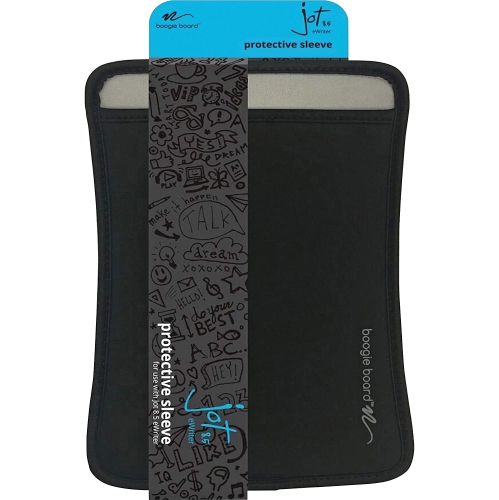
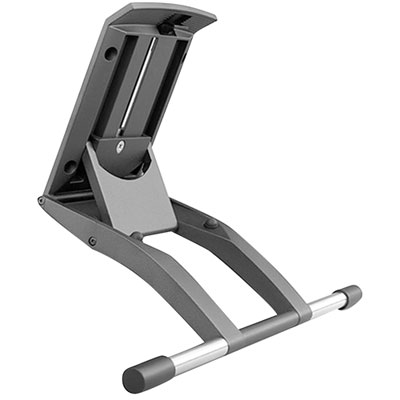
When choosing a drawing tablet, there are several important factors to keep in mind to ensure it suits your needs and workflow. Screen size is a key consideration—larger displays provide more space to work, ideal for detailed illustrations or multitasking, while compact models are easier to transport and fit comfortably in smaller workspaces. Pressure sensitivity and tilt recognition in the stylus are crucial for artists who want to capture every nuance of their hand movements, from the lightest shading to bold, expressive lines. Compatibility with your preferred software and operating system is also essential, as is the ease of connecting to your computer or laptop. For students and professionals alike, portability can be a priority, especially if you like to work in different locations or need to set up quickly between classes or meetings. Many artists appreciate tablets that come with adjustable stands or protective cases, which make it more comfortable to work for extended periods. If you’re shopping for a gift, a drawing tablet is a thoughtful choice for aspiring animators, illustrators, or anyone who loves to create—imagine the excitement of unwrapping a new tool that unlocks hours of imaginative exploration, from character design to digital painting.
As you browse the selection, take a moment to consider how a drawing tablet can fit into your daily routine or creative process. For some, it becomes an indispensable tool for professional work, making it easier to meet tight deadlines and collaborate with clients or classmates. For others, it’s a gateway to discovering new hobbies, developing skills, or sharing artwork with friends and family. The versatility of these devices means they’re just as useful for quick doodles as they are for complex projects, and their intuitive interfaces make them accessible for users of all ages and experience levels. If you’re interested in exploring even more options tailored for animation and drawing, you can find a wide range of choices on the Animation Drawing Tablets page. With the right tablet, every stroke brings you closer to your creative goals, whether you’re capturing the vibrant colours of fall landscapes or designing your next big project from the comfort of home.
When choosing a drawing tablet, there are several important factors to keep in mind to ensure it suits your needs and workflow. Screen size is a key consideration—larger displays provide more space to work, ideal for detailed illustrations or multitasking, while compact models are easier to transport and fit comfortably in smaller workspaces. Pressure sensitivity and tilt recognition in the stylus are crucial for artists who want to capture every nuance of their hand movements, from the lightest shading to bold, expressive lines. Compatibility with your preferred software and operating system is also essential, as is the ease of connecting to your computer or laptop. For students and professionals alike, portability can be a priority, especially if you like to work in different locations or need to set up quickly between classes or meetings. Many artists appreciate tablets that come with adjustable stands or protective cases, which make it more comfortable to work for extended periods. If you’re shopping for a gift, a drawing tablet is a thoughtful choice for aspiring animators, illustrators, or anyone who loves to create—imagine the excitement of unwrapping a new tool that unlocks hours of imaginative exploration, from character design to digital painting.
As you browse the selection, take a moment to consider how a drawing tablet can fit into your daily routine or creative process. For some, it becomes an indispensable tool for professional work, making it easier to meet tight deadlines and collaborate with clients or classmates. For others, it’s a gateway to discovering new hobbies, developing skills, or sharing artwork with friends and family. The versatility of these devices means they’re just as useful for quick doodles as they are for complex projects, and their intuitive interfaces make them accessible for users of all ages and experience levels. If you’re interested in exploring even more options tailored for animation and drawing, you can find a wide range of choices on the Animation Drawing Tablets page. With the right tablet, every stroke brings you closer to your creative goals, whether you’re capturing the vibrant colours of fall landscapes or designing your next big project from the comfort of home.
Top selling and popular products
-
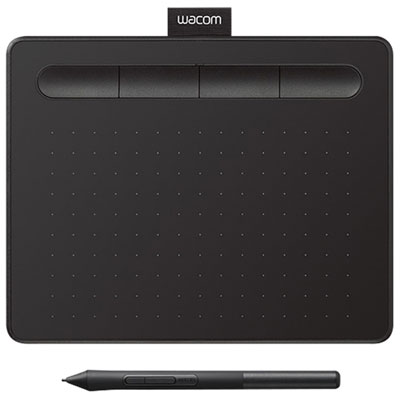 Your price for this item is $62.98
 -
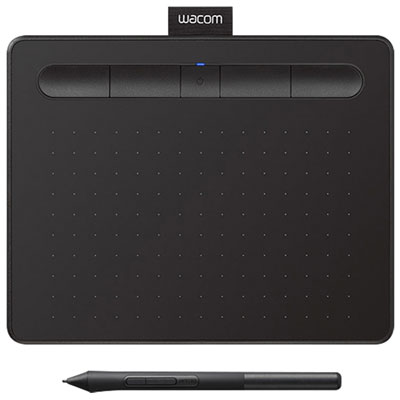 Your price for this item is $139.99
 -
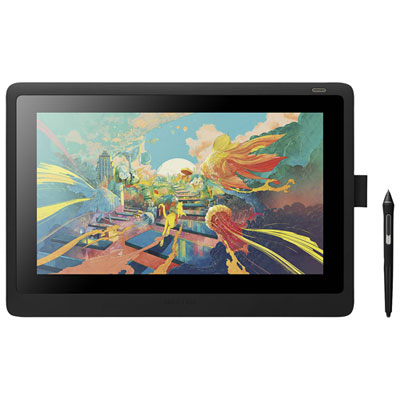 Your price for this item is $847.98
 -
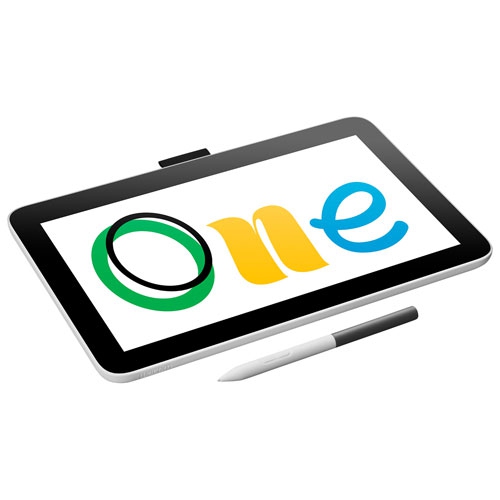 Your price for this item is $299.99
 -
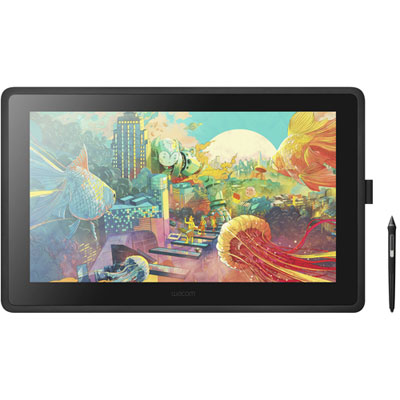 Your price for this item is $1849.99
 -
 Your price for this item is $23.95
 -
 Your price for this item is $74.83
 -
 Your price for this item is $104.99
Discover more categories related to XP Pen Artist 12
Top Collections:
Kindle Devices, Best Cell Phones Under $500, Best Vacuum Cleaners, Best Laptops for Home Use, Apple iPhones 16, Top Laptops for University Students, Canon G7X Cameras, Wireless Earbuds Under $200, iPhone 15 Apple, RAM Upgrades for PC
Some products may be subject to Environmental Handling Fees
(EHF) depending on your province.
Learn more about EHFs.