Pen Tablets for Photoshop
Pen tablets for Photoshop provide a versatile and intuitive way to enhance your digital artwork, photo editing, and design projects. These devices offer precise control, making them a popular choice for creative professionals and hobbyists alike. Whether you’re retouching images or creating detailed illustrations, pen tablets for Photoshop help streamline your workflow and bring your creative visions to life. Explore a wide selection of options to find the perfect fit for your needs and elevate your editing experience.
Sort
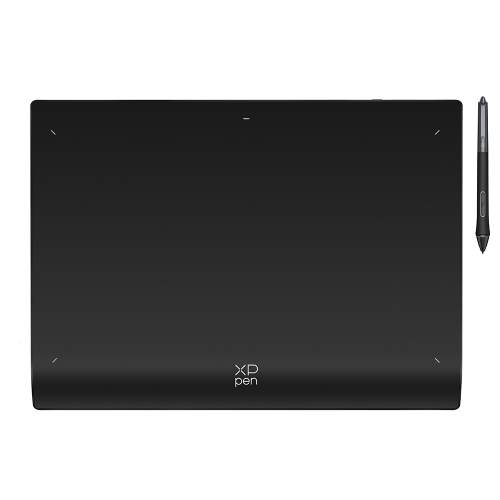
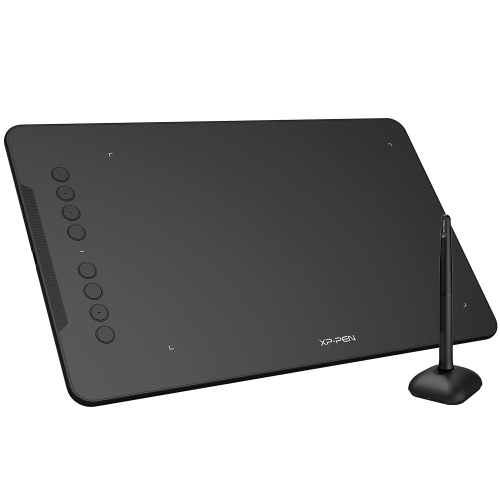
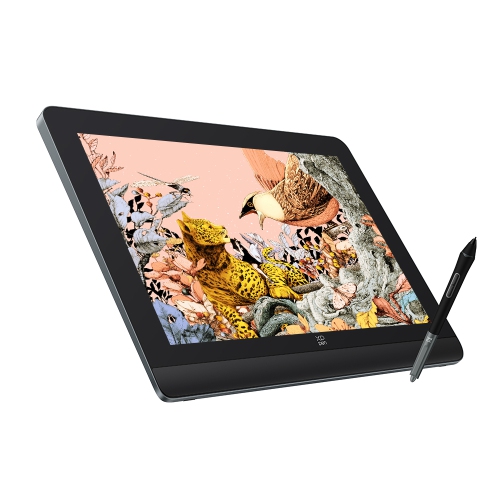

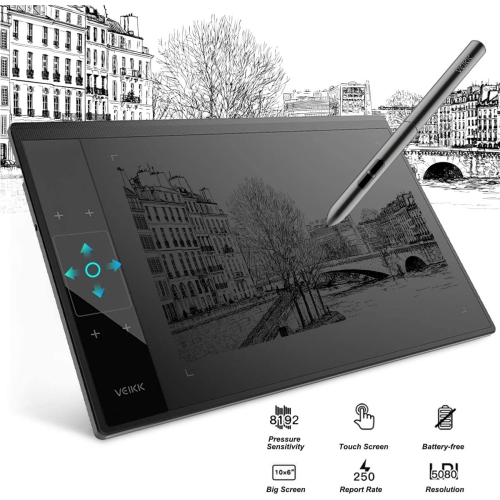
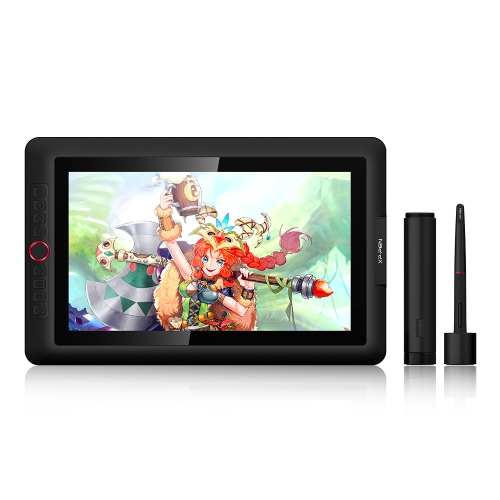
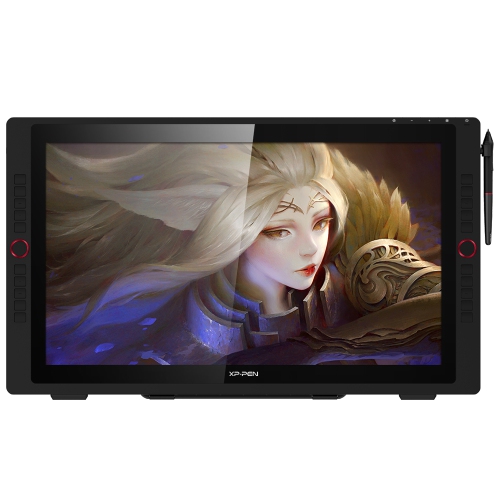
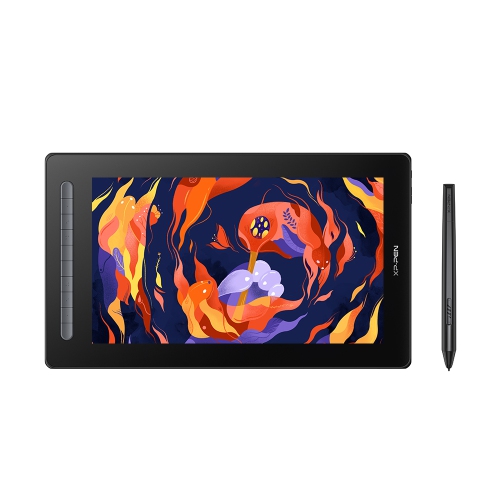
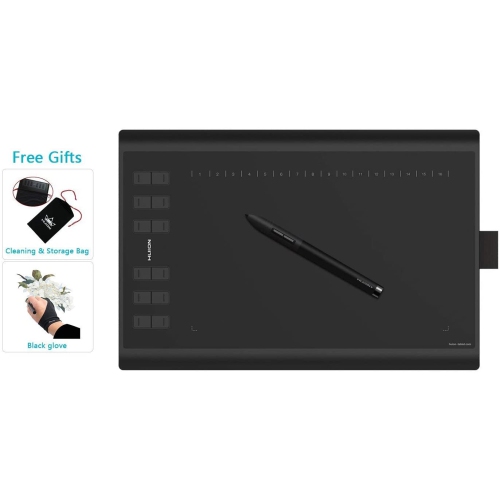
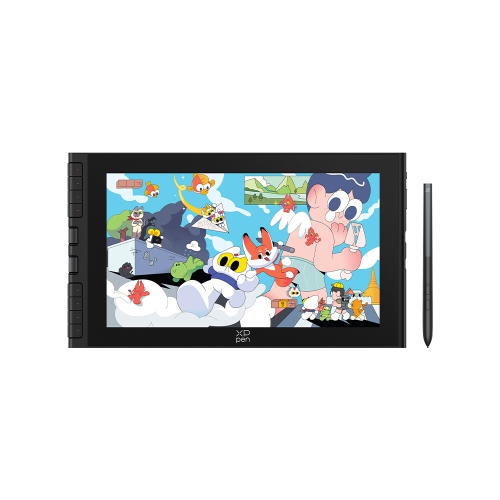
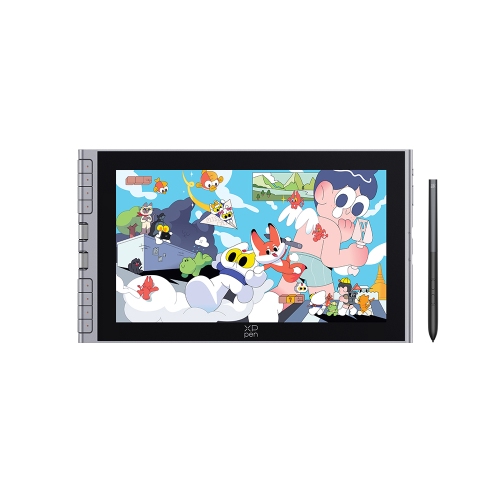
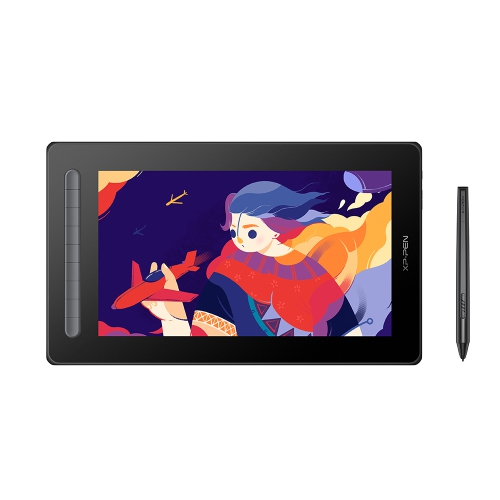
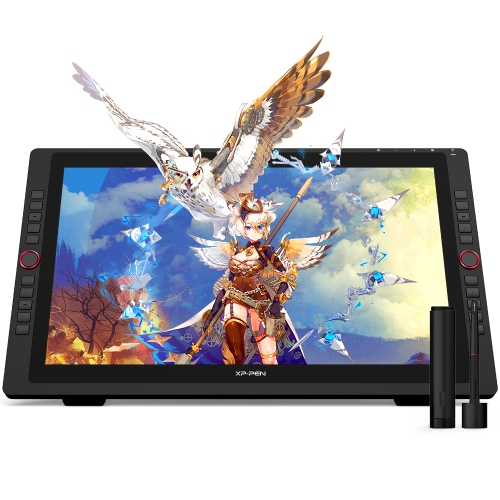
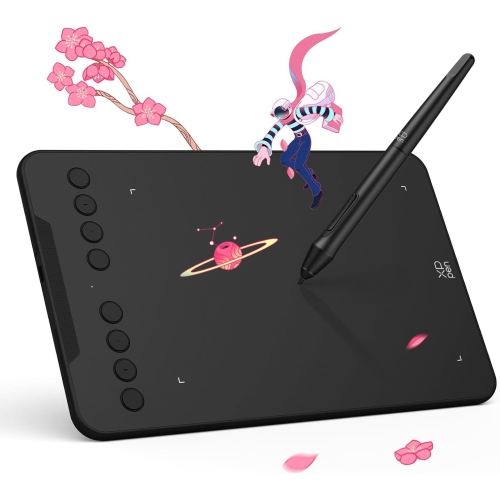
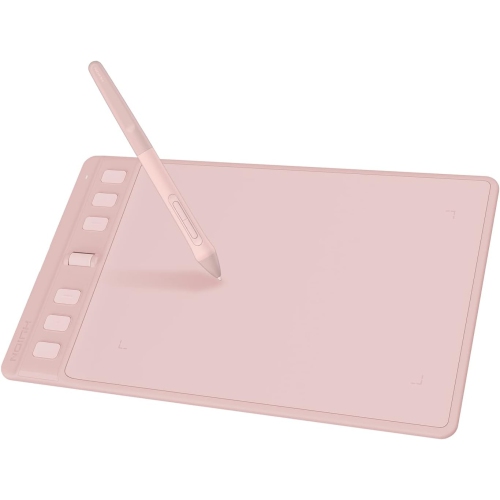
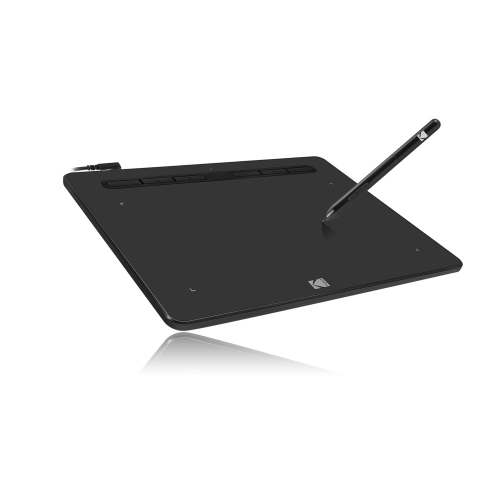
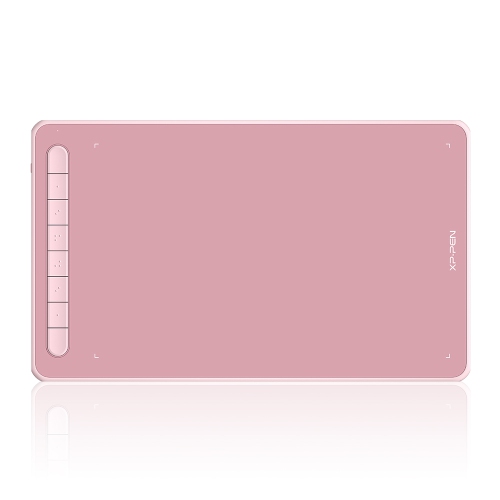
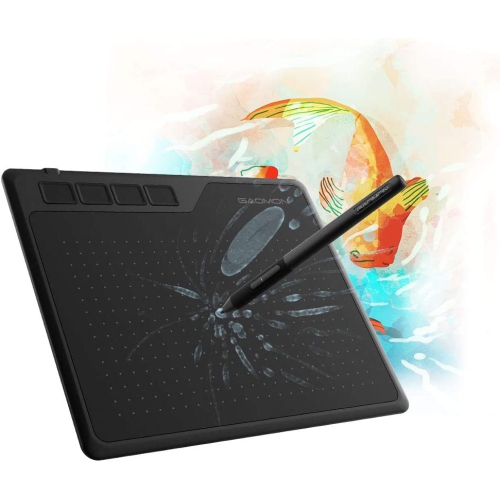
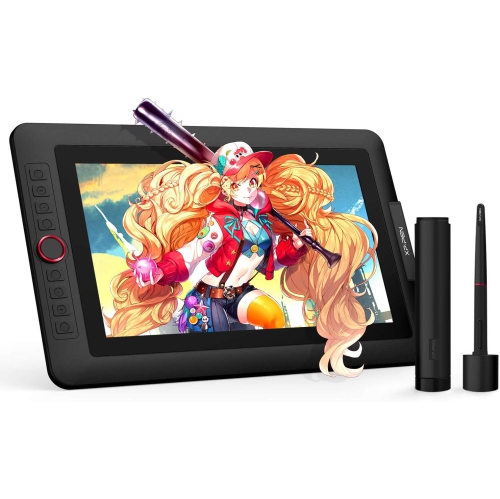
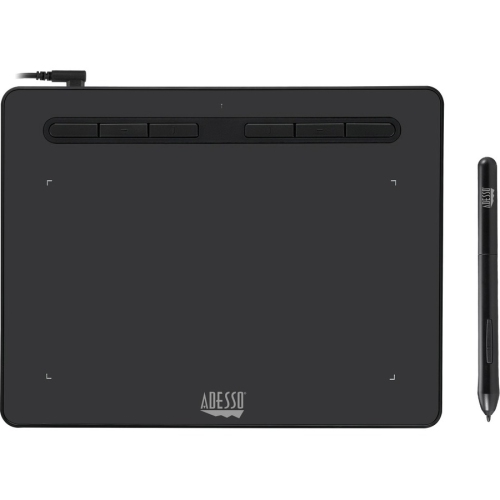
Pressure-sensitive control for more intuitive Photoshop editing
When it comes to unlocking the full creative potential of Adobe Photoshop, pen tablets are a favourite tool among digital artists, photographers, graphic designers, and students alike. These devices transform the editing process, offering a natural, intuitive way to draw, retouch, and manipulate images with precision that a standard mouse simply can’t match. Whether you’re delicately dodging and burning a portrait, sketching a concept for a client, or fine-tuning intricate details on a landscape photo, the tactile feedback and pressure sensitivity of a pen tablet make every brushstroke feel authentic. With summer’s longer days inspiring fresh creative projects and the return to school or work in early fall prompting new learning opportunities, a pen tablet can be a thoughtful gift for aspiring artists, seasoned professionals, or anyone looking to take their digital editing skills to the next level. Many users appreciate how pen tablets streamline their workflow, with customizable shortcut keys and ergonomic designs that keep hands comfortable during long editing sessions—perfect for both sprawling creative marathons and quick touch-ups.
Choosing the right pen tablet for Photoshop involves weighing several important factors, each of which can impact your editing experience. Pressure sensitivity is often at the top of the list, as higher levels (such as 8,192) allow for nuanced control over brush opacity and flow, making it easier to achieve subtle shading or sharp, defined lines. Active area size is another key consideration; a medium-sized tablet often strikes the ideal balance between desk space and a generous drawing surface, while larger models pair beautifully with high-resolution monitors for expansive, detailed work. For those who prefer a seamless, screen-based editing experience, display tablets offer the ability to draw directly onto the image, which can be especially immersive for photo retouching or illustration. Shortcut customization is invaluable for Photoshop users, with programmable keys providing quick access to favourite tools and commands, speeding up repetitive tasks and keeping the creative momentum going. Tilt support is also worth noting, as it allows the pen to mimic the natural angles of traditional brushes and pencils, giving artists even more expressive control over their work.
Pen tablets are not just for professionals; they’re equally suited for hobbyists, students exploring digital art for the first time, or anyone who enjoys the meditative process of painting and editing on screen. As the weather warms and inspiration strikes, having a reliable pen tablet on hand can make it easier to bring creative ideas to life, whether you’re editing vacation photos, designing graphics for a small business, or collaborating on a group project. These devices also make excellent gifts for birthdays, graduations, or as a thoughtful gesture for someone embarking on a new creative journey. For those looking to explore a broader range of options, including models designed specifically for photo editing, be sure to visit the Photo Editing Tablets page for more information and a curated selection. Investing in a quality pen tablet is a step towards more intuitive, efficient, and enjoyable Photoshop editing, opening up new possibilities for creativity and expression all year round.
Choosing the right pen tablet for Photoshop involves weighing several important factors, each of which can impact your editing experience. Pressure sensitivity is often at the top of the list, as higher levels (such as 8,192) allow for nuanced control over brush opacity and flow, making it easier to achieve subtle shading or sharp, defined lines. Active area size is another key consideration; a medium-sized tablet often strikes the ideal balance between desk space and a generous drawing surface, while larger models pair beautifully with high-resolution monitors for expansive, detailed work. For those who prefer a seamless, screen-based editing experience, display tablets offer the ability to draw directly onto the image, which can be especially immersive for photo retouching or illustration. Shortcut customization is invaluable for Photoshop users, with programmable keys providing quick access to favourite tools and commands, speeding up repetitive tasks and keeping the creative momentum going. Tilt support is also worth noting, as it allows the pen to mimic the natural angles of traditional brushes and pencils, giving artists even more expressive control over their work.
Pen tablets are not just for professionals; they’re equally suited for hobbyists, students exploring digital art for the first time, or anyone who enjoys the meditative process of painting and editing on screen. As the weather warms and inspiration strikes, having a reliable pen tablet on hand can make it easier to bring creative ideas to life, whether you’re editing vacation photos, designing graphics for a small business, or collaborating on a group project. These devices also make excellent gifts for birthdays, graduations, or as a thoughtful gesture for someone embarking on a new creative journey. For those looking to explore a broader range of options, including models designed specifically for photo editing, be sure to visit the Photo Editing Tablets page for more information and a curated selection. Investing in a quality pen tablet is a step towards more intuitive, efficient, and enjoyable Photoshop editing, opening up new possibilities for creativity and expression all year round.
Top selling and popular products
-
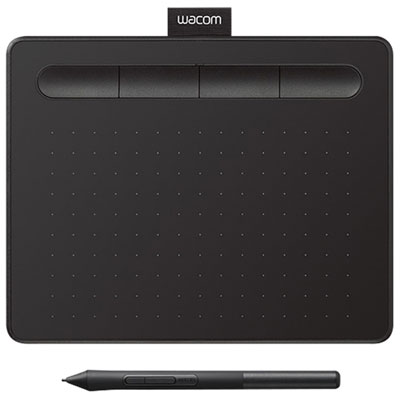 Your price for this item is $89.99
 -
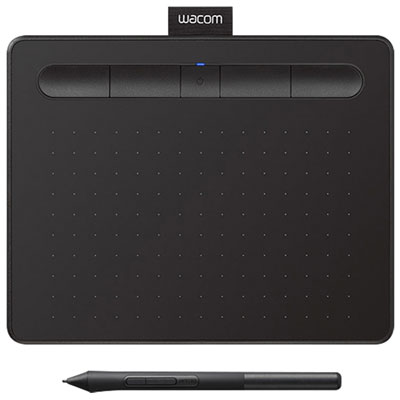 Your price for this item is $119.98
 -
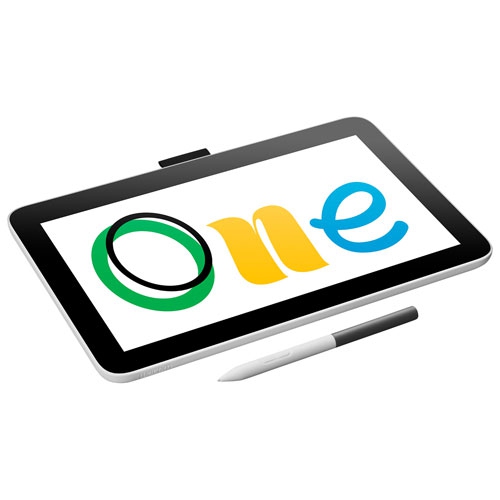 Your price for this item is $319.99
 -
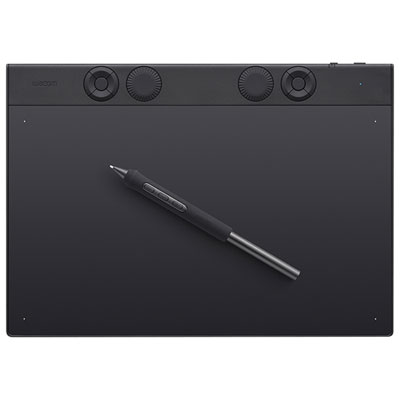 Your price for this item is $439.99
 -
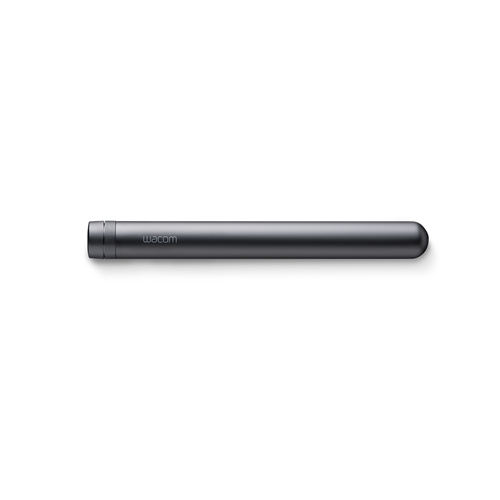 Your price for this item is $120
 -
 Your price for this item is $64.99
 -
 Your price for this item is $1539.99
 -
 Your price for this item is $1289.99
Discover more categories related to Pen Tablets for Photoshop
Top Collections:
Pokemon Centers, Budget 4K TVs, Best Budget Office Chairs, Kindle Devices, Canon G7X Cameras, Apple iPhones 16, iPhone 15 Apple, Laptops for Business Work, Xiaomi Phones, Flip Phones
Some products may be subject to Environmental Handling Fees
(EHF) depending on your province.
Learn more about EHFs.